ToolMage
Sign in

Best 1 Whiteboard AI tools for Design & Art

Popular Whiteboard AI tools in Design & Art include AFFiNE, helping you work more efficiently.

AFFiNE
Freemium

AFFiNE

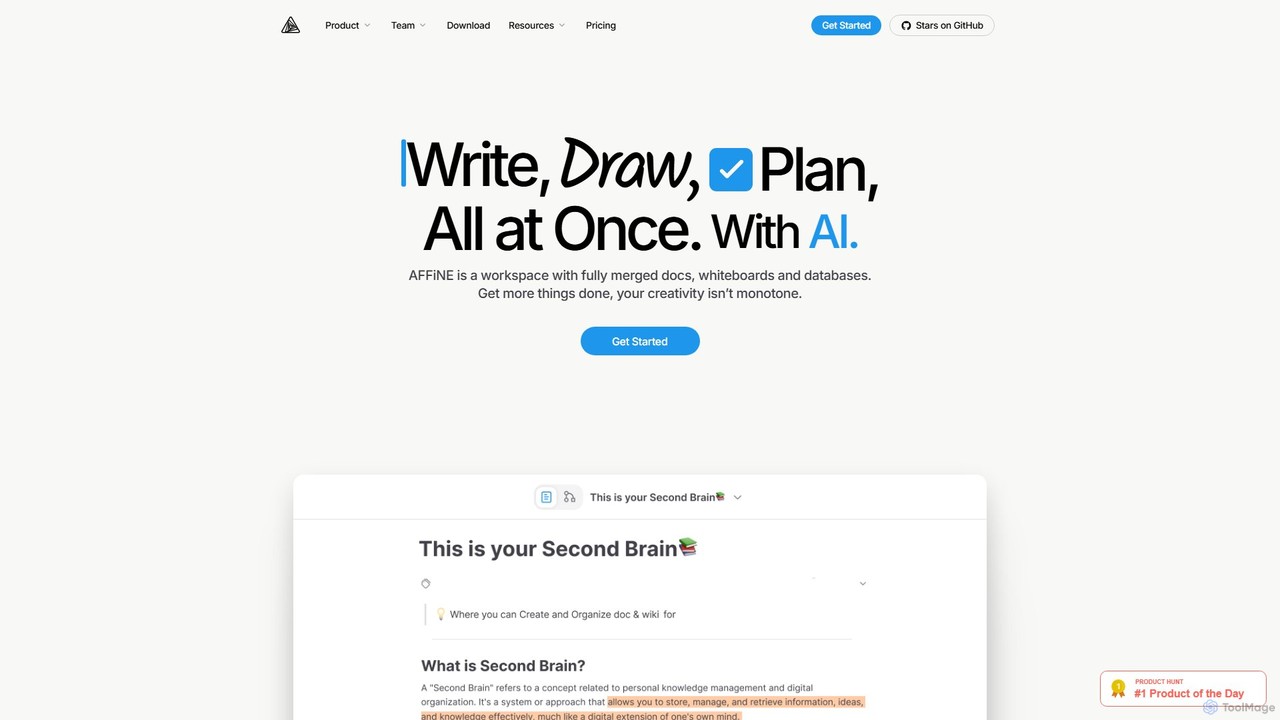
AFFiNE is an all-in-one, AI-powered KnowledgeOS that seamlessly merges documents, whiteboards, and databases. It's a privacy-focused, open-source workspace designed to enhance productivity by allowing you to write, draw, and plan in a single, unified environment, eliminating the need to switch between multiple applications.

Whiteboard
Visits 401.7KFavorites 115Likes 118

About Whiteboard

AI Whiteboard tools are collaborative digital canvases supercharged with artificial intelligence to enhance brainstorming, planning, and visual communication. They leverage AI to automatically generate ideas, organize information, and convert rough sketches into structured diagrams. This transforms the traditional whiteboard into an interactive and intelligent workspace, ideal for teams to visualize complex concepts and streamline creative workflows. These platforms serve as a central hub for visual collaboration within the broader design and art process.

Core Features

  • AI Idea Generation: Automatically expands on concepts, suggests related topics, and generates content for sticky notes or mind maps from simple prompts.
  • Intelligent Organization: Automatically clusters related notes, aligns objects, and structures chaotic brainstorms into organized charts or affinity diagrams.
  • Diagram & Flowchart Automation: Instantly converts hand-drawn shapes or text descriptions into polished, professional-looking flowcharts, UML diagrams, or user flows.
  • Real-time Collaboration: Allows multiple users to work on the same infinite canvas simultaneously with cursors, comments, and voting features.
  • Template Library: Offers a wide range of pre-built templates for common workflows like SWOT analysis, customer journey mapping, and agile retrospectives.

Use Cases

AI Whiteboards are widely used by UX/UI designers for creating user flows and wireframes, product managers for roadmap planning, and agile teams for sprint retrospectives. Marketing teams utilize them for campaign brainstorming, while consultants and educators use them to facilitate interactive remote workshops and lessons. They are essential for any distributed team needing a shared visual space for ideation and project management.

How to Choose

When selecting an AI Whiteboard, evaluate the depth of its AI capabilities—does it just organize, or can it also generate content? Consider its integration ecosystem, ensuring it connects with your existing tools like Jira, Slack, or Figma. Assess the real-time collaboration performance and user permission controls. Finally, review the template library to see if it supports your specific team workflows and methodologies.

Whiteboard use cases

1

Agile Sprint Planning and Retrospectives

Product managers and agile teams use AI whiteboards to facilitate sprint planning and retrospective meetings. Teams can collaboratively populate the board with user stories, tasks, and bugs on digital sticky notes. The AI can then automatically group these notes by theme, priority, or assignee, providing instant clarity. During retrospectives, the AI helps summarize key discussion points and action items, ensuring that insights from the meeting are captured and tracked efficiently, even with a fully remote team.

2

UX/UI Design Brainstorming and User Flow Mapping

UX/UI designers leverage AI whiteboards for early-stage ideation and structuring user experiences. They can quickly sketch out interface ideas, and the AI can help convert these rough drawings into clean, standardized wireframe components. When mapping user flows, designers can simply type out the steps, and the AI will automatically generate a corresponding flowchart. This accelerates the design process, allowing designers to focus on the user's journey and logic rather than the manual effort of creating diagrams.

3

Facilitating Interactive Remote Workshops

Corporate trainers and consultants use AI whiteboards to run engaging and productive remote workshops. They can use pre-built templates for activities like icebreakers, SWOT analysis, or business model canvases. During the session, participants add their ideas in real time. The AI can then be used to instantly analyze contributions, identify common themes, and create a summary report. This automates much of the post-workshop administrative work and provides immediate, data-driven feedback to all participants.

4

Strategic Planning and Mind Mapping

Business strategists and team leaders use AI whiteboards to visualize complex strategies and create detailed mind maps. Starting with a central idea, the AI can suggest branching topics, ask probing questions to deepen the thought process, and automatically arrange the map for optimal clarity. This transforms mind mapping from a manual drawing exercise into a dynamic, AI-assisted strategic conversation. The resulting visual plan is easy to share and helps align the entire organization around a common vision.

5

Educational Lesson Planning and Delivery

Educators and tutors use AI whiteboards to create dynamic and interactive lesson plans. They can embed videos, documents, and web links directly onto the canvas to create a rich multimedia learning experience. The AI can help structure the lesson by suggesting learning objectives or generating quiz questions based on the content. During a live class, the whiteboard serves as an interactive space where students can collaborate on problems, answer questions, and visualize concepts together, making learning more engaging for both in-person and online students.

6

Creative Mood Board and Concept Art Creation

Artists, brand designers, and creative directors use AI whiteboards as a dynamic canvas for creating mood boards and developing concepts. They can gather inspiration by pasting images, text, and color palettes onto the board. The AI can then analyze the visual elements and suggest complementary images or color schemes to enhance the concept. For concept artists, the ability to quickly sketch ideas and have the AI refine them or generate variations provides a powerful tool for accelerating the creative exploration phase of a project.

Whiteboard FAQ

What is an AI Whiteboard tool?

An AI Whiteboard is a digital collaborative canvas that uses artificial intelligence to go beyond simple drawing and note-taking. Its core purpose is to assist in organizing, generating, and structuring information visually. Key AI features often include automatically clustering sticky notes by topic, converting rough sketches into formal diagrams, and generating new ideas based on user prompts. They are designed to make brainstorming sessions and visual planning more efficient and insightful for teams.

What is the difference between an AI Whiteboard and a standard digital whiteboard?

The primary difference is intelligence. A standard digital whiteboard (like those in meeting software) is a passive canvas for drawing and placing text. An AI Whiteboard is an active participant in the creative process. It can understand context, organize content automatically, generate new ideas, and automate tedious tasks like creating diagrams. While both offer real-time collaboration, an AI Whiteboard actively helps you think and structure your work, whereas a standard one simply provides the space to do it manually.

How do I choose the right AI Whiteboard tool?

To choose the right tool, consider these four factors:

  • AI Feature Set: Identify what you need the AI to do. Is it for generating ideas, organizing existing content, creating diagrams, or summarizing meetings? Match the tool's features to your primary use case.
  • Collaboration Needs: How many people will use it simultaneously? Do you need advanced features like voting, timers, or granular permission controls for different users?
  • Integrations: Ensure the whiteboard connects seamlessly with your daily workflow tools, such as project management software (Jira, Asana), communication platforms (Slack, Teams), or design tools (Figma, Adobe XD).
  • Ease of Use & Templates: The tool should be intuitive for your entire team. A rich library of pre-built templates for your industry or workflow can significantly speed up adoption and usage.
Who can benefit from using AI Whiteboard tools?

A wide range of professionals can benefit from AI Whiteboards. Key users include:

  • Product Teams: For roadmap planning, sprint retrospectives, and user story mapping.
  • UX/UI Designers: For brainstorming, creating user flows, and low-fidelity wireframing.
  • Marketing Teams: For campaign strategy, content planning, and creating visual mood boards.
  • Consultants & Facilitators: For running interactive workshops and client strategy sessions remotely.
  • Educators & Students: For creating engaging lesson plans, collaborative problem-solving, and visual learning.

Essentially, any team that relies on visual collaboration and brainstorming can find significant value in these tools.

Are AI Whiteboards secure for confidential business information?

Security is a critical consideration for any collaborative tool. Most reputable AI Whiteboard providers offer robust security features to protect your data. When evaluating a tool, look for enterprise-grade security standards such as SOC 2 compliance, GDPR compliance, and options for data encryption both in transit and at rest. Many platforms also provide advanced administrative controls, including user access management, single sign-on (SSO) integration, and audit logs. It is always recommended to review the specific security policies of a provider before committing to their platform for sensitive information.