ToolMage
Sign in

Best 1 Creative AI tools for Design & Art

Popular Creative AI tools in Design & Art include Missing studio, helping you work more efficiently.

Missing studio

Missing studio

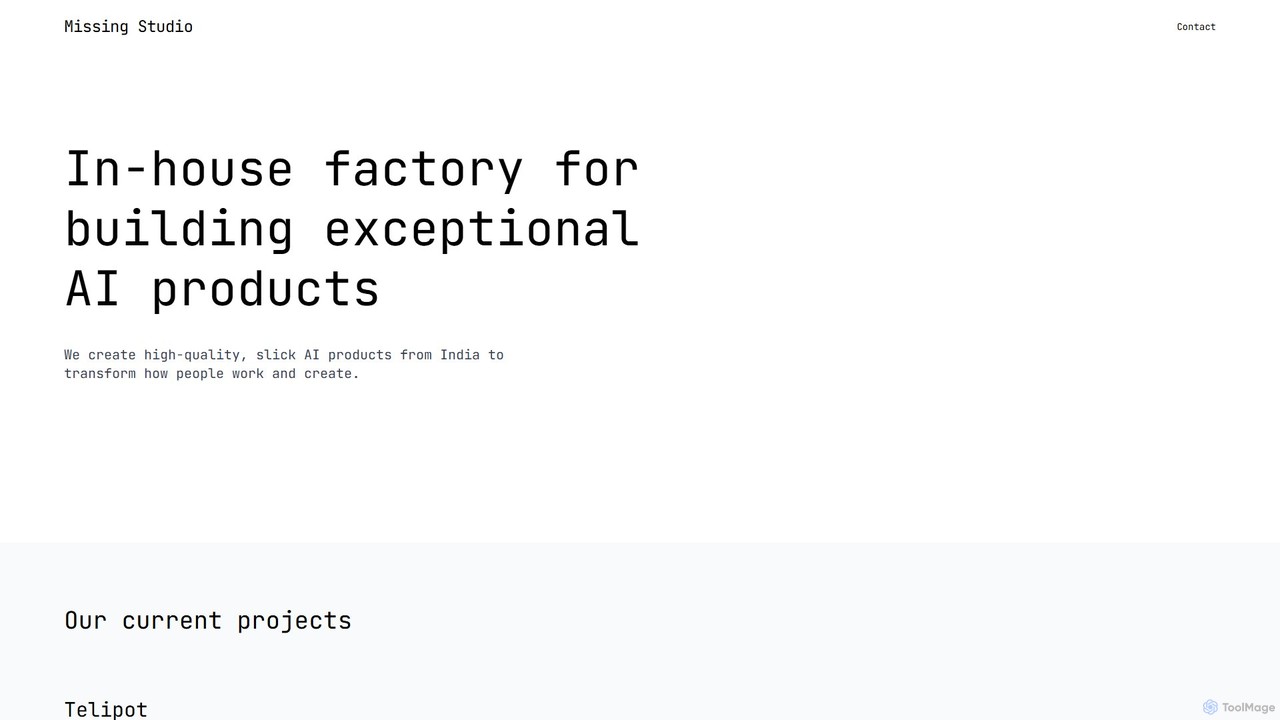
Missing studio is an AI innovation house that builds a suite of advanced products to transform work and creativity. Their flagship tools include Telipot, a general AI agent that turns thoughts into actions, and Inklate, an infinite AI canvas for designing scalable creative workflows.

Creative
Visits 4.6KFavorites 122Likes 115

About Creative

AI Creative tools are a versatile category of applications designed to act as a co-pilot throughout the entire creative process. They move beyond single-task generation, offering integrated features for brainstorming, concept development, and style exploration. These tools help artists, designers, and writers overcome creative blocks, rapidly iterate on ideas, and discover novel aesthetic directions. By combining multiple AI models, they provide a holistic environment for transforming abstract thoughts into tangible concepts.

Core Features

  • Conceptual Brainstorming: Generates ideas, themes, and narratives from simple text prompts to kickstart projects.
  • Visual Style Exploration: Creates mood boards, color palettes, and stylistic variations to define a project's visual identity.
  • Multi-modal Ideation: Combines text, images, and other inputs to develop comprehensive and layered creative concepts.
  • Iterative Refinement: Allows for quick modification and evolution of generated ideas based on user feedback and direction.

Use Cases

These tools are ideal for professionals in roles that require constant ideation, such as concept artists, marketing teams, game developers, and film directors. They are used to develop brand campaign concepts, design characters and environments for games, storyboard narrative sequences, and explore architectural or interior design possibilities before committing to a final direction.

How to Choose

When selecting an AI Creative tool, evaluate the breadth of its features—does it support ideation as well as asset generation? Assess the quality and diversity of its output and its ability to maintain stylistic consistency. Also, consider its integration capabilities with standard design software (e.g., Adobe Creative Suite) and whether its user interface is intuitive for creative exploration rather than just simple prompting.

Creative use cases

1

Developing a Brand Campaign Concept

A marketing strategist needs to brainstorm a new campaign for a sustainable fashion brand. Using a creative AI tool, they input keywords like 'eco-friendly,' 'urban,' and 'minimalist.' The tool generates multiple mood boards, potential taglines, color palettes, and even mock-up ad visuals. This process allows the team to visualize different creative directions instantly. The result is a comprehensive creative brief with several tangible concepts developed in hours instead of days, facilitating faster team alignment and client presentations.

2

Character Design for a Video Game

A concept artist is tasked with designing a protagonist for a new sci-fi RPG. They input a detailed character description, such as 'cyborg ninja, neon-lit city, agile, mysterious,' into the creative tool. The AI generates dozens of visual interpretations, exploring different armor styles, color schemes, and poses. The artist can then select the most promising concepts, combine elements from different outputs, and use them as a foundation for their final, polished design. This accelerates the ideation phase, providing a wide range of visual starting points and overcoming the 'blank canvas' problem.

3

Storyboarding for an Animated Short Film

An animator needs to visualize the key scenes of a short film script before production. Instead of drawing each frame from scratch, they paste scene descriptions into the AI tool (e.g., 'A small robot waters a single flower on a desolate planet'). The tool generates a sequence of images in a consistent style, representing camera angles, character positions, and key actions. This allows the director and team to review the narrative flow and pacing quickly, making adjustments to the AI-generated storyboard before committing time to detailed manual drawing.

4

Generating Interior Design Mood Boards

An interior designer is preparing concepts for a client's living room renovation. They use a creative AI tool to combine client preferences, such as 'mid-century modern,' 'warm tones,' and 'natural light,' with the room's dimensions. The AI generates photorealistic mood boards and room mockups, showcasing different furniture layouts, color schemes, and decor options. This provides the client with high-quality, tangible visuals of potential designs, improving communication, reducing misunderstandings, and significantly speeding up the decision-making process.

5

Crafting Social Media Content Themes

A social media manager is planning the visual theme for the next quarter's Instagram feed to ensure a cohesive aesthetic. They input brand keywords, target audience demographics, and campaign goals into a creative AI tool. The AI suggests several content pillars and visual styles, generating example posts that align with each theme. This allows the manager to quickly compare different aesthetics—from vibrant and energetic to calm and minimalist—and select a direction that best represents the brand's message for the upcoming season, streamlining the entire content strategy process.

6

Brainstorming Book Cover Ideas

An author or book designer is exploring visual concepts for a new fantasy novel. They input the book's title, a brief synopsis, and key themes like 'ancient magic,' 'lost city,' and 'female protagonist' into a creative AI tool. The tool generates a wide variety of cover concepts, experimenting with different typography, imagery, and layouts. This process provides a rich pool of initial design directions, helping to identify the most compelling visual hook for potential readers before commissioning a final design from a graphic artist, saving time and focusing creative efforts.

Creative FAQ

What are AI Creative tools?

AI Creative tools are advanced applications that function as partners in the creative process, going beyond simple content generation. They are designed to assist with brainstorming, concept development, style exploration, and rapid iteration. Unlike tools that perform a single task, a creative tool often provides a suite of features to help artists, designers, and writers explore possibilities, overcome creative blocks, and accelerate their workflow from initial idea to a developed concept.

How do AI Creative tools differ from AI Image Generators?

The primary difference lies in scope and purpose. An AI Image Generator is a specialized tool focused on a single output: creating an image from a text or image prompt. An AI Creative tool is a broader platform designed to support the entire creative workflow. It may include an image generator as one of its features, but it also offers capabilities for ideation, mood boarding, storyboarding, and style consistency management. In short, an image generator is for a task; a creative tool is for a project.

Who should use AI Creative tools?

AI Creative tools are valuable for a wide range of professionals and hobbyists. Key users include:

  • Concept Artists and Illustrators: For rapidly generating character, environment, and prop ideas.
  • Marketing and Advertising Teams: For brainstorming campaign visuals, taglines, and mood boards.
  • Game Developers: For designing assets, characters, and world-building concepts.
  • Writers and Filmmakers: For creating storyboards, developing character visuals, and brainstorming plot points.
  • Designers (Graphic, Interior, Fashion): For exploring stylistic directions and creating client presentations.

Essentially, anyone involved in the early, idea-driven stages of a creative project can benefit from these tools.

What are the key features to look for in an AI Creative tool?

When choosing an AI Creative tool, consider these key features:

  • Multi-modal Capabilities: The ability to work with and generate various media types, such as text, images, and sometimes even sound or video.
  • Control and Refinement: Tools that allow you to guide the AI's output, such as inpainting, outpainting, style locking, or using negative prompts for fine-tuning.
  • Style Consistency: The capacity to maintain a consistent aesthetic across multiple generations, which is crucial for project-based work.
  • Workflow Integration: Features that connect different creative stages, like moving from a text idea to a mood board and then to a storyboard, all within one platform.
  • Usability: An intuitive interface that encourages exploration and experimentation rather than a steep learning curve.
Can AI Creative tools replace human creativity?

No, AI Creative tools are designed to augment, not replace, human creativity. They act as powerful assistants for brainstorming and visualization, handling repetitive or time-consuming aspects of ideation. The AI can generate a vast number of possibilities, but the strategic decisions, curation, artistic taste, and emotional depth still rely entirely on the human creator. These tools accelerate the creative process, allowing creators to focus on higher-level thinking, refinement, and bringing a unique vision to life.