ToolMage
Sign in

Best 1 Architecture AI tools for Design & Art

Popular Architecture AI tools in Design & Art include Matterport, helping you work more efficiently.

Matterport
Freemium

Matterport

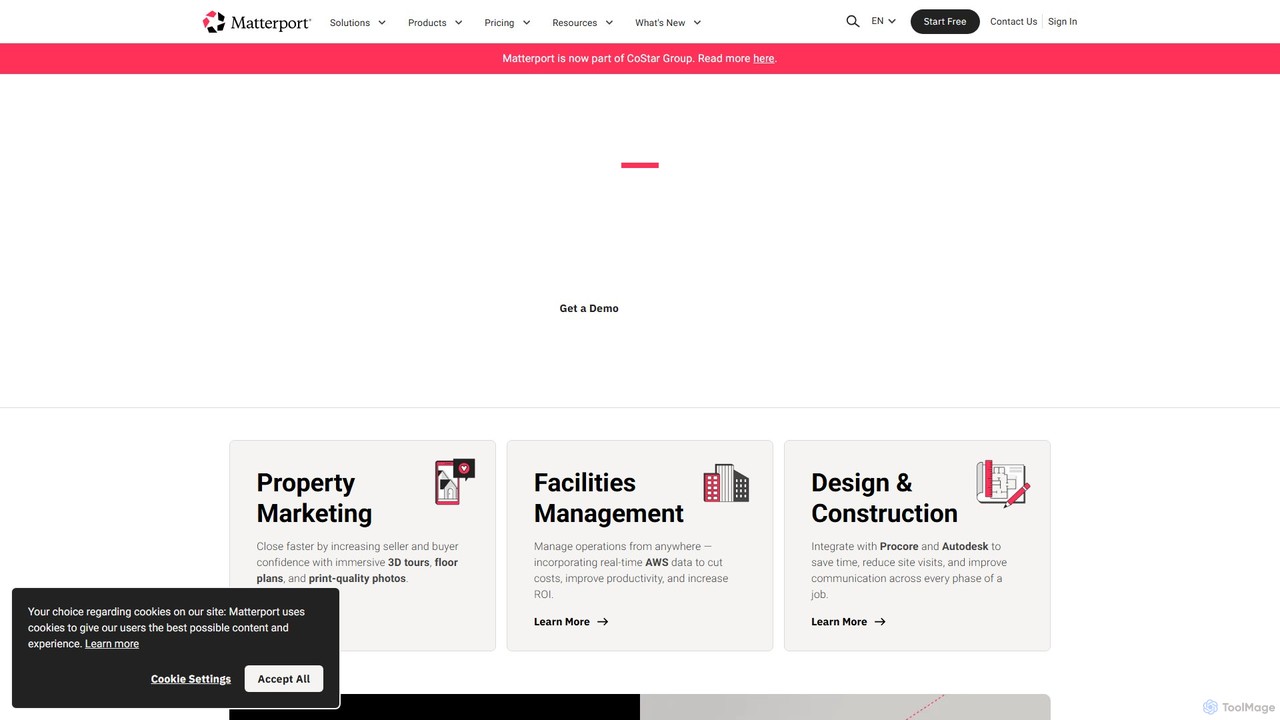
Matterport is a leading AI-powered platform for creating immersive 3D digital twins of physical spaces. It enables users to capture, share, and collaborate on interactive 3D models for industries like real estate, construction, and facilities management. The platform transforms spatial data into photorealistic, dimensionally-accurate virtual experiences, complete with integrated data and tools.

3D Modeling
Visits 12.4MFavorites 148Likes 141

About Architecture

AI Architecture tools are a class of software that use machine learning and generative algorithms to automate and optimize the architectural design process. These tools analyze vast datasets and user-defined constraints—such as budget, materials, and spatial requirements—to produce a wide range of design solutions. They empower architects, planners, and designers to explore possibilities beyond manual capabilities, accelerating conceptualization and enabling data-driven decision-making. This approach shifts the focus from tedious drafting to strategic design and creative problem-solving.

Core Features

  • Generative Design: Automatically creates numerous design options based on specified goals and constraints like site conditions, building codes, and performance targets.
  • Spatial Layout Optimization: Intelligently arranges rooms and functional spaces to maximize efficiency, circulation flow, and adherence to adjacency requirements.
  • Performance Simulation & Analysis: Uses AI to rapidly predict a building's energy consumption, daylighting, structural integrity, and environmental impact.
  • Automated Documentation: Generates floor plans, elevations, and sections directly from 3D models, significantly reducing manual drafting time.
  • Style Transfer & Visualization: Applies specific architectural styles to a design or creates photorealistic renderings from basic models for client presentations.

Use Cases

These tools are primarily used by architects, urban planners, interior designers, and real estate developers. Common applications include early-stage feasibility studies, generating optimal layouts for residential or commercial buildings, exploring complex facade designs, and simulating the environmental performance of new constructions to meet sustainability goals.

How to Choose

When selecting an AI Architecture tool, consider its integration capabilities with your existing BIM or CAD software (e.g., Revit, ArchiCAD). Evaluate the scope of its AI features—whether it focuses on generative design, performance analysis, or layout optimization. Assess the user interface's complexity and the required technical skill level. Finally, consider the pricing model and its alignment with your project-based workflow.

Architecture use cases

1

Automated Floor Plan Generation for Residential Projects

An architectural firm is tasked with designing a multi-family housing complex with a specific unit mix (e.g., 40% one-bedroom, 50% two-bedroom, 10% three-bedroom) and strict area requirements. Instead of manually drafting dozens of layout variations, the architect inputs these constraints, along with structural grids and window placement rules, into an AI architecture tool. The system generates hundreds of compliant floor plan options within minutes, each optimized for circulation, daylight access, and spatial efficiency. This allows the design team to quickly evaluate a wide range of solutions and select the most promising ones for further refinement, reducing the initial design phase from weeks to a few days.

2

Early-Stage Site Feasibility Analysis

A real estate developer is evaluating a potential urban site for a mixed-use development. They use an AI tool to conduct a rapid feasibility study. By inputting the site boundaries, zoning regulations (like height limits and setbacks), and desired program mix (retail, office, residential), the AI generates multiple 3D massing models. Each model is automatically analyzed for key metrics such as Gross Floor Area (GFA), daylight performance, and potential views. The developer can visually compare dozens of development scenarios in a single afternoon, gaining critical insights to inform their investment decision without commissioning a costly, time-consuming traditional study.

3

Sustainable Design and Performance Simulation

An architect focused on sustainable design is working on a new office building. They use an AI-powered tool to analyze the building's environmental performance throughout the design process. The tool simulates factors like solar radiation on facades, natural ventilation patterns, and energy consumption based on the building's geometry and material choices. The AI provides real-time feedback, suggesting modifications such as adjusting window sizes, adding shading devices, or changing the building's orientation to minimize energy use and maximize occupant comfort. This iterative, AI-driven process helps the architect achieve high-performance building standards like LEED or BREEAM more efficiently.

4

Generative Facade Design Exploration

A design firm is competing for a high-profile skyscraper project and wants to present a unique and iconic facade. Using a generative AI tool, the designers set up a system with parameters for panel shapes, materials, transparency levels, and structural constraints. The AI then generates thousands of distinct facade patterns, ranging from organic and fluid to geometric and crystalline. The team can explore this vast design space, filter results based on aesthetic preferences or performance metrics (like solar heat gain), and select a few compelling options for further development and client presentation. This approach augments the designers' creativity, allowing them to discover novel solutions they might not have conceived manually.

5

Optimizing Office Interior Layouts

An interior designer is planning the layout for a large corporate office. The client has complex requirements: maximize the number of workstations, create collaborative zones, ensure adequate circulation paths, and provide quiet areas for focused work. The designer uses an AI tool to optimize the space. They input the floor plate, furniture dimensions, and a set of rules defining relationships between different zones. The AI algorithm processes these inputs and generates multiple layout options that satisfy the conflicting requirements. The designer can then review these AI-generated plans, make minor adjustments, and present the client with highly efficient and functional layout solutions in a fraction of the time it would take to create them manually.

6

Urban Planning and Mobility Simulation

A city planning department is assessing the impact of a new high-density residential zone on the local neighborhood. Using an AI urban planning tool, they model the proposed development and simulate its effects. The AI analyzes pedestrian flow to nearby transit stations, predicts changes in traffic patterns on surrounding streets, and evaluates access to public amenities like parks and schools. The simulation provides data-backed visualizations that help planners identify potential issues, such as traffic bottlenecks or underserved areas, before construction begins. This allows them to make informed adjustments to the plan, like adding new bike lanes or adjusting bus routes, to better integrate the new development into the urban fabric.

Architecture FAQ

What are AI Architecture tools?

AI Architecture tools are specialized software that use artificial intelligence, particularly machine learning and generative algorithms, to assist in the design, analysis, and optimization of buildings and urban spaces. Unlike traditional CAD software which acts as a digital drafting board, these tools function as design partners. They can autonomously generate thousands of design options based on a set of goals and constraints (generative design), analyze a design's performance in areas like energy use or structural stability, and optimize spatial layouts for maximum efficiency.

How do AI Architecture tools differ from traditional CAD/BIM software?

The core difference lies in the design paradigm. Traditional CAD/BIM software (like AutoCAD or Revit) requires direct manual input; the user draws every line and places every object. It's a tool for documenting a pre-conceived design. In contrast, AI Architecture tools operate on a higher level of abstraction. The user defines goals, rules, and constraints, and the AI generates solutions that meet those criteria. AI tools augment the creative process by exploring a vast solution space, while traditional software is primarily for executing and detailing a specific design idea.

Will AI replace architects?

It is unlikely that AI will replace architects. Instead, it is poised to become a powerful assistant that transforms their workflow. AI excels at data processing, optimization, and generating variations—tasks that are often time-consuming for humans. This frees up architects to focus on higher-level responsibilities that require critical thinking, creativity, client communication, and ethical judgment. The role of the architect may evolve from a 'drafter' to a 'design director' who skillfully guides AI tools to achieve a desired vision, ensuring the final design meets complex human and cultural needs.

How to choose the right AI Architecture tool?

Choosing the right tool depends on your specific needs and workflow. Consider the following factors:

  • Integration: Does the tool integrate with your primary CAD/BIM software (e.g., Revit, Rhino, ArchiCAD)? Smooth data exchange is crucial.
  • Functionality: What is your main goal? Some tools excel at generative design for early concepts, others specialize in performance simulation (energy, light), and some focus on layout optimization.
  • Ease of Use: Evaluate the learning curve. Is it a user-friendly plugin, or does it require scripting knowledge (e.g., Python, Grasshopper)?
  • Output Quality: Assess the quality and flexibility of the generated outputs. Can you easily edit and refine the AI's suggestions?
  • Cost: Compare pricing models, such as monthly subscriptions versus perpetual licenses, and determine what fits your budget.
What skills are needed to use AI Architecture tools effectively?

Effectively using AI tools requires a shift in skills. While traditional drafting skills become less critical, the ability to think abstractly and define problems clearly becomes paramount. Key skills include:

  • Problem Formulation: The ability to translate design ambitions into measurable goals, constraints, and rules that an AI can understand.
  • Data Literacy: Understanding how to interpret the data and analytics provided by the AI to make informed design decisions.
  • Parametric Thinking: A grasp of how systems of interconnected variables work, which is the foundation of many generative design tools.
  • Critical Curation: The skill to evaluate hundreds of AI-generated options and select the most promising ones based on architectural principles, aesthetics, and project requirements.