ToolMage
Sign in

Best 2 3D Modeling AI tools for Design & Art

Popular 3D Modeling AI tools in Design & Art include SyncSketch and Rooms, helping you work more efficiently.

SyncSketch
Freemium

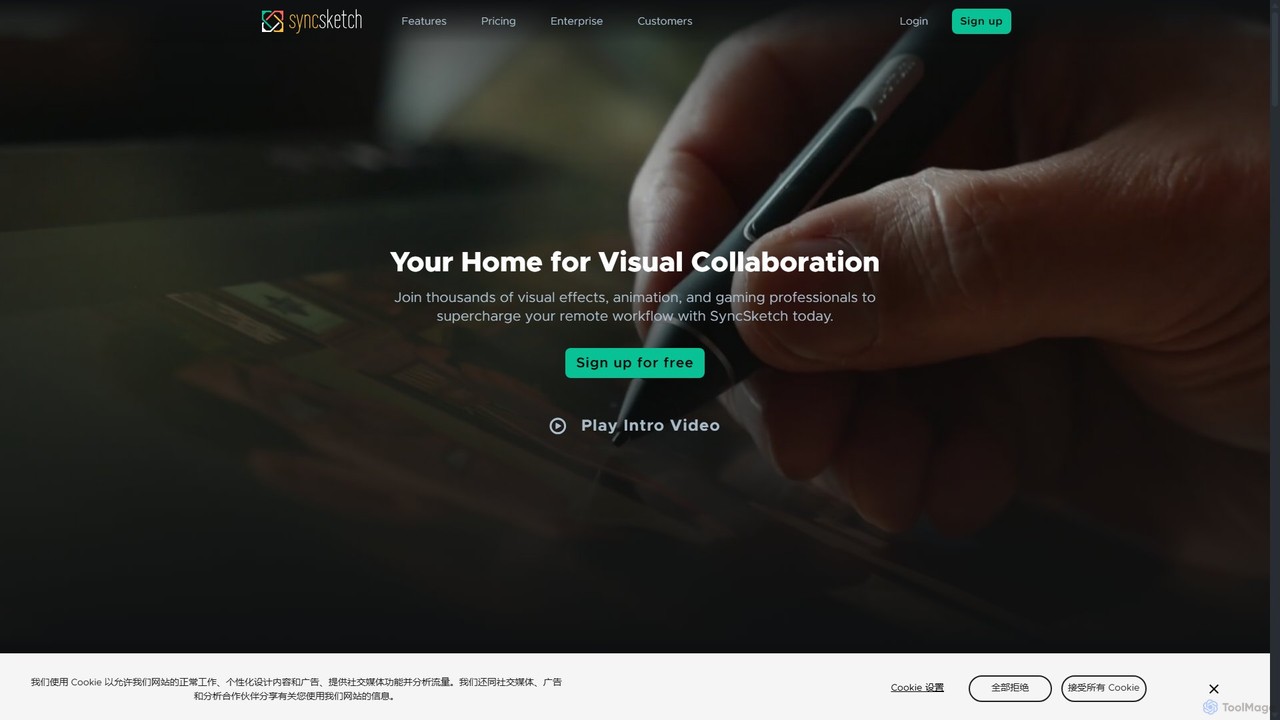
SyncSketch

SyncSketch is a real-time visual collaboration and review platform designed for creative teams in animation, VFX, and gaming. It enables synchronized review sessions for 2D/3D assets, videos, and images, with powerful annotation tools for frame-accurate feedback, streamlining creative workflows for remote and in-house teams.

3D Modeling
Visits 1MFavorites 137Likes 137
Rooms
Freemium

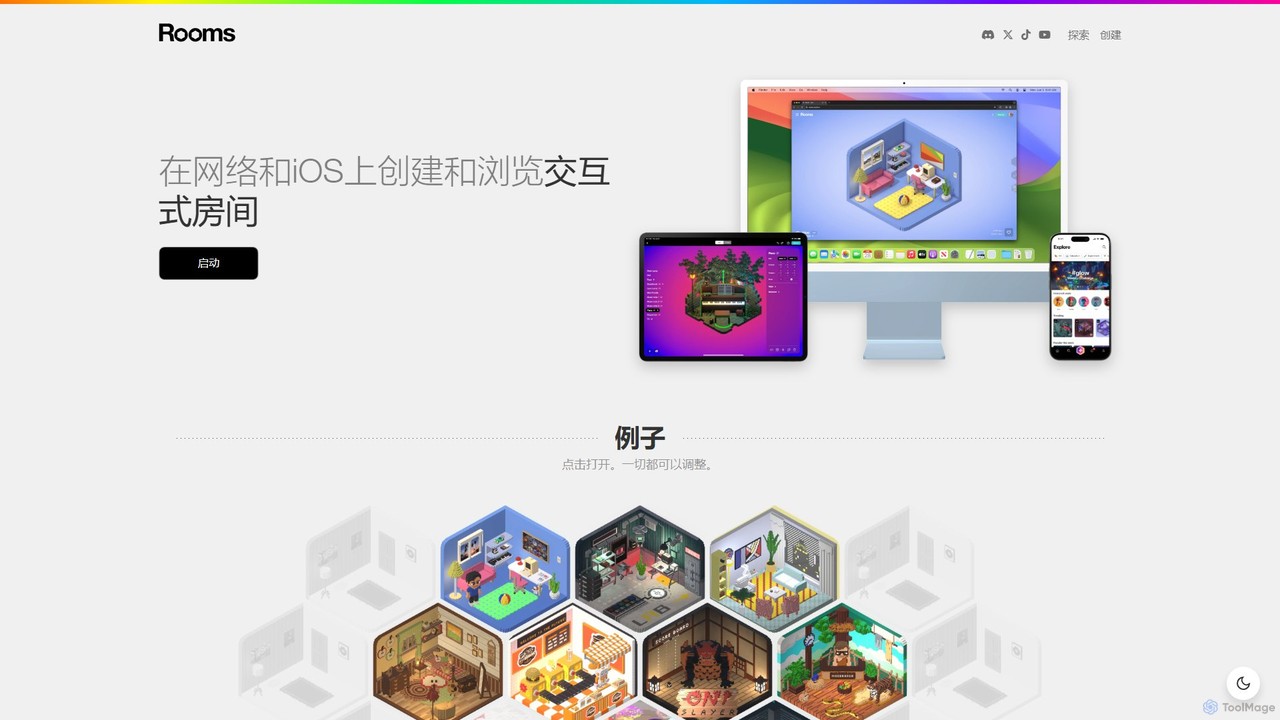
Rooms

Rooms is a creative platform for building and exploring interactive 3D web-based rooms. With an intuitive editor, users can design unique spaces, add dynamic objects, and define simple game logic without coding. It leverages AI to assist in asset creation, making it accessible for artists, designers, and hobbyists to create and share their own mini-metaverse experiences on the web and iOS.

3D Modeling
Visits 173KFavorites 114Likes 133

About 3D Modeling

AI 3D Modeling tools are a class of software that uses artificial intelligence to generate or simplify the creation of three-dimensional digital models. These tools typically interpret text prompts, 2D images, or procedural rules to construct complex shapes and scenes automatically. They significantly accelerate the design process, enabling creators to produce prototypes, assets, and visualizations with remarkable speed. This technology lowers the technical barrier, making 3D creation more accessible than traditional manual modeling methods.

Core Features

  • Text-to-3D Generation: Creates 3D models directly from descriptive text prompts.
  • Image-to-3D Conversion: Transforms a single 2D image or sketch into a three-dimensional object.
  • AI-Assisted Sculpting: Provides intelligent suggestions and automates repetitive detailing tasks.
  • Procedural Generation: Automatically generates variations of models or entire scenes based on a set of rules.
  • Automated Texturing (PBR): Applies realistic materials and textures to models based on simple inputs or analysis.

Use Cases

AI 3D Modeling is widely used in game development for rapid asset creation, in product design for quick prototyping, and in architecture for conceptual visualization. It also serves filmmakers and VFX artists by generating complex environmental elements or character models, empowering them to bring imaginative worlds to life more efficiently.

How to Choose

When selecting an AI 3D Modeling tool, consider the supported input methods (text, image, etc.) and the quality of the output (polygon count, texture resolution). Evaluate the available export formats (e.g., OBJ, FBX, GLB) for compatibility with your existing workflow. Also, assess the level of manual control and refinement options available after the initial AI generation.

3D Modeling use cases

1

Rapid Prototyping for Product Design

A product designer needs to explore multiple concepts for a new ergonomic chair quickly. Instead of spending days manually modeling each variation, they use an AI 3D modeling tool. By inputting text prompts like 'modern office chair with lumbar support and mesh back' and then refining with prompts like 'add adjustable armrests,' the designer generates a dozen distinct 3D concepts in under an hour. This allows the team to visualize and iterate on designs much faster, significantly shortening the conceptual phase and enabling better-informed decisions before committing to detailed CAD work.

2

Creating Game Assets from Concept Art

An indie game developer has detailed 2D concept art for a mythical creature but lacks the time and resources for complex 3D sculpting. They use an image-to-3D AI tool, uploading the artwork. The AI generates a base 3D mesh that captures the creature's form and key features. While the model requires some manual cleanup and rigging in a traditional 3D application, the AI has saved over 80% of the initial modeling time. This allows the small team to populate their game world with unique, high-quality assets far more efficiently than would be possible with manual methods alone.

3

Architectural Visualization from Floor Plans

An architect needs to present a conceptual 3D model of a residential building to a client on a tight deadline. Instead of building the model from scratch, they upload a 2D floor plan image to an AI 3D modeling tool. The AI interprets the layout, extrudes the walls, and adds basic placeholders for doors and windows, generating a complete 3D structure in minutes. This model serves as an excellent starting point for further refinement in dedicated architectural software, allowing the architect to focus on materials, lighting, and interior details rather than basic construction, thus delivering compelling visualizations faster.

4

Generating 3D Avatars for the Metaverse

A user wants to create a personalized 3D avatar for a virtual reality platform without learning complex character creation software. They use an AI tool that generates an avatar from a single photograph. By uploading a selfie, the AI analyzes facial features and generates a stylized 3D head and body that resembles the user. The user can then make minor adjustments to hairstyle, clothing, and accessories using simple sliders. The final avatar is exported in a compatible format (like VRM or FBX) and can be immediately used in their favorite virtual world, offering a highly personalized and accessible way to create a digital identity.

5

VFX Element Creation for Film

A VFX artist is tasked with creating a field of complex, otherworldly rock formations for a sci-fi film. Manually modeling hundreds of unique rocks would be prohibitively time-consuming. Instead, they use a text-to-3D tool with the prompt 'jagged crystalline rock formations with glowing blue veins.' The AI generates a variety of base models that fit the description. The artist selects the best ones, uses procedural tools to scatter them across a landscape, and then performs final texturing and lighting. This approach transforms a task that would take weeks into a matter of days, freeing up the artist to focus on the overall artistic direction of the shot.

6

Educational Content Creation for Classrooms

A history teacher wants to create an interactive lesson about ancient Roman architecture but lacks 3D modeling skills. Using an AI tool, they input the prompt 'a 3D model of the Roman Colosseum, simplified for educational use.' The tool generates a clean, accurate, and relatively low-polygon model. The teacher can then import this model into a presentation or an augmented reality application, allowing students to explore the structure from all angles on a tablet. This makes the lesson more engaging and memorable than simply showing 2D pictures, democratizing the creation of immersive educational materials.

3D Modeling FAQ

What is AI 3D Modeling?

AI 3D Modeling refers to the use of artificial intelligence algorithms to automate the creation of three-dimensional models. Unlike traditional methods that require manual manipulation of vertices and polygons, AI tools can generate complex 3D objects from simple inputs like text descriptions ('text-to-3D') or 2D images ('image-to-3D'). The primary goal is to drastically reduce the time and technical skill required to produce 3D content, making it accessible to a broader range of creators, including designers, developers, and hobbyists.

How does AI 3D Modeling differ from traditional software like Blender or Maya?

The core difference lies in the creation process. Traditional software like Blender or Maya are direct manipulation tools; you manually build, sculpt, and texture a model piece by piece, offering precise control. AI 3D Modeling tools are generative; they create a base model for you based on an input or prompt.

  • Traditional Software: Focuses on precision, control, and detailed refinement. The artist is in full command from start to finish.
  • AI Tools: Focus on speed, concept generation, and accessibility. They automate the initial, often time-consuming, creation phase.
Often, the best workflow involves using both: generating a base mesh with AI and then importing it into traditional software for detailed editing, UV unwrapping, and animation.

How do I choose the right AI 3D Modeling tool?

Choosing the right tool depends on your specific needs. Consider the following factors:

  • Input Method: Do you prefer working from text prompts, uploading 2D images, or another method? Choose a tool that aligns with your creative process.
  • Output Quality and Style: Examine the tool's gallery. Does it produce high-polygon, detailed models or more stylized, low-poly results? Ensure its aesthetic matches your project's requirements.
  • Export Formats: Check if the tool can export in formats compatible with your primary software (e.g., Blender, Unity, Unreal Engine). Common formats include OBJ, FBX, and GLB.
  • Ease of Use vs. Control: Some tools are extremely simple but offer few refinement options. Others may have a steeper learning curve but provide more control over the final model.

What are the limitations of current AI 3D Modeling tools?

While powerful, AI 3D modeling tools have some limitations. The quality of the generated topology (the flow of polygons) can be messy, often requiring manual retopology for animation or game use. Achieving highly specific or intricate details can be difficult, as the AI interprets prompts rather than following exact instructions. Furthermore, outputs may sometimes lack logical consistency or have strange artifacts. They are best viewed as powerful starting points or concepting tools rather than one-click solutions for final, production-ready assets.

Who can benefit from using AI 3D Modeling tools?

A wide range of users can benefit from these tools. Game Developers can rapidly create environment props, character bases, and other assets. Product Designers and Architects can quickly generate conceptual models and prototypes for visualization. Hobbyists and Indie Creators who lack extensive 3D skills can bring their ideas to life without a steep learning curve. Even professional VFX Artists can use them to accelerate their workflow for creating complex background elements or initial concepts. Essentially, anyone who needs to create 3D content quickly can find value in AI modeling tools.