

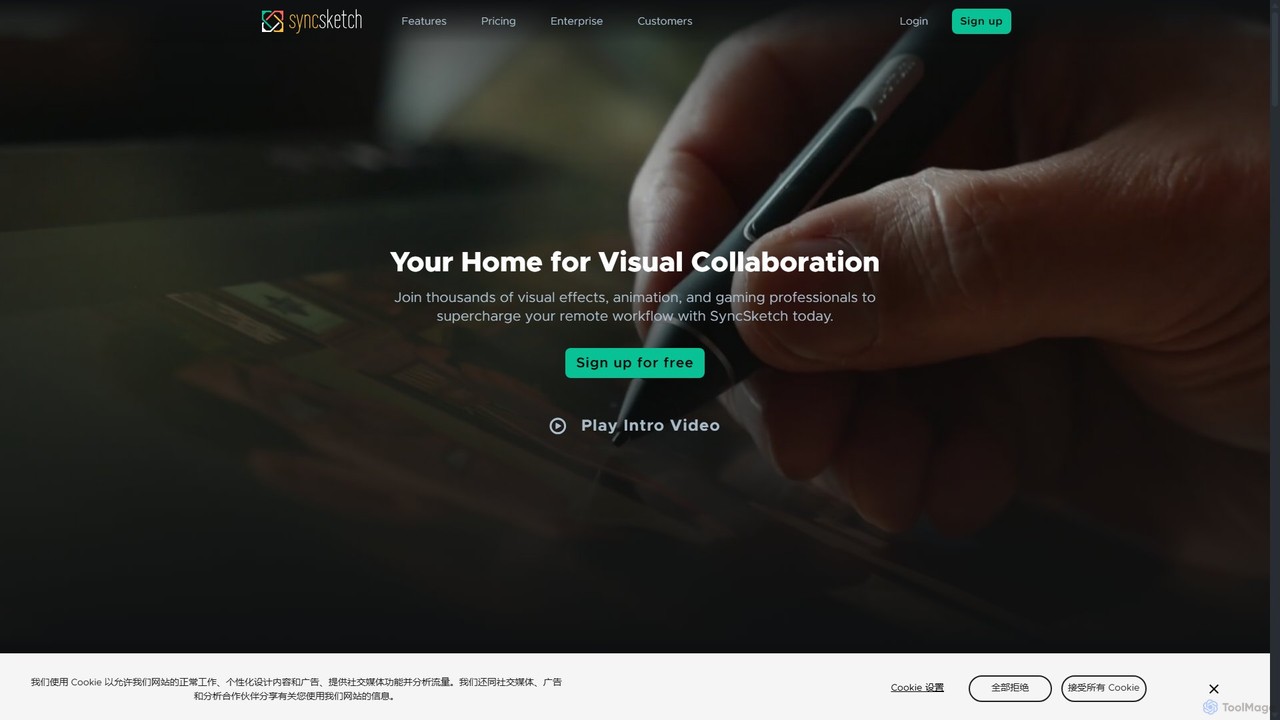
SyncSketch Overview
SyncSketch is a comprehensive, cloud-based visual collaboration platform built by artists, for artists. It is trusted by leading studios in animation, visual effects (VFX), and game development to streamline the creative review and feedback process. The platform allows teams, whether co-located or distributed globally, to review various media types—including images, videos, 360-degree images, and 3D models—in a synchronized, real-time environment. This eliminates the confusion and delays associated with traditional feedback methods like email chains and file transfers, creating a single source of truth for all creative notes.
The core of SyncSketch is its high-fidelity, real-time review player. It ensures that all participants in a review session see the exact same frame at the same time, with no compression artifacts or lag. This creates an experience akin to sitting in the same room, which is fundamental for precise creative direction. The platform is designed to handle the demanding needs of professional production pipelines, offering robust security, seamless integrations, and a suite of powerful tools that empower artists to create their best work faster.
How to use SyncSketch
Using SyncSketch is designed to be intuitive and easily integrated into existing workflows. The process typically follows these steps:
- Upload Media: Users can upload a wide range of file types, including videos (e.g., MP4), images (e.g., JPG, PNG), PDFs, and both static and animated 3D models.
- Create a Review: Organize your uploaded media into a 'Review'. This acts as a playlist or a session folder.
- Share Securely: Invite team members, clients, or other stakeholders to the review using a secure, shareable link. You can set permissions for viewers and presenters.
- Conduct a Review Session: Start a review session. This can be done asynchronously, where participants leave notes at their own pace, or in real-time. In a real-time session, a designated presenter controls the playback, and all participants' screens are synchronized.
- Annotate and Comment: Use SyncSketch's powerful brush engine and annotation tools to draw directly on frames, add text comments, and mention specific users to direct feedback. The feedback is frame-accurate, ensuring clarity.
- Review 3D Models: For 3D assets, users can tumble, zoom, and pan around the model, review textures and UV maps, and leave notes on specific parts of the model.
- Generate Summaries: After a review, you can quickly generate a PDF summary that includes all comments and annotated frames, providing a clear, actionable document for artists.
- Integrate with Your Pipeline: Connect SyncSketch with tools like ShotGrid, Jira, and Maya to sync statuses, create tasks from notes, and streamline the entire production tracking process.
Core Features of SyncSketch
- Rich Annotations: A powerful, artist-friendly brush engine for detailed, frame-accurate sketches and notes on media.
- Synchronous & Asynchronous Reviews: Conduct live, real-time review sessions with synchronized playback or allow team members to leave feedback on their own time.
- 3D Model Viewer: Review static or animated 3D models directly in the browser, with support for shading, textures, and UV maps.
- File Comparison: Easily compare different versions of a file side-by-side or using an A/B overlay to track progress and make decisions.
- High-Level Security: Features end-to-end 256-bit encryption, SOC 2 compliance, SSO, multi-factor authentication, and follows an MPAA-approved framework to protect valuable IP.
- Seamless Integrations: Out-of-the-box integrations with industry-standard software like ShotGrid, Jira, and Maya, plus a robust Python/REST API for custom pipelines.
- Presentation Mode: Allows specific presenters to drive a review session for a large number of observers.
- Collaborative Whiteboard: A timeline-based whiteboard for brainstorming, sketching ideas, and creating simple animations.
- PDF Summaries: Automatically generate comprehensive PDF reports of review sessions with all notes and annotations.
Use Cases for SyncSketch
SyncSketch is versatile and is used across various creative industries:
- Animation Studios: For reviewing storyboards, animatics, character animation, and final shots. It helps directors and supervisors give clear, visual feedback to animators.
- VFX Teams: To review complex visual effects shots, composites, and renders. The frame-accuracy is critical for detailed feedback on elements like lighting, particles, and integration.
- Game Development: For reviewing 3D character models, environments, assets, and in-game cinematics. The 3D viewer is particularly key for this workflow.
- Remote & Hybrid Teams: It serves as the central collaboration hub for distributed creative teams, enabling them to maintain high productivity and creative cohesion regardless of location.
- Client & Stakeholder Reviews: Provides a secure and professional way to present work-in-progress to clients for instant feedback, dramatically reducing iteration cycles.
- Educational Institutions: Used in schools and universities to teach animation and VFX, allowing instructors to provide detailed feedback on student work.
Advantages of SyncSketch
SyncSketch offers significant advantages over traditional review methods. It provides precise, unambiguous feedback through its visual annotation tools, eliminating misunderstandings. The real-time collaboration saves massive amounts of time, making feedback loops more efficient. Its robust, industry-vetted security ensures that sensitive intellectual property is always protected. By integrating seamlessly with existing production pipelines, it reduces friction and keeps teams productive. Ultimately, it empowers creative teams to collaborate more effectively, iterate faster, and produce higher-quality work, regardless of where they are in the world.
Pricing and Plans
SyncSketch offers a tiered pricing structure to suit different needs, from individual freelancers to large enterprise studios. All paid plans include a 14-day free trial.
- Light (Free): Designed for individuals. Includes 1GB of storage, 2GB/month upload limit, and up to 5 users on 2 projects.
- Indie ($9 per user/month, billed yearly): Perfect for freelancers and small teams. Offers up to 15 users, 50GB storage, 100GB/month uploads, and adds features like file comparison and status management.
- Team ($19 per user/month, billed yearly): Ideal for teams needing advanced collaboration. Includes everything in Indie plus unlimited users, 3D model support, customizable brushes, and media management tools.
- Enterprise ($36 per user/month, billed yearly): For large, security-focused companies. Includes all Team features plus advanced security (SSO, custom policies), API access, ShotGrid & Jira integrations, priority support, and optional self-hosted data on AWS S3.
Academic pricing is also available for educational institutions.
Traffic
Latest traffic
Status
Monthly traffic trend
- 2025-9: 996.0K
- 2026-1: 873.8K
- 2026-2: 929.5K
- 2026-3: 1.0M
- 2026-4: 1.1M
- 2026-5: 1.0M
Geography
Top 5 countries / regions
- 🇺🇸United States54.5%
- 🇲🇽Mexico13.1%
- 🇻🇳Vietnam13.0%
- 🇨🇦Canada11.7%
- 🇬🇧United Kingdom7.8%
Traffic sources
| Source type | Percentage |
|---|---|
Direct | 84.2% |
Referral | 10.4% |
Email | 5.4% |
Top keywords
| Keyword | Cost per click |
|---|---|
| 싱크스케치 | $0.00 |
| synchsketch | $0.00 |
| sync sketch | $0.00 |
| syncsketch | $1.76 |
| synksketch | $0.00 |
SyncSketch Videos on YouTube

thesketchEXPERIENCE
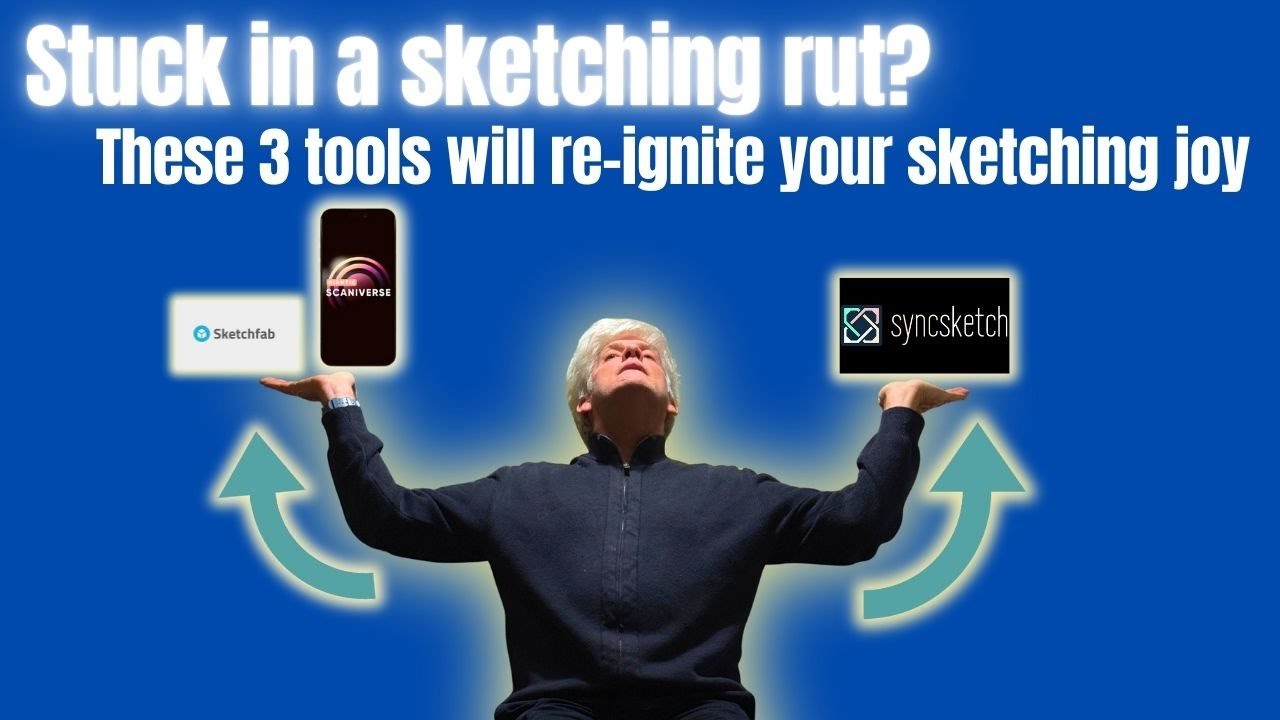
thesketchEXPERIENCE
SyncSketch Alternatives
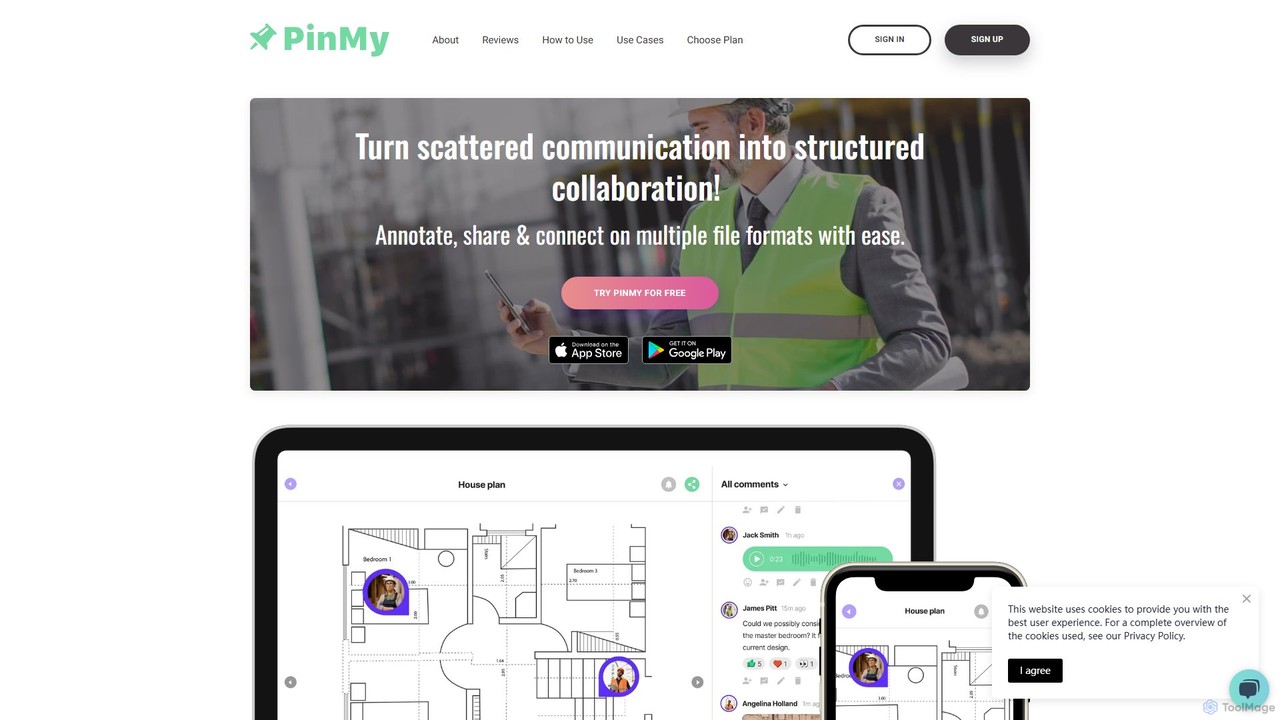
PinMy
PinMy is a visual collaboration platform designed to streamline feedback and communication for teams in construction, design, marketing, and education. It allows users to pin comments, voice notes, and annotations directly onto images, PDFs, and videos, eliminating ambiguity and accelerating project workflows. It's an intuitive tool for precise, real-time feedback.
Feedback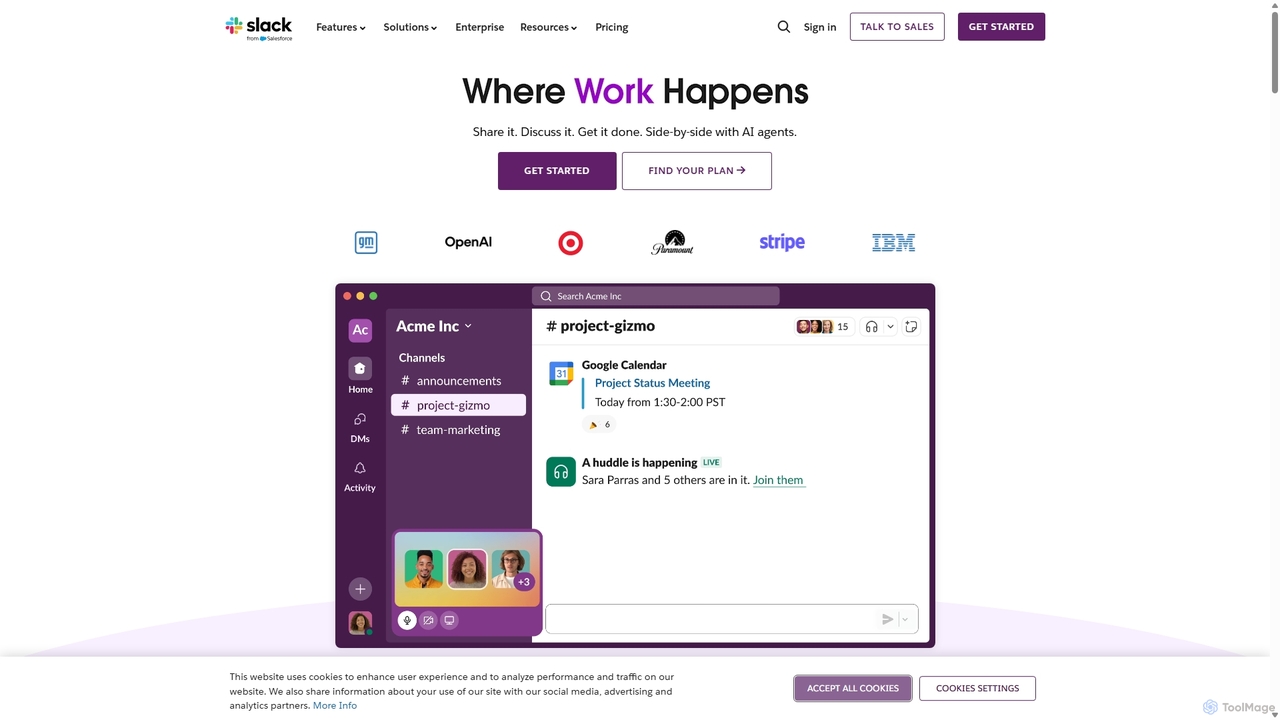
Slack
Slack is an AI-powered collaboration hub that connects your people, partners, and tools. It replaces email with faster, better-organized communication through channels. With integrated AI, workflow automation, and thousands of apps, Slack centralizes your work to boost productivity and streamline project management.
Project Management
Zoom
Zoom is an AI-first, unified collaboration platform that connects people through video meetings, phone calls, team chat, webinars, and more. Featuring the AI Companion, it streamlines workflows, summarizes meetings, and enhances productivity for remote and hybrid teams across all industries.
Meeting Management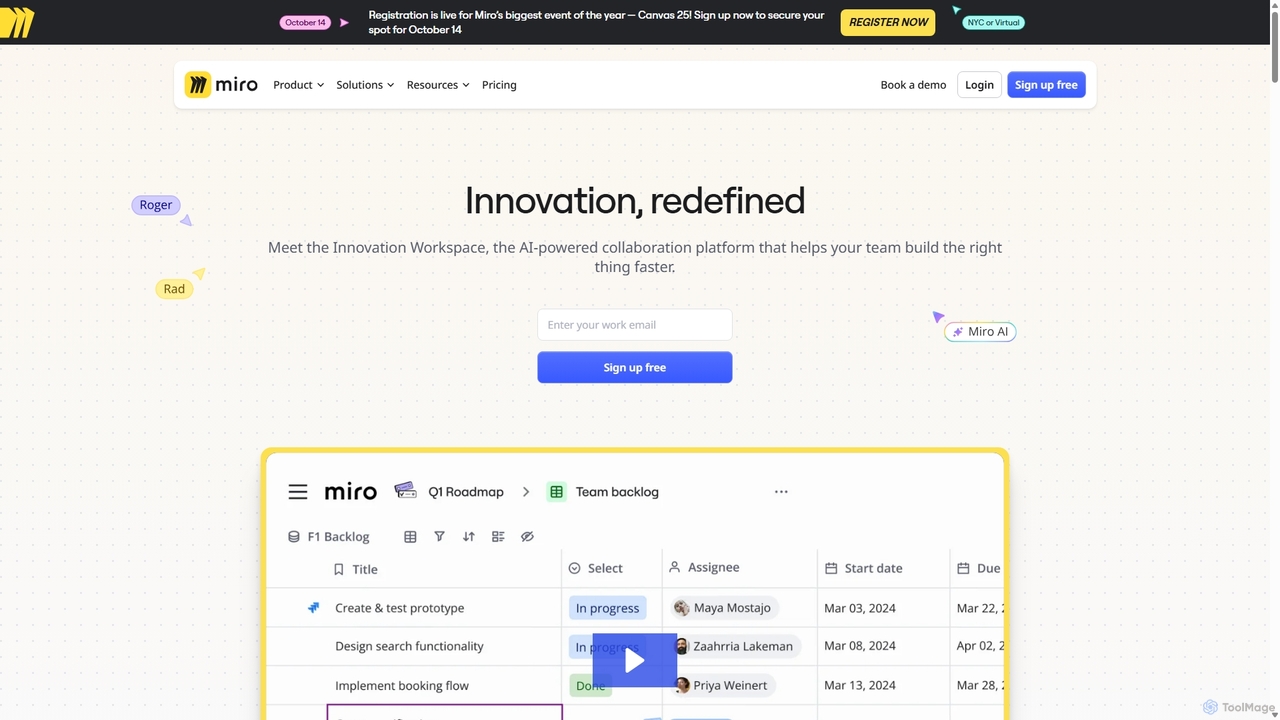
Miro
Miro is an AI-powered online collaborative whiteboard platform designed for modern teams. It provides an infinite canvas for brainstorming, planning, designing, and managing projects in real-time. With a vast template library, powerful integrations, and AI-driven features, Miro helps teams centralize communication and accelerate innovation from idea to execution.
Brainstorming
Loom
Loom is an AI-powered video messaging platform for work that allows users to instantly record and share their screen, camera, and audio. It streamlines communication, reduces meetings, and enhances team collaboration with features like AI-powered summaries, transcriptions, and editing tools.
Team ManagementSyncSketch Categories
SyncSketch Embed Widget
Copy this embed code to place the badge on your blog, article, or product site and send readers directly to this ToolMage detail page.

Related AI tools
PinMy
PinMy is a visual collaboration platform designed to streamline feedback and communication for teams in construction, design, marketing, and education. It allows users to pin comments, voice notes, and annotations directly onto images, PDFs, and videos, eliminating ambiguity and accelerating project workflows. It's an intuitive tool for precise, real-time feedback.
Feedback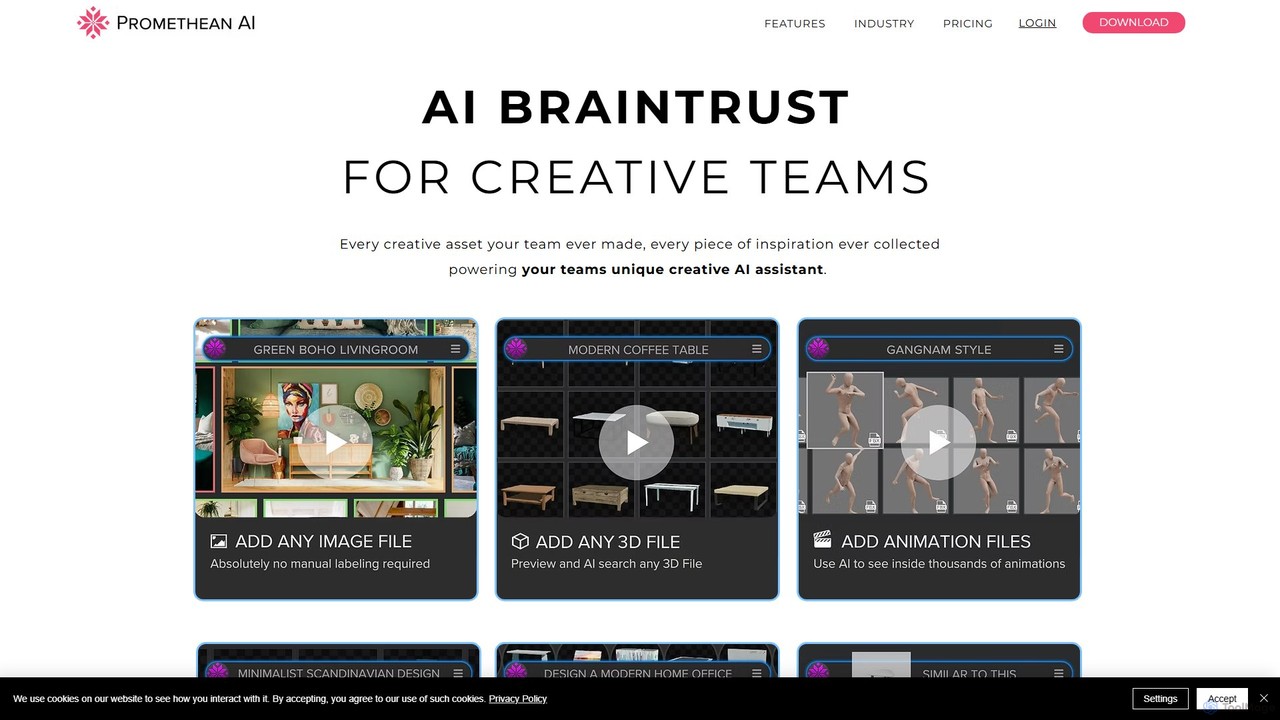
PrometheanAI
PrometheanAI is an enterprise-level AI assistant for creative teams, designed to accelerate digital art production and world-building. It integrates into existing workflows and editors, using a team's own assets to automate mundane tasks and enhance creativity without requiring cloud uploads.
Asset Management
Jyek
Jyek is an AI agent platform that understands objectives, creates execution plans, uses tools, and delivers verifiable results for complex, multi-step tasks.
Automation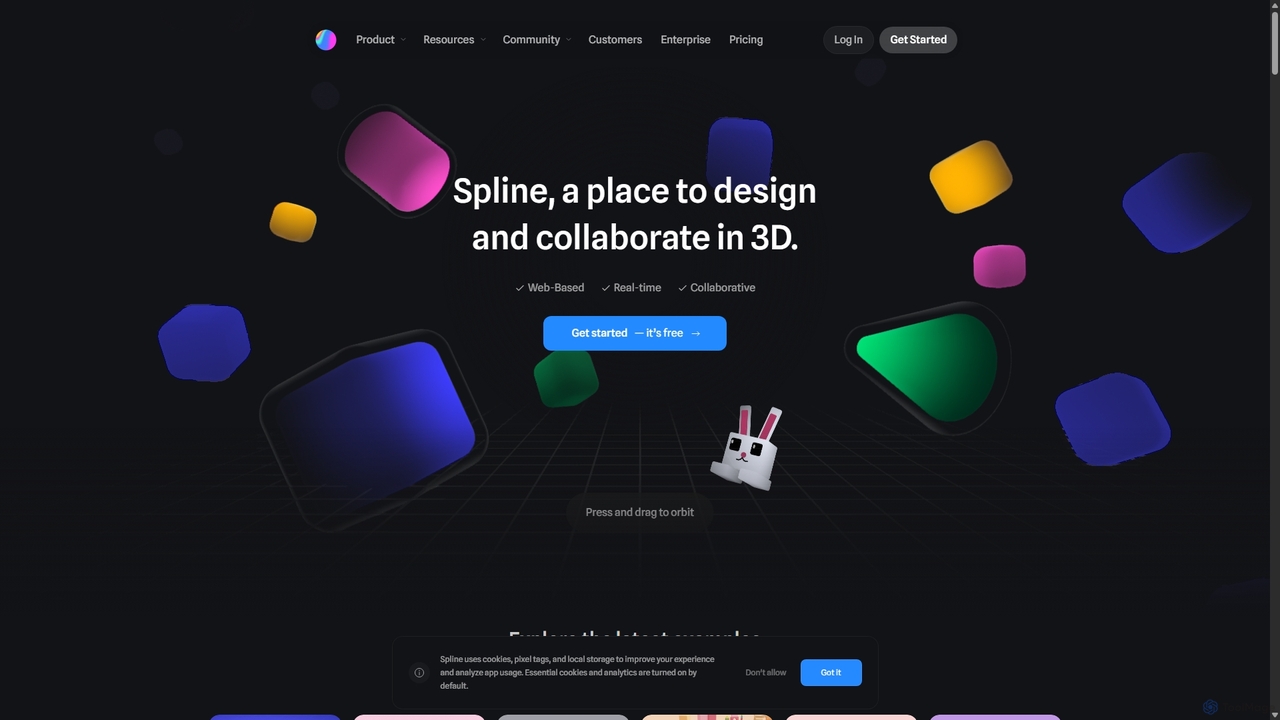
Spline
Spline is a collaborative, web-based 3D design tool that simplifies the creation of interactive 3D experiences. It features real-time collaboration, animation, physics, and an optional AI add-on for generating 3D models and textures, making 3D design accessible to everyone from designers to developers.
3D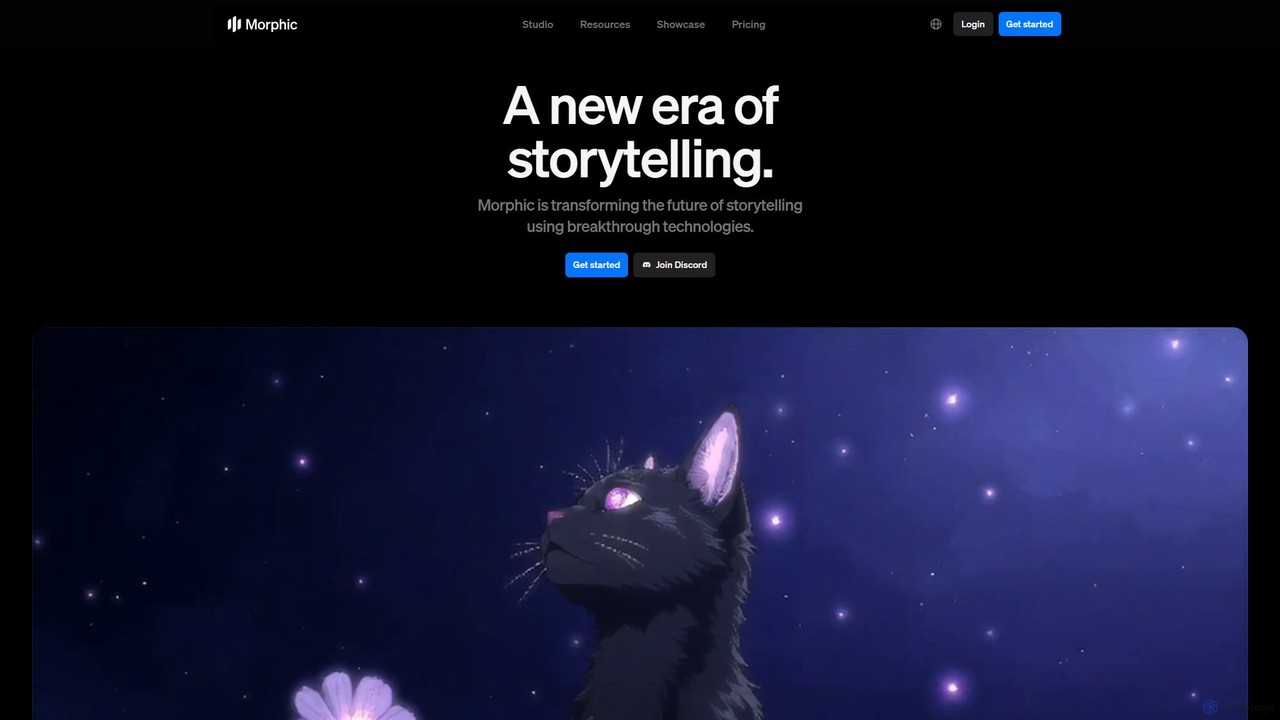
Morphic
Morphic is an AI-powered video creation studio designed for filmmakers, animators, and game designers. It provides an end-to-end platform to transform ideas into cinematic stories with features like consistent character generation, advanced camera controls, and a collaborative editing canvas. Turn your vision into high-quality animated content efficiently.
Generative Art
World Labs
World Labs is a pioneering spatial intelligence company, founded by AI visionary Fei-Fei Li. It specializes in generating fully interactive and explorable 3D worlds from a single 2D image. This technology empowers creators, designers, and developers to build immersive environments for film, gaming, and art with unprecedented ease and control.
3D Generator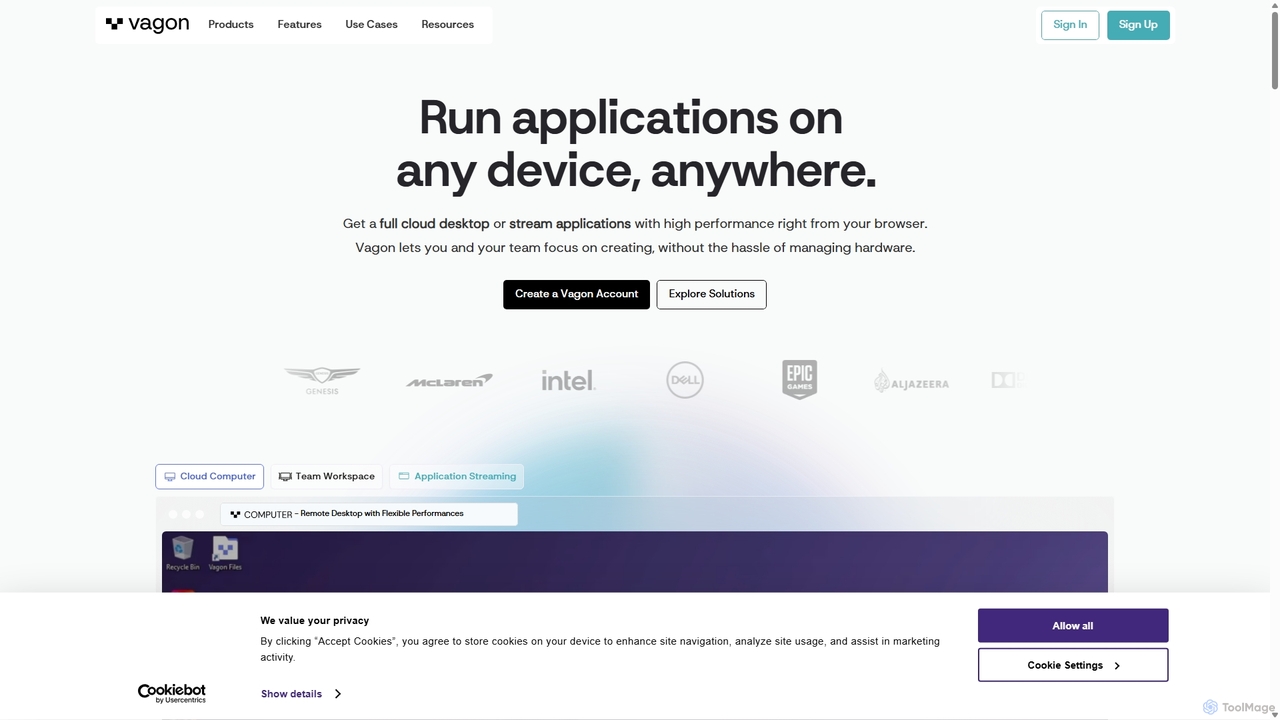
Vagon
Vagon is a high-performance cloud computing platform that provides users with powerful virtual desktops accessible from any device. It's designed for professionals like creatives, engineers, and developers to run demanding applications such as 3D rendering, video editing, and game development without needing expensive local hardware. Vagon offers scalable GPU, CPU, and storage options with a flexible pay-as-you-go model, enabling seamless remote work and collaboration.
Virtual Desktops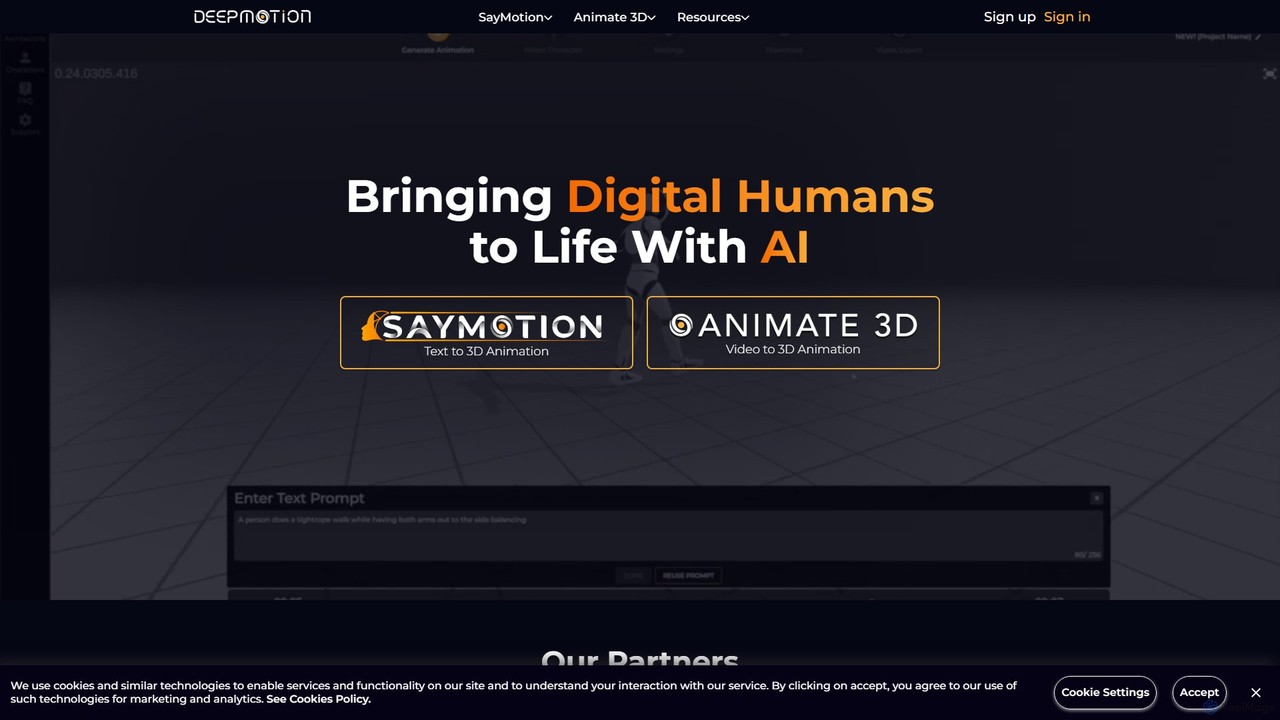
DeepMotion
DeepMotion is an AI-powered platform for generating 3D animations. It offers two core products: Animate 3D, which converts 2D video footage into 3D animations, and SayMotion, a generative AI that creates animations from text prompts. It's designed for game developers, animators, and content creators, eliminating the need for traditional motion capture hardware.
3D Animation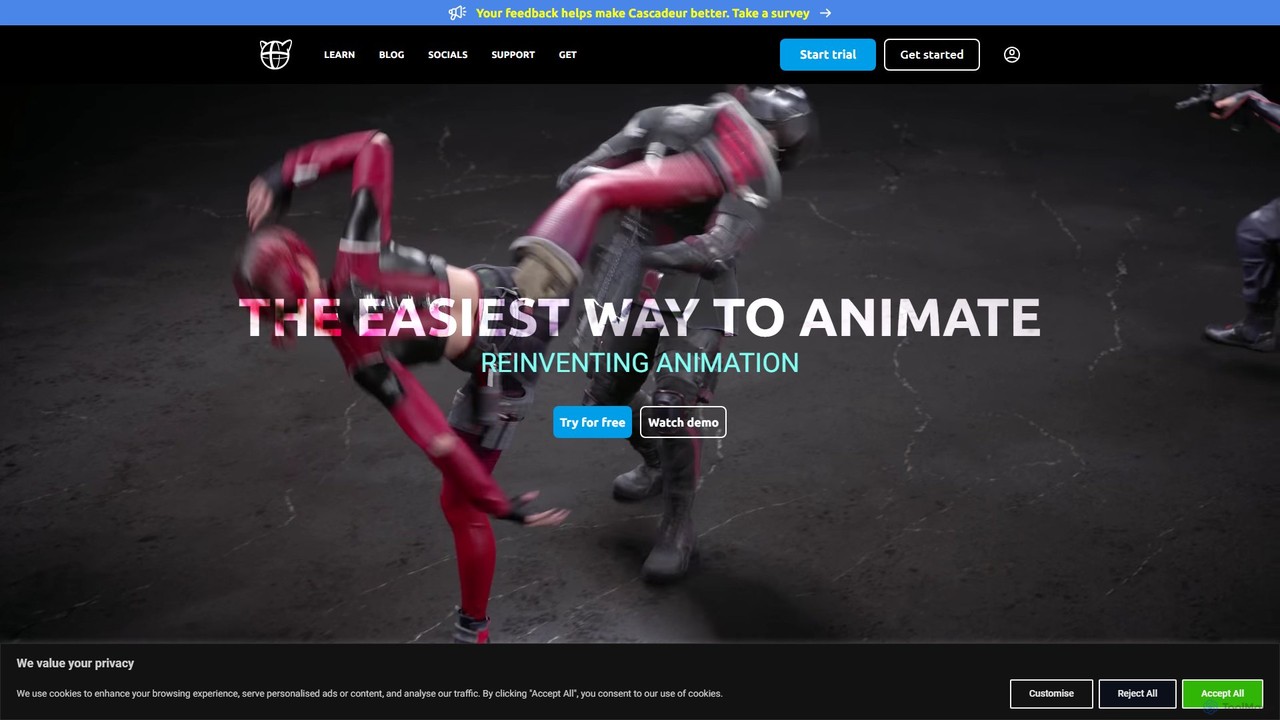
Cascadeur
Cascadeur is an AI-assisted 3D animation software that leverages physics and deep learning tools to create realistic keyframe animations for characters and creatures. It simplifies and accelerates the animation process, making it ideal for game developers, animators, and VFX artists.
Character Design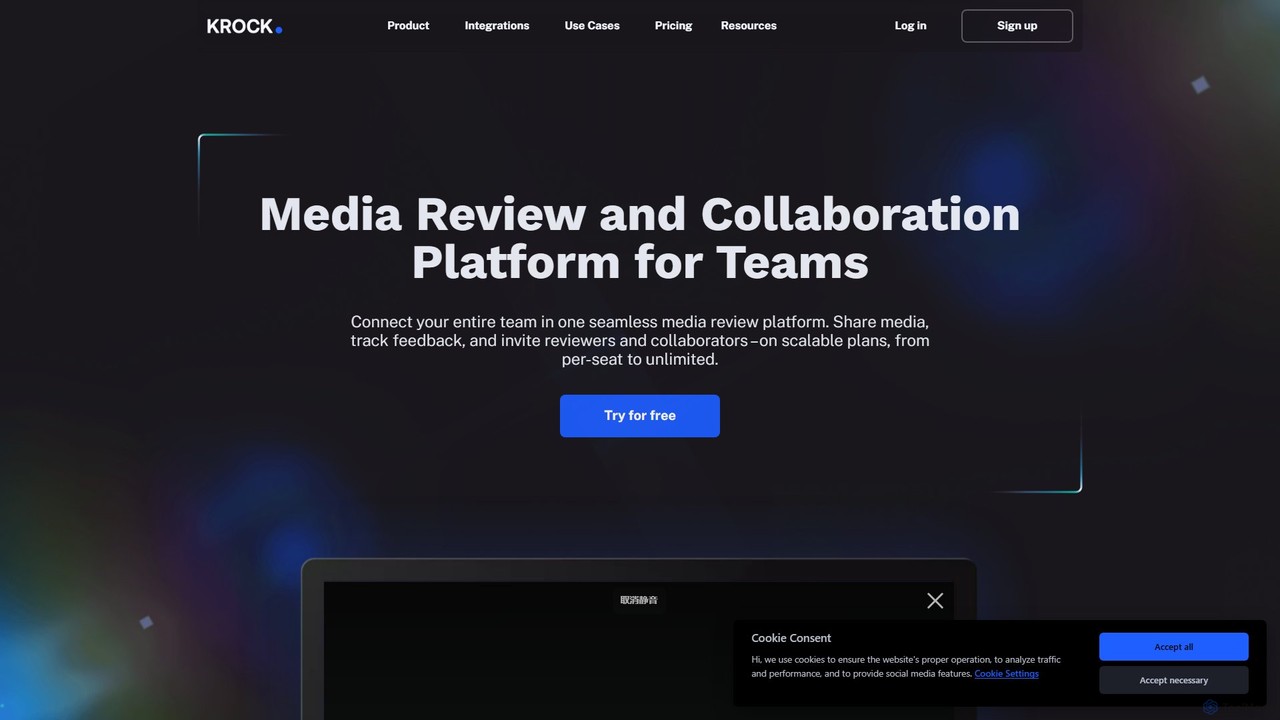
Krock.io
Krock.io is a comprehensive media review and collaboration platform for creative teams. It streamlines video production, animation, and design workflows by centralizing feedback, version control, and project management. Features include time-coded comments, an AI-powered storyboard tool, and seamless integration with Adobe CC, helping teams deliver projects faster and more efficiently.
Collaboration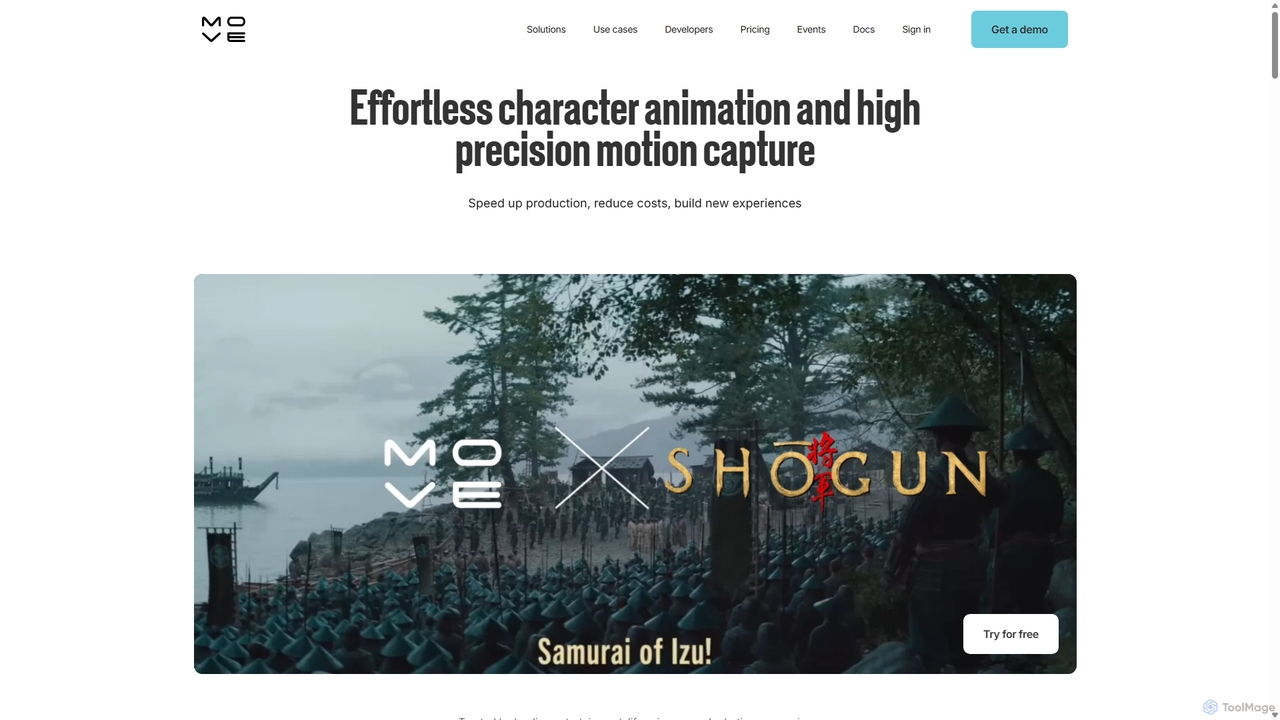
Move AI
Move AI is an advanced markerless motion capture platform that uses AI to transform video from any camera, including iPhones and GoPros, into high-fidelity 3D character animation. It democratizes mocap technology, making it accessible and affordable for creators in gaming, film, VFX, and research, drastically speeding up production workflows and reducing costs.
Motion Capture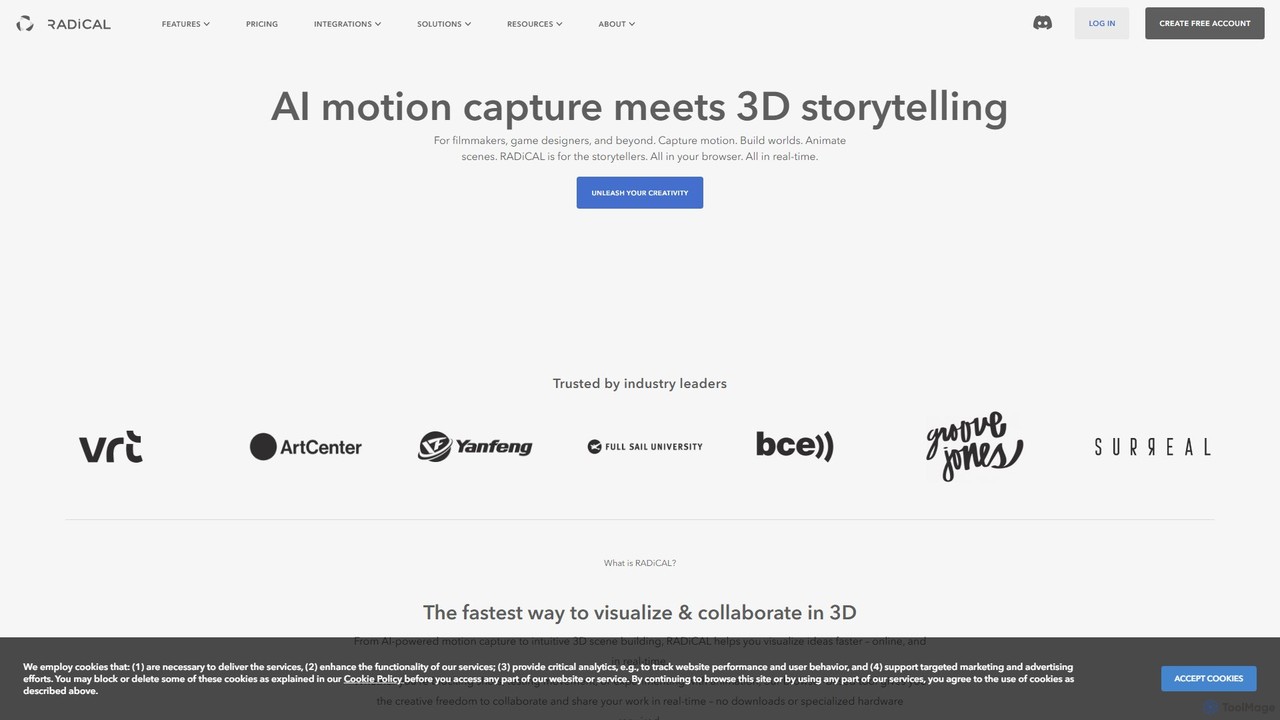
radicalmotion
RADiCAL is a browser-based AI platform for real-time motion capture and 3D content creation. It enables users to generate 3D animations from single 2D videos or live camera feeds without special hardware or suits. It features two core products: RADiCAL Motion for mocap and RADiCAL Canvas for 3D scene design, making 3D creation accessible to everyone.
3D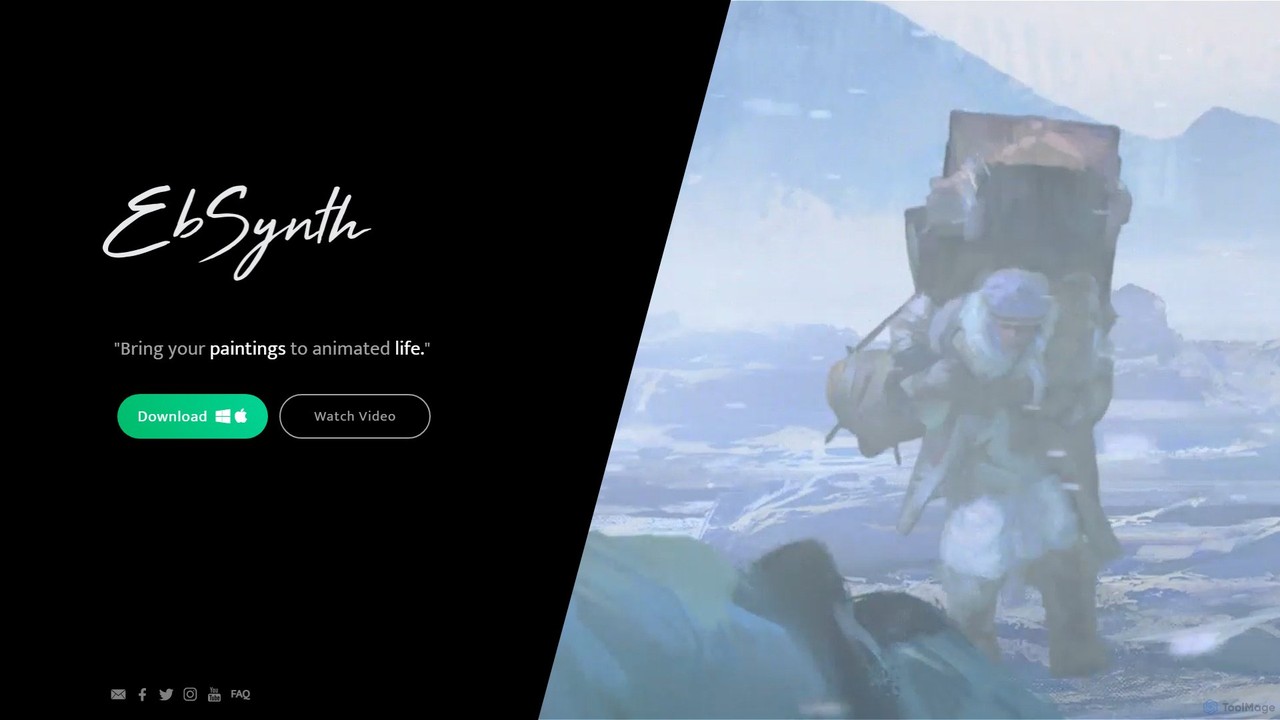
EbSynth
EbSynth is a free AI-powered tool that transforms video footage by applying the style of a single painted frame across the entire clip. It allows artists and creators to bring their paintings to life and create unique, stylized animations with minimal effort.
Generative Art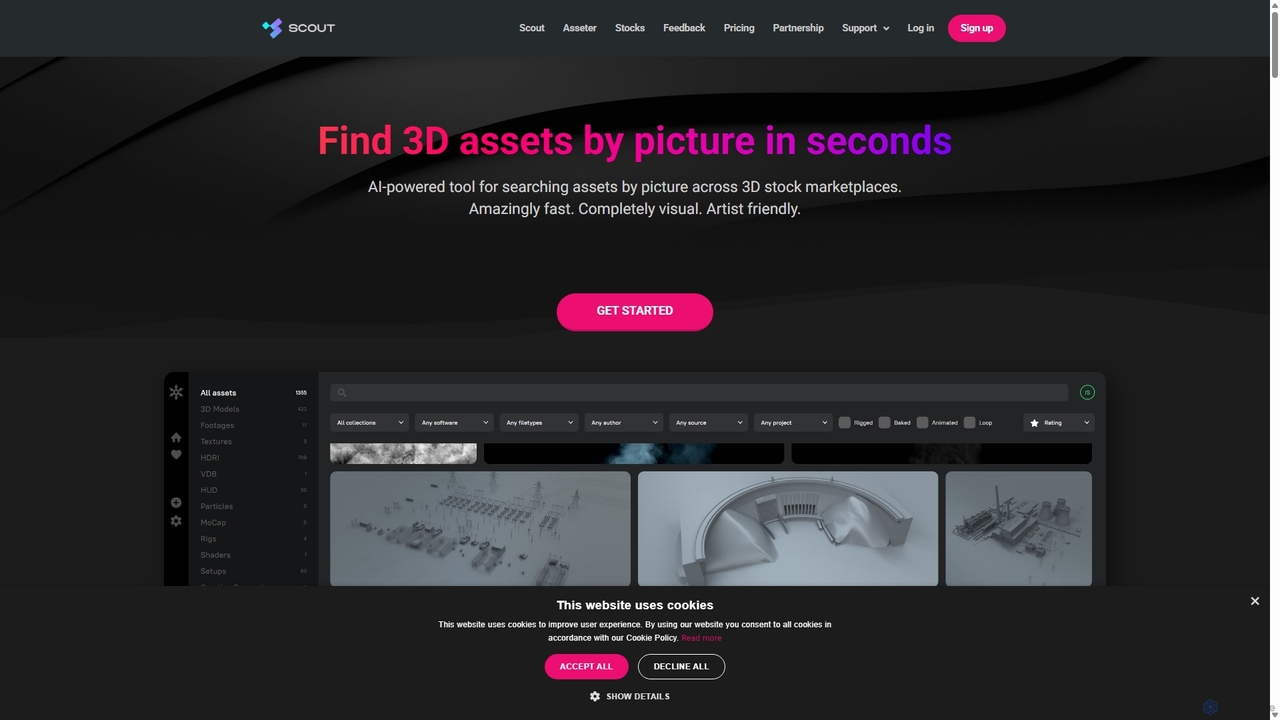
Asseter
Asseter is an AI-powered Digital Asset Management (DAM) platform for CG artists and creative teams. It organizes and categorizes 3D models and media, featuring deep DCC software integration. It includes Scout, a unique visual search engine that finds 3D assets from stock marketplaces using just a picture, dramatically speeding up creative workflows.
Asset Management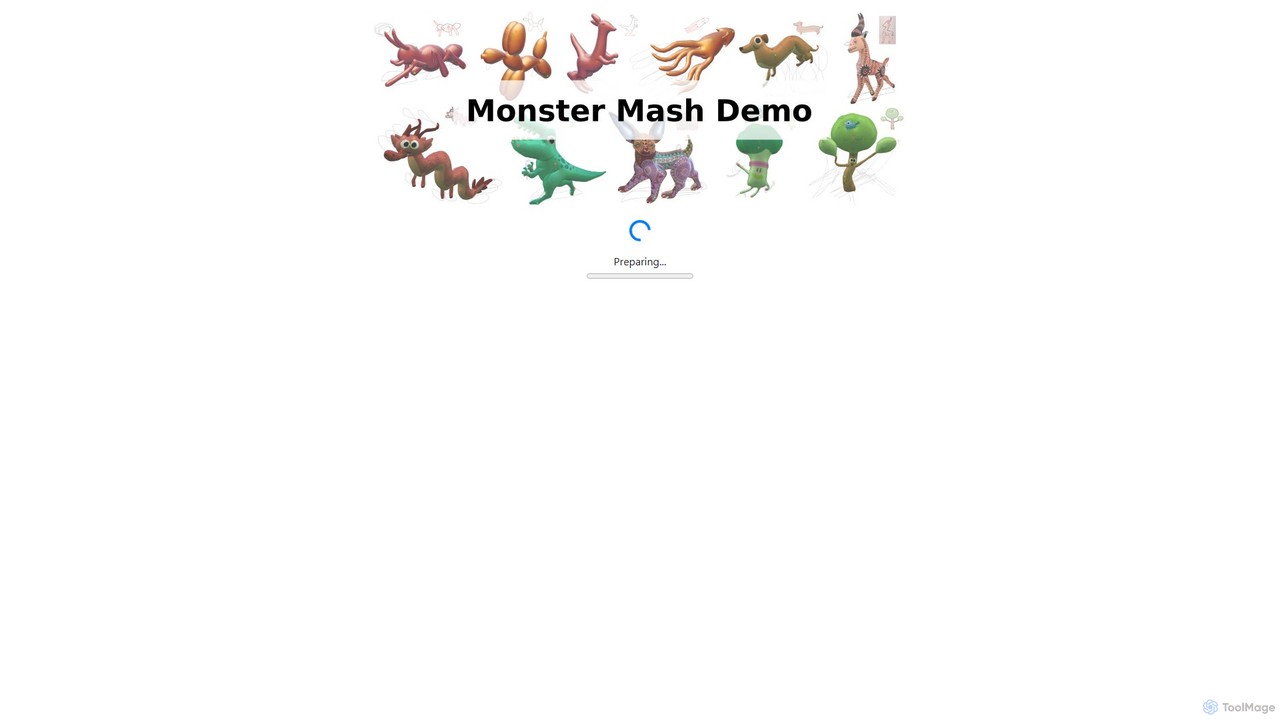
Monster Mash
Monster Mash is a free, web-based tool that transforms 2D sketches into fully animated 3D models. Simply draw a character, inflate it into a 3D mesh, and create animations using intuitive controls. It's perfect for artists, designers, and hobbyists looking for a quick and easy way to bring their creations to life without complex 3D software.
3D Modeling
SyncSketch Comments (0)
Sign in to comment.
Sign inNo comments yet.