SyncSketch
SyncSketch is a real-time visual collaboration and review platform designed for creative teams in animation, VFX, and gaming. …
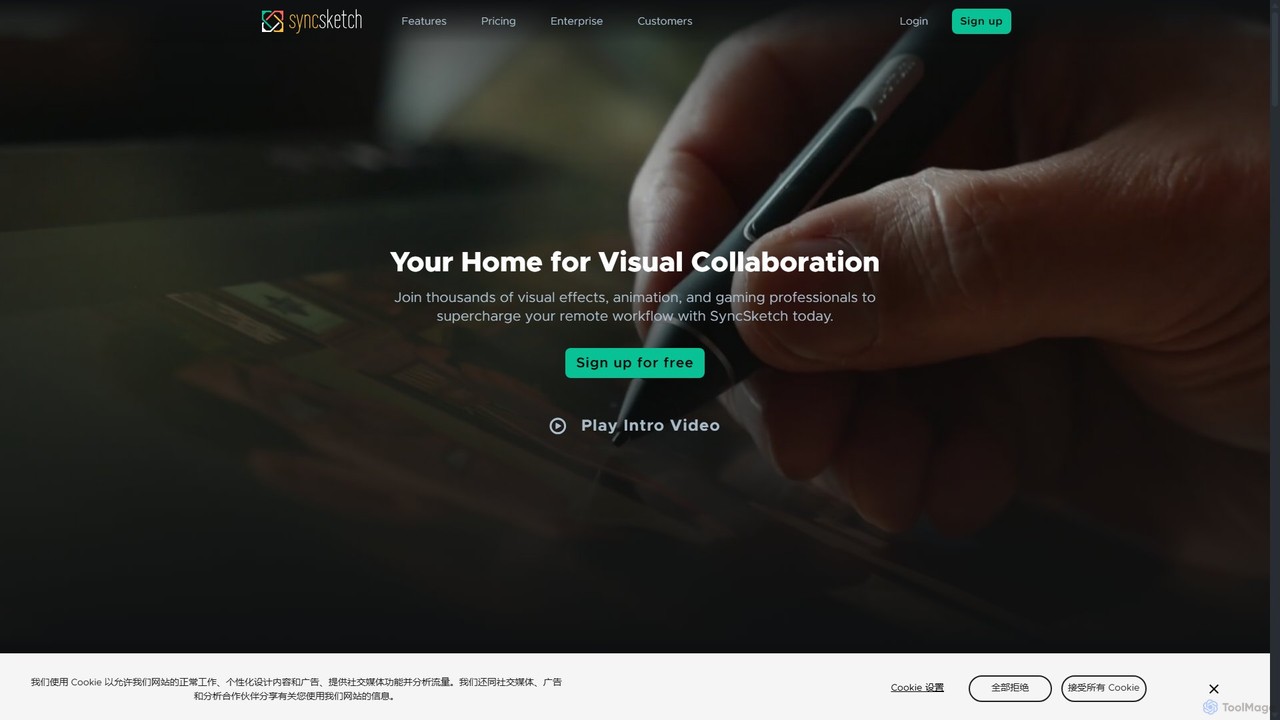
SyncSketch is a real-time visual collaboration and review platform designed for creative teams in animation, VFX, and gaming. It enables synchronized review sessions for 2D/3D assets, videos, and images, with powerful annotation tools for frame-accurate feedback, streamlining creative workflows for remote and in-house teams.
About Annotation
AI Annotation tools are specialized applications for labeling objects, regions, or features within images and videos to create training data for machine learning. They utilize AI-assisted features, such as automated object detection and segmentation, to accelerate the process of generating structured, machine-readable data from visual media. This labeled data is fundamental for developing computer vision models used in autonomous driving, medical imaging, and retail automation. These tools provide precise outputs essential for AI development workflows, going far beyond simple drawing or text overlay functionalities.
Core Features
- Multi-format Labeling: Supports various annotation types like bounding boxes, polygons, polylines, keypoints, and semantic segmentation.
- AI-Assisted Annotation: Employs pre-trained models to suggest labels, which human annotators can then review and correct, boosting efficiency.
- Data Management & Workflow: Provides tools for organizing datasets, assigning tasks to annotators, and managing quality assurance processes.
- Format Export: Allows exporting labeled data in standard machine learning formats such as COCO, Pascal VOC, or YOLO.
Use Cases
AI Annotation tools are critical in data science and machine learning industries. Data scientists use them to prepare training datasets for autonomous vehicles (identifying pedestrians and cars), medical diagnostics (highlighting tumors in scans), agricultural technology (detecting crop diseases), and content moderation systems.
How to Choose
When selecting an AI Annotation tool, consider the specific annotation types your project requires (e.g., pixel-level segmentation vs. simple boxes). Evaluate the effectiveness of its AI-assisted features and its support for your data types (image, video, DICOM). Also, assess its collaboration features, project management capabilities, and compatibility with your existing MLOps pipeline.
AnnotationUse Cases
Training Autonomous Driving Models
Data annotation teams at automotive tech companies use AI annotation tools to label millions of road images and video frames. They meticulously draw bounding boxes around vehicles, pedestrians, and traffic signs, and use semantic segmentation for lanes and sidewalks. AI-assisted features can pre-label common objects, significantly reducing manual effort. This high-quality, precisely labeled data is then used to train and validate the perception systems of self-driving cars, enabling them to safely interpret and navigate real-world environments.
Medical Image Analysis for Diagnostics
Radiologists and medical researchers use specialized annotation tools to analyze medical scans like MRIs, CTs, and X-rays. They precisely outline tumors, lesions, or other anatomical structures using polygon or segmentation tools. This process is crucial for creating datasets that train AI models to detect diseases earlier and more accurately. Some tools support DICOM formats natively and offer features like 3D volume rendering, enabling experts to annotate complex structures across multiple scan slices efficiently, ultimately aiding in the development of computer-aided diagnosis (CAD) systems.
Automating Retail Shelf Monitoring
Retail analytics companies annotate thousands of images of store shelves to train computer vision models. Annotators label each product with bounding boxes, identify its brand, and mark empty spaces. The resulting AI model can be deployed via in-store cameras to automatically monitor stock levels, detect out-of-stock items, and ensure planogram compliance in real-time. This automation replaces tedious manual checks, provides accurate inventory data, and helps retailers optimize product placement to maximize sales.
Assessing Crop Health in Agriculture
In precision agriculture, annotation tools are used on aerial imagery captured by drones or satellites. Agricultural scientists and data annotators label areas of farmland to identify different crop types, detect signs of disease, locate weed infestations, or assess water stress. This labeled data trains AI models that can automatically analyze vast fields, providing farmers with actionable insights. These insights enable targeted interventions, such as precise application of fertilizers or pesticides, which improves crop yield, reduces costs, and promotes sustainable farming practices.
Developing Content Moderation Systems
Trust and safety teams at social media and content platforms use annotation tools to build robust automated moderation systems. Annotators review images and videos, labeling content that violates platform policies, such as hate speech, violence, or spam. They use classification and bounding box tools to specify the type and location of the violation. This meticulously labeled data is crucial for training machine learning models to automatically detect and flag harmful content at scale, helping to create a safer online environment for users.
Creating Datasets for AR/VR Experiences
Developers building augmented reality (AR) and virtual reality (VR) applications use annotation tools to create datasets for object recognition and tracking. They might use keypoint annotation to map the joints of a human body for motion tracking, or 3D cuboid annotation on objects in a point cloud to enable realistic interaction in a virtual space. This data allows AR/VR systems to understand the real-world environment, accurately overlay digital information, and create immersive, interactive experiences for gaming, training simulations, or remote assistance.