

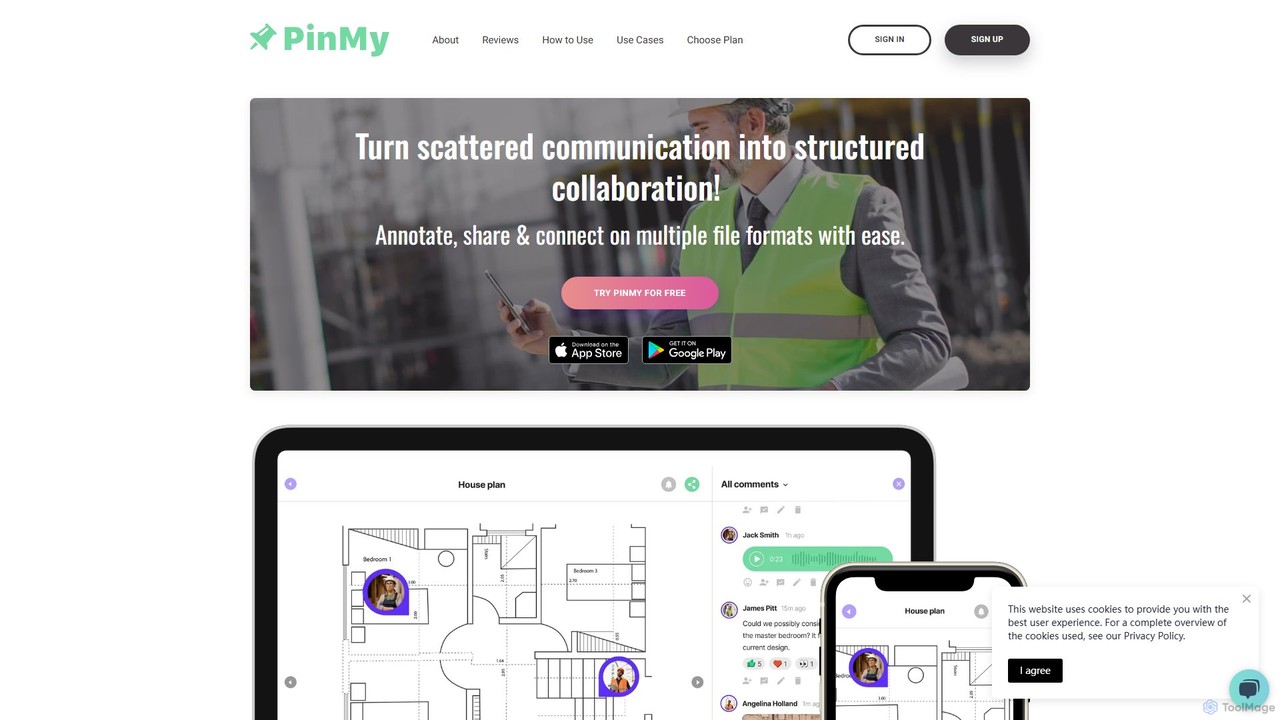
PinMy Overview
PinMy is a dynamic and intuitive visual collaboration platform built to revolutionize how teams communicate and provide feedback. It addresses the common challenge of unclear, inefficient feedback loops by enabling users to place precise, contextual comments directly onto visual assets. Designed for a wide range of industries including construction, architecture, real estate, design, marketing, and education, PinMy transforms any image, PDF, or video into an interactive collaboration space.
The platform's core principle is simplicity and precision. Instead of long, confusing email chains or vague descriptions, teams can pinpoint exact areas on a design, plan, or photo, and attach detailed feedback. This can be in the form of text comments or, more powerfully, voice notes, which are then automatically transcribed to text. This multi-modal approach ensures that feedback is not only accurate but also rich with nuance and tone, fostering clearer understanding and faster revisions.
How to use PinMy
Using PinMy is a straightforward process designed for maximum efficiency:
- Upload Your File: Begin by uploading your visual asset. PinMy supports a wide variety of formats, including JPEG, PNG, PDF, GIF, SVG, AI, and for premium users, MP4 and MOV for video annotation.
- Pin and Annotate: Click or tap on any specific area of the file you want to discuss. This creates a pin. You can also draw and highlight a specific region to comment on.
- Add Feedback: Once a pin is placed, you can add a text comment or record a voice note. The voice-to-text feature automatically transcribes your spoken words, making feedback accessible to everyone.
- Share and Collaborate: Share a unique link to your annotated file with team members, clients, or stakeholders. They can view your feedback and add their own comments in real-time, without needing to create an account for viewing.
- Manage and Revise: All feedback is organized and centralized on the file itself. This creates a single source of truth, making it easy to track changes, resolve issues, and move projects forward quickly.
Core Features of PinMy
- Precise Pinning & Annotation: Leave comments on exact points or areas of an image, document, or video, eliminating any guesswork.
- Voice Notes & Transcription: Record voice comments for faster, more personal feedback. PinMy's AI automatically converts speech to text in multiple languages.
- Real-time Collaboration: See comments and feedback from your team appear instantly, creating a dynamic and collaborative environment.
- Multi-Format Support: Work with a wide range of file types, including images (JPEG, PNG, SVG), documents (PDF, AI), and videos (MP4, MOV).
- Video Annotation: Pause a video at any frame and add time-stamped comments and annotations (Premium feature).
- Text Recognition (OCR): Automatically recognize and extract text from uploaded images, making it searchable and easy to reference (Premium feature).
- Centralized Feedback Hub: Keep all conversations and revisions related to a visual asset in one organized place, avoiding scattered feedback across emails and chats.
- Seamless Sharing: Effortlessly share your annotated files via a simple link on platforms like Slack, email, or SMS.
- Chrome Extension: Capture and annotate screenshots of any webpage directly from your browser, streamlining feedback on web design and content.
Use Cases for PinMy
PinMy is versatile and valuable across many professional fields:
- Construction & Architecture: Construction managers and architects can annotate blueprints and site photos to flag issues, clarify specifications, and communicate updates with on-site and off-site teams instantly.
- Design & Development: Graphic designers, UI/UX designers, and developers can get precise feedback on wireframes, mockups, and landing pages from clients and non-technical stakeholders who can comment easily without learning complex design software.
- Marketing & Sales: Marketing teams can collaborate on campaign visuals, ad copy, and social media content, streamlining the approval process with clear, actionable feedback.
- Photography: Professional photographers and educators can provide detailed critiques on photos, pointing out specific areas for retouching or improvement for students and clients.
- Education: Tutors and teachers can give students precise, visual feedback on assignments, artwork, or projects, enhancing the learning experience.
- Real Estate: Realtors can coordinate with stagers, contractors, and clients by sharing annotated photos of properties to track progress and discuss changes.
Advantages of PinMy
PinMy offers significant advantages over traditional feedback methods. It drastically reduces misunderstandings by providing visual context for every comment. This accelerates project timelines by shortening review cycles. The platform enhances collaboration between technical and non-technical team members, making it easy for anyone to contribute. By centralizing all feedback, it creates an organized, paperless workflow that improves project management and accountability.
Pricing and Plans
PinMy operates on a freemium model, making it accessible for everyone.
- Free Plan: Ideal for individuals and small projects. It includes storage for 6 files, 12 MB total storage, unlimited pins and comments, 30-second voice comments, and multi-language voice-to-text. No credit card is required.
- Premium Plan: Priced at €8.99/month (+VAT), this plan is designed for professionals and teams. It offers storage for hundreds of files, 3000 MB (3 GB) of storage, a 300 MB single file upload limit, 180-second voice comments, plus advanced features like video annotation and text recognition (OCR).
PinMy Alternatives
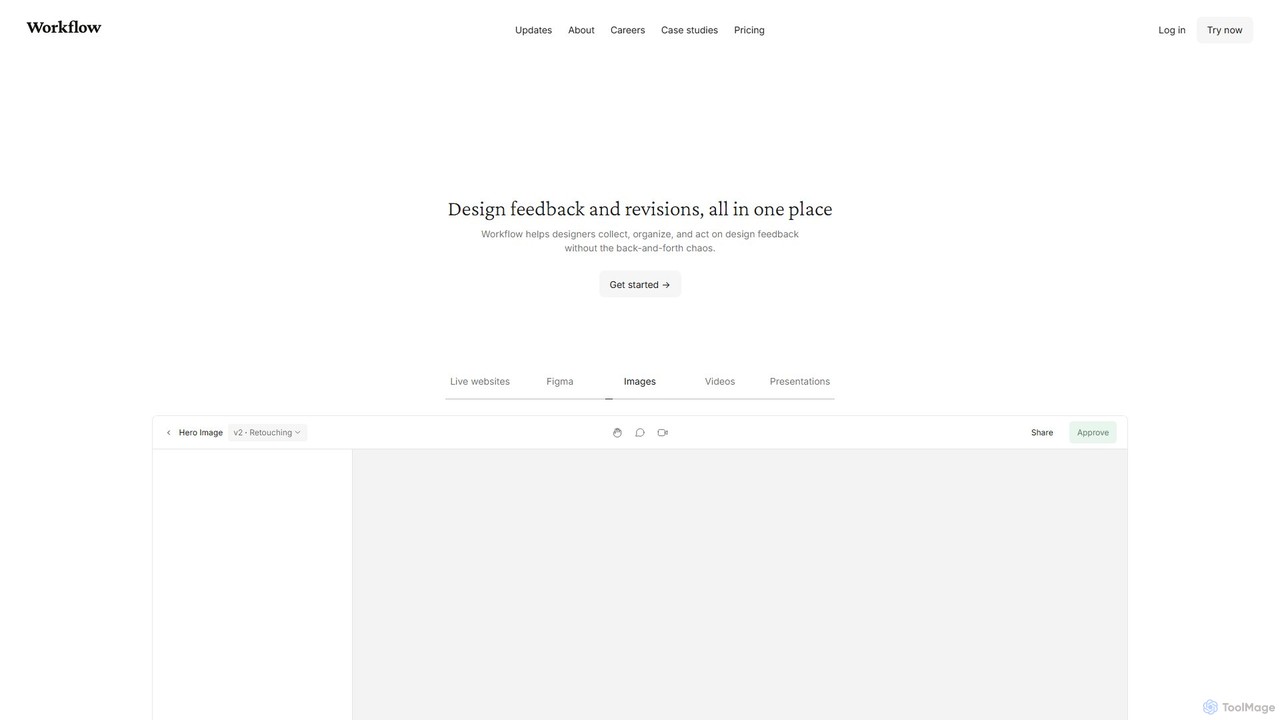
Workflow
Workflow is a collaborative design feedback and revision platform that streamlines the review process for designers and stakeholders. It allows users to leave contextual comments directly on live websites, Figma designs, videos, and images. By centralizing all feedback, versions, and approvals in one place, it eliminates chaotic email threads and simplifies project management, helping creative teams deliver projects faster.
Feedback
Superflow
Superflow is an AI-powered collaborative review and approval platform for creative teams. It streamlines feedback on websites, videos, PDFs, and images with precise, contextual comments, task management, and integrations, accelerating creative workflows and centralizing communication for faster project delivery.
Feedback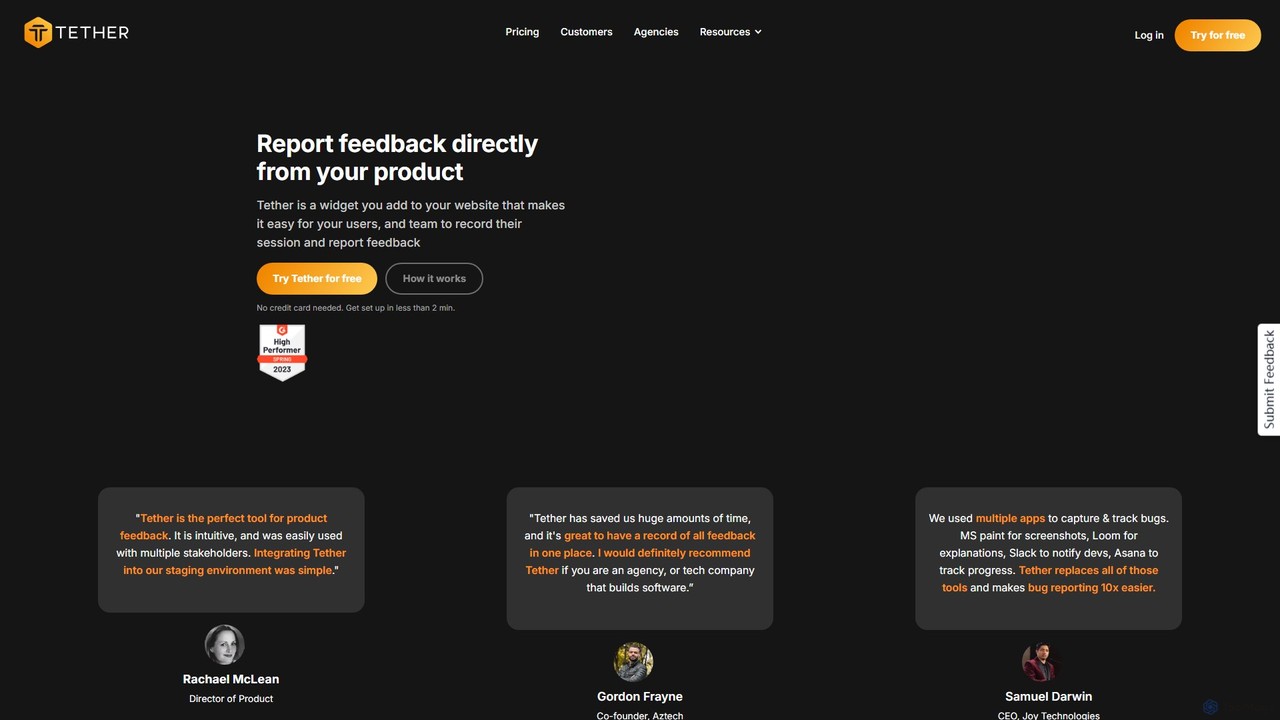
Tether
Tether is an all-in-one visual feedback and bug reporting tool for teams. It allows users and team members to capture screen recordings, annotated screenshots, and technical data directly from any website or web app, streamlining the feedback process and accelerating development cycles.
Feedback Management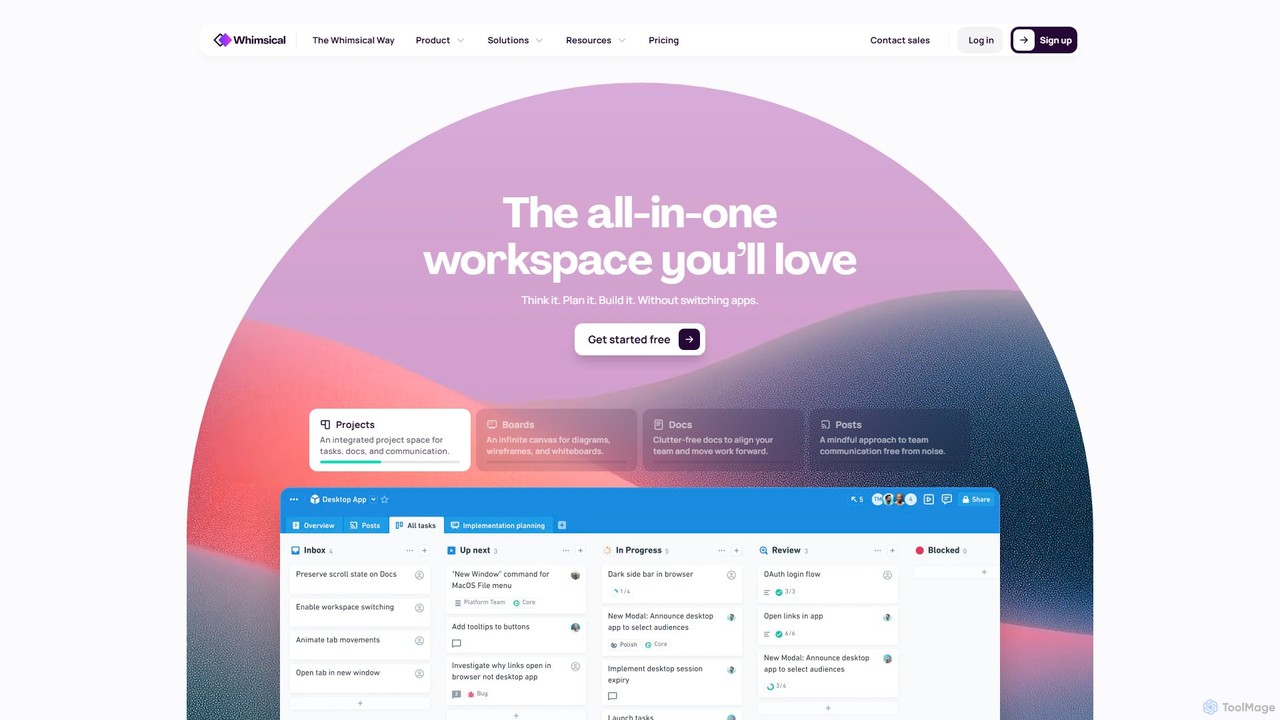
Whimsical
Whimsical is an all-in-one, AI-powered workspace that unifies visual collaboration, documentation, and project management. It combines whiteboards, mind maps, flowcharts, documents, and tasks to help teams streamline their entire workflow from initial idea to final execution in a single, interconnected platform.
Wireframing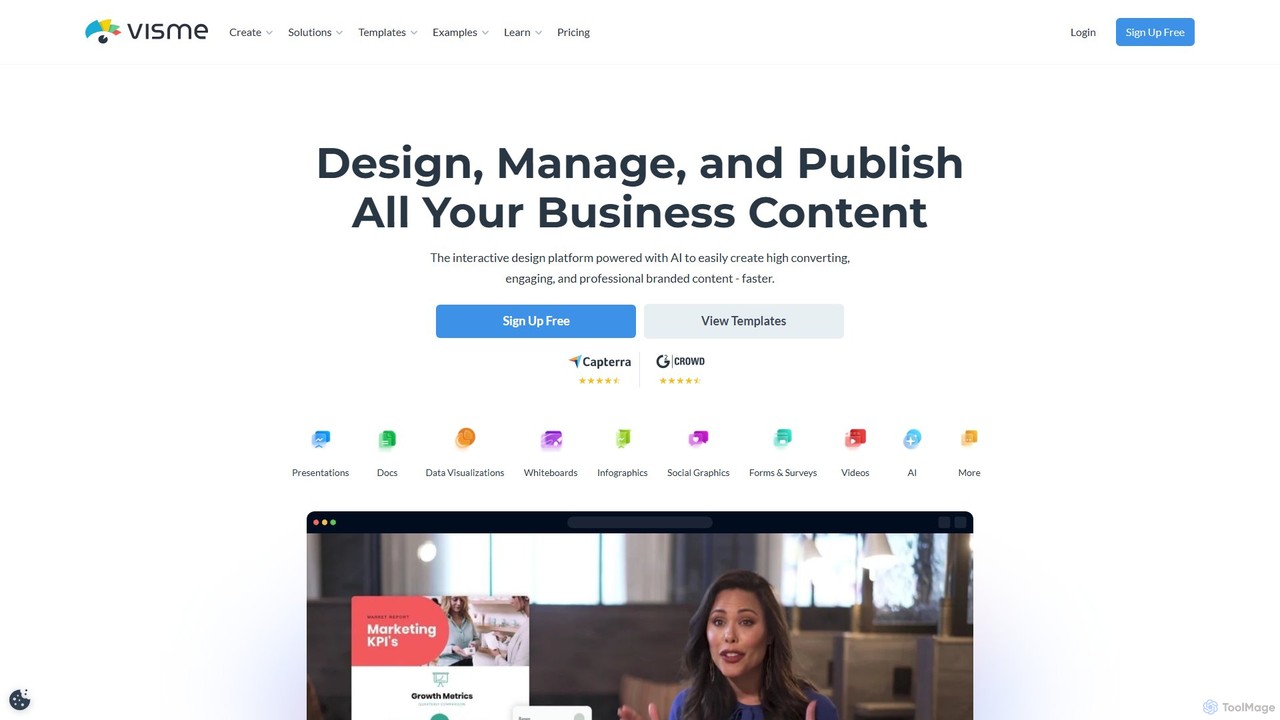
Visme
Visme is an all-in-one, AI-powered visual communication platform that enables users to create professional presentations, infographics, data visualizations, and other branded content. Designed for non-designers and experts alike, it combines a user-friendly drag-and-drop interface with powerful features like a brand kit, team collaboration, and a vast library of templates and assets to streamline the content creation process.
Data VisualizationPinMy Categories
PinMy Embed Widget
Copy this embed code to place the badge on your blog, article, or product site and send readers directly to this ToolMage detail page.

Related AI tools
Squidly
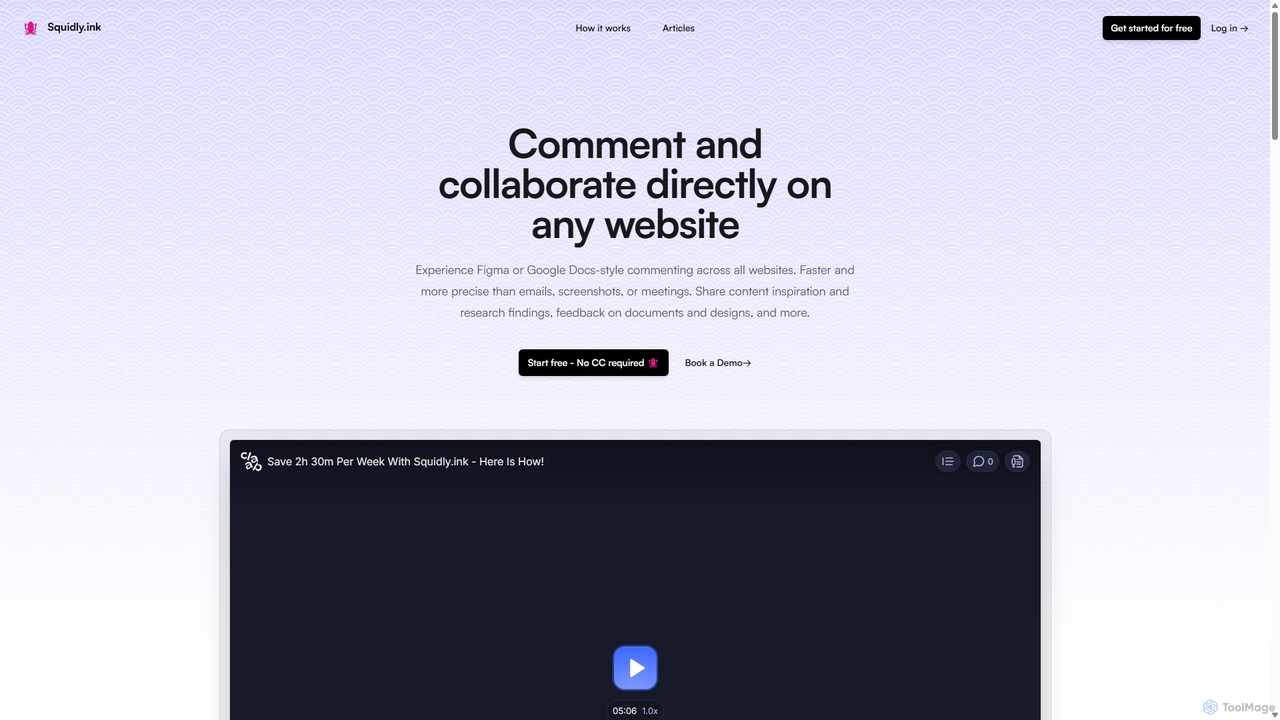
Squidly is a collaborative browser extension that allows teams to leave comments directly on any website, similar to Figma or Google Docs. It streamlines feedback, eliminates the need for screenshots and meetings, and centralizes all discussions in one dashboard for enhanced productivity in remote and asynchronous work environments.
Review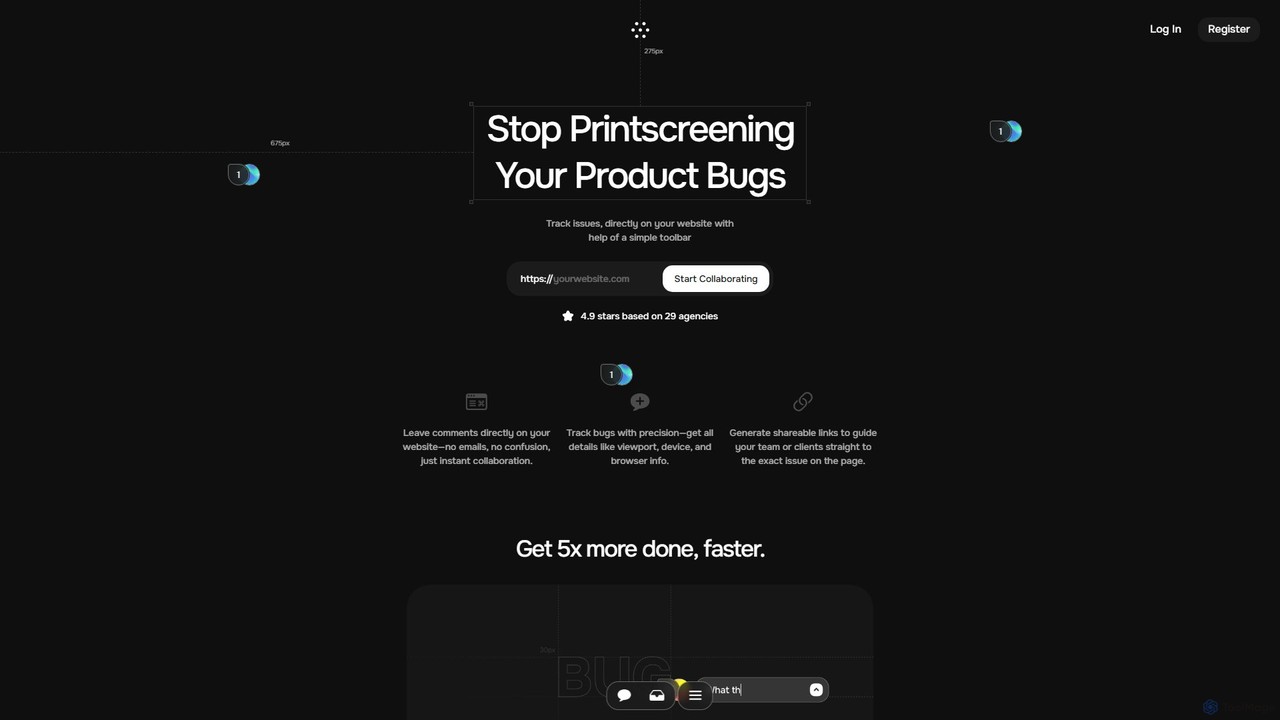
Toolbar
Toolbar is the fastest visual feedback and bug tracking tool designed for agencies and web development teams. It allows users to leave comments, report bugs with full context, and collaborate directly on any website, eliminating the need for screenshots and confusing email chains. AI-powered features help resolve tasks even faster.
FeedbackTether
Tether is an all-in-one visual feedback and bug reporting tool for teams. It allows users and team members to capture screen recordings, annotated screenshots, and technical data directly from any website or web app, streamlining the feedback process and accelerating development cycles.
Feedback Management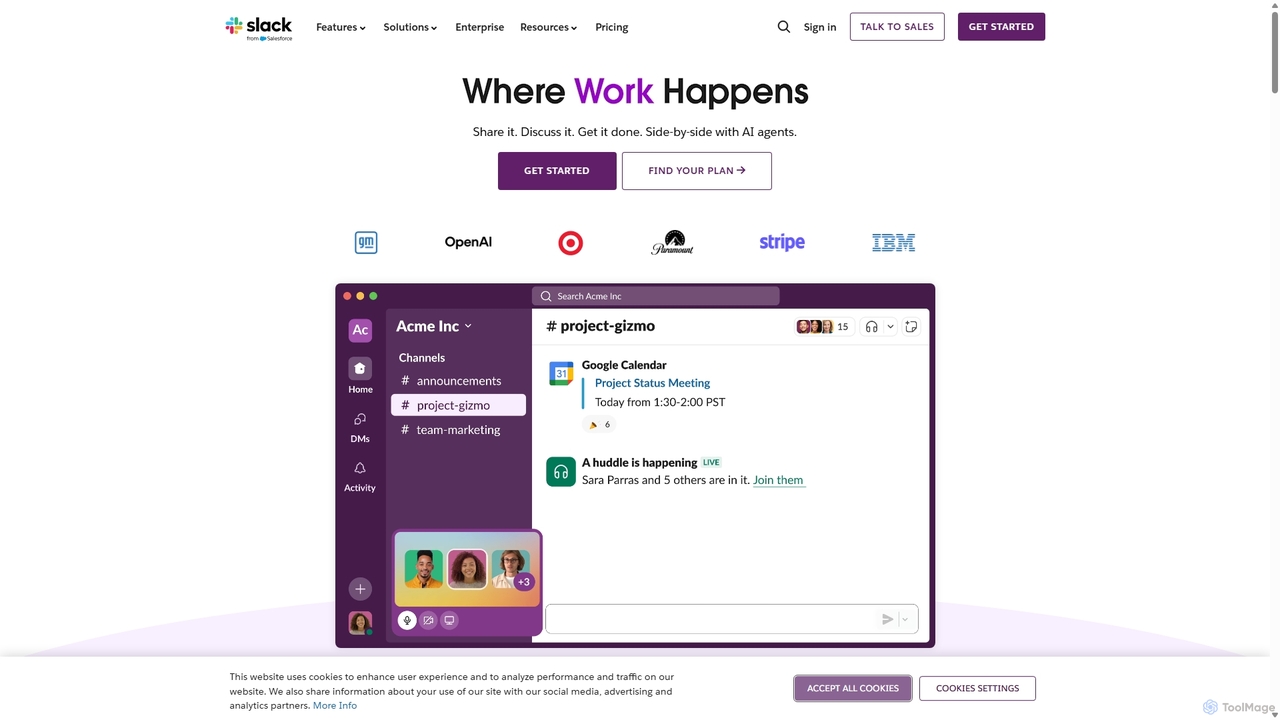
Slack
Slack is an AI-powered collaboration hub that connects your people, partners, and tools. It replaces email with faster, better-organized communication through channels. With integrated AI, workflow automation, and thousands of apps, Slack centralizes your work to boost productivity and streamline project management.
Project Management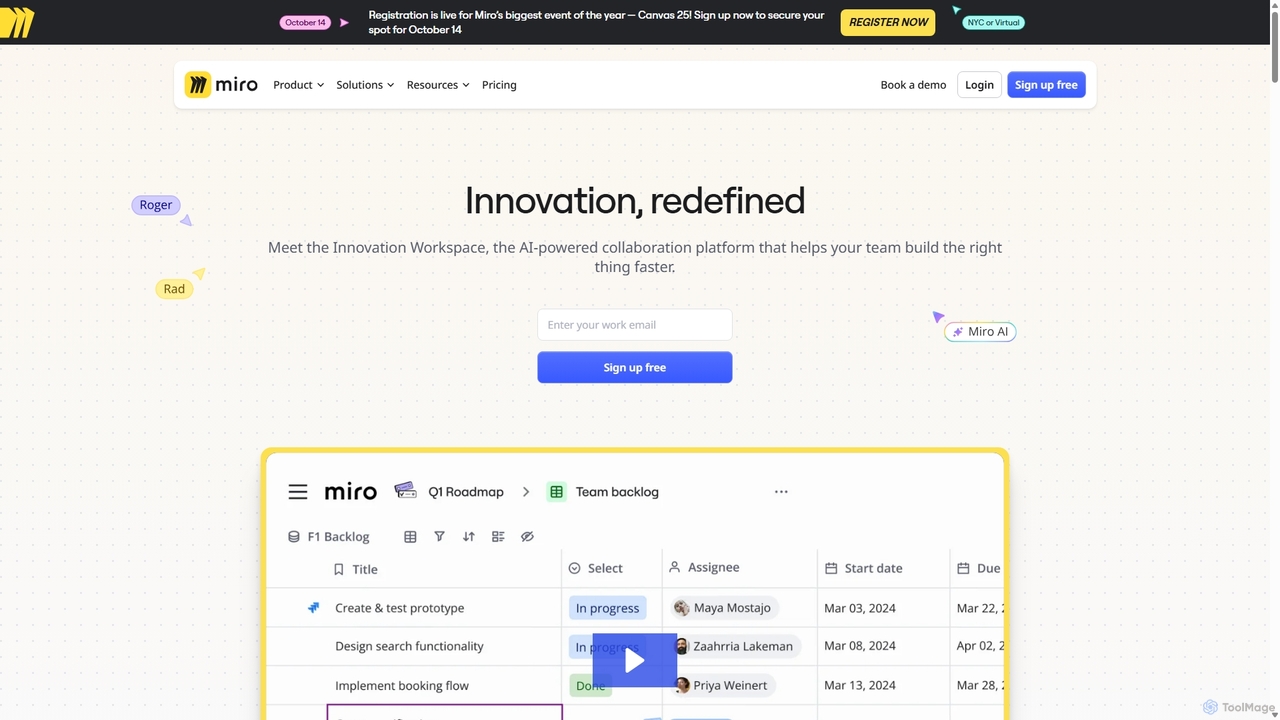
Miro
Miro is an AI-powered online collaborative whiteboard platform designed for modern teams. It provides an infinite canvas for brainstorming, planning, designing, and managing projects in real-time. With a vast template library, powerful integrations, and AI-driven features, Miro helps teams centralize communication and accelerate innovation from idea to execution.
Brainstorming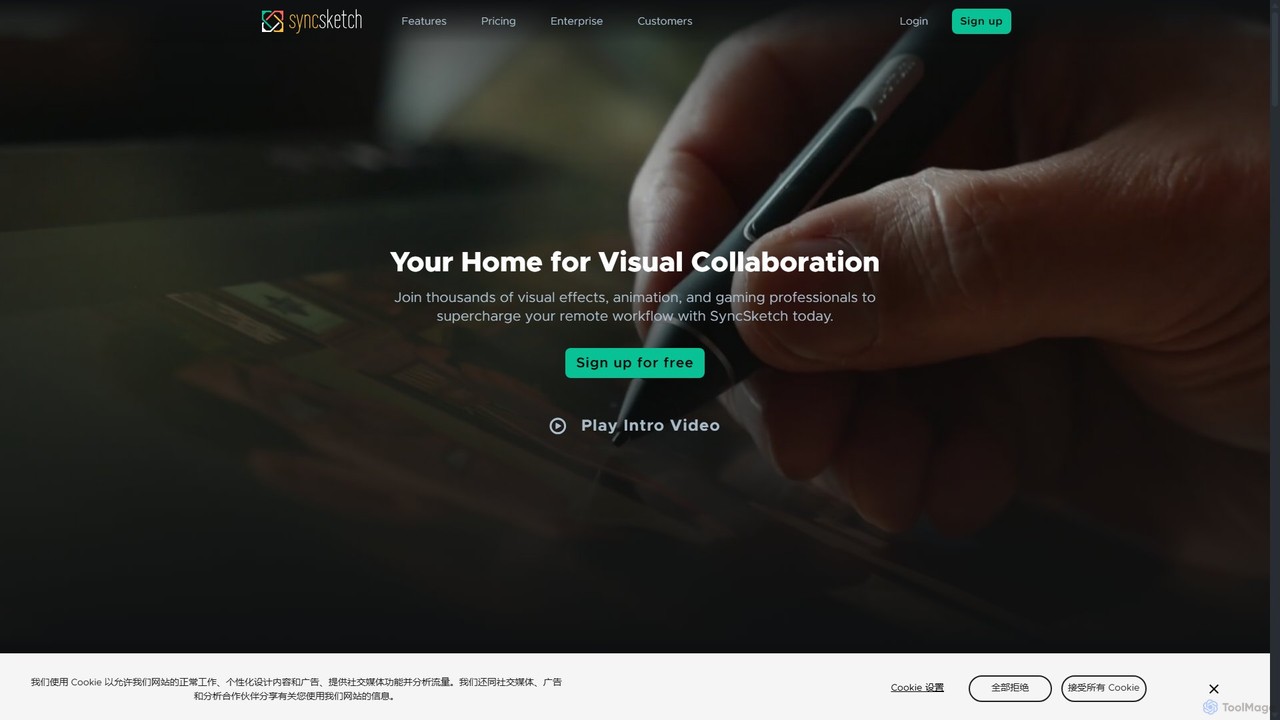
SyncSketch
SyncSketch is a real-time visual collaboration and review platform designed for creative teams in animation, VFX, and gaming. It enables synchronized review sessions for 2D/3D assets, videos, and images, with powerful annotation tools for frame-accurate feedback, streamlining creative workflows for remote and in-house teams.
3D Modeling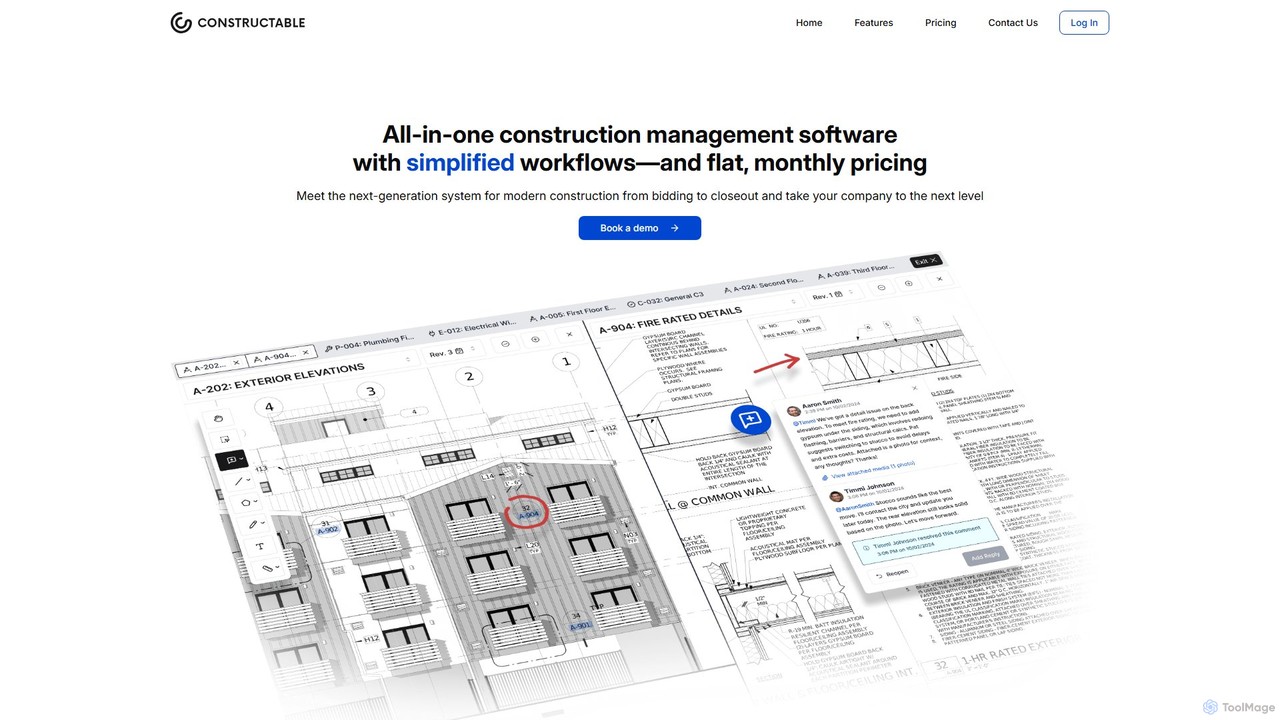
Constructable
Constructable is an AI-powered construction management platform designed for modern construction teams. It streamlines project workflows, enhances team collaboration, and leverages AI for intelligent search and data retrieval. The platform integrates tools for drawings, photos, daily logs, RFIs, submittals, and financials, all within a fast, intuitive, and offline-capable interface.
Construction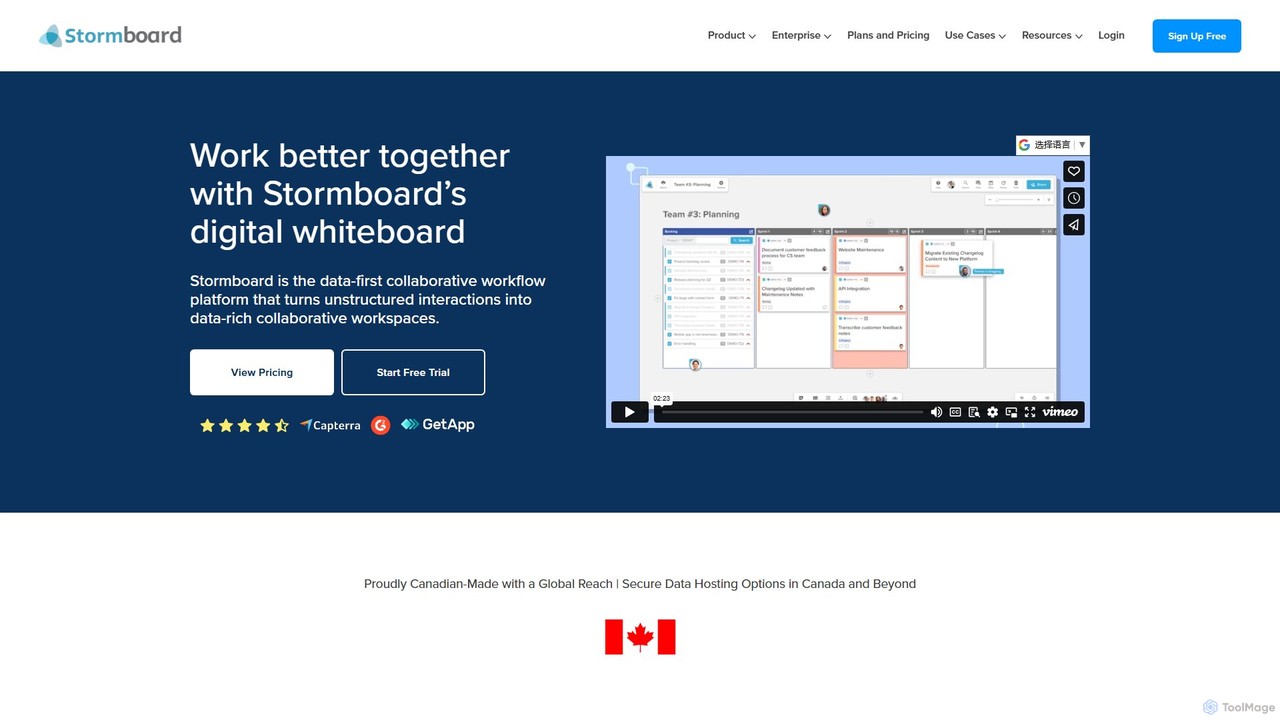
Stormboard
Stormboard is a data-first, AI-powered digital whiteboard and collaborative workflow platform. It transforms unstructured team interactions into organized, data-rich workspaces, enhancing brainstorming, agile planning, and decision-making for remote, hybrid, and in-office teams with powerful integrations and enterprise-grade security.
Brainstorming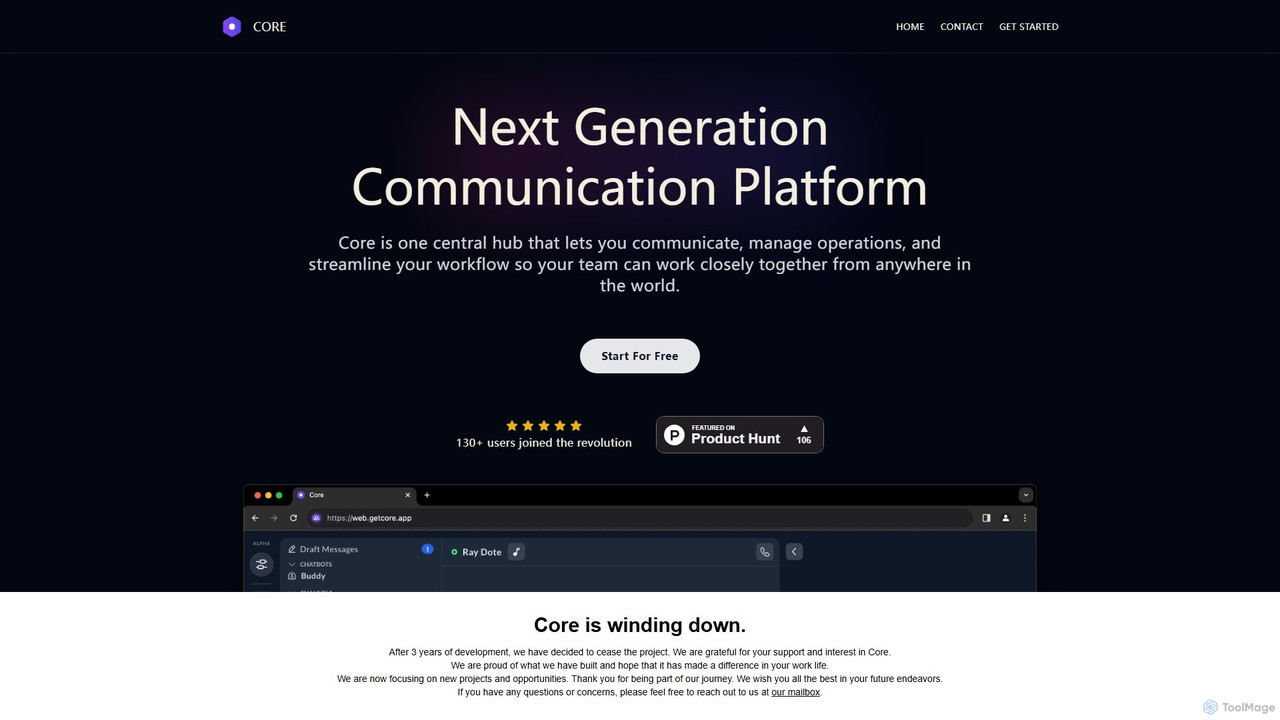
Core
Core is an AI-powered, all-in-one communication and collaboration platform for teams. It centralizes chat, video calls, calendar, and a native knowledge base to reduce distractions, streamline workflows, and boost productivity with features like process automation and AI assistants.
Team Chat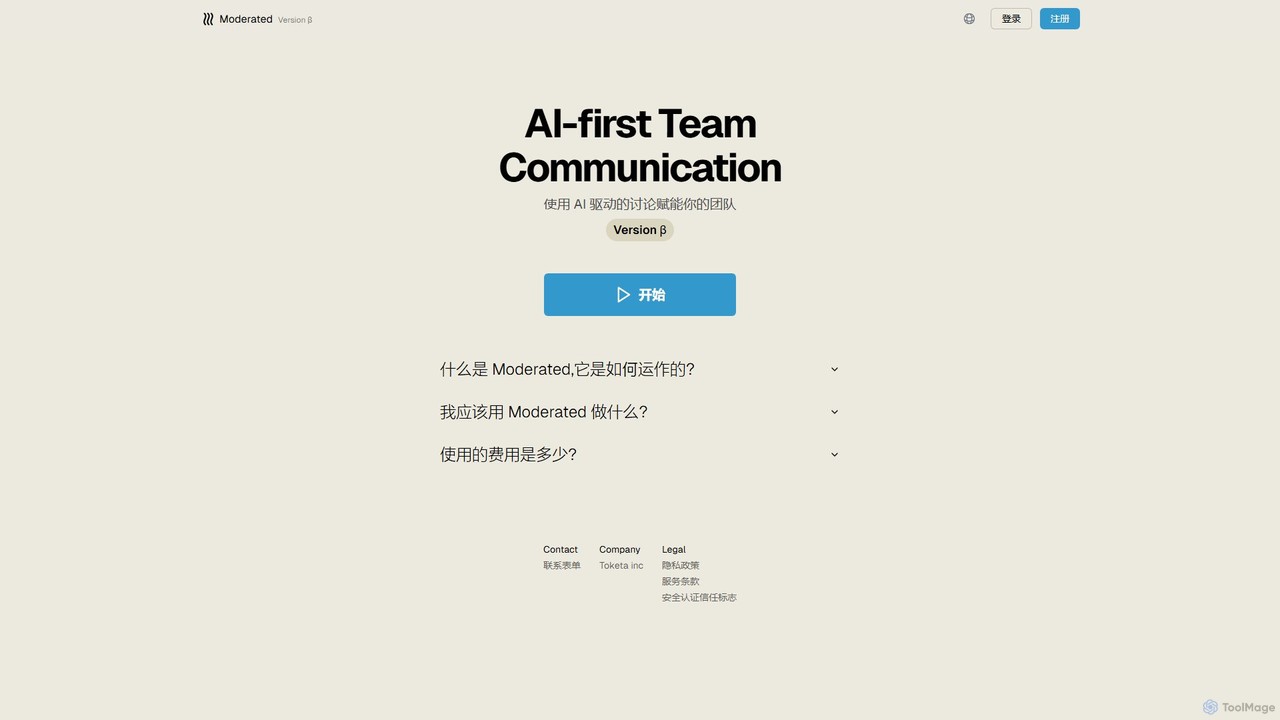
Moderated
Moderated is an AI-first team communication platform designed to empower teams with AI-driven discussions. It automatically summarizes conversations, extracts action items, and provides intelligent insights to enhance productivity and clarity in team collaboration.
Project Management
ralify
ralify is an AI-powered collaboration platform designed to streamline teamwork and enhance meeting productivity. It offers a unified workspace, known as Syncroom, for real-time communication, document editing, and project management, supercharged with AI to automate summaries, action items, and workflows.
Project Management
Jyek
Jyek is an AI agent platform that understands objectives, creates execution plans, uses tools, and delivers verifiable results for complex, multi-step tasks.
AutomationWorkflow
Workflow is a collaborative design feedback and revision platform that streamlines the review process for designers and stakeholders. It allows users to leave contextual comments directly on live websites, Figma designs, videos, and images. By centralizing all feedback, versions, and approvals in one place, it eliminates chaotic email threads and simplifies project management, helping creative teams deliver projects faster.
FeedbackSuperflow
Superflow is an AI-powered collaborative review and approval platform for creative teams. It streamlines feedback on websites, videos, PDFs, and images with precise, contextual comments, task management, and integrations, accelerating creative workflows and centralizing communication for faster project delivery.
Feedback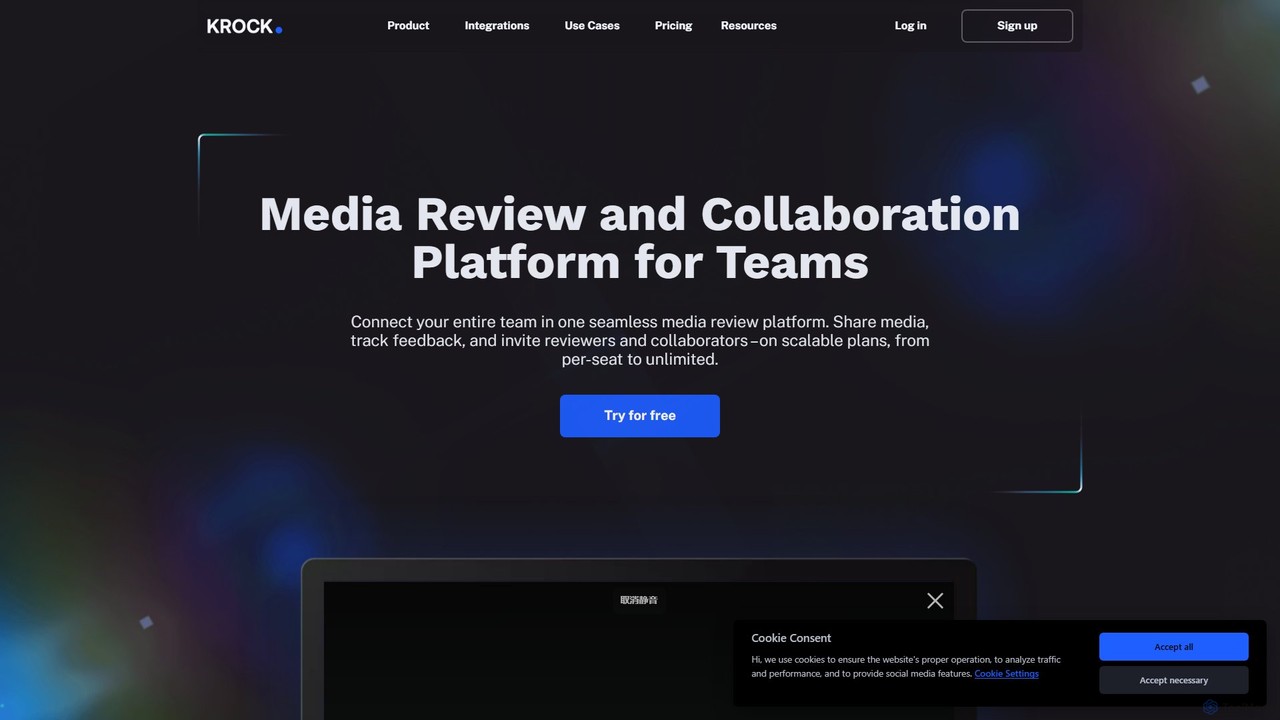
Krock.io
Krock.io is a comprehensive media review and collaboration platform for creative teams. It streamlines video production, animation, and design workflows by centralizing feedback, version control, and project management. Features include time-coded comments, an AI-powered storyboard tool, and seamless integration with Adobe CC, helping teams deliver projects faster and more efficiently.
Collaboration
PinMy Comments (0)
Sign in to comment.
Sign inNo comments yet.