

Superflow Overview
Superflow is a comprehensive creative review and collaboration tool designed to help teams and agencies ship creative assets at an unprecedented speed. It addresses the common bottlenecks in the review process by providing a single, unified platform for feedback on a wide range of digital assets, including live websites, videos, Lottie animations, PDFs, and images. By eliminating the need to juggle multiple tools like screenshots, emails, and separate task managers, Superflow centralizes communication and makes the approval process more efficient and less prone to errors.
The platform is built for modern creative workflows, catering to designers, developers, project managers, and clients. It fosters a seamless collaborative environment where feedback is clear, contextual, and actionable. With its intuitive interface and powerful features, Superflow aims to reduce review cycles, get everyone on the same page, and ultimately give creative professionals more time to focus on creating.
How to use Superflow
Getting started with Superflow is a straightforward process designed to integrate smoothly into your existing workflow:
- Add Your Asset: Begin by adding your creative asset to a project. You can input a URL for a live website or staging link, or upload files such as videos, PDFs, images, or Lottie animations.
- Invite Collaborators: Invite your team members, stakeholders, and clients to the project. You can use the 'Private Mode' for internal team discussions and 'Guest Mode' for client feedback, ensuring clear separation and controlled access.
- Leave Contextual Feedback: Collaborators can click on any specific element on the asset to leave a comment. This ensures feedback is pinned to the exact context, avoiding any ambiguity. Users can also enrich their feedback by recording Loom-style videos or attaching files.
- Manage Tasks: Turn comments into actionable tasks directly within Superflow. Use the built-in task manager to assign tasks, set priorities, and track progress. This feedback loop ensures no comment is missed.
- Integrate Your Tools: Connect Superflow with your favorite project management tools like Asana, Slack, ClickUp, or Monday.com. This syncs tasks and notifications, keeping your entire workflow unified.
- Get Approvals: Use the built-in approval system to get formal sign-offs from stakeholders. This minimizes back-and-forth communication and provides a clear record of all approvals.
- Iterate with Versioning: Manage multiple versions of your assets without losing track of past comments. The versioning feature allows you to compare iterations and see the evolution of feedback.
Core Features of Superflow
- Multi-Asset Review: A single platform to review and annotate live websites, videos, PDFs, images, and Lottie files.
- Precise Commenting: Pin comments directly to any element, frame, or timestamp for crystal-clear, contextual feedback.
- AI Copilot: An intelligent assistant that can summarize long feedback threads, identify key action items, and help streamline the review process.
- Video Feedback Recording: Record your screen and voice to provide richer, more detailed feedback without leaving the application.
- Integrated Task Management: A built-in system to convert feedback into tasks, assign them to team members, and monitor their status.
- Seamless Integrations: Native integrations with Slack, Asana, ClickUp, and Monday.com to sync your workflow.
- Formal Approval System: A dedicated feature to request and receive official approvals, creating a clear audit trail.
- Guest & Private Modes: Control visibility and permissions for internal team members versus external clients and stakeholders.
- Versioning Control: Track and manage different versions of an asset, with all associated comments preserved for each version.
- Enterprise-Grade Security: Features SOC II Type I compliance and end-to-end data encryption to keep your assets secure.
Use Cases for Superflow
Superflow is versatile and can be adapted for various professional needs:
- Web Design Agencies: Streamline client feedback on live staging sites, allowing clients to point out exact changes needed on specific UI elements.
- Video Production Teams: Facilitate frame-by-frame review of video drafts, with time-stamped comments for precise editing instructions.
- Marketing Departments: Collaborate on marketing collateral like brochures (PDFs), social media graphics (images), and animated ads (Lottie/video).
- Software Development Teams: Gather UI/UX feedback on web applications directly from product managers and QA testers in a single, organized space.
Advantages of Superflow
Superflow offers significant advantages over traditional review methods:
- Centralized Workflow: Consolidates all feedback and communication in one place, eliminating the chaos of email threads and scattered files.
- Increased Efficiency: Drastically reduces the time spent in review cycles, allowing teams to deliver projects faster.
- Clarity and Precision: Contextual commenting removes guesswork and misunderstanding, leading to better outcomes and fewer revisions.
- Improved Collaboration: Fosters a more transparent and effective working relationship between team members and clients.
- Scalability: The platform is designed to support everyone from individual freelancers to large agencies and enterprises.
Pricing and Plans
Superflow offers a freemium model with several tiers to fit different needs:
- Starter Plan: $0/month. This free plan includes 3 websites, 25 files, 3 team seats, and 20GB of storage. It's perfect for individuals or small teams getting started.
- Growth Plan: $249/month (when billed annually). This plan offers unlimited websites and files, 10 team seats (with options to add more), 200GB of storage, and access to all integrations.
- Scale Plan: $449/month (when billed annually). Designed for larger agencies, this plan includes 20 team seats, 1TB of storage, custom branding, webhooks, and API access.
- Enterprise Plan: Custom pricing. This tier provides unlimited projects, custom seat allocation, dedicated storage, SOC 2 compliance, and premium support for large organizations with specific security and scalability needs.
Traffic
Latest traffic
Status
Monthly traffic trend
- 2025-9: 4.9K
- 2026-1: 5.8K
- 2026-2: 5.7K
- 2026-3: 6.7K
- 2026-4: 4.8K
- 2026-5: 5.4K
Geography
Top 5 countries / regions
- 🇺🇸United States40.8%
- 🇧🇷Brazil16.8%
- 🇻🇳Vietnam16.8%
- 🇮🇳India13.9%
- 🇨🇿Czechia11.8%
Top keywords
| Keyword | Cost per click |
|---|---|
| alternatives to google docs | $4.71 |
| ruttl | $7.09 |
| superflow | $0.81 |
| superfow | $0.00 |
| wbsite collaboration a guide to getting it right | $0.00 |
Superflow Alternatives
Workflow
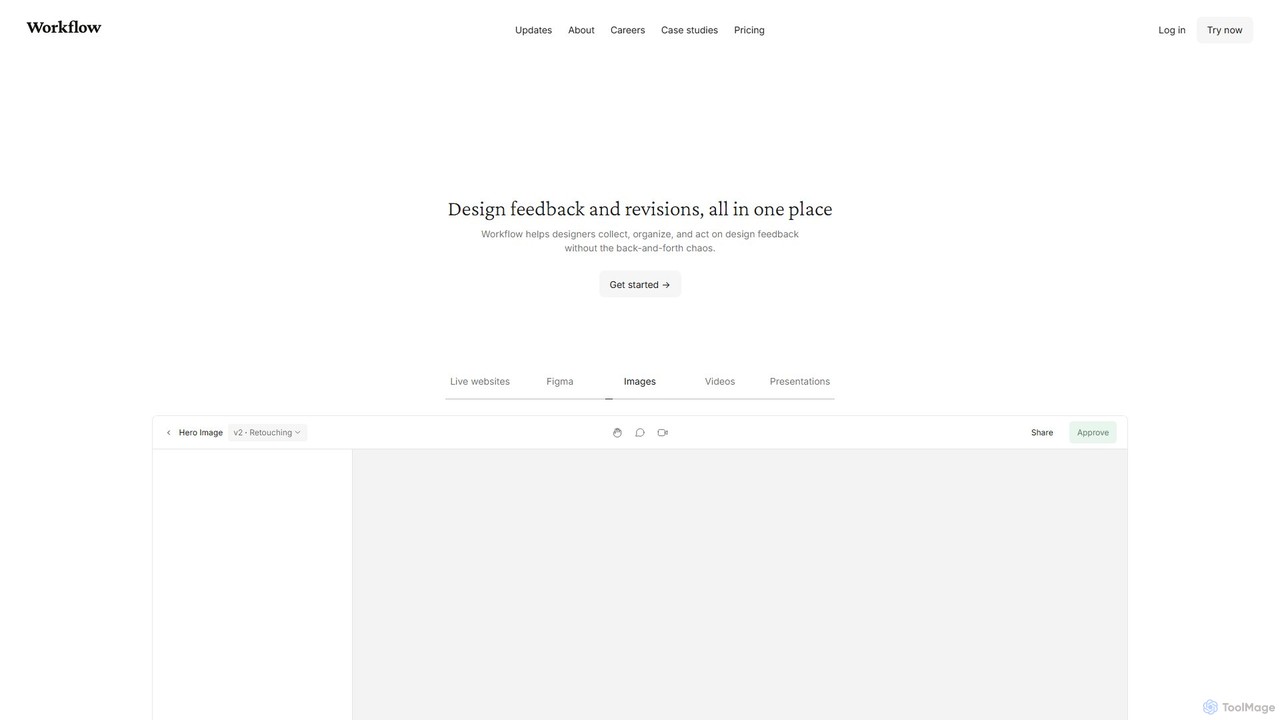
Workflow is a collaborative design feedback and revision platform that streamlines the review process for designers and stakeholders. It allows users to leave contextual comments directly on live websites, Figma designs, videos, and images. By centralizing all feedback, versions, and approvals in one place, it eliminates chaotic email threads and simplifies project management, helping creative teams deliver projects faster.
Feedback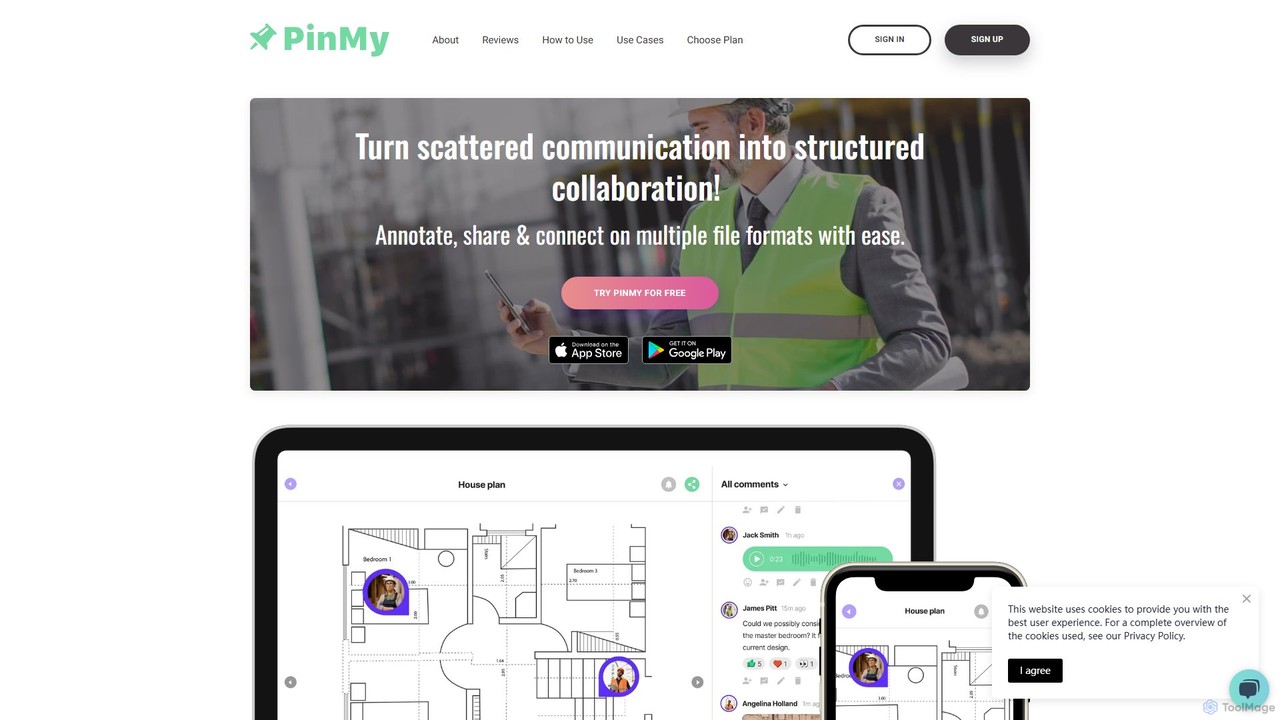
PinMy
PinMy is a visual collaboration platform designed to streamline feedback and communication for teams in construction, design, marketing, and education. It allows users to pin comments, voice notes, and annotations directly onto images, PDFs, and videos, eliminating ambiguity and accelerating project workflows. It's an intuitive tool for precise, real-time feedback.
Feedback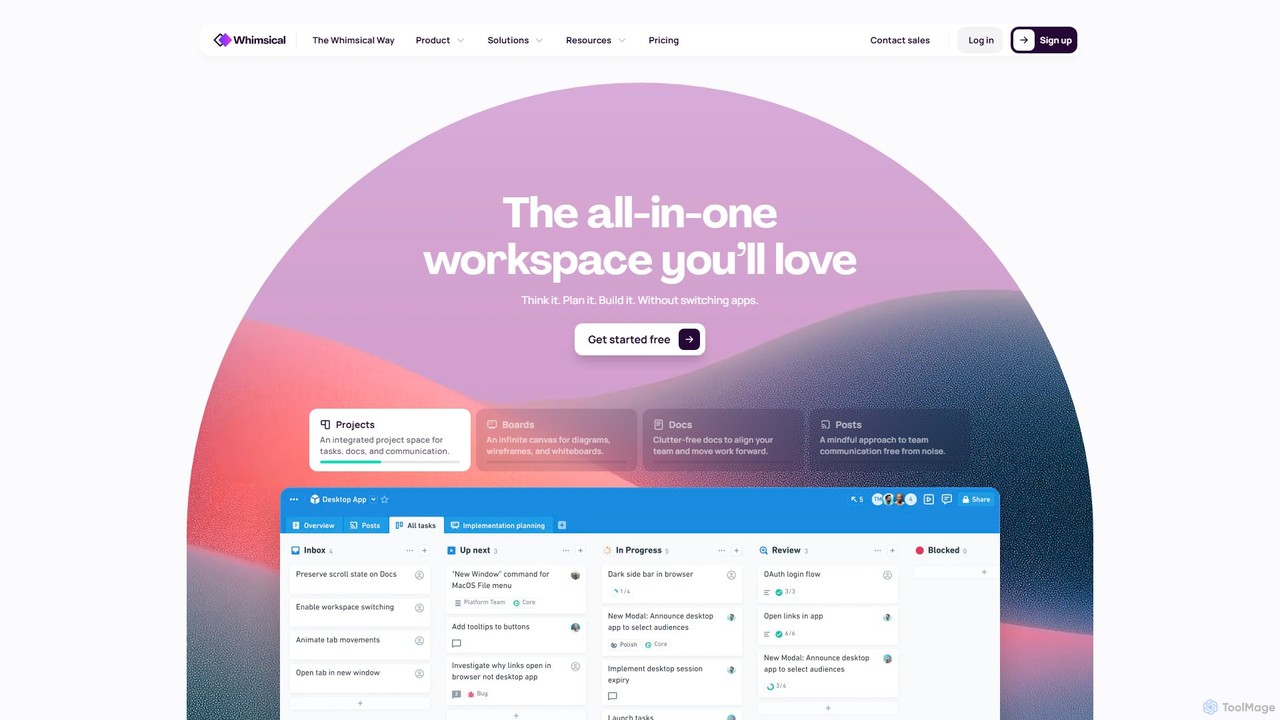
Whimsical
Whimsical is an all-in-one, AI-powered workspace that unifies visual collaboration, documentation, and project management. It combines whiteboards, mind maps, flowcharts, documents, and tasks to help teams streamline their entire workflow from initial idea to final execution in a single, interconnected platform.
Wireframing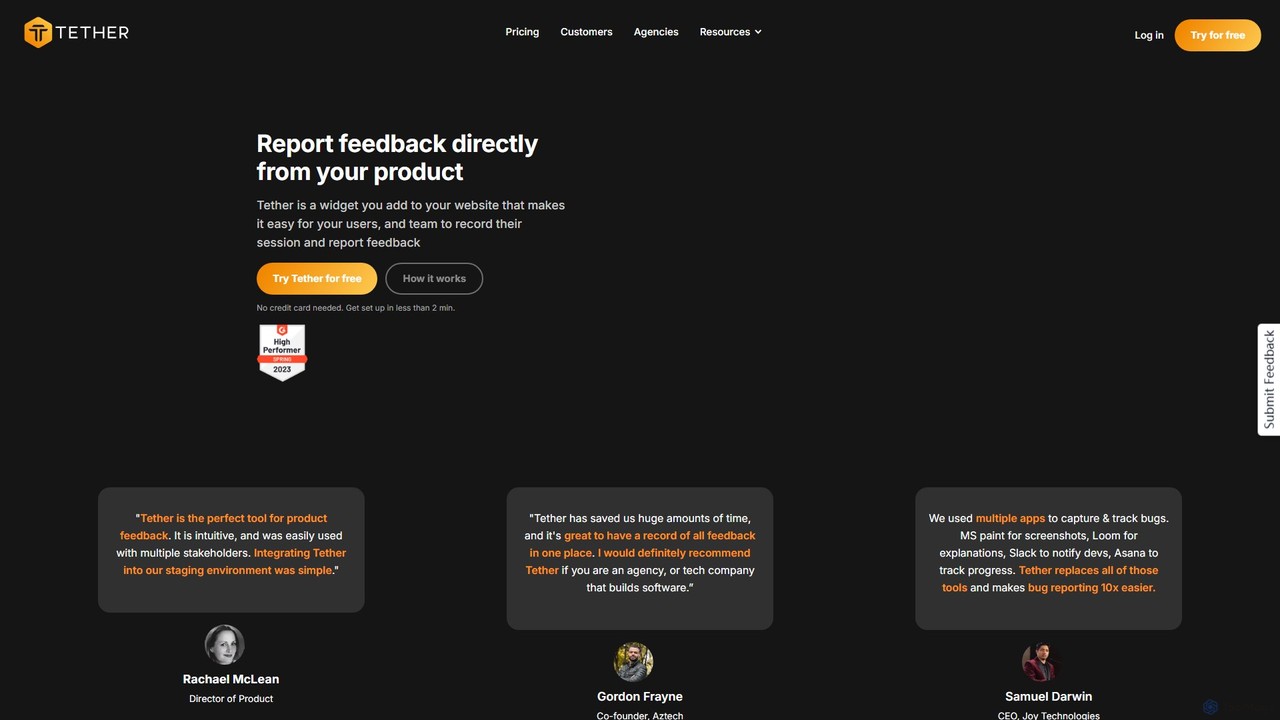
Tether
Tether is an all-in-one visual feedback and bug reporting tool for teams. It allows users and team members to capture screen recordings, annotated screenshots, and technical data directly from any website or web app, streamlining the feedback process and accelerating development cycles.
Feedback Management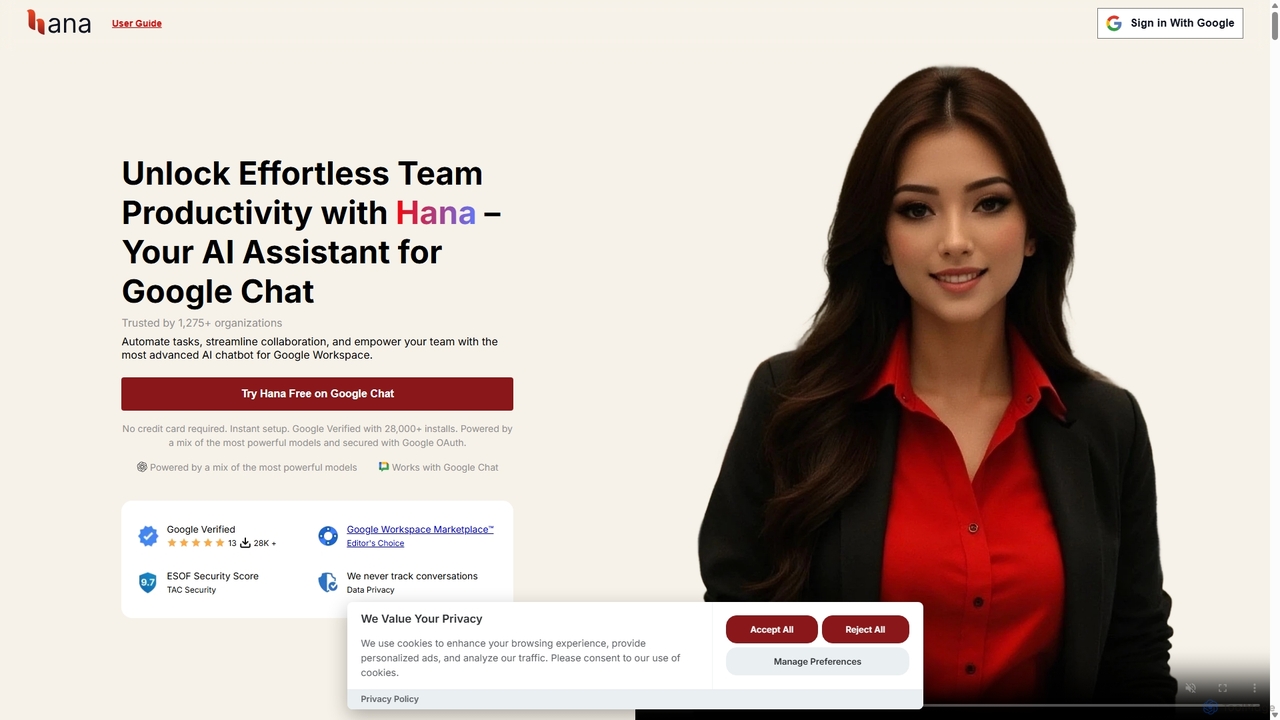
Hana
Hana is an advanced AI assistant integrated directly into Google Chat, designed to enhance team productivity and streamline collaboration. It automates tasks, manages reminders, and provides instant answers from a shared knowledge base, acting as an always-available AI teammate for Google Workspace users.
ChatbotsSuperflow Categories
Superflow Embed Widget
Copy this embed code to place the badge on your blog, article, or product site and send readers directly to this ToolMage detail page.

Related AI tools
Workflow
Workflow is a collaborative design feedback and revision platform that streamlines the review process for designers and stakeholders. It allows users to leave contextual comments directly on live websites, Figma designs, videos, and images. By centralizing all feedback, versions, and approvals in one place, it eliminates chaotic email threads and simplifies project management, helping creative teams deliver projects faster.
Feedback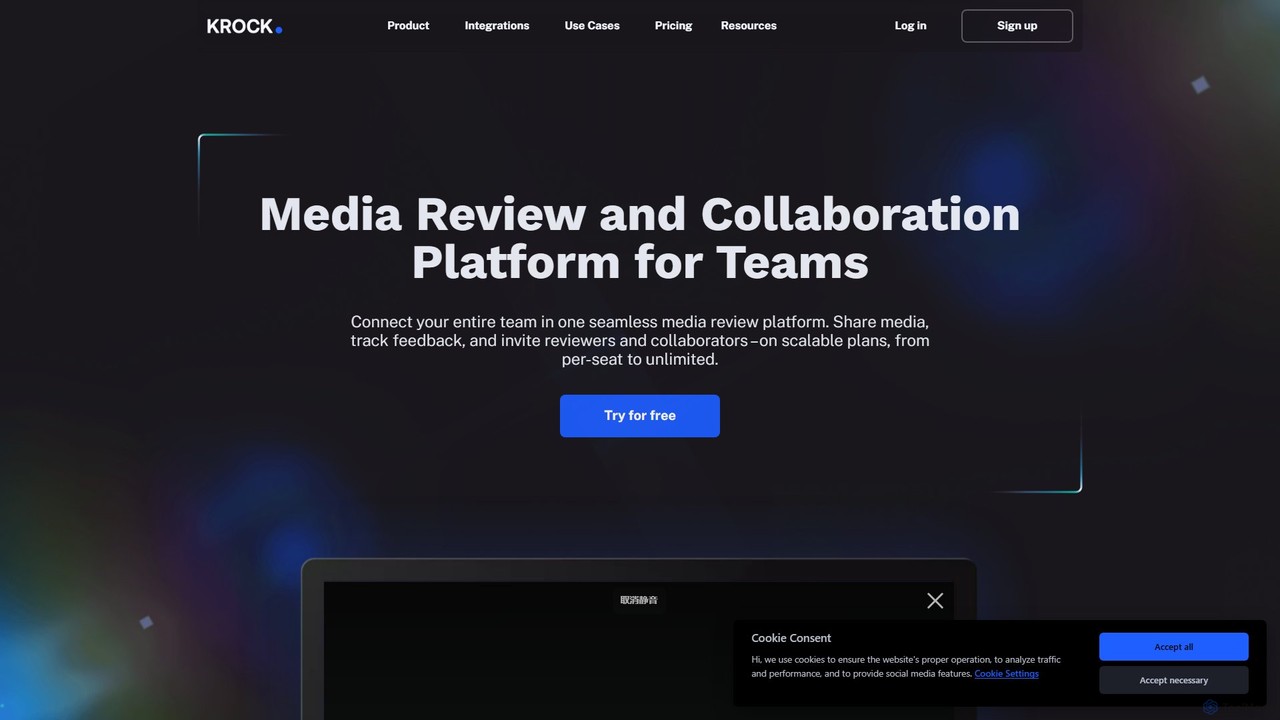
Krock.io
Krock.io is a comprehensive media review and collaboration platform for creative teams. It streamlines video production, animation, and design workflows by centralizing feedback, version control, and project management. Features include time-coded comments, an AI-powered storyboard tool, and seamless integration with Adobe CC, helping teams deliver projects faster and more efficiently.
Collaboration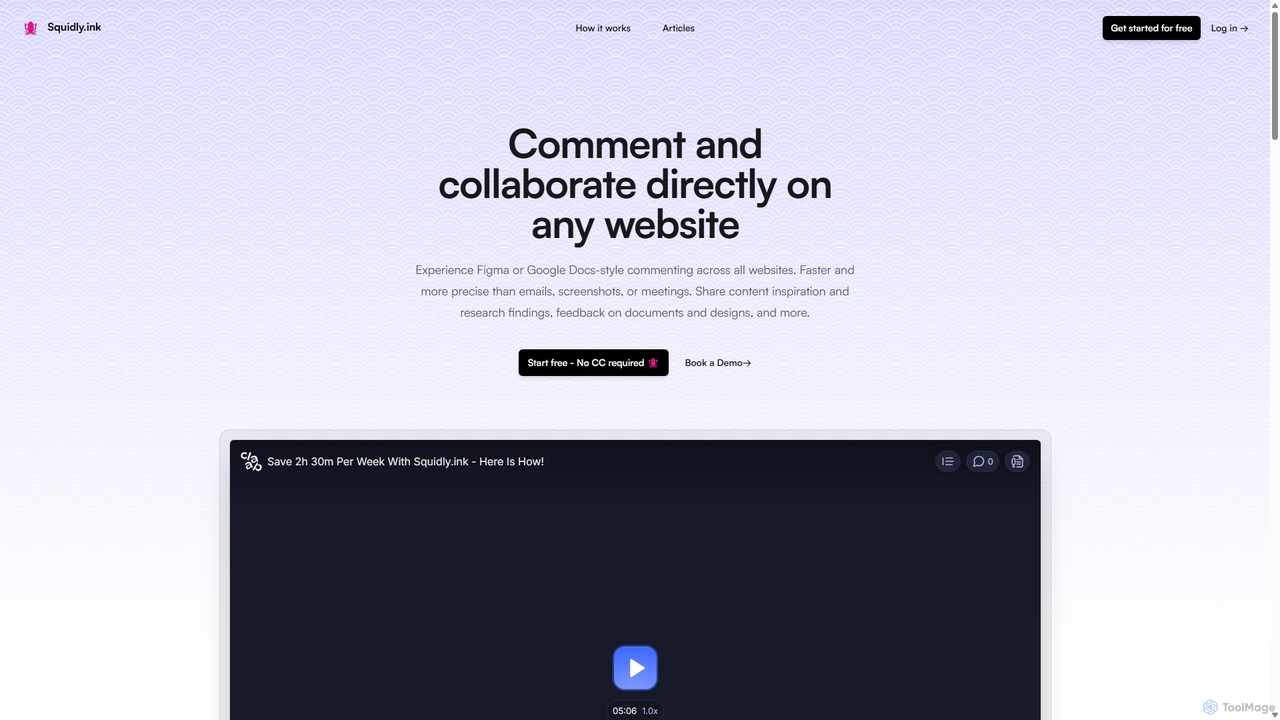
Squidly
Squidly is a collaborative browser extension that allows teams to leave comments directly on any website, similar to Figma or Google Docs. It streamlines feedback, eliminates the need for screenshots and meetings, and centralizes all discussions in one dashboard for enhanced productivity in remote and asynchronous work environments.
Review
Jyek
Jyek is an AI agent platform that understands objectives, creates execution plans, uses tools, and delivers verifiable results for complex, multi-step tasks.
AutomationPinMy
PinMy is a visual collaboration platform designed to streamline feedback and communication for teams in construction, design, marketing, and education. It allows users to pin comments, voice notes, and annotations directly onto images, PDFs, and videos, eliminating ambiguity and accelerating project workflows. It's an intuitive tool for precise, real-time feedback.
Feedback
TaskHuddle
TaskHuddle is a visual feedback and bug tracking tool, primarily for WordPress, that allows clients and team members to provide contextual feedback directly on your website or web application. It streamlines the revision process by converting clicks and comments into actionable tasks in a centralized dashboard.
Feedback CollectionWhimsical
Whimsical is an all-in-one, AI-powered workspace that unifies visual collaboration, documentation, and project management. It combines whiteboards, mind maps, flowcharts, documents, and tasks to help teams streamline their entire workflow from initial idea to final execution in a single, interconnected platform.
WireframingTether
Tether is an all-in-one visual feedback and bug reporting tool for teams. It allows users and team members to capture screen recordings, annotated screenshots, and technical data directly from any website or web app, streamlining the feedback process and accelerating development cycles.
Feedback Management
GitHub
GitHub is the world's leading AI-powered developer platform for building, shipping, and maintaining software. It provides Git-based version control, collaborative tools, and a complete DevOps lifecycle, supercharged by GitHub Copilot, an advanced AI code assistant that accelerates development and enhances code quality.
Code Assistant
Slack
Slack is an AI-powered collaboration hub that connects your people, partners, and tools. It replaces email with faster, better-organized communication through channels. With integrated AI, workflow automation, and thousands of apps, Slack centralizes your work to boost productivity and streamline project management.
Project Management
Miro
Miro is an AI-powered online collaborative whiteboard platform designed for modern teams. It provides an infinite canvas for brainstorming, planning, designing, and managing projects in real-time. With a vast template library, powerful integrations, and AI-driven features, Miro helps teams centralize communication and accelerate innovation from idea to execution.
Brainstorming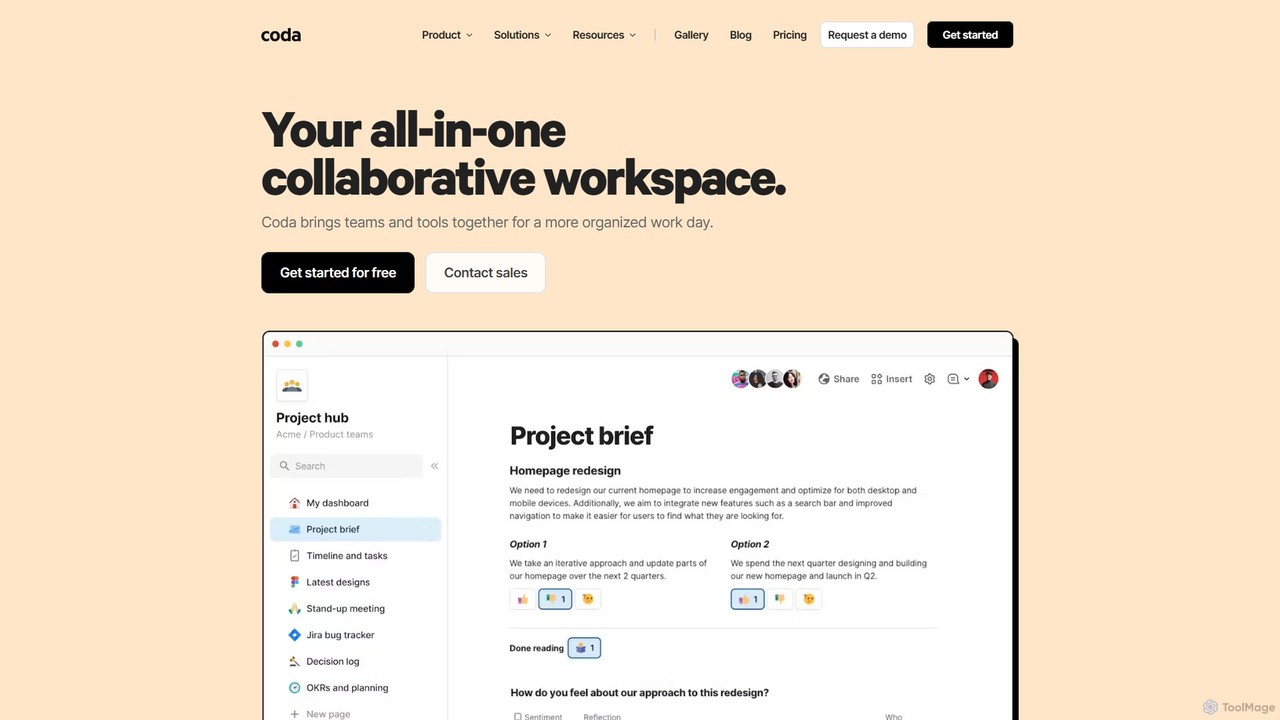
Coda
Coda is an all-in-one collaborative workspace that blends documents, spreadsheets, and applications into a single, flexible surface. Powered by Coda AI, it helps teams centralize information, automate workflows, and make faster decisions. Replace your scattered tool stack with a unified platform for writing, tracking, and building custom solutions.
Knowledge Base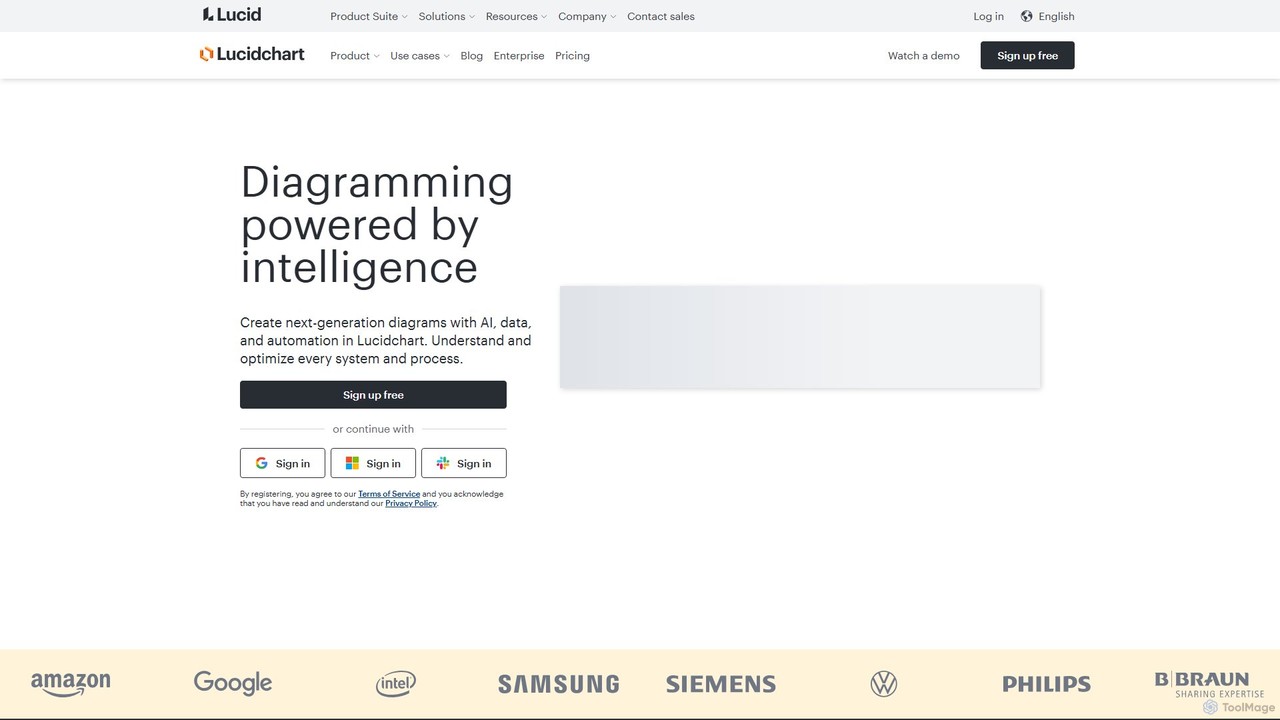
Lucidchart
Lucidchart is an intelligent diagramming and visual collaboration platform that uses AI, data automation, and real-time teamwork to help users visualize complex systems, processes, and ideas. It enables teams to create professional flowcharts, org charts, network diagrams, and more, fostering clarity and driving innovation.
Project Management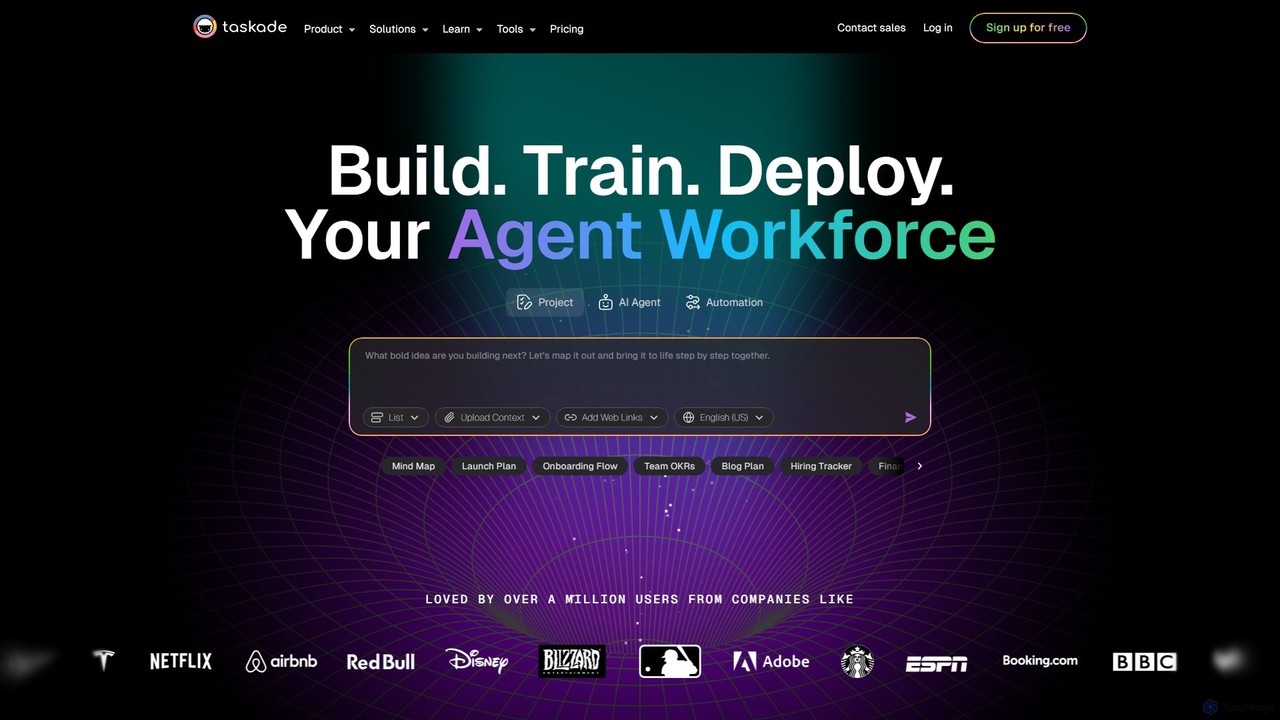
Taskade
Taskade is an AI-powered unified workspace designed to supercharge team productivity. It combines task management, note-taking, mind mapping, and real-time collaboration with a workforce of autonomous AI agents. Build, train, and deploy AI agents to automate workflows, conduct research, and turn ideas into action, all within a single, synchronized platform available on all your devices.
Workflow Automation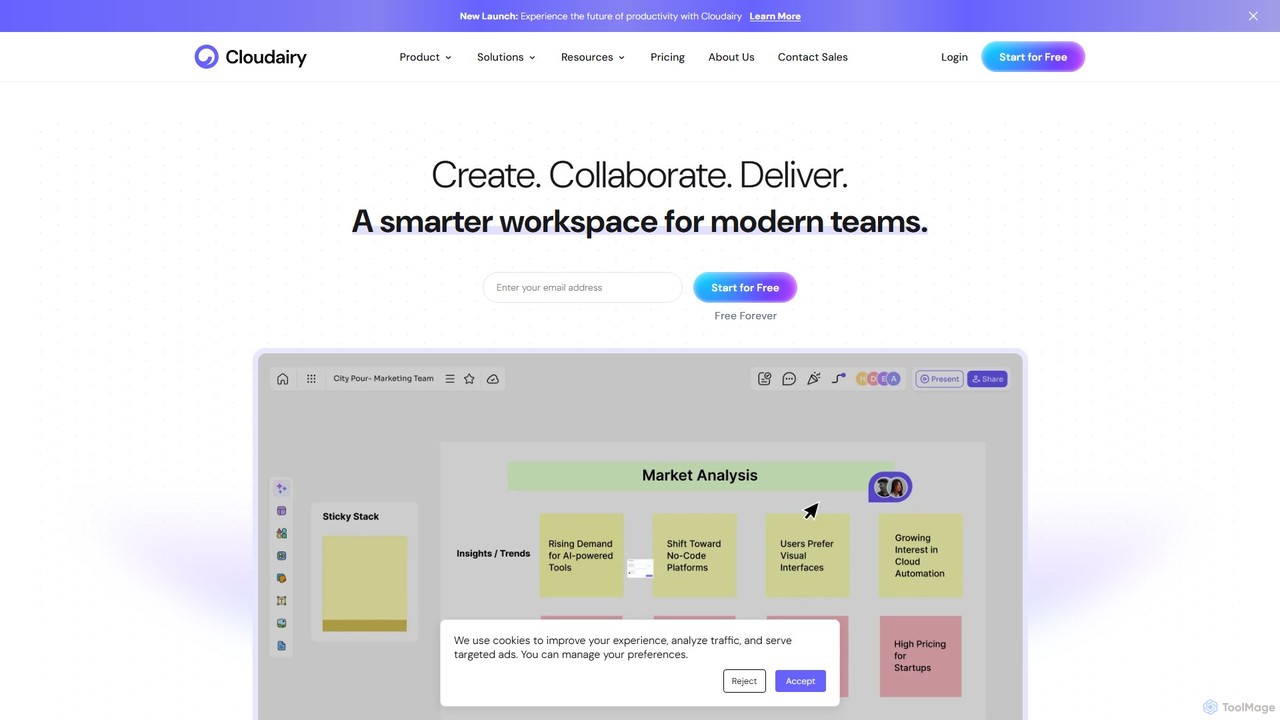
Cloudairy
Cloudairy is an AI-powered collaborative visual workspace designed for modern teams. It integrates AI-driven diagramming, mind mapping, image generation, and documentation tools into a single platform. It enables teams in engineering, sales, and project management to brainstorm, design, and deliver projects with enhanced efficiency and creativity.
Generative Art
Superflow Comments (0)
Sign in to comment.
Sign inNo comments yet.