OnDemand AI Agents
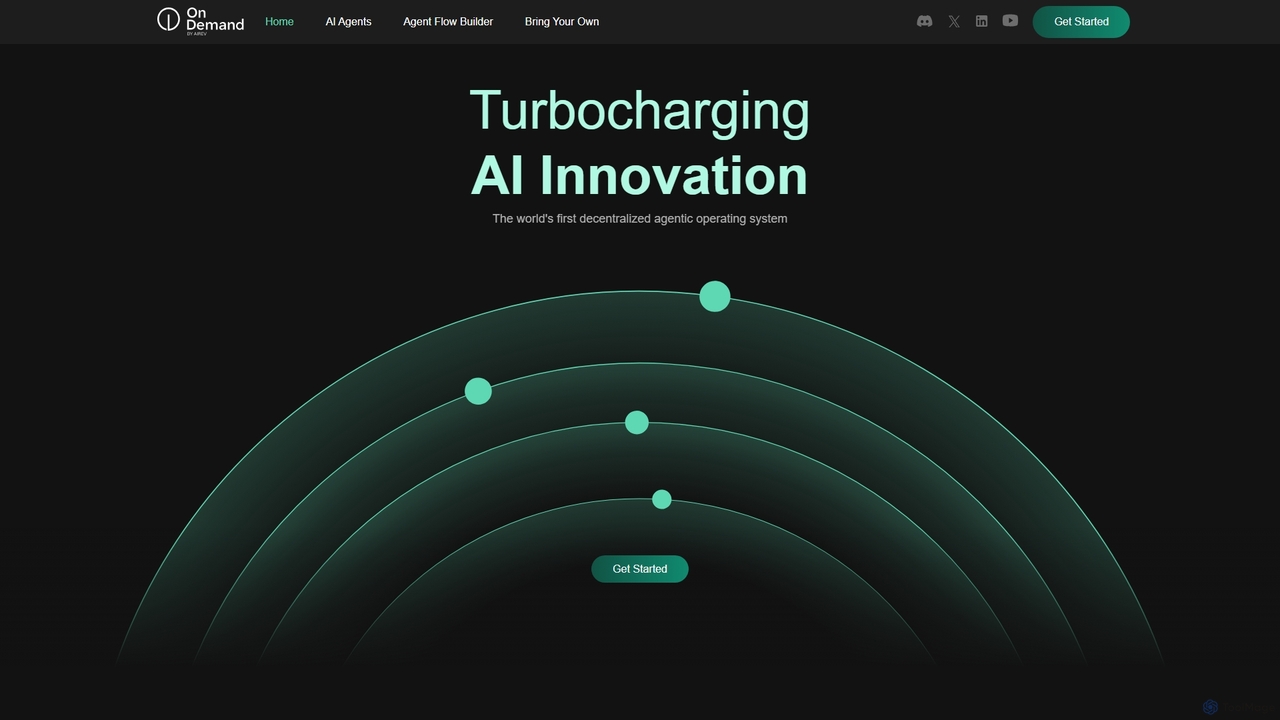
OnDemand AI Agents is a decentralized, RAG-powered Platform-as-a-Service (PaaS) designed to revolutionize business operations. It provides a comprehensive …
OnDemand AI Agents is a decentralized, RAG-powered Platform-as-a-Service (PaaS) designed to revolutionize business operations. It provides a comprehensive suite of tools for building, automating, and scaling AI-powered applications. Users can leverage pre-built agents, create custom ones, visually orchestrate complex workflows, and integrate their own models (BYOM/BYOI) in a flexible, secure, and scalable environment without needing an extensive development team.
Taskade
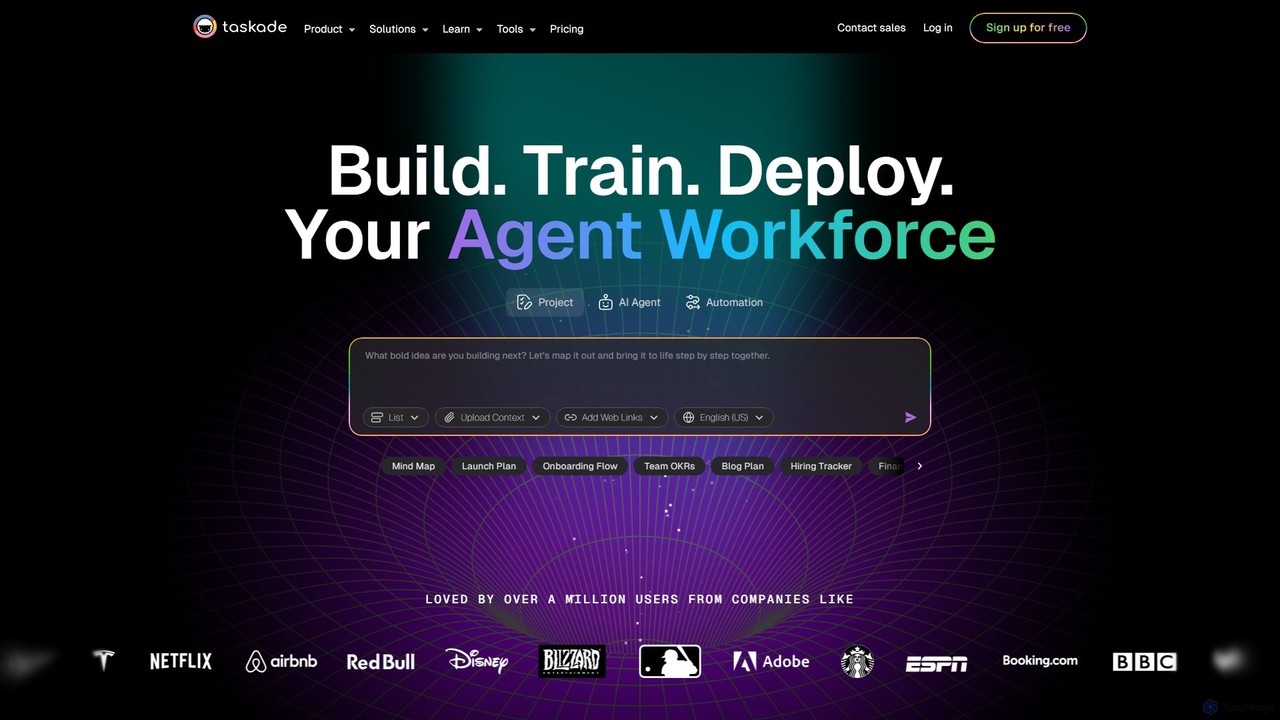
Taskade is an AI-powered unified workspace designed to supercharge team productivity. It combines task management, note-taking, mind mapping, …
Taskade is an AI-powered unified workspace designed to supercharge team productivity. It combines task management, note-taking, mind mapping, and real-time collaboration with a workforce of autonomous AI agents. Build, train, and deploy AI agents to automate workflows, conduct research, and turn ideas into action, all within a single, synchronized platform available on all your devices.
Augmeta
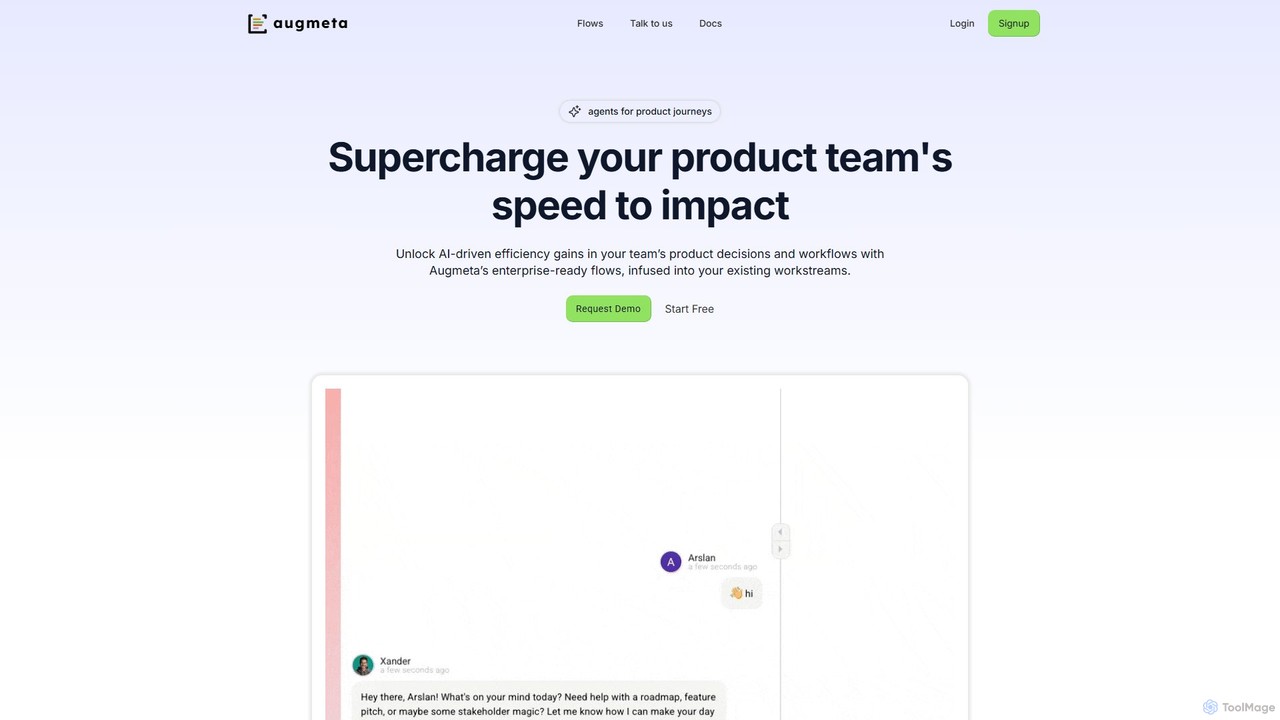
Augmeta is an AI-powered platform designed for product teams, featuring an AI agent named Xander. It centralizes fragmented …
Augmeta is an AI-powered platform designed for product teams, featuring an AI agent named Xander. It centralizes fragmented workflows, automates insight generation, and accelerates decision-making. By integrating with existing tools, Augmeta provides context-aware intelligence for product discovery, planning, and execution, helping teams build better products faster.
About Workflow Automation
Workflow Automation tools are a specialized type of AI Agent designed to connect multiple applications and automate multi-step processes without manual intervention. They operate based on triggers and actions, allowing users to build complex sequences that transfer data and execute tasks across different software like CRMs, email clients, and project management tools. This enables businesses to streamline repetitive operations, reduce human error, and free up teams to focus on more strategic work. Unlike general-purpose AI agents that might perform a single complex task, these tools excel at orchestrating a series of simpler tasks across a diverse digital ecosystem.
Core Features
- Trigger-Action Logic: Define events (e.g., a new email) that initiate a sequence of automated actions across connected apps.
- Multi-App Integration: Connect hundreds of popular SaaS applications via APIs to create seamless data flows between them.
- Visual Workflow Builder: Use a drag-and-drop interface to design, test, and deploy automation sequences without writing code.
- Conditional Logic: Implement 'if-then' rules and branching paths to create dynamic workflows that adapt to different scenarios.
- Data Mapping & Transformation: Extract, format, and transfer specific data fields between applications to ensure consistency.
Use Cases
These tools are widely used by marketing, sales, and operations teams. For instance, a marketing team can automate lead nurturing by connecting a form submission to adding a contact in a CRM, sending a welcome email, and creating a task for a sales representative. In HR, they can automate employee onboarding by creating user accounts, sending documents, and scheduling orientation meetings across multiple systems.
How to Choose
When selecting a Workflow Automation tool, first consider the breadth and depth of its app integrations to ensure it supports your critical software. Evaluate the user-friendliness of the visual builder and the complexity of logic it supports. Also, examine the pricing model, which is often based on the number of tasks or 'operations' per month, and check its reliability and error-handling capabilities to ensure smooth operation.

Workflow AutomationUse Cases
Automate Sales Lead Nurturing and CRM Entry
A sales development representative (SDR) struggles with manually entering new leads from website forms into the CRM and sending follow-up emails. Using a workflow automation tool, they create a sequence: when a new form is submitted (trigger), the tool automatically creates a new contact in Salesforce, assigns it to the correct SDR based on territory, adds them to a specific email nurture sequence in Mailchimp, and sends a Slack notification to the SDR's channel. This eliminates data entry errors and ensures immediate lead follow-up, reducing response time from hours to seconds.
Streamline Social Media Content Publishing Across Platforms
A social media manager needs to post new blog articles across Twitter, LinkedIn, and Facebook. They build a workflow that triggers whenever a new item is published in their blog's RSS feed. The tool automatically extracts the article title, link, and featured image, then formats and posts a unique message to each social media platform, even scheduling them at optimal times. This saves hours of manual copy-pasting and scheduling each week, ensuring consistent and timely content distribution.
Intelligent Customer Support Ticket Triage and Assignment
A customer support team receives hundreds of tickets via email. A workflow is set up to monitor the support inbox. When a new email arrives, an AI model analyzes its content to determine the topic (e.g., 'billing,' 'technical issue') and urgency. The workflow then automatically creates a ticket in Zendesk, assigns it to the appropriate support agent or department (e.g., Tier 2 support for technical issues), and sends an automated confirmation email to the customer. This ensures tickets are routed correctly and addressed faster.
Automate E-commerce Order Processing and Fulfillment
An online store owner using Shopify wants to streamline their backend operations. They create a workflow that triggers on every new paid order. The sequence automatically adds the customer's details to a Google Sheet for record-keeping, sends a shipping request to their third-party logistics (3PL) provider's system via API, and adds the customer to a post-purchase email list in Klaviyo. This automates the entire process from payment to fulfillment, reducing manual work and minimizing shipping delays.
Sync Client Communications with Project Management Tasks
A project manager at a digital agency needs to ensure client requests from emails are not missed. They set up a workflow where starring an email in Gmail (trigger) automatically creates a new task in Asana. The workflow pulls the email subject as the task title and the email body as the task description, assigning it to the relevant team member. This creates a direct and traceable link between client communication and actionable project tasks, improving accountability and response times.
Generate and Distribute Monthly Financial Reports
A finance analyst needs to compile monthly reports from various sources. They build a workflow that runs on the first day of every month. It automatically pulls data from Stripe (revenue), QuickBooks (expenses), and Google Analytics (traffic), consolidates it into a pre-defined Google Sheets template, generates a PDF summary, and emails it to the management team. This automates a time-consuming and error-prone reporting process, ensuring timely and accurate delivery of key business metrics.