

TaskHuddle Overview
TaskHuddle is a revolutionary client feedback and project management tool designed to streamline the communication between web developers, designers, and their clients. It eliminates the confusing and time-consuming process of exchanging feedback through emails, spreadsheets, and annotated screenshots. Instead, TaskHuddle provides an intuitive, visual interface that allows stakeholders to click on any element of a live website or staging site and leave a comment directly on the page. This contextual feedback is then automatically converted into a well-organized task in a centralized dashboard, complete with a screenshot and critical browser information.
This tool is particularly powerful for agencies and freelancers who manage multiple web projects. It provides a professional and seamless way for clients to report bugs, suggest changes, or ask questions without needing to log into a complex backend system. By centralizing all feedback and tasks, TaskHuddle ensures that no request is lost and that project managers have a clear overview of the work that needs to be done, leading to faster project turnaround times and higher client satisfaction.
How to use TaskHuddle
Using TaskHuddle is designed to be simple and efficient for both the project team and the client. The typical workflow is as follows:
- Installation and Setup: First, you install the TaskHuddle plugin on your WordPress website. After activation, you create a new project and configure its settings, such as the project name and the specific pages you want to collect feedback on.
- Invite Collaborators: You can then invite clients or team members to provide feedback by sharing a secure, private link. Clients do not need a WordPress account to access the feedback interface, which makes the process frictionless for them.
- Provide Visual Feedback: The client or stakeholder visits the shared link. They can then browse the website as usual. When they spot something they want to comment on, they simply click the TaskHuddle button, click on the specific element on the page, and type their feedback in the pop-up modal.
- Task Creation: Once a comment is submitted, TaskHuddle automatically takes a screenshot of the area, captures technical details like the browser, operating system, and screen resolution, and creates a new task in your TaskHuddle dashboard.
- Manage and Resolve Tasks: Inside your WordPress admin area, you can access the TaskHuddle dashboard to view all the submitted tasks. You can assign tasks to team members, discuss the feedback in comments, and mark tasks as complete once they are resolved.
Core Features of TaskHuddle
- On-Page Visual Feedback: Allow users to click anywhere on a webpage to leave a comment, ensuring feedback is precise and easy to understand.
- Automatic Screenshot & Data Capture: Every task automatically includes a screenshot of the issue and captures important metadata like browser version, OS, and screen size.
- Centralized Task Dashboard: Manage all feedback from all your projects in one organized, easy-to-use dashboard within WordPress.
- Guest & Client Access: Clients can leave feedback without needing a user account, using a simple and secure link.
- White-Labeling: Agencies can brand the TaskHuddle interface with their own logo and colors to provide a seamless experience for their clients.
- Integrations: Connect TaskHuddle with popular project management tools like Slack, Trello, Asana, and Zapier to integrate feedback into your existing workflow.
- Unlimited Projects & Users: Most plans support managing an unlimited number of projects and inviting unlimited collaborators.
Use Cases for TaskHuddle
TaskHuddle is versatile and can be used by various professionals:
- Web Design Agencies: To streamline the client revision process, gather design feedback, and manage change requests efficiently across multiple client projects.
- Freelance Web Developers: To get clear, actionable bug reports from clients during the user acceptance testing (UAT) phase, reducing ambiguity and speeding up fixes.
- Marketing Teams: For collaborating on landing page designs, A/B test variations, and website copy updates.
- Software QA Teams: To report bugs and UI/UX issues on web applications with precise visual context, making it easier for developers to replicate and fix the problems.
Advantages of TaskHuddle
The primary advantage of TaskHuddle is its ability to dramatically improve communication and efficiency. It replaces vague, text-based feedback with clear, visual, and contextual tasks. This reduces misunderstandings, minimizes back-and-forth communication, and helps teams resolve issues much faster. It empowers clients by giving them an easy-to-use tool, which increases their satisfaction and engagement in the project. For agencies, the white-label feature provides a professional touch, reinforcing their brand identity.
Pricing and Plans
TaskHuddle is a premium tool and is typically offered with annual subscription plans. While specific pricing should be checked on the official website, the plans are generally structured as follows:
- Personal Plan: Aimed at freelancers, offering use on a single website.
- Professional Plan: Designed for small agencies or professionals managing a handful of sites, typically allowing use on up to 10 websites.
- Agency Plan: The top-tier plan for larger agencies, offering use on an unlimited number of websites and often including all premium features and priority support.
All plans usually come with a money-back guarantee, allowing users to try the tool risk-free.
TaskHuddle Alternatives
Bugasura
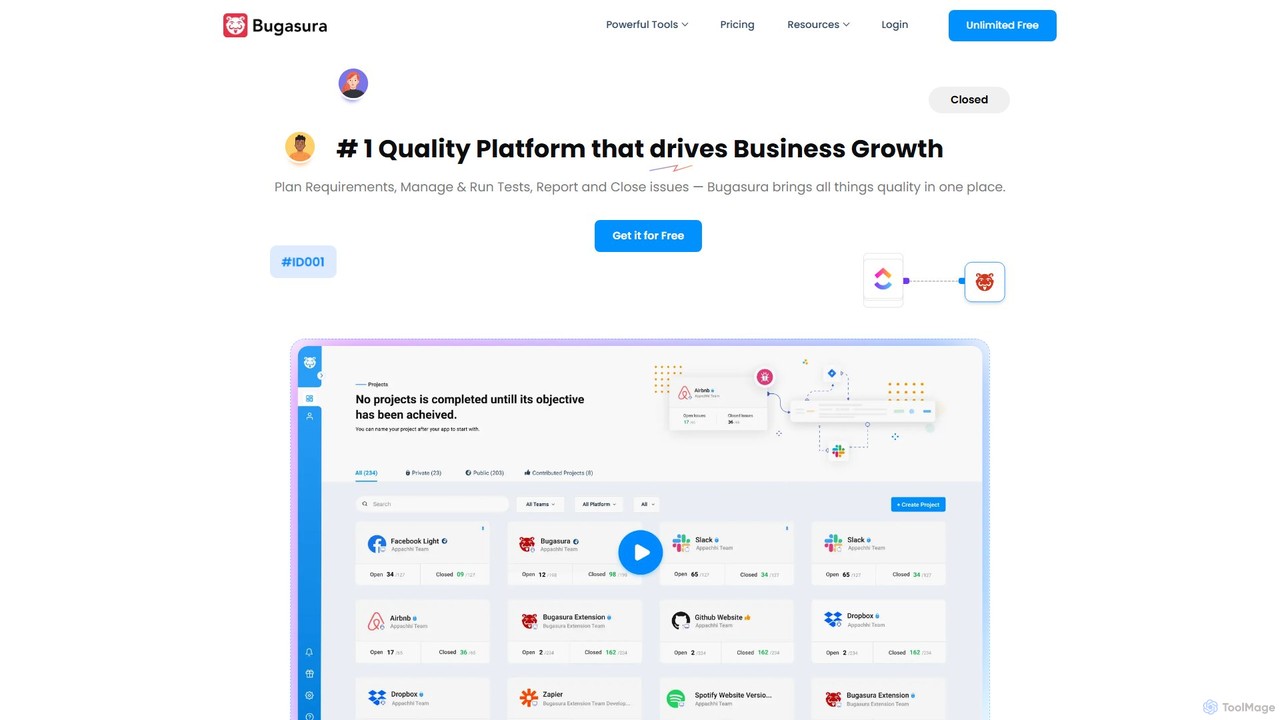
Bugasura is an AI-powered quality platform designed to streamline bug tracking and accelerate software development. It helps teams capture, report, and resolve bugs faster by automatically gathering comprehensive context, using AI for smart triage, and integrating seamlessly with existing development workflows. It's built for modern tech teams, including engineers, testers, and CTOs, to enhance collaboration and drive business growth through superior software quality.
Bug Tracking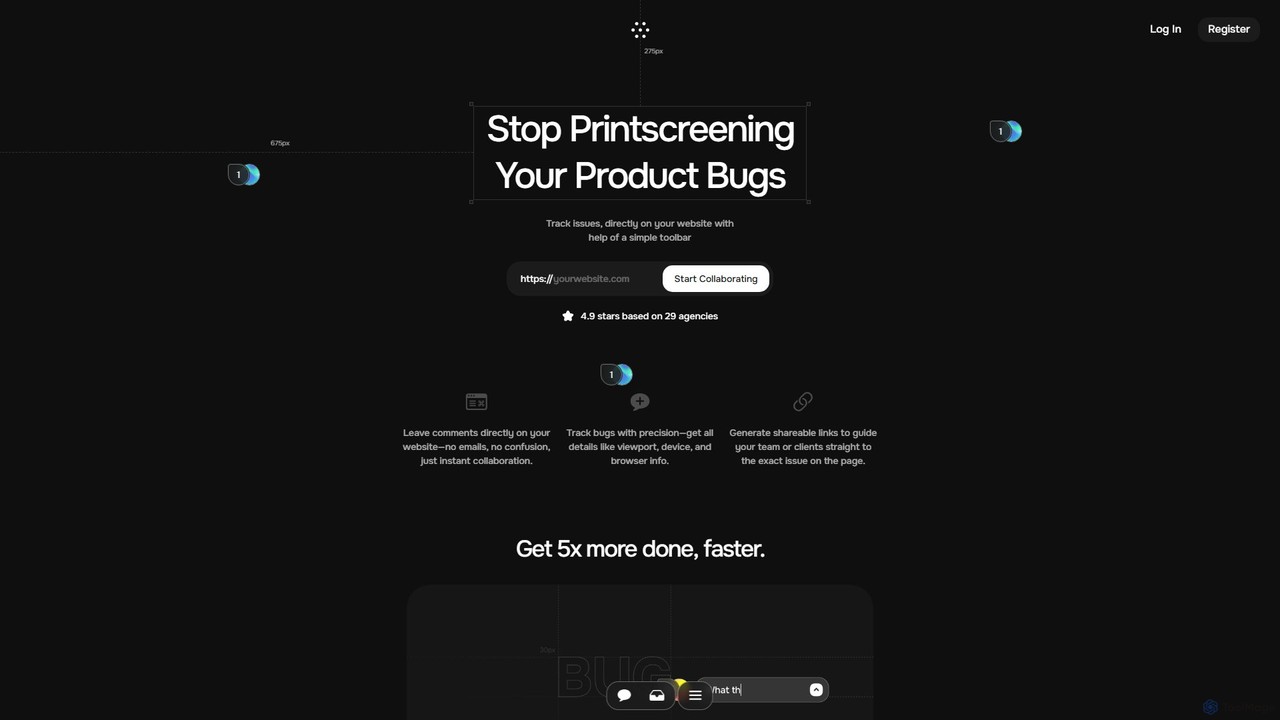
Toolbar
Toolbar is the fastest visual feedback and bug tracking tool designed for agencies and web development teams. It allows users to leave comments, report bugs with full context, and collaborate directly on any website, eliminating the need for screenshots and confusing email chains. AI-powered features help resolve tasks even faster.
Feedback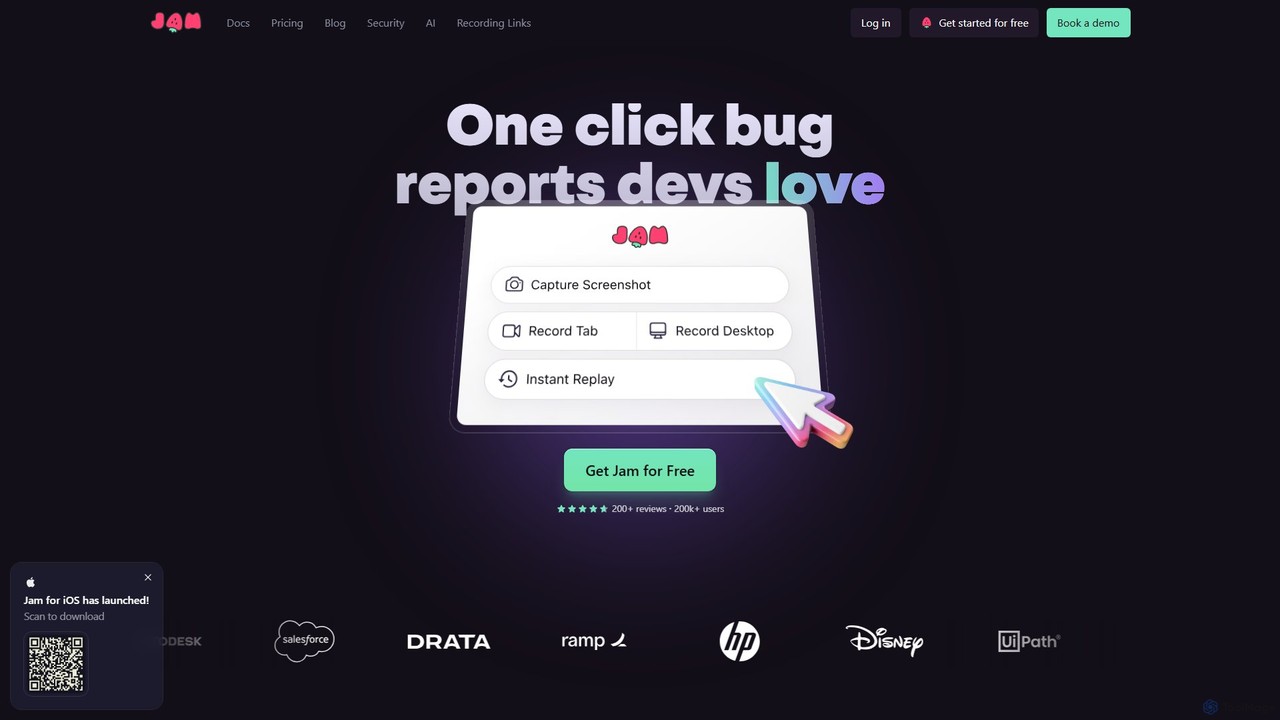
Jam
Jam is an AI-powered bug reporting tool that helps development teams fix bugs faster. It automatically captures all the technical data engineers need—console logs, network requests, browser info, and repro steps—in a single link. With features like instant replay, AI-powered debugging, and seamless integrations, Jam streamlines the entire bug reporting and resolution process for developers, QA, and product teams.
Debugging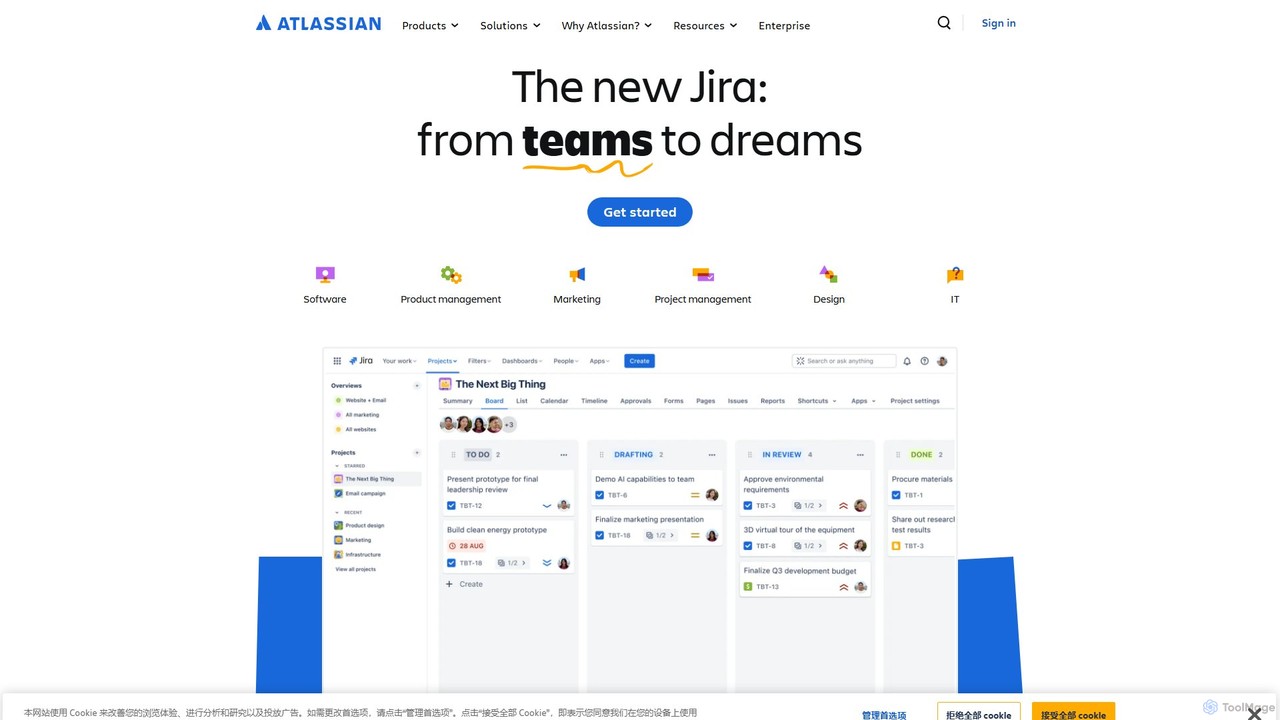
Atlassian
Atlassian provides an integrated suite of collaboration, development, and issue-tracking tools for teams of all sizes. Powered by Atlassian Intelligence, products like Jira, Confluence, and Trello help software, IT, and business teams plan, track, and deliver work more efficiently. It's a comprehensive platform designed to unleash the potential of every team through seamless integration and AI-driven productivity.
Collaboration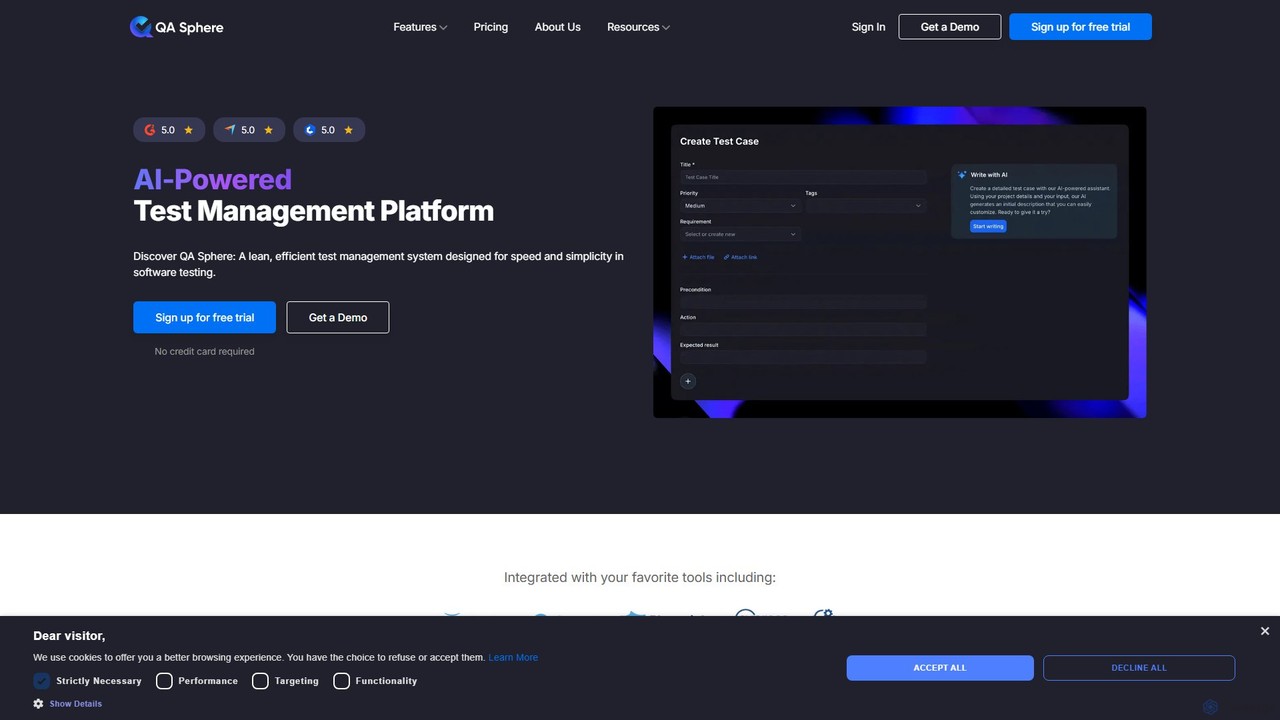
QA Sphere
QA Sphere is an AI-powered test management platform designed for speed and simplicity. It helps software teams streamline their QA process by organizing test cases, generating tests with AI, planning efficient test runs, and integrating with existing development tools.
Code AssistantTaskHuddle Categories
TaskHuddle Embed Widget
Copy this embed code to place the badge on your blog, article, or product site and send readers directly to this ToolMage detail page.

Related AI tools
Workflow
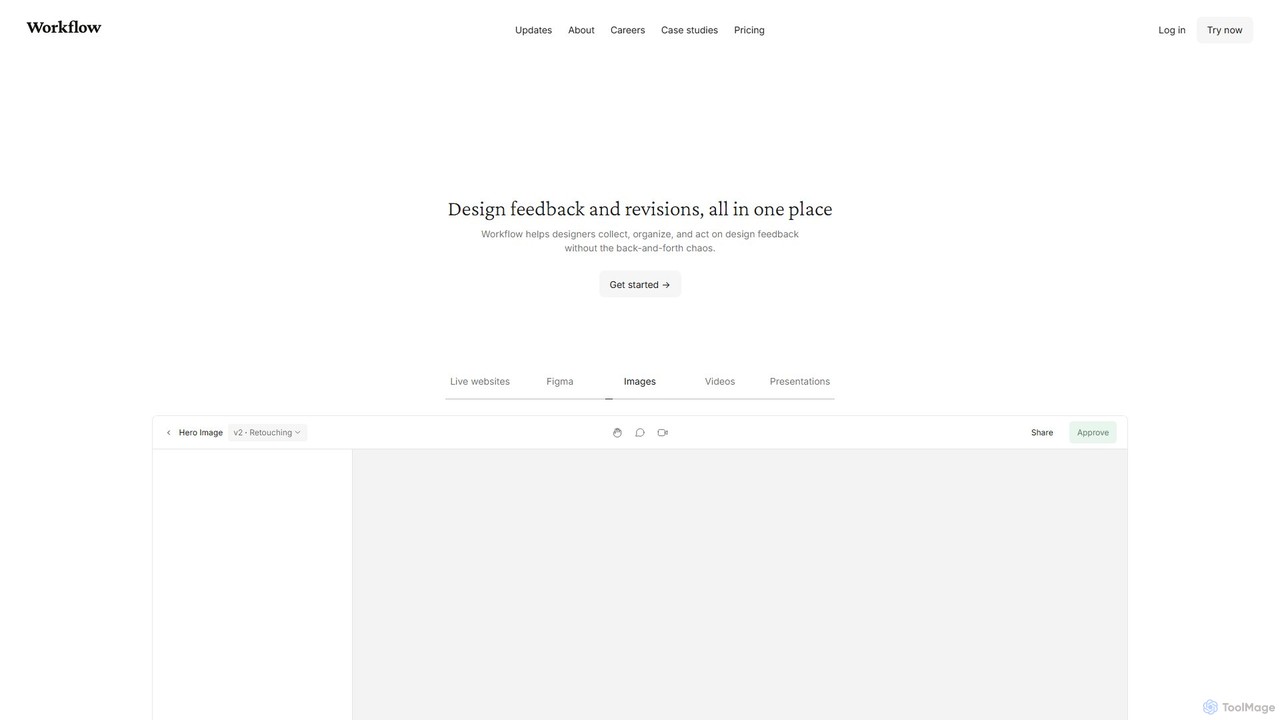
Workflow is a collaborative design feedback and revision platform that streamlines the review process for designers and stakeholders. It allows users to leave contextual comments directly on live websites, Figma designs, videos, and images. By centralizing all feedback, versions, and approvals in one place, it eliminates chaotic email threads and simplifies project management, helping creative teams deliver projects faster.
FeedbackBugasura
Bugasura is an AI-powered quality platform designed to streamline bug tracking and accelerate software development. It helps teams capture, report, and resolve bugs faster by automatically gathering comprehensive context, using AI for smart triage, and integrating seamlessly with existing development workflows. It's built for modern tech teams, including engineers, testers, and CTOs, to enhance collaboration and drive business growth through superior software quality.
Bug TrackingToolbar
Toolbar is the fastest visual feedback and bug tracking tool designed for agencies and web development teams. It allows users to leave comments, report bugs with full context, and collaborate directly on any website, eliminating the need for screenshots and confusing email chains. AI-powered features help resolve tasks even faster.
FeedbackAtlassian
Atlassian provides an integrated suite of collaboration, development, and issue-tracking tools for teams of all sizes. Powered by Atlassian Intelligence, products like Jira, Confluence, and Trello help software, IT, and business teams plan, track, and deliver work more efficiently. It's a comprehensive platform designed to unleash the potential of every team through seamless integration and AI-driven productivity.
CollaborationQA Sphere
QA Sphere is an AI-powered test management platform designed for speed and simplicity. It helps software teams streamline their QA process by organizing test cases, generating tests with AI, planning efficient test runs, and integrating with existing development tools.
Code Assistant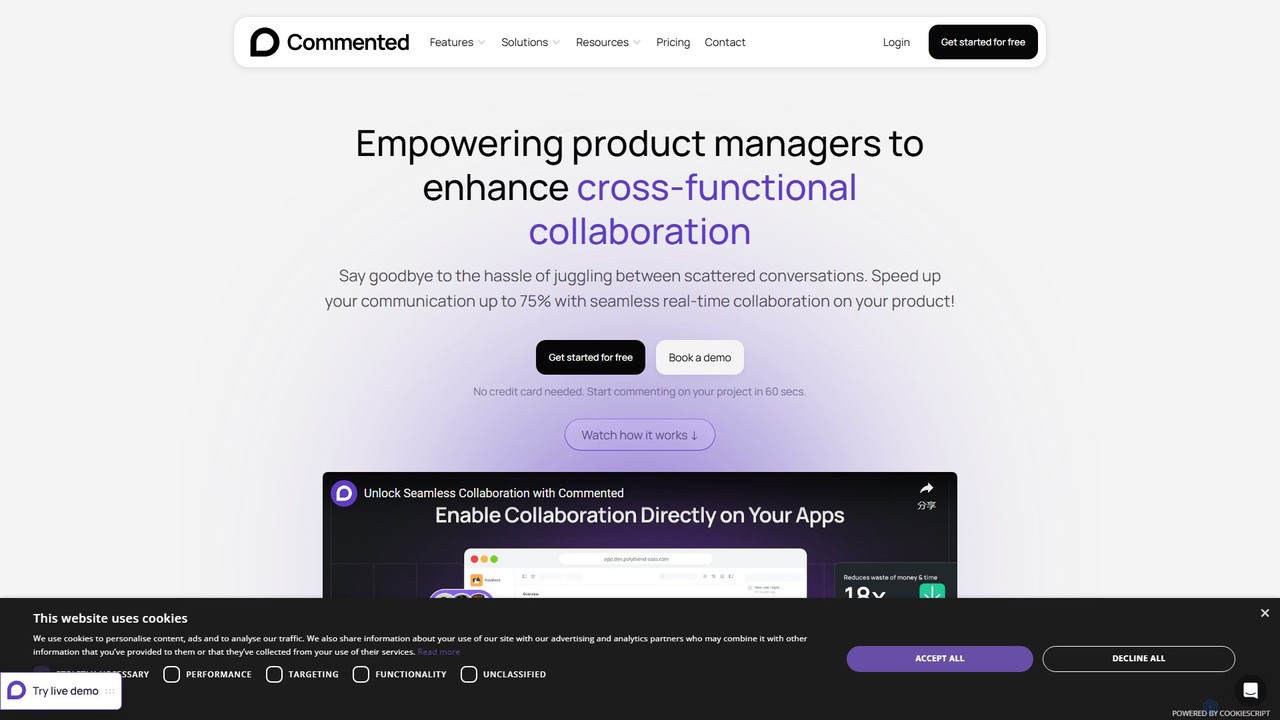
Commented
Commented is a visual collaboration and feedback tool designed for product teams, developers, and marketers. It allows users to leave precise, contextual comments and annotations directly on live websites, web apps, and mobile applications, streamlining the feedback process and accelerating development cycles by up to 75%.
Bug Tracking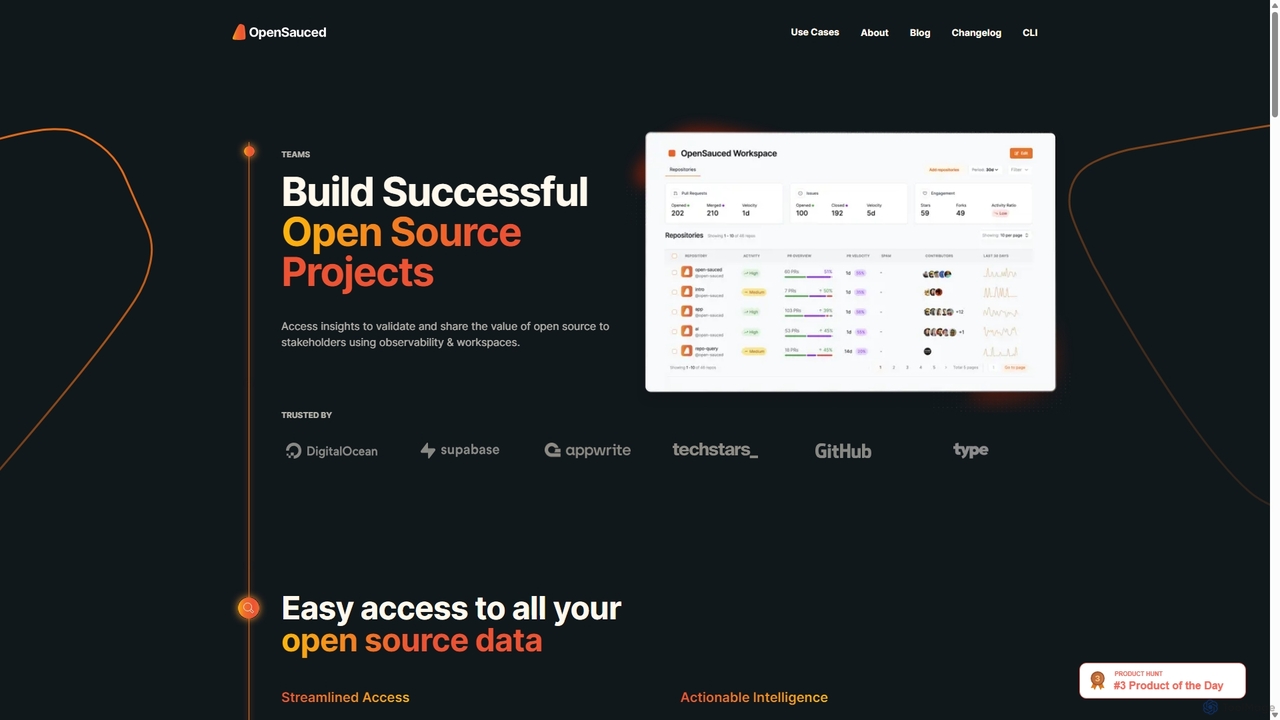
OpenSauced
OpenSauced is an AI-powered analytics and collaboration platform for open source projects. It provides deep insights into GitHub repositories and contributors, helping teams and maintainers understand project health, track contributions beyond code, and make data-driven decisions. With features like collaborative Workspaces, AI-driven StarSearch, and detailed Insight Pages, it empowers the open source community to build successful and sustainable projects.
Code Collaboration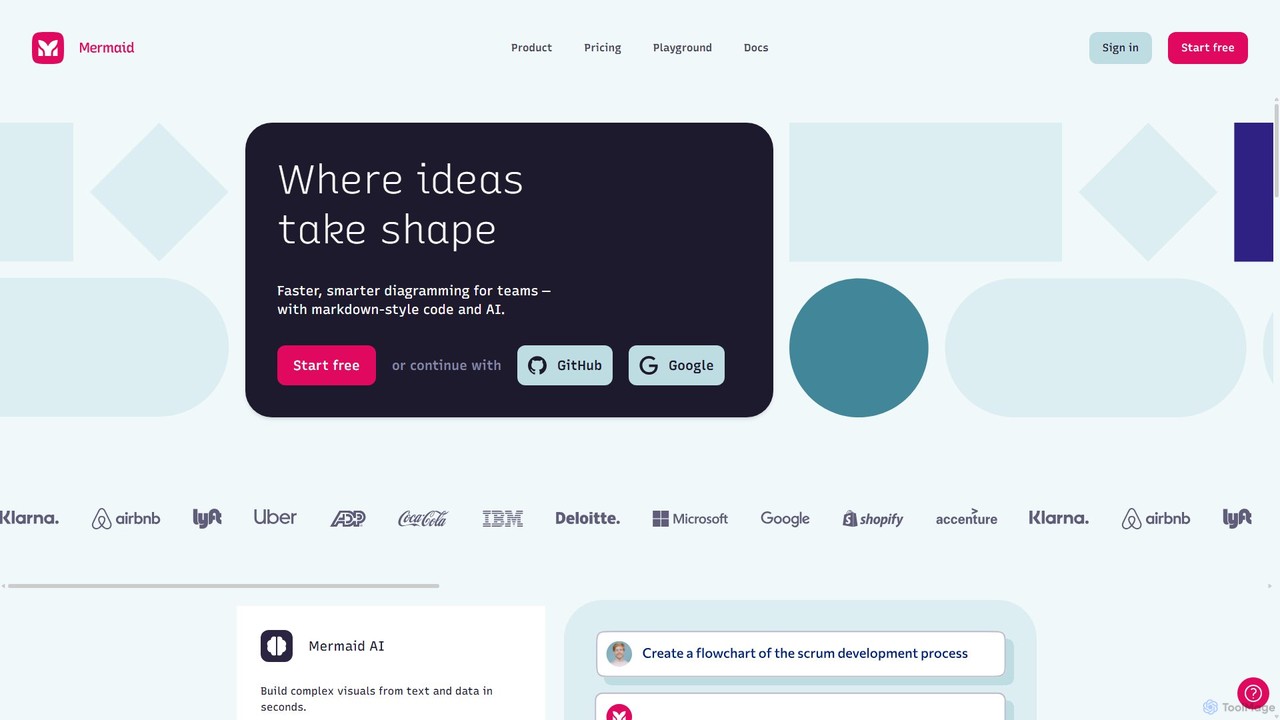
Mermaid Chart
Mermaid Chart is an AI-powered diagramming tool that enables teams to create complex visuals like flowcharts, sequence diagrams, and mind maps using markdown-style code, natural language prompts, or a visual editor. It's designed for faster, smarter diagramming and seamless collaboration.
Code Generation
MindyGem
MindyGem is an AI-powered requirements management software designed for agile teams. It accelerates product development by transforming visions into standardized requirements, generating comprehensive documentation, and streamlining collaboration, helping teams build successful products 10x faster.
Collaboration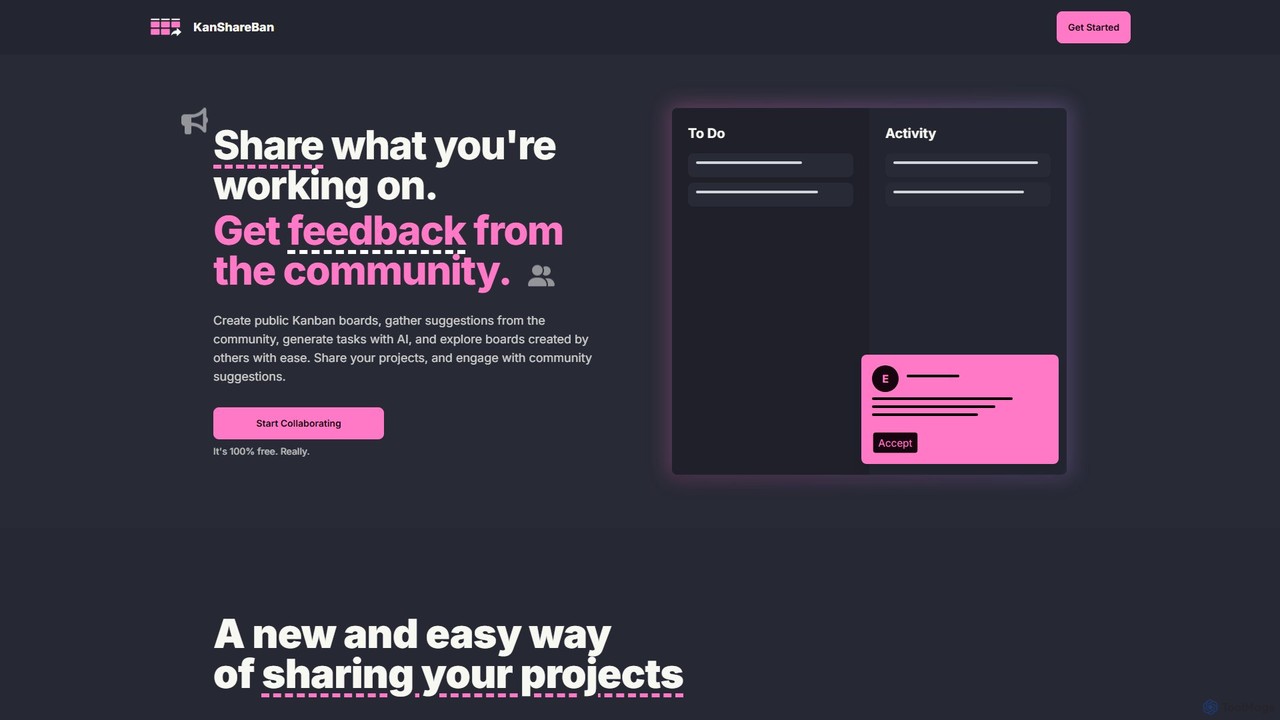
KanShareBan
A collaborative platform that combines public Kanban boards with AI-powered task generation. Share your projects, get valuable feedback from the community, and discover inspiring work from other creators. It's 100% free.
Community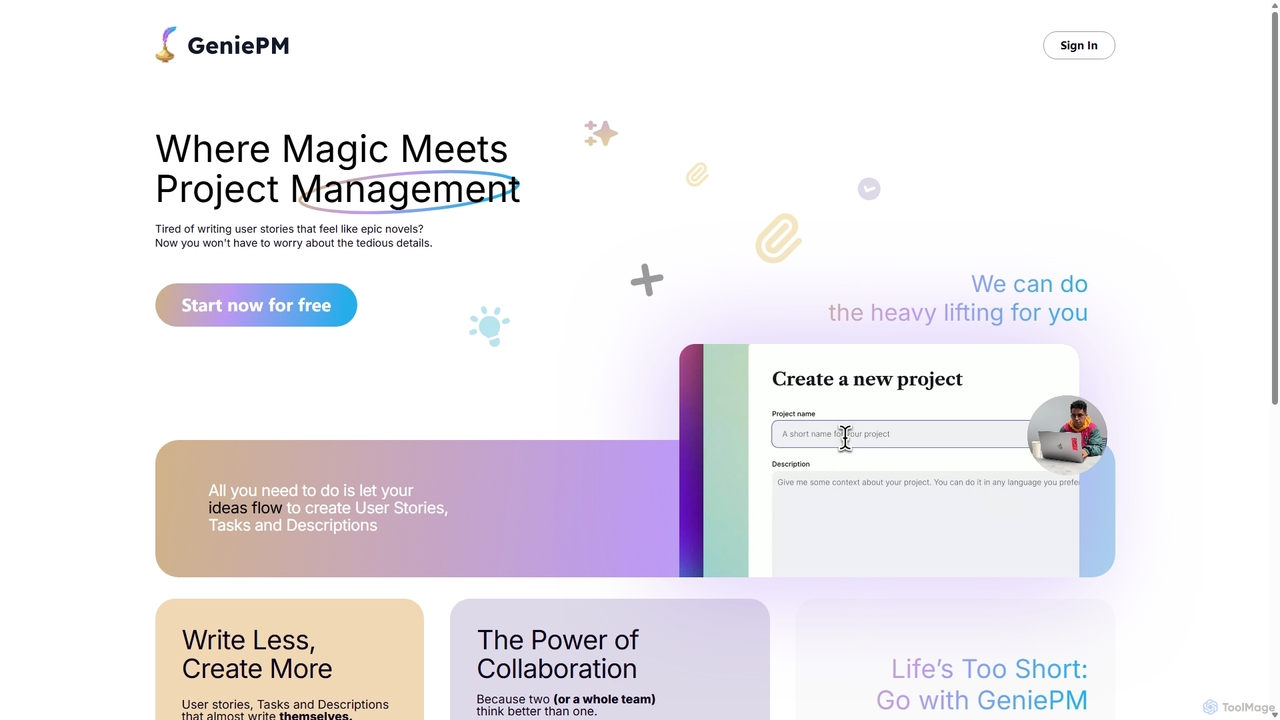
GeniePM
GeniePM is an AI-powered project management assistant designed to streamline the creation of user stories, tasks, and descriptions. By transforming simple ideas into detailed, structured project items, it eliminates tedious writing and allows teams to focus on collaboration and execution. It integrates with popular tools to fit seamlessly into your existing workflow.
Task Management
Superflow
Superflow is an AI-powered collaborative review and approval platform for creative teams. It streamlines feedback on websites, videos, PDFs, and images with precise, contextual comments, task management, and integrations, accelerating creative workflows and centralizing communication for faster project delivery.
Feedback
Jyek
Jyek is an AI agent platform that understands objectives, creates execution plans, uses tools, and delivers verifiable results for complex, multi-step tasks.
Automation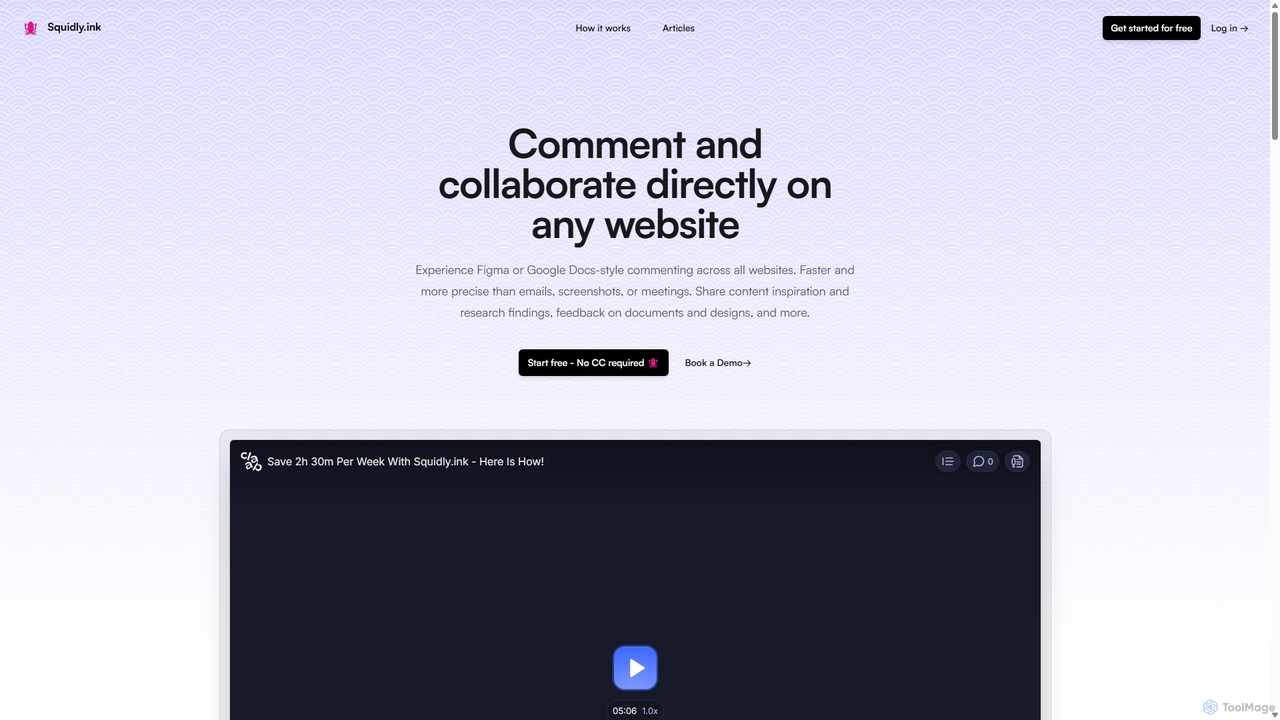
Squidly
Squidly is a collaborative browser extension that allows teams to leave comments directly on any website, similar to Figma or Google Docs. It streamlines feedback, eliminates the need for screenshots and meetings, and centralizes all discussions in one dashboard for enhanced productivity in remote and asynchronous work environments.
Review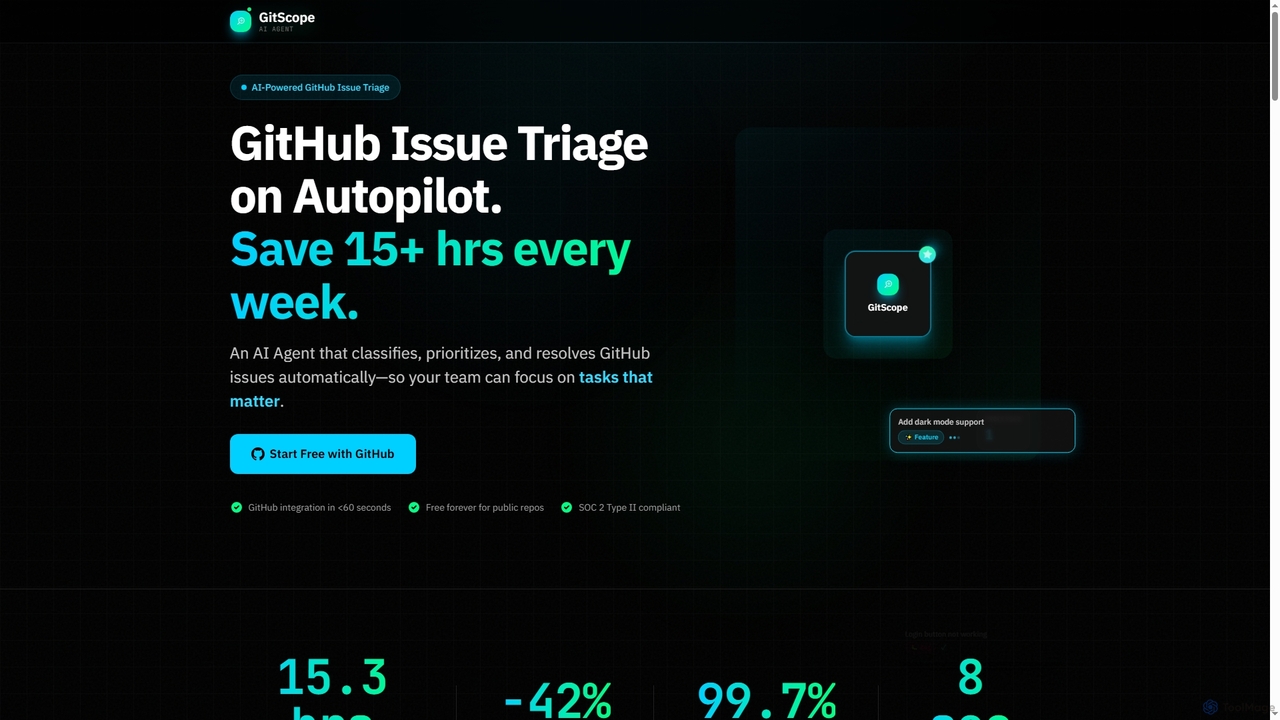
GitScope
GitScope is an AI-powered GitHub issue triage agent designed to automate the classification, prioritization, and resolution of issues. It helps engineering teams save significant time, reduce backlogs, and improve consistency by leveraging GPT-4 for intelligent analysis, duplicate detection, and configurable automation workflows. Free for public repositories, GitScope integrates seamlessly with GitHub to enhance team productivity and maintainer well-being.
Github Tools
TaskHuddle Comments (0)
Sign in to comment.
Sign inNo comments yet.