
Jam Overview
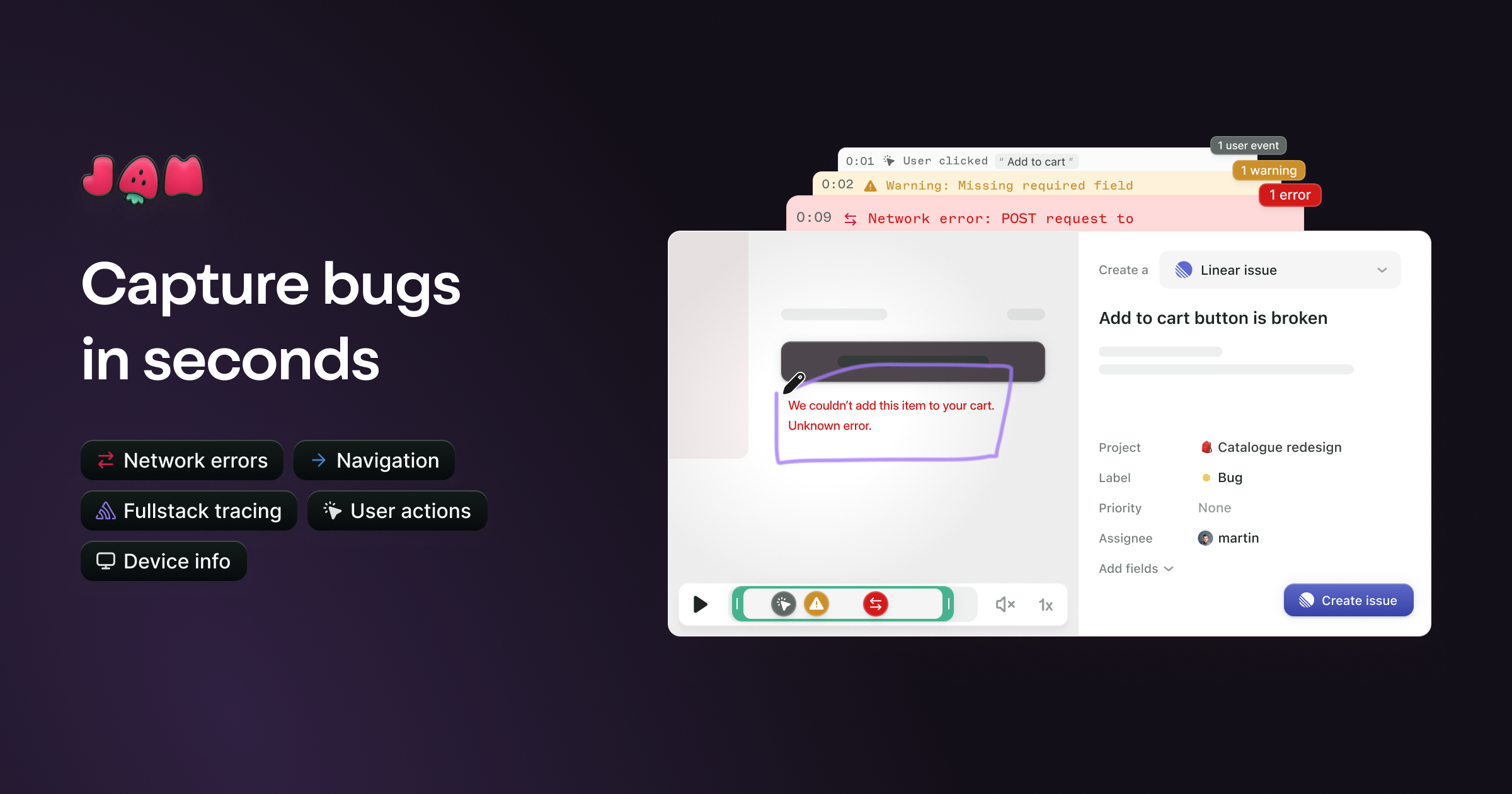
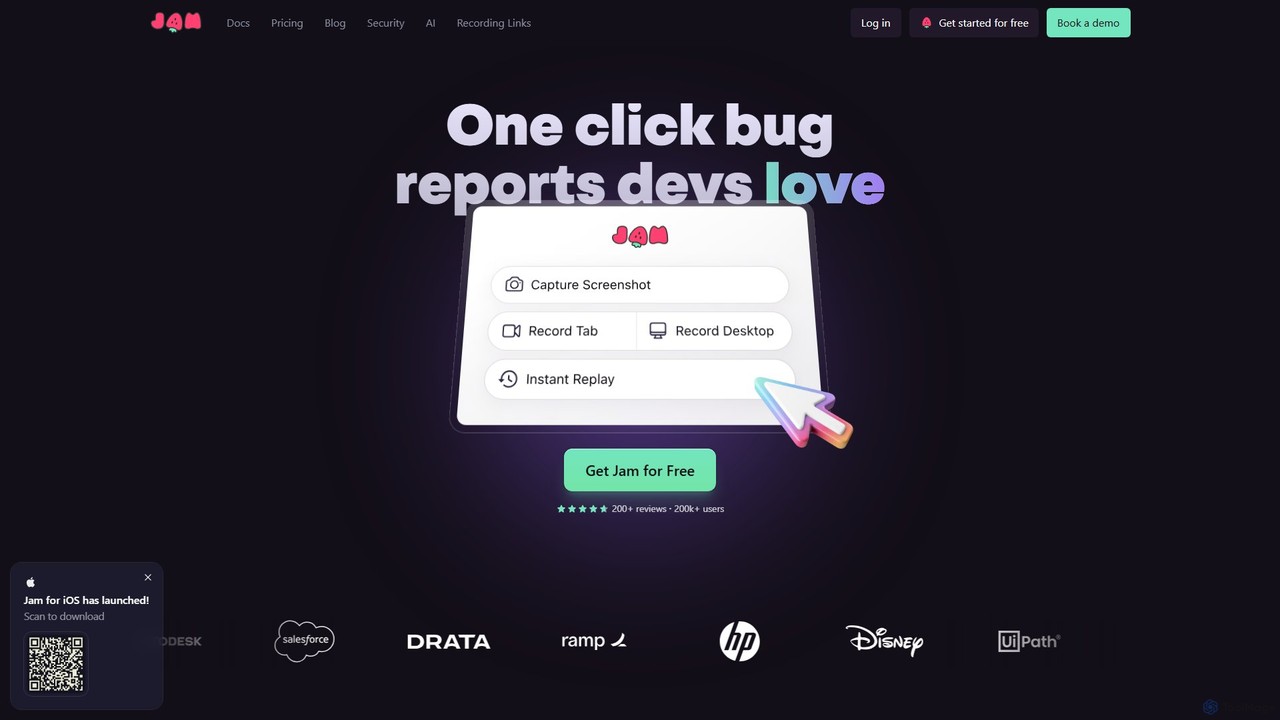
Jam is a comprehensive bug reporting solution designed to accelerate the software development lifecycle by making bug reporting and debugging incredibly efficient. It's built for everyone on the team, from non-technical stakeholders to seasoned engineers, eliminating the frustrating back-and-forth that typically accompanies bug reports. With over 200,000 users, Jam transforms the tedious task of documenting bugs into a simple, one-click process.
The core principle of Jam is to provide developers with a complete, actionable bug report instantly. When a user encounters a bug, Jam captures a screen recording or screenshot, and simultaneously collects a wealth of diagnostic data. This includes console logs, network requests and responses, browser and OS details, user clicks, and more. This entire package is bundled into a single shareable link, which can be sent directly to developers or integrated into project management tools.
How to use Jam
Using Jam is designed to be as simple as taking a screenshot:
- Install the Extension or App: Get started by adding the Jam browser extension (for Chrome, etc.) or downloading the Jam for iOS app.
- Capture the Bug: When you encounter an issue, simply click the Jam icon. You can choose to take a screenshot, record a video of your screen, or use the 'Instant Replay' feature to capture the last 30 seconds of your activity, which is perfect for bugs that are hard to reproduce.
- Let Jam Do the Work: As you capture, Jam automatically records all the necessary technical context in the background. There's no need to manually open developer tools or write down steps.
- Annotate and Share: You can mark up your screenshot, blur sensitive information, and add comments. Jam's AI can even automatically generate a descriptive title and reproduction steps for your report.
- Integrate and Triage: Share the generated Jam link via Slack, or create a ticket directly in your favorite tools like Jira, Linear, GitHub, Asana, and more. The ticket will be pre-filled with the Jam link and all its rich context.
Core Features of Jam
- Automatic Developer Logs: Captures console logs (errors, warnings, logs), network requests and their payloads, and full browser information with every report.
- AI Debugger: An integrated AI assistant that analyzes the captured data to suggest potential causes and fixes for the bug, saving developers significant investigation time.
- AI-Generated Reports: Automatically generates clear titles and detailed reproduction steps from your session, reducing manual documentation effort.
- Instant Replay: Records your screen on a loop, allowing you to report a bug right after it happens, even if you weren't actively recording.
- Seamless Integrations: Connects with over 20 popular tools including Jira, GitHub, GitLab, Linear, Slack, Asana, Sentry, and Figma, fitting perfectly into existing workflows.
- Team Collaboration: Features team workspaces, private folders, and access controls to facilitate smooth collaboration between QA, developers, product managers, and customer support.
- Jam for iOS: A dedicated mobile app to report bugs and provide feedback on iOS applications with the same level of detail.
- Customer Support Add-on: An integration for helpdesks like Intercom that allows support agents to request screen recordings from customers in one click, without requiring any installation on the customer's end.
Use Cases for Jam
Jam is versatile and valuable for various roles within a tech company:
- Quality Assurance (QA) Teams: Drastically reduce the time spent writing bug reports and reproducing issues. Ensure developers have all the information they need from the very first report.
- Engineering Teams: Receive complete, context-rich bug reports that are easy to debug. Spend less time asking for more information and more time fixing issues.
- Product Managers & Designers: Quickly report UI/UX flaws or functional bugs with visual proof and technical data, ensuring their feedback is clear and actionable.
- Customer Support: Empower agents to capture complex technical issues from users, leading to faster ticket resolution and a better customer experience.
Advantages of Jam
The primary advantage of Jam is the massive amount of time it saves. Teams report saving between 15 to 60 minutes per ticket. This efficiency gain stems from eliminating miscommunication, removing the need for manual bug reproduction, and providing developers with all necessary data upfront. It democratizes bug reporting, allowing anyone, regardless of technical skill, to submit a perfect bug report. This leads to a more streamlined workflow, faster development cycles, and ultimately, a higher-quality, bug-free product.
Pricing and Plans
Jam offers a freemium model with several tiers to suit different needs:
- Free Plan: $0/month. Includes unlimited Jams, basic features, and is perfect for individuals or small teams getting started.
- Pro Plan: $12/month. Adds app integrations, video blurring and annotations, and AI-powered autofill for titles and repro steps (200 generations/month).
- Team Plan: $14/creator/month. The most popular plan, offering unlimited viewers, backend logging integration, team permissions, and all Pro features with unlimited AI generations.
- Enterprise Plan: Custom pricing. For large organizations needing advanced features like SAML/SSO, audit logs, custom data retention, and priority support.
- Jam for Customer Support: A custom-priced add-on for the Team plan that integrates with helpdesks like Intercom.
Traffic
Latest traffic
Status
Monthly traffic trend
- 2025-9: 726.0K
- 2026-1: 773.8K
- 2026-2: 770.0K
- 2026-3: 849.7K
- 2026-4: 816.8K
- 2026-5: 729.7K
Geography
Top 5 countries / regions
- 🇺🇸United States34.3%
- 🇮🇳India24.9%
- 🇺🇿Uzbekistan16.6%
- 🇮🇩Indonesia13.4%
- 🇵🇭Philippines10.8%
Traffic sources
| Source type | Percentage |
|---|---|
Direct | 88.6% |
Referral | 9.6% |
Email | 1.8% |
Top keywords
| Keyword | Cost per click |
|---|---|
| base64 decode | $1.75 |
| image resizer | $0.33 |
| jam | $0.18 |
| jam dev | $0.38 |
| svg viewer | $1.71 |
Jam Videos on YouTube



Data Phoenix Events



Bill Prin - AI Engineering

Just Jam: AI & Marketing Made Easy
Jam Alternatives
BetterBugs
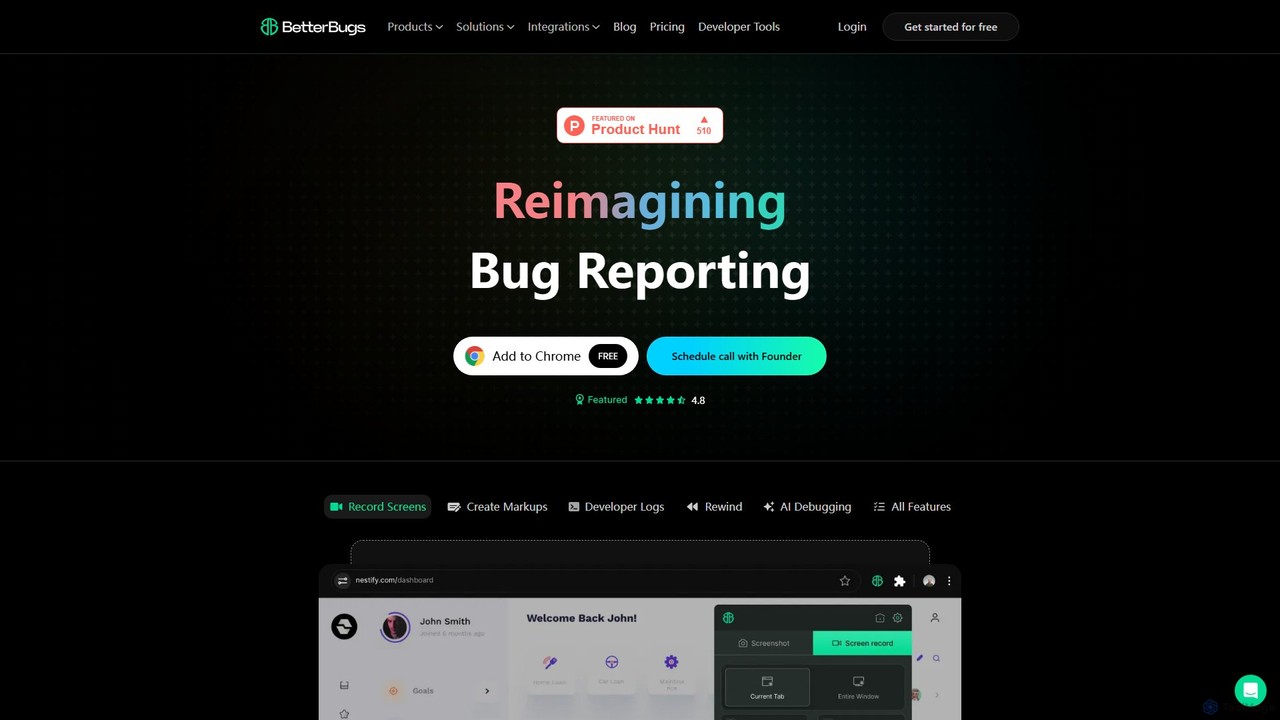
BetterBugs is an AI-powered bug reporting tool that helps development and QA teams capture precise, context-rich bug reports with a single click. It automatically includes screen recordings, annotations, and comprehensive developer logs (console logs, network requests) to streamline the debugging process and accelerate bug resolution.
Debugging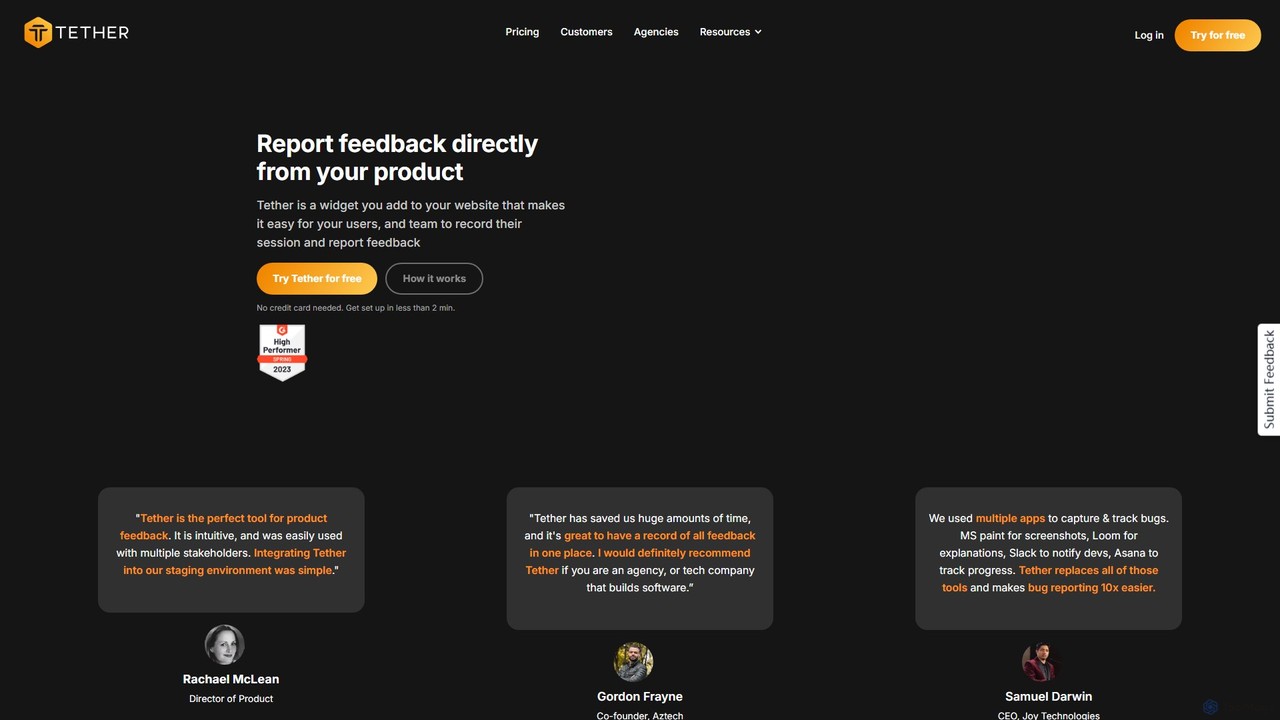
Tether
Tether is an all-in-one visual feedback and bug reporting tool for teams. It allows users and team members to capture screen recordings, annotated screenshots, and technical data directly from any website or web app, streamlining the feedback process and accelerating development cycles.
Feedback Management
TaskHuddle
TaskHuddle is a visual feedback and bug tracking tool, primarily for WordPress, that allows clients and team members to provide contextual feedback directly on your website or web application. It streamlines the revision process by converting clicks and comments into actionable tasks in a centralized dashboard.
Feedback Collection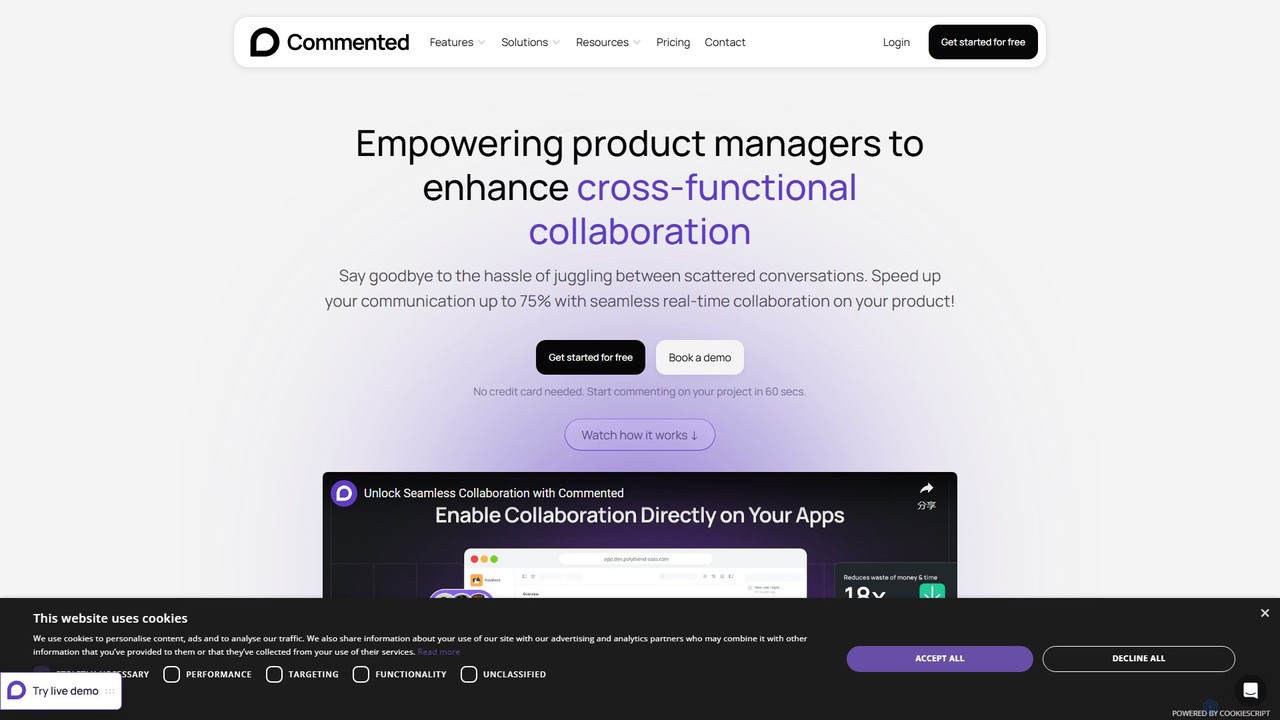
Commented
Commented is a visual collaboration and feedback tool designed for product teams, developers, and marketers. It allows users to leave precise, contextual comments and annotations directly on live websites, web apps, and mobile applications, streamlining the feedback process and accelerating development cycles by up to 75%.
Bug Tracking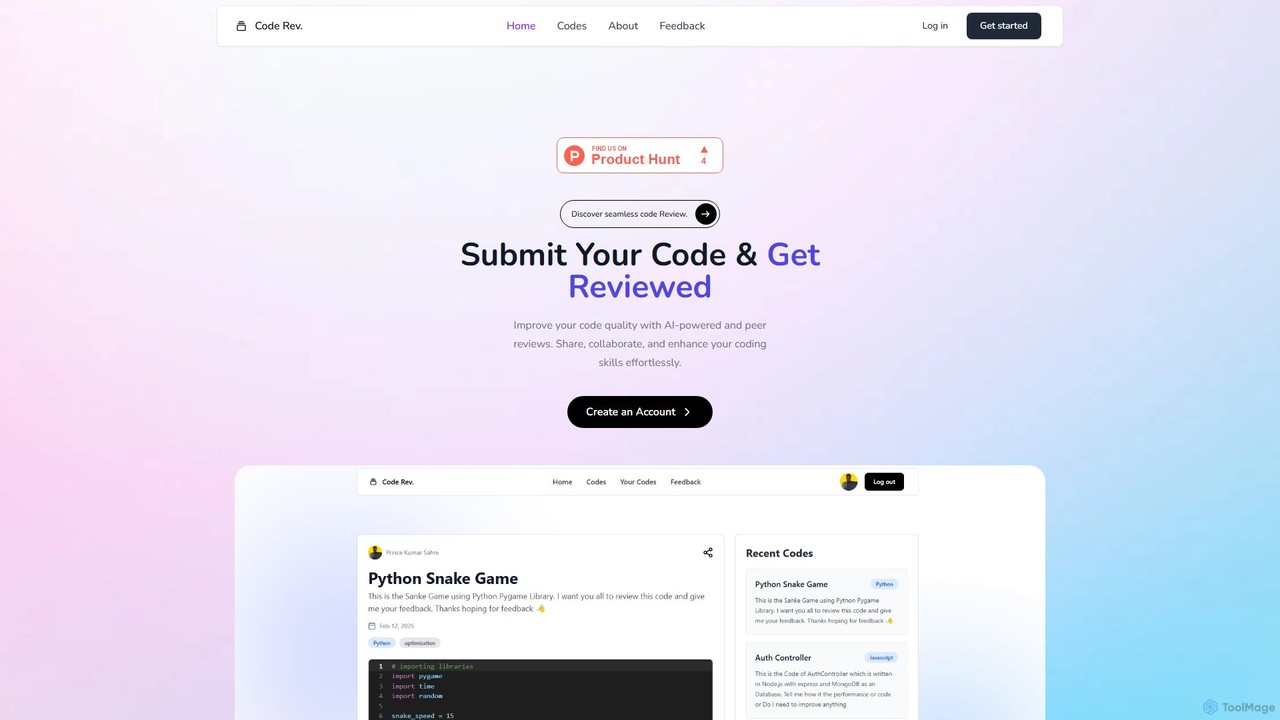
Code Rev.
Code Rev. is an AI-powered platform designed to enhance code quality through automated analysis and collaborative peer feedback. Developers can submit code to receive instant, AI-driven suggestions on efficiency, readability, and best practices. The platform also facilitates peer and expert reviews, fostering a community where developers can share knowledge, collaborate on improvements, and elevate their coding skills.
Code ReviewJam Categories
Jam Embed Widget
Copy this embed code to place the badge on your blog, article, or product site and send readers directly to this ToolMage detail page.

Related AI tools
BetterBugs
BetterBugs is an AI-powered bug reporting tool that helps development and QA teams capture precise, context-rich bug reports with a single click. It automatically includes screen recordings, annotations, and comprehensive developer logs (console logs, network requests) to streamline the debugging process and accelerate bug resolution.
DebuggingTether
Tether is an all-in-one visual feedback and bug reporting tool for teams. It allows users and team members to capture screen recordings, annotated screenshots, and technical data directly from any website or web app, streamlining the feedback process and accelerating development cycles.
Feedback ManagementCode Rev.
Code Rev. is an AI-powered platform designed to enhance code quality through automated analysis and collaborative peer feedback. Developers can submit code to receive instant, AI-driven suggestions on efficiency, readability, and best practices. The platform also facilitates peer and expert reviews, fostering a community where developers can share knowledge, collaborate on improvements, and elevate their coding skills.
Code Review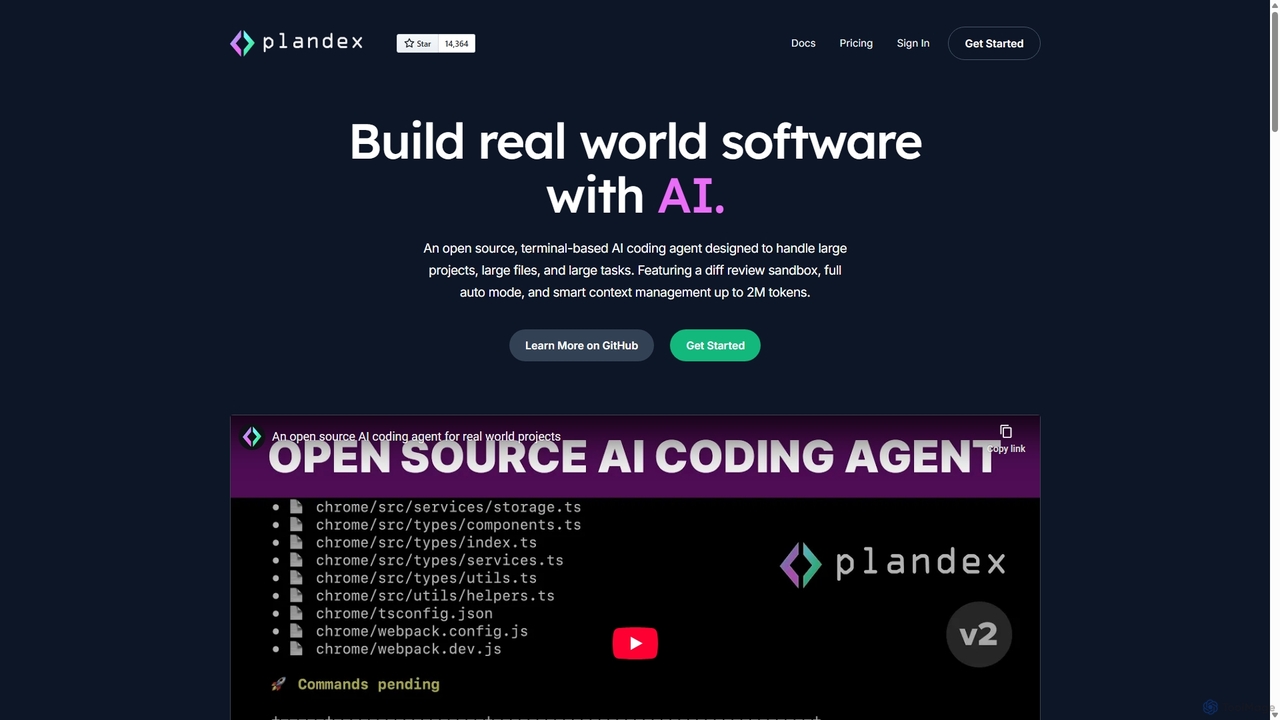
Plandex
Plandex is an open-source, terminal-based AI coding agent designed for complex, large-scale software development tasks. It excels at handling large projects and files with its 2M token context window. Featuring a diff review sandbox, configurable autonomy, and multi-model support, Plandex empowers developers to build, debug, and refactor entire applications with AI assistance, ensuring control and productivity in a dev-friendly workflow.
Code Generation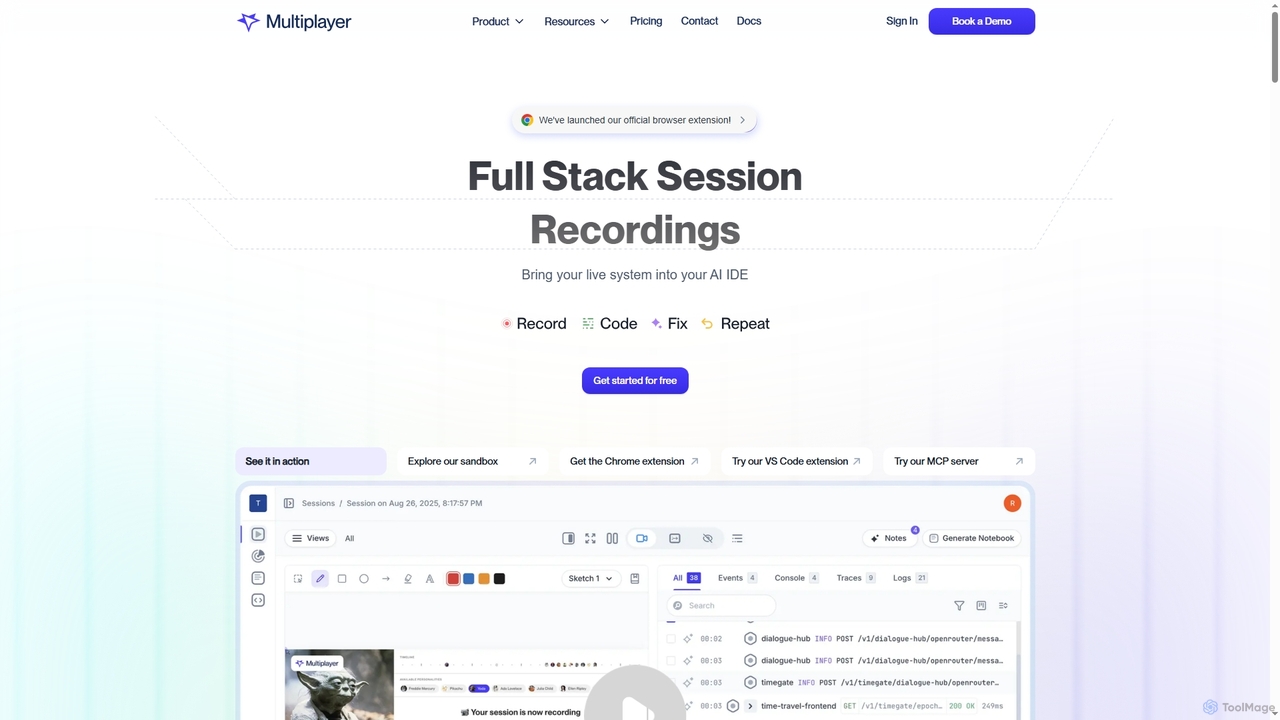
Multiplayer
Multiplayer is a full-stack session recording platform that captures frontend and backend data, providing complete context for debugging, testing, and AI-powered feature development. It integrates seamlessly with AI IDEs and engineering workflows to accelerate problem resolution and build new features with confidence.
Ai Integration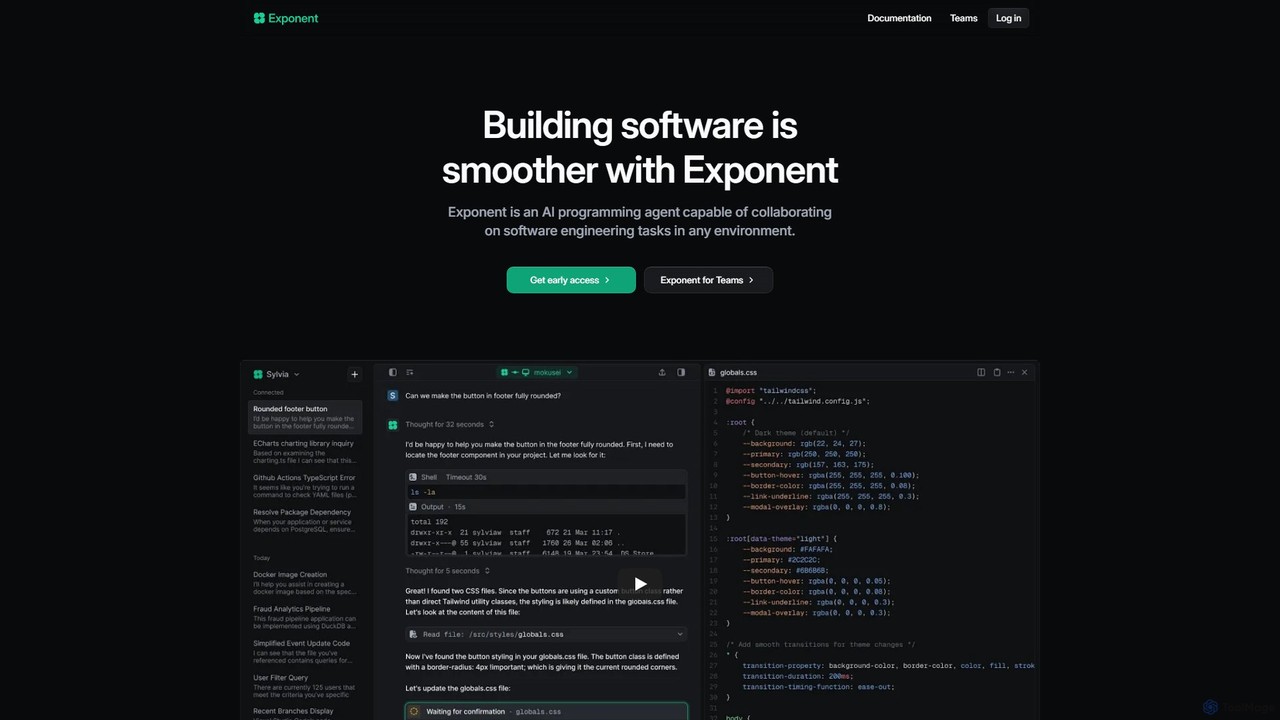
Exponent
Exponent is a collaborative AI programming agent designed to assist software engineering teams. It integrates into any environment—shell, local IDE, or CI/CD pipelines—to automate tasks, write code, debug issues, review pull requests, and analyze data, streamlining the entire development lifecycle.
Code Assistant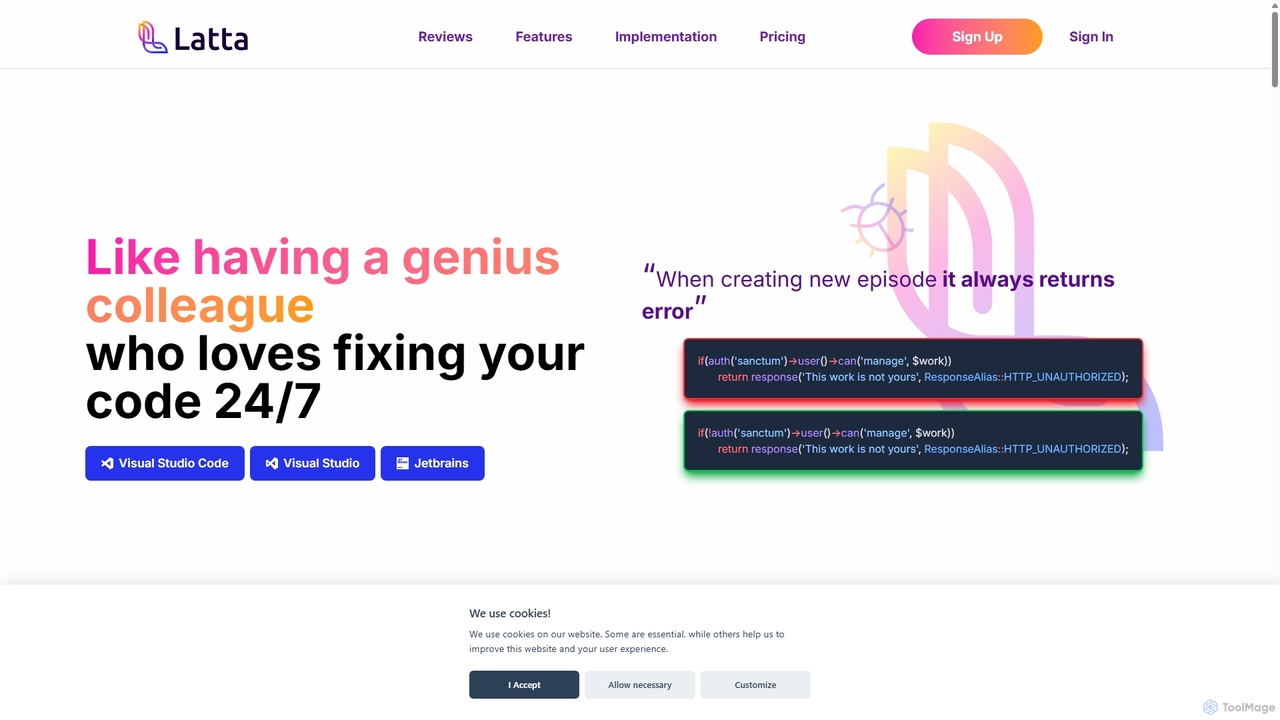
Latta
Latta is an AI-powered coding assistant designed to be your 24/7 genius colleague for debugging. It integrates with popular IDEs like VS Code and JetBrains to find and fix bugs across complex projects. With features like user session replay and Git integration, Latta streamlines bug reporting and resolution, saving developers significant time and effort.
Debugging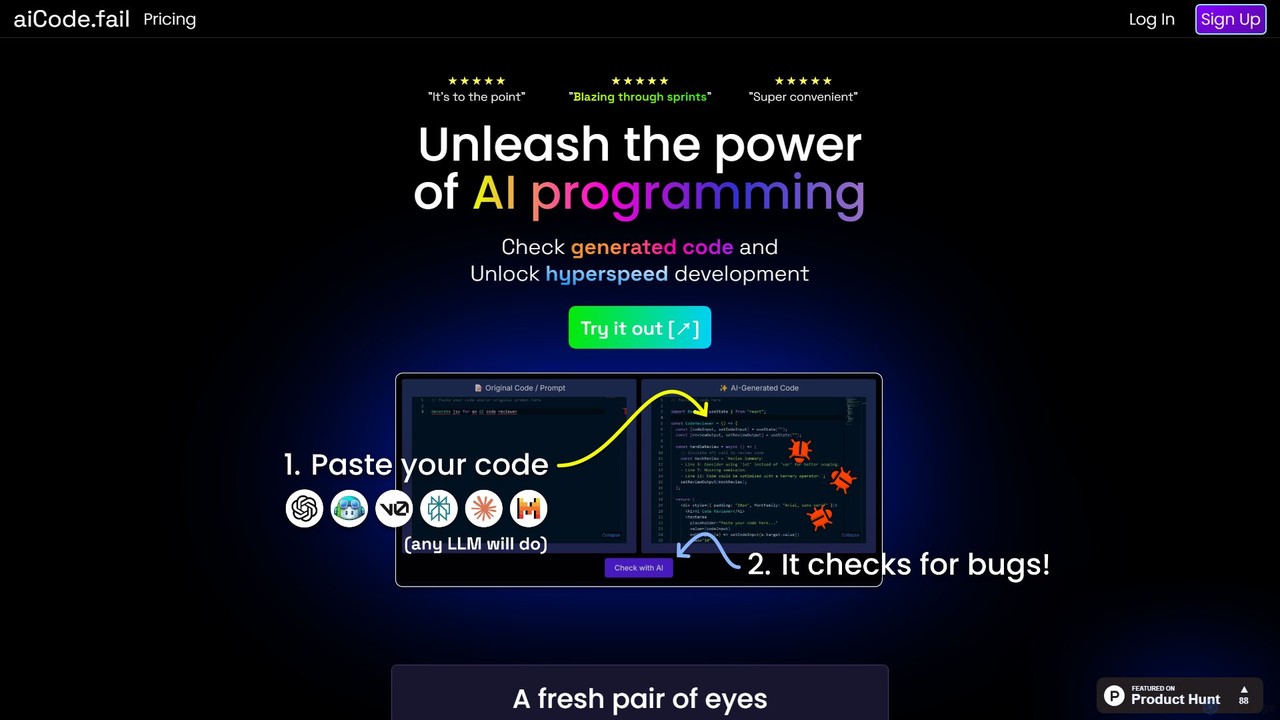
aiCode.fail
aiCode.fail is a specialized AI-powered code checker designed to audit, debug, and secure code generated by LLMs like GPT. It acts as a critical 'second pair of eyes' to detect hallucinations, expose security vulnerabilities, and accelerate the development process for any programming language, ensuring higher code quality and reliability.
Code Assistant
jetcode.app
jetcode.app is an AI-powered coding assistant designed to accelerate software development. It helps developers write, debug, and optimize code faster by providing intelligent code generation, real-time completion, and powerful refactoring tools directly within their IDE.
Code Assistant
Safurai
Safurai is an AI-powered IDE extension that acts as a virtual assistant for software developers. It helps with coding, debugging, and refactoring, aiming to streamline the development process and improve code quality directly within your favorite IDE like VS Code and JetBrains.
Code Generation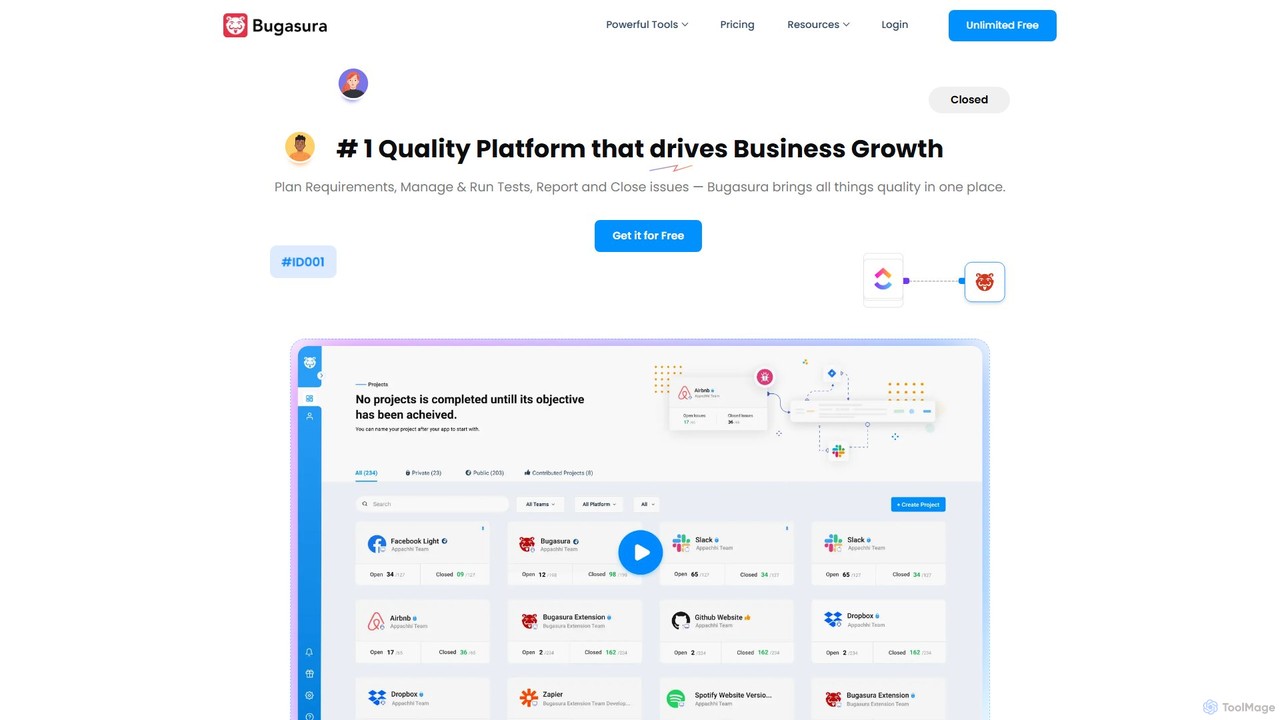
Bugasura
Bugasura is an AI-powered quality platform designed to streamline bug tracking and accelerate software development. It helps teams capture, report, and resolve bugs faster by automatically gathering comprehensive context, using AI for smart triage, and integrating seamlessly with existing development workflows. It's built for modern tech teams, including engineers, testers, and CTOs, to enhance collaboration and drive business growth through superior software quality.
Bug Tracking
Codux
Codux is a visual development environment for React that bridges the gap between design and code. It allows developers and designers to build, test, and collaborate on React applications and design systems in a real-time, visual workspace, streamlining the entire workflow.
Ui Ux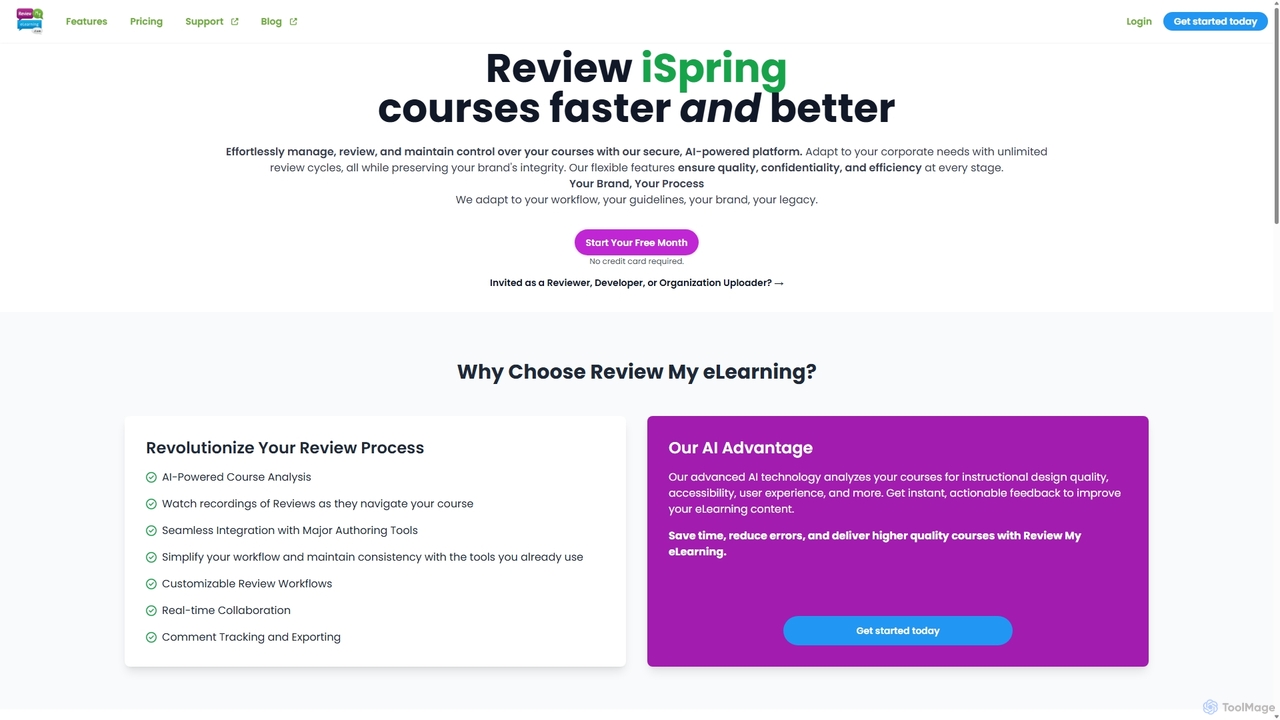
Review My eLearning
An AI-powered platform designed to streamline the review and collaboration process for eLearning courses. It offers centralized feedback, real-time collaboration, AI-driven course analysis, and user interaction replays to help instructional designers and developers create higher-quality content faster. It supports courses from all major authoring tools.
Project Management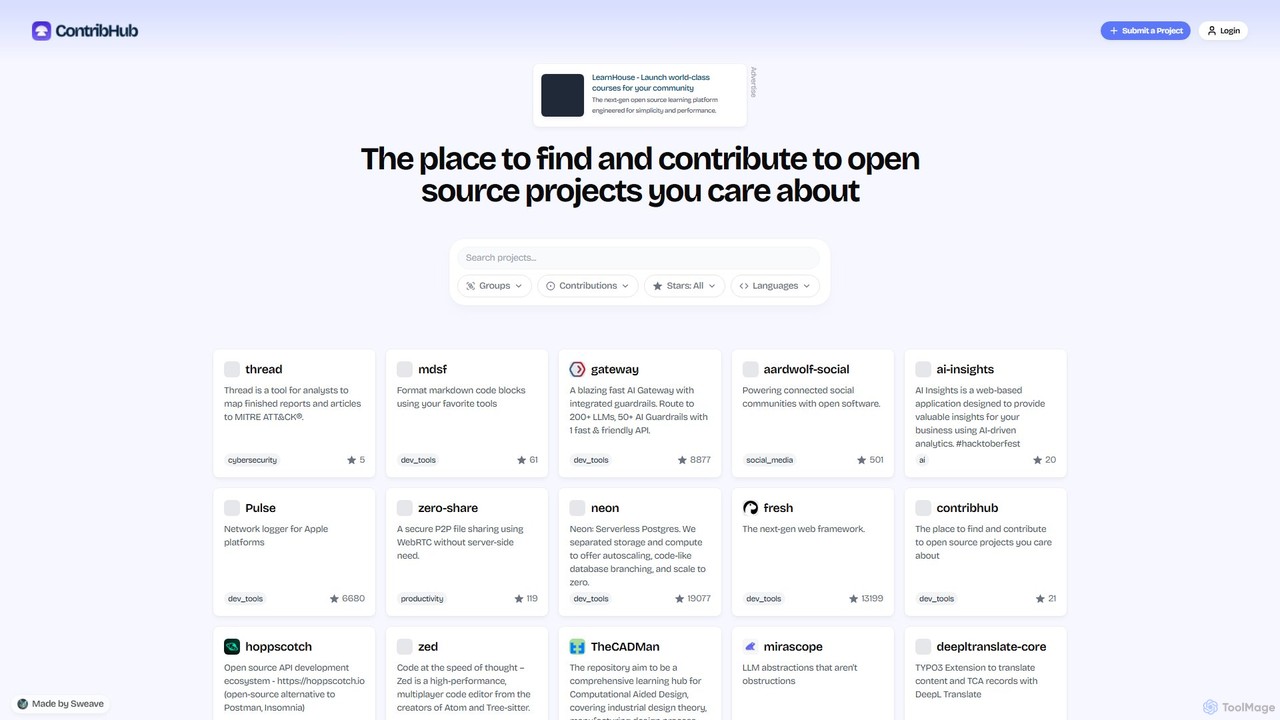
ContribHub
ContribHub is a dedicated platform designed to bridge the gap between developers and open-source projects. It simplifies finding projects that match your skills, interests, and desired contribution type, from coding and UI design to documentation and testing. By providing curated lists, advanced filtering, and direct GitHub integration, ContribHub makes contributing to open source more accessible and rewarding for everyone.
Developer Communities
stackspaces
stackspaces is an AI-powered collaborative platform that provides instant, cloud-based development environments. It streamlines the entire software lifecycle for teams by automating setup, offering an integrated AI code assistant, and simplifying project management, boosting productivity and code quality.
Cloud Environment
Jam Comments (0)
Sign in to comment.
Sign inNo comments yet.