
Commented Overview
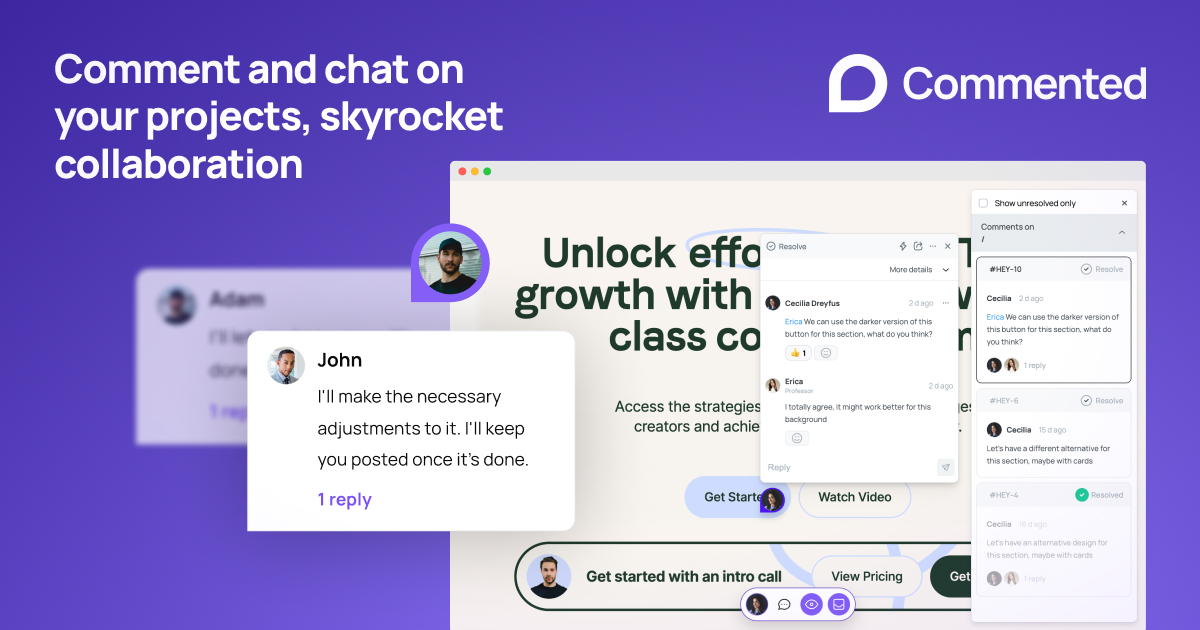
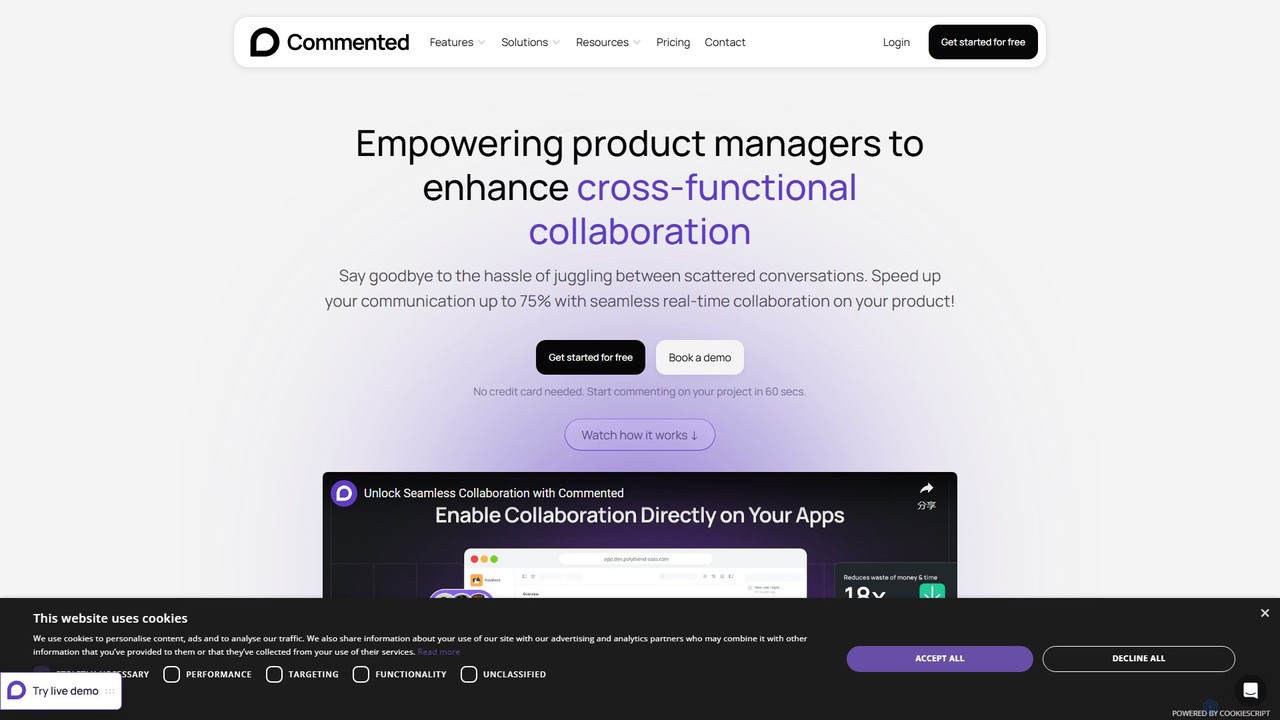
Commented is a powerful collaboration platform designed to eliminate the confusion and inefficiency of scattered feedback. It empowers product managers, developers, designers, and marketing teams to communicate seamlessly by allowing them to add comments, annotations, and tasks directly onto live digital products. This visual and contextual approach bridges the gap between teams and clients, ensuring that feedback is clear, actionable, and centralized. By integrating features of design tools like Figma and project management systems like Jira, Commented provides a unified workspace to manage the entire feedback and bug reporting lifecycle, significantly reducing meeting times and accelerating project delivery.
How to use Commented
Getting started with Commented is a straightforward, four-step process designed for maximum efficiency:
- Integrate: Quickly set up the tool by either installing the user-friendly Chrome extension for instant use on any website or by adding a small code snippet to your project for deeper integration.
- Comment: Navigate to your live project, staging environment, or web app. Use the Commented tools to click on any element and leave a precise, contextual comment. You can attach files, record audio, and use annotation tools for clarity.
- Collaborate: Share your thoughts instantly. Mention specific team members with '@' to assign tasks or ask questions. Clients and external stakeholders can also provide feedback without needing to sign up, thanks to the public commenting feature.
- And beyond: Connect Commented with your favorite tools like Slack or Jira. This allows conversations and tasks to flow seamlessly into your existing workflows, keeping everyone in sync without switching contexts.
Core Features of Commented
- Direct Website & App Commenting: Leave comments with pinpoint accuracy on any live website, web app, or mobile app (via Mobile SDK).
- Task Management: Assign comments to team members, set priorities (low, medium, high), and update the status (e.g., To Do, In Progress, Done) to track progress clearly.
- AI Enhancement: Leverage the built-in AI content writer to craft compelling headlines, generate copy variations for A/B testing, and enhance overall content creation efficiency.
- Public Commenting: Allow clients, users, and other stakeholders to provide feedback directly on your project without requiring them to create an account.
- Rich Annotation Tools: Use text highlighting, stamps, and image attachments to make your feedback visually clear and easy to understand.
- Mobile SDK: Integrate Commented directly into your iOS and Android applications to gather precise feedback and bug reports from your team and users.
- Seamless Integrations: Connect with popular tools like Slack and Jira to push feedback and tasks into your established workflows.
- White-label & Customization: Advanced and Enterprise plans offer theme customization, custom domains, and project logo options to maintain brand consistency.
Use Cases for Commented
Commented is versatile and benefits various roles within an organization:
- Product/Project Managers: Streamline cross-functional collaboration, centralize feedback from all stakeholders, and track issue resolution from a single dashboard.
- Developers & Designers: Receive clear, visual, and contextual bug reports and design feedback with attached screenshots, reducing ambiguity and back-and-forth communication.
- Marketing & Sales Teams: Collaborate on landing page designs and copy, use the AI writer for A/B testing, and quickly implement changes to optimize conversion rates.
- Customer Success & QA Teams: Easily report bugs and user-issues from the live environment directly to the development team, accelerating the resolution process.
Advantages of Commented
Commented offers significant advantages by transforming the feedback process. It can speed up communication by up to 75% and accelerate development by 25%. By centralizing all conversations, it eliminates the noise of scattered emails, chats, and spreadsheets. This leads to a massive reduction in time spent managing feedback, saving companies significant resources. The tool's intuitive, chat-like interface and powerful integrations make it a seamless addition to any team's toolkit, boosting productivity and ensuring everyone is aligned.
Pricing and Plans
Commented offers a range of plans with a free trial available, and a 2-month discount on yearly subscriptions.
- Basic ($3.33/seat/month, billed yearly): Ideal for freelancers and small teams. Includes unlimited comments, 1 workspace, 5 projects, 5 members, and 1 integration.
- Plus ($4.99/seat/month, billed yearly): Suited for small companies and startups. Includes everything in Basic, plus Mobile SDK, public commenting, audio recordings, and 2 integrations.
- Advanced ($8.33/seat/month, billed yearly): Designed for companies with multiple teams. Includes everything in Plus, plus unlimited projects, unlimited integrations, theme customization, custom domain, and advanced task features like labels and assignees.
- Enterprise (Custom Quote): For large organizations with specific needs. Includes everything in Advanced, plus custom member/guest limits, dedicated VIP support, GDPR compliance, and a guaranteed SLA.
Traffic
Latest traffic
Status
Monthly traffic trend
- 2025-9: 7.0K
- 2026-1: 4.6K
- 2026-2: 2.7K
- 2026-3: 6.1K
- 2026-4: 6.8K
- 2026-5: 6.4K
Geography
Top 5 countries / regions
- 🇻🇳Vietnam39.4%
- 🇮🇳India18.6%
- 🇺🇸United States17.4%
- 🇮🇩Indonesia13.4%
- 🇬🇧United Kingdom11.2%
Top keywords
| Keyword | Cost per click |
|---|---|
| coment to website | $0.00 |
| commented | $2.77 |
| commenting tool | $0.00 |
| comment on live app tool development | $0.00 |
| comment tool | $0.00 |
Commented Alternatives
Tether
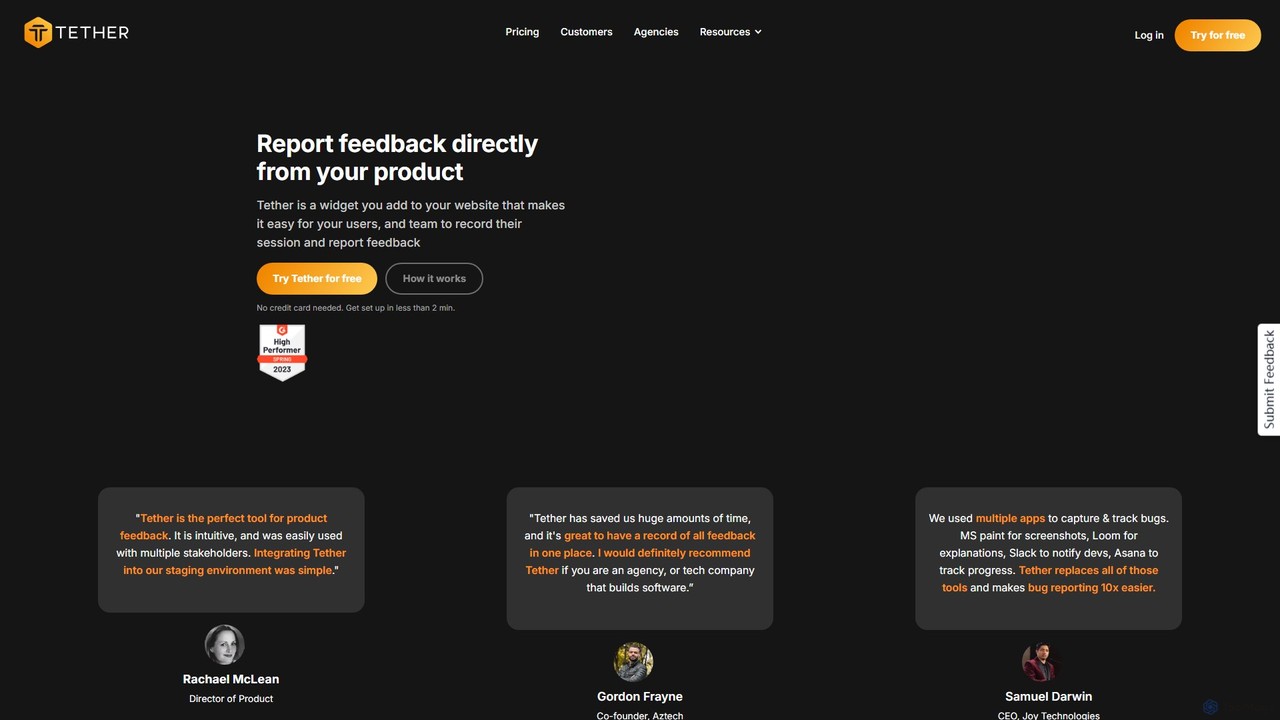
Tether is an all-in-one visual feedback and bug reporting tool for teams. It allows users and team members to capture screen recordings, annotated screenshots, and technical data directly from any website or web app, streamlining the feedback process and accelerating development cycles.
Feedback Management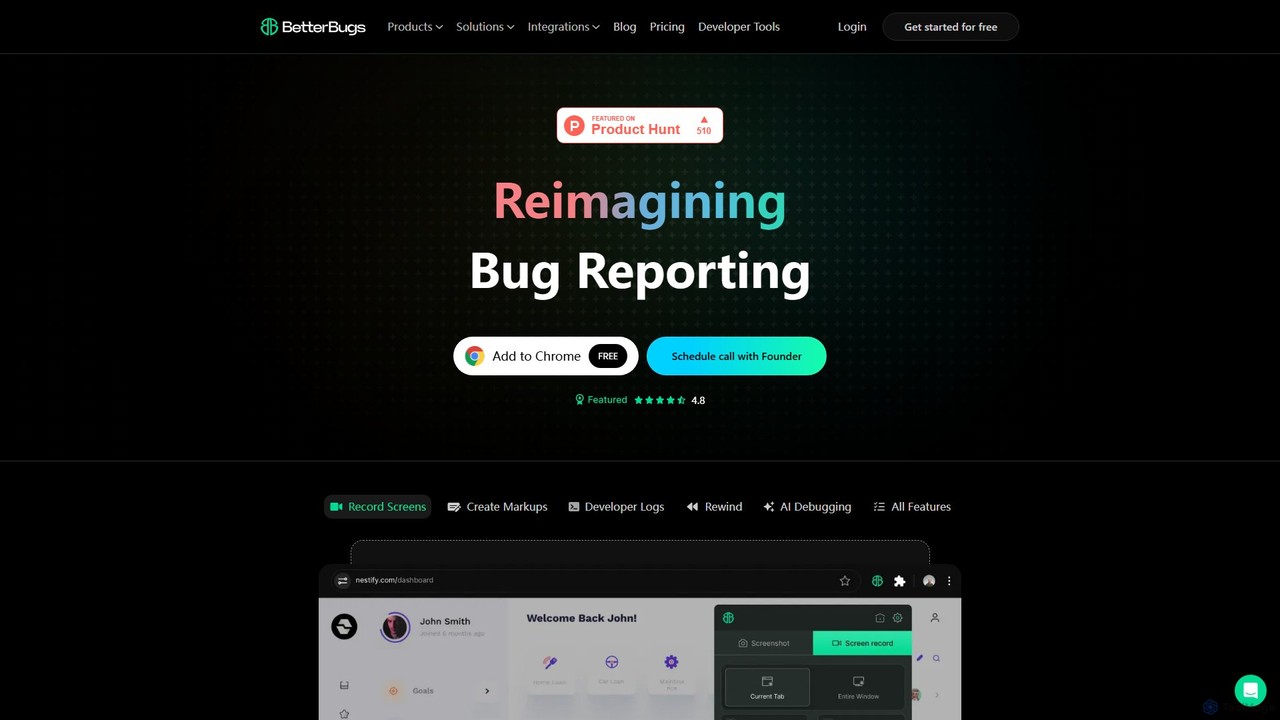
BetterBugs
BetterBugs is an AI-powered bug reporting tool that helps development and QA teams capture precise, context-rich bug reports with a single click. It automatically includes screen recordings, annotations, and comprehensive developer logs (console logs, network requests) to streamline the debugging process and accelerate bug resolution.
Debugging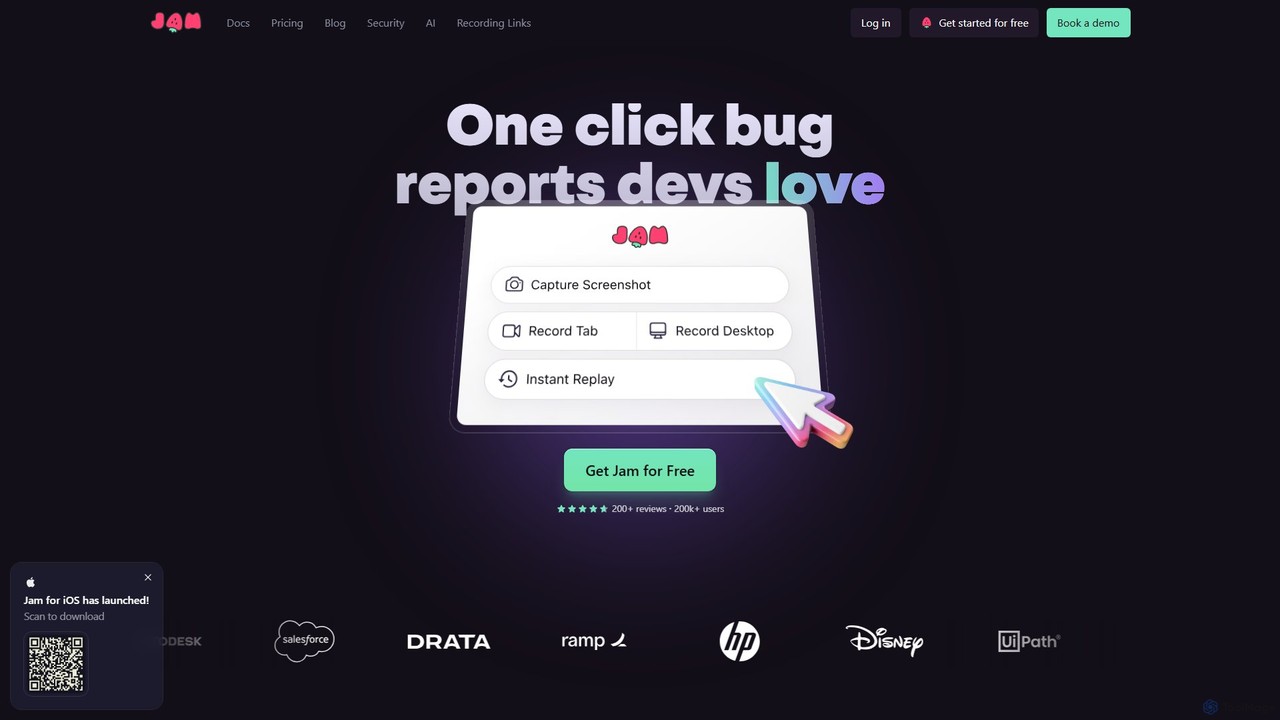
Jam
Jam is an AI-powered bug reporting tool that helps development teams fix bugs faster. It automatically captures all the technical data engineers need—console logs, network requests, browser info, and repro steps—in a single link. With features like instant replay, AI-powered debugging, and seamless integrations, Jam streamlines the entire bug reporting and resolution process for developers, QA, and product teams.
Debugging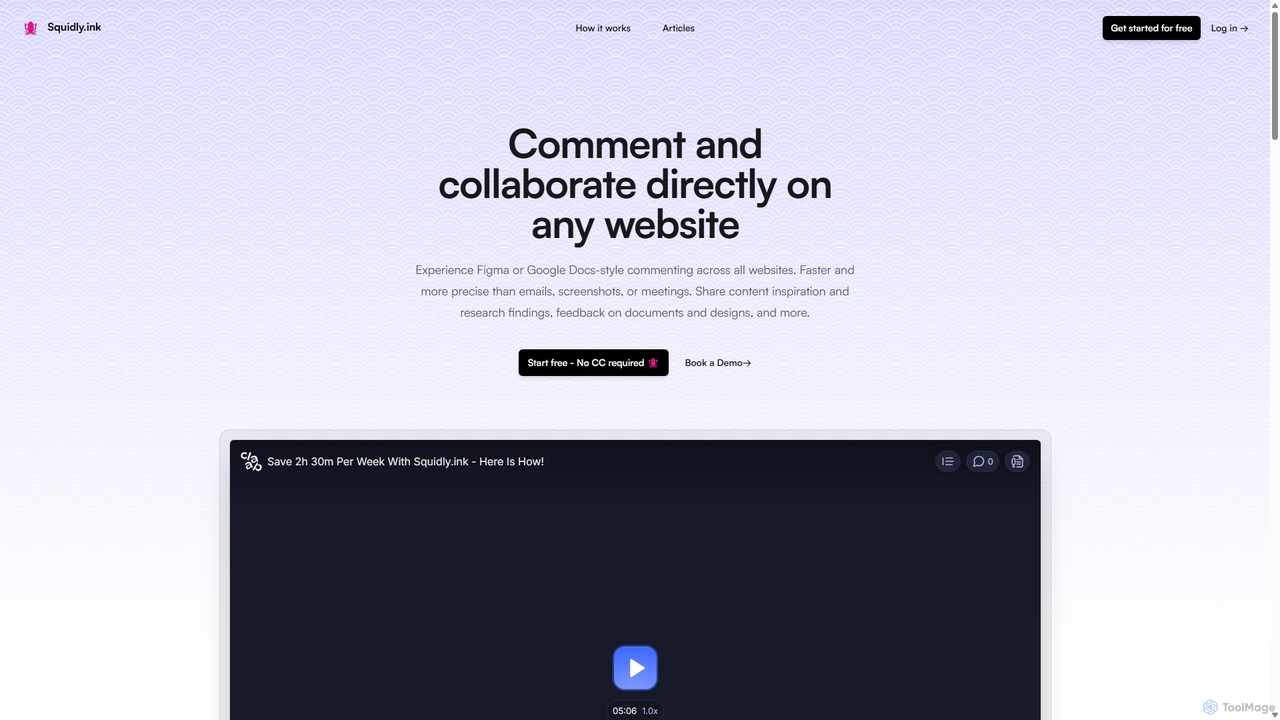
Squidly
Squidly is a collaborative browser extension that allows teams to leave comments directly on any website, similar to Figma or Google Docs. It streamlines feedback, eliminates the need for screenshots and meetings, and centralizes all discussions in one dashboard for enhanced productivity in remote and asynchronous work environments.
Review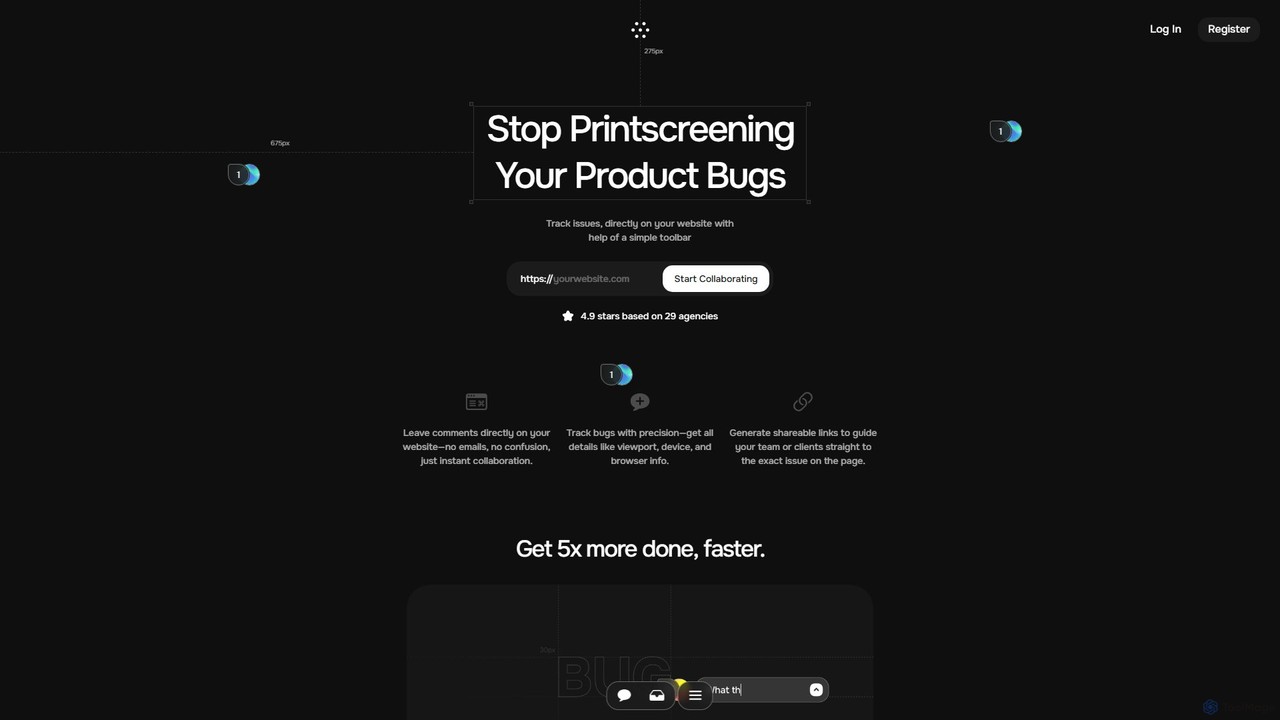
Toolbar
Toolbar is the fastest visual feedback and bug tracking tool designed for agencies and web development teams. It allows users to leave comments, report bugs with full context, and collaborate directly on any website, eliminating the need for screenshots and confusing email chains. AI-powered features help resolve tasks even faster.
FeedbackCommented Categories
Commented Embed Widget
Copy this embed code to place the badge on your blog, article, or product site and send readers directly to this ToolMage detail page.

Related AI tools
Squidly
Squidly is a collaborative browser extension that allows teams to leave comments directly on any website, similar to Figma or Google Docs. It streamlines feedback, eliminates the need for screenshots and meetings, and centralizes all discussions in one dashboard for enhanced productivity in remote and asynchronous work environments.
ReviewToolbar
Toolbar is the fastest visual feedback and bug tracking tool designed for agencies and web development teams. It allows users to leave comments, report bugs with full context, and collaborate directly on any website, eliminating the need for screenshots and confusing email chains. AI-powered features help resolve tasks even faster.
Feedback
Jyek
Jyek is an AI agent platform that understands objectives, creates execution plans, uses tools, and delivers verifiable results for complex, multi-step tasks.
Automation
TaskHuddle
TaskHuddle is a visual feedback and bug tracking tool, primarily for WordPress, that allows clients and team members to provide contextual feedback directly on your website or web application. It streamlines the revision process by converting clicks and comments into actionable tasks in a centralized dashboard.
Feedback CollectionTether
Tether is an all-in-one visual feedback and bug reporting tool for teams. It allows users and team members to capture screen recordings, annotated screenshots, and technical data directly from any website or web app, streamlining the feedback process and accelerating development cycles.
Feedback Management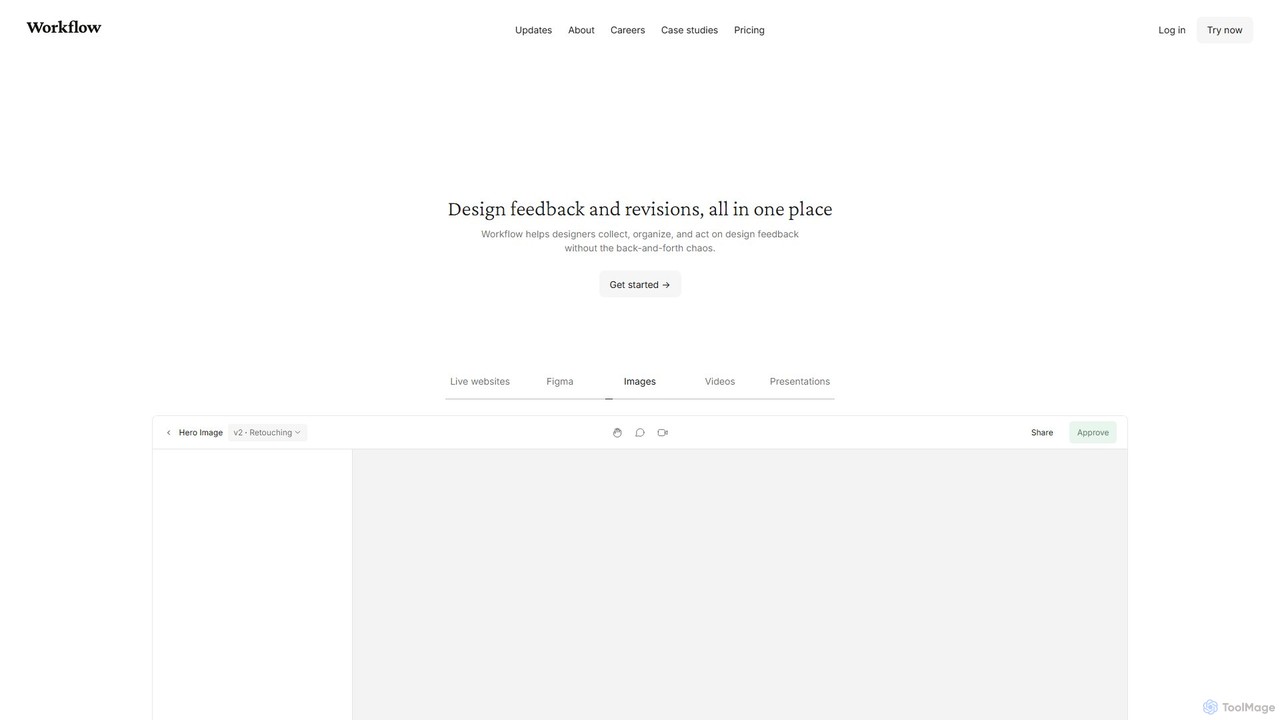
Workflow
Workflow is a collaborative design feedback and revision platform that streamlines the review process for designers and stakeholders. It allows users to leave contextual comments directly on live websites, Figma designs, videos, and images. By centralizing all feedback, versions, and approvals in one place, it eliminates chaotic email threads and simplifies project management, helping creative teams deliver projects faster.
Feedback
Superflow
Superflow is an AI-powered collaborative review and approval platform for creative teams. It streamlines feedback on websites, videos, PDFs, and images with precise, contextual comments, task management, and integrations, accelerating creative workflows and centralizing communication for faster project delivery.
Feedback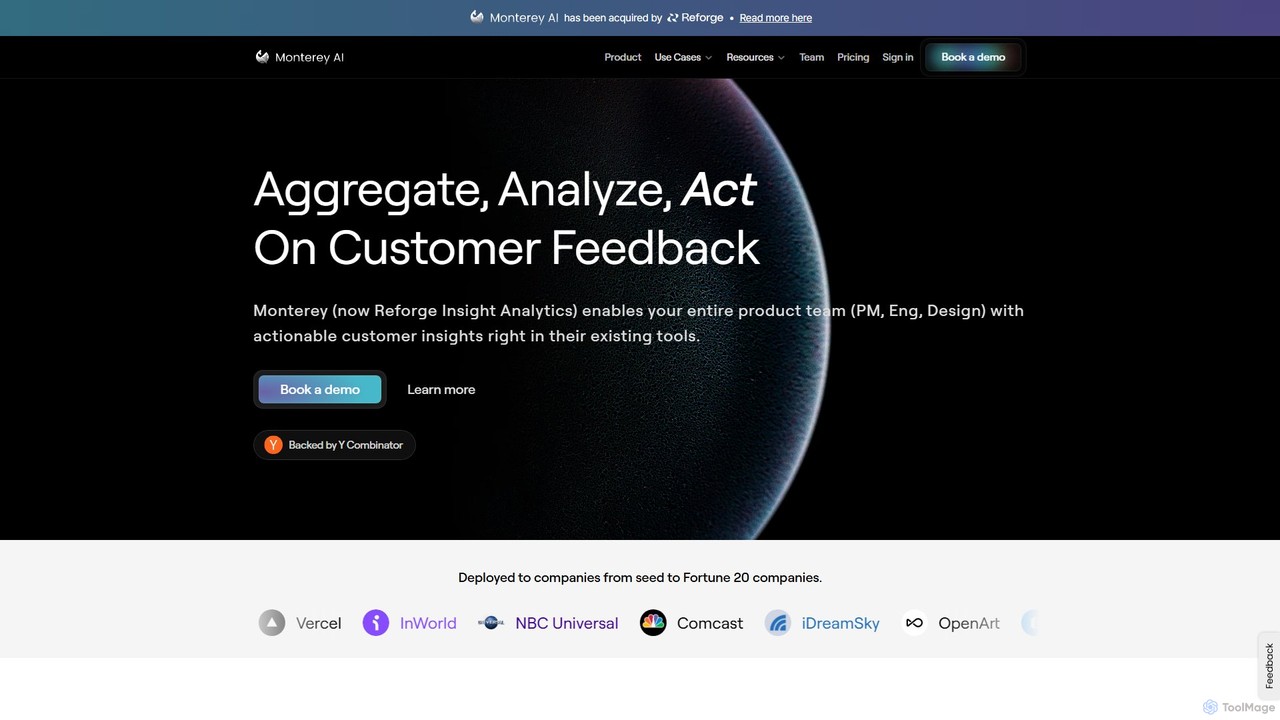
Monterey AI
Monterey AI is an AI-powered copilot for product insights, designed to analyze unstructured customer feedback from various channels. It helps product teams distill actionable insights from calls, emails, chats, and more, enabling them to identify trends, prioritize features, and build better products faster.
Customer Support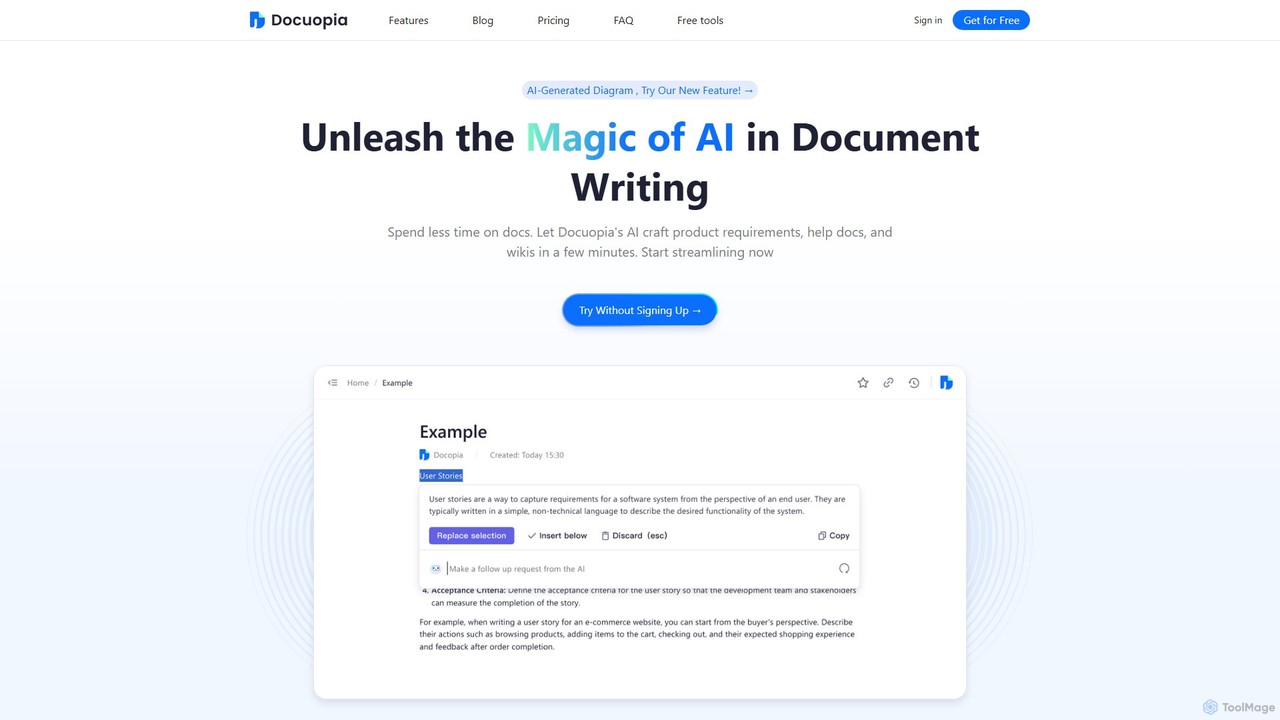
Docuopia
Docuopia is an AI-powered document collaboration platform designed to streamline the creation of technical and business documents. It helps teams generate product requirements documents (PRDs), help articles, wikis, and professional diagrams in minutes. By leveraging AI for drafting, refining, and visualizing content, Docuopia significantly reduces documentation time, enhances content quality, and fosters real-time collaboration.
Diagramming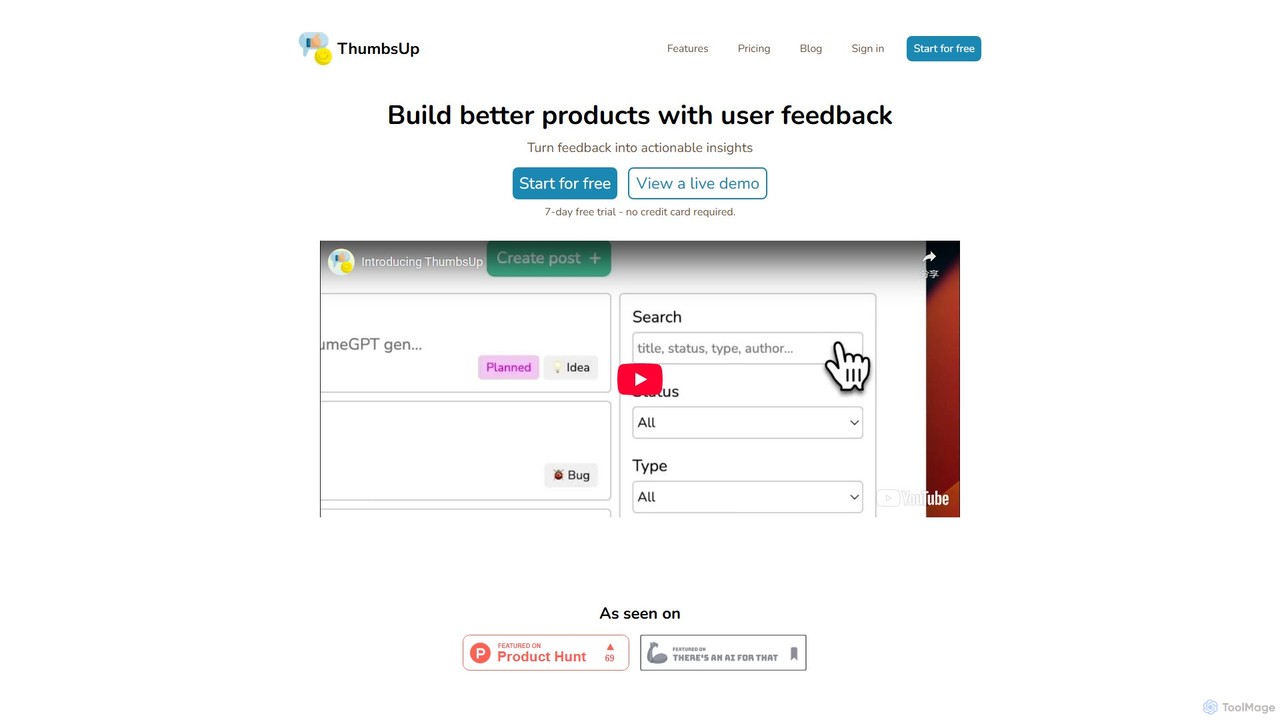
ThumbsUp
ThumbsUp is an AI-powered user feedback platform that helps businesses collect, analyze, and act on customer insights. It provides centralized feedback boards, AI-driven sentiment analysis, keyword trend tracking, and actionable suggestions to improve products and user satisfaction. Ideal for startups and growing teams.
Analytics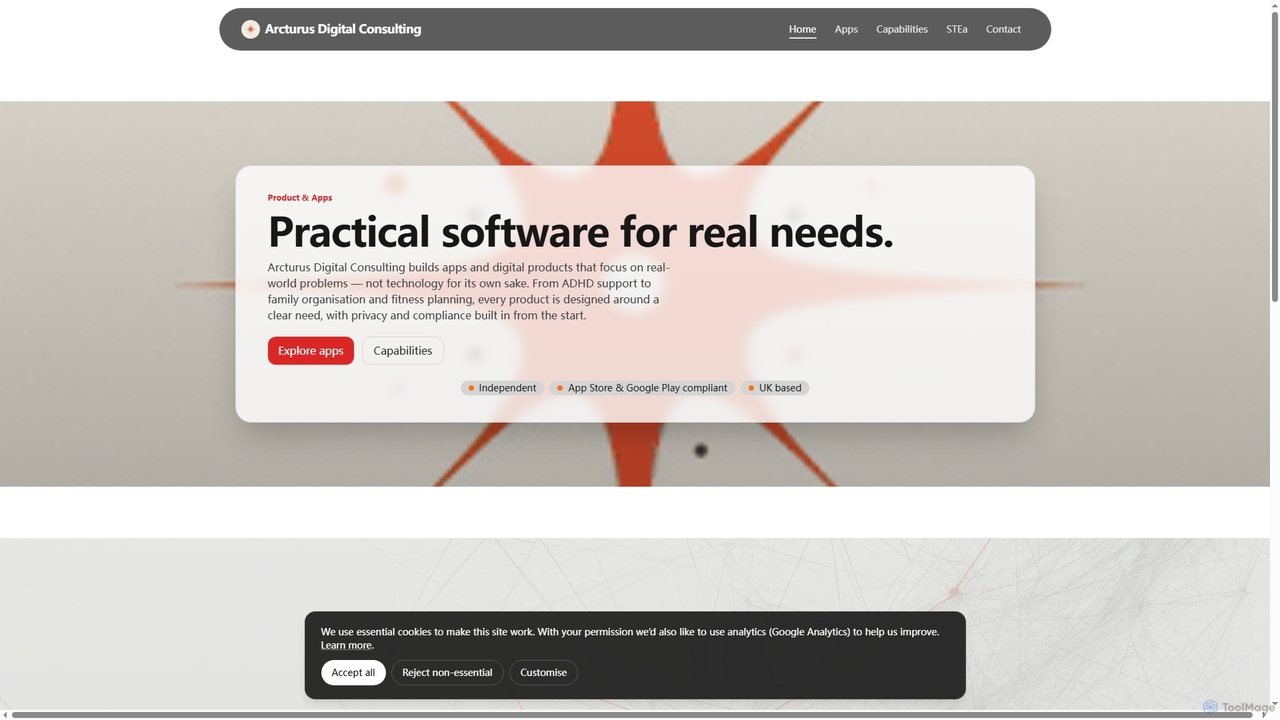
STEa
STEa is an AI-powered closed-loop product system by Arcturus Digital Consulting, designed to streamline product strategy, delivery, testing, and intelligence. It integrates discovery, planning, building, and documentation into a seamless workflow, leveraging AI for generation, linking, and automation to help teams ship faster with higher quality.
Workflow Automation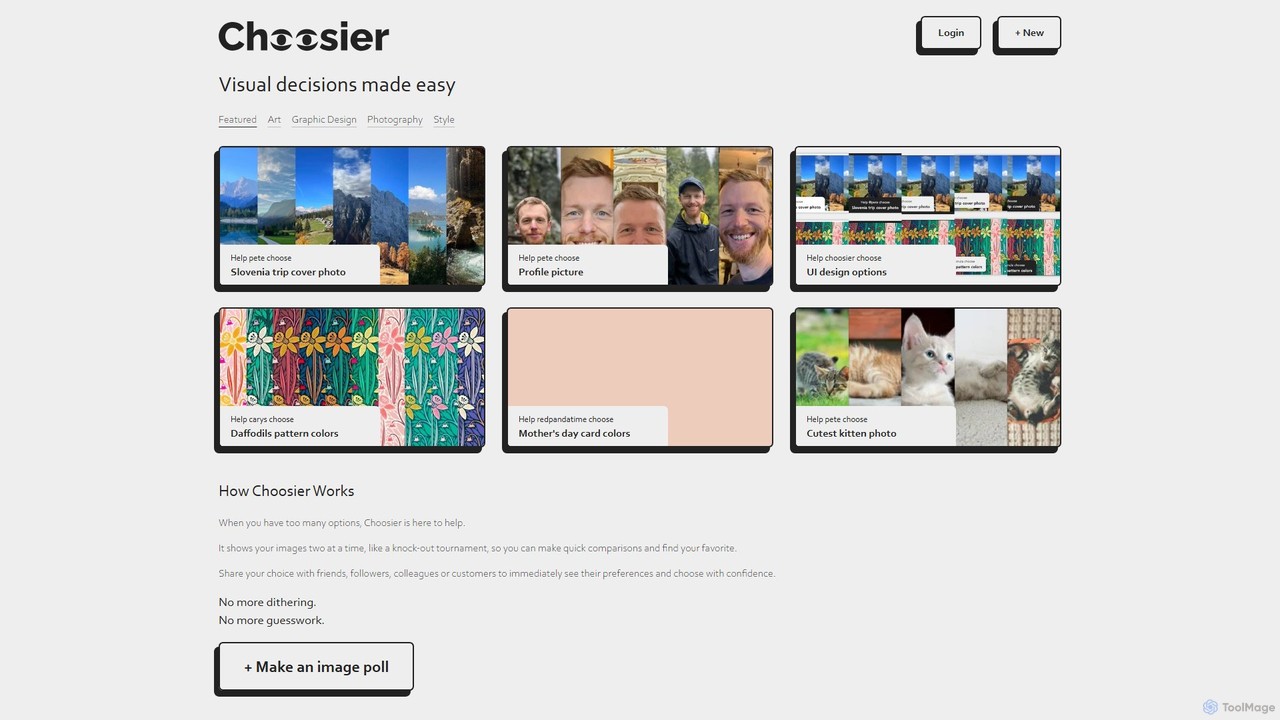
Choosier
Choosier is a simple and intuitive online tool for creating image polls. It helps you make visual decisions quickly by presenting options in a head-to-head, tournament-style format. Share your poll with a link and gather feedback from friends, colleagues, or customers to choose with confidence.
Feedback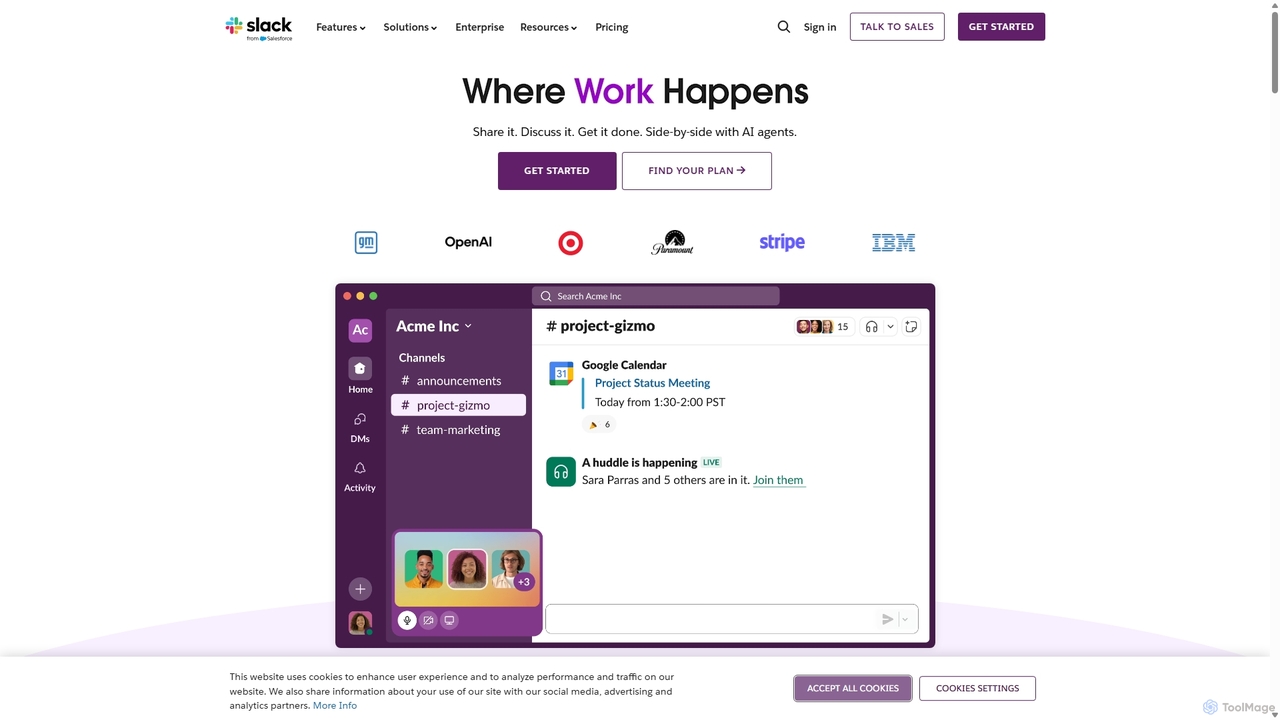
Slack
Slack is an AI-powered collaboration hub that connects your people, partners, and tools. It replaces email with faster, better-organized communication through channels. With integrated AI, workflow automation, and thousands of apps, Slack centralizes your work to boost productivity and streamline project management.
Project Management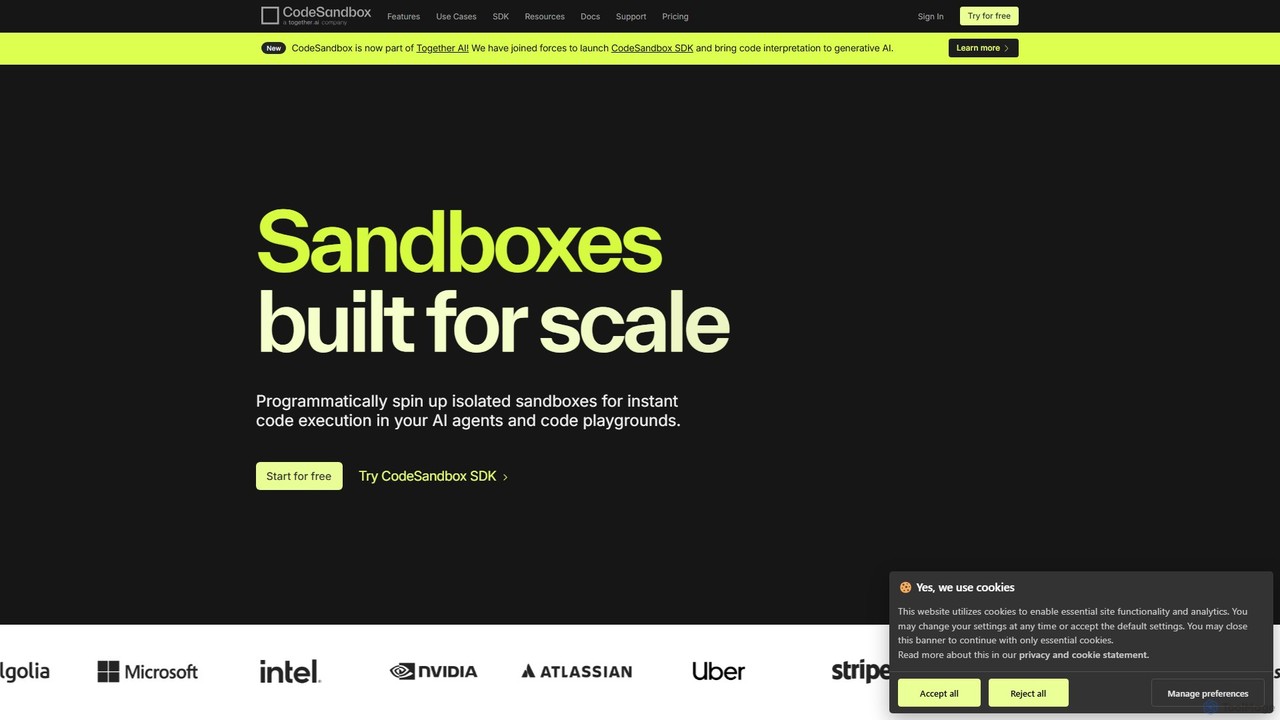
CodeSandbox
CodeSandbox is an instant cloud development environment that enables developers to build, share, and collaborate on web applications. It provides scalable, secure sandboxes for any project, from quick prototypes to full-stack applications, and now features a powerful SDK for integrating code execution into AI agents.
Code Generation
SyncSketch
SyncSketch is a real-time visual collaboration and review platform designed for creative teams in animation, VFX, and gaming. It enables synchronized review sessions for 2D/3D assets, videos, and images, with powerful annotation tools for frame-accurate feedback, streamlining creative workflows for remote and in-house teams.
3D Modeling
Commented Comments (0)
Sign in to comment.
Sign inNo comments yet.