

BetterBugs Overview
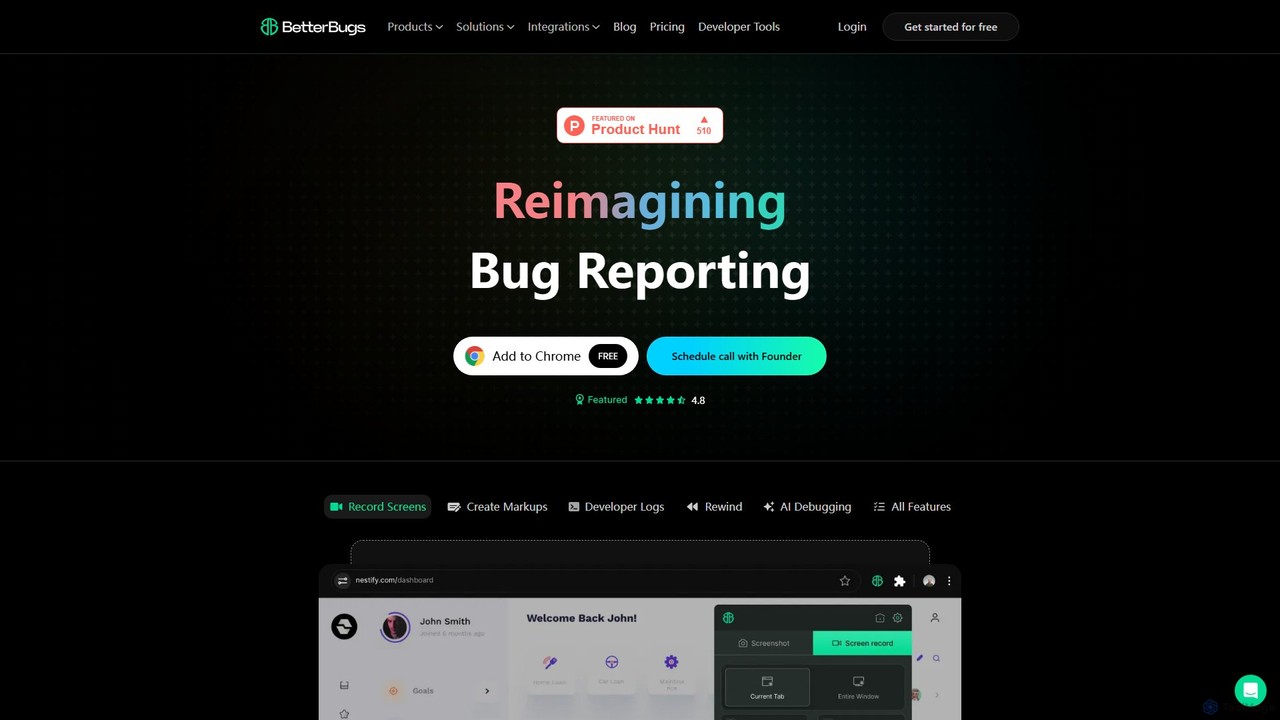
BetterBugs is a revolutionary tool designed to reimagine the bug reporting process for software development teams. It operates as a lightweight yet powerful Chrome extension, enabling users to create highly detailed and actionable bug reports with minimal effort. The core mission of BetterBugs is to bridge the communication gap between QA testers and developers, eliminating the time-consuming back-and-forth typically associated with bug fixes. By capturing not just what the bug looks like, but also the technical context behind it, BetterBugs helps teams boost productivity and ship better products faster.
The tool is trusted by teams worldwide, from startups to established companies, and is designed for a wide range of users including QA engineers, developers, product managers, support teams, and even founders. It transforms a traditionally tedious task into a quick, seamless, and collaborative experience.
How to use BetterBugs
Using BetterBugs is designed to be intuitive and integrate seamlessly into your existing workflow. Here’s a typical process:
- Installation: Start by adding the BetterBugs extension to your Chrome browser from the Chrome Web Store. It's a quick and free setup.
- Capture a Bug: When you encounter a bug, simply click the BetterBugs extension icon. You don't need to have been recording beforehand.
- Use the Rewind Feature: The standout 'Rewind' feature automatically records the last few minutes of your tab activity. This allows you to capture bugs that are difficult to reproduce, even after they've already happened.
- Annotate and Explain: Once captured, you can use the built-in markup tools to annotate the screenshot or screen recording. Highlight specific elements, add text, or draw shapes to provide clear visual context.
- Review Technical Data: BetterBugs automatically appends crucial developer information to your report, including console logs, network requests, and system information. This data is invaluable for developers to diagnose the root cause quickly.
- Share and Integrate: Share the comprehensive bug report with your team via a unique link or send it directly to your project management tool, such as Jira, Trello, or Asana, to create a new issue.
Core Features of BetterBugs
- Rewind AI Debugging: Automatically records your recent browser activity, allowing you to capture and report bugs retroactively with a single click.
- Screen and Video Recording: Capture high-quality screen recordings or screenshots to visually demonstrate the issue.
- Automatic Context Capture: Automatically includes developer logs, such as console logs, network requests (XHR, Fetch), and browser/OS details, with every bug report.
- Visual Annotation Tools: A suite of markup tools to draw, highlight, and add text to your captures for precise communication.
- AI-Powered Suggestions: The AI component helps in analyzing the collected data to provide insights and potential debugging starting points for developers.
- Seamless Collaboration & Integration: Easily share reports with a link and integrate with popular project management and issue-tracking tools to streamline workflows.
- Secure and Compliant: Built with security in mind, featuring data encryption, user control, regular security audits, and compliance with industry standards.
Use Cases for BetterBugs
BetterBugs is versatile and beneficial for various roles within a tech team:
- QA Engineers: Create precise, data-rich bug reports in seconds instead of minutes. Drastically reduce time spent on documentation and increase testing efficiency by up to 10x.
- Developers: Receive complete bug reports with all the necessary technical data to reproduce and fix issues without needing to ask for more information. The 'Rewind' feature helps debug intermittent bugs.
- Product Managers: Get a clear overview of reported issues with visual and technical context, helping in prioritizing fixes and understanding user-facing problems.
- Customer Support Teams: Easily capture and escalate customer-reported issues to the development team with all the necessary context for a swift resolution.
Advantages of BetterBugs
The primary advantage of BetterBugs is its ability to dramatically improve efficiency. Teams report up to 80% higher productivity levels and 74% more streamlined fixes. It saves countless hours by providing developers with all the information they need upfront. This leads to faster bug resolution cycles, better collaboration between QA and development, and ultimately, a higher quality product. Its ease of use and powerful 'Rewind' feature make it a game-changer compared to traditional bug reporting methods.
Pricing and Plans
BetterBugs is available as a free Chrome extension. The core features, including screen recording, developer logs, and the Rewind function, are offered at no cost, making it accessible for individuals and teams of all sizes to start improving their bug reporting process immediately.
Traffic
Latest traffic
Status
Monthly traffic trend
- 2025-9: 113.5K
- 2026-1: 344.2K
- 2026-2: 404.4K
- 2026-3: 499.5K
- 2026-4: 621.7K
- 2026-5: 835.0K
Geography
Top 5 countries / regions
- 🇮🇳India37.6%
- 🇺🇸United States22.8%
- 🇵🇰Pakistan18.2%
- 🇪🇬Egypt11.1%
- 🇹🇷Türkiye10.4%
Traffic sources
| Source type | Percentage |
|---|---|
Direct | 85.5% |
Referral | 12.9% |
Email | 1.6% |
Top keywords
| Keyword | Cost per click |
|---|---|
| credit card generate | $1.50 |
| credit card generator | $2.47 |
| fake credit card | $1.00 |
| fake credit card generator | $0.00 |
| html viewer | $1.64 |
BetterBugs Alternatives
Jam
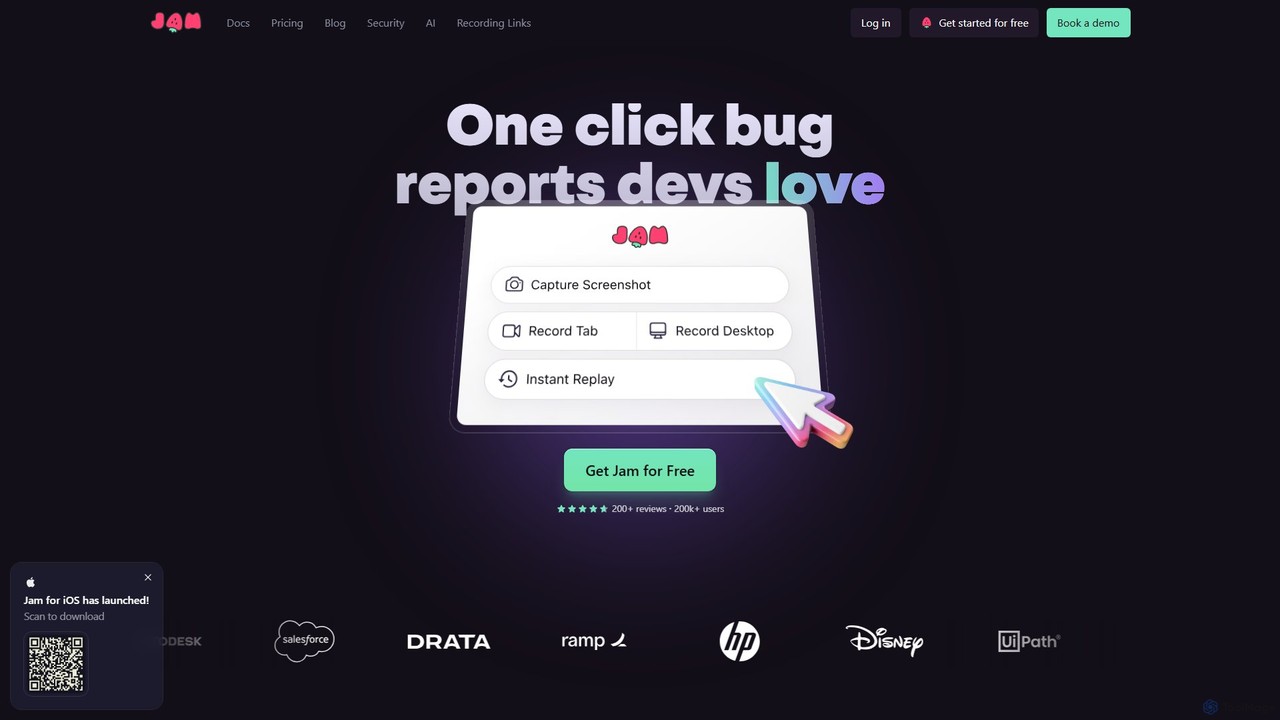
Jam is an AI-powered bug reporting tool that helps development teams fix bugs faster. It automatically captures all the technical data engineers need—console logs, network requests, browser info, and repro steps—in a single link. With features like instant replay, AI-powered debugging, and seamless integrations, Jam streamlines the entire bug reporting and resolution process for developers, QA, and product teams.
Debugging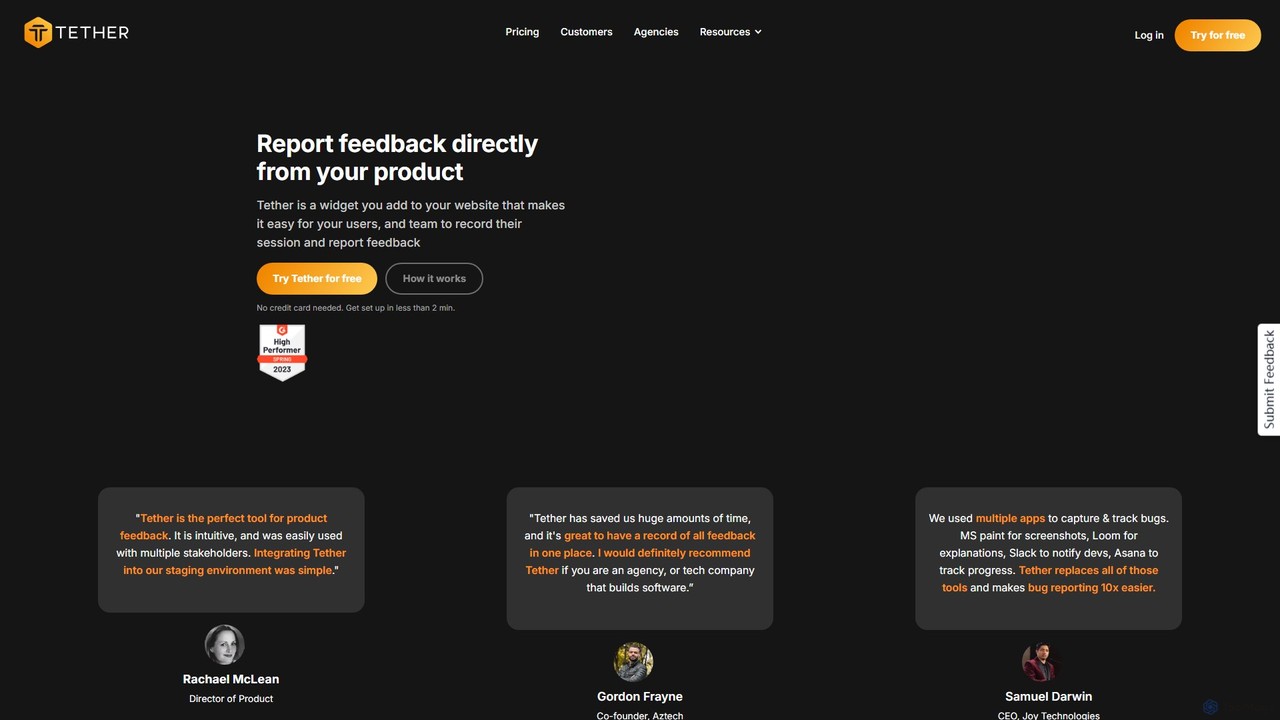
Tether
Tether is an all-in-one visual feedback and bug reporting tool for teams. It allows users and team members to capture screen recordings, annotated screenshots, and technical data directly from any website or web app, streamlining the feedback process and accelerating development cycles.
Feedback Management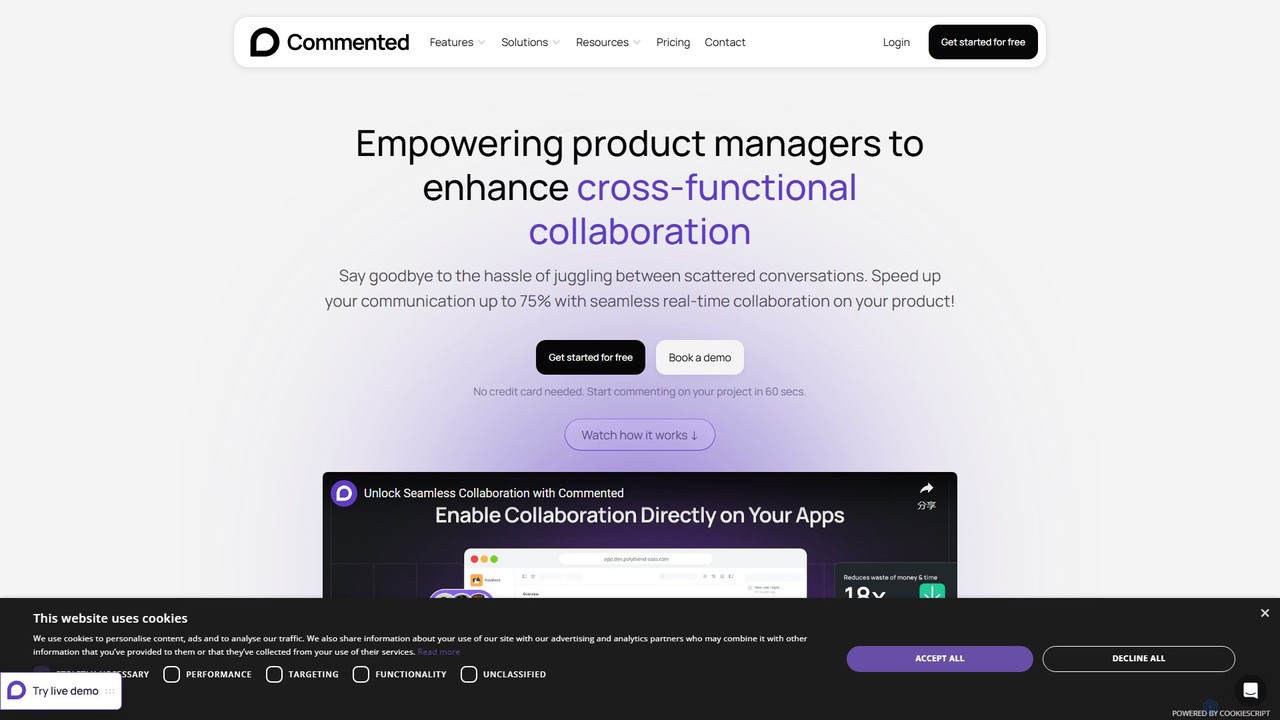
Commented
Commented is a visual collaboration and feedback tool designed for product teams, developers, and marketers. It allows users to leave precise, contextual comments and annotations directly on live websites, web apps, and mobile applications, streamlining the feedback process and accelerating development cycles by up to 75%.
Bug Tracking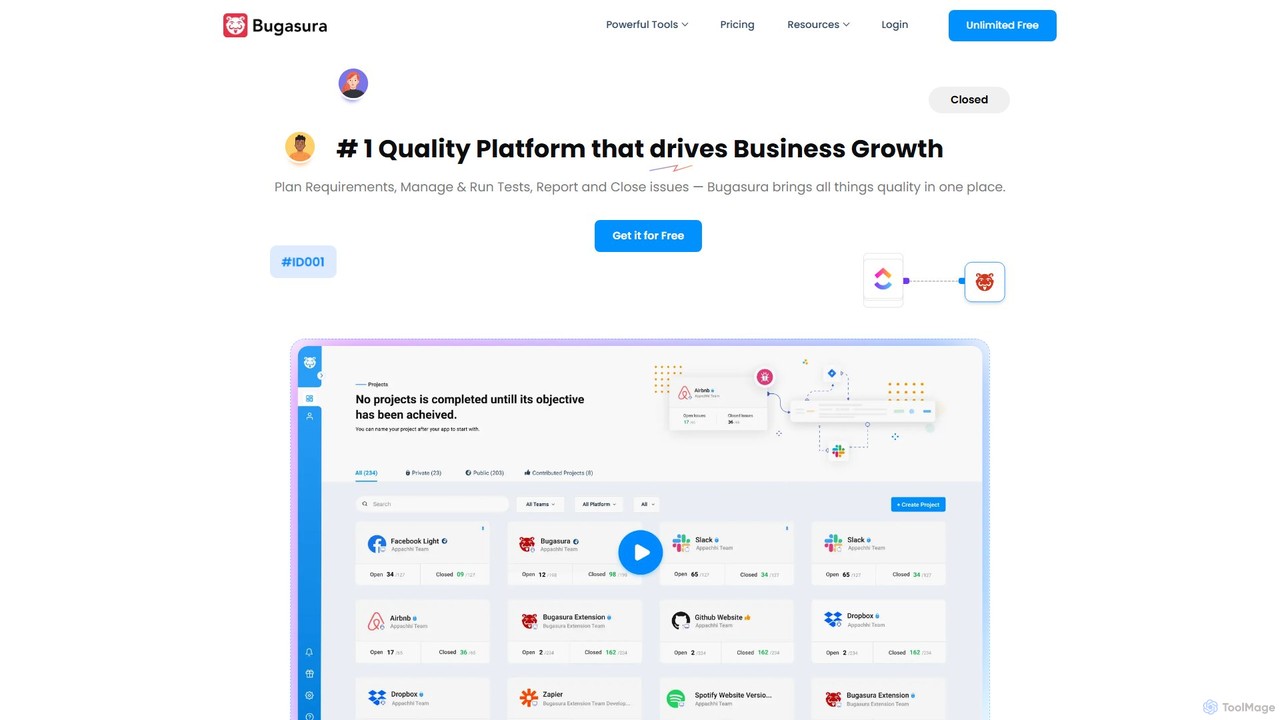
Bugasura
Bugasura is an AI-powered quality platform designed to streamline bug tracking and accelerate software development. It helps teams capture, report, and resolve bugs faster by automatically gathering comprehensive context, using AI for smart triage, and integrating seamlessly with existing development workflows. It's built for modern tech teams, including engineers, testers, and CTOs, to enhance collaboration and drive business growth through superior software quality.
Bug Tracking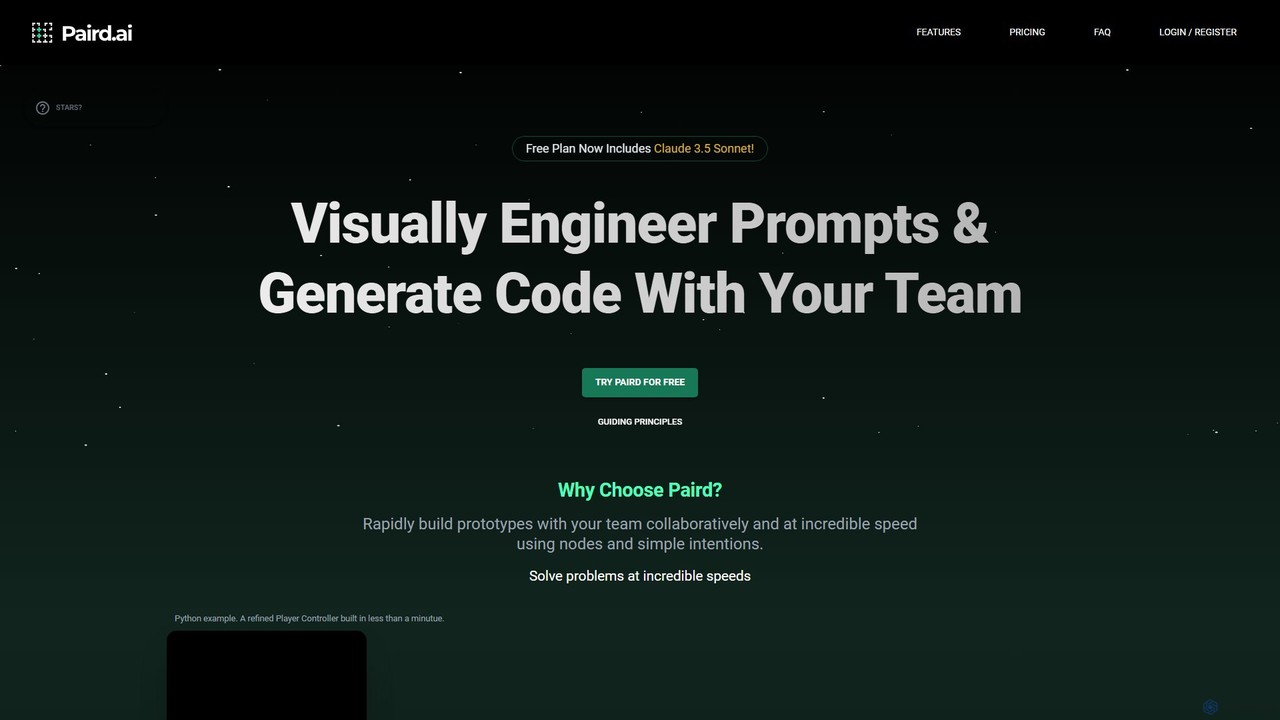
Paird.ai
Paird.ai is an AI-powered collaborative platform that elevates pair programming. It enables teams to visually engineer prompts, generate code in real-time using multiple LLMs like Claude 3.5 and GPT-4o, and receive AI-driven code evaluations. It's designed to accelerate prototyping, enhance problem-solving, and streamline complex development workflows for teams.
Code GenerationBetterBugs Categories
BetterBugs Embed Widget
Copy this embed code to place the badge on your blog, article, or product site and send readers directly to this ToolMage detail page.

Related AI tools
Jam
Jam is an AI-powered bug reporting tool that helps development teams fix bugs faster. It automatically captures all the technical data engineers need—console logs, network requests, browser info, and repro steps—in a single link. With features like instant replay, AI-powered debugging, and seamless integrations, Jam streamlines the entire bug reporting and resolution process for developers, QA, and product teams.
Debugging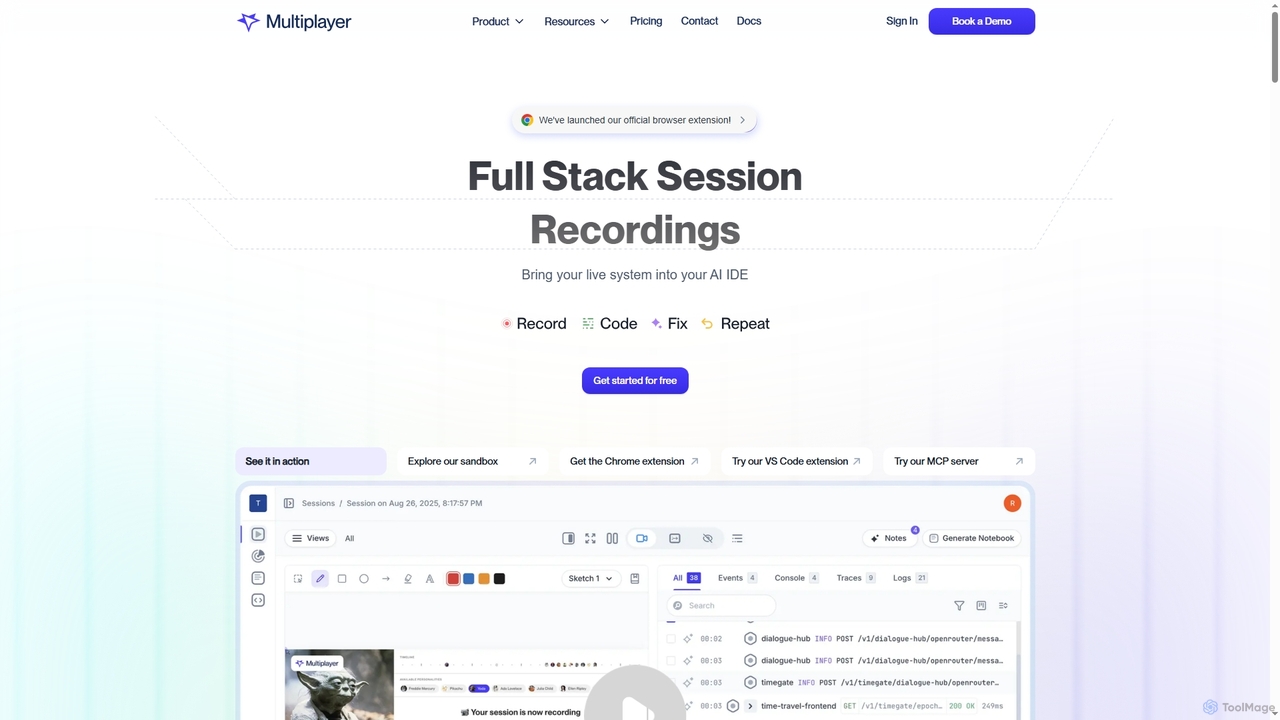
Multiplayer
Multiplayer is a full-stack session recording platform that captures frontend and backend data, providing complete context for debugging, testing, and AI-powered feature development. It integrates seamlessly with AI IDEs and engineering workflows to accelerate problem resolution and build new features with confidence.
Ai Integration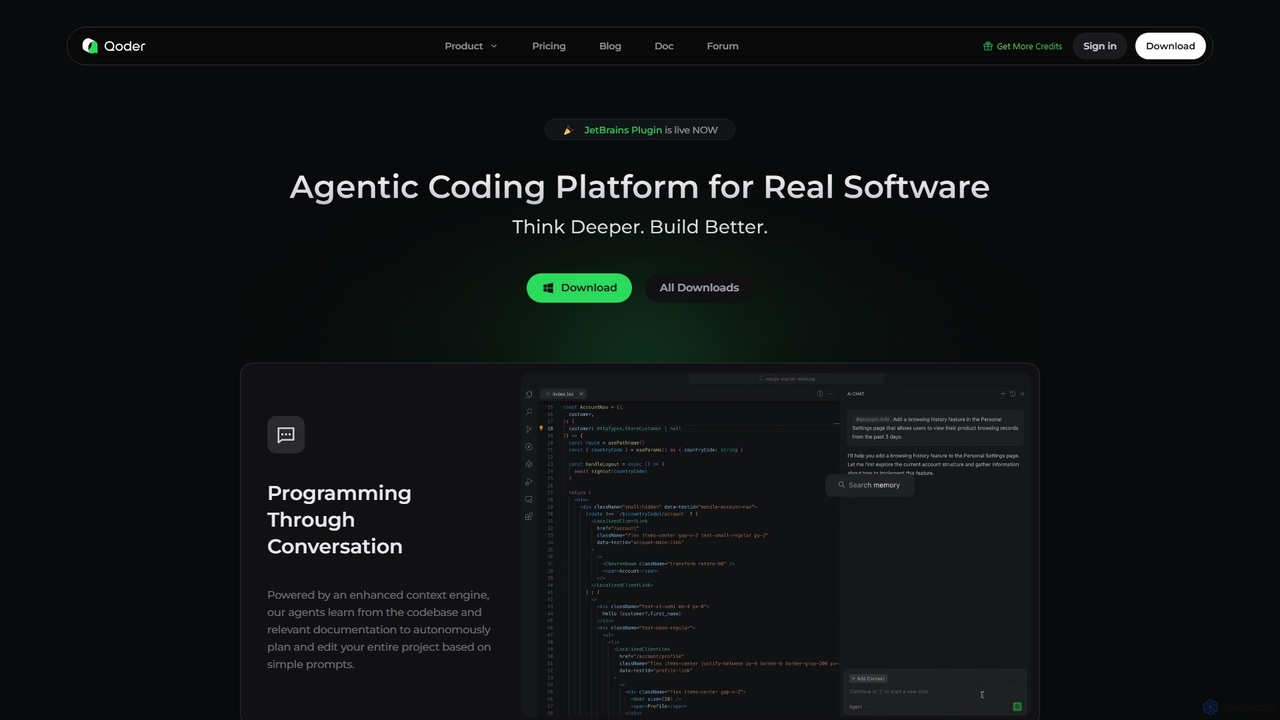
Qoder
Qoder is an agentic AI coding platform designed for real software development. It leverages an enhanced context engine to autonomously plan, code, and test entire projects based on simple prompts, integrating seamlessly into developer workflows via IDE, CLI, or JetBrains plugin.
Code Assistant
Warp
Warp is an AI-powered, Rust-based terminal reimagined as an Agentic Development Environment (ADE). It enables developers to use natural language to command AI agents for coding, debugging, and deployment. Warp combines a blazingly fast terminal with multi-threaded agent management, allowing you to build, test, and ship software faster by running multiple development tasks in parallel.
Development
Cursor
Cursor is an AI-first code editor designed for modern software development. Built as a fork of VS Code, it integrates powerful AI capabilities directly into the editing experience, allowing developers to chat with their codebase, generate, edit, and debug code with unprecedented speed and context-awareness.
Code Generation
Zipy
Zipy is an AI-powered platform combining session replay, error tracking, and user analytics. It helps software teams proactively identify, debug, and resolve user-facing issues, providing complete context with developer tools to enhance digital experiences and accelerate problem-solving.
User Behavior
StructAI
StructAI is a developer tool that instantly captures your project's folder structure and selected file contents. It generates a context-rich, AI-ready output that you can paste into any AI assistant (like ChatGPT, Claude) for smarter, more accurate code generation, debugging, and analysis.
Prompt Engineering
codefy.ai
codefy.ai is an AI-first coding toolkit designed for developers. It features over 20 specialized tools, including the innovative Flow Editor, to streamline tasks like code generation, debugging, translation, and optimization. By handling prompt engineering, it allows developers to get accurate results quickly through intuitive, pre-programmed interfaces, significantly boosting productivity and simplifying the development workflow.
Code Assistant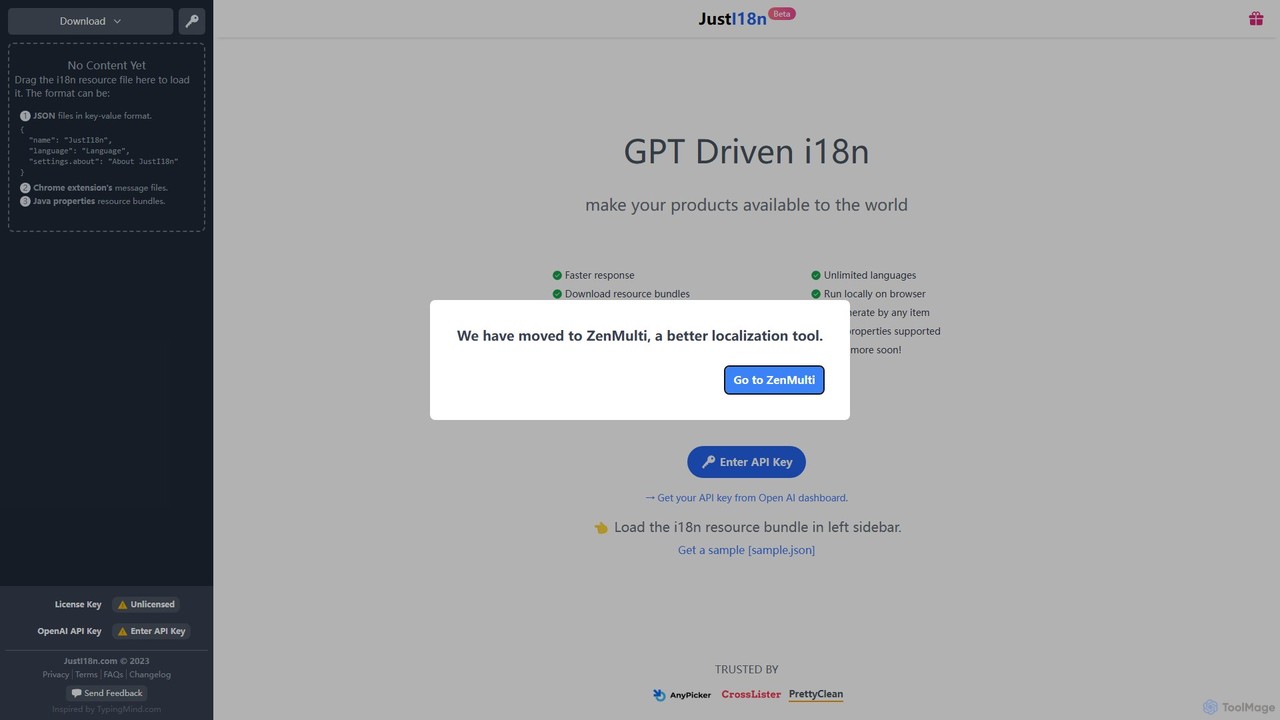
justi18n
justi18n is a GPT-driven internationalization (i18n) tool that helps developers and product managers quickly translate application resource files. It supports various formats like JSON and Java properties, runs locally in your browser for privacy, and uses your own OpenAI API key for cost control and high-quality, context-aware translations.
Localization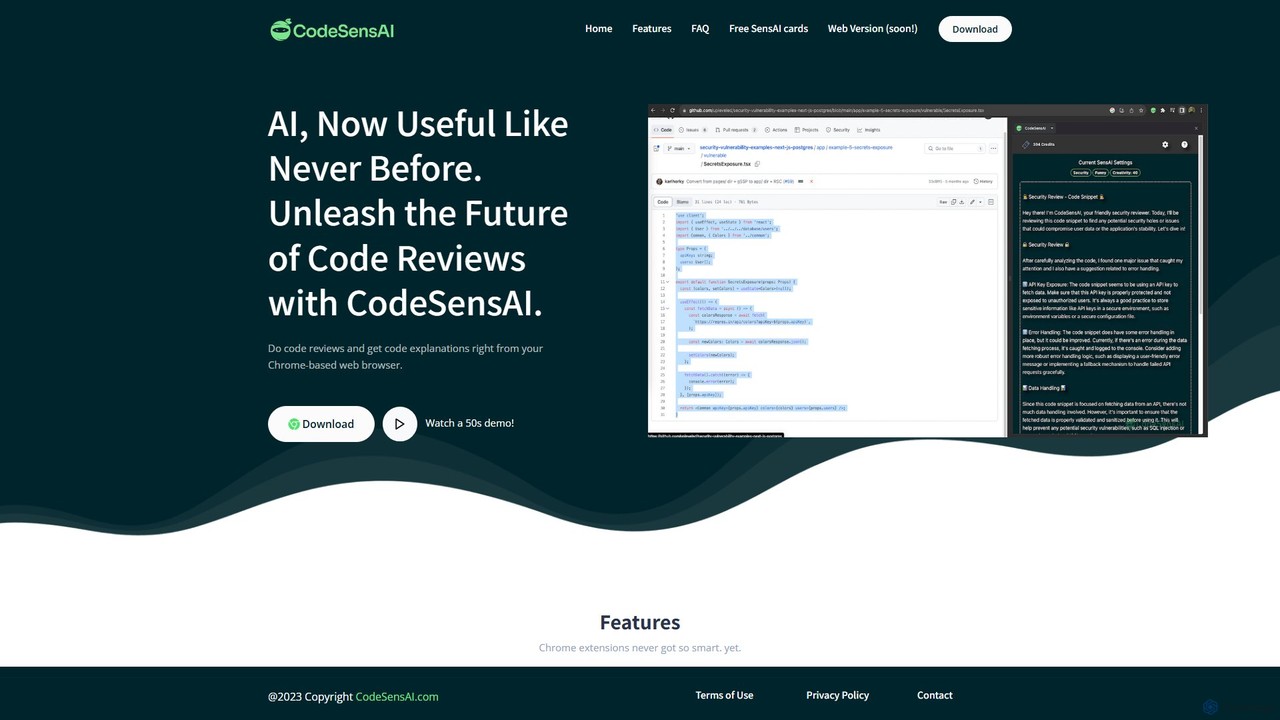
CodeSensAI
CodeSensAI is an AI-powered Chrome extension that provides instant, detailed code reviews and simple explanations for code snippets. Powered by OpenAI, it helps developers of all levels improve code quality, understand complex logic, and enhance their productivity directly within their workflow on platforms like GitHub.
Code AssistantTether
Tether is an all-in-one visual feedback and bug reporting tool for teams. It allows users and team members to capture screen recordings, annotated screenshots, and technical data directly from any website or web app, streamlining the feedback process and accelerating development cycles.
Feedback ManagementBugasura
Bugasura is an AI-powered quality platform designed to streamline bug tracking and accelerate software development. It helps teams capture, report, and resolve bugs faster by automatically gathering comprehensive context, using AI for smart triage, and integrating seamlessly with existing development workflows. It's built for modern tech teams, including engineers, testers, and CTOs, to enhance collaboration and drive business growth through superior software quality.
Bug TrackingPaird.ai
Paird.ai is an AI-powered collaborative platform that elevates pair programming. It enables teams to visually engineer prompts, generate code in real-time using multiple LLMs like Claude 3.5 and GPT-4o, and receive AI-driven code evaluations. It's designed to accelerate prototyping, enhance problem-solving, and streamline complex development workflows for teams.
Code Generation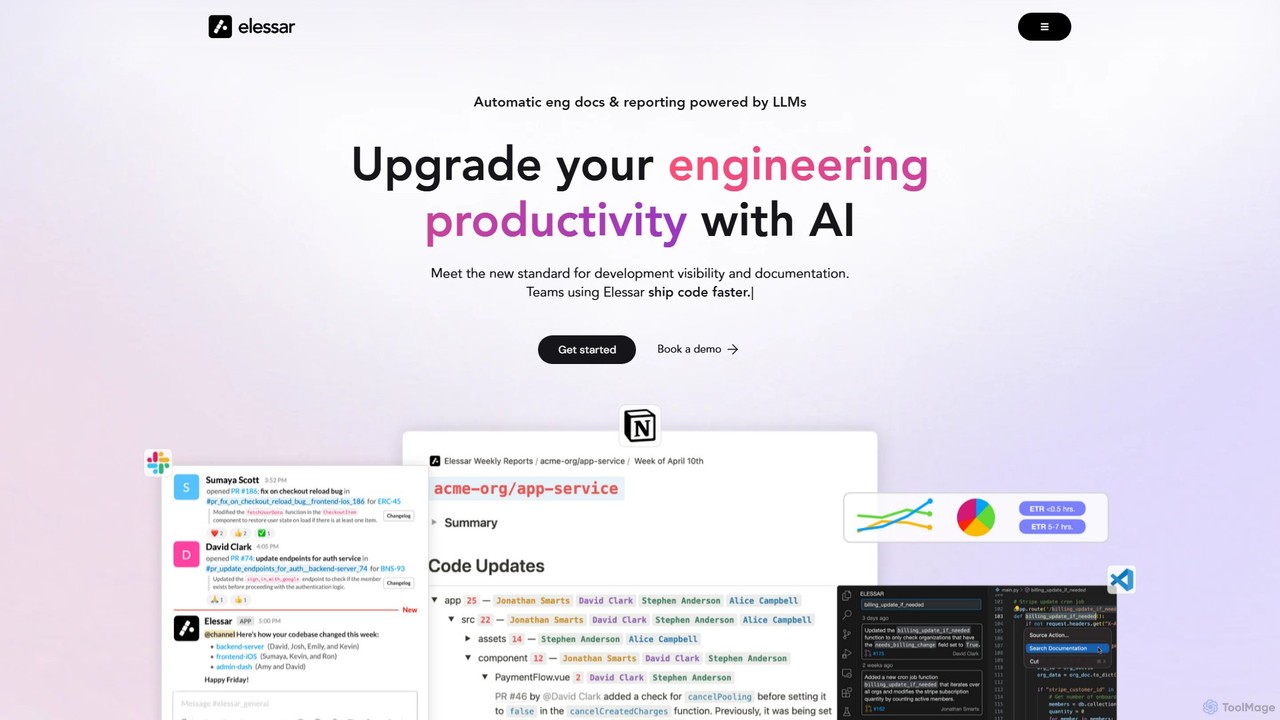
Elessar
Elessar is an AI-powered engineering assistant that enhances development visibility and productivity. It seamlessly integrates with your existing tools like GitHub, Slack, and Notion to automate changelogs, generate documentation, and streamline communication. By connecting codebases, comms, and docs, Elessar saves engineers time and provides managers with clear insights into team progress.
Code Assistant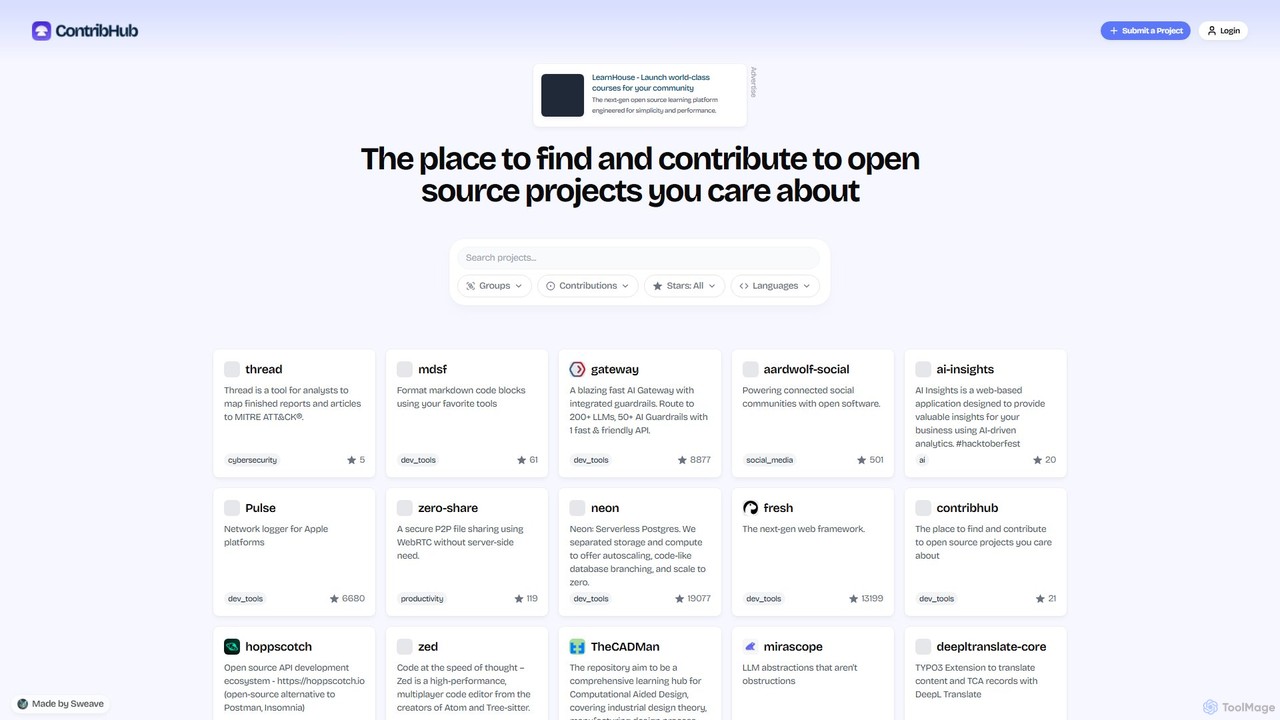
ContribHub
ContribHub is a dedicated platform designed to bridge the gap between developers and open-source projects. It simplifies finding projects that match your skills, interests, and desired contribution type, from coding and UI design to documentation and testing. By providing curated lists, advanced filtering, and direct GitHub integration, ContribHub makes contributing to open source more accessible and rewarding for everyone.
Developer Communities
BetterBugs Comments (0)
Sign in to comment.
Sign inNo comments yet.