Analytics Best in category 17 results User Behavior AI Tool

Popular AI tools in the User Behavior field of Analytics include MOWA.ai、Userpilot、Eyeware、Userflow、Glassbox、Castle、Zipy、Instabug、Plotline、Human Behavior Co. Session Replay, etc., helping you quickly improve efficiency.

Userflow

Userflow

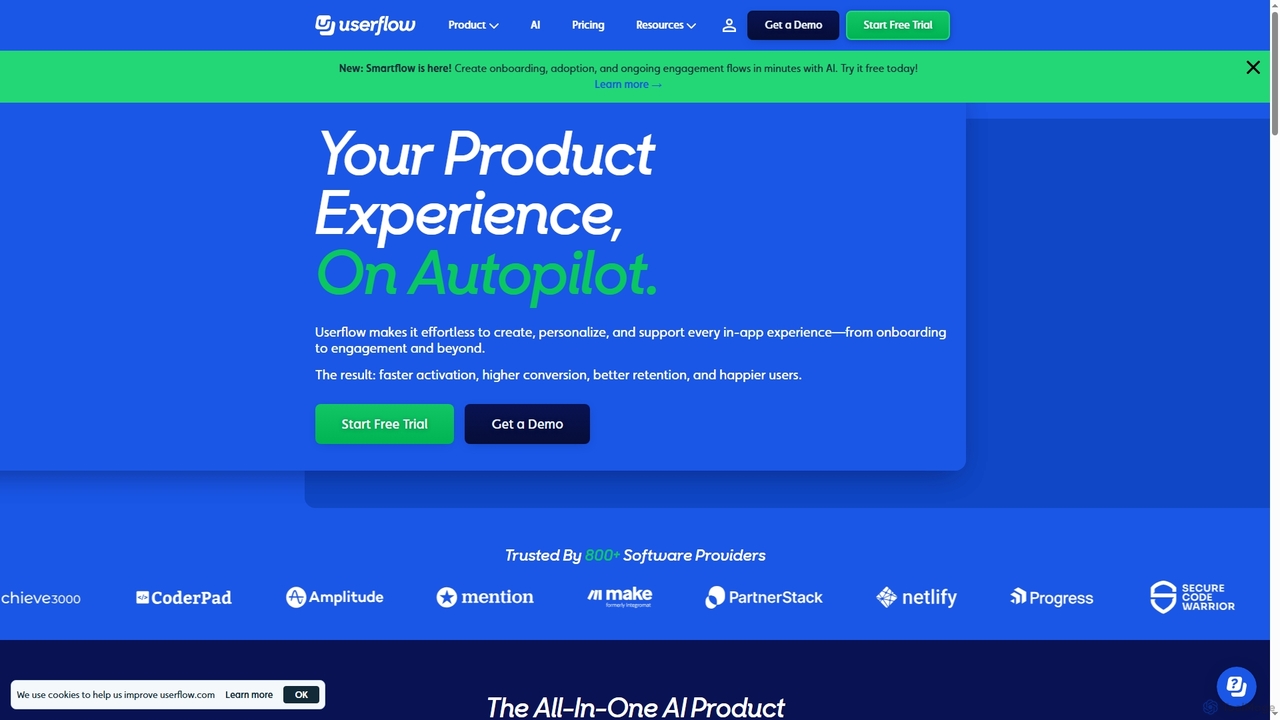
Userflow is an AI-powered, no-code platform for building in-app user onboarding, product tours, and surveys. It helps SaaS …

94.7K
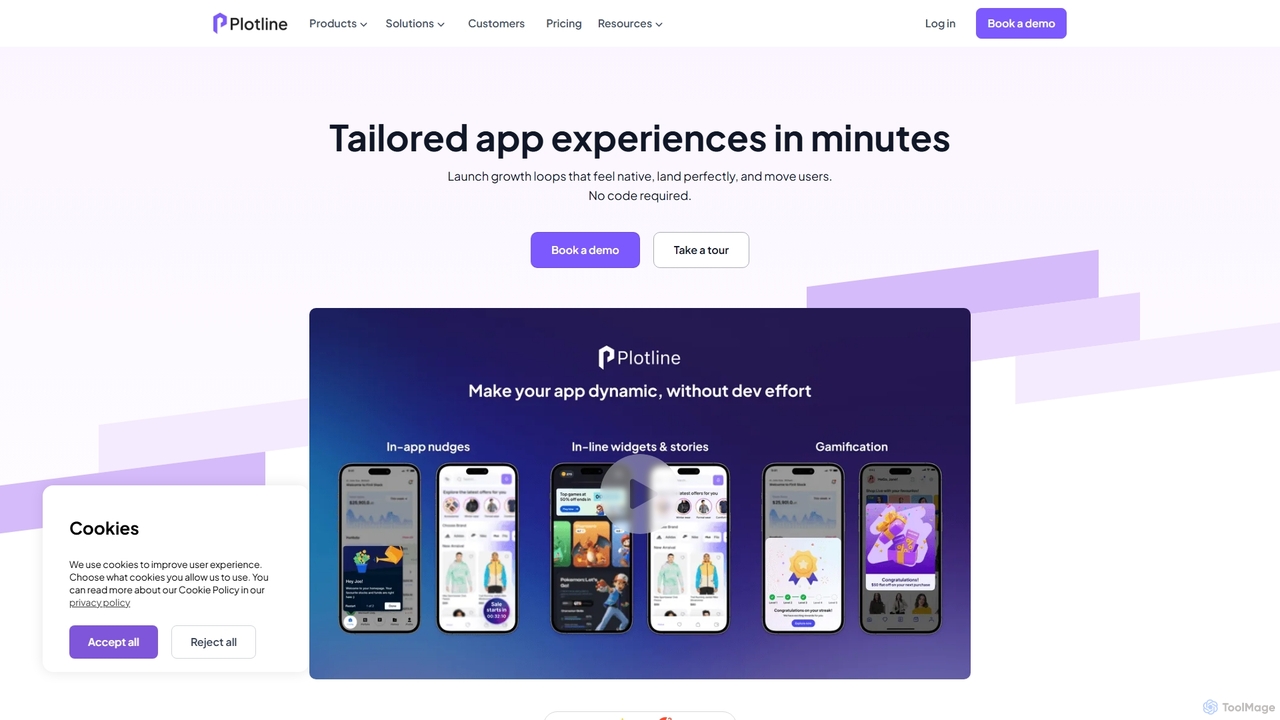
Plotline

Plotline

Plotline is a no-code platform that empowers mobile app teams to design, launch, and A/B test dynamic in-app …

20.5K
Zipy

Zipy

Zipy is an AI-powered platform combining session replay, error tracking, and user analytics. It helps software teams proactively …

44.0K
Sahha

Sahha

Sahha is a Health, Lifestyle, and Wellness API that empowers applications to unlock user data beyond their product. …

10.1K
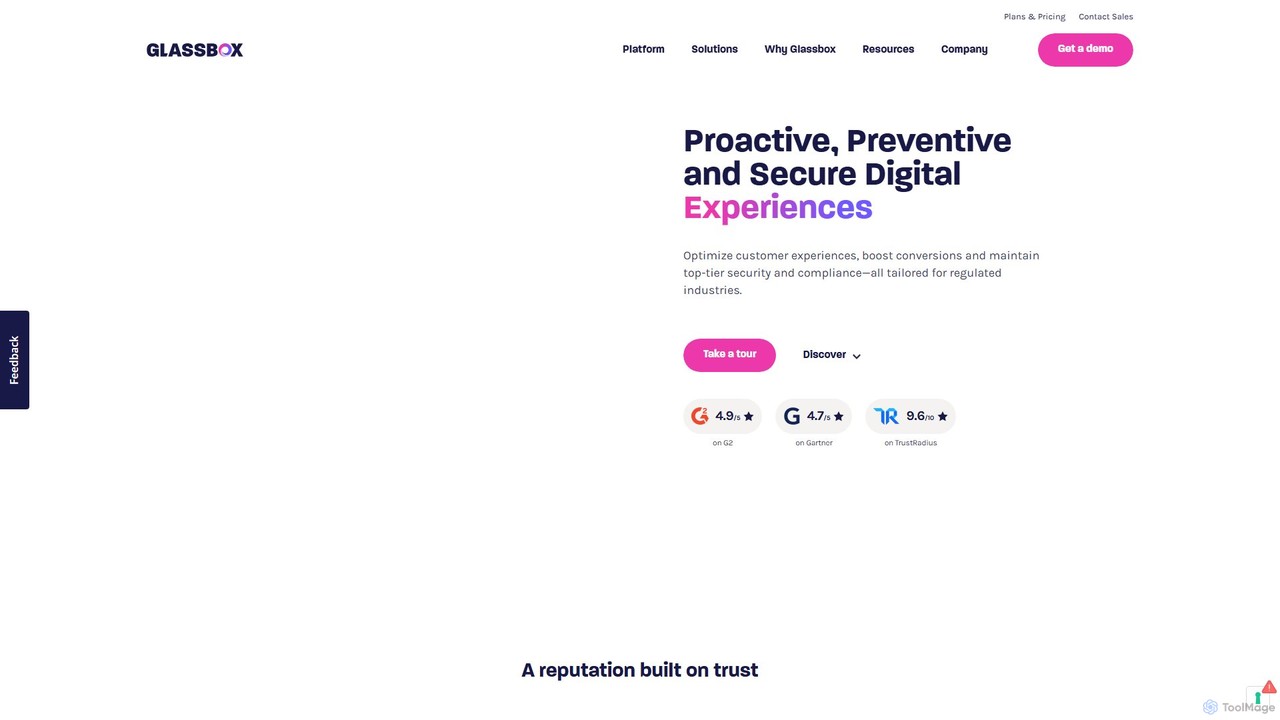
Glassbox

Glassbox

Glassbox is an AI-powered digital experience analytics platform that helps businesses understand and optimize customer journeys. It provides …

55.4K
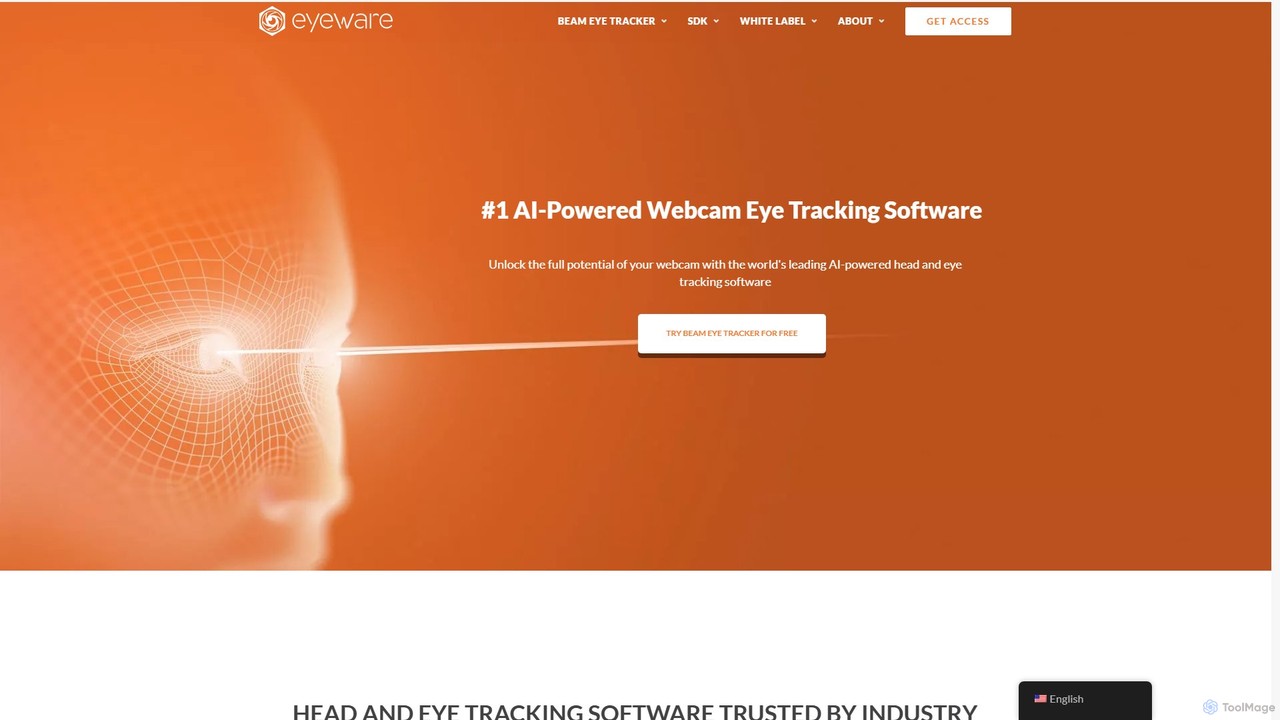
Eyeware

Eyeware

Eyeware provides AI-powered head and eye tracking software that transforms standard webcams into powerful tracking devices. It offers …

135.9K
UserWise

UserWise

UserWise is an AI-powered user analytics and feedback platform designed to help businesses understand their customers deeply. It …

2.6K
Orango AI

Orango AI

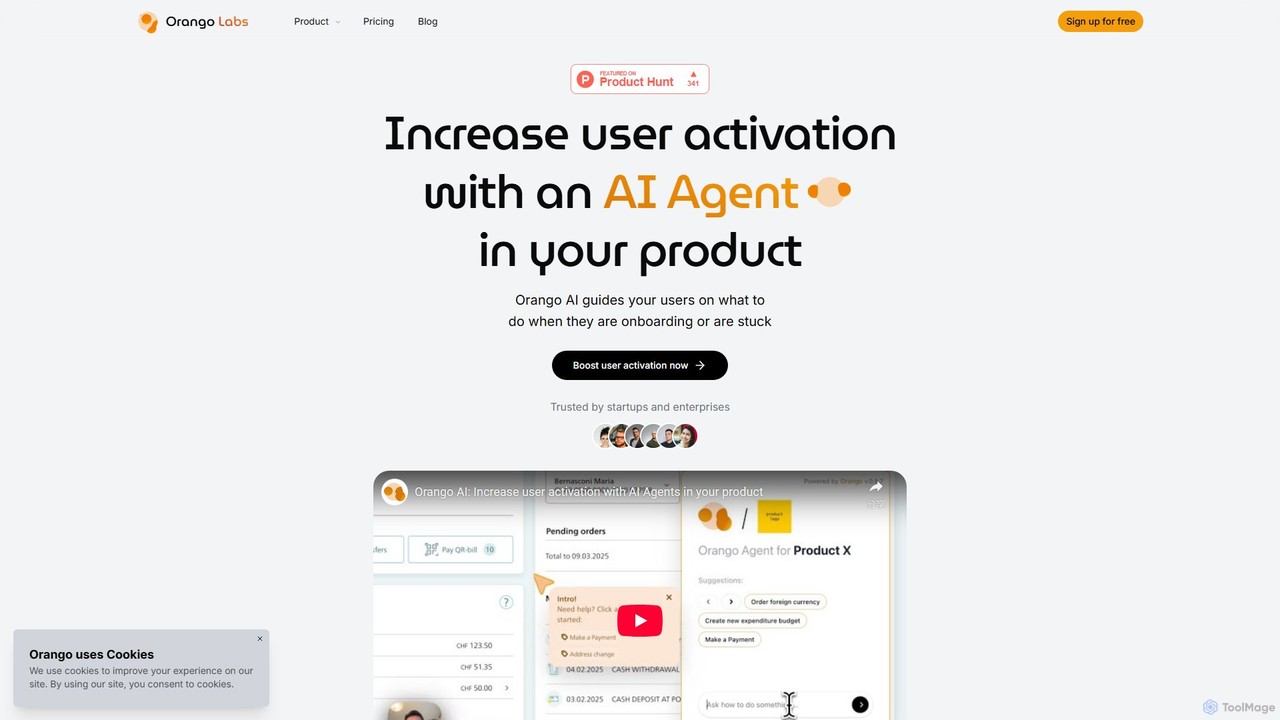
Orango AI is an in-product AI agent designed to boost user activation and reduce churn. It provides real-time, …

3.3K
uxsniff

uxsniff

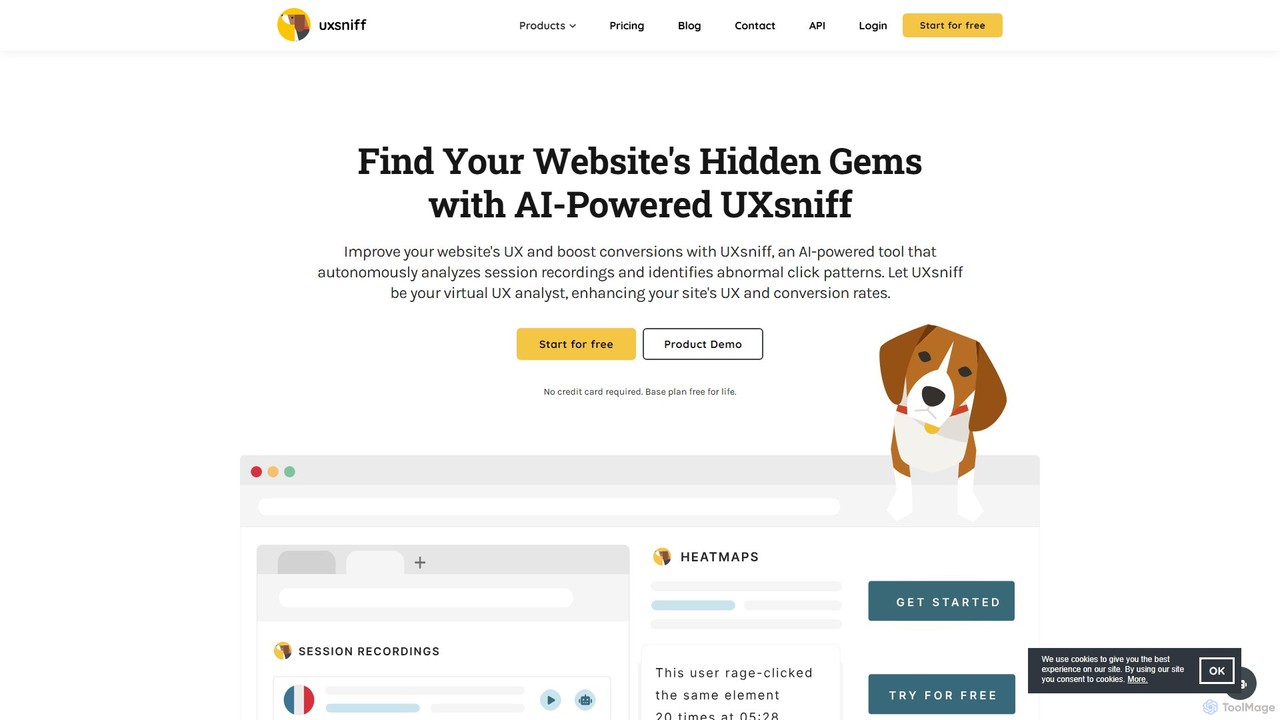
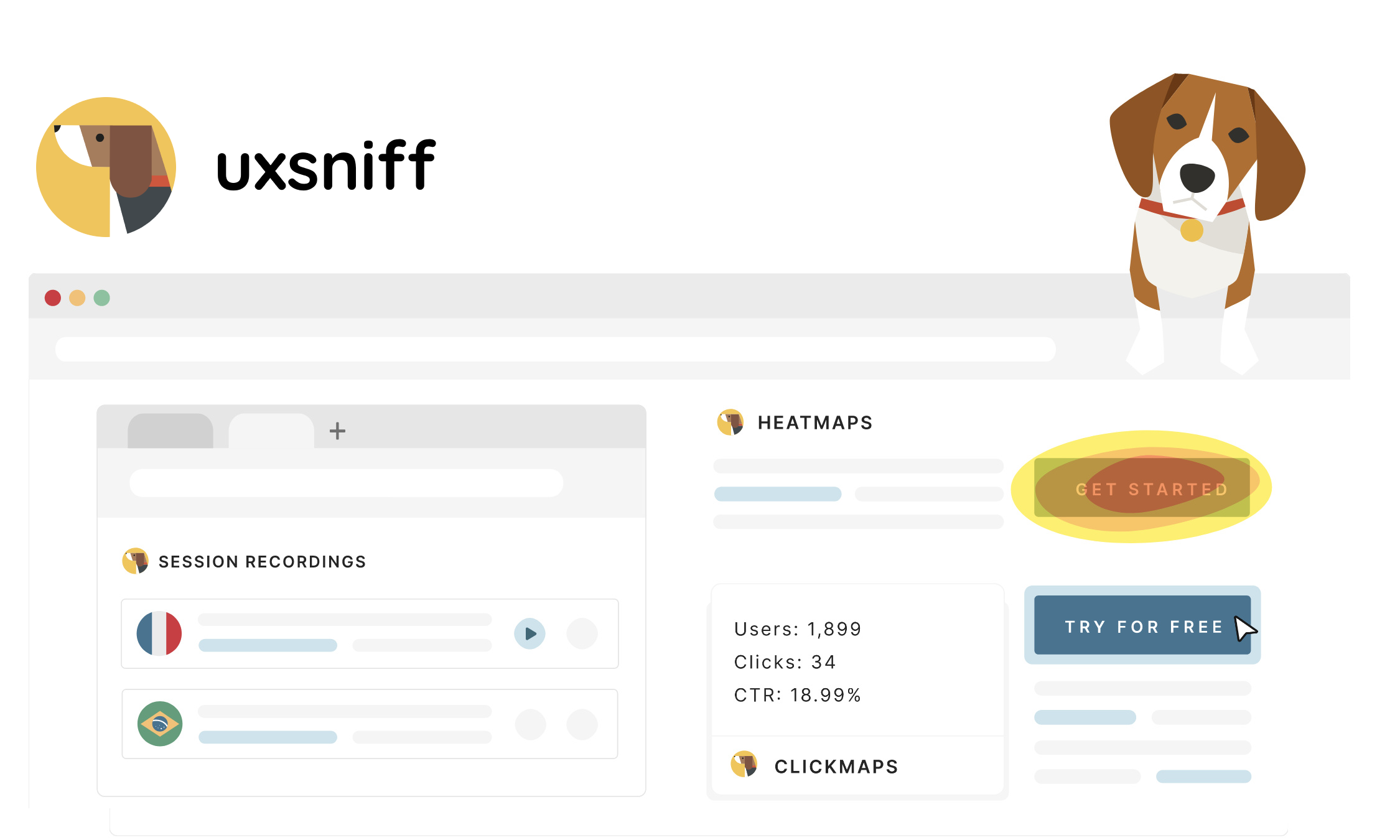
An AI-powered UX analytics platform offering website heatmaps, session recordings with GPT summaries, and automated audits. It helps …

5.3K
Userpilot

Userpilot

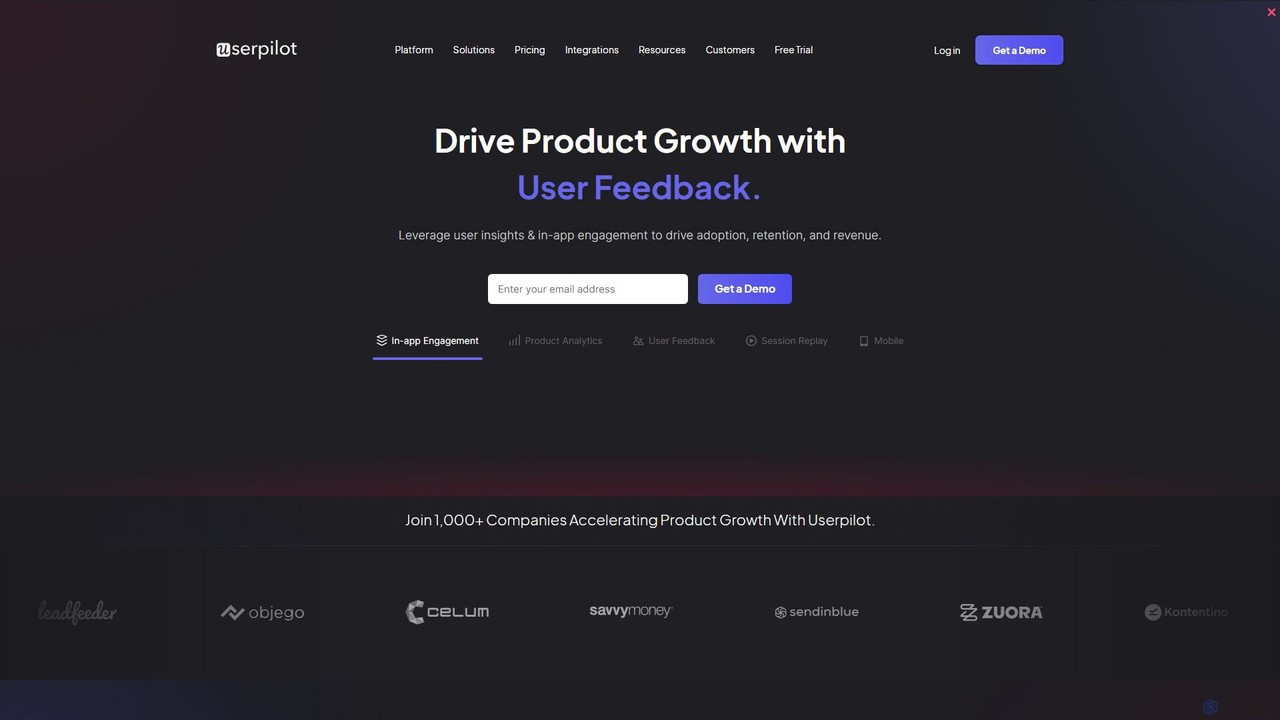
Userpilot is a comprehensive product growth platform designed for SaaS companies to improve user onboarding, engagement, and feature …

146.1K
1Flow

1Flow

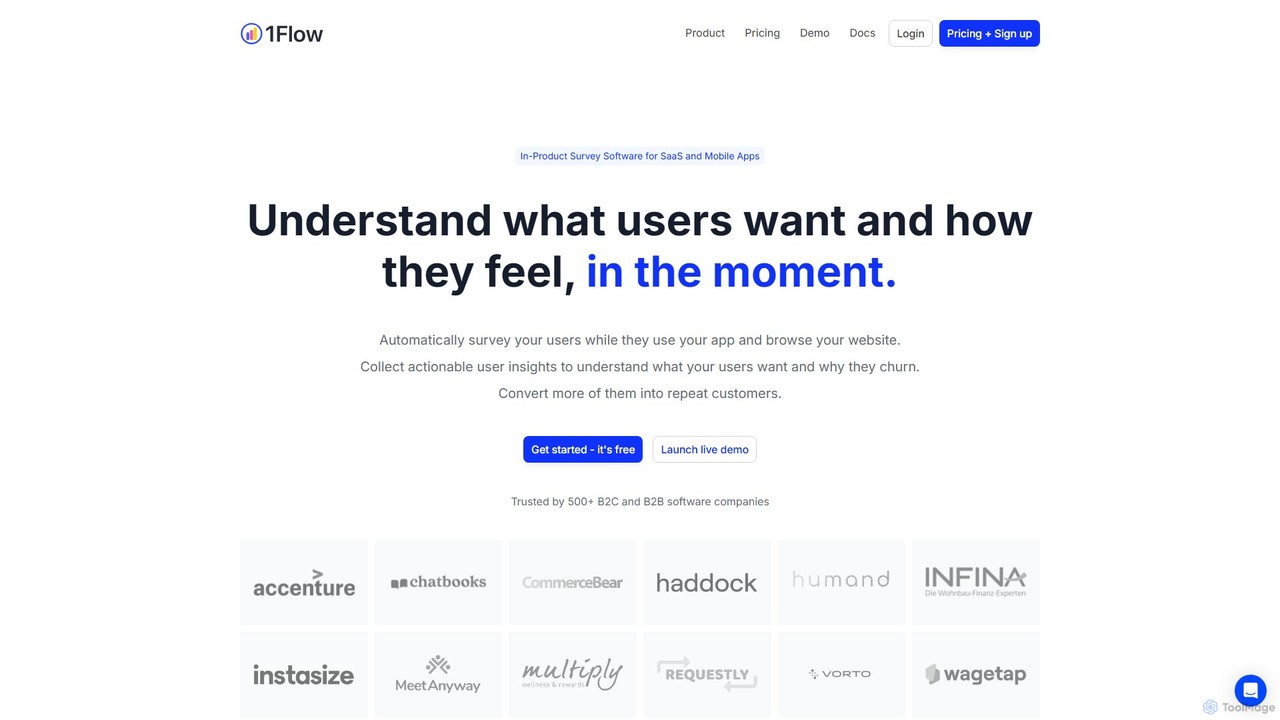
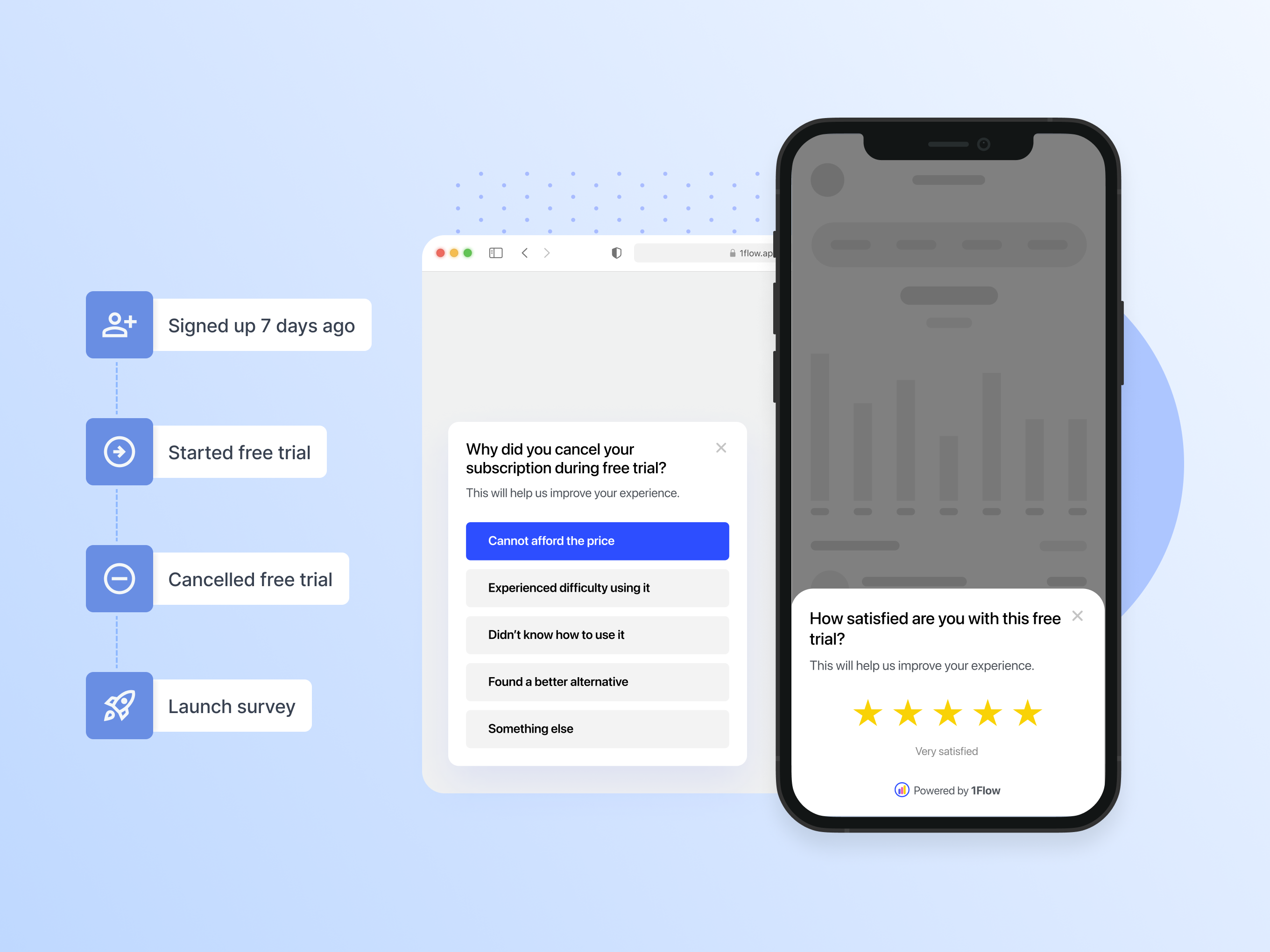
1Flow is an AI-powered, in-product microsurvey platform for SaaS and mobile apps. It enables teams to create targeted, …

4.6K
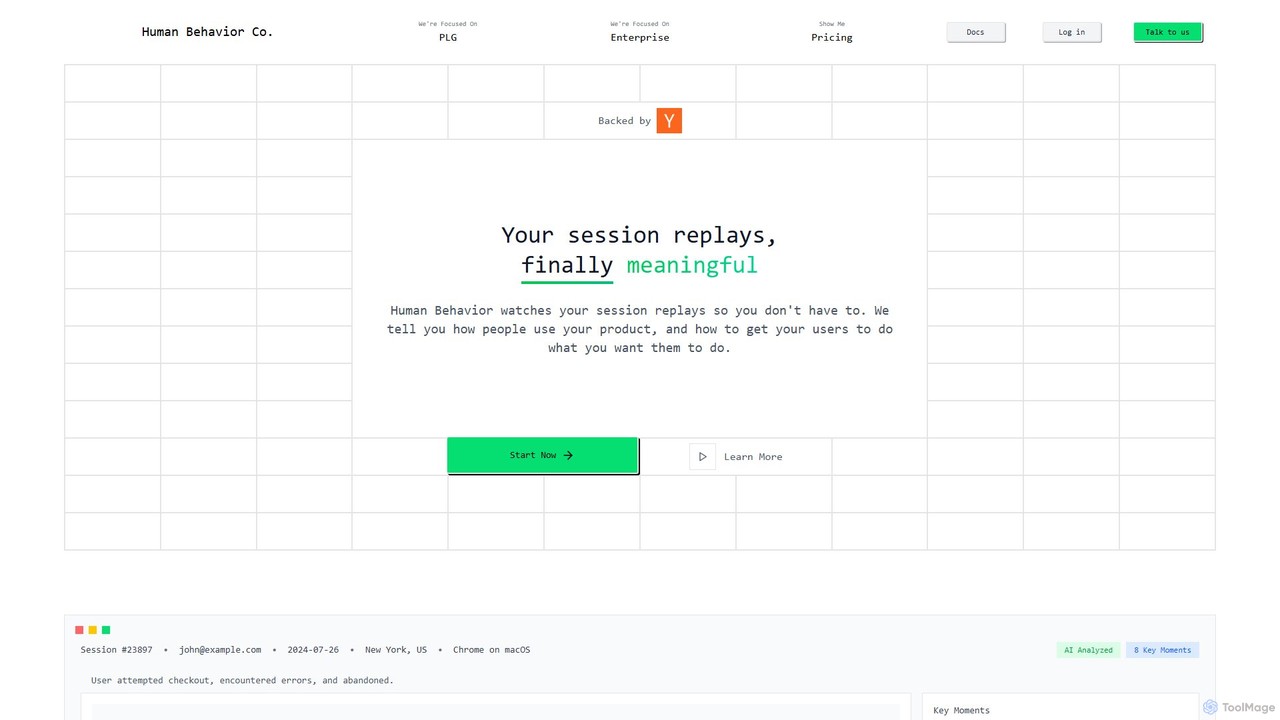
Human Behavior Co. Session Replay

Human Behavior Co. Session Replay

Human Behavior Co. is an AI-powered analytics platform that automatically watches and analyzes user session replays. It identifies …

14.0K
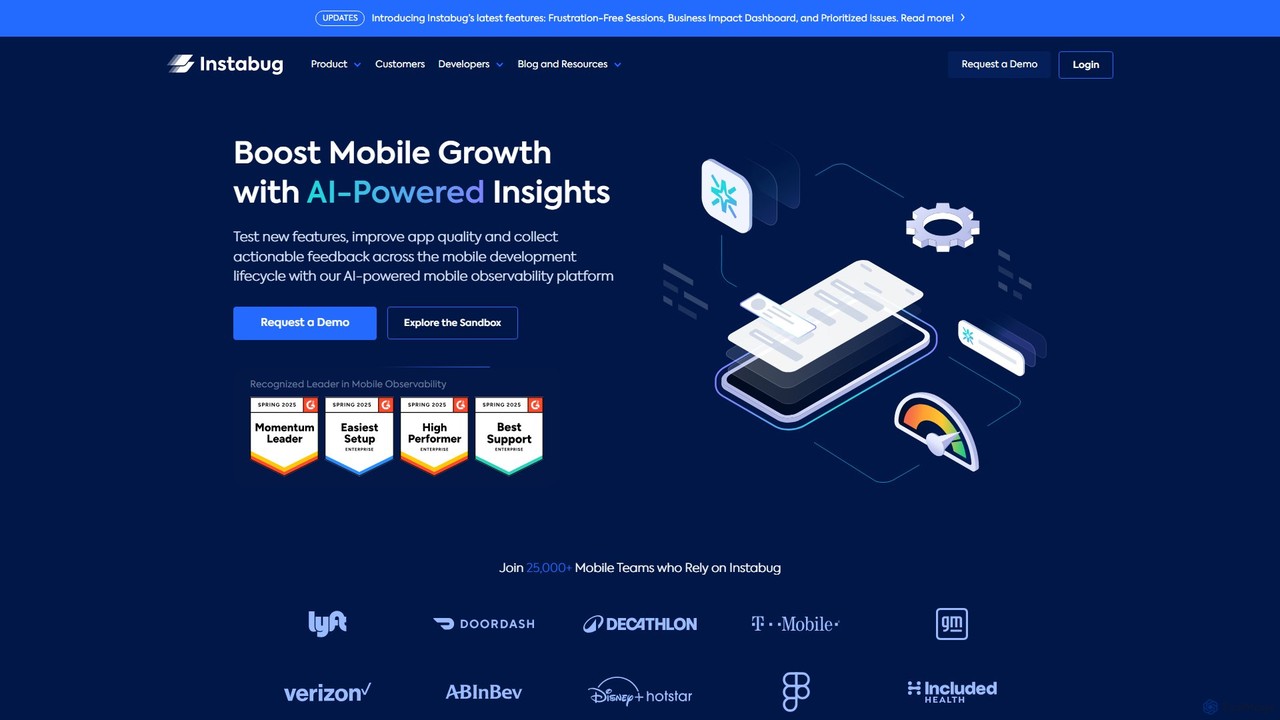
Instabug

Instabug

Instabug is an AI-powered mobile observability platform designed for developers and product teams. It provides comprehensive tools for …

37.4K
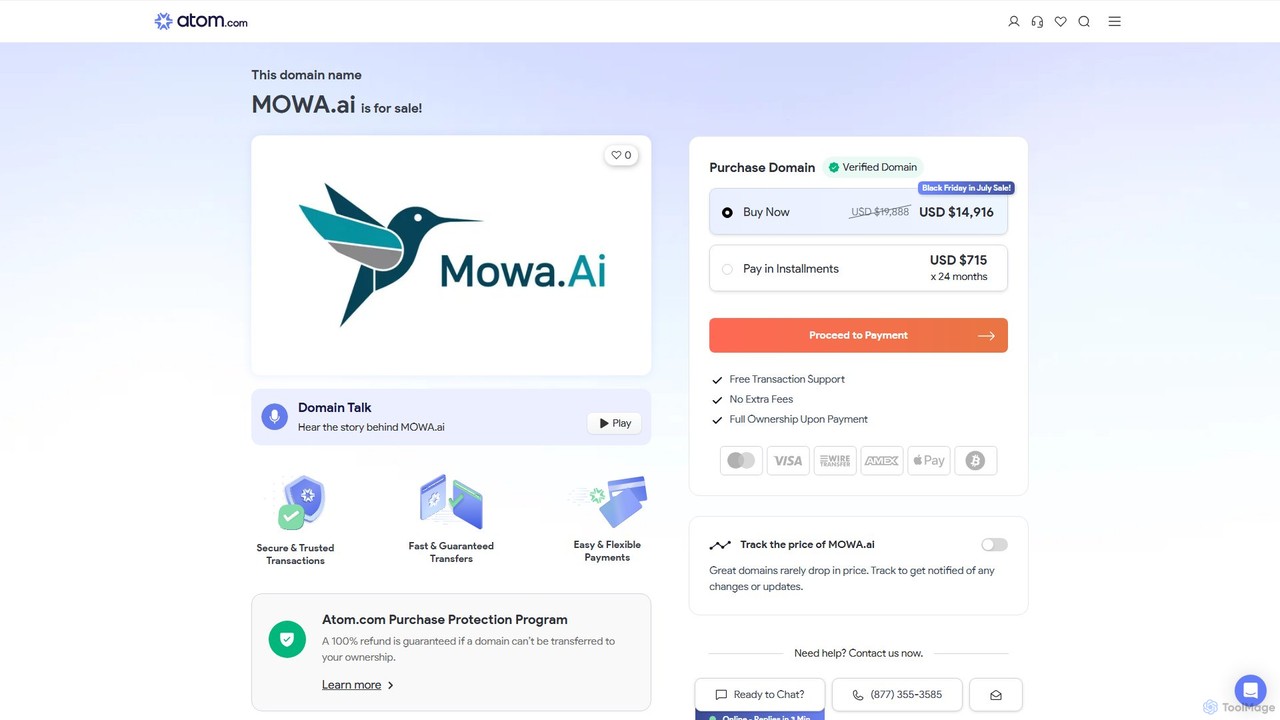
MOWA.ai

MOWA.ai

MOWA.ai is an AI-powered platform for automating mobile app and website optimization. It intelligently analyzes user behavior, automates …

1.1M
Castle

Castle

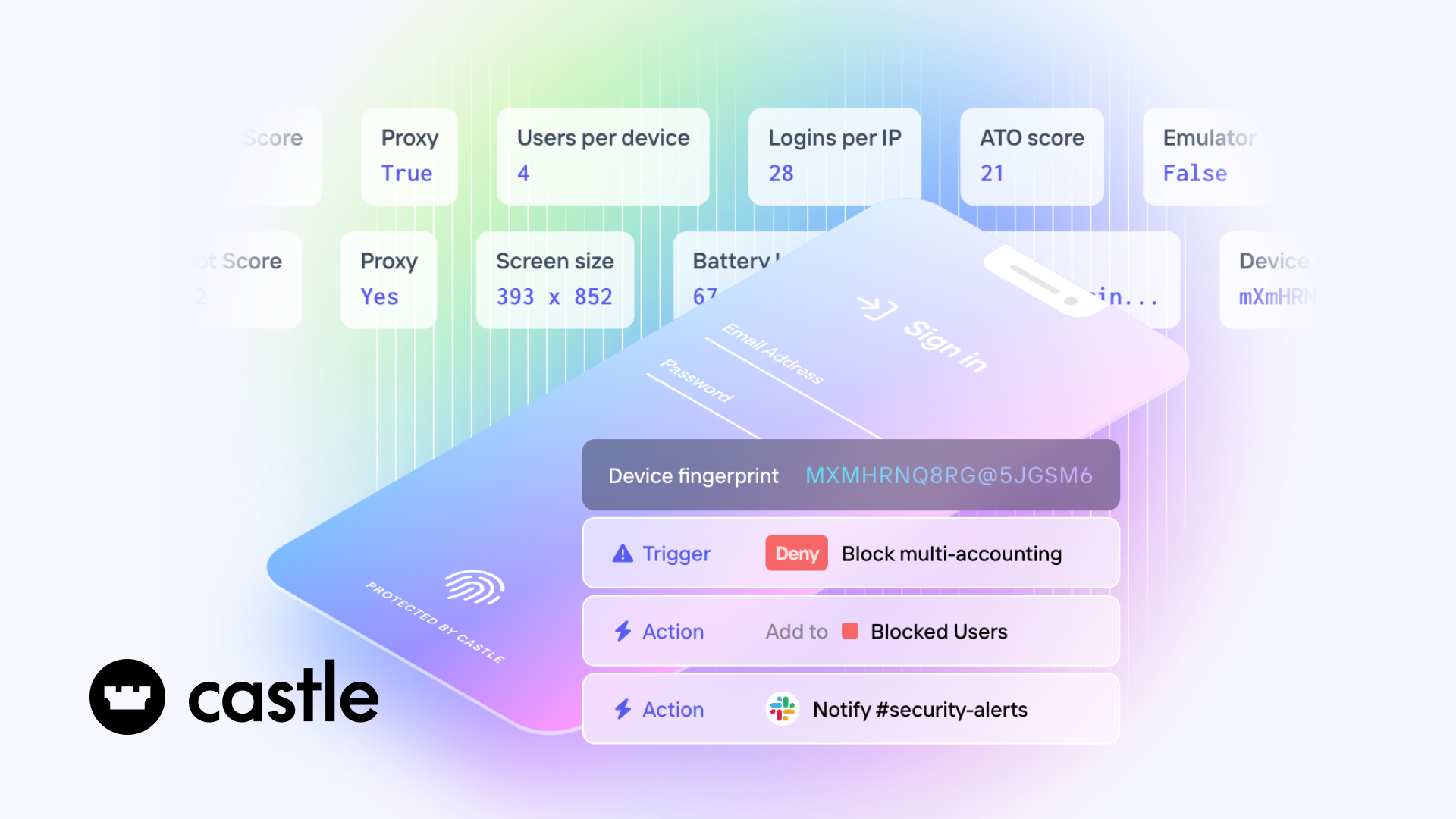
Castle is an AI-powered fraud and abuse prevention platform that protects online businesses from bots, account takeovers (ATO), …

55.2K
PLG OS

PLG OS

PLG OS is an all-in-one, no-code platform designed for SaaS businesses to accelerate product-led growth. It enables the …

11.5K
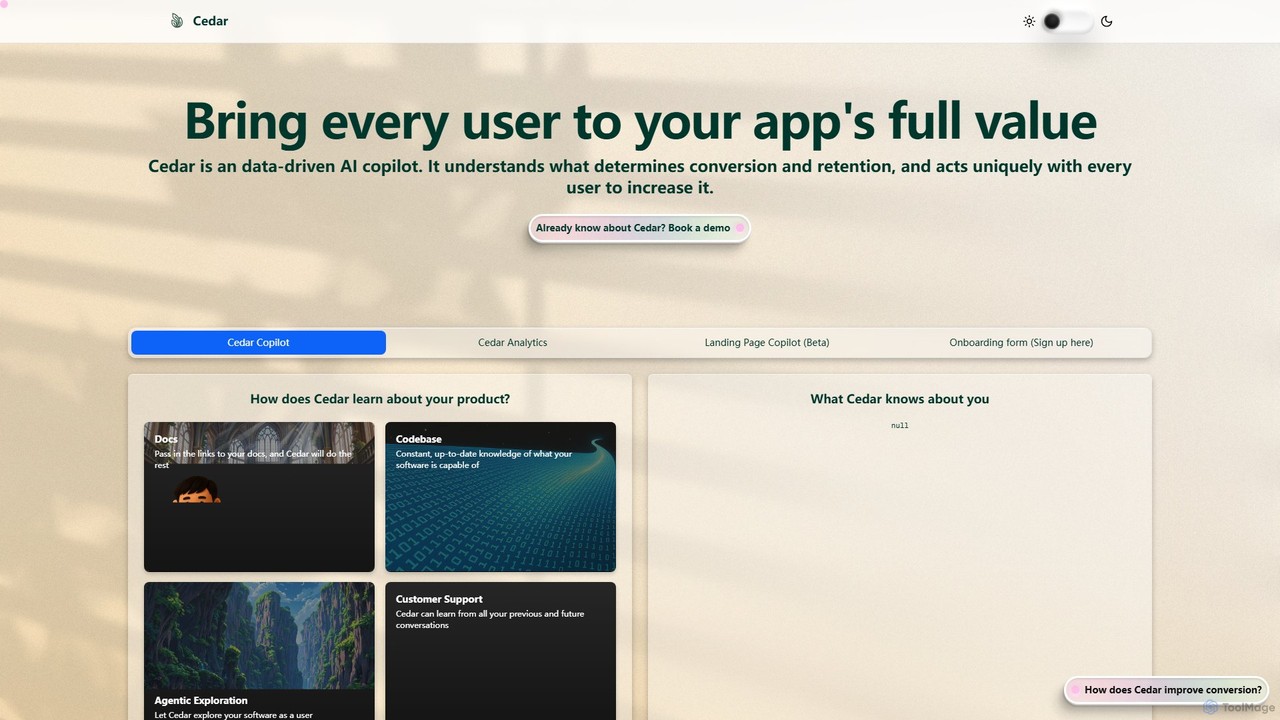
Cedar

Cedar

Cedar is a data-driven AI copilot designed to enhance user engagement and boost conversion rates for applications. It …

3.9K

About User Behavior

User Behavior analytics tools are a specialized category of software designed to visualize and understand how users interact with a website or application. They capture granular actions like clicks, mouse movements, and scrolling patterns through features like heatmaps and session recordings. This qualitative data helps product managers, UX designers, and marketers identify user friction points, optimize conversion funnels, and improve the overall digital experience. These tools provide the 'why' behind the quantitative data found in general analytics platforms.

Core Features

  • Session Replays: Watch video-like recordings of real user sessions to see their exact journey and interactions.
  • Heatmaps: Visualize aggregate user attention with maps for clicks, mouse movements, and scroll depth.
  • Conversion Funnels: Track user progression through key steps (e.g., checkout) and identify where they drop off.
  • Form Analytics: Analyze how users interact with forms field-by-field to reduce abandonment.
  • On-site Surveys: Collect direct, in-context user feedback about specific pages or features in real-time.

Use Cases

These tools are essential for e-commerce businesses optimizing checkout flows, SaaS companies improving user onboarding, and content publishers understanding reader engagement. UX/UI designers use them to validate design changes with real data, while support teams use session replays to diagnose customer-reported bugs without needing to replicate them.

How to Choose

When selecting a tool, consider its impact on website performance, its data privacy and compliance features (e.g., GDPR, CCPA), and the accuracy of its data sampling methods. Also, evaluate its ability to integrate with your existing analytics stack, such as Google Analytics or CRM systems, and the user-friendliness of its dashboard and reporting features.

User BehaviorUse Cases

1

Optimizing E-commerce Checkout Funnels

An e-commerce manager notices a high cart abandonment rate. They use a User Behavior tool to watch session replays of users who drop off during checkout. They discover a confusing form field is causing frustration. By analyzing heatmaps, they see users repeatedly clicking a non-clickable element. Based on this direct visual evidence, they redesign the form, leading to a measurable increase in completed purchases and a reduction in support tickets related to checkout issues.

2

Optimize E-commerce Checkout Funnel

An e-commerce manager notices a high drop-off rate between the 'cart' and 'payment' pages. By using a User Behavior tool, they analyze session replays of users who abandoned their carts and discover a confusing shipping address field. They also use funnel analysis to confirm this is the primary drop-off point. After redesigning the form based on these insights, the checkout completion rate increases significantly.

3

Improving SaaS Feature Adoption

A product manager for a SaaS application wants to understand why a new feature has low engagement. They set up a funnel to track users from the dashboard to the new feature. Session recordings reveal that users are not seeing the entry point or are confused by the initial setup steps. The team then uses this insight to improve the feature's visibility and add an onboarding tutorial, boosting adoption rates and user satisfaction.

4

Improve SaaS Product Feature Adoption

A product manager for a SaaS application wants to understand why a new feature is not being used. They set up heatmaps on the dashboard where the feature is located, revealing that the button is in a 'cold' area with low user attention. They also launch an on-site survey targeting users who have not used the feature. This data informs a UI redesign that makes the feature more prominent, leading to a notable increase in adoption.

5

Validating a Website Redesign

A UX designer is proposing a new homepage layout. Before committing development resources, they create a prototype and use a User Behavior tool to run a user test. They analyze heatmaps and session recordings from test participants to see how they interact with the new design. This qualitative data helps validate design choices and identify potential usability issues early in the process, ensuring the final design is user-centric and effective.

6

Debug User-Reported Technical Issues

A customer support agent receives a bug report that developers cannot replicate. Instead of a lengthy back-and-forth, the agent finds the user's session replay in the User Behavior tool. By watching the recording, they see the exact sequence of actions, browser type, and console errors that led to the bug. They share the recording with the development team, enabling a quick and accurate fix.

7

Identifying and Reproducing Bugs

A customer support team receives a bug report that developers can't reproduce. By finding the user's session replay in the User Behavior tool, they can watch the exact sequence of actions that led to the error. The recording includes console logs and network information, providing developers with all the context needed to quickly identify and fix the bug, reducing resolution time and improving customer satisfaction.

8

Enhance Blog Post and Content Engagement

A content marketer wants to improve the performance of key landing pages. They use scroll maps to see how far down the page most users read, identifying which sections are most engaging. Click maps show which calls-to-action (CTAs) are being ignored. Based on this visual data, they restructure the content, move important CTAs to 'hot' areas, and shorten less engaging paragraphs, resulting in a higher time-on-page and more lead conversions.

9

Enhancing Blog Post Readability

A content marketer wants to improve engagement on their blog. They use scroll maps to see how far down the page most readers scroll before leaving, discovering that long paragraphs cause a significant drop-off. They also use click maps to see which calls-to-action are being ignored. This data informs a content refresh, breaking up text with images and improving CTA placement to increase read time and conversions.

10

Validate UI/UX Design Changes

A UX designer proposes a new navigation menu. Before committing development resources, they implement the new design for a segment of users. They then compare heatmaps and session recordings of the old vs. new design. The data shows users find key pages faster with the new navigation. This evidence-based approach validates the design decision and secures stakeholder buy-in for a full rollout.

11

Collecting In-Context User Feedback

A product team is unsure about which feature to build next. Instead of relying on external surveys, they use an on-page feedback widget from their User Behavior tool. They can trigger a short poll asking 'What feature would help you most?' to appear for highly engaged users. This provides immediate, contextual feedback from their actual user base, helping them prioritize their product roadmap effectively and build features that users truly need.

12

Reduce Form Abandonment on Lead Pages

A marketing team is running a campaign with a lead generation form, but the conversion rate is low. Using form analytics, they discover that many users hesitate on the 'Phone Number' field and a significant number drop off at the 'Company Size' dropdown. They decide to make the phone number optional and simplify the company size options. This reduces friction and increases the form submission rate by over 20%.

User BehaviorFrequently Asked Questions