ToolMage
Sign in

Best 5 User Onboarding AI tools for Customer Support

Popular User Onboarding AI tools in Customer Support include Layerpath, PLG OS, Overhyped AI, Layup, and Orango AI, helping you work more efficiently.

Layerpath
Freemium

Layerpath

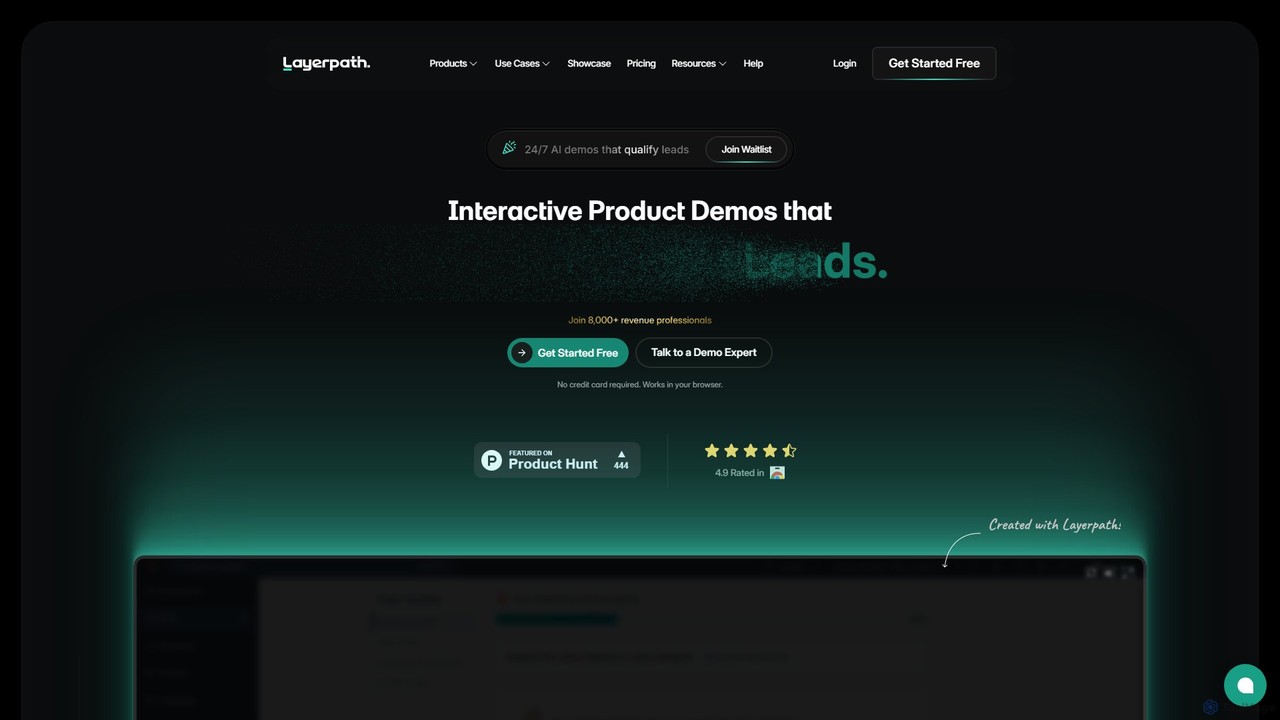
Layerpath is an AI-powered platform for creating interactive product demos, video tutorials, and step-by-step guides. It helps sales, marketing, and customer success teams to generate more leads, accelerate user onboarding, and showcase product features effectively without complex editing.

User Onboarding
Visits 64.8KFavorites 143Likes 149
Orango AI
Freemium

Orango AI

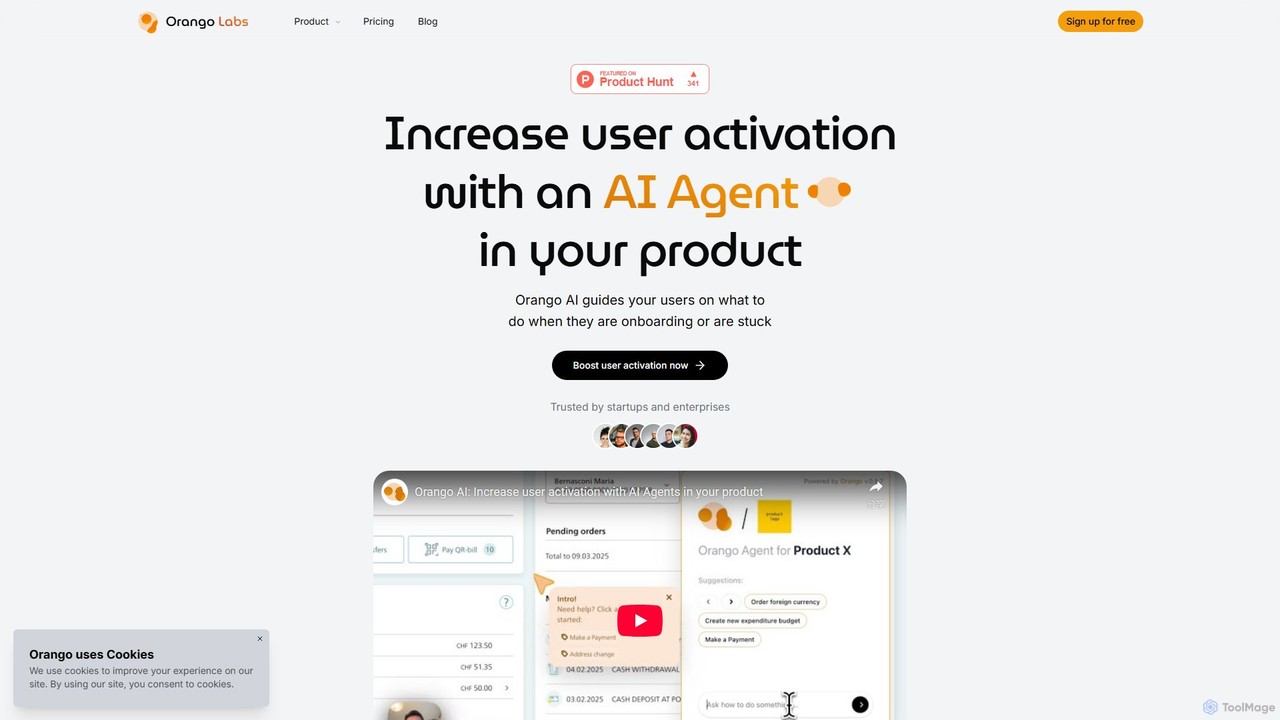
Orango AI is an in-product AI agent designed to boost user activation and reduce churn. It provides real-time, interactive guidance by controlling a virtual cursor to show users how to complete tasks, navigate complex workflows, and discover features, effectively acting as an expert co-pilot within your web application.

User Behavior
Visits 4.4KFavorites 113Likes 105
Layup
Paid

Layup

Layup is an AI-powered platform that adds a second, intelligent cursor to your product. It provides real-time, interactive guidance for user onboarding, feature announcements, and in-app support, aiming to accelerate user adoption and reduce support tickets without manual effort.

User Onboarding
Visits 5.2KFavorites 137Likes 138
PLG OS
Freemium

PLG OS

PLG OS is an all-in-one, no-code platform designed for SaaS businesses to accelerate product-led growth. It enables the creation of personalized user onboarding, in-app messaging, feedback surveys, and gamification features to boost user activation, engagement, and retention, all without extensive development effort.

User Behavior
Visits 11.1KFavorites 102Likes 113
Overhyped AI
Freemium

Overhyped AI

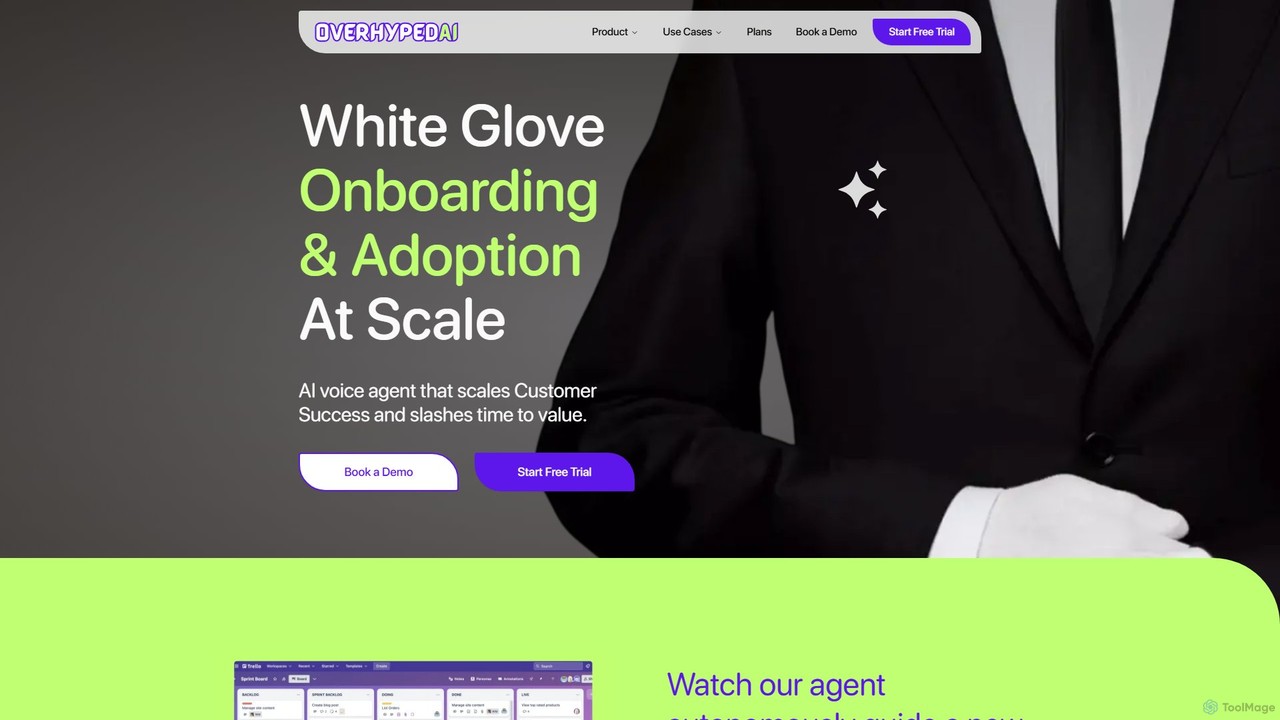
Overhyped AI is an intelligent voice agent designed to automate and scale user onboarding and product adoption. It provides a proactive, human-like voice guide directly within your application, helping users reach their 'aha moment' faster, boosting activation rates, and increasing customer retention.

User Onboarding
Visits 7.5KFavorites 135Likes 134

About User Onboarding

User Onboarding tools are AI-powered platforms designed to create guided, interactive, and personalized experiences for new users within a product or service. They utilize features like interactive walkthroughs, checklists, and contextual in-app messages to accelerate user adoption. The primary goal is to help users understand the product's value quickly, which significantly reduces churn and increases long-term engagement. Unlike static documentation, these tools provide dynamic, real-time assistance directly within the user interface, adapting to user behavior.

Core Features

  • Interactive Walkthroughs: Guide users step-by-step through key features and workflows in real-time.
  • Personalized Checklists: Provide users with a clear, structured path to complete essential setup and activation tasks.
  • In-App Messaging: Deliver targeted tooltips, announcements, and hints contextually without disrupting the user experience.
  • User Segmentation: Tailor onboarding flows based on user roles, behavior, or subscription plans for a more relevant experience.
  • Performance Analytics: Track completion rates, drop-off points, and user feedback to continuously optimize the onboarding process.

Use Cases

These tools are essential for SaaS platforms, mobile applications, and complex enterprise software aiming to improve user activation. Product managers, UX designers, and customer success teams use them to design and implement effective onboarding journeys. Common goals include reducing early-stage user drop-off, decreasing the volume of basic support tickets, and accelerating time-to-value for new customers.

How to Choose

When selecting a User Onboarding tool, consider four key factors. First, evaluate its integration capabilities with your existing tech stack, such as CRM and analytics tools. Second, assess the level of customization and branding available to ensure a seamless user experience. Third, examine the sophistication of its user segmentation and targeting features. Finally, analyze the depth of its analytics to ensure you can gain actionable insights to improve user journeys.

Featured tool rankings

User Onboarding use cases

1

Guiding New Users Through Key SaaS Features

A product manager for a project management SaaS platform uses an AI onboarding tool to create an interactive product tour. When a new user signs up, the tool automatically triggers a walkthrough that highlights critical first actions like 'Create a Task' and 'Invite Team Members'. This guided experience reduces initial user confusion and has been shown to increase the completion rate of these key actions by 40%, leading to higher activation rates.

2

Optimizing Mobile App First-Time User Experience

A developer of a fitness mobile app implements a personalized onboarding flow. Based on the user's stated goals during signup (e.g., 'lose weight' or 'build muscle'), the tool presents a tailored set of initial workout suggestions and feature highlights. This personalized approach makes the app feel immediately relevant, leading to a 25% higher user retention rate after the first week compared to a generic, one-size-fits-all onboarding.

3

Automating Complex Enterprise Software Training

A training specialist at a large corporation uses an onboarding tool to create role-based training for a new CRM system. Instead of manual sessions, new sales reps automatically receive an interactive guide on lead management, while marketing managers are shown a tour of the campaign reporting dashboard. This automation saves hundreds of hours in live training and ensures consistent, scalable education for all new hires across different departments.

4

Proactively Reducing Early-Stage User Churn

A customer success manager identifies a high drop-off rate within the first 3 days of signup. Using an onboarding tool, they segment users who haven't activated a key feature within 24 hours. The tool automatically triggers a contextual in-app message offering a short video tutorial or a link to book a demo. This proactive intervention successfully re-engages 30% of these at-risk users, directly reducing early-stage churn.

5

Announcing New Features with In-App Messages

A marketing team wants to promote a newly launched feature. Instead of relying solely on email, they use their user onboarding tool to display a non-intrusive modal window to targeted, active users. The message highlights the new feature's benefits and includes a button that links directly to it. This in-app approach achieves a 50% higher engagement and adoption rate for the new feature compared to email announcements alone.

6

Collecting Contextual Feedback During Onboarding

A UX designer wants to understand where users get stuck in the setup process. They configure the onboarding tool to trigger a micro-survey (e.g., a simple 'Was this helpful?' poll with a comment box) after a user completes a complex step in a walkthrough. This provides immediate, contextual feedback that is far more valuable than a generic survey sent days later, allowing the team to quickly identify and fix points of friction in the user journey.

User Onboarding FAQ

What are AI User Onboarding tools?

AI User Onboarding tools are software platforms that help businesses create guided, interactive, and personalized initial experiences for new users. They go beyond simple tooltips by using data and automation to guide users to value faster, track their progress, and adapt the experience based on user behavior. Their main goal is to improve user activation, feature adoption, and long-term retention.

How do I choose the right User Onboarding tool?

To choose the right tool, consider these key factors:

  • Integration: Ensure it connects seamlessly with your product and other tools like analytics platforms or CRMs.
  • Customization: Check if you can match the tool's look and feel to your brand for a consistent user experience.
  • Segmentation: Look for powerful options to create different onboarding paths for different user types (e.g., by role or plan).
  • Analytics: The tool should provide clear data on how users are progressing and where they get stuck, allowing for data-driven improvements.
What's the difference between User Onboarding and Customer Support tools?

User Onboarding tools are a proactive subset of the broader Customer Support category. Their primary focus is to prevent problems by educating new users and guiding them to success from the very beginning. In contrast, general Customer Support tools (like helpdesks or live chat) are typically reactive, designed to solve problems after a user encounters them. While they can be integrated, onboarding is for education and activation, while support is for issue resolution.

What are the main benefits of using a User Onboarding tool?

The primary benefits include:

  • Increased Activation Rates: More users successfully complete key initial actions and reach the 'aha moment'.
  • Reduced Churn: Users who understand a product's value early on are significantly less likely to leave.
  • Lower Support Costs: Proactive guidance reduces the number of basic, repetitive support tickets.
  • Faster Feature Adoption: In-app messages and guides help users discover and learn new features more quickly.
Are User Onboarding tools difficult to implement?

Implementation difficulty varies. Many modern tools are 'no-code' or 'low-code,' allowing non-technical teams (like product managers or marketers) to create and manage onboarding flows through a visual editor. This usually requires a developer to install a small code snippet once. More complex or deeply integrated tools might require more developer resources, but the industry trend is towards user-friendly interfaces that empower non-developers.