
Instabug Overview
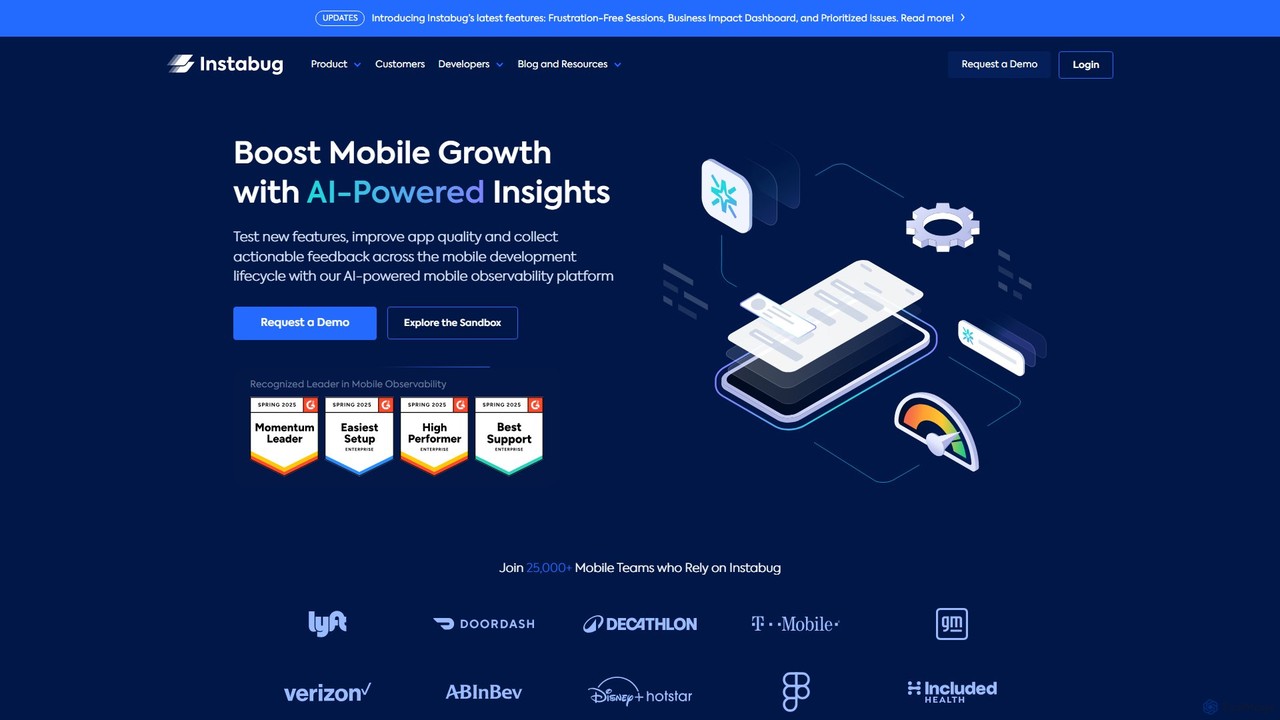
Instabug is a leading AI-powered mobile observability platform that empowers development teams to deliver exceptional app performance and stability. It provides a holistic suite of tools that go beyond simple error tracking, offering deep insights into the user experience. By integrating a single SDK, teams gain access to comprehensive performance monitoring, detailed crash analytics, intuitive bug reporting, app ratings and reviews management, release monitoring, and powerful session replay capabilities. Instabug's AI engine works in the background to analyze data, identify critical issues, group similar bugs, and provide actionable insights, allowing teams to prioritize effectively and resolve problems up to four times faster. This proactive approach helps seamlessly balance innovation with app stability, ensuring a superior user experience and driving mobile growth.
How to use Instabug
Using Instabug is a straightforward process designed for seamless integration into your mobile development workflow:
- Integration: Start by signing up on the Instabug website and creating a new application on your dashboard. Integrate the Instabug SDK into your mobile app. It supports a wide range of platforms, including iOS (Swift/Objective-C), Android (Kotlin/Java), React Native, Flutter, Xamarin, Cordova, and Unity. The integration typically requires just a single line of code.
- Configuration: From the Instabug dashboard, you can enable and customize the features you need, such as bug reporting, crash reporting, APM, and in-app surveys. You can configure how bug reports are triggered (e.g., by shaking the device, taking a screenshot, or tapping a floating button).
- Data Collection & Reporting: Once your app is deployed, the SDK automatically captures crash reports and performance data. For bug reporting, users can easily report issues directly from within the app. Each report is automatically enriched with detailed device information, console logs, network request logs, and user steps (Repro Steps).
- Analysis and Triage: Use the web-based dashboard to view all incoming reports. The AI-powered system automatically groups similar crashes and bugs, helping you understand their impact. You can watch session replays to see the exact user interactions that led to an issue.
- Resolution and Collaboration: Assign bugs to team members and track their status. Integrate Instabug with your existing project management and communication tools like Jira, Slack, Trello, GitHub, and Asana to streamline your workflow and ensure issues are routed to the correct team for quick resolution.
Core Features of Instabug
- AI-Powered Crash Reporting: Automatically captures detailed, symbolicated stack traces for every crash. The AI engine analyzes crash patterns, identifies root causes, and provides stability scores to help you prioritize the most critical issues.
- Intuitive Bug Reporting: Allows users and testers to report bugs with a simple shake or screenshot. Reports automatically include comprehensive logs, device details, network requests, and a visual trace of user steps.
- App Performance Monitoring (APM): Monitor and optimize key performance metrics, including app launch time, UI hangs, screen loading times, and network performance, to ensure a smooth user experience.
- Session Replay: Get a video-like recording of user sessions to understand the full context behind bugs, crashes, and user-reported issues. It provides a visual representation of user interactions, screen transitions, and taps.
- In-App Surveys & Feedback: Collect targeted user feedback directly within your app through customizable surveys and rating prompts. Analyze user sentiment to guide your product roadmap.
- Release Management: Monitor the health and stability of new app releases in real-time. Compare performance against previous versions and quickly identify and address regressions.
Use Cases for Instabug
Instabug is versatile and valuable for various roles within a mobile team:
- Mobile Developers: Quickly debug issues with context-rich reports, reducing the time spent on reproducing bugs and diagnosing crashes.
- QA Engineers: Streamline the testing process by providing a simple way to report bugs with all necessary diagnostic data, eliminating back-and-forth communication.
- Product Managers: Gain qualitative insights from user feedback and session replays to understand user pain points and prioritize features that enhance the user experience.
- Support Teams: Resolve user-reported issues more efficiently by accessing detailed technical information and session recordings attached to each ticket.
- Enterprise Teams: Scale mobile operations with a secure, reliable, and comprehensive observability platform that ensures app stability and performance for a large user base.
Advantages of Instabug
Instabug offers significant advantages over traditional monitoring tools:
- All-in-One Platform: Combines bug reporting, crash reporting, APM, and user feedback into a single, integrated solution, eliminating the need for multiple tools.
- Rich, Actionable Context: Every report is packed with deep diagnostic data, including logs, network requests, and session replays, enabling faster issue resolution.
- AI-Driven Intelligence: Leverages AI to automatically analyze, group, and prioritize issues, helping teams focus their efforts on what matters most.
- Proactive Issue Resolution: Helps teams identify and fix problems before they impact a significant number of users, improving app quality and user retention.
- Seamless Workflow Integration: Connects with dozens of third-party tools, fitting perfectly into existing development and project management workflows.
Pricing and Plans
Instabug offers a freemium model with several plans to cater to different needs:
- Basic: A free plan ideal for indie developers and small projects, offering core bug and crash reporting features.
- Pro: Designed for growing teams, this plan includes advanced features like comprehensive logging, integrations, and enhanced support.
- Premium: The most popular plan, offering the full suite of observability tools, including App Performance Monitoring (APM) and Session Replay.
- Enterprise: A custom plan for large organizations requiring advanced security, on-premise deployment options, dedicated support, and robust redundancy.
Instabug also offers special programs for startups and open-source projects. For detailed pricing, it is recommended to visit the official Instabug website.
Traffic
Latest traffic
Status
Monthly traffic trend
- 2025-9: 81.7K
- 2026-1: 5.0K
- 2026-2: 7.4K
- 2026-3: 24.6K
- 2026-4: 34.9K
- 2026-5: 35.3K
Geography
Top 5 countries / regions
- 🇺🇸United States38.3%
- 🇻🇳Vietnam18.9%
- 🇮🇳India16.3%
- 🇬🇪Georgia15.3%
- 🇧🇷Brazil11.1%
Traffic sources
| Source type | Percentage |
|---|---|
Direct | 100.0% |
Top keywords
| Keyword | Cost per click |
|---|---|
| instabug | $16.06 |
| maintaining a 99.9% crash-free session rate is this realistic | $0.00 |
| oom full form | $0.00 |
| release an flutter app | $0.00 |
| sdk | $3.73 |
Instabug Videos on YouTube



Instabug Alternatives
VideoSDK
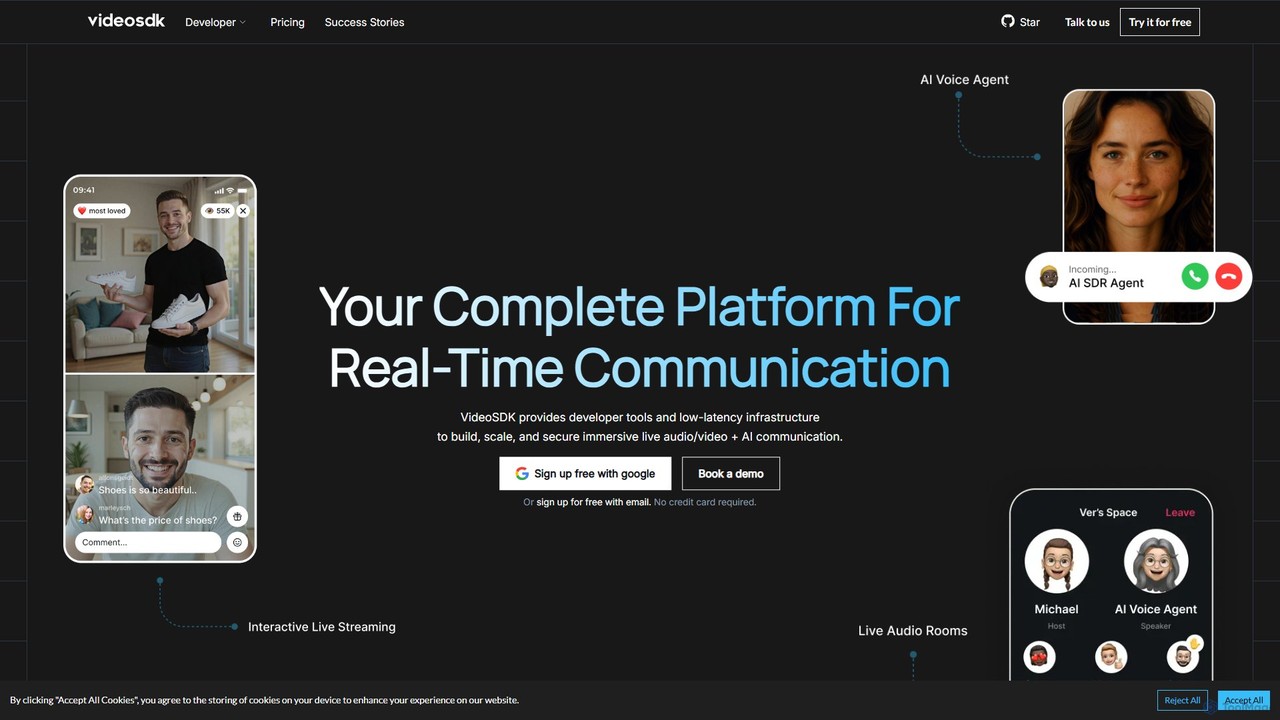
VideoSDK is a comprehensive developer platform providing APIs and SDKs to build, scale, and secure real-time audio/video communication and interactive live streaming. It features low-latency infrastructure, cross-platform support, and integrated AI capabilities like voice agents, transcription, and summarization, enabling developers to embed immersive communication experiences into any application.
Video Conferencing
Zipy
Zipy is an AI-powered platform combining session replay, error tracking, and user analytics. It helps software teams proactively identify, debug, and resolve user-facing issues, providing complete context with developer tools to enhance digital experiences and accelerate problem-solving.
User Behavior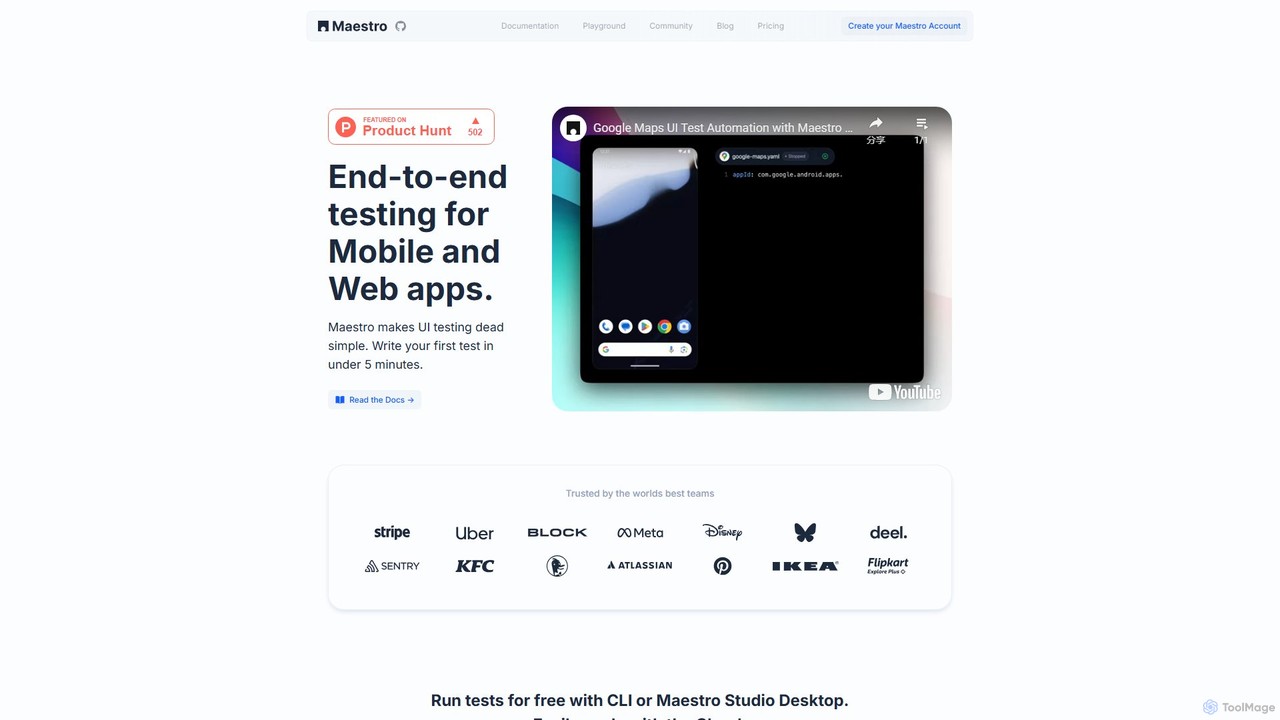
Maestro
Maestro is an AI-powered, end-to-end UI testing framework that simplifies testing for mobile and web applications. With its intuitive syntax, visual test creation via Maestro Studio, and an AI assistant (MaestroGPT), it enables developers and testers to write reliable tests in minutes. It supports a wide range of frameworks like iOS, Android, React Native, and Flutter, offering both a free local environment and a scalable cloud platform for CI/CD integration.
Automation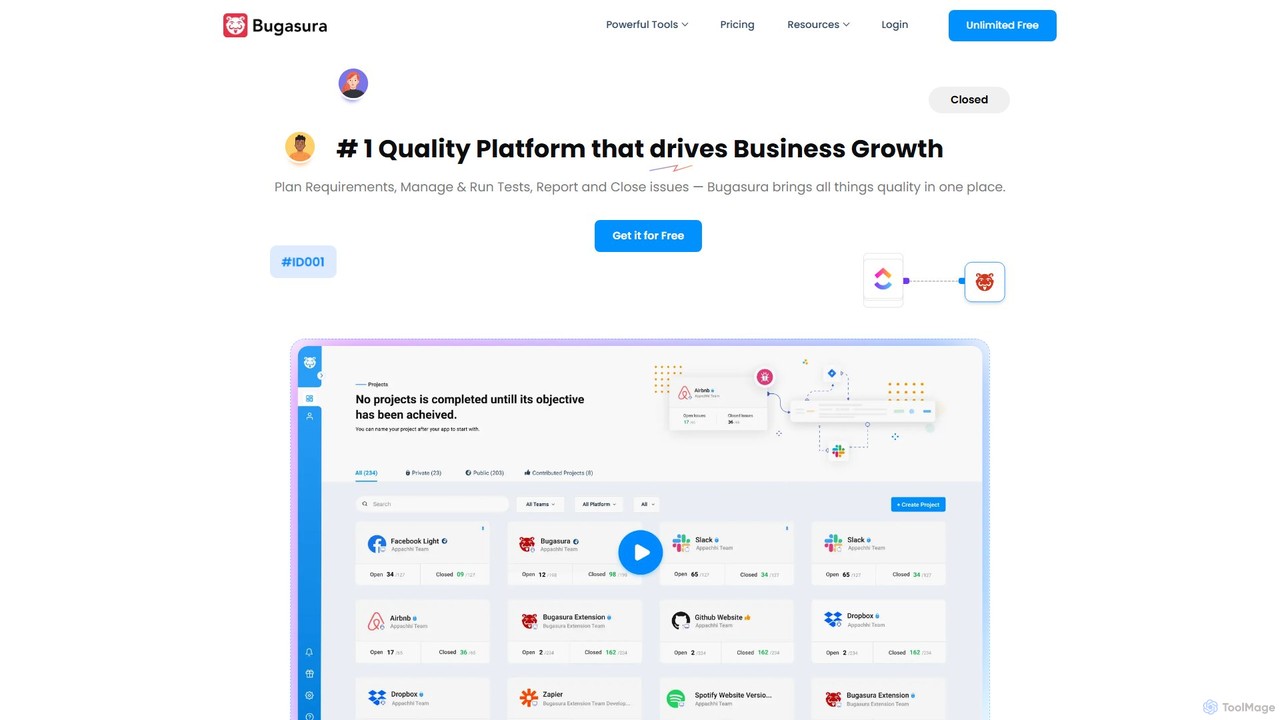
Bugasura
Bugasura is an AI-powered quality platform designed to streamline bug tracking and accelerate software development. It helps teams capture, report, and resolve bugs faster by automatically gathering comprehensive context, using AI for smart triage, and integrating seamlessly with existing development workflows. It's built for modern tech teams, including engineers, testers, and CTOs, to enhance collaboration and drive business growth through superior software quality.
Bug Tracking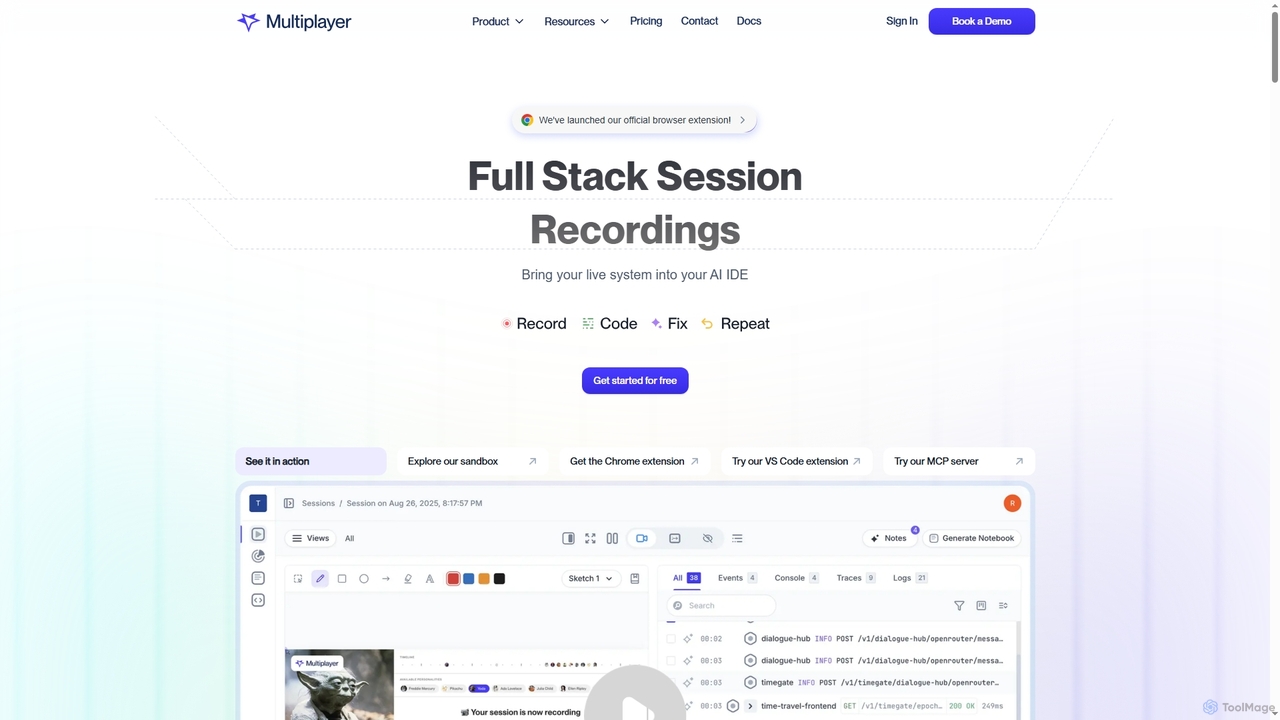
Multiplayer
Multiplayer is a full-stack session recording platform that captures frontend and backend data, providing complete context for debugging, testing, and AI-powered feature development. It integrates seamlessly with AI IDEs and engineering workflows to accelerate problem resolution and build new features with confidence.
Ai IntegrationInstabug Categories
Instabug Embed Widget
Copy this embed code to place the badge on your blog, article, or product site and send readers directly to this ToolMage detail page.

Related AI tools
VideoSDK
VideoSDK is a comprehensive developer platform providing APIs and SDKs to build, scale, and secure real-time audio/video communication and interactive live streaming. It features low-latency infrastructure, cross-platform support, and integrated AI capabilities like voice agents, transcription, and summarization, enabling developers to embed immersive communication experiences into any application.
Video ConferencingMaestro
Maestro is an AI-powered, end-to-end UI testing framework that simplifies testing for mobile and web applications. With its intuitive syntax, visual test creation via Maestro Studio, and an AI assistant (MaestroGPT), it enables developers and testers to write reliable tests in minutes. It supports a wide range of frameworks like iOS, Android, React Native, and Flutter, offering both a free local environment and a scalable cloud platform for CI/CD integration.
AutomationZipy
Zipy is an AI-powered platform combining session replay, error tracking, and user analytics. It helps software teams proactively identify, debug, and resolve user-facing issues, providing complete context with developer tools to enhance digital experiences and accelerate problem-solving.
User Behavior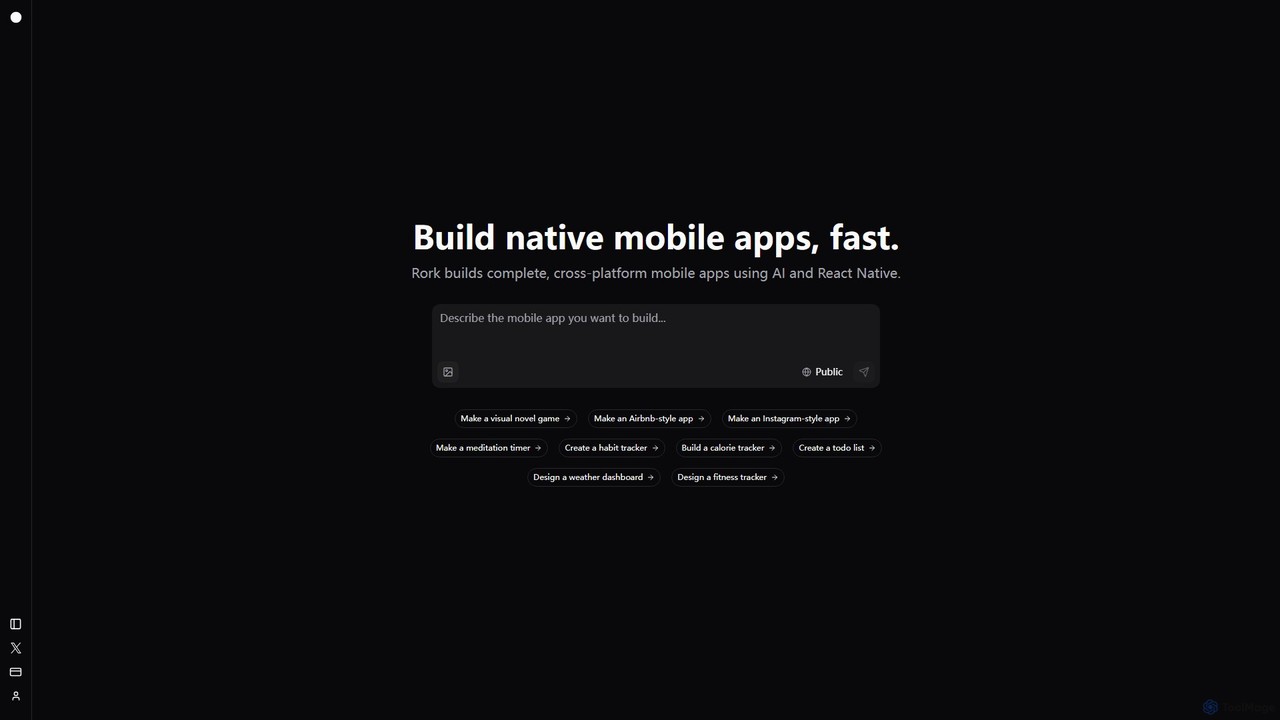
Rork
Rork is an AI-powered development platform that transforms simple text prompts into complete, native, cross-platform mobile apps in minutes. Using React Native, it allows users to "vibe code" their ideas, generating functional applications for iOS and Android without writing a single line of code. Ideal for rapid prototyping, MVPs, and accelerating development, Rork makes app creation accessible to everyone, from entrepreneurs to seasoned developers.
Mobile App Building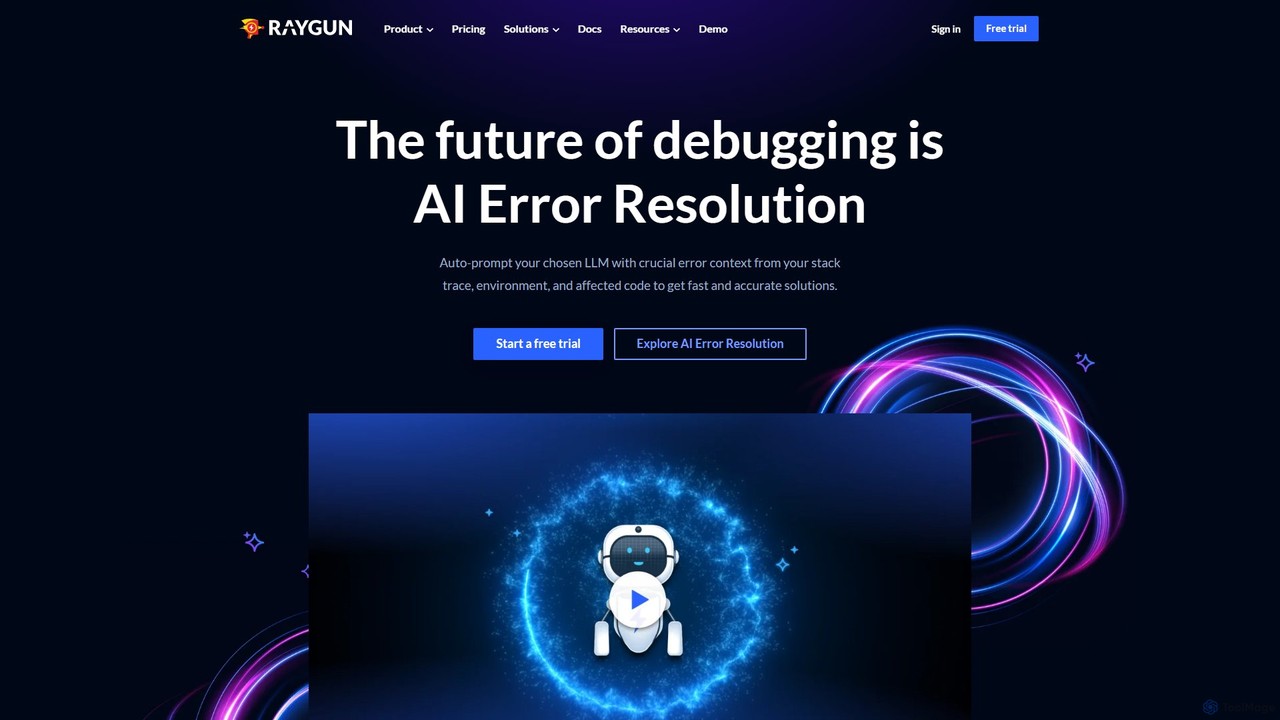
Raygun
Raygun is an advanced application monitoring platform for web and mobile apps, offering AI-powered error resolution, crash reporting, and performance monitoring. It helps development teams proactively detect, diagnose, and resolve issues to deliver flawless software experiences and improve user satisfaction.
Customer Support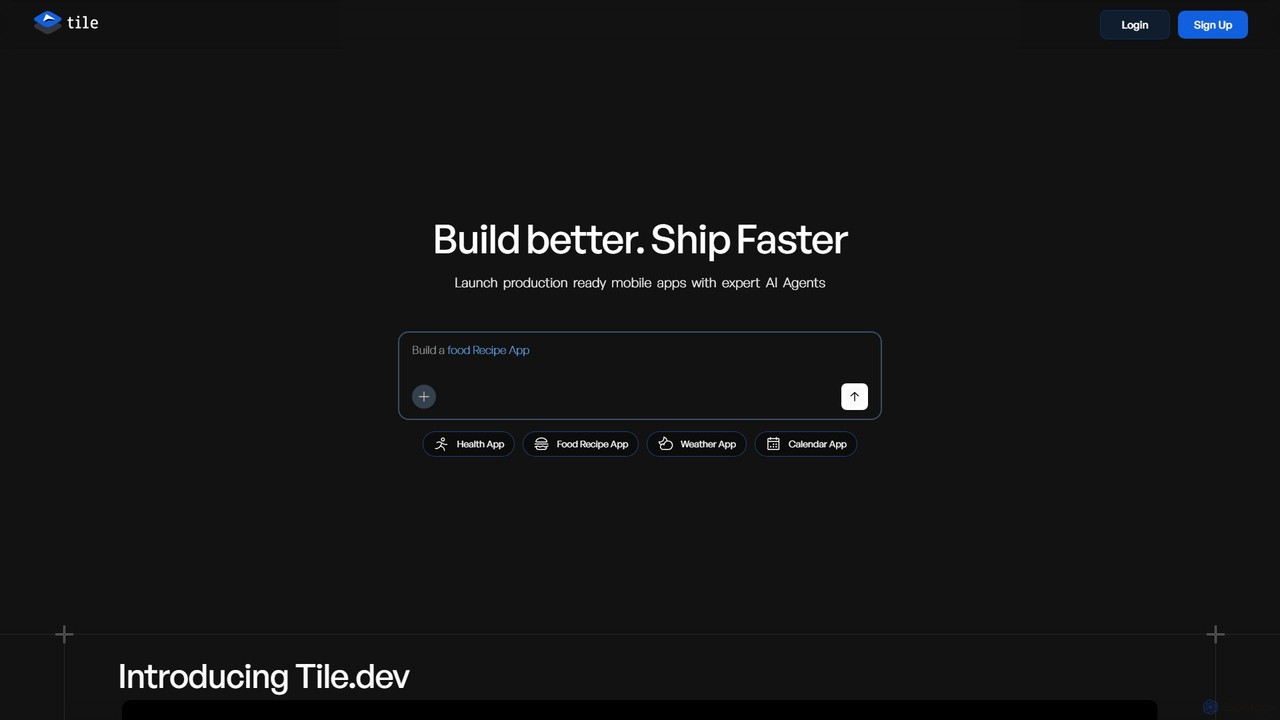
Tile
Tile is an AI-powered mobile app builder that transforms your ideas into production-ready iOS and Android applications. Describe your app concept using text or visuals, and specialized AI agents will build it. You can then refine the app with a powerful no-code visual editor and publish it directly to the App Store and Play Store. It's designed for founders, developers, and creators to ship apps faster.
Generative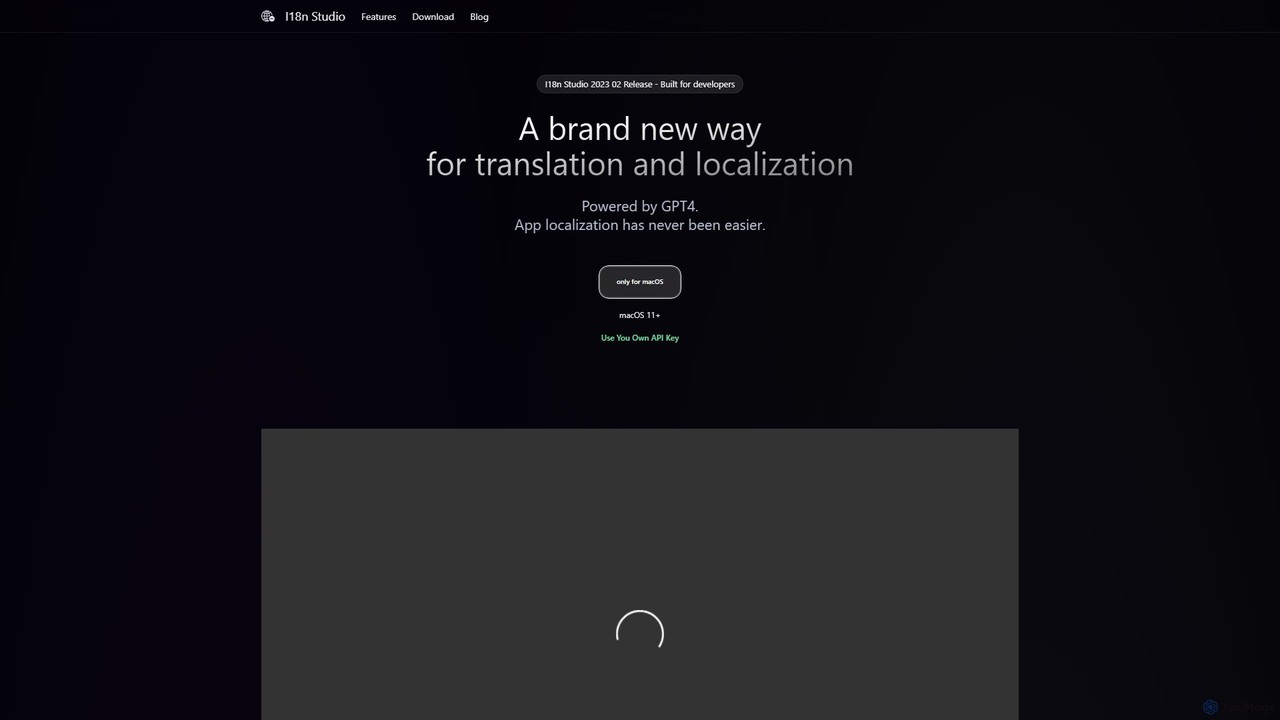
I18n Studio
I18n Studio is a GPT-4 powered localization tool for developers on macOS. It streamlines the translation of app resource files (JSON, XML, .strings) for iOS, Android, and web apps, offering context-aware, one-click batch translations and seamless integration with IDEs like Xcode and VSCode.
Internationalization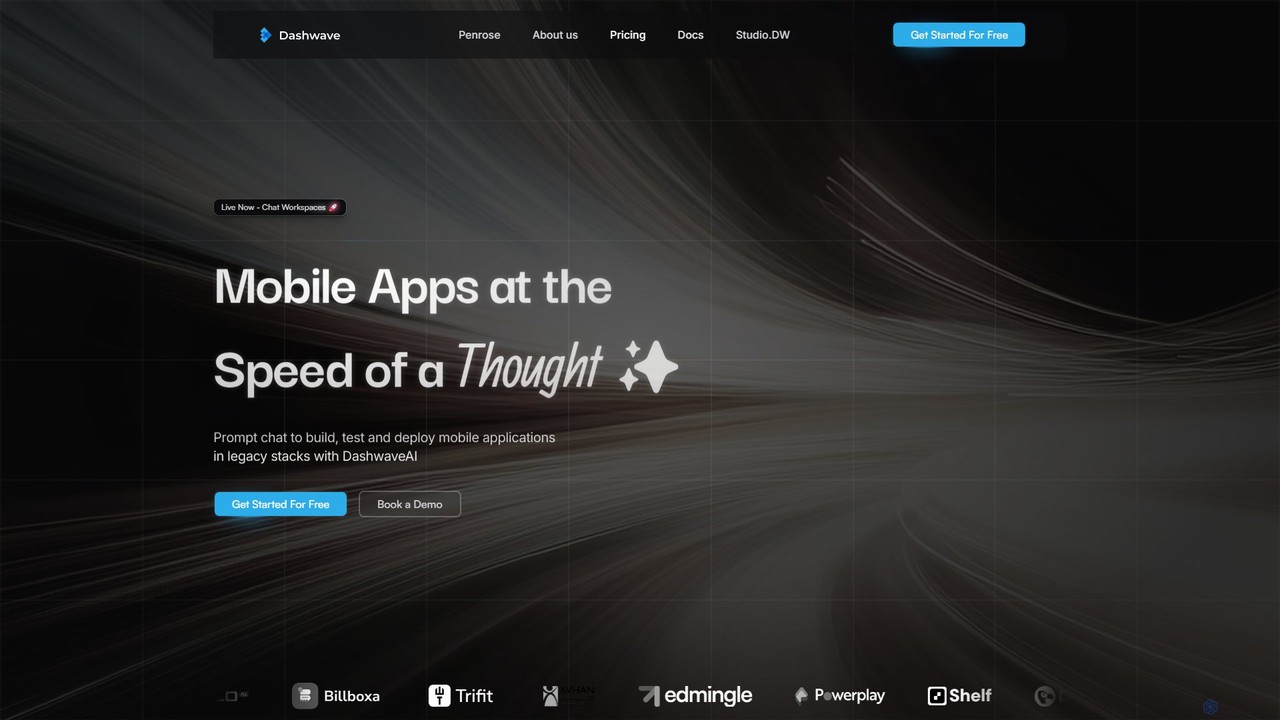
Dashwave
Dashwave is an AI-powered platform that accelerates mobile app development. It enables users to build, test, and deploy applications for iOS and Android using natural language prompts. Supporting frameworks like Kotlin, React Native, and Flutter, it transforms ideas and Figma designs into production-ready code, streamlining the entire development lifecycle for developers, designers, and founders.
Design To Code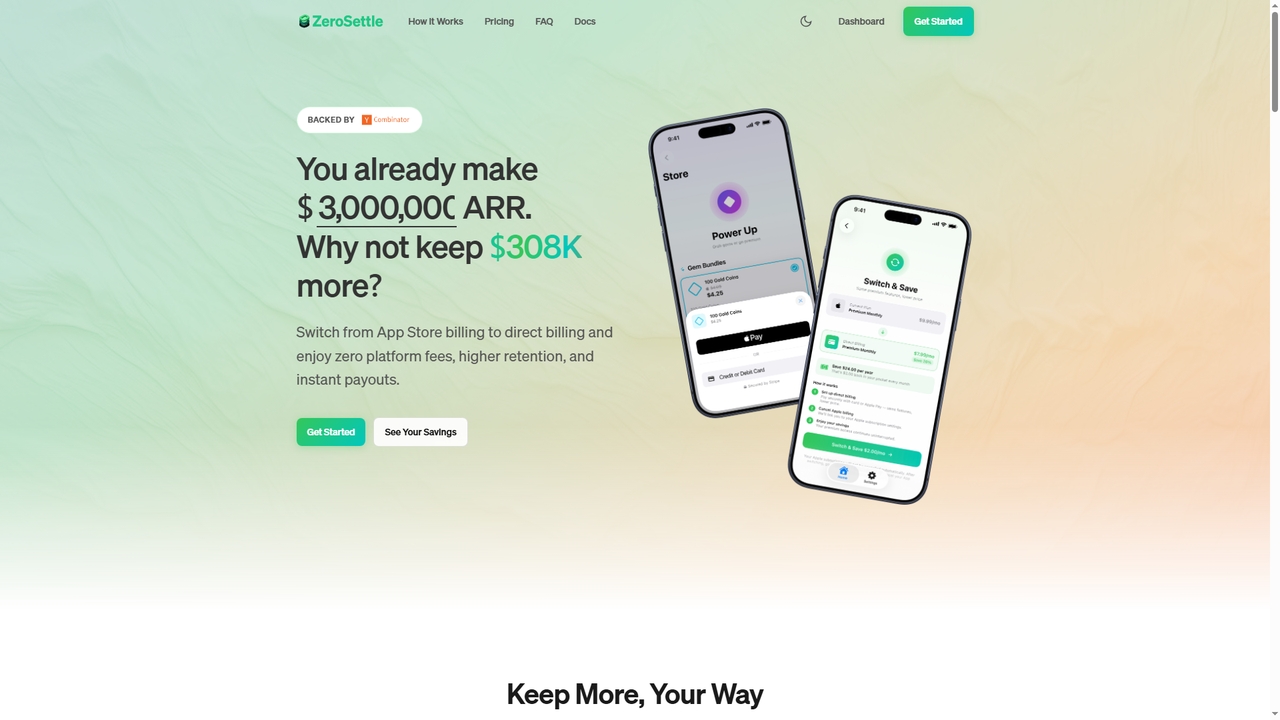
ZeroSettle
ZeroSettle is a billing SDK for mobile app developers that enables direct web-based payments alongside traditional App Store purchases. It helps developers bypass Apple's 30% commission, retain more revenue, and offers instant payouts, tax compliance, and fraud protection as a Merchant of Record.
Monetization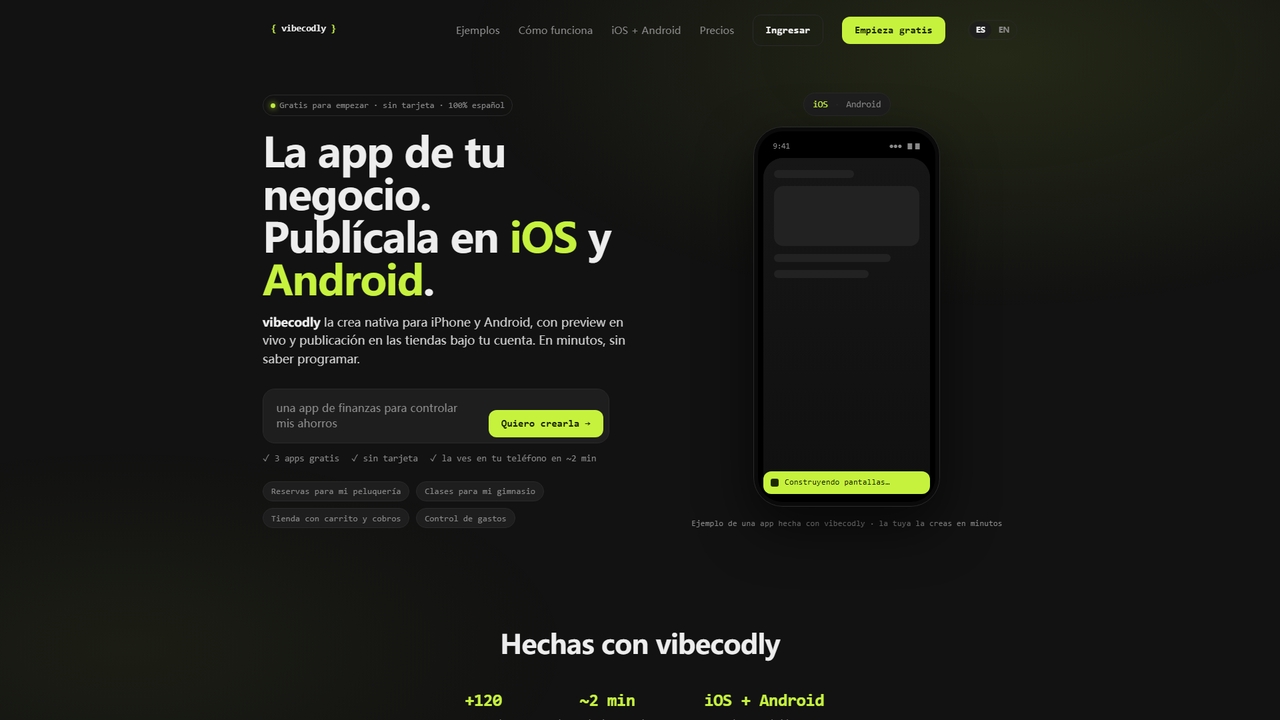
Vibecodly
Vibecodly is a no-code platform that turns your ideas into native iOS and Android apps in minutes. Describe your app in plain language, preview it live on your phone, and publish to the App Store and Google Play — no programming required. Free to start, no credit card needed.
Mobile CommerceBugasura
Bugasura is an AI-powered quality platform designed to streamline bug tracking and accelerate software development. It helps teams capture, report, and resolve bugs faster by automatically gathering comprehensive context, using AI for smart triage, and integrating seamlessly with existing development workflows. It's built for modern tech teams, including engineers, testers, and CTOs, to enhance collaboration and drive business growth through superior software quality.
Bug TrackingMultiplayer
Multiplayer is a full-stack session recording platform that captures frontend and backend data, providing complete context for debugging, testing, and AI-powered feature development. It integrates seamlessly with AI IDEs and engineering workflows to accelerate problem resolution and build new features with confidence.
Ai Integration
UserWise
UserWise is an AI-powered user analytics and feedback platform designed to help businesses understand their customers deeply. It consolidates user behavior data, feedback, and support tickets, using AI to uncover actionable insights, identify friction points, and predict user churn, enabling data-driven product development and enhanced user experience.
User Behavior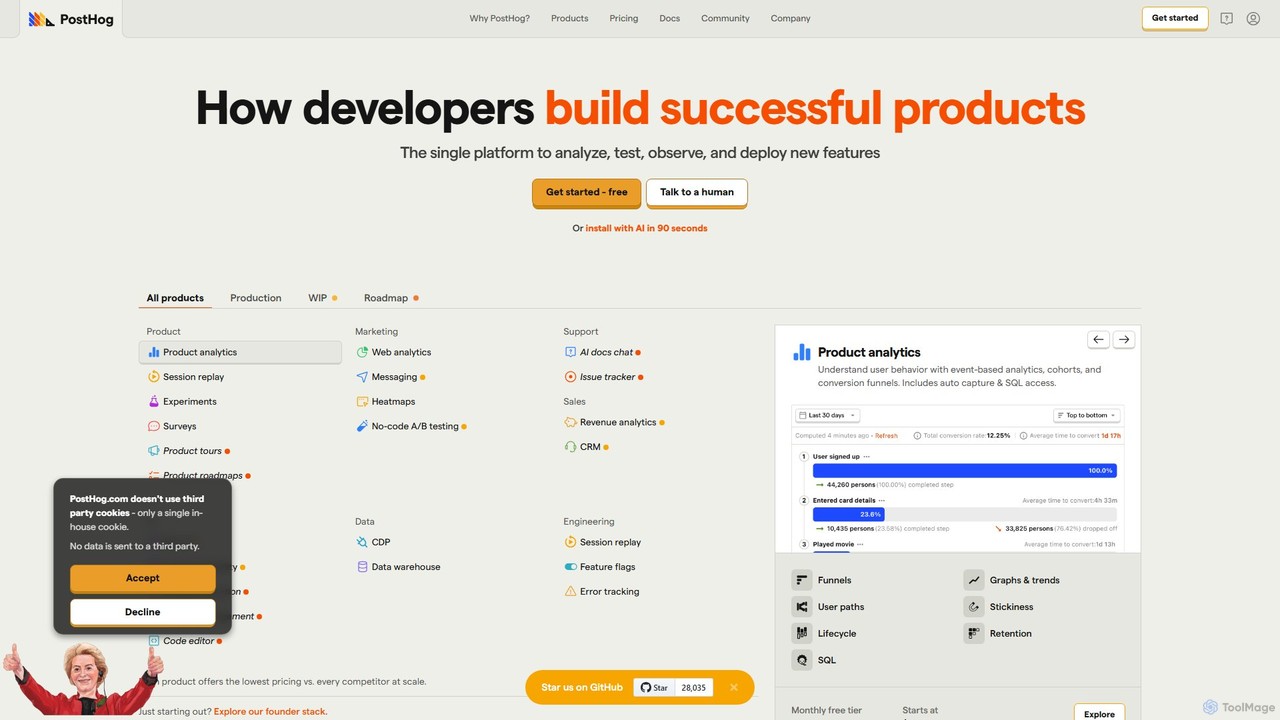
PostHog
PostHog is an all-in-one, open-source product analytics platform for developers. It combines product analytics, session replay, feature flags, and A/B testing into a single tool, eliminating the need for a fragmented data stack. It's designed to help teams understand user behavior and build better products faster.
Customer Data Platform
Vapi
Vapi is a developer-first API platform for building, deploying, and scaling advanced, human-like voice AI agents. It enables the creation of sophisticated conversational AI for inbound/outbound calls, in-app assistants, and more, with ultra-low latency and high configurability.
Voice Assistant
Instabug Comments (0)
Sign in to comment.
Sign inNo comments yet.