
ToolMage
Sign in

Best 1 Internationalization AI tools for Code

Popular Internationalization AI tools in Code include I18n Studio, helping you work more efficiently.

I18n Studio
Free

I18n Studio

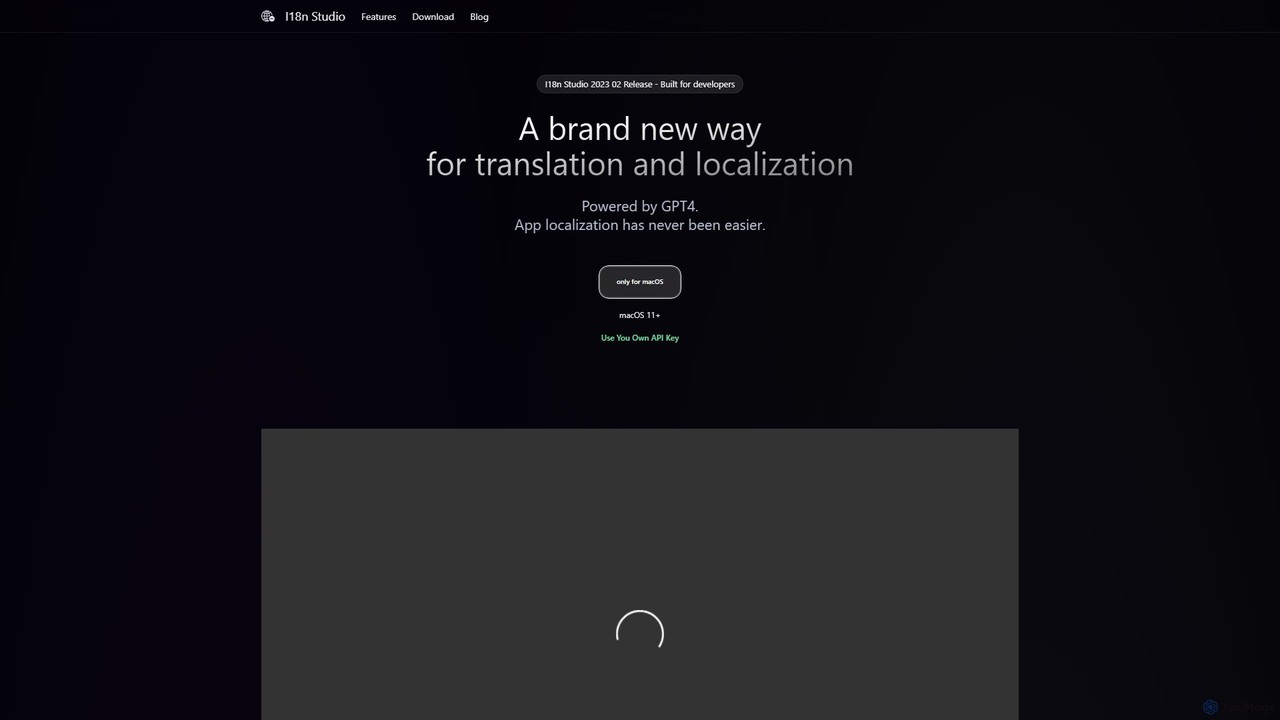
I18n Studio is a GPT-4 powered localization tool for developers on macOS. It streamlines the translation of app resource files (JSON, XML, .strings) for iOS, Android, and web apps, offering context-aware, one-click batch translations and seamless integration with IDEs like Xcode and VSCode.

Internationalization
Visits 6KFavorites 118Likes 122

About Internationalization

AI Internationalization tools are a specialized category of code utilities that automate the process of adapting software for different languages and regions (i18n). These tools leverage artificial intelligence to scan source code, extract translatable text strings, and manage the entire localization workflow. They significantly accelerate global product launches by integrating directly into the development lifecycle, reducing manual effort and improving translation consistency. Unlike traditional methods, they provide a seamless bridge between code and content, enabling continuous localization in agile environments.

Core Features

  • Automated String Extraction: Automatically detects and extracts user-facing text from various code files (e.g., React, Vue, iOS, Android).
  • Contextual Machine Translation: Utilizes AI models that understand code context to provide more accurate initial translations.
  • Version Control Integration: Syncs with Git repositories (like GitHub, GitLab) to automate the management of language files and pull requests.
  • In-Context Editing: Offers visual overlays or platforms for translators to see and edit text directly within the application's UI, improving accuracy.
  • Workflow Automation: Manages the end-to-end process, from detecting new text to deploying updated language packs.

Use Cases

These tools are primarily used by software development teams, product managers, and localization specialists in tech companies. Common scenarios include preparing a SaaS application for a multi-market launch, implementing continuous localization for a mobile app with frequent updates, or automating the translation of technical documentation stored in a code repository.

How to Choose

When selecting an AI Internationalization tool, consider its compatibility with your specific programming languages and frameworks. Evaluate its integration capabilities with your existing development tools, such as Git providers and CI/CD pipelines. Assess the quality of its machine translation and the flexibility of its review workflows (e.g., allowing collaboration with human translators). Finally, consider the pricing model and whether it scales with your project's needs.

Featured tool rankings

Internationalization use cases

1

Automating SaaS Platform Localization for Global Launch

A product team is preparing to launch their SaaS product in European and Asian markets. They use an AI internationalization tool to connect to their GitHub repository. The tool automatically scans new code commits, extracts any new or modified UI strings, and sends them for machine translation. A localization manager then reviews these translations with an in-context editor. Once approved, the tool automatically creates a pull request with the updated language files, reducing the time-to-market from months to just a few weeks.

2

Continuous Localization for Agile Mobile App Development

A mobile development team practices agile with weekly releases. An AI i18n tool is integrated into their CI/CD pipeline. Whenever a developer adds or changes a text string in the iOS or Android app, the tool detects it on commit, gets it translated via an API, and ensures the updated language files are included in the next build. This 'set-it-and-forget-it' approach eliminates localization bottlenecks and ensures that all users, regardless of language, receive new features simultaneously.

3

Improving Translation Accuracy with In-Context Review

A localization manager is frustrated with translations that are grammatically correct but contextually wrong (e.g., 'Save' as in 'save a file' vs. 'save a person'). They use an AI i18n tool that provides a live, interactive preview of the application. Translators can see the UI, understand the context of each string, and provide much more accurate translations. This visual context reduces the need for lengthy QA cycles and endless spreadsheets, improving overall translation quality by over 40%.

4

Automating Software Documentation Translation

A technical writing team maintains extensive documentation in Markdown files stored in a Git repository. They use an AI i18n tool to monitor the repository. When the English documentation is updated, the tool automatically identifies the changes, translates them into multiple languages using a custom-trained AI model, and commits the localized files. This ensures that global users always have access to up-to-date help guides and API references without any manual intervention from the writing team.

5

Ensuring Brand Consistency with a Centralized Glossary

A large enterprise with multiple products needs to maintain consistent branding and terminology (e.g., 'Dashboard,' 'User Profile') across all languages. An AI i18n tool serves as a central hub for their translation memory and glossary. The AI actively suggests approved terms to translators, flags inconsistencies in new translations, and ensures all products use the same high-quality, on-brand language. This central control prevents brand dilution and improves user experience across the entire product suite.

6

Streamlining Website Content Localization with a CMS

A marketing team manages a website built on a headless CMS like Contentful or Strapi. They integrate an AI i18n tool that syncs content from the CMS, manages the translation workflow, and pushes translated content back. The tool provides an in-context editor, allowing translators to see exactly how their translations will appear on the live website. This visual feedback loop improves quality, reduces back-and-forth communication with developers, and allows the marketing team to launch multilingual campaigns much faster.

Internationalization FAQ

What are AI Internationalization (i18n) tools?

AI Internationalization (i18n) tools are software solutions designed to automate the technical process of adapting applications for global audiences. They integrate directly into the software development lifecycle, using AI to automatically extract text from code, manage translation workflows, and sync language files. Their primary goal is to bridge the gap between developers and translators, making localization a continuous and efficient process rather than a final, cumbersome step.

How to choose the right AI Internationalization tool?

Choosing the right tool depends on your development workflow. Key factors to consider include:

  • Tech Stack Support: Ensure it supports your programming languages and frameworks (e.g., React, Python, iOS).
  • Integrations: Check for seamless integration with your version control system (Git), CI/CD pipeline, and design tools.
  • Workflow Automation: Evaluate how much of the process it automates, from string detection to pull request creation.
  • Translation Quality: Assess the quality of its machine translation and whether it supports human review workflows.
  • Collaboration Features: Look for features like in-context editing and terminology management that help translators.
What's the difference between AI i18n tools and traditional Translation Management Systems (TMS)?

The key difference lies in their focus and integration point. Traditional TMS platforms are translator-centric, focusing on managing translation projects, files, and linguists. AI i18n tools are developer-centric, integrating directly into the codebase and CI/CD pipeline. They automate the engineering side of localization (extracting strings, managing files, creating pull requests), which is often a manual process when using a traditional TMS. In essence, AI i18n tools bridge the gap between code and translation.

Do these tools replace human translators?

Not necessarily. While they use machine translation for speed and efficiency, their primary role is to automate the engineering and project management tasks around localization. Most professional AI i18n tools are designed to augment human translators, not replace them. They provide workflows for human review, in-context editing, and quality assurance, allowing translators to focus on creating high-quality, culturally nuanced translations instead of managing files and copy-pasting text.

What are the main benefits of using an AI i18n tool in a development workflow?

The main benefits are speed, efficiency, and consistency. By automating the manual tasks of finding, extracting, and managing text strings, these tools drastically accelerate the localization process. This enables continuous localization, where translations keep pace with development. It reduces the burden on developers, freeing them from managing translation files. Finally, by centralizing translations and terminology, it ensures a consistent user experience across all languages and products.