ToolMage
Sign in

Best 8 Bug Tracking AI tools for Developer Tools

Popular Bug Tracking AI tools in Developer Tools include BetterBugs, Jam, DevRev, Bugasura, Commented, Tether, Toolbar, and TaskHuddle, helping you work more efficiently.

DevRev
Freemium

DevRev

DevRev is an AI-native platform designed to bring developers closer to customers. It unifies customer support, product development, and user data into a single conversational interface, leveraging AI agents to automate workflows, provide real-time insights, and enhance customer relationships for product-led growth.

Business Intelligence
Visits 260.8KFavorites 141Likes 138
Commented
Freemium

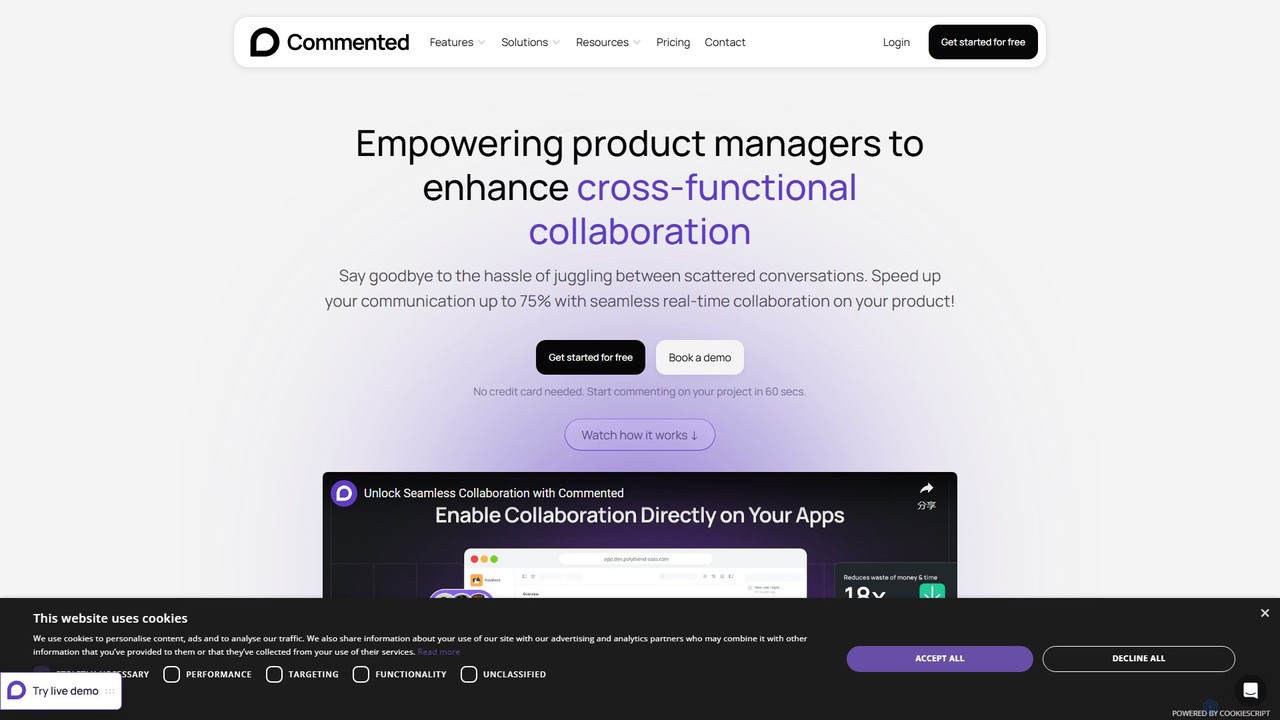
Commented

Commented is a visual collaboration and feedback tool designed for product teams, developers, and marketers. It allows users to leave precise, contextual comments and annotations directly on live websites, web apps, and mobile applications, streamlining the feedback process and accelerating development cycles by up to 75%.

Bug Tracking
Visits 13.5KFavorites 128Likes 118
TaskHuddle
Paid

TaskHuddle

TaskHuddle is a visual feedback and bug tracking tool, primarily for WordPress, that allows clients and team members to provide contextual feedback directly on your website or web application. It streamlines the revision process by converting clicks and comments into actionable tasks in a centralized dashboard.

Feedback Collection
Visits 6.4KFavorites 159Likes 147
BetterBugs
Free

BetterBugs

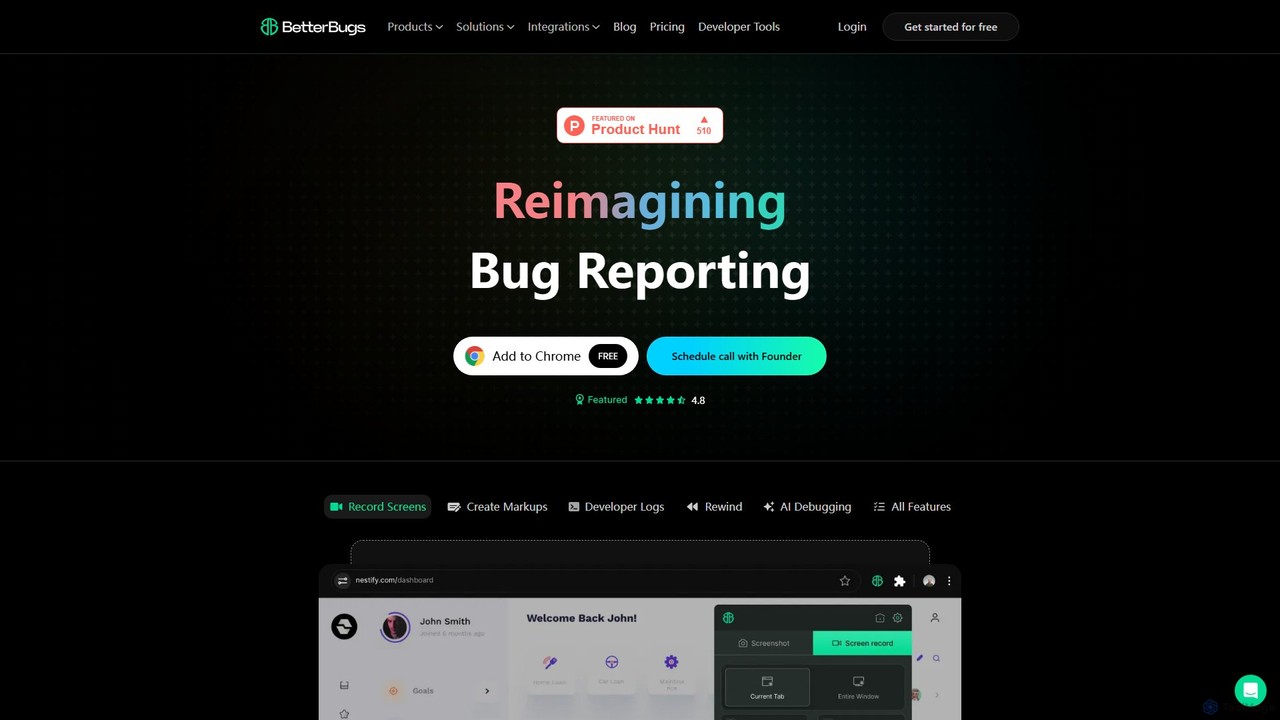
BetterBugs is an AI-powered bug reporting tool that helps development and QA teams capture precise, context-rich bug reports with a single click. It automatically includes screen recordings, annotations, and comprehensive developer logs (console logs, network requests) to streamline the debugging process and accelerate bug resolution.

Debugging
Visits 842KFavorites 157Likes 162
Tether
Freemium

Tether

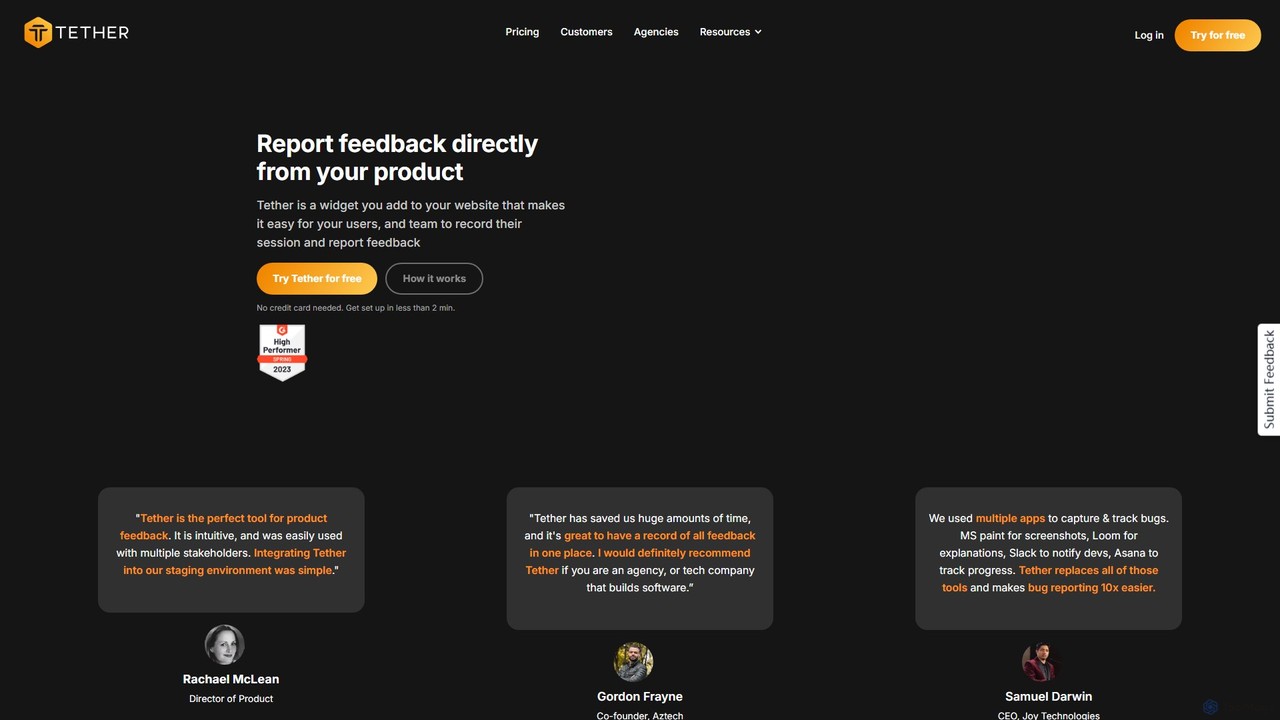
Tether is an all-in-one visual feedback and bug reporting tool for teams. It allows users and team members to capture screen recordings, annotated screenshots, and technical data directly from any website or web app, streamlining the feedback process and accelerating development cycles.

Feedback Management
Visits 7.7KFavorites 152Likes 164
Toolbar
Freemium

Toolbar

Toolbar is the fastest visual feedback and bug tracking tool designed for agencies and web development teams. It allows users to leave comments, report bugs with full context, and collaborate directly on any website, eliminating the need for screenshots and confusing email chains. AI-powered features help resolve tasks even faster.

Feedback
Visits 6.6KFavorites 145Likes 139
Jam
Freemium

Jam

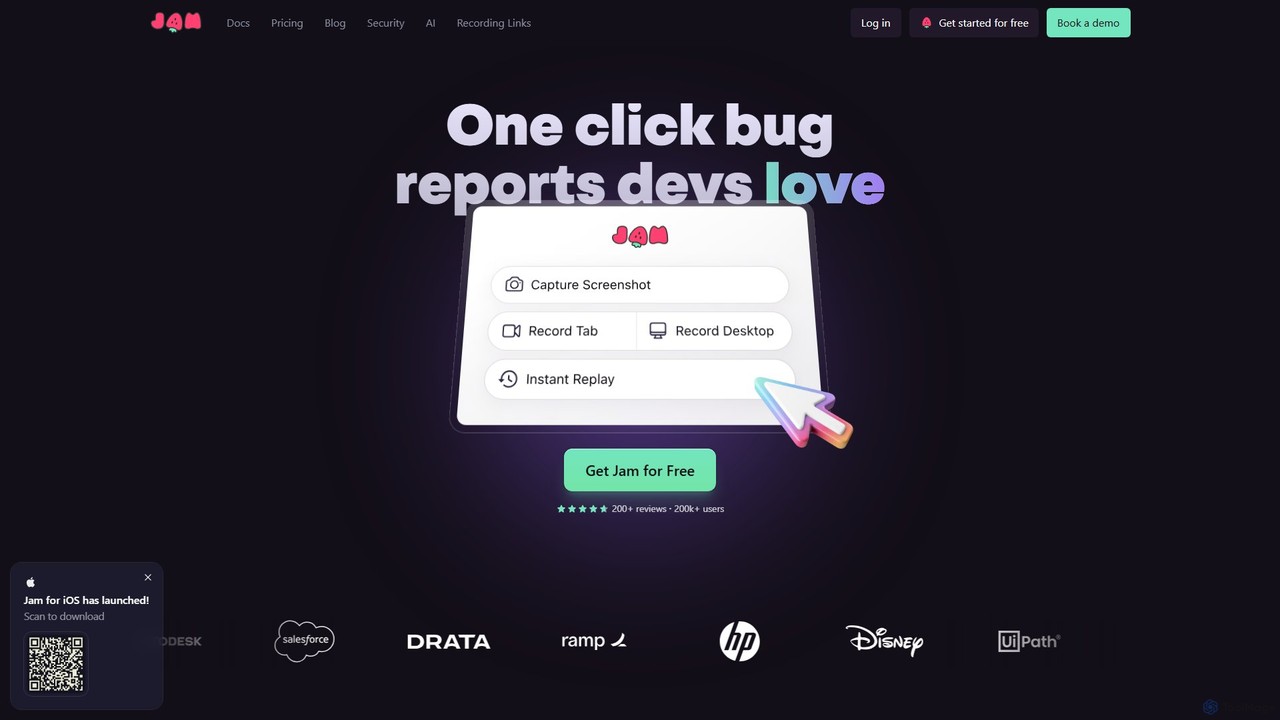
Jam is an AI-powered bug reporting tool that helps development teams fix bugs faster. It automatically captures all the technical data engineers need—console logs, network requests, browser info, and repro steps—in a single link. With features like instant replay, AI-powered debugging, and seamless integrations, Jam streamlines the entire bug reporting and resolution process for developers, QA, and product teams.

Debugging
Visits 736.1KFavorites 147Likes 138
Bugasura
Freemium

Bugasura

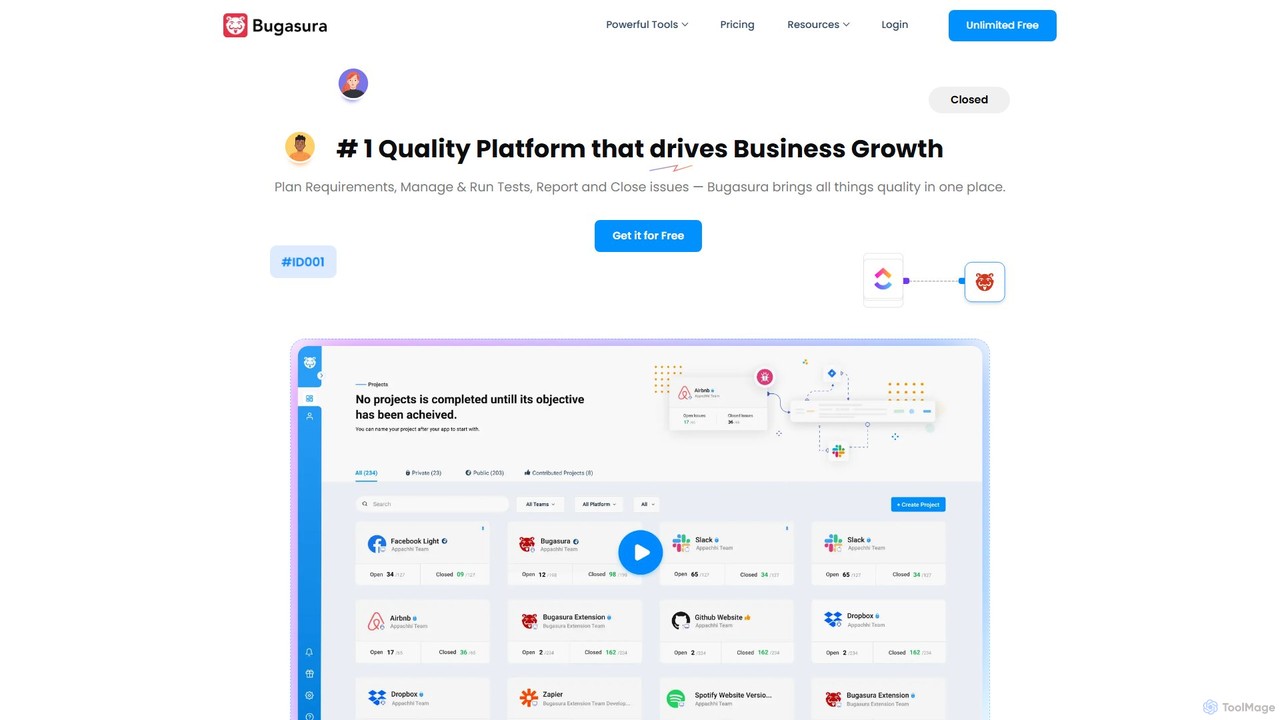
Bugasura is an AI-powered quality platform designed to streamline bug tracking and accelerate software development. It helps teams capture, report, and resolve bugs faster by automatically gathering comprehensive context, using AI for smart triage, and integrating seamlessly with existing development workflows. It's built for modern tech teams, including engineers, testers, and CTOs, to enhance collaboration and drive business growth through superior software quality.

Bug Tracking
Visits 40.5KFavorites 165Likes 161

About Bug Tracking

AI Bug Tracking tools are a specialized category of developer software that uses machine learning to automatically detect, diagnose, and prioritize errors in applications. These tools analyze crash reports, logs, and performance data to identify root causes and group similar issues, significantly reducing manual triage. They provide developers with actionable insights, helping to resolve bugs faster and improve overall application stability. This proactive approach to error monitoring allows teams to fix issues before they impact a large number of users.

Core Features

  • Intelligent Error Grouping: Automatically clusters similar errors and exceptions into a single, actionable issue, reducing notification noise.
  • AI-Powered Root Cause Analysis: Analyzes stack traces and contextual data to suggest the most likely cause of a bug.
  • Automated Prioritization: Scores bugs based on user impact, frequency, and severity, helping teams focus on what matters most.
  • Anomaly Detection: Monitors error rates and performance metrics to proactively identify unusual patterns or regressions after a new deployment.
  • Contextual Data Enrichment: Augments bug reports with user session replays, network requests, and device information for faster debugging.

Use Cases

These tools are essential for teams developing and maintaining web applications, mobile apps, and backend services. DevOps engineers, Site Reliability Engineers (SREs), and QA teams use them for continuous monitoring within their CI/CD pipelines. Software developers rely on them for detailed, context-rich reports that accelerate the debugging process.

How to Choose

When selecting an AI Bug Tracking tool, consider its compatibility with your programming languages and frameworks. Evaluate its integration capabilities with your existing stack, such as project management tools (like Jira) and communication platforms (like Slack). Assess the quality of its AI-driven insights, data privacy policies, and the scalability of its pricing model based on your application's traffic.

Bug Tracking use cases

1

Proactive Mobile App Crash Resolution

A mobile development team for a popular social media app uses an AI Bug Tracking tool to monitor real-time application health. When a new version is released, the tool immediately detects a spike in crashes on a specific Android model. Instead of waiting for user complaints, the AI automatically groups thousands of crash reports into one issue, analyzes the stack trace, and points to a newly introduced third-party SDK as the likely culprit. The team receives a detailed alert in Slack, allowing them to disable the faulty feature remotely and push a hotfix within hours, preventing a widespread negative impact on user ratings.

2

Prioritizing Bugs on a High-Traffic E-commerce Site

An SRE team at a large online retailer faces hundreds of minor errors daily. Their AI Bug Tracking tool automatically analyzes and prioritizes these issues. During a major sales event, the tool detects a new JavaScript error. The AI assesses its impact, noting that it only occurs on older browsers and doesn't affect the checkout process. It assigns a 'low' priority. Simultaneously, it flags another, less frequent error with 'critical' priority because it affects the payment gateway API, potentially blocking transactions. This allows the team to ignore the cosmetic issue and immediately focus on the revenue-impacting bug, ensuring business continuity.

3

Accelerating Backend API Debugging

A backend developer working on a microservices architecture for a FinTech platform is notified of a critical API failure. The AI Bug Tracking tool provides a report that goes beyond a simple stack trace. It includes the full request payload that triggered the error, environment variables, and a timeline of related logs from other services leading up to the failure. The AI highlights a specific malformed value in an incoming data stream as the likely root cause. This enriched context allows the developer to replicate the issue instantly and deploy a fix, reducing the mean time to resolution (MTTR) from several hours to under 30 minutes.

4

Automating the QA Triage Process

A Quality Assurance (QA) team for a large SaaS product integrates their AI Bug Tracking tool with Jira. When a new error is detected in the staging environment, the tool automatically creates a Jira ticket. The AI enriches the ticket by assigning a severity level based on historical data, attaching session replays, and suggesting the most relevant developer to assign it to based on code commit history from their Git repository. This automation eliminates the manual triage step, saving the QA team several hours per week and ensuring that bugs are routed to the correct person immediately, shortening the feedback loop between QA and development.

5

Monitoring Performance Regressions in CI/CD

A DevOps team uses an AI Bug Tracking tool to monitor application performance after each deployment in their CI/CD pipeline. Following a recent release, the tool's anomaly detection feature flags a 30% increase in the average response time for a key API endpoint. The tool automatically correlates this performance degradation with a specific code commit that introduced an inefficient database query. It creates a high-priority alert with all the necessary context, allowing the development team to quickly identify the root cause and roll back the change before it affects end-users, thus maintaining service level objectives (SLOs).

6

Identifying Security Vulnerabilities via Error Patterns

A security engineer for a financial services application configures their AI Bug Tracking tool to monitor for security-related error patterns. The tool's anomaly detection system alerts them to a sudden, massive spike in SQL injection errors originating from a single IP address range. The AI automatically groups these errors and provides a detailed report, including the malicious payloads being attempted. This proactive alert allows the security team to immediately block the suspicious IP range at the firewall and investigate the targeted endpoint for vulnerabilities, preventing a potential data breach before it can succeed.

Bug Tracking FAQ

What is an AI Bug Tracking tool?

An AI Bug Tracking tool is a type of developer software that uses machine learning and artificial intelligence to automate the process of detecting, diagnosing, and prioritizing software errors. Unlike traditional logging systems that simply record errors, these tools intelligently group similar issues, analyze code to suggest root causes, and assess user impact to help developers focus on the most critical bugs first. Their primary goal is to reduce debugging time and improve application stability proactively.

How does AI Bug Tracking differ from traditional issue trackers like Jira?

AI Bug Tracking tools and issue trackers like Jira serve different but complementary purposes.

  • AI Bug Trackers are for detection and diagnosis. They automatically capture errors from live applications, group them, and provide deep technical context to help developers find the root cause quickly.
  • Issue Trackers (like Jira) are for management and workflow. They are used to manually create tasks, assign work, track progress, and manage the development lifecycle.
In a typical workflow, an AI Bug Tracking tool detects an error and can automatically create a ticket in Jira, pre-populated with all the diagnostic information, streamlining the entire process from detection to resolution.

What are the main benefits of using AI for bug tracking?

Using AI for bug tracking offers several key benefits over traditional methods:

  • Reduced Noise: AI intelligently groups thousands of individual error instances into single, manageable issues, preventing alert fatigue.
  • Faster Resolution: By providing rich context, session replays, and root cause suggestions, AI significantly cuts down on the time developers spend debugging.
  • Proactive Monitoring: Anomaly detection can identify performance regressions or spikes in error rates after a new deployment, allowing teams to fix issues before users notice.
  • Intelligent Prioritization: AI helps teams focus on what matters most by automatically assessing the impact of each bug on users and the business.

How to choose the right AI Bug Tracking tool?

When selecting an AI Bug Tracking tool, consider these key factors:

  • Language & Framework Support: Ensure the tool fully supports your application's tech stack, including frontend frameworks, backend languages, and mobile platforms.
  • Integration Capabilities: Check for seamless integrations with your existing tools, such as Jira for project management, Slack for notifications, and GitHub/GitLab for source code correlation.
  • Quality of Insights: Evaluate how well the tool groups errors, the accuracy of its root cause suggestions, and the depth of contextual data it provides.
  • Scalability and Pricing: Understand the pricing model (e.g., based on events, users, or features) and ensure it can scale with your application's growth.
  • Data Security & Compliance: Verify that the tool complies with data privacy regulations (like GDPR or CCPA) and offers robust security features.

Who typically uses AI Bug Tracking tools?

AI Bug Tracking tools are primarily used by technical teams involved in the software development lifecycle. Key users include:

  • Software Developers: To get detailed, context-rich error reports that help them debug and fix issues faster.
  • DevOps and SREs: For monitoring application health in production, detecting performance regressions, and maintaining service stability.
  • QA Engineers: To automatically capture and report bugs found during testing, and to verify fixes in staging environments.
  • Product Managers: To understand the impact of bugs on user experience and to help prioritize fixes based on business goals.