

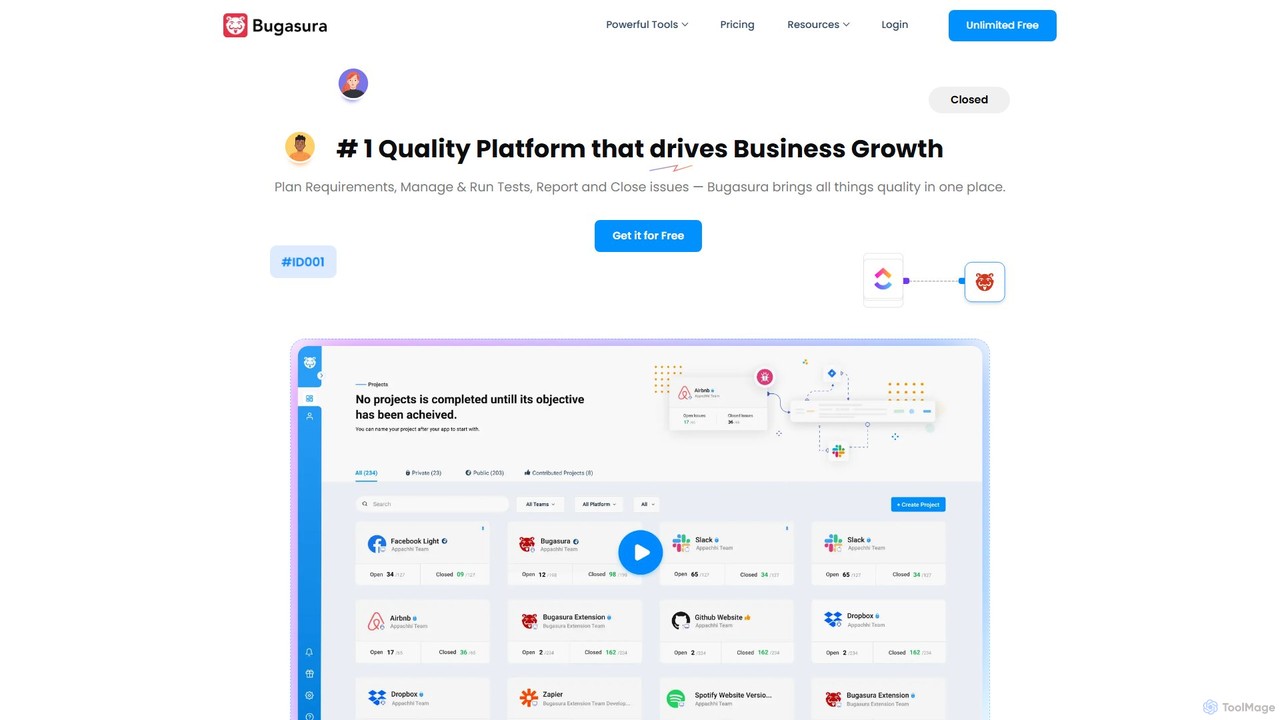
Bugasura Overview
Bugasura is a next-generation quality platform that leverages Artificial Intelligence to revolutionize the way software development teams manage bugs and ensure product quality. It moves beyond traditional issue trackers by creating a collaborative, intelligent ecosystem that significantly reduces the time and effort spent on bug resolution. Designed for CTOs, engineers, and QA testers, Bugasura aims to bridge the gap between bug reporting and fixing, ultimately accelerating development cycles and driving business growth.
The platform's core philosophy is to eliminate the friction in the bug lifecycle. It starts with a powerful bug reporting system, often available as a browser extension, that allows anyone—from a QA professional to a non-technical stakeholder—to report issues with a single click. What makes Bugasura stand out is its ability to automatically capture a wealth of contextual information, including console logs, network requests, environment details, user actions, and even screen recordings. This rich data ensures that developers have everything they need to reproduce and fix the bug, drastically reducing the common "it works on my machine" problem.
How to use Bugasura
Using Bugasura is designed to be intuitive and fit directly into your team's workflow. Here’s a typical process:
- Install the Extension: Begin by adding the Bugasura browser extension to your preferred browser (e.g., Chrome, Firefox). This is the primary tool for capturing bugs on web applications.
- Capture a Bug: When you encounter a bug, simply click the Bugasura extension icon. You can take a screenshot, record your screen, or just let the tool work in the background. Bugasura automatically captures all the necessary technical data.
- Annotate and Describe: Use the built-in tools to annotate the screenshot to highlight the problem area. Add a title and a brief description of the issue for clarity.
- AI-Powered Triage: Once submitted, Bugasura's AI gets to work. It analyzes the bug report, suggests a priority level, identifies potential duplicate issues, and can even recommend the appropriate developer or team to handle it.
- Collaborate and Integrate: The reported bug appears on the Bugasura dashboard, where the team can discuss it. With deep integrations, you can sync the bug report with tools like Jira, Slack, GitHub, or Asana, creating a ticket automatically and notifying the relevant channels.
- Resolve and Close: Developers use the comprehensive data to fix the bug quickly. Once the fix is deployed, the issue can be updated and closed in Bugasura, with the status reflected across all integrated tools.
Core Features of Bugasura
- AI-Powered Bug Triage: Automatically categorizes, prioritizes, and assigns bugs to reduce manual overhead for project managers and team leads.
- Automatic Context Capture: Gathers console logs, network requests, browser/OS details, and user interaction steps with every bug report.
- Visual Feedback Tools: Includes screen recording and annotated screenshots to provide clear, visual evidence of the issue.
- Duplicate Bug Detection: Uses NLP and machine learning to identify and merge duplicate bug reports, keeping the backlog clean.
- Seamless Integrations: Connects with popular development and project management tools like Jira, Slack, GitHub, GitLab, Trello, and more.
- Collaborative Workspace: A centralized platform for developers, QA, and product managers to communicate and track the status of all issues.
- Insightful Analytics & Dashboards: Provides reports on bug trends, team performance, resolution times, and overall software quality health.
Use Cases for Bugasura
Bugasura is versatile and can be adopted by various teams for different purposes:
- Agile Development Teams: To streamline the bug reporting process within sprints, ensuring developers get high-quality reports and can focus on coding rather than debugging environments.
- Quality Assurance (QA) Teams: For managing comprehensive testing cycles, from manual testing to UAT, and ensuring all feedback is centrally located and actionable.
- Product Managers: To gain a clear overview of product quality, track critical issues, and make data-driven decisions about release readiness.
- User Acceptance Testing (UAT): To empower non-technical business users to easily report bugs with all the necessary technical data captured automatically for the development team.
Advantages of Bugasura
The primary advantage of Bugasura is its focus on efficiency and collaboration. By automating the most tedious parts of bug management, it allows teams to ship higher-quality products faster. Key benefits include a significant reduction in time-to-resolution for bugs, improved developer productivity, enhanced communication between technical and non-technical team members, and a cleaner, more organized bug backlog. The data-driven insights help leadership understand quality trends and proactively address potential issues.
Pricing and Plans
Bugasura typically offers a freemium model to cater to teams of all sizes.
- Free Plan: Ideal for individuals or small teams just getting started. It usually includes core bug reporting features for a limited number of users and projects.
- Pro Plan: Designed for growing teams, this plan offers more users, unlimited projects, advanced integrations (like two-way Jira sync), and priority support.
- Business/Enterprise Plan: Tailored for large organizations with needs for advanced security, custom integrations, dedicated support, and comprehensive analytics. Pricing is often customized based on the organization's specific requirements.
Please visit the official Bugasura website for the most current and detailed pricing information.
Traffic
Latest traffic
Status
Monthly traffic trend
- 2025-9: 48.1K
- 2026-1: 110.2K
- 2026-2: 105.6K
- 2026-3: 78.7K
- 2026-4: 45.5K
- 2026-5: 34.1K
Geography
Top 5 countries / regions
- 🇮🇳India92.8%
- 🇺🇸United States2.8%
- 🇮🇩Indonesia1.7%
- 🇬🇧United Kingdom1.4%
- 🇵🇭Philippines1.3%
Traffic sources
| Source type | Percentage |
|---|---|
Direct | 91.3% |
Referral | 4.5% |
Email | 4.3% |
Top keywords
| Keyword | Cost per click |
|---|---|
| bugasura | $1.28 |
| login test cases for regression suit | $0.00 |
| mac performance test | $1.84 |
| smoke vs sanity testing | $0.16 |
| v model | $2.53 |
Bugasura Videos on YouTube

Bugasura Alternatives
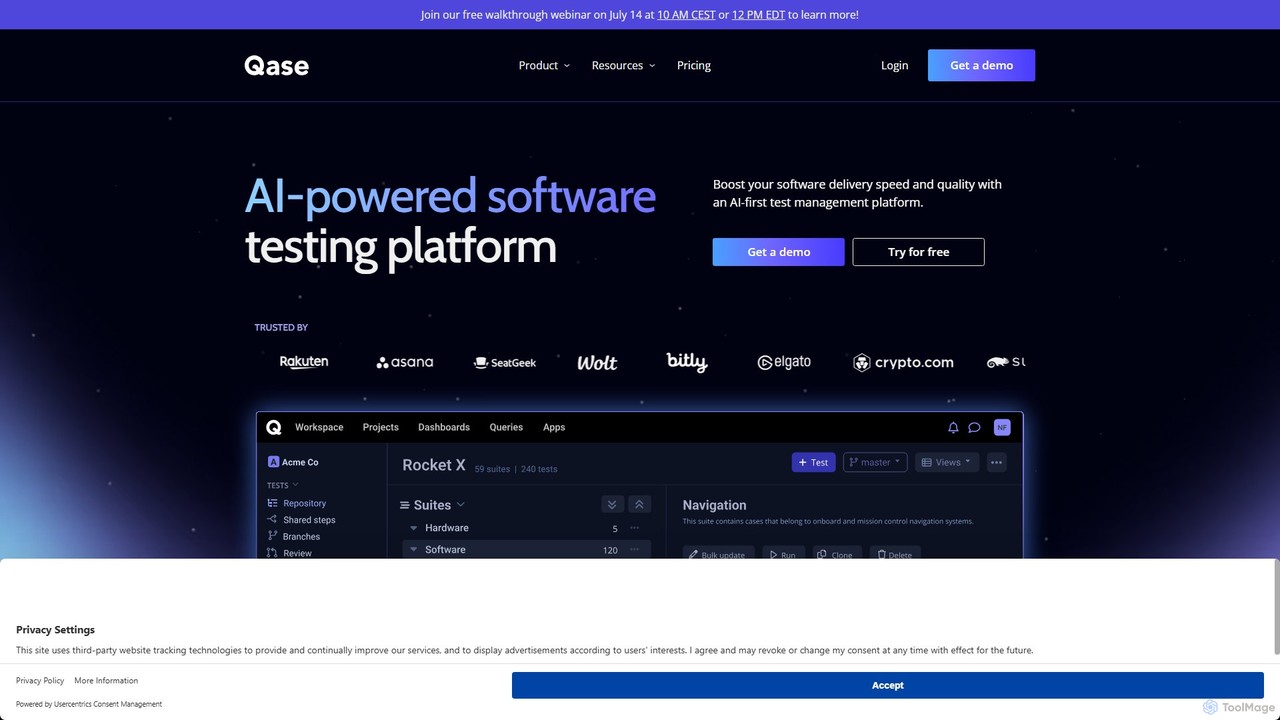
Qase
Qase is an AI-first test management platform designed for QA teams to enhance software delivery speed and quality. It unifies manual and automated testing into a single, intuitive workspace, leveraging AI to generate, convert, and analyze tests, and integrates seamlessly with over 35 developer tools.
Testing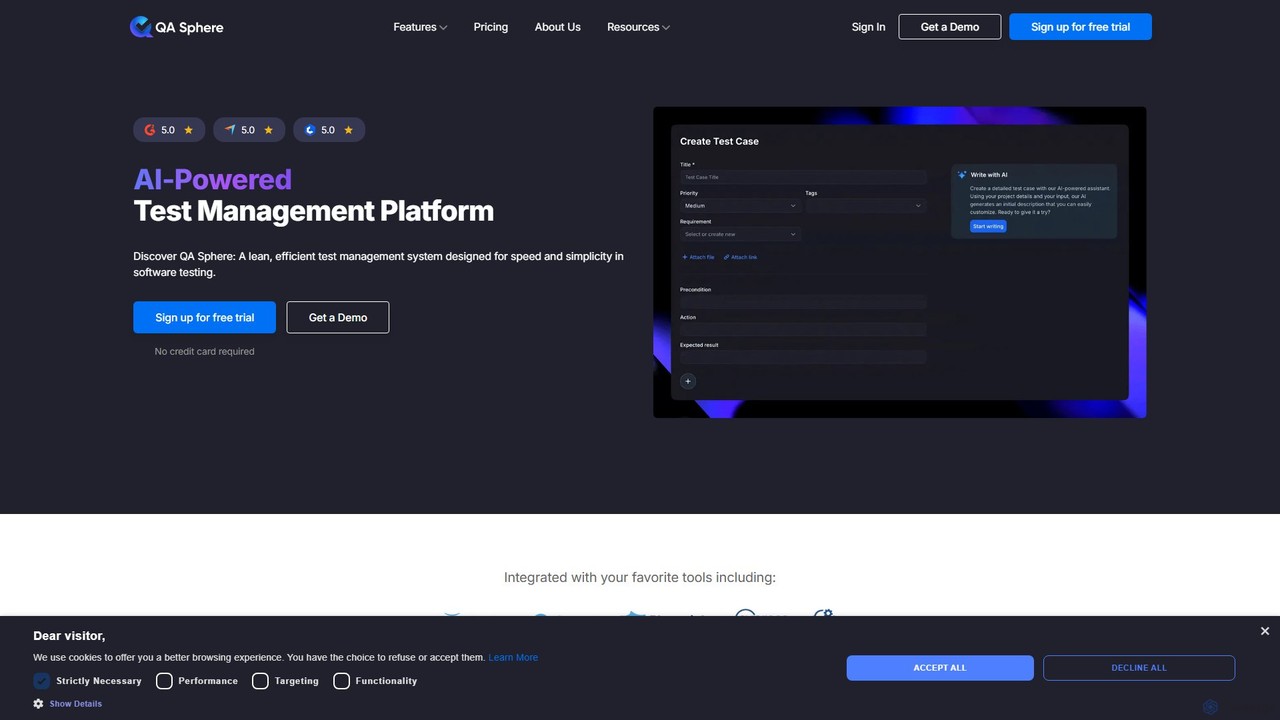
QA Sphere
QA Sphere is an AI-powered test management platform designed for speed and simplicity. It helps software teams streamline their QA process by organizing test cases, generating tests with AI, planning efficient test runs, and integrating with existing development tools.
Code Assistant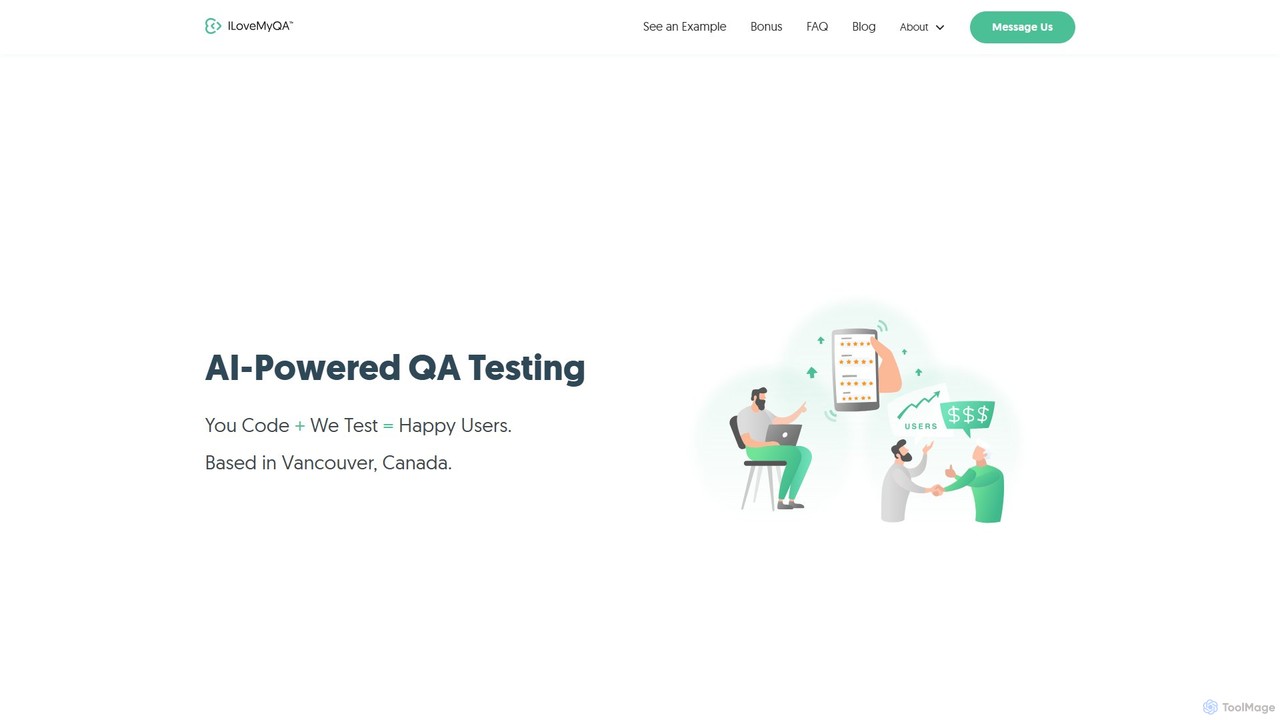
ilovemyqa
ilovemyqa is an AI-powered QA and software testing service that combines expert human testers with artificial intelligence to deliver fast, affordable, and comprehensive bug reports. They offer real-device testing, flexible contracts, and a full-service approach to help companies improve user satisfaction and accelerate development cycles without the overhead of an in-house team.
Quality Assurance
TaskHuddle
TaskHuddle is a visual feedback and bug tracking tool, primarily for WordPress, that allows clients and team members to provide contextual feedback directly on your website or web application. It streamlines the revision process by converting clicks and comments into actionable tasks in a centralized dashboard.
Feedback Collection
Playrun
Playrun is an AI-powered, no-code platform that automatically generates tests for your web application's user flows. It proactively catches bugs and regressions by running tests periodically, alerting you before your users are affected. This helps improve software quality and user retention without manual test scripting.
TestingBugasura Categories
Bugasura Embed Widget
Copy this embed code to place the badge on your blog, article, or product site and send readers directly to this ToolMage detail page.

Related AI tools
Qase
Qase is an AI-first test management platform designed for QA teams to enhance software delivery speed and quality. It unifies manual and automated testing into a single, intuitive workspace, leveraging AI to generate, convert, and analyze tests, and integrates seamlessly with over 35 developer tools.
TestingQA Sphere
QA Sphere is an AI-powered test management platform designed for speed and simplicity. It helps software teams streamline their QA process by organizing test cases, generating tests with AI, planning efficient test runs, and integrating with existing development tools.
Code AssistantPlayrun
Playrun is an AI-powered, no-code platform that automatically generates tests for your web application's user flows. It proactively catches bugs and regressions by running tests periodically, alerting you before your users are affected. This helps improve software quality and user retention without manual test scripting.
Testing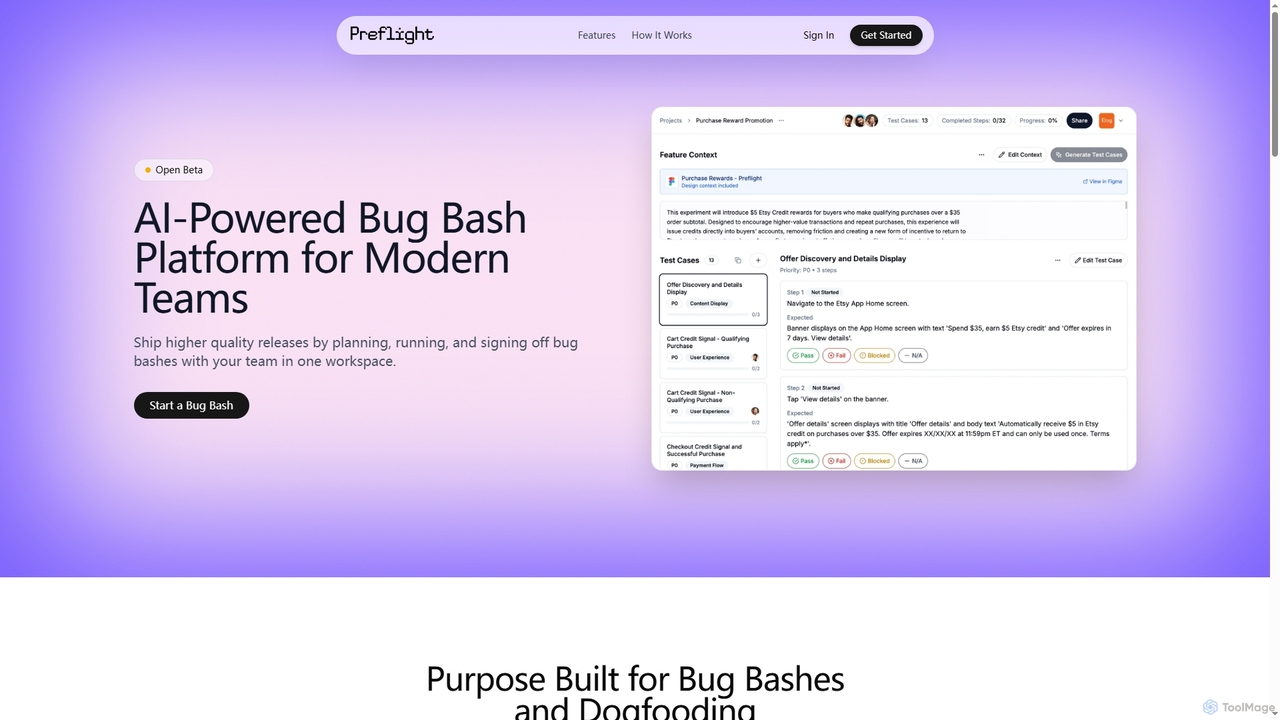
Preflight
Preflight is an AI-powered bug bash platform designed for modern teams to streamline the entire bug bash process. It helps plan, execute, and sign off on quality assurance sessions, replacing traditional spreadsheets with an integrated workspace for faster, more collaborative, and efficient software releases.
Team Collaborationilovemyqa
ilovemyqa is an AI-powered QA and software testing service that combines expert human testers with artificial intelligence to deliver fast, affordable, and comprehensive bug reports. They offer real-device testing, flexible contracts, and a full-service approach to help companies improve user satisfaction and accelerate development cycles without the overhead of an in-house team.
Quality Assurance
PrimeAI
PrimeAI is an AI-powered platform designed to accelerate software development by automating the Quality Assurance (QA) process. It offers intelligent solutions for faster bug detection, automated test case generation, and comprehensive code analysis, helping development teams build and ship higher-quality products more efficiently.
Code Assistant
testfox
testfox is an AI-powered platform designed to automate and accelerate the software testing lifecycle. It intelligently generates test cases, executes them, identifies bugs, and provides detailed analytics, enabling development teams to ship higher-quality software faster.
Quality Assurance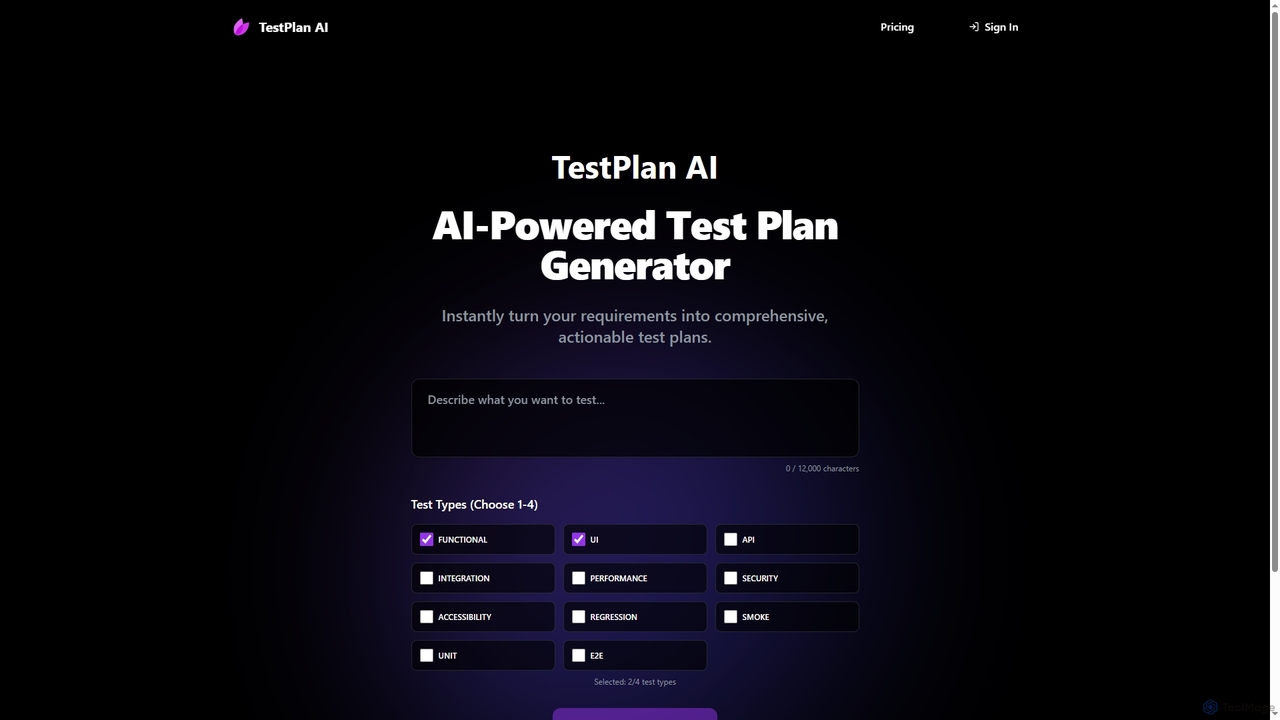
TestPlan
TestPlan is a powerful, AI-powered tool designed to instantly transform project requirements into comprehensive, actionable test plans and detailed test cases. It supports a wide range of test types, from functional to security, making software testing more efficient for development teams.
AutomationTaskHuddle
TaskHuddle is a visual feedback and bug tracking tool, primarily for WordPress, that allows clients and team members to provide contextual feedback directly on your website or web application. It streamlines the revision process by converting clicks and comments into actionable tasks in a centralized dashboard.
Feedback Collection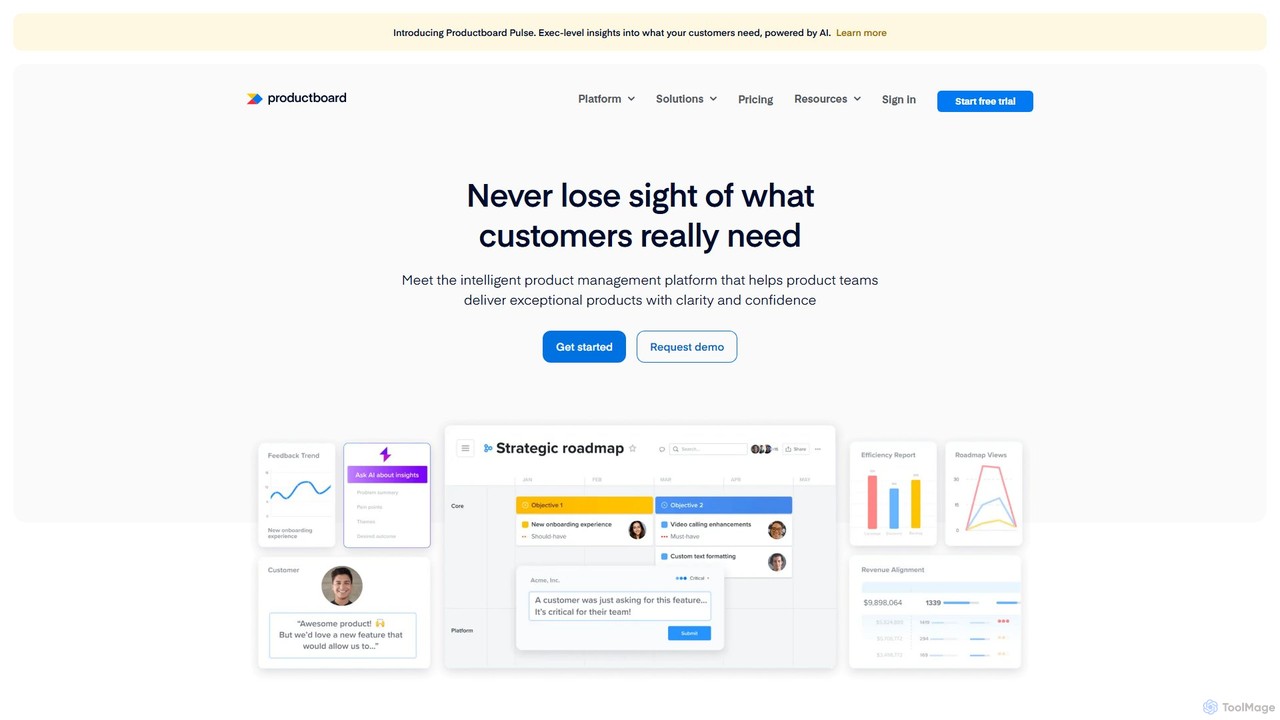
Productboard
Productboard is an intelligent, AI-powered product management platform that helps teams understand customer needs, prioritize features, and align everyone around a collaborative roadmap. It centralizes feedback, automates insights, and streamlines the entire product development lifecycle.
Customer Relationship Management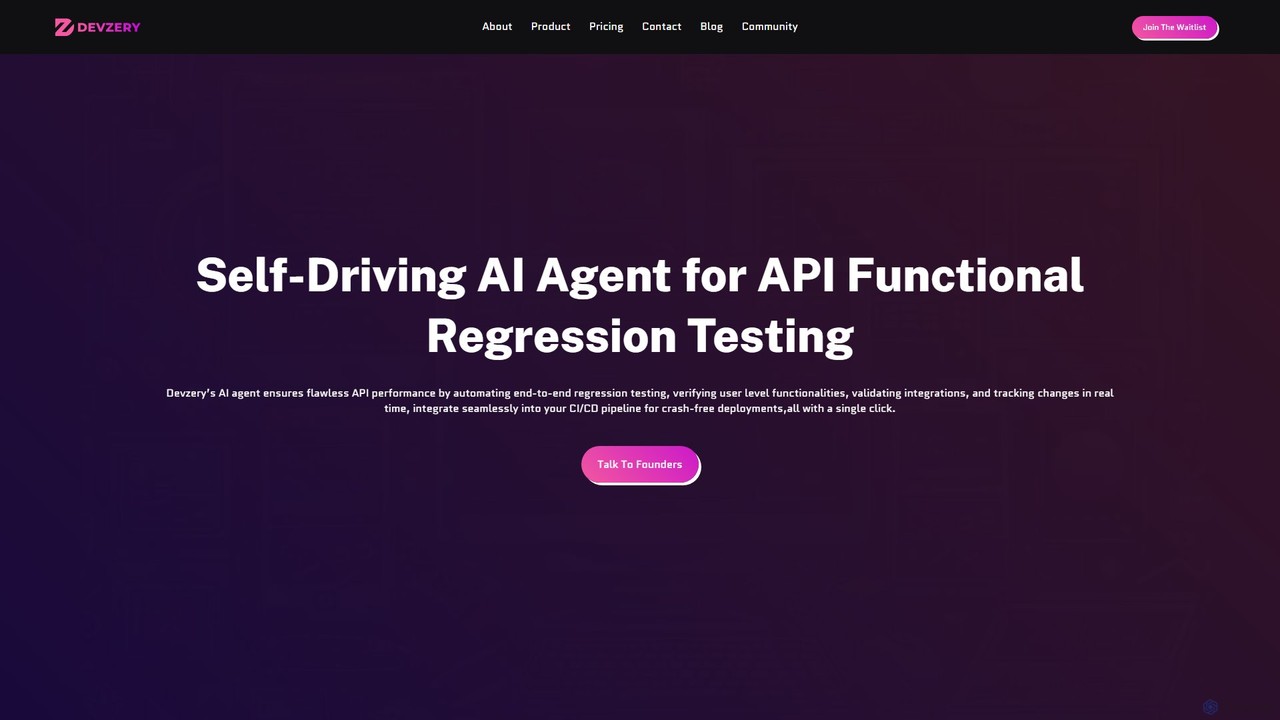
devzery
Devzery is an AI-powered platform that automates API functional regression testing. Its self-driving AI agent streamlines end-to-end testing, integrates with CI/CD pipelines, and provides codeless automation. It's designed to accelerate software release cycles, reduce development costs, and enhance test management efficiency by identifying bugs early and ensuring flawless API performance.
Code Assistant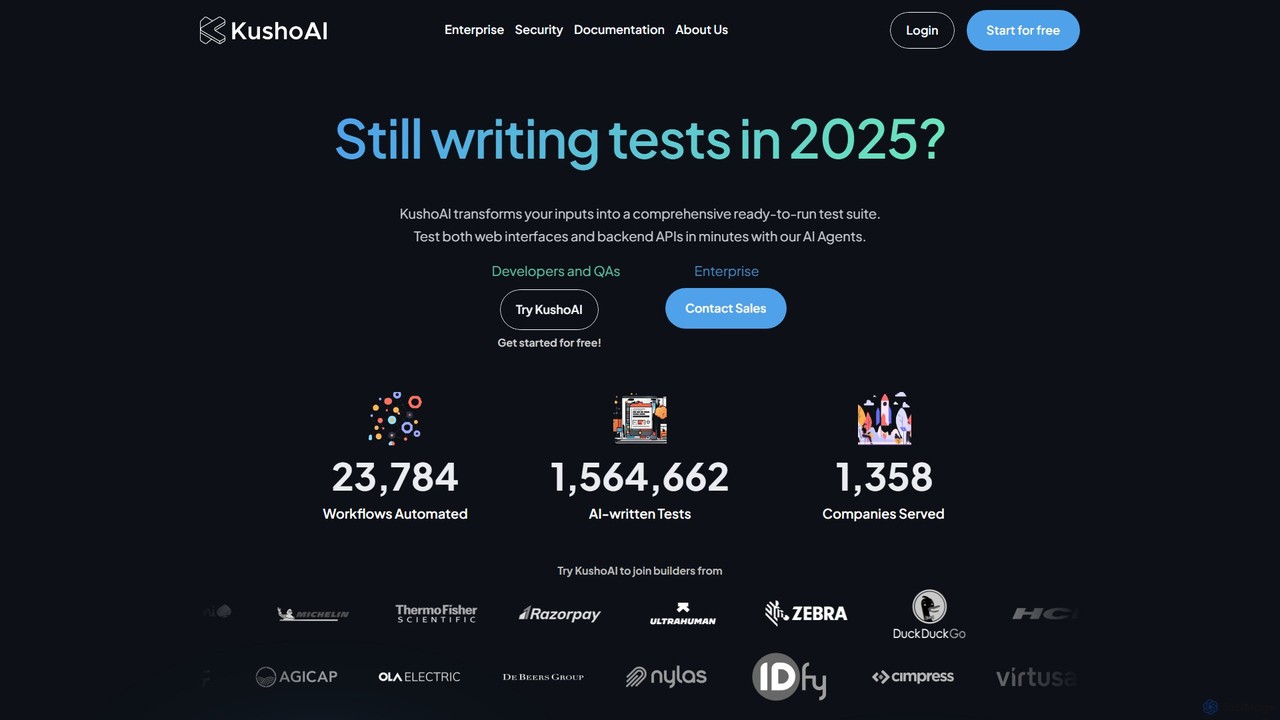
Kusho
Kusho is an AI-powered platform that automates software testing for developers and enterprises. It uses autonomous AI agents to transform inputs into comprehensive, ready-to-run test suites for both web UIs and backend APIs. By automatically generating and maintaining tests, Kusho helps teams achieve over 90% test coverage, accelerate deployment cycles, and ship bug-free code with confidence.
Code Assistant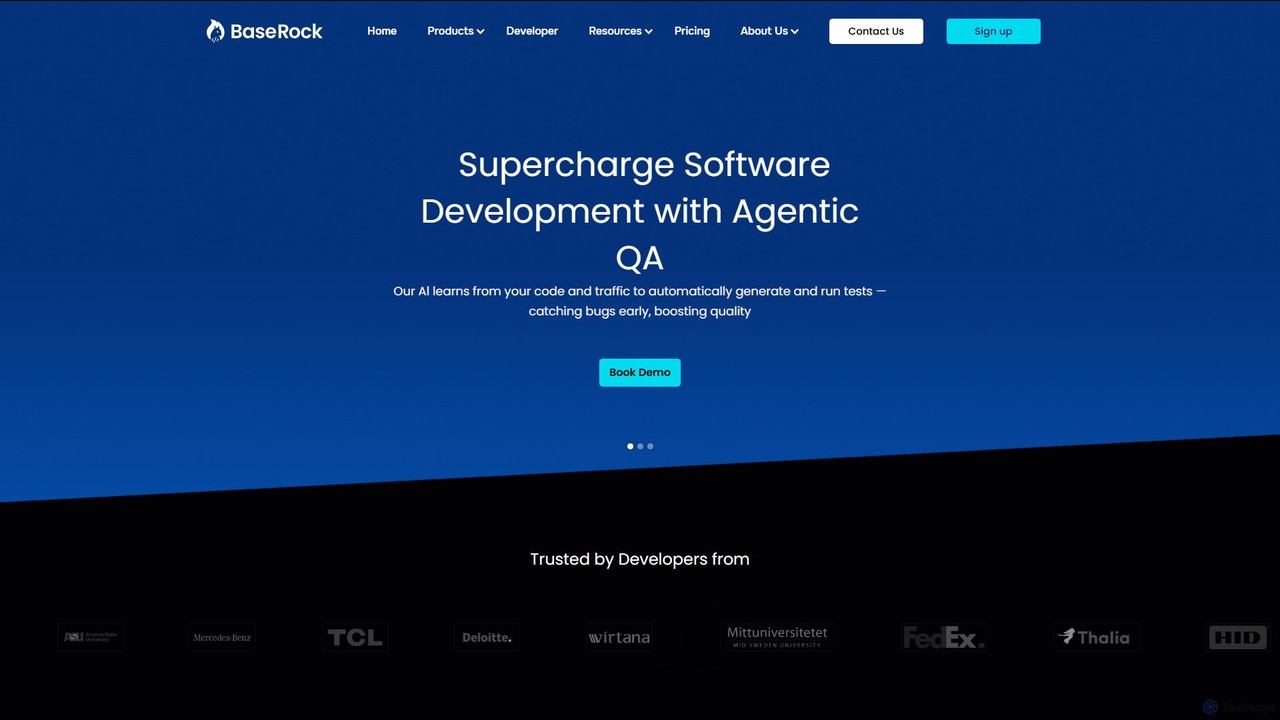
BaseRock
BaseRock is an agentic AI QA platform designed for development teams. It learns from your code and network traffic to automatically generate and execute unit, integration, and end-to-end tests. This helps catch bugs early, significantly reduce QA costs, and boost developer productivity by automating the entire testing lifecycle.
Testing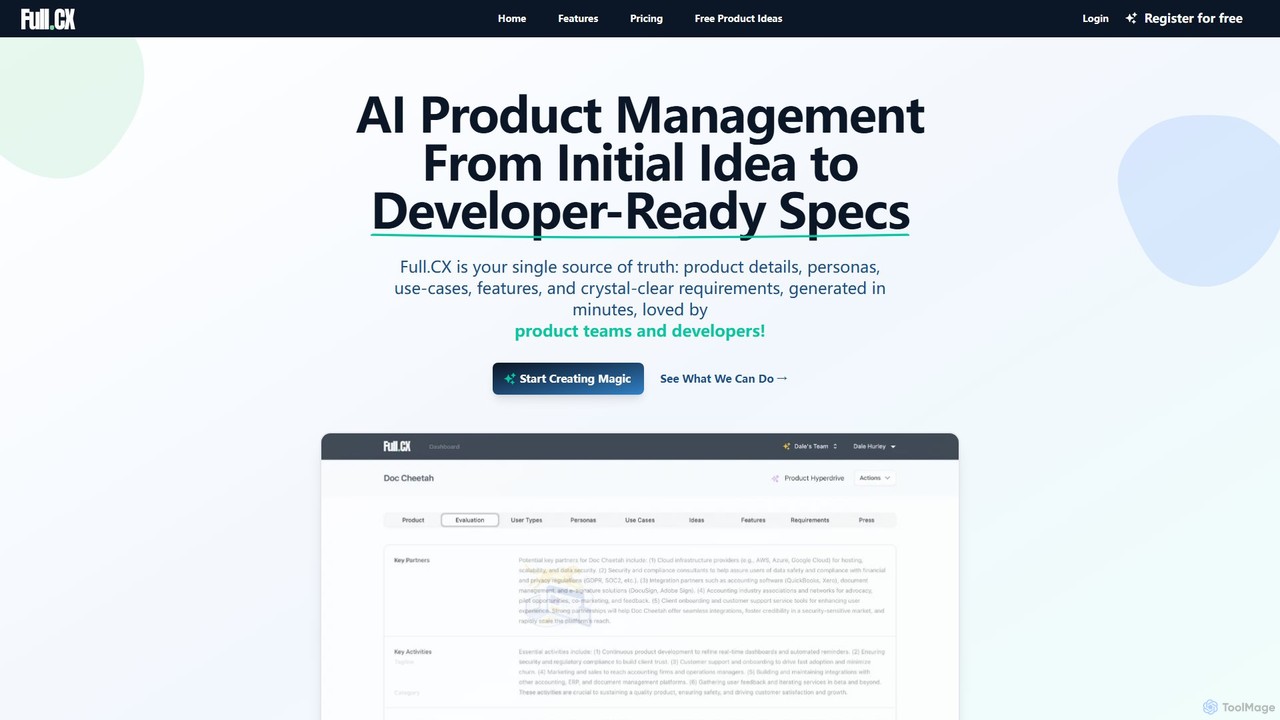
Full.CX
Full.CX is an AI-powered product management platform designed to transform ideas into developer-ready specifications. It streamlines the entire process from ideation to creating detailed product profiles, user personas, features, and acceptance criteria, fostering better collaboration between product teams and developers.
Documentation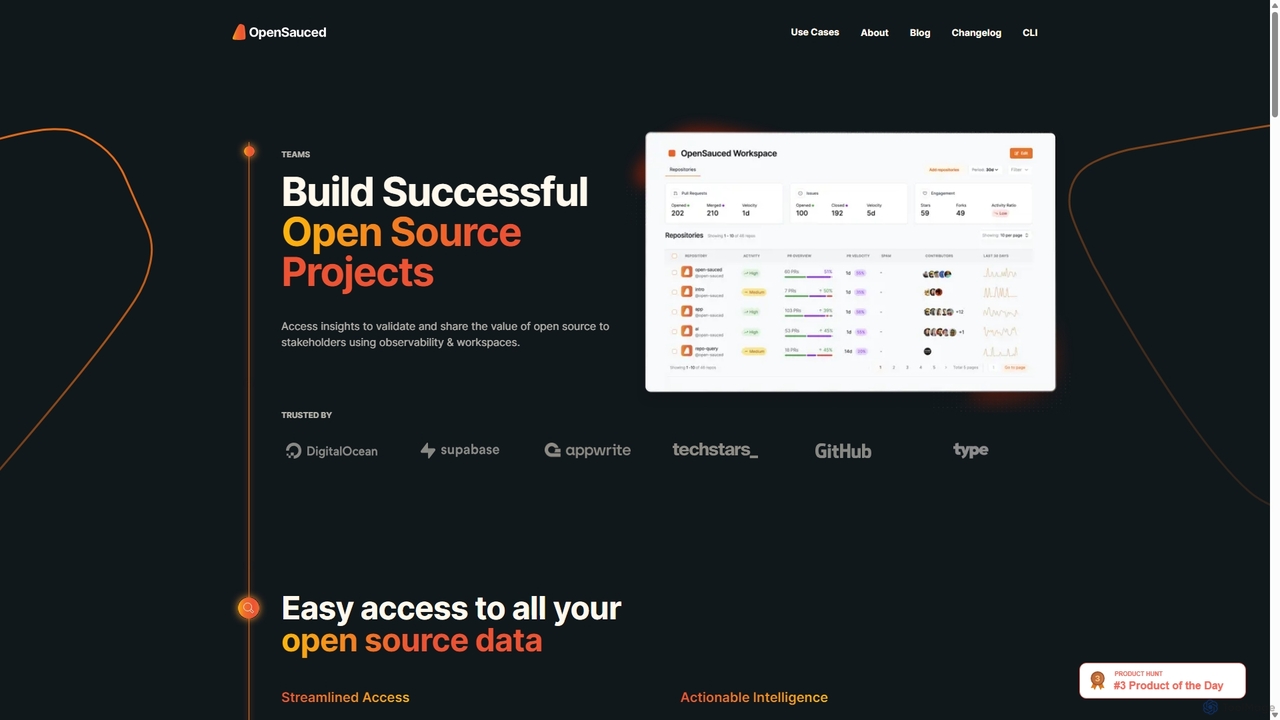
OpenSauced
OpenSauced is an AI-powered analytics and collaboration platform for open source projects. It provides deep insights into GitHub repositories and contributors, helping teams and maintainers understand project health, track contributions beyond code, and make data-driven decisions. With features like collaborative Workspaces, AI-driven StarSearch, and detailed Insight Pages, it empowers the open source community to build successful and sustainable projects.
Code Collaboration
Bugasura Comments (0)
Sign in to comment.
Sign inNo comments yet.