
Tether Overview
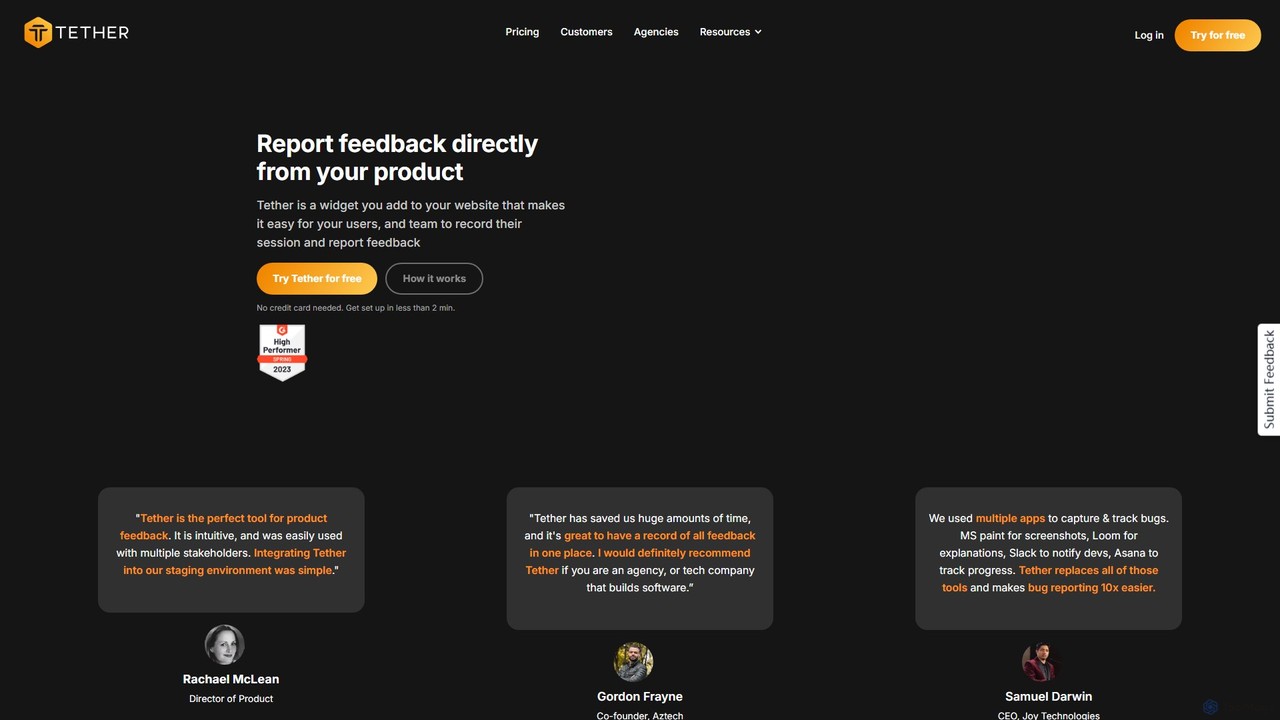
Tether is a comprehensive feedback and bug reporting platform designed to streamline collaboration between developers, designers, product managers, and clients. It replaces the chaotic process of using multiple tools like spreadsheets, screen recorders, and messaging apps with a single, intuitive widget. By embedding Tether into your website or web app, you empower your team and users to provide clear, actionable feedback directly from the product, whether it's in a staging or production environment.
The platform is built for speed and efficiency, aiming to make bug reporting and product feedback 10 times easier. When a user reports an issue, Tether automatically captures crucial technical metadata, such as console logs, browser version, operating system, and screen resolution. This rich, contextual data eliminates the frustrating back-and-forth communication typically required to diagnose a problem, allowing developers to pinpoint and resolve issues much faster.
How to use Tether
Getting started with Tether is designed to be quick and simple, requiring less than two minutes and no engineering expertise for basic setup.
- Installation: You can install Tether in two ways. The primary method is by adding a single line of JavaScript code snippet to your project's repository. Alternatively, for a no-code setup, you can use the Tether Chrome extension.
- Reporting Feedback: Once installed, a feedback button appears on your website. Users or team members can click this button to initiate a report. They can choose between taking a pixel-perfect screenshot or recording a video of their screen (with optional audio).
- Annotating and Describing: Users can use markup tools to highlight specific areas on the screenshot. They then add a title and description to explain the bug or suggestion.
- Automatic Data Capture: Upon submission, Tether automatically appends technical details to the report, including console logs, network requests, and environment information (OS, browser).
- Managing Feedback: All reports are sent to a centralized Tether dashboard. Here, your team can view, organize, assign, and track the status of all feedback, creating a single source of truth and preventing anything from getting lost in email or Slack threads.
- Integration: Connect Tether to your existing workflow tools like Slack, Notion, Zapier, Jira, or Linear to automatically create tasks and notify the relevant team members.
Core Features of Tether
- In-App Screen Capture & Recording: One-click screen recording (Loom-style) and pixel-perfect screenshots directly within your site.
- Visual Annotation: Markup tools to draw, highlight, and add text to screenshots for crystal-clear communication.
- Automatic Technical Data Collection: Automatically captures console logs, network requests, browser information, OS details, and more with every report.
- Seamless Integrations: Native integrations with popular tools like Slack, Notion, Zapier, Jira, and Linear to fit into your existing workflows.
- Centralized Feedback Dashboard: A single source of truth to manage, track, and organize all bug reports and product suggestions.
- Guest Accounts: Collaborate with clients and external stakeholders by giving them access to report feedback without seeing internal team discussions.
- Customization and White-Labeling: Customize the widget's appearance to match your brand, with full white-labeling available on the Enterprise plan.
- Cross-Platform and Browser Support: Optimized to work flawlessly across all major browsers, operating systems, and web technologies.
Use Cases for Tether
- SaaS Companies: Streamline internal QA processes and empower end-users to easily report bugs and suggest product enhancements, leading to a better product and happier users.
- Web Development Agencies: Simplify the client feedback and review process. Replace endless email chains with a structured, visual feedback system that saves time for both the agency and the client.
- QA Teams: Enhance bug reporting with detailed, reproducible reports that include video evidence and technical logs, reducing the time to resolution.
- Product Managers & Designers: Conduct design QA and gather user feedback on new features in staging environments with precise, visual context.
Advantages of Tether
Tether offers a significant advantage by consolidating the entire feedback lifecycle into one platform. It saves huge amounts of time by eliminating manual data collection and fragmented communication. The automatic inclusion of technical data drastically reduces debugging time for developers. For managers and clients, it provides a clear, organized overview of all ongoing issues and suggestions. This streamlined process increases team velocity, improves product quality, and strengthens client relationships.
Pricing and Plans
Tether offers a freemium model with plans that scale with your team's needs. All paid plans start with a 14-day free trial.
- Starter (Free): For small teams. Includes 1 project, 1 team member, unlimited end-user feedback, and Zapier integration.
- Startup ($89/month): For growing teams. Includes everything in Starter, plus 4 active projects, 5 team members, video/audio recording, and 1 native integration.
- Pro ($179/month): For established teams. Includes everything in Startup, plus 8 active projects, 10 team members, unlimited integrations, console log recording, and custom branding.
- Enterprise (Custom Pricing): For large organizations. Includes everything in Pro, plus custom project/team limits, advanced security, priority support, bi-directional sync with Jira & Linear, and widget white-labeling.
Traffic
Latest traffic
Status
Monthly traffic trend
- 2025-9: 1.5K
- 2026-1: 665
- 2026-2: 740
- 2026-3: 1.4K
- 2026-4: 301
- 2026-5: 611
Geography
Top 5 countries / regions
- 🇮🇩Indonesia65.1%
- 🇺🇸United States22.1%
- 🇧🇷Brazil5.2%
- 🇮🇹Italy5.2%
- 🇨🇦Canada2.4%
Top keywords
| Keyword | Cost per click |
|---|---|
| how to have clock countinally display | $0.00 |
| tethered | $2.57 |
| tethered app | $0.00 |
| tether login | $0.00 |
| tether productivity app | $0.00 |
Tether Alternatives
Jam
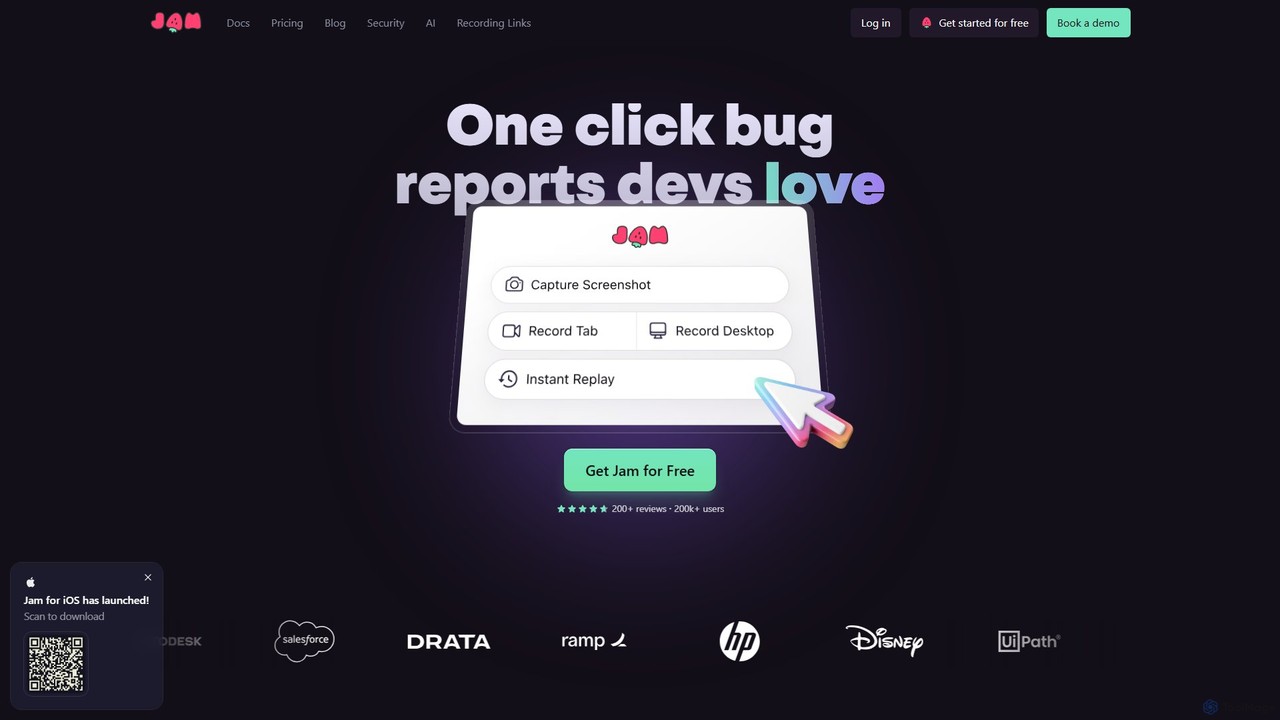
Jam is an AI-powered bug reporting tool that helps development teams fix bugs faster. It automatically captures all the technical data engineers need—console logs, network requests, browser info, and repro steps—in a single link. With features like instant replay, AI-powered debugging, and seamless integrations, Jam streamlines the entire bug reporting and resolution process for developers, QA, and product teams.
Debugging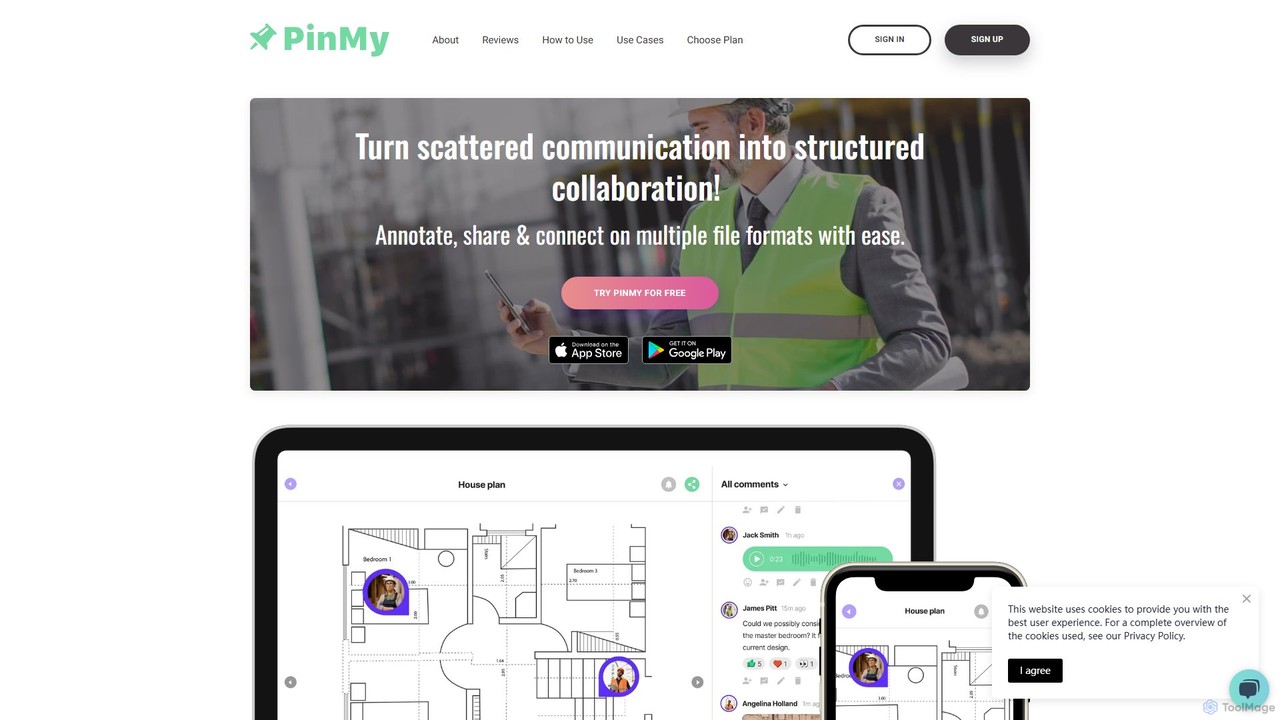
PinMy
PinMy is a visual collaboration platform designed to streamline feedback and communication for teams in construction, design, marketing, and education. It allows users to pin comments, voice notes, and annotations directly onto images, PDFs, and videos, eliminating ambiguity and accelerating project workflows. It's an intuitive tool for precise, real-time feedback.
Feedback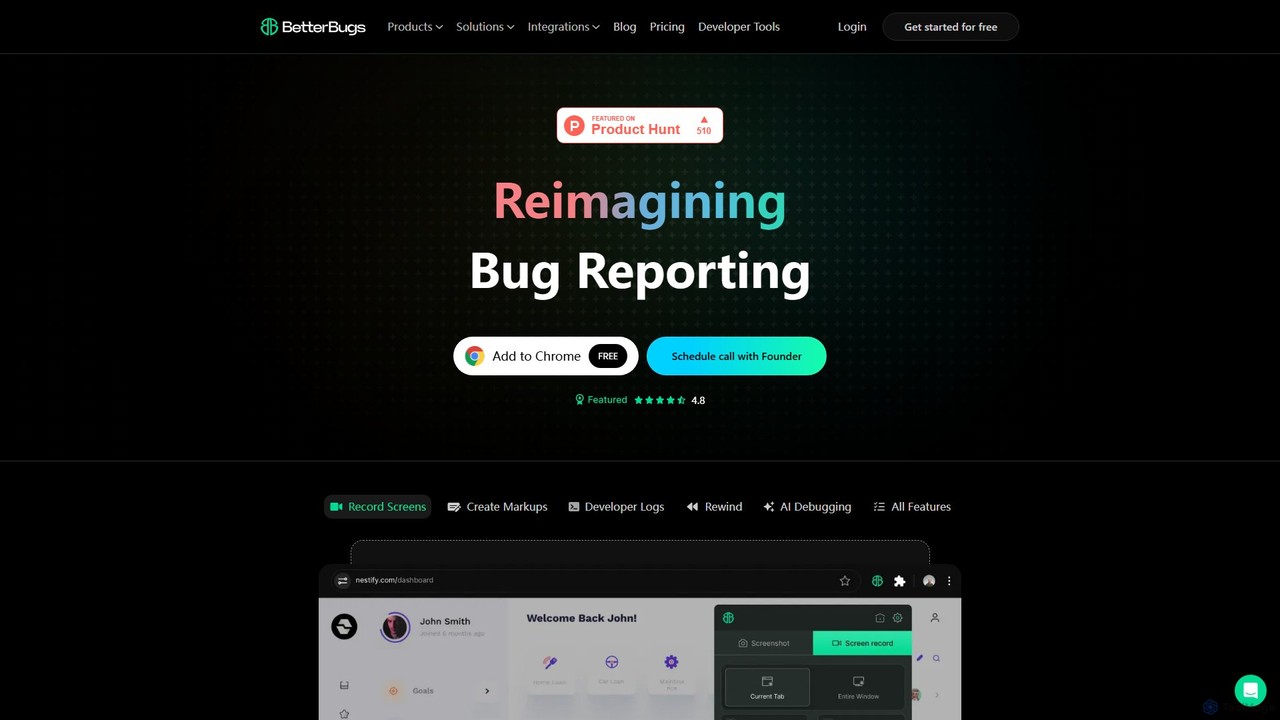
BetterBugs
BetterBugs is an AI-powered bug reporting tool that helps development and QA teams capture precise, context-rich bug reports with a single click. It automatically includes screen recordings, annotations, and comprehensive developer logs (console logs, network requests) to streamline the debugging process and accelerate bug resolution.
Debugging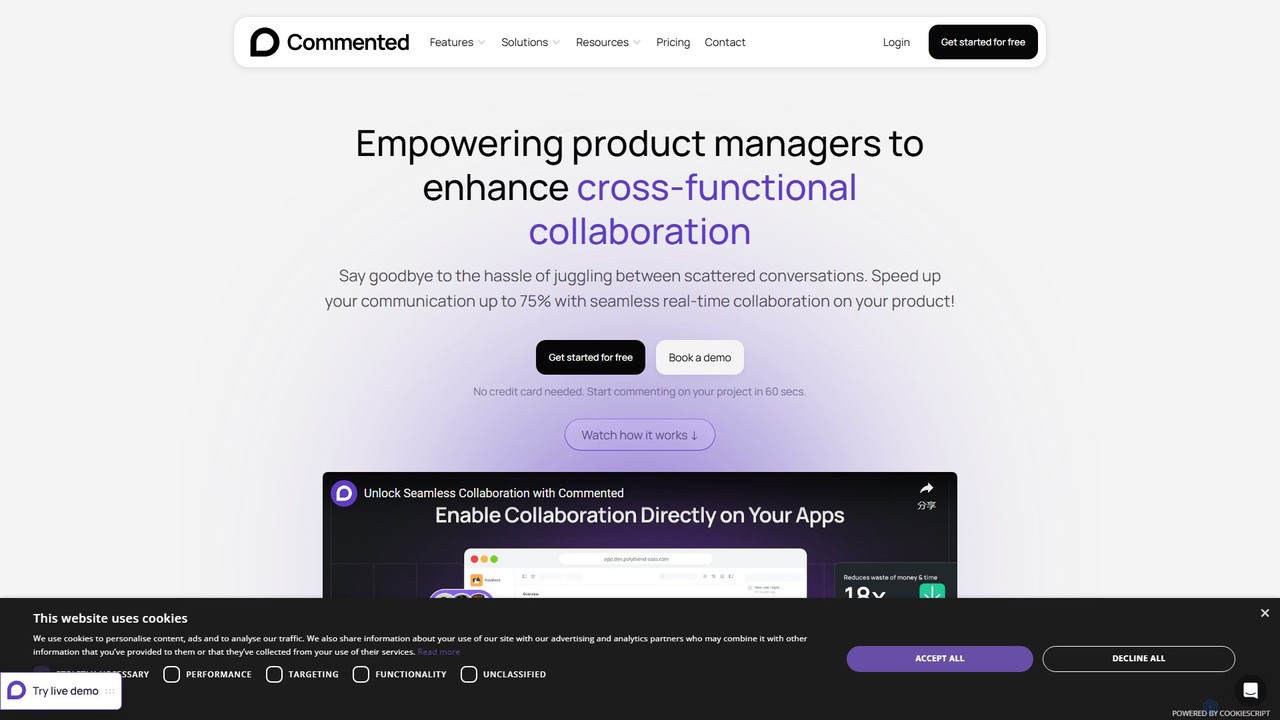
Commented
Commented is a visual collaboration and feedback tool designed for product teams, developers, and marketers. It allows users to leave precise, contextual comments and annotations directly on live websites, web apps, and mobile applications, streamlining the feedback process and accelerating development cycles by up to 75%.
Bug Tracking
Superflow
Superflow is an AI-powered collaborative review and approval platform for creative teams. It streamlines feedback on websites, videos, PDFs, and images with precise, contextual comments, task management, and integrations, accelerating creative workflows and centralizing communication for faster project delivery.
FeedbackTether Categories
Tether Embed Widget
Copy this embed code to place the badge on your blog, article, or product site and send readers directly to this ToolMage detail page.

Related AI tools
Jam
Jam is an AI-powered bug reporting tool that helps development teams fix bugs faster. It automatically captures all the technical data engineers need—console logs, network requests, browser info, and repro steps—in a single link. With features like instant replay, AI-powered debugging, and seamless integrations, Jam streamlines the entire bug reporting and resolution process for developers, QA, and product teams.
DebuggingPinMy
PinMy is a visual collaboration platform designed to streamline feedback and communication for teams in construction, design, marketing, and education. It allows users to pin comments, voice notes, and annotations directly onto images, PDFs, and videos, eliminating ambiguity and accelerating project workflows. It's an intuitive tool for precise, real-time feedback.
Feedback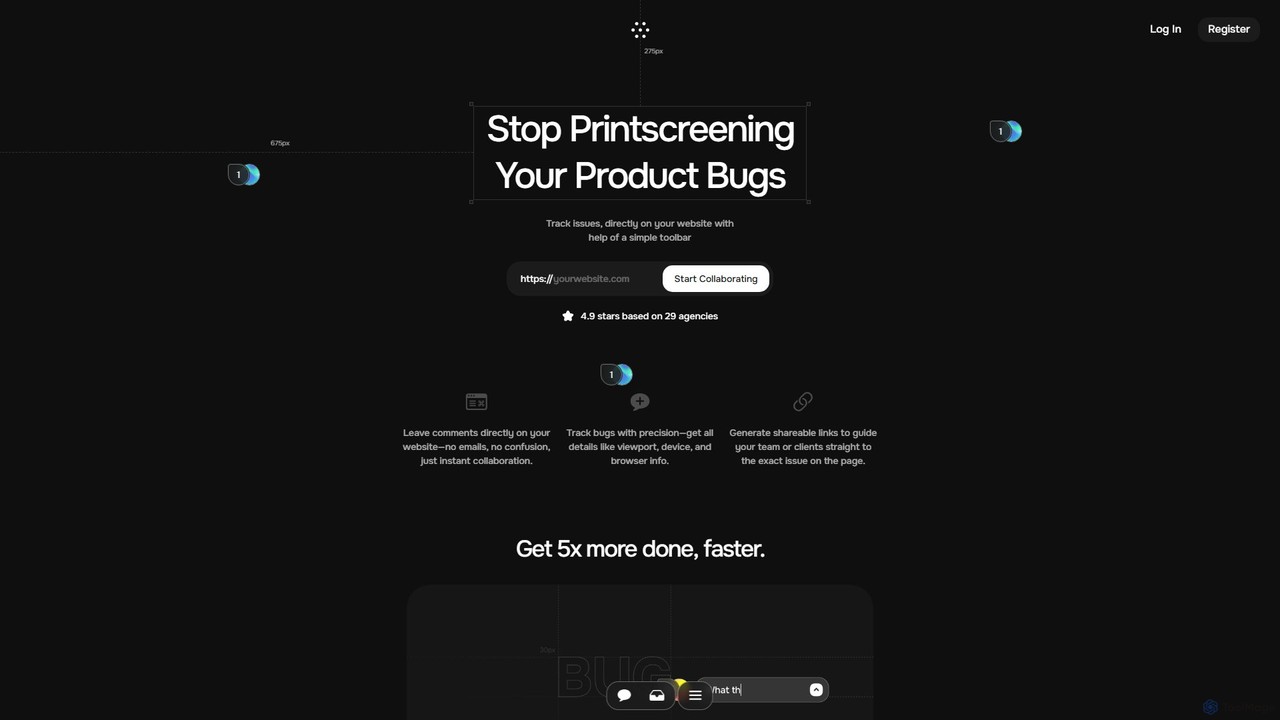
Toolbar
Toolbar is the fastest visual feedback and bug tracking tool designed for agencies and web development teams. It allows users to leave comments, report bugs with full context, and collaborate directly on any website, eliminating the need for screenshots and confusing email chains. AI-powered features help resolve tasks even faster.
Feedback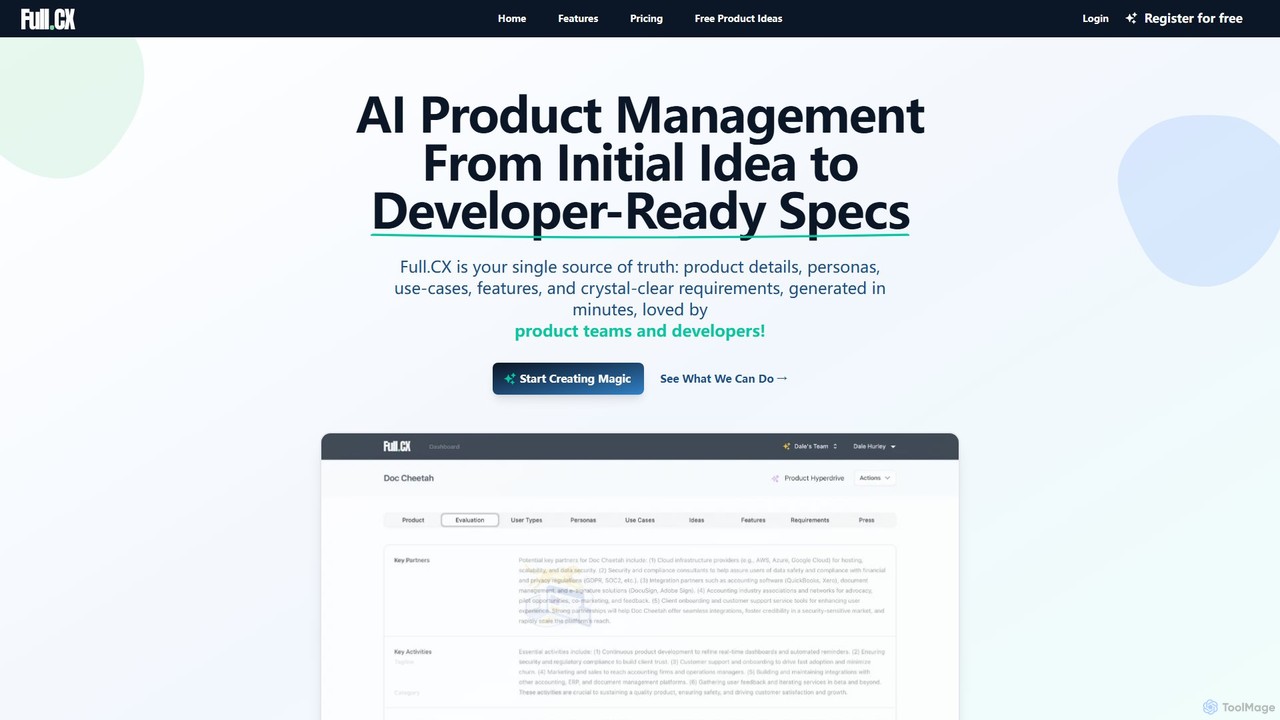
Full.CX
Full.CX is an AI-powered product management platform designed to transform ideas into developer-ready specifications. It streamlines the entire process from ideation to creating detailed product profiles, user personas, features, and acceptance criteria, fostering better collaboration between product teams and developers.
DocumentationBetterBugs
BetterBugs is an AI-powered bug reporting tool that helps development and QA teams capture precise, context-rich bug reports with a single click. It automatically includes screen recordings, annotations, and comprehensive developer logs (console logs, network requests) to streamline the debugging process and accelerate bug resolution.
Debugging
Jyek
Jyek is an AI agent platform that understands objectives, creates execution plans, uses tools, and delivers verifiable results for complex, multi-step tasks.
AutomationCommented
Commented is a visual collaboration and feedback tool designed for product teams, developers, and marketers. It allows users to leave precise, contextual comments and annotations directly on live websites, web apps, and mobile applications, streamlining the feedback process and accelerating development cycles by up to 75%.
Bug TrackingSuperflow
Superflow is an AI-powered collaborative review and approval platform for creative teams. It streamlines feedback on websites, videos, PDFs, and images with precise, contextual comments, task management, and integrations, accelerating creative workflows and centralizing communication for faster project delivery.
Feedback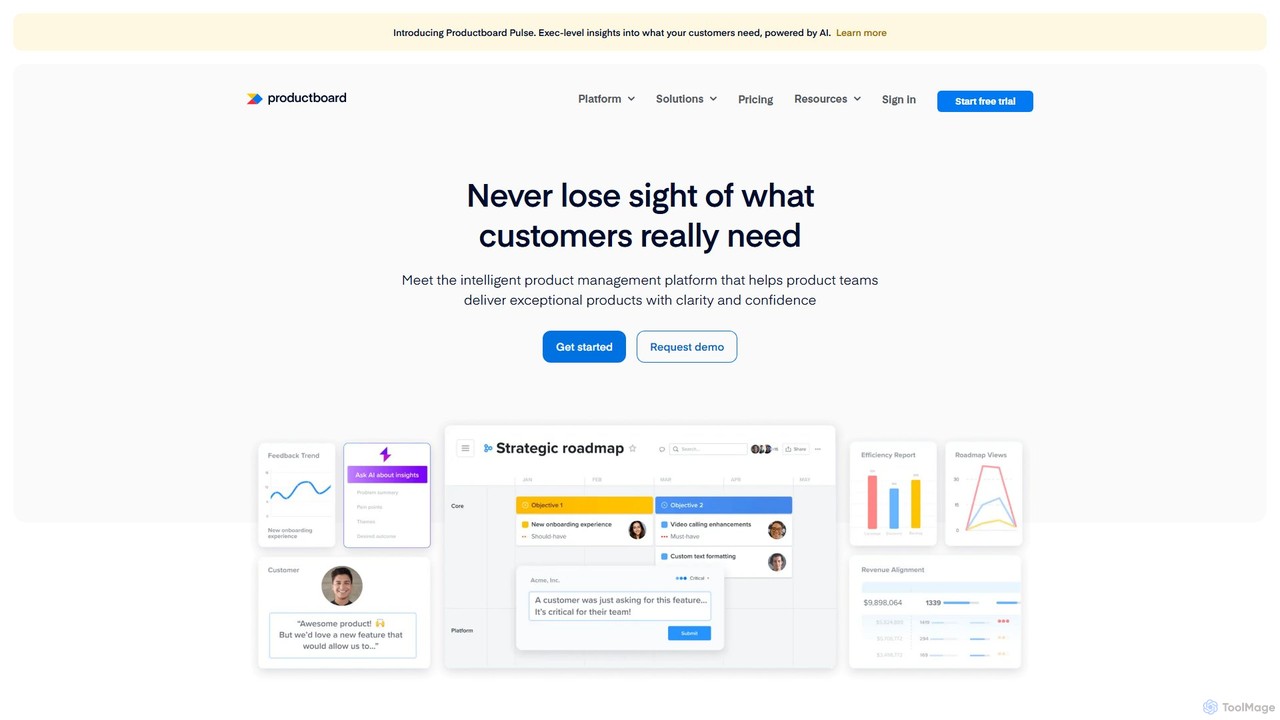
Productboard
Productboard is an intelligent, AI-powered product management platform that helps teams understand customer needs, prioritize features, and align everyone around a collaborative roadmap. It centralizes feedback, automates insights, and streamlines the entire product development lifecycle.
Customer Relationship Management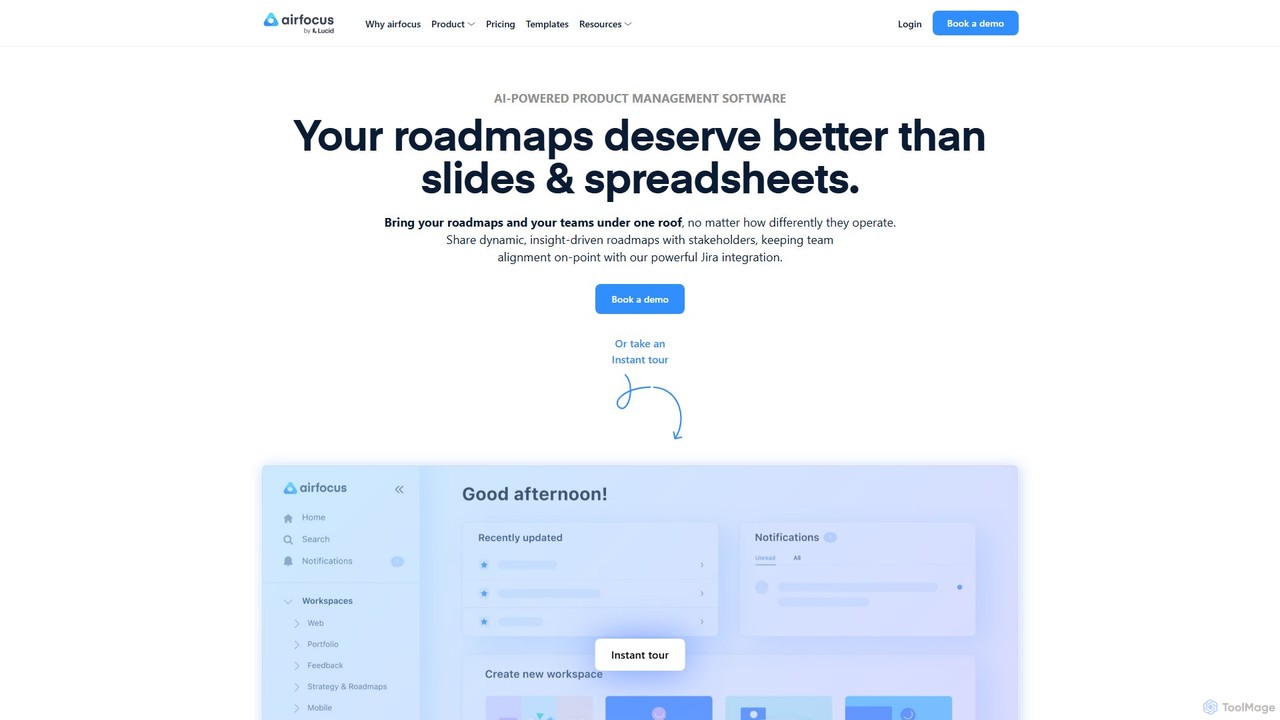
airfocus
airfocus is an AI-powered, modular product management platform designed to unify roadmaps, feedback, and strategy. It helps teams prioritize effectively, align with objectives, and build better products by providing a flexible, single source of truth that integrates with tools like Jira and Azure DevOps.
Product Management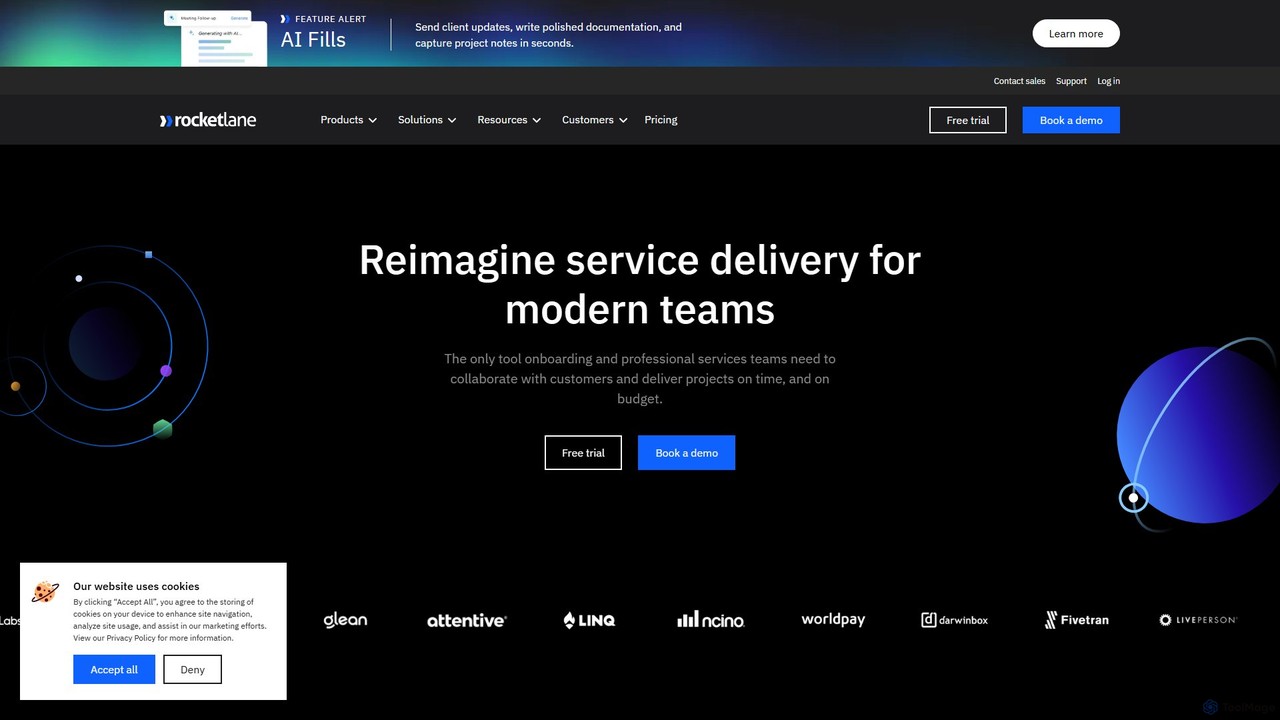
Rocketlane
Rocketlane is a unified platform for professional services automation (PSA) and customer onboarding. It combines project management, resource planning, financial tracking, and client collaboration into a single solution, designed to accelerate time-to-value, enhance customer experience, and maximize profitability for service delivery teams.
Customer Relationship Management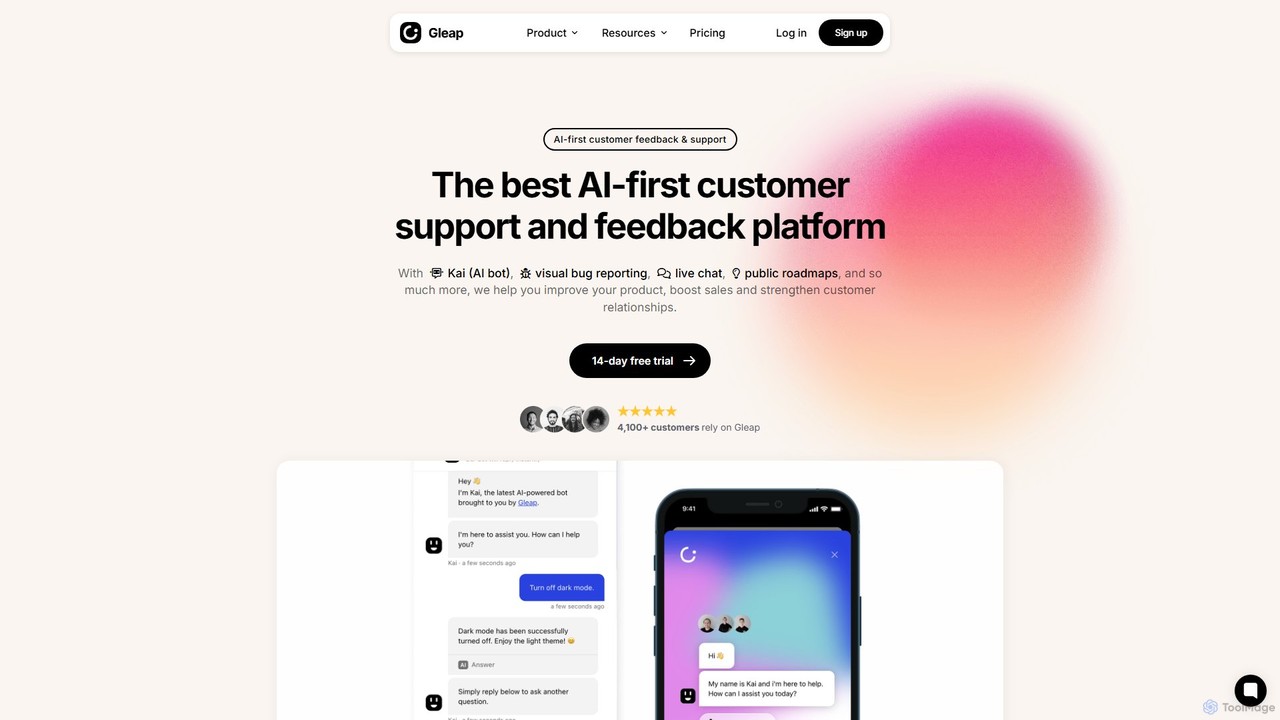
Gleap
Gleap is an all-in-one, AI-powered customer feedback platform. It helps businesses collect bug reports and user feedback, provide automated support with an AI chatbot, engage users with in-app messaging, and manage a public product roadmap.
Feedback Management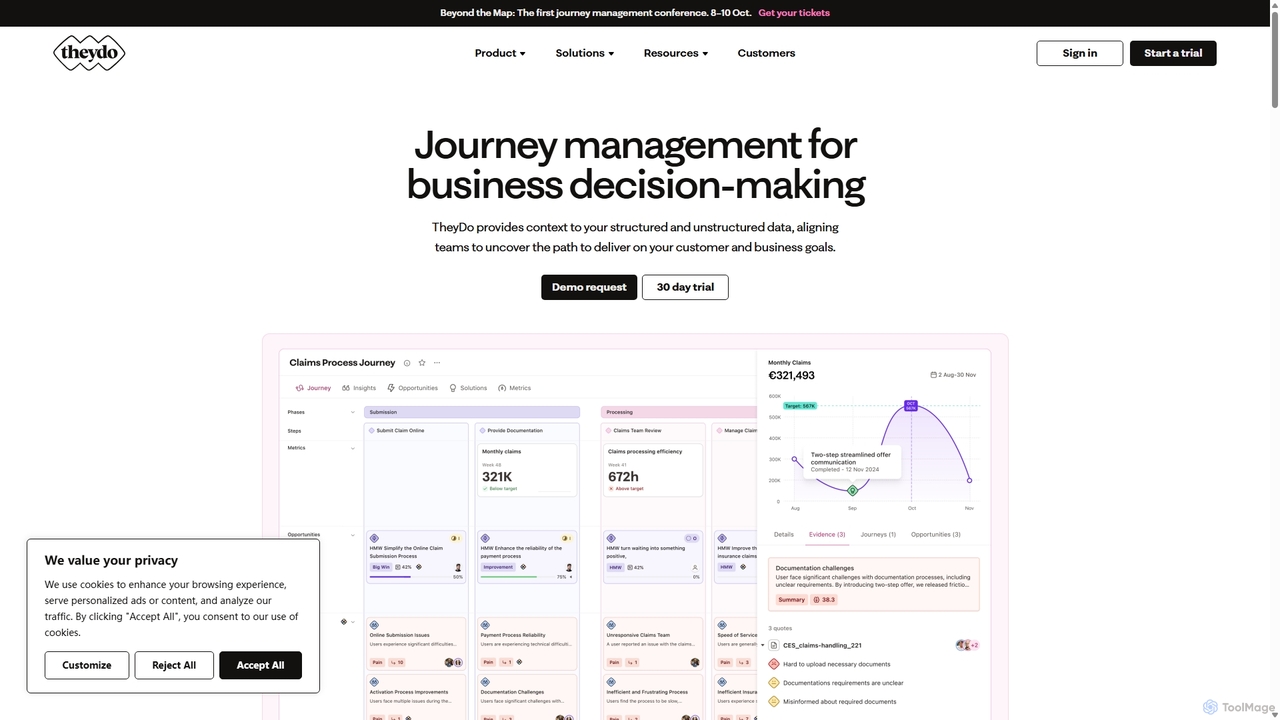
TheyDo
TheyDo is an AI-powered collaborative platform for customer journey management. It helps teams visualize, manage, and optimize the entire customer experience, from initial discovery to long-term loyalty. By centralizing insights and mapping journeys, TheyDo breaks down silos and aligns product, marketing, and sales teams around a unified customer-centric vision.
Customer Experience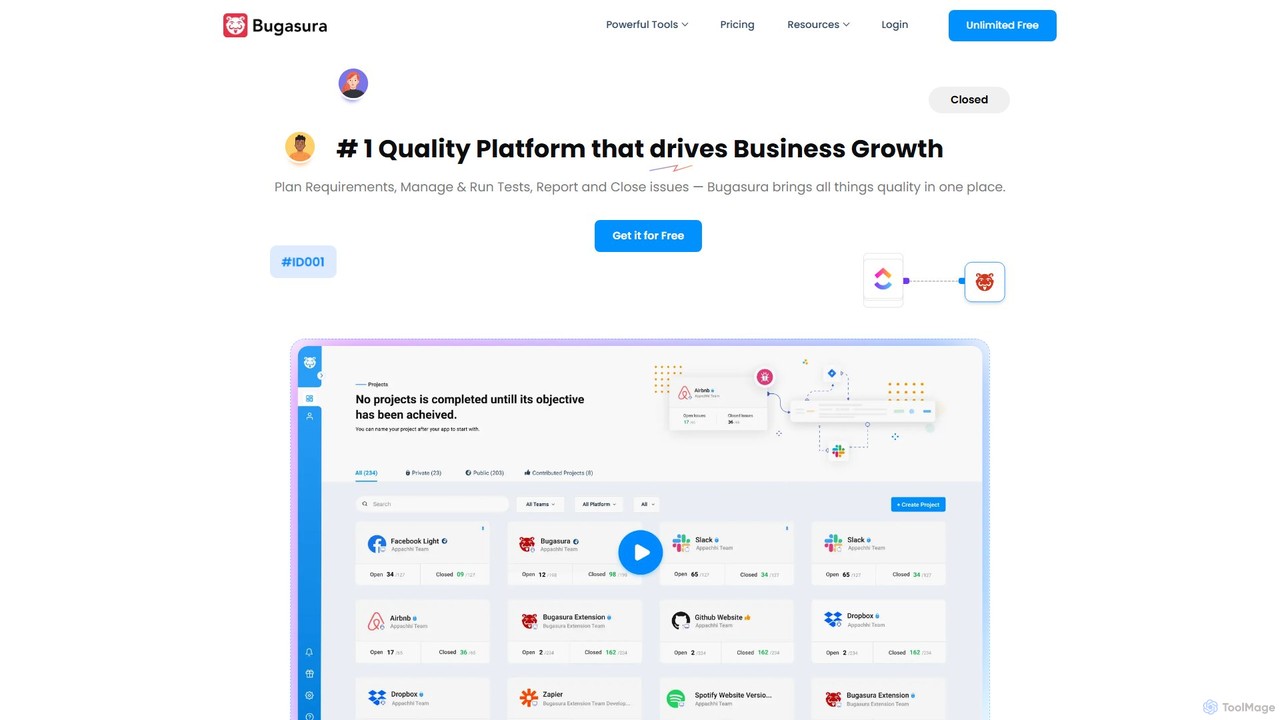
Bugasura
Bugasura is an AI-powered quality platform designed to streamline bug tracking and accelerate software development. It helps teams capture, report, and resolve bugs faster by automatically gathering comprehensive context, using AI for smart triage, and integrating seamlessly with existing development workflows. It's built for modern tech teams, including engineers, testers, and CTOs, to enhance collaboration and drive business growth through superior software quality.
Bug Tracking
Bagel AI
Bagel AI is an AI-native product intelligence platform that automatically consolidates customer feedback from all sources. It helps product teams identify high-impact features, align roadmaps with revenue goals, and bridge the gap between product, GTM teams, and customers, turning scattered insights into actionable growth strategies.
Customer Feedback Management
Tether Comments (0)
Sign in to comment.
Sign inNo comments yet.