ToolMage
Sign in

Best 15 Task Management AI tools for Project Management

Popular Task Management AI tools in Project Management include Whimsical, DailyBot, Workflow, Superflow, Teamtrics, Tether, Lanceboard, Rayo, Entrov, and Starbase, helping you work more efficiently.

Loopra
Freemium

Loopra

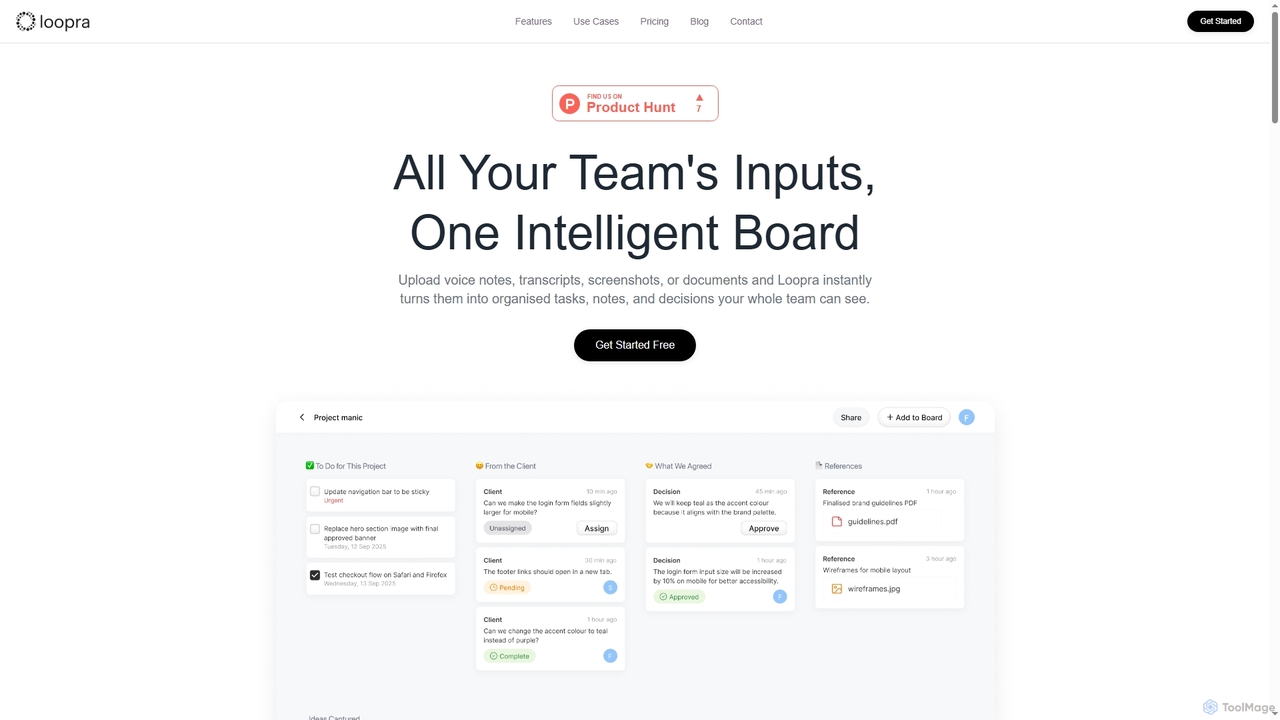
Loopra is an intelligent AI workspace that transforms unstructured team inputs like voice notes, documents, and screenshots into organized tasks, notes, decisions, and references. It acts as a living memory for teams, streamlining collaboration and ensuring no critical information is lost, saving time and boosting productivity.

Content Organization
Visits 7.3KFavorites 174Likes 153
Taskavel
Freemium

Taskavel

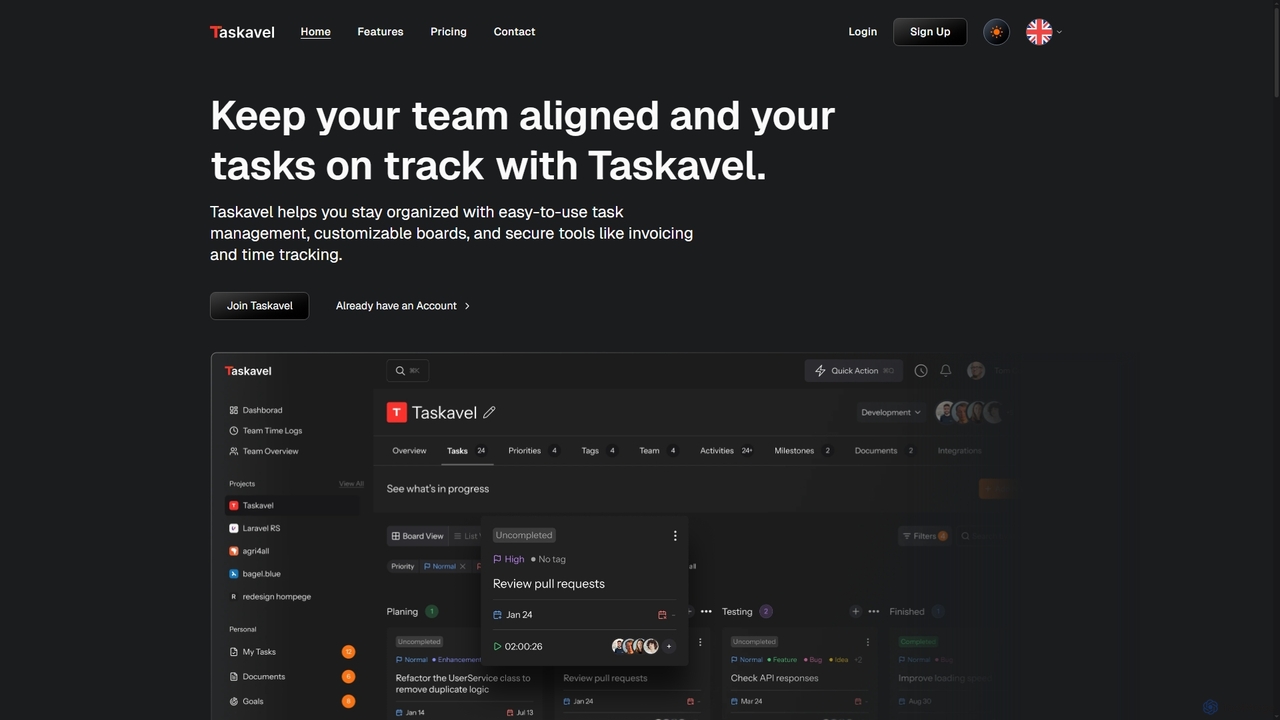
Taskavel is a comprehensive task and project management platform designed to keep teams aligned and tasks on track. It offers intuitive tools like customizable Kanban boards, integrated time tracking, invoicing, and robust collaboration features, especially tailored for developers and agile teams.

Workflow Automation
Visits 7.2KFavorites 115Likes 127
Starbase

Starbase

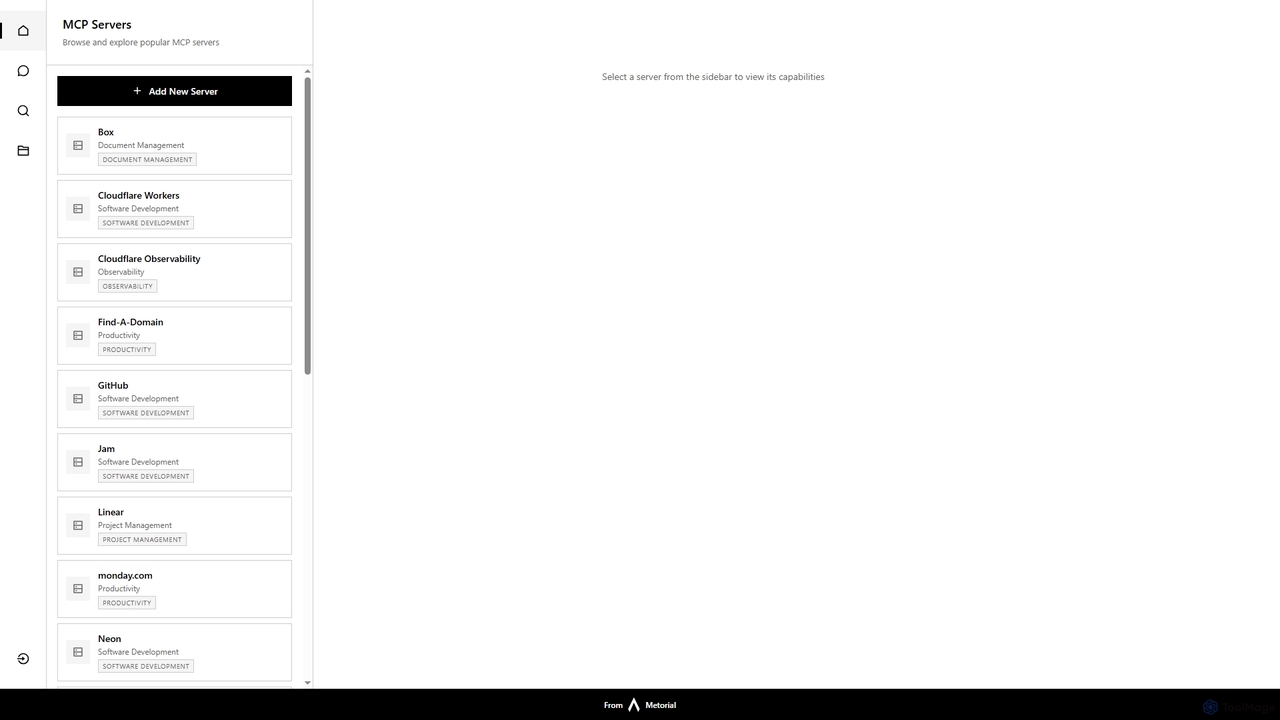
Starbase by Metorial is a comprehensive platform designed to centralize the browsing, exploration, and management of various popular software services. It integrates a wide array of tools across software development, project management, productivity, and infrastructure, offering a unified dashboard to view and interact with their capabilities.

Security
Visits 7.3KFavorites 147Likes 154
Rayo
Freemium

Rayo

Rayo is an AI-powered work management platform designed to automate workflows, streamline project management, and enhance team collaboration. It intelligently organizes tasks, optimizes processes, and provides data-driven insights to help teams achieve their goals faster and more efficiently. Ideal for businesses of all sizes looking to boost productivity.

Collaboration
Visits 7.5KFavorites 157Likes 147
Hana
Freemium

Hana

Hana is an advanced AI assistant integrated directly into Google Chat, designed to enhance team productivity and streamline collaboration. It automates tasks, manages reminders, and provides instant answers from a shared knowledge base, acting as an always-available AI teammate for Google Workspace users.

Chatbots
Visits 7.2KFavorites 171Likes 140
DailyBot
Freemium

DailyBot

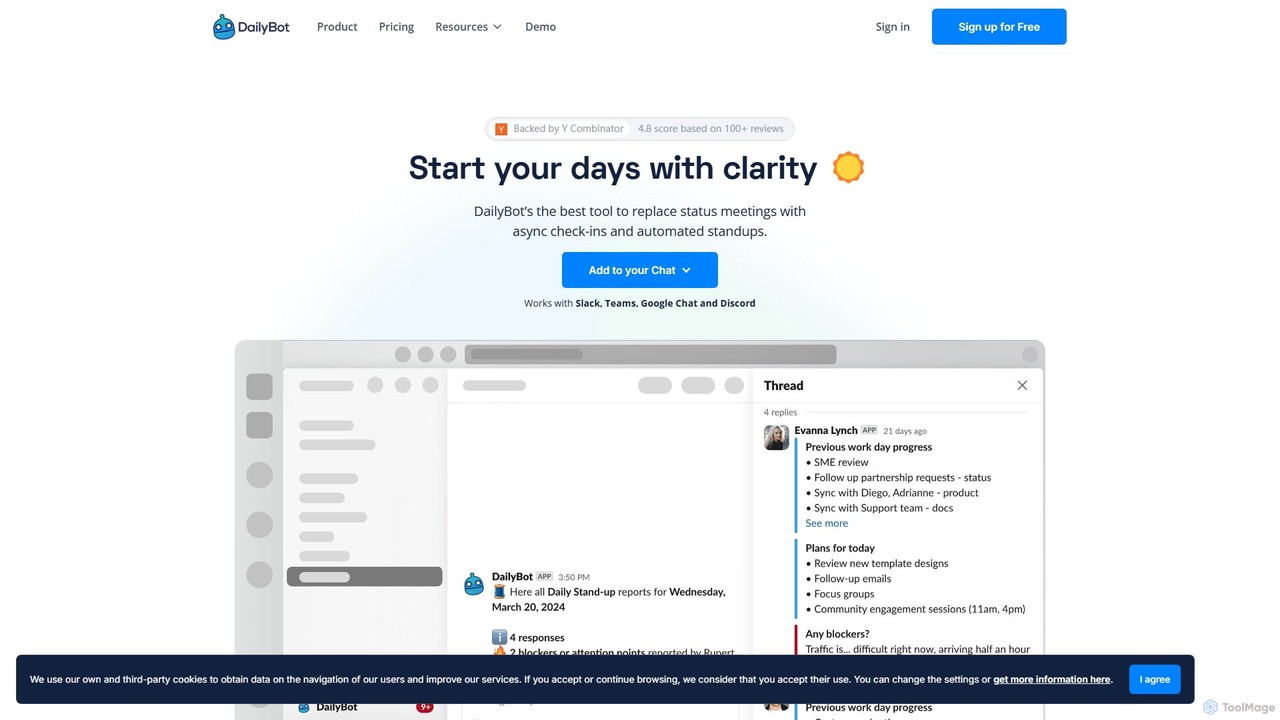
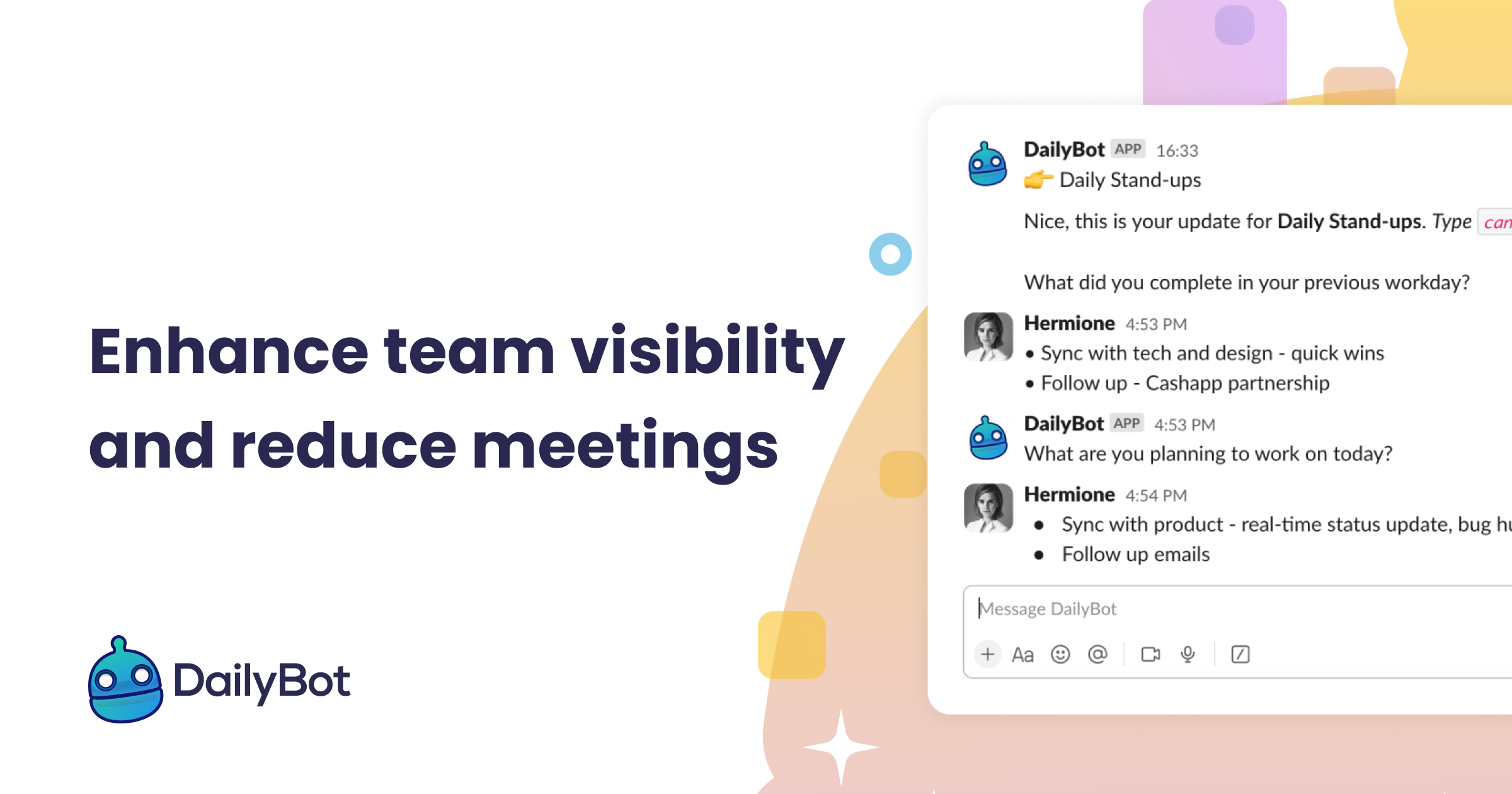
DailyBot is an AI-powered chatbot for agile and remote teams, automating daily stand-ups, team check-ins, and feedback collection. It integrates with Slack, MS Teams, Google Chat, and Discord to replace meetings with efficient asynchronous updates, track progress, and foster team culture.

Agile Development
Visits 39.2KFavorites 148Likes 157
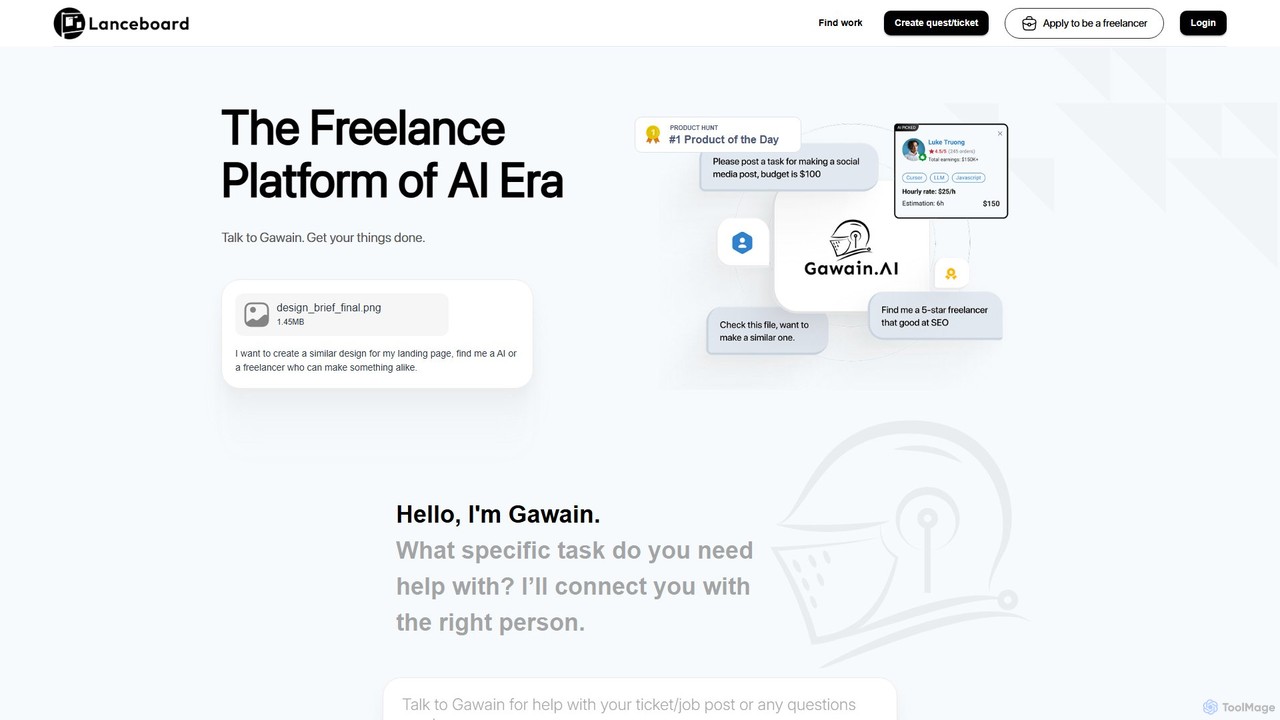
Lanceboard
Freemium

Lanceboard

Lanceboard is an AI-powered freelance platform, "Freelance 2.0," designed for the AI era. It streamlines hiring by allowing users to post tasks as tickets, which are then intelligently matched with skilled freelancers by its AI assistant, Gawain. The platform features a task-based workflow, secure payments, team collaboration tools, and centralized project management, making it fast and efficient to get projects done.

Recruiting
Visits 8.1KFavorites 136Likes 155
PinMy
Freemium

PinMy

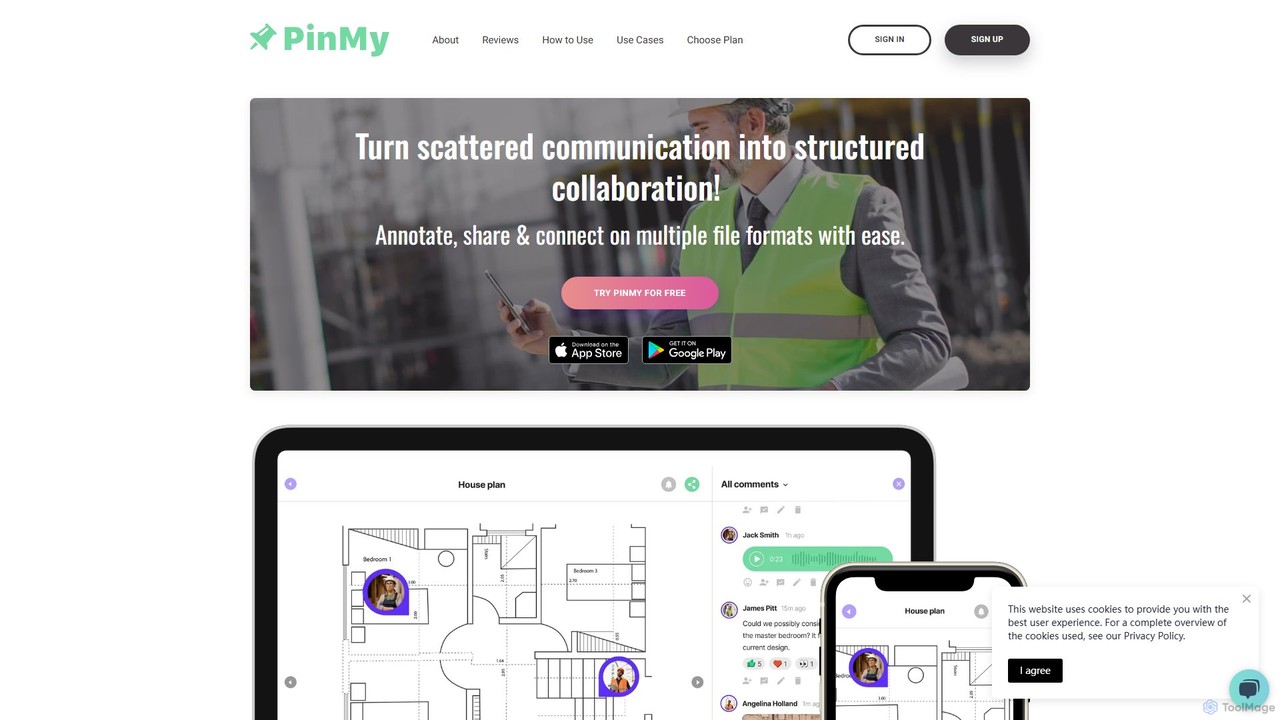
PinMy is a visual collaboration platform designed to streamline feedback and communication for teams in construction, design, marketing, and education. It allows users to pin comments, voice notes, and annotations directly onto images, PDFs, and videos, eliminating ambiguity and accelerating project workflows. It's an intuitive tool for precise, real-time feedback.

Feedback
Visits 7.2KFavorites 143Likes 140
Mediatr
Freemium

Mediatr

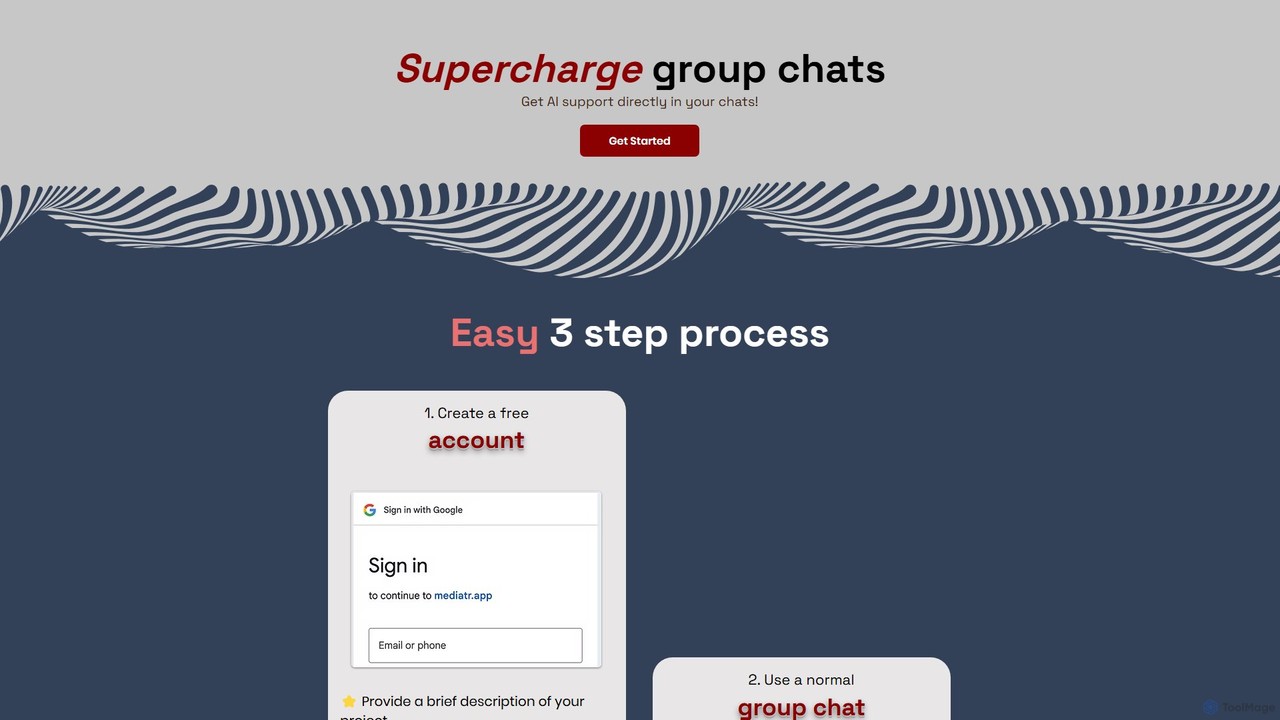
Mediatr is an AI-powered group chat platform designed to enhance team collaboration. It integrates an AI assistant directly into your conversations to summarize discussions, answer questions, and retrieve key information, turning your chat history into a searchable knowledge base.

Chat
Visits 7.1KFavorites 135Likes 147
Teamtrics
Freemium

Teamtrics

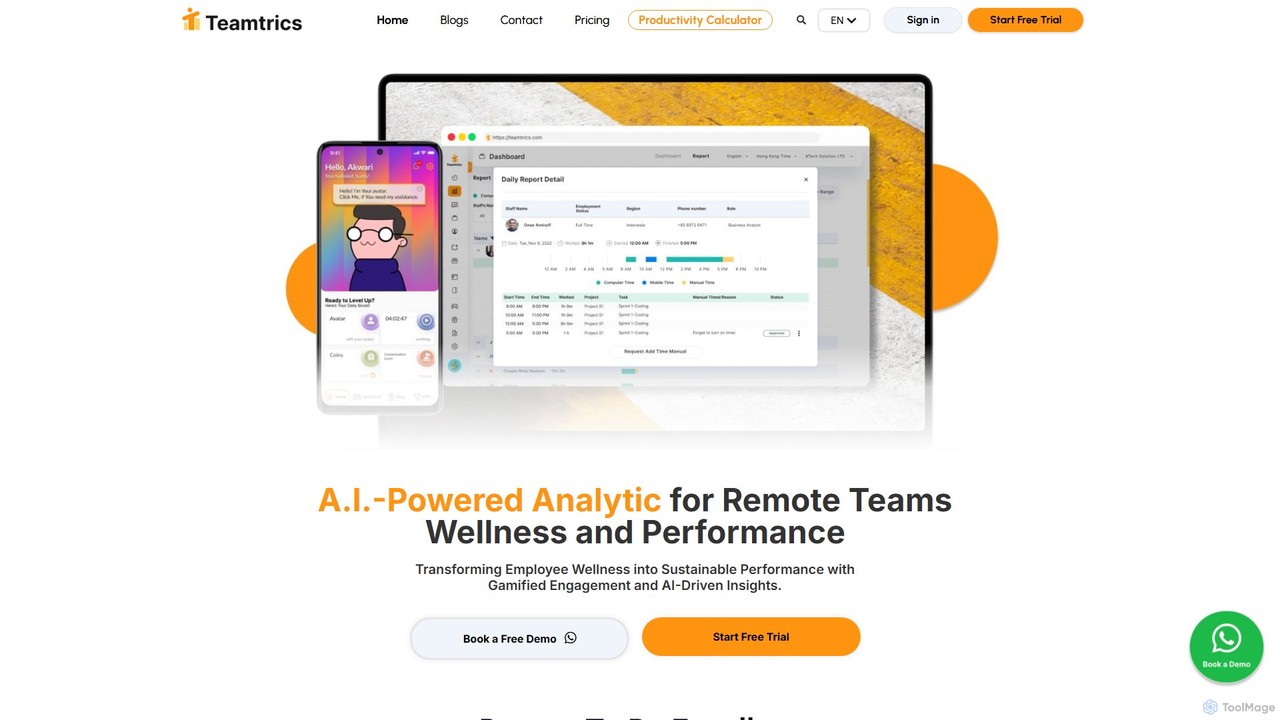
Teamtrics is an AI-powered platform designed for remote and hybrid teams, combining productivity management with employee wellness. It offers tools for time tracking, task management, HR processes, and provides AI-driven insights to optimize performance, prevent burnout, and foster a positive work culture through gamification.

Employee Monitoring
Visits 9.9KFavorites 149Likes 150
Superflow
Freemium

Superflow

Superflow is an AI-powered collaborative review and approval platform for creative teams. It streamlines feedback on websites, videos, PDFs, and images with precise, contextual comments, task management, and integrations, accelerating creative workflows and centralizing communication for faster project delivery.

Feedback
Visits 12.7KFavorites 165Likes 160
Entrov
Freemium

Entrov

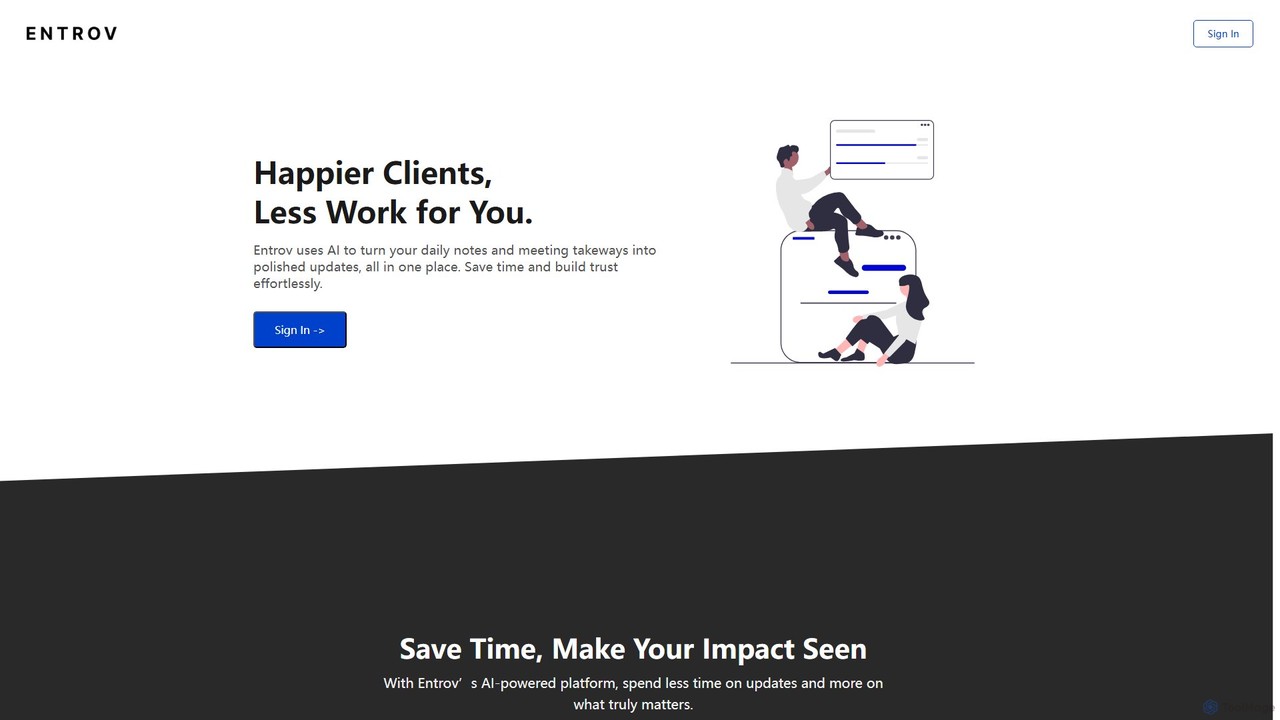
Entrov is an AI-powered platform designed to streamline progress reporting. It allows users to quickly capture updates via text, voice, files, or screenshots, and then uses AI to automatically generate clear, professional summaries. This saves valuable time, enhances client communication, and ensures your impact is clearly seen, allowing you to focus more on your core work and less on writing updates.

Communication
Visits 7.3KFavorites 148Likes 140
Tether
Freemium

Tether

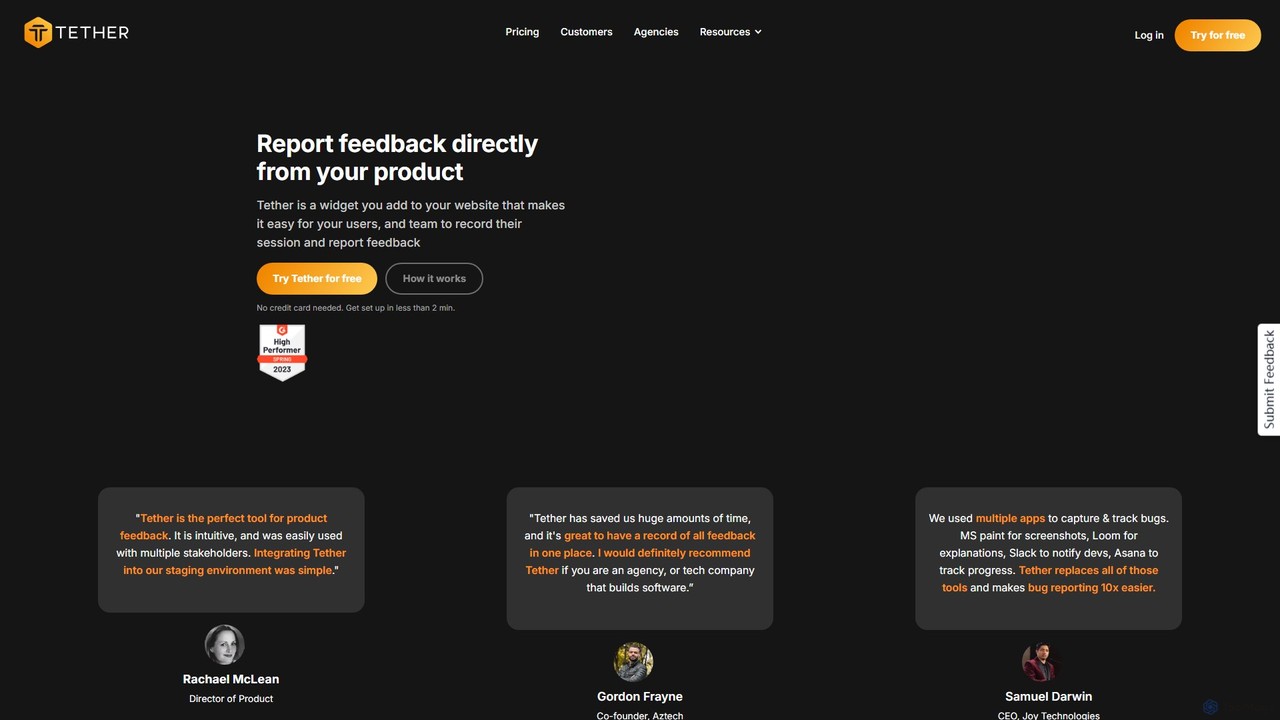
Tether is an all-in-one visual feedback and bug reporting tool for teams. It allows users and team members to capture screen recordings, annotated screenshots, and technical data directly from any website or web app, streamlining the feedback process and accelerating development cycles.

Feedback Management
Visits 8.5KFavorites 155Likes 171
Whimsical
Freemium

Whimsical

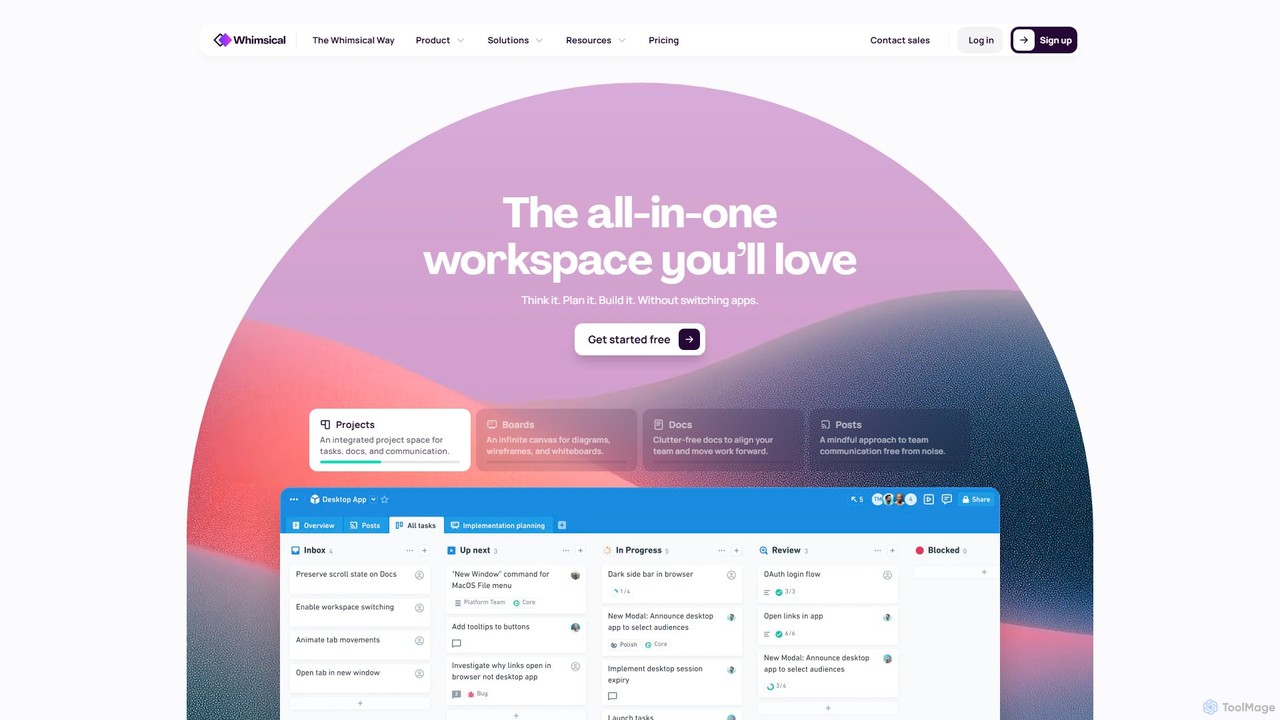
Whimsical is an all-in-one, AI-powered workspace that unifies visual collaboration, documentation, and project management. It combines whiteboards, mind maps, flowcharts, documents, and tasks to help teams streamline their entire workflow from initial idea to final execution in a single, interconnected platform.

Wireframing
Visits 1.4MFavorites 139Likes 147
Workflow
Freemium

Workflow

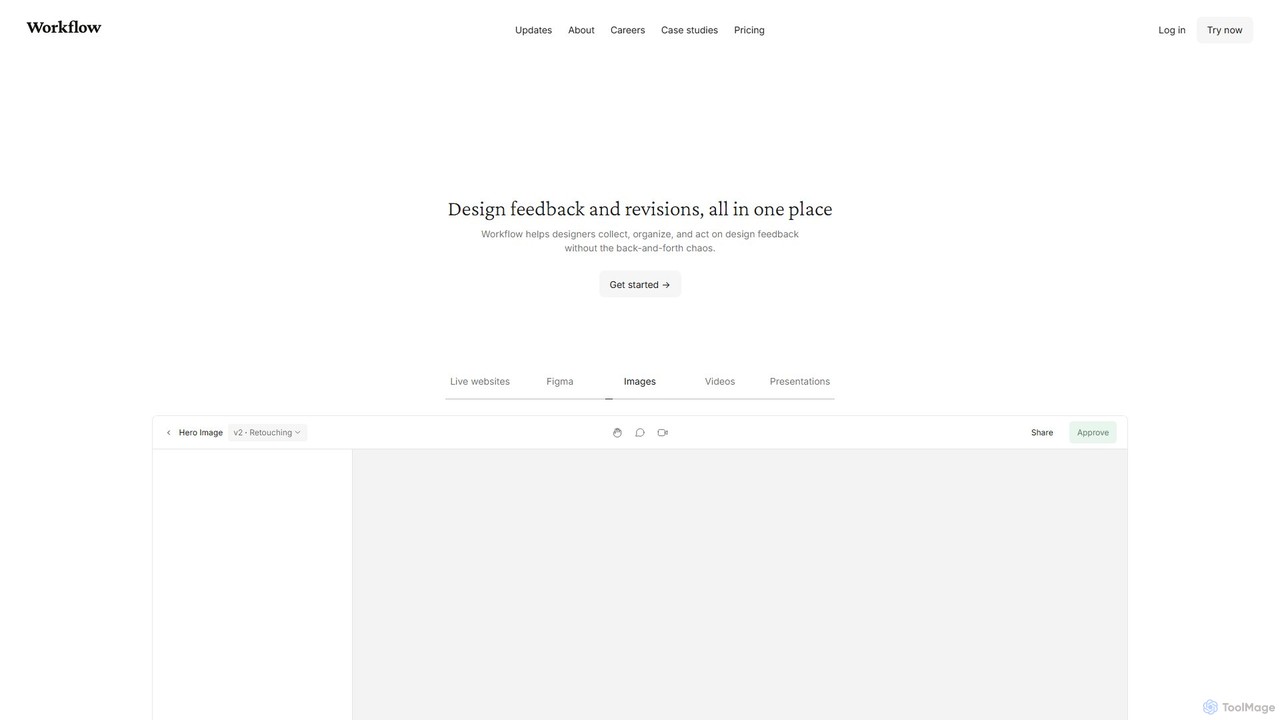
Workflow is a collaborative design feedback and revision platform that streamlines the review process for designers and stakeholders. It allows users to leave contextual comments directly on live websites, Figma designs, videos, and images. By centralizing all feedback, versions, and approvals in one place, it eliminates chaotic email threads and simplifies project management, helping creative teams deliver projects faster.

Feedback
Visits 35.1KFavorites 165Likes 155

About Task Management

AI-powered Task Management tools are specialized applications designed to streamline and optimize the organization, prioritization, and execution of individual tasks and team assignments. While forming a crucial operational component within the broader scope of Project Management, these tools leverage artificial intelligence to automate routine task processes, provide intelligent insights, and enhance overall productivity. They empower individuals and teams to efficiently track progress, manage deadlines, identify potential roadblocks, and ensure the timely completion of responsibilities across various projects and daily workflows.

Core Features

  • Intelligent Prioritization: Automatically ranks tasks based on urgency, importance, and dependencies, using AI algorithms to suggest optimal work sequences.
  • Automated Task Creation: Generates tasks directly from emails, meeting notes, chat conversations, or other unstructured inputs, significantly reducing manual data entry.
  • Progress Prediction & Anomaly Detection: Estimates task completion times, identifies potential delays, and flags unusual activity by analyzing historical data and current workload patterns.
  • Dependency Mapping & Impact Analysis: Visualizes complex task relationships and suggests optimal sequences, helping users understand the ripple effect of delays.
  • Smart Reminders & Proactive Notifications: Delivers personalized alerts for upcoming deadlines, overdue tasks, or critical updates, ensuring nothing falls through the cracks.
  • Natural Language Interface: Allows users to create, update, and query tasks using conversational language, making interaction intuitive and fast.

Applicable Scenarios

These tools are invaluable for individual knowledge workers managing daily to-dos, small to medium-sized teams coordinating project deliverables, and departments needing to track cross-functional assignments. They are particularly useful in agile development environments for sprint planning and backlog refinement, marketing teams managing complex content calendars and campaign launches, and customer support teams tracking ticket resolutions and service level agreements (SLAs).

How to Choose

When selecting an AI Task Management tool, consider its integration capabilities with your existing project management, communication, and CRM platforms to ensure seamless data flow. Evaluate the depth of AI automation offered, such as intelligent prioritization, automated task generation, and predictive analytics. Assess its scalability for future team growth, user-friendliness, and the robustness of its reporting features for tracking individual and team performance. Finally, ensure it aligns with your specific workflow requirements, security standards, and budget constraints.

Featured tool rankings

Task Management use cases

1

Automating Meeting Action Item Extraction

For project managers and team leads, AI task management tools can automatically transcribe meeting recordings or notes and identify actionable items, assigning them to relevant team members with deadlines. This eliminates the manual effort of summarizing discussions and ensures no follow-up tasks are missed, significantly improving post-meeting productivity and accountability.

2

Intelligent Prioritization of Daily Workload

Individual knowledge workers often face an overwhelming list of tasks. AI task management tools analyze task urgency, dependencies, and personal work patterns to suggest an optimized daily schedule and highlight critical items. This helps users focus on high-impact activities, reduce decision fatigue, and ensure important deadlines are met without constant manual re-prioritization.

3

Proactive Identification of Project Delays

In complex projects, delays in one task can impact many others. AI task management tools continuously monitor task progress and dependencies, using predictive analytics to flag potential bottlenecks or missed deadlines before they occur. Project coordinators can then intervene early, reallocate resources, or adjust schedules, minimizing overall project risk and keeping timelines on track.

4

Streamlining Cross-functional Task Coordination

Teams collaborating across different departments often struggle with task handoffs and visibility. AI task management tools can automatically route tasks to the correct team or individual based on content and context, and provide real-time updates on progress. This ensures smooth transitions between stages, reduces communication overhead, and maintains transparency across the entire workflow, from marketing to development.

5

Personalized Task Suggestions for Team Members

For team leaders, assigning tasks efficiently can be time-consuming. AI task management tools can learn from past assignments, team member skills, and workload data to suggest the most suitable person for a new task. This optimizes resource allocation, balances team workload, and ensures tasks are assigned to individuals with the best fit, leading to higher quality outcomes and faster completion.

6

Automated Follow-ups and Status Updates

Managers spend significant time chasing status updates. AI task management tools can automate gentle reminders to team members for upcoming deadlines or overdue tasks, and even generate summary reports on task progress. This frees up managers to focus on strategic work, reduces the need for manual check-ins, and ensures everyone is informed about project status without constant prompting.

Task Management FAQ

What are AI Task Management tools?

AI Task Management tools are software applications that leverage artificial intelligence to automate, optimize, and enhance the process of organizing, prioritizing, and executing tasks. Unlike traditional task managers, they use AI for features like intelligent prioritization, automated task creation from various inputs, predictive analytics for deadlines, and smart reminders, aiming to boost individual and team productivity by reducing manual effort and providing actionable insights.

How do AI Task Management tools differ from general Project Management software?

While AI Task Management is a core component of Project Management, it focuses specifically on the granular level of individual tasks and their execution. General Project Management software offers a broader suite of features covering planning, resource allocation, budgeting, risk management, and overall project lifecycle. AI Task Management tools, however, apply AI specifically to task-level operations, such as intelligent prioritization, automated assignment, and progress prediction, making them more specialized in optimizing daily work rather than comprehensive project oversight.

What are the key benefits of using AI for task management?

The primary benefits include significant time savings through automation of routine tasks like creation and follow-ups, improved decision-making with intelligent prioritization and predictive analytics, and enhanced accountability with smart reminders and progress tracking. AI helps reduce human error, ensures critical tasks are not overlooked, and provides deeper insights into workflow efficiencies, ultimately leading to faster task completion and better resource utilization.

Who can benefit most from AI Task Management tools?

A wide range of users can benefit, including individual knowledge workers struggling with daily task overload, small to medium-sized teams needing better coordination and visibility, and project managers seeking to optimize task allocation and foresee potential delays. Professionals in agile development, marketing, customer support, and any role requiring efficient task execution and collaboration will find these tools particularly valuable.

What features should I look for when choosing an AI Task Management tool?

Key features to consider include intelligent task prioritization based on AI, automated task generation from various sources (e.g., email, chat), predictive analytics for deadlines and potential bottlenecks, and robust integration capabilities with your existing tech stack (e.g., calendars, communication apps, CRM). Also, look for intuitive user interfaces, customizable workflows, comprehensive reporting, and strong security measures to protect your data.