

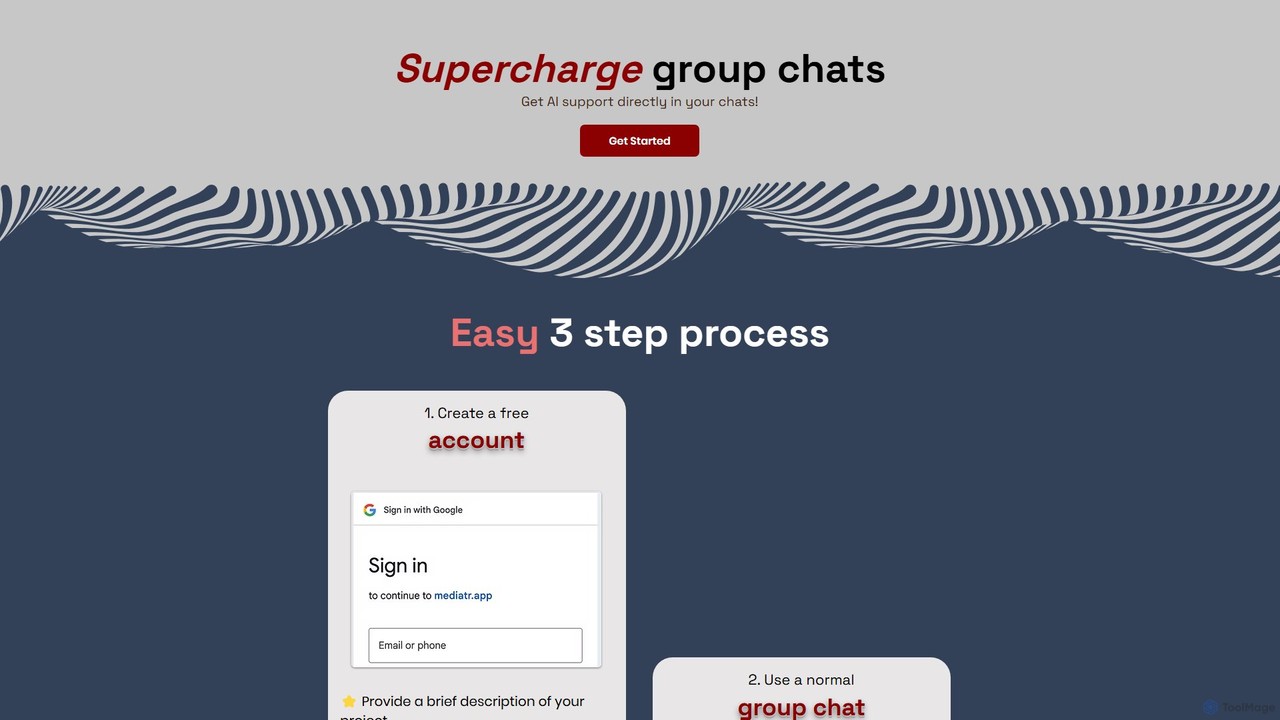
Mediatr Overview
Mediatr revolutionizes team communication by embedding a powerful AI assistant directly into your group chats. In today's fast-paced work environment, critical information, key decisions, and important files often get lost in the constant stream of messages. Mediatr addresses this challenge by transforming your team's conversations into an organized, intelligent, and searchable knowledge base. It acts as a collective memory for your team, ensuring that no detail is ever lost and that everyone stays aligned and informed with minimal effort. By automating information retrieval and summarization, Mediatr frees up valuable time, reduces communication friction, and boosts overall productivity, making it an indispensable tool for modern teams.
How to use Mediatr
Getting started with Mediatr is a simple and intuitive process designed to get your team collaborating intelligently in minutes:
- Create Your Space: Begin by creating a free account on the Mediatr website. Set up your project or team by providing a brief description. This context helps the AI understand the specifics of your work.
- Invite Your Team & Start Chatting: Invite all relevant team members into your dedicated group chat. Use the platform like any other familiar chat application for real-time discussions, file sharing, and collaboration. There are no limits on messages, allowing for free-flowing communication.
- Leverage AI Support: This is where Mediatr shines. Interact with the AI assistant directly within the chat. You can ask it to perform tasks like summarizing the day's conversation, finding a specific decision made last week, or answering questions based on the chat history. The AI works silently in the background until you call upon it, ensuring a non-intrusive experience.
Core Features of Mediatr
- AI-Powered Summarization: Effortlessly generate concise summaries of long discussions. Get daily digests, weekly recaps, or on-demand summaries of specific topics to quickly catch up and stay informed.
- Intelligent Q&A: Ask the AI questions in natural language about past conversations. For example, 'What was the final decision on the Q3 budget?' or 'Who is responsible for the user interface design?'. The AI will scan the chat history and provide instant, accurate answers.
- Effortless Information Retrieval: Instantly find links, documents, or key messages that are buried deep in your conversation history. Stop scrolling endlessly and let the AI find exactly what you need.
- Action Item & Decision Tracking: The AI can automatically identify and collate action items and key decisions made during discussions, providing a clear overview of responsibilities and outcomes.
- Unified Communication Hub: Bring all team members together in a single, dedicated space. Enjoy unlimited messages and a centralized platform for all project-related communication.
- Context-Aware Assistance: The AI understands the context of your project, enabling it to provide more relevant and accurate support for your team's specific needs.
Use Cases for Mediatr
Mediatr is versatile and can be applied across various team functions:
- Project Management: Teams can track progress and discuss milestones. The AI can summarize daily stand-ups, list outstanding action items, and help new members get up to speed by providing a project history overview.
- Product Development & Engineering: Developers can discuss technical specifications and debug issues. The AI can retrieve past architectural decisions, find specific code snippets shared, and summarize complex technical debates.
- Marketing & Creative Teams: Brainstorm campaign ideas and collaborate on content. The AI can summarize brainstorming sessions, identify the most promising concepts, and create a list of next steps.
- Remote & Hybrid Teams: Mediatr helps bridge communication gaps across different time zones. Team members can use AI summaries to catch up on discussions that happened while they were offline.
Advantages of Mediatr
Mediatr offers significant advantages over traditional chat tools:
- Enhanced Productivity: Drastically reduces the time spent searching for information and manually documenting decisions.
- Improved Team Alignment: Ensures everyone has access to the same information and a clear understanding of decisions and responsibilities, reducing misunderstandings.
- Permanent Knowledge Base: Turns transient conversations into a valuable and permanent asset that can be queried at any time.
- Seamless Onboarding: New team members can become productive faster by asking the AI to brief them on the project's history and current status.
- Streamlined Workflow: Integrates intelligent assistance directly into the communication workflow, eliminating the need to switch between multiple applications.
Pricing and Plans
Mediatr operates on a freemium model, making it accessible for teams of all sizes. While specific pricing details are available on the official website, the typical structure includes:
- Free Plan: Ideal for small teams or for trying out the platform. This plan usually includes core chat functionalities and a limited number of AI queries or a limited message history.
- Pro Plan (Paid): Designed for professional teams requiring full access to all AI features, unlimited message history, advanced search capabilities, and priority support.
- Enterprise Plan (Custom): Tailored for large organizations with specific needs for security, compliance, custom integrations, and dedicated account management.
Please visit the Mediatr website for the most current and detailed pricing information.
Mediatr Alternatives
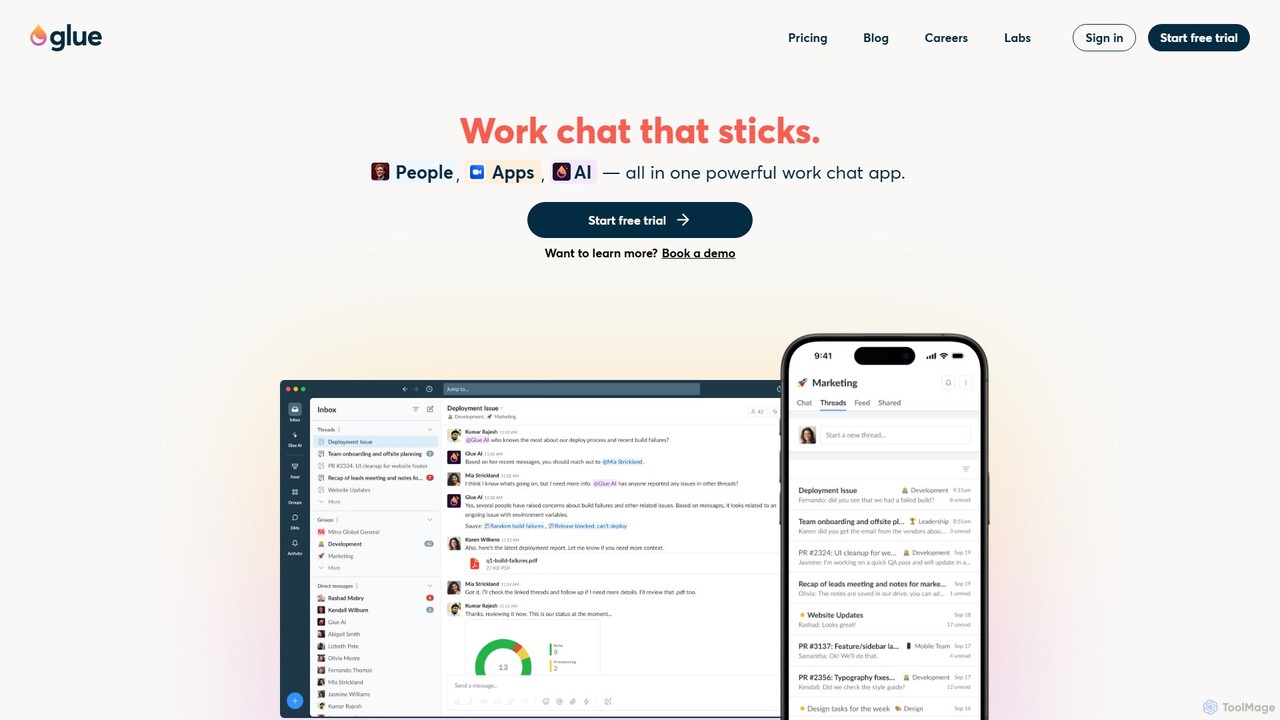
gluegroups
gluegroups is an AI-powered work chat platform designed for focused communication. It replaces traditional channels with independent, named threads to reduce noise. Featuring an integrated AI assistant (Glue AI), it supports brainstorming, collaborative problem-solving, and intelligent integrations, creating a more organized and efficient team workspace.
Chat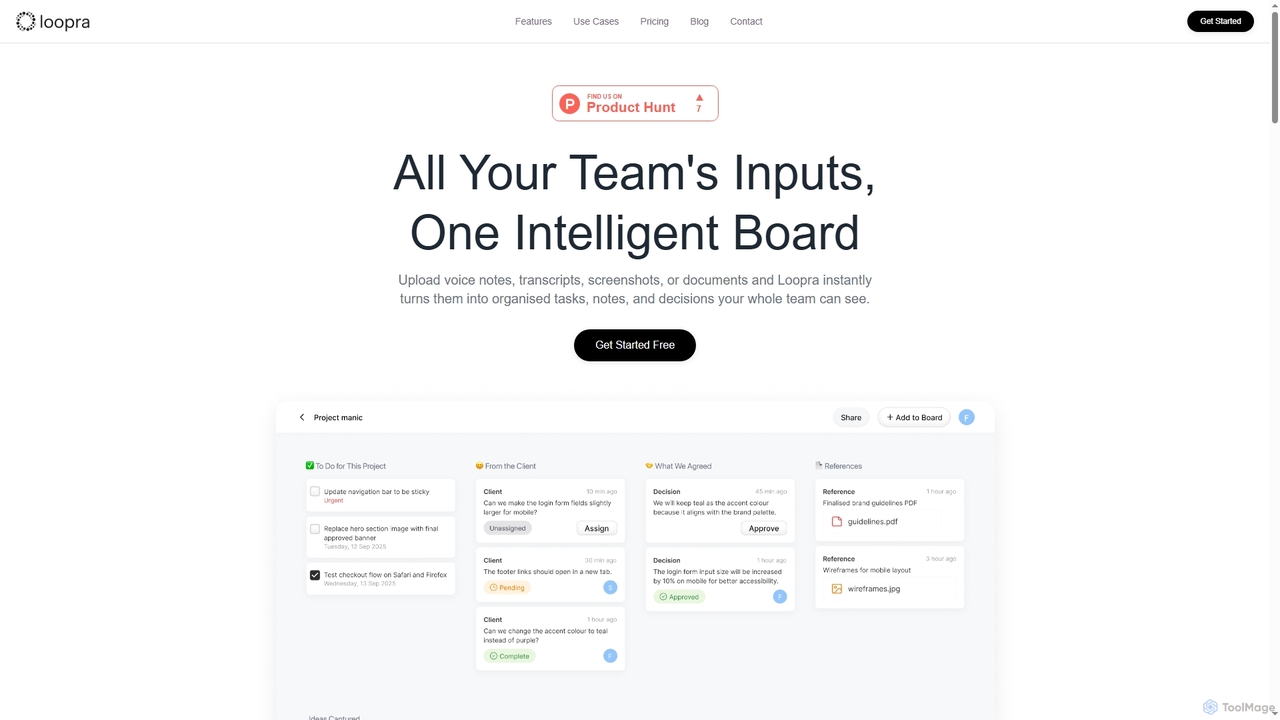
Loopra
Loopra is an intelligent AI workspace that transforms unstructured team inputs like voice notes, documents, and screenshots into organized tasks, notes, decisions, and references. It acts as a living memory for teams, streamlining collaboration and ensuring no critical information is lost, saving time and boosting productivity.
Content Organization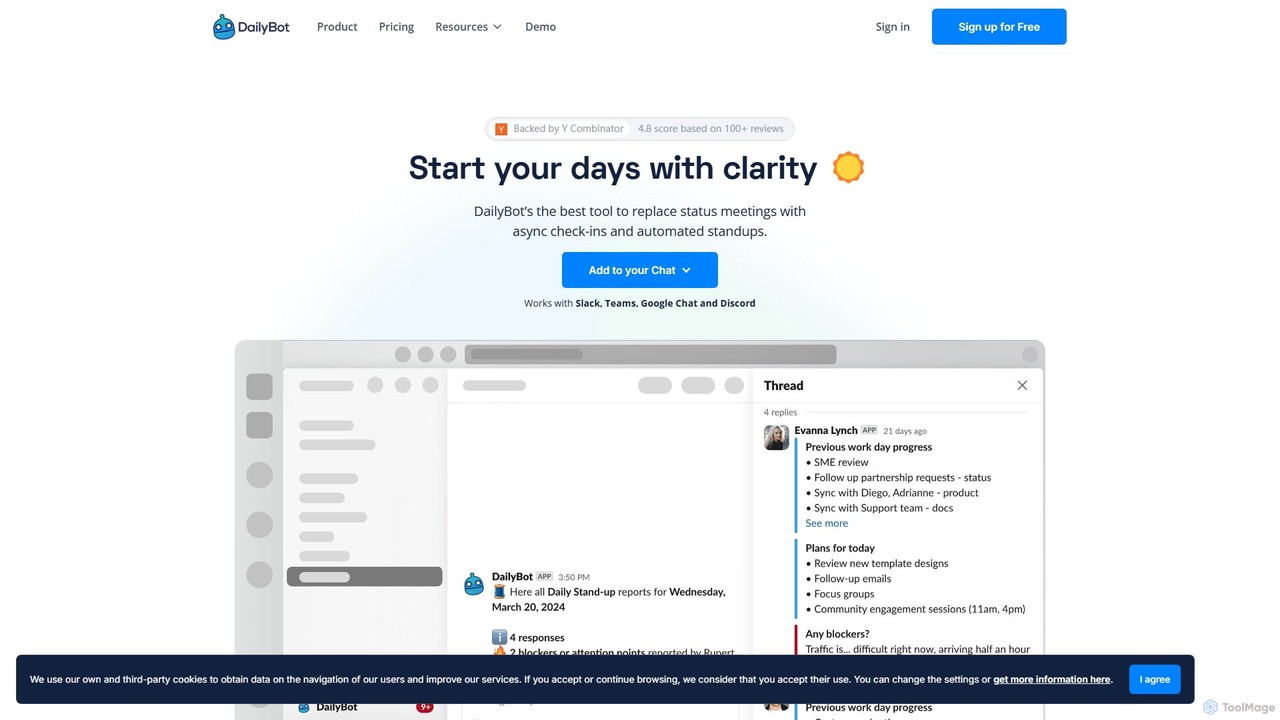
DailyBot
DailyBot is an AI-powered chatbot for agile and remote teams, automating daily stand-ups, team check-ins, and feedback collection. It integrates with Slack, MS Teams, Google Chat, and Discord to replace meetings with efficient asynchronous updates, track progress, and foster team culture.
Agile Development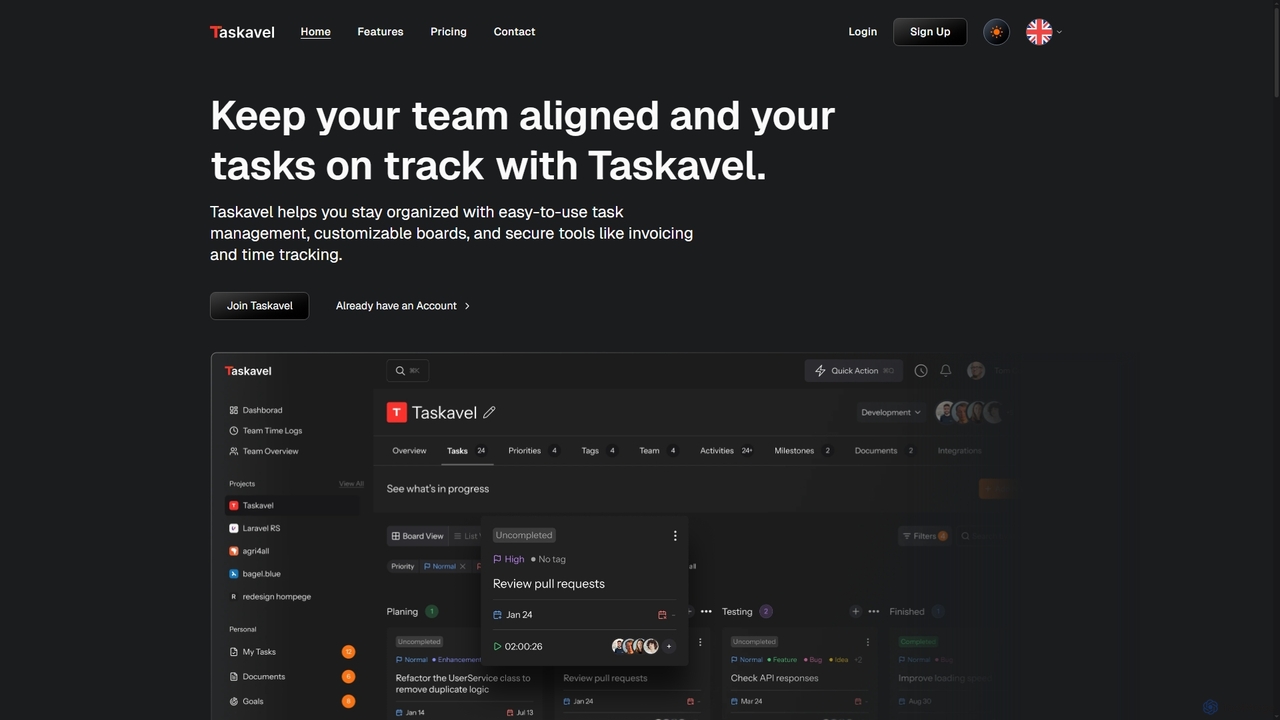
Taskavel
Taskavel is a comprehensive task and project management platform designed to keep teams aligned and tasks on track. It offers intuitive tools like customizable Kanban boards, integrated time tracking, invoicing, and robust collaboration features, especially tailored for developers and agile teams.
Workflow Automation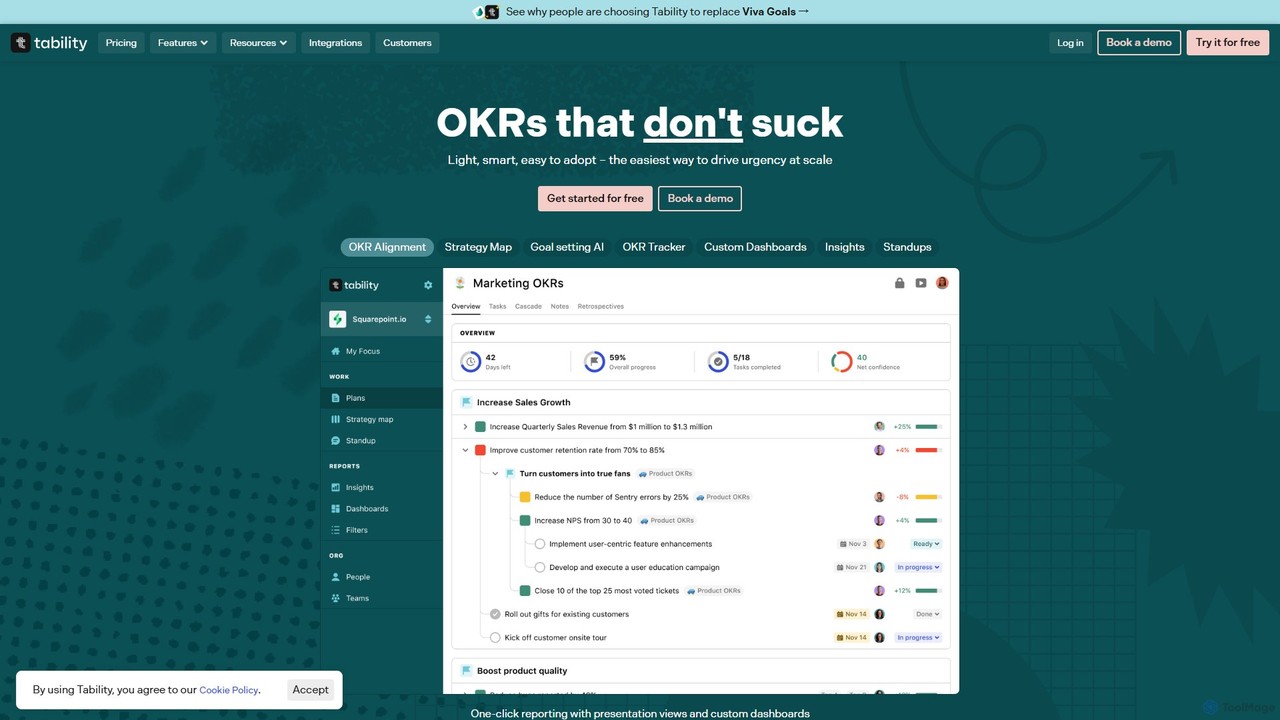
Tability
Tability is a simple, AI-powered OKR (Objectives and Key Results) platform designed to help teams set, track, and achieve their goals effectively. It features an AI agent, Tabby, that generates strategic plans, provides feedback, and automates reporting, making goal management straightforward and connecting strategy with execution for teams of all sizes.
Goal SettingMediatr Categories
Mediatr Embed Widget
Copy this embed code to place the badge on your blog, article, or product site and send readers directly to this ToolMage detail page.

Related AI tools
Slack
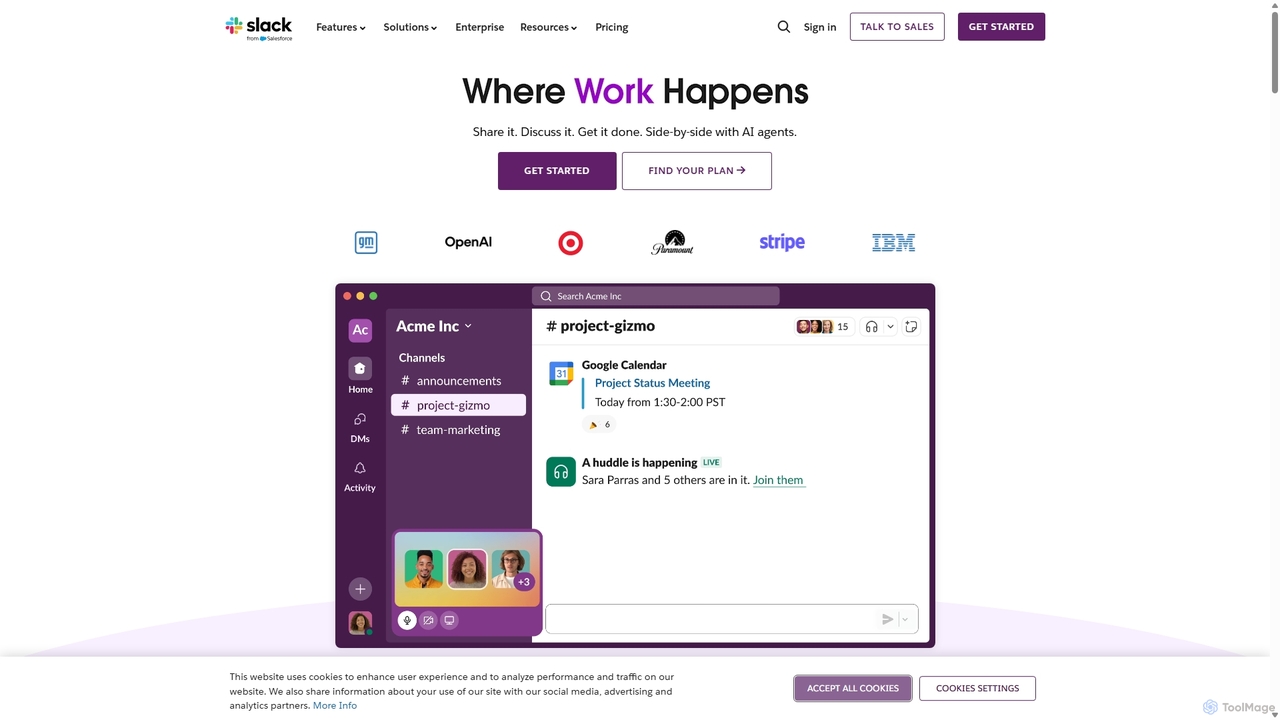
Slack is an AI-powered collaboration hub that connects your people, partners, and tools. It replaces email with faster, better-organized communication through channels. With integrated AI, workflow automation, and thousands of apps, Slack centralizes your work to boost productivity and streamline project management.
Project Management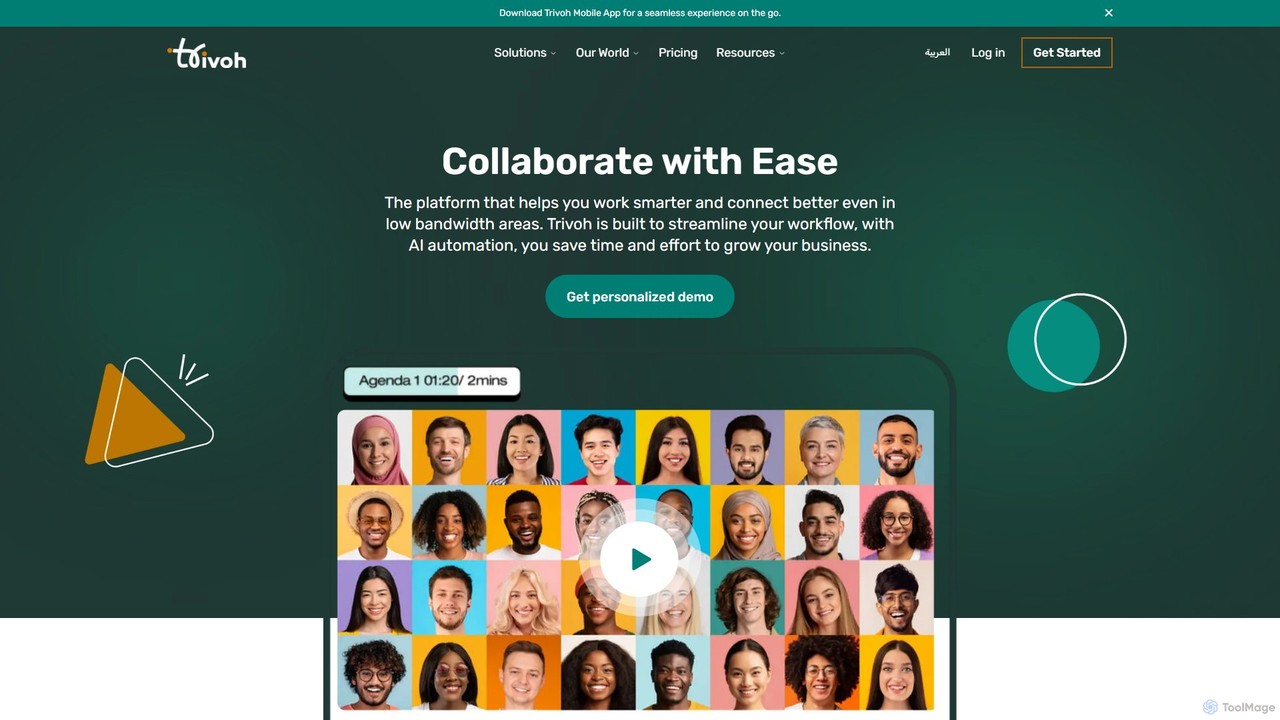
trivoh
trivoh is an AI-powered, all-in-one collaboration and productivity platform designed for seamless communication, even in low-bandwidth areas. It integrates virtual meetings, AI-driven summaries, project management, and real-time chat to streamline workflows. Key features include accessibility tools like real-time transcription and sign language interpretation, robust security, and an intuitive user interface, making it ideal for businesses, telehealth, and e-learning.
Meetinggluegroups
gluegroups is an AI-powered work chat platform designed for focused communication. It replaces traditional channels with independent, named threads to reduce noise. Featuring an integrated AI assistant (Glue AI), it supports brainstorming, collaborative problem-solving, and intelligent integrations, creating a more organized and efficient team workspace.
Chat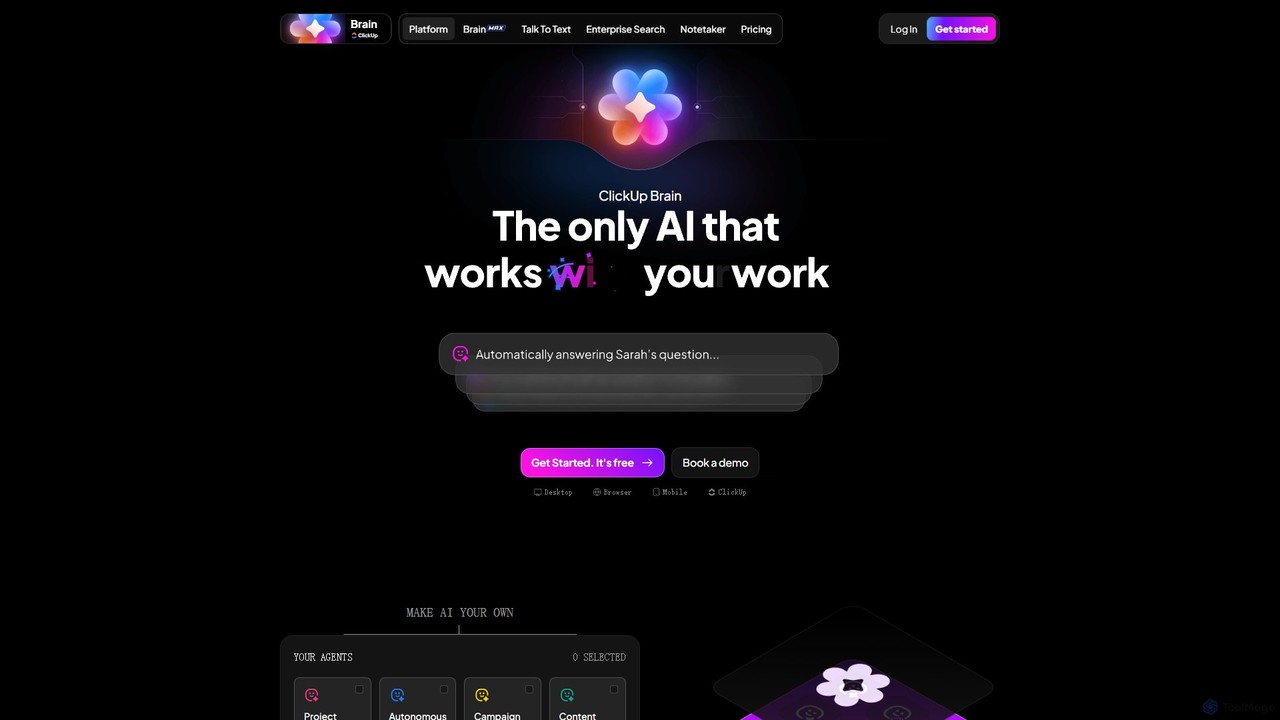
ClickUp Brain
ClickUp Brain is an all-in-one AI assistant integrated directly into the ClickUp productivity platform. It automates tasks, manages projects, summarizes meetings, and generates content by leveraging the full context of your work. It aims to replace multiple standalone AI tools by providing a unified, intelligent workspace that enhances team collaboration and accelerates project completion.
Collaboration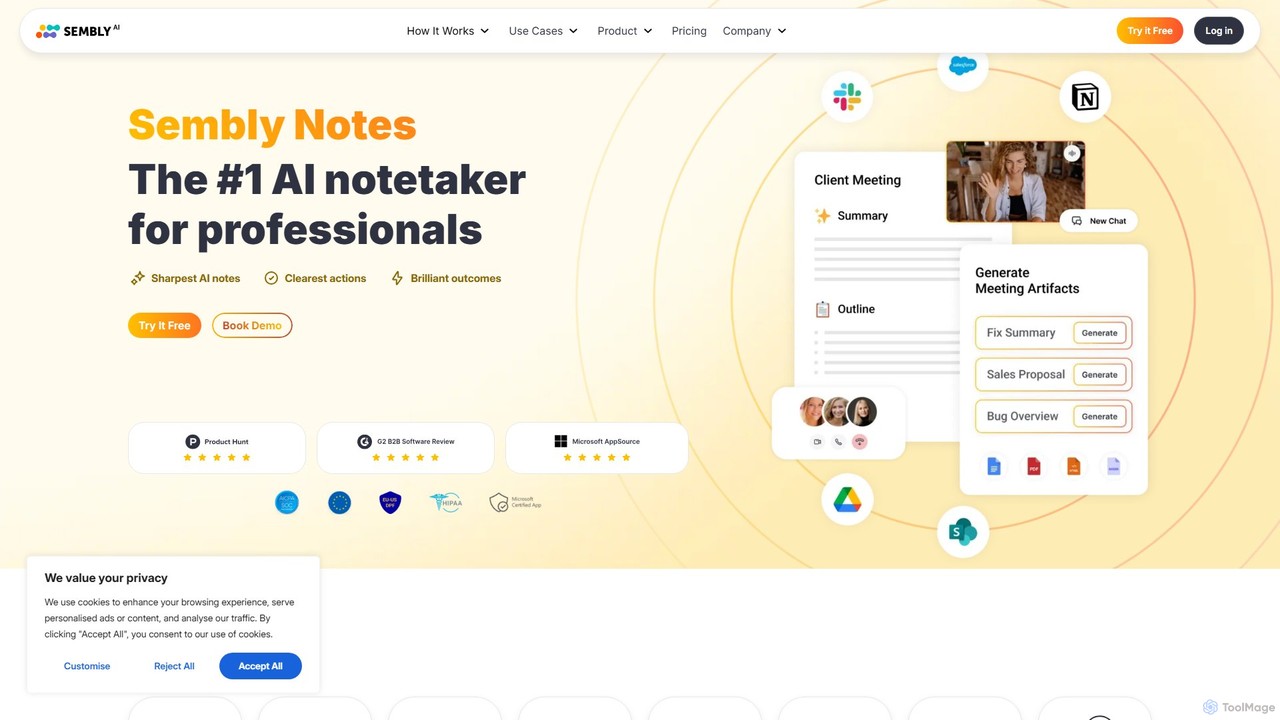
Sembly
Sembly is an AI meeting assistant that records, transcribes, and generates intelligent summaries for your meetings. It integrates with major platforms like Zoom, Google Meet, and Microsoft Teams to capture conversations, identify key items, create action points, and provide deep insights, transforming discussions into actionable outcomes.
Project Management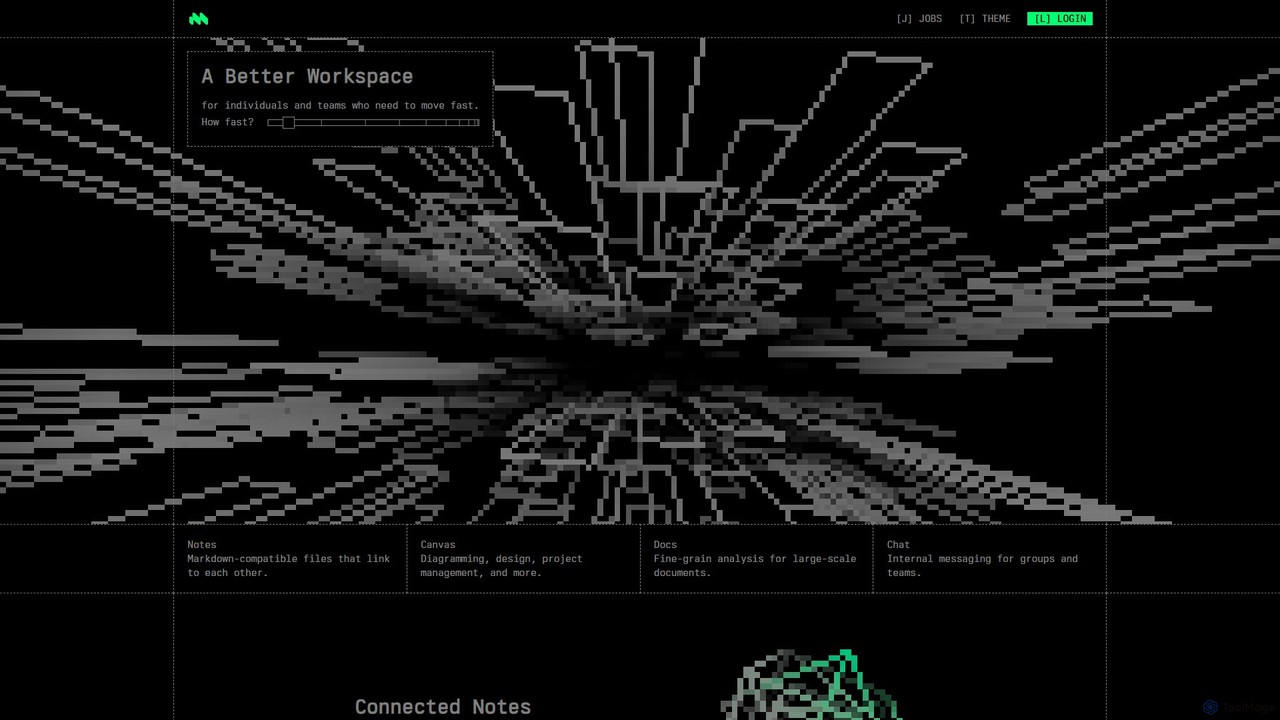
Macro
Macro is an AI-powered, unified workspace designed for speed and collaboration. It integrates linkable notes, an infinite canvas for brainstorming, intelligent document analysis, and threaded team chat into a single, secure, and enterprise-ready platform.
Ai Document Analysis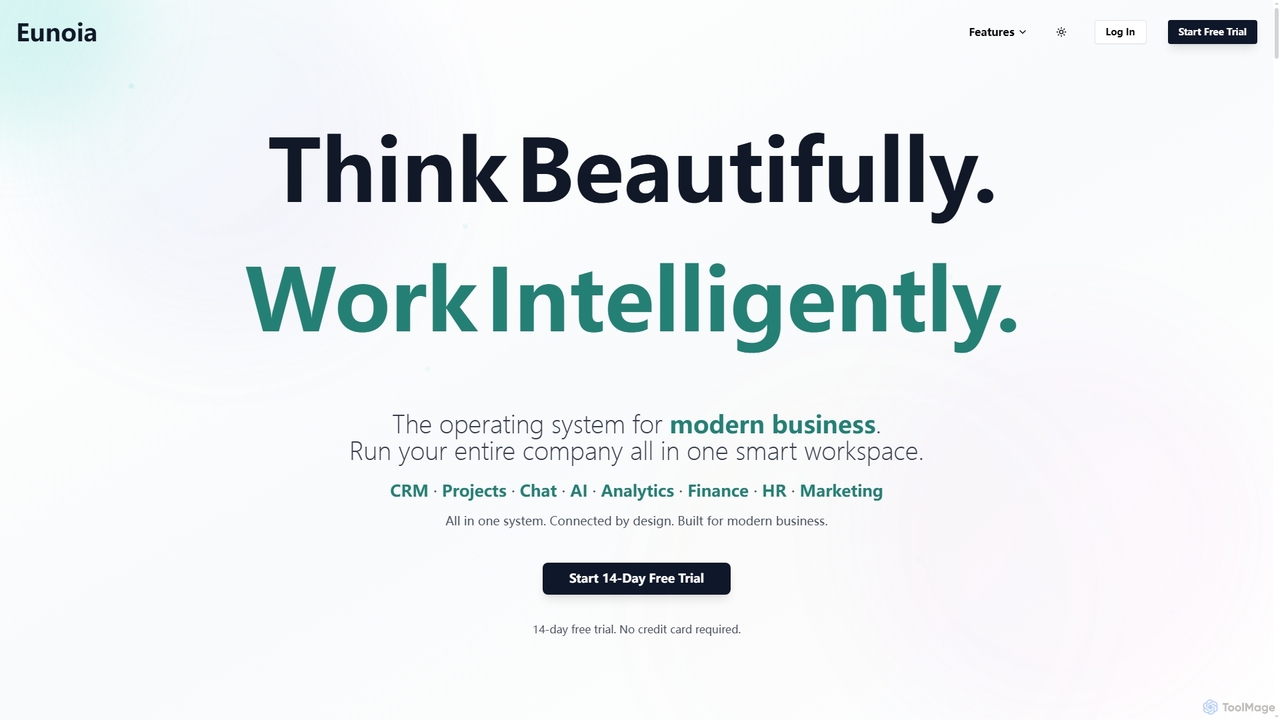
Eunoia
Eunoia is an all-in-one AI-powered business workspace designed to streamline operations by integrating CRM, project management, chat, AI, analytics, finance, HR, and marketing. It aims to replace numerous fragmented tools, offering a unified platform for modern businesses to think beautifully and work intelligently.
Business Automation
CircleChat
CircleChat is an AI-powered communication platform that unifies internal team collaboration and external customer support. It leverages AI to summarize conversations, detect tasks, analyze sentiment, and automate workflows, creating a single, intelligent hub for all business communication.
Team Chat
Jyek
Jyek is an AI agent platform that understands objectives, creates execution plans, uses tools, and delivers verifiable results for complex, multi-step tasks.
AutomationLoopra
Loopra is an intelligent AI workspace that transforms unstructured team inputs like voice notes, documents, and screenshots into organized tasks, notes, decisions, and references. It acts as a living memory for teams, streamlining collaboration and ensuring no critical information is lost, saving time and boosting productivity.
Content OrganizationTability
Tability is a simple, AI-powered OKR (Objectives and Key Results) platform designed to help teams set, track, and achieve their goals effectively. It features an AI agent, Tabby, that generates strategic plans, provides feedback, and automates reporting, making goal management straightforward and connecting strategy with execution for teams of all sizes.
Goal Setting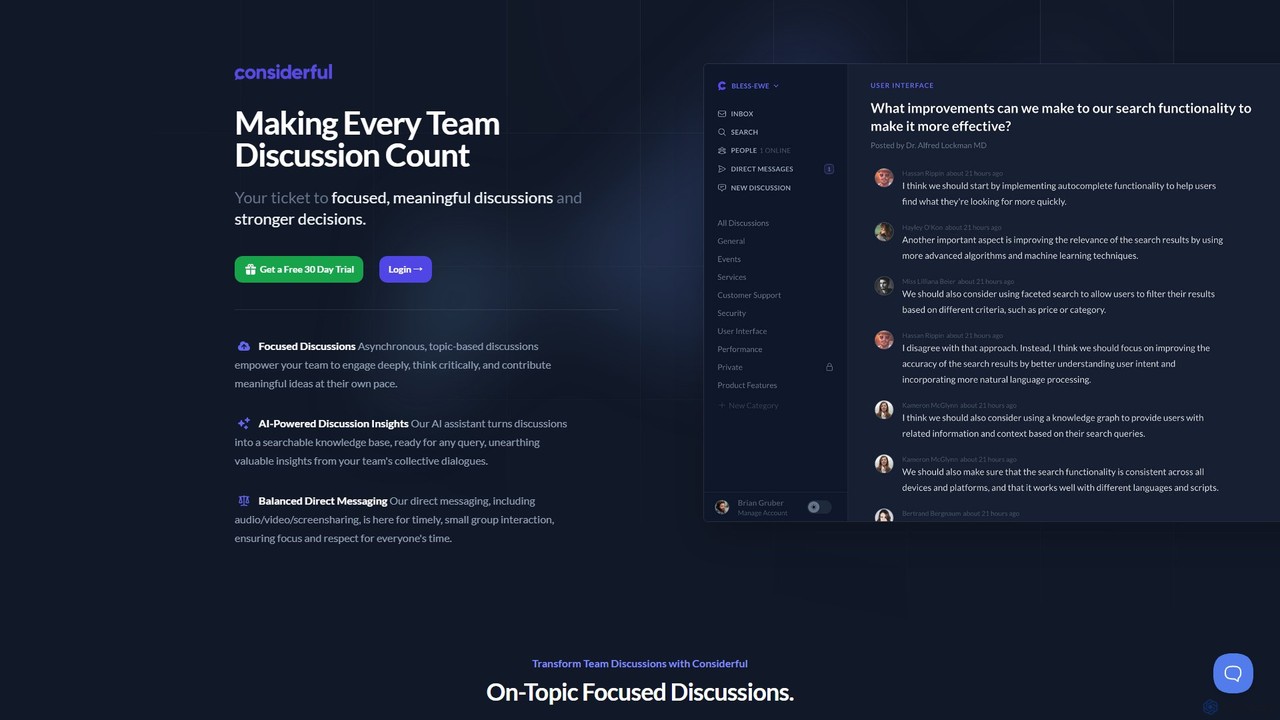
Considerful
Considerful is an AI-powered communication platform designed for productive teams. It fosters focused, asynchronous, topic-based discussions to encourage deep thinking and meaningful contributions, while its AI assistant transforms conversations into a searchable knowledge base. It also includes balanced direct messaging for timely interactions.
Project Management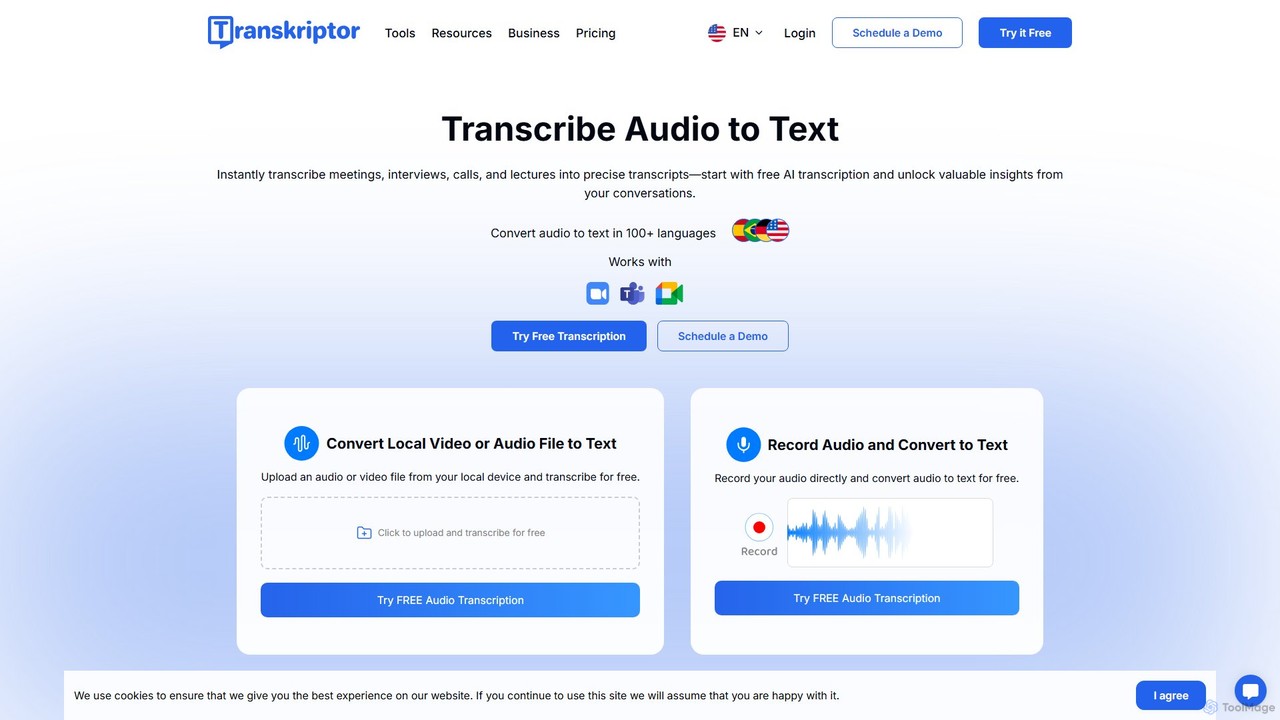
Transkriptor
Transkriptor is an AI-powered transcription service that converts audio and video files into accurate, editable text in over 100 languages. It features an AI assistant for summarizing content, identifying speakers, and extracting action items. Ideal for meetings, interviews, lectures, and content creation, it offers up to 99% accuracy and integrates with platforms like Zoom, Google Meet, and Microsoft Teams. Available as a web app, mobile app, and Chrome extension, it streamlines note-taking and creates a searchable knowledge base from your conversations.
Speech To Text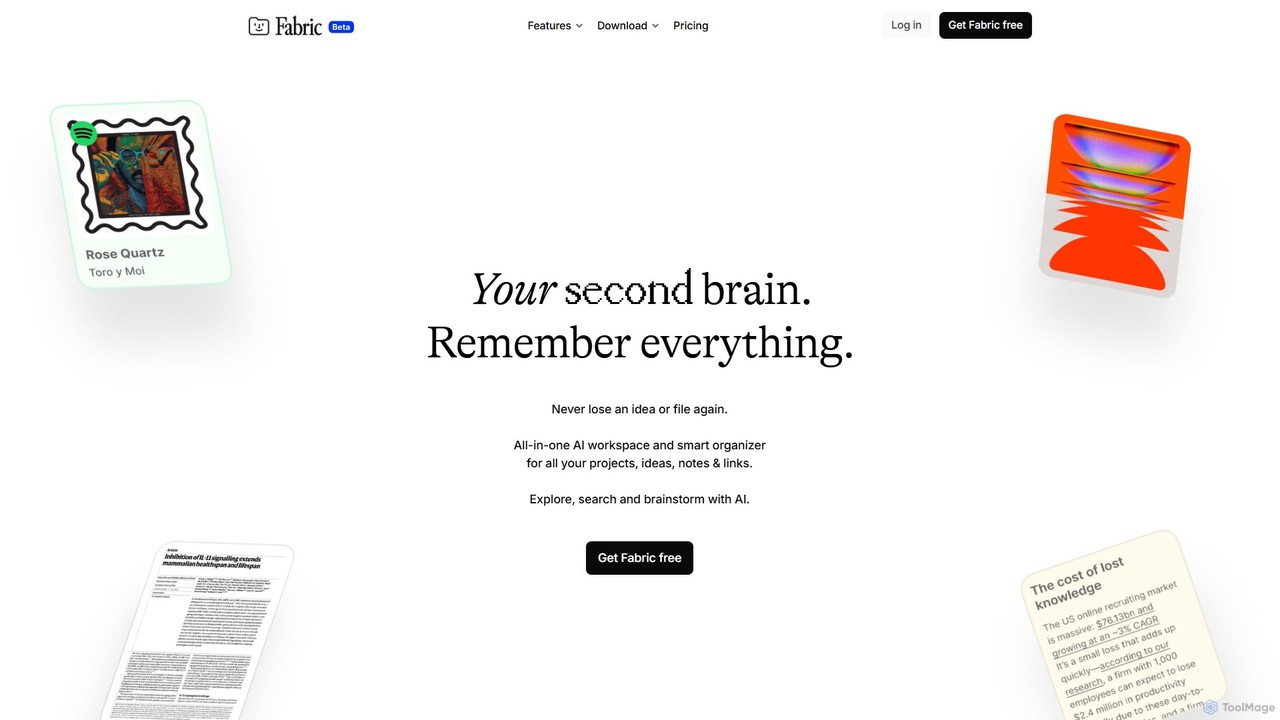
Fabric
Fabric is an AI-powered workspace and smart organizer that acts as your second brain. It automatically centralizes and connects all your notes, files, links, and ideas, eliminating the need for manual organization. Search your entire digital library with natural language and collaborate with an intelligent AI partner.
Personal Assistant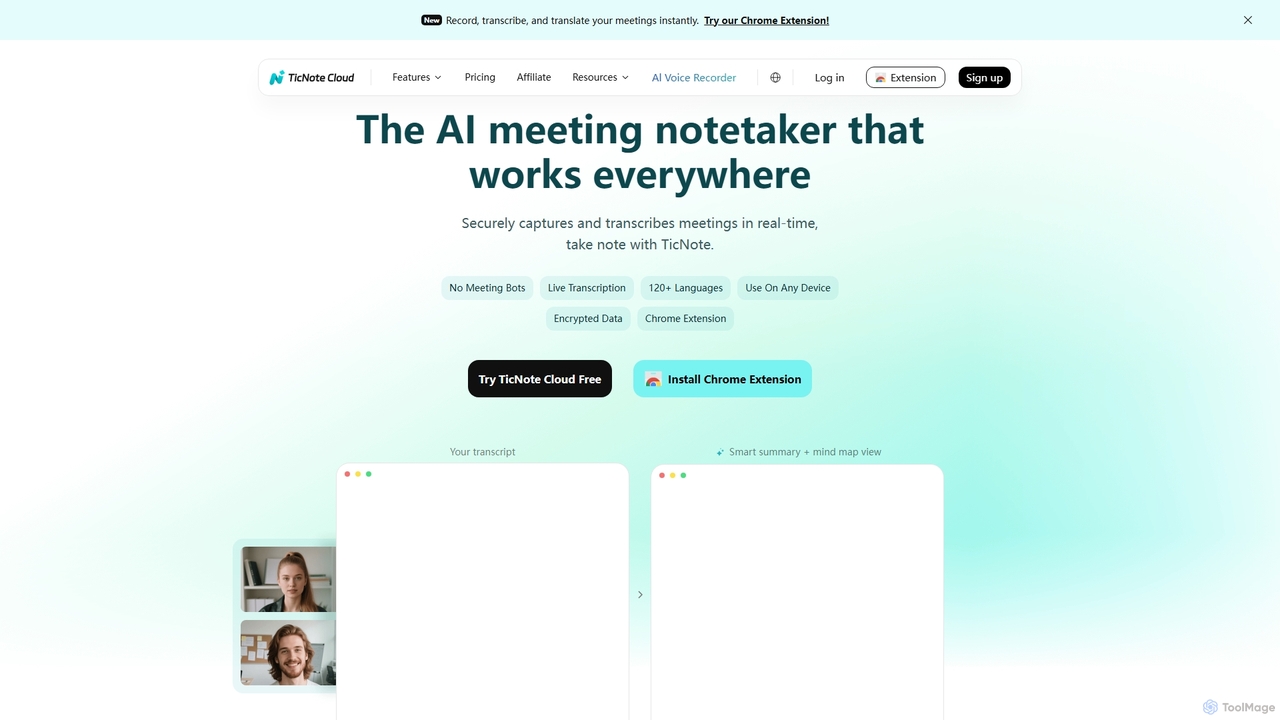
TicNote
TicNote is an AI-powered meeting notetaker that transcribes, summarizes, and organizes conversations in real-time across 120+ languages. It uses on-device AI to generate smart summaries, mind maps, and action items without meeting bots, enhancing productivity and knowledge management for professionals.
Language Processing
Mediatr Comments (0)
Sign in to comment.
Sign inNo comments yet.