
Transkriptor Overview
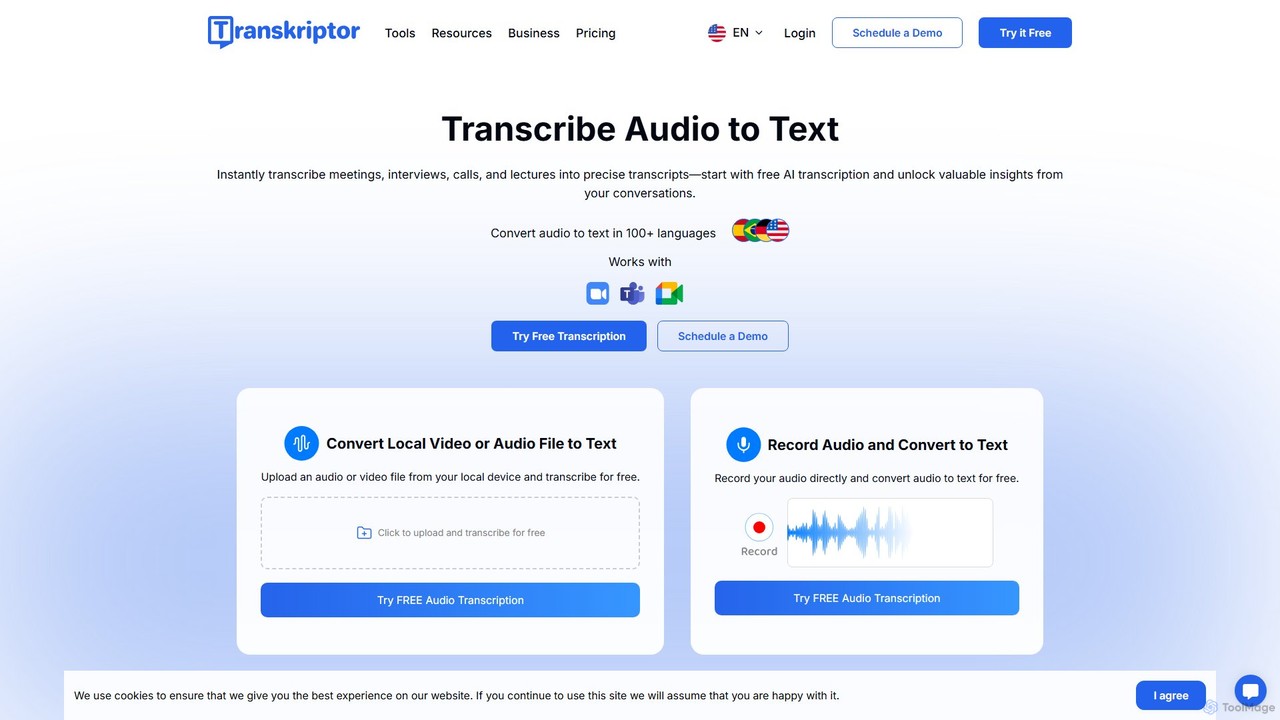
Transkriptor is an advanced AI-powered platform designed to automatically convert speech from audio and video into accurate, searchable text. It goes beyond simple transcription by offering a suite of productivity tools that help users capture, understand, and leverage the information from their conversations. Trusted by millions, Transkriptor is engineered to save time, enhance productivity, and unlock valuable insights from meetings, interviews, lectures, and media content. With support for over 100 languages and an accuracy rate of up to 99%, it provides a reliable solution for professionals, students, and teams worldwide. The platform is accessible across all devices through a web app, mobile apps for Android and iOS, and a convenient Chrome extension, ensuring you can transcribe anywhere, anytime.
How to use Transkriptor
Using Transkriptor is a simple and intuitive four-step process:
- Create an Account & Upload: Sign up for a Transkriptor account to get started. You can then upload your audio or video files directly from your device, or simply paste a link from YouTube, Google Drive, or OneDrive.
- Record or Connect: Alternatively, you can record audio directly within the Transkriptor app or use the meeting assistant bot to automatically join and transcribe your meetings on Zoom, Google Meet, and Microsoft Teams. The Chrome extension also allows for easy screen and audio recording.
- AI-Powered Transcription: Once your file is uploaded or the recording is complete, Transkriptor's advanced AI engine processes the audio and generates a highly accurate text transcript in seconds. The system automatically identifies different speakers.
- Edit, Analyze & Export: Review the generated transcript in the user-friendly editor. You can make corrections, edit speaker names, and add timestamps. Use the AI Assistant to generate summaries, ask questions about the content, or identify action items. Finally, export your transcript in various formats like TXT, SRT, Word, or Plain Text.
Core Features of Transkriptor
- High-Accuracy Transcription: Achieves up to 99% accuracy, powered by advanced AI algorithms.
- Extensive Language Support: Transcribes and translates content in over 100 languages and dialects.
- AI Meeting Assistant: Automatically records, transcribes, and summarizes meetings from Zoom, Google Meet, and Microsoft Teams.
- AI Chat Assistant: Interact with your transcripts. Ask questions, get summaries, and extract key information or action items instantly.
- Multi-Speaker Identification: Automatically detects and labels different speakers in a conversation.
- Multiple Import Options: Transcribe from local files, web links (YouTube, Google Drive), or direct recordings.
- Versatile Export Formats: Download transcripts as TXT, SRT (for subtitles), Word, or Plain Text files.
- Cross-Platform Availability: Use Transkriptor on the web, iOS, Android, and as a Google Chrome extension.
- Collaborative Workspaces: Organize transcripts into folders, share them with your team, and manage permissions for seamless collaboration.
- Sentiment Analysis: Analyze the tone and sentiment of conversations, perfect for customer feedback and team communication analysis.
- Knowledge Base Creation: Turn your collection of transcripts into a searchable knowledge hub for your team.
- Text-to-Speech: Convert any written text into natural-sounding speech, enhancing accessibility.
Use Cases for Transkriptor
Transkriptor is a versatile tool for various professionals and industries:
- Journalists & Media: Quickly transcribe interviews, press conferences, and broadcast audio for accurate reporting and subtitle generation.
- Students & Educators: Record and transcribe lectures and seminars to create searchable study notes. Educators can create quizzes and summaries from lecture content.
- Marketers & Sales Managers: Analyze sales calls and customer interviews to extract insights, track sentiment, and improve strategies.
- Lawyers & Legal Professionals: Transcribe depositions, client meetings, and court proceedings for accurate record-keeping.
- Researchers: Convert qualitative research interviews and focus group discussions into text for easier data analysis.
- Podcasters & Content Creators: Generate transcripts for podcasts and videos to improve SEO, create show notes, and produce subtitles.
Advantages of Transkriptor
Transkriptor offers significant advantages over manual transcription and competing services. Its key strengths include its incredible speed, delivering transcripts in seconds rather than hours. The high accuracy of up to 99% minimizes the need for manual corrections. It is highly cost-effective, providing a comprehensive suite of features at an affordable price. Beyond transcription, its AI-powered features like summaries, sentiment analysis, and a searchable knowledge base turn raw data into actionable insights, boosting overall productivity. Its availability on multiple platforms ensures users can capture information wherever they are.
Pricing and Plans
Transkriptor offers a freemium model with plans tailored to different needs:
- Free Plan: $0/month. Includes 1 transcription per day with a 30-minute time limit, perfect for individuals starting out.
- Pro Plan: Starts at $8.33/month (billed annually at $99.99). Offers 2,400 minutes/month of transcription, auto-recording for meetings, translation, and access to pre-built summary templates.
- Team Plan: Starts at $20/month/seat (billed annually at $240). Includes everything in Pro, plus 3,000 minutes/seat/month, collaborative workspaces, a knowledge base, call analysis features (speaker talk time, sentiment tracking), and centralized billing.
- Education Discount: A 50% discount is available on all plans for students and educators.
Traffic
Latest traffic
Status
Monthly traffic trend
- 2025-9: 3.6M
- 2026-1: 883.9K
- 2026-2: 863.9K
- 2026-3: 1.1M
- 2026-4: 1.1M
- 2026-5: 917.3K
Geography
Top 5 countries / regions
- 🇧🇷Brazil37.3%
- 🇲🇽Mexico21.2%
- 🇺🇸United States15.5%
- 🇹🇭Thailand13.7%
- 🇮🇹Italy12.3%
Traffic sources
| Source type | Percentage |
|---|---|
Direct | 85.2% |
Email | 8.1% |
Referral | 6.8% |
Top keywords
| Keyword | Cost per click |
|---|---|
| notta | $1.37 |
| otter ai | $0.93 |
| transcriptor | $1.05 |
| transkriptor | $0.58 |
| turboscribe | $0.18 |
Transkriptor Videos on YouTube

Transkriptor Global

GetAssist_net – Smart Tech Help, Made Simple
Transkriptor Alternatives

Cockatoo
Cockatoo is an AI-powered transcription service that converts audio and video files into text with blazing speed and up to 99.8% accuracy. It supports over 90 languages, offers various export formats, and includes features like document translation and secure cloud storage. Ideal for professionals, content creators, and teams.
Speech To Text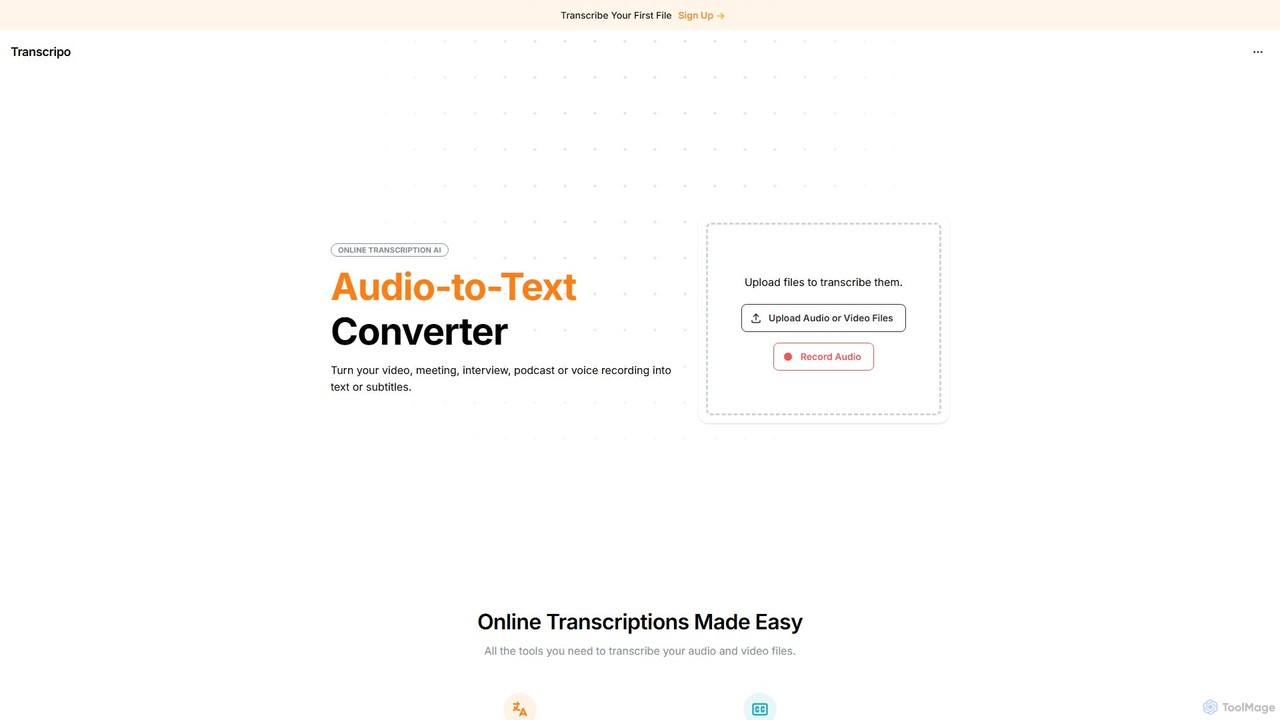
Transcripo
Transcripo is an AI-powered online tool that quickly and accurately converts audio and video files into text and subtitles. It supports over 100 languages, offers AI-generated summaries, and allows users to edit and export transcripts in various formats. Ideal for transcribing interviews, meetings, podcasts, and creating video subtitles to enhance content accessibility and SEO.
Speech To Text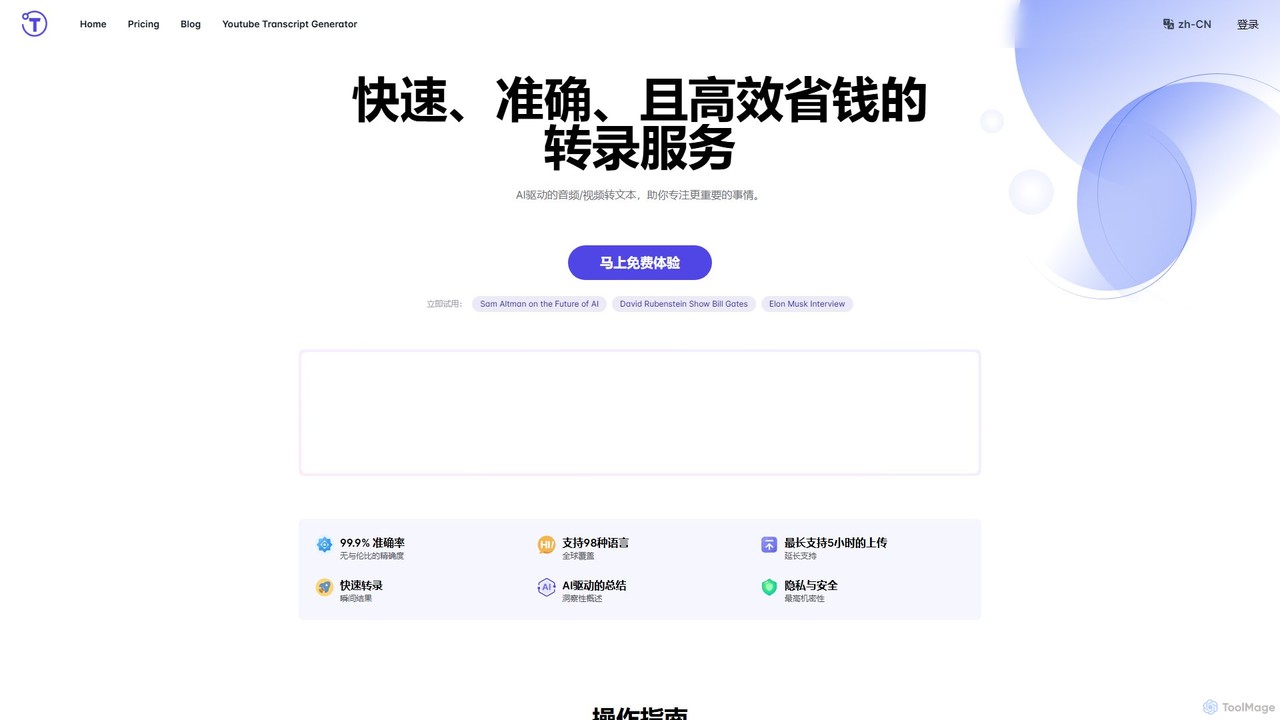
yescribe
yescribe is an AI-powered transcription service that quickly and accurately converts audio and video files into text. Supporting 98 languages, it offers 99.9% accuracy, AI-driven summaries, and speaker identification. Ideal for professionals, researchers, and content creators to streamline workflows, enhance accessibility, and unlock insights from their media content.
Speech To Text
inkr
inkr is an AI-powered transcription service that converts audio and video to text with exceptional speed and accuracy. It supports over 100 languages and features an AI assistant for querying transcripts, smart note-taking with templates, and speaker identification. Ideal for professionals, students, and teams.
Speech To Text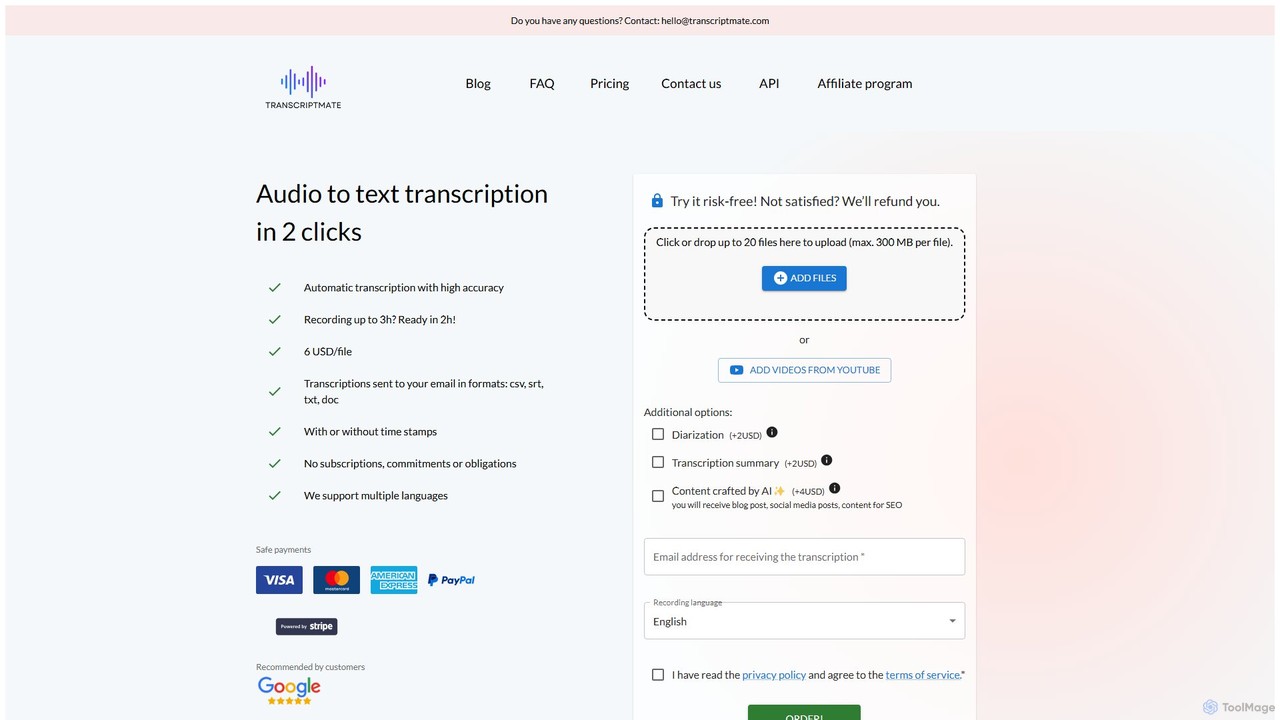
Transcriptmate
Transcriptmate is a simple, pay-as-you-go AI transcription service that converts audio and video files into accurate text in just a few clicks. It supports multiple languages and delivers transcripts in various formats (CSV, SRT, TXT, DOC) directly to your email. With no subscriptions required, it's ideal for one-off projects. Optional add-ons include speaker diarization, AI-generated summaries, and content creation, making it a versatile tool for students, podcasters, researchers, and professionals.
Speech To TextTranskriptor Categories
Transkriptor Embed Widget
Copy this embed code to place the badge on your blog, article, or product site and send readers directly to this ToolMage detail page.

Related AI tools
Cockatoo
Cockatoo is an AI-powered transcription service that converts audio and video files into text with blazing speed and up to 99.8% accuracy. It supports over 90 languages, offers various export formats, and includes features like document translation and secure cloud storage. Ideal for professionals, content creators, and teams.
Speech To TextTranscripo
Transcripo is an AI-powered online tool that quickly and accurately converts audio and video files into text and subtitles. It supports over 100 languages, offers AI-generated summaries, and allows users to edit and export transcripts in various formats. Ideal for transcribing interviews, meetings, podcasts, and creating video subtitles to enhance content accessibility and SEO.
Speech To Textyescribe
yescribe is an AI-powered transcription service that quickly and accurately converts audio and video files into text. Supporting 98 languages, it offers 99.9% accuracy, AI-driven summaries, and speaker identification. Ideal for professionals, researchers, and content creators to streamline workflows, enhance accessibility, and unlock insights from their media content.
Speech To Textinkr
inkr is an AI-powered transcription service that converts audio and video to text with exceptional speed and accuracy. It supports over 100 languages and features an AI assistant for querying transcripts, smart note-taking with templates, and speaker identification. Ideal for professionals, students, and teams.
Speech To TextTranscriptmate
Transcriptmate is a simple, pay-as-you-go AI transcription service that converts audio and video files into accurate text in just a few clicks. It supports multiple languages and delivers transcripts in various formats (CSV, SRT, TXT, DOC) directly to your email. With no subscriptions required, it's ideal for one-off projects. Optional add-ons include speaker diarization, AI-generated summaries, and content creation, making it a versatile tool for students, podcasters, researchers, and professionals.
Speech To Text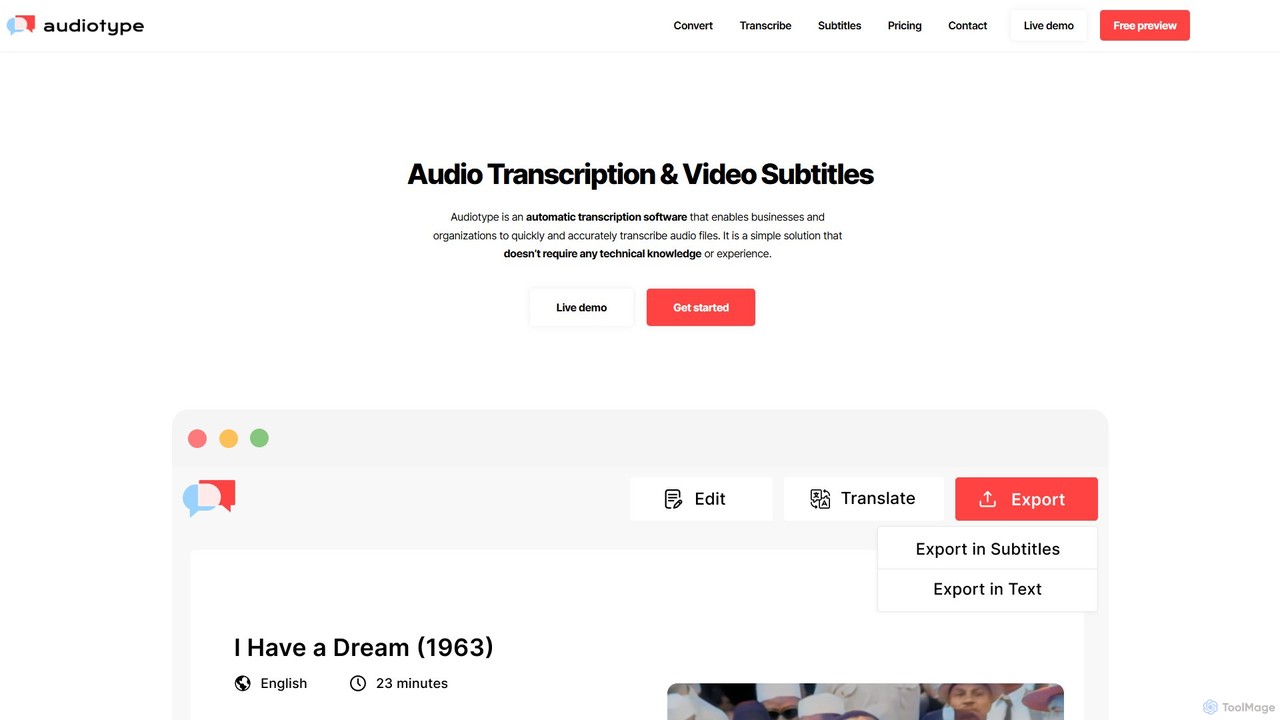
Audiotype
Audiotype is an AI-powered transcription service that automatically converts audio and video files into text and subtitles. It supports over 30 languages with high accuracy (80-95%), ensuring privacy and security. Ideal for journalists, students, and content creators, it offers a simple, no-account-required interface, speaker identification, and multiple export formats, saving hours of manual work.
Speech To Text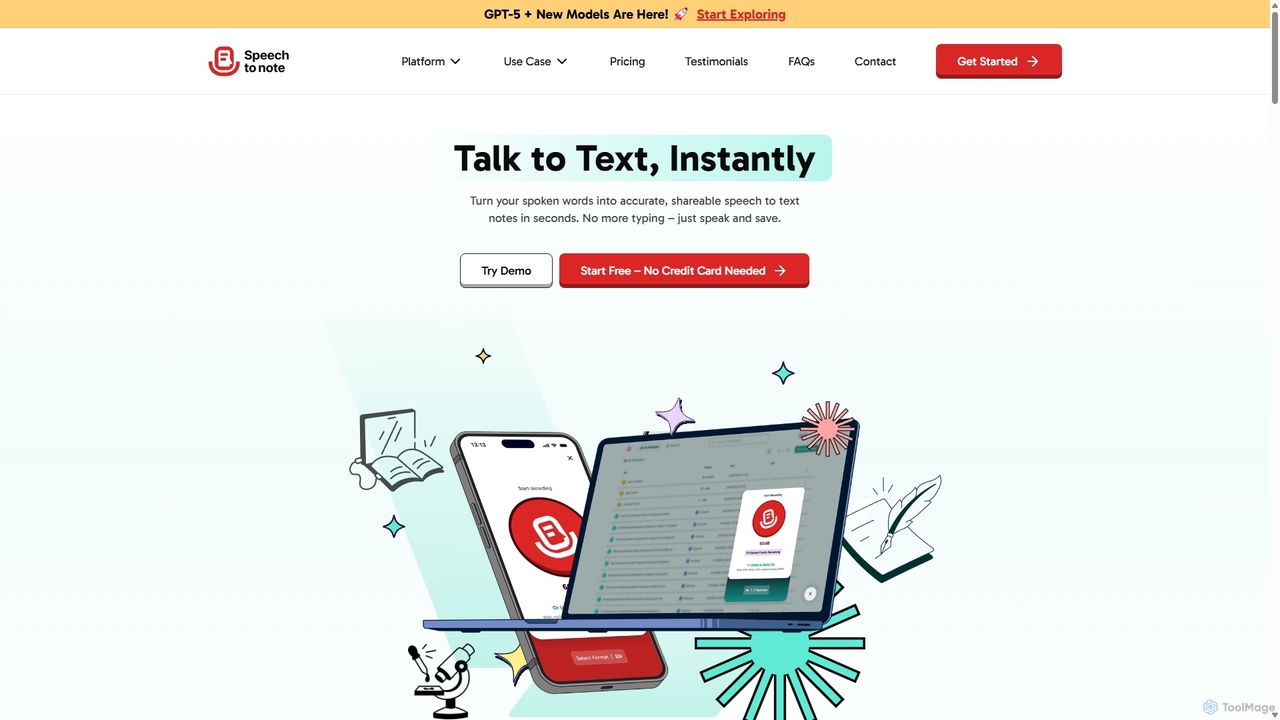
SpeechtoNote
SpeechtoNote is an AI-powered tool that instantly converts spoken words into accurate text notes. It supports over 40 languages and offers 30+ smart note formats, including summaries, emails, and to-do lists. Powered by advanced models like GPT-4o, it's designed for professionals, students, and creators to capture ideas, transcribe meetings, and streamline their workflow effortlessly.
Speech To Text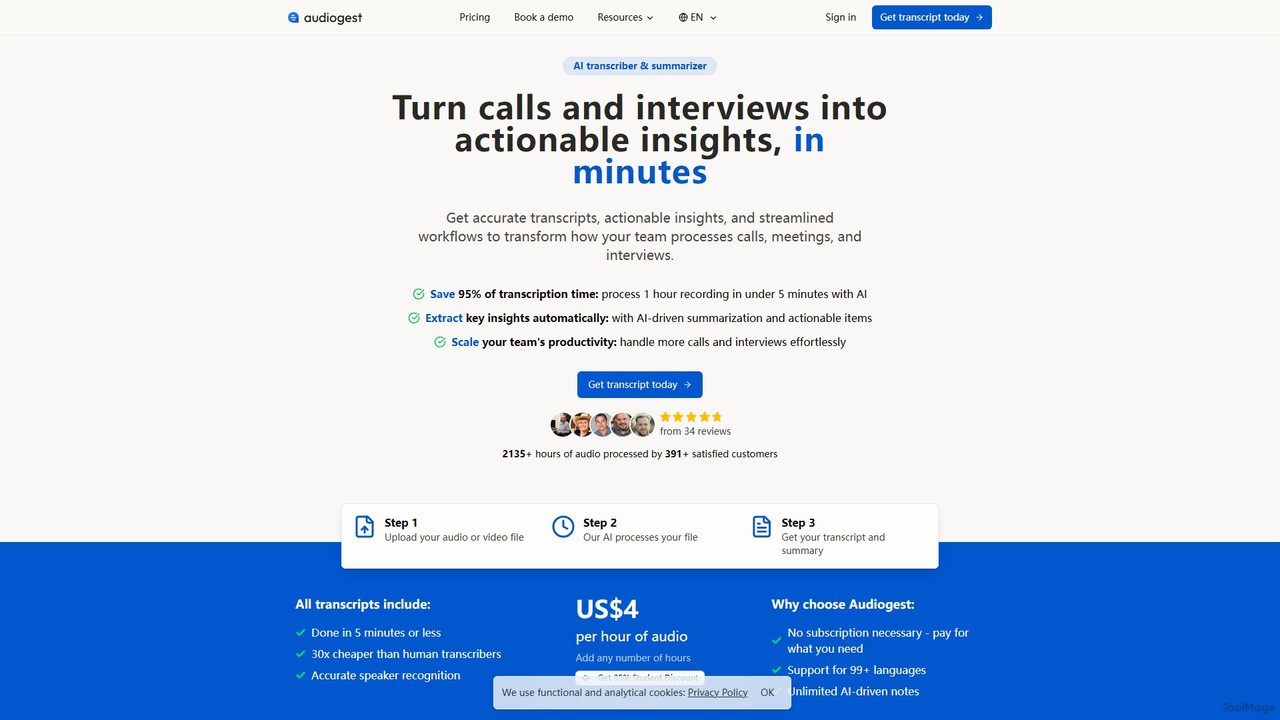
Audiogest
Audiogest is an AI-powered tool that quickly and accurately transcribes and summarizes audio and video files in over 99 languages. It features speaker recognition, customizable AI notes, and flexible pay-as-you-go pricing. Ideal for students, researchers, and professionals, it saves hours of manual work while ensuring data privacy with EU-based servers. Get fast, affordable, and reliable transcripts and summaries without a subscription.
Speech To Text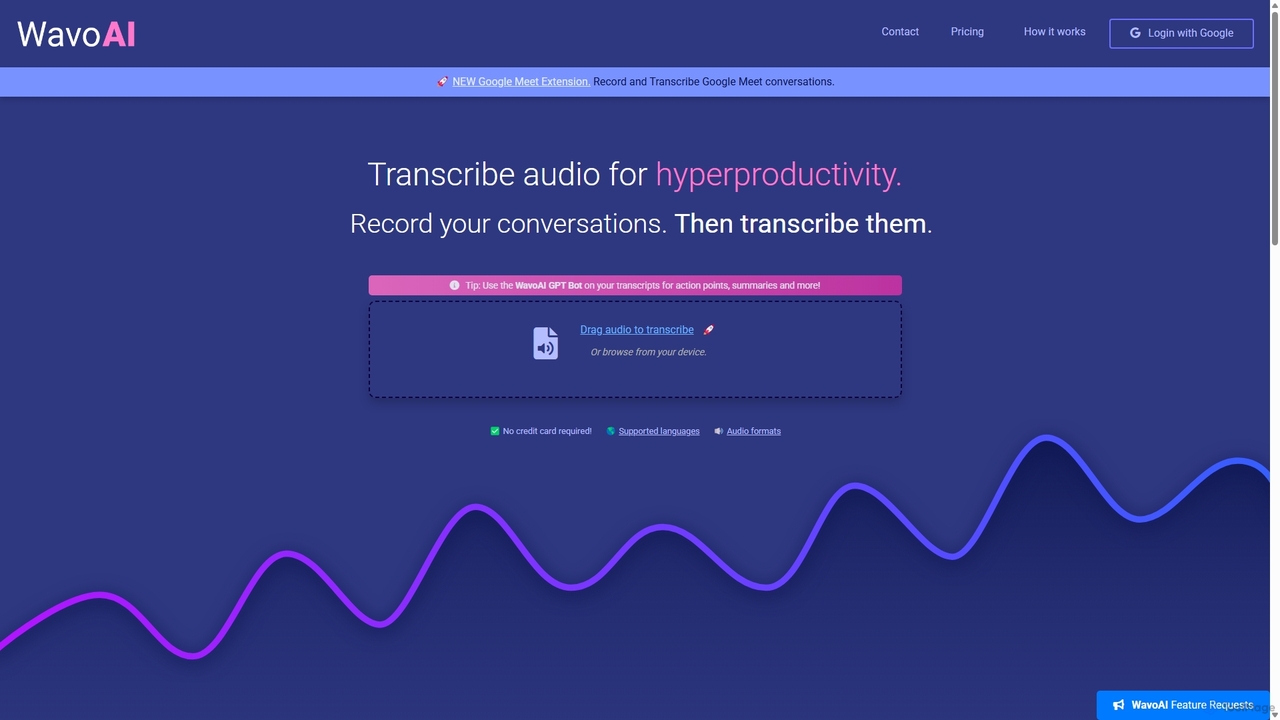
WavoAI
WavoAI is an AI-powered platform that transforms audio and conversations into highly accurate, actionable transcripts. It features speaker identification and an interactive GPT-like bot that allows you to summarize, analyze, and extract key insights like action points from your transcribed text, effectively turning your audio into structured, searchable data.
Speech To Text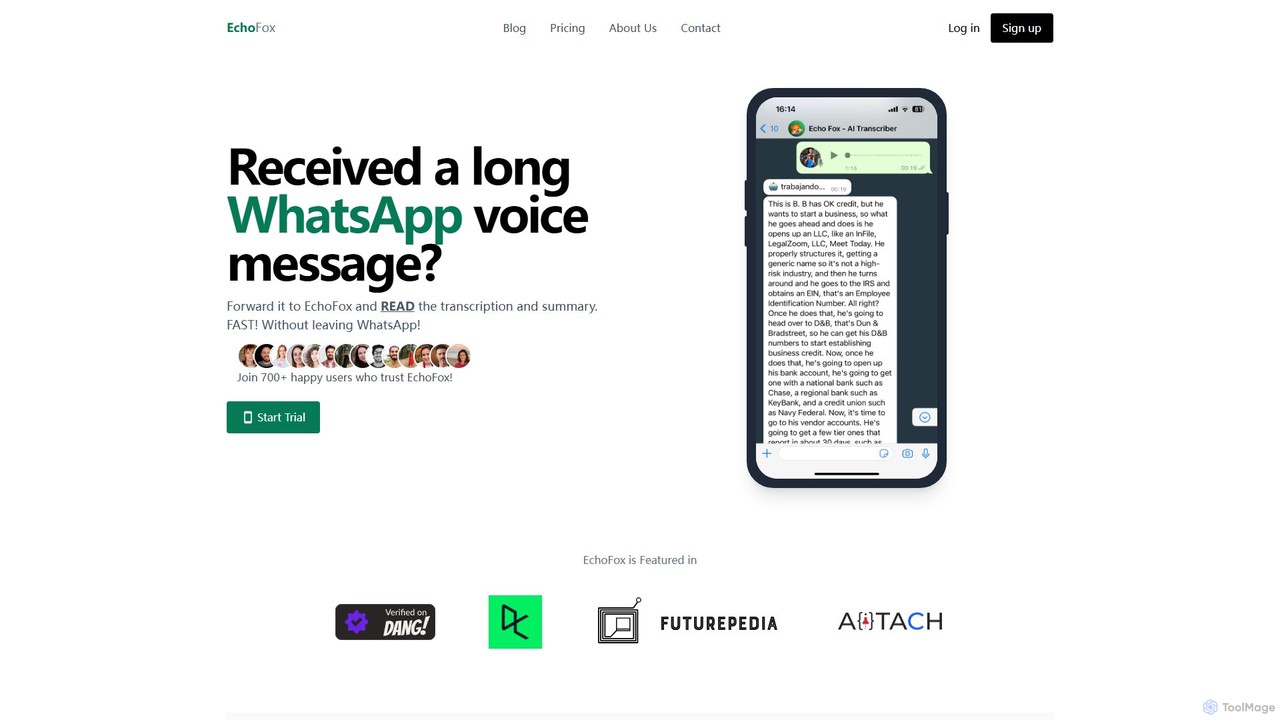
EchoFox
EchoFox is an AI-powered personal transcriber for WhatsApp. Simply forward any voice message, audio file, or video to the EchoFox contact, and instantly receive a highly accurate transcription and a concise summary. It supports over 90 languages, enhances productivity by saving time, and ensures privacy. Ideal for busy professionals, parents, and anyone who prefers reading to listening.
Speech To Text
OneAudio
OneAudio is an AI-powered tool that transcribes, summarizes, and converts your audio recordings into structured, clean notes. Instantly capture ideas, meeting minutes, or lecture content by recording directly or uploading an audio file, and let the AI generate concise, editable summaries.
Summarizer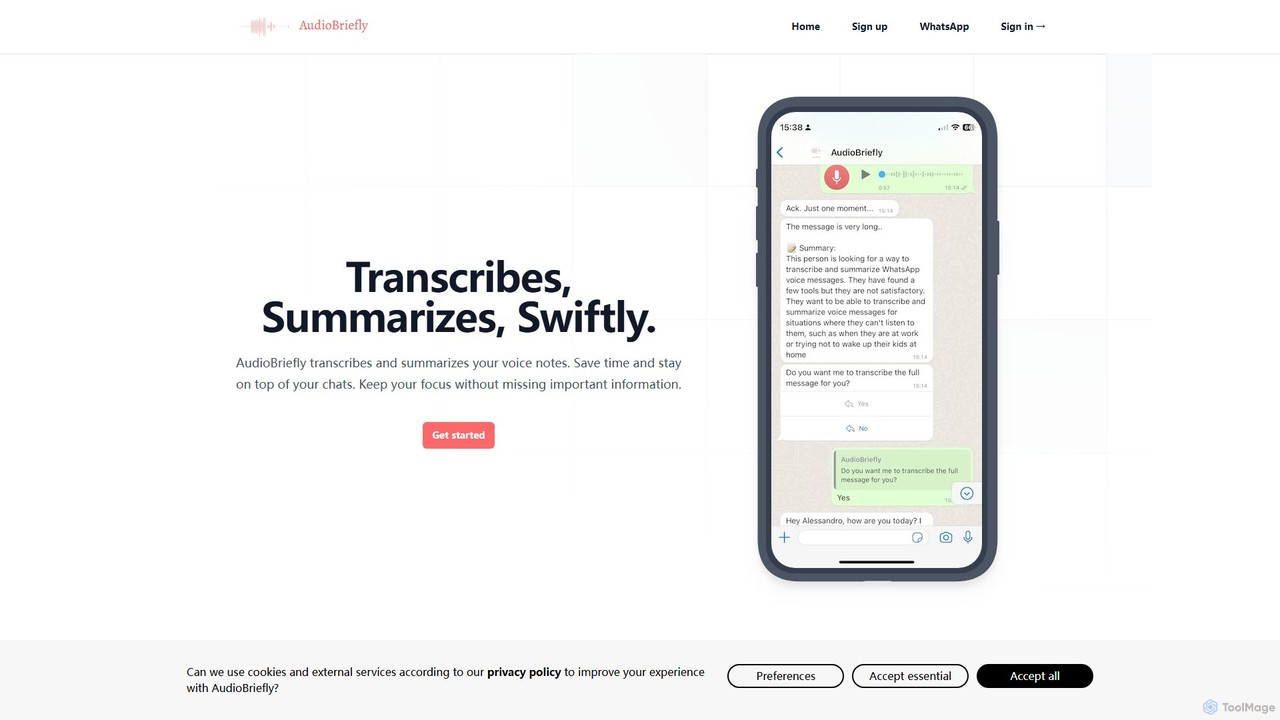
AudioBriefly
AudioBriefly is an AI-powered tool that transcribes and summarizes audio notes directly within WhatsApp and on the web. It saves you time by converting long voice messages into concise text and summaries, allowing you to quickly grasp key information without listening to the entire audio. It's perfect for busy professionals, students, and anyone who wants to manage their voice communications more efficiently.
Speech To Text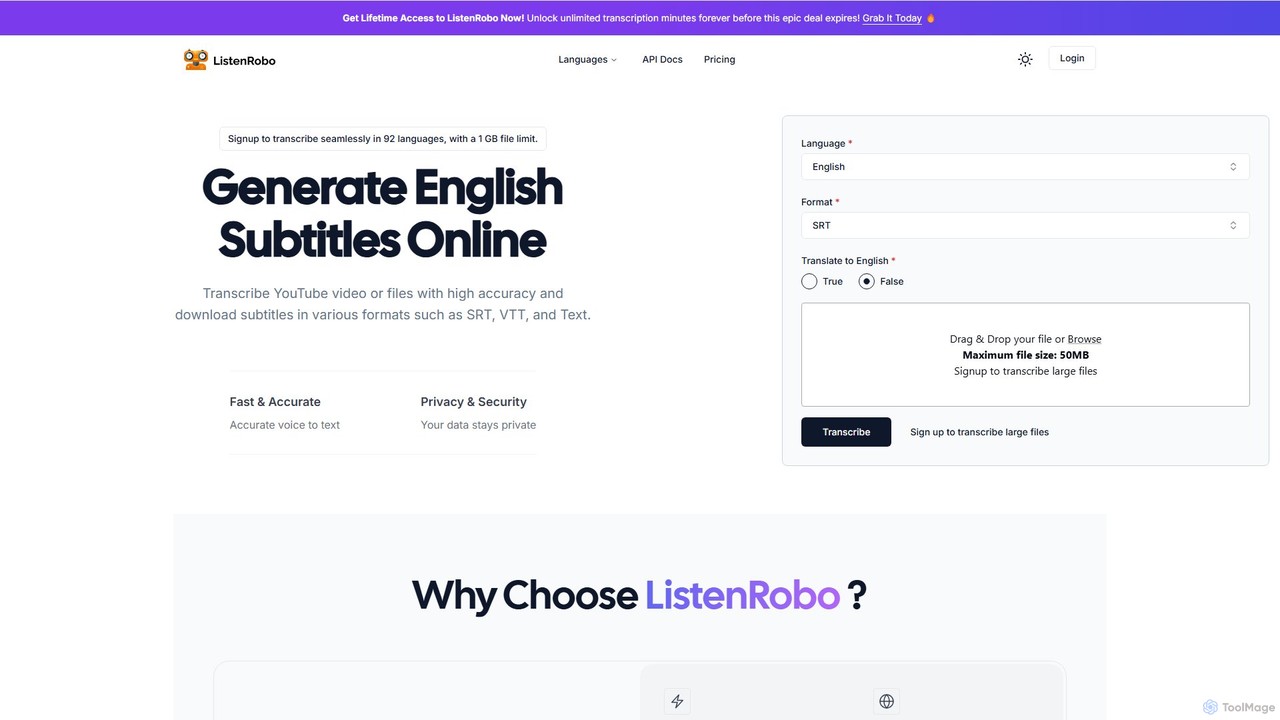
ListenRobo
ListenRobo is an AI-powered transcription service that accurately converts audio and video into text in over 92 languages. It supports various file formats and direct transcription from URLs like YouTube. Key features include high-accuracy voice-to-text, subtitle generation (SRT, VTT), translation into English, and automated summaries. Designed for students, journalists, and businesses, it enhances accessibility, boosts SEO, and streamlines content repurposing.
Speech To Text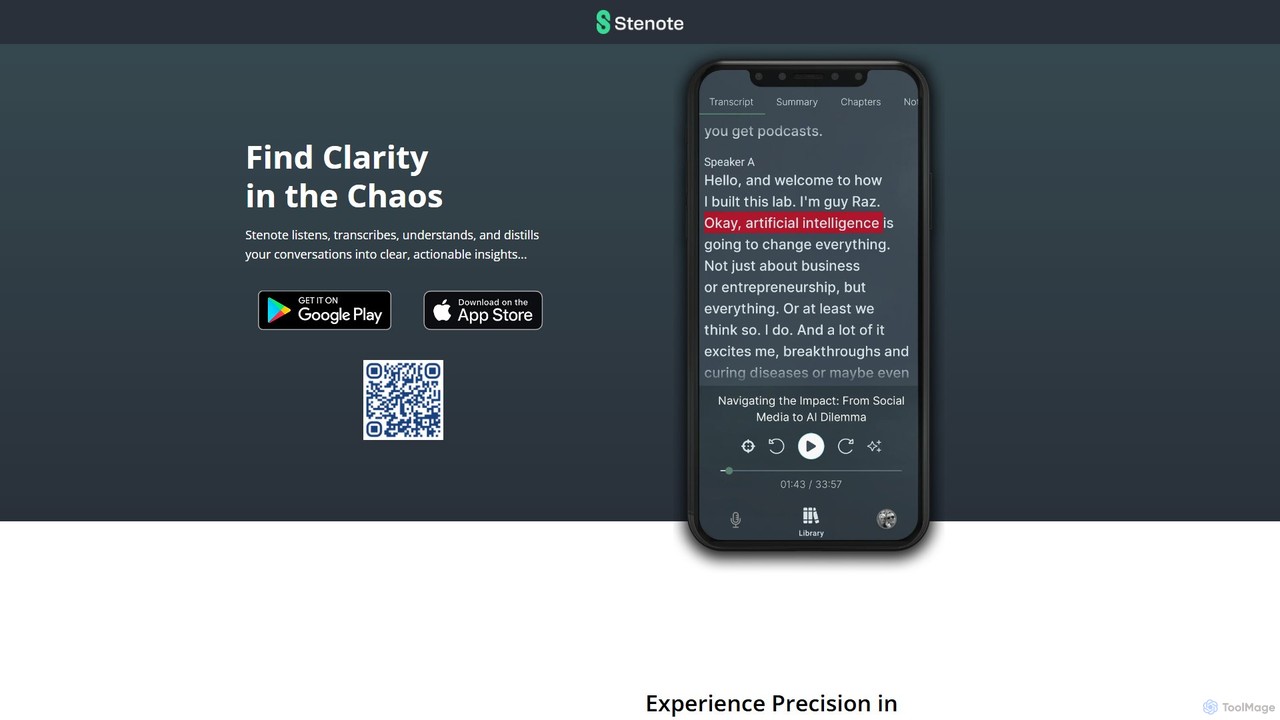
Stenote
Stenote is an AI-powered mobile app that listens to, transcribes, and summarizes your conversations in real-time. It transforms lengthy discussions, meetings, and lectures into clear, actionable insights with over 90% accuracy, helping you focus on the conversation without worrying about note-taking.
Speech To Text
echoscribe
Echoscribe is an AI-powered transcription service that converts audio and video into accurate text. It offers features like speaker identification, automated summaries, and action item detection, making it ideal for professionals, students, and content creators to save time and extract key insights from their recordings.
Speech To Text
Transkriptor Comments (0)
Sign in to comment.
Sign inNo comments yet.