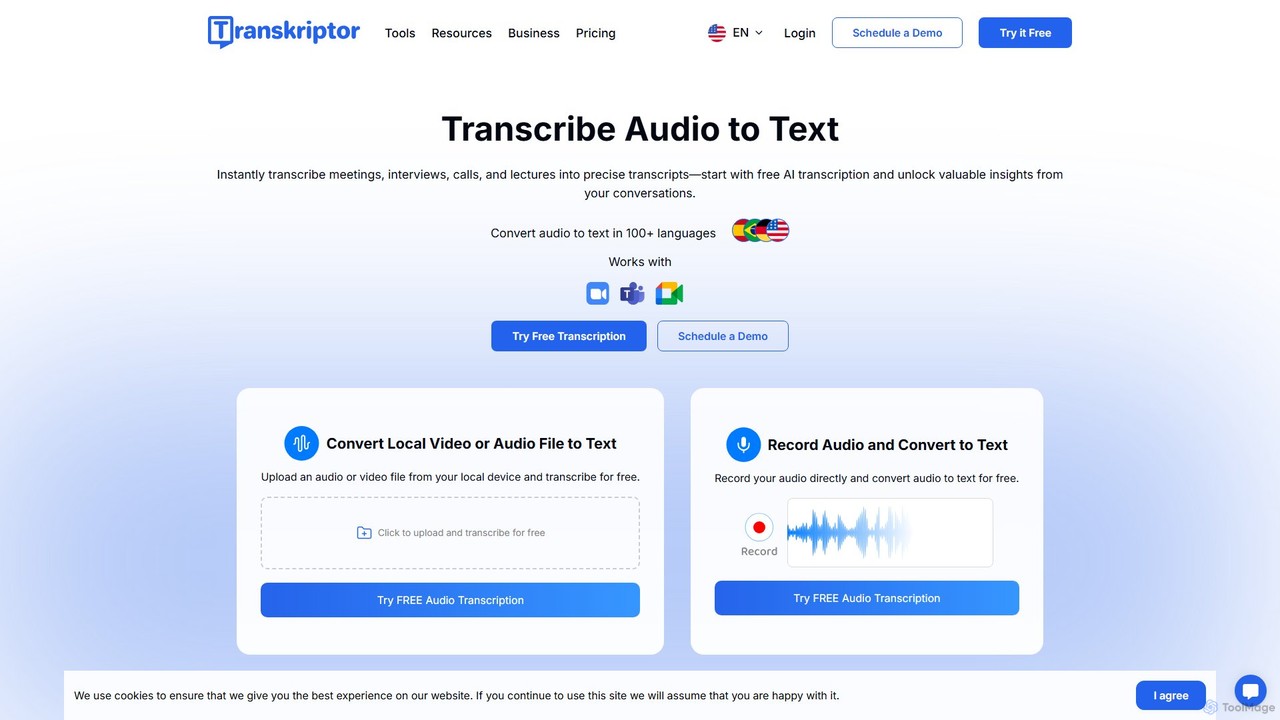
Meeting Assistants are AI-powered tools that automate the documentation and analysis of conversations during meetings. They typically integrate with video conferencing platforms to provide real-time transcription, identify speakers, and extract key information automatically. This allows participants to focus on the discussion rather than on manual note-taking, ensuring that critical decisions and action items are accurately captured. These assistants transform unstructured conversations into structured, searchable data, significantly improving post-meeting productivity and knowledge sharing.
Core Features
- Real-Time Transcription: Converts spoken words into text live during the meeting, often with speaker identification.
- Automated Summaries: Generates concise summaries, highlights, and chapters of the meeting discussion using AI.
- Action Item & Decision Tracking: Automatically identifies and lists tasks, deadlines, and key decisions made during the conversation.
- Topic & Keyword Analysis: Analyzes the transcript to identify recurring themes, keywords, and sentiment, providing deeper insights.
- Collaborative Note-taking: Allows team members to add comments, highlights, and notes directly to the transcript during or after the meeting.
Use Cases
Meeting Assistants are widely used by project management teams to track deliverables, sales teams to analyze client calls, and user researchers to process interview data. They are also valuable for remote or hybrid teams that need a reliable single source of truth for all meeting outcomes, ensuring alignment and accountability across different time zones.
How to Choose
When selecting a Meeting Assistant, consider its integration capabilities with your existing calendar and conferencing tools (e.g., Zoom, Google Meet, Microsoft Teams). Evaluate the accuracy of its transcription and its support for different languages or accents. Also, review its security and data privacy policies, especially if you discuss sensitive information. Finally, compare pricing models based on the number of users and required features.