ToolMage
Sign in

Best 1 Business Automation AI tools for Artificial Intelligence

Popular Business Automation AI tools in Artificial Intelligence include Eunoia, helping you work more efficiently.

Eunoia
Paid

Eunoia

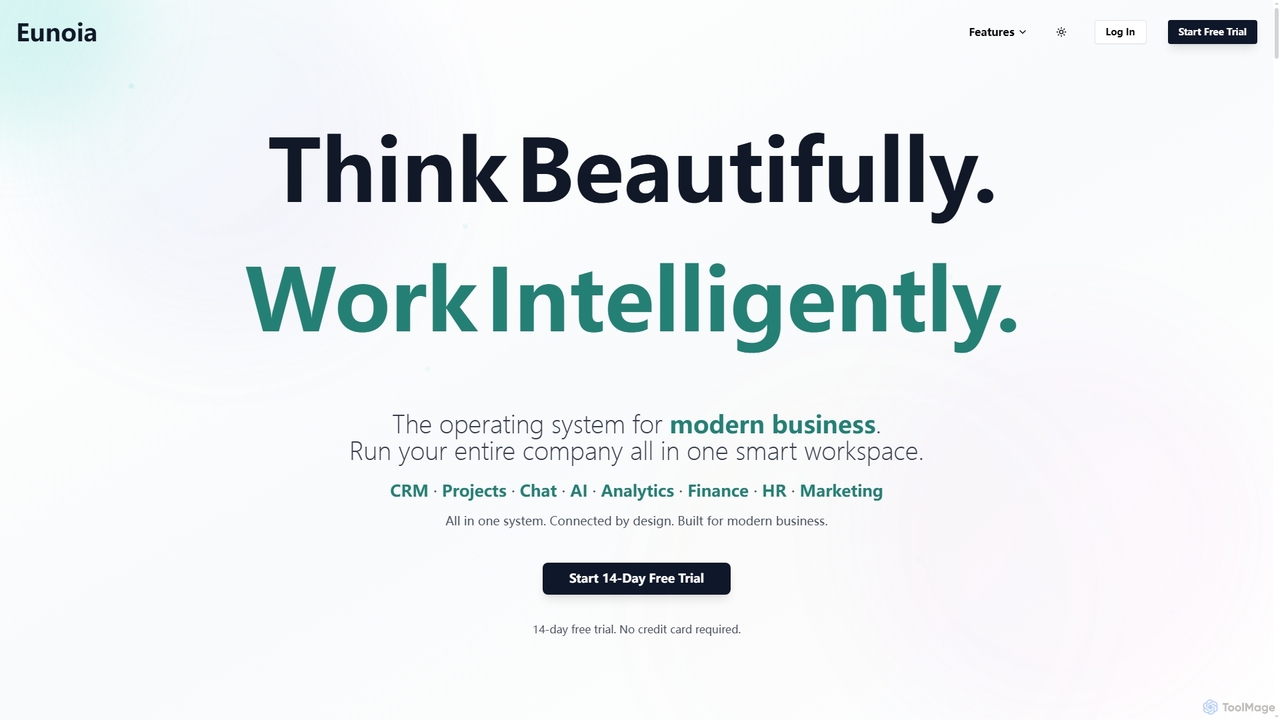
Eunoia is an all-in-one AI-powered business workspace designed to streamline operations by integrating CRM, project management, chat, AI, analytics, finance, HR, and marketing. It aims to replace numerous fragmented tools, offering a unified platform for modern businesses to think beautifully and work intelligently.

Business Automation
Visits 5.6KFavorites 114Likes 131

About Business Automation

Business Automation tools are AI-powered solutions designed to streamline and optimize repetitive tasks and complex workflows across various business functions. Leveraging artificial intelligence, machine learning, and robotic process automation (RPA), these tools automate data entry, customer service, marketing campaigns, and operational processes. They aim to enhance efficiency, reduce operational costs, and free up human resources for more strategic initiatives, transforming how enterprises operate.

Core Features

  • Intelligent Process Automation (IPA): Combines RPA with AI capabilities like machine learning and natural language processing to automate more complex, cognitive tasks.
  • Workflow Orchestration: Designs, executes, and monitors automated sequences of tasks and decisions across different systems and departments.
  • Data Extraction & Processing: Automatically extracts, validates, and processes information from various sources, including unstructured data like documents and emails.
  • Predictive Analytics: Utilizes AI to analyze historical data and predict future outcomes, enabling proactive decision-making and automated responses.
  • Integration Capabilities: Seamlessly connects with existing enterprise systems (CRM, ERP, HRIS) to ensure smooth data flow and end-to-end automation.

Use Cases

Business Automation is widely adopted in finance for automating invoice processing and fraud detection, in HR for onboarding and payroll, and in customer service for intelligent chatbots and ticket routing. It helps organizations manage high volumes of routine tasks, ensuring consistency and accuracy while significantly reducing manual effort and operational bottlenecks.

How to Choose

When selecting a Business Automation tool, consider its integration capabilities with your current tech stack, the complexity of processes it can handle, and its scalability to grow with your business. Evaluate the user-friendliness of its interface, the level of AI intelligence for cognitive tasks, and the vendor's support and security features. A clear understanding of your specific automation needs and budget is also crucial.

Business Automation use cases

1

Automating Customer Service Inquiries

Customer service departments can deploy AI-powered chatbots and virtual assistants to automatically handle common customer inquiries, provide instant answers, and route complex issues to human agents. This reduces response times, improves customer satisfaction, and frees up human agents to focus on more critical interactions, significantly enhancing service efficiency.

2

Automating Invoice Processing and Reconciliation

For finance departments, manually processing hundreds or thousands of invoices is time-consuming and prone to errors. Business automation tools use AI-powered optical character recognition (OCR) and natural language processing (NLP) to automatically extract data from invoices, validate it against purchase orders, and reconcile payments. This reduces processing time by up to 70%, minimizes discrepancies, and ensures timely vendor payments, allowing finance teams to focus on strategic analysis rather than data entry.

3

Streamlining Invoice Processing and Approval

Finance teams utilize business automation tools to automatically extract data from invoices, validate information against purchase orders, and initiate approval workflows. This eliminates manual data entry errors, accelerates the payment cycle, and ensures compliance, leading to faster financial operations and reduced administrative burden.

4

Streamlining Customer Service with AI Chatbots

Customer service teams often face high volumes of repetitive inquiries that can overwhelm agents and delay response times. AI-powered chatbots and virtual assistants automate responses to frequently asked questions, guide users through troubleshooting steps, and even process simple transactions 24/7. This significantly improves customer satisfaction by providing instant support, reduces agent workload by handling up to 80% of routine queries, and allows human agents to focus on complex issues requiring empathy and critical thinking.

5

Automating HR Onboarding and Offboarding

HR departments can automate the entire employee lifecycle, from onboarding new hires with automated document generation, system access provisioning, and training assignments, to offboarding processes like access revocation and final payroll. This ensures a consistent, compliant, and efficient experience for employees and HR staff, saving considerable time.

6

Optimizing HR Onboarding and Employee Lifecycle Management

Human Resources departments can leverage business automation to create seamless onboarding experiences for new hires. Tools can automatically send welcome emails, assign training modules, set up IT accounts, and manage compliance documents. Throughout the employee lifecycle, these systems can automate performance review reminders, leave requests, and offboarding procedures. This ensures consistency, reduces administrative burden by 50%, and enhances employee experience from day one.

7

Enhancing Marketing Campaign Management and Personalization

Marketing teams can use business automation to automate various aspects of campaign execution, from email scheduling and social media posting to lead nurturing. AI algorithms analyze customer data to segment audiences, predict optimal sending times, and personalize content at scale. This leads to higher engagement rates, more qualified leads, and a significant reduction in manual effort, allowing marketers to focus on creative strategy and campaign optimization.

8

Optimizing Marketing Campaign Execution

Marketing teams leverage automation to schedule and publish social media posts, send personalized email campaigns based on user behavior, and manage ad spend across platforms. This allows for highly targeted and timely outreach, improving campaign performance and freeing marketers to focus on strategy and creative content development.

9

Automating IT Incident Management

IT operations can use automation to automatically detect system anomalies, create incident tickets, diagnose common issues, and even trigger self-healing scripts. This drastically reduces downtime, improves system reliability, and allows IT staff to concentrate on complex problem-solving and infrastructure development rather than reactive troubleshooting.

10

Automating Supply Chain Forecasting and Inventory Management

In manufacturing and retail, managing complex supply chains and inventory levels is critical. Business automation tools, powered by machine learning, analyze historical sales data, market trends, and external factors to provide highly accurate demand forecasts. They can automatically trigger reorder processes, optimize warehouse layouts, and identify potential supply chain disruptions. This minimizes stockouts, reduces carrying costs by 15-20%, and improves overall operational resilience.

11

Enhancing Supply Chain and Inventory Management

Businesses can automate inventory tracking, order processing, and supplier communication. AI-driven automation can predict demand fluctuations, optimize stock levels, and automatically reorder supplies, minimizing stockouts and overstocking while improving overall supply chain resilience and operational flow.

12

Accelerating Sales Lead Qualification and Follow-up

Sales teams spend considerable time qualifying leads and performing follow-up tasks. AI-driven business automation can automatically score leads based on engagement and demographic data, prioritize hot leads, and even initiate personalized email sequences. It can also schedule meetings and update CRM records without manual intervention. This allows sales representatives to focus their efforts on high-potential prospects, increasing conversion rates by improving response times and targeting.

Business Automation FAQ

What are Business Automation tools?

Business Automation tools are software solutions that use technologies like AI, machine learning, and Robotic Process Automation (RPA) to automate repetitive, rule-based, and often complex tasks within an organization. Their primary goal is to enhance operational efficiency, reduce human error, and free up employees to focus on more strategic, value-added activities across various departments.

What is Business Automation?

Business Automation refers to the use of technology, particularly AI and machine learning, to automate repetitive, rule-based, and data-intensive tasks within an organization. Unlike traditional automation, AI-powered business automation can learn from data, adapt to changing conditions, and handle more complex, unstructured processes, leading to greater efficiency, accuracy, and scalability across various departments like finance, HR, and customer service.

How do Business Automation tools differ from traditional IT automation?

While traditional IT automation often focuses on automating IT infrastructure and system processes, Business Automation extends to automating business-specific workflows across departments like finance, HR, and customer service. It often incorporates AI and machine learning to handle more cognitive, unstructured data tasks, making it more adaptable and intelligent than purely rule-based IT automation.

How do Business Automation tools differ from traditional automation (e.g., RPA)?

While Robotic Process Automation (RPA) automates structured, rule-based tasks by mimicking human actions, Business Automation, especially Intelligent Process Automation (IPA), integrates AI capabilities like machine learning, natural language processing (NLP), and computer vision. This allows it to handle unstructured data, make decisions, learn from experience, and adapt to variations, making it suitable for more complex, cognitive tasks that traditional RPA alone cannot address effectively.

What are the key benefits of implementing Business Automation?

Implementing Business Automation offers several key benefits, including significant improvements in operational efficiency by speeding up processes and reducing manual effort. It also leads to enhanced accuracy by minimizing human error, substantial cost savings through reduced labor and operational overhead, and improved compliance due to consistent execution of tasks. Furthermore, it boosts employee satisfaction by removing mundane work.

What are the key benefits of implementing Business Automation?

Implementing Business Automation offers several key benefits, including significant improvements in operational efficiency by automating mundane tasks, leading to cost reductions and faster processing times. It enhances accuracy by minimizing human error, ensures compliance through consistent execution, and boosts employee satisfaction by freeing staff from repetitive work for more engaging, strategic activities. Ultimately, it drives digital transformation and competitive advantage.

Which departments within an organization benefit most from Business Automation?

Virtually all departments can benefit, but some see more immediate and significant impacts. Finance and Accounting benefit from automated invoice processing, expense management, and financial reporting. HR departments streamline onboarding, payroll, and employee support. Customer Service leverages AI chatbots for instant support. Marketing automates campaign execution and personalization. Operations and Supply Chain optimize logistics and inventory. Sales benefits from lead qualification and follow-up automation.

What types of tasks are best suited for Business Automation?

Business Automation is best suited for tasks that are repetitive, rule-based, high-volume, and time-consuming. Examples include data entry, invoice processing, report generation, customer inquiry handling, employee onboarding, and inventory management. Tasks involving structured data and clear decision logic are ideal candidates for initial automation efforts.

How can I ensure a successful Business Automation implementation?

To ensure a successful Business Automation implementation, start by clearly defining your objectives and identifying the processes with the highest automation potential and ROI. Choose a tool that integrates well with your existing systems and offers scalability. Involve key stakeholders, provide adequate training for employees, and adopt a phased approach, starting with smaller projects before scaling up. Continuous monitoring and optimization are also crucial.

How can I choose the right Business Automation solution for my company?

To choose the right solution, first identify your most critical pain points and processes suitable for automation. Evaluate solutions based on their specific AI capabilities (e.g., NLP, computer vision), integration with your existing IT infrastructure, scalability for future growth, and ease of use for your team. Consider the vendor's industry expertise, support model, security features, and pricing structure to ensure it aligns with your budget and long-term strategic objectives.