
Superlist Overview
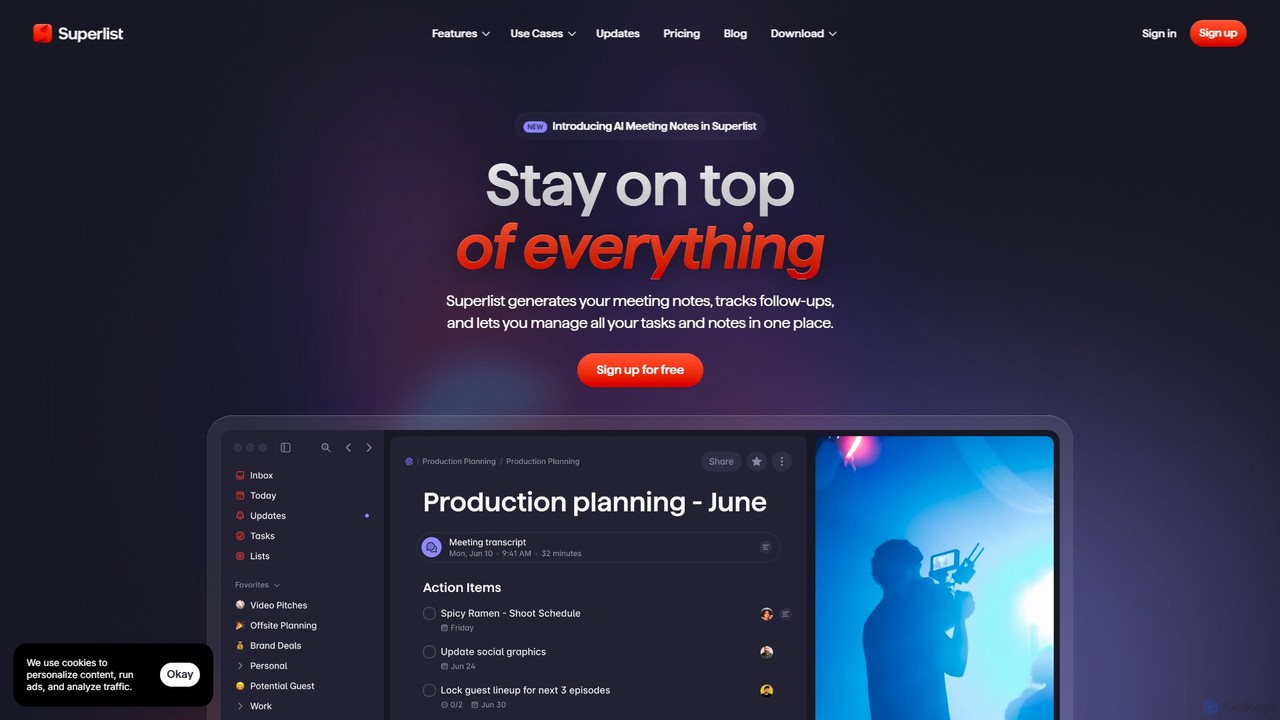
Superlist is a next-generation productivity application designed to eliminate the chaos of managing work across multiple tools. It seamlessly integrates tasks and notes, creating a unified workspace where thoughts can be instantly turned into actions. Built for modern teams and individuals, Superlist leverages the power of AI to automate tedious processes and supercharge efficiency, moving you effortlessly from conversation to completion.
At its core, Superlist is about bringing all your work into one place. Whether it's personal to-do lists, complex team projects, or notes from a brainstorming session, everything coexists in a clean, intuitive interface. The platform is designed to feel both powerful and fun, challenging the notion that productivity tools must be rigid and uninspiring.
How to use Superlist
Getting started with Superlist is straightforward. Users can sign up for free and download the application on macOS, iOS, Android, or use the web version. The workflow is designed to be intuitive:
- Create & Organize: Start by creating lists for different projects, teams, or personal goals. You can create an infinite level of nested sublists and subtasks to break down complex work into manageable steps.
- Add Tasks & Notes: Add tasks using natural language—simply type something like "Finalize report by Friday at 5pm" and Superlist will automatically set the due date. Each task can have detailed notes, files, and a dedicated chat thread.
- Leverage AI for Meetings: Connect your Google Calendar to Superlist. The app will show your upcoming meetings, and you can record them directly within Superlist. The AI Meeting Notes feature then automatically generates a structured summary, identifies action items with assignees and due dates, and provides a full transcript.
- Use Your Voice: With the Voice Assistant, you can capture ideas on the go. Just talk, and Superlist will convert your voice notes into tasks, reminders, or notes, organizing them for you.
- Collaborate with Your Team: Share lists with team members or guests. Collaborate in real-time with live cursors, discuss details in the context of a specific task using the built-in chat, and stay updated with a centralized team task view.
- Integrate Your Workflow: Connect Superlist with tools you already use, such as Slack, Linear, GitHub, and Google Calendar, to bring tasks and updates from those platforms into your Superlist workspace.
Core Features of Superlist
- AI Meeting Notes: Automatically transforms meeting recordings into clear, structured notes with summaries, action items, and decisions. No bots required to join your calls.
- AI Chat: Interact with your meeting content. Ask questions like "What were the key decisions made?" or "Generate a follow-up email" and get instant answers.
- Voice Assistant: Turns spoken words into organized tasks, notes, and reminders, making it easy to capture thoughts anytime, anywhere.
- Unified Tasks and Notes: Every task can have its own notes, files, and conversation, keeping all context in one place.
- Nested Lists & Tasks: Organize projects with infinite levels of sublists and subtasks for granular control.
- Real-time Collaboration: Work together on shared lists, see teammates' live cursors, and use in-context messaging for seamless communication.
- Powerful Integrations: Pulls in tasks and issues from Slack, Linear, GitHub, and events from Google Calendar.
- Multi-Platform Support: Available on macOS, iOS, Android, and Web, with full offline support and home screen widgets.
- Natural Language Input: Intelligently recognizes dates and commands as you type to set reminders and due dates.
Use Cases for Superlist
Superlist is versatile and can be adapted for various needs:
- Team Project Management: Teams can create a shared list for a project, break down the work into tasks and subtasks, assign them to members, and track progress in the Team Tasks Overview.
- Meeting Productivity: Professionals who attend many meetings can use the AI Meeting Notes to ensure no action item is missed, saving hours of manual note-taking and follow-up.
- Personal Task Management: Individuals can manage their daily to-dos, long-term goals, and personal projects, using the voice assistant to quickly add tasks on the move.
- Content Creation & Brainstorming: Writers, designers, and marketers can use lists to outline ideas, attach research notes, and collaborate on drafts.
Advantages of Superlist
Superlist stands out by focusing on a human-centric design while packing powerful features. Its main advantages include reducing context switching by centralizing work, automating mundane tasks through AI, and fostering a more connected and efficient team collaboration environment. The platform is incredibly fast, private, and works seamlessly across all major devices, ensuring your productivity never hits a snag.
Pricing and Plans
Superlist offers a flexible pricing structure to suit different needs:
- Free Plan: $0/person/month. Includes unlimited tasks and notes, up to 5 private and shared lists, up to 5 people in shared lists, and 500MB of storage. A great starting point for individuals and small teams.
- Basic Plan: $5/person/month (or $59/year). Includes everything in Free, plus unlimited lists and shared lists, unlimited team members, all integrations, Voice AI, and 25GB of storage.
- Super Plan: $21/person/month (or $249/year). Includes everything in Basic, plus unlimited AI Meeting Notes, unlimited AI Chat messages, and email + Slack task summarization. A 7-day free trial is available.
Traffic
Latest traffic
Status
Monthly traffic trend
- 2025-9: 87.8K
- 2026-1: 130.1K
- 2026-2: 132.6K
- 2026-3: 151.0K
- 2026-4: 165.1K
- 2026-5: 135.8K
Geography
Top 5 countries / regions
- 🇳🇬Nigeria29.6%
- 🇺🇸United States26.6%
- 🇩🇪Germany15.4%
- 🇪🇨Ecuador14.4%
- 🇮🇹Italy14.0%
Traffic sources
| Source type | Percentage |
|---|---|
Direct | 87.3% |
Referral | 11.7% |
Email | 1.0% |
Top keywords
| Keyword | Cost per click |
|---|---|
| superlist | $1.60 |
| superlist app | $2.19 |
| superlistr | $0.00 |
| superlist refund | $0.00 |
| superlist цштвщцы | $0.00 |
Superlist Videos on YouTube


Dan - Smart Tutorials


Joseph Chandler
Superlist Alternatives
ARTU
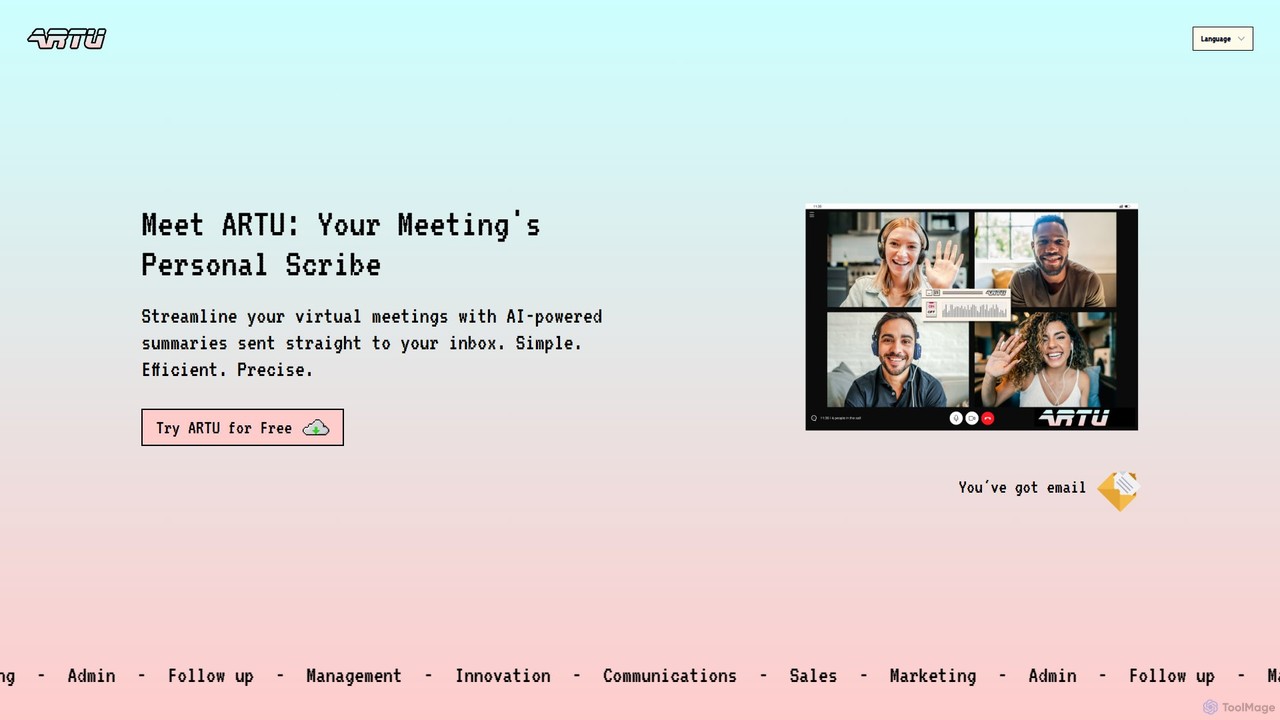
ARTU is a dual-purpose AI copilot designed to streamline both your meetings and personal idea management. It automatically transcribes and summarizes virtual meetings, sending detailed minutes to your inbox. Simultaneously, it acts as a personal assistant, capturing ideas from emails, WhatsApp, and Telegram, then organizing them into your preferred workspace like Notion. This integrated system helps you conquer creative chaos and boost productivity.
Meeting Assistant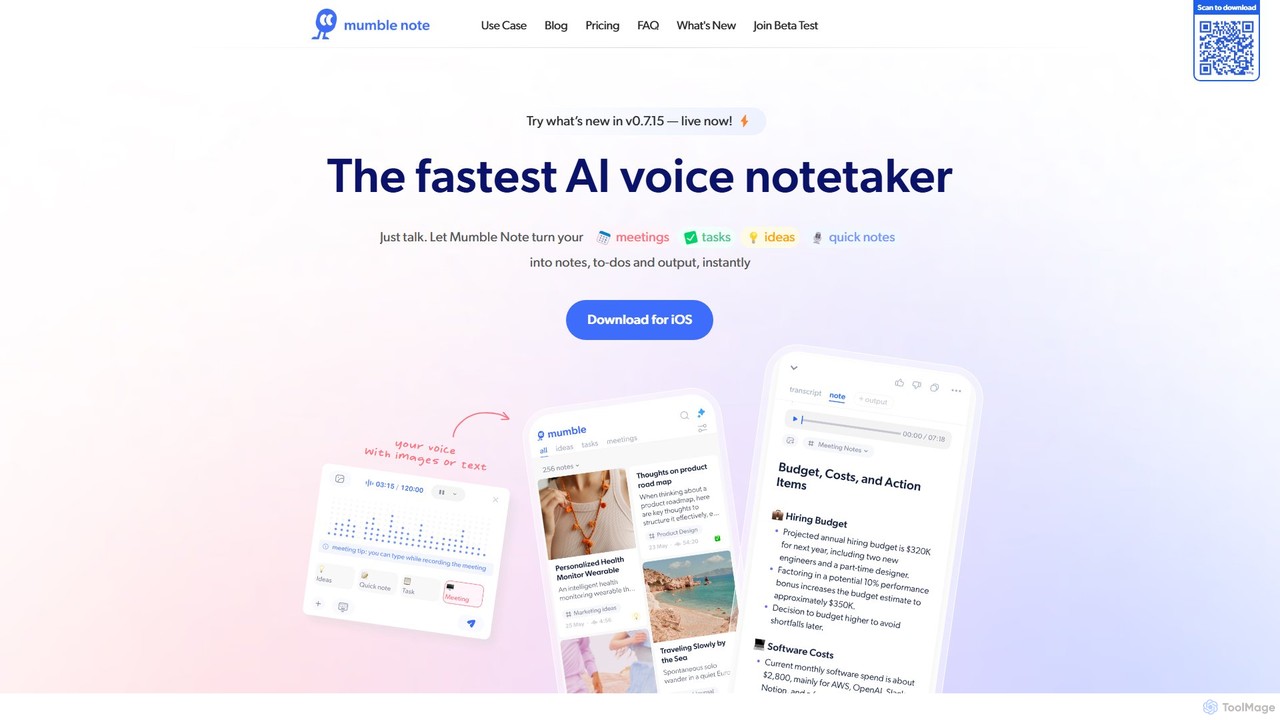
Mumble Note
Mumble Note is an AI-powered voice notetaker for iOS that instantly transcribes, summarizes, and organizes your meetings, ideas, and tasks. Just talk, and let the AI turn your scattered speech into structured, actionable notes, complete with to-dos and insights.
Transcription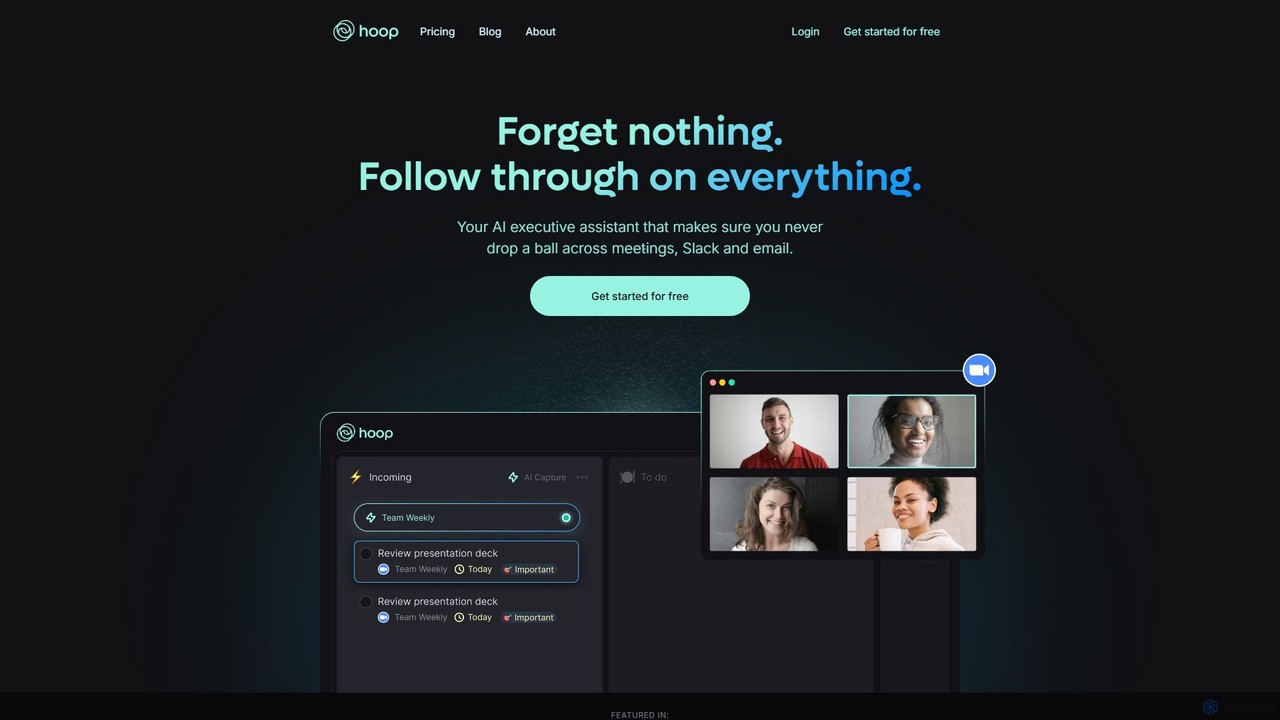
Hoop
Hoop is an AI executive assistant that automatically captures tasks from your meetings, Slack, and emails. It centralizes all your to-dos in one place, ensuring you never miss an important action item. It works seamlessly across platforms like Zoom, Meet, and Teams without intrusive bots.
Virtual Assistant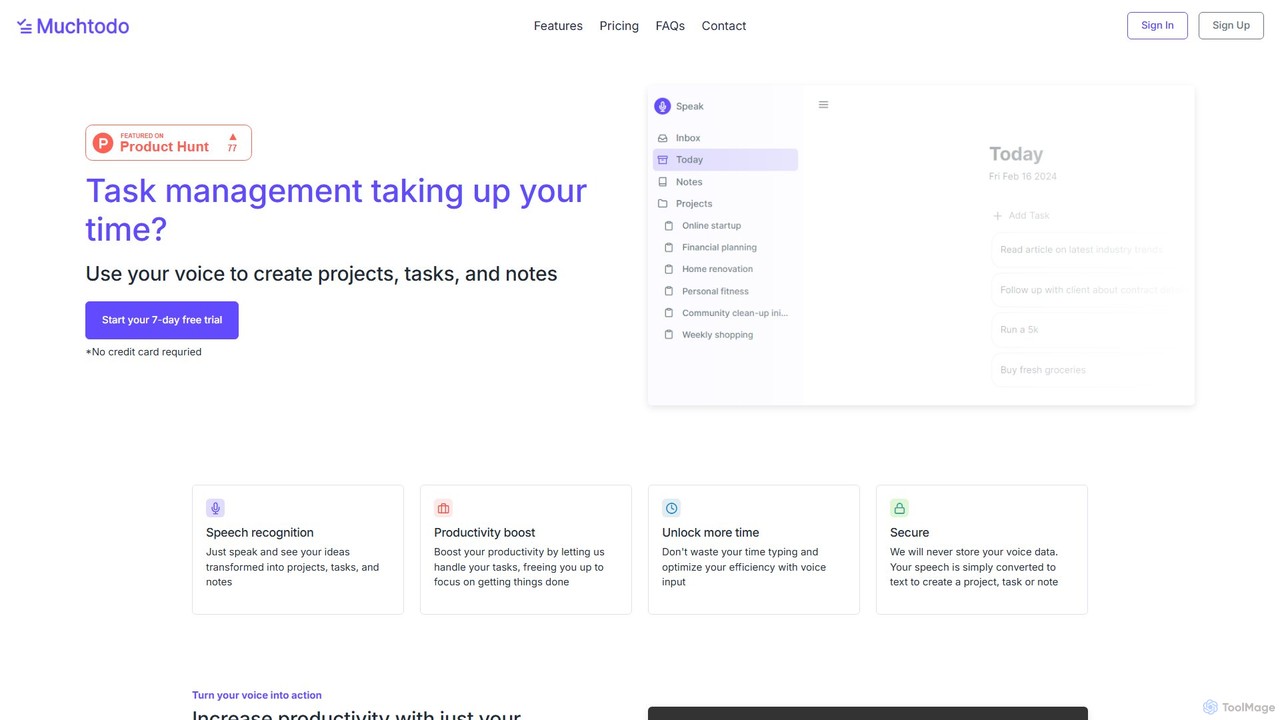
Muchtodo
Muchtodo is an AI-powered task management platform that converts your voice into projects, tasks, and notes. It's designed to boost productivity by minimizing typing, allowing you to capture ideas instantly. It supports 57 languages and includes a Pomodoro timer to enhance focus, ensuring a seamless and efficient workflow.
Note Taking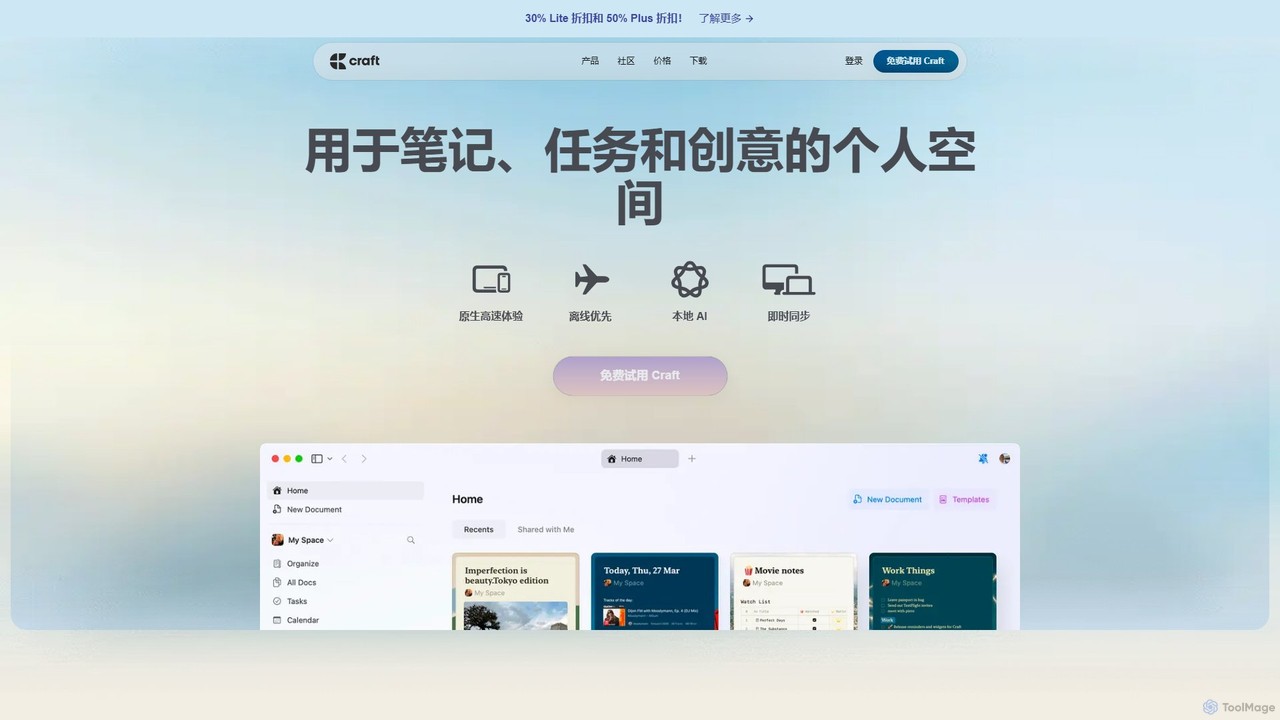
Craft
Craft is a beautifully designed, native document editor for notes, tasks, and ideas. It combines powerful features like a local AI assistant, task management, and flexible organization with a joyful, fast, and offline-first user experience, making it the perfect tool for writers, thinkers, and teams to capture and structure their thoughts.
Knowledge ManagementSuperlist Categories
Superlist Embed Widget
Copy this embed code to place the badge on your blog, article, or product site and send readers directly to this ToolMage detail page.

Related AI tools
Hoop
Hoop is an AI executive assistant that automatically captures tasks from your meetings, Slack, and emails. It centralizes all your to-dos in one place, ensuring you never miss an important action item. It works seamlessly across platforms like Zoom, Meet, and Teams without intrusive bots.
Virtual AssistantMuchtodo
Muchtodo is an AI-powered task management platform that converts your voice into projects, tasks, and notes. It's designed to boost productivity by minimizing typing, allowing you to capture ideas instantly. It supports 57 languages and includes a Pomodoro timer to enhance focus, ensuring a seamless and efficient workflow.
Note Taking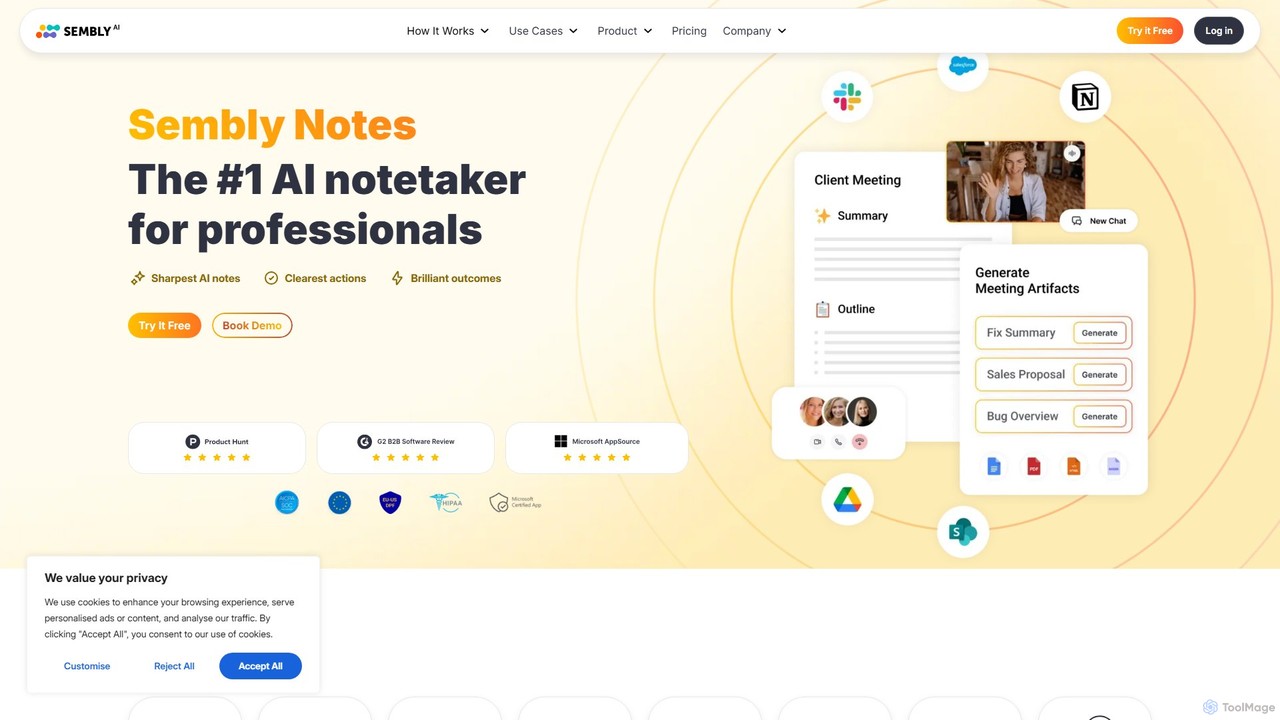
Sembly
Sembly is an AI meeting assistant that records, transcribes, and generates intelligent summaries for your meetings. It integrates with major platforms like Zoom, Google Meet, and Microsoft Teams to capture conversations, identify key items, create action points, and provide deep insights, transforming discussions into actionable outcomes.
Project Management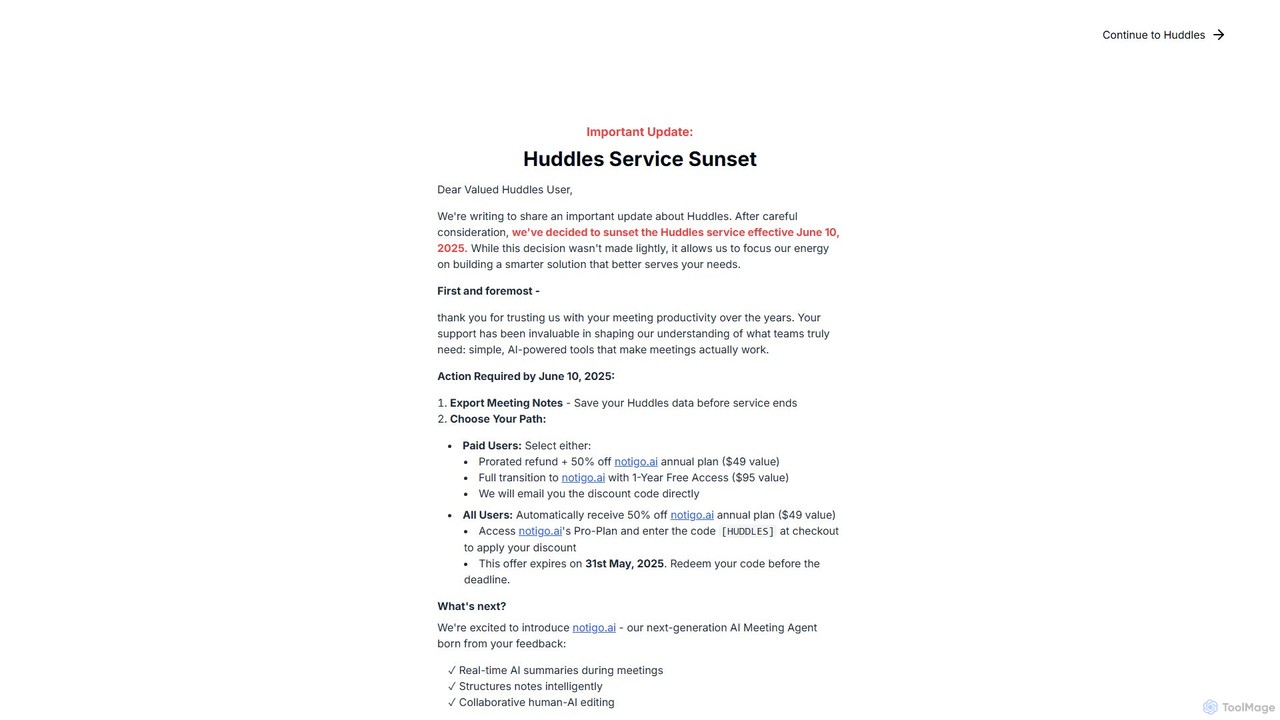
Huddles
Huddles was an AI-powered meeting productivity tool designed to generate real-time summaries and capture key points, ensuring no critical information was missed. Please note: The Huddles service is being sunsetted on June 10, 2025, and is evolving into a more advanced solution, notigo.ai. This new platform builds upon Huddles' foundation to offer enhanced AI features for smarter meetings.
Collaboration
dypt
dypt is an AI-powered task manager designed to help you overcome mental barriers and boost productivity. It automatically breaks down large, complex tasks into smaller, manageable subtasks, generates ideas, and creates lists, allowing you to regain control and focus on what truly matters.
Project Management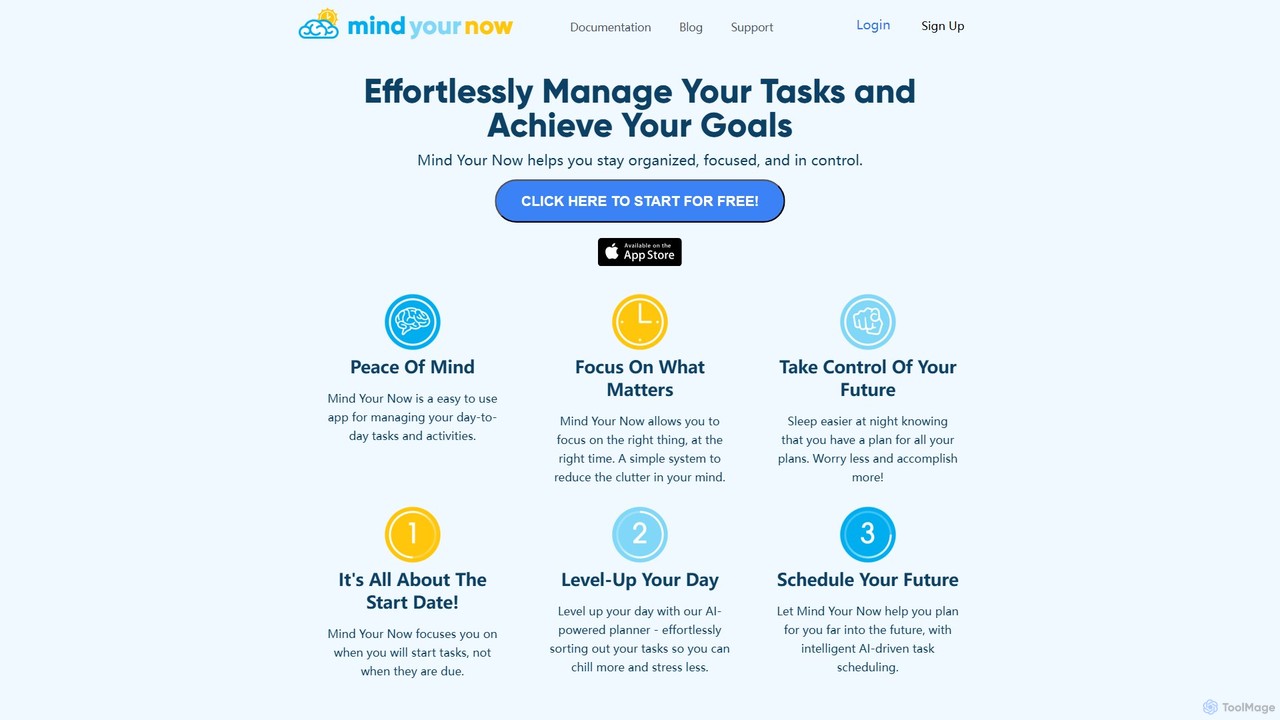
Mind Your Now
Mind Your Now is an AI-powered task and productivity manager designed to reduce overwhelm and increase focus. By prioritizing tasks based on their start dates, not due dates, and integrating proven methodologies like GTD and Time Blocking, it helps you manage daily activities, achieve long-term goals, and maintain a healthy work-life balance with its smart AI assistant, Kaia.
Calendar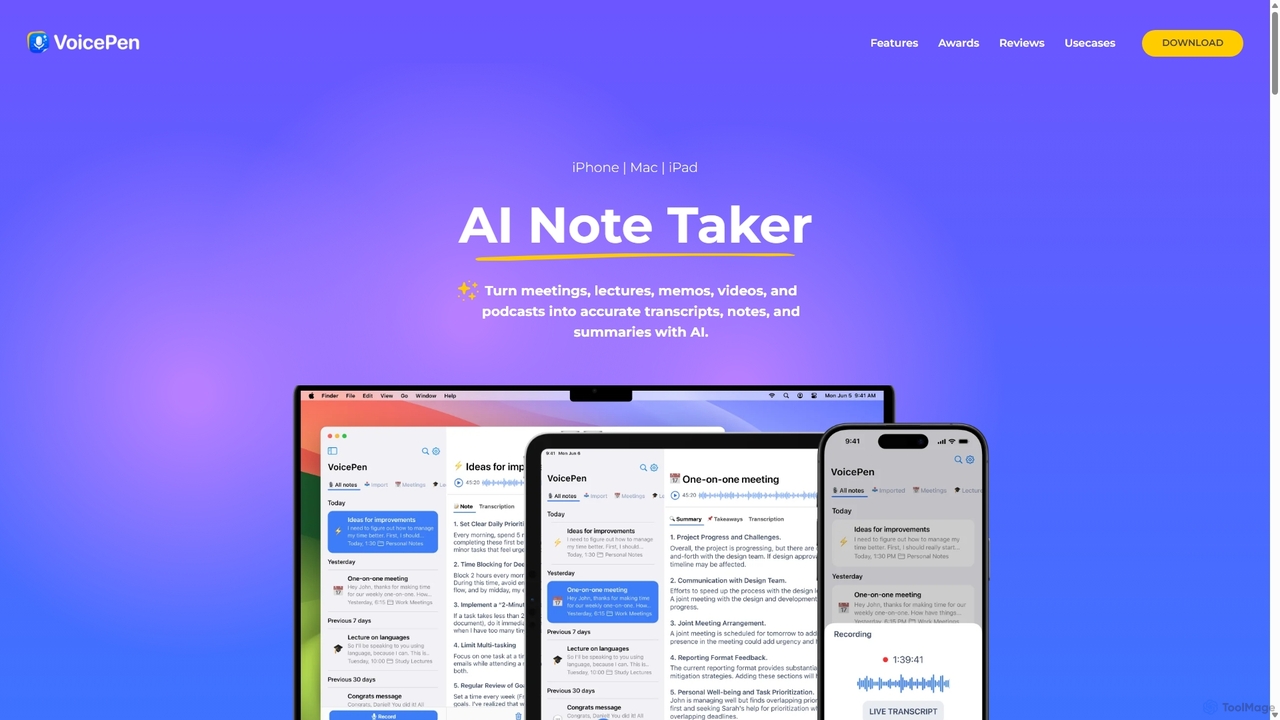
VoicePen
VoicePen is an AI-powered note-taking app for iPhone, Mac, and iPad that transforms meetings, lectures, and any audio/video into accurate transcripts, summaries, and structured notes. It features high-speed transcription, speaker separation, 80+ language support, and over 25 AI rewriting styles to boost your productivity.
Speech To Text
Todo.is
Todo.is is an AI-powered productivity command center designed for streamlined task and project management. It combines a minimalist, text-based interface with a unique AI Export feature, allowing users to instantly transform their to-do lists into structured reports, summaries, and actionable plans. Ideal for individuals and teams seeking efficiency and clarity in their workflow.
Project Management
Timest
Timest is an AI-powered productivity tool that transforms your unstructured ideas, notes, and brainstorming sessions into organized, actionable tasks. It helps bridge the gap between ideation and execution, allowing users to quickly convert thoughts into a structured to-do list or project plan, enhancing efficiency and clarity.
Idea Management
meetmemos
meetmemos is an AI-powered meeting assistant that automatically records, transcribes, and summarizes your online meetings. It captures every detail, extracts key action items, and delivers concise memos, allowing you to focus on the conversation instead of taking notes. It integrates seamlessly with Zoom, Google Meet, and Microsoft Teams.
TranscriptionARTU
ARTU is a dual-purpose AI copilot designed to streamline both your meetings and personal idea management. It automatically transcribes and summarizes virtual meetings, sending detailed minutes to your inbox. Simultaneously, it acts as a personal assistant, capturing ideas from emails, WhatsApp, and Telegram, then organizing them into your preferred workspace like Notion. This integrated system helps you conquer creative chaos and boost productivity.
Meeting AssistantMumble Note
Mumble Note is an AI-powered voice notetaker for iOS that instantly transcribes, summarizes, and organizes your meetings, ideas, and tasks. Just talk, and let the AI turn your scattered speech into structured, actionable notes, complete with to-dos and insights.
TranscriptionCraft
Craft is a beautifully designed, native document editor for notes, tasks, and ideas. It combines powerful features like a local AI assistant, task management, and flexible organization with a joyful, fast, and offline-first user experience, making it the perfect tool for writers, thinkers, and teams to capture and structure their thoughts.
Knowledge Management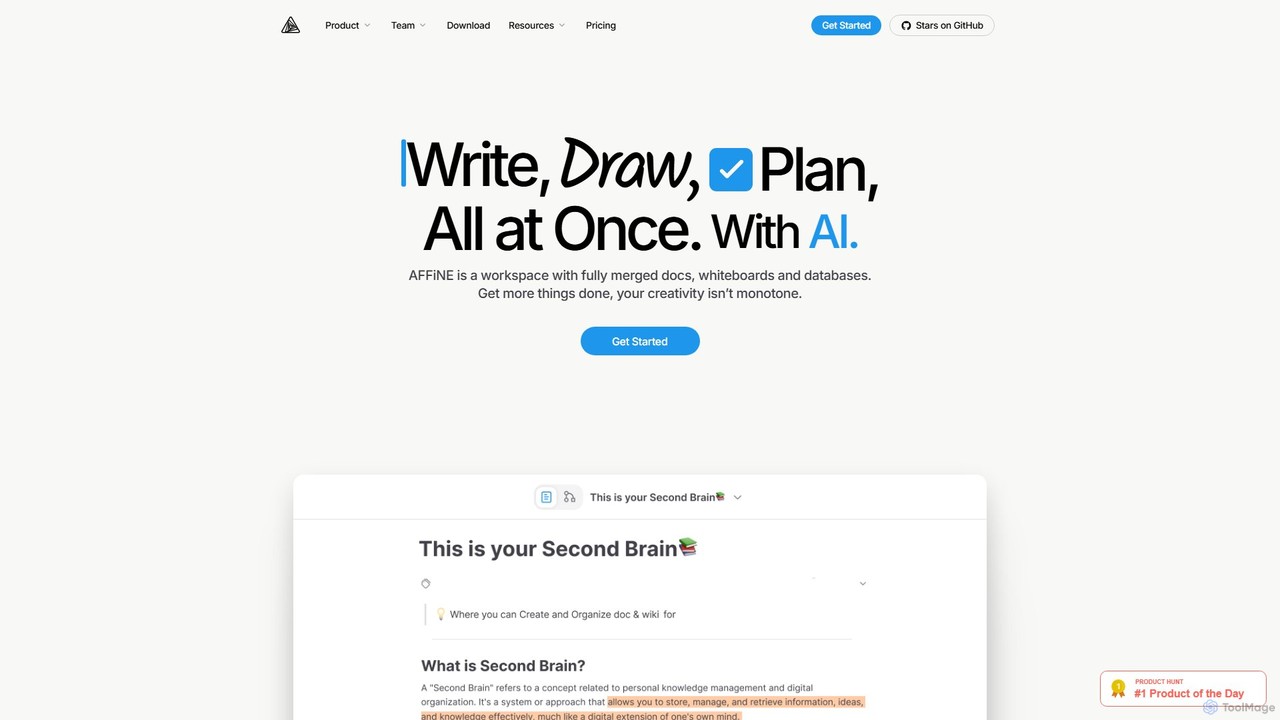
AFFiNE
AFFiNE is an all-in-one, AI-powered KnowledgeOS that seamlessly merges documents, whiteboards, and databases. It's a privacy-focused, open-source workspace designed to enhance productivity by allowing you to write, draw, and plan in a single, unified environment, eliminating the need to switch between multiple applications.
Whiteboard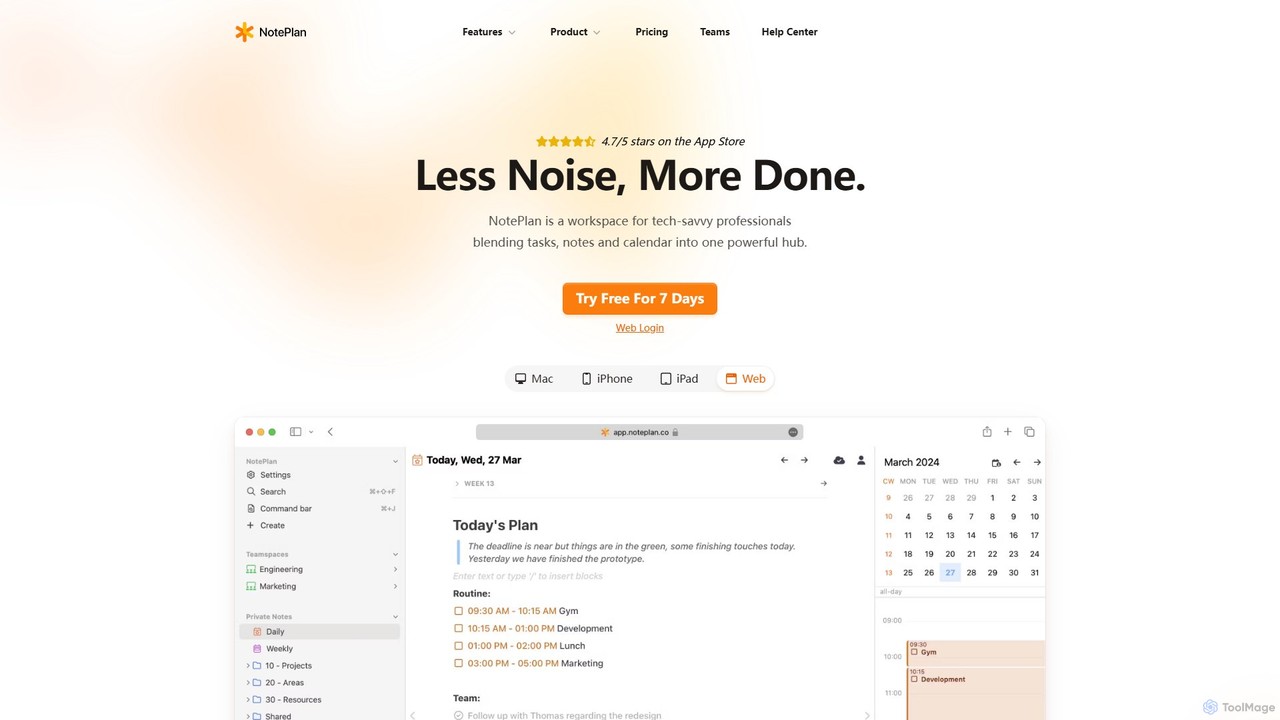
NotePlan
NotePlan is an all-in-one productivity workspace for professionals, blending tasks, notes, and calendar into a single, powerful hub. It supports Markdown, personal knowledge management (PKM) with bi-directional links, and features integrated AI for summarizing, rewriting, and transcribing. Available on Mac, iOS, and Web, it keeps you organized and focused.
Calendar
Superlist Comments (0)
Sign in to comment.
Sign inNo comments yet.