ToolMage
Sign in

Best 1 Enterprise Resource Planning AI tools for Project Management

Popular Enterprise Resource Planning AI tools in Project Management include WorkStreamer, helping you work more efficiently.

WorkStreamer
Paid

WorkStreamer

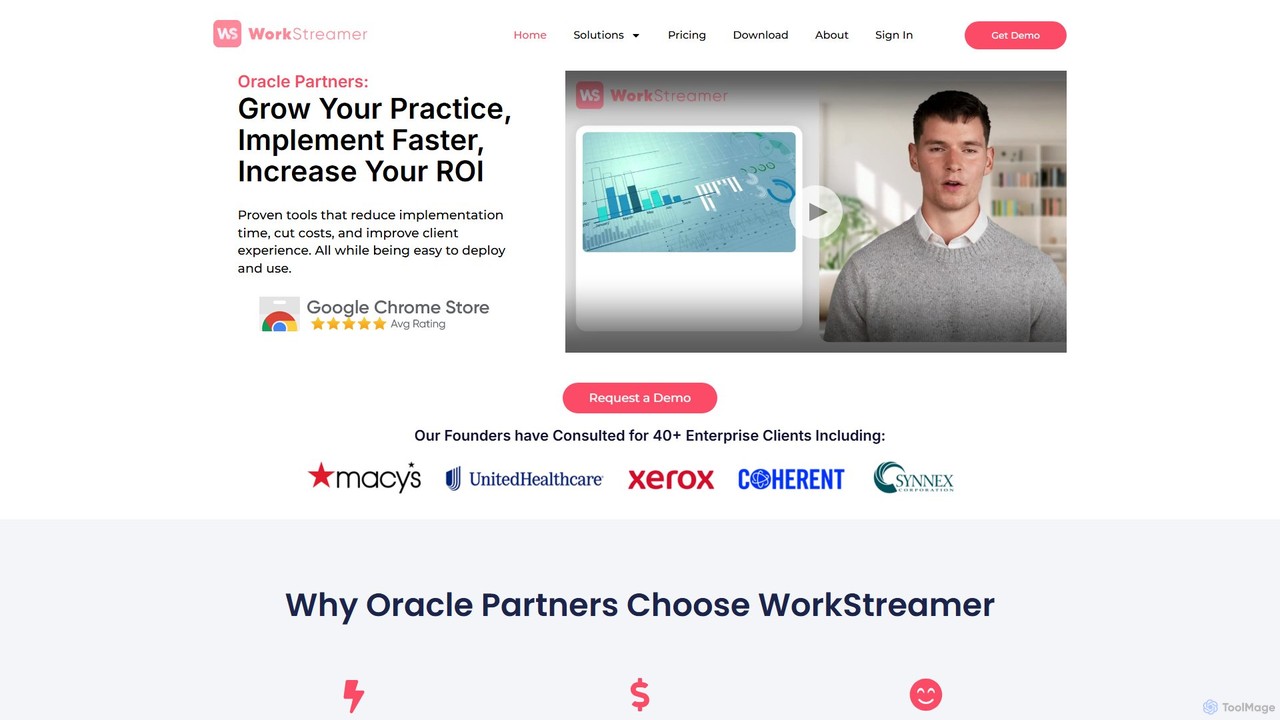
WorkStreamer is an accelerator platform designed to streamline and speed up Oracle implementations. It automates training documentation, simplifies project requirements management, and enhances testing events with visual, step-by-step guides, reducing project timelines and improving efficiency.

Testing
Visits 5.5KFavorites 132Likes 137

About Enterprise Resource Planning

AI-powered Enterprise Resource Planning (ERP) tools are integrated systems designed to manage and automate core business processes from a single platform. Leveraging AI, these platforms analyze data across departments like finance, HR, manufacturing, and supply chain to provide predictive insights and streamline operations. They are crucial for organizations seeking a unified view of their resources, enabling data-driven decision-making and improving overall efficiency. Unlike traditional project management tools that focus on discrete tasks, ERP systems provide a holistic framework for managing the entire lifecycle of an organization's resources.

Core Features

  • Unified Data Management: Centralizes information from finance, HR, supply chain, and sales into a single database.
  • Process Automation: Automates routine tasks like invoicing, payroll, order processing, and inventory tracking.
  • Financial Management: Provides tools for accounting, budgeting, financial reporting, and compliance.
  • Supply Chain Optimization: Manages procurement, inventory, logistics, and supplier relationships with predictive analytics.
  • Human Resources Management: Streamlines HR functions including payroll, recruiting, and performance management.

Use Cases

ERP systems are primarily used by medium to large enterprises in sectors like manufacturing, retail, healthcare, and professional services. They help manage complex, multi-departmental operations, from tracking raw materials in a factory to managing employee payroll across multiple offices, ensuring seamless information flow.

How to Choose

When selecting an ERP tool, consider its modularity—can you start with one function and add more later? Evaluate its industry-specific features, integration capabilities with existing software (like CRM or e-commerce platforms), scalability for future growth, and the total cost of ownership, including implementation and support.

Enterprise Resource Planning use cases

1

Automating Financial Closing and Reporting

A finance manager in a manufacturing company often spends days manually consolidating spreadsheets for month-end closing. An AI ERP system automates this by pulling real-time data from sales, procurement, and production modules. It automatically generates journal entries, flags anomalies for review, and produces standardized financial statements like P&L and balance sheets. This reduces the closing cycle from ten days to three, significantly improves accuracy, and provides immediate financial visibility for strategic decision-making.

2

Optimizing Inventory and Supply Chain

A supply chain planner for a retail chain struggles with stockouts and overstocking. The ERP's AI module analyzes historical sales data, seasonality, and market trends to forecast demand accurately. It automatically generates purchase orders when stock hits reorder points and suggests optimal inventory levels across different warehouses. This data-driven approach helps improve inventory turnover by 20%, reduces stockouts by 30%, and lowers carrying costs by preventing excess inventory.

3

Streamlining the Order-to-Cash Process

For a B2B tech company, the process from receiving a customer order to collecting payment is often fragmented. An integrated ERP system streamlines this entire workflow. When a sales order is created, it automatically checks inventory, allocates stock, notifies the warehouse for shipping, generates an invoice, and tracks payment status in the finance module. This integration shortens the order-to-cash cycle time by up to 40%, improves customer satisfaction with faster fulfillment, and enhances overall cash flow.

4

Unifying Human Resources and Payroll Management

An HR director in a growing services firm struggles with managing employee data, time tracking, and payroll across different systems. The ERP's HR module centralizes all employee information. It automates time-off requests, calculates salaries and deductions based on integrated timesheets, processes payroll accurately, and ensures tax compliance. This provides a single source of truth for all HR data, reduces administrative overhead, and empowers employees with a self-service portal for their personal information and requests.

5

Integrating Manufacturing Production Planning

A production manager at an electronics factory uses disconnected systems for bill of materials (BOM), inventory, and scheduling, leading to material shortages. The ERP's manufacturing module integrates the Master Production Schedule (MPS) with Material Requirements Planning (MRP). It calculates raw material needs based on production orders, checks real-time inventory levels, and creates a detailed shop floor schedule. This ensures materials are available just-in-time, minimizes production downtime, and optimizes machine utilization for greater output.

6

Gaining 360-Degree Business Intelligence

The CEO of a mid-sized enterprise lacks a single, reliable source of truth to assess overall business performance. The ERP system's built-in analytics and dashboarding tools solve this by pulling real-time data from all business functions. The CEO can view key performance indicators (KPIs) for sales, finance, and operations on a single, customizable dashboard. This provides a holistic view of the company's health, enables data-driven strategic decision-making, and helps identify cross-departmental trends and opportunities for improvement.

Enterprise Resource Planning FAQ

What is an Enterprise Resource Planning (ERP) system?

An Enterprise Resource Planning (ERP) system is an integrated software suite that organizations use to manage their core day-to-day business activities. It centralizes data from various departments—such as finance, human resources, manufacturing, and supply chain—into a single database. This unified approach eliminates data silos, ensures consistency across the organization, and provides a comprehensive, real-time view of the entire business operation, enabling more efficient processes and informed decision-making.

How do I choose the right AI ERP software?

Choosing the right AI ERP software requires careful consideration of several factors. First, assess your specific industry needs; many ERPs offer specialized modules for manufacturing, retail, or services. Second, evaluate its scalability to ensure it can grow with your business. Third, check its integration capabilities with your existing tools, like CRM or e-commerce platforms. Finally, consider the total cost of ownership, which includes licensing, implementation, training, and ongoing support. A cloud-based (SaaS) ERP often offers more flexibility and lower upfront costs.

What's the difference between ERP and Project Management software?

The primary difference lies in their scope. Project Management software is designed to plan, execute, and monitor specific, time-bound projects with defined goals and tasks. In contrast, an Enterprise Resource Planning (ERP) system manages the ongoing, core business processes of the entire organization, such as accounting, inventory, and HR. While a project has a start and end date, ERP manages continuous operations. An ERP provides the foundational data and resource visibility that project management tools might use, but its focus is enterprise-wide integration, not just project execution.

What are the key functions of an ERP system?

ERP systems integrate multiple core business functions into one platform. Key functions typically include:

  • Financial Management: General ledger, accounts payable/receivable, budgeting, and financial reporting.
  • Supply Chain Management (SCM): Inventory control, order processing, procurement, and logistics.
  • Human Resources (HR): Payroll, employee data management, recruiting, and benefits administration.
  • Manufacturing: Production planning, bill of materials (BOM), shop floor control, and quality management.
  • Customer Relationship Management (CRM): Sales, marketing, and customer service data management (often as an integrated module).
Who should use an Enterprise Resource Planning (ERP) system?

ERP systems are most beneficial for medium to large-sized businesses that need to manage complex, multi-departmental operations. They are particularly valuable for companies in industries like manufacturing, distribution, retail, and professional services where integrating processes like inventory, finance, and sales is critical for efficiency. Smaller businesses may also use scalable, cloud-based ERP solutions to establish a solid foundation for growth and avoid the operational challenges that come with disconnected systems and data silos.