ToolMage
Sign in

Best 1 Agile Tools for Project Management

Popular Agile Tools in Project Management include Geekbot, helping you work more efficiently.

Geekbot
Freemium

Geekbot

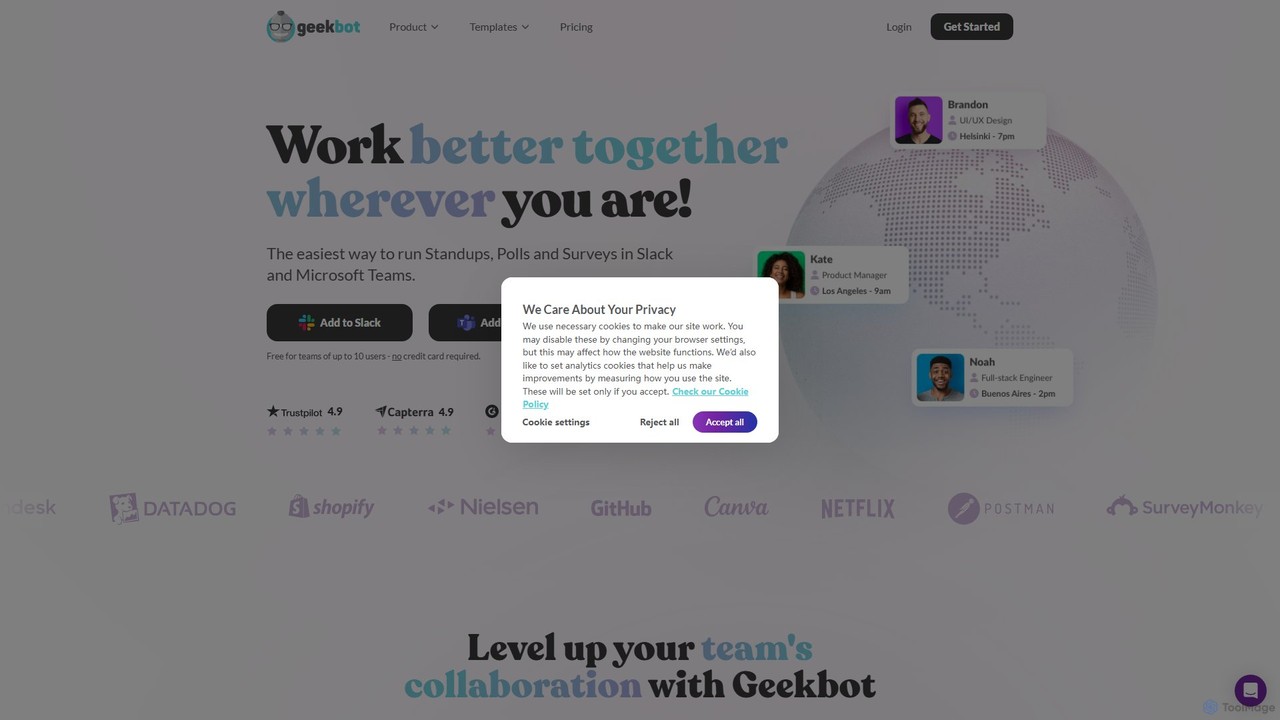
Geekbot is an AI-powered assistant for running asynchronous stand-up meetings, surveys, and polls directly within Slack and Microsoft Teams. It helps remote and hybrid teams stay synchronized, track progress, and foster a culture of transparent communication without the need for constant meetings.

Employee Engagement
Visits 88.4KFavorites 136Likes 131

About Agile Tools

Agile Tools are a specialized category of project management software designed to support iterative development and continuous delivery using methodologies like Scrum and Kanban. These tools leverage AI to automate workflows, provide predictive insights, and enhance team collaboration in dynamic environments. By analyzing historical data and real-time progress, they help teams improve sprint planning, identify potential risks, and optimize resource allocation. This data-driven approach allows for greater adaptability and efficiency compared to traditional project management methods.

Core Features

  • Intelligent Sprint Planning: AI suggests story points, predicts team velocity, and helps balance workloads for upcoming sprints.
  • Predictive Analytics: Forecasts project completion dates, identifies potential bottlenecks, and analyzes risks based on historical performance.
  • Automated Workflows: Automatically updates task statuses, assigns sub-tasks from user stories, and generates progress reports.
  • Enhanced Collaboration: Summarizes communication threads, suggests relevant documentation, and identifies dependencies between tasks and teams.
  • Data-Driven Retrospectives: Provides objective insights into sprint performance, highlighting recurring issues and areas for improvement.

Use Cases

AI-powered Agile Tools are primarily used by software development teams, product management departments, and marketing agencies. They are ideal for projects with evolving requirements, such as developing a new mobile application, managing a multi-channel digital marketing campaign, or executing a product design sprint where rapid iteration is key.

How to Choose

When selecting an Agile Tool, consider its support for your specific methodology (Scrum, Kanban, SAFe). Evaluate the depth of its AI features—whether they offer simple automation or advanced predictive analytics. Assess its integration capabilities with your existing toolchain, such as code repositories (Git) and CI/CD pipelines. Finally, consider the tool's scalability to support your team's size and future growth.

Agile Tools use cases

1

AI-Assisted Sprint Planning for Software Teams

A Scrum Master for a mobile app development team uses an AI Agile Tool to prepare for the next two-week sprint. Instead of manually estimating story points for each backlog item, the tool analyzes historical data from similar tasks and suggests estimates, reducing subjective bias. The AI also simulates the sprint based on team member availability and predicted velocity, highlighting a potential overload on a specific developer. This allows the Scrum Master to proactively rebalance the workload, leading to a more realistic and achievable sprint plan, cutting planning time by over 30%.

2

Automating Kanban Board for Marketing Campaigns

A marketing team uses a Kanban-style Agile Tool to manage content creation for a product launch. The AI integrates with their email and document approval systems. When a blog post draft is sent for review via email, the AI automatically moves the corresponding card on the Kanban board from 'In Progress' to 'In Review'. Once the final approval email is detected, the card is moved to 'Done'. This automation eliminates manual updates, ensures the board always reflects the true status of tasks, and allows the marketing manager to see bottlenecks in the review process at a glance.

3

Predictive Risk Analysis for a Product Launch

A Product Owner is overseeing a complex project with multiple feature dependencies. They use an AI Agile Tool's predictive analytics feature. The tool analyzes the current progress, team velocity, and the dependency graph between user stories. It flags a critical path of tasks that has a 75% probability of delaying the launch date. The report also suggests which lower-priority, independent tasks could be postponed to free up resources for the critical path. This foresight allows the Product Owner to facilitate a discussion with stakeholders to adjust scope or reallocate resources weeks in advance, preventing a last-minute crisis.

4

Generating User Stories from High-Level Requirements

A Business Analyst is tasked with breaking down a high-level feature requirement, such as 'Improve user profile page,' into actionable user stories for the development team. They input this requirement into an AI Agile Tool. The AI, trained on thousands of software development projects, generates a set of well-structured user stories, like 'As a user, I want to upload a profile picture so I can personalize my account,' complete with standard acceptance criteria. This process transforms a vague requirement into a clear, structured backlog in minutes, saving the analyst hours of manual writing and ensuring consistency in story format.

5

Optimizing Team Retrospectives with AI Insights

An Agile Coach wants to make sprint retrospectives more data-driven. Their AI Agile Tool analyzes data from the completed sprint, including task completion times, communication patterns in linked chat tools, and the number of tasks that were pushed to the next sprint. It generates a report highlighting that 'tasks related to API integration were consistently underestimated' and that 'communication dropped significantly on Fridays'. The coach presents these objective findings to the team, sparking a more focused and productive discussion on specific process improvements rather than relying solely on subjective feelings and memories.

6

Dynamic Resource Allocation Across Multiple Teams

A Program Manager at a large tech company oversees five agile teams working on a single product. An unexpected critical bug is found, requiring immediate attention from a specialist. The manager uses an AI Agile Tool that has visibility into all team backlogs and skillsets. The AI identifies a developer on a different team with the required skills who is currently working on a low-priority task. It recommends a temporary reassignment and shows the calculated impact on the other team's sprint. This enables the manager to make a quick, data-informed decision to resolve the critical issue while minimizing disruption across the program.

Agile Tools FAQ

What are AI Agile Tools?

AI Agile Tools are project management platforms that enhance agile methodologies like Scrum and Kanban with artificial intelligence. They go beyond simple task tracking by using AI to automate repetitive work, provide predictive forecasts, and offer data-driven insights. Key features often include intelligent sprint planning, risk detection, and automated reporting. These tools help teams improve their accuracy, adapt to changes more quickly, and make more informed decisions throughout the development lifecycle.

How do AI Agile Tools differ from traditional project management software?

The primary difference lies in their core philosophy and capabilities. Traditional project management tools, like those using Gantt charts, excel at long-term, predictive planning for projects with fixed scopes. AI Agile Tools, on the other hand, are built for adaptability and iterative work. Instead of just tracking progress against a static plan, they use AI to:

  • Predict outcomes: Forecast sprint completion and project deadlines based on real-time data.
  • Adapt dynamically: Help re-prioritize work and reallocate resources as conditions change.
  • Automate processes: Handle routine tasks like updating boards and generating reports, freeing up team members.
  • Provide insights: Analyze performance to suggest process improvements for future iterations.
In essence, traditional tools manage a plan, while AI Agile Tools help manage change and uncertainty.

How do I choose the right AI Agile Tool for my team?

Choosing the right tool depends on your team's specific needs. Consider these factors:

  • Methodology Fit: Does the tool explicitly support your framework (e.g., Scrum, Kanban, SAFe)? Look for features like sprint planning boards, WIP limits, or burndown charts that match your process.
  • AI Feature Depth: Evaluate what the AI actually does. Is it simple automation (e.g., moving cards) or advanced analytics (e.g., predicting delays)? Choose based on the problems you want to solve.
  • Integration Ecosystem: Ensure it connects seamlessly with your existing tools like GitHub, Slack, Jenkins, or Figma. Poor integration can create more work than it saves.
  • User Experience (UX): The tool should be intuitive for your entire team, not just project managers. A complex interface can hinder adoption and reduce its benefits.
  • Scalability: Consider if the tool can grow with your team and organization. Check its performance with larger datasets and its pricing tiers for larger teams.

What are the key AI-powered features in Agile Tools?

While features vary, most AI Agile Tools focus on enhancing core agile practices. Key AI-powered features commonly include:

  • Predictive Sprint Planning: AI analyzes historical data to suggest story point estimates and forecast team velocity, helping create more realistic sprint goals.
  • Risk Detection: The system monitors progress and dependencies to flag tasks or user stories that are at high risk of causing delays.
  • Automated Reporting: AI automatically generates burndown charts, velocity reports, and other key metrics, saving significant manual effort.
  • Intelligent Task Prioritization: Some tools can suggest which backlog items to tackle next based on business value, dependencies, and team capacity.
  • Natural Language Processing (NLP): Used to create user stories from simple text descriptions or summarize long comment threads on tasks.

Who benefits most from using AI Agile Tools?

While many roles can benefit, the primary beneficiaries are typically:

  • Scrum Masters and Agile Coaches: They gain powerful tools for facilitating planning sessions, identifying impediments without manual analysis, and guiding data-driven retrospectives.
  • Product Owners and Product Managers: They can better forecast release timelines, understand the impact of scope changes, and prioritize the backlog based on predictive insights.
  • Development Teams: They benefit from more realistic sprint plans, clearer priorities, and reduced administrative overhead from automated status updates and reporting.
  • Program Managers and Leadership: They get a more accurate, real-time view of project health and risk across multiple teams, enabling better strategic decision-making.
Essentially, any team practicing agile methodologies that wants to move from being reactive to proactive can benefit significantly.