ToolMage
Sign in

Best 4 Collaboration AI tools for Project Management

Popular Collaboration AI tools in Project Management include BRXCE, nyota, Qatalog, and Versational, helping you work more efficiently.

BRXCE
Freemium

BRXCE

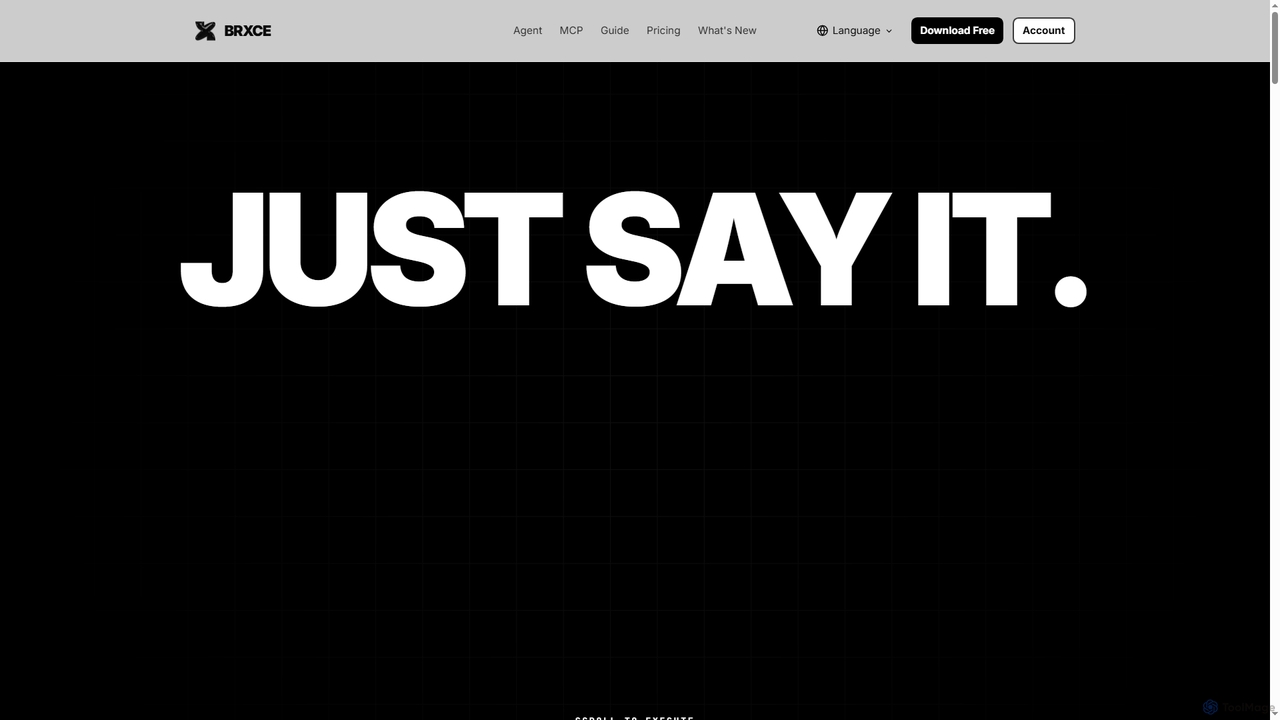
BRXCE is an AI-powered task management and workflow automation application that allows users to organize and execute tasks using natural language commands. It integrates with major LLM clients to provide an intuitive, conversational interface for managing personal and team projects, reducing complex clicks and streamlining productivity.

Virtual Assistant
Visits 5.7KFavorites 25Likes 12
Qatalog
Freemium

Qatalog

Qatalog is an intelligent work hub that unifies your teams, tools, and knowledge. It uses AI to create a central source of truth, enabling seamless search across all applications, clear visibility into projects and goals, and contextual understanding of who is working on what. By connecting disparate systems like Slack, Jira, and Google Drive, Qatalog reduces context switching and boosts productivity.

Enterprise Search
Visits 4.4KFavorites 103Likes 109
nyota
Freemium

nyota

Nyota is an AI-powered meeting notetaker designed to align sales, support, and project teams. It automatically joins your meetings on Zoom, Google Meet, and MS Teams to transcribe, summarize, and extract key insights. By automating data entry and syncing with CRMs and project tools, Nyota frees up your team to focus on conversations and strategic tasks, ensuring no detail is missed.

Meeting Assistant
Visits 4.8KFavorites 118Likes 136
Versational
Freemium

Versational

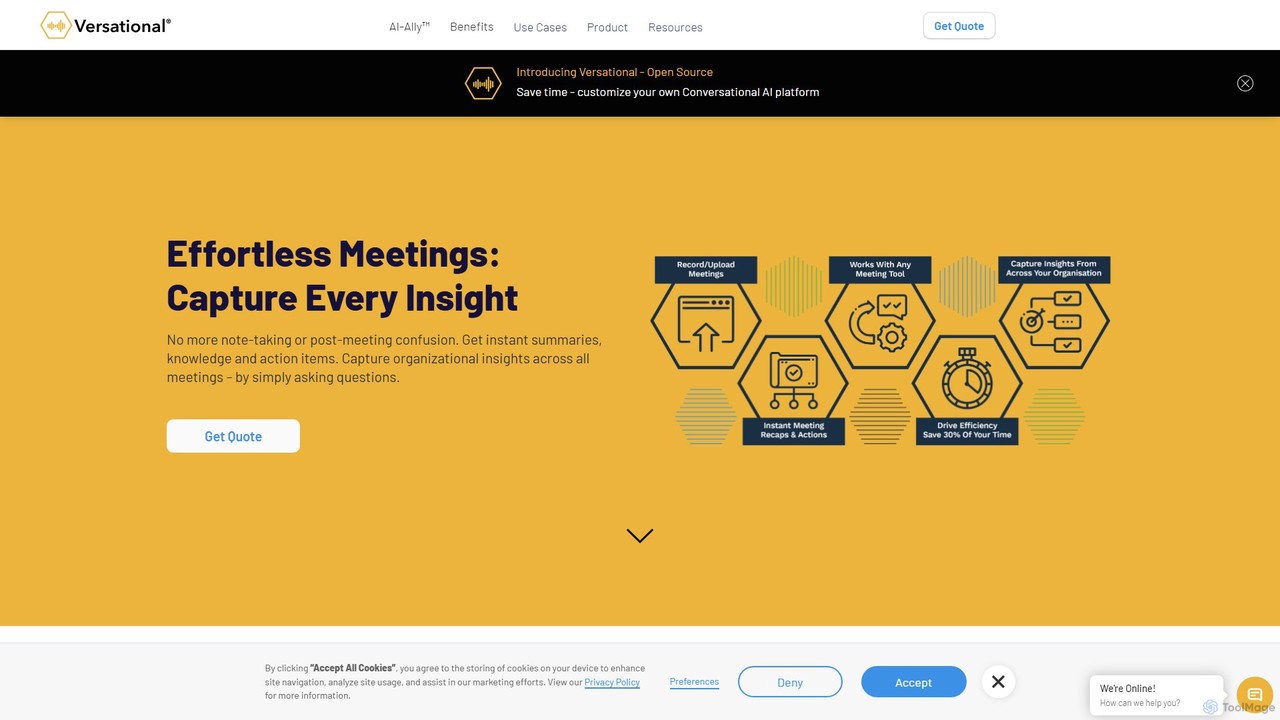
Versational is an AI-powered productivity platform that records, transcribes, and analyzes work conversations. It automates meeting summaries, extracts key insights like action items and sales signals, and integrates with tools like Zoom, Teams, and Salesforce to streamline workflows for sales, project management, and team collaboration.

Call Analysis
Visits 4.2KFavorites 125Likes 125

About Collaboration

Collaboration AI tools are specifically designed to enhance team productivity and streamline shared workflows, serving as a vital component within broader project management frameworks. These advanced platforms leverage artificial intelligence to facilitate real-time communication, intelligent document co-creation, and automated task assignment. They empower distributed teams to work cohesively, breaking down communication silos and accelerating project delivery by ensuring everyone is aligned and informed. Their core value lies in transforming how teams interact and achieve common goals efficiently.

Core Features

  • Real-time Document Co-editing: Allows multiple users to simultaneously edit documents, spreadsheets, or presentations, with changes visible instantly.
  • Intelligent Task Management: AI assists in assigning tasks, setting deadlines, and tracking progress, often suggesting optimal workflows or identifying bottlenecks.
  • Automated Communication Summaries: Generates concise summaries of meeting transcripts, chat logs, or email threads, ensuring all team members stay updated without sifting through long conversations.
  • Shared Workspaces & File Management: Provides a centralized hub for project files, discussions, and resources, accessible to all team members from anywhere.
  • Version Control & Change Tracking: Automatically tracks all modifications to shared documents, allowing easy rollback to previous versions and clear visibility of who made what changes.

Applicable Scenarios

Collaboration AI tools are indispensable for diverse professional settings. Remote and hybrid teams utilize them to maintain seamless communication and coordinated efforts across different time zones. Marketing and content creation teams leverage these tools for co-authoring campaigns, reviewing drafts, and managing content pipelines efficiently. Software development teams benefit from integrated platforms for code collaboration, issue tracking, and sprint planning, ensuring agile project execution.

How to Choose

When selecting Collaboration AI tools, prioritize seamless integration with your existing project management and communication platforms to avoid data silos. Evaluate the real-time collaboration capabilities, including co-editing, instant messaging, and video conferencing features, to match your team's interaction needs. Consider the level of AI assistance offered, such as automated summaries or intelligent task suggestions, and ensure robust security protocols for sensitive data. Finally, assess scalability and user-friendliness to support your team's growth and adoption.

Featured tool rankings

Collaboration use cases

1

Streamlining Cross-Functional Project Planning

Project managers leading cross-functional teams use AI collaboration tools to centralize planning documents, share Gantt charts, and assign tasks across departments. The AI can analyze dependencies and suggest optimal timelines, ensuring all stakeholders from marketing, engineering, and sales are aligned on objectives and deadlines, significantly reducing planning overhead and miscommunication.

2

Facilitating Remote Team Brainstorming Sessions

Remote teams leverage AI collaboration platforms for virtual brainstorming. Tools with AI-powered whiteboards allow participants to contribute ideas simultaneously, while AI can cluster similar concepts, identify key themes, and even generate initial summaries. This enables more inclusive and productive sessions, transforming scattered ideas into actionable insights regardless of geographical location.

3

Co-creating Marketing Content Campaigns

Content creators and marketing teams utilize AI collaboration tools to co-author articles, social media posts, and campaign strategies. Real-time editing, integrated feedback loops, and version control ensure that copywriters, designers, and strategists can work on the same document simultaneously, track changes, and approve content efficiently, accelerating campaign launch cycles.

4

Automating Meeting Summaries and Action Items

Teams frequently use AI collaboration tools with integrated meeting assistants. These tools automatically transcribe meeting discussions, identify key decisions, and extract action items with assigned owners and deadlines. This eliminates the need for manual note-taking, ensures everyone is clear on next steps, and saves significant time in post-meeting follow-ups.

5

Enhancing Software Development Code Reviews

Software development teams integrate AI collaboration tools into their code review process. Developers can share code snippets, discuss changes in real-time, and use AI to highlight potential bugs or suggest improvements. This fosters a more efficient and error-free development cycle, allowing for quicker iterations and higher code quality through collective intelligence.

6

Managing Client Feedback and Iterations on Designs

Design agencies and product teams employ AI collaboration platforms to gather and manage client feedback on prototypes and designs. Clients can directly annotate designs, leave comments, and track revisions within a shared workspace. AI can help categorize feedback, prioritize changes, and ensure all client requests are addressed systematically, leading to faster approval cycles and client satisfaction.

Collaboration FAQ

What are AI Collaboration Tools?

AI collaboration tools are software applications that use artificial intelligence to enhance team communication, coordination, and productivity. They integrate features like real-time co-editing, intelligent task management, and automated communication summaries to help teams work together more effectively, especially in distributed or complex project environments.

How do AI Collaboration Tools differ from traditional Project Management Software?

While traditional project management software focuses primarily on task scheduling, resource allocation, and progress tracking, AI collaboration tools emphasize real-time interaction, content co-creation, and intelligent automation of communication and workflow. AI collaboration tools often augment project management by providing deeper insights into team dynamics and streamlining the how of teamwork, beyond just the what and when of tasks.

What are the key benefits of using AI in team collaboration?

Integrating AI into collaboration offers several key benefits: it automates repetitive tasks like summarizing meetings or assigning simple tasks, freeing up team members for more strategic work. AI enhances decision-making by providing insights from team data, improves communication clarity through intelligent summaries, and boosts overall productivity by streamlining complex workflows and ensuring better alignment across teams.

What features should I look for in an AI Collaboration Tool?

When choosing an AI collaboration tool, look for robust real-time co-editing capabilities for documents and media, intelligent task management with AI-driven suggestions, and advanced communication features like automated summaries and sentiment analysis. Also, consider seamless integration with your existing tech stack, strong security protocols, and a user-friendly interface that encourages adoption across your team.

Can AI Collaboration Tools improve remote team productivity?

Yes, AI collaboration tools significantly improve remote team productivity by bridging geographical gaps. They facilitate instant communication, enable simultaneous work on shared documents, and provide automated updates, ensuring all remote members are synchronized and informed. Features like AI-powered meeting summaries and intelligent task distribution are particularly valuable for maintaining cohesion and efficiency in distributed work environments.