
Toolbar Overview
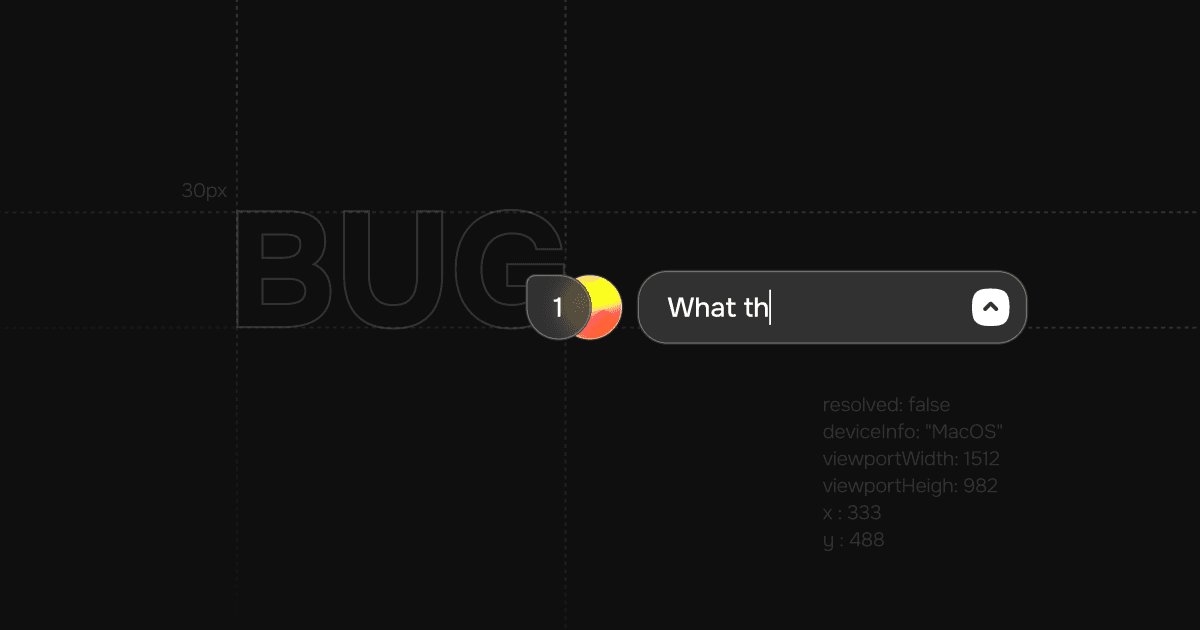
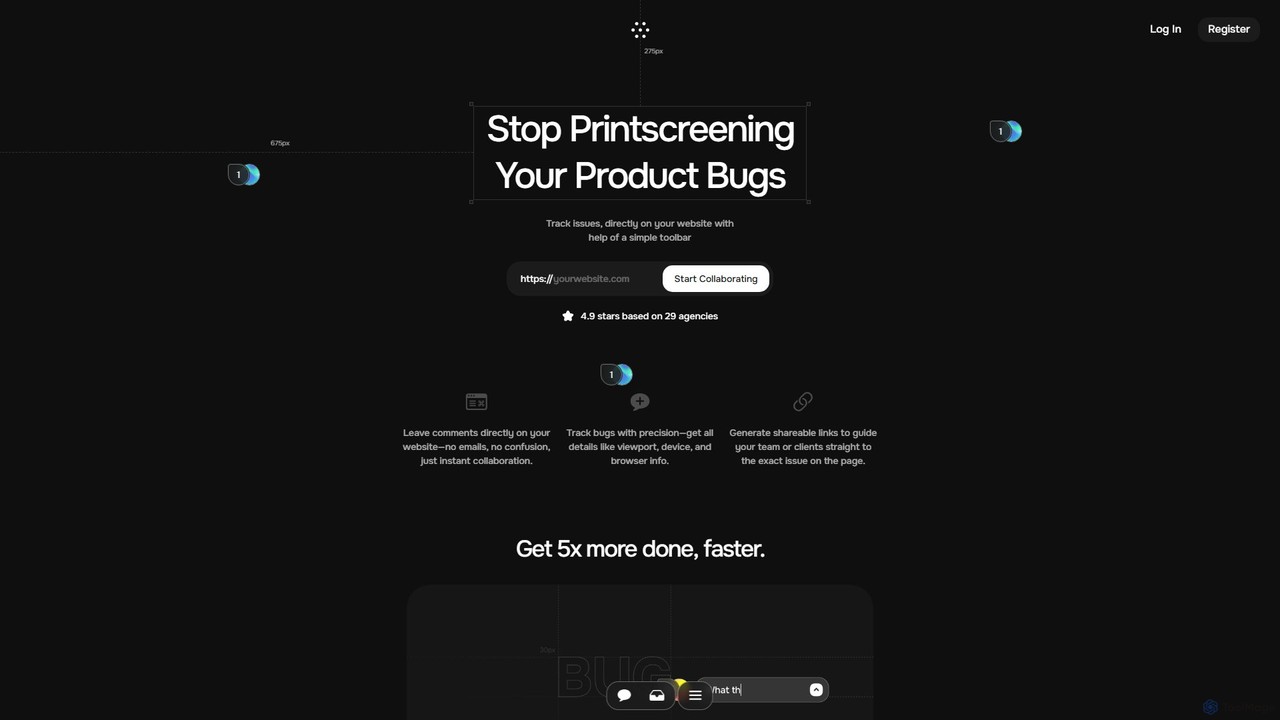
Toolbar is a revolutionary collaboration and feedback tool designed to dramatically accelerate the web development and design process for agencies, developers, and their clients. It replaces the cumbersome, traditional methods of feedback—like annotated screenshots, lengthy emails, and confusing spreadsheets—with a simple, intuitive toolbar that lives directly on your website. This allows all stakeholders, regardless of their technical expertise, to provide precise, contextual feedback in real-time.
By enabling users to click anywhere on a webpage to leave a comment or report an issue, Toolbar streamlines communication and eliminates ambiguity. Every piece of feedback is automatically captured with critical technical details, such as the user's browser, operating system, screen resolution, and viewport size, saving developers countless hours of back-and-forth trying to reproduce bugs. The platform is built for seamless collaboration, creating a single source of truth where teams can discuss issues, track progress, and ensure everyone is aligned.
How to use Toolbar
Getting started with Toolbar is incredibly straightforward. First, you add a small snippet of code to your website, which instantly activates the feedback toolbar for authorized users. Next, you can invite your team members, clients, and other stakeholders to the project. Once invited, they can simply navigate the website, find an issue or an element they want to discuss, and click to leave a comment. A task is automatically created with all the necessary technical data. These tasks can be managed within Toolbar's dashboard or synced with your existing project management tools to fit perfectly into your workflow.
Core Features of Toolbar
- Visual Feedback & On-Page Annotation: Leave comments, suggestions, and bug reports directly on any website element for clear, contextual communication.
- One-Click Bug Reporting: Automatically capture comprehensive technical details with every report, including browser, OS, viewport, and console logs, to help developers reproduce and fix issues 3x faster.
- AI-Powered Task Resolution: An integrated AI assistant understands the context of the page and the reported issue, offering intelligent solutions and code suggestions to resolve tasks more efficiently.
- Seamless Integrations: Connect Toolbar with popular project management and communication tools like Jira, Slack, Linear, Zapier, and Make.com to keep your workflows synchronized.
- Centralized Task Management: Manage all feedback and bug reports in a centralized dashboard. Create pre-filled tasks to reduce manual data entry by up to 70%.
- Shareable Links: Generate unique, shareable links that take team members or clients directly to the specific comment or issue on the page, eliminating confusion.
- Browser Extension: An upcoming browser extension will make capturing and reporting issues even faster and more convenient.
Use Cases for Toolbar
Toolbar is ideal for a variety of scenarios, including: Agency-Client Collaboration, where it provides a transparent and efficient way for clients to provide feedback on website drafts and live sites. For Web Development & QA Testing, it streamlines the bug tracking process, making it easy for QA testers and developers to log and resolve issues. UI/UX Design Feedback becomes more interactive, as designers can receive visual feedback directly on their prototypes or live implementations. It also greatly enhances Project Management for Remote Teams by providing a centralized platform for communication and task tracking, ensuring everyone stays on the same page regardless of location.
Advantages of Toolbar
The primary advantage of Toolbar is its ability to dramatically increase productivity, helping teams get up to 5x more done. It closes the communication gap between technical and non-technical stakeholders, making collaboration effortless. By automating the collection of technical data, it saves significant time and reduces the frustration associated with vague bug reports. The AI-powered assistance further accelerates problem-solving, while seamless integrations ensure that Toolbar enhances, rather than disrupts, existing workflows. Ultimately, it leads to faster project delivery, higher quality websites, and happier clients and teams.
Pricing and Plans
Toolbar likely offers a freemium pricing model. This typically includes a free plan suitable for small projects or individual users with basic features, alongside several paid subscription tiers for agencies and larger businesses. Paid plans are expected to offer advanced capabilities such as unlimited projects, more collaborators, priority support, and access to premium integrations. For the most accurate and current pricing information, please visit the official Toolbar website.
Traffic
Latest traffic
Status
Monthly traffic trend
- 2025-9: 380
- 2026-1: 164
- 2026-2: 0
- 2026-3: 709
- 2026-4: 749
- 2026-5: 194
Geography
Top 5 countries / regions
- 🇧🇷Brazil100.0%
Top keywords
| Keyword | Cost per click |
|---|---|
| toolbar | $2.46 |
| usetool bar | $0.00 |
Toolbar Alternatives
TaskHuddle
TaskHuddle is a visual feedback and bug tracking tool, primarily for WordPress, that allows clients and team members to provide contextual feedback directly on your website or web application. It streamlines the revision process by converting clicks and comments into actionable tasks in a centralized dashboard.
Feedback Collection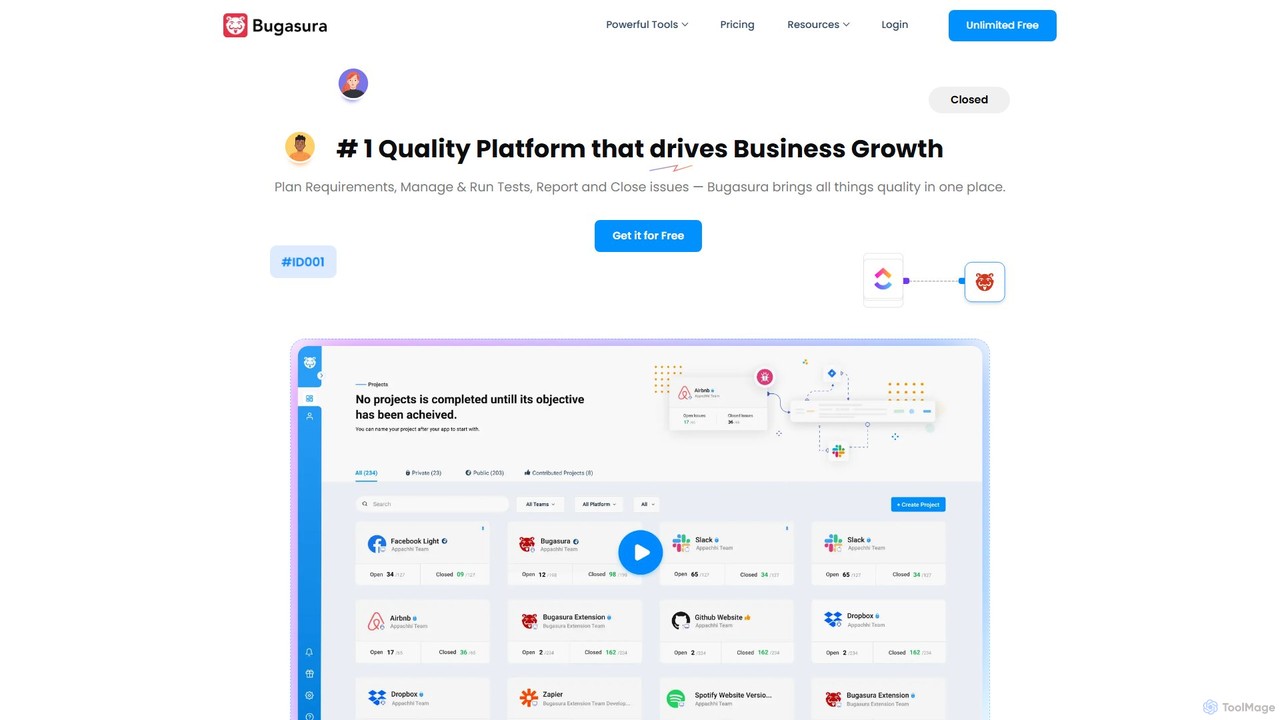
Bugasura
Bugasura is an AI-powered quality platform designed to streamline bug tracking and accelerate software development. It helps teams capture, report, and resolve bugs faster by automatically gathering comprehensive context, using AI for smart triage, and integrating seamlessly with existing development workflows. It's built for modern tech teams, including engineers, testers, and CTOs, to enhance collaboration and drive business growth through superior software quality.
Bug Tracking
PinMy
PinMy is a visual collaboration platform designed to streamline feedback and communication for teams in construction, design, marketing, and education. It allows users to pin comments, voice notes, and annotations directly onto images, PDFs, and videos, eliminating ambiguity and accelerating project workflows. It's an intuitive tool for precise, real-time feedback.
Feedback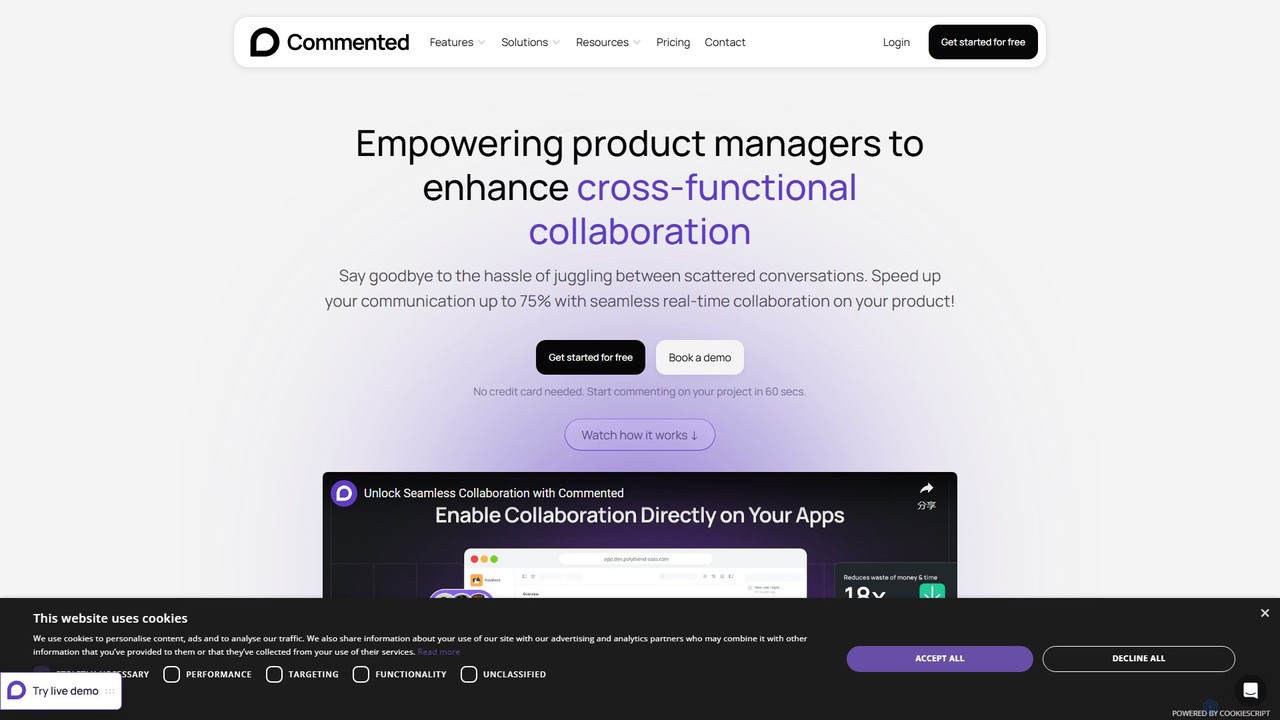
Commented
Commented is a visual collaboration and feedback tool designed for product teams, developers, and marketers. It allows users to leave precise, contextual comments and annotations directly on live websites, web apps, and mobile applications, streamlining the feedback process and accelerating development cycles by up to 75%.
Bug Tracking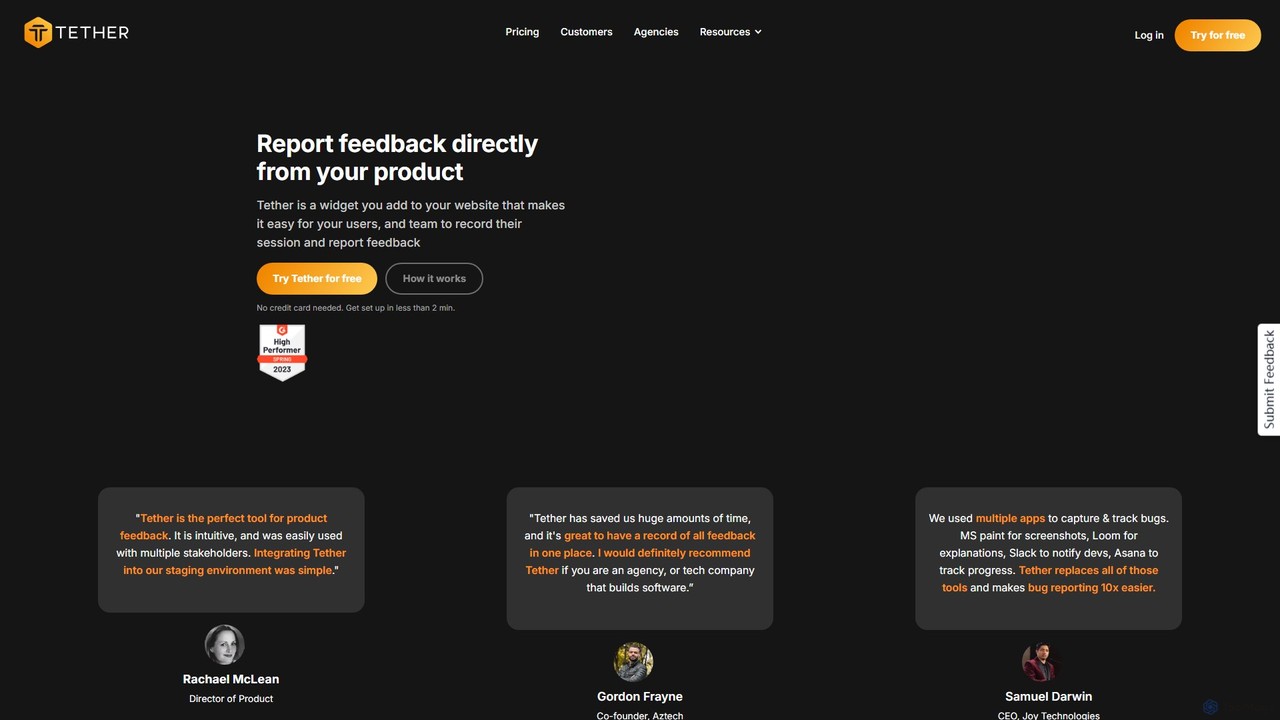
Tether
Tether is an all-in-one visual feedback and bug reporting tool for teams. It allows users and team members to capture screen recordings, annotated screenshots, and technical data directly from any website or web app, streamlining the feedback process and accelerating development cycles.
Feedback ManagementToolbar Categories
Toolbar Embed Widget
Copy this embed code to place the badge on your blog, article, or product site and send readers directly to this ToolMage detail page.

Related AI tools
PinMy
PinMy is a visual collaboration platform designed to streamline feedback and communication for teams in construction, design, marketing, and education. It allows users to pin comments, voice notes, and annotations directly onto images, PDFs, and videos, eliminating ambiguity and accelerating project workflows. It's an intuitive tool for precise, real-time feedback.
FeedbackTaskHuddle
TaskHuddle is a visual feedback and bug tracking tool, primarily for WordPress, that allows clients and team members to provide contextual feedback directly on your website or web application. It streamlines the revision process by converting clicks and comments into actionable tasks in a centralized dashboard.
Feedback CollectionCommented
Commented is a visual collaboration and feedback tool designed for product teams, developers, and marketers. It allows users to leave precise, contextual comments and annotations directly on live websites, web apps, and mobile applications, streamlining the feedback process and accelerating development cycles by up to 75%.
Bug TrackingTether
Tether is an all-in-one visual feedback and bug reporting tool for teams. It allows users and team members to capture screen recordings, annotated screenshots, and technical data directly from any website or web app, streamlining the feedback process and accelerating development cycles.
Feedback Management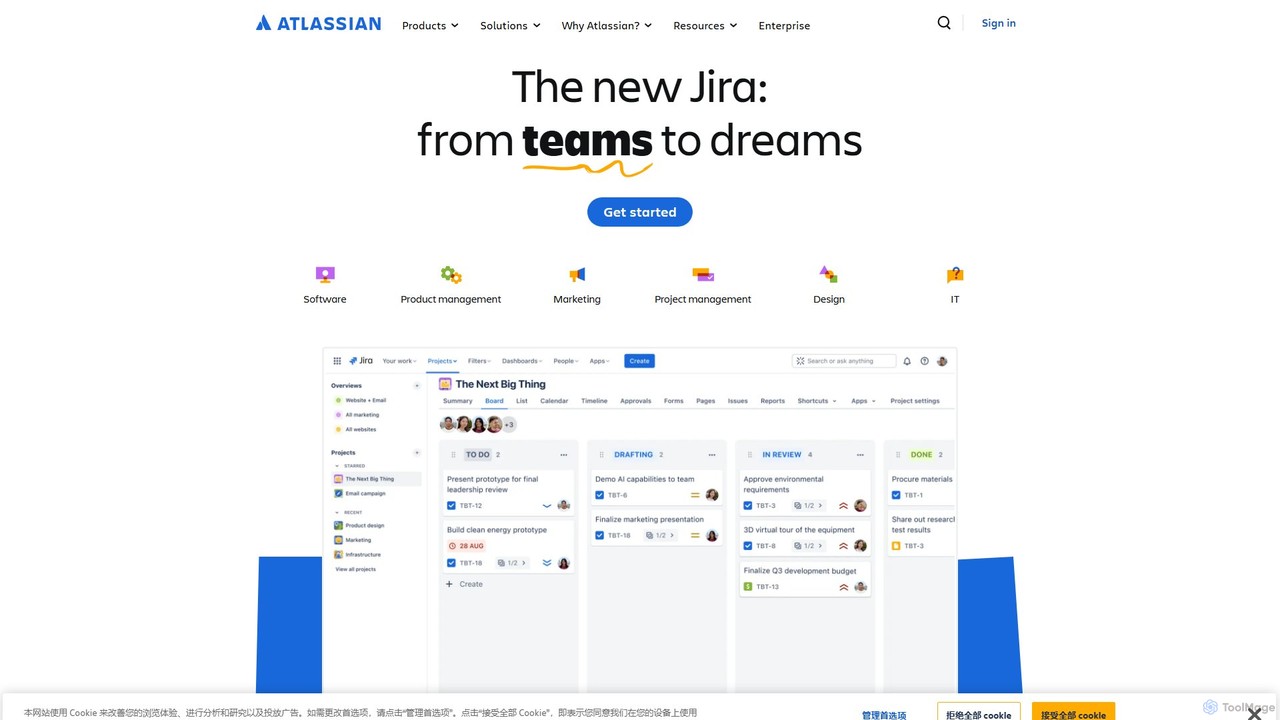
Atlassian
Atlassian provides an integrated suite of collaboration, development, and issue-tracking tools for teams of all sizes. Powered by Atlassian Intelligence, products like Jira, Confluence, and Trello help software, IT, and business teams plan, track, and deliver work more efficiently. It's a comprehensive platform designed to unleash the potential of every team through seamless integration and AI-driven productivity.
Collaboration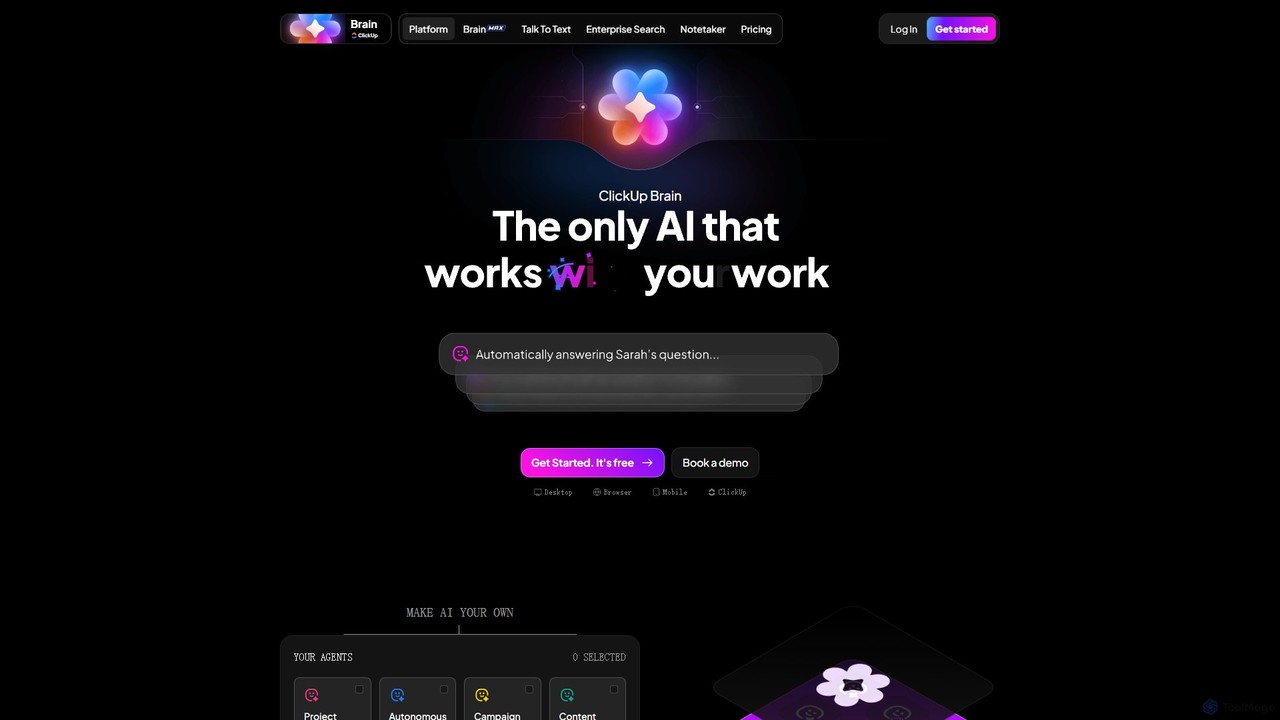
ClickUp Brain
ClickUp Brain is an all-in-one AI assistant integrated directly into the ClickUp productivity platform. It automates tasks, manages projects, summarizes meetings, and generates content by leveraging the full context of your work. It aims to replace multiple standalone AI tools by providing a unified, intelligent workspace that enhances team collaboration and accelerates project completion.
Collaboration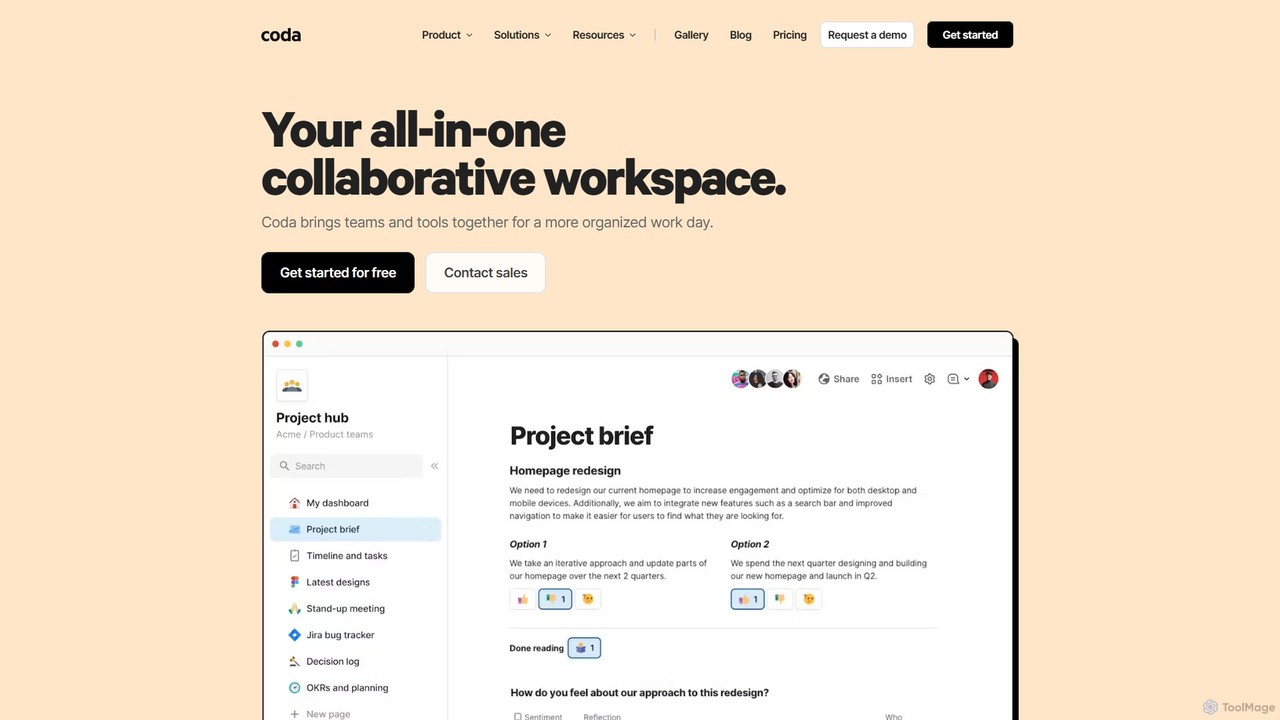
Coda
Coda is an all-in-one collaborative workspace that blends documents, spreadsheets, and applications into a single, flexible surface. Powered by Coda AI, it helps teams centralize information, automate workflows, and make faster decisions. Replace your scattered tool stack with a unified platform for writing, tracking, and building custom solutions.
Knowledge Base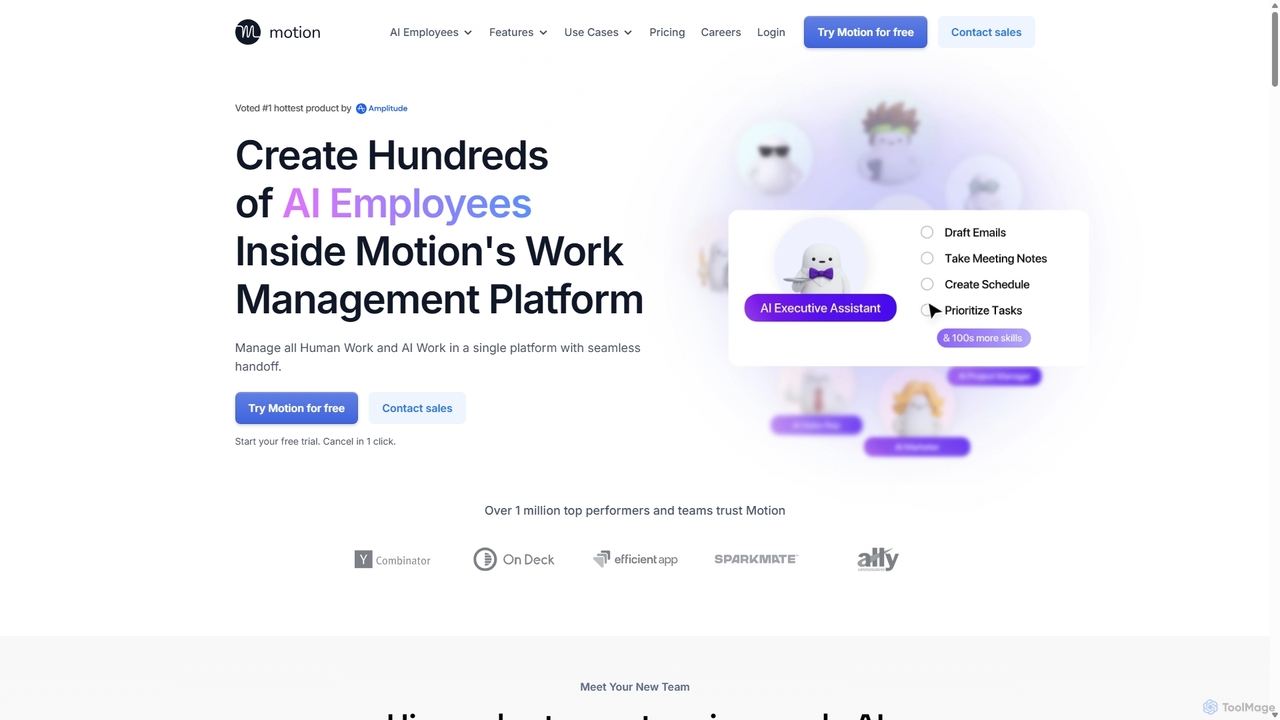
Motion
Motion is an AI-powered platform that provides a suite of AI Employees and productivity tools to automate tasks, manage projects, and organize schedules. It's designed to 10x your team's output by handling everything from calendar management and email replies to sales outreach and customer support, all within a single integrated workspace.
Virtual Assistant
SmartSuite
SmartSuite is a powerful, all-in-one work management platform that unifies all your business processes, from project management and CRM to ITSM and HR. SmartSuite replaces scattered spreadsheets and apps with a single, customizable no-code solution. It features integrated AI, robust reporting, workflow automation, and numerous data views to help teams collaborate and work smarter.
Crm
Howsthisgoing
Howsthisgoing is an AI-powered project manager for Slack that automates team standups and status updates. It integrates with tools like GitHub to generate intelligent summaries and provide instant insights into your team's progress, blockers, and code changes, all through natural language queries within Slack.
Team Collaboration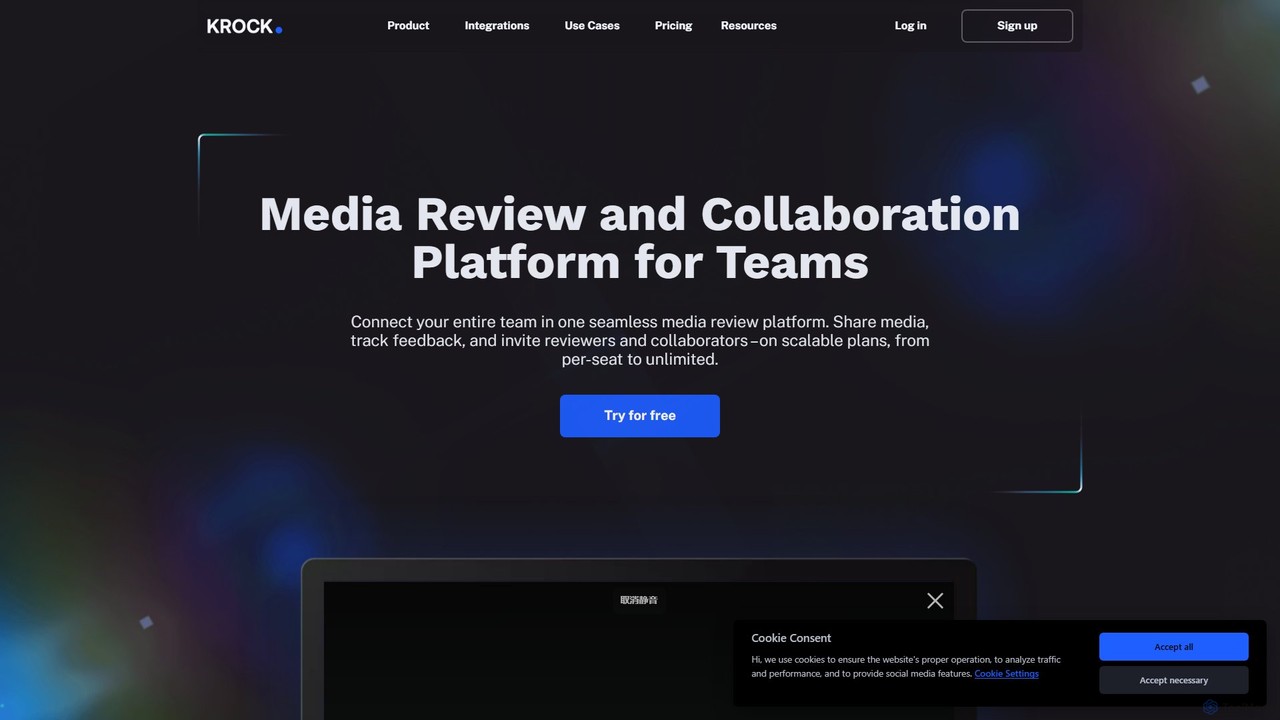
Krock.io
Krock.io is a comprehensive media review and collaboration platform for creative teams. It streamlines video production, animation, and design workflows by centralizing feedback, version control, and project management. Features include time-coded comments, an AI-powered storyboard tool, and seamless integration with Adobe CC, helping teams deliver projects faster and more efficiently.
Collaboration
Kroolo
Kroolo is an AI-powered productivity management platform designed to streamline workflows for various teams. It integrates project management, document creation, and team collaboration, using AI agents to automate tasks, generate insights, and accelerate processes for departments like marketing, engineering, and HR.
Collaboration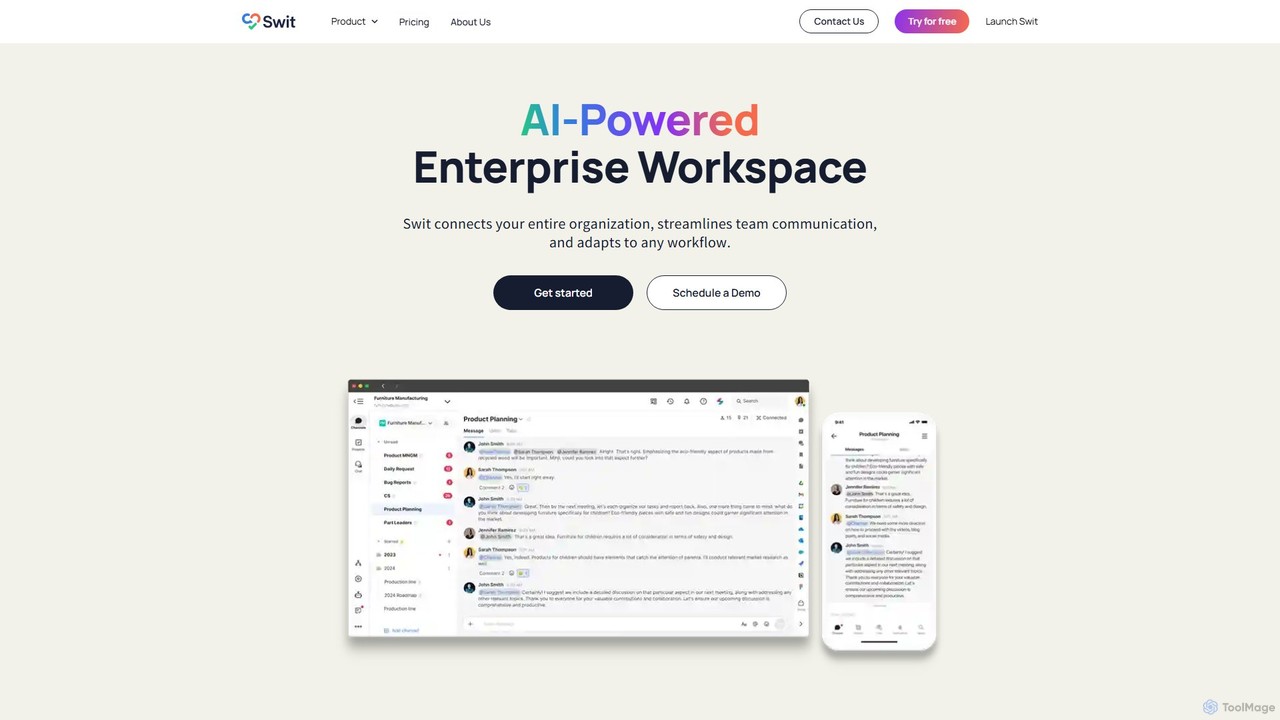
Swit
Swit is an AI-powered enterprise workspace that unifies team communication and task management into a single, integrated platform. It eliminates the need to switch between apps like Slack and Asana by combining chat, projects, automation, and powerful integrations. Designed for organizations of all sizes, Swit streamlines workflows, enhances cross-functional collaboration, and provides a central hub for all work-related activities, boosting productivity and transparency.
Team Management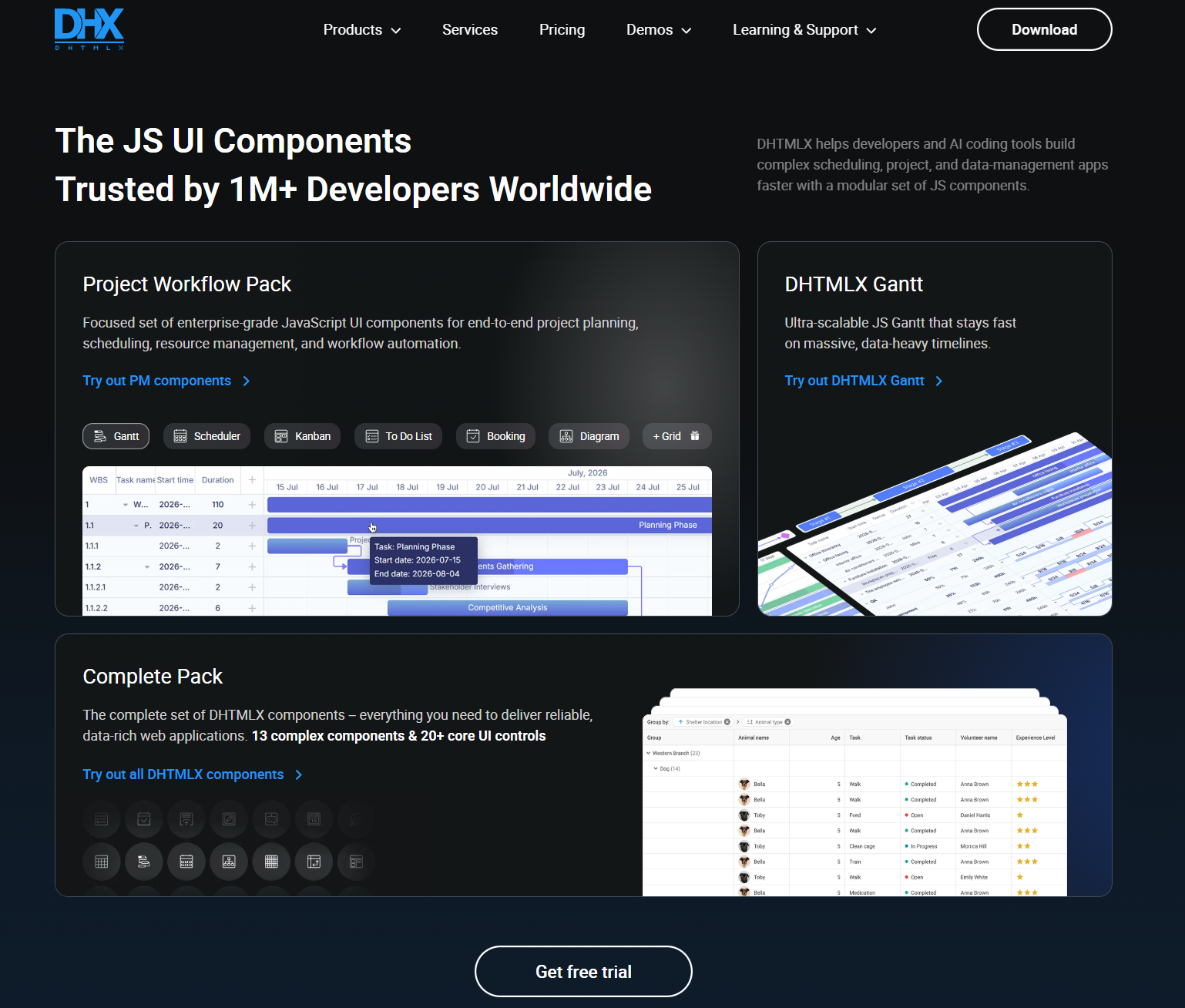
DHTMLX
JavaScript UI components for building enterprise web apps, dashboards, schedulers, Gantt charts, data grids, and AI chatbot interfaces.
Data Visualization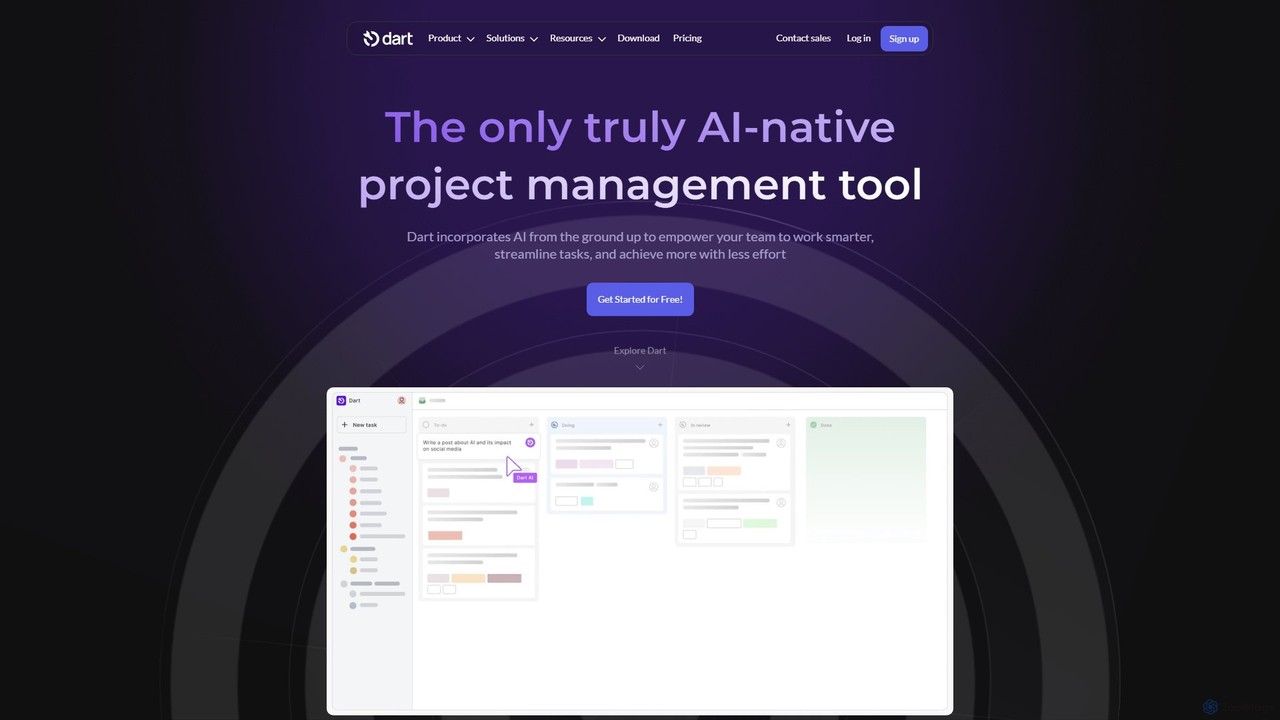
itsdart
Dart is an AI-native project management platform designed to automate workflows and enhance team productivity. It integrates AI from the ground up to handle tasks like subtask generation, project planning, and report creation. With features like intelligent task management, AI agents, integrated documents, and seamless integrations with tools like Slack and GitHub, Dart helps teams streamline operations, reduce manual overhead, and achieve goals faster.
Collaboration
Toolbar Comments (0)
Sign in to comment.
Sign inNo comments yet.