ToolMage
Sign in

Best 8 Team Collaboration AI tools for Communication

Popular Team Collaboration AI tools in Communication include Superhuman, Missive, Howsthisgoing, Spikenow, JotMe, Cuely, Spoke.ai, and Truffle, helping you work more efficiently.

Howsthisgoing
Freemium

Howsthisgoing

Howsthisgoing is an AI-powered project manager for Slack that automates team standups and status updates. It integrates with tools like GitHub to generate intelligent summaries and provide instant insights into your team's progress, blockers, and code changes, all through natural language queries within Slack.

Team Collaboration
Visits 240KFavorites 163Likes 165
Truffle
Freemium

Truffle

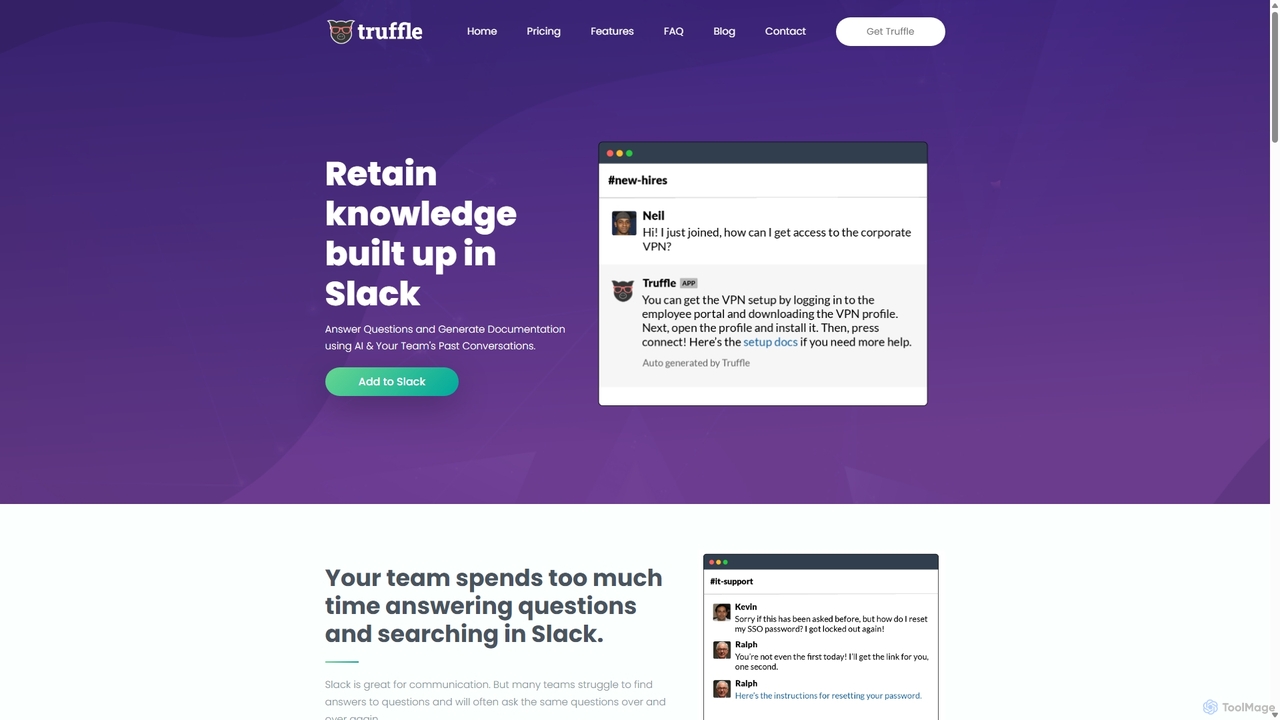
Truffle is an AI-powered Slack bot that automatically builds a knowledge base from your team's past conversations. It instantly answers repetitive questions, saving time for HR, IT, and product teams, and making information accessible to everyone.

Team Collaboration
Visits 4.6KFavorites 127Likes 141
Superhuman
Paid

Superhuman

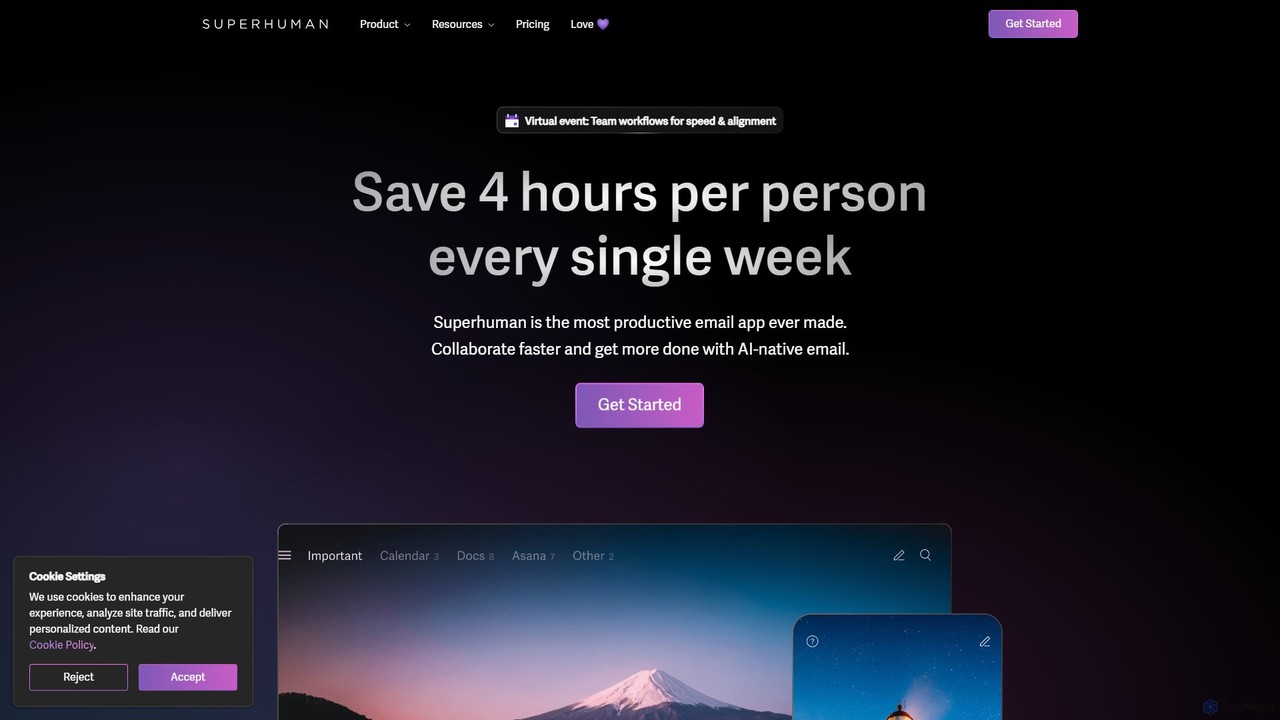
Superhuman is an AI-native email client designed for speed and productivity. It helps high-performing teams and individuals save over 4 hours a week by organizing the inbox, summarizing threads, and drafting emails with AI that matches your personal writing style. It supports Gmail and Outlook, offering a blazingly fast, focused, and collaborative email experience.

Team Collaboration
Visits 3.3MFavorites 107Likes 117
Cuely
Freemium

Cuely

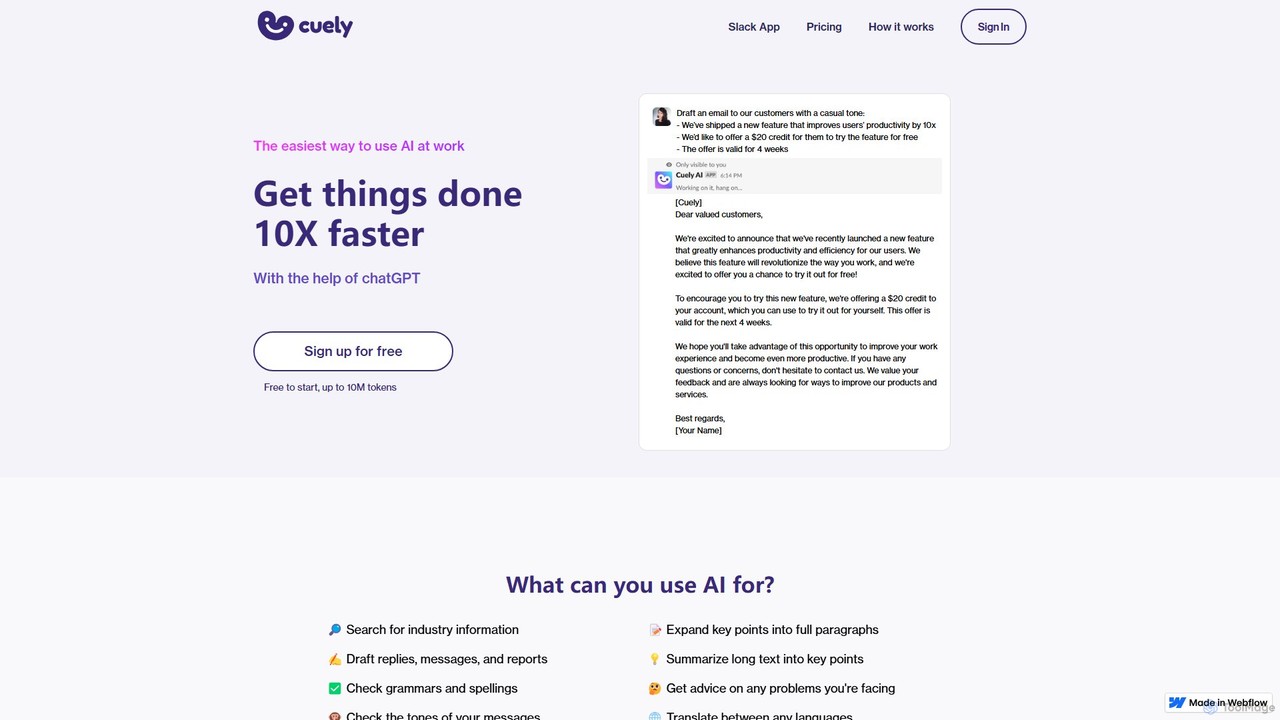
Cuely is an AI assistant seamlessly integrated into Slack, designed to enhance workplace productivity. It helps teams draft emails, generate ideas, get communication advice, and more, directly within their existing workflows. By using simple commands or mentions, users can access powerful AI capabilities without needing to learn complex prompting, making it the easiest way to leverage AI at work.

Team Collaboration
Visits 8KFavorites 144Likes 118
Missive
Freemium

Missive

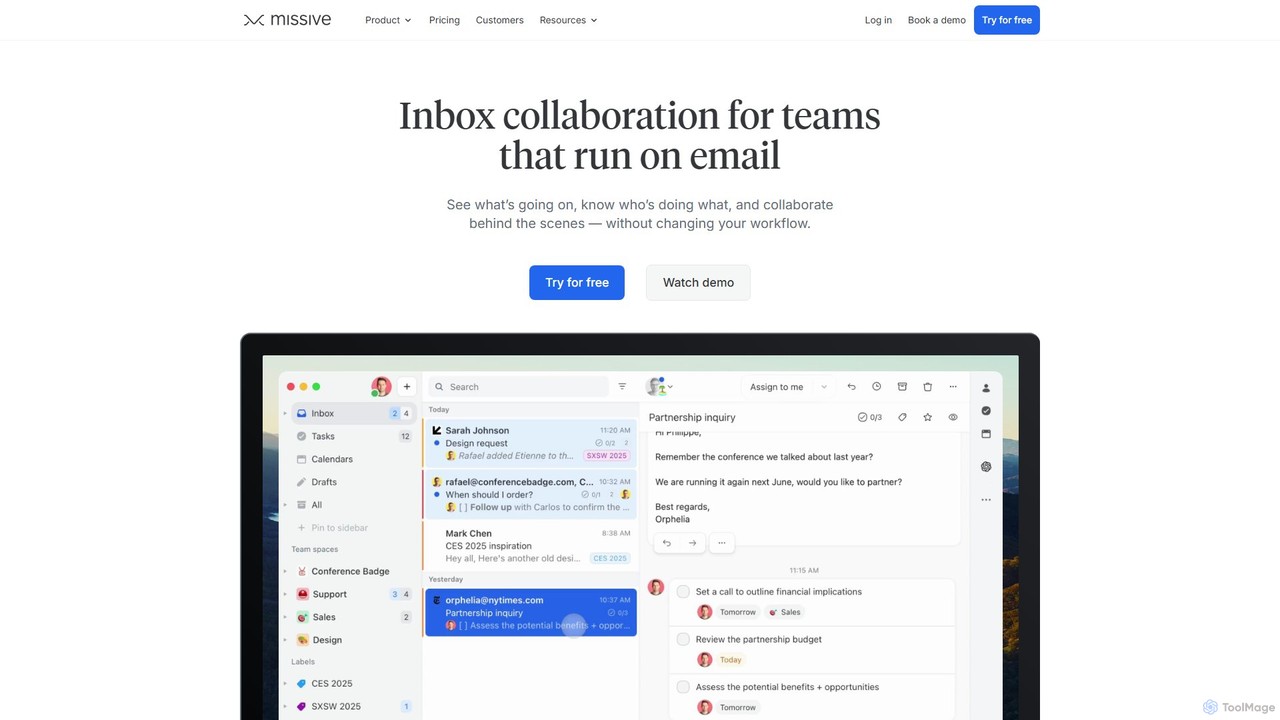
Missive is a collaborative inbox and team communication tool that unifies email, chat, social media, and tasks into a single platform. It empowers teams to manage shared inboxes, collaborate on responses, assign tasks, and automate workflows. With integrated AI, Missive helps draft replies, summarize conversations, and translate messages, boosting team productivity and efficiency.

Team Collaboration
Visits 564.9KFavorites 119Likes 124
JotMe
Freemium

JotMe

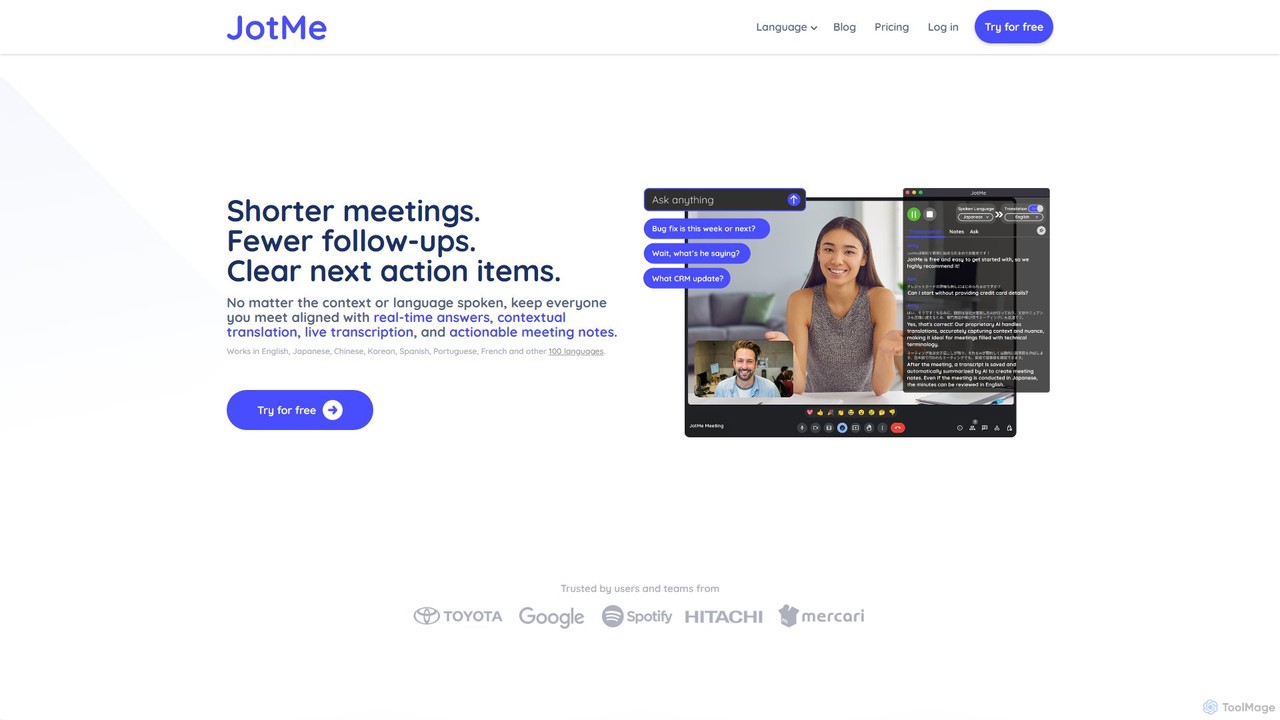
JotMe is a real-time AI meeting assistant designed to make meetings shorter and more effective. It provides live, context-aware translation in over 100 languages, accurate transcription, and AI-generated notes with clear action items. By integrating seamlessly as a desktop app or Chrome extension, it helps global and cross-functional teams overcome language barriers and stay aligned without intrusive meeting bots.

Team Collaboration
Visits 166.5KFavorites 135Likes 145
Spikenow
Freemium

Spikenow

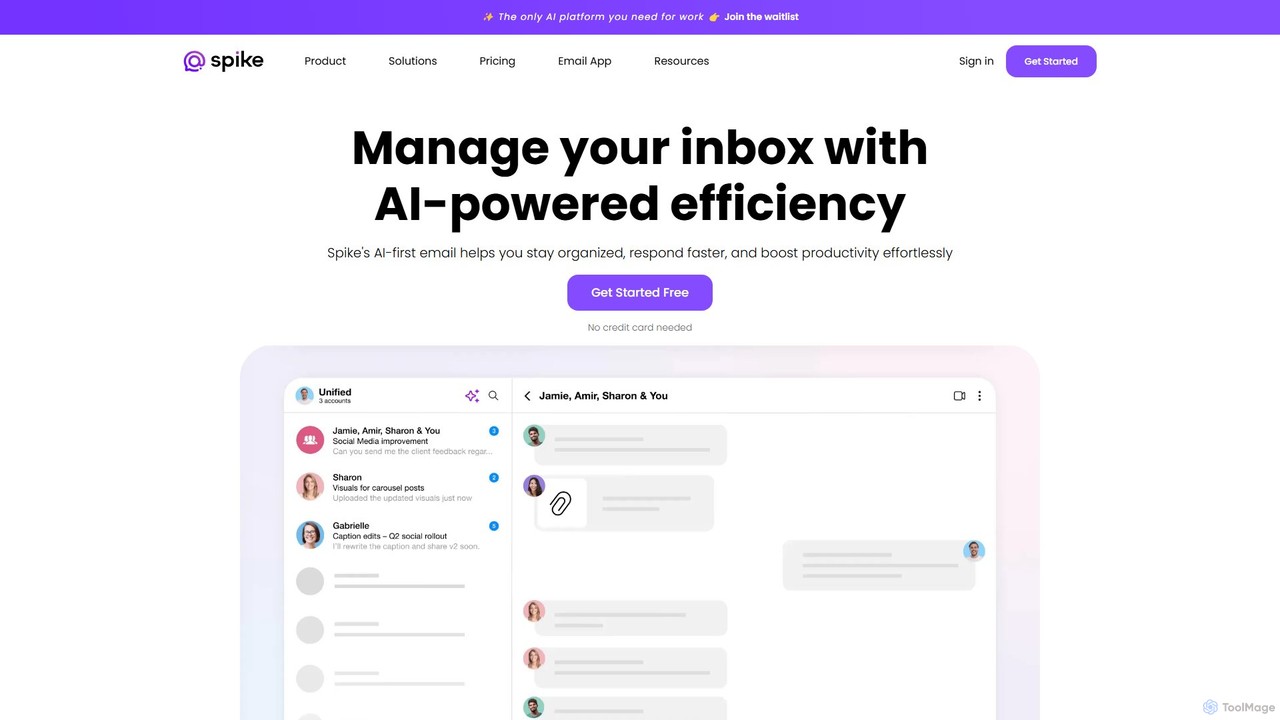
Spikenow is an AI-powered communication and collaboration platform that transforms your email into a dynamic, chat-like conversational feed. It unifies email, team chat, tasks, notes, and video calls into a single workspace, using AI to summarize threads, draft replies, and prioritize your inbox. It's designed to boost productivity by eliminating app switching and streamlining team workflows.

Team Collaboration
Visits 187.1KFavorites 132Likes 132
Spoke.ai
Freemium

Spoke.ai

Spoke.ai is an AI-powered communication assistant that transforms team conversations into actionable intelligence. It integrates with platforms like Slack to automatically summarize discussions, track decisions, and identify action items, helping teams stay aligned, reduce noise, and accelerate their workflow.

Team Collaboration
Visits 7.9KFavorites 128Likes 134

About Team Collaboration

AI-powered Team Collaboration tools are designed to streamline and enhance how groups work together, forming a vital part of the broader Communication category. These platforms leverage artificial intelligence to facilitate seamless information exchange, project management, and decision-making, moving beyond simple messaging to offer intelligent assistance. They aim to boost collective productivity and foster a more connected and efficient work environment.

Core Features

  • Intelligent Task Management: AI-driven assignment, prioritization, and progress tracking for team projects.
  • Automated Meeting Summaries: AI transcribes and summarizes discussions, highlighting key decisions and action items.
  • Smart Document Collaboration: AI assists in co-editing, version control, and suggesting relevant content or insights.
  • Predictive Analytics for Team Performance: AI identifies bottlenecks, predicts project delays, and suggests resource allocation.
  • Personalized Communication Channels: AI routes messages and notifications based on user roles, urgency, and project context.

Use Cases

Teams in software development, marketing, or creative agencies use these tools to manage complex projects, track individual contributions, and ensure alignment across multiple stakeholders. They facilitate agile sprints, content review cycles, and campaign launches by centralizing communication and tasks.

How to Choose

When selecting a Team Collaboration AI tool, consider its integration capabilities with existing workflows (e.g., CRM, project management software), the level of AI automation offered (e.g., basic summaries vs. predictive insights), scalability for team growth, and data security protocols. Evaluate user interface intuitiveness and the availability of customizability options to fit specific team needs.

Team Collaboration use cases

1

Streamlining Project Workflows

Project managers use AI collaboration tools to automate task assignments, monitor progress, and identify potential roadblocks in real-time. This ensures projects stay on track, resources are optimally utilized, and team members receive timely updates without manual oversight, significantly boosting efficiency in complex projects.

2

Enhancing Remote Meeting Productivity

Distributed teams leverage AI to transcribe virtual meetings, generate concise summaries of discussions, and automatically extract action items. This saves time on note-taking, ensures everyone is aligned on decisions, and provides a searchable record for future reference, making remote collaboration more effective.

3

Facilitating Cross-Functional Document Creation

Marketing and design teams collaborate on campaigns by using AI tools for co-editing documents, managing version control, and receiving AI-driven suggestions for content improvement. This accelerates content creation, ensures brand consistency across all materials, and reduces review cycles, leading to faster campaign launches.

4

Optimizing Team Communication Channels

Large organizations utilize AI to intelligently route internal communications, prioritize urgent messages, and filter out noise. This ensures critical information reaches the right team members promptly, reducing communication overload and improving response times across departments, fostering a more focused environment.

5

Accelerating Onboarding and Knowledge Sharing

HR departments and team leads deploy AI collaboration platforms to centralize knowledge bases, automate FAQ responses for new hires, and facilitate peer-to-peer learning. This speeds up onboarding processes, ensures consistent access to company information, and reduces the burden on experienced team members, fostering a self-sufficient learning culture.

6

Improving Decision-Making with Data Insights

Leadership teams use AI collaboration tools to analyze team interactions, project data, and communication patterns to gain insights into team dynamics and potential areas for improvement. This supports data-driven decision-making for resource allocation, strategic planning, and identifying training needs, leading to more effective organizational growth.

Team Collaboration FAQ

What are AI Team Collaboration tools?

AI Team Collaboration tools are platforms that integrate artificial intelligence to enhance how teams communicate, manage projects, and share information. They go beyond traditional collaboration software by offering intelligent features like automated summaries, predictive analytics, and smart task management to boost collective efficiency and decision-making.

How do AI Team Collaboration tools differ from standard communication platforms?

While standard communication platforms (like chat apps) focus on message exchange, AI Team Collaboration tools add an intelligent layer. They use AI for tasks such as automatically summarizing meetings, prioritizing tasks, suggesting relevant information, and analyzing team performance, transforming raw communication into actionable insights and automated workflows.

What are the key benefits of using AI in team collaboration?

Integrating AI into team collaboration offers several benefits, including increased productivity through automation of routine tasks, improved decision-making with data-driven insights, enhanced communication clarity via intelligent summaries, and better project management with predictive analytics. It also helps reduce information overload and fosters a more organized work environment.

What features should I look for in an AI Team Collaboration tool?

Look for features such as AI-powered task automation, intelligent meeting transcription and summarization, smart document co-editing, robust integration capabilities with other business tools, and advanced analytics for team performance. User-friendly interface, strong security, and scalability are also crucial considerations for long-term use.

Can AI Team Collaboration tools help with remote work challenges?

Absolutely. AI Team Collaboration tools are particularly beneficial for remote and distributed teams. They help overcome challenges like time zone differences with asynchronous communication features, ensure everyone stays informed with automated summaries, and maintain project visibility through intelligent tracking, fostering a cohesive remote work experience.