

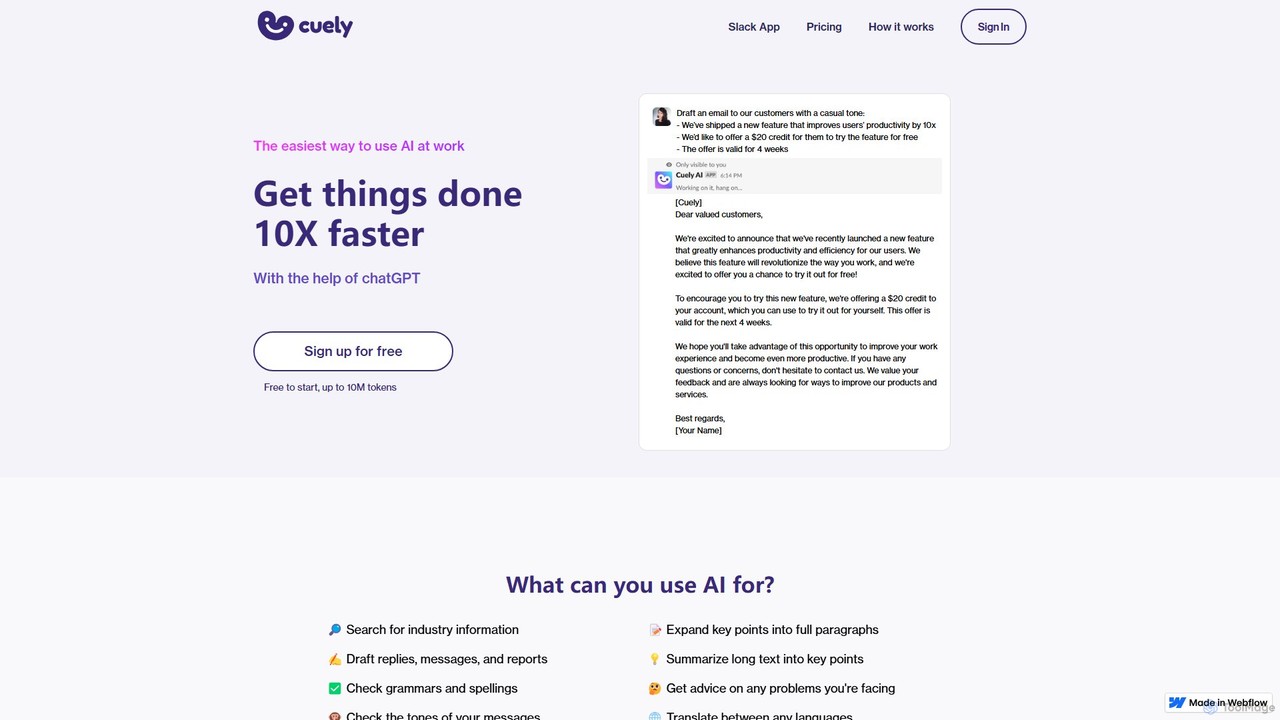
Cuely Overview
Cuely is a powerful and intuitive AI assistant designed to be the ultimate productivity partner for teams using Slack. It seamlessly integrates into your workspace, bringing the power of artificial intelligence directly into your daily conversations and workflows. The core philosophy behind Cuely is simplicity and efficiency; it's built to provide high-quality, context-aware responses without requiring users to become experts in prompt engineering. Whether you need to draft a sensitive email, brainstorm creative ideas, or get quick advice on a professional matter, Cuely is available on-demand within any Slack channel, group chat, or direct message.
By eliminating the need to switch between applications, Cuely saves valuable time and reduces context-switching, allowing teams to stay focused and collaborative. It understands the nuances of workplace communication and is optimized to assist with a wide range of tasks, from content creation to strategic planning. It acts as a collective brain for your team, ready to assist at a moment's notice.
How to use Cuely
Using Cuely is designed to be incredibly straightforward and intuitive, fitting naturally into how you already use Slack. There are three primary ways to interact with the AI assistant:
- Use the `/cue` command: In any channel or direct message, simply type `/cue` followed by your request. This is ideal for focused tasks or when you want to generate content privately before sharing. For example:
/cue Draft a professional email to a client apologizing for a delay in project delivery. - Mention `@cuely` in a chat: In any group channel or multi-person chat, you can bring Cuely into the conversation by mentioning it with `@cuely` followed by your question or task. This is perfect for collaborative brainstorming or getting instant team-wide assistance. For example:
@Cuely What are some innovative marketing strategies for a new SaaS product? - Message Cuely directly: For private conversations, advice, or extensive content generation, you can send a direct message to the Cuely app in Slack. This provides a one-on-one space to work with the AI without cluttering public channels. For example:
How can I best structure a performance review for a high-performing employee?
Core Features of Cuely
- Seamless Slack Integration: Functions natively within the Slack environment, accessible in any channel, group chat, or direct message.
- Intelligent Content Creation: Effortlessly drafts professional emails, clear messages, detailed reports, social media posts, and other written content.
- Communication Coaching: Offers guidance and suggestions for handling difficult or sensitive workplace conversations, such as providing feedback or discussing performance issues.
- Creative Brainstorming & Idea Generation: Acts as a creative partner to help teams brainstorm ideas for marketing campaigns, product features, team-building activities, and more.
- Context-Aware Assistance: Can understand the context of a conversation thread to provide relevant and helpful responses or summaries.
- Zero-Prompt Engineering Required: Optimized to deliver excellent results from simple, natural language questions, removing the barrier of learning complex prompting techniques.
Use Cases for Cuely
Cuely is versatile and can be used by various departments within an organization:
- HR Teams: Drafting job descriptions, creating interview questions, formulating internal announcements, and getting advice on employee relations.
- Marketing Teams: Brainstorming ad copy and taglines, writing blog post outlines, creating social media content, and drafting customer announcement emails.
- Sales Teams: Composing persuasive follow-up emails, preparing for client meetings by generating talking points, and summarizing call notes.
- Managers & Team Leads: Getting advice on team management strategies, drafting performance review feedback, and planning team-building events.
- All Employees: Improving the clarity and tone of daily communications, summarizing long Slack threads to catch up quickly, and getting quick answers to general knowledge questions.
Advantages of Cuely
Integrating Cuely into your workflow offers significant benefits:
- Enhanced Productivity: Automates and accelerates time-consuming writing and research tasks, freeing up employees to focus on high-value work.
- Improved Communication Quality: Helps teams craft more professional, empathetic, and effective messages, reducing misunderstandings.
- Effortless Workflow Integration: AI assistance is available directly within Slack, eliminating the need to switch between different tools and platforms.
- Accessible and User-Friendly: Designed for everyone, regardless of their technical skill. The intuitive interface ensures a zero learning curve.
- Fosters Collaboration: Can be used in group settings to facilitate brainstorming and co-create documents, ensuring everyone is on the same page.
Pricing and Plans
Cuely likely offers a freemium model to allow teams to experience its value before committing. Based on industry standards for similar tools, the pricing structure may be as follows (please visit the official website for the most current information):
- Free Plan: Ideal for individuals or small teams to get started. Includes a limited number of AI queries per month.
- Pro Plan: Designed for growing teams and professionals who require more frequent use. Offers a higher query limit, priority support, and access to premium features for a monthly per-user fee.
- Enterprise Plan: A custom solution for large organizations. Includes unlimited usage, advanced security features, custom integrations, and dedicated account management. Pricing is available upon request.
Traffic
Latest traffic
Status
Monthly traffic trend
- 2025-9: 2.5K
- 2026-1: 0
- 2026-2: 587
- 2026-3: 3.2K
- 2026-4: 508
- 2026-5: 3.4K
Geography
Top 5 countries / regions
- 🇺🇸United States63.9%
- 🇮🇳India36.1%
Cuely Alternatives
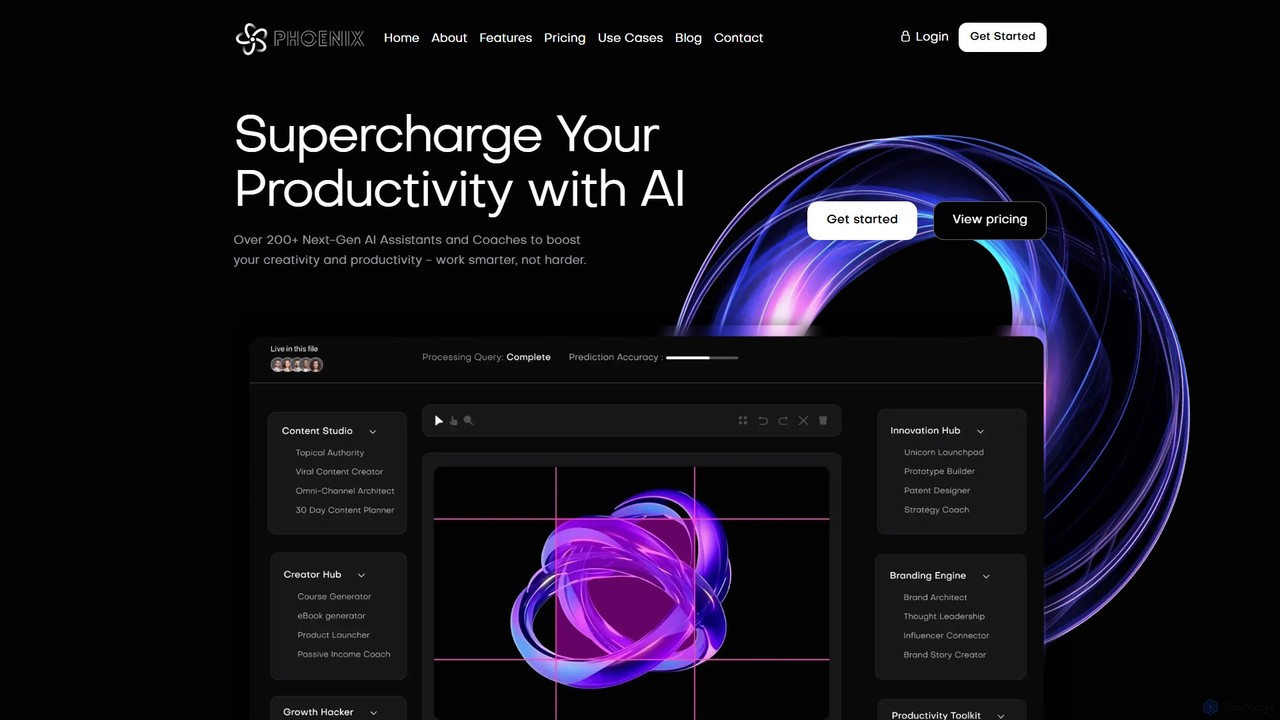
Phoenix
Phoenix is an all-in-one AI platform by LUNARTECH, offering over 200 specialized assistants to boost productivity and creativity. Powered by advanced models like GPT-4o and Claude 3.5, it helps entrepreneurs, marketers, and professionals streamline workflows, generate content, build startups, and innovate without needing technical expertise.
Startup Tools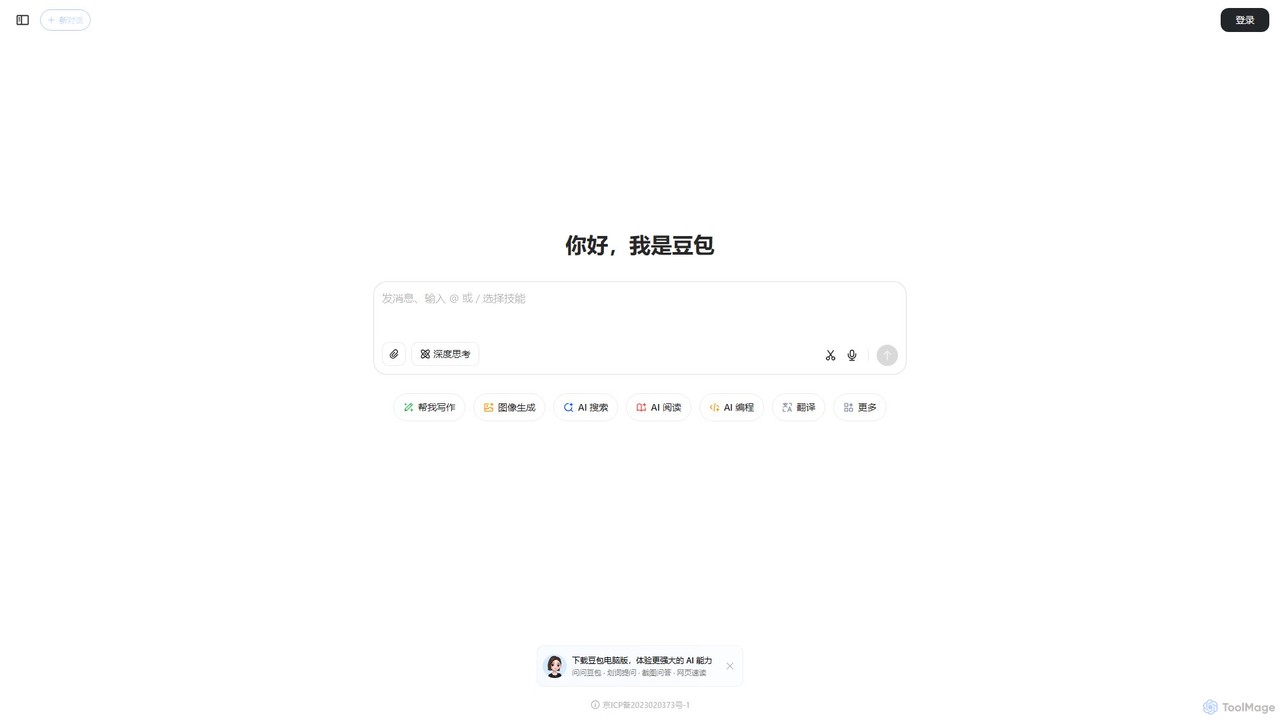
doubao
Doubao is a powerful AI smart assistant developed by ByteDance. It excels at conversation, content creation, coding, and more. With a user-friendly interface and multi-modal capabilities (text, voice, image), it serves as a versatile tool for productivity, learning, and daily tasks, available for free on both web and mobile platforms.
Code Assistant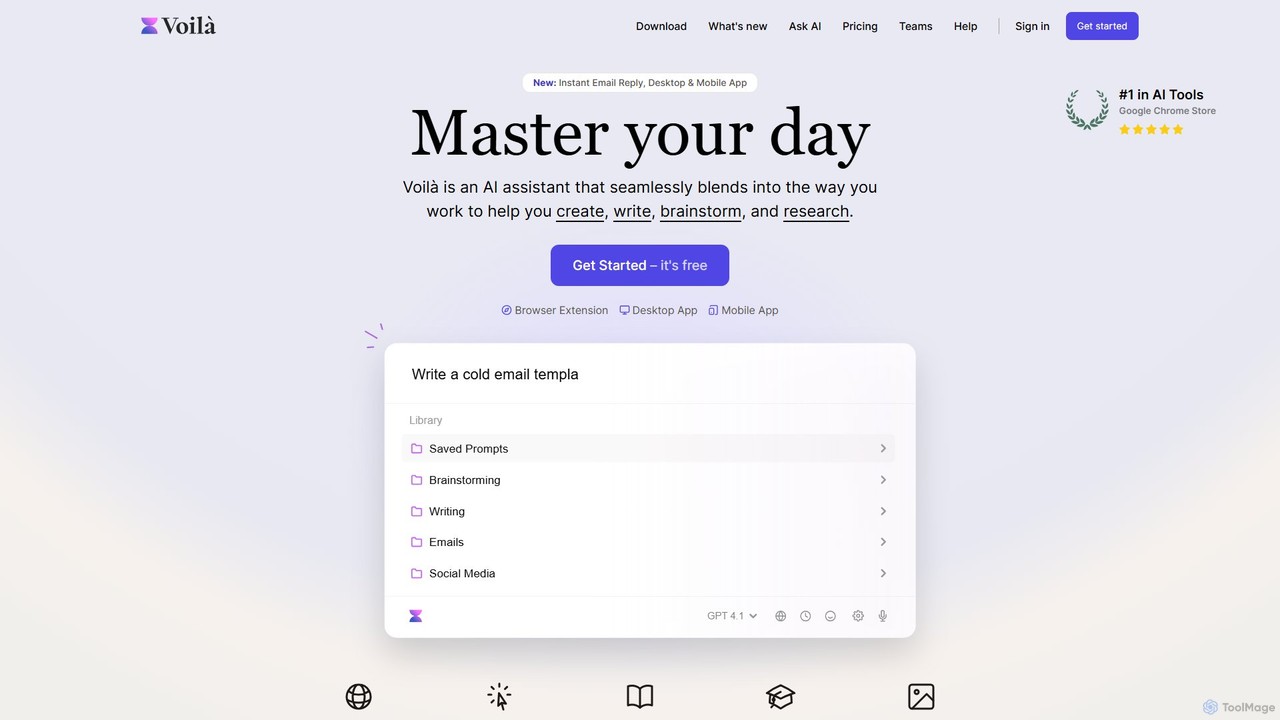
Voilà
Voilà is an all-in-one AI assistant designed to maximize productivity. It functions as a browser extension, desktop, and mobile app, seamlessly integrating into your workflow to help with writing, brainstorming, research, and content creation. It works on any website or app, understanding the context to provide relevant assistance.
Content Creation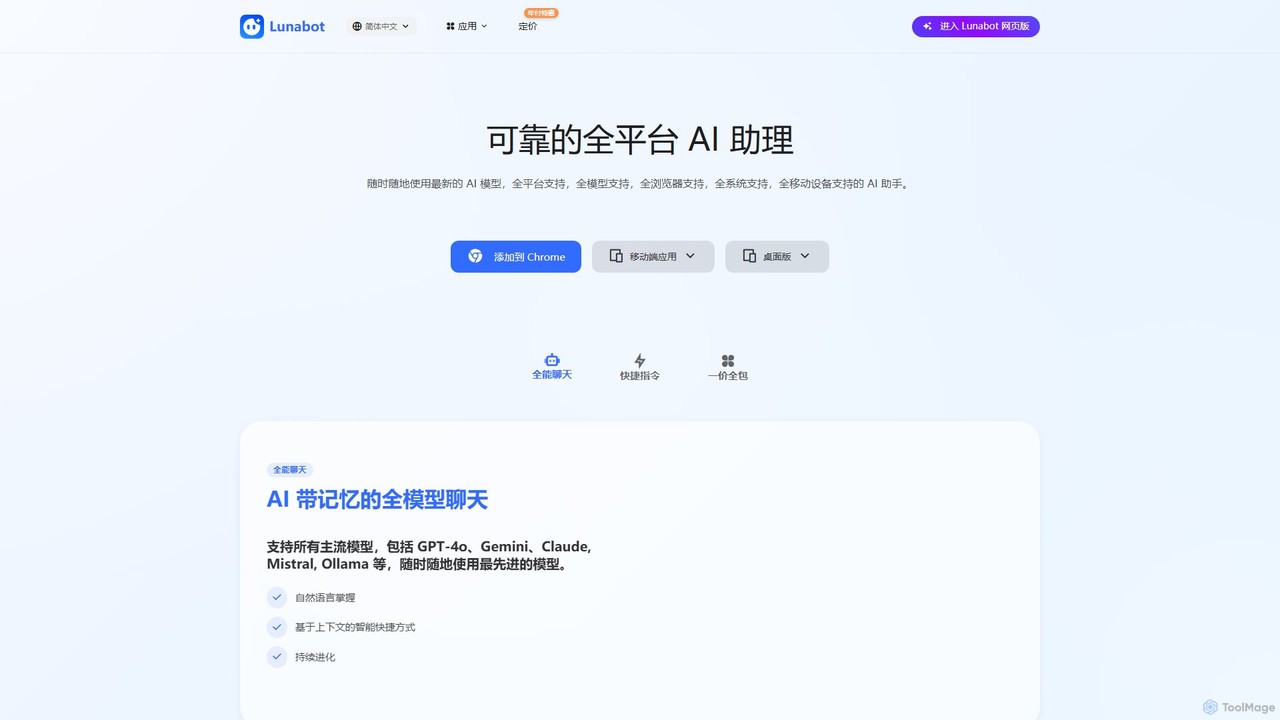
Lunabot
Lunabot is a versatile, all-in-one AI assistant that works across all your devices. It integrates leading AI models like GPT-4o, Gemini, and Claude into a seamless experience on your browser, desktop, and mobile. Boost your productivity with features like document chat, AI image generation, voice interaction, and customizable shortcut commands, all from a single, budget-friendly platform.
Chat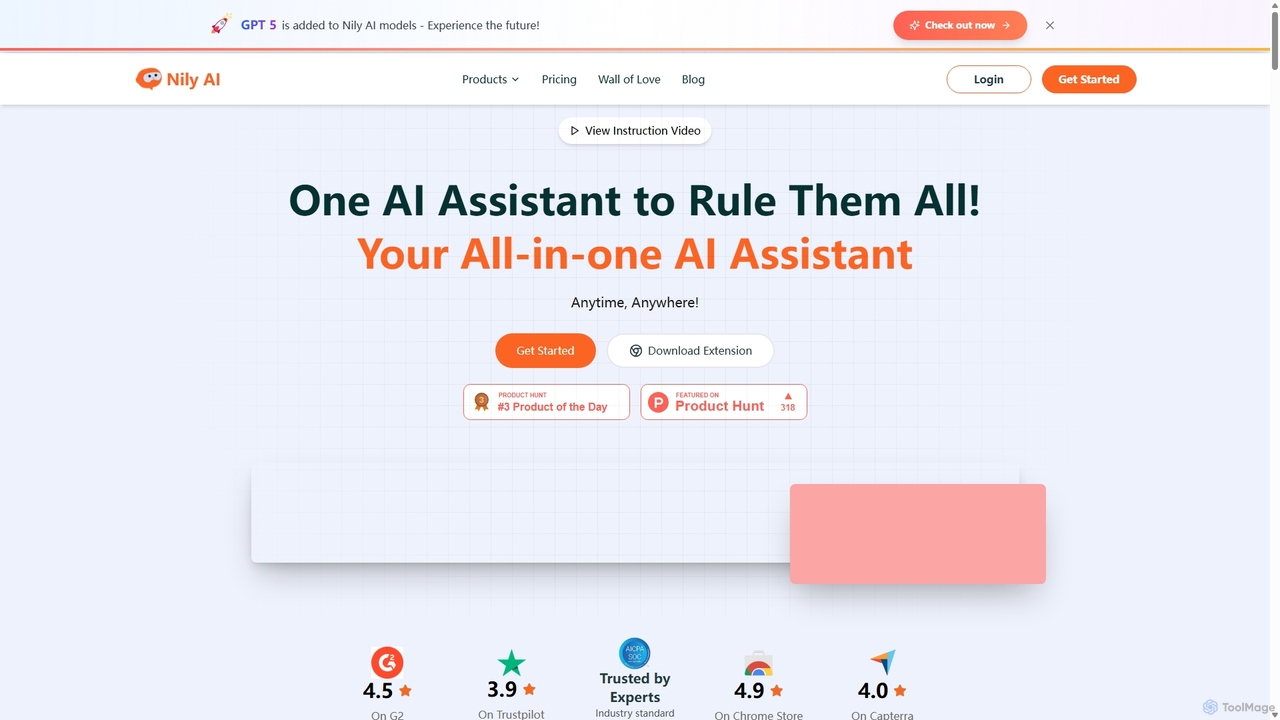
Nily AI
Nily AI is an all-in-one AI assistant designed to boost productivity. It integrates over 20 advanced AI tools into a single platform, accessible via a convenient Chrome sidebar. Key features include LLM comparison, AI writing, image generation, email assistance, and chatting with PDFs or YouTube videos, catering to a wide range of professionals.
Image GenerationCuely Categories
Cuely Embed Widget
Copy this embed code to place the badge on your blog, article, or product site and send readers directly to this ToolMage detail page.

Related AI tools
friday_email
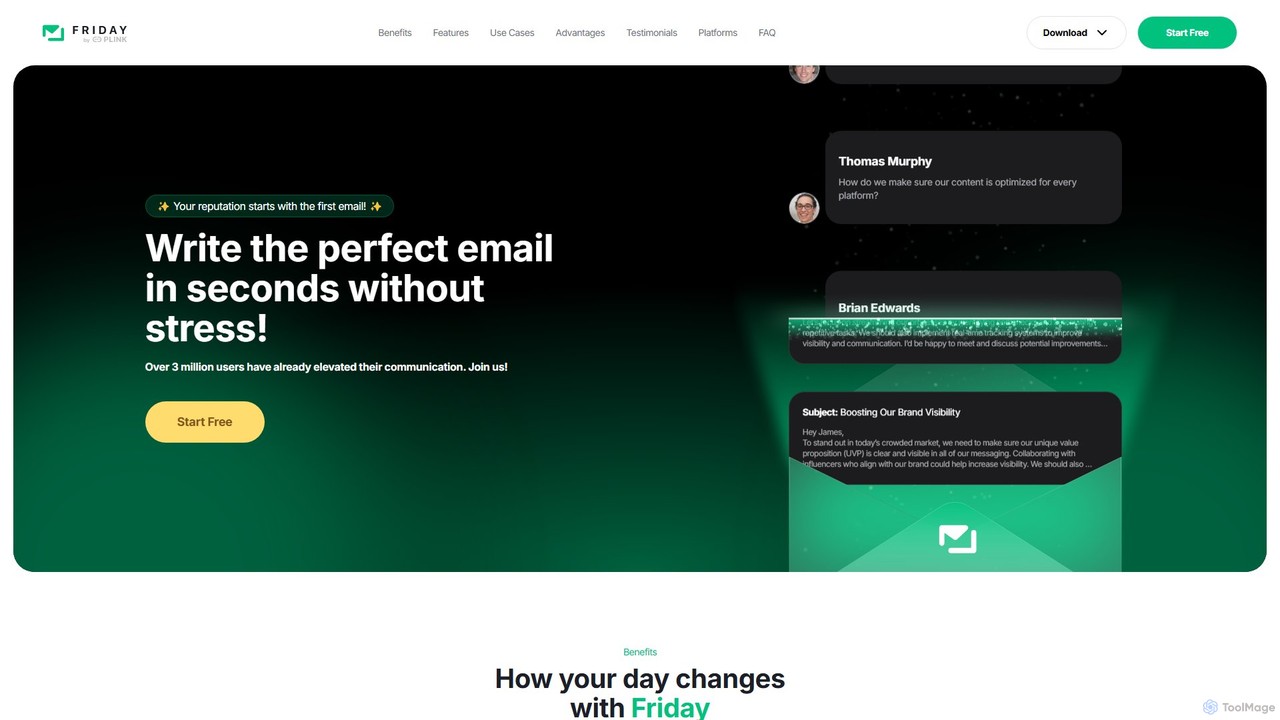
Friday is an AI-powered email writer designed to help users craft professional, stress-free emails in seconds. With over 3 million users, it offers features like instant email generation from keywords, real-time grammar checks, tone adjustment, and personalized style learning. Available on web, mobile, and as a browser extension, Friday streamlines communication for various professionals, saving time, boosting productivity, and ensuring every email is polished and effective.
Email Marketing
getmagicmate
getmagicmate is an all-in-one AI-powered assistant designed to boost productivity and creativity. It helps users with content creation, code generation, brainstorming, and task automation, acting as a versatile digital partner for professionals, developers, and creators.
Code Assistant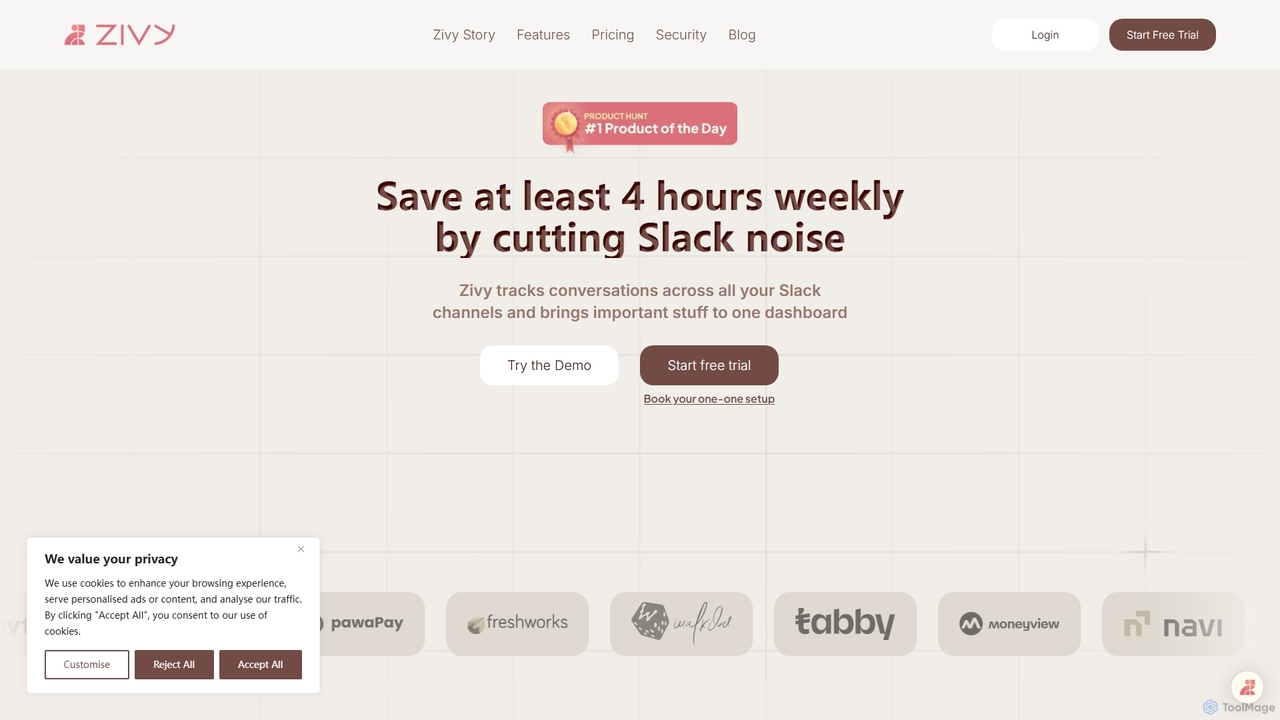
Zivy
Zivy is an AI copilot for Slack designed to help managers and teams reduce noise, prioritize conversations, and automate tasks. It intelligently filters messages, summarizes long threads, automates follow-ups, and drafts replies, saving users over 4 hours per week and transforming Slack from a source of distraction into a focused productivity hub.
Task ManagementPhoenix
Phoenix is an all-in-one AI platform by LUNARTECH, offering over 200 specialized assistants to boost productivity and creativity. Powered by advanced models like GPT-4o and Claude 3.5, it helps entrepreneurs, marketers, and professionals streamline workflows, generate content, build startups, and innovate without needing technical expertise.
Startup Tools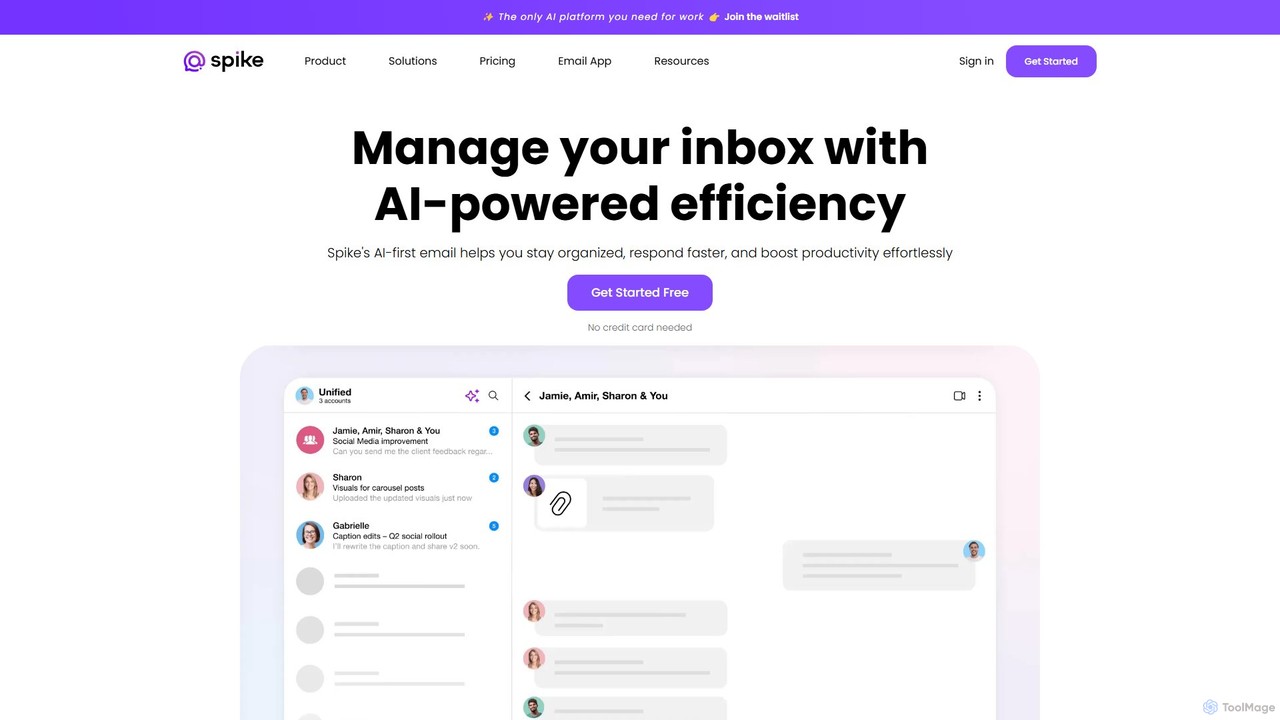
Spikenow
Spikenow is an AI-powered communication and collaboration platform that transforms your email into a dynamic, chat-like conversational feed. It unifies email, team chat, tasks, notes, and video calls into a single workspace, using AI to summarize threads, draft replies, and prioritize your inbox. It's designed to boost productivity by eliminating app switching and streamlining team workflows.
Team Collaboration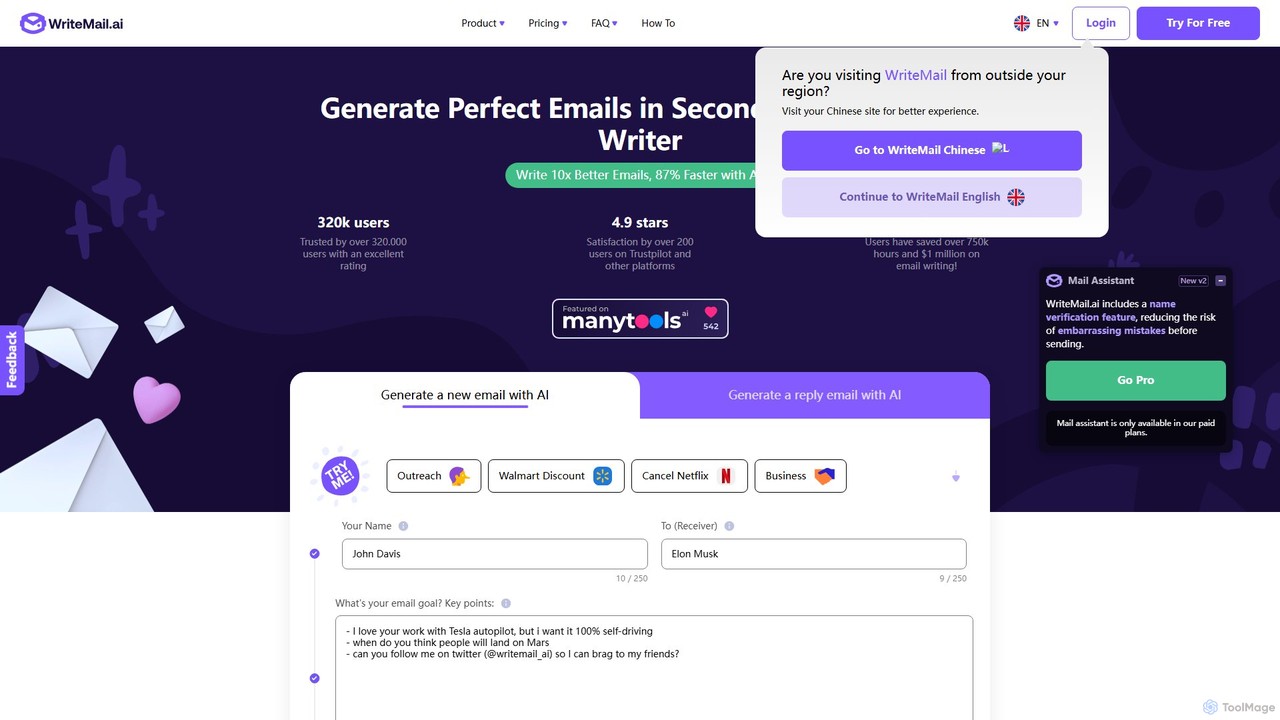
WriteMail.ai
WriteMail.ai is an AI-powered email assistant designed to help you write better emails 10x faster. It generates new emails and replies, refines tone and style, and offers real-time suggestions to improve clarity. With multilingual support and upcoming Gmail integration, it's the perfect tool for both business and personal communication, saving you time and boosting productivity.
Email Marketing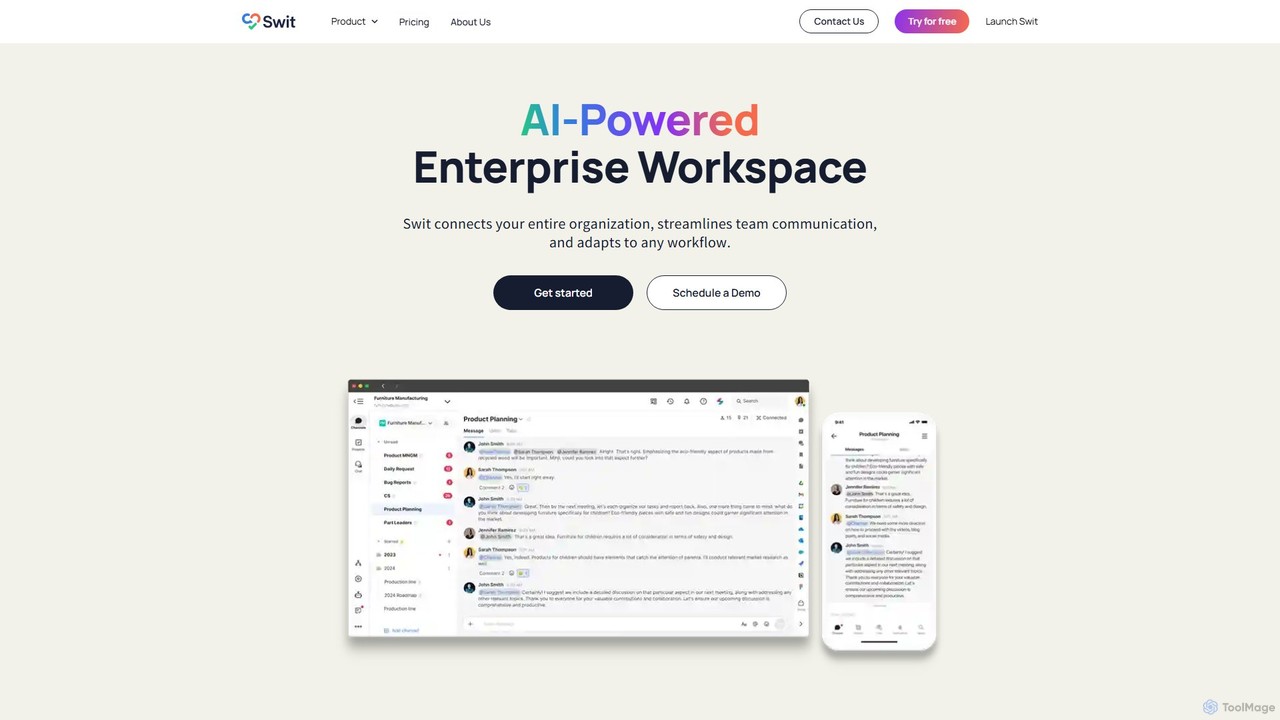
Swit
Swit is an AI-powered enterprise workspace that unifies team communication and task management into a single, integrated platform. It eliminates the need to switch between apps like Slack and Asana by combining chat, projects, automation, and powerful integrations. Designed for organizations of all sizes, Swit streamlines workflows, enhances cross-functional collaboration, and provides a central hub for all work-related activities, boosting productivity and transparency.
Team Management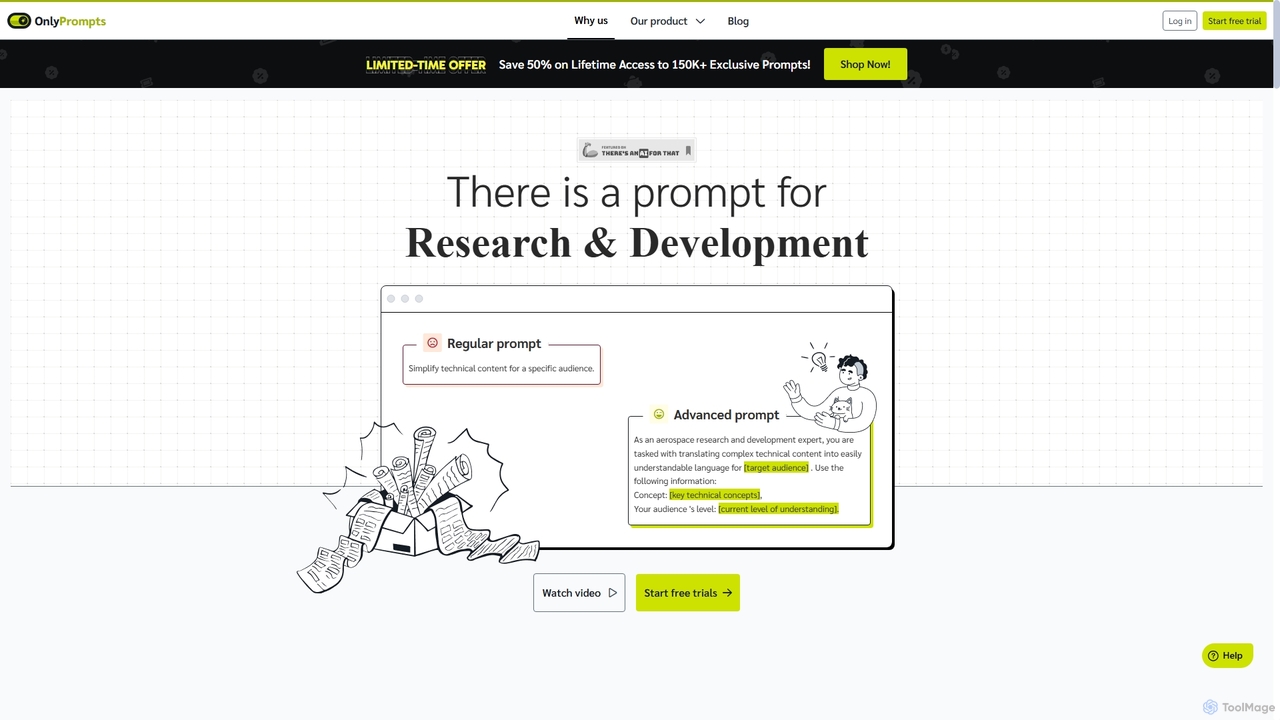
OnlyPrompts
OnlyPrompts is the ultimate AI prompt library, offering over 150,000 expertly crafted prompts for 37,000+ tasks. It features an integrated AI assistant compatible with GPT-4 and Claude 3, side-by-side prompt testing, and customizable templates. Designed for professionals in marketing, HR, finance, and more, it streamlines workflows, enhances productivity, and elevates the quality of AI-generated content.
Operations
eleo.ai
eleo.ai is a versatile AI assistant designed for professionals, teams, and learners. It streamlines workflows by integrating content creation, image generation, custom chatbot building, and translation into one secure platform. Leveraging multiple AI models, it helps users work smarter by automating tasks, generating ideas, and enhancing productivity with features like a dedicated writer, browser extension, and mobile app.
Chatbot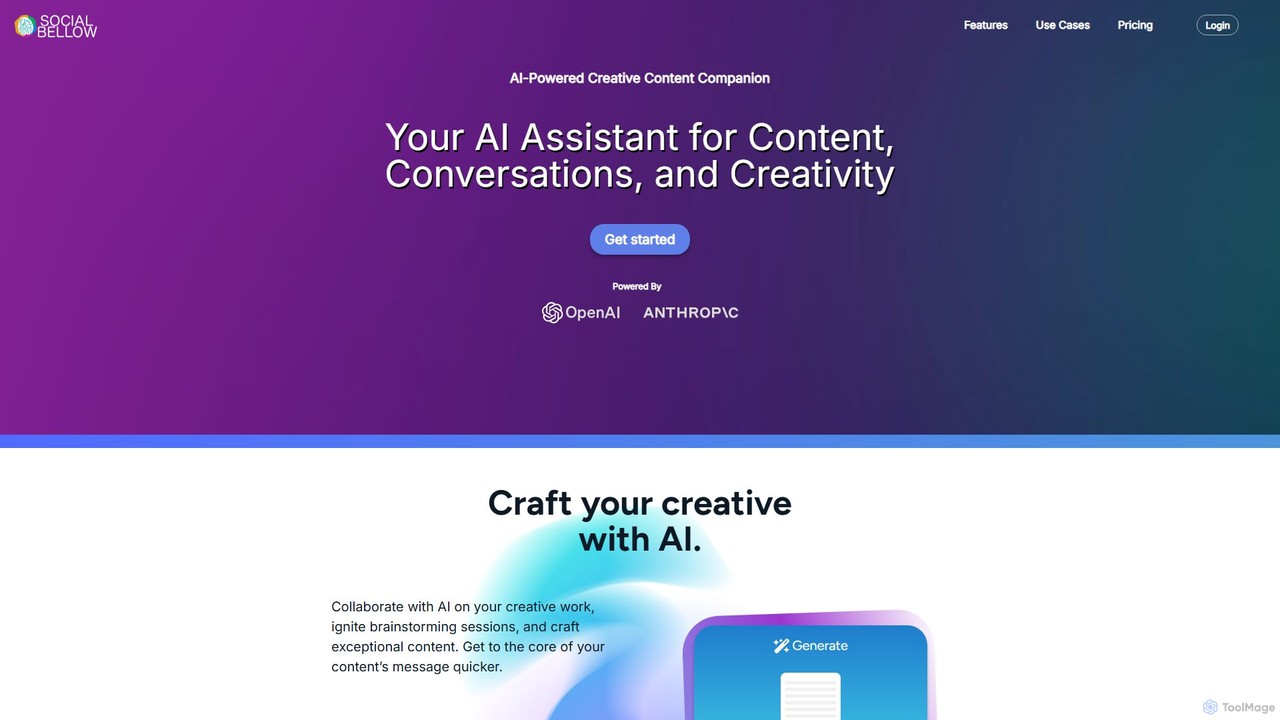
Social Bellow
Social Bellow is an AI-powered creative companion designed to enhance content creation, brainstorming, and data analysis. It functions as a conversational assistant that helps users generate text, chat with documents, analyze images, and develop strategic insights for marketing and business.
Personal Assistant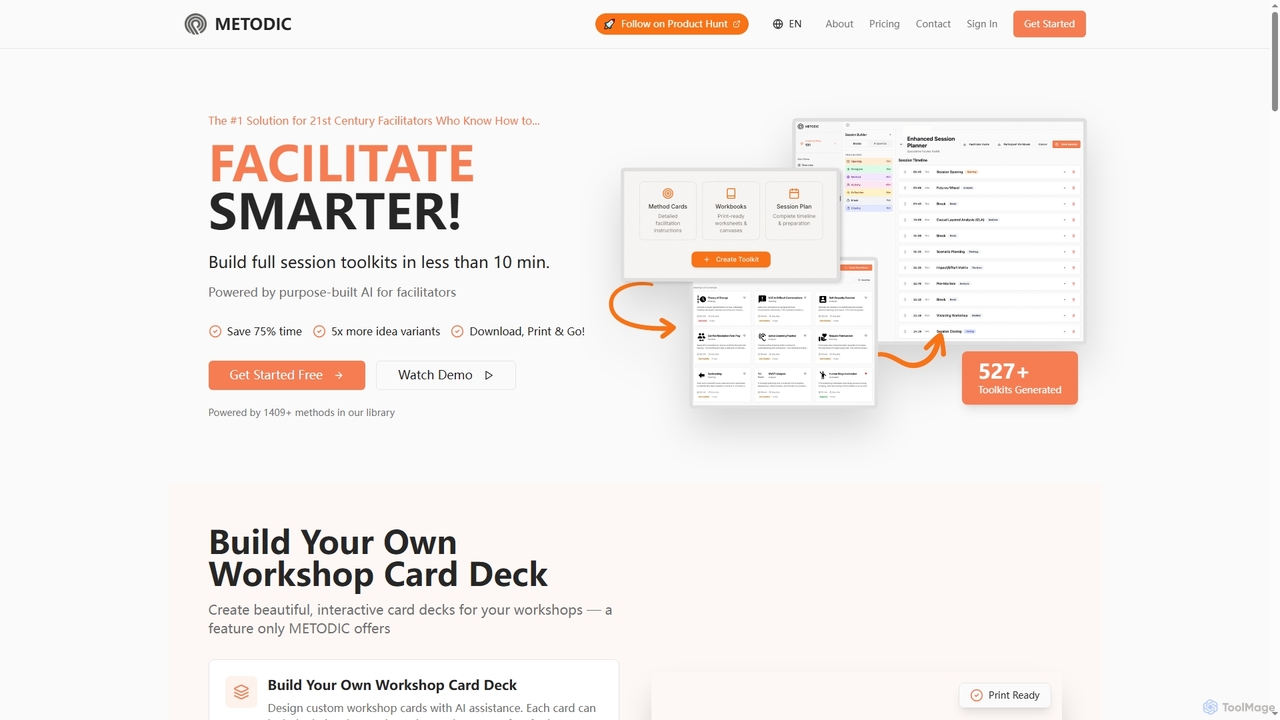
Metodic
Metodic is an AI-powered platform designed for facilitators to rapidly generate comprehensive session toolkits, method card decks, and session plans. It helps professionals save up to 75% of preparation time, offering tailored content, proven methods, and print-ready materials for engaging workshops and meetings.
Workshop Planning
Gems
Gems is an AI knowledge assistant that connects to all your apps like Notion, Slack, and Gmail. It allows you to ask questions in natural language and receive instant, synthesized answers from your entire knowledge base, eliminating the need for manual organization and endless searching.
Knowledge Management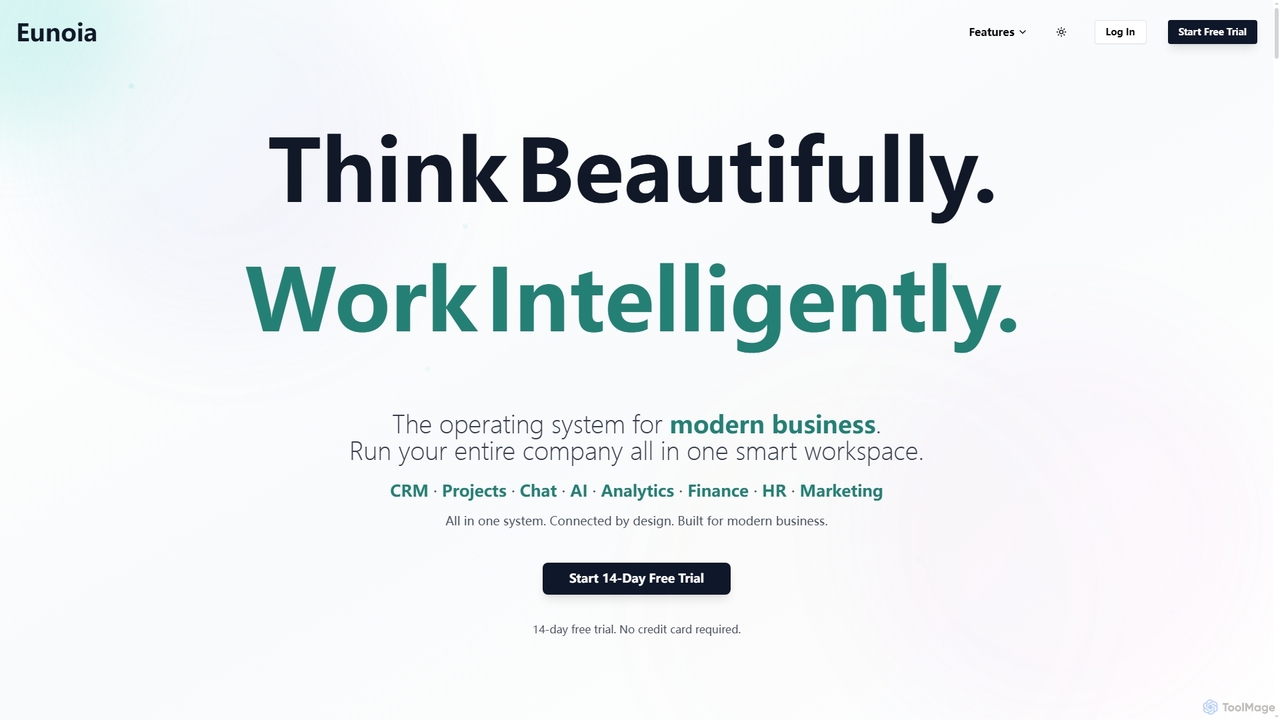
Eunoia
Eunoia is an all-in-one AI-powered business workspace designed to streamline operations by integrating CRM, project management, chat, AI, analytics, finance, HR, and marketing. It aims to replace numerous fragmented tools, offering a unified platform for modern businesses to think beautifully and work intelligently.
Business Automation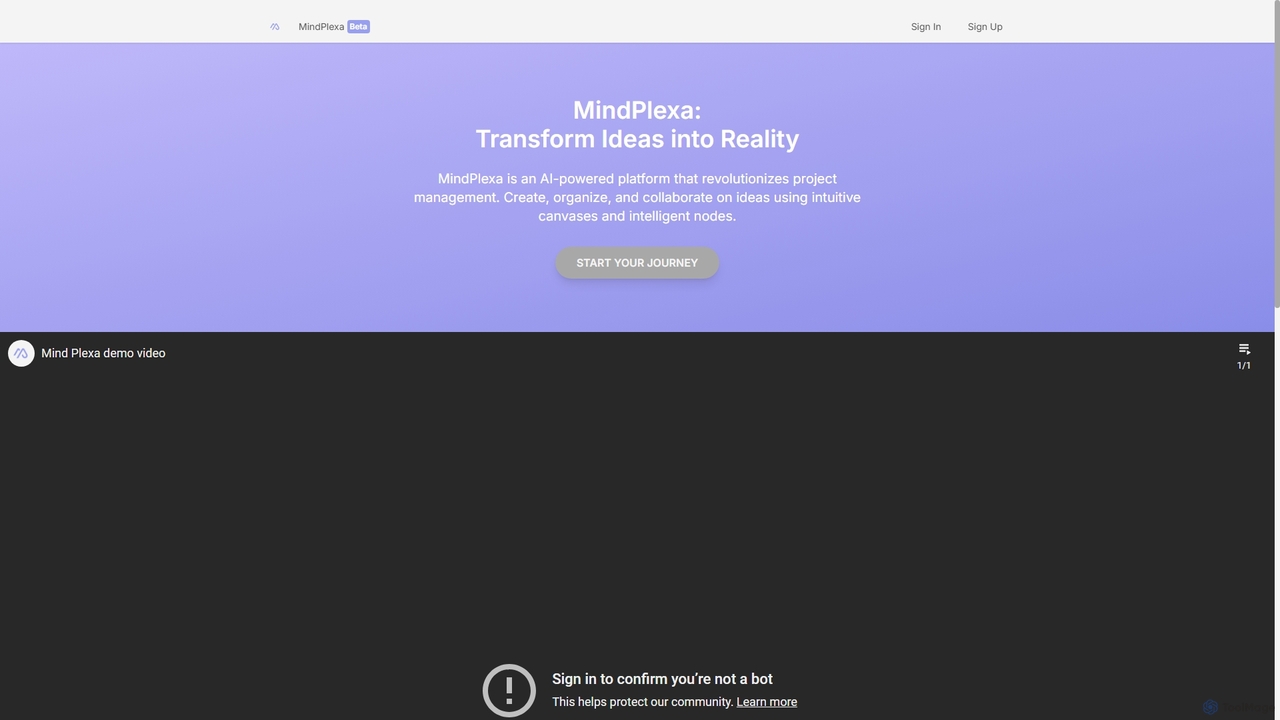
MindPlexa
MindPlexa is an AI-powered productivity platform that transforms ideas into actionable projects. It combines visual mind mapping with intelligent project management, allowing users to create, organize, and collaborate on ideas using intuitive canvases and smart nodes. The AI assistant helps generate project layouts, suggest tasks, and streamline workflows, making it an ideal tool for teams and individuals looking to boost creativity and efficiency.
Teamwork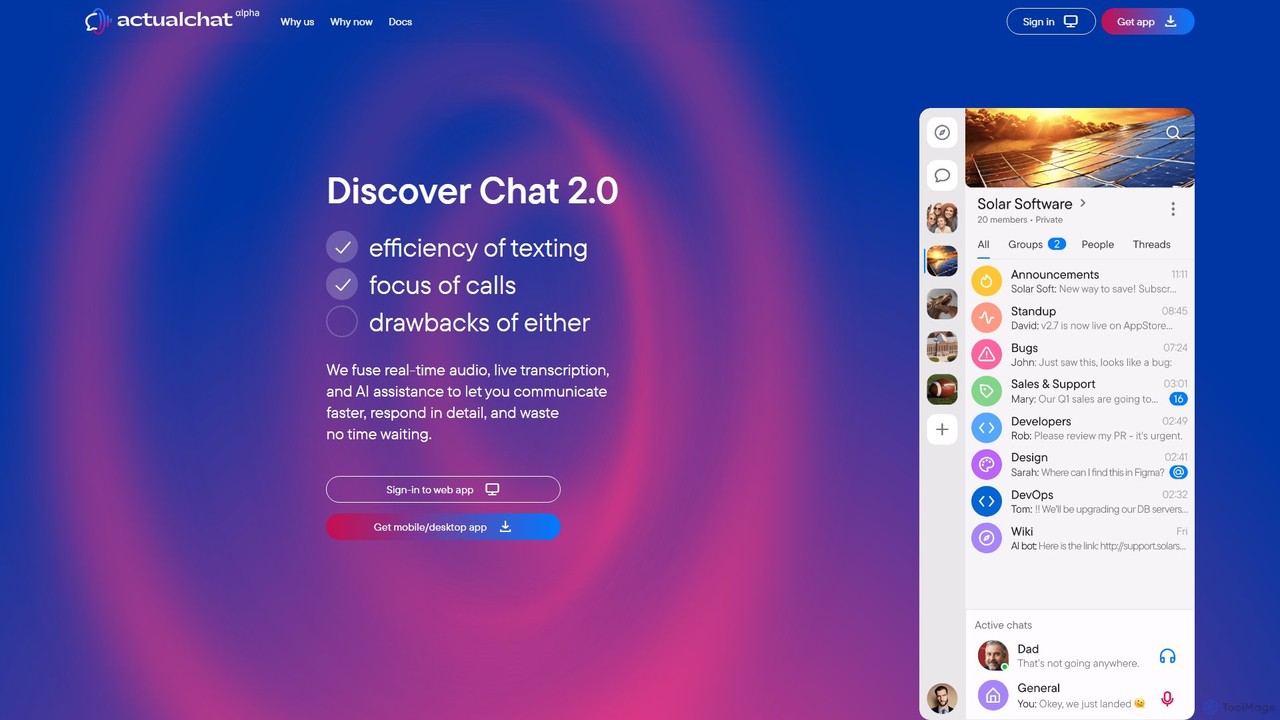
Actual Chat
Actual Chat is an innovative communication platform that merges real-time voice, live transcription, and AI assistance. It combines the speed of talking with the convenience of texting, allowing users to communicate faster, more expressively, and with a complete, searchable record of every conversation.
Communication
Cuely Comments (0)
Sign in to comment.
Sign inNo comments yet.