


Gems Overview
Gems is a revolutionary AI knowledge assistant designed to serve as the central brain for all your personal and team information. In a world where knowledge is scattered across countless applications like Google Drive, Slack, Notion, and email, Gems solves the critical problem of information fragmentation. It addresses the significant time knowledge workers spend—nearly 20% of their workweek—just searching for information. By connecting seamlessly with your existing tools, Gems allows you to access everything you've ever known with a simple question, transforming how you retrieve and utilize knowledge.
The core principle of Gems is to make knowledge access effortless. Instead of manually organizing files, tagging documents, or trying to remember where a conversation took place, you can simply ask Gems. It uses advanced AI to understand your natural language queries, search across all connected sources, and deliver a comprehensive, synthesized answer. Each answer, called a "Gem," is a structured piece of text that not only provides the information you need but also includes direct links to the source documents, emails, or messages, ensuring full transparency and traceability.
How to use Gems
Getting started with Gems is designed to be simple and intuitive, allowing you to centralize your knowledge in minutes.
- Connect Your Tools: The first step is to connect your favorite applications. Gems supports integrations with popular platforms like Notion, Gmail, Slack, Google Drive, and more. The setup process is quick and secure, taking only a few seconds per app.
- Summon with a Shortcut: Once your tools are connected, you can access Gems from anywhere on your desktop (Mac or Windows) using a simple keyboard shortcut (e.g., CMD + G). This brings up the Gems interface instantly, without interrupting your workflow.
- Ask a Question: Type your question in plain, natural language, just as you would ask a colleague. For example, you could ask, "What were the key takeaways from the Q3 planning meeting?" or "Pull up all my notes on the 'Project Phoenix' research."
- Use Contextual Clipping: For more specific queries, you can highlight any text on your screen and use it to provide context for your question to Gems. This helps the AI deliver a more precise and relevant answer.
- Receive a Synthesized Gem: Gems processes your query and provides a well-structured, written-out answer. This "Gem" synthesizes information from multiple sources into a single, easy-to-digest response.
- Share and Document: You can easily share knowledge by pasting Gems into any application with a single click or by posting them into dedicated "Spaces" to collaborate with colleagues and friends.
Core Features of Gems
- Unified AI Search: Connects all your apps into a single, searchable knowledge base. Ask one question and get answers from across your entire digital ecosystem.
- Synthesized Answers: Goes beyond simple search results by providing comprehensive, AI-generated answers that synthesize information from multiple sources into a coherent summary.
- Source Citation: Every answer (Gem) includes direct links to the original sources, allowing you to verify information and delve deeper when needed.
- Zero-Effort Organization: Eliminates the need for manual tagging, folder creation, or any form of organization. The AI understands the relationships between your data, creating a self-organizing knowledge repository.
- Contextual Clipping: Highlight text from any app to provide specific context for your questions, leading to more accurate and targeted answers.
- Cross-Platform Availability: Access your knowledge from anywhere with dedicated applications for both desktop (Mac, Windows) and mobile devices.
- Collaborative Spaces: Share discovered Gems and insights with your team or friends in shared spaces, fostering better collaboration and knowledge sharing.
Use Cases for Gems
Gems is versatile and valuable for various roles and scenarios:
- Consultants and Analysts: Instantly recall client details, project notes, and research findings from emails, documents, and meeting transcripts without sifting through folders.
- Project Managers: Get quick summaries of project status by asking about recent conversations in Slack, tasks in Notion, and decisions made in email threads.
- Researchers and Students: Synthesize information from academic papers, notes, and web clippings to build arguments and write papers more efficiently.
- Team Leaders: Onboard new members faster by giving them access to a centralized knowledge base where they can ask questions about past projects, processes, and decisions.
Advantages of Gems
The primary advantage of Gems is the massive time savings and reduction in cognitive load. By automating the retrieval and synthesis of information, it frees you up to focus on higher-value tasks. It breaks down information silos within teams, ensuring that collective knowledge is accessible to everyone. The self-organizing nature means you are always perfectly organized with zero effort, and you can uncover hidden connections and forgotten ideas, unlocking your full potential.
Pricing and Plans
Gems offers a freemium model to get started easily.
- Free Plan: $0 per user/month. Includes unlimited interactions with the personal AI, one app integration, Mac and Windows apps, and basic support.
- Plus Plan: $8 per user/month (billed annually). Includes everything in the Free plan, but increases the limit to two app integrations.
- Pro Plan: $19 per user/month (billed annually). Offers the full experience with unlimited interactions, unlimited app integrations, Mac and Windows apps, and premium support.
Traffic
Latest traffic
Status
Monthly traffic trend
- 2025-9: 3.2K
- 2026-1: 1.1K
- 2026-2: 0
- 2026-3: 3.3K
- 2026-4: 117
- 2026-5: 747
Geography
Top 5 countries / regions
- 🇺🇸United States100.0%
Top keywords
| Keyword | Cost per click |
|---|---|
| ai gems | $0.00 |
| are gems ai | $0.00 |
| gem ai | $10.29 |
| gems | $0.82 |
| gems ai | $0.34 |
Gems Alternatives

Findr
Findr is an AI-powered second brain for personal and enterprise knowledge management. It unifies all your information—from apps like Google Drive, Notion, and Slack, to documents, notes, and bookmarks—into a single, searchable workspace. Ask questions in natural language to get context-aware answers from your own data, streamline research, and never lose an idea again.
Knowledge Management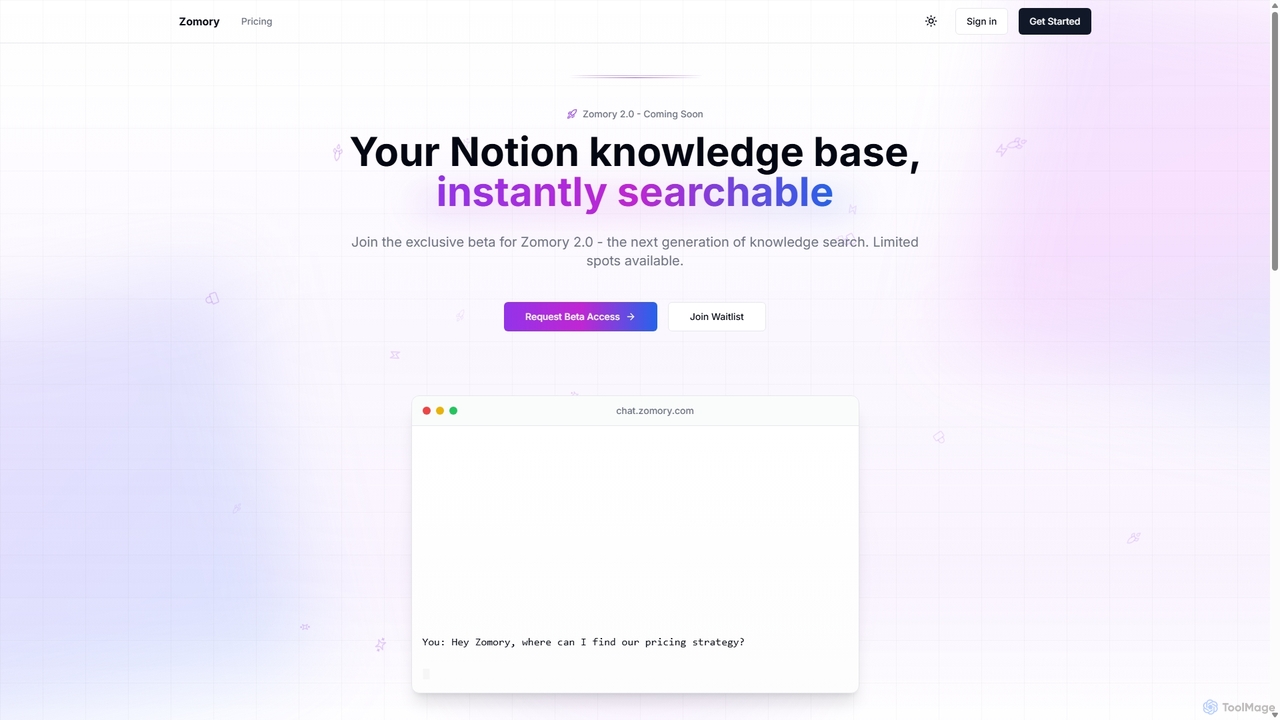
Zomory
Zomory is an AI-powered search tool that transforms your Notion knowledge base into an instantly searchable resource. Integrated directly with Slack, it allows teams to find information using natural language, ask follow-up questions, and get answers in milliseconds without switching context.
Collaboration
EnhanceDocs
EnhanceDocs was an AI-powered documentation search and assistant platform. It unified knowledge from over 100 tools like Notion, Google Drive, and Slack, allowing teams to find information instantly using natural language. (Note: This service has been discontinued).
Enterprise Search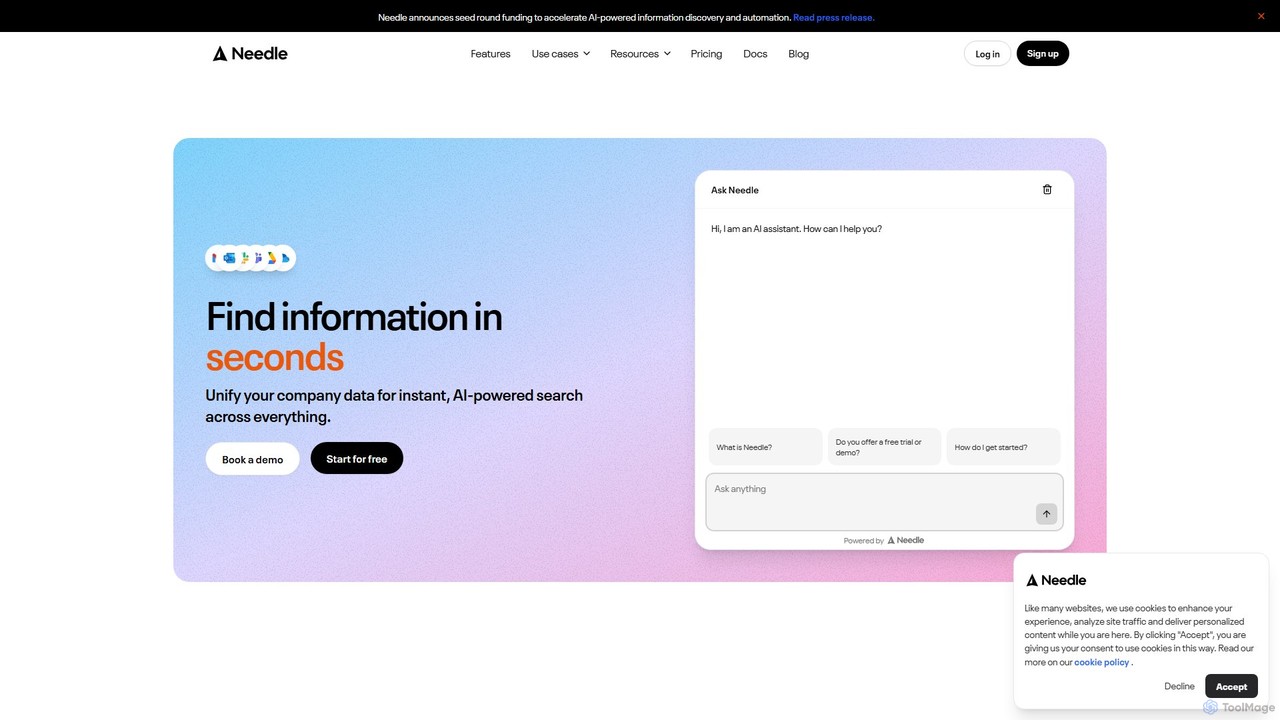
Needle
Needle is an enterprise AI platform that unifies all your company's data into a single, searchable knowledge base. Using advanced RAG technology, it allows teams to ask questions in natural language and get instant, referenced answers from sources like Slack, Google Drive, Notion, and more. It automates workflows, enhances customer support, and provides enterprise-grade security to break down information silos and boost productivity.
Enterprise Search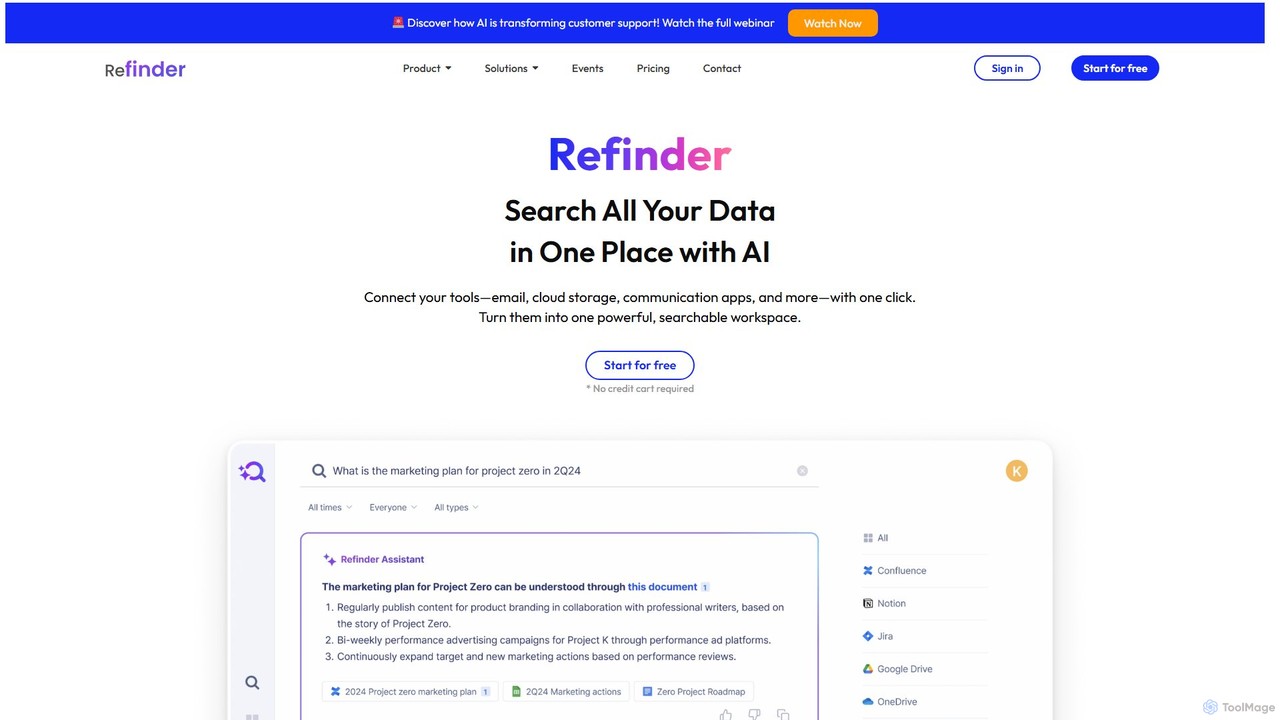
Refinder
Refinder is an AI-powered enterprise search platform that connects all your work applications—email, cloud storage, and collaboration tools—into a single, searchable workspace. It acts as a personal AI assistant, helping you find information instantly, summarize documents, and gain actionable insights from your company's collective knowledge.
Enterprise SearchGems Categories
Gems Embed Widget
Copy this embed code to place the badge on your blog, article, or product site and send readers directly to this ToolMage detail page.

Related AI tools
Findr
Findr is an AI-powered second brain for personal and enterprise knowledge management. It unifies all your information—from apps like Google Drive, Notion, and Slack, to documents, notes, and bookmarks—into a single, searchable workspace. Ask questions in natural language to get context-aware answers from your own data, streamline research, and never lose an idea again.
Knowledge ManagementZomory
Zomory is an AI-powered search tool that transforms your Notion knowledge base into an instantly searchable resource. Integrated directly with Slack, it allows teams to find information using natural language, ask follow-up questions, and get answers in milliseconds without switching context.
CollaborationEnhanceDocs
EnhanceDocs was an AI-powered documentation search and assistant platform. It unified knowledge from over 100 tools like Notion, Google Drive, and Slack, allowing teams to find information instantly using natural language. (Note: This service has been discontinued).
Enterprise SearchNeedle
Needle is an enterprise AI platform that unifies all your company's data into a single, searchable knowledge base. Using advanced RAG technology, it allows teams to ask questions in natural language and get instant, referenced answers from sources like Slack, Google Drive, Notion, and more. It automates workflows, enhances customer support, and provides enterprise-grade security to break down information silos and boost productivity.
Enterprise SearchRefinder
Refinder is an AI-powered enterprise search platform that connects all your work applications—email, cloud storage, and collaboration tools—into a single, searchable workspace. It acts as a personal AI assistant, helping you find information instantly, summarize documents, and gain actionable insights from your company's collective knowledge.
Enterprise Search
Retrieve
Retrieve is an AI-powered knowledge management and enterprise search platform. It unifies your company's scattered information from apps like Slack, Google Drive, and Confluence, allowing teams to ask natural language questions and get instant, accurate answers. Boost productivity and break down data silos with a single source of truth.
Enterprise Search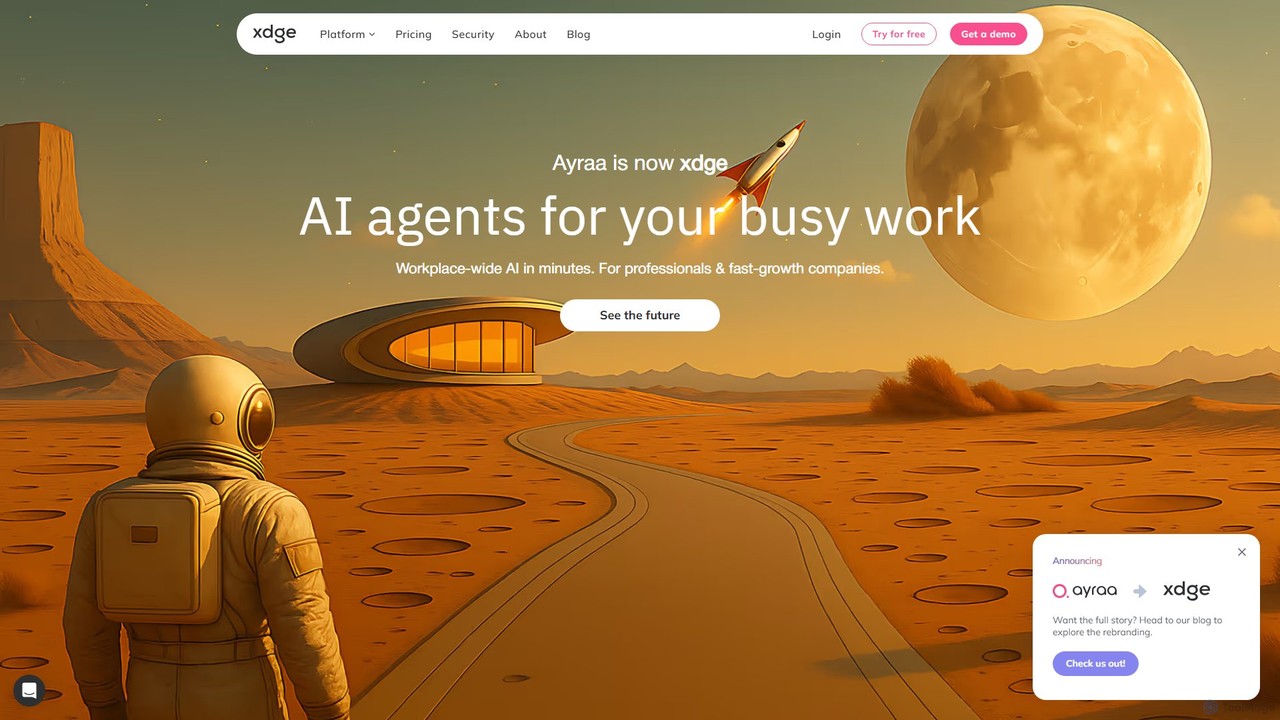
Ayraa
Ayraa is an AI-powered knowledge assistant for workspaces. It integrates with tools like Slack and your browser to centralize information, providing instant answers, summaries, and insights. It acts as a unified search engine for all your company's knowledge, boosting team productivity and collaboration.
Collaboration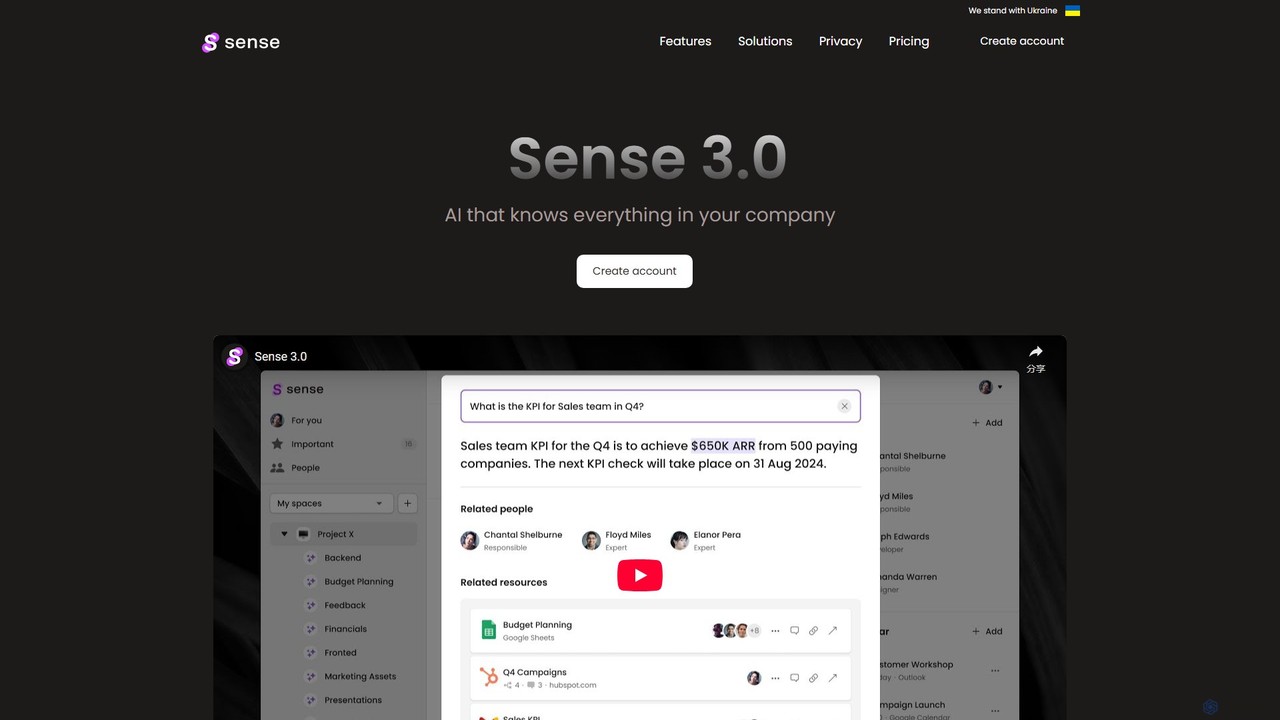
Sense
Sense is an AI-powered knowledge hub that integrates with all your company's applications to create a single, searchable source of truth. It automatically organizes data, provides intelligent answers to your questions, and delivers personalized updates to enhance team productivity and collaboration.
Collaboration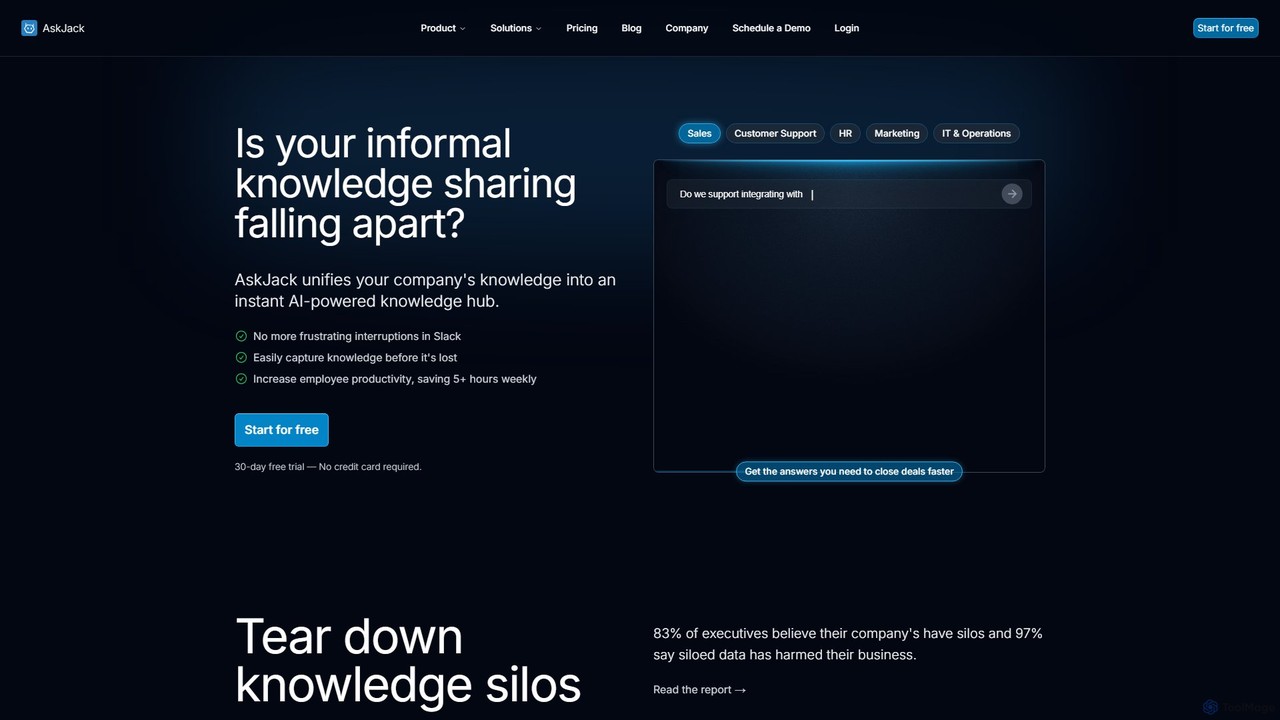
AskJack
AskJack is an AI-powered knowledge hub that unifies your company's scattered information into a single, searchable platform. By integrating with tools like Slack, Google Drive, and Notion, it provides instant, accurate answers to employee questions. This breaks down knowledge silos, boosts productivity by saving hours of search time weekly, and ensures your team has the information they need, right when they need it.
Internal Tools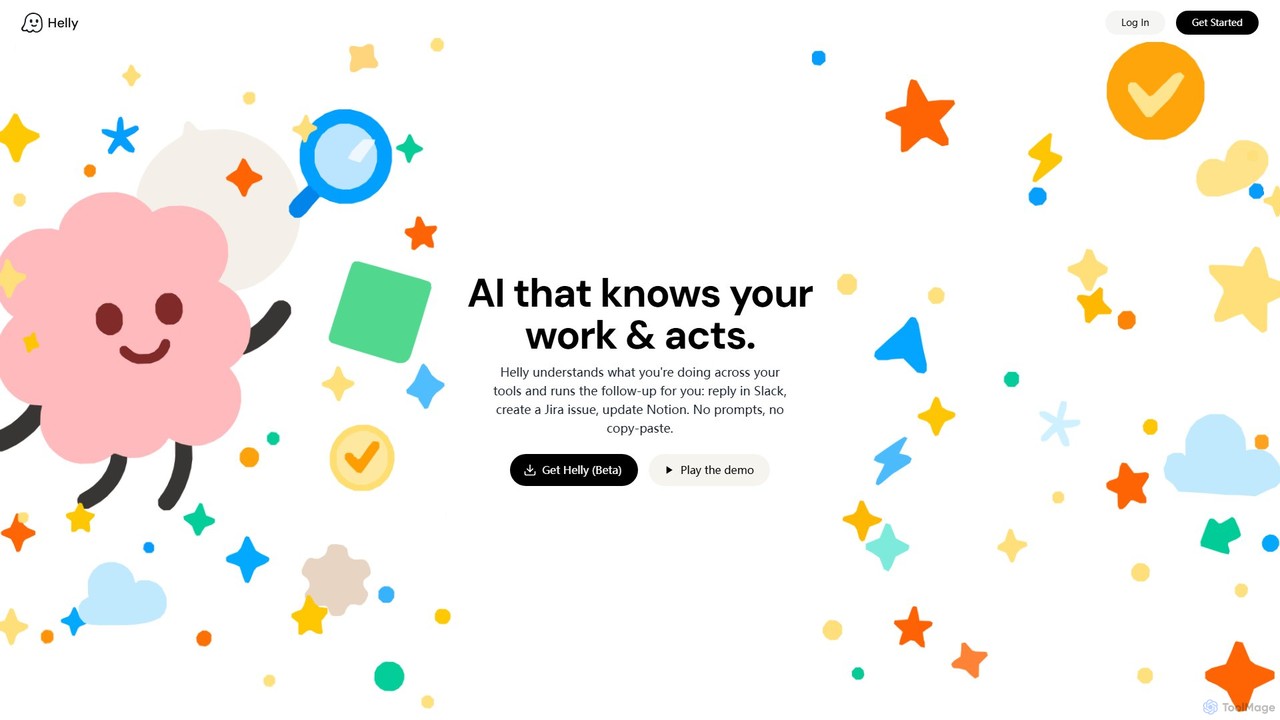
Helly
Helly is a proactive AI assistant that acts as your second brain across all your applications. It understands your work context and automates follow-up tasks like replying in Slack, creating Jira issues, or updating Notion, all without prompts or copy-pasting.
Ai Assistant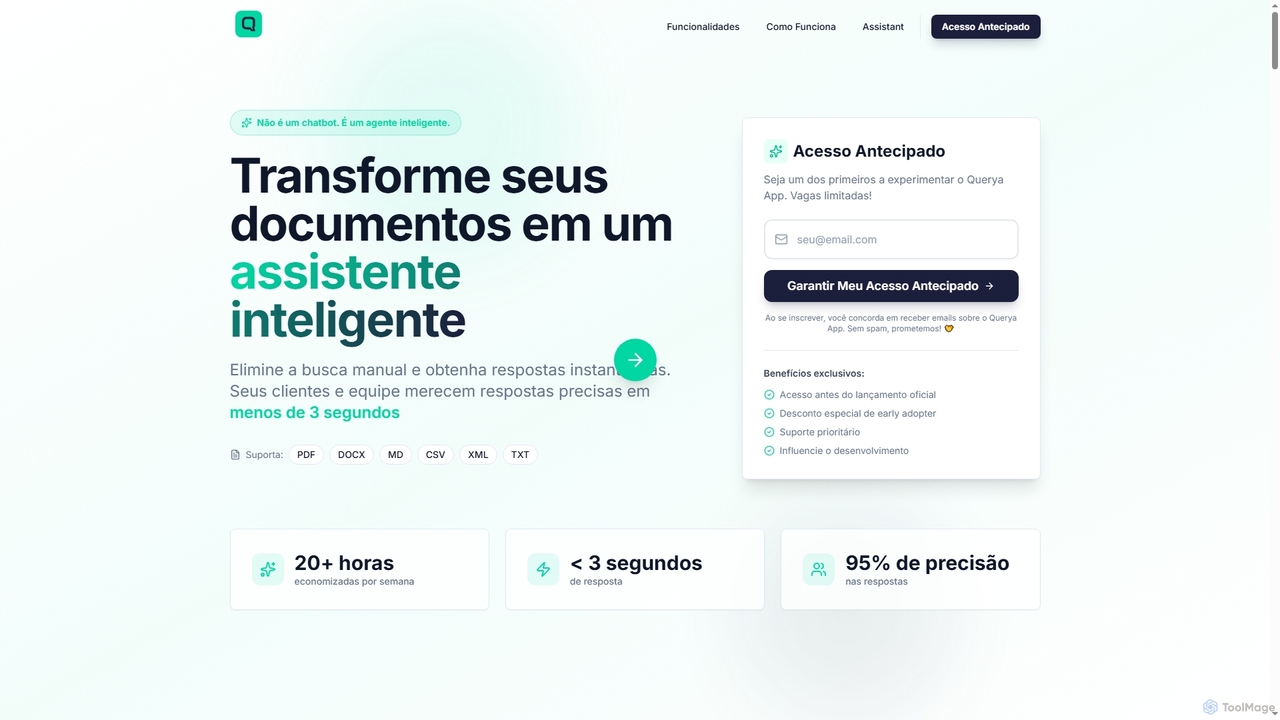
Querya
Querya is an intelligent agent that transforms your business documents into an instant knowledge assistant. It eliminates manual searches, providing precise answers from PDFs, DOCX, CSV, and more in under 3 seconds, boosting productivity and customer satisfaction.
Chatbot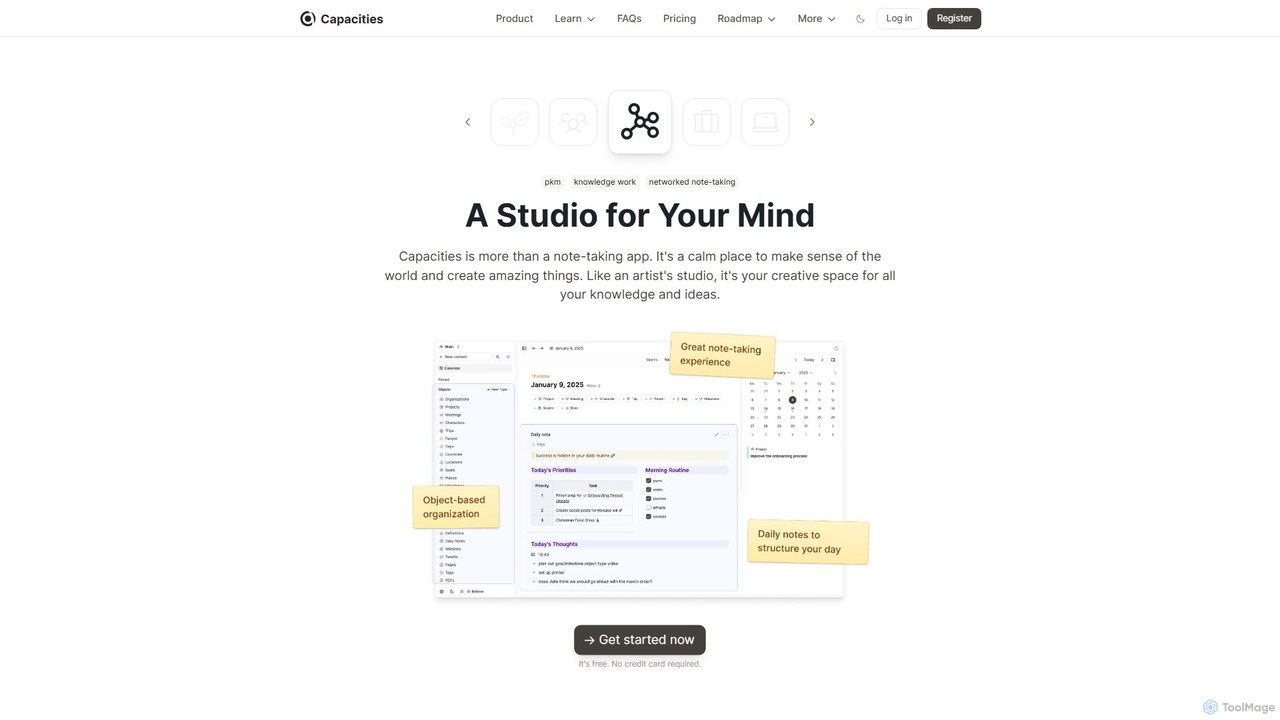
Capacities
Capacities is a next-generation note-taking and knowledge management tool designed as a "studio for your mind." It replaces traditional folders with a flexible, object-based network, allowing you to connect ideas naturally. Features include an integrated AI assistant, powerful linking, custom content types, and cross-platform availability, making it ideal for building a personal knowledge base or "second brain."
Second Brain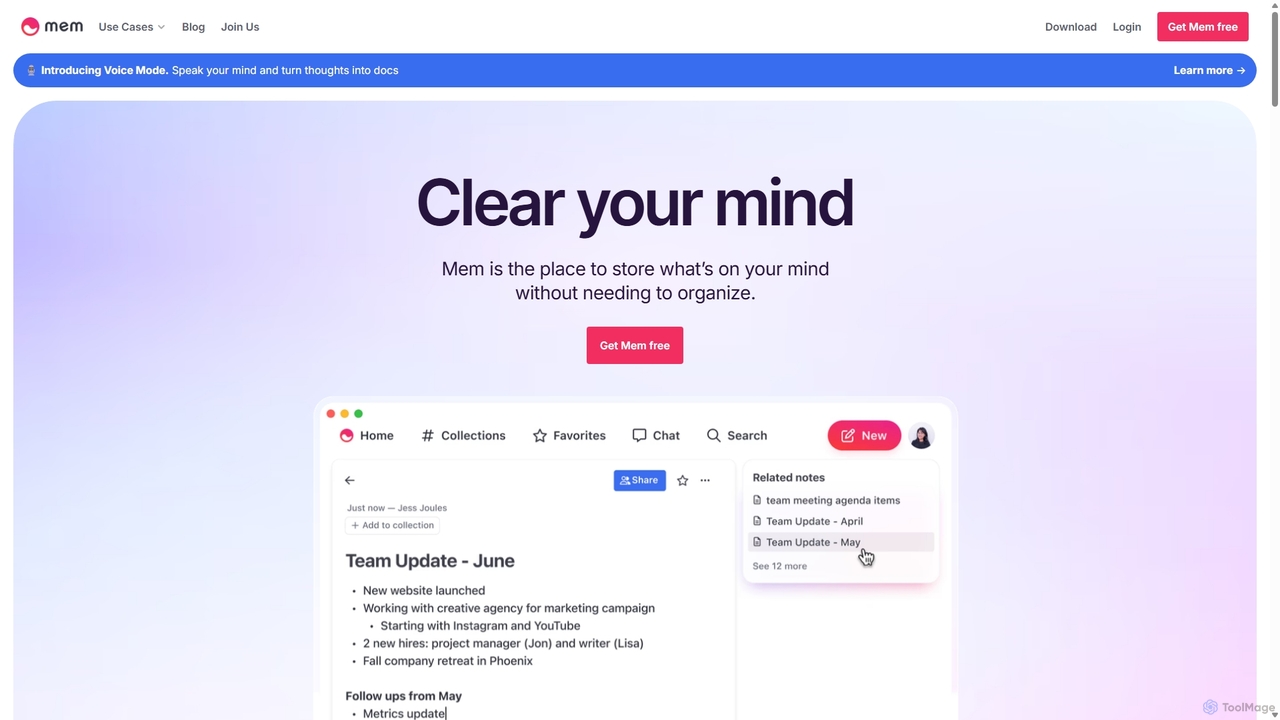
Mem
Mem is a self-organizing workspace powered by AI, designed to act as your personal second brain. It captures, connects, and resurfaces your notes automatically, eliminating the need for manual organization. With its integrated AI chat, you can search, summarize, and generate content from your own knowledge base.
Personal Assistant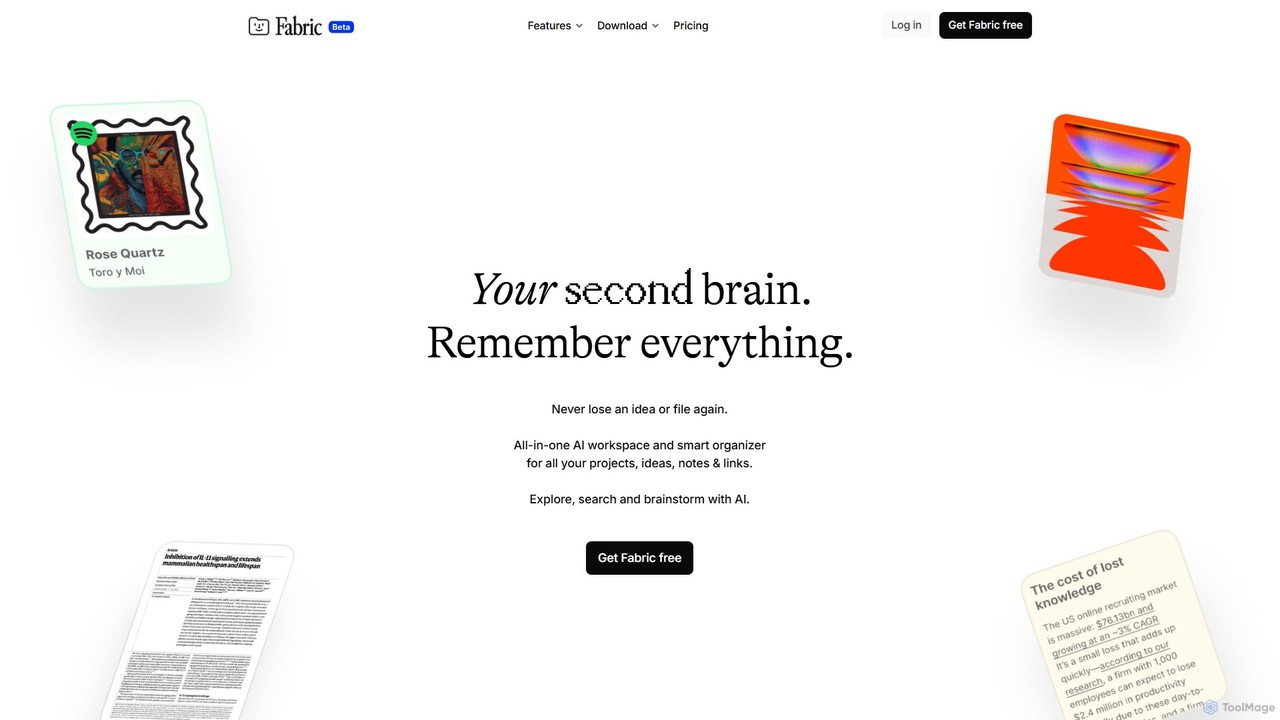
Fabric
Fabric is an AI-powered workspace and smart organizer that acts as your second brain. It automatically centralizes and connects all your notes, files, links, and ideas, eliminating the need for manual organization. Search your entire digital library with natural language and collaborate with an intelligent AI partner.
Personal Assistant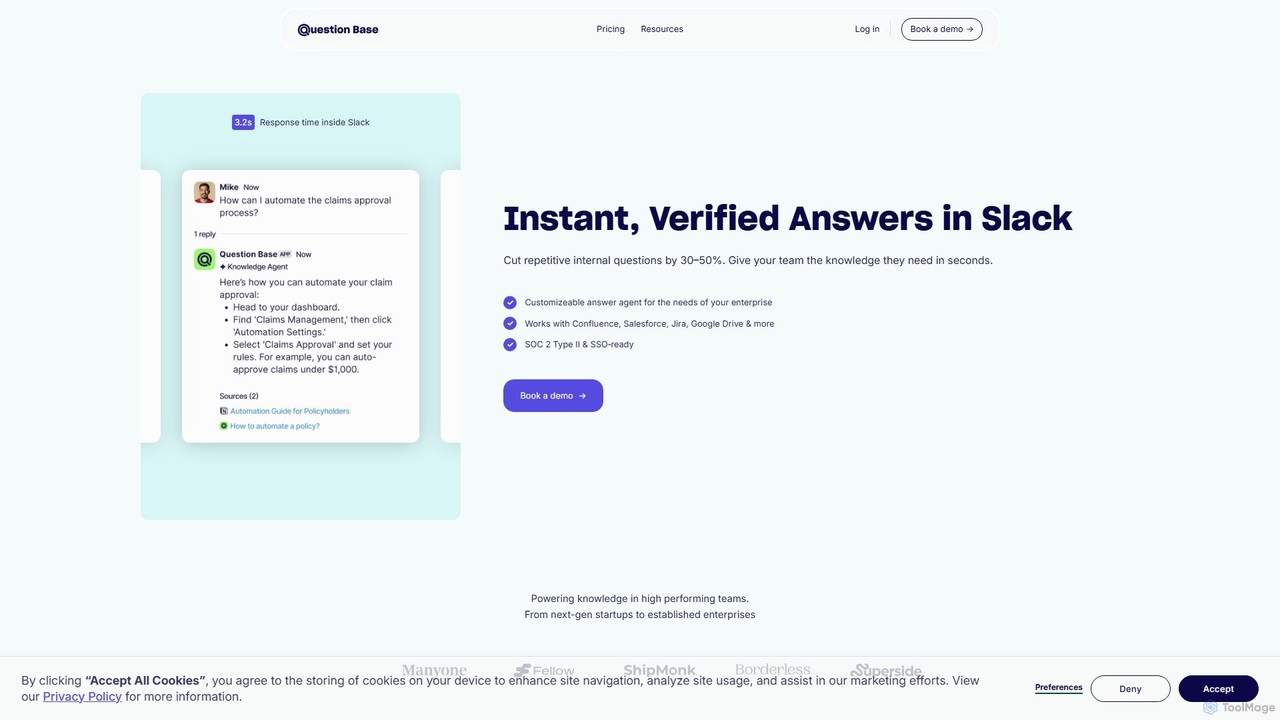
Question Base
Question Base is an AI-powered knowledge base built directly into Slack. It intelligently captures expert answers from conversations, automatically responds to repetitive employee questions, and centralizes company knowledge from various sources like Notion and Google Docs.
Internal Helpdesk
Gems Comments (0)
Sign in to comment.
Sign inNo comments yet.