


Findr Overview
Findr is a sophisticated AI workspace designed to function as a 'second brain,' tackling the modern challenge of information overload. It provides a unified platform to organize, search, and utilize all your digital knowledge, which is often scattered across multiple applications, documents, links, notes, and bookmarks. By centralizing everything, Findr transforms your disparate data into an interconnected, intelligent, and instantly accessible knowledge base. It's built for knowledge workers, researchers, thinkers, and anyone who wants to harness the full potential of their information without the friction of constantly switching between tabs and apps.
The core philosophy behind Findr is to create an extension of your mind. It allows you to capture any piece of information that sparks your curiosity—be it an article, a PDF, a video, or a random thought—and integrates it into a personal 'memory' bank. This bank is then powered by an advanced AI that not only finds what you're looking for with lightning speed but also understands the context, helping you connect ideas, uncover patterns, and generate new insights from your own knowledge.
How to use Findr
Getting started with Findr is a seamless process designed for maximum efficiency. Users can access the platform via a web app, a Progressive Web App (PWA) for mobile devices, or a dedicated desktop app for Windows and Mac, which offers enhanced features like a global hotkey for instant access.
- Installation and Setup: Choose your preferred platform (web, PWA, or desktop). Sign up using a Google account or email and password. The onboarding process will guide you in tailoring the experience to your workflow.
- Connect Your Apps: The true power of Findr is unlocked by connecting it to your existing tools. Integrate with Google Drive, Notion, Slack, Gmail, OneDrive, and more. This allows Findr to search across your entire digital universe in real-time without storing your data.
- Capture Everything: Use the Chrome extension to save web pages, articles, and social media posts with a single click. You can also upload files directly or let Findr automatically index content from your connected apps. Anything you save is termed a 'memory'.
- Search and Chat: Use the central search bar to query your entire knowledge base. Findr's AI provides direct, context-aware answers based on your saved 'memories'. You can chat with the results, ask follow-up questions, summarize documents, and brainstorm ideas.
- Organize with Collections: Group related memories, such as project files, research papers, or meeting notes, into 'Collections'. Each Collection acts as a custom chatbot, trained specifically on the sources you've provided, allowing for highly focused and relevant interactions.
Core Features of Findr
- Unified AI Search: A powerful, personal search engine that scours all your connected apps, files, and notes simultaneously, delivering results at the speed of thought.
- Contextual AI Chat: Go beyond simple search. Ask complex questions and receive synthesized answers, summaries, and insights generated exclusively from your personal data.
- Multi-LLM Support: Choose the best AI model for your task. Findr integrates with over 10 leading LLMs, including GPT-4o, Claude 3.5 Sonnet, and Llama-3.1.
- Seamless Knowledge Capture: Effortlessly save web pages, PDFs, videos, and notes using the web clipper and app integrations. The platform also records and transcribes meetings.
- Intelligent Organization: Use 'Collections' to create curated knowledge bases and custom chatbots. The 'Einstein' plan offers proactive AI that self-organizes your memories and creates a knowledge graph.
- Enterprise-Grade Security: Built with a privacy-first approach, Findr is SOC 2 and ISO certified. It uses real-time APIs to search your data where it lives, without storing it on Findr's servers.
- Cross-Platform Accessibility: Available as a web app, desktop app (Windows/Mac) with quick-access shortcuts, and a PWA for mobile use.
Use Cases for Findr
Findr is a versatile tool designed for a wide range of professionals and teams:
- Researchers & Academics: Centralize research papers, notes, and data. Instantly find specific information within hundreds of documents and uncover hidden connections between studies.
- Consultants & Sales Professionals: Prepare for client meetings by instantly pulling up relevant emails, project files, and Slack conversations. Get quick summaries of client history and project status.
- Writers & Content Creators: Build a swipe file of inspiration, articles, and ideas. Use the AI to brainstorm, outline, and find supporting information from your saved research.
- Engineers & Developers: Quickly locate technical documentation, code snippets from Slack, and project requirements from Notion or Google Docs without leaving your workflow.
- Teams & Enterprises: Create a shared 'second brain' for the entire organization. Onboard new members faster, break down information silos, and ensure consistent knowledge sharing.
Advantages of Findr
Findr offers a significant competitive edge by transforming how you interact with information. Its primary advantages include:
- Superhuman Memory: Never lose a valuable thought, link, or document again. Findr acts as your infallible digital memory.
- Massive Productivity Boost: By eliminating the need to switch between dozens of apps and tabs, Findr saves countless hours and reduces cognitive load, allowing you to stay in your creative flow.
- Context-Aware Intelligence: Unlike generic AI chatbots, Findr's AI is fine-tuned on your personal and team knowledge, providing highly relevant and accurate answers.
- Proactive Insights: The platform doesn't just store information; it helps you connect dots, generate ideas, and unlock insights you might have missed.
- Security and Privacy: With SOC 2 certification and a commitment to not storing your data, you can trust that your most sensitive information remains secure.
Pricing and Plans
Findr offers a range of plans to suit individual and team needs:
- Free: Perfect for getting started. Includes unlimited AI searches, unlimited capture of links and articles, limited app integrations, and 5 file uploads per day.
- Pro ($12/month): For power users. Includes everything in Free, plus unlimited audio & meeting recordings, unlimited app integrations, unlimited uploads, and access to premium LLM models.
- Einstein ($30/month): The ultimate AI-powered experience. Includes all Pro features, plus proactive AI for self-organizing memories, a knowledge graph, and smart spaced repetition to enhance retention.
- For Teams: Custom pricing for organizations. Includes a shared workspace, collaborative features, SOC 2 Type II compliance, and a dedicated success manager.
Findr Alternatives

Gems
Gems is an AI knowledge assistant that connects to all your apps like Notion, Slack, and Gmail. It allows you to ask questions in natural language and receive instant, synthesized answers from your entire knowledge base, eliminating the need for manual organization and endless searching.
Knowledge Management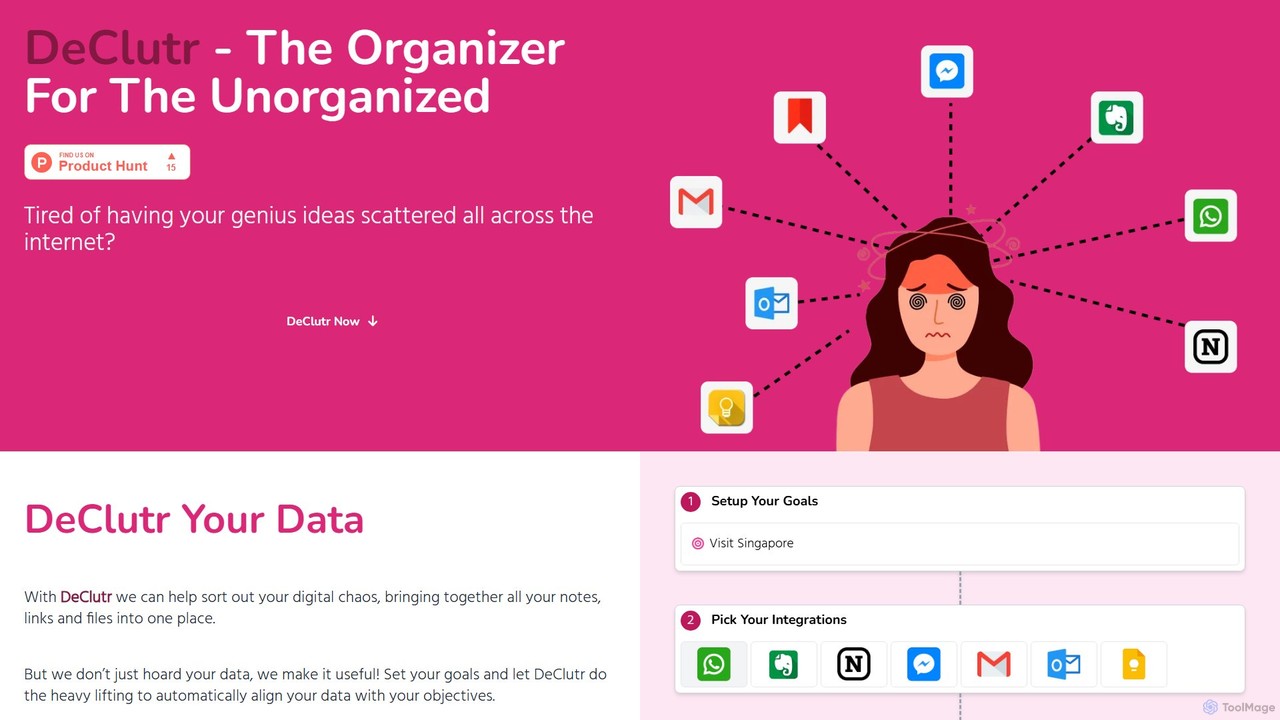
DeClutr
DeClutr is an AI-powered organizer designed for the unorganized. It centralizes your scattered notes, links, and files into a single, intelligent workspace. The platform not only aggregates your data but also uses AI to align it with your goals, providing actionable insights and tasks to help you achieve your objectives.
Knowledge Management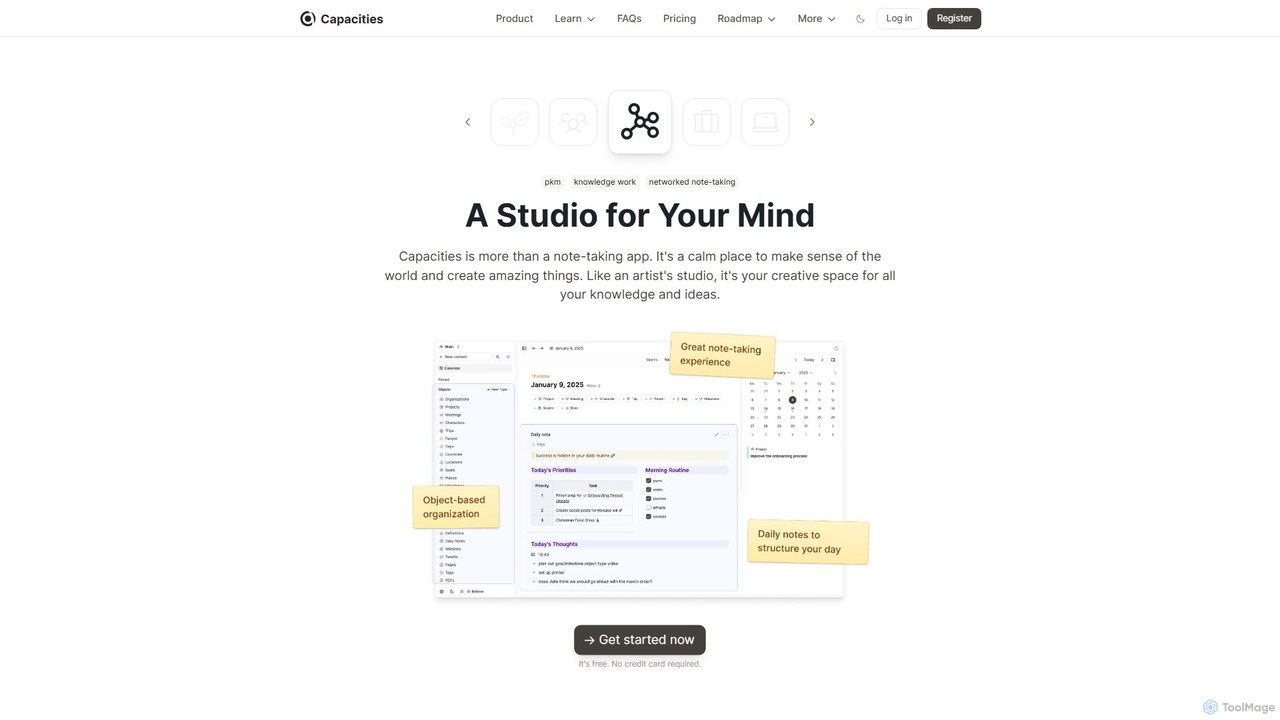
Capacities
Capacities is a next-generation note-taking and knowledge management tool designed as a "studio for your mind." It replaces traditional folders with a flexible, object-based network, allowing you to connect ideas naturally. Features include an integrated AI assistant, powerful linking, custom content types, and cross-platform availability, making it ideal for building a personal knowledge base or "second brain."
Second Brain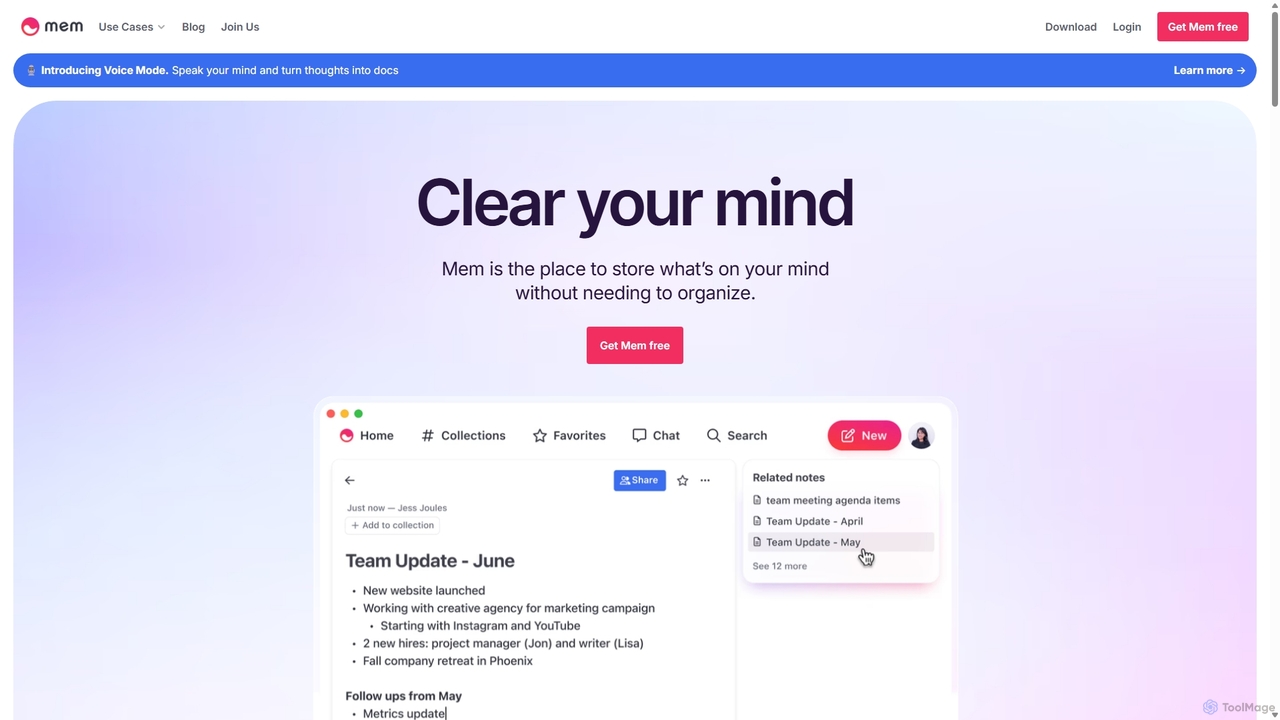
Mem
Mem is a self-organizing workspace powered by AI, designed to act as your personal second brain. It captures, connects, and resurfaces your notes automatically, eliminating the need for manual organization. With its integrated AI chat, you can search, summarize, and generate content from your own knowledge base.
Personal Assistant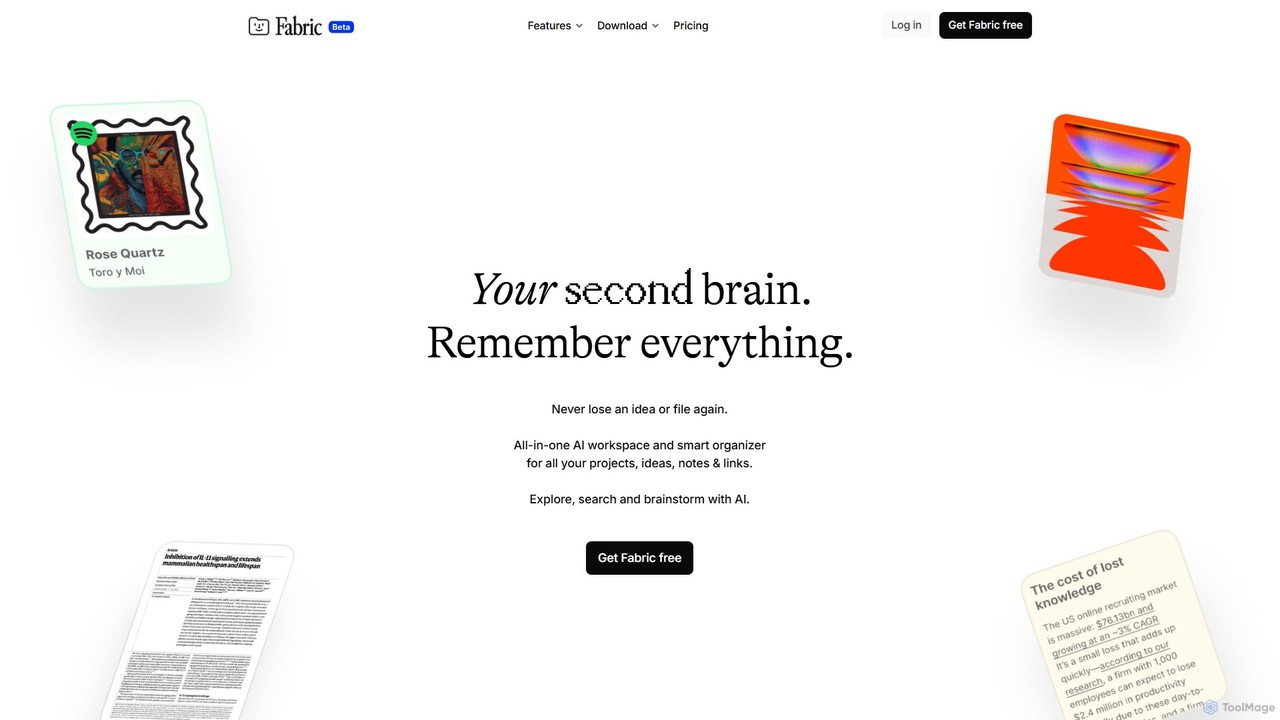
Fabric
Fabric is an AI-powered workspace and smart organizer that acts as your second brain. It automatically centralizes and connects all your notes, files, links, and ideas, eliminating the need for manual organization. Search your entire digital library with natural language and collaborate with an intelligent AI partner.
Personal AssistantFindr Categories
Findr Embed Widget
Copy this embed code to place the badge on your blog, article, or product site and send readers directly to this ToolMage detail page.

Related AI tools
Gems
Gems is an AI knowledge assistant that connects to all your apps like Notion, Slack, and Gmail. It allows you to ask questions in natural language and receive instant, synthesized answers from your entire knowledge base, eliminating the need for manual organization and endless searching.
Knowledge ManagementDeClutr
DeClutr is an AI-powered organizer designed for the unorganized. It centralizes your scattered notes, links, and files into a single, intelligent workspace. The platform not only aggregates your data but also uses AI to align it with your goals, providing actionable insights and tasks to help you achieve your objectives.
Knowledge Management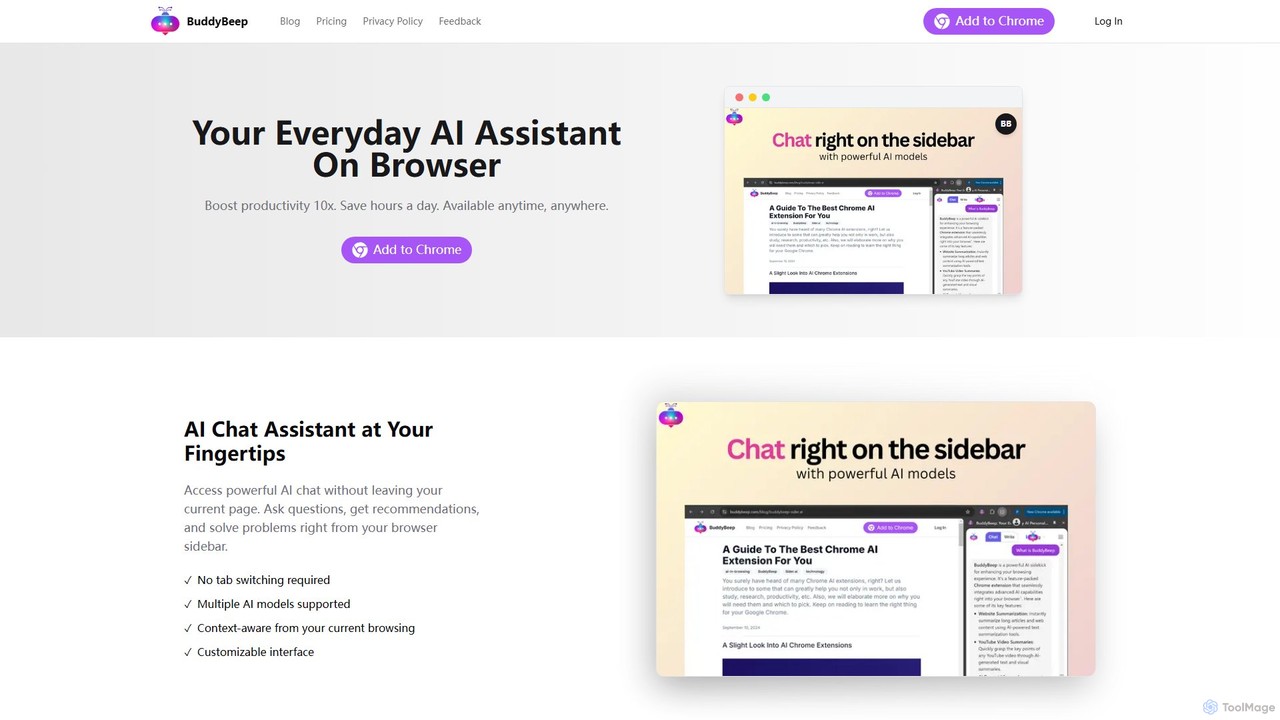
BuddyBeep
BuddyBeep is an AI-powered Chrome extension that acts as your personal browsing assistant. It boosts productivity by offering an in-page AI chat, one-click summarization for articles and YouTube videos, and a smart knowledge repository to build your "second brain". Capture, organize, and retrieve information effortlessly without switching tabs, transforming your browsing into a more efficient and insightful experience.
Browser Extension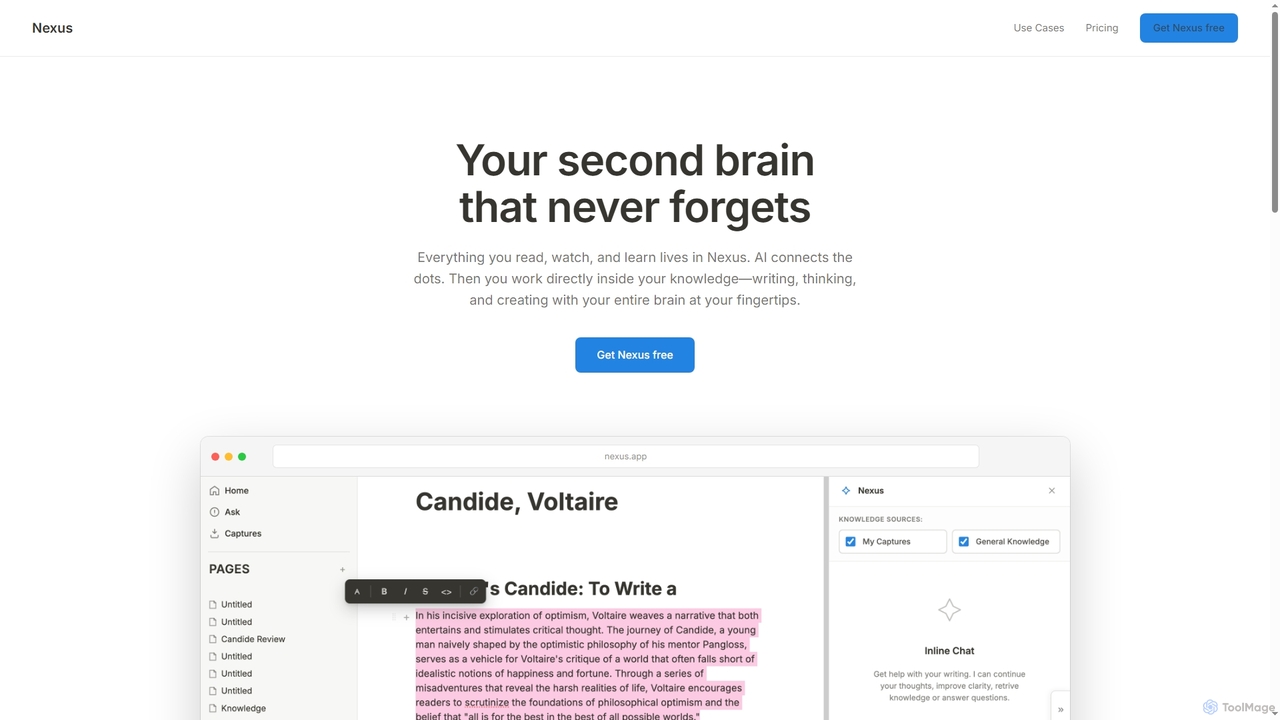
Capacities
Capacities is a next-generation note-taking and knowledge management tool designed as a "studio for your mind." It replaces traditional folders with a flexible, object-based network, allowing you to connect ideas naturally. Features include an integrated AI assistant, powerful linking, custom content types, and cross-platform availability, making it ideal for building a personal knowledge base or "second brain."
Second BrainMem
Mem is a self-organizing workspace powered by AI, designed to act as your personal second brain. It captures, connects, and resurfaces your notes automatically, eliminating the need for manual organization. With its integrated AI chat, you can search, summarize, and generate content from your own knowledge base.
Personal AssistantFabric
Fabric is an AI-powered workspace and smart organizer that acts as your second brain. It automatically centralizes and connects all your notes, files, links, and ideas, eliminating the need for manual organization. Search your entire digital library with natural language and collaborate with an intelligent AI partner.
Personal Assistant
Jyek
Jyek is an AI agent platform that understands objectives, creates execution plans, uses tools, and delivers verifiable results for complex, multi-step tasks.
Automation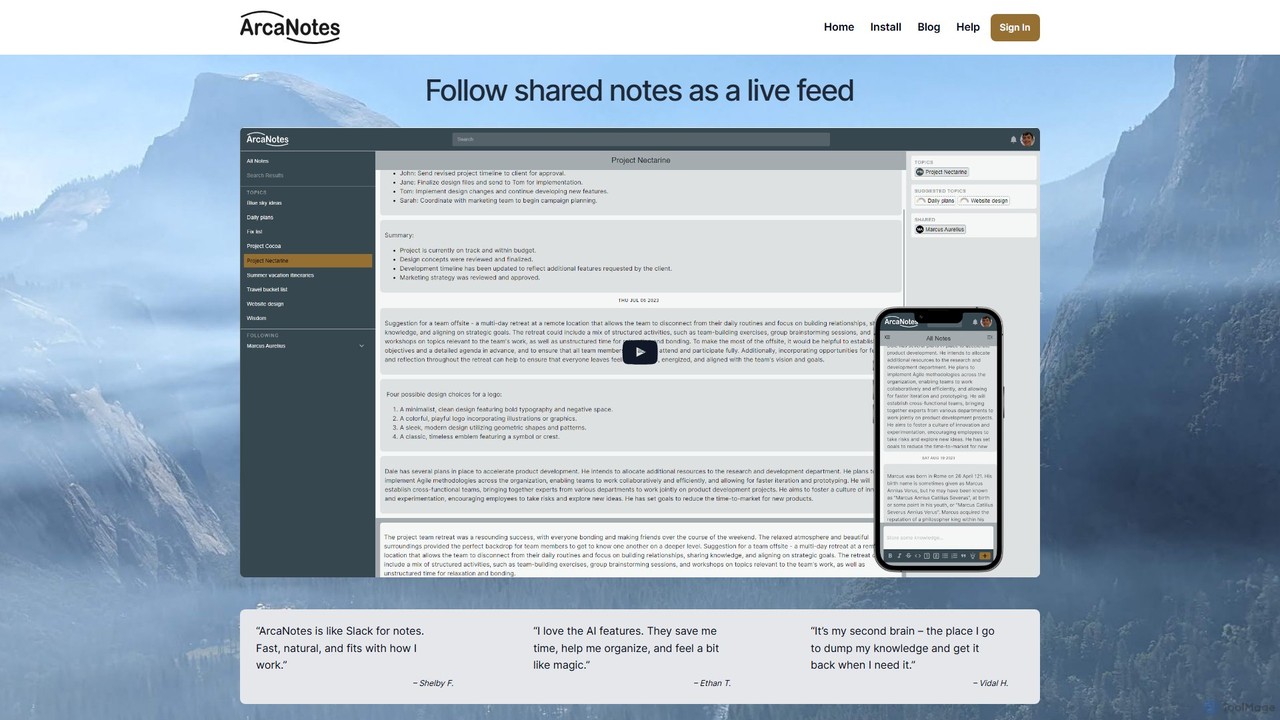
ArcaNotes
ArcaNotes is an AI-enhanced micro-note app designed for elevated productivity and knowledge management. It acts as your second brain, allowing you to quickly capture, organize, and retrieve information. With on-device AI, it offers intelligent topic suggestions, natural language Q&A with your notes, and collaborative sharing features, all while prioritizing user privacy with robust encryption.
Personal Assistant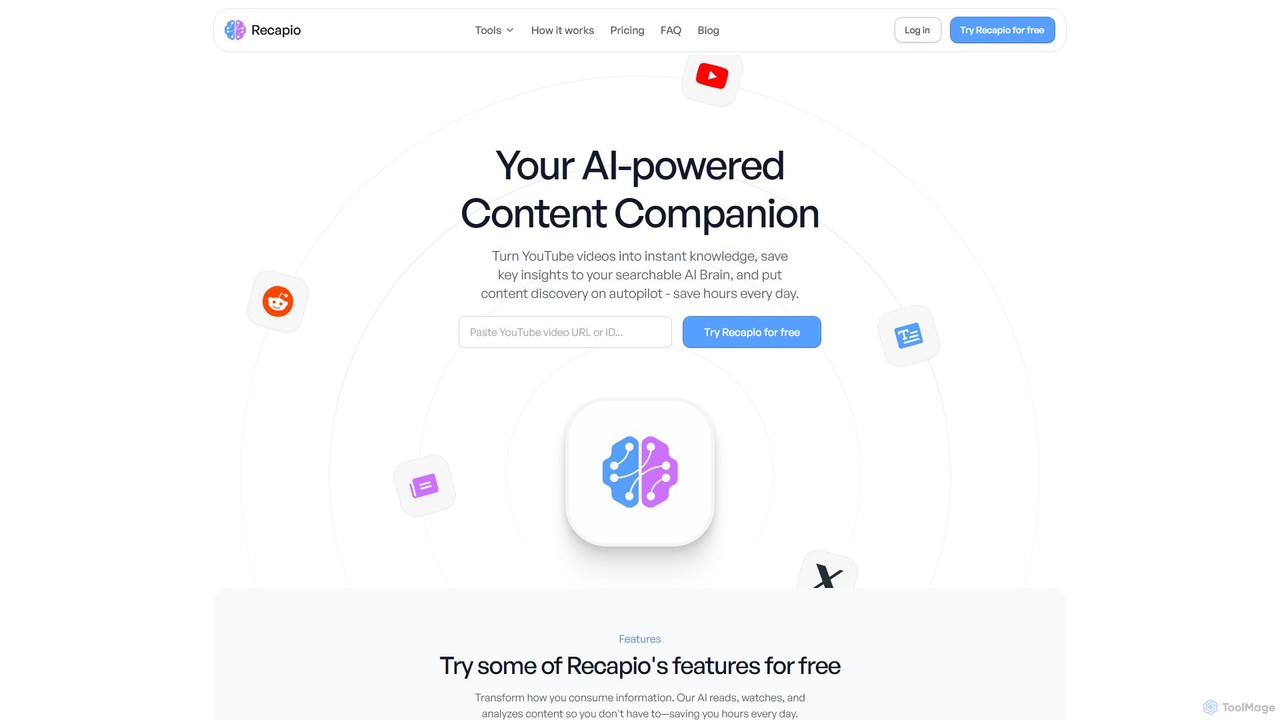
RecapioGPT
RecapioGPT is an AI-powered second brain and content summarizer that transforms YouTube videos, articles, and web posts into a searchable knowledge base. Chat with your content, get daily recaps, and organize insights to save time and learn smarter.
Research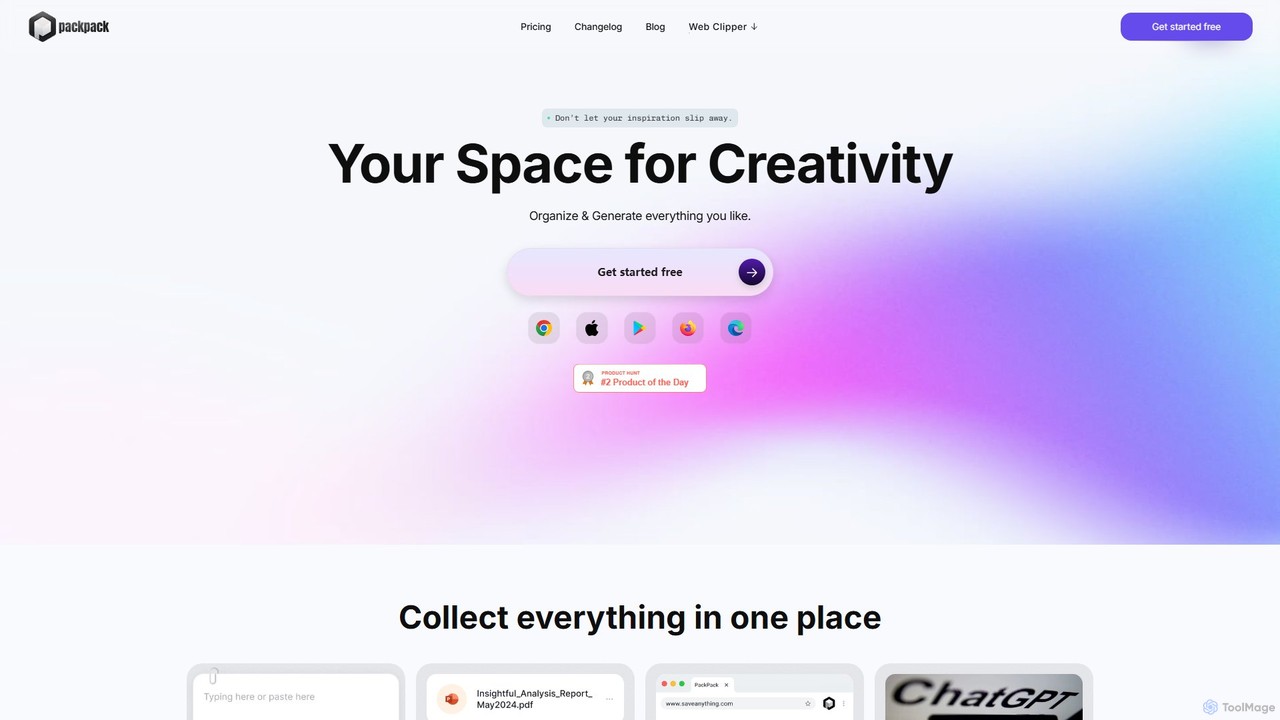
PackPack
PackPack is an AI-powered digital workspace designed to centralize your creativity and research. It allows you to collect bookmarks, articles, images, files, and notes in one place. With features like AI-powered Q&A, summarization, and automatic image tagging, PackPack transforms scattered information into an organized, searchable knowledge base, boosting productivity for creatives, researchers, and professionals.
Bookmarking
mybrain
mybrain is an AI-powered personal knowledge management system that acts as your second brain. Capture everything, from notes to web pages, and use the intelligent assistant to organize, summarize, and connect your ideas. Turn scattered information into a structured knowledge base.
Organization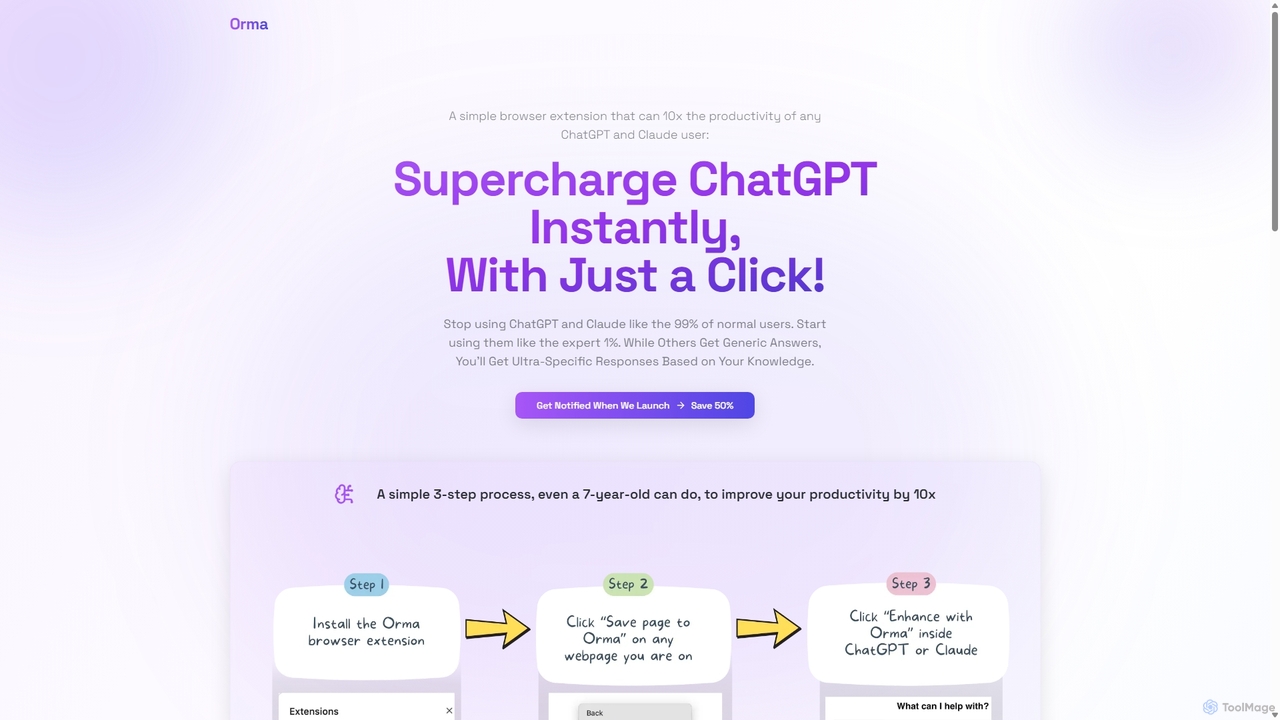
Orma
Orma is a browser extension that transforms your web browsing into a personal knowledge base, or 'digital memory layer'. It allows you to intelligently capture web content and seamlessly integrate it with AI models like ChatGPT and Claude. This turns generic AI responses into highly specific, personalized insights based on your own curated knowledge, boosting productivity by up to 10x.
Search Tools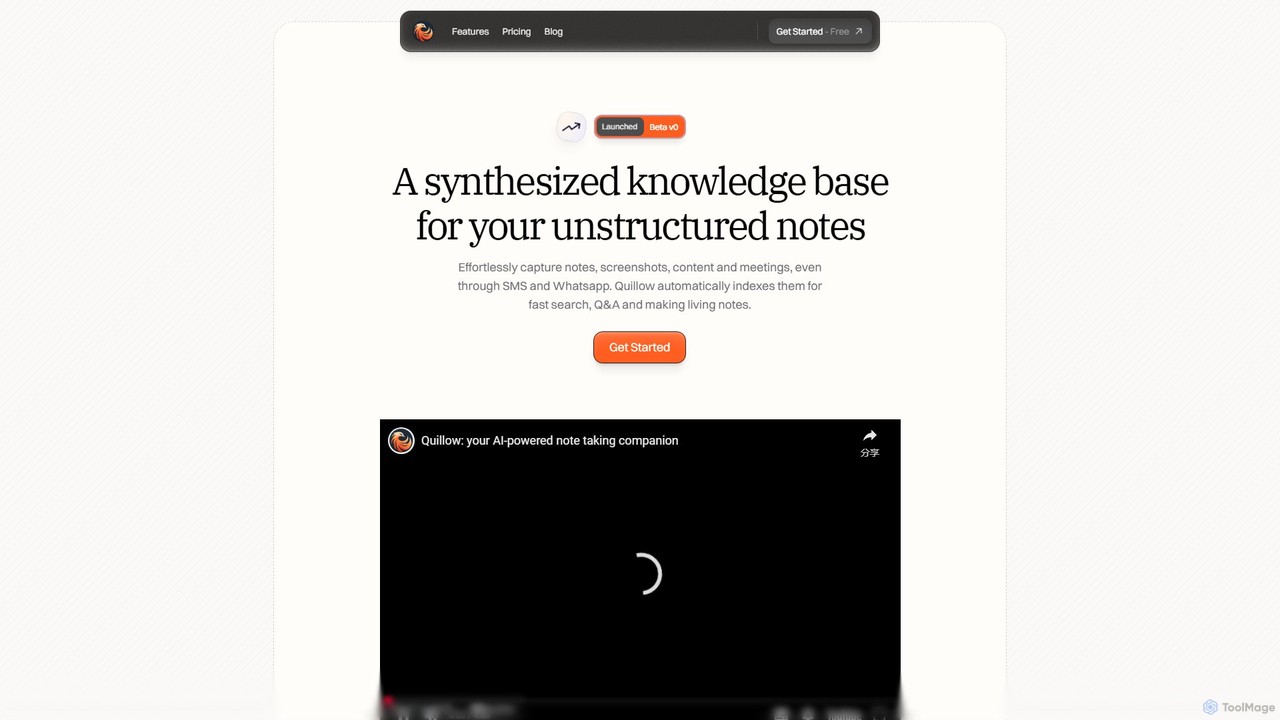
Quillow
Quillow is an AI-powered note-taking app that functions as your second brain. It effortlessly captures unstructured notes, screenshots, and content from various sources, including SMS and WhatsApp, and automatically organizes them into a searchable, queryable knowledge base. Ask questions to your notes and let AI synthesize the answers.
Personal
Lilys AI
Lilys AI is a powerful knowledge assistant that instantly summarizes diverse content formats, including YouTube videos, audio files, PDFs, websites, and Excel sheets. It extracts key insights, creates structured notes, and allows you to build a searchable personal knowledge base. Ideal for students, researchers, and professionals looking to save time and accelerate learning by quickly grasping the core ideas from lengthy materials.
Research
Findr Comments (0)
Sign in to comment.
Sign inNo comments yet.