

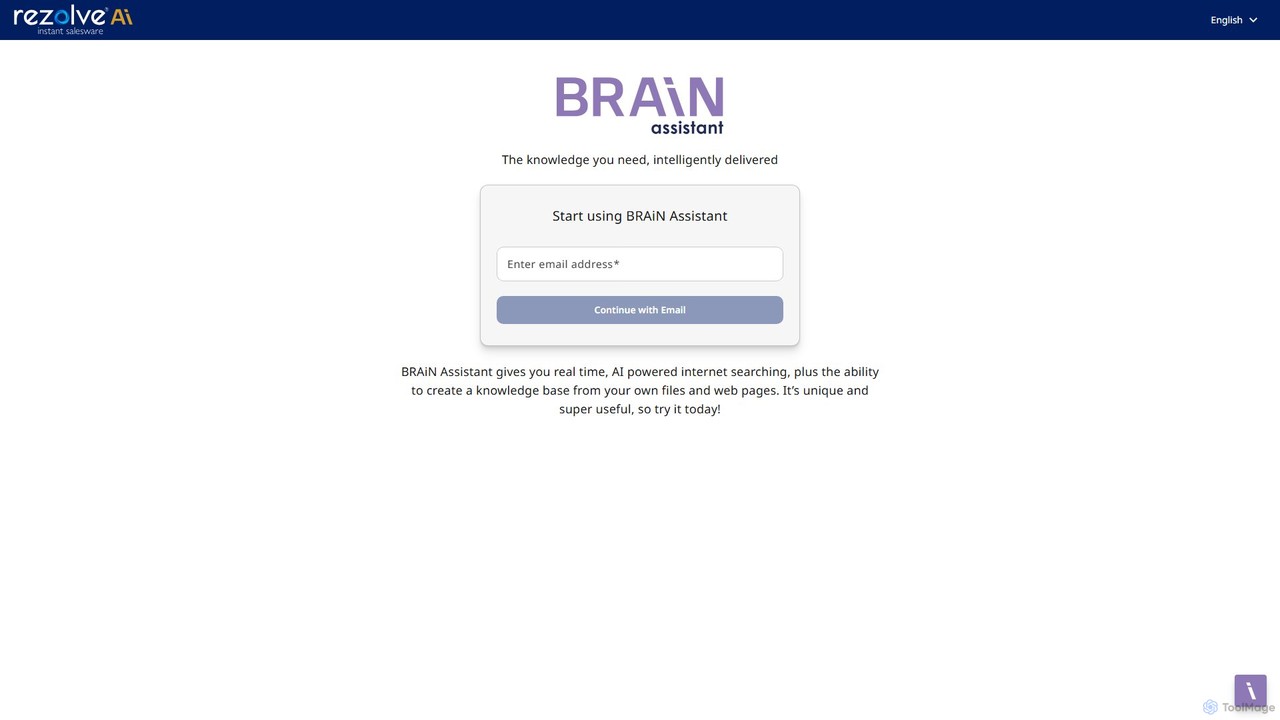
mybrain Overview
mybrain is a sophisticated AI-powered platform designed to function as your personal 'second brain'. In an age of information overload, mybrain provides a centralized, intelligent space to capture, organize, and interact with your knowledge. It goes beyond traditional note-taking apps by integrating a powerful AI assistant that helps you make sense of your collected information, uncover hidden connections, and boost your creativity and productivity. Whether you're a student, a researcher, a writer, or a professional, mybrain transforms your scattered notes, documents, and web clippings into a dynamic and queryable knowledge base.
How to use mybrain
Getting started with mybrain is an intuitive process. First, sign up for an account on the mybrain.zone website. Once logged in, you can begin populating your 'brain' with information. This can be done by typing notes directly, pasting text, or using a dedicated web clipper (if available) to save articles and web pages. As you add content, the AI starts working in the background, automatically tagging and categorizing your entries. The core of the experience is interacting with the AI assistant. You can ask questions in natural language, such as 'What are the key points from my research on quantum computing?' or 'Draft an outline for a blog post about sustainable energy based on my notes'. The AI will search your entire knowledge base, synthesize the relevant information, and provide you with a coherent answer or draft.
Core Features of mybrain
- AI-Powered Conversational Search: Instead of simple keyword searches, you can chat with your knowledge base. Ask complex questions and receive synthesized answers drawn from your notes.
- Intelligent Organization: The AI automatically analyzes your content, suggests relevant tags, and creates links between related concepts, building a web of knowledge without manual effort.
- Automated Summarization: Instantly generate concise summaries of long articles, research papers, or multiple notes, saving you hours of reading time.
- Content Creation Assistance: Use the AI to help you brainstorm ideas, generate outlines, or even draft entire paragraphs based on the information you've saved.
- Multi-Format Capture: Easily save text notes, web articles, documents, and potentially images, creating a rich, multimedia knowledge base.
- Visual Knowledge Graph: Visualize the connections between your notes and ideas through an interactive graph, helping you see the bigger picture and discover new insights.
Use Cases for mybrain
mybrain is a versatile tool for various users. For students and academics, it's an invaluable research assistant for organizing literature reviews, lecture notes, and study materials. They can ask the AI to explain complex topics using their own notes. Content creators and writers can use it as an idea repository and a co-writing partner, helping them overcome writer's block and repurpose content. Professionals and entrepreneurs can manage meeting notes, market research, and strategic plans, querying their 'brain' for quick insights during decision-making processes. For lifelong learners, it's the ultimate tool for building a personal library of knowledge that grows and becomes more intelligent over time.
Advantages of mybrain
The primary advantage of mybrain is its ability to transform passive information storage into an active, intelligent knowledge system. It reduces the cognitive load of managing information, freeing up your mental space for deeper thinking and creativity. The semantic, conversational search is far more powerful than traditional folder-based systems, allowing you to find what you need based on concepts, not just keywords. By automatically surfacing connections, it fosters serendipitous discovery and enhances creative problem-solving. It effectively turns your personal information into a powerful, personalized AI you can consult anytime.
Pricing and Plans
mybrain likely operates on a freemium model to allow users to experience its core benefits before committing. While specific details are not provided, a typical structure would be:
Free Plan: Ideal for casual users, offering a limited amount of storage, a cap on the number of notes, and a certain number of AI queries per month.
Pro Plan (e.g., $10/month): Aimed at power users, offering unlimited storage and notes, advanced AI features, priority support, and potentially integrations with other applications.
Team/Business Plan: Custom pricing for teams, featuring collaborative workspaces, shared brains, advanced security, and administrative controls.
mybrain Alternatives
Glasp
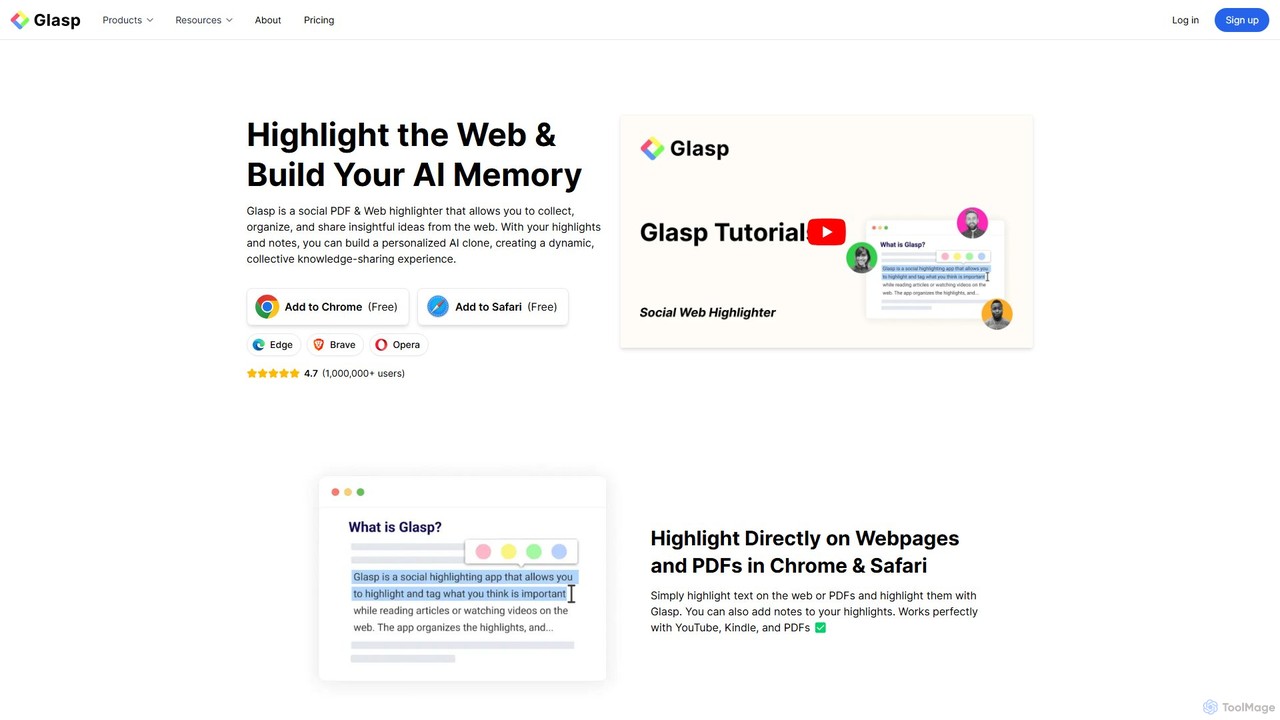
Glasp is a social web and PDF highlighter that helps learners and researchers capture, organize, and share insightful ideas. It uses AI to create a personalized knowledge base from your highlights, offering features like AI-powered summaries, chat with your notes, and seamless integration with popular note-taking apps. It's designed to facilitate public learning and build a collective intelligence.
Web Clipper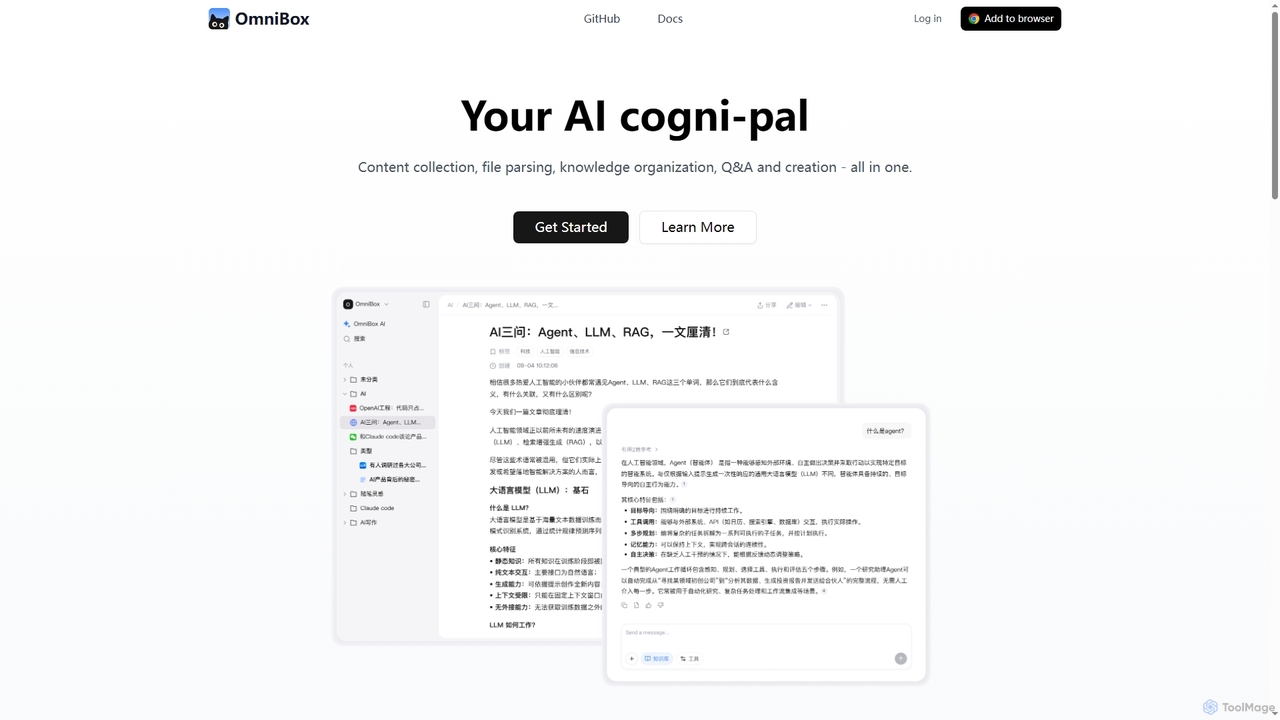
Omnibox
Omnibox is an AI-powered knowledge companion designed to streamline your information workflow. It helps you collect web content and local files, parse them into editable documents, and build a centralized, searchable knowledge base. Ask questions and get traceable answers from your own data.
Knowledge Management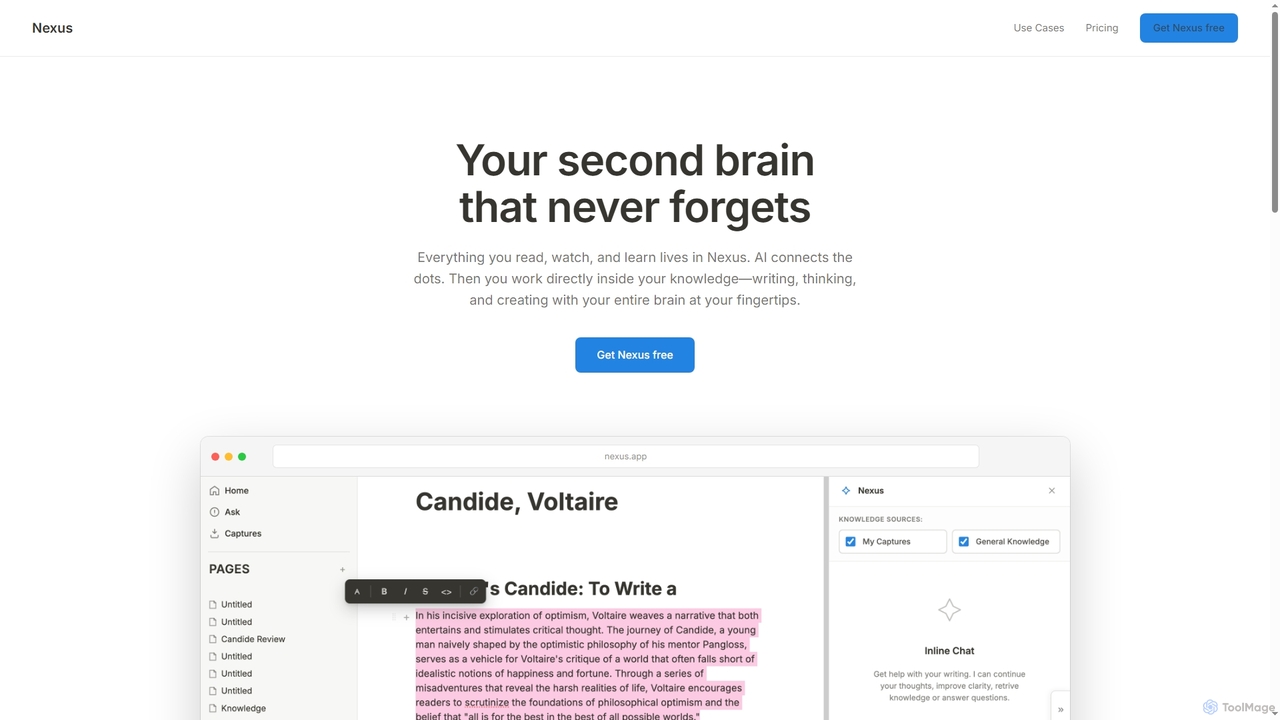
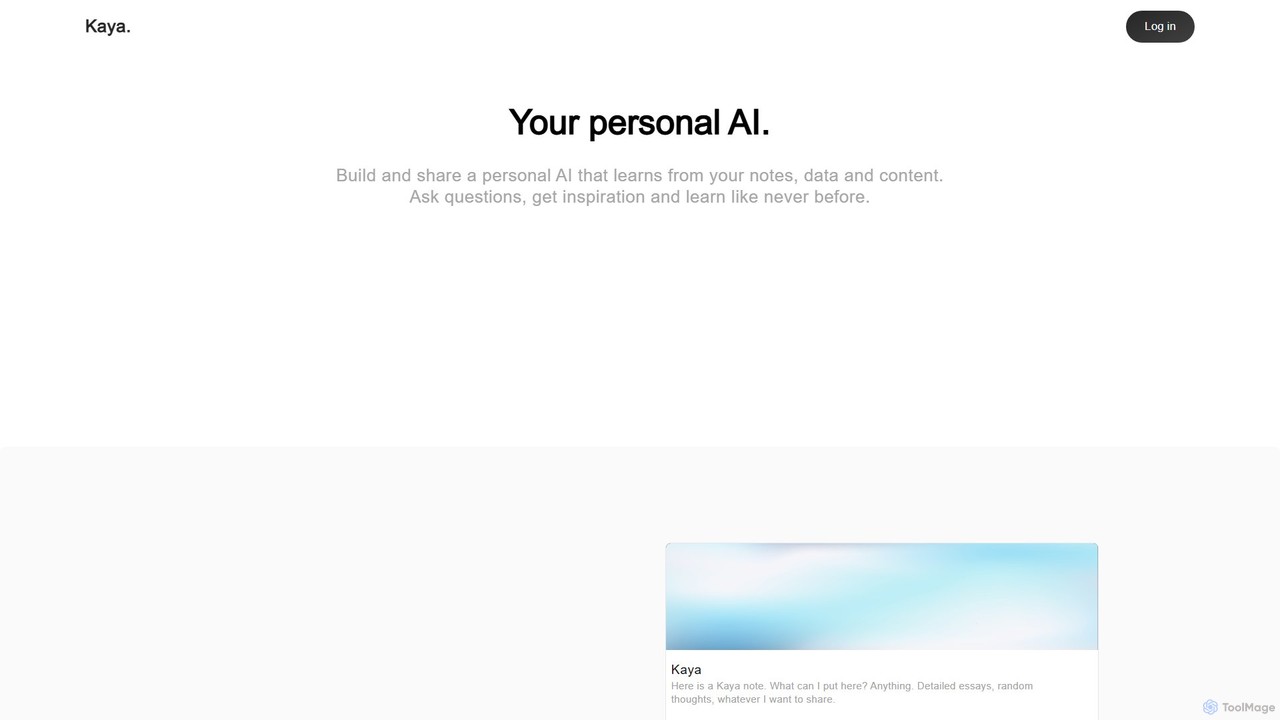
Kaya
Kaya is a personal AI platform that transforms your notes, data, and content into an interactive, conversational AI. Build a digital version of your mind, ask it questions, gain insights, and share your knowledge in a completely new way.
Personal Assistant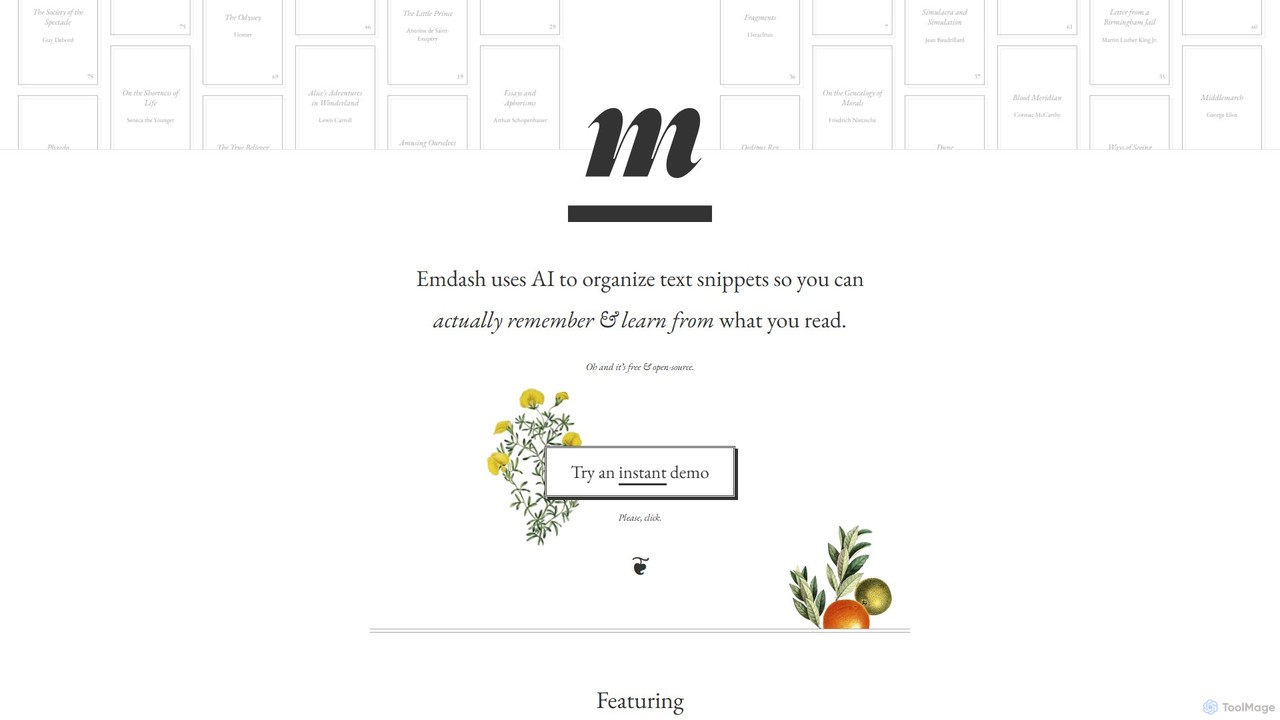
Emdash
Emdash is a free, open-source AI tool designed for readers to organize, analyze, and learn from their book highlights. It uses on-device AI to find conceptual connections between passages, offers powerful semantic search, and allows users to tag, rate, and annotate their snippets. With flexible import/export options (including Kindle), Emdash helps you turn passive reading into active learning without compromising your privacy.
Researchmybrain Categories
mybrain Embed Widget
Copy this embed code to place the badge on your blog, article, or product site and send readers directly to this ToolMage detail page.

Related AI tools

Findr
Findr is an AI-powered second brain for personal and enterprise knowledge management. It unifies all your information—from apps like Google Drive, Notion, and Slack, to documents, notes, and bookmarks—into a single, searchable workspace. Ask questions in natural language to get context-aware answers from your own data, streamline research, and never lose an idea again.
Knowledge Management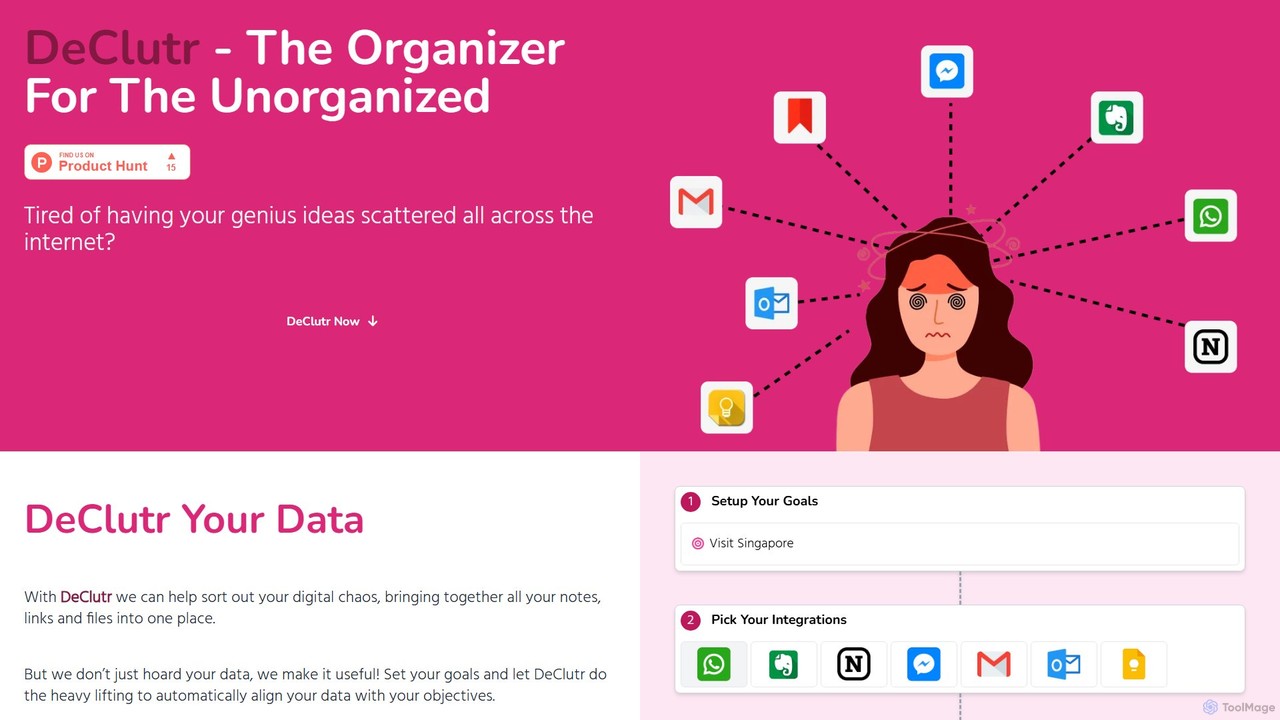
DeClutr
DeClutr is an AI-powered organizer designed for the unorganized. It centralizes your scattered notes, links, and files into a single, intelligent workspace. The platform not only aggregates your data but also uses AI to align it with your goals, providing actionable insights and tasks to help you achieve your objectives.
Knowledge Management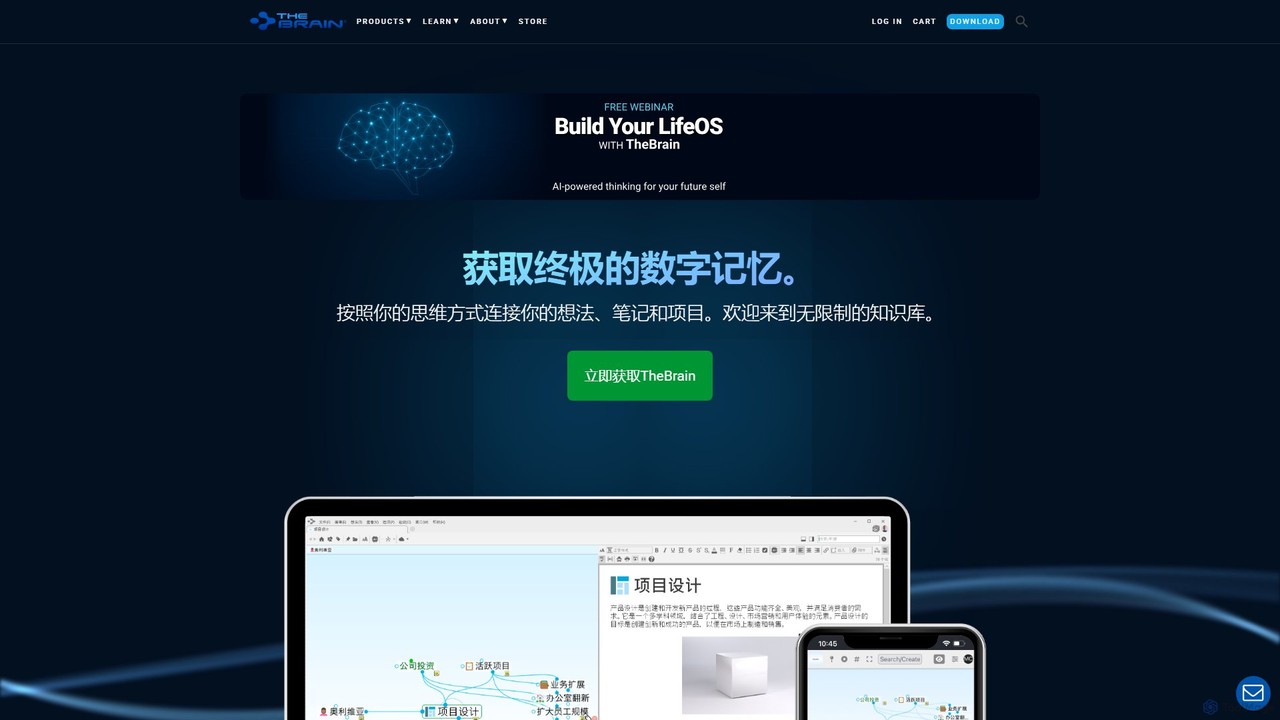
TheBrain
TheBrain is an ultimate digital memory and mind mapping software that uses AI to help you organize your thoughts, projects, and digital life. It moves beyond traditional folders and lists, allowing you to create a dynamic, interconnected network of information that mirrors how you think. Link any file, webpage, or note to create a visual context for all your knowledge.
Second Brain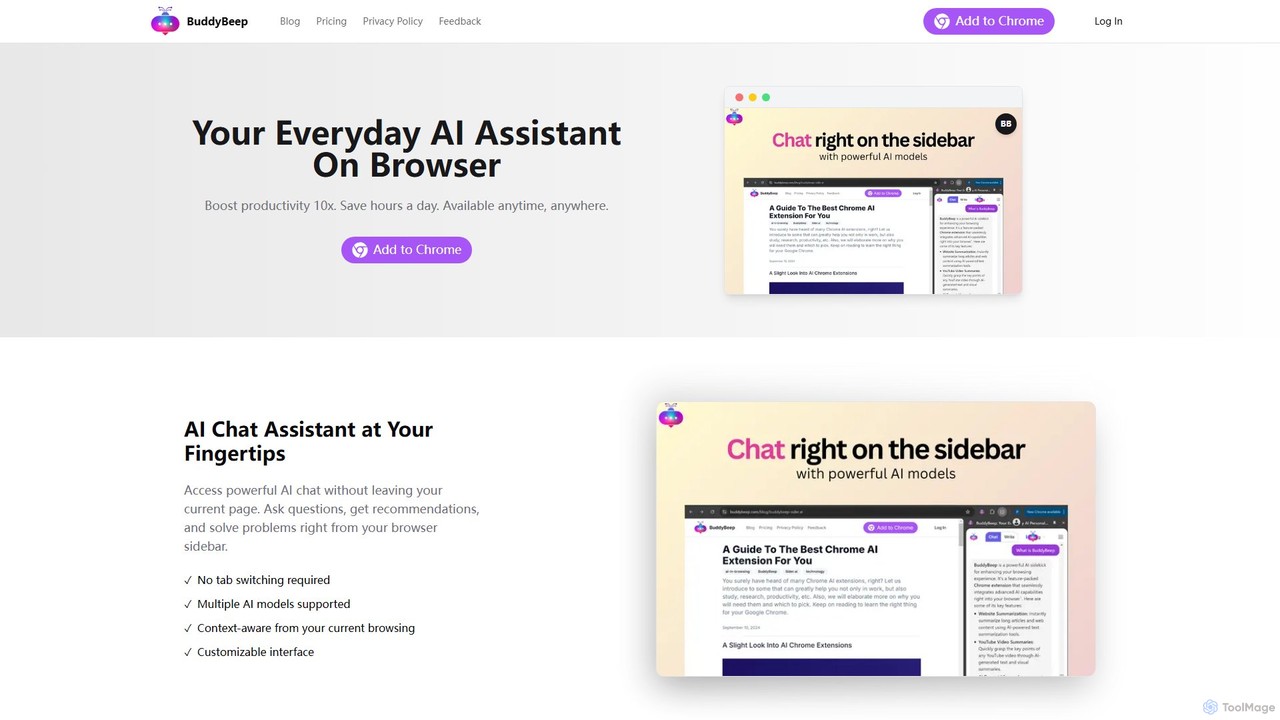
BuddyBeep
BuddyBeep is an AI-powered Chrome extension that acts as your personal browsing assistant. It boosts productivity by offering an in-page AI chat, one-click summarization for articles and YouTube videos, and a smart knowledge repository to build your "second brain". Capture, organize, and retrieve information effortlessly without switching tabs, transforming your browsing into a more efficient and insightful experience.
Browser ExtensionGlasp
Glasp is a social web and PDF highlighter that helps learners and researchers capture, organize, and share insightful ideas. It uses AI to create a personalized knowledge base from your highlights, offering features like AI-powered summaries, chat with your notes, and seamless integration with popular note-taking apps. It's designed to facilitate public learning and build a collective intelligence.
Web Clipper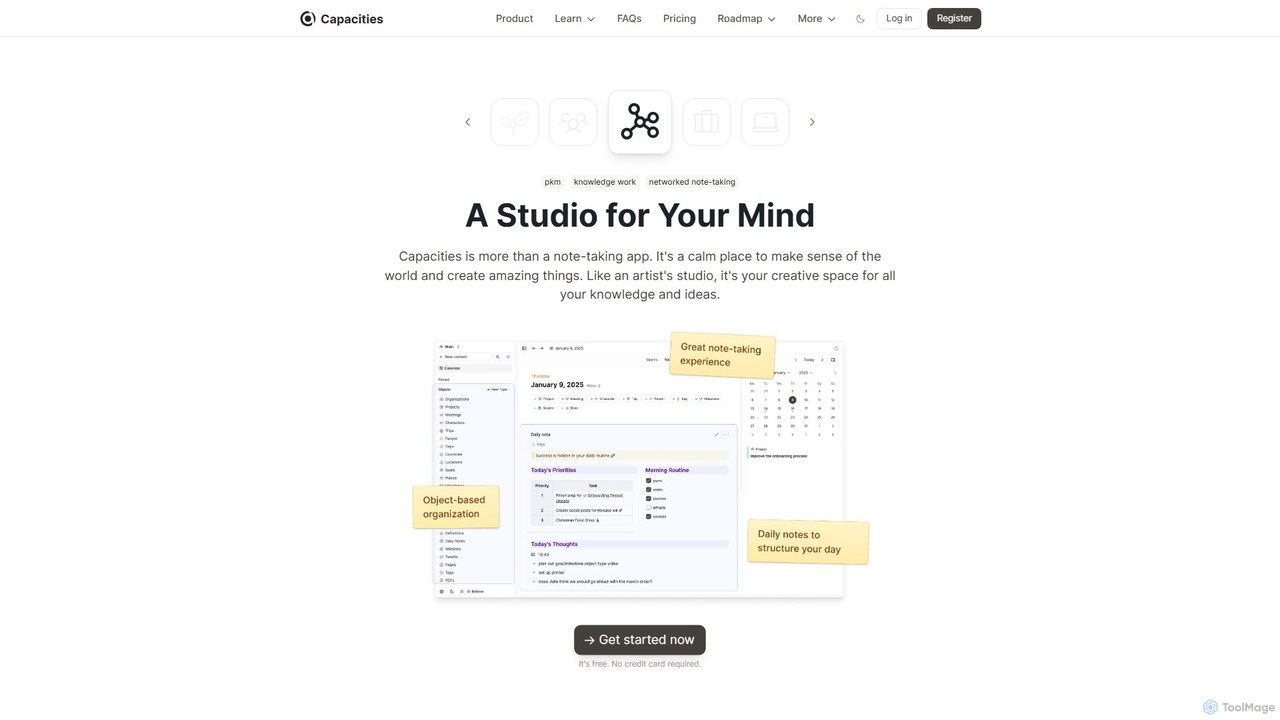
Capacities
Capacities is a next-generation note-taking and knowledge management tool designed as a "studio for your mind." It replaces traditional folders with a flexible, object-based network, allowing you to connect ideas naturally. Features include an integrated AI assistant, powerful linking, custom content types, and cross-platform availability, making it ideal for building a personal knowledge base or "second brain."
Second Brain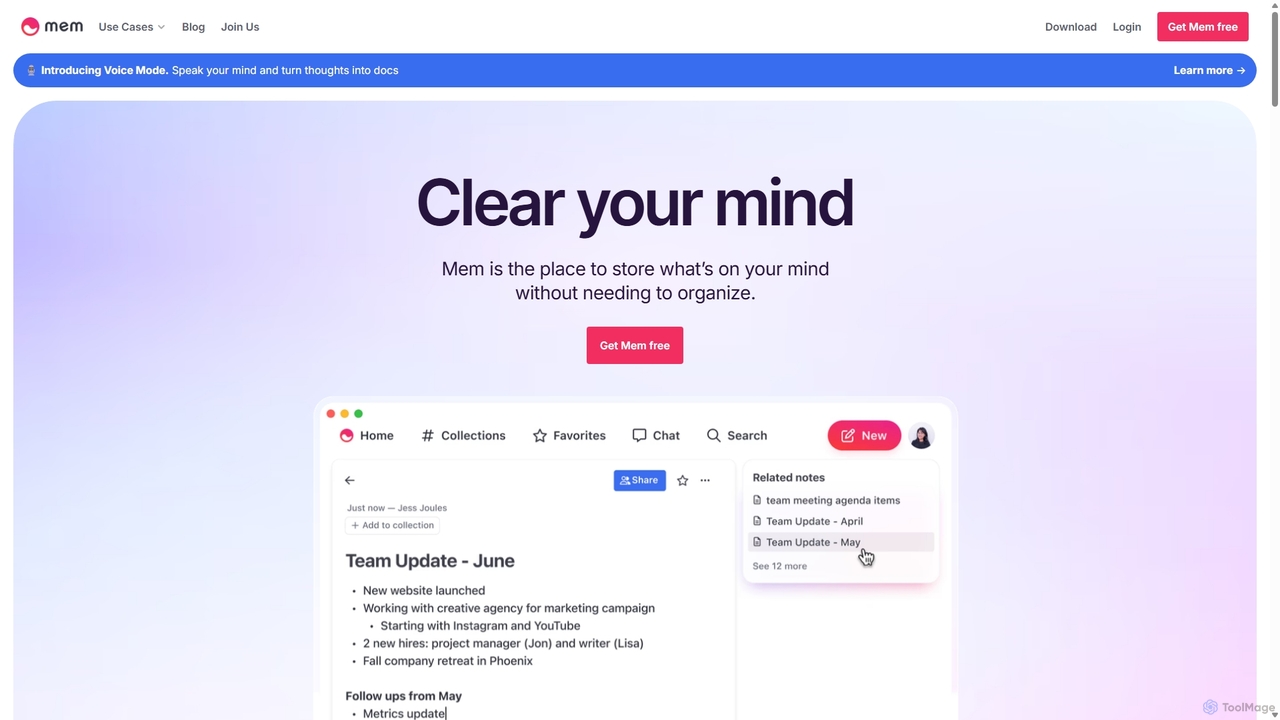
Mem
Mem is a self-organizing workspace powered by AI, designed to act as your personal second brain. It captures, connects, and resurfaces your notes automatically, eliminating the need for manual organization. With its integrated AI chat, you can search, summarize, and generate content from your own knowledge base.
Personal Assistant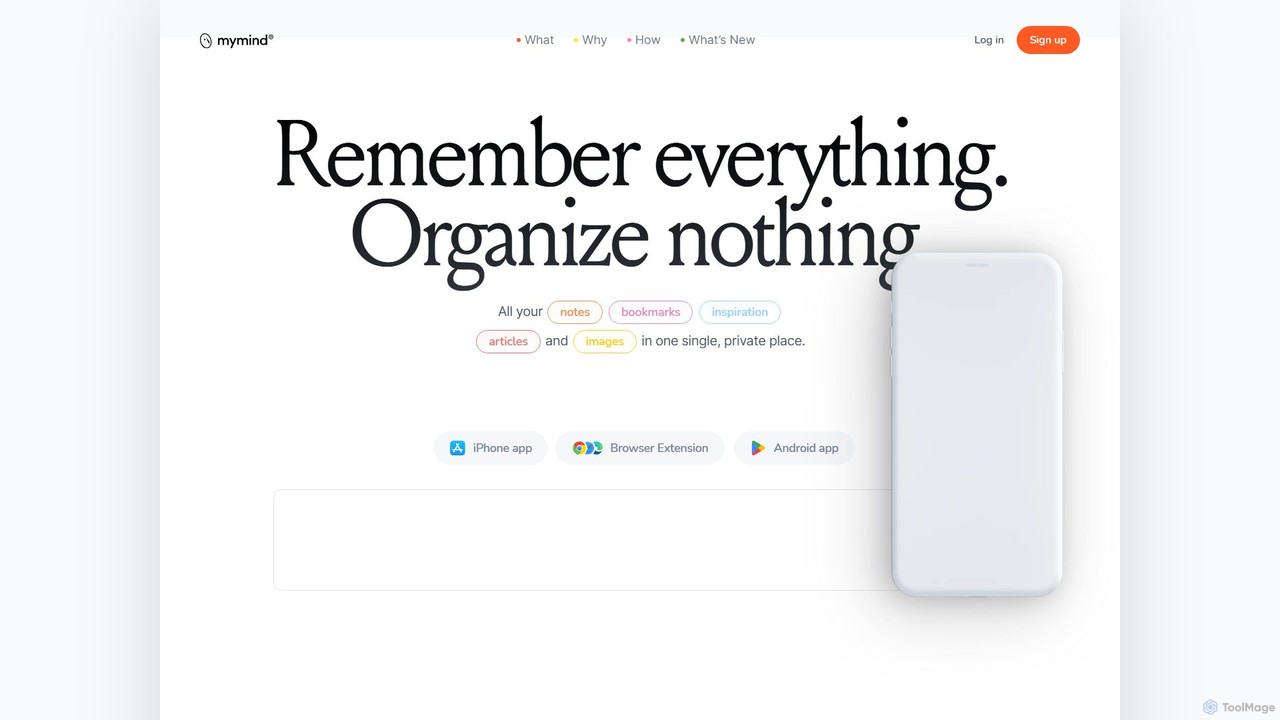
mymind
mymind is a private, AI-powered second brain designed to remember everything without the need for manual organization. It acts as an extension of your mind, capturing notes, bookmarks, images, and articles in a single, searchable space, prioritizing privacy and a clutter-free experience.
Bookmarking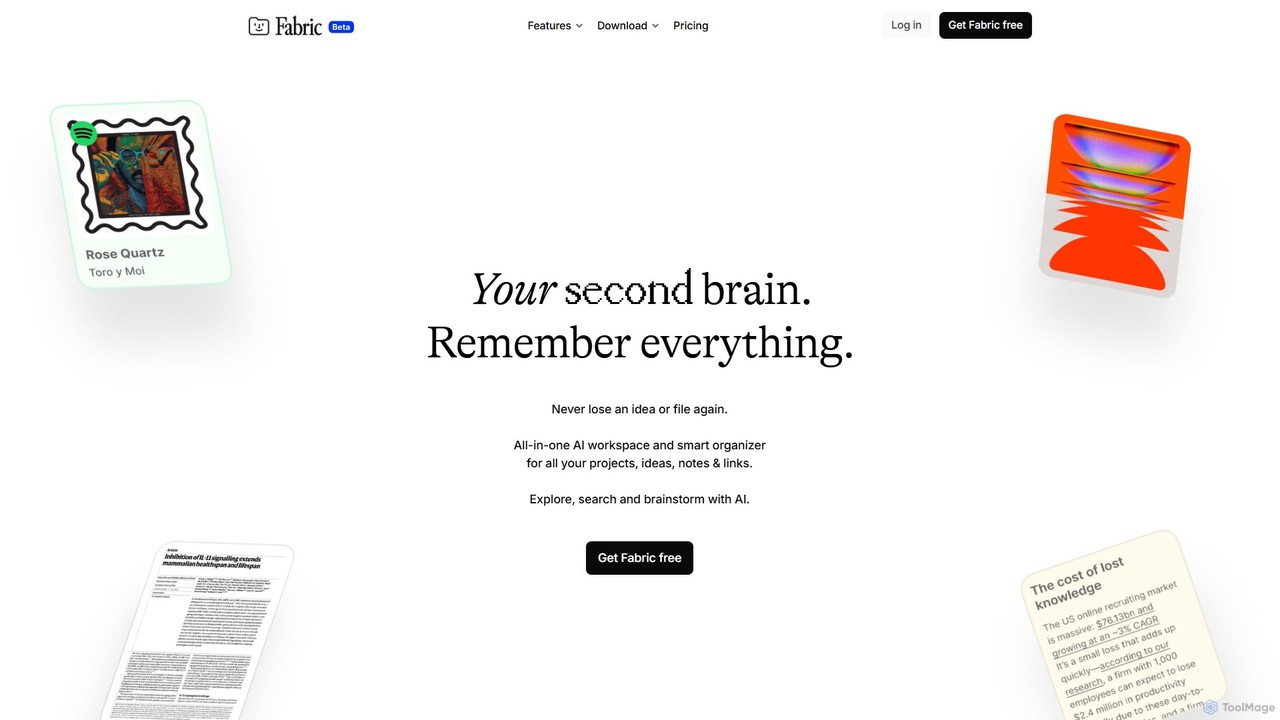
Fabric
Fabric is an AI-powered workspace and smart organizer that acts as your second brain. It automatically centralizes and connects all your notes, files, links, and ideas, eliminating the need for manual organization. Search your entire digital library with natural language and collaborate with an intelligent AI partner.
Personal Assistant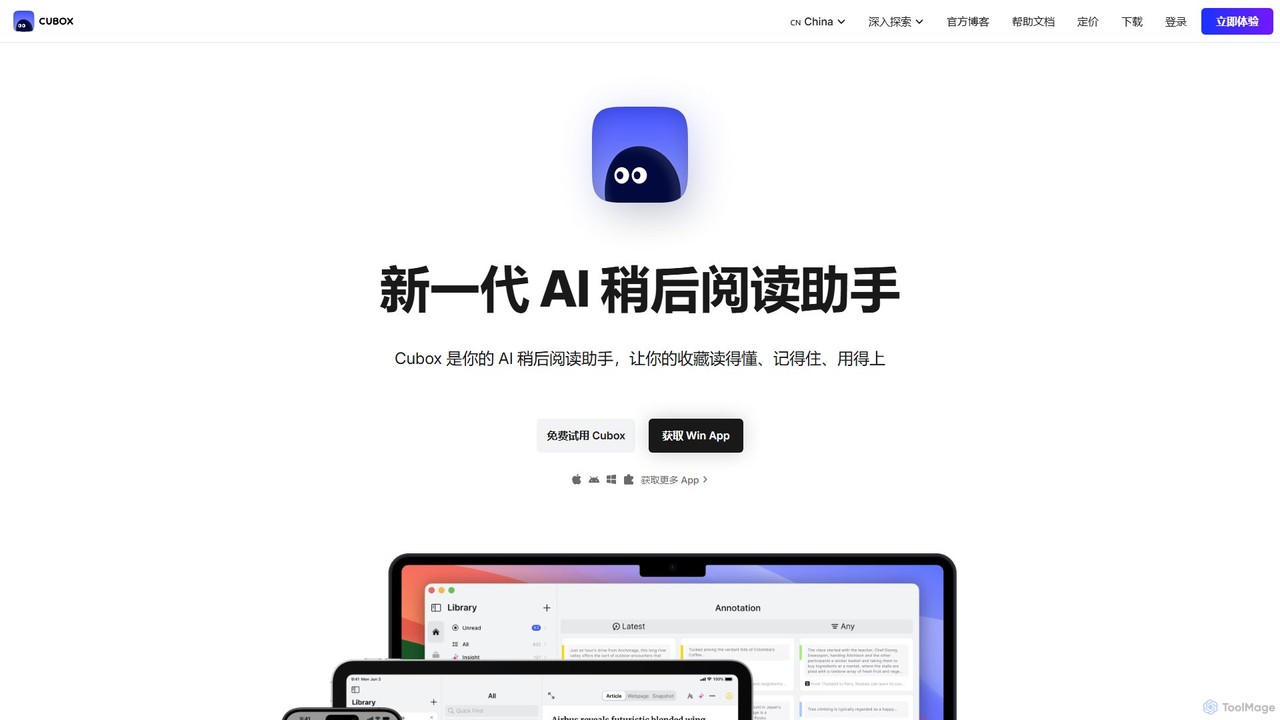
Cubox
Cubox is an AI-powered read-it-later assistant designed to help you not just save, but truly understand, remember, and utilize information. It transforms your scattered collection of articles, notes, and web pages into an intelligent, searchable personal knowledge base, acting as your second brain.
Research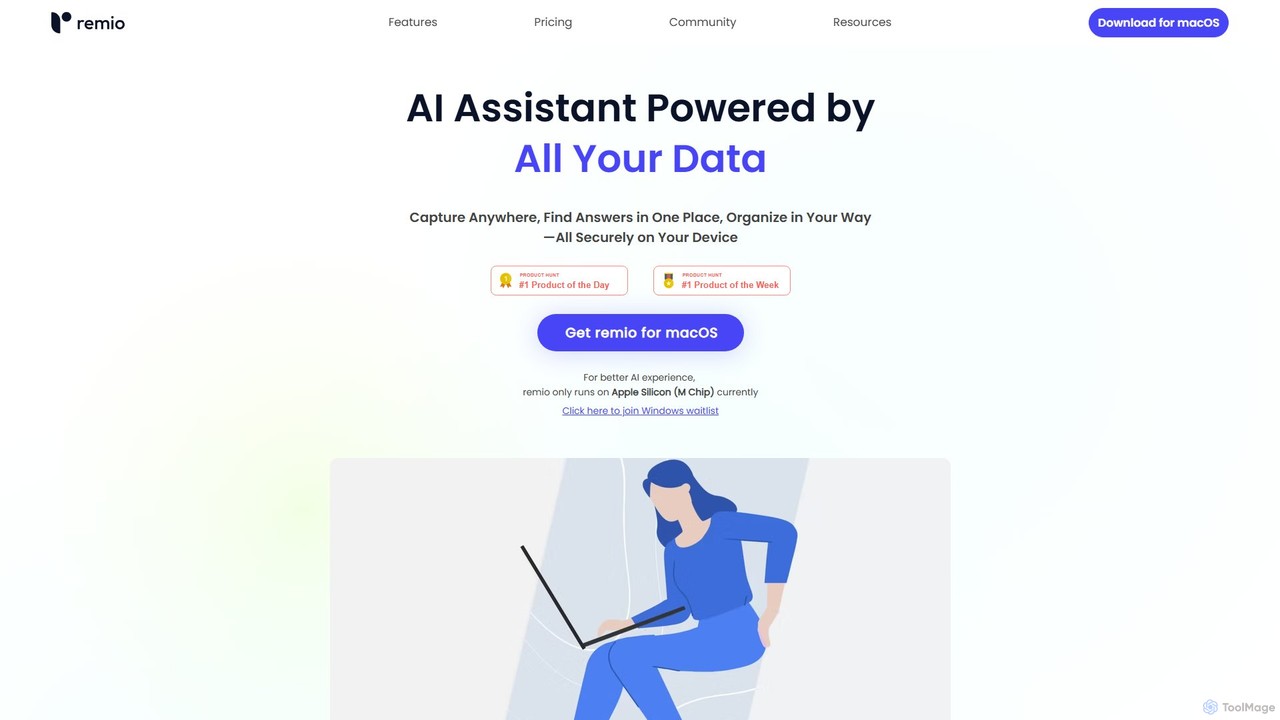
remio
remio is a local-first AI assistant that unifies all your data—notes, files, and web content—into a single, private knowledge base. It allows you to capture information from anywhere, find answers instantly with AI-powered search, and organize your knowledge securely on your device, boosting your productivity and creativity.
Personal Assistant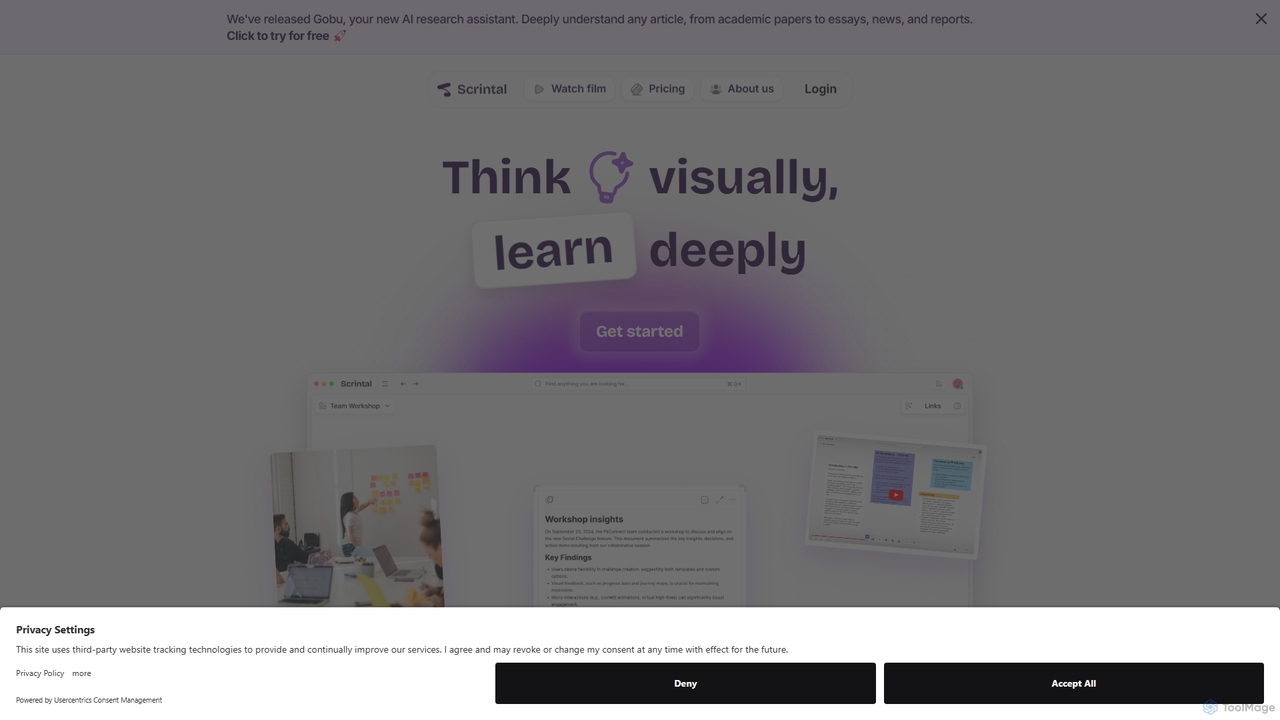
Scrintal
Scrintal is an AI-powered visual note-taking and research tool designed for thinkers, researchers, and students. It combines an infinite canvas for brainstorming with a powerful block-based editor and an AI assistant, Gobu. Organize ideas, connect concepts with bi-directional links, and seamlessly turn your visual thoughts into structured written documents.
Research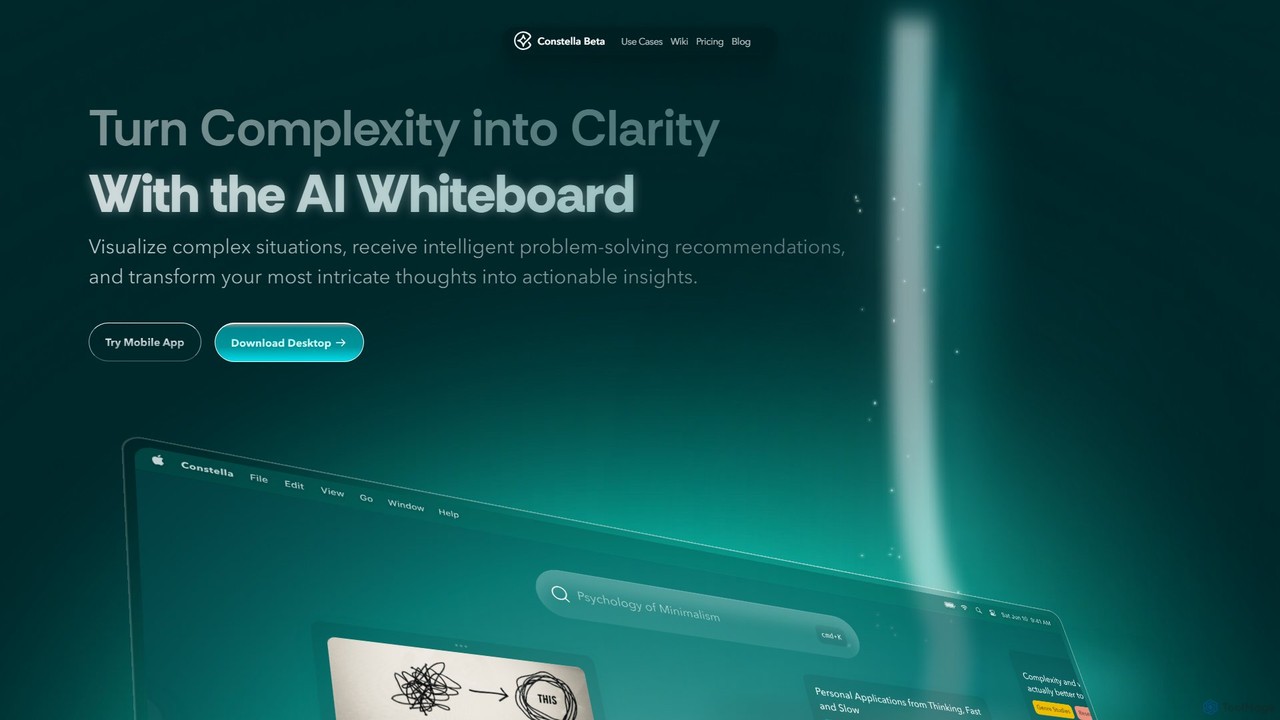
Constella
Constella is an AI-powered second brain application that uses a visual infinite graph to help you capture, connect, and visualize your thoughts. It moves beyond traditional folders, allowing you to organize ideas non-linearly, uncover hidden patterns, and receive intelligent problem-solving recommendations. Ideal for personal knowledge management, research, and creative thinking.
Knowledge Management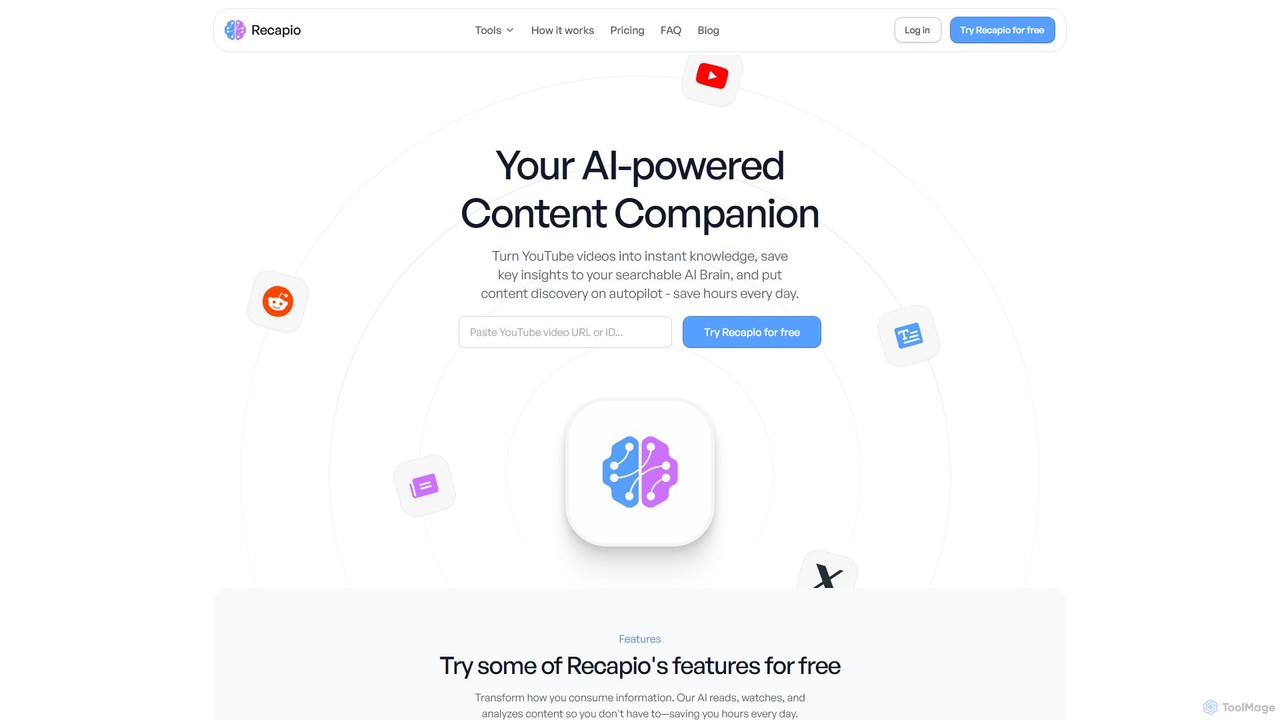
RecapioGPT
RecapioGPT is an AI-powered second brain and content summarizer that transforms YouTube videos, articles, and web posts into a searchable knowledge base. Chat with your content, get daily recaps, and organize insights to save time and learn smarter.
Research
mybrain Comments (0)
Sign in to comment.
Sign inNo comments yet.