ToolMage
Sign in

Best 13 Bookmarking AI tools for Productivity

Popular Bookmarking AI tools in Productivity include favird, Kome, mymind, Cubox, Karakeep, SaveDay, Lazy, Stacks, Cokeep, and Markwise, helping you work more efficiently.

Karakeep
Free

Karakeep

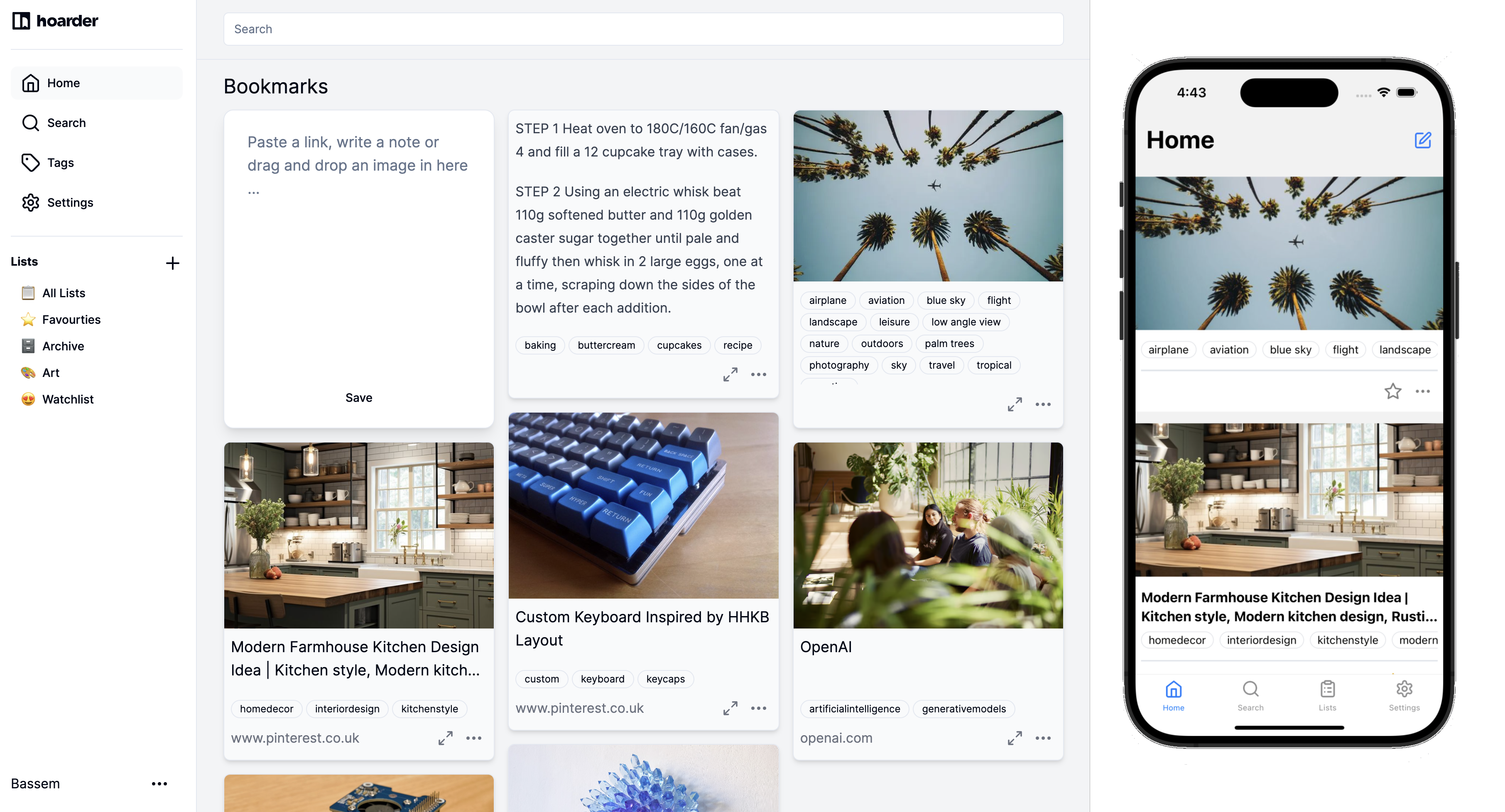
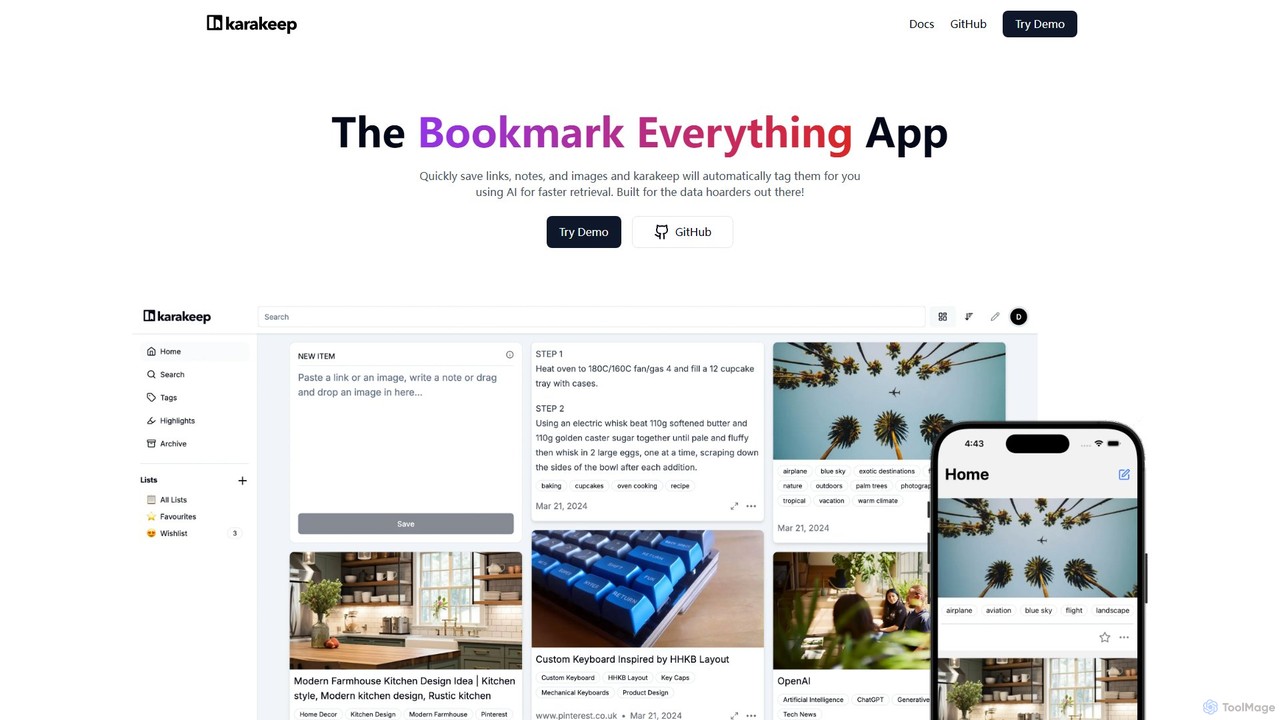
Karakeep is an AI-powered bookmarking and knowledge management app for "data hoarders." It allows you to quickly save links, notes, images, and PDFs. The core feature is its AI engine, which automatically analyzes and tags your content for effortless organization and fast retrieval. With self-hosting options for privacy, mobile apps, and browser extensions, Karakeep provides a seamless and powerful way to build your personal, searchable knowledge base.

Code Snippets
Visits 43.4KFavorites 96Likes 93
nocket
Freemium

nocket

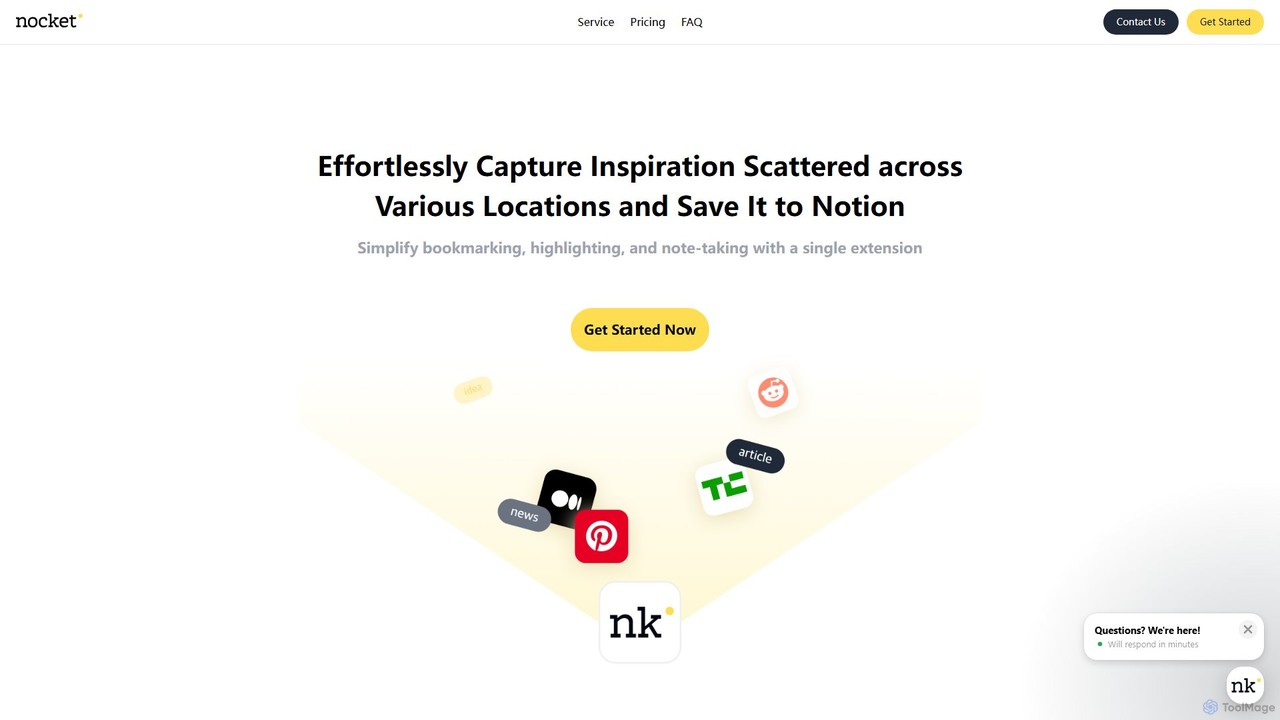
nocket is a powerful browser extension designed to streamline your knowledge management workflow. It allows you to effortlessly capture web pages, highlight text, and take notes, saving everything directly into your Notion workspace. With AI-powered summarization for websites and YouTube videos, nocket transforms scattered inspiration into an organized, actionable knowledge base.

Bookmarking
Visits 3.7KFavorites 123Likes 109
Memable
Freemium

Memable

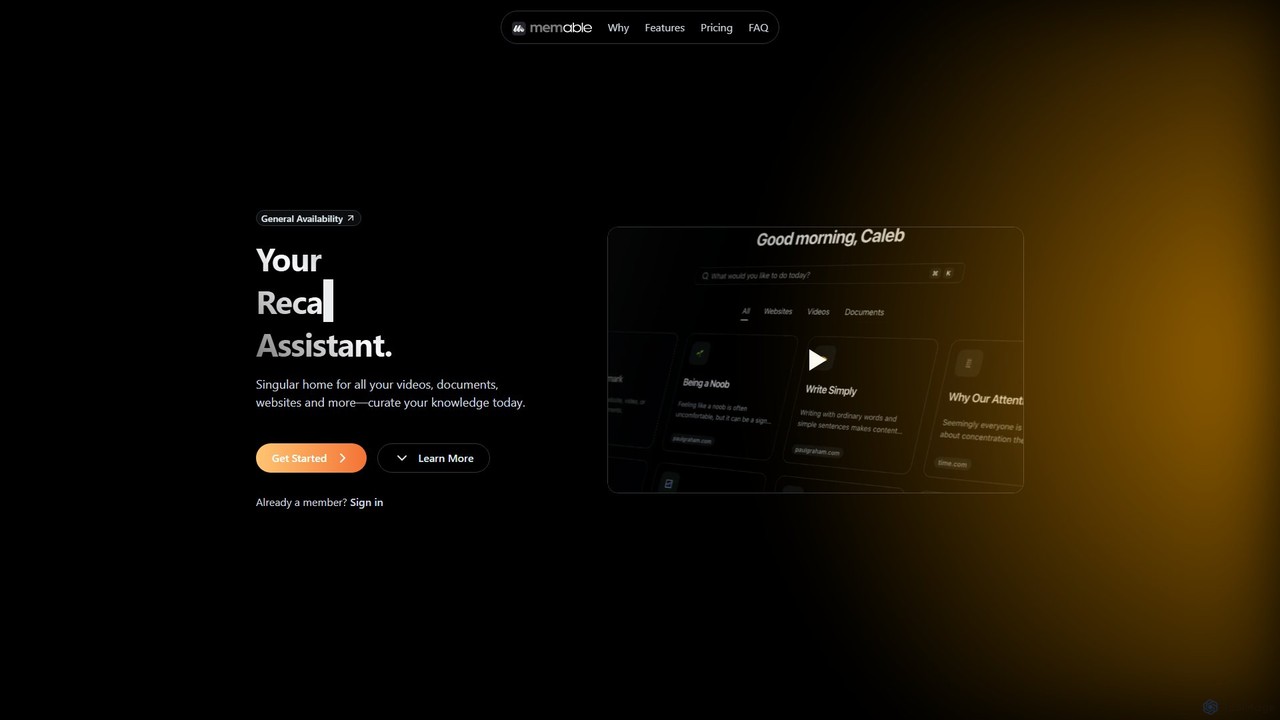
Memable is an AI-powered knowledge assistant designed to help you curate and recall information effortlessly. It provides a single home for your videos, documents, and websites, using AI to synthesize notes and create a searchable personal knowledge base. Chat with your content, visualize connections on a knowledge map, and overcome information overload to build lasting knowledge.

Note Taking
Visits 4.6KFavorites 104Likes 106
Cokeep
Freemium

Cokeep

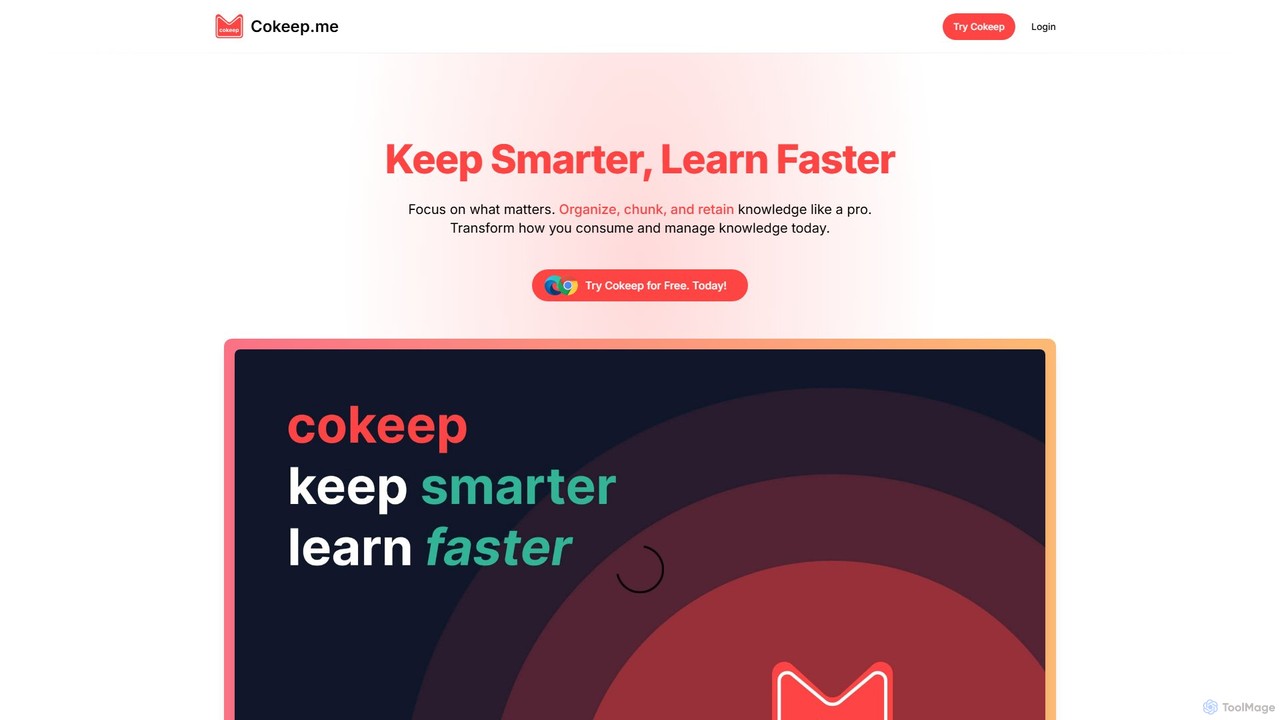
Cokeep is an AI-powered knowledge management tool designed to help you save, organize, and learn from online content more effectively. It transforms articles and videos into digestible summaries, automatically tags information, and provides a collaborative space to manage your learning resources, helping you combat information overload and retain knowledge faster.

Learning
Visits 7KFavorites 110Likes 99
Cubox
Freemium

Cubox

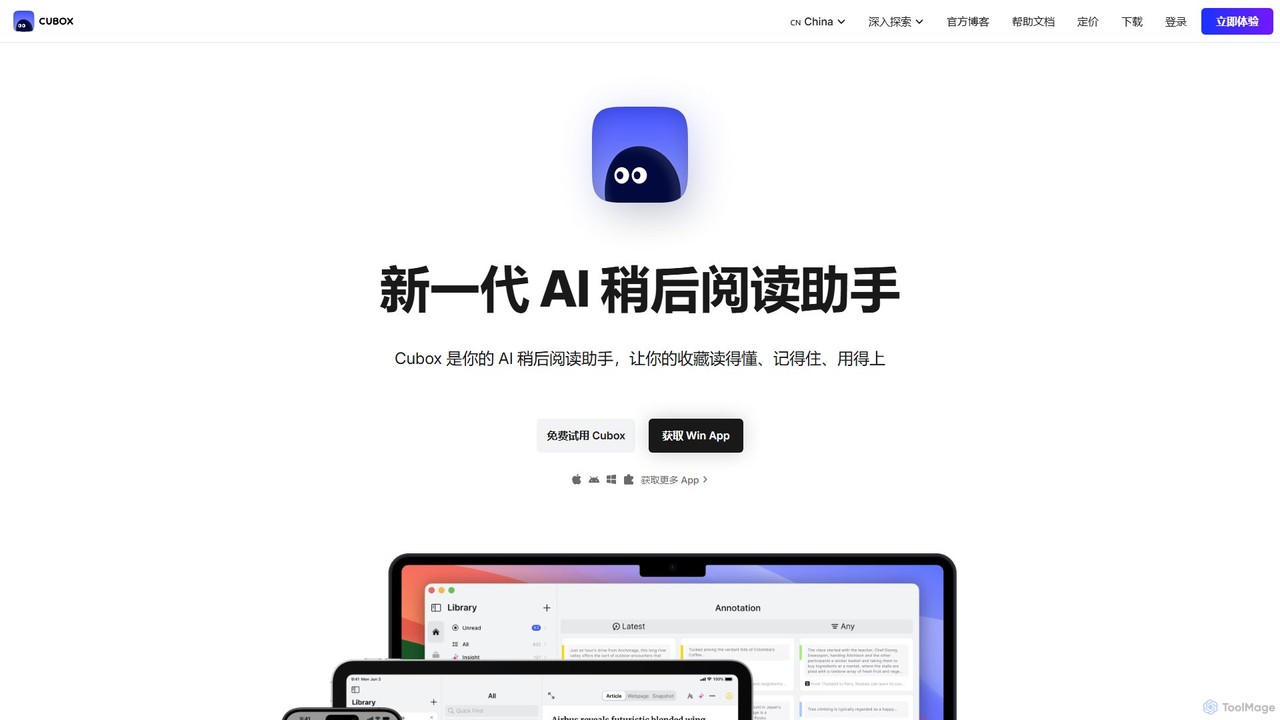
Cubox is an AI-powered read-it-later assistant designed to help you not just save, but truly understand, remember, and utilize information. It transforms your scattered collection of articles, notes, and web pages into an intelligent, searchable personal knowledge base, acting as your second brain.

Research
Visits 179KFavorites 125Likes 123
PackPack
Freemium

PackPack

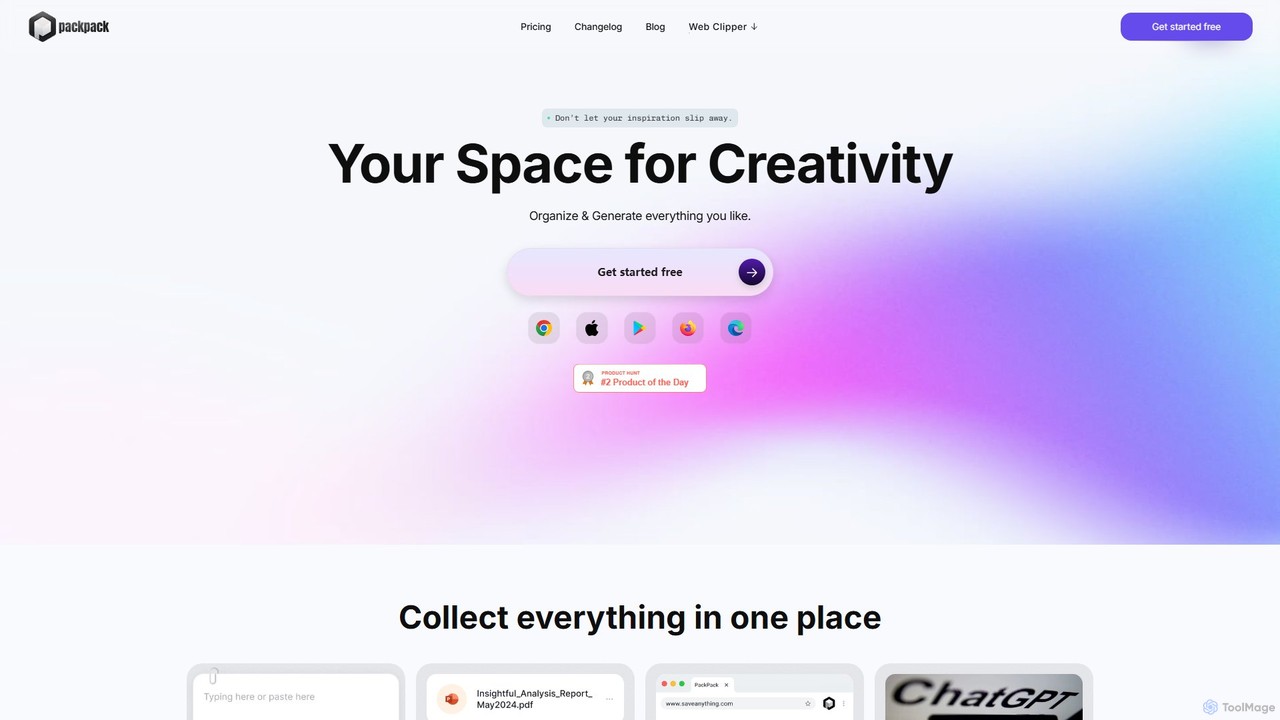
PackPack is an AI-powered digital workspace designed to centralize your creativity and research. It allows you to collect bookmarks, articles, images, files, and notes in one place. With features like AI-powered Q&A, summarization, and automatic image tagging, PackPack transforms scattered information into an organized, searchable knowledge base, boosting productivity for creatives, researchers, and professionals.

Bookmarking
Visits 4.5KFavorites 137Likes 125
Stacks
Freemium

Stacks

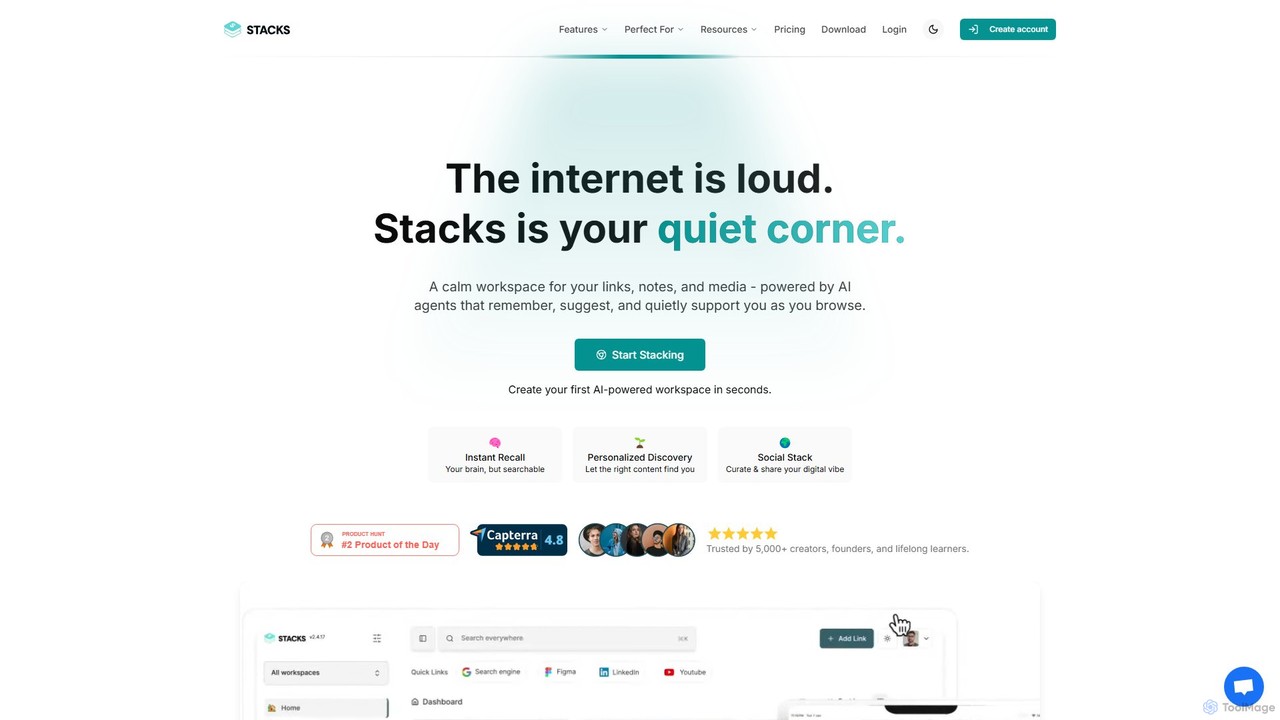
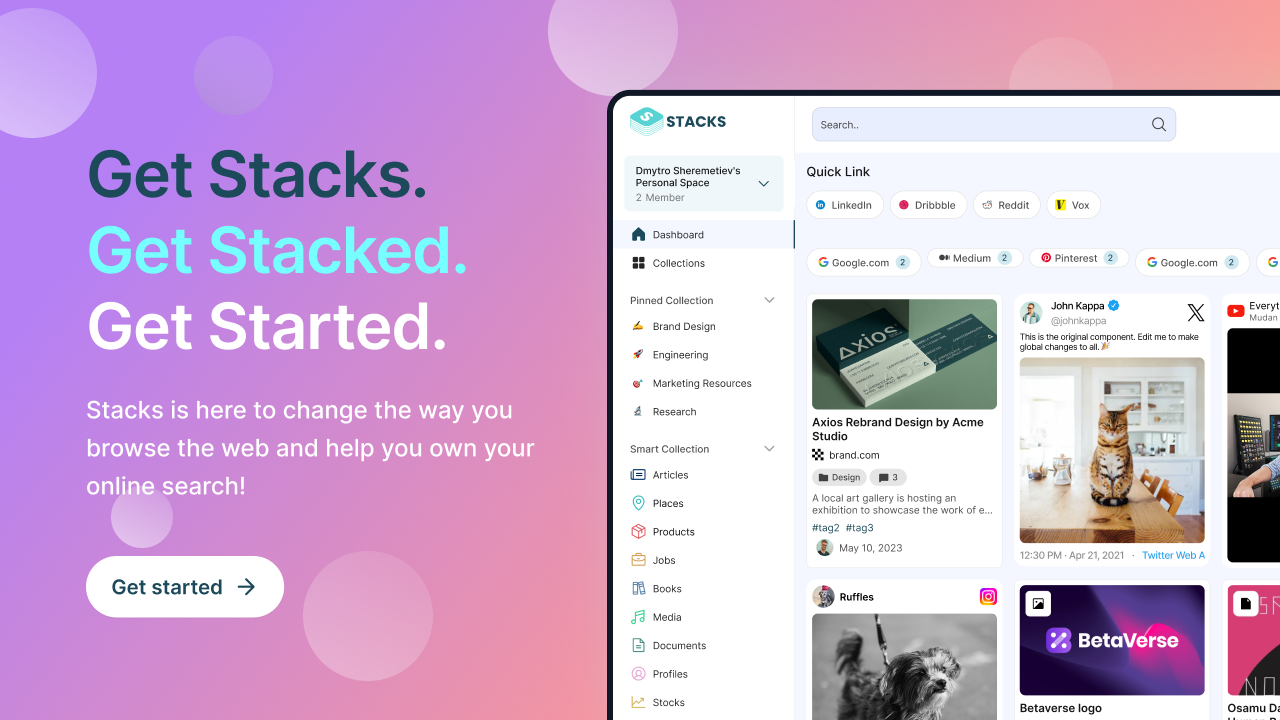
Stacks is an AI-powered workspace that organizes your digital footprint. It goes beyond simple bookmarking to understand the *intent* behind your saved links, notes, and files, creating a personalized knowledge hub that connects ideas and supports your workflow.

Bookmarking
Visits 8.7KFavorites 100Likes 115
Kome
Freemium

Kome

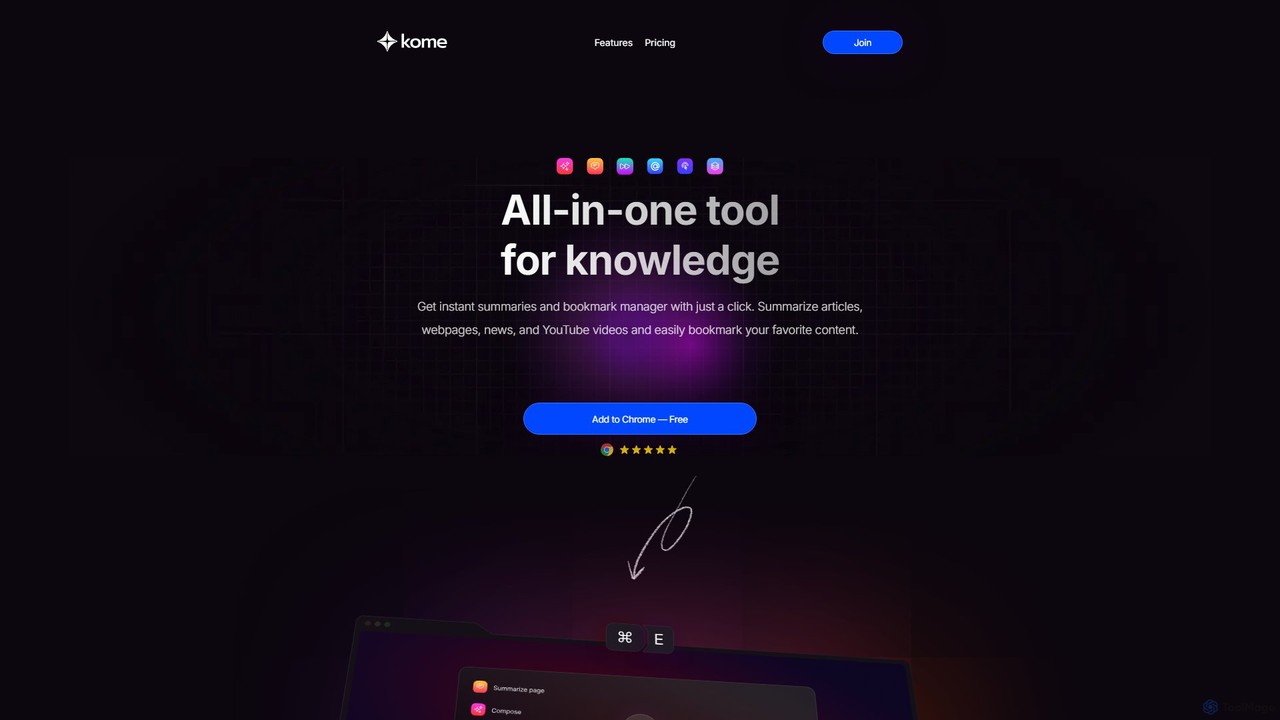
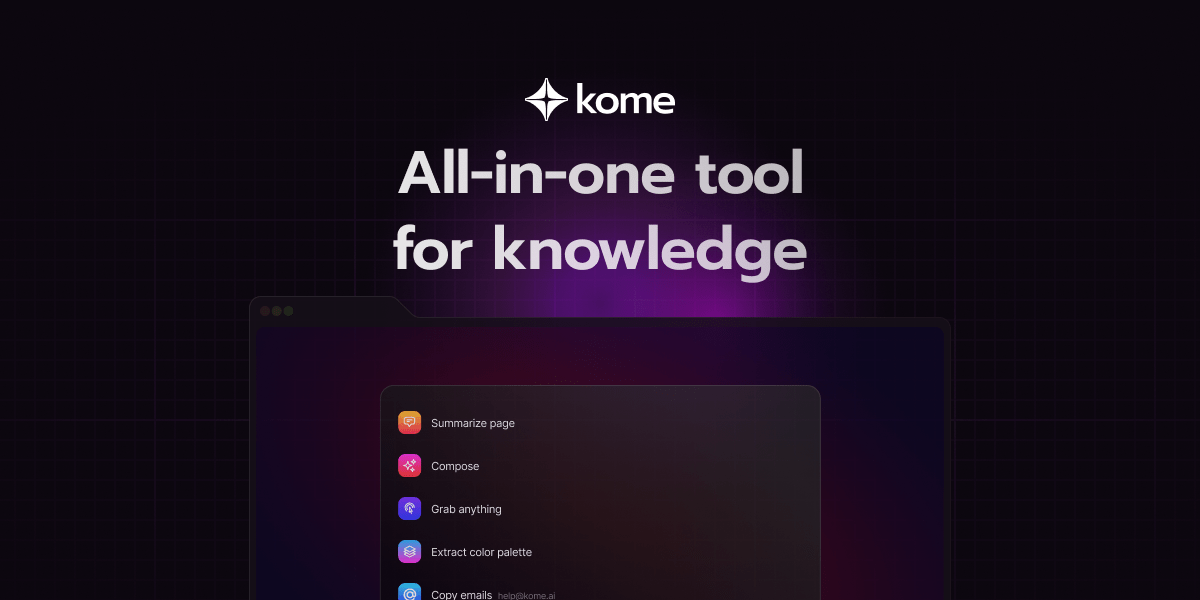
Kome is an all-in-one AI browser extension that supercharges your productivity. It offers instant summarization for articles, YouTube videos, and PDFs, a smart bookmark manager that organizes content automatically, and a unique compose feature to turn your saved bookmarks into emails, tweets, or blog posts. It's your personal knowledge assistant, right in your browser.

Bookmarking
Visits 442.8KFavorites 80Likes 86
Lazy
Freemium

Lazy

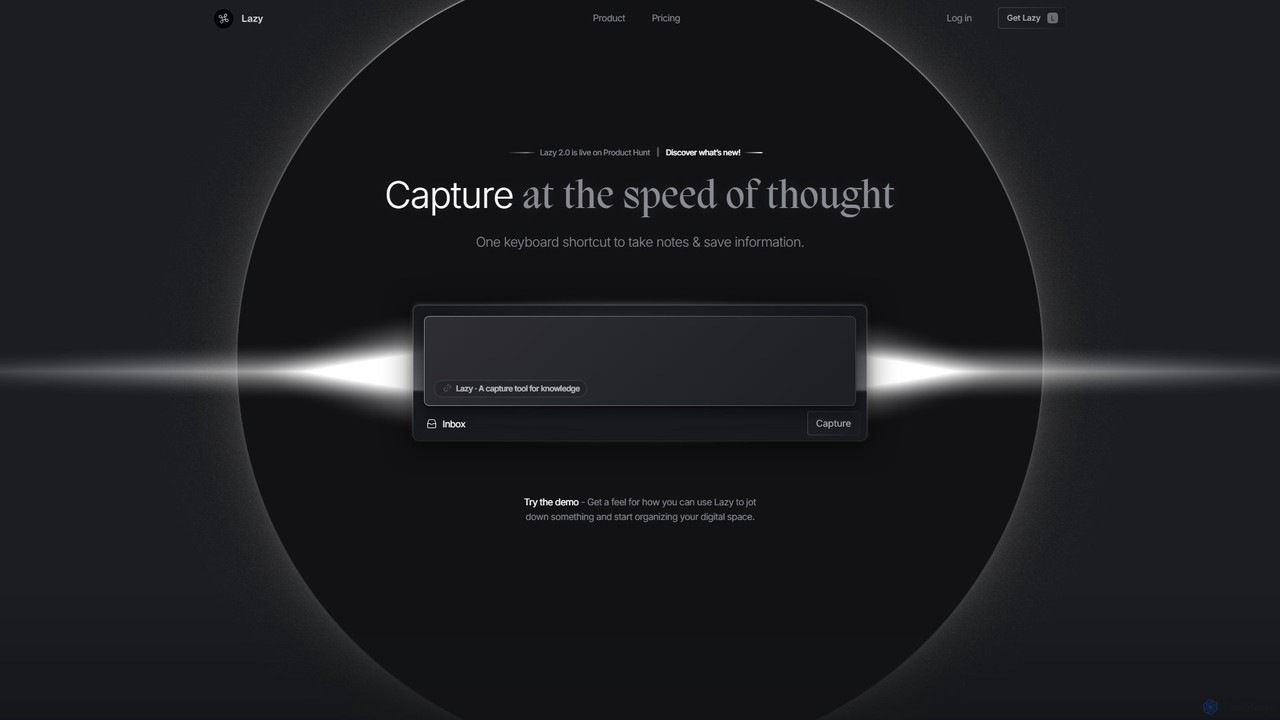
Lazy is a universal capture tool designed to eliminate context switching. It allows you to instantly clip information from any app, website, or document using a simple shortcut. With AI-powered features like summarization and voice input, Lazy helps you build a centralized knowledge base without interrupting your workflow.

Bookmarking
Visits 18.8KFavorites 118Likes 101
SaveDay
Freemium

SaveDay

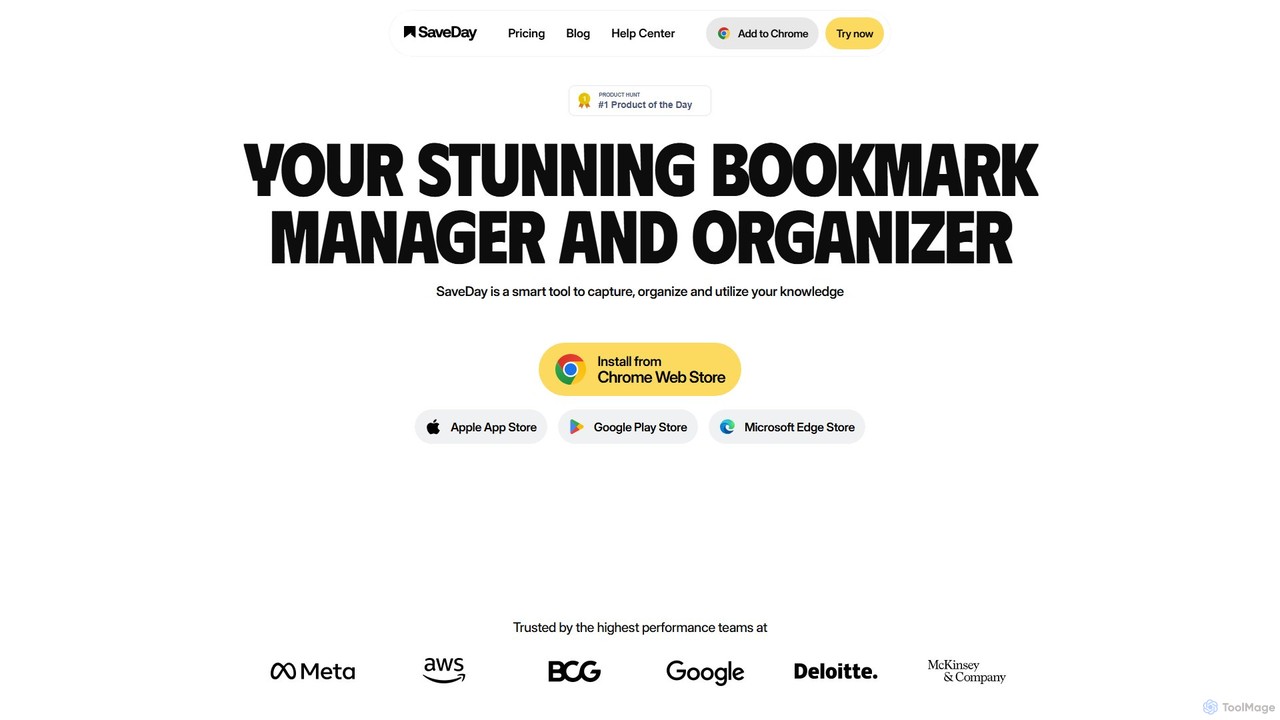
SaveDay is an AI-powered bookmark and knowledge manager. It helps you capture, organize, and utilize online content like articles, videos, and links with one click. Use AI to summarize content, search your personal library with natural language, and get answers based on what you've saved.

Bookmarking
Visits 43.1KFavorites 142Likes 136
favird
Freemium

favird

favird is a comprehensive AI tool directory and discovery platform. It helps users find, save, and organize the best AI tools for any task. Explore curated lists, search a vast database, and build personalized collections to streamline your workflow.

Bookmarking
Visits 781.9KFavorites 93Likes 100
mymind
Freemium

mymind

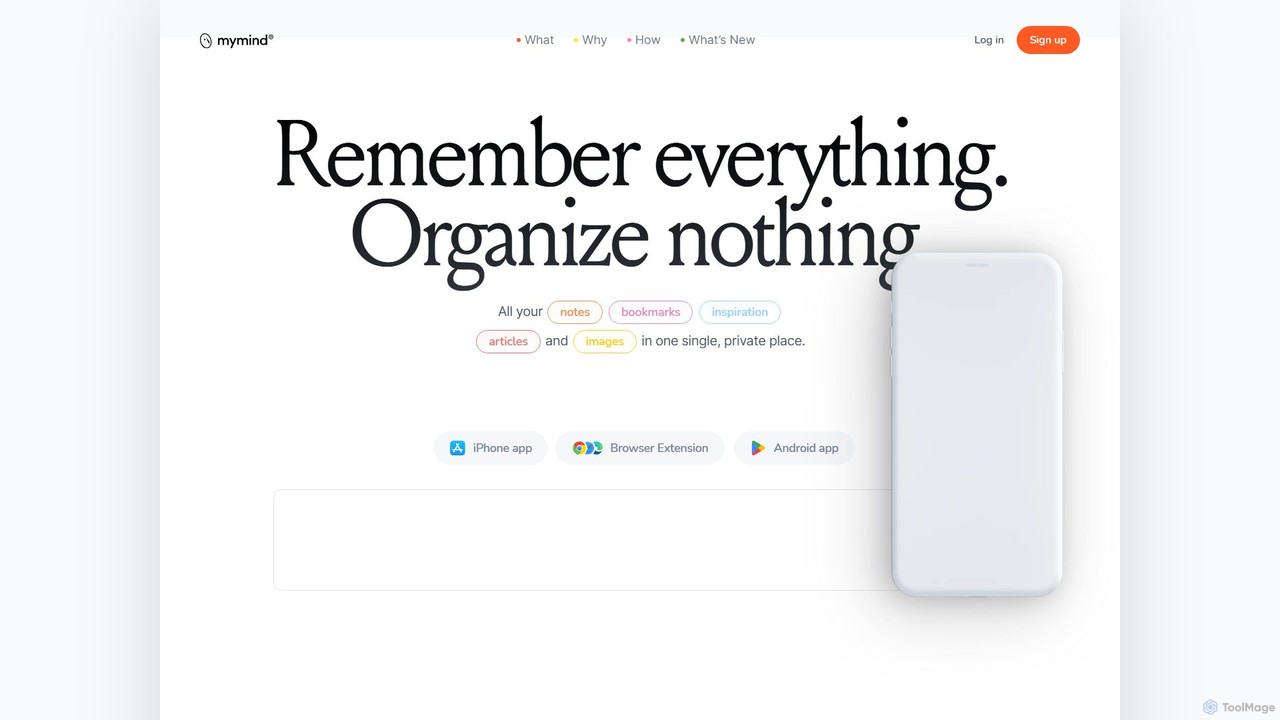
mymind is a private, AI-powered second brain designed to remember everything without the need for manual organization. It acts as an extension of your mind, capturing notes, bookmarks, images, and articles in a single, searchable space, prioritizing privacy and a clutter-free experience.

Bookmarking
Visits 309.9KFavorites 114Likes 119
Markwise
Freemium

Markwise

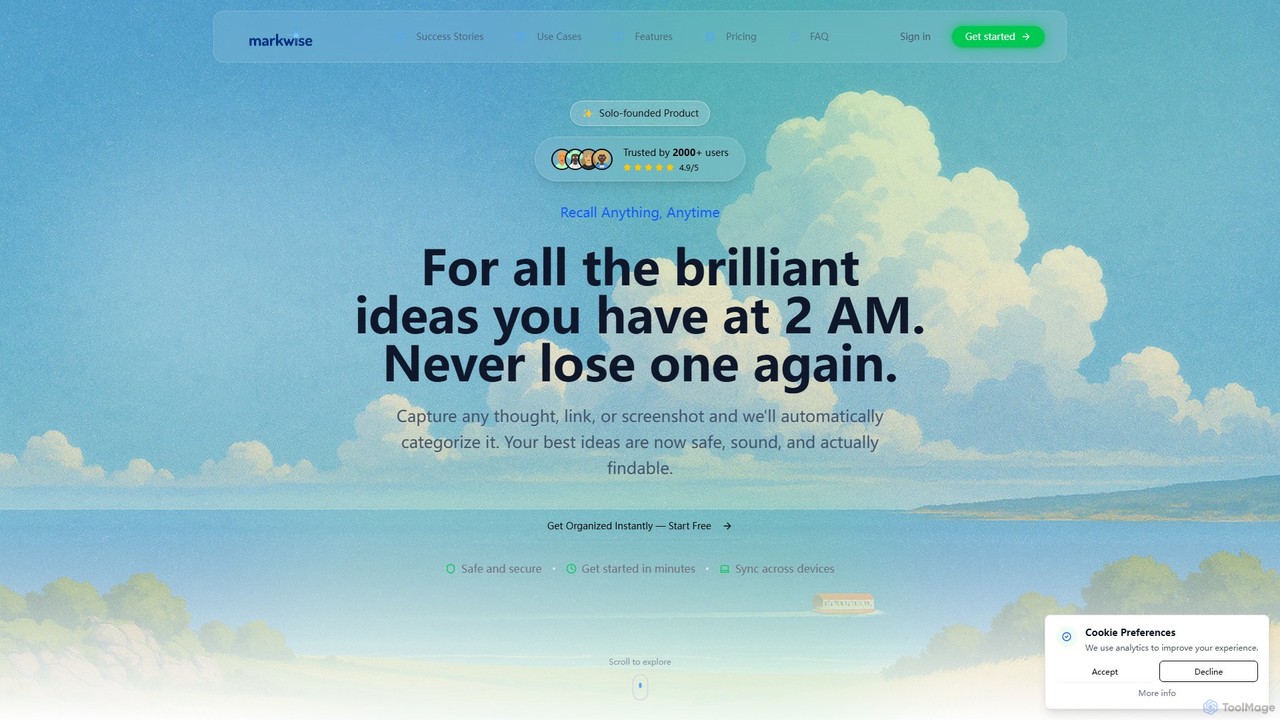
Markwise is an AI-powered knowledge manager that helps you save, organize, and recall bookmarks, notes, and ideas. It automatically categorizes and summarizes your content, allowing you to build a personal, searchable knowledge base. With features like semantic search, project-based Spaces, and a browser extension, it streamlines research and boosts productivity for professionals, students, and creatives.

Bookmarking
Visits 7KFavorites 103Likes 122

About Bookmarking

AI Bookmarking tools are applications that use artificial intelligence to intelligently capture, organize, and retrieve web content. Unlike traditional bookmarks that only save a URL, these tools analyze the content of the page using Natural Language Processing (NLP). This allows for features like automatic summarization, keyword extraction, and semantic search, transforming a simple list of links into a powerful, searchable knowledge base. They are a crucial component of modern productivity, helping users combat information overload and find relevant information quickly.

Core Features

  • Intelligent Content Analysis: Automatically generates concise summaries, extracts key topics, and suggests relevant tags for saved pages.
  • Semantic Search: Enables searching for concepts and ideas, not just exact keywords, to find the most relevant content.
  • Automated Organization: Intelligently categorizes bookmarks into collections or folders based on their content similarity.
  • Permanent Archiving: Saves a permanent, full-text copy of the page, protecting against broken links and content changes.

Use Cases

These tools are widely used by researchers, students, content creators, and strategists who need to manage large volumes of online information. For example, a researcher can save dozens of academic papers and later search for specific concepts across all documents. A content creator can curate inspiration and resources, quickly finding relevant material for new articles or posts.

How to Choose

When selecting an AI Bookmarking tool, consider the quality of its semantic search and summarization features. Evaluate its integration capabilities with other productivity apps like note-taking software. Also, assess platform availability (browser extension, mobile app) and whether it offers collaboration features for team-based knowledge sharing.

Featured tool rankings

Bookmarking use cases

1

Academic Research and Thesis Writing

A graduate student is working on their thesis and needs to manage hundreds of research papers and online articles. They use an AI bookmarking tool to save each source. The tool automatically generates a summary for each paper, extracts keywords like 'machine learning' and 'data ethics', and archives a permanent copy. When writing, the student can use semantic search to ask 'What are the ethical implications of AI in healthcare?' and instantly retrieve all relevant saved documents, even if the exact phrase isn't in the titles. This transforms their research process from manual organization to an intelligent query-based workflow.

2

Market Trend Analysis for Strategists

A market analyst tracks industry trends by saving news articles, competitor announcements, and market reports daily. Their AI bookmarking tool automatically tags each piece of content with relevant topics like 'FinTech Innovation', 'Cybersecurity Threats', or 'E-commerce Growth'. Instead of manually sifting through hundreds of links, the analyst can simply filter by the 'FinTech Innovation' tag to see all related content. The AI also helps identify duplicate information, ensuring their analysis is based on unique sources. This allows them to build comprehensive reports on market shifts much more efficiently.

3

Content Curation for Social Media

A social media manager is responsible for finding and sharing engaging content. They browse the web daily and use an AI bookmarking tool to save interesting articles, infographics, and videos. When planning their content calendar, they can search their collection with queries like 'inspiring data visualization examples' or 'future of remote work'. The AI-generated summaries help them quickly draft captions and posts without having to re-read every article. This streamlines the content curation process, saving hours each week and improving the quality of shared content.

4

Building a Personal Knowledge Management (PKM) System

A lifelong learner wants to build a personal knowledge base on various topics, from coding to philosophy. They use an AI bookmarking tool as the central hub for all online information they consume. Every tutorial, article, and forum discussion is saved and automatically categorized. Over time, this creates a personal, searchable encyclopedia. When they need to recall a specific concept, they can ask their bookmarking tool natural language questions like 'explain the stoic concept of dichotomy of control', and the tool surfaces their saved, relevant resources instantly. This turns passive consumption into an active, retrievable knowledge asset.

5

Competitive Intelligence for Product Managers

A product manager needs to stay informed about competitors. They use an AI bookmarking tool to save competitors' product updates, pricing pages, press releases, and user reviews from various forums. The tool's permanent archiving feature is critical, as it captures a snapshot of a webpage at a specific time, preventing loss of information if the page is changed or deleted. They can then search their archive with queries like 'user complaints about Competitor X's onboarding process' to gather qualitative data that informs their own product roadmap and strategy.

6

Legal Case Preparation and Evidence Gathering

A legal team preparing for a case needs to collect and organize vast amounts of digital evidence, including news articles, public records, and expert opinions published online. They use an AI bookmarking tool to save and permanently archive every piece of information. The tool's ability to perform full-text search across all saved documents is invaluable. A lawyer can search for a specific name, location, or technical term and instantly find every mention across hundreds of saved pages. This ensures no piece of evidence is overlooked and significantly speeds up the discovery and case-building process.

Bookmarking FAQ

What are AI Bookmarking tools?

AI Bookmarking tools are advanced applications that go beyond simply saving a web link. They use artificial intelligence, specifically Natural Language Processing (NLP), to analyze the actual content of the page you save. This enables them to automatically generate summaries, extract keywords, suggest tags, and create a permanent, searchable archive of the content. Essentially, they transform a list of URLs into an intelligent, personal knowledge base.

How do AI Bookmarking tools differ from traditional browser bookmarks?

The key difference lies in what is saved and how it can be accessed. Traditional bookmarks only save the URL, making them vulnerable to broken links ('link rot') and difficult to search if you forget the title. AI Bookmarking tools save a full copy of the page's content. This provides three main advantages:

  • Permanence: Your information is safe even if the original website goes offline.
  • Content Analysis: The AI understands the text, allowing for summaries and automatic tagging.
  • Advanced Search: You can search the full text of every saved page, or even search by concept (semantic search), making it far easier to find what you need.
How to choose the right AI Bookmarking tool?

When selecting an AI Bookmarking tool, consider these factors:

  • Search Quality: Does it offer true semantic search (searching by concept) or just full-text keyword search? The former is more powerful for rediscovering information.
  • Integrations: Check if it connects with your other productivity tools, such as Notion, Obsidian, or Readwise, to create a seamless workflow.
  • Platform Support: Ensure it has a reliable browser extension for easy saving and a mobile app for access on the go.
  • Data Export: A good tool should allow you to export your data in standard formats (like Markdown or HTML), so you're not locked into their platform.
  • Summarization and Highlighting: Evaluate the quality of its AI-generated summaries and how it handles highlights and annotations.
Who can benefit from using AI Bookmarking tools?

AI Bookmarking tools are valuable for anyone who regularly consumes and needs to recall online information. Key user groups include:

  • Students and Researchers: For managing academic papers, articles, and sources for projects and theses.
  • Content Creators and Writers: For curating inspiration, research material, and references for their work.
  • Product Managers and Strategists: For tracking competitors, market trends, and user feedback.
  • Lifelong Learners: For building a personal knowledge base on topics they are passionate about.
  • Professionals in any field: For staying up-to-date with industry news, best practices, and technical documentation.
What is semantic search in the context of bookmarking?

Semantic search is a search technique that aims to understand the user's intent and the contextual meaning of terms, rather than just matching keywords. In an AI bookmarking tool, this means you can search for an idea or a question and get relevant results even if your exact words don't appear in the saved article. For example, you could search 'how to improve sleep quality' and the tool might return a saved article titled 'The Science of Restful Slumber' because the AI understands that both phrases refer to the same concept. This is far more powerful than traditional keyword search for rediscovering knowledge.