
Markwise Overview
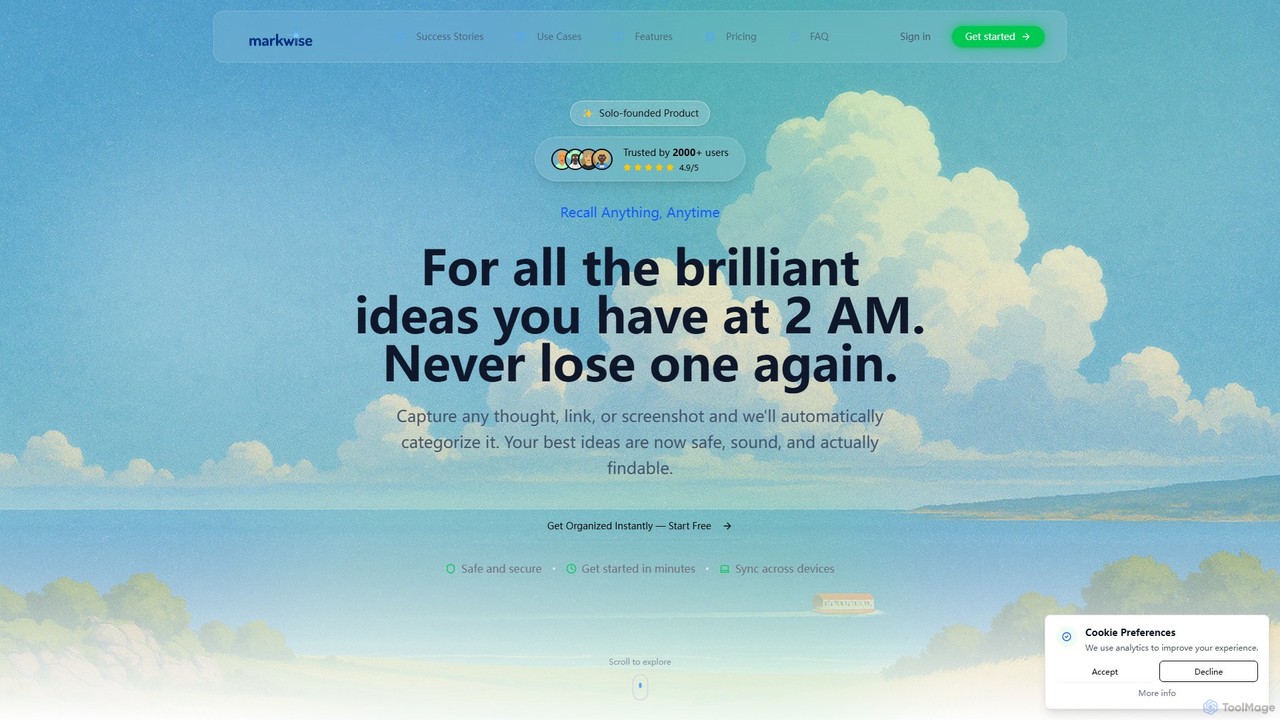
Markwise is an intelligent knowledge management tool designed to transform the way you handle digital information. It serves as a centralized hub for all your bookmarks, notes, articles, and ideas, using artificial intelligence to eliminate manual organization. By automatically categorizing, tagging, and summarizing everything you save, Markwise creates a personal, always up-to-date knowledge base that is effortlessly searchable. This tool is built for anyone who feels overwhelmed by digital clutter—from professionals and researchers to students and lifelong learners—helping them capture fleeting thoughts and important resources without the fear of losing them.
How to use Markwise
Getting started with Markwise is a simple, streamlined process designed to integrate seamlessly into your existing workflow:
- Install the Browser Extension: Begin by installing the Markwise extension, available for Chrome, Edge, Brave, and Opera. This is your primary tool for capturing content.
- Capture Anything: While browsing, use the one-click shortcut (⌘/Ctrl+Shift+S) or the extension icon to save any link, article, or screenshot. You can also jot down quick notes or highlights directly.
- Let AI Do the Work: Once saved, Markwise's AI instantly gets to work. It analyzes the content, automatically assigns relevant categories and tags, and generates a concise summary, saving you hours of manual effort.
- Organize in Spaces: For better contextual organization, group related bookmarks and notes into dedicated 'Spaces'. This is perfect for managing different projects, research topics, or team collaborations.
- Find Information Instantly: Utilize the powerful Semantic Search feature. Instead of remembering exact keywords, you can search by concept or idea (e.g., “AI impact on marketing”) to find the most relevant information across your entire knowledge base.
- Import Existing Data: Consolidate your knowledge by importing bookmarks and notes from browsers or other applications like Pocket. The process is quick and helps you migrate your legacy data effortlessly.
- Access Anywhere: Your Markwise knowledge base is synced across all your devices, ensuring you have access to your information whether you're on a desktop or mobile browser.
Core Features of Markwise
- AI-Powered Knowledge Management: Automatically categorizes, tags, and summarizes saved links and notes, turning raw information into organized knowledge.
- Spaces for Projects & Research: Create dedicated workspaces to group bookmarks and notes by project, topic, or team, eliminating tab clutter and keeping resources context-locked.
- Smart Notes: Capture quick thoughts, save highlights, and link them directly to source bookmarks or Spaces, preventing idea fragmentation.
- Semantic Search & Retrieval: A powerful search engine that understands concepts and context, allowing you to find information even with fuzzy recall.
- Browser Extension: One-click capture from major browsers (Chrome, Edge, Brave, Opera) to save links and notes without friction.
- Seamless Multi-Source Import: Easily import existing bookmarks from browser exports (HTML) or other services to consolidate your knowledge in one place.
- Cross-Device Sync: Your entire knowledge base is automatically synchronized across all devices for seamless access anywhere.
- Privacy & Security: Built with a privacy-by-design philosophy, your data is encrypted by default and is never sold or exploited.
- Upcoming Features: Look forward to a Distraction-Free Reader, AI-curated Weekly Spotlight Digests, and Collaboration & Shared Spaces.
Use Cases for Markwise
Markwise is a versatile tool that adapts to various needs:
- For Researchers & Students: Organize academic papers from sources like JSTOR and Google Scholar. The AI auto-categorizes them by field and methodology. Integrate detailed notes, manage citations, and use semantic search to quickly find relevant literature for a thesis or dissertation.
- For Professionals (Content Strategists, Marketers): Keep track of industry trends, competitor analysis, and inspirational content. Use 'Spaces' to manage different campaigns or client projects. Share insights and collaborate with team members (coming soon).
- For Software Engineers & Developers: Bookmark technical articles, documentation, and code snippets. Organize them by programming language, project, or technology stack for quick reference.
- For Lifelong Learners & Creatives: Capture any idea, link, or thought that sparks your interest. Build a personal library of knowledge on various topics and never lose a brilliant 2 AM idea again.
Advantages of Markwise
Markwise stands out by offering a holistic solution to information overload. Its primary advantage is the significant time saved through AI-powered automation, which handles the tedious tasks of tagging and organizing. The semantic search capability is a game-changer, making information retrieval intuitive and efficient. By centralizing bookmarks, notes, and ideas into contextual 'Spaces', it drastically reduces digital clutter and cognitive load. Furthermore, its strong commitment to user privacy ensures that your personal knowledge base remains secure and confidential.
Pricing and Plans
Markwise offers a simple and transparent pricing structure:
- Free Plan: Perfect for getting started. Includes basic bookmark management, cross-device sync, and simple note-taking.
- Pro Plan: Priced at $3.90/month (with a 15% discount available for a 6-month subscription). This plan unlocks the full power of Markwise, including all features from the Free plan plus: AI-Powered Knowledge Management, Spaces for Projects & Research, Smart Notes, Semantic Search & Retrieval, and Priority Support. The Pro plan comes with a 14-day money-back guarantee.
Traffic
Latest traffic
Status
Monthly traffic trend
- 2025-9: 3.5K
- 2026-1: 2.2K
- 2026-2: 62
- 2026-3: 798
- 2026-4: 2.8K
- 2026-5: 3.4K
Geography
Top 5 countries / regions
- 🇺🇸United States81.8%
- 🇮🇳India18.2%
Top keywords
| Keyword | Cost per click |
|---|---|
| ai bookmark | $0.00 |
| ai to organize chrome bookmarks | $0.00 |
| bookmark manager | $1.62 |
| bookmarks manager | $1.84 |
| mark ai bookmark | $0.00 |
Markwise Alternatives
Lazy
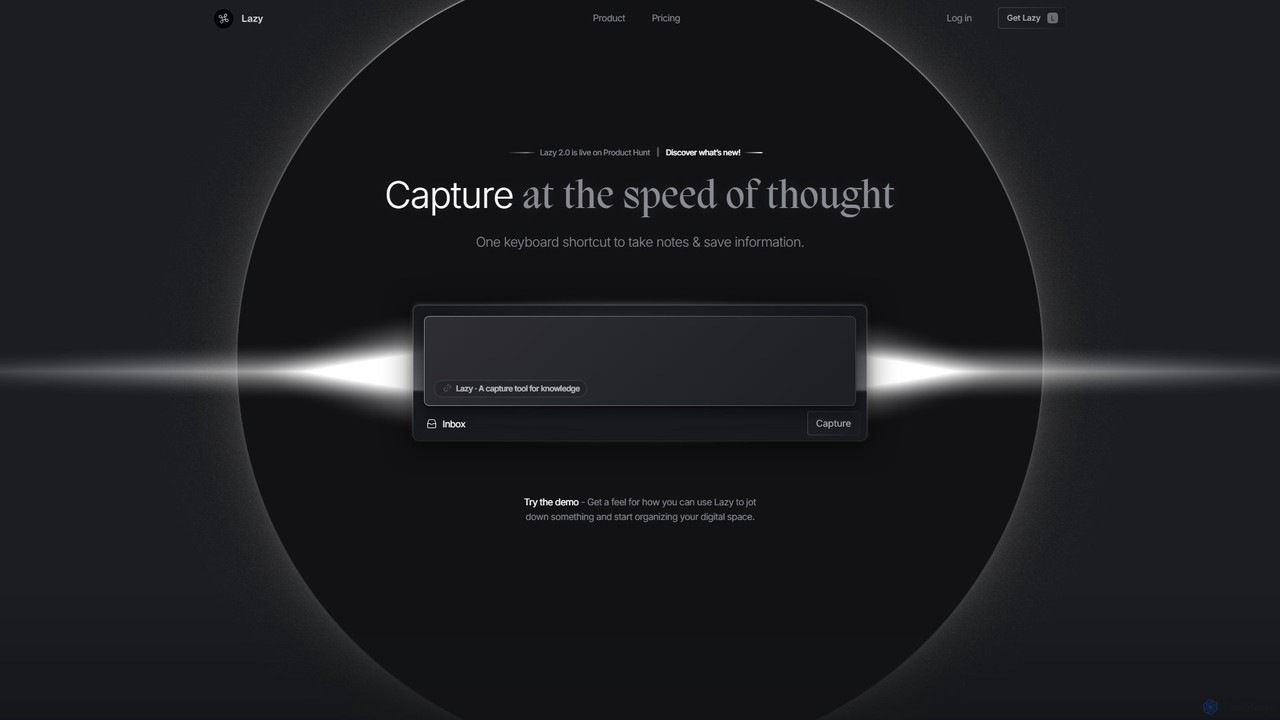
Lazy is a universal capture tool designed to eliminate context switching. It allows you to instantly clip information from any app, website, or document using a simple shortcut. With AI-powered features like summarization and voice input, Lazy helps you build a centralized knowledge base without interrupting your workflow.
Bookmarking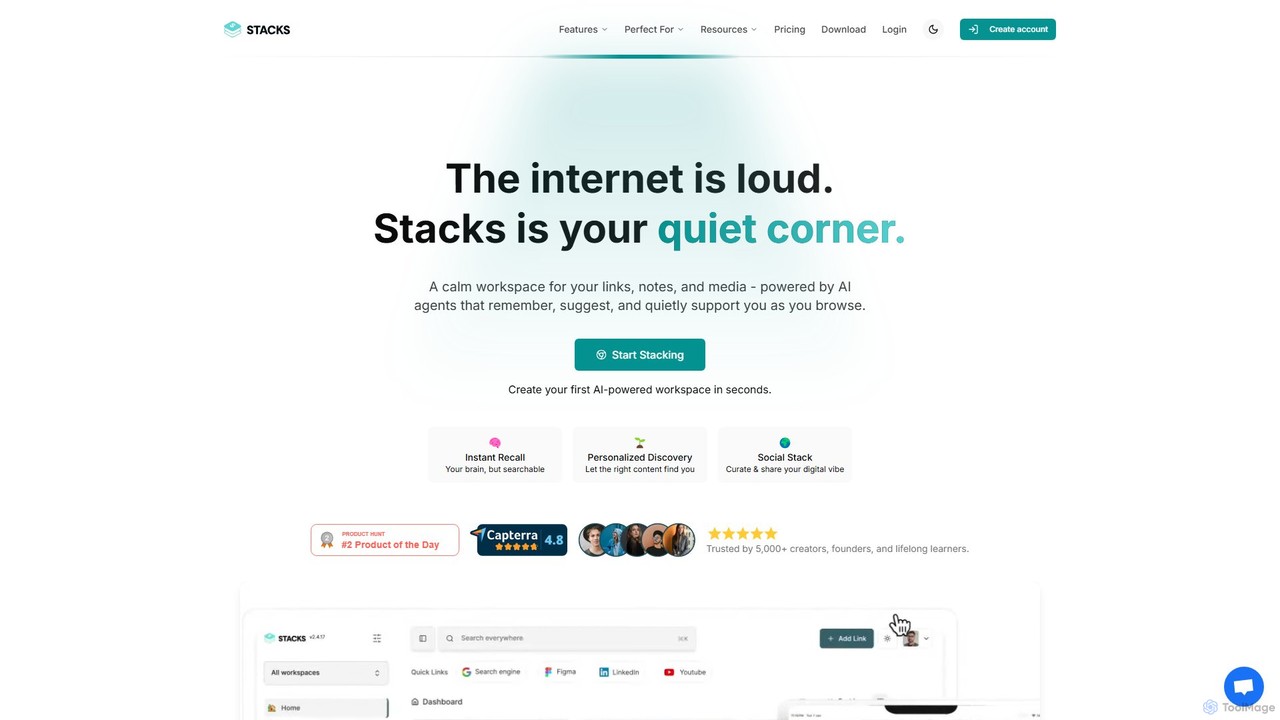
Stacks
Stacks is an AI-powered workspace that organizes your digital footprint. It goes beyond simple bookmarking to understand the *intent* behind your saved links, notes, and files, creating a personalized knowledge hub that connects ideas and supports your workflow.
Bookmarking
mymind
mymind is a private, AI-powered second brain designed to remember everything without the need for manual organization. It acts as an extension of your mind, capturing notes, bookmarks, images, and articles in a single, searchable space, prioritizing privacy and a clutter-free experience.
Bookmarking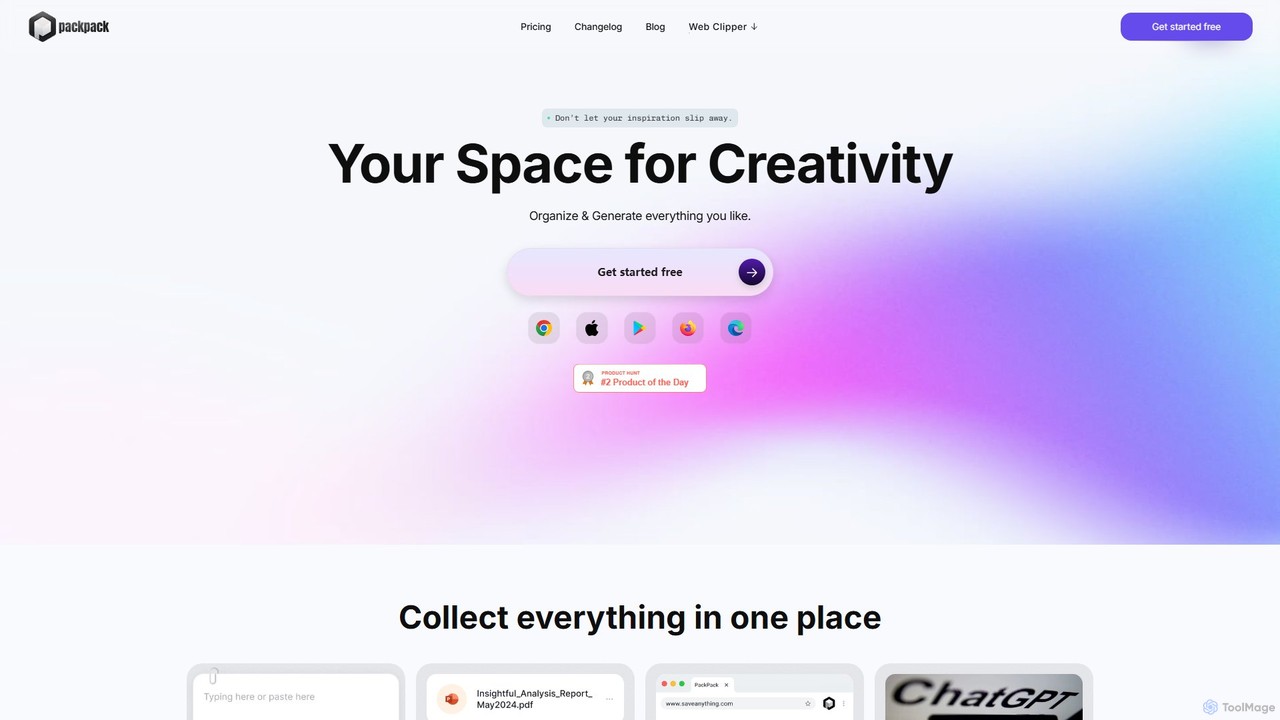
PackPack
PackPack is an AI-powered digital workspace designed to centralize your creativity and research. It allows you to collect bookmarks, articles, images, files, and notes in one place. With features like AI-powered Q&A, summarization, and automatic image tagging, PackPack transforms scattered information into an organized, searchable knowledge base, boosting productivity for creatives, researchers, and professionals.
Bookmarking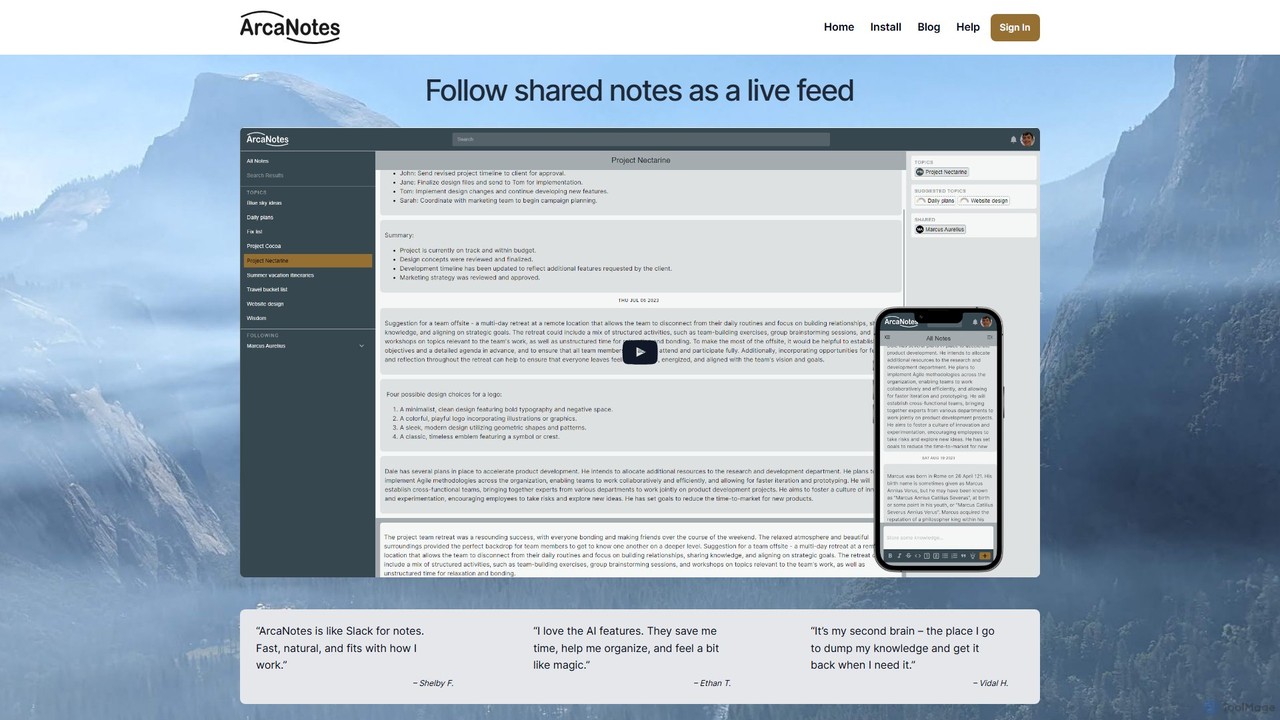
ArcaNotes
ArcaNotes is an AI-enhanced micro-note app designed for elevated productivity and knowledge management. It acts as your second brain, allowing you to quickly capture, organize, and retrieve information. With on-device AI, it offers intelligent topic suggestions, natural language Q&A with your notes, and collaborative sharing features, all while prioritizing user privacy with robust encryption.
Personal AssistantMarkwise Categories
Markwise Embed Widget
Copy this embed code to place the badge on your blog, article, or product site and send readers directly to this ToolMage detail page.

Related AI tools
ClippingMini
ClippingMini is an intelligent bookmark manager that uses AI to automatically organize links into a searchable knowledge base. It instantly checks safety, adds tags, categorizes content, and allows inline previews of various file types without downloads.
Information Curation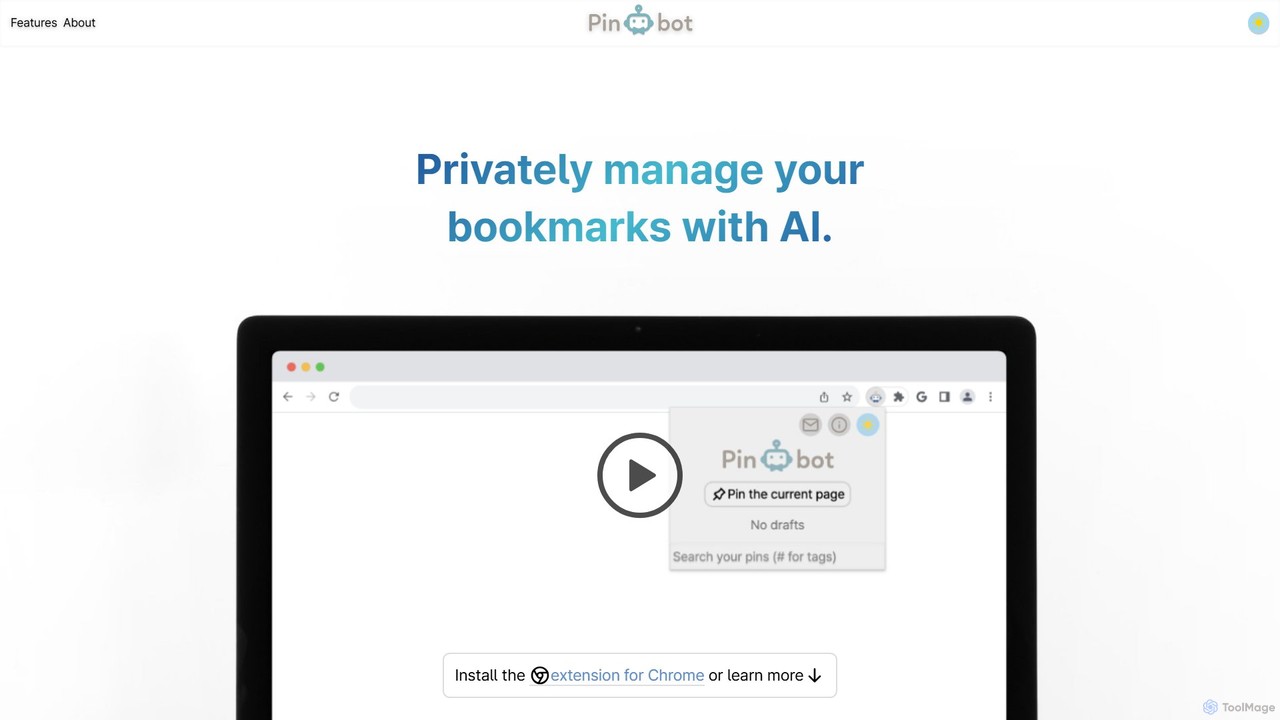
Pinbot
Pinbot is a privacy-focused, AI-powered bookmark manager that works as a Chrome extension. It automatically summarizes web pages, suggests relevant tags, and allows you to search your bookmarks using natural language. All data is stored and processed locally on your device, ensuring complete privacy.
Chrome
bookmarked.pro
bookmarked.pro is an AI-powered bookmark manager that transforms your saved links into a searchable, organized knowledge base. It automatically tags, summarizes, and categorizes your content, allowing you to find information instantly with semantic search. Ideal for researchers, students, and professionals overwhelmed by information overload.
Information CurationPackPack
PackPack is an AI-powered digital workspace designed to centralize your creativity and research. It allows you to collect bookmarks, articles, images, files, and notes in one place. With features like AI-powered Q&A, summarization, and automatic image tagging, PackPack transforms scattered information into an organized, searchable knowledge base, boosting productivity for creatives, researchers, and professionals.
BookmarkingArcaNotes
ArcaNotes is an AI-enhanced micro-note app designed for elevated productivity and knowledge management. It acts as your second brain, allowing you to quickly capture, organize, and retrieve information. With on-device AI, it offers intelligent topic suggestions, natural language Q&A with your notes, and collaborative sharing features, all while prioritizing user privacy with robust encryption.
Personal Assistant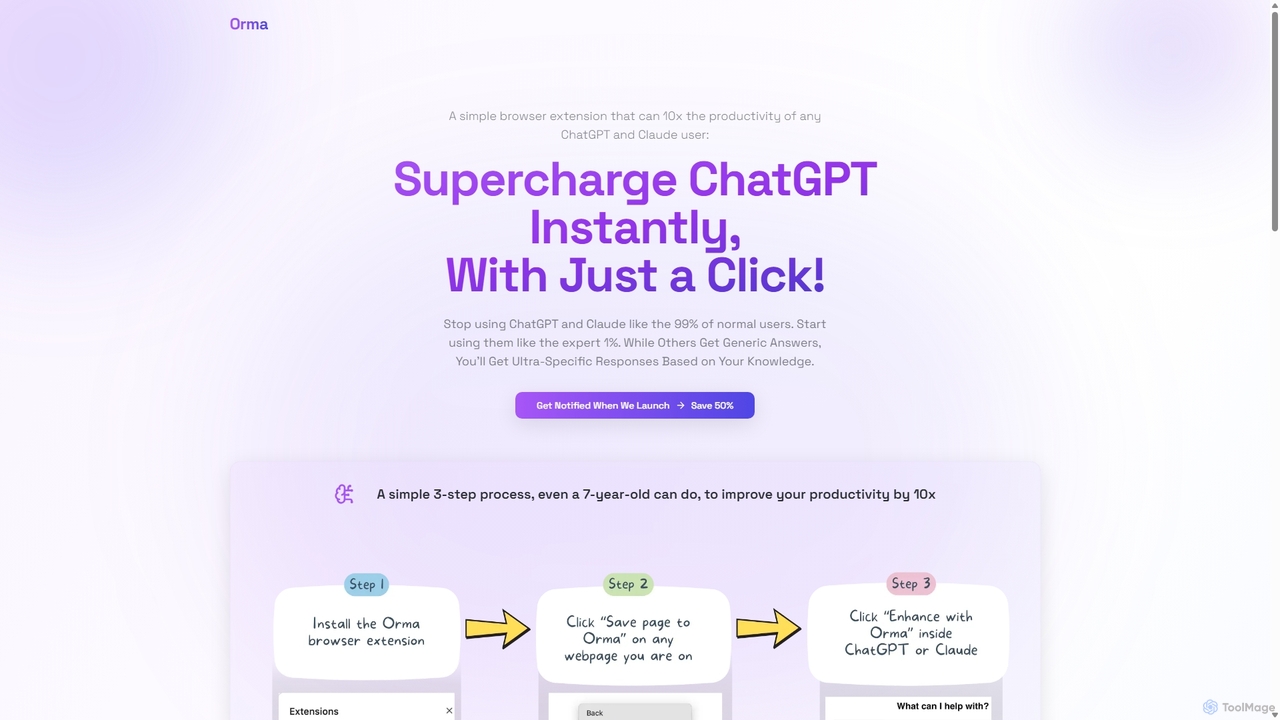
Orma
Orma is a browser extension that transforms your web browsing into a personal knowledge base, or 'digital memory layer'. It allows you to intelligently capture web content and seamlessly integrate it with AI models like ChatGPT and Claude. This turns generic AI responses into highly specific, personalized insights based on your own curated knowledge, boosting productivity by up to 10x.
Search ToolsLazy
Lazy is a universal capture tool designed to eliminate context switching. It allows you to instantly clip information from any app, website, or document using a simple shortcut. With AI-powered features like summarization and voice input, Lazy helps you build a centralized knowledge base without interrupting your workflow.
BookmarkingStacks
Stacks is an AI-powered workspace that organizes your digital footprint. It goes beyond simple bookmarking to understand the *intent* behind your saved links, notes, and files, creating a personalized knowledge hub that connects ideas and supports your workflow.
Bookmarking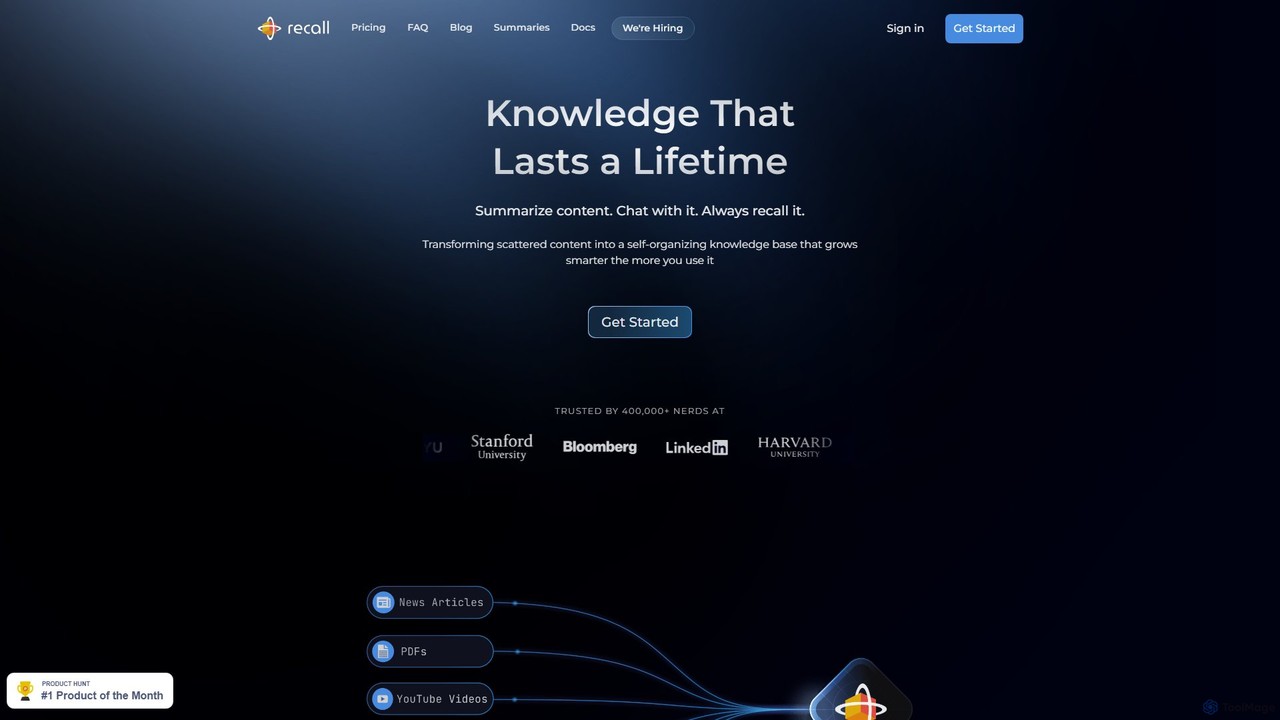
Recall
Recall is an AI-powered knowledge management tool that transforms scattered content into a self-organizing knowledge base. It summarizes articles, YouTube videos, PDFs, and more, allows you to chat with your content, and uses features like augmented browsing and spaced repetition to help you remember everything you learn.
Research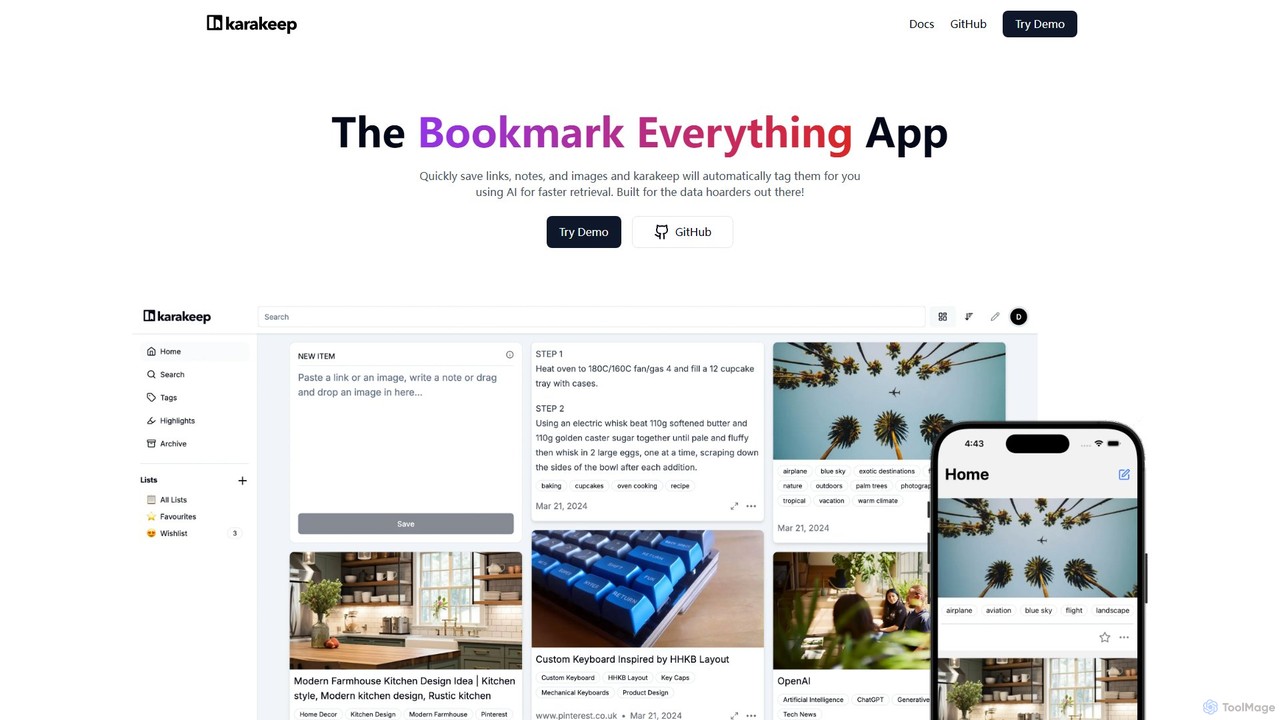
Karakeep
Karakeep is an AI-powered bookmarking and knowledge management app for "data hoarders." It allows you to quickly save links, notes, images, and PDFs. The core feature is its AI engine, which automatically analyzes and tags your content for effortless organization and fast retrieval. With self-hosting options for privacy, mobile apps, and browser extensions, Karakeep provides a seamless and powerful way to build your personal, searchable knowledge base.
Code Snippets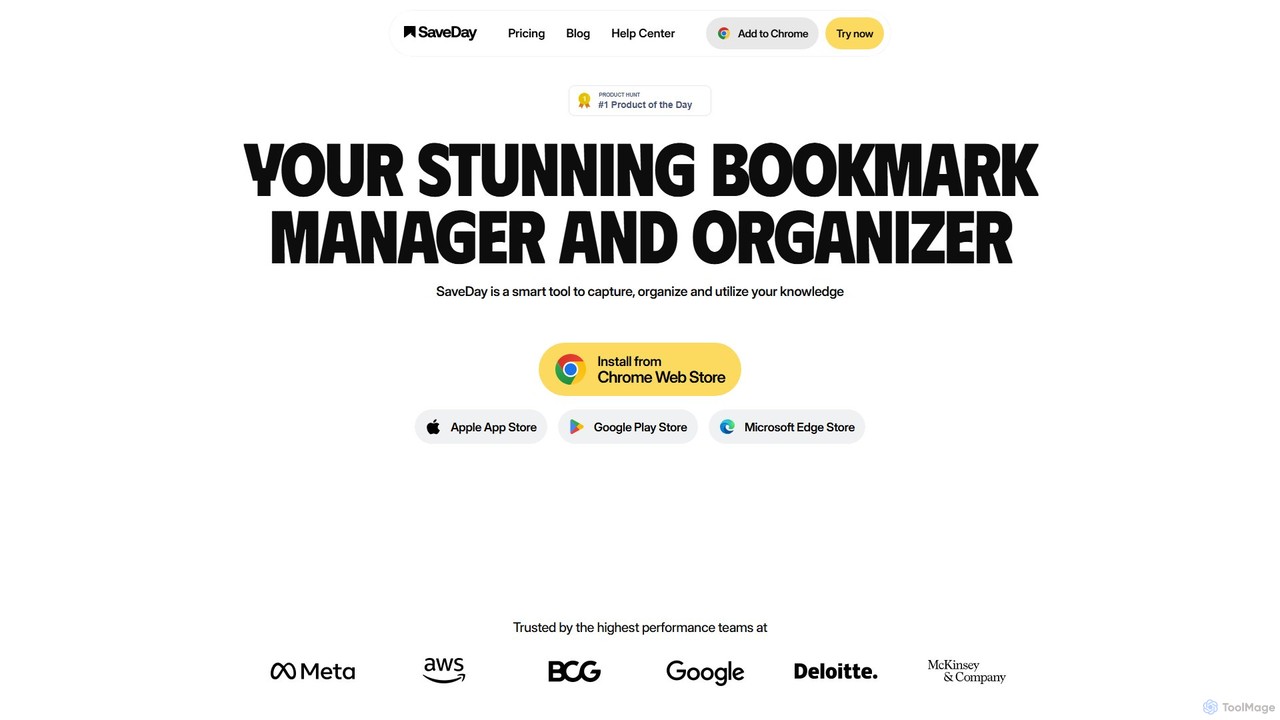
SaveDay
SaveDay is an AI-powered bookmark and knowledge manager. It helps you capture, organize, and utilize online content like articles, videos, and links with one click. Use AI to summarize content, search your personal library with natural language, and get answers based on what you've saved.
Bookmarking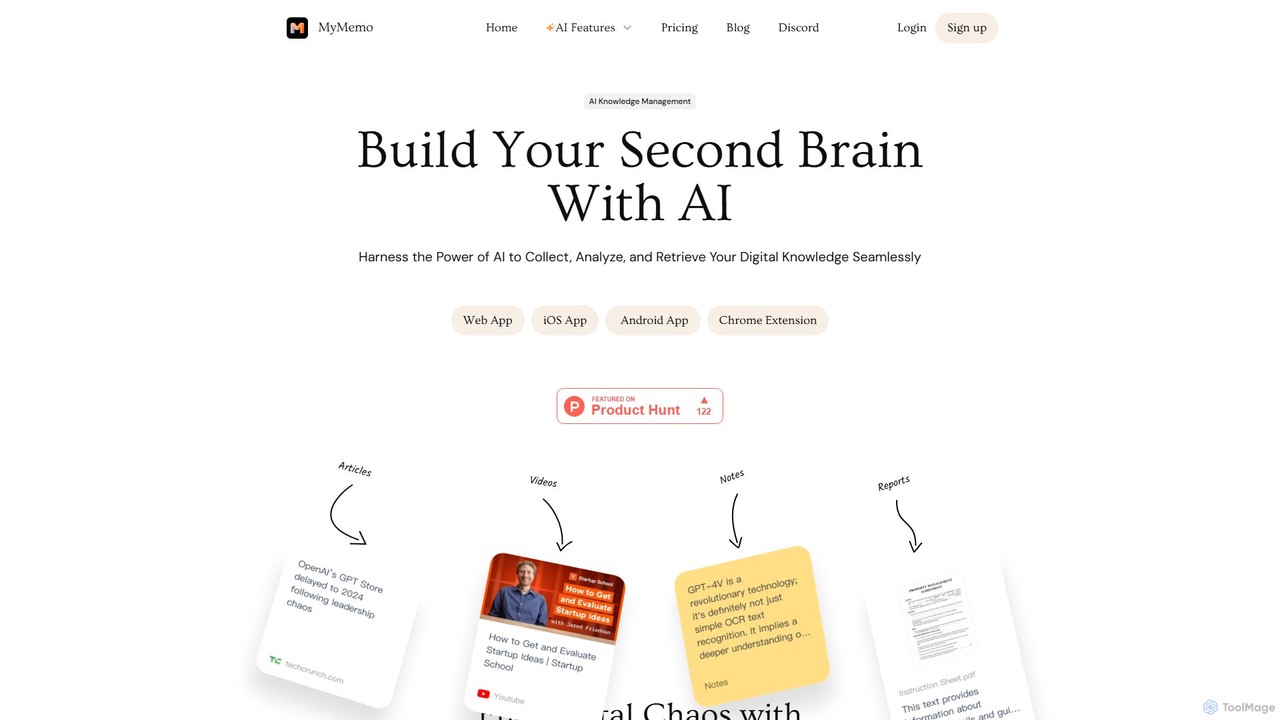
MyMemo
MyMemo is an AI-powered knowledge management tool that acts as your 'second brain'. It helps you effortlessly collect, analyze, and retrieve digital knowledge from various sources like articles, videos, and notes, transforming scattered information into an intelligent, searchable personal database.
Knowledge Management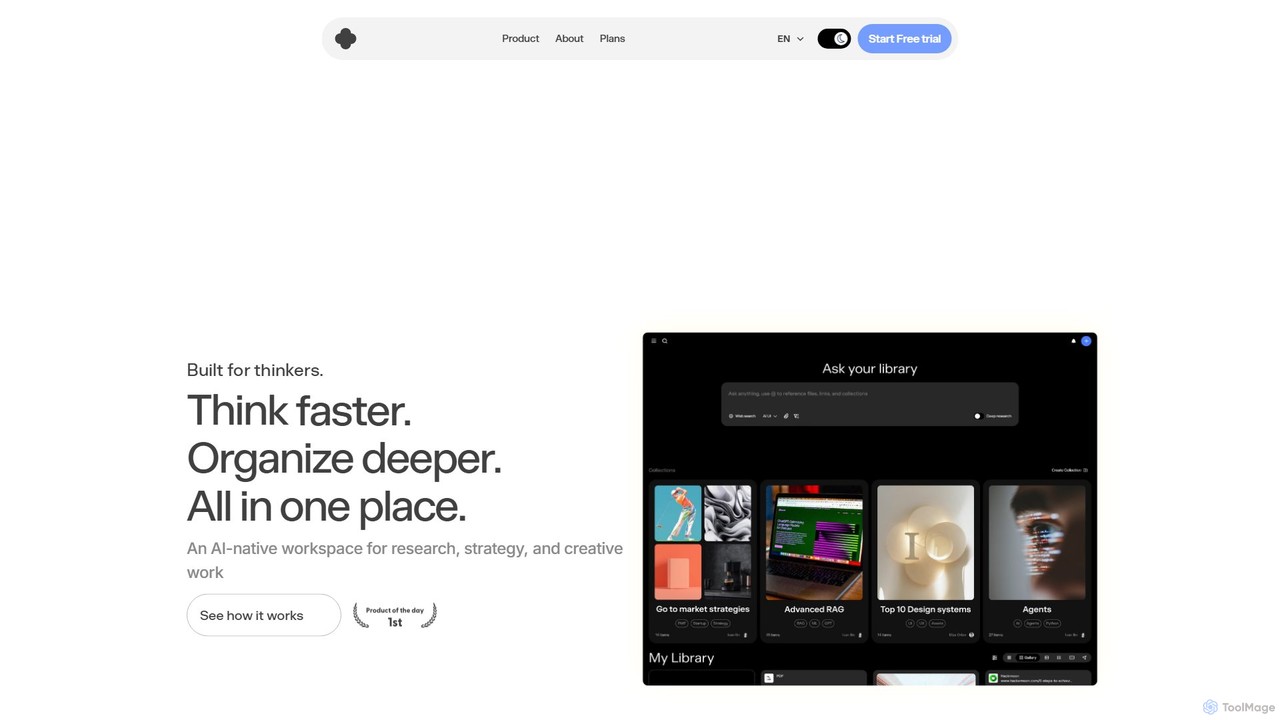
iki
iki is an AI-native workspace designed for research, strategy, and creative work. It acts as a second brain, allowing you to capture content from any source (webpages, PDFs, videos) and uses an AI assistant to summarize, analyze, and generate insights based on your personal knowledge base, not the general internet. It supports both individual and team collaboration.
Knowledge Management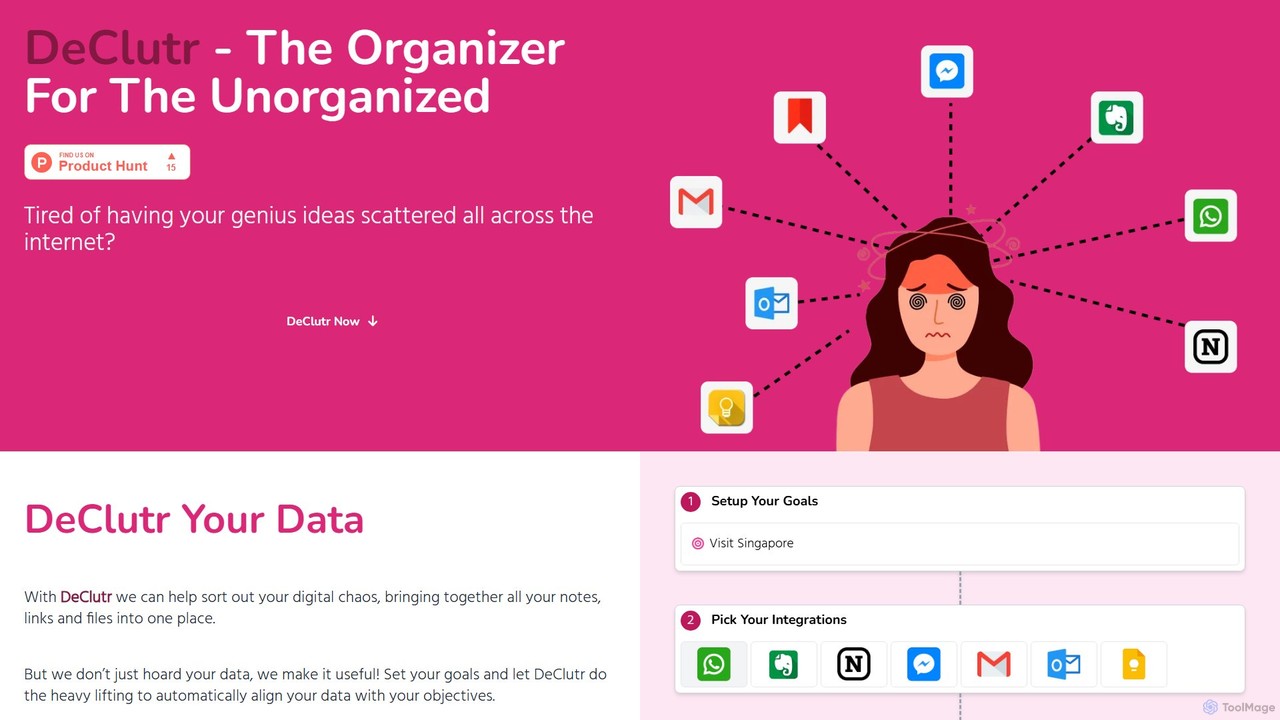
DeClutr
DeClutr is an AI-powered organizer designed for the unorganized. It centralizes your scattered notes, links, and files into a single, intelligent workspace. The platform not only aggregates your data but also uses AI to align it with your goals, providing actionable insights and tasks to help you achieve your objectives.
Knowledge Management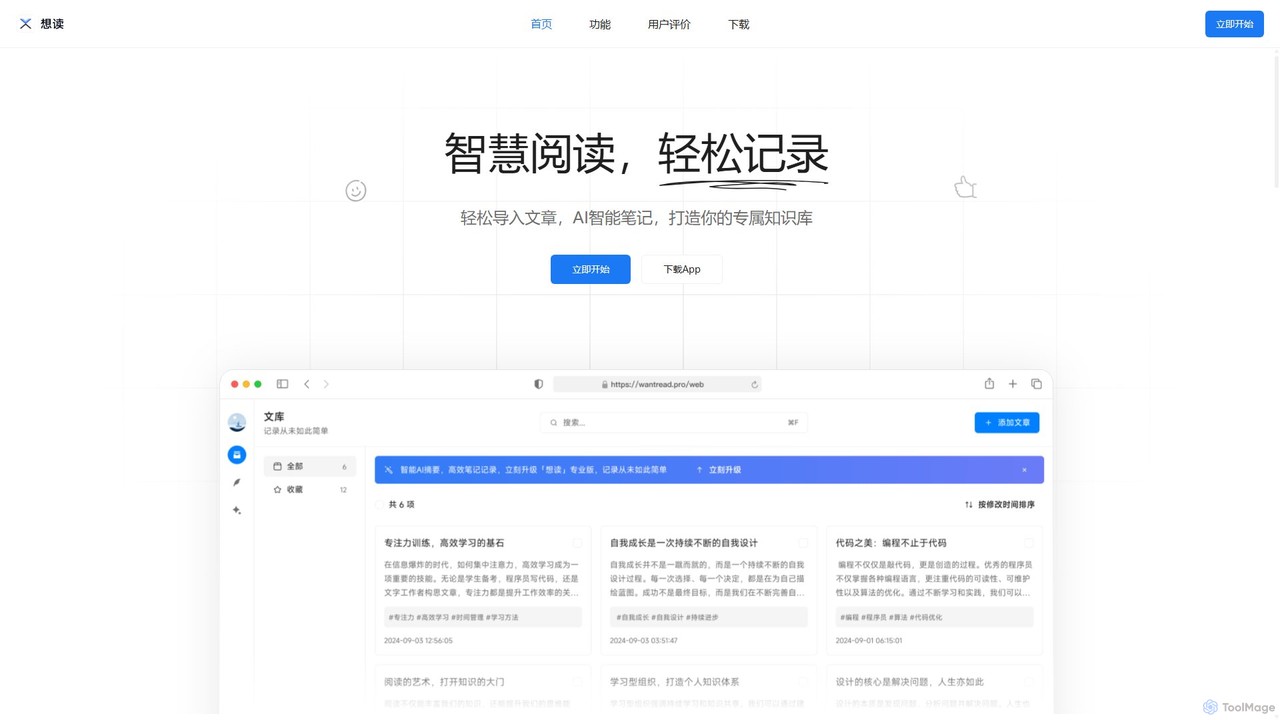
WantRead
WantRead is an AI-powered reading assistant and knowledge management tool. It helps you import articles, generate intelligent summaries, take notes seamlessly, and build a searchable personal knowledge base. Interact with your content through a specialized AI that provides precise answers based solely on your library.
Research
Markwise Comments (0)
Sign in to comment.
Sign inNo comments yet.