
Stacks Overview
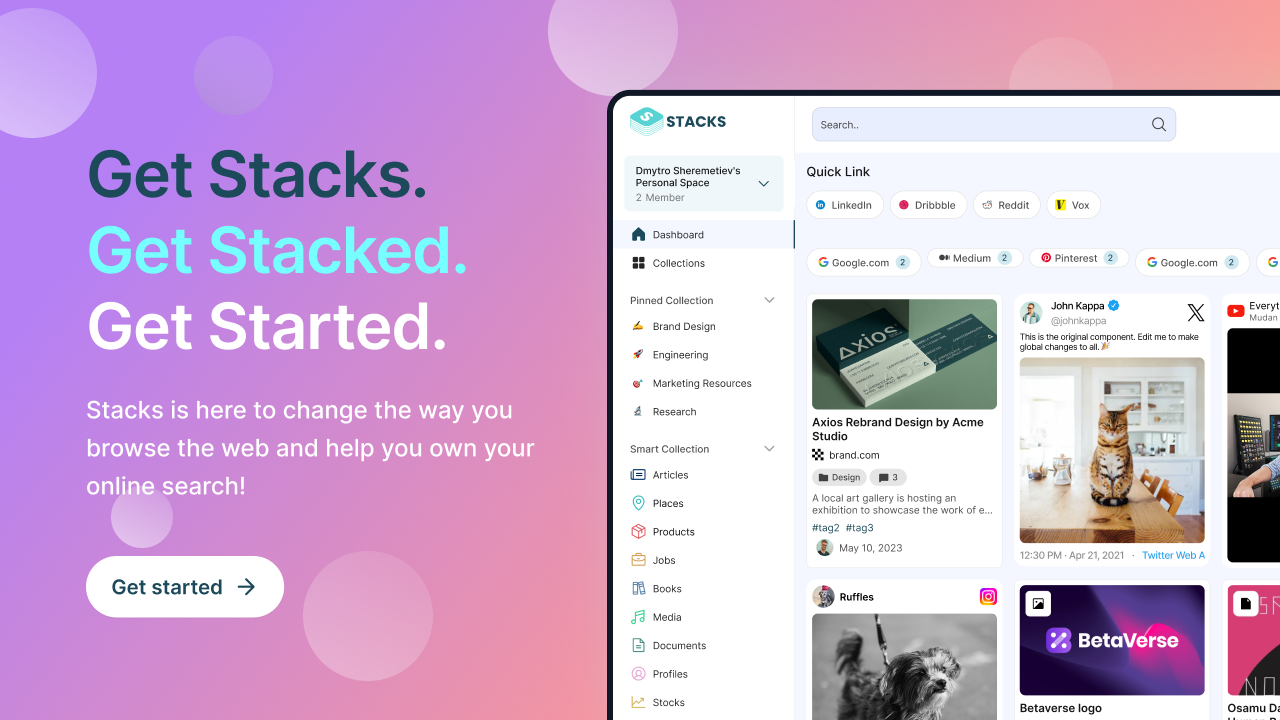
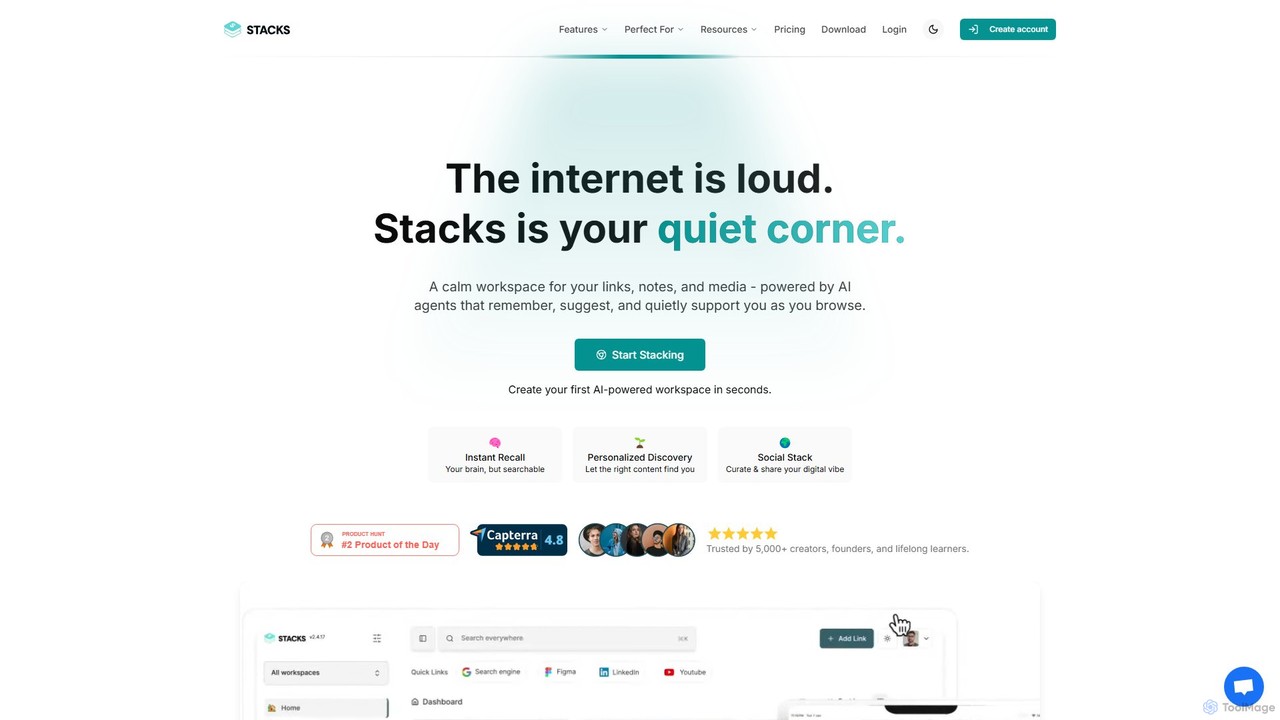
Stacks is a revolutionary personal AI tool designed to transform the chaos of your digital life into a calm, organized, and intelligent workspace. In a world of information overload, Stacks acts as your quiet corner on the internet, a unified hub for all your links, notes, files, and media. It's built on the principle of the 'Intent Economy,' aiming to understand not just *what* you save, but *why* you save it. By capturing the context and purpose behind your digital interactions, Stacks helps you remember everything, connect the dots between disparate pieces of information, and ultimately, think better.
Powered by context-aware AI agents, Stacks quietly works in the background as you browse the web. It replaces a suite of tools you might already be using, such as bookmark managers, note-taking apps, and cloud storage, by offering a single, integrated solution. Whether you are a student organizing research, a creator curating inspiration, or a lifelong learner building a personal knowledge system, Stacks adapts to your unique workflow, making your scattered web browsing a productive and insightful experience.
How to use Stacks
Getting started with Stacks is a seamless process designed to integrate into your existing habits. First, create your free account and install the Stacks browser extension (available for major browsers) and mobile apps (for iOS and Android). As you browse the web, use the extension to save anything that catches your eye—articles, videos, social media posts, or product pages. When you save, Stacks prompts you to add context, capturing your intention. You can also directly create notes, upload files (PDFs, images, documents), and embed media within your workspace. The AI then gets to work, automatically organizing your content into smart collections, identifying patterns, and revealing hidden connections between your saved items. You can search your entire knowledge base using natural language, collaborate with team members in shared workspaces, and even publish curated collections to share your expertise with the world.
Core Features of Stacks
- Unified Content Workspace: A single, organized space for links, rich-text notes, files (PDFs, documents, images), and embedded media.
- AI-Powered Organization: Context-aware AI agents automatically categorize content, suggest collections, and reveal hidden connections and insights across your knowledge base.
- Intent Recognition: Goes beyond tags and folders to understand the purpose behind your saved content, enabling more relevant search and discovery.
- Natural Language Search: Instantly find anything you've saved by searching with conversational language, as if you were asking an assistant.
- Shared Workspaces & Collaboration: Create shared spaces for teams to collaborate on research, projects, and knowledge sharing in real-time.
- Cross-Platform Accessibility: Access and add to your workspace from anywhere via the web app, browser extension, and dedicated mobile apps for iOS and Android.
- Public & Private Sharing: Curate and share collections of your knowledge publicly to build an audience, or keep them private for personal use.
- Third-Party Integrations: Connect with tools you already use, like Gmail, Slack, and Notion, to streamline your information workflow.
Use Cases for Stacks
Stacks is a versatile tool for anyone looking to manage digital information more effectively.
- Students & Researchers: Organize academic papers, articles, and research notes. Stacks helps connect theories and sources, making thesis writing and project research more efficient.
- Creators & Builders: Curate inspiration, draft content, collect reference materials, and plan publishing schedules. The AI can surface related ideas to spark creativity.
- Lifelong Learners: Build a dynamic personal knowledge management (PKM) system simply by browsing online. Stacks turns passive consumption into an active, organized learning process.
- Teams & Businesses: Use shared workspaces as a central knowledge repository for project resources, competitive analysis, and team documentation, ensuring everyone stays on the same page.
- Personal Projects: Plan trips by collecting destination guides, itineraries, and booking links. Manage home renovation projects by saving design ideas, product links, and contractor documents.
Advantages of Stacks
Stacks offers a significant advantage over traditional tools by focusing on context and intent. Unlike standard bookmark managers, it doesn't just store links; it understands them. Compared to note-taking apps, it seamlessly integrates web content and files into a connected knowledge graph. The primary benefit is transforming a scattered, passive collection of data into an active, intelligent system that works for you, not for an algorithm. You own your content and train your personal AI, ensuring privacy and truly personalized recommendations. This consolidation of tools saves time, reduces subscription costs, and eliminates the friction of switching between multiple apps.
Pricing and Plans
Stacks offers a range of plans to suit different needs, with a 30-day money-back guarantee.
- Be Productive: Ideal for individuals. Priced at $9/month or $89/year. Includes one user, unlimited resources and collections, unlimited personal workspaces, and 50GB of storage.
- Be Collaborative: Best for teams and businesses. Priced at $29/month or $199/year. Includes unlimited users, unlimited shared workspaces, roles and permissions, and 500GB of storage.
- Be Creative: Designed for creators and curators. Priced at $39/month or $349/year. Includes all collaborative features plus unlimited public collections, premium collection features, a branded search experience, and performance analytics.
- Enterprise: Custom solutions are available for larger organizations with specific needs. Contact sales for details.
Traffic
Latest traffic
Status
Monthly traffic trend
- 2025-9: 14.8K
- 2026-1: 12.2K
- 2026-2: 12.8K
- 2026-3: 8.7K
- 2026-4: 5.7K
- 2026-5: 5.1K
Geography
Top 5 countries / regions
- 🇺🇸United States54.3%
- 🇮🇳India14.4%
- 🇮🇹Italy12.6%
- 🇮🇩Indonesia9.9%
- 🇨🇦Canada8.9%
Top keywords
| Keyword | Cost per click |
|---|---|
| betterstacks | $0.00 |
| can too many bookmarks slow down chrome | $0.00 |
| do bookmarks take up memory | $0.00 |
| reddit post generator | $4.68 |
| stacks | $2.22 |
Stacks Alternatives
Lazy
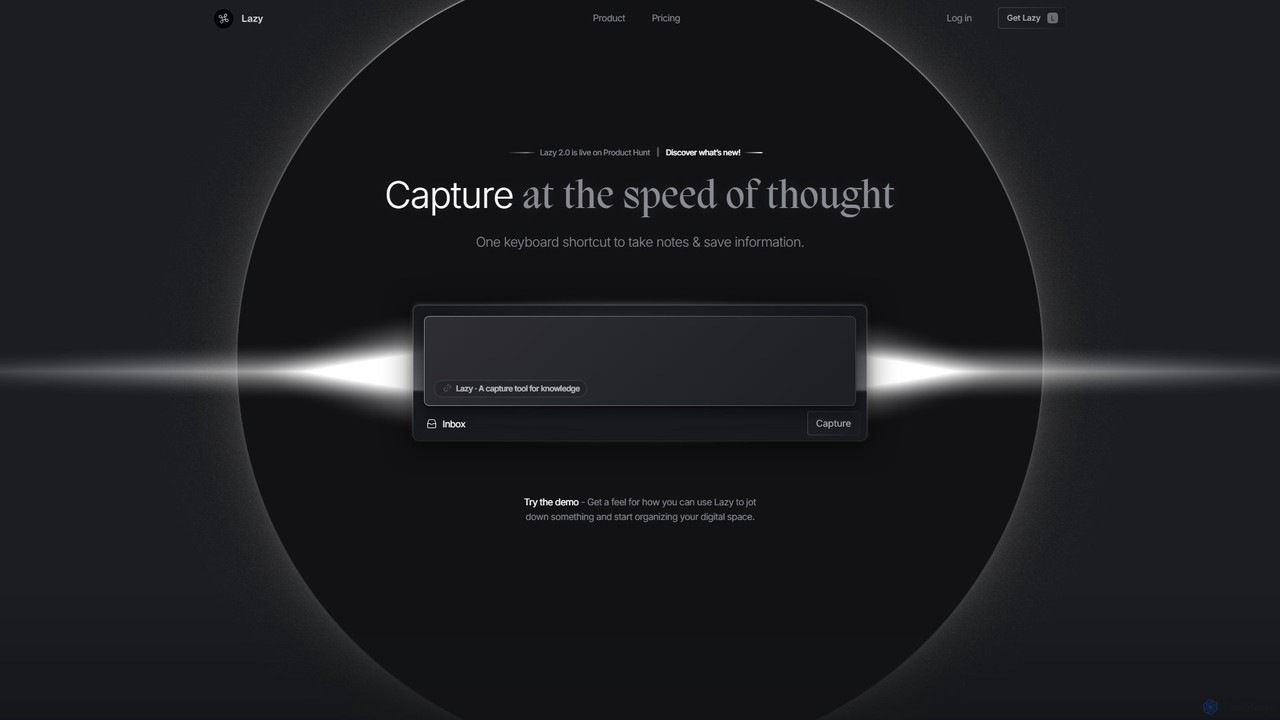
Lazy is a universal capture tool designed to eliminate context switching. It allows you to instantly clip information from any app, website, or document using a simple shortcut. With AI-powered features like summarization and voice input, Lazy helps you build a centralized knowledge base without interrupting your workflow.
Bookmarking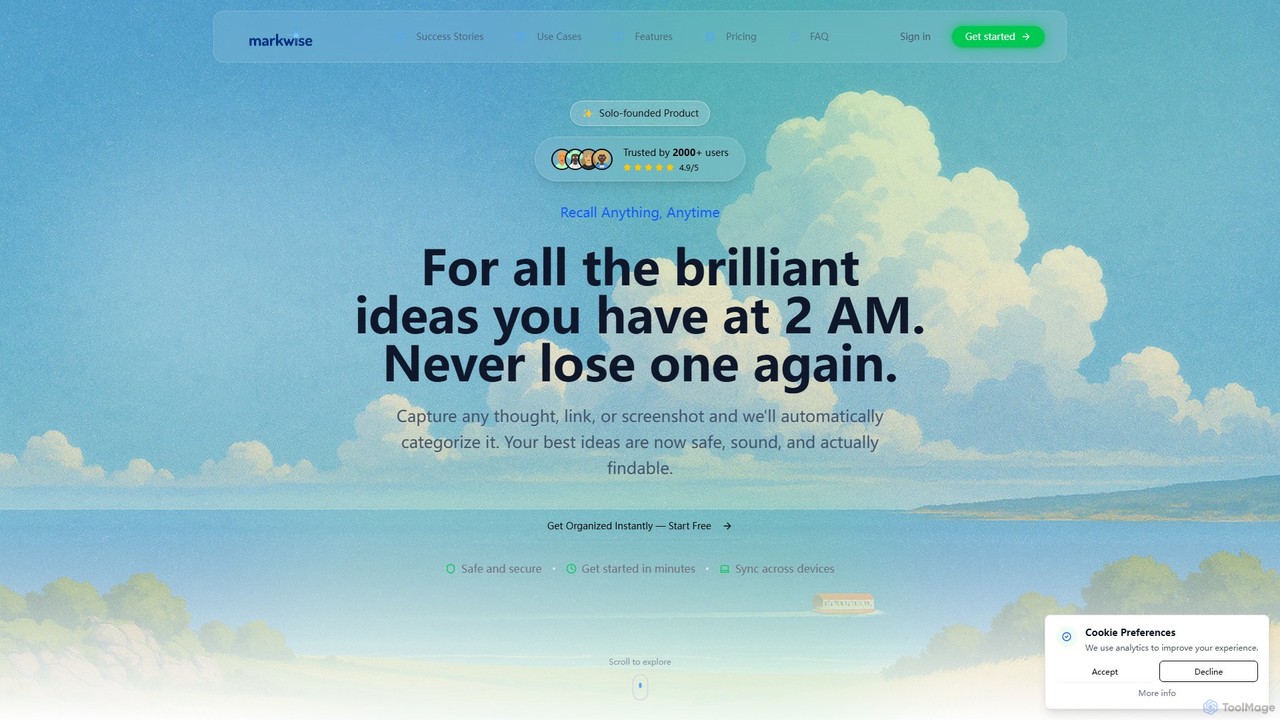
Markwise
Markwise is an AI-powered knowledge manager that helps you save, organize, and recall bookmarks, notes, and ideas. It automatically categorizes and summarizes your content, allowing you to build a personal, searchable knowledge base. With features like semantic search, project-based Spaces, and a browser extension, it streamlines research and boosts productivity for professionals, students, and creatives.
Bookmarking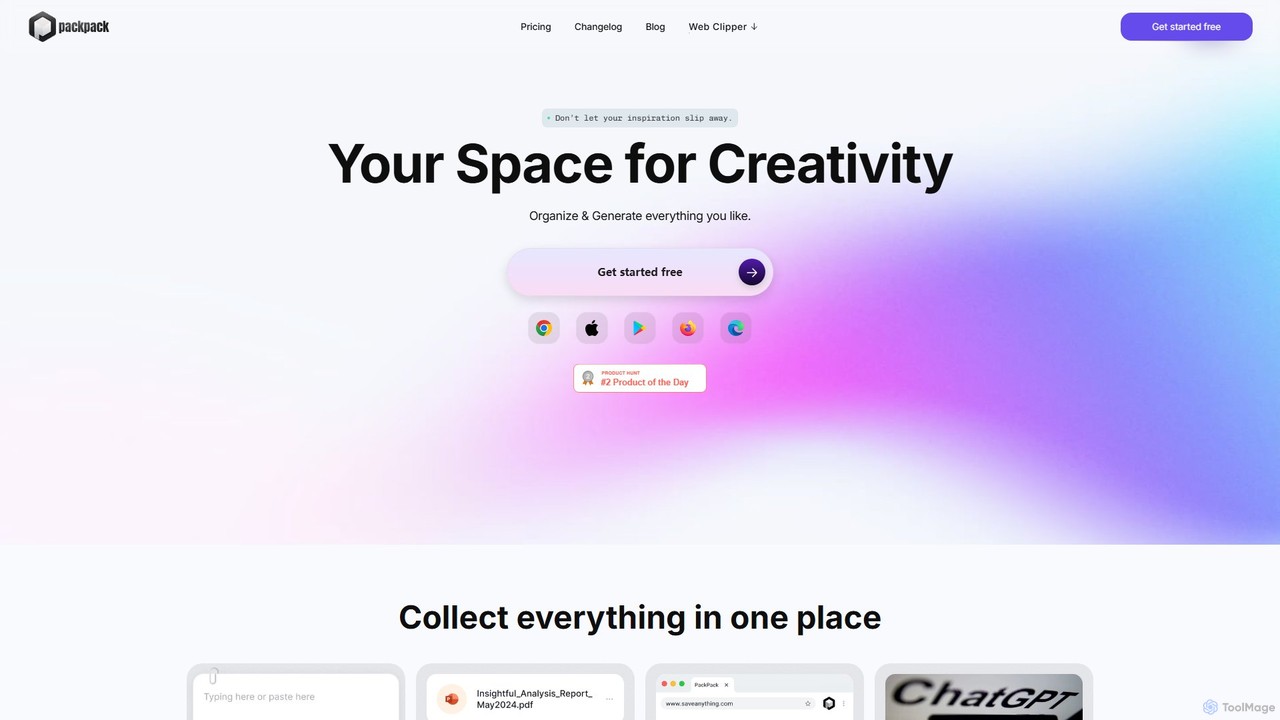
PackPack
PackPack is an AI-powered digital workspace designed to centralize your creativity and research. It allows you to collect bookmarks, articles, images, files, and notes in one place. With features like AI-powered Q&A, summarization, and automatic image tagging, PackPack transforms scattered information into an organized, searchable knowledge base, boosting productivity for creatives, researchers, and professionals.
Bookmarking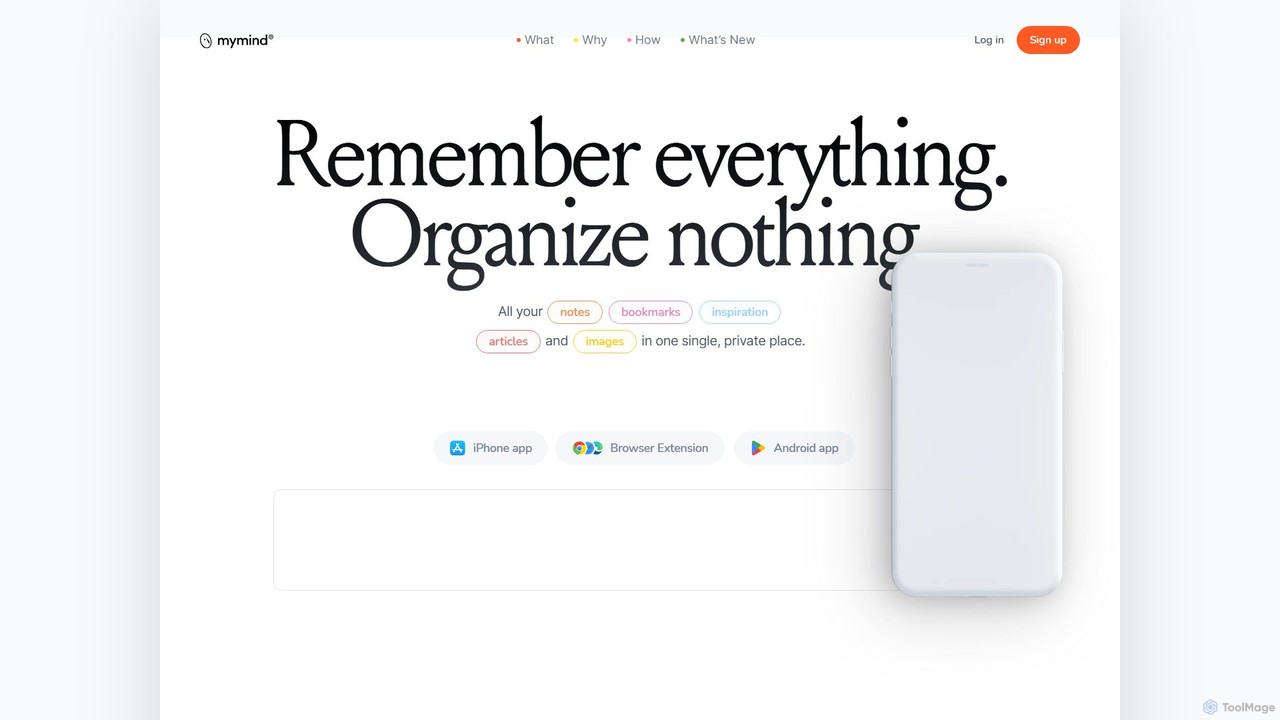
mymind
mymind is a private, AI-powered second brain designed to remember everything without the need for manual organization. It acts as an extension of your mind, capturing notes, bookmarks, images, and articles in a single, searchable space, prioritizing privacy and a clutter-free experience.
Bookmarking
Mem
Mem is an AI-powered, self-organizing workspace designed to act as your personal knowledge base. It captures your notes, ideas, and meeting transcripts, then uses AI to connect related information, summarize content, and help you generate new insights without manual organization.
PersonalStacks Categories
Stacks Embed Widget
Copy this embed code to place the badge on your blog, article, or product site and send readers directly to this ToolMage detail page.

Related AI tools
PackPack
PackPack is an AI-powered digital workspace designed to centralize your creativity and research. It allows you to collect bookmarks, articles, images, files, and notes in one place. With features like AI-powered Q&A, summarization, and automatic image tagging, PackPack transforms scattered information into an organized, searchable knowledge base, boosting productivity for creatives, researchers, and professionals.
Bookmarking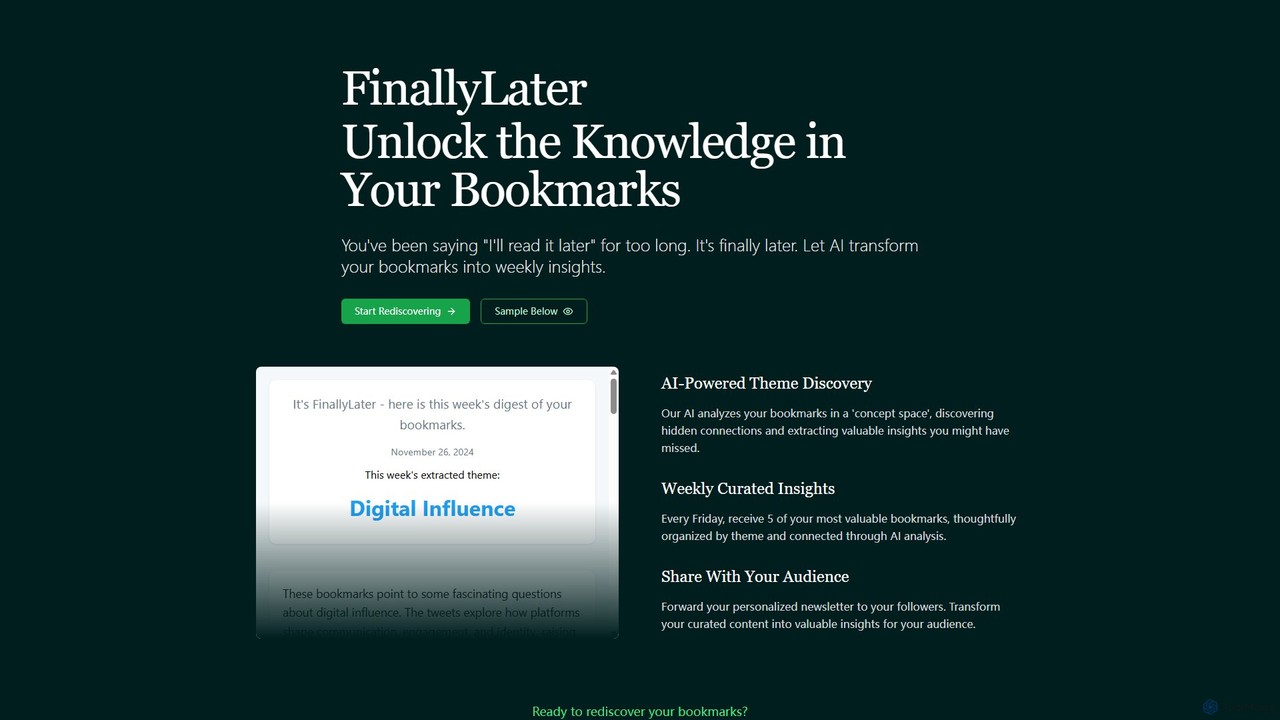
FinallyLater
FinallyLater is an AI-powered service that transforms your cluttered bookmarks into a weekly, curated newsletter. It analyzes your saved links, discovers hidden themes and connections, and delivers five of your most valuable bookmarks as organized insights every Friday, helping you combat information overload and rediscover knowledge.
Learning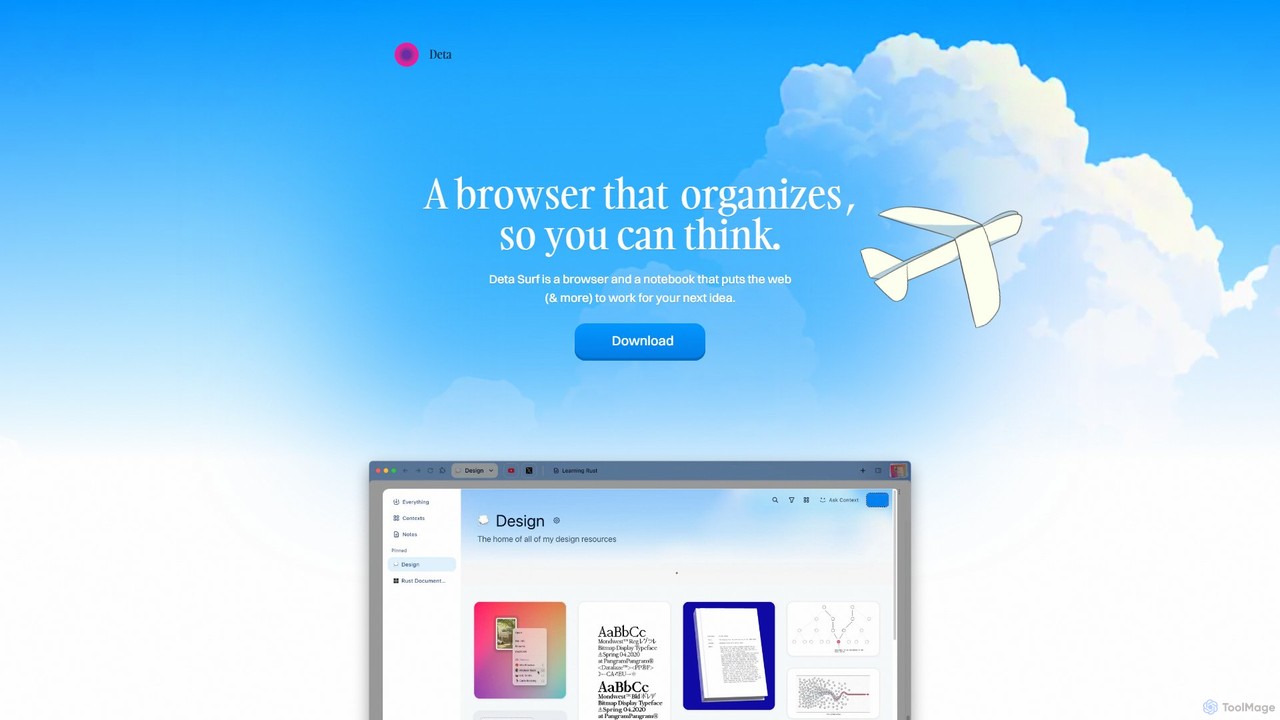
Deta Surf
Deta Surf is an intelligent browser and notebook that organizes your web experience. It uses AI to help you collect, remember, and synthesize information, all while keeping your data private and local on your device. It's designed to reduce context switching and enhance your thinking and creativity.
Browser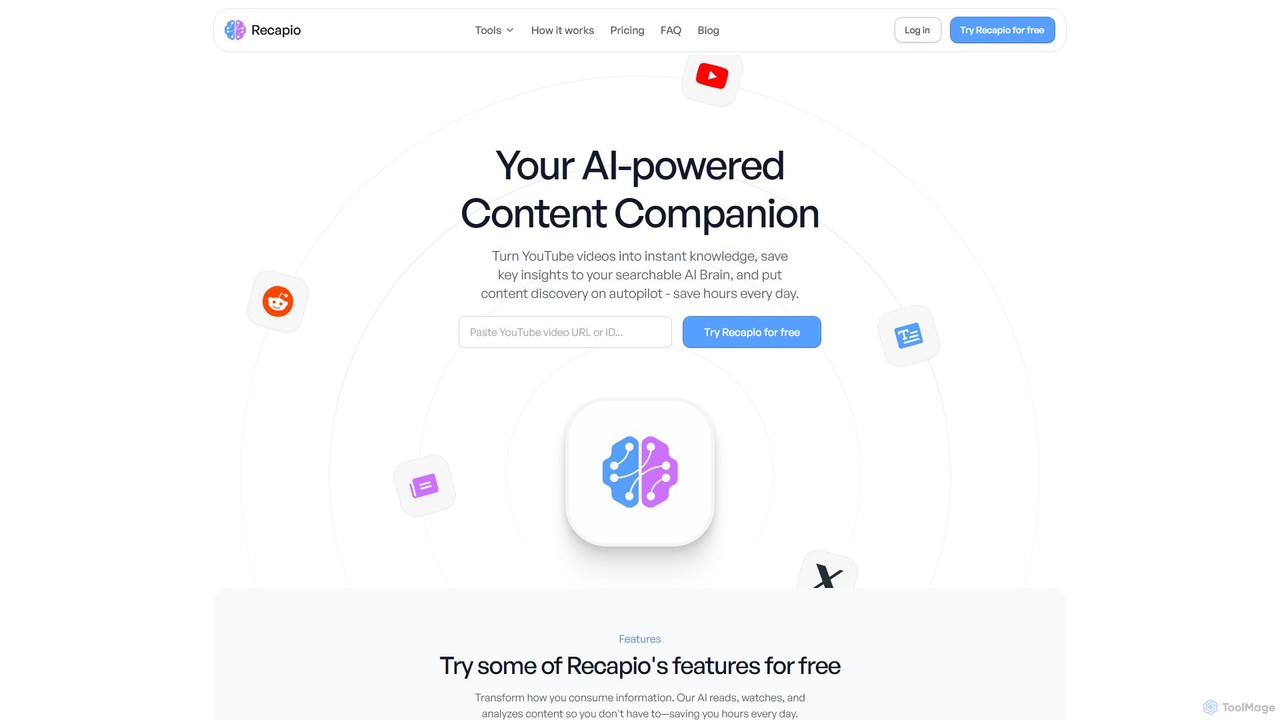
RecapioGPT
RecapioGPT is an AI-powered second brain and content summarizer that transforms YouTube videos, articles, and web posts into a searchable knowledge base. Chat with your content, get daily recaps, and organize insights to save time and learn smarter.
Research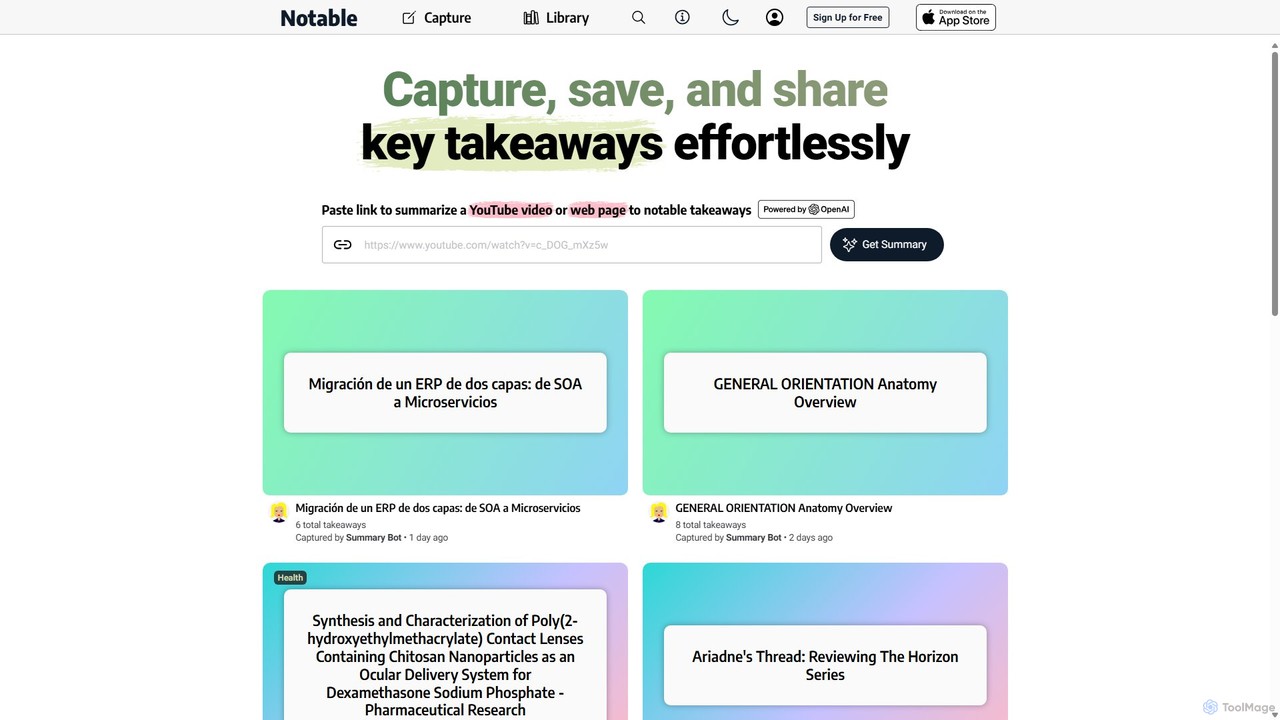
Notable AI
Notable AI is an intelligent tool designed to capture, summarize, and organize key takeaways from web pages and YouTube videos. Simply paste a link, and the AI generates concise summaries, helping you build a personal knowledge library and share insights effortlessly.
Research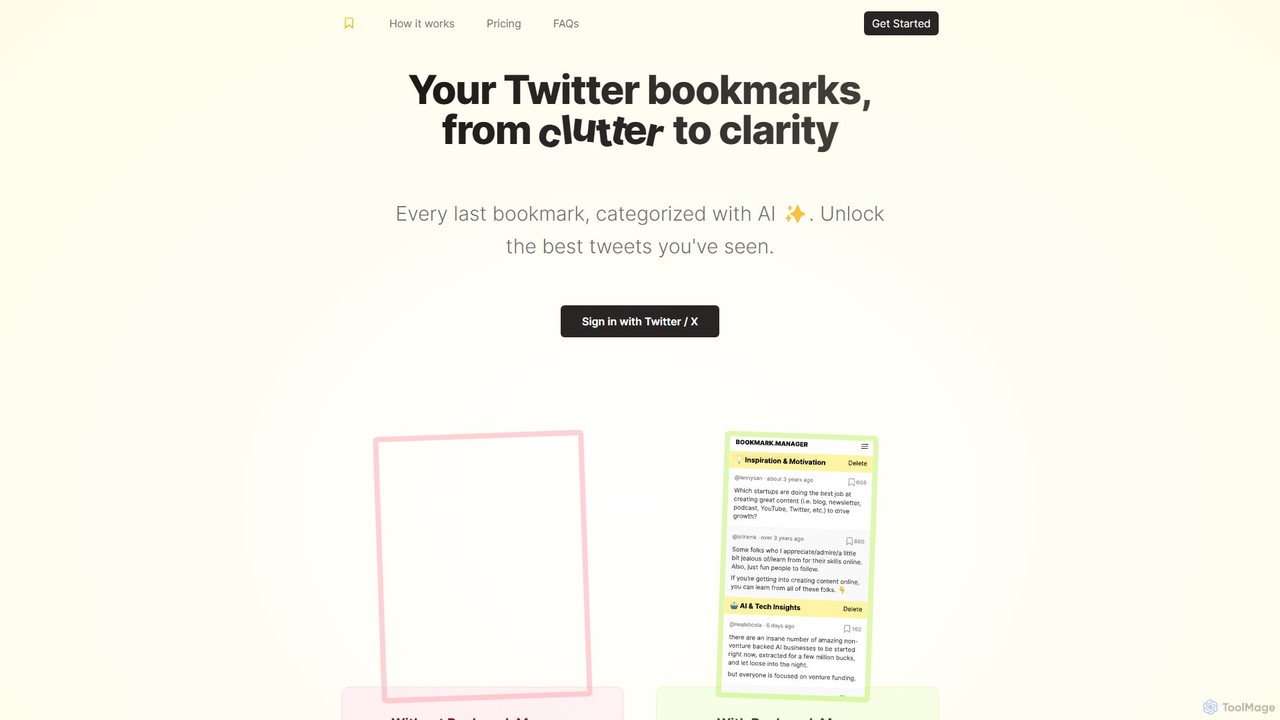
twitterbookmarks
An AI-powered tool that uses GPT-4 to automatically categorize your Twitter/X bookmarks. It transforms your cluttered collection of saved tweets into a clear, organized, and searchable knowledge base, allowing you to export your data to CSV or JSON.
Curation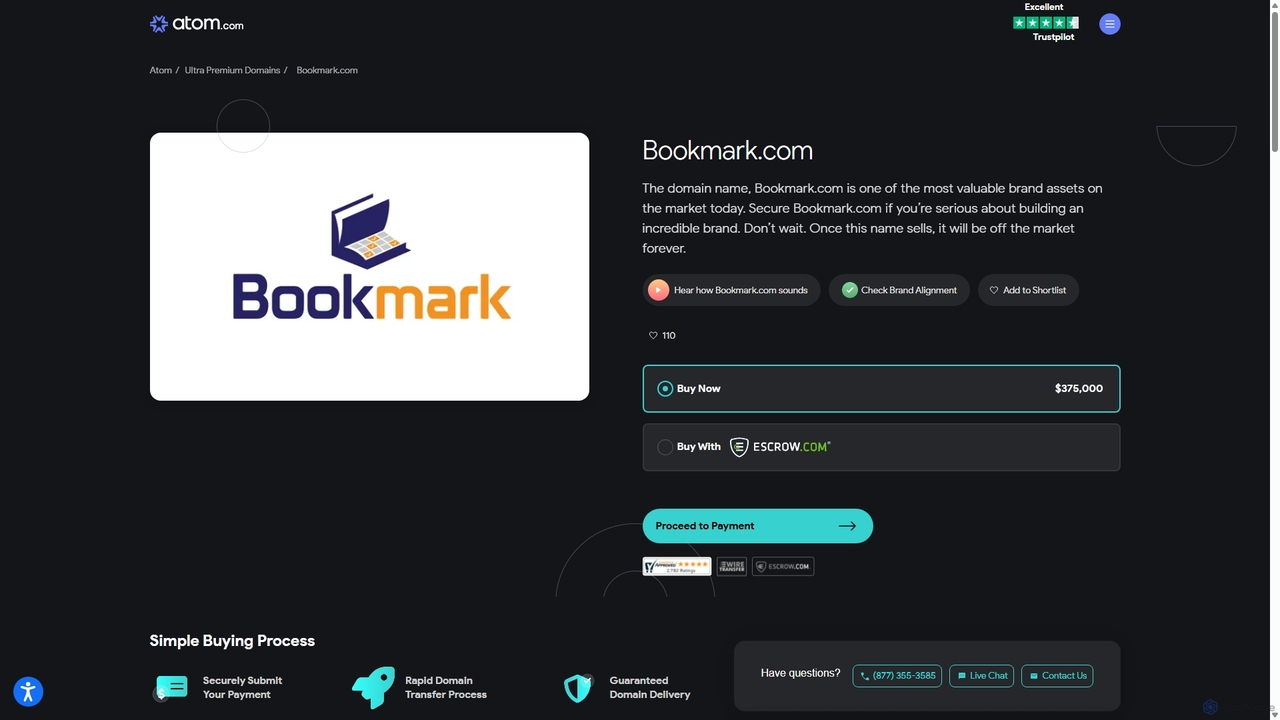
Bookmark
Bookmark is an AI-powered knowledge management platform that helps you save, organize, and rediscover digital content. It uses AI to automatically summarize articles, tag content, and enable powerful semantic search, transforming your collection of links into a personal knowledge base or a collaborative team hub.
Study ToolsLazy
Lazy is a universal capture tool designed to eliminate context switching. It allows you to instantly clip information from any app, website, or document using a simple shortcut. With AI-powered features like summarization and voice input, Lazy helps you build a centralized knowledge base without interrupting your workflow.
BookmarkingMarkwise
Markwise is an AI-powered knowledge manager that helps you save, organize, and recall bookmarks, notes, and ideas. It automatically categorizes and summarizes your content, allowing you to build a personal, searchable knowledge base. With features like semantic search, project-based Spaces, and a browser extension, it streamlines research and boosts productivity for professionals, students, and creatives.
Bookmarking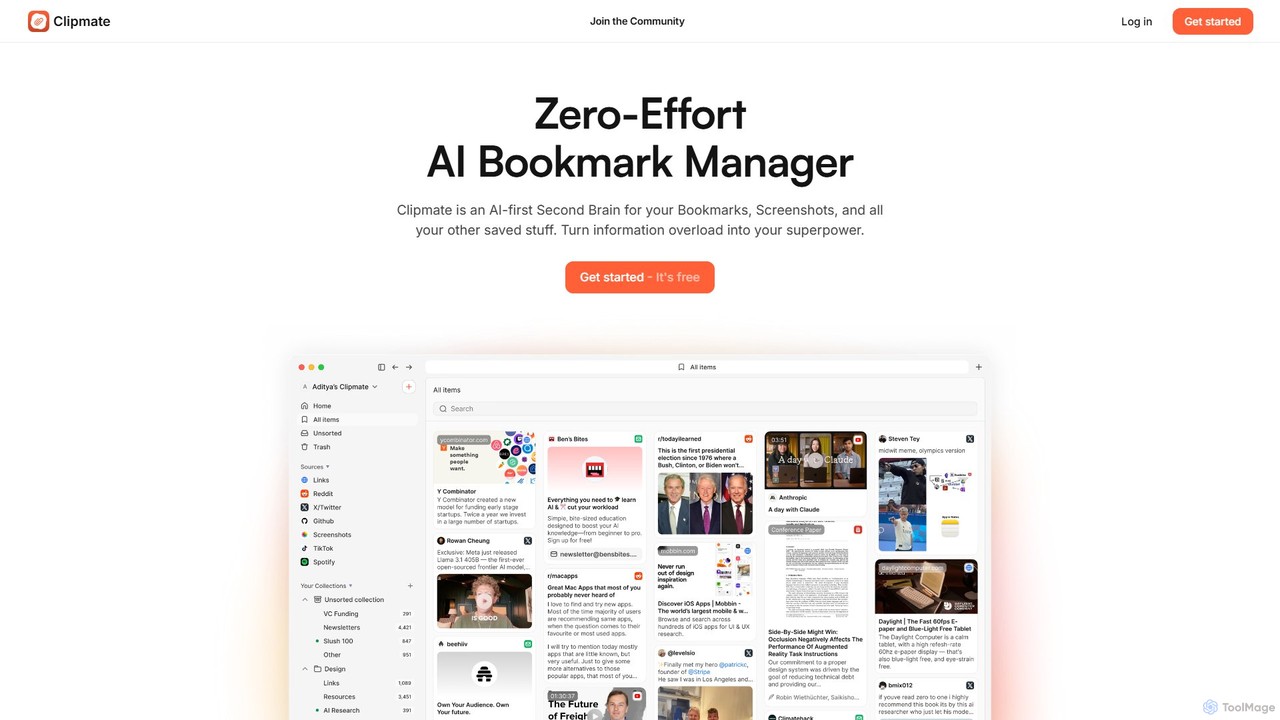
Clipmate AI
Clipmate AI is a zero-effort AI bookmark manager and second brain. It automatically syncs, organizes, and summarizes your bookmarks, screenshots, and links from various platforms, turning information overload into a searchable and intelligent knowledge base.
Second BrainMem
Mem is an AI-powered, self-organizing workspace designed to act as your personal knowledge base. It captures your notes, ideas, and meeting transcripts, then uses AI to connect related information, summarize content, and help you generate new insights without manual organization.
Personal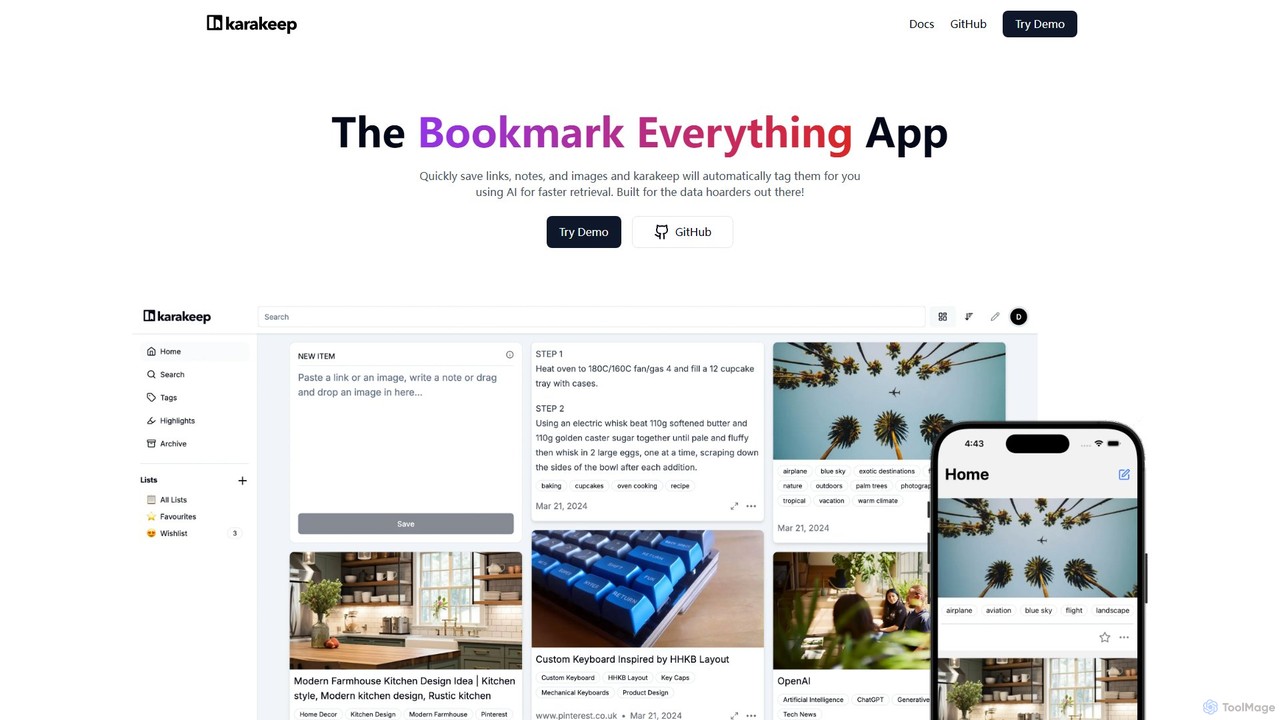
Karakeep
Karakeep is an AI-powered bookmarking and knowledge management app for "data hoarders." It allows you to quickly save links, notes, images, and PDFs. The core feature is its AI engine, which automatically analyzes and tags your content for effortless organization and fast retrieval. With self-hosting options for privacy, mobile apps, and browser extensions, Karakeep provides a seamless and powerful way to build your personal, searchable knowledge base.
Code Snippets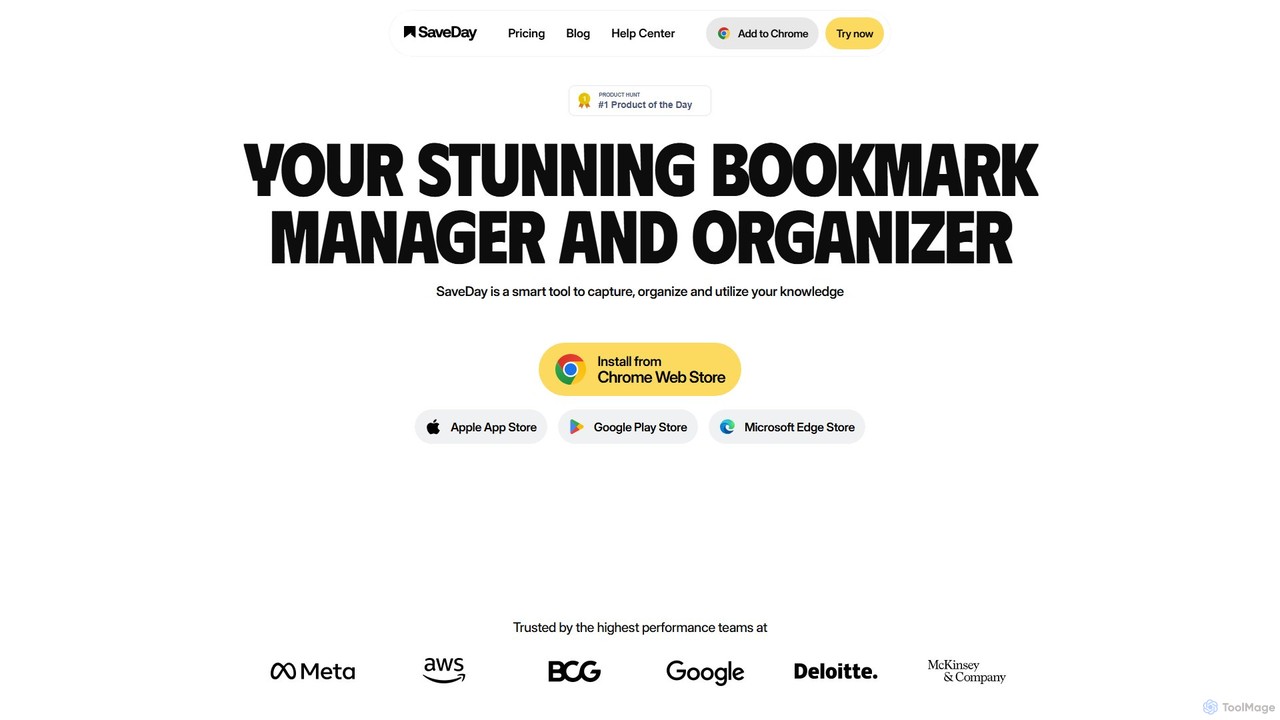
SaveDay
SaveDay is an AI-powered bookmark and knowledge manager. It helps you capture, organize, and utilize online content like articles, videos, and links with one click. Use AI to summarize content, search your personal library with natural language, and get answers based on what you've saved.
Bookmarking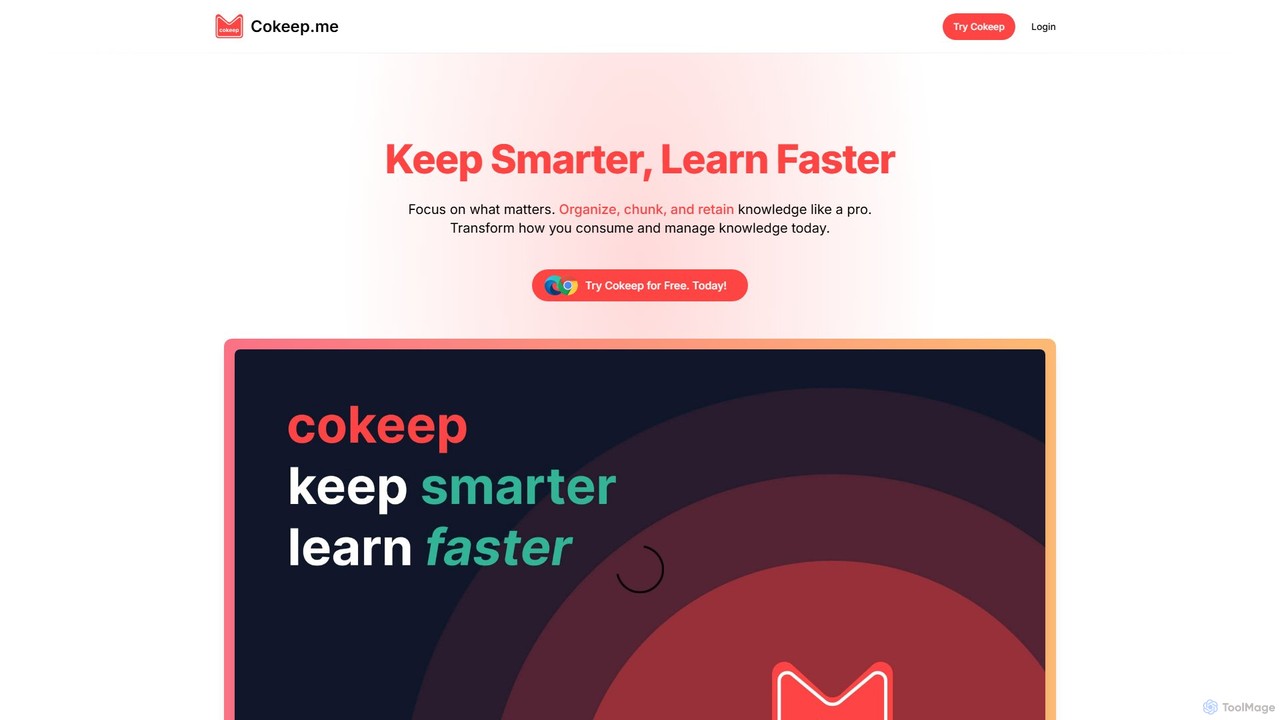
Cokeep
Cokeep is an AI-powered knowledge management tool designed to help you save, organize, and learn from online content more effectively. It transforms articles and videos into digestible summaries, automatically tags information, and provides a collaborative space to manage your learning resources, helping you combat information overload and retain knowledge faster.
Learning
Findr
Findr is an AI-powered second brain for personal and enterprise knowledge management. It unifies all your information—from apps like Google Drive, Notion, and Slack, to documents, notes, and bookmarks—into a single, searchable workspace. Ask questions in natural language to get context-aware answers from your own data, streamline research, and never lose an idea again.
Knowledge Management
Stacks Comments (0)
Sign in to comment.
Sign inNo comments yet.