

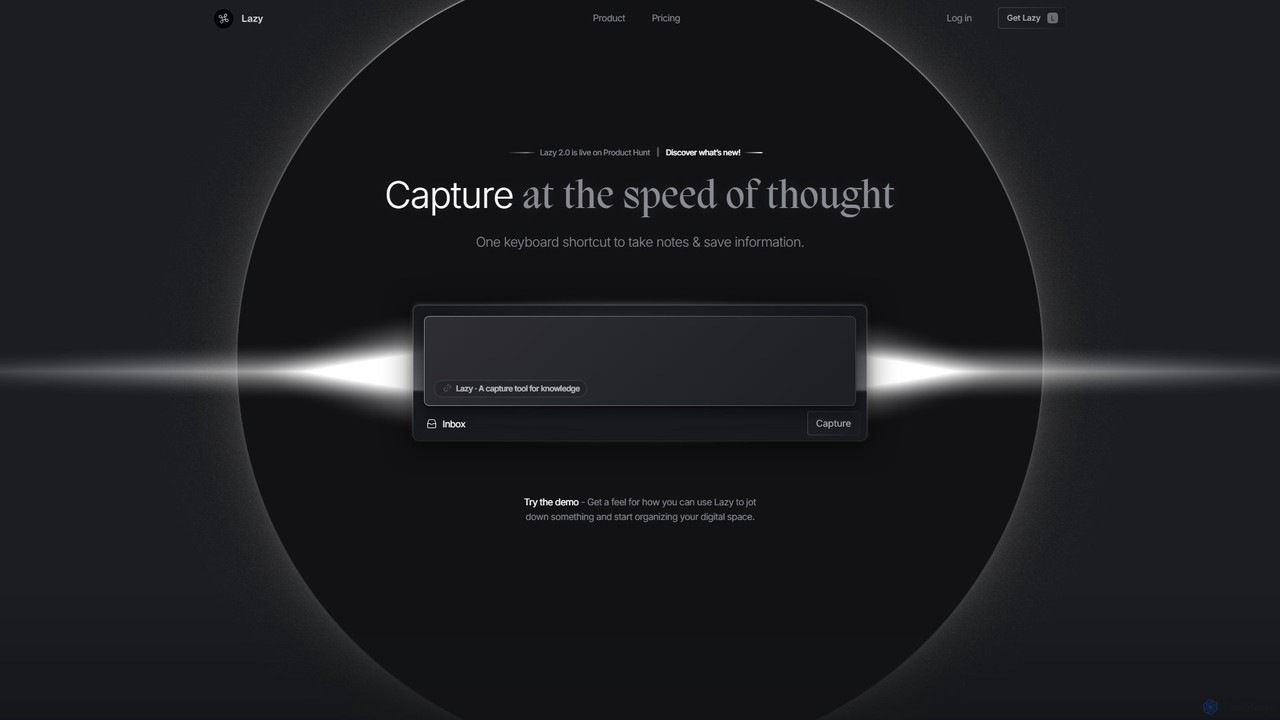
Lazy Overview
Lazy is a sophisticated knowledge capture tool engineered to streamline your workflow and put an end to disruptive context switching. In a world where information is scattered across countless apps and websites, Lazy acts as a universal clipper, allowing you to instantly save anything from anywhere with a single command. Whether it's an insightful article, a Twitter thread, a YouTube video, or a note from a local application, Lazy captures it all and sends it to your personal, centralized knowledge space.
The core philosophy behind Lazy is to make information capture as frictionless as possible, allowing you to stay in your creative or productive flow. It's more than just a web clipper; it's a system-wide tool that integrates seamlessly into your daily digital life. By providing a dedicated space to collect and connect disparate pieces of information, Lazy fosters serendipity and helps you uncover new insights from your collected knowledge.
How to use Lazy
Getting started with Lazy is designed to be intuitive and fast. First, you install the Lazy application on your device (desktop and mobile). Once installed, the primary method of capture is the universal shortcut, ⌘ L on macOS. When you encounter something you want to save—be it text, a link, or an image in your browser, a PDF, or another app—simply highlight it and press the shortcut. The content is immediately saved to your Lazy account without you ever having to leave the current application. On the mobile app, you can use voice input to capture thoughts on the go, making it incredibly convenient for verbal thinkers or when typing is impractical.
Core Features of Lazy
- Universal Clipper: Capture information not just from web pages, but from any application on your computer. This system-wide functionality is what sets Lazy apart from traditional bookmarking tools.
- AI-Powered Summarization: Lazy integrates GPT technology to help you make sense of your captured content. It can automatically generate summaries of articles, notes, or even your entire day's captures, saving you time and effort.
- Voice Input: The mobile app features a robust voice-to-text function, allowing you to dictate notes and ideas directly into your knowledge base. This is particularly beneficial for capturing fleeting thoughts and for users who find typing cumbersome.
- Frictionless Workflow: With its quick capture shortcut (⌘ L), Lazy is built for speed and efficiency, ensuring that the act of saving information never breaks your concentration.
- Centralized Knowledge Hub: All your clips are stored in one organized, searchable space. This allows you to revisit, connect, and build upon your ideas over time, transforming scattered data into a valuable personal knowledge base.
Use Cases for Lazy
Lazy is a versatile tool for a wide range of users. For researchers and students, it's perfect for gathering data, quotes, and references from academic journals, websites, and PDFs. Content creators and writers can use it to clip inspiration, save interesting threads, and organize research for their next piece. Designers can capture visual ideas and mood boards from across the web and their local files. For professionals and individuals with ADHD, the minimal-friction interface and voice input feature can be a game-changer, helping to capture ideas before they are lost and reducing the cognitive load of switching between tasks.
Advantages of Lazy
The primary advantage of Lazy is its ability to preserve your focus. By eliminating the need to switch applications to take a note, it significantly boosts productivity and keeps you in a state of flow. The integration of AI adds a layer of intelligence, turning your raw data into concise, actionable insights. Its universal nature means no piece of information is out of reach, creating a truly comprehensive and personal knowledge repository. The multi-platform availability (desktop and mobile) ensures you can capture inspiration wherever it strikes.
Pricing and Plans
While the official website does not detail specific pricing tiers, Lazy likely operates on a freemium model. This typically includes a free plan with essential capture features, perfect for casual users to get started. A premium or paid plan would unlock advanced functionalities such as unlimited AI-powered summaries, increased storage, more powerful integrations, and priority support. This structure allows users to experience the core benefits of the tool before committing to a subscription.
Traffic
Latest traffic
Status
Monthly traffic trend
- 2025-9: 31.7K
- 2026-1: 29.9K
- 2026-2: 20.6K
- 2026-3: 19.1K
- 2026-4: 21.1K
- 2026-5: 15.2K
Geography
Top 5 countries / regions
- 🇺🇸United States32.7%
- 🇧🇷Brazil21.4%
- 🇪🇸Spain20.4%
- 🇮🇳India15.8%
- 🇩🇪Germany9.7%
Traffic sources
| Source type | Percentage |
|---|---|
Direct | 98.1% |
Referral | 1.9% |
Top keywords
| Keyword | Cost per click |
|---|---|
| how can i quit the "daily lazy" abonnement? steady | $0.00 |
| lazy | $1.76 |
| lazy ai | $0.89 |
| lazypb | $0.00 |
| lazy tool | $0.00 |
Lazy Alternatives
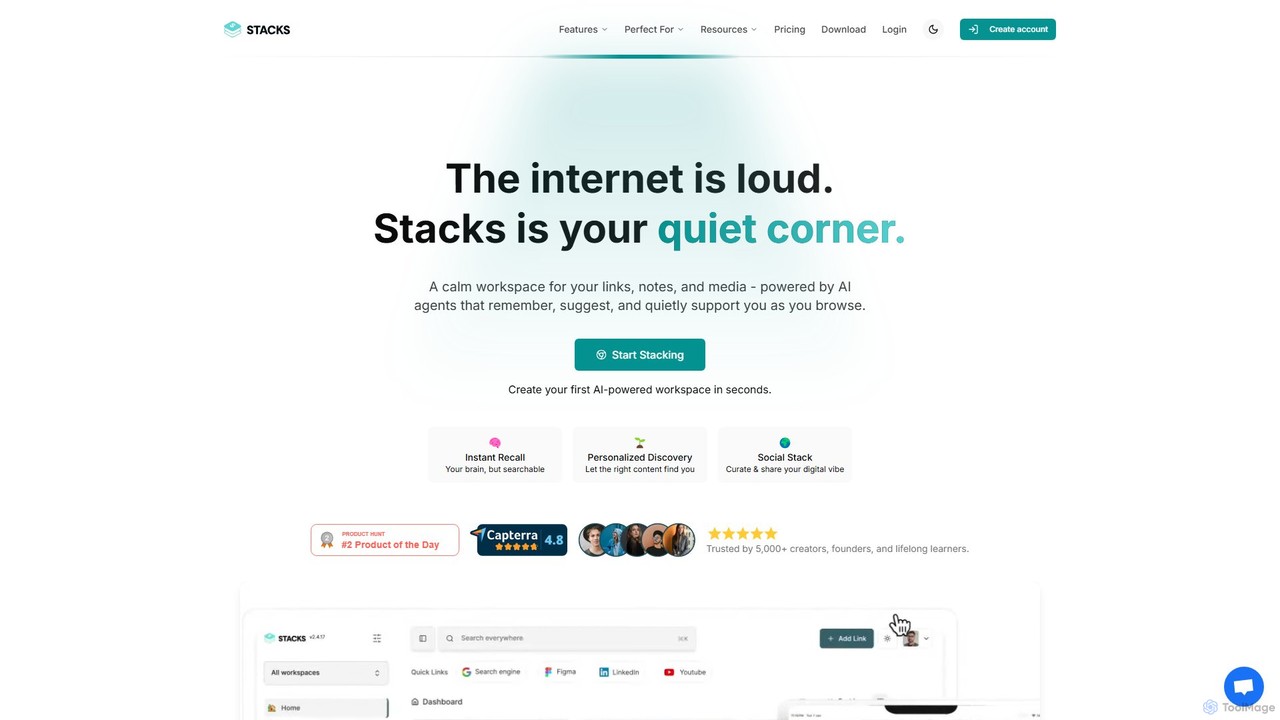
Stacks
Stacks is an AI-powered workspace that organizes your digital footprint. It goes beyond simple bookmarking to understand the *intent* behind your saved links, notes, and files, creating a personalized knowledge hub that connects ideas and supports your workflow.
Bookmarking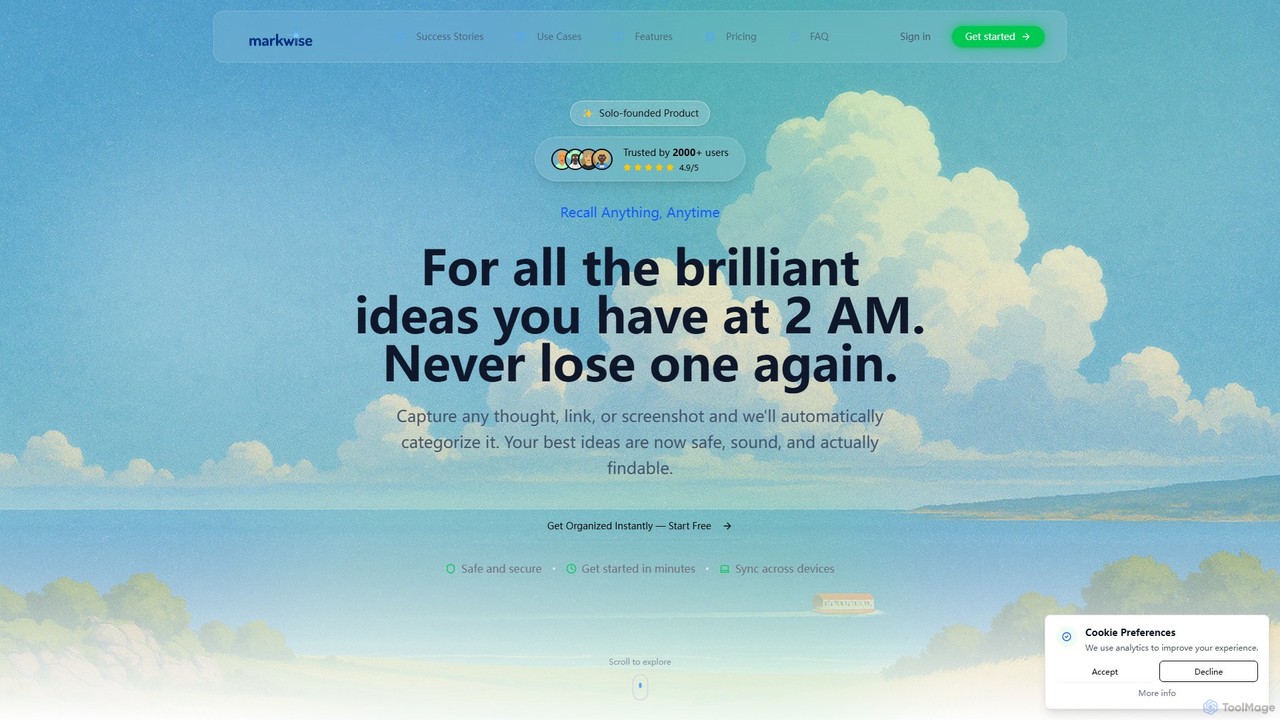
Markwise
Markwise is an AI-powered knowledge manager that helps you save, organize, and recall bookmarks, notes, and ideas. It automatically categorizes and summarizes your content, allowing you to build a personal, searchable knowledge base. With features like semantic search, project-based Spaces, and a browser extension, it streamlines research and boosts productivity for professionals, students, and creatives.
Bookmarking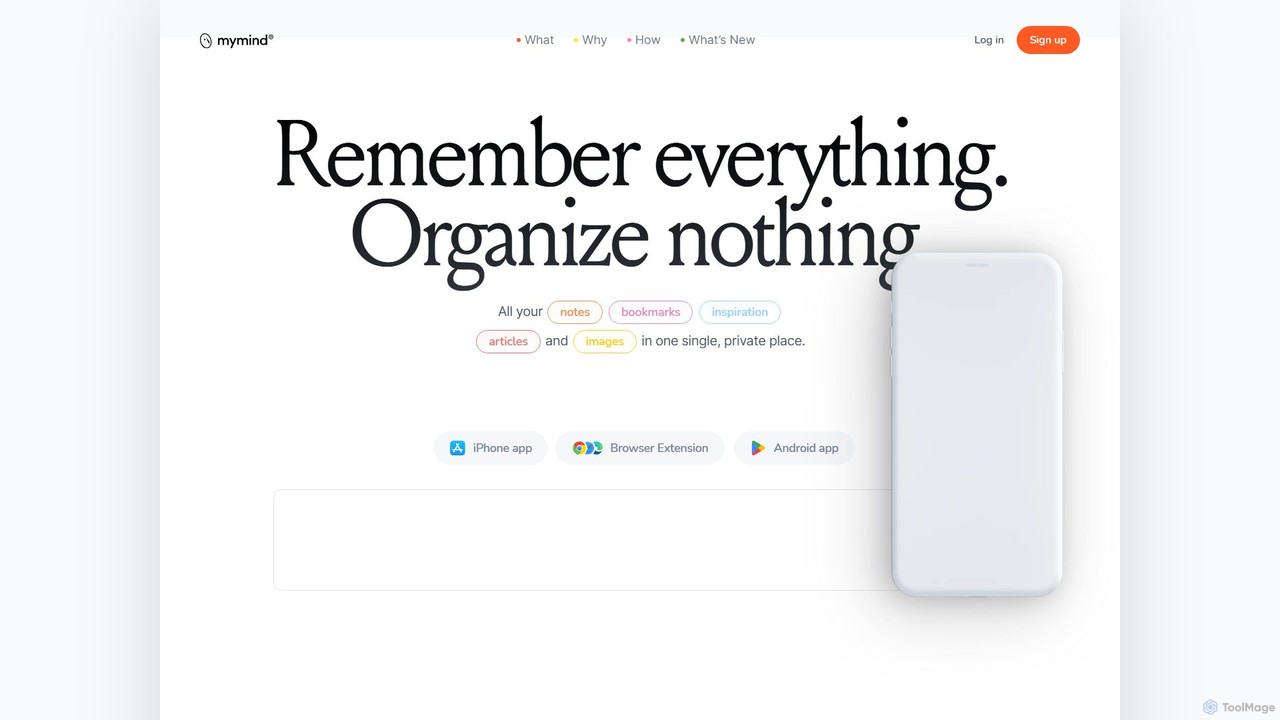
mymind
mymind is a private, AI-powered second brain designed to remember everything without the need for manual organization. It acts as an extension of your mind, capturing notes, bookmarks, images, and articles in a single, searchable space, prioritizing privacy and a clutter-free experience.
Bookmarking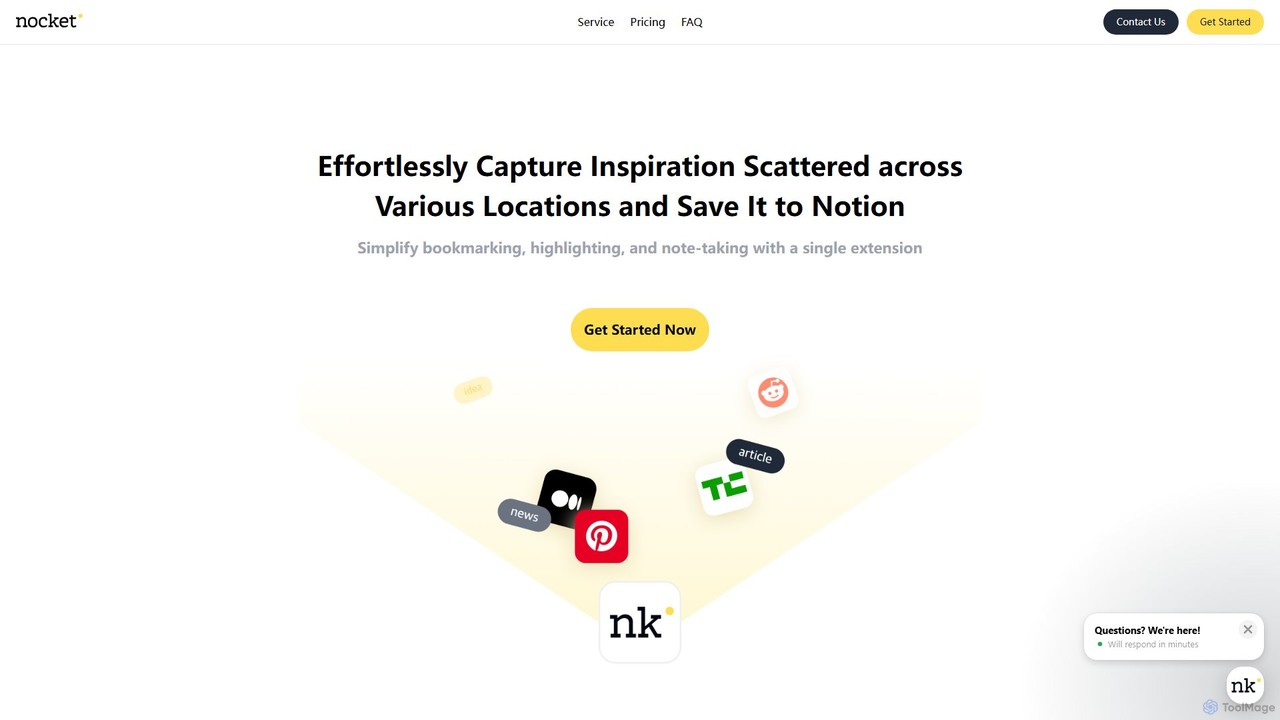
nocket
nocket is a powerful browser extension designed to streamline your knowledge management workflow. It allows you to effortlessly capture web pages, highlight text, and take notes, saving everything directly into your Notion workspace. With AI-powered summarization for websites and YouTube videos, nocket transforms scattered inspiration into an organized, actionable knowledge base.
Bookmarking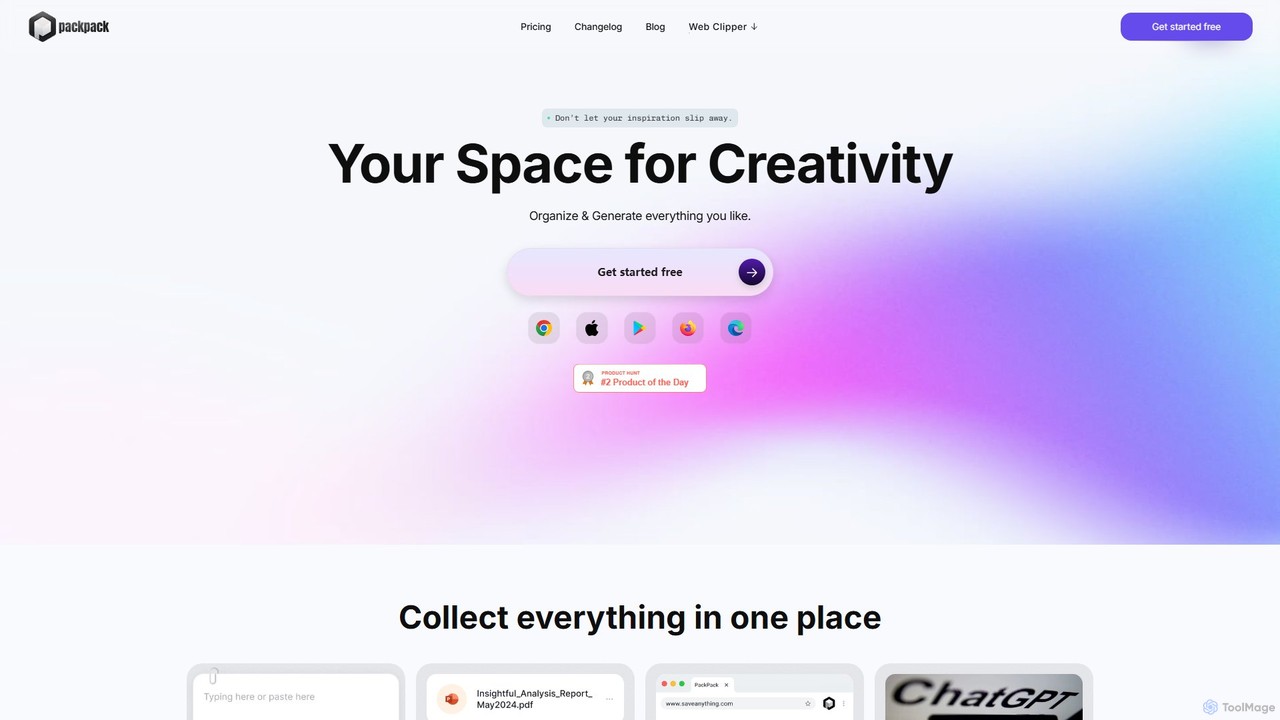
PackPack
PackPack is an AI-powered digital workspace designed to centralize your creativity and research. It allows you to collect bookmarks, articles, images, files, and notes in one place. With features like AI-powered Q&A, summarization, and automatic image tagging, PackPack transforms scattered information into an organized, searchable knowledge base, boosting productivity for creatives, researchers, and professionals.
BookmarkingLazy Categories
Lazy Embed Widget
Copy this embed code to place the badge on your blog, article, or product site and send readers directly to this ToolMage detail page.

Related AI tools
nocket
nocket is a powerful browser extension designed to streamline your knowledge management workflow. It allows you to effortlessly capture web pages, highlight text, and take notes, saving everything directly into your Notion workspace. With AI-powered summarization for websites and YouTube videos, nocket transforms scattered inspiration into an organized, actionable knowledge base.
BookmarkingPackPack
PackPack is an AI-powered digital workspace designed to centralize your creativity and research. It allows you to collect bookmarks, articles, images, files, and notes in one place. With features like AI-powered Q&A, summarization, and automatic image tagging, PackPack transforms scattered information into an organized, searchable knowledge base, boosting productivity for creatives, researchers, and professionals.
Bookmarking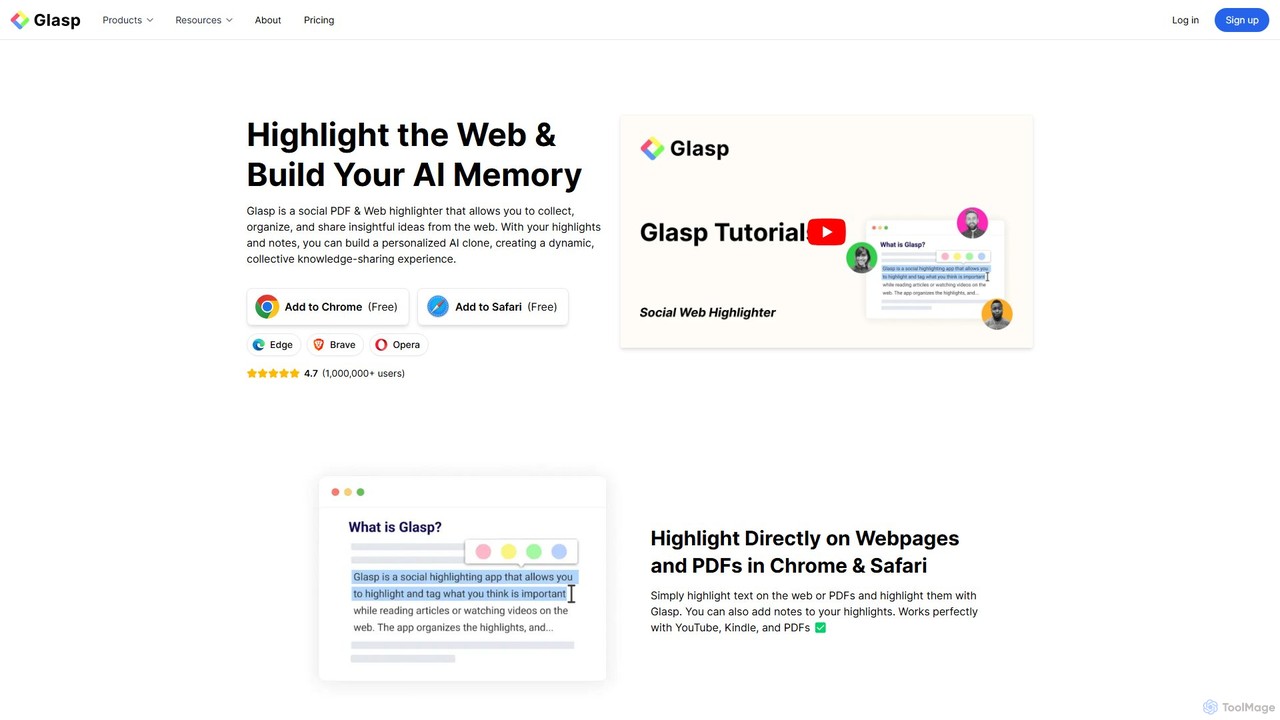
Glasp
Glasp is a social web and PDF highlighter that helps learners and researchers capture, organize, and share insightful ideas. It uses AI to create a personalized knowledge base from your highlights, offering features like AI-powered summaries, chat with your notes, and seamless integration with popular note-taking apps. It's designed to facilitate public learning and build a collective intelligence.
Web Clipper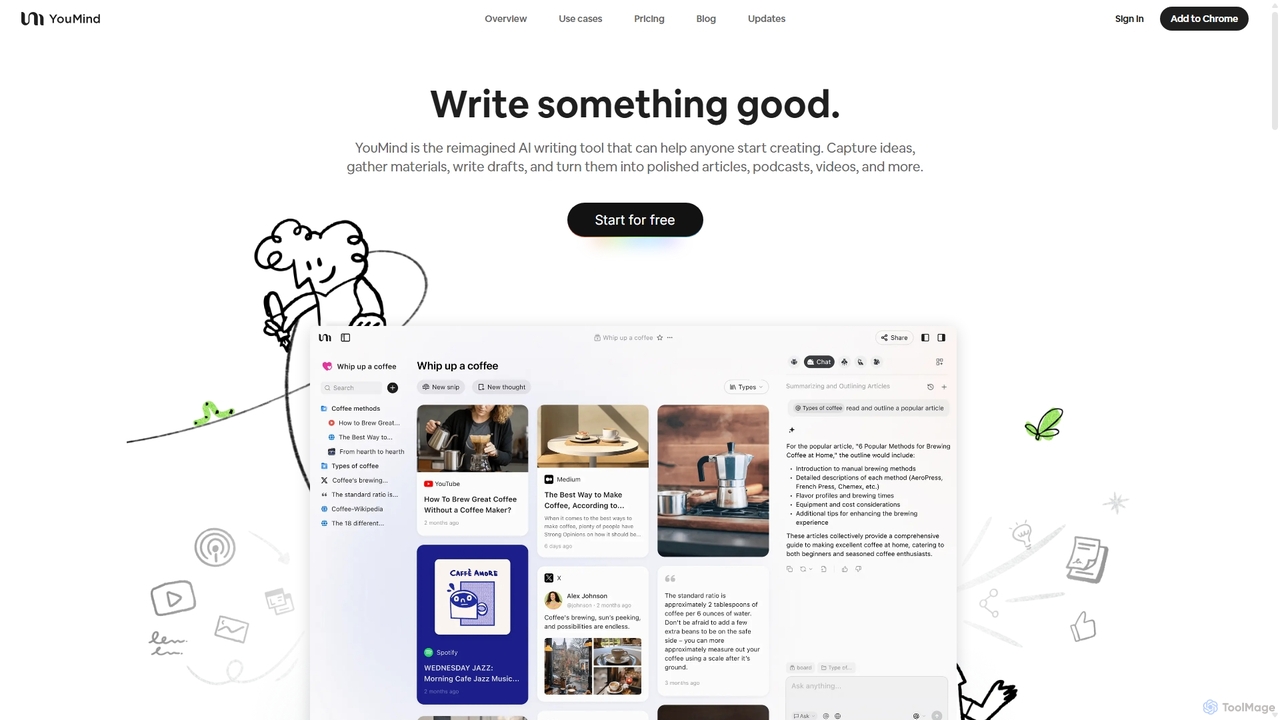
YouMind
YouMind is an AI-powered creation studio designed to streamline the entire content creation workflow. It integrates material collection from various sources like YouTube, podcasts, and articles into a unified workspace. Users can research, organize, and collaborate with top AI models to transform their ideas into polished articles, videos, and more, all within a single, project-based environment.
Knowledge Management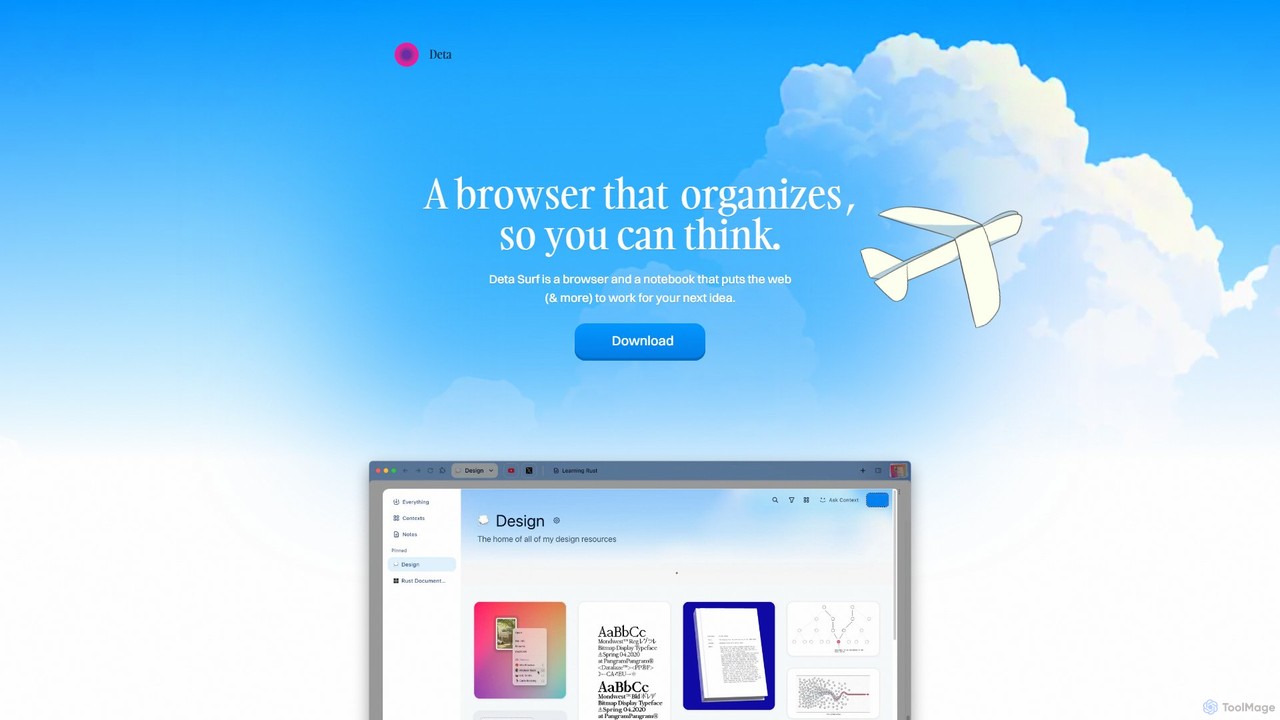
Deta Surf
Deta Surf is an intelligent browser and notebook that organizes your web experience. It uses AI to help you collect, remember, and synthesize information, all while keeping your data private and local on your device. It's designed to reduce context switching and enhance your thinking and creativity.
BrowserStacks
Stacks is an AI-powered workspace that organizes your digital footprint. It goes beyond simple bookmarking to understand the *intent* behind your saved links, notes, and files, creating a personalized knowledge hub that connects ideas and supports your workflow.
BookmarkingMarkwise
Markwise is an AI-powered knowledge manager that helps you save, organize, and recall bookmarks, notes, and ideas. It automatically categorizes and summarizes your content, allowing you to build a personal, searchable knowledge base. With features like semantic search, project-based Spaces, and a browser extension, it streamlines research and boosts productivity for professionals, students, and creatives.
Bookmarking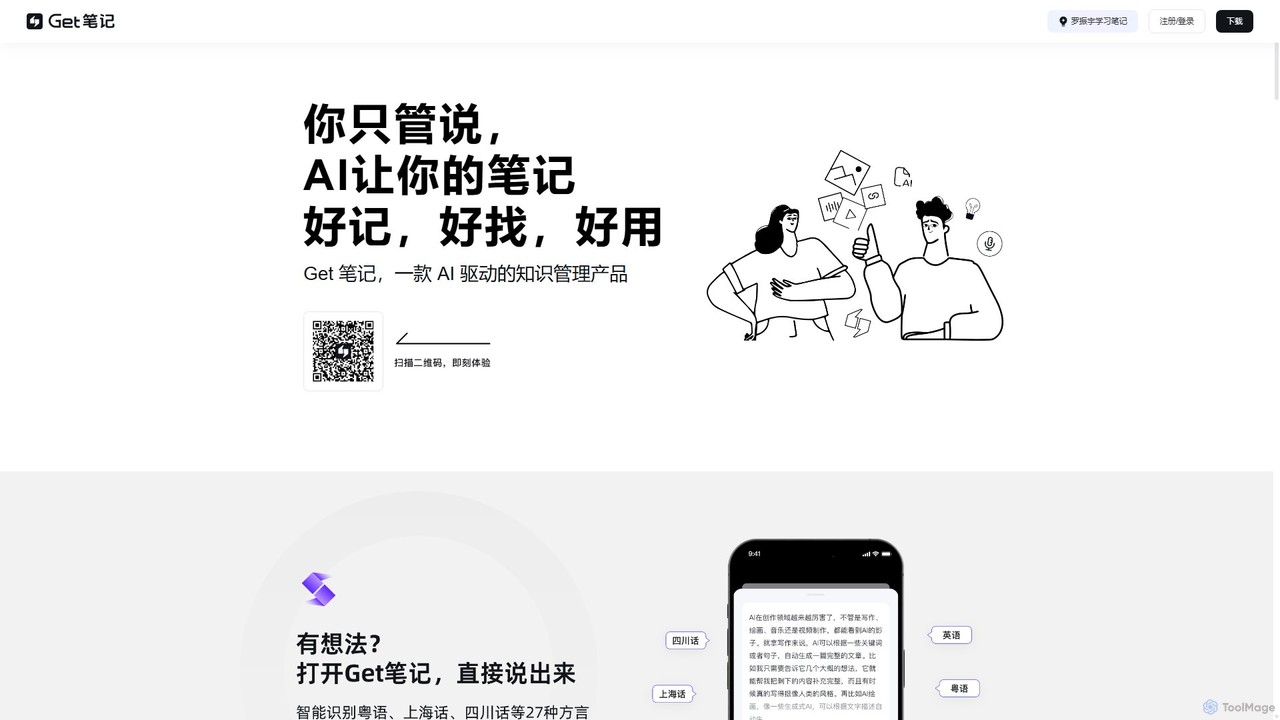
biji
biji is an AI-driven knowledge management app that transforms your spoken ideas into structured, searchable, and usable notes. Just talk, and biji's AI will handle transcription, summarization, and organization, making it effortless to capture and manage your thoughts, meetings, and learnings.
Transcription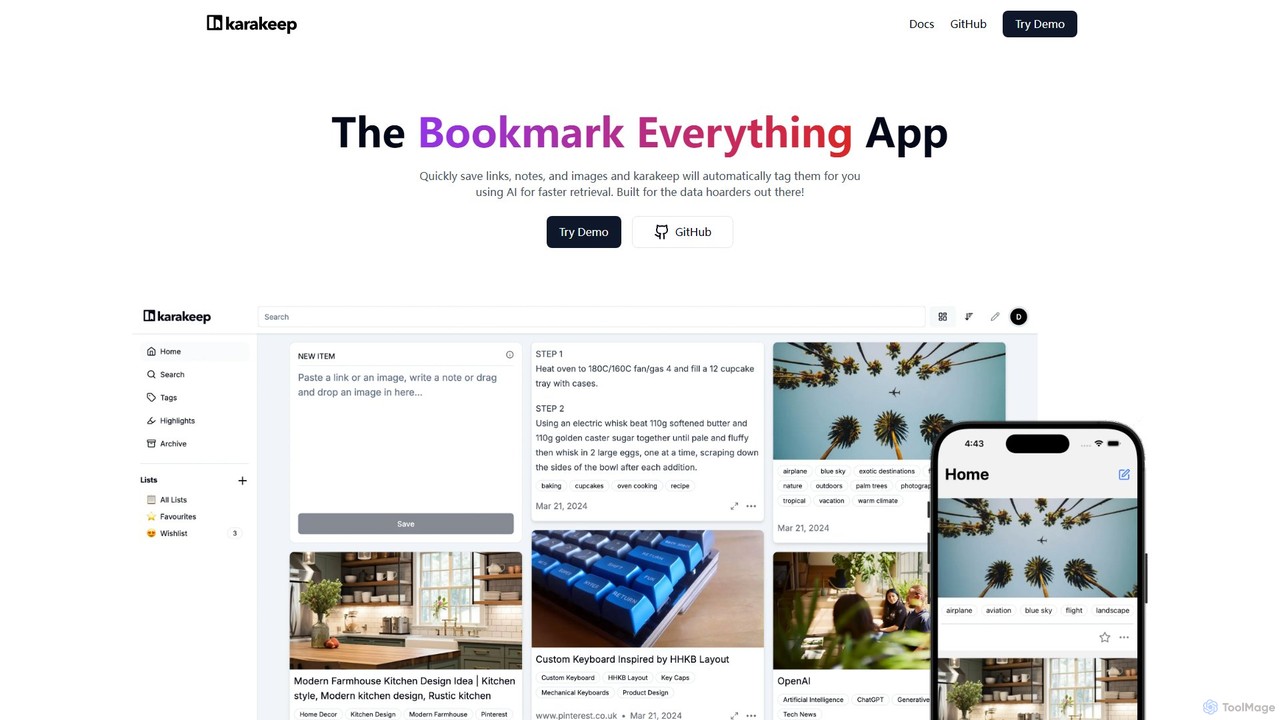
Karakeep
Karakeep is an AI-powered bookmarking and knowledge management app for "data hoarders." It allows you to quickly save links, notes, images, and PDFs. The core feature is its AI engine, which automatically analyzes and tags your content for effortless organization and fast retrieval. With self-hosting options for privacy, mobile apps, and browser extensions, Karakeep provides a seamless and powerful way to build your personal, searchable knowledge base.
Code Snippets
Jyek
Jyek is an AI agent platform that understands objectives, creates execution plans, uses tools, and delivers verifiable results for complex, multi-step tasks.
Automation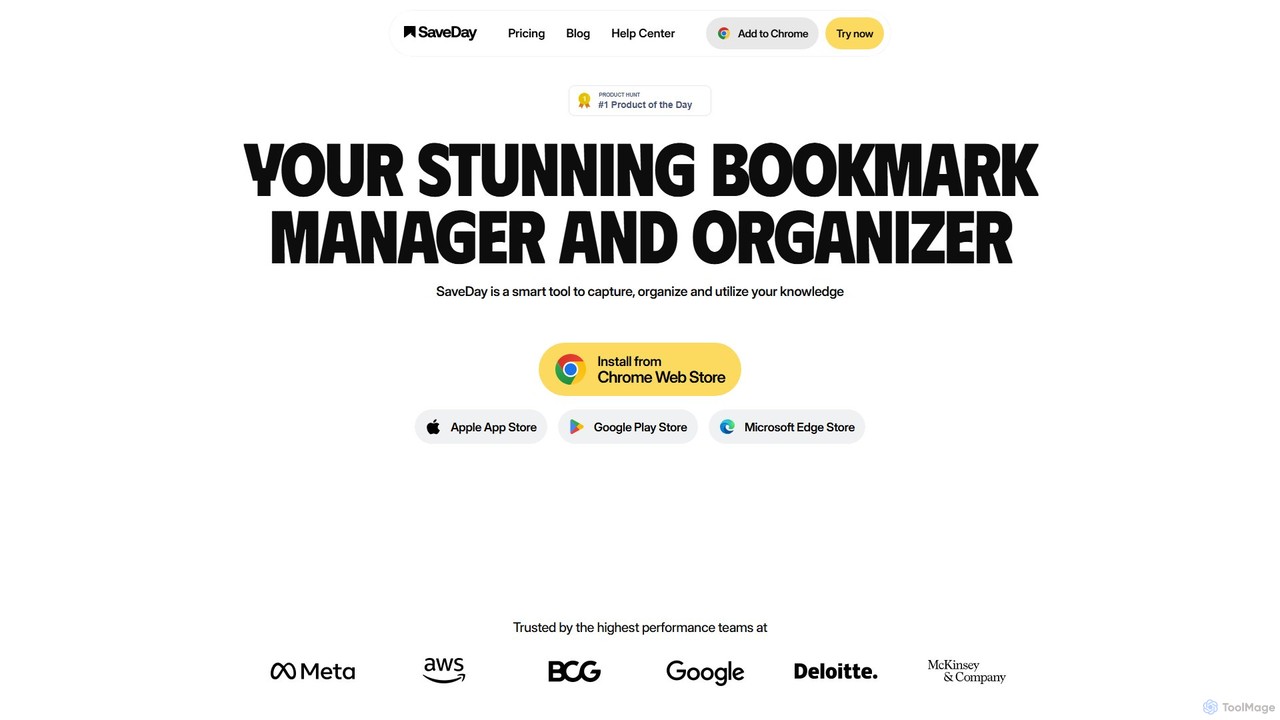
SaveDay
SaveDay is an AI-powered bookmark and knowledge manager. It helps you capture, organize, and utilize online content like articles, videos, and links with one click. Use AI to summarize content, search your personal library with natural language, and get answers based on what you've saved.
Bookmarking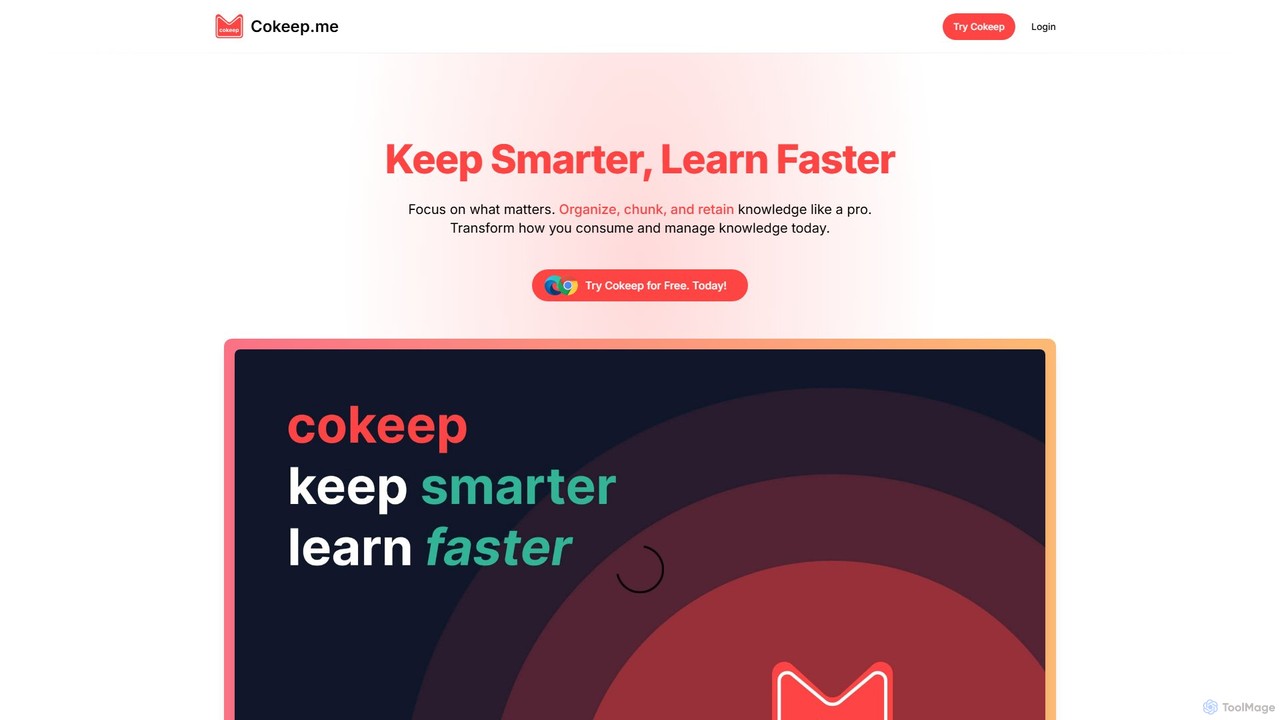
Cokeep
Cokeep is an AI-powered knowledge management tool designed to help you save, organize, and learn from online content more effectively. It transforms articles and videos into digestible summaries, automatically tags information, and provides a collaborative space to manage your learning resources, helping you combat information overload and retain knowledge faster.
Learning
Findr
Findr is an AI-powered second brain for personal and enterprise knowledge management. It unifies all your information—from apps like Google Drive, Notion, and Slack, to documents, notes, and bookmarks—into a single, searchable workspace. Ask questions in natural language to get context-aware answers from your own data, streamline research, and never lose an idea again.
Knowledge Management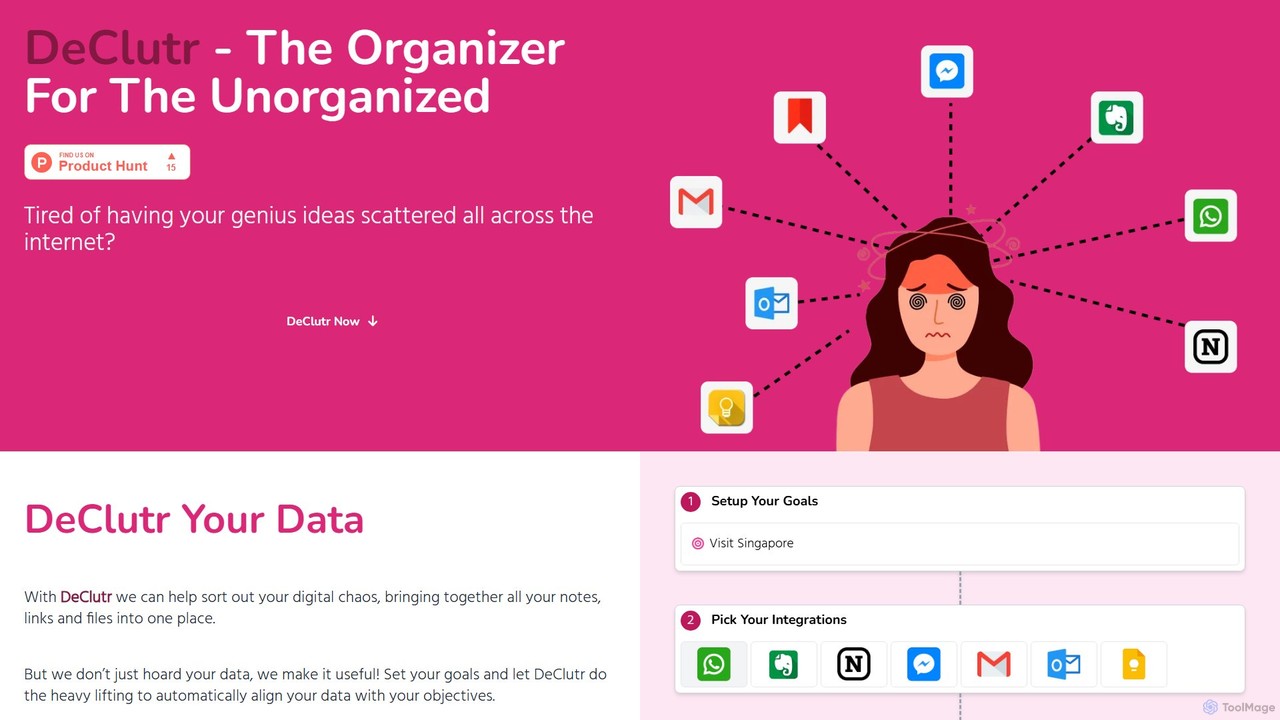
DeClutr
DeClutr is an AI-powered organizer designed for the unorganized. It centralizes your scattered notes, links, and files into a single, intelligent workspace. The platform not only aggregates your data but also uses AI to align it with your goals, providing actionable insights and tasks to help you achieve your objectives.
Knowledge Management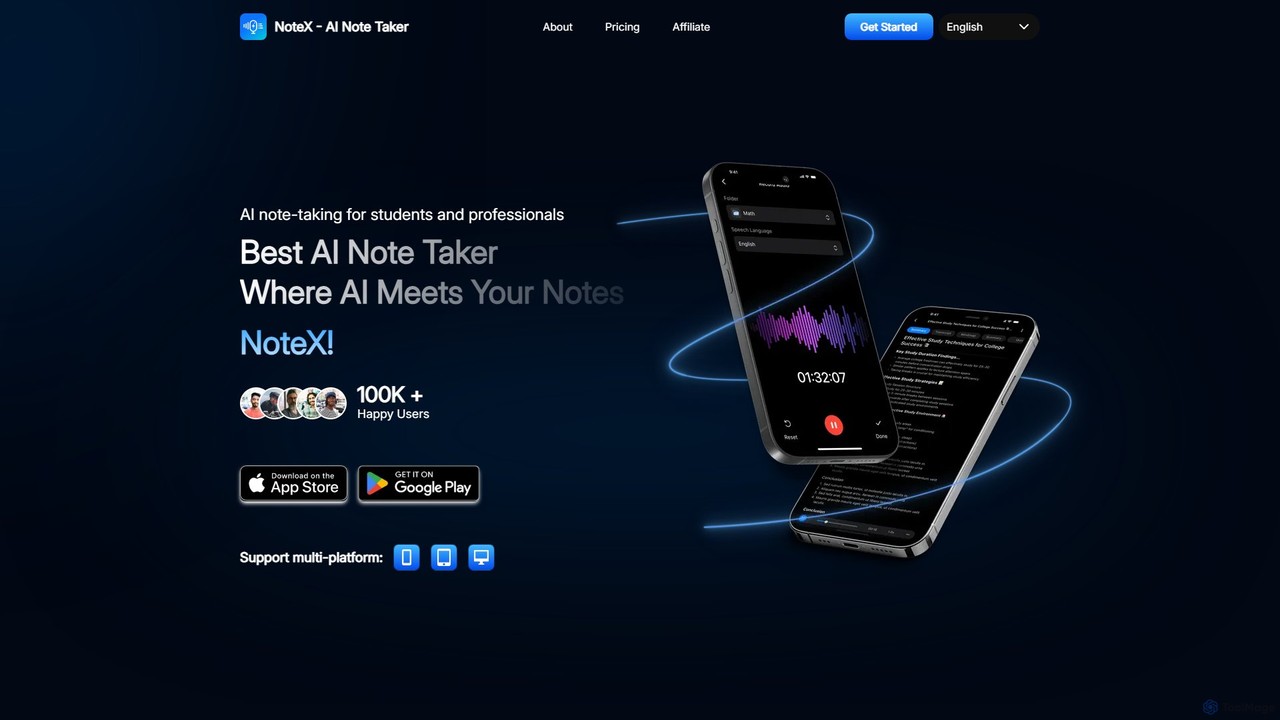
NoteX
NoteX is an AI-powered note-taking application designed for students and professionals. It automatically transcribes audio and video, generates intelligent summaries, and creates mind maps, quizzes, and flashcards from your notes. With cross-device sync and support for over 100 languages, NoteX streamlines information capture, enhances learning, and boosts productivity.
Transcription
Lazy Comments (0)
Sign in to comment.
Sign inNo comments yet.