
PackPack Overview
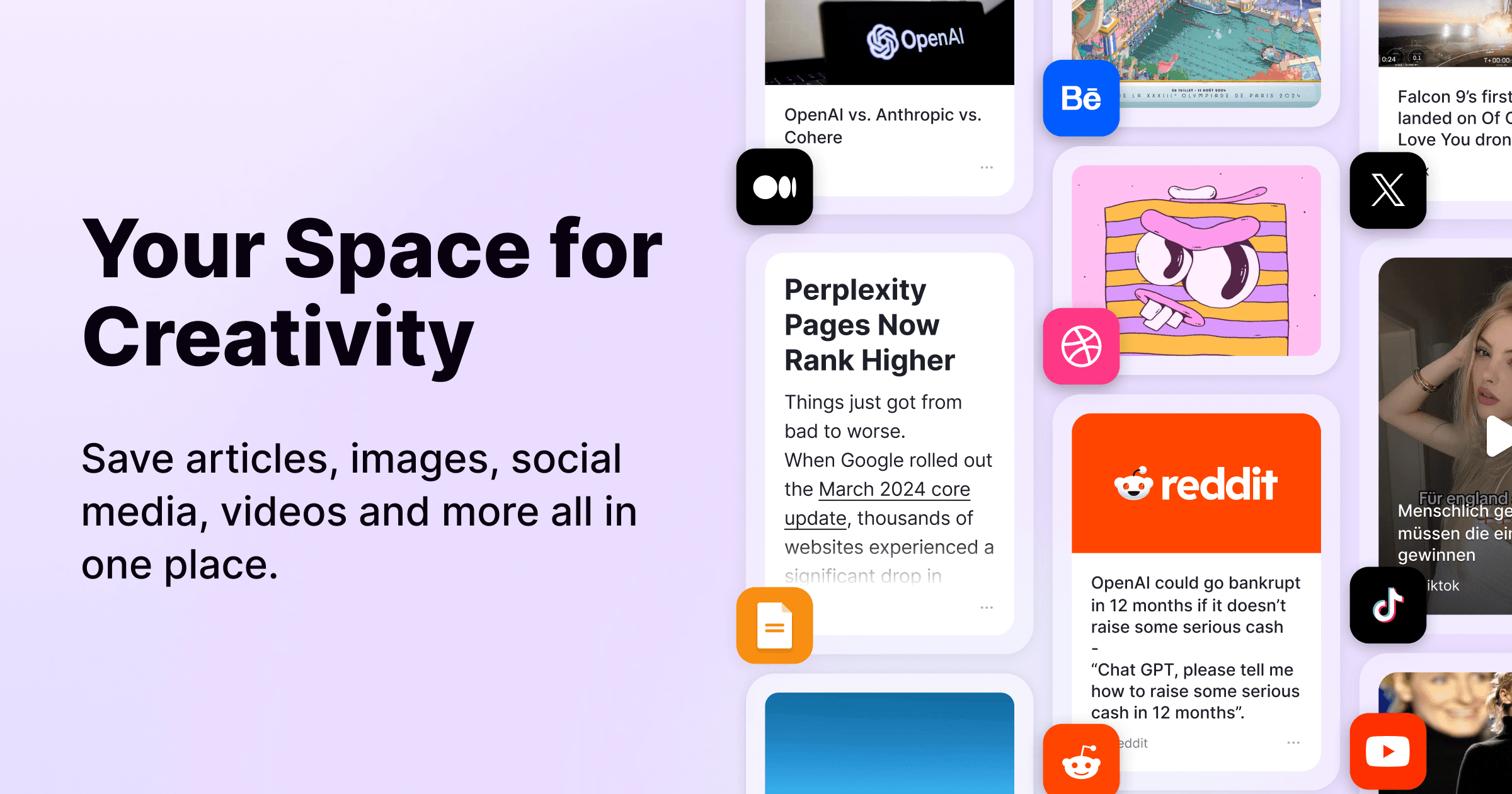
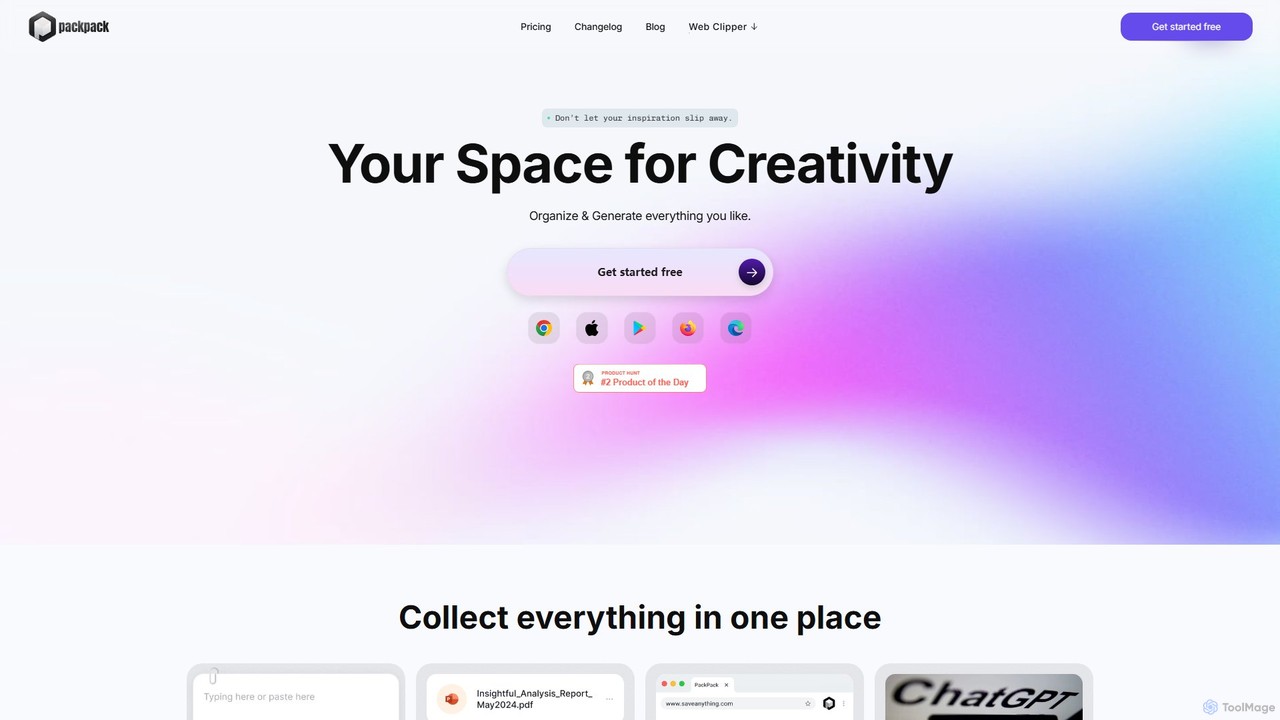
PackPack is a comprehensive, AI-enhanced platform that serves as a unified space for all your digital content. It's designed for individuals who need to gather, organize, and interact with a wide variety of information, from web articles and research papers to visual inspiration and project files. By integrating powerful AI capabilities, PackPack goes beyond simple storage, turning your collection into an intelligent and interactive knowledge base.
The core idea behind PackPack is to eliminate the friction of using multiple apps for different types of content. Instead of juggling a bookmark manager, a note-taking app, a to-do list, and cloud storage, you can bring everything into PackPack's seamless, visually-driven interface. The infinite scrolling layout allows for effortless browsing and discovery, making it feel like a personal inspiration board that's both powerful and intuitive.
How to use PackPack
Getting started with PackPack is a straightforward process designed for maximum efficiency:
- Collect Content from Anywhere: The primary way to add content is through the PackPack Web Clipper, a browser extension that lets you save text, images, links, and entire articles from any website with a single click.
- Upload Your Files: Directly upload various file types from your computer, including JPGs, PDFs, Word documents, Excel spreadsheets, and even common design files. This makes it a central repository for all project-related materials.
- Save on the Go: Use the dedicated mobile app to capture ideas, photos, videos, and links from your phone. Any content saved on the app is instantly synced and available on your computer.
- Organize and Manage: Once content is in PackPack, you can write notes, create to-do lists, and arrange items visually. The platform's simple text editing and task management tools make organization easy.
- Leverage AI for Insights: Interact with your saved content using the AI-powered Q&A feature to ask questions and get instant answers from your documents. Use AI summarization to grasp the key points of long articles quickly and rely on automatic AI image tagging to find visual assets without manual effort.
Core Features of PackPack
- Unified Content Hub: Save bookmarks, articles, images, notes, social posts, and various file types in one centralized space.
- AI-Powered Q&A: Ask questions directly to your saved documents and articles to find information quickly without re-reading.
- AI Summarization: Automatically generate concise summaries of long texts and articles, saving significant time.
- AI Image Tagging: Images are automatically analyzed and tagged by AI, making your visual library easily searchable.
- One-Click Web Clipper: A powerful browser extension to instantly save inspiration and ideas from any website.
- Cross-Device Synchronization: Seamlessly syncs all your content across your computer, phone, and other devices.
- Broad File Support: Compatibility with a wide range of file types including PDFs, Microsoft Office documents, and common design files.
- Intuitive Visual Layout: A continuous, seamless scrolling interface that makes browsing and discovering your saved content an effortless experience.
Use Cases for PackPack
PackPack is versatile and valuable for a wide range of users:
- Researchers and Academics: Collect and organize research papers, articles, and data. Use the AI Q&A feature to quickly review and extract key information from dense materials.
- Creative Professionals (Designers, Artists, Marketers): Build mood boards, save visual inspiration, and organize project assets. AI image tagging makes finding specific visual references a breeze.
- Project Managers: Keep all project-related documents, web links, and notes in one shared space for easy access and efficient team collaboration.
- Educators and Students: Curate educational materials, save articles for lesson planning, and organize study notes. AI features help in quickly preparing for classes and assignments.
- General Productivity Enthusiasts: Anyone looking to declutter their digital life can use PackPack to save interesting articles, recipes, travel ideas, and personal documents in an organized manner.
Advantages of PackPack
The primary advantage of PackPack is its ability to merge collection, organization, and intelligence. It streamlines your workflow by providing a single source of truth for your information. The AI integration is a significant differentiator, transforming a passive collection of data into an active, queryable knowledge base. This saves time, enhances understanding, and sparks new connections between ideas. The cross-device sync and intuitive interface ensure that your creative space is always accessible, wherever you are.
Pricing and Plans
PackPack likely operates on a freemium model. Users can typically start with a free plan that includes core features like content collection and basic organization. For users requiring more advanced capabilities, such as unlimited storage, enhanced AI features (e.g., more Q&A queries or summaries), and priority support, premium subscription plans are expected to be available. For the most accurate and up-to-date pricing information, please visit the official PackPack website.
Traffic
Latest traffic
Status
Monthly traffic trend
- 2025-7: 28.5K
- 2025-8: 33.0K
- 2025-9: 47.6K
- 2026-3: 0
- 2026-4: 0
- 2026-5: 772
Geography
Top 5 countries / regions
- 🇺🇸United States88.8%
- 🇯🇵Japan11.2%
Top keywords
| Keyword | Cost per click |
|---|---|
| adblocker chrome extension | $1.40 |
| chrome 広告ブロック おすすめ | $0.00 |
| pack | $1.86 |
| popup blocker chrome | $1.20 |
| youtube と chrome の広告ブロック - all block | $0.00 |
PackPack Alternatives
nocket
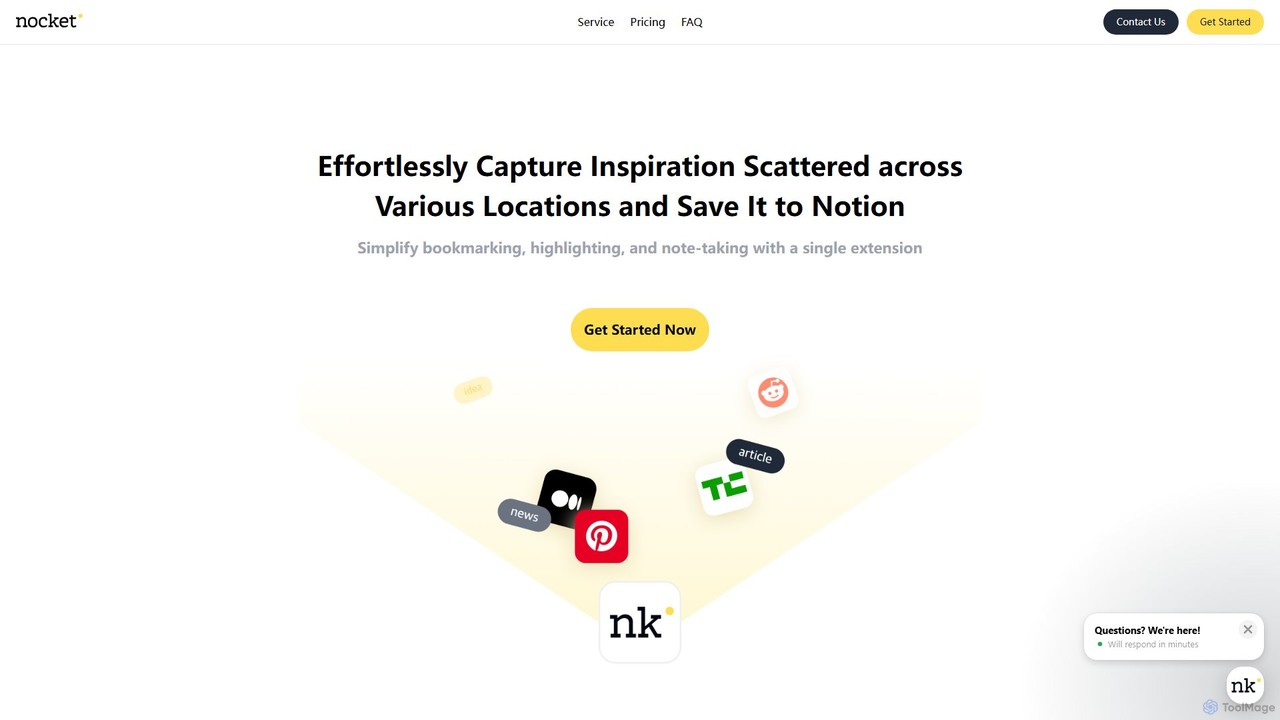
nocket is a powerful browser extension designed to streamline your knowledge management workflow. It allows you to effortlessly capture web pages, highlight text, and take notes, saving everything directly into your Notion workspace. With AI-powered summarization for websites and YouTube videos, nocket transforms scattered inspiration into an organized, actionable knowledge base.
Bookmarking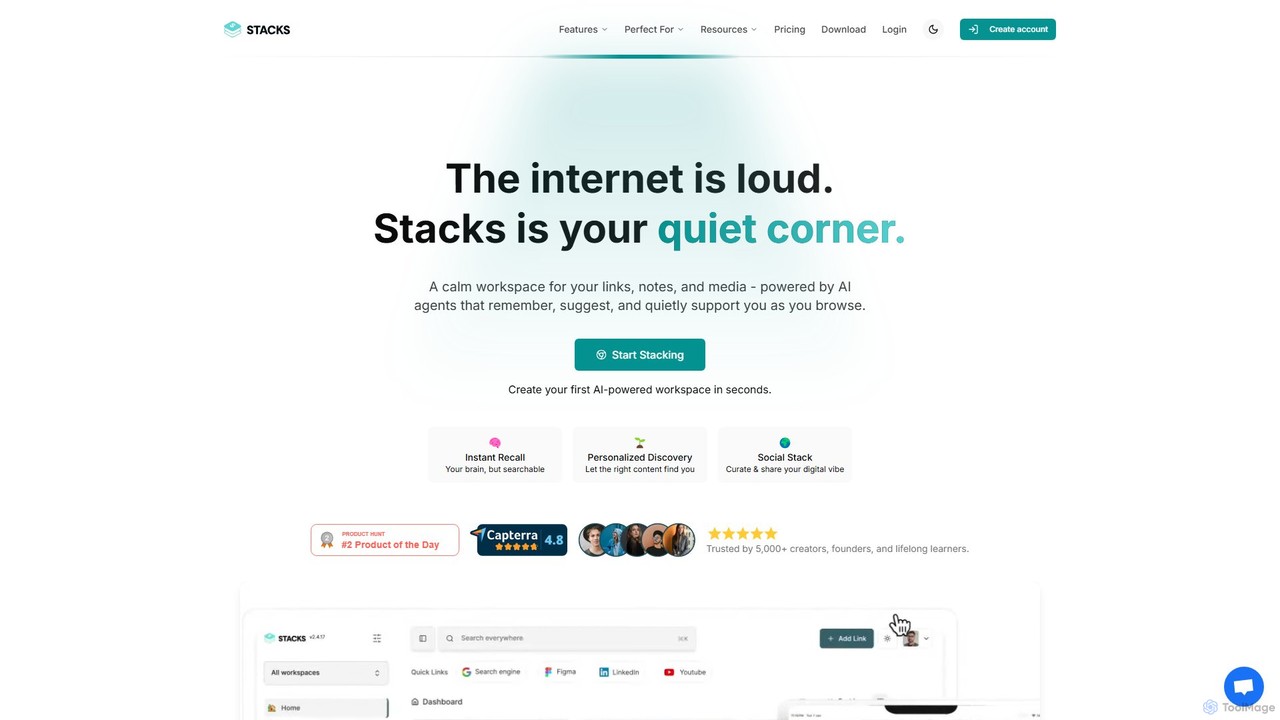
Stacks
Stacks is an AI-powered workspace that organizes your digital footprint. It goes beyond simple bookmarking to understand the *intent* behind your saved links, notes, and files, creating a personalized knowledge hub that connects ideas and supports your workflow.
Bookmarking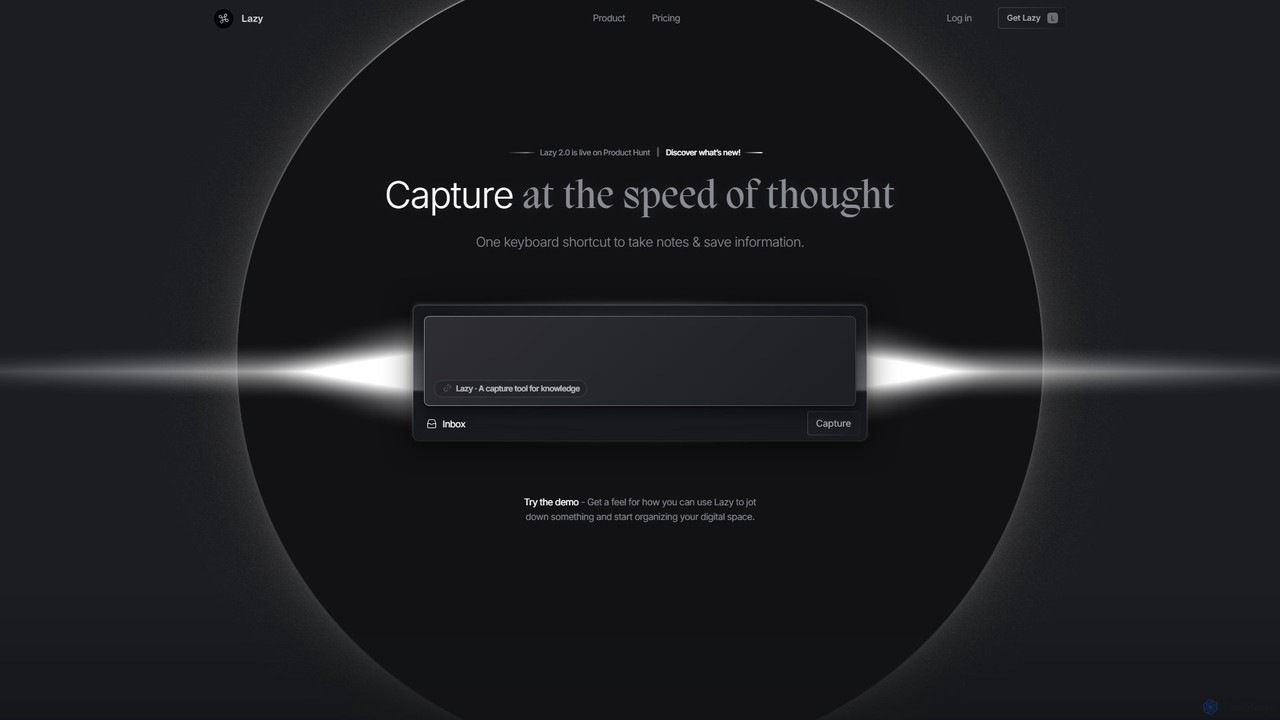
Lazy
Lazy is a universal capture tool designed to eliminate context switching. It allows you to instantly clip information from any app, website, or document using a simple shortcut. With AI-powered features like summarization and voice input, Lazy helps you build a centralized knowledge base without interrupting your workflow.
Bookmarking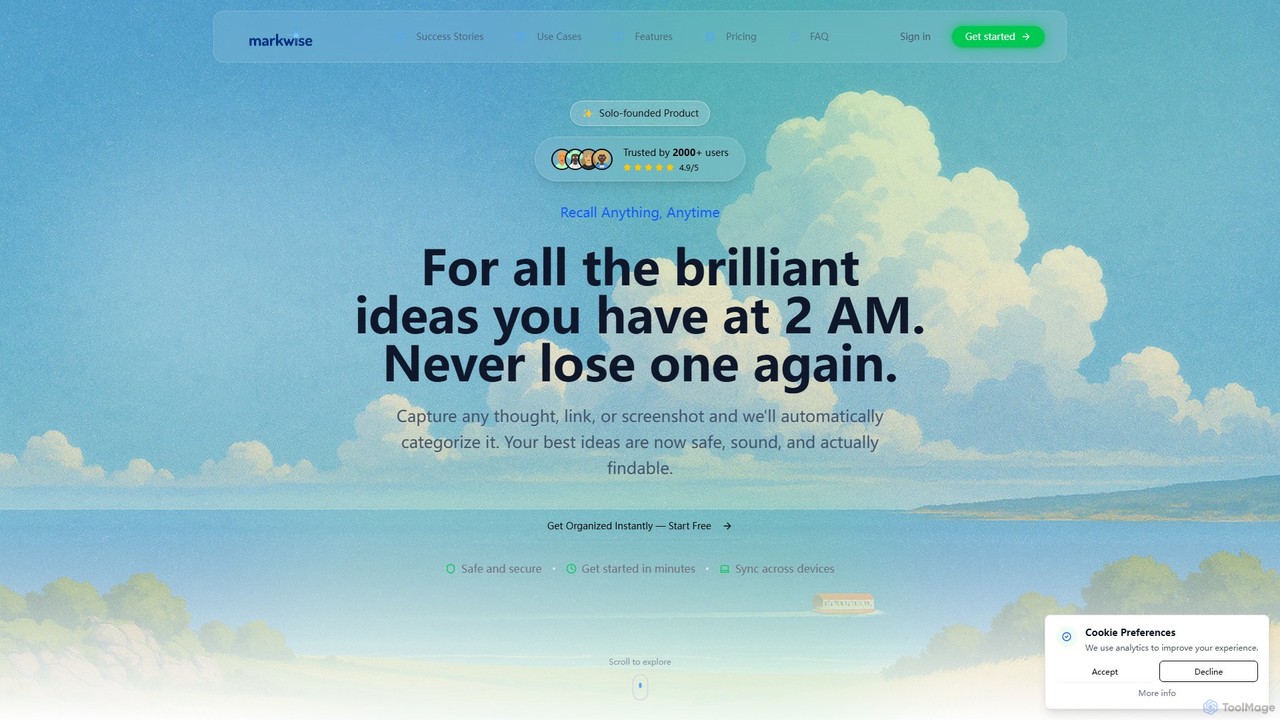
Markwise
Markwise is an AI-powered knowledge manager that helps you save, organize, and recall bookmarks, notes, and ideas. It automatically categorizes and summarizes your content, allowing you to build a personal, searchable knowledge base. With features like semantic search, project-based Spaces, and a browser extension, it streamlines research and boosts productivity for professionals, students, and creatives.
Bookmarking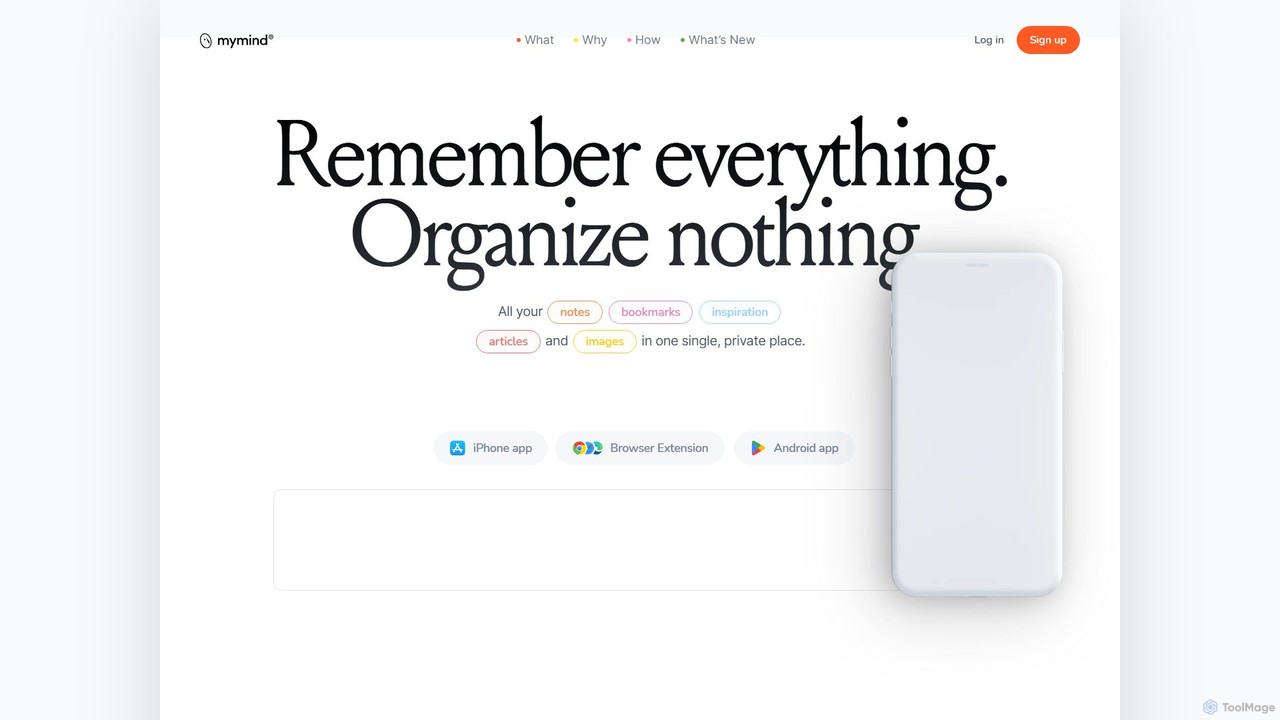
mymind
mymind is a private, AI-powered second brain designed to remember everything without the need for manual organization. It acts as an extension of your mind, capturing notes, bookmarks, images, and articles in a single, searchable space, prioritizing privacy and a clutter-free experience.
BookmarkingPackPack Categories
PackPack Embed Widget
Copy this embed code to place the badge on your blog, article, or product site and send readers directly to this ToolMage detail page.

Related AI tools
Stacks
Stacks is an AI-powered workspace that organizes your digital footprint. It goes beyond simple bookmarking to understand the *intent* behind your saved links, notes, and files, creating a personalized knowledge hub that connects ideas and supports your workflow.
Bookmarkingnocket
nocket is a powerful browser extension designed to streamline your knowledge management workflow. It allows you to effortlessly capture web pages, highlight text, and take notes, saving everything directly into your Notion workspace. With AI-powered summarization for websites and YouTube videos, nocket transforms scattered inspiration into an organized, actionable knowledge base.
BookmarkingLazy
Lazy is a universal capture tool designed to eliminate context switching. It allows you to instantly clip information from any app, website, or document using a simple shortcut. With AI-powered features like summarization and voice input, Lazy helps you build a centralized knowledge base without interrupting your workflow.
BookmarkingMarkwise
Markwise is an AI-powered knowledge manager that helps you save, organize, and recall bookmarks, notes, and ideas. It automatically categorizes and summarizes your content, allowing you to build a personal, searchable knowledge base. With features like semantic search, project-based Spaces, and a browser extension, it streamlines research and boosts productivity for professionals, students, and creatives.
Bookmarking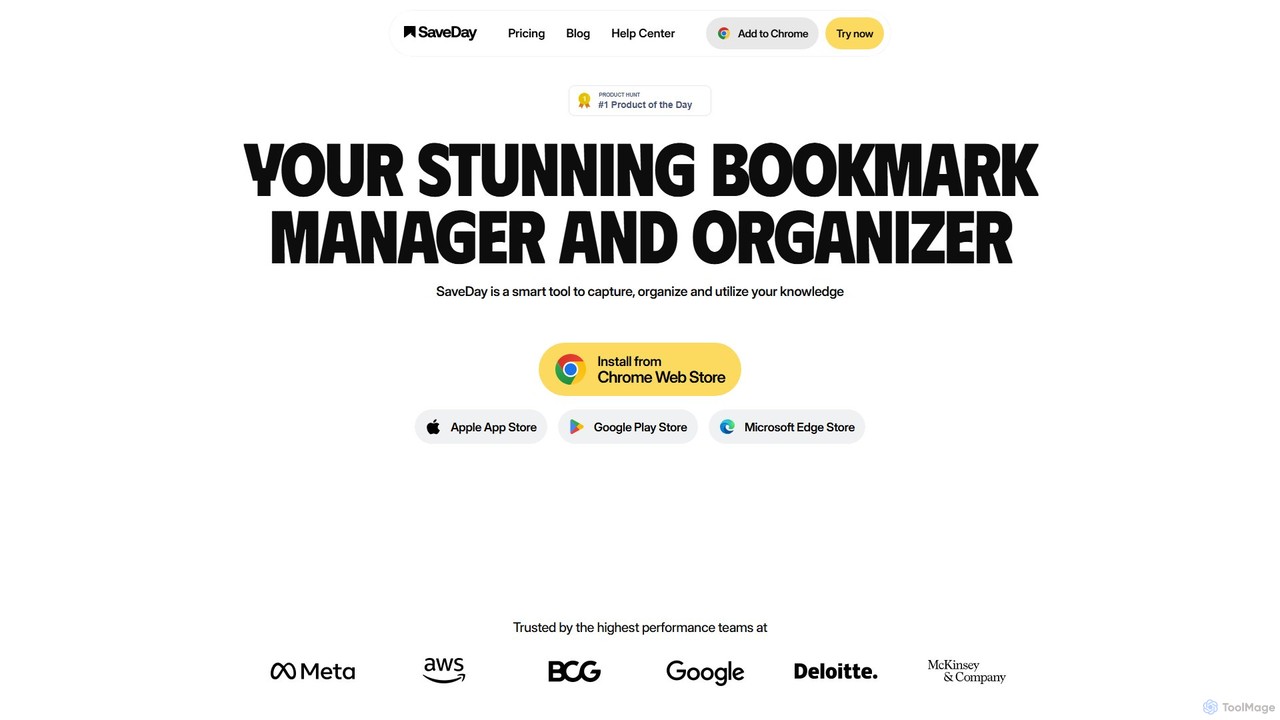
SaveDay
SaveDay is an AI-powered bookmark and knowledge manager. It helps you capture, organize, and utilize online content like articles, videos, and links with one click. Use AI to summarize content, search your personal library with natural language, and get answers based on what you've saved.
Bookmarking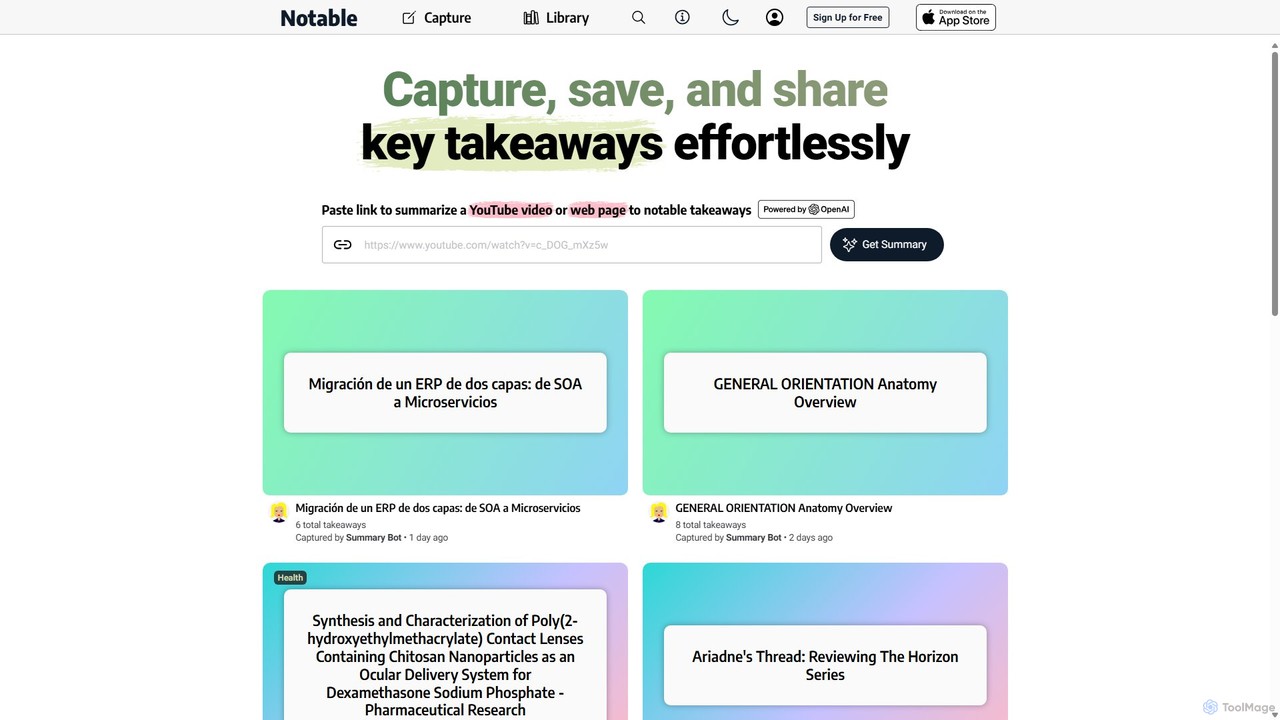
Notable AI
Notable AI is an intelligent tool designed to capture, summarize, and organize key takeaways from web pages and YouTube videos. Simply paste a link, and the AI generates concise summaries, helping you build a personal knowledge library and share insights effortlessly.
Research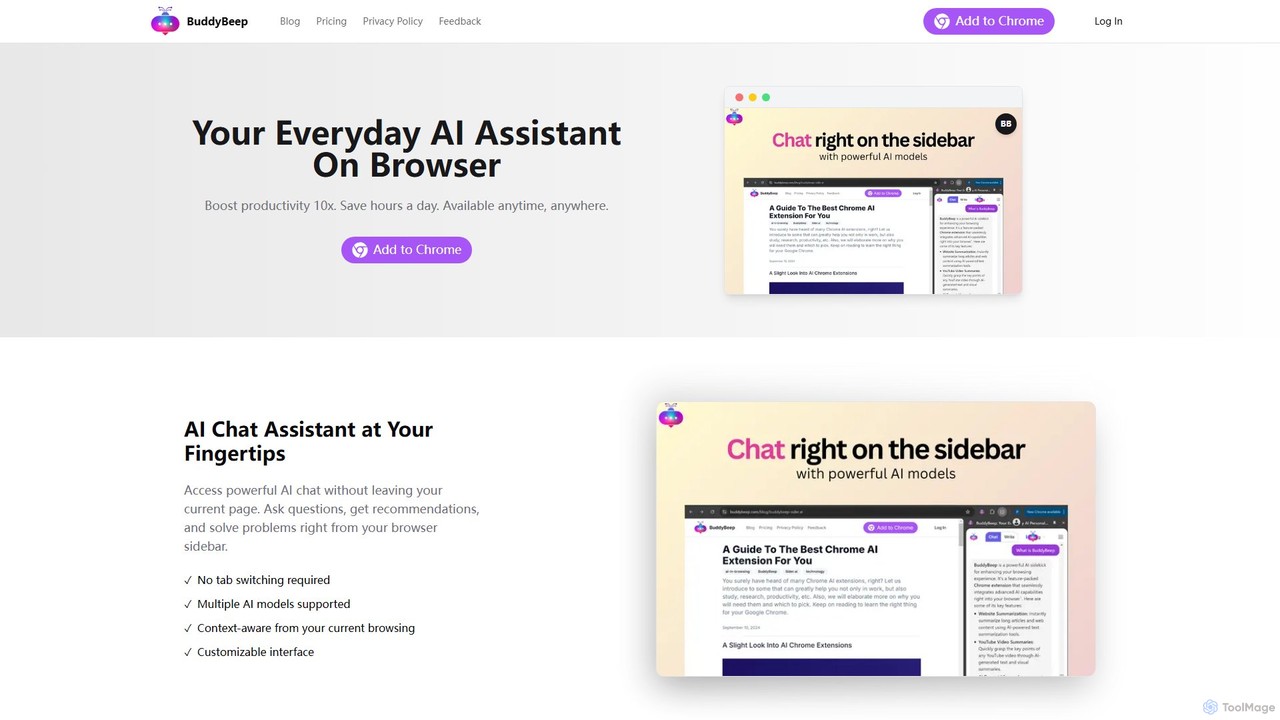
BuddyBeep
BuddyBeep is an AI-powered Chrome extension that acts as your personal browsing assistant. It boosts productivity by offering an in-page AI chat, one-click summarization for articles and YouTube videos, and a smart knowledge repository to build your "second brain". Capture, organize, and retrieve information effortlessly without switching tabs, transforming your browsing into a more efficient and insightful experience.
Browser Extension
Findr
Findr is an AI-powered second brain for personal and enterprise knowledge management. It unifies all your information—from apps like Google Drive, Notion, and Slack, to documents, notes, and bookmarks—into a single, searchable workspace. Ask questions in natural language to get context-aware answers from your own data, streamline research, and never lose an idea again.
Knowledge Management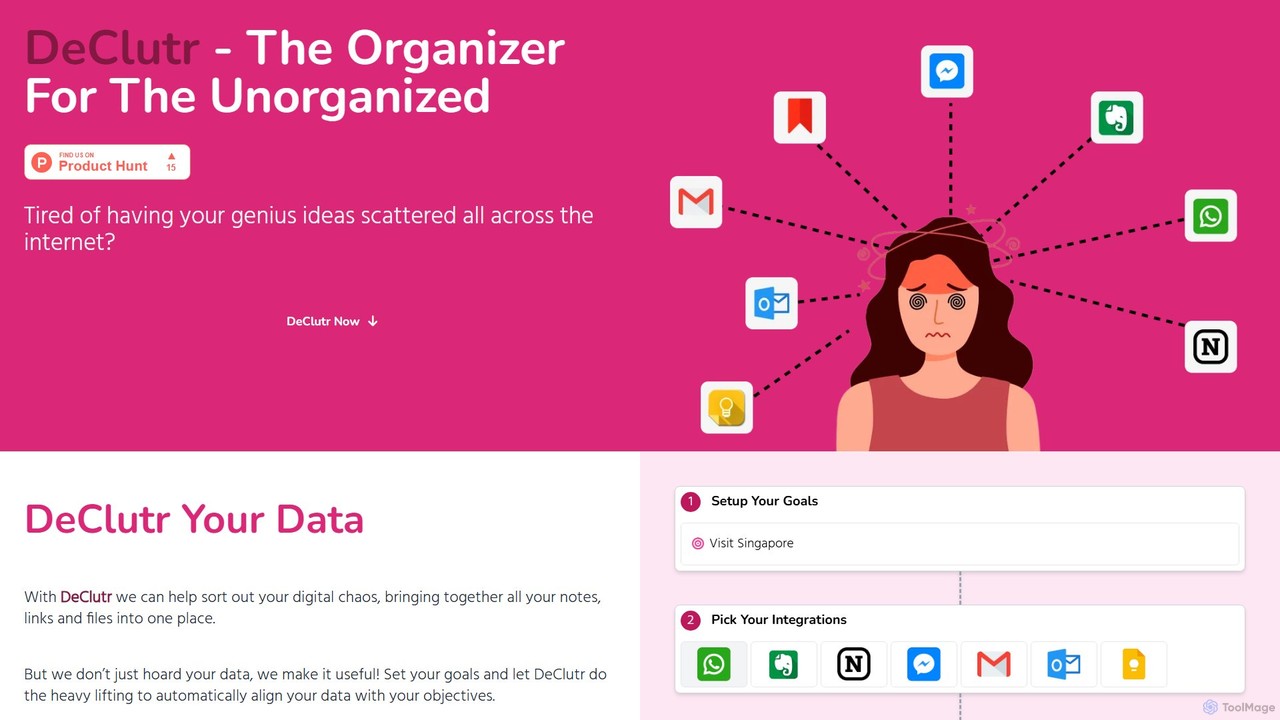
DeClutr
DeClutr is an AI-powered organizer designed for the unorganized. It centralizes your scattered notes, links, and files into a single, intelligent workspace. The platform not only aggregates your data but also uses AI to align it with your goals, providing actionable insights and tasks to help you achieve your objectives.
Knowledge Management
Lilys AI
Lilys AI is a powerful knowledge assistant that instantly summarizes diverse content formats, including YouTube videos, audio files, PDFs, websites, and Excel sheets. It extracts key insights, creates structured notes, and allows you to build a searchable personal knowledge base. Ideal for students, researchers, and professionals looking to save time and accelerate learning by quickly grasping the core ideas from lengthy materials.
Research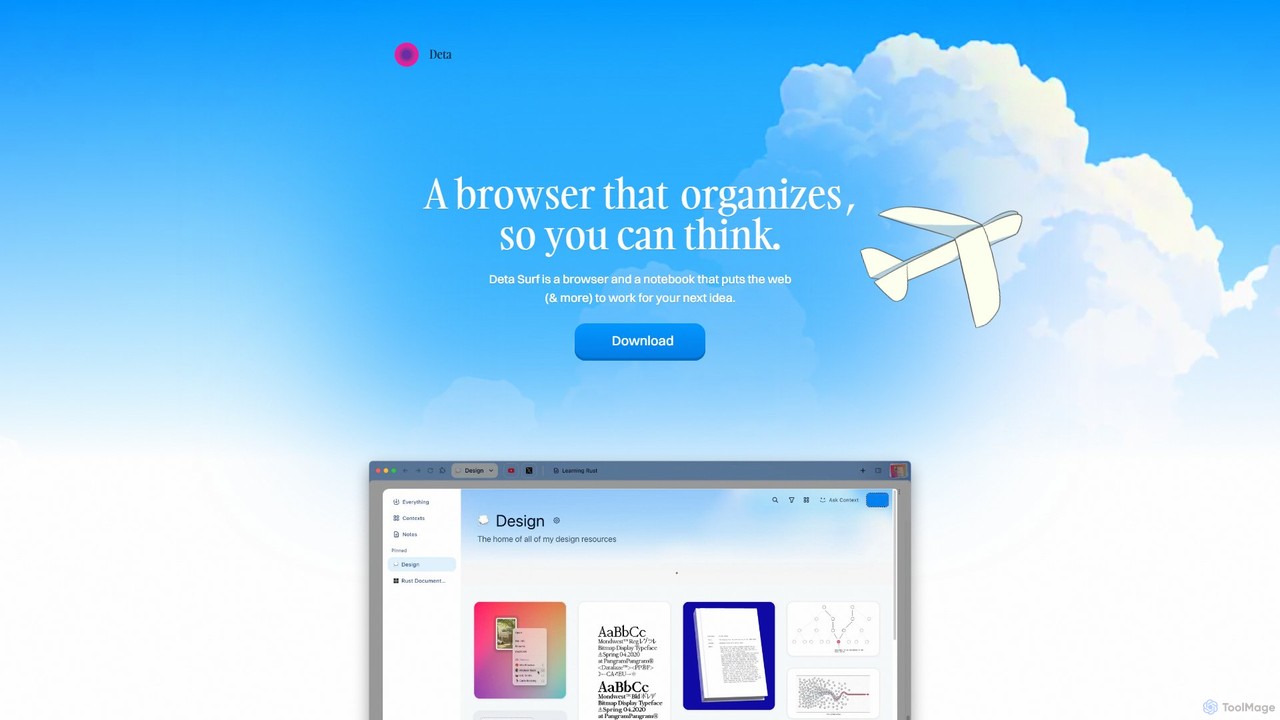
Deta Surf
Deta Surf is an intelligent browser and notebook that organizes your web experience. It uses AI to help you collect, remember, and synthesize information, all while keeping your data private and local on your device. It's designed to reduce context switching and enhance your thinking and creativity.
Browser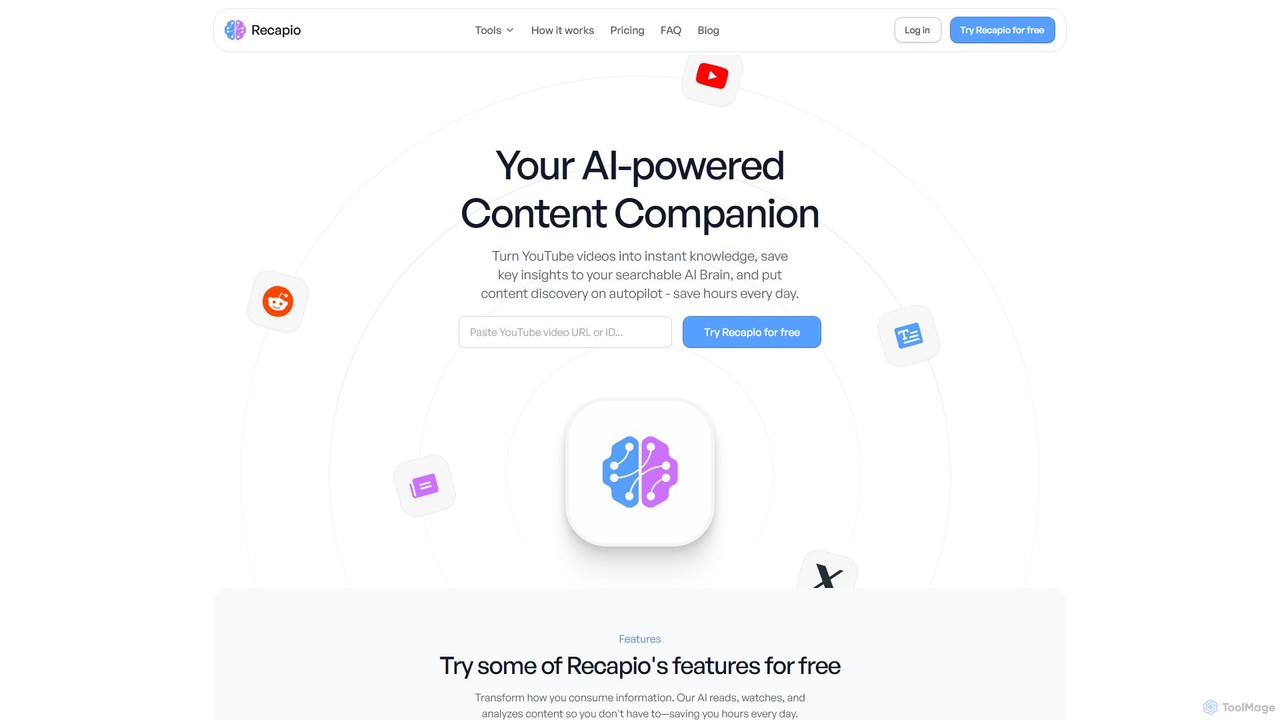
RecapioGPT
RecapioGPT is an AI-powered second brain and content summarizer that transforms YouTube videos, articles, and web posts into a searchable knowledge base. Chat with your content, get daily recaps, and organize insights to save time and learn smarter.
Research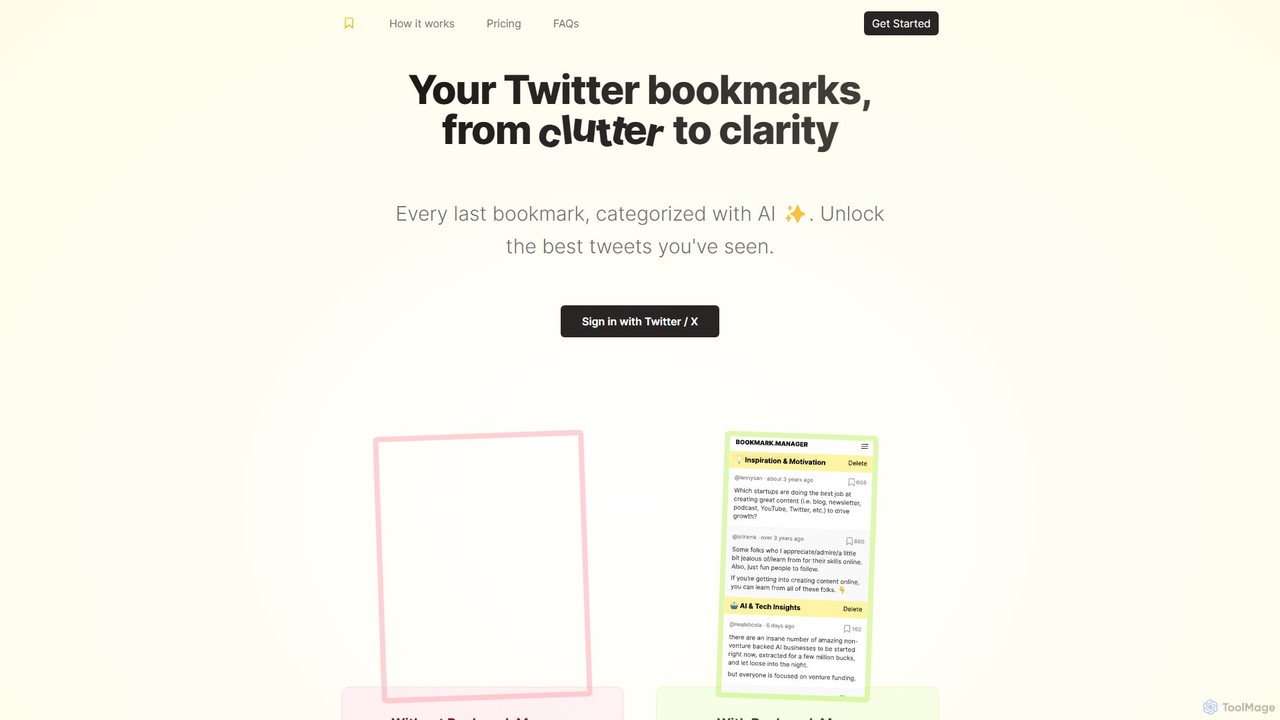
twitterbookmarks
An AI-powered tool that uses GPT-4 to automatically categorize your Twitter/X bookmarks. It transforms your cluttered collection of saved tweets into a clear, organized, and searchable knowledge base, allowing you to export your data to CSV or JSON.
Curation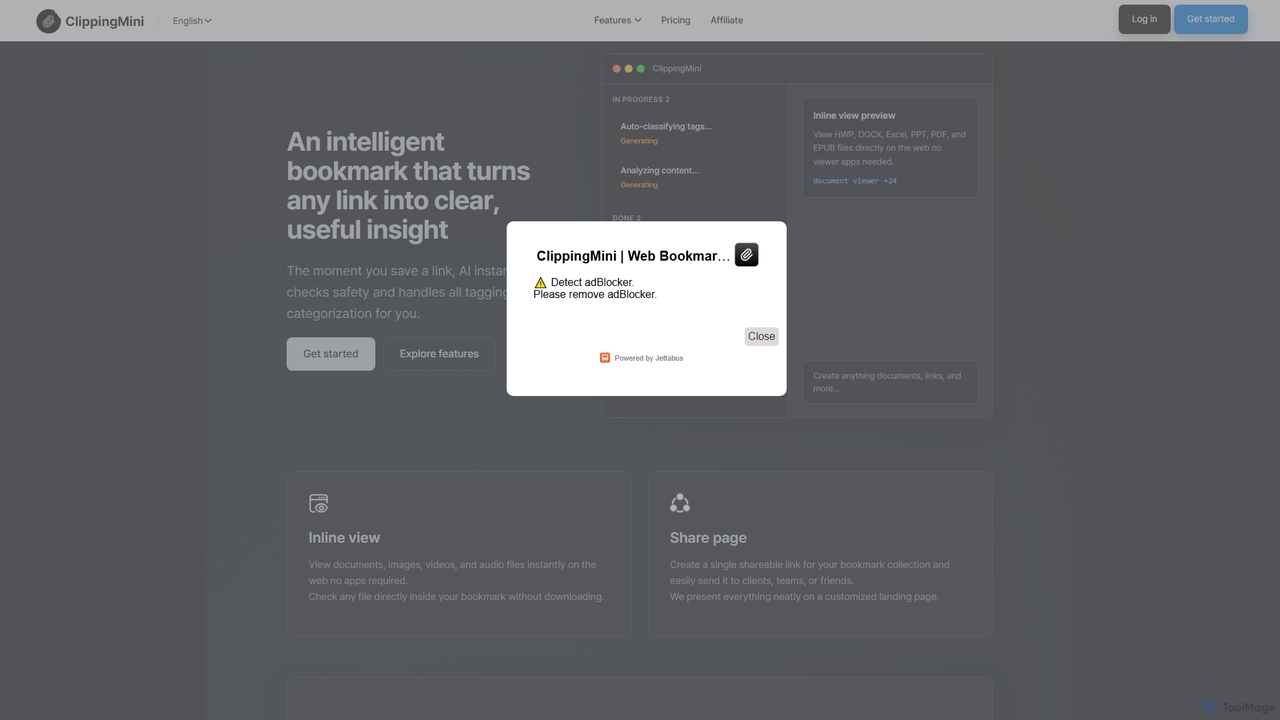
ClippingMini
ClippingMini is an intelligent bookmark manager that uses AI to automatically organize links into a searchable knowledge base. It instantly checks safety, adds tags, categorizes content, and allows inline previews of various file types without downloads.
Information Curation
PackPack Comments (0)
Sign in to comment.
Sign inNo comments yet.