
nocket Overview
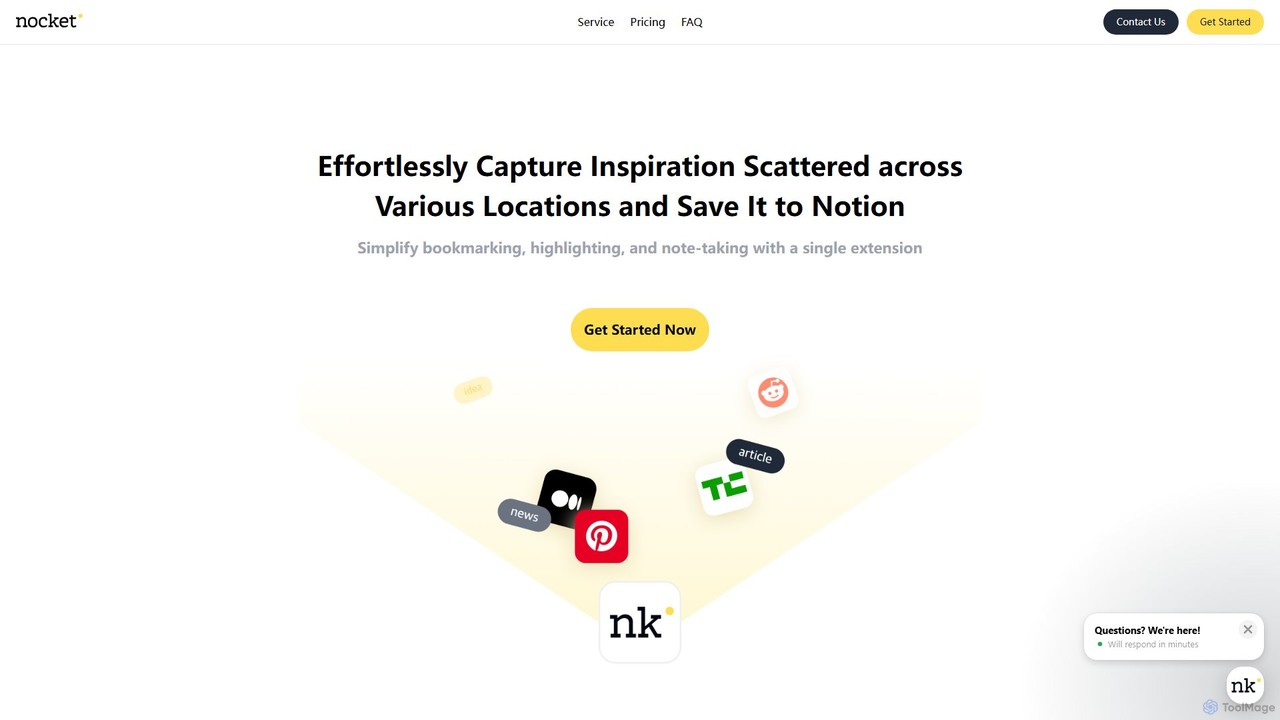
nocket is an intuitive and efficient AI-powered tool designed for anyone who uses Notion as their central knowledge hub. It operates as a browser extension, seamlessly integrating with your daily web browsing to help you capture, organize, and process information. Whether you're a student, researcher, content creator, or professional, nocket simplifies the process of collecting inspiration from various online sources and consolidating it within Notion.
The core mission of nocket is to bridge the gap between browsing and ideation. Instead of juggling multiple tabs, copy-pasting snippets, and manually organizing links, nocket provides a one-click solution to save valuable content. This includes bookmarking entire pages, highlighting key sentences or paragraphs, and jotting down immediate thoughts, all of which are sent directly to your designated Notion database, perfectly formatted and ready for use.
How to use nocket
Getting started with nocket is a straightforward process designed for maximum efficiency:
- Installation: Install the nocket extension from the Chrome Web Store. It is compatible with Google Chrome and other Chromium-based browsers.
- Connect to Notion: Once installed, connect the extension to your Notion account. You'll grant it permission to access the specific pages or databases where you want to save your content.
- Capture Content: As you browse the web, use the nocket extension icon. You can save the entire page as a bookmark, select and highlight important text, or add a quick note.
- AI Summarization: For lengthy articles or YouTube videos, use the AI summary feature to get a concise overview. This is perfect for quickly grasping the main points without reading or watching the entire content.
- Organize and Review: All your captured content, including highlights, notes, and summaries, will appear automatically in your connected Notion database. From there, you can tag, categorize, and integrate it into your existing projects and knowledge base.
Core Features of nocket
- One-Click Web Bookmarking: Save any web page to Notion with a single click, capturing the title, URL, and other metadata.
- Web Highlighting: Highlight important sentences and paragraphs directly on a web page and save only the most relevant information to Notion.
- Instant Note-Taking: Jot down your thoughts, ideas, or questions related to the content you're viewing and save them alongside the source.
- AI-Powered Summarization: Generate concise summaries for web pages and YouTube videos, saving you time and helping you quickly assess content value.
- YouTube Video & Transcript Embedding: Directly embed YouTube videos into Notion and save their full transcripts for easy reference and searching.
- Seamless Notion Integration: Connects directly with your Notion workspace, allowing you to send content to any database with customized property mapping.
- Collaborative Support: The Pro plan enables teams to work together, sharing captured information and connecting to multiple Notion workspaces.
- Content Rating: Use a star rating system to quickly evaluate the usefulness of the content you save.
Use Cases for nocket
nocket is a versatile tool for various users:
- Students & Researchers: Effortlessly collect sources, academic papers, and data for research projects. Highlight key findings and quotes, and organize them in a dedicated Notion database for easy citation and review.
- Content Creators: Gather inspiration, articles, statistics, and ideas for blog posts, videos, or podcasts. Use AI summaries to quickly vet sources and build a repository of creative fuel.
- Knowledge Workers: Build a personal or team knowledge base. Save industry news, competitor analysis, tutorials, and best practices to stay informed and enhance productivity.
- Lifelong Learners: Curate a personal library of interesting articles, tutorials, and resources on topics you care about. Organize your learning journey in Notion.
Advantages of nocket
The primary advantage of nocket is its ability to create a frictionless workflow from inspiration to ideation. It eliminates manual data entry, centralizes information gathering, and enhances productivity by keeping you in your flow state. The AI summarization features add a layer of efficiency, allowing you to process more information in less time. Its deep integration with Notion makes it an indispensable tool for anyone invested in that ecosystem.
Pricing and Plans
nocket offers a freemium model with several tiers:
- Free Plan: Includes saving, highlighting, and note-taking for up to 5 web pages per day, and 2 AI summaries per day.
- Basic Plan ($40/year or $90/lifetime): Offers unlimited web page saving, highlighting, and note-taking, YouTube video and transcript embedding, and 5 AI summaries per day.
- Pro Plan ($80/year or $180/lifetime): Includes all features from the Basic plan, plus collaborative work support, up to 3 Notion connections, and unlimited AI-powered summaries for both websites and YouTube videos.
All plans come with a 3-day, no-questions-asked money-back guarantee. Prices exclude VAT.
nocket Alternatives
PackPack
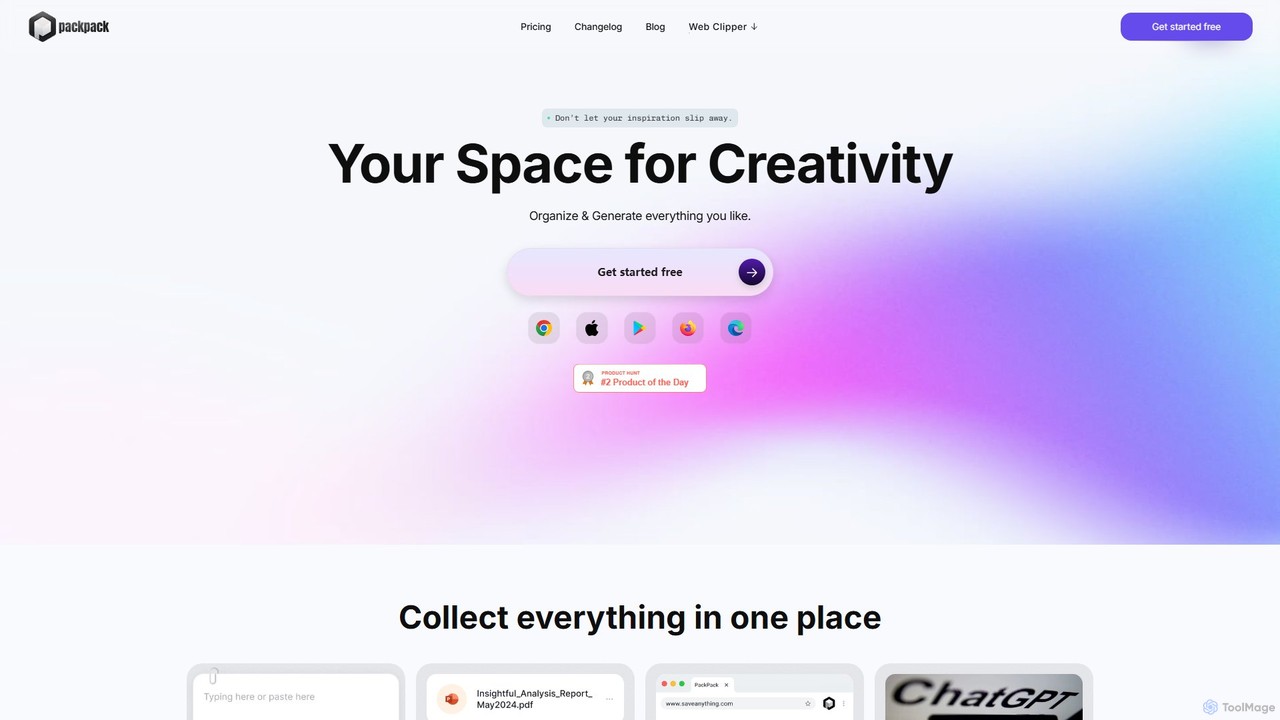
PackPack is an AI-powered digital workspace designed to centralize your creativity and research. It allows you to collect bookmarks, articles, images, files, and notes in one place. With features like AI-powered Q&A, summarization, and automatic image tagging, PackPack transforms scattered information into an organized, searchable knowledge base, boosting productivity for creatives, researchers, and professionals.
Bookmarking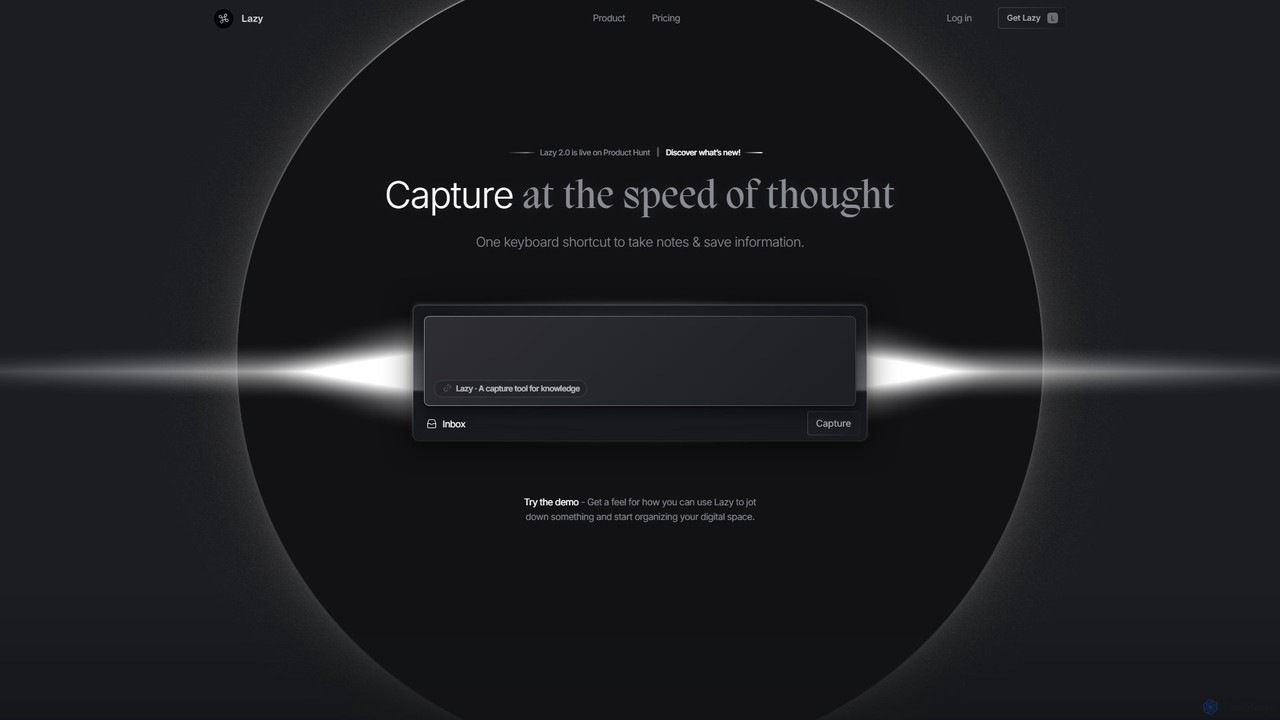
Lazy
Lazy is a universal capture tool designed to eliminate context switching. It allows you to instantly clip information from any app, website, or document using a simple shortcut. With AI-powered features like summarization and voice input, Lazy helps you build a centralized knowledge base without interrupting your workflow.
Bookmarking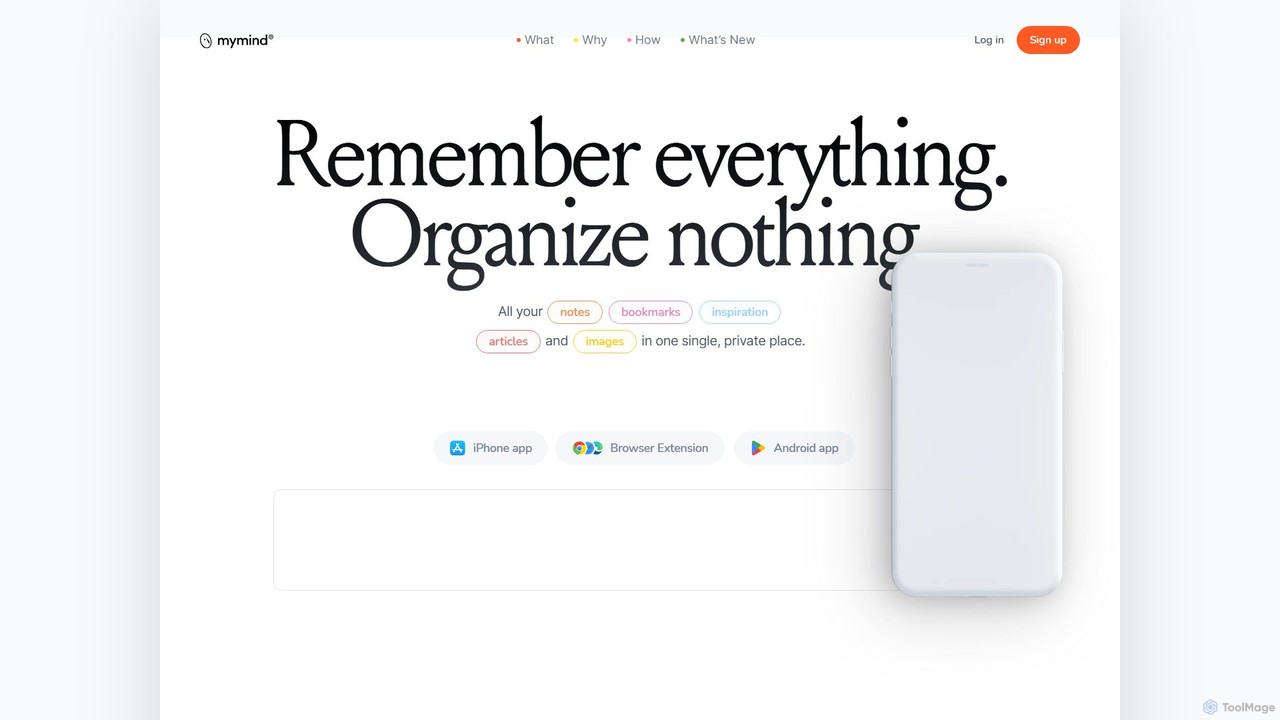
mymind
mymind is a private, AI-powered second brain designed to remember everything without the need for manual organization. It acts as an extension of your mind, capturing notes, bookmarks, images, and articles in a single, searchable space, prioritizing privacy and a clutter-free experience.
Bookmarking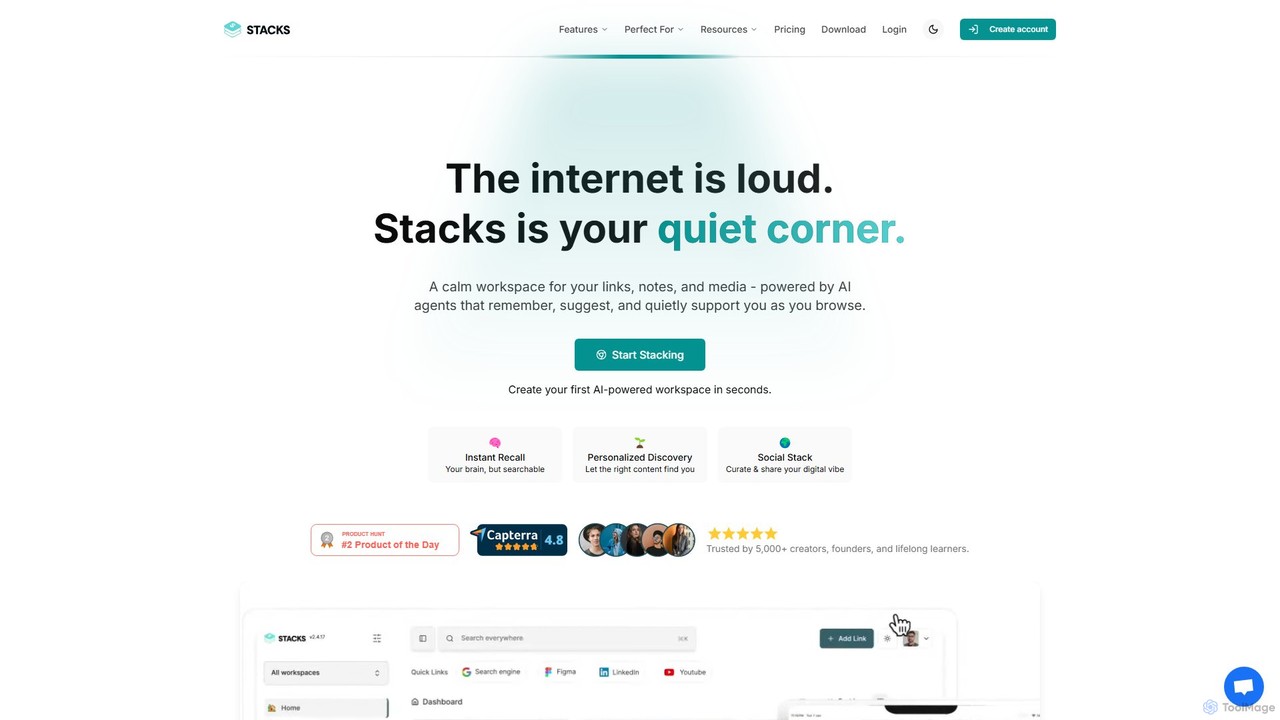
Stacks
Stacks is an AI-powered workspace that organizes your digital footprint. It goes beyond simple bookmarking to understand the *intent* behind your saved links, notes, and files, creating a personalized knowledge hub that connects ideas and supports your workflow.
Bookmarking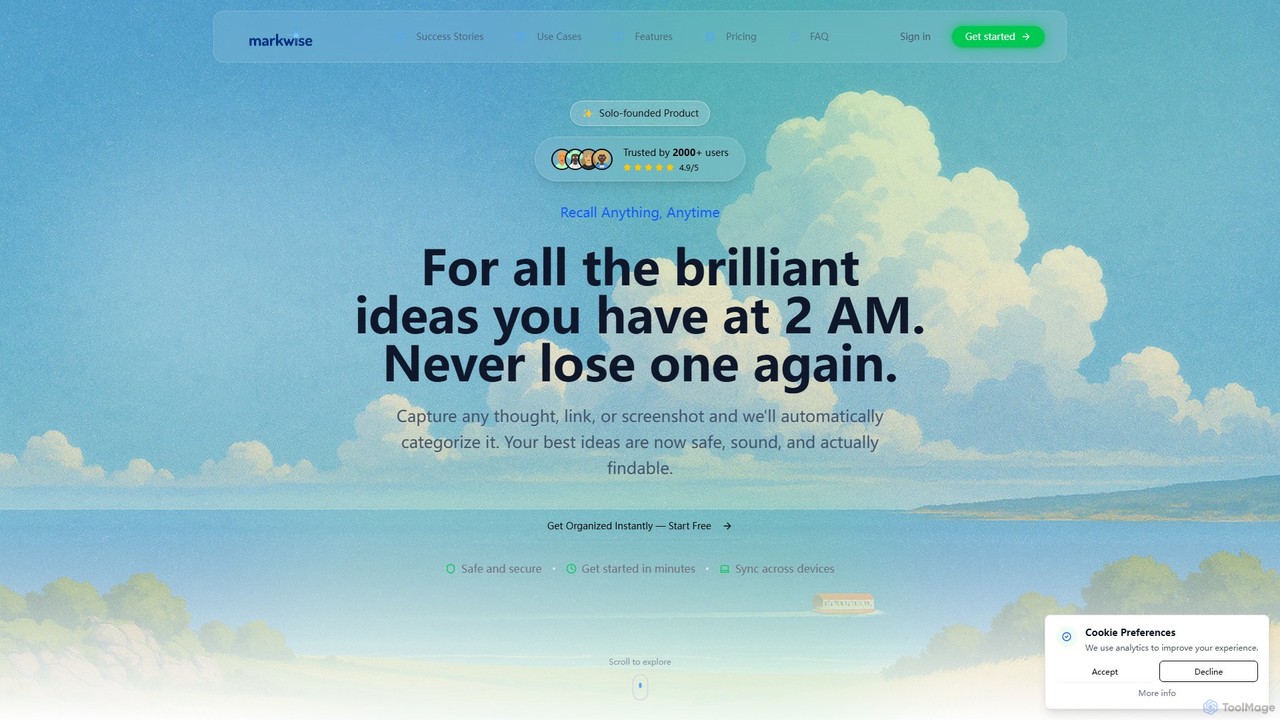
Markwise
Markwise is an AI-powered knowledge manager that helps you save, organize, and recall bookmarks, notes, and ideas. It automatically categorizes and summarizes your content, allowing you to build a personal, searchable knowledge base. With features like semantic search, project-based Spaces, and a browser extension, it streamlines research and boosts productivity for professionals, students, and creatives.
Bookmarkingnocket Categories
nocket Embed Widget
Copy this embed code to place the badge on your blog, article, or product site and send readers directly to this ToolMage detail page.

Related AI tools
Lazy
Lazy is a universal capture tool designed to eliminate context switching. It allows you to instantly clip information from any app, website, or document using a simple shortcut. With AI-powered features like summarization and voice input, Lazy helps you build a centralized knowledge base without interrupting your workflow.
BookmarkingPackPack
PackPack is an AI-powered digital workspace designed to centralize your creativity and research. It allows you to collect bookmarks, articles, images, files, and notes in one place. With features like AI-powered Q&A, summarization, and automatic image tagging, PackPack transforms scattered information into an organized, searchable knowledge base, boosting productivity for creatives, researchers, and professionals.
Bookmarking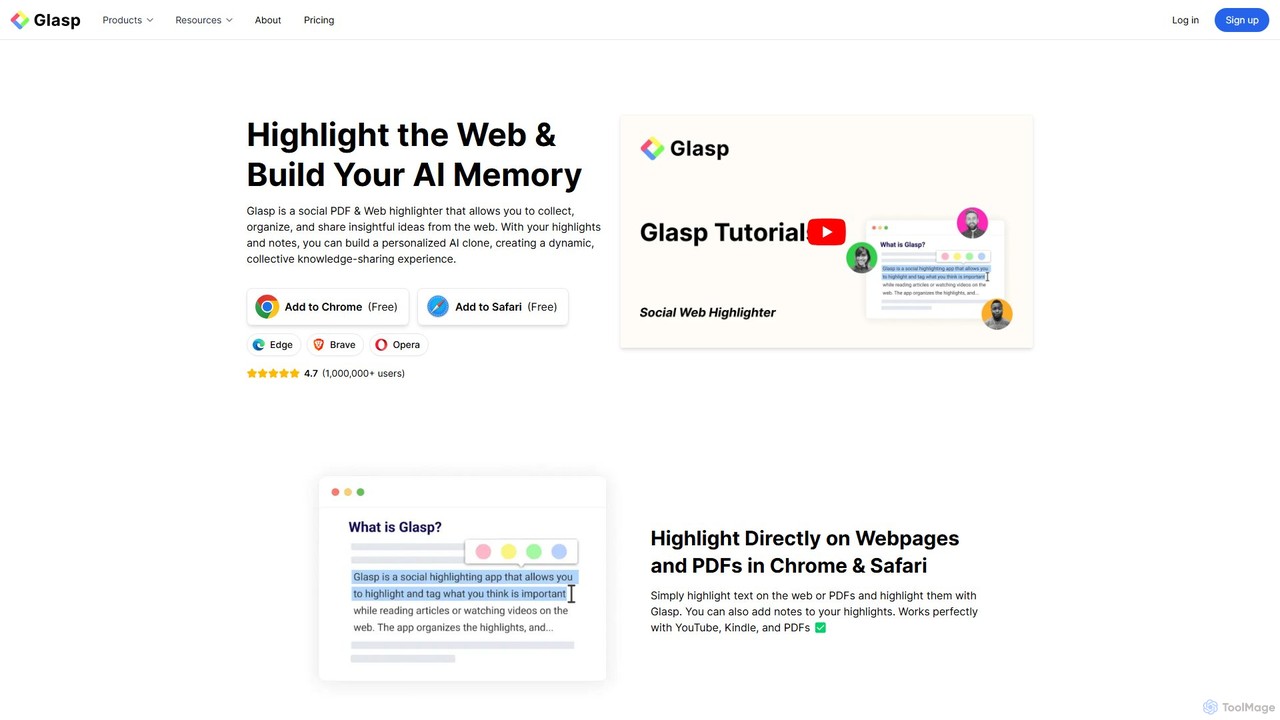
Glasp
Glasp is a social web and PDF highlighter that helps learners and researchers capture, organize, and share insightful ideas. It uses AI to create a personalized knowledge base from your highlights, offering features like AI-powered summaries, chat with your notes, and seamless integration with popular note-taking apps. It's designed to facilitate public learning and build a collective intelligence.
Web Clipper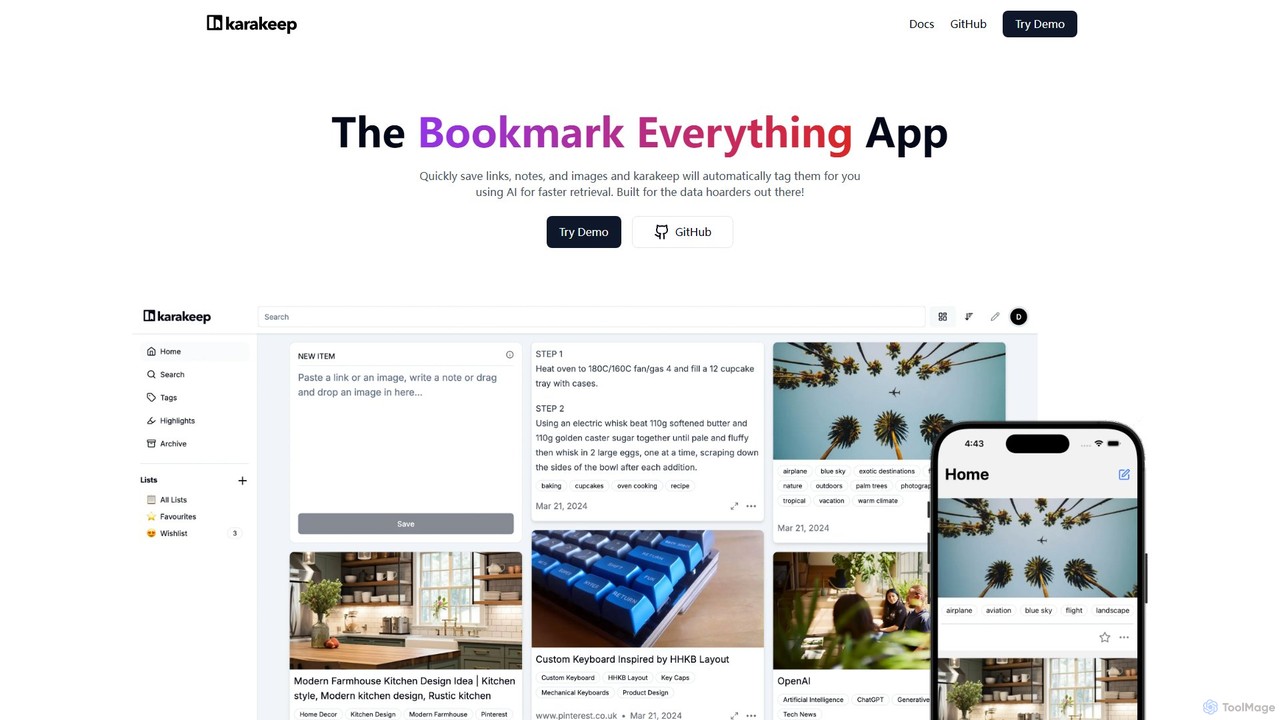
Karakeep
Karakeep is an AI-powered bookmarking and knowledge management app for "data hoarders." It allows you to quickly save links, notes, images, and PDFs. The core feature is its AI engine, which automatically analyzes and tags your content for effortless organization and fast retrieval. With self-hosting options for privacy, mobile apps, and browser extensions, Karakeep provides a seamless and powerful way to build your personal, searchable knowledge base.
Code Snippets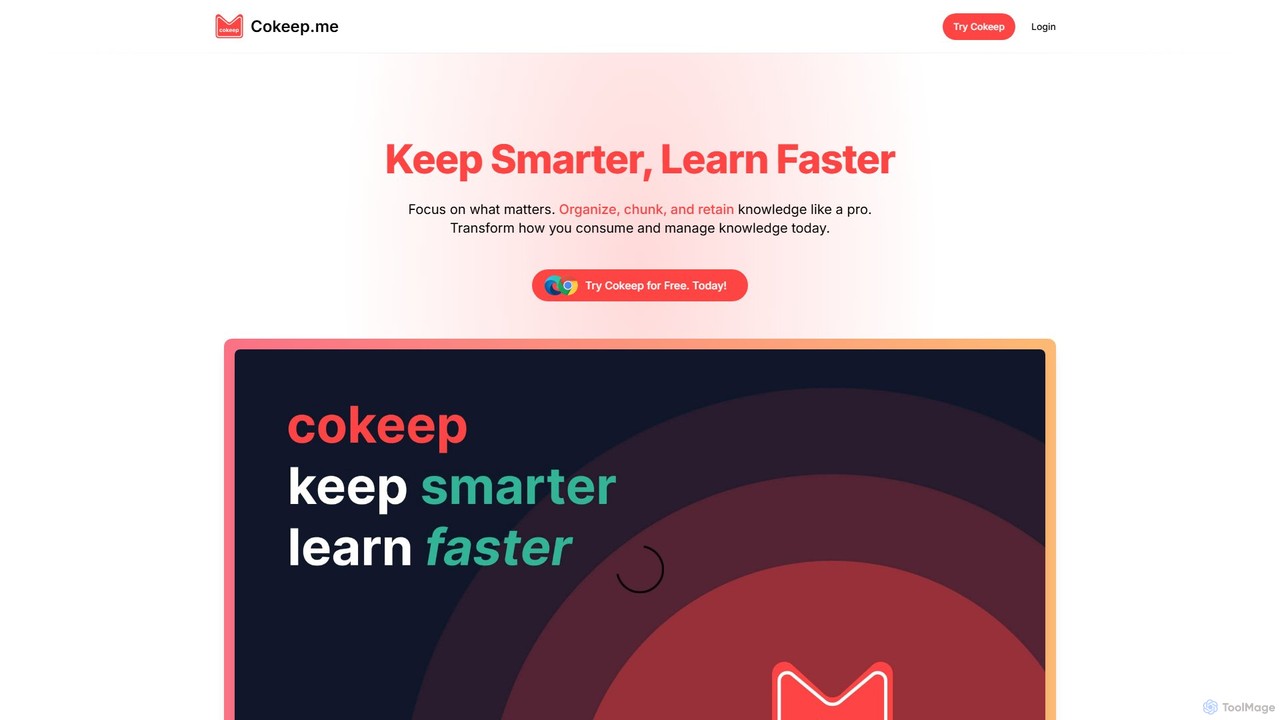
Cokeep
Cokeep is an AI-powered knowledge management tool designed to help you save, organize, and learn from online content more effectively. It transforms articles and videos into digestible summaries, automatically tags information, and provides a collaborative space to manage your learning resources, helping you combat information overload and retain knowledge faster.
Learning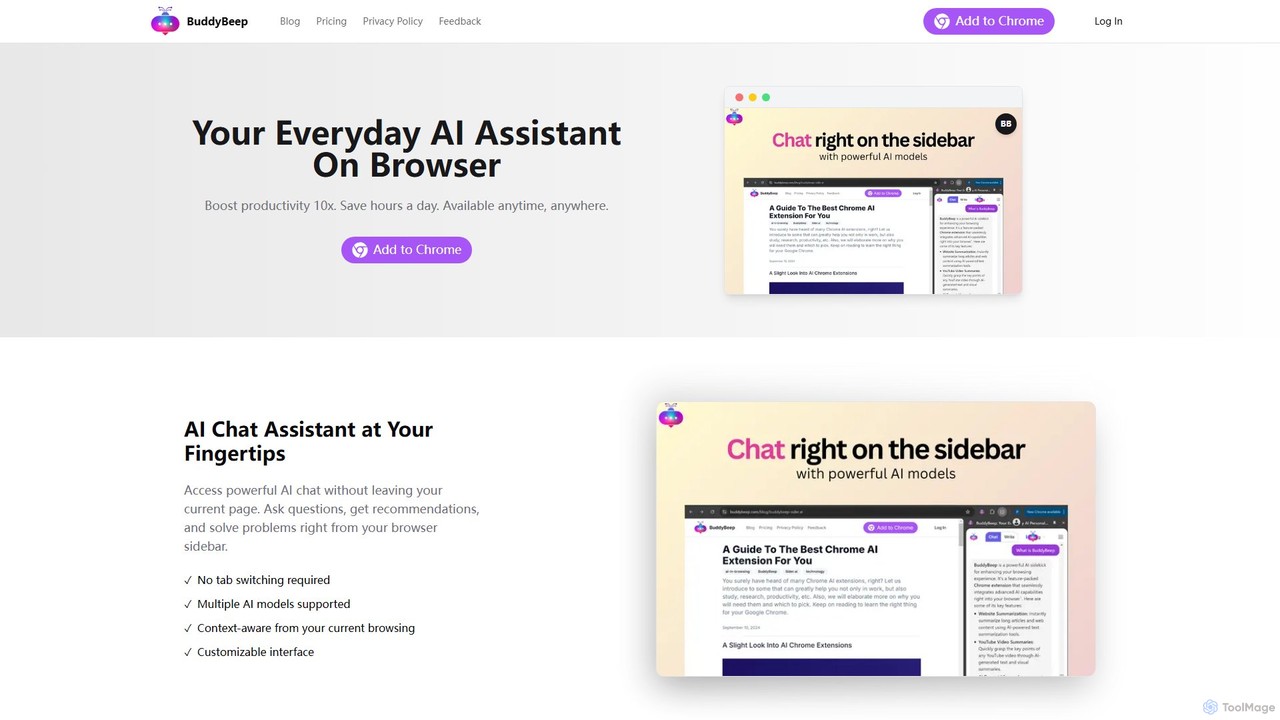
BuddyBeep
BuddyBeep is an AI-powered Chrome extension that acts as your personal browsing assistant. It boosts productivity by offering an in-page AI chat, one-click summarization for articles and YouTube videos, and a smart knowledge repository to build your "second brain". Capture, organize, and retrieve information effortlessly without switching tabs, transforming your browsing into a more efficient and insightful experience.
Browser Extension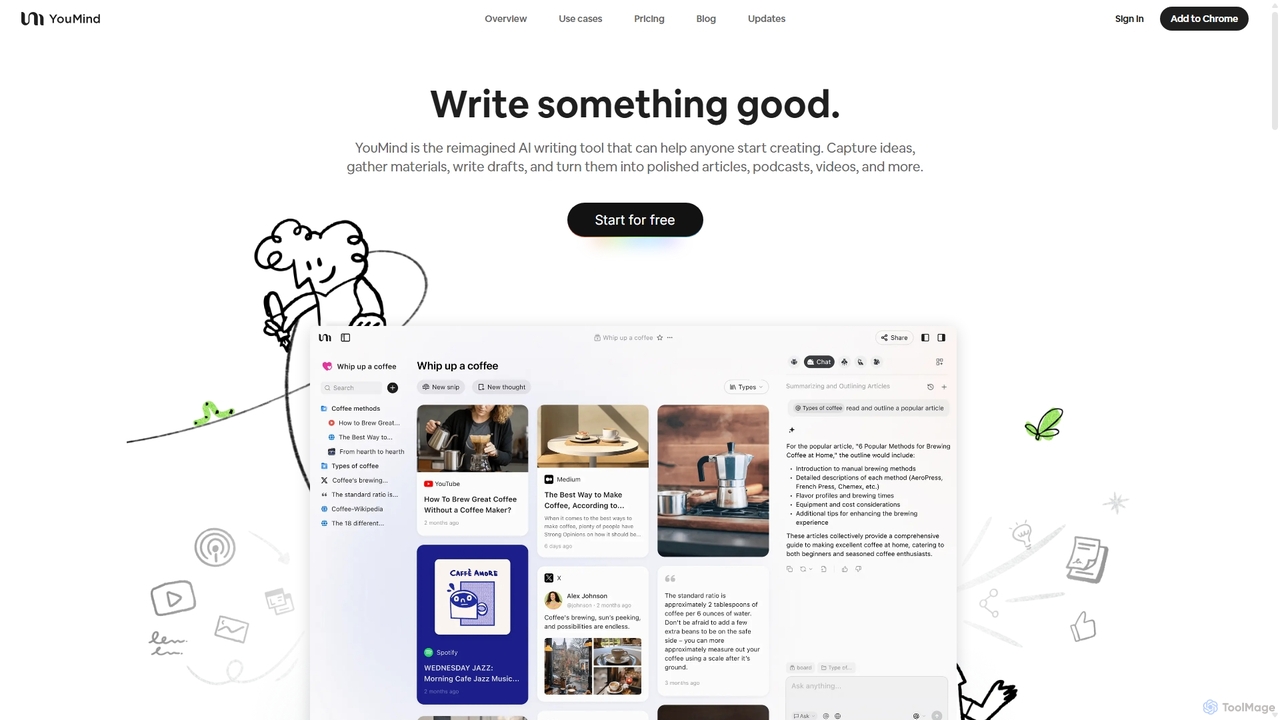
YouMind
YouMind is an AI-powered creation studio designed to streamline the entire content creation workflow. It integrates material collection from various sources like YouTube, podcasts, and articles into a unified workspace. Users can research, organize, and collaborate with top AI models to transform their ideas into polished articles, videos, and more, all within a single, project-based environment.
Knowledge Management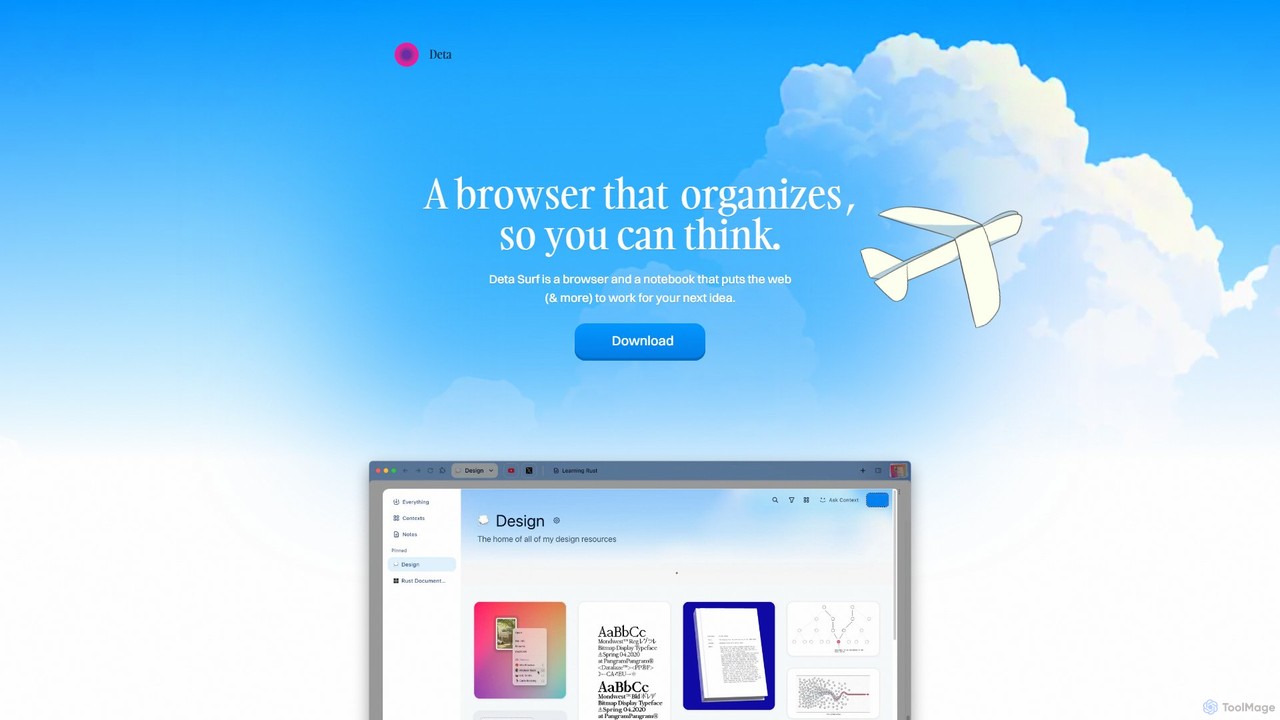
Deta Surf
Deta Surf is an intelligent browser and notebook that organizes your web experience. It uses AI to help you collect, remember, and synthesize information, all while keeping your data private and local on your device. It's designed to reduce context switching and enhance your thinking and creativity.
Browser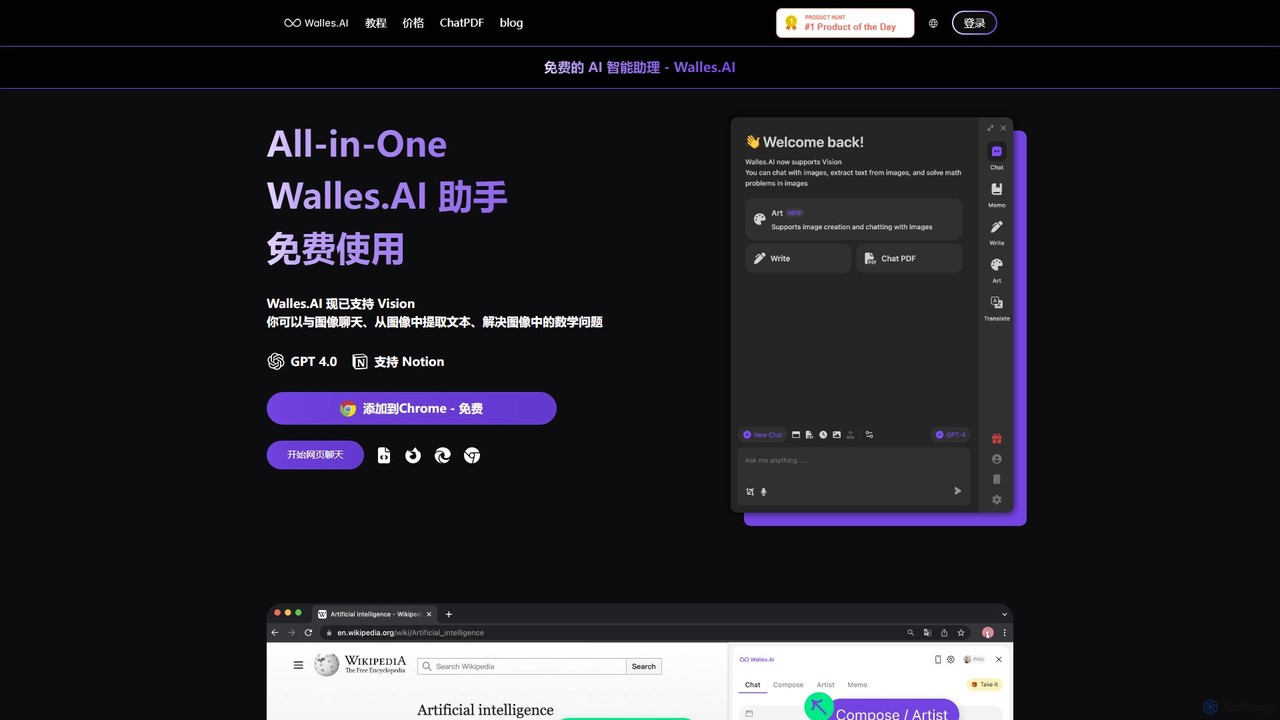
Walles.AI
Walles.AI is an all-in-one AI assistant integrated as a Chrome extension. Powered by GPT-4, it allows you to chat with webpages, PDFs, YouTube videos, and even images. Boost your productivity with instant summarization, translation, text analysis, and seamless integration with Notion.
Study
Recaply
Recaply is an AI-powered summarization tool that transforms long-form content like YouTube videos, articles, and audio files into concise, digestible summaries. It extracts key insights, main points, and action items in seconds, helping users save time and boost productivity. Ideal for students, researchers, and professionals who need to quickly grasp the essence of content without consuming it in its entirety.
Note Takingmymind
mymind is a private, AI-powered second brain designed to remember everything without the need for manual organization. It acts as an extension of your mind, capturing notes, bookmarks, images, and articles in a single, searchable space, prioritizing privacy and a clutter-free experience.
BookmarkingStacks
Stacks is an AI-powered workspace that organizes your digital footprint. It goes beyond simple bookmarking to understand the *intent* behind your saved links, notes, and files, creating a personalized knowledge hub that connects ideas and supports your workflow.
BookmarkingMarkwise
Markwise is an AI-powered knowledge manager that helps you save, organize, and recall bookmarks, notes, and ideas. It automatically categorizes and summarizes your content, allowing you to build a personal, searchable knowledge base. With features like semantic search, project-based Spaces, and a browser extension, it streamlines research and boosts productivity for professionals, students, and creatives.
Bookmarking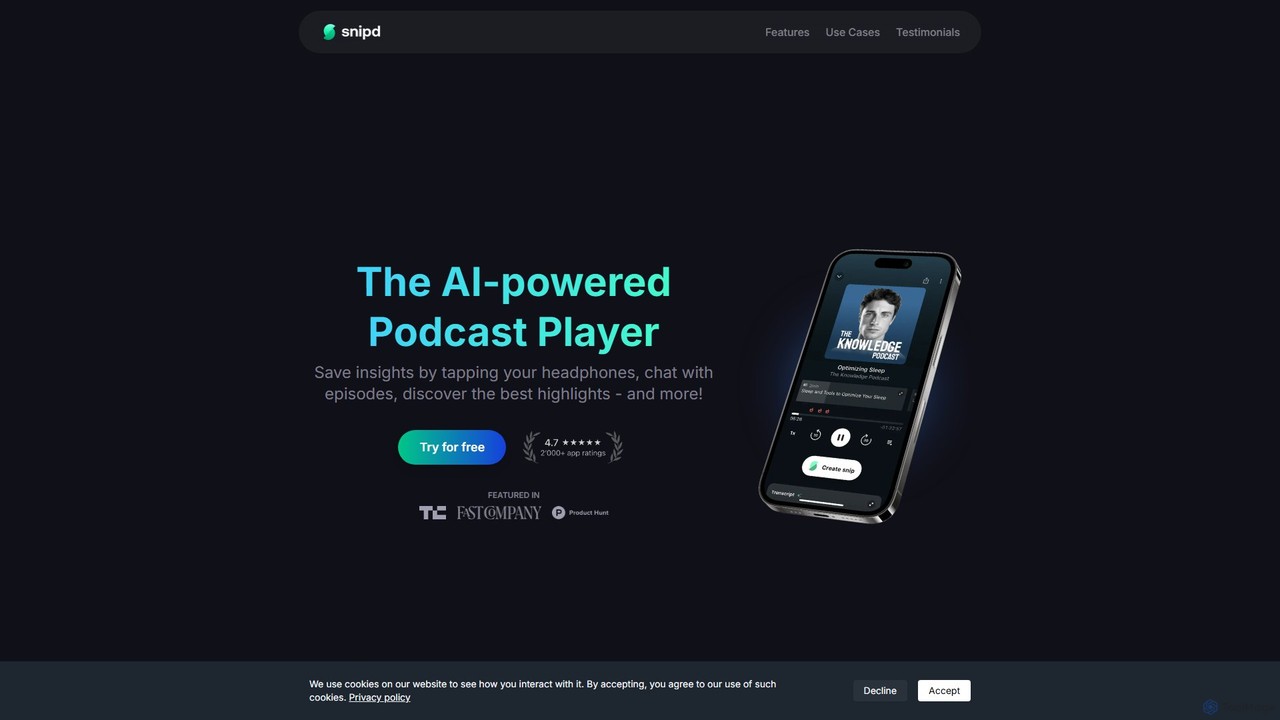
Snipd
Snipd is an AI-powered podcast player that transforms passive listening into active learning. Capture key insights with a tap of your headphones, get AI-generated summaries and transcripts, and even chat with episodes to ask questions. It also supports audiobooks and YouTube videos, syncing your notes seamlessly with tools like Notion and Readwise.
Podcast
SaveDay
SaveDay is an AI-powered bookmark and knowledge manager. It helps you capture, organize, and utilize online content like articles, videos, and links with one click. Use AI to summarize content, search your personal library with natural language, and get answers based on what you've saved.
Bookmarking
nocket Comments (0)
Sign in to comment.
Sign inNo comments yet.