

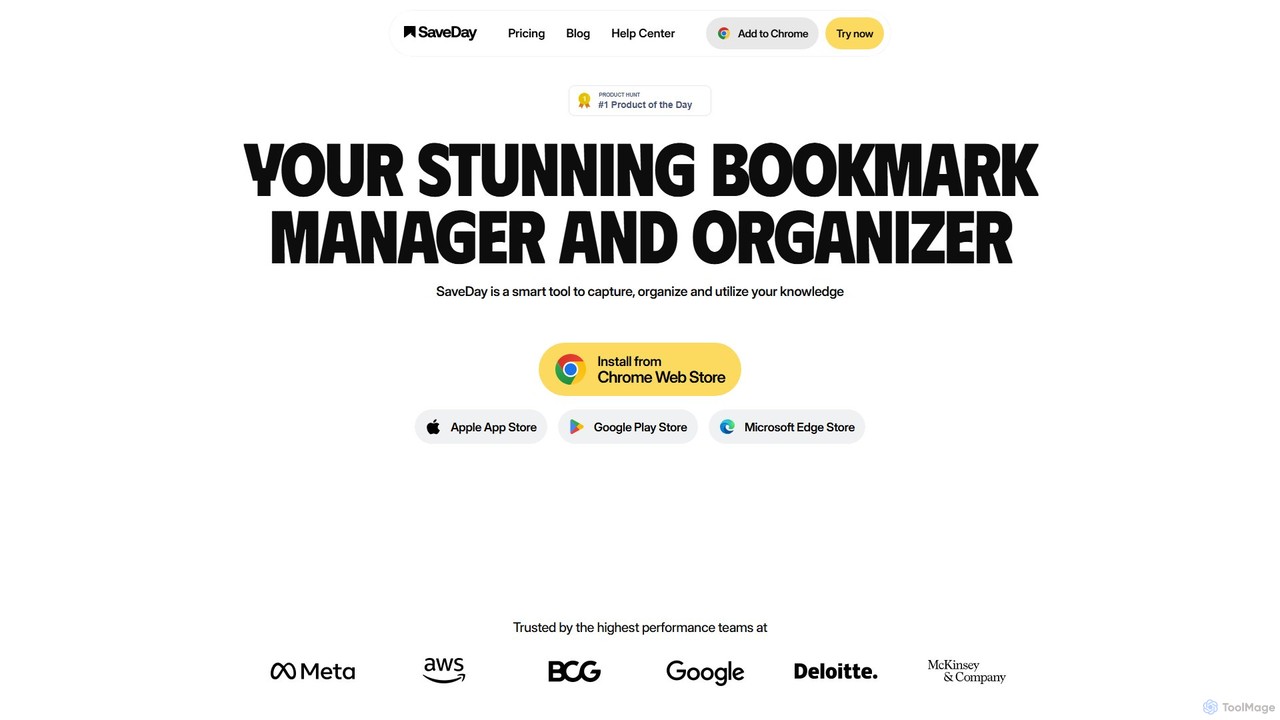
SaveDay Overview
SaveDay is a sophisticated, AI-driven tool designed to function as your personal knowledge hub. In an era of information overload, SaveDay provides a seamless solution to capture, organize, and effectively utilize the vast amount of digital content you encounter daily. It goes beyond traditional bookmarking by transforming saved items into an accessible and searchable knowledge base. Whether you're a student, a researcher, a professional, or a lifelong learner, SaveDay aims to enhance your productivity by making sure no valuable insight is ever lost.
The platform is built on the principle of effortless capture and intelligent retrieval. With a suite of tools including browser extensions, mobile apps, and a Telegram bot, you can save anything from anywhere with a single click. The AI engine then works in the background, automatically tagging and categorizing your content, eliminating the need for manual organization. This allows you to build a rich, structured library of information with minimal effort.
How to use SaveDay
Getting started with SaveDay is simple and intuitive. First, create an account and install the tools that fit your workflow, such as the Chrome/Edge extension, the iOS/Android mobile app, or by connecting with the Telegram bot. Once set up, you can start capturing content. When you find an interesting article, a useful YouTube video, or an important link, simply click the SaveDay button in your browser or share the link with the app or bot. The content is instantly saved to your personal library. To utilize your saved knowledge, open the SaveDay web or mobile app. You can browse your collections, use the powerful AI search to find information using natural language queries (e.g., "find articles about AI in marketing I saved last month"), generate concise summaries of long articles or videos, and even ask specific questions to get answers sourced directly from your saved content.
Core Features of SaveDay
- One-Click Capture: Effortlessly save articles, videos, links, and more from any device using browser extensions (Chrome, Edge), mobile apps (iOS, Android), and a Telegram bot.
- AI-Powered Summarization: Instantly generate key points and concise summaries for long articles and YouTube videos, saving you significant reading and viewing time.
- Intelligent AI Search: Go beyond keyword search. Use natural language to find saved content based on its meaning and context, making it easy to rediscover information even if you don't remember the exact title.
- AI Q&A: Ask questions and get answers generated exclusively from your personal collection of saved content, ensuring trustworthy and relevant responses without AI hallucinations.
- Web Highlighter and Notes: Annotate web pages as you read. Your highlights and notes are saved and searchable within your SaveDay library.
- Automatic Organization: The AI automatically applies relevant tags to your saved items and helps you organize them into private or public collections.
- Multi-Platform Sync: Access your synchronized knowledge base seamlessly across all your devices, including desktop, tablet, and mobile.
Use Cases for SaveDay
SaveDay is a versatile tool for various users. For students and researchers, it's an invaluable asset for collecting academic papers, articles, and video lectures. They can use the AI search and Q&A to quickly find supporting evidence and review study materials. Professionals and knowledge workers can build a repository of industry reports, competitor analyses, and skill-building resources, using summaries to stay informed efficiently. Content creators can use it to curate inspiration, data, and references, streamlining their research process. For casual learners, it's a perfect way to save interesting tutorials and articles on a whim and revisit them in an organized manner whenever they have time.
Advantages of SaveDay
The primary advantage of SaveDay is its ability to transform passive saving into active knowledge utilization. Unlike simple read-it-later apps, its AI features provide deeper engagement with your content. Compared to complex note-taking systems like Notion, SaveDay offers a much faster and more streamlined capture process. Its AI is also more personalized and reliable than general models like ChatGPT, as it draws answers only from your curated, trusted content. Furthermore, SaveDay places a strong emphasis on user privacy and data security, ensuring your personal knowledge base remains confidential and secure.
Pricing and Plans
SaveDay operates on a freemium model, offering several plans to suit different needs:
- Basic (Free): Includes 100 saved items per month, limited key point and Q&A credits, 1 integration, unlimited auto-tags, collections, search, highlights, and notes.
- Standard ($5.59/month or $3.91/month billed annually): Everything in Basic, plus 1,000 saved items per month and unlimited integrations.
- Essential ($12.99/month or $9.09/month billed annually): Everything in Standard, plus 10,000 saved items per month, unlimited key point credits, more image templates, and early access to new features.
- Elite ($29.99/month or $20.99/month billed annually): Everything in Essential, plus unlimited saved items, unlimited Q&A credits, and priority support.
A 50% discount is available for students on the Essential and Elite plans.
Traffic
Latest traffic
Status
Monthly traffic trend
- 2025-9: 128.8K
- 2026-1: 102.4K
- 2026-2: 66.5K
- 2026-3: 60.1K
- 2026-4: 44.4K
- 2026-5: 39.5K
Geography
Top 5 countries / regions
- 🇺🇸United States61.2%
- 🇬🇧United Kingdom12.4%
- 🇻🇳Vietnam11.3%
- 🇮🇳India7.6%
- 🇧🇷Brazil7.5%
Traffic sources
| Source type | Percentage |
|---|---|
Direct | 81.1% |
Referral | 18.9% |
Top keywords
| Keyword | Cost per click |
|---|---|
| a free markdown ed equivalent | $0.00 |
| how to view cookies in avast secure browser | $0.00 |
| open source bookmark manager | $0.00 |
| save day | $0.00 |
| saveday | $2.91 |
SaveDay Alternatives
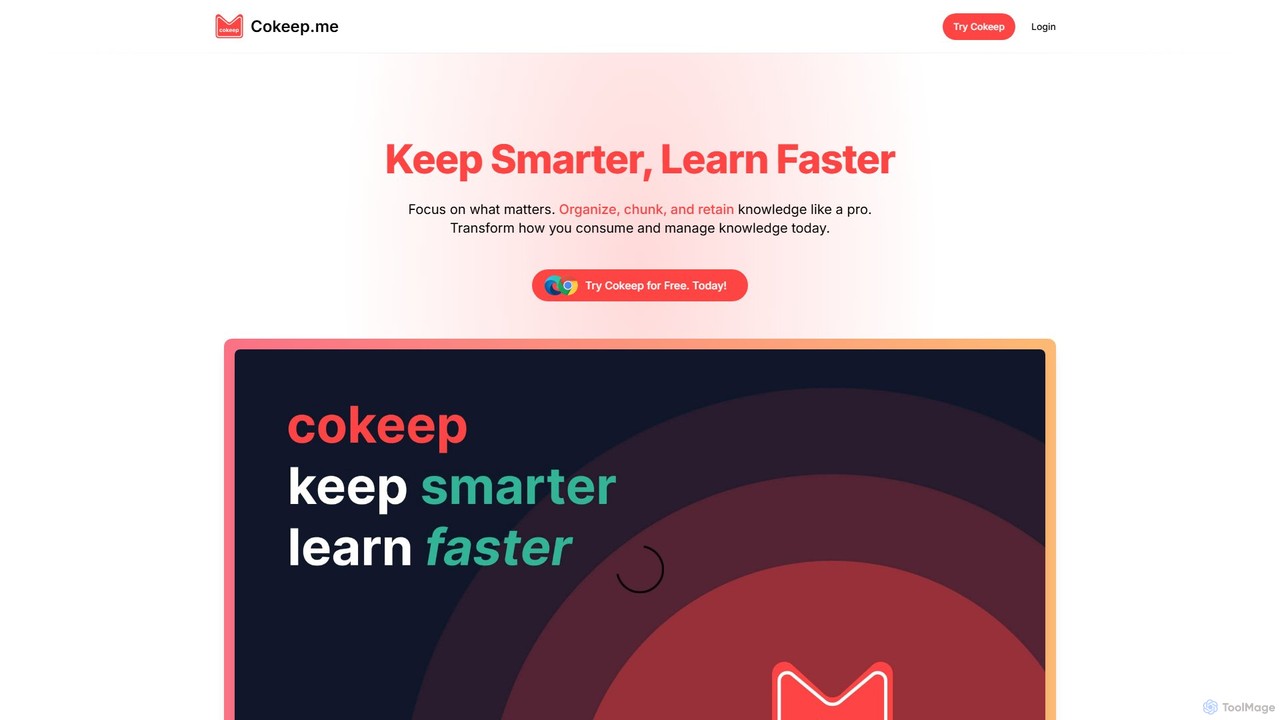
Cokeep
Cokeep is an AI-powered knowledge management tool designed to help you save, organize, and learn from online content more effectively. It transforms articles and videos into digestible summaries, automatically tags information, and provides a collaborative space to manage your learning resources, helping you combat information overload and retain knowledge faster.
Learning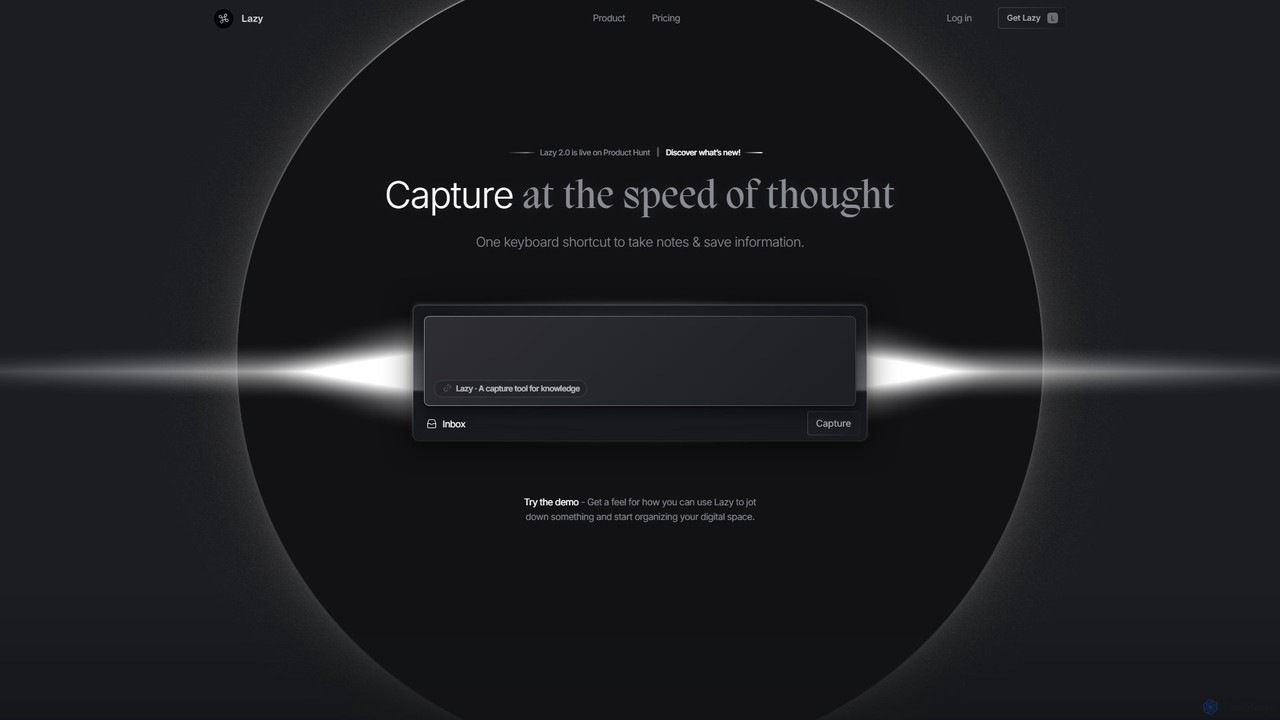
Lazy
Lazy is a universal capture tool designed to eliminate context switching. It allows you to instantly clip information from any app, website, or document using a simple shortcut. With AI-powered features like summarization and voice input, Lazy helps you build a centralized knowledge base without interrupting your workflow.
Bookmarking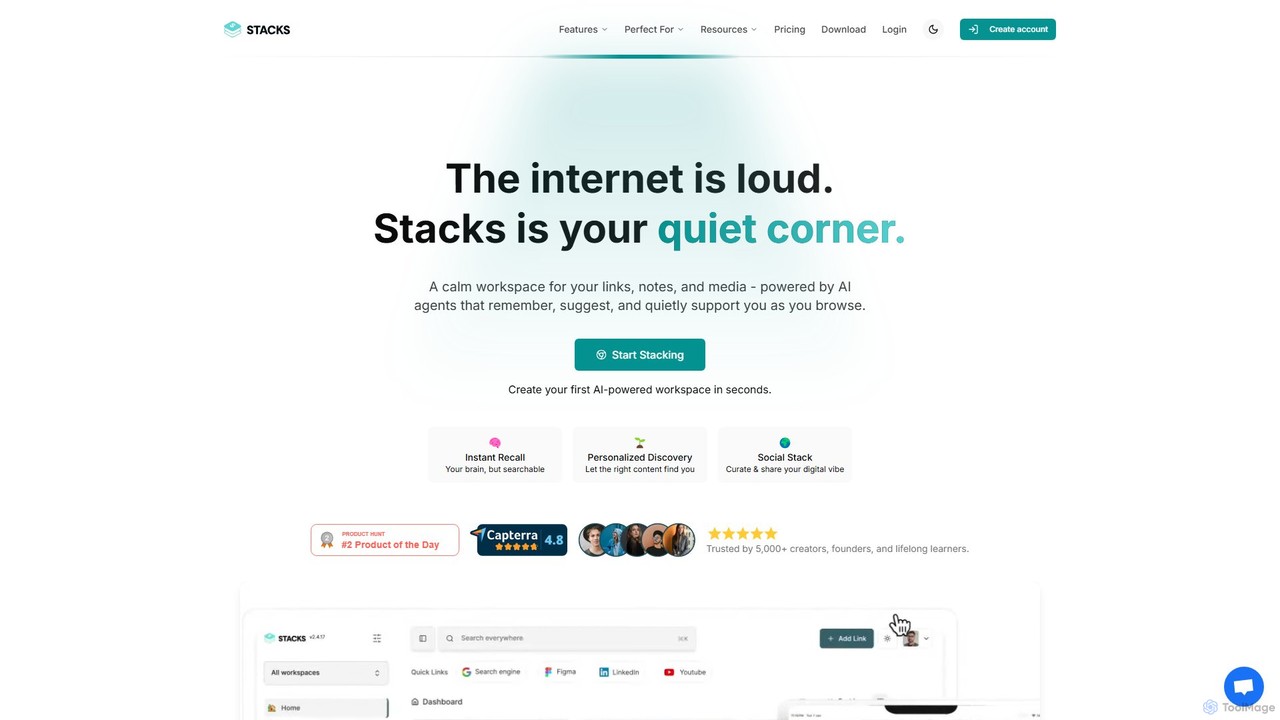
Stacks
Stacks is an AI-powered workspace that organizes your digital footprint. It goes beyond simple bookmarking to understand the *intent* behind your saved links, notes, and files, creating a personalized knowledge hub that connects ideas and supports your workflow.
Bookmarking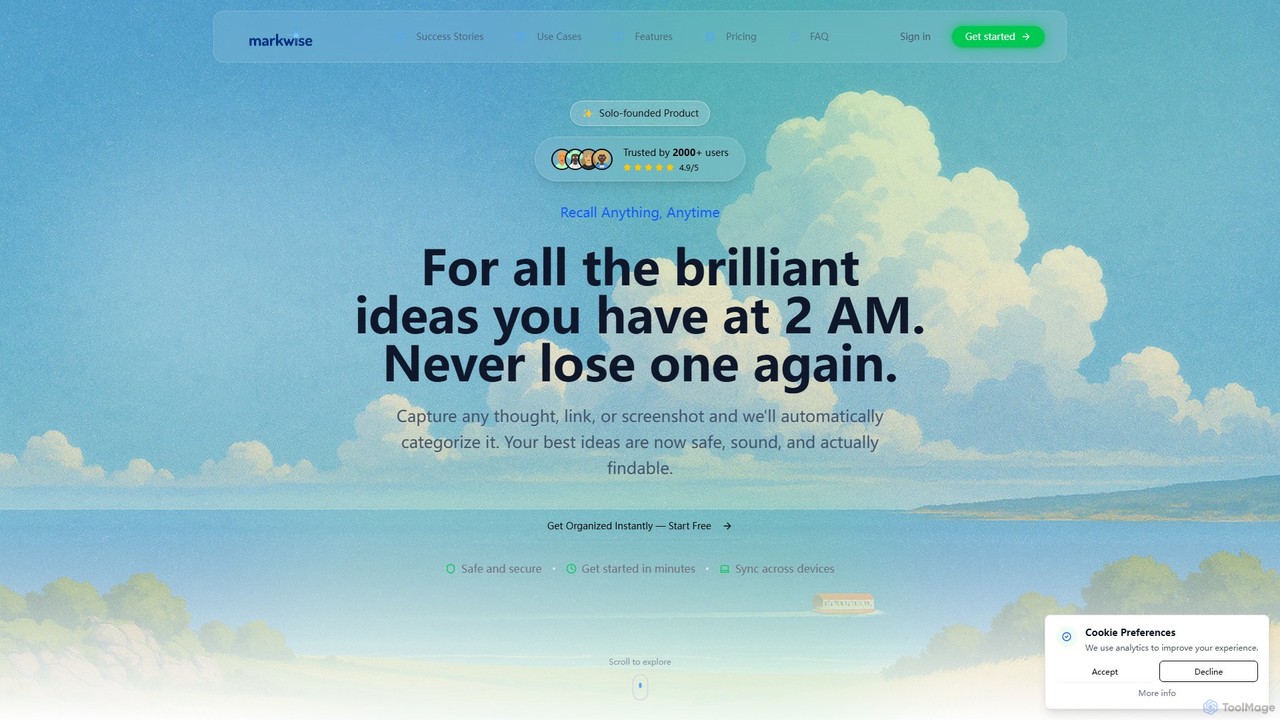
Markwise
Markwise is an AI-powered knowledge manager that helps you save, organize, and recall bookmarks, notes, and ideas. It automatically categorizes and summarizes your content, allowing you to build a personal, searchable knowledge base. With features like semantic search, project-based Spaces, and a browser extension, it streamlines research and boosts productivity for professionals, students, and creatives.
Bookmarking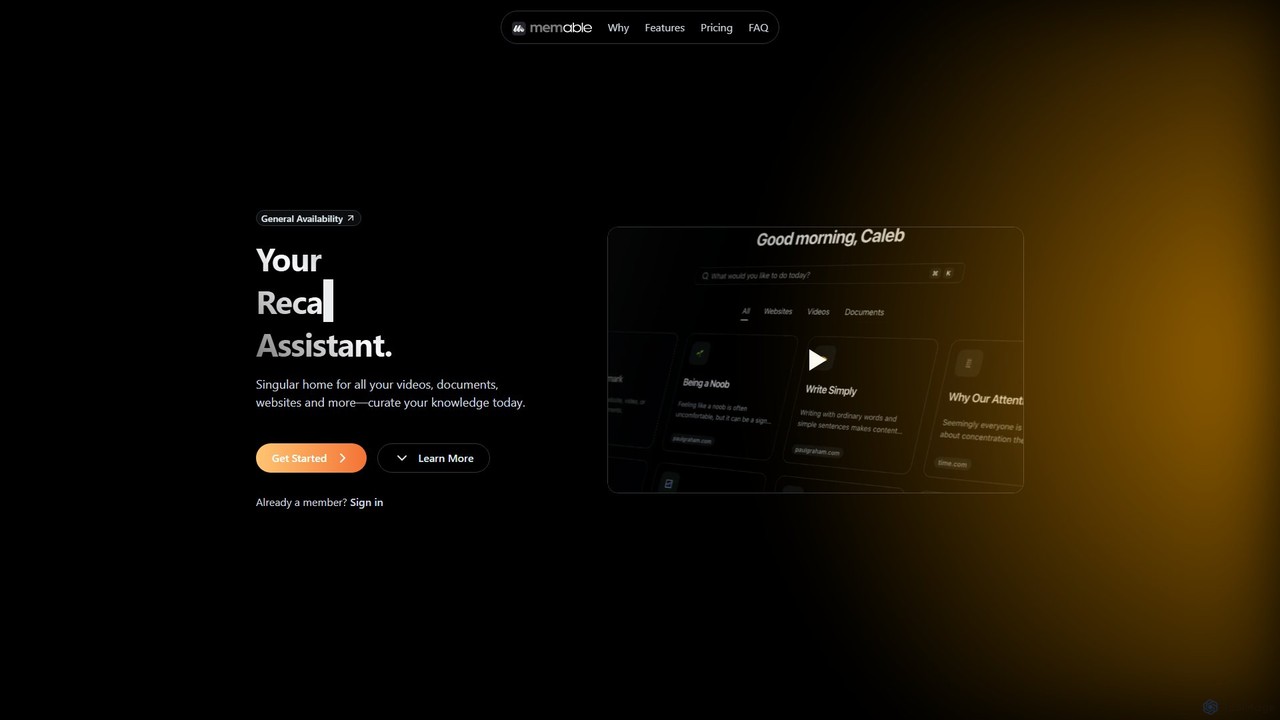
Memable
Memable is an AI-powered knowledge assistant designed to help you curate and recall information effortlessly. It provides a single home for your videos, documents, and websites, using AI to synthesize notes and create a searchable personal knowledge base. Chat with your content, visualize connections on a knowledge map, and overcome information overload to build lasting knowledge.
Note TakingSaveDay Categories
SaveDay Embed Widget
Copy this embed code to place the badge on your blog, article, or product site and send readers directly to this ToolMage detail page.

Related AI tools
Cokeep
Cokeep is an AI-powered knowledge management tool designed to help you save, organize, and learn from online content more effectively. It transforms articles and videos into digestible summaries, automatically tags information, and provides a collaborative space to manage your learning resources, helping you combat information overload and retain knowledge faster.
Learning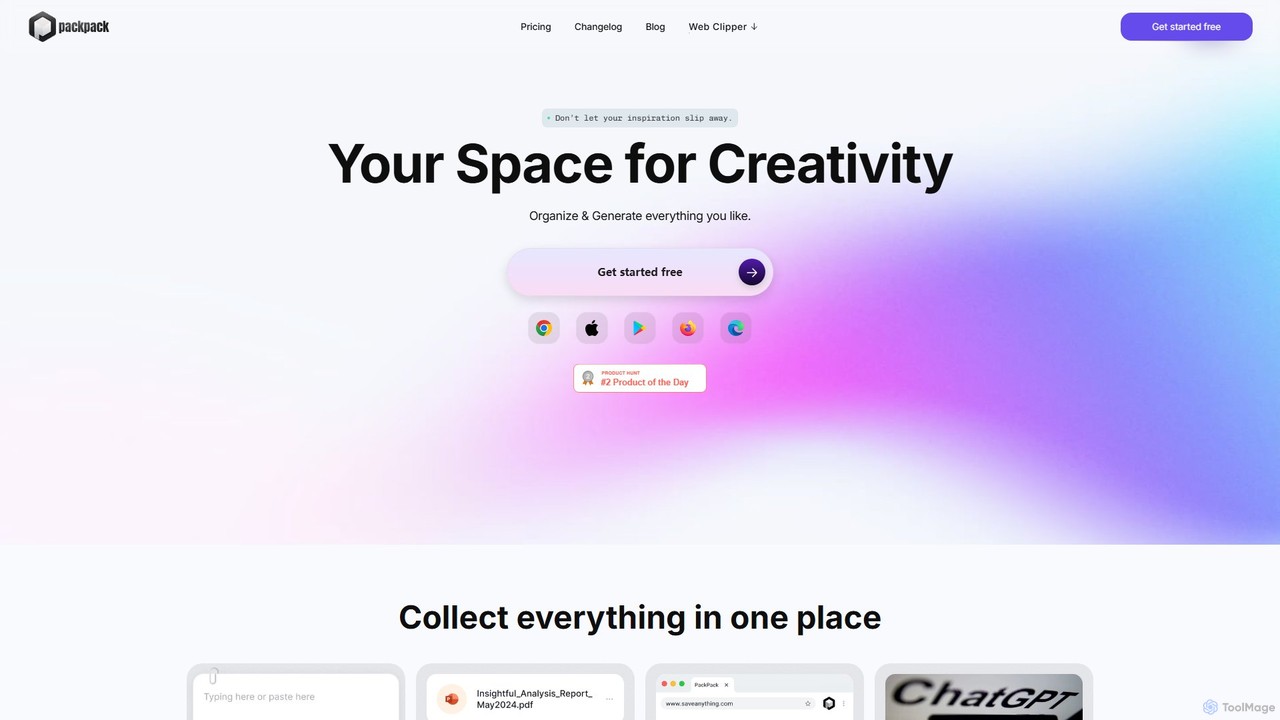
PackPack
PackPack is an AI-powered digital workspace designed to centralize your creativity and research. It allows you to collect bookmarks, articles, images, files, and notes in one place. With features like AI-powered Q&A, summarization, and automatic image tagging, PackPack transforms scattered information into an organized, searchable knowledge base, boosting productivity for creatives, researchers, and professionals.
Bookmarking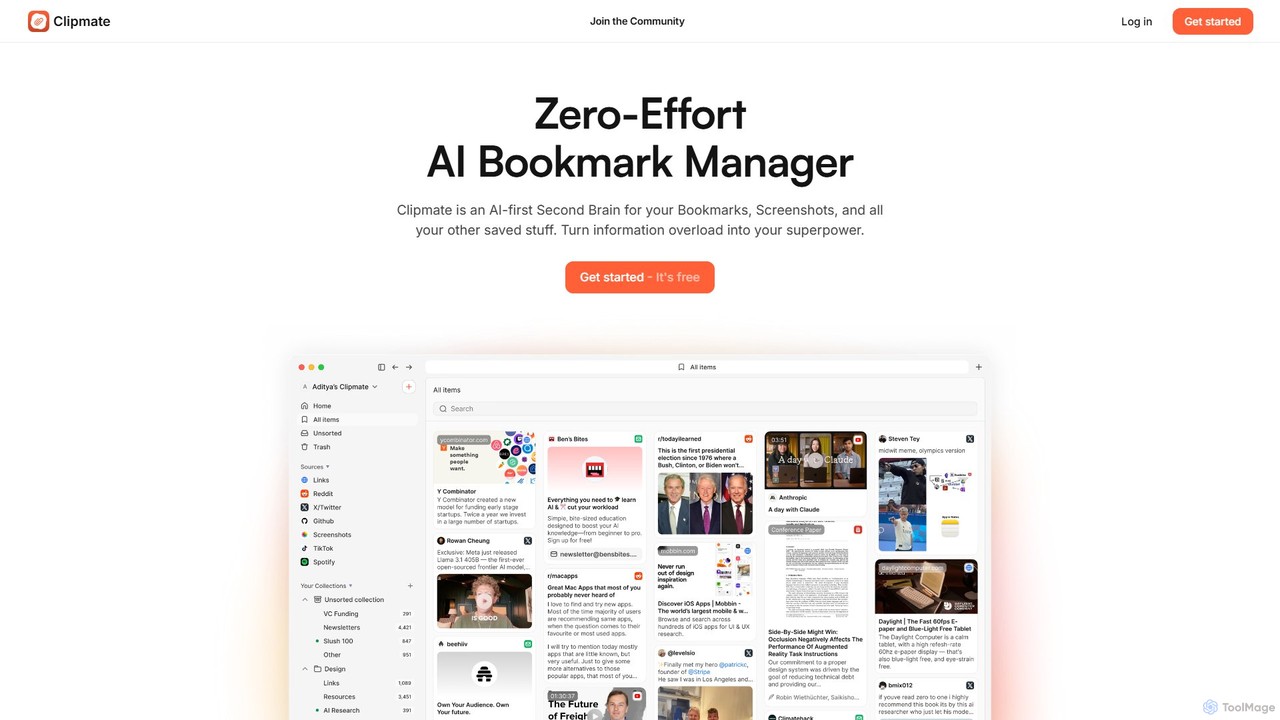
Clipmate AI
Clipmate AI is a zero-effort AI bookmark manager and second brain. It automatically syncs, organizes, and summarizes your bookmarks, screenshots, and links from various platforms, turning information overload into a searchable and intelligent knowledge base.
Second BrainLazy
Lazy is a universal capture tool designed to eliminate context switching. It allows you to instantly clip information from any app, website, or document using a simple shortcut. With AI-powered features like summarization and voice input, Lazy helps you build a centralized knowledge base without interrupting your workflow.
BookmarkingStacks
Stacks is an AI-powered workspace that organizes your digital footprint. It goes beyond simple bookmarking to understand the *intent* behind your saved links, notes, and files, creating a personalized knowledge hub that connects ideas and supports your workflow.
BookmarkingMarkwise
Markwise is an AI-powered knowledge manager that helps you save, organize, and recall bookmarks, notes, and ideas. It automatically categorizes and summarizes your content, allowing you to build a personal, searchable knowledge base. With features like semantic search, project-based Spaces, and a browser extension, it streamlines research and boosts productivity for professionals, students, and creatives.
Bookmarking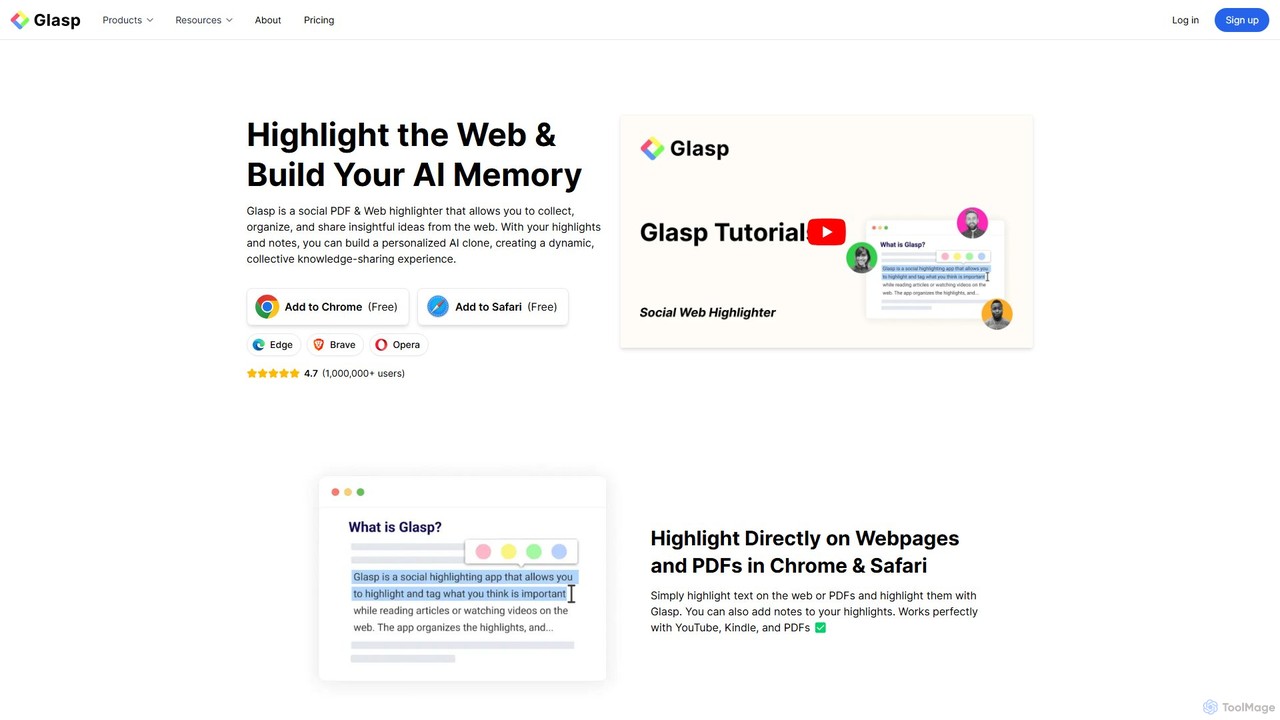
Glasp
Glasp is a social web and PDF highlighter that helps learners and researchers capture, organize, and share insightful ideas. It uses AI to create a personalized knowledge base from your highlights, offering features like AI-powered summaries, chat with your notes, and seamless integration with popular note-taking apps. It's designed to facilitate public learning and build a collective intelligence.
Web Clipper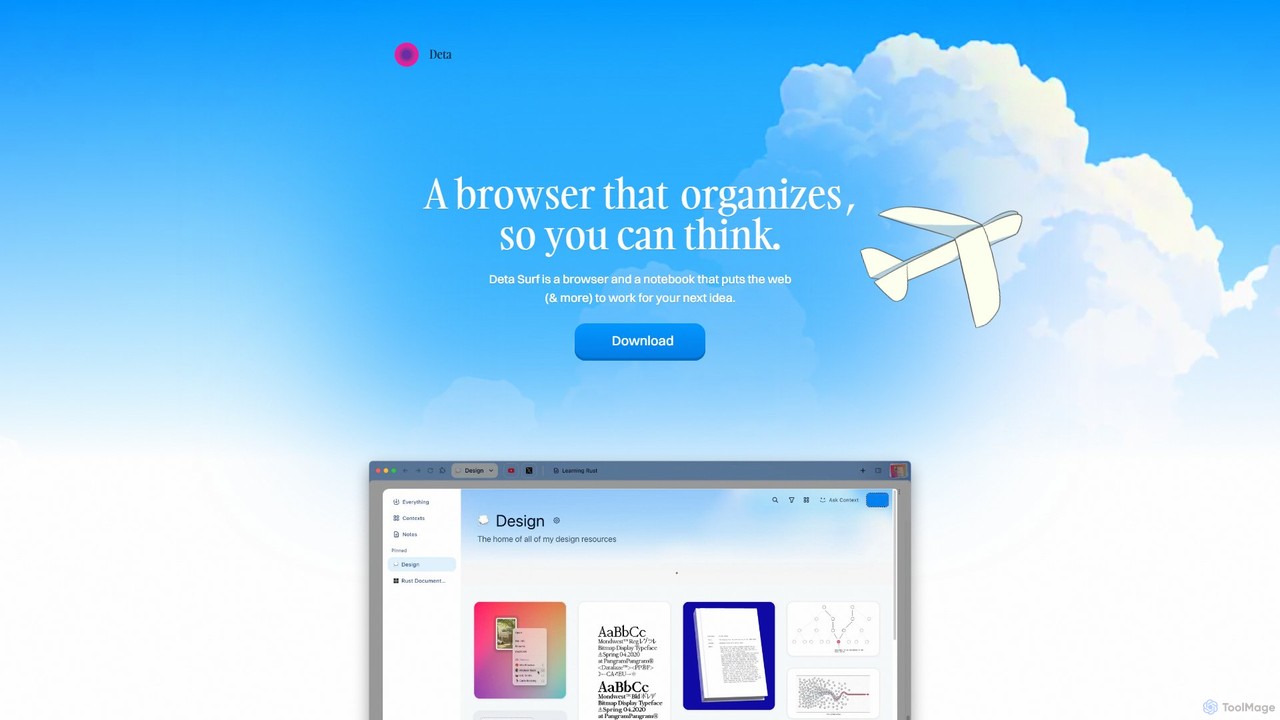
Deta Surf
Deta Surf is an intelligent browser and notebook that organizes your web experience. It uses AI to help you collect, remember, and synthesize information, all while keeping your data private and local on your device. It's designed to reduce context switching and enhance your thinking and creativity.
Browser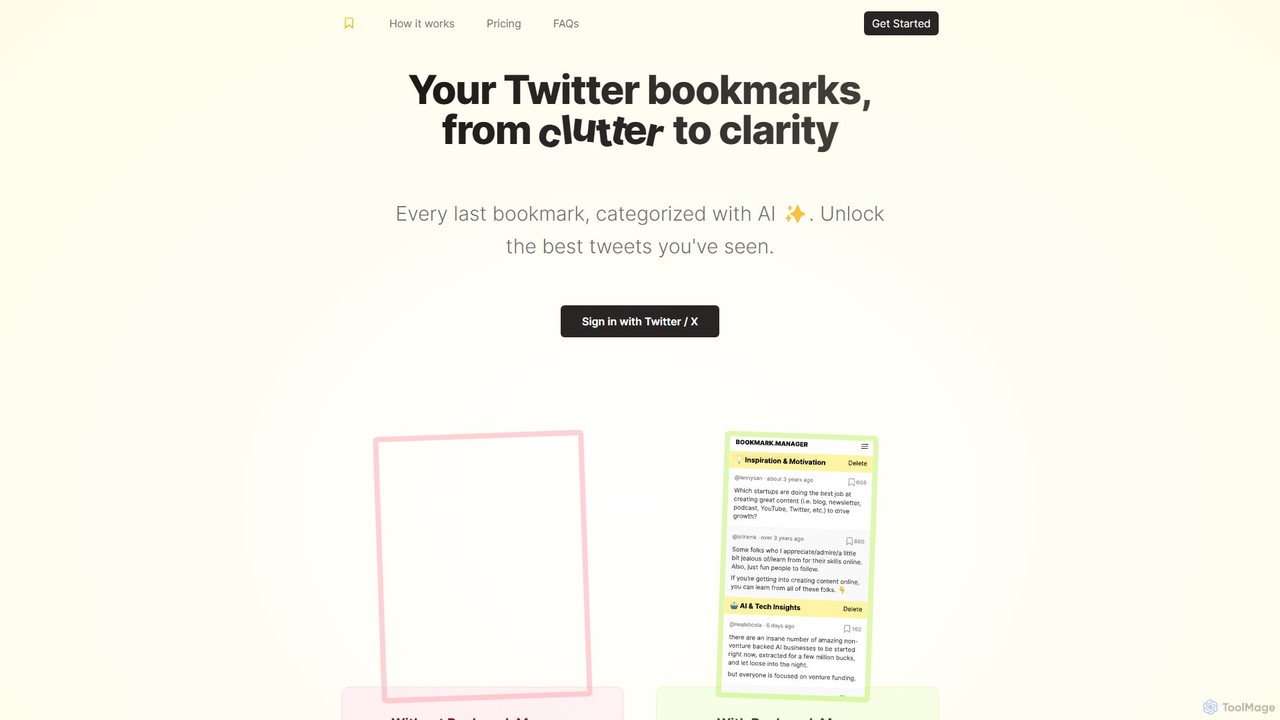
twitterbookmarks
An AI-powered tool that uses GPT-4 to automatically categorize your Twitter/X bookmarks. It transforms your cluttered collection of saved tweets into a clear, organized, and searchable knowledge base, allowing you to export your data to CSV or JSON.
Curation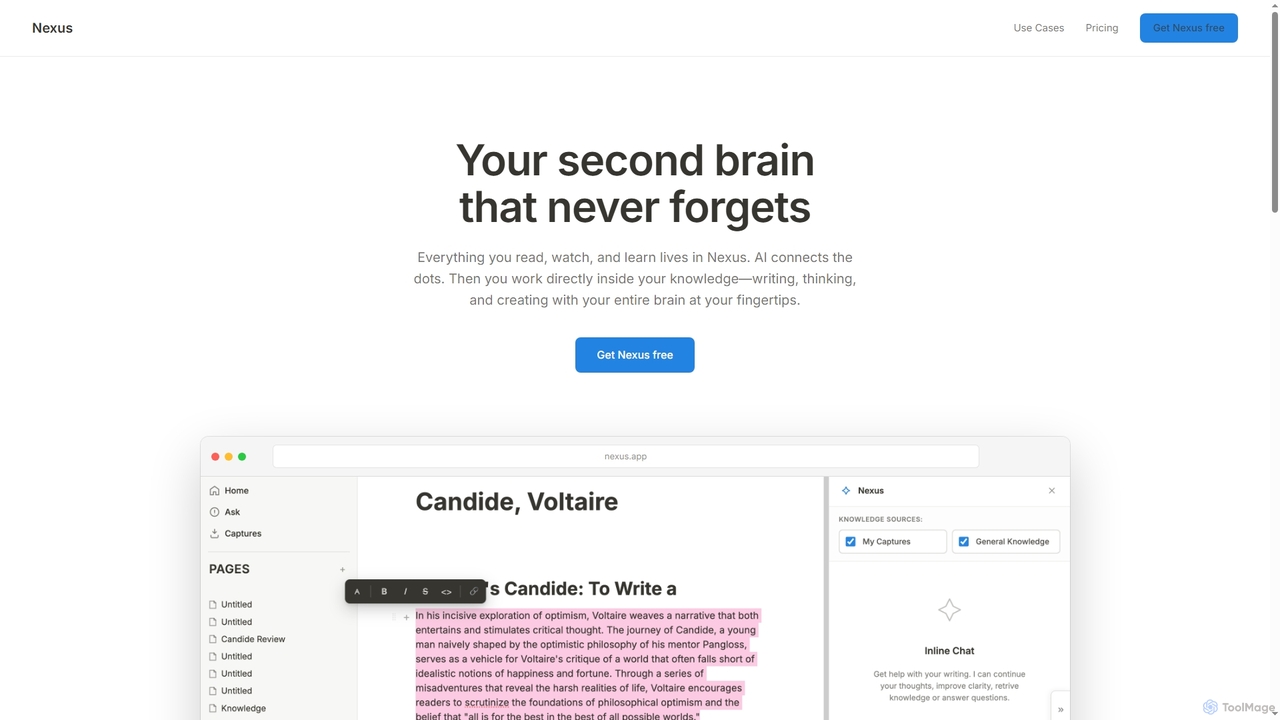
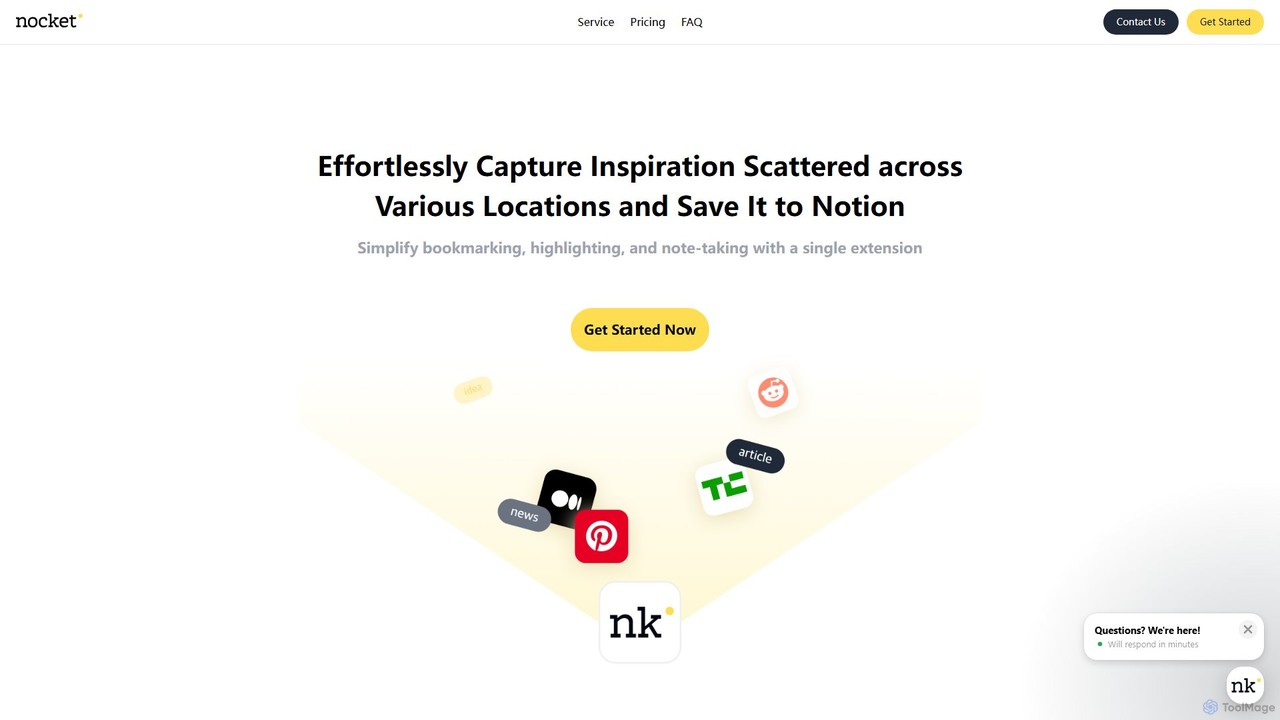
nocket
nocket is a powerful browser extension designed to streamline your knowledge management workflow. It allows you to effortlessly capture web pages, highlight text, and take notes, saving everything directly into your Notion workspace. With AI-powered summarization for websites and YouTube videos, nocket transforms scattered inspiration into an organized, actionable knowledge base.
Bookmarking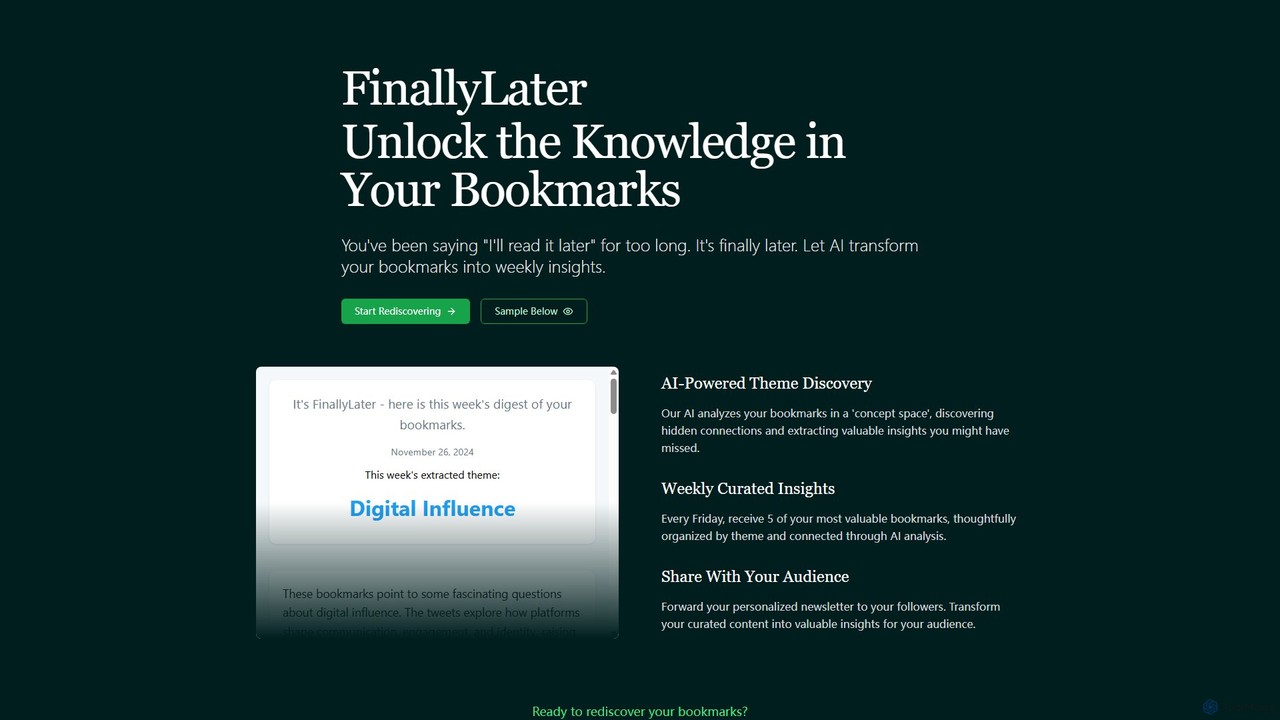
FinallyLater
FinallyLater is an AI-powered service that transforms your cluttered bookmarks into a weekly, curated newsletter. It analyzes your saved links, discovers hidden themes and connections, and delivers five of your most valuable bookmarks as organized insights every Friday, helping you combat information overload and rediscover knowledge.
Learning
Bookmark
Bookmark is an AI-powered knowledge management platform that helps you save, organize, and rediscover digital content. It uses AI to automatically summarize articles, tag content, and enable powerful semantic search, transforming your collection of links into a personal knowledge base or a collaborative team hub.
Study Tools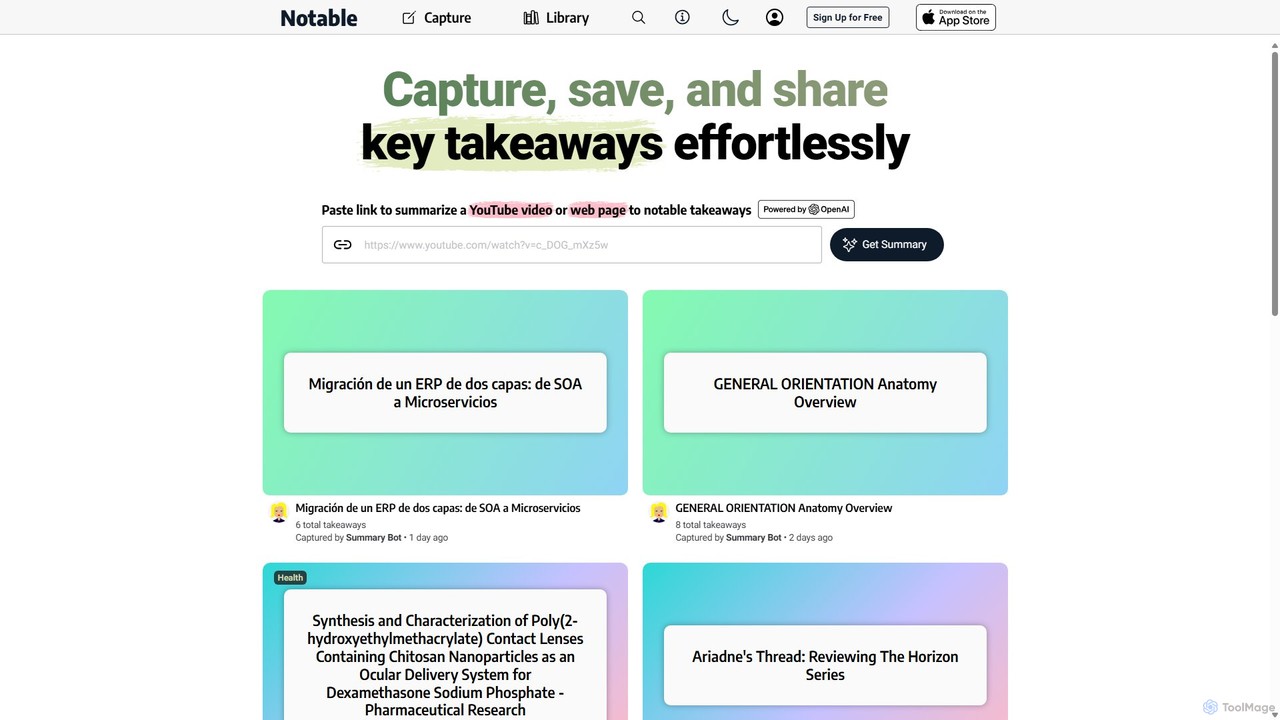
Notable AI
Notable AI is an intelligent tool designed to capture, summarize, and organize key takeaways from web pages and YouTube videos. Simply paste a link, and the AI generates concise summaries, helping you build a personal knowledge library and share insights effortlessly.
Research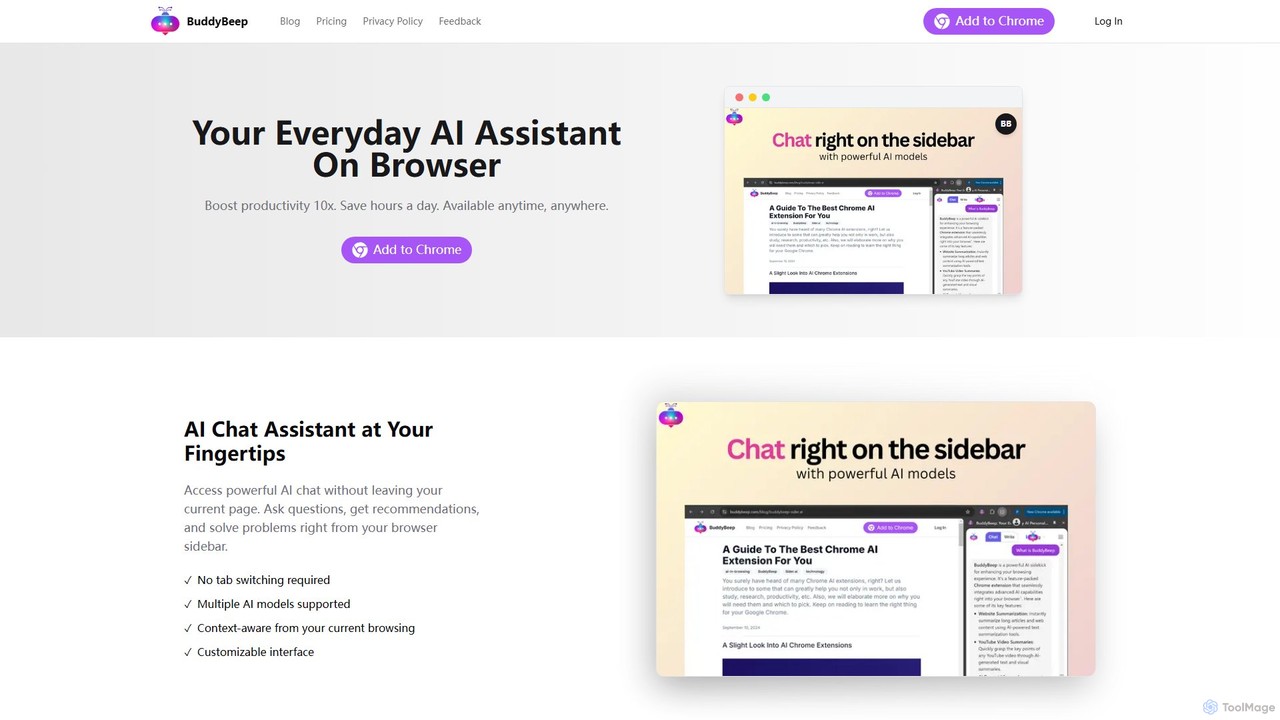
BuddyBeep
BuddyBeep is an AI-powered Chrome extension that acts as your personal browsing assistant. It boosts productivity by offering an in-page AI chat, one-click summarization for articles and YouTube videos, and a smart knowledge repository to build your "second brain". Capture, organize, and retrieve information effortlessly without switching tabs, transforming your browsing into a more efficient and insightful experience.
Browser Extension
SaveDay Comments (0)
Sign in to comment.
Sign inNo comments yet.