ToolMage
Sign in

Best 8 Information Curation AI tools for Research

Popular Information Curation AI tools in Research include Feedly, SaveDay, Omnibox, MyMemo, TabCrunch, Memable, MindBase, and Clipmate AI, helping you work more efficiently.

Omnibox

Omnibox

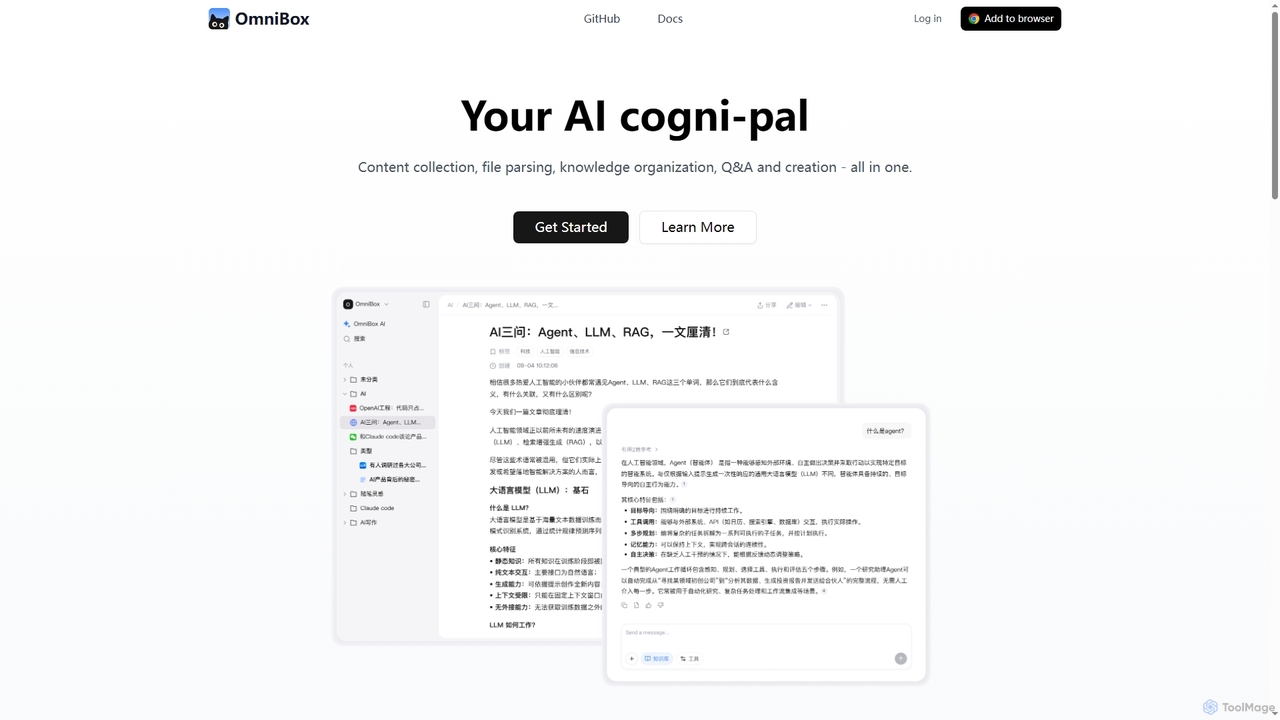
Omnibox is an AI-powered knowledge companion designed to streamline your information workflow. It helps you collect web content and local files, parse them into editable documents, and build a centralized, searchable knowledge base. Ask questions and get traceable answers from your own data.

Knowledge Management
Visits 34.6KFavorites 133Likes 145
MindBase

MindBase

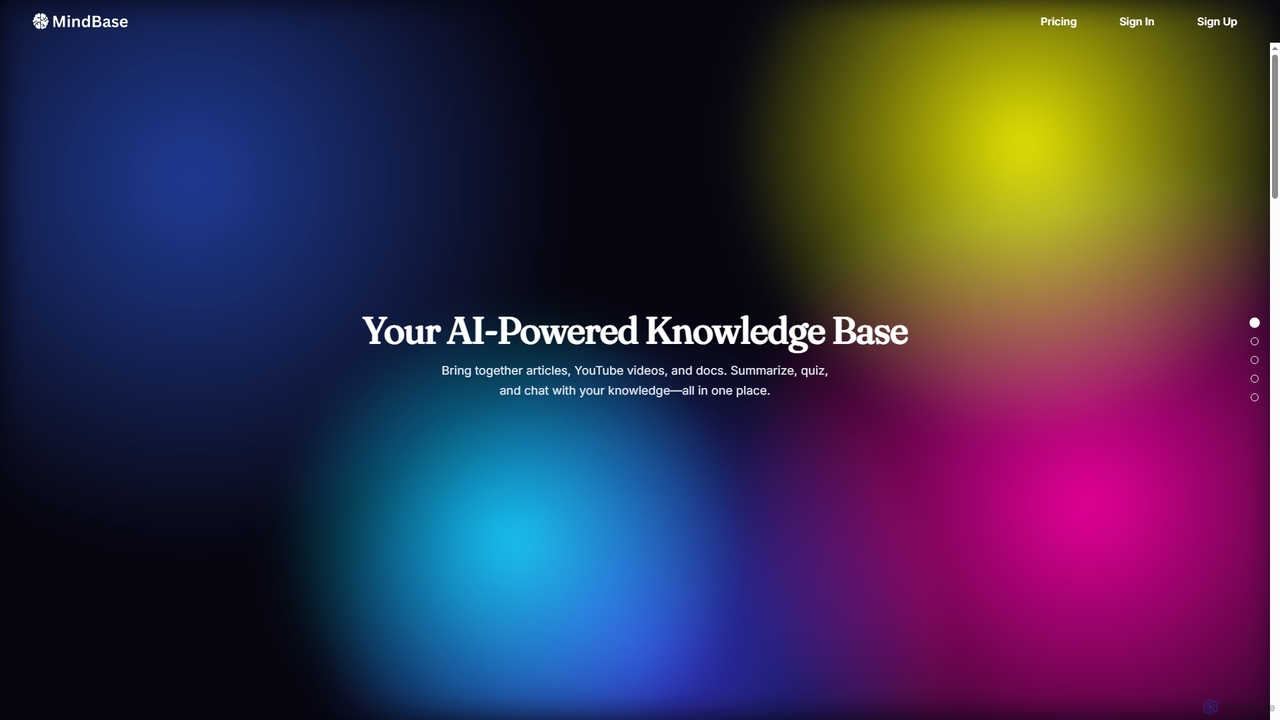
MindBase is an AI-powered knowledge base designed for professionals and learners. It centralizes articles, YouTube videos, and documents into a single workspace. The tool automatically generates summaries and flashcards to enhance learning and allows you to chat directly with your knowledge repository to find answers and insights quickly.

Study Tools
Visits 4.8KFavorites 106Likes 99
Feedly
Freemium

Feedly

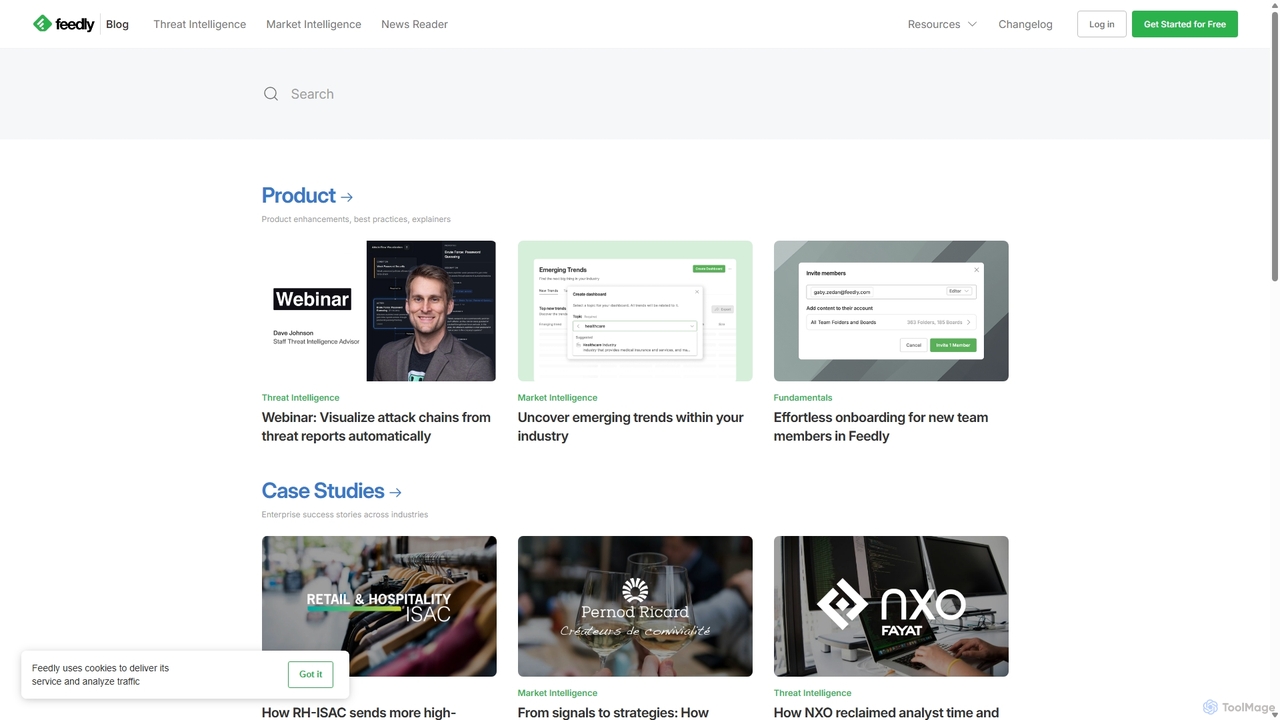
Feedly is an AI-powered intelligence platform that helps professionals and teams track critical industry trends, monitor market intelligence, and stay ahead of cybersecurity threats. It aggregates content from news sites, blogs, Twitter, and newsletters, using an AI assistant named Leo to filter noise, prioritize insights, and summarize key information, transforming information overload into actionable intelligence.

Market Intelligence
Visits 13.6MFavorites 119Likes 124
TabCrunch
Freemium

TabCrunch

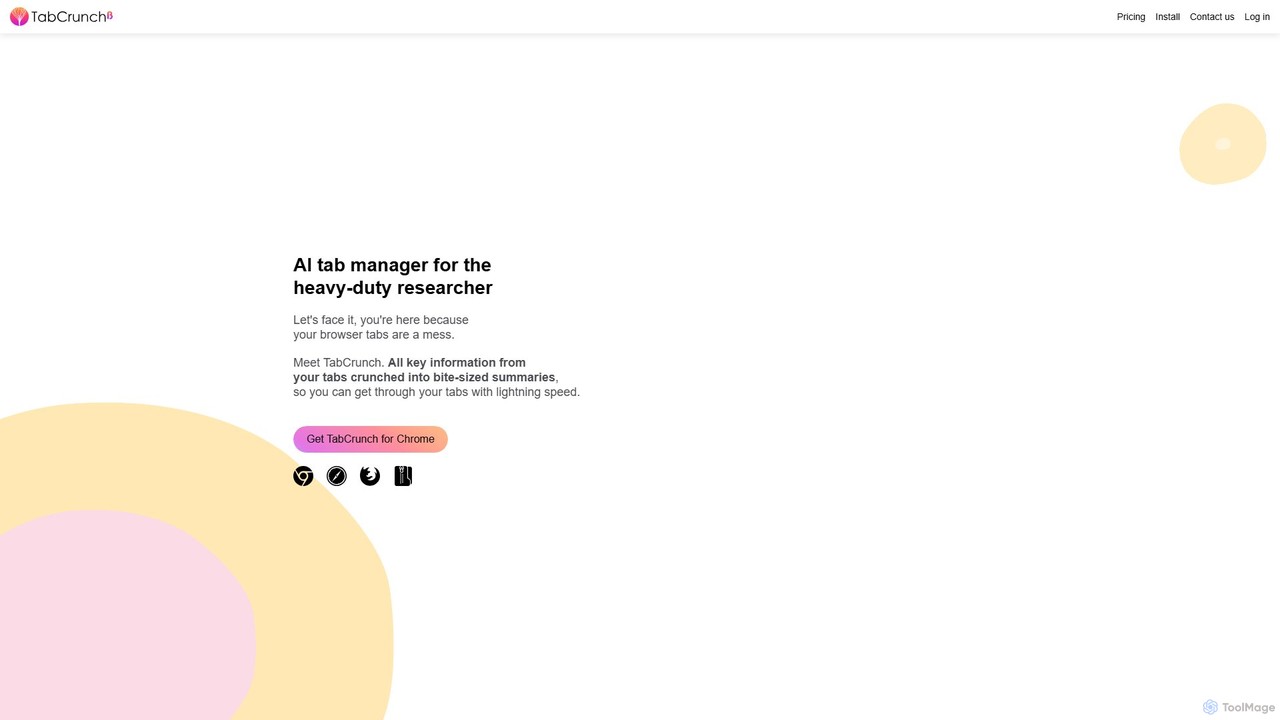
TabCrunch is an AI-powered browser extension designed for heavy-duty researchers and professionals. It automatically organizes messy browser tabs into relevant groups, provides concise summaries for each tab and group, extracts key information, and helps you navigate your research with lightning speed.

Browser Extensions
Visits 6.7KFavorites 100Likes 84
Memable
Freemium

Memable

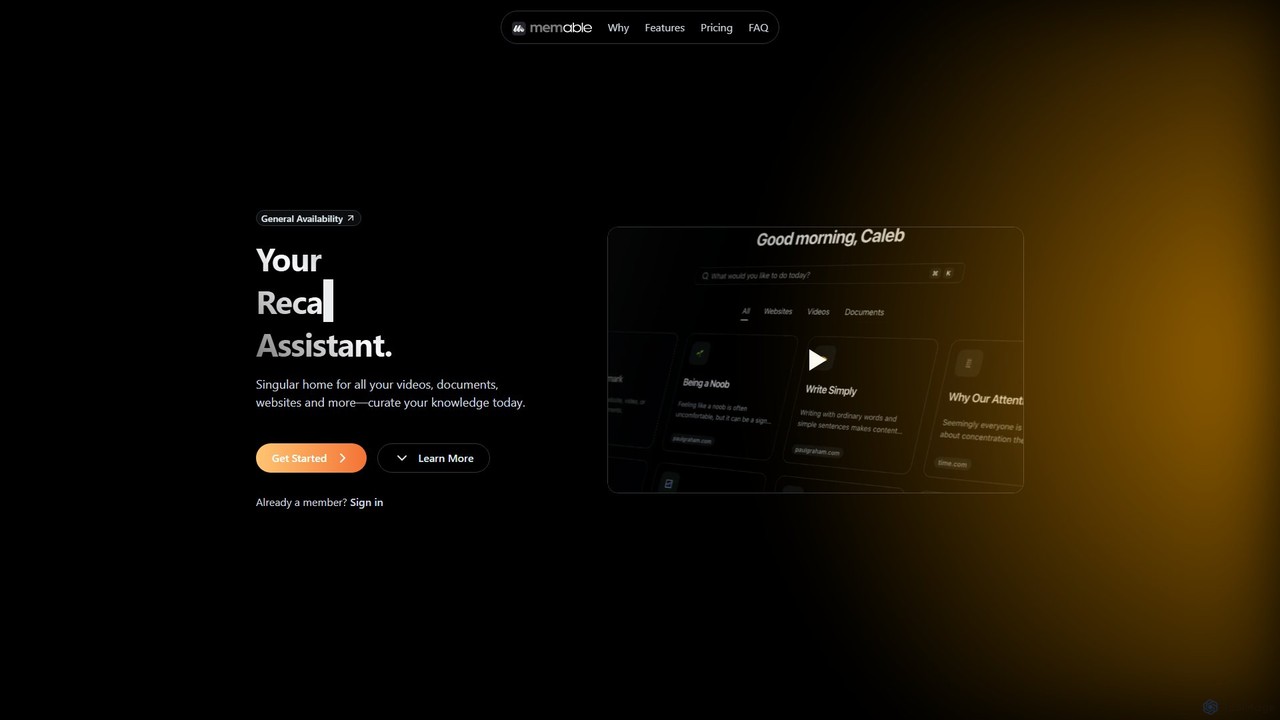
Memable is an AI-powered knowledge assistant designed to help you curate and recall information effortlessly. It provides a single home for your videos, documents, and websites, using AI to synthesize notes and create a searchable personal knowledge base. Chat with your content, visualize connections on a knowledge map, and overcome information overload to build lasting knowledge.

Note Taking
Visits 5.2KFavorites 110Likes 112
Clipmate AI
Freemium

Clipmate AI

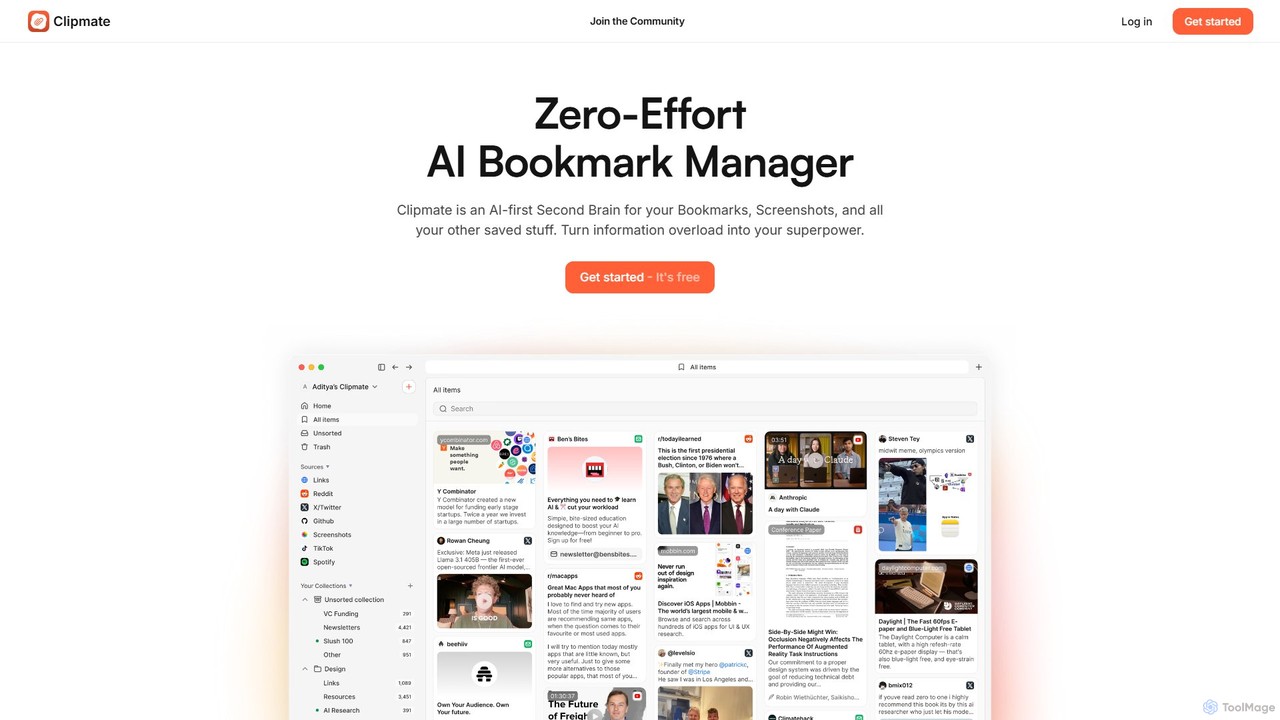
Clipmate AI is a zero-effort AI bookmark manager and second brain. It automatically syncs, organizes, and summarizes your bookmarks, screenshots, and links from various platforms, turning information overload into a searchable and intelligent knowledge base.

Second Brain
Visits 4.2KFavorites 106Likes 113
MyMemo
Freemium

MyMemo

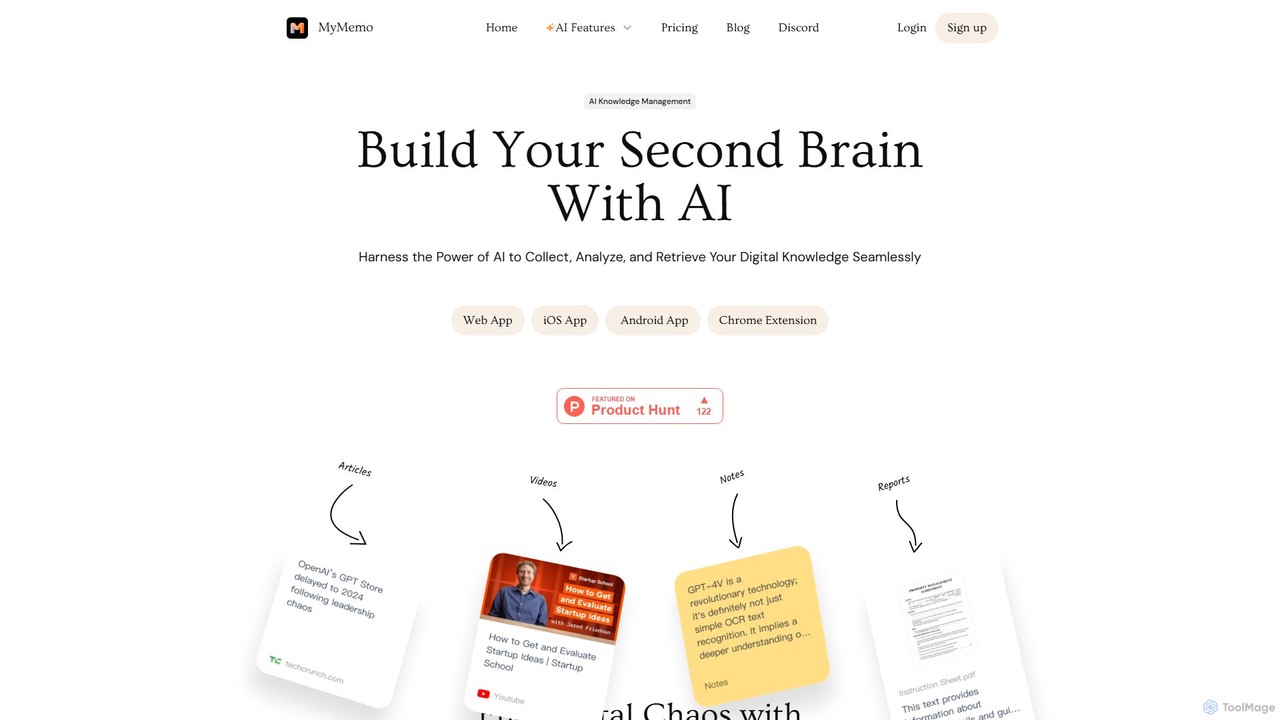
MyMemo is an AI-powered knowledge management tool that acts as your 'second brain'. It helps you effortlessly collect, analyze, and retrieve digital knowledge from various sources like articles, videos, and notes, transforming scattered information into an intelligent, searchable personal database.

Knowledge Management
Visits 29.3KFavorites 157Likes 138
SaveDay
Freemium

SaveDay

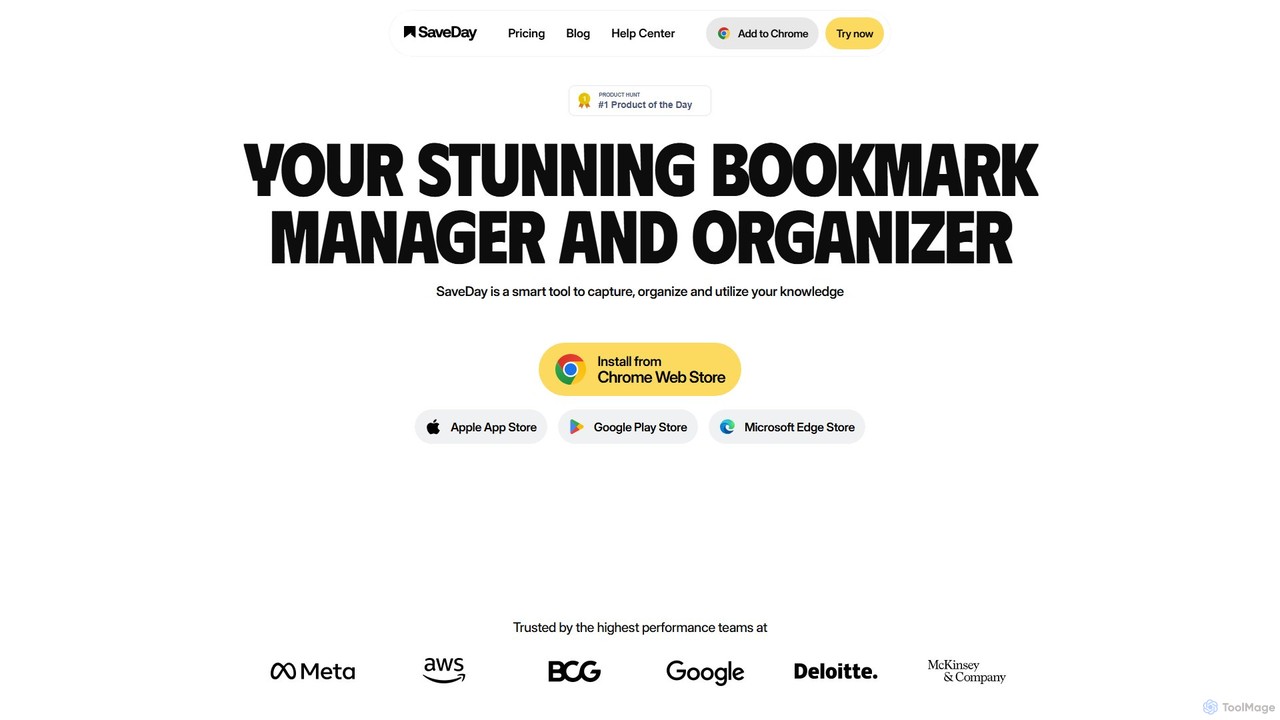
SaveDay is an AI-powered bookmark and knowledge manager. It helps you capture, organize, and utilize online content like articles, videos, and links with one click. Use AI to summarize content, search your personal library with natural language, and get answers based on what you've saved.

Bookmarking
Visits 43.7KFavorites 145Likes 142

About Information Curation

Information Curation tools are AI-powered platforms designed to discover, collect, organize, and present relevant data and content from vast sources. These tools leverage advanced natural language processing and machine learning to filter noise, identify key insights, and structure information efficiently. They empower researchers, content creators, and businesses to transform raw data into actionable knowledge, significantly streamlining the research process within the broader Research category.

Core Features

  • Automated Content Discovery: Scans web, databases, and social media for relevant articles, reports, and trends based on user-defined criteria.
  • Intelligent Filtering & Summarization: Uses AI to filter out irrelevant information and generate concise summaries of lengthy documents or articles.
  • Knowledge Graph & Semantic Linking: Organizes curated information into interconnected knowledge graphs, revealing relationships and context between data points.
  • Personalized Feed Generation: Creates customized information feeds tailored to individual user interests or project requirements.
  • Collaboration & Sharing: Facilitates sharing of curated collections and insights with teams, enhancing collective understanding.

Applicable Scenarios

These tools are invaluable for professionals who need to stay updated and synthesize information from diverse sources. Journalists use them to track breaking news and gather background for stories, while market researchers employ them to monitor industry trends and competitor activities. Academics and students benefit from efficiently collecting and organizing sources for literature reviews and thesis writing.

How to Choose

When selecting an Information Curation tool, consider its source integration capabilities (e.g., web, academic databases, social media), the accuracy of its AI filtering and summarization, and its organizational features like tagging, categorization, and knowledge graph generation. Evaluate its collaboration features for team projects and ensure it offers robust export options for your curated content.

Featured tool rankings

Information Curation use cases

1

Monitoring Industry Trends for Strategic Planning

Market analysts and business strategists utilize information curation tools to continuously track emerging trends, technological advancements, and regulatory changes within their target industries. By setting up specific keywords and sources, the AI automatically collects, filters, and summarizes relevant news, reports, and academic papers, providing a concise overview that informs strategic decision-making and competitive analysis.

2

Streamlining Academic Literature Reviews

University researchers and graduate students leverage these tools to efficiently conduct comprehensive literature reviews for their studies. Instead of manually sifting through countless papers, the AI identifies, collects, and categorizes relevant scholarly articles, journals, and conference proceedings based on research topics, significantly reducing the time spent on initial data gathering and organization.

3

Enhancing Competitive Intelligence Gathering

Competitive intelligence teams employ information curation platforms to monitor competitor activities, product launches, market positioning, and public sentiment. The tools aggregate data from news outlets, social media, company reports, and forums, providing a consolidated view of the competitive landscape and enabling proactive strategic responses.

4

Personalizing News and Content Feeds

Individual professionals and content creators use these tools to create highly personalized news and content feeds tailored to their specific interests and professional development needs. The AI learns user preferences over time, delivering a curated stream of articles, blogs, and videos, ensuring they stay informed without being overwhelmed by irrelevant information.

5

Supporting Investigative Journalism and Fact-Checking

Investigative journalists and fact-checkers utilize information curation tools to gather and cross-reference vast amounts of data from disparate sources. The AI helps in identifying patterns, verifying facts, and uncovering hidden connections within public records, news archives, and social media discussions, crucial for building robust narratives and ensuring accuracy.

6

Building Internal Knowledge Bases for Enterprises

Enterprises use information curation tools to build and maintain dynamic internal knowledge bases. These tools automatically collect and organize internal documents, project reports, meeting notes, and external industry insights, making critical information easily searchable and accessible to employees, fostering knowledge sharing and reducing information silos.

Information Curation FAQ

What are Information Curation tools?

Information Curation tools are AI-powered applications that automate the process of discovering, collecting, organizing, and presenting relevant information from various digital sources. They leverage machine learning to filter noise, summarize content, and identify key insights, transforming raw data into structured, actionable knowledge for users.

How do Information Curation tools differ from general search engines?

While search engines find information, Information Curation tools go further by actively filtering, organizing, and synthesizing that information based on specific criteria or user preferences. They don't just provide links; they structure content, offer summaries, and often build knowledge graphs, providing a more refined and actionable output than a simple list of search results.

Who benefits most from using Information Curation tools?

Professionals who deal with large volumes of information benefit significantly, including researchers, journalists, market analysts, content creators, academics, and business intelligence teams. Anyone needing to stay updated, synthesize complex data, or build comprehensive knowledge bases will find these tools invaluable for efficiency and insight generation.

What features should I look for in an Information Curation tool?

Key features to consider include robust content discovery capabilities across diverse sources, advanced AI filtering and summarization, intuitive organization tools (tagging, categorization, knowledge graphs), collaboration features for team use, and flexible export options. Also, evaluate the tool's ability to personalize feeds and its overall ease of use.

Can Information Curation tools help with research within the broader Research category?

Absolutely. Information Curation is a specialized sub-category within Research. These tools significantly enhance the research process by automating the initial stages of data gathering and organization, allowing researchers to focus more on analysis and interpretation. They provide a structured foundation of relevant information, making the overall research workflow more efficient and effective.