Knowledge Management Best in category 6 results Second Brain AI Tool

Popular AI tools in the Second Brain field of Knowledge Management include Saner.AI、TheBrain、Sune AI、Vihko、reconfigured、Clipmate AI, etc., helping you quickly improve efficiency.

Vihko

Vihko

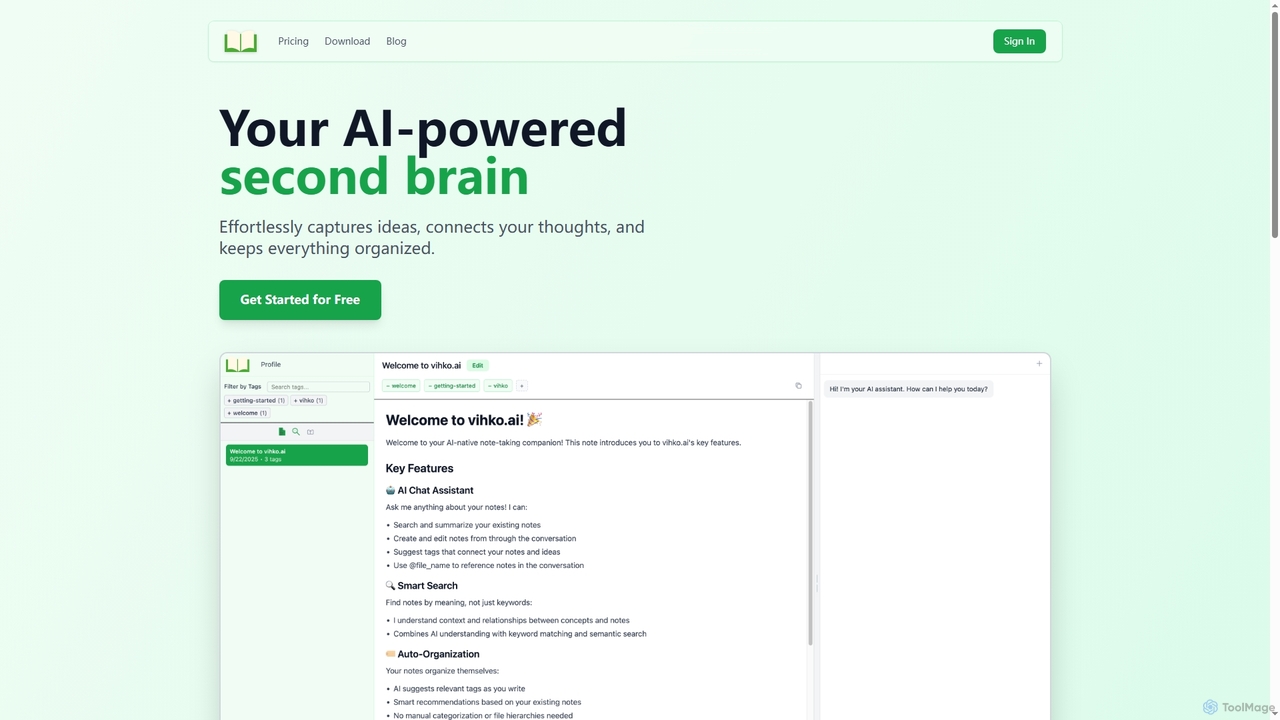
Vihko is an AI-native note-taking application designed to function as your second brain. It seamlessly captures ideas, connects …

2.4K
Sune AI

Sune AI

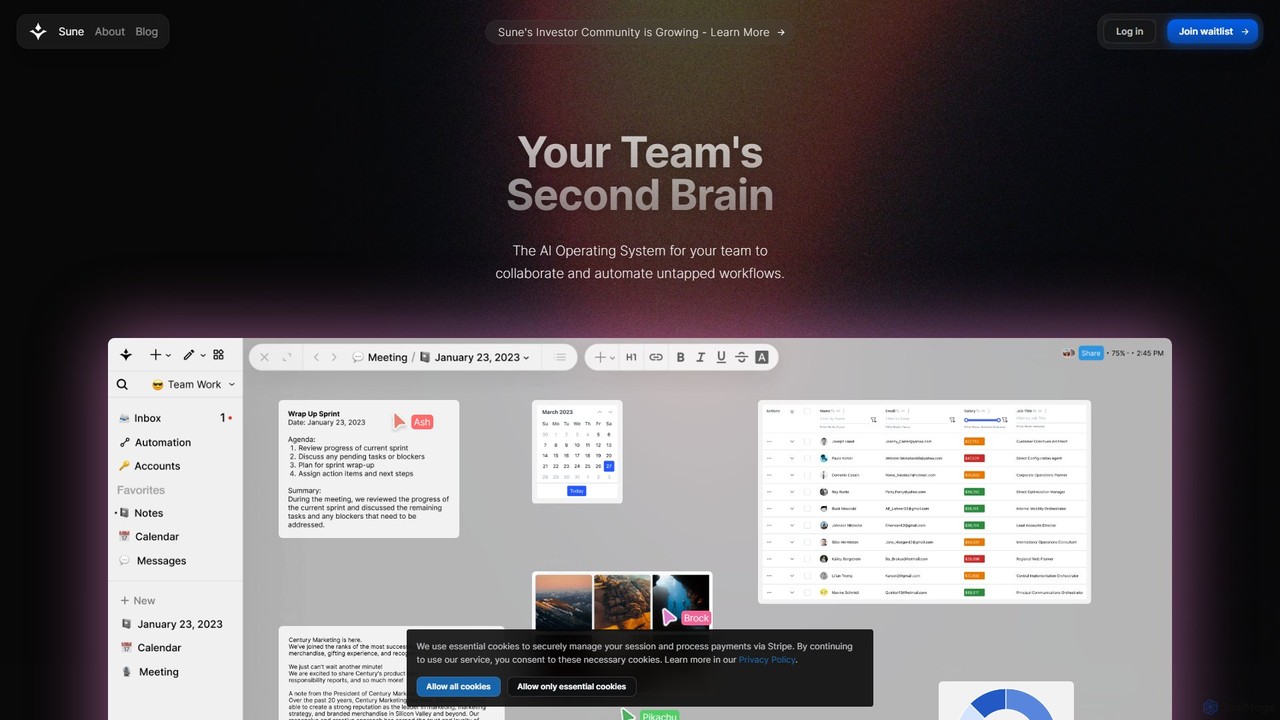
Sune AI is a collaborative AI operating system designed to be your team's second brain. It integrates documents, …

4.7K
Clipmate AI

Clipmate AI

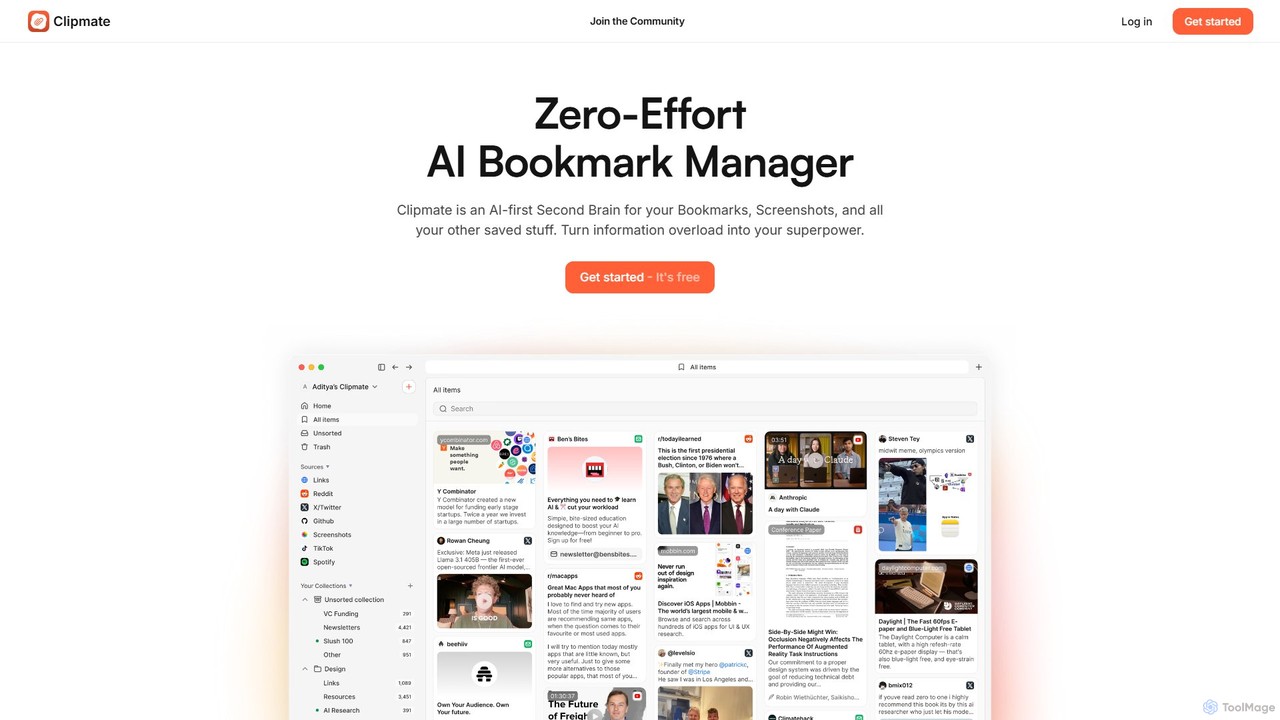
Clipmate AI is a zero-effort AI bookmark manager and second brain. It automatically syncs, organizes, and summarizes your …

2.3K
TheBrain

TheBrain

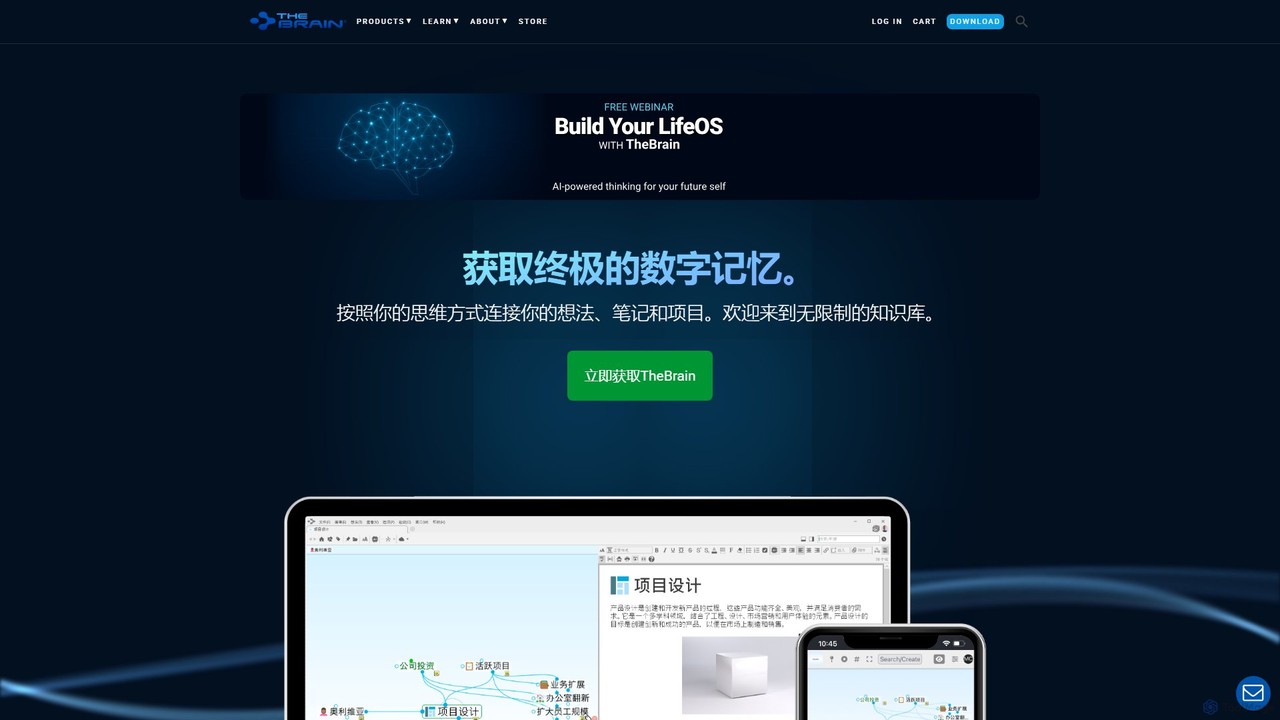
TheBrain is an ultimate digital memory and mind mapping software that uses AI to help you organize your …

117.2K
reconfigured

reconfigured

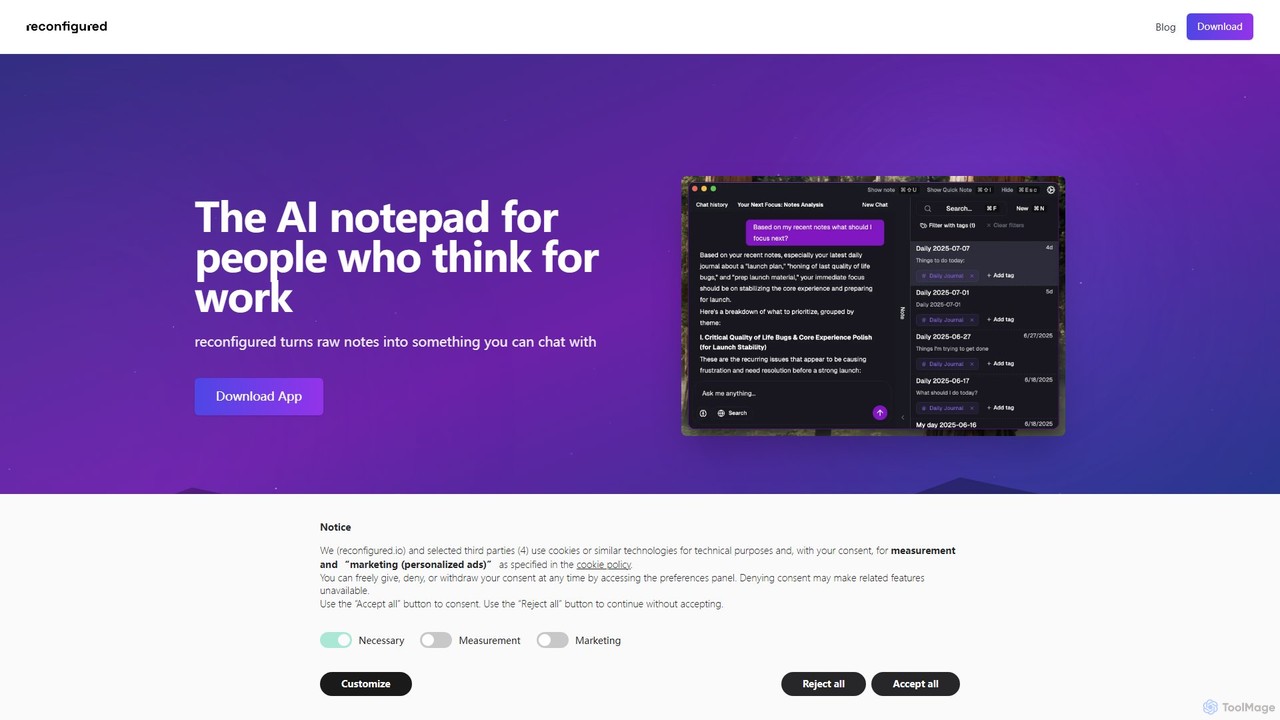
reconfigured is an AI-powered notebook designed for knowledge workers. It transforms scattered, raw notes into an interactive, searchable …

2.4K
Saner.AI

Saner.AI

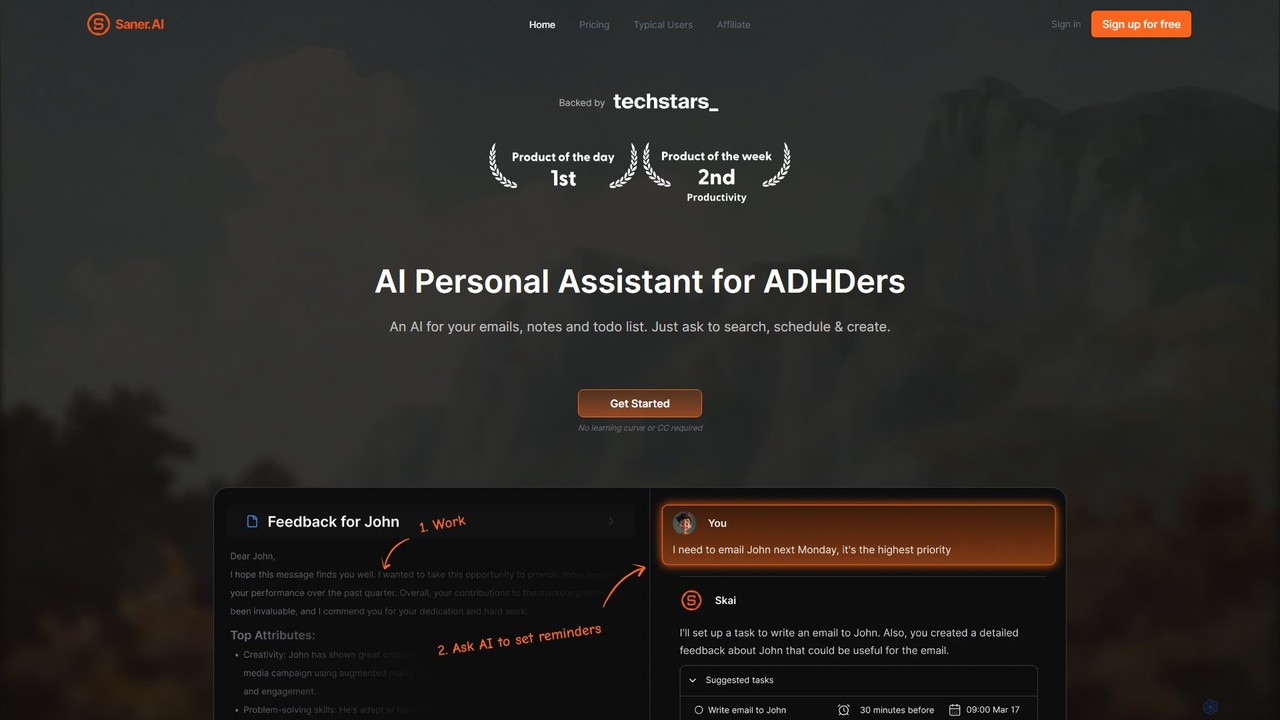
Saner.AI is an AI personal assistant designed to help users, especially those with ADHD, manage notes, emails, and …

299.1K

About Second Brain

Second Brain tools are a specialized category of knowledge management software designed to act as a digital extension of your mind. They are built on the principle of connecting ideas, rather than simply storing files in folders. By using features like bi-directional linking and graph visualization, these tools help you capture, organize, and synthesize information from various sources. This approach transforms scattered notes into a cohesive personal knowledge network, facilitating creative insights and long-term learning.

Core Features

  • Bi-directional Linking: Create non-linear connections between notes to build a web of related ideas.
  • Graph View: Visualize the relationships between your notes as a network, revealing patterns and clusters.
  • Universal Capture: Quickly save text, links, images, and documents from web browsers, mobile apps, and other sources.
  • Knowledge Synthesis: Combine and remix atomic notes to form new, original thoughts and long-form content.
  • Flexible Organization: Utilize tags, links, and search instead of rigid folder hierarchies for more dynamic organization.

Use Cases

Second Brain tools are ideal for knowledge workers, researchers, writers, students, and lifelong learners. They are particularly effective for managing complex research projects, writing books or long articles, developing new skills, and building a personal repository of insights that grows in value over time. Any role that requires synthesizing diverse information to generate novel ideas can benefit from this approach.

How to Choose

When selecting a Second Brain tool, consider its core methodology—does it align with systems like Zettelkasten or PARA? Evaluate its capture ecosystem for ease of use across your devices. Prioritize data ownership and portability, ensuring you can export your notes in standard formats like Markdown. Finally, assess whether its features are geared towards individual thinking or collaborative knowledge sharing, depending on your primary need.

Second BrainUse Cases

1

Academic Research and Thesis Writing

A postgraduate researcher uses a Second Brain tool to manage hundreds of academic papers, interview transcripts, and experimental notes. Instead of linear folders, they create atomic notes for each key concept, quote, or data point. Using bi-directional links, they connect a theoretical framework from one paper to a specific finding in their own data. The graph view reveals unexpected clusters of related ideas, helping them formulate a novel argument for their thesis. This networked approach transforms research from simple information storage into an active process of knowledge synthesis and discovery.

2

Content Creation and Idea Pipeline Management

A content creator captures ideas, article snippets, and interesting links throughout the day using a web clipper and mobile app. Each captured item becomes a note in their Second Brain. When planning new content, they don't start with a blank page. Instead, they browse their graph of ideas, follow links between related topics, and identify emerging themes. This allows them to combine a statistic from one note with an anecdote from another to create a compelling blog post. The system acts as an 'idea factory', ensuring a consistent pipeline of well-researched and interconnected content.

3

Lifelong Learning and Skill Acquisition

A software developer learning a new programming language uses a Second Brain to create notes on concepts, syntax, and code snippets. They link a note about 'functions' to another about 'variables' and a third about a specific project where they applied both. Over time, this creates a personal, interconnected wiki of their knowledge. When they encounter a similar problem months later, they can easily search and navigate their notes to refresh their memory, not just on the syntax, but on the context and connections between concepts, accelerating mastery and retention.

4

Managing Complex Personal Projects

An entrepreneur planning a new business venture uses a Second Brain to centralize all related information. They create notes for market research, competitor analysis, product ideas, potential investor contacts, and meeting minutes. Each note is linked to relevant others; for example, a competitor's feature is linked to a new product idea it inspired. This creates a holistic project dashboard. Instead of searching through separate documents and apps, they can navigate the knowledge graph to see how a single piece of information impacts the entire project, enabling better strategic planning and decision-making.

5

Journaling and Personal Reflection

An individual uses a Second Brain for daily journaling and reflection. They create notes for daily events, moods, and insights. By tagging notes with themes like 'productivity' or 'creativity', and linking entries that relate to each other, they build a rich, searchable history of their personal development. Over time, they can use the graph view to identify recurring patterns in their thoughts and behaviors, gaining self-awareness that would be difficult to achieve with a traditional, linear diary. This turns journaling from a simple record into a tool for introspection and growth.

6

Authoring a Non-Fiction Book

An author uses a Second Brain to write a non-fiction book. Each piece of research, interview quote, historical fact, or personal anecdote is captured as a separate, atomic note. They then create higher-level notes that link to these source materials to form arguments and build chapters. This block-based approach allows them to easily restructure the book by moving links around, rather than cutting and pasting large chunks of text. The graph view provides a bird's-eye view of the book's entire structure, ensuring all arguments are well-supported and logically connected before committing to the final manuscript.

Second BrainFrequently Asked Questions