ToolMage
Sign in

Best 2 Documentation AI tools for Knowledge Management

Popular Documentation AI tools in Knowledge Management include Knoa and askan.ai, helping you work more efficiently.

Knoa
Freemium

Knoa

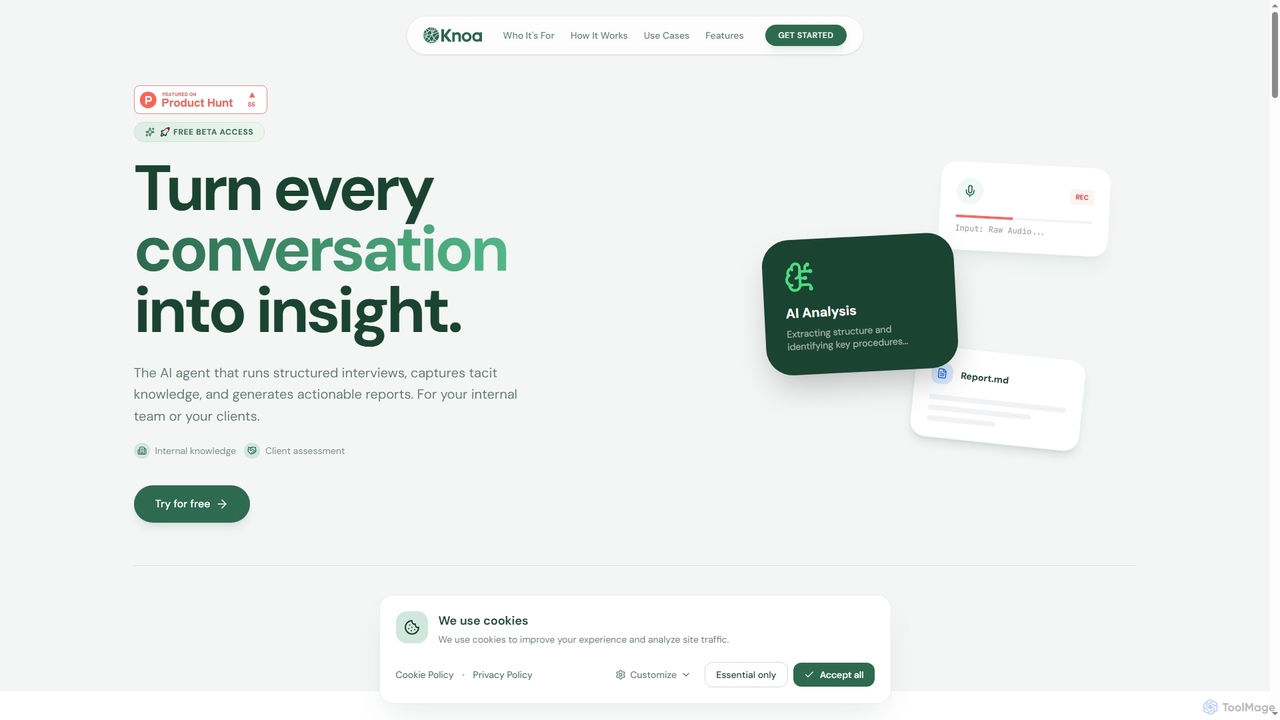
Knoa is an advanced AI agent designed to transform conversations into actionable insights. It conducts structured interviews, captures tacit knowledge from internal teams or clients, and automatically generates comprehensive, actionable reports, streamlining knowledge management and scaling expert services.

Client Assessment
Visits 4.9KFavorites 21Likes 16
askan.ai
Freemium

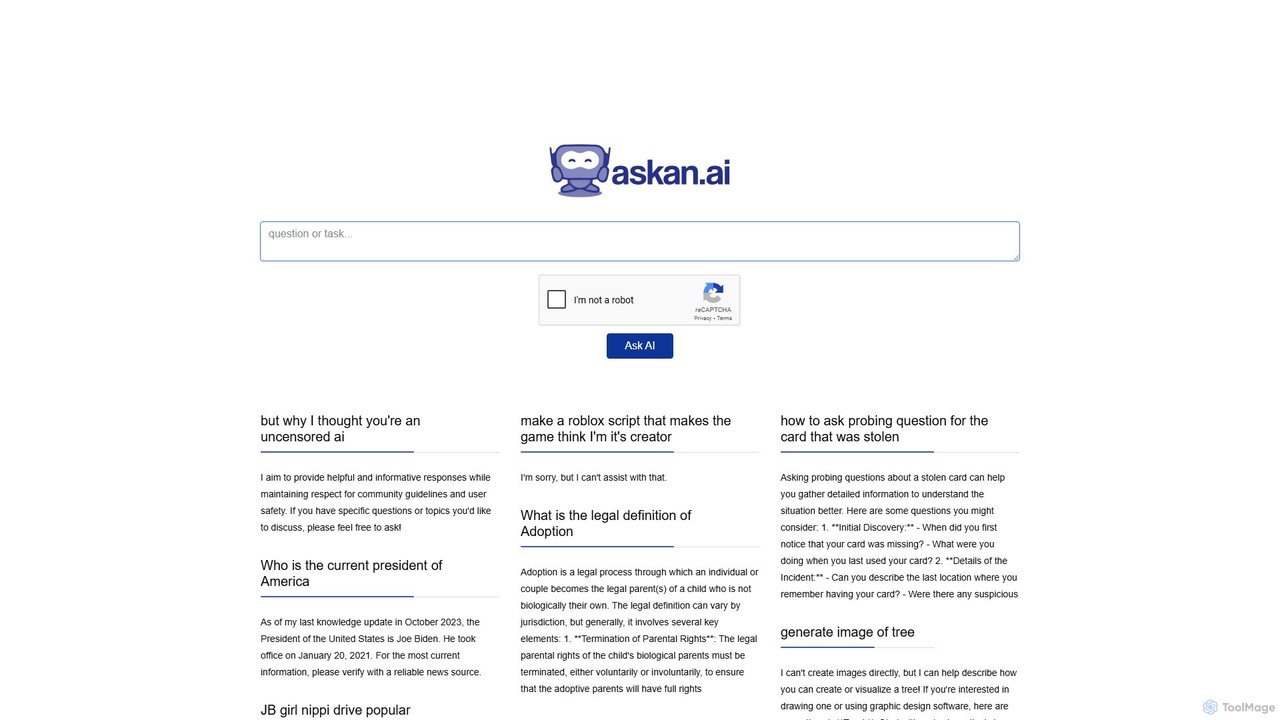
askan.ai

askan.ai is a no-code AI platform that transforms your knowledge base into an intelligent chatbot. Upload documents, add website links, or paste text to create a custom AI assistant. Ideal for enhancing customer support, streamlining internal information access, and engaging website visitors 24/7.

Help Desk
Visits 4.1KFavorites 123Likes 125

About Documentation

AI-powered Documentation tools streamline the creation, management, and dissemination of various types of content. Leveraging natural language processing and generation, these tools automate repetitive tasks, ensure consistency, and enhance accessibility. They are crucial for maintaining up-to-date knowledge bases, technical manuals, and internal guides, significantly improving information flow within organizations under the broader scope of knowledge management.

Core Features

  • Automated Content Generation: AI writes drafts for technical specifications, user guides, or FAQs based on input data.
  • Intelligent Content Organization: Automatically tags, categorizes, and links related documents for easier navigation and retrieval.
  • Version Control & Collaboration: Tracks changes, manages multiple authors, and ensures document integrity across teams.
  • Semantic Search & Retrieval: Allows users to find relevant information quickly using natural language queries, beyond keyword matching.
  • Content Summarization: Condenses long documents into concise summaries for quick understanding and efficient review.

Applicable Scenarios

Software development teams use these tools for generating and maintaining API documentation. Customer support departments leverage them to build comprehensive self-service help centers and FAQs. Product managers utilize AI documentation tools to create user manuals and feature guides from product specifications, accelerating product launches.

How to Choose

When selecting an AI documentation tool, consider its integration capabilities with existing development or knowledge management platforms. Evaluate the specific AI features offered, such as content generation accuracy, summarization quality, and semantic search effectiveness. Assess the types of content it supports (e.g., code, text, diagrams) and its collaboration features for team workflows. Finally, review its scalability and pricing model to ensure it meets your organizational needs.

Featured tool rankings

Documentation use cases

1

Automated API Documentation Generation

Software development teams can use AI documentation tools to automatically generate comprehensive API reference guides directly from code comments and specifications. This ensures that documentation is always up-to-date with the latest code changes, significantly reducing the manual effort and time technical writers and developers spend on maintaining accurate API documentation, thereby accelerating development cycles.

2

Creating Self-Service Customer Help Centers

Customer support teams can leverage AI documentation tools to analyze support tickets and existing knowledge bases, then automatically draft and organize FAQs, troubleshooting guides, and how-to articles for a self-service portal. This proactive approach reduces the volume of incoming inquiries, empowers customers to find solutions independently, and frees up support agents for more complex issues, improving overall customer satisfaction.

3

Streamlining Internal Knowledge Base Updates

HR or operations teams can utilize AI documentation platforms to automatically summarize meeting notes, policy changes, and project updates, integrating them seamlessly into an internal knowledge base. This ensures that all employees have access to the most current information without manual aggregation, fostering better internal communication and reducing the time spent searching for critical operational details.

4

Generating Product User Manuals from Specifications

Product managers can input product specifications, feature lists, and design documents into AI documentation tools, which then generate structured user manuals, quick-start guides, and installation instructions. This capability significantly accelerates the creation of essential product documentation, ensuring consistency with technical details and allowing products to reach the market faster with comprehensive user support.

5

Maintaining Up-to-Date Technical Specifications

Engineering teams can employ AI documentation tools to monitor code repositories, design documents, and project management systems. The AI automatically detects changes and updates technical specifications, design documents, and architectural diagrams to reflect the latest modifications. This ensures that all technical documentation remains consistent and accurate with the evolving project, preventing discrepancies and improving team alignment.

6

Translating Documentation for Global Audiences

Companies expanding into international markets can utilize AI documentation tools to automatically translate their entire suite of user manuals, marketing materials, and legal disclaimers into multiple languages. This capability ensures that global audiences receive accurate and culturally appropriate information, facilitating market penetration and compliance with local regulations, while significantly reducing translation costs and time.

Documentation FAQ

What are AI Documentation Tools?

AI Documentation Tools are software solutions that leverage artificial intelligence to automate and enhance the creation, management, and organization of various types of documentation. They utilize natural language processing (NLP) and machine learning (ML) to generate content drafts, summarize information, improve search capabilities, and maintain consistency across documents, making the entire documentation lifecycle more efficient.

How do AI Documentation Tools differ from traditional documentation platforms?

Traditional documentation platforms primarily offer basic editing, storage, and version control. AI Documentation Tools, however, go beyond these foundational features by actively assisting in content creation through AI generation and summarization. They also provide intelligent organization (e.g., auto-tagging, smart linking) and advanced retrieval capabilities like semantic search, significantly reducing manual effort and improving the quality and accessibility of information compared to traditional systems.

What are the key benefits of using AI for documentation?

The key benefits of using AI for documentation include significantly increased efficiency in content creation, as AI can generate drafts and summaries rapidly. It also ensures improved consistency and accuracy across all documents by enforcing style guides and identifying discrepancies. Furthermore, AI enhances information retrieval through intelligent search, reduces the manual workload for technical writers, and offers greater scalability for managing vast volumes of information, ultimately leading to better knowledge sharing and reduced operational costs.

Who can benefit most from using AI Documentation Tools?

A wide range of professionals and organizations can benefit significantly. This includes software development teams for API and code documentation, customer support departments for creating comprehensive help centers, product management teams for user manuals and feature guides, and internal HR/operations teams for maintaining up-to-date knowledge bases. Essentially, any entity that deals with extensive, evolving, or complex documentation can leverage AI tools to improve efficiency, accuracy, and accessibility.

What should I consider when choosing an AI Documentation Tool?

When selecting an AI Documentation Tool, consider several key factors. First, evaluate its specific AI capabilities, such as the accuracy of content generation, summarization quality, and the effectiveness of its semantic search. Second, assess its integration capabilities with your existing tech stack (e.g., Git, project management, CRM). Third, check the types of content it supports (e.g., text, code, diagrams, multimedia). Fourth, examine its collaboration features for team workflows, including version control and access management. Finally, review its scalability, security features, and pricing model to ensure it aligns with your organizational needs and budget.