
Avoidable Apps
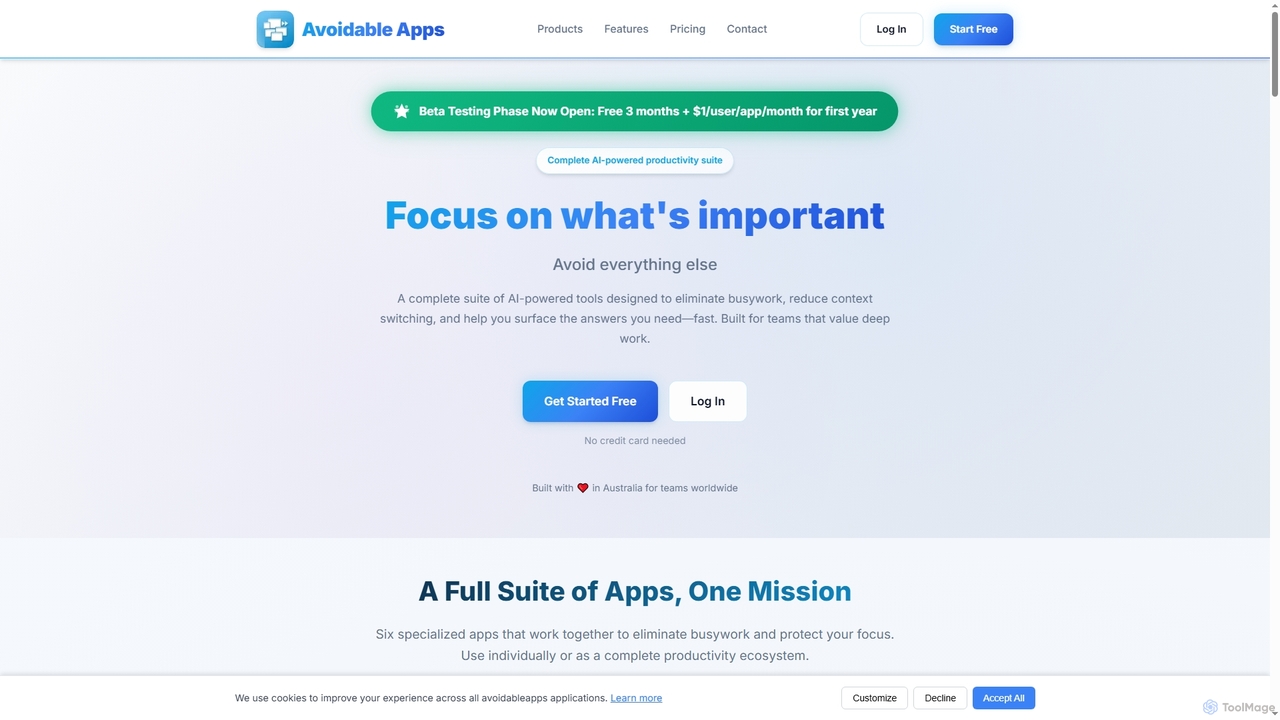
Avoidable Apps is an AI-powered productivity SaaS suite designed to eliminate busywork, reduce context switching, and help teams …
Avoidable Apps is an AI-powered productivity SaaS suite designed to eliminate busywork, reduce context switching, and help teams achieve deep work. It offers a comprehensive ecosystem of six specialized applications that can be used individually or together to streamline workflows and enhance focus.
About Internal Search
Internal Search tools are AI-powered systems designed to help users quickly find specific information within an organization's proprietary data repositories, serving as a critical component of effective knowledge management. These tools leverage advanced natural language processing (NLP) and machine learning algorithms to understand user intent and retrieve relevant content from diverse internal sources. They significantly enhance productivity by reducing the time spent searching for documents, data, and insights across various platforms.
Core Features
- Semantic Search: Understands the meaning and context of queries, not just keywords, to deliver more accurate results.
- Natural Language Querying: Allows users to ask questions in plain language, similar to conversing with a human.
- Intelligent Document Indexing: Automatically processes, categorizes, and tags internal documents for efficient retrieval.
- Personalized Search Results: Delivers results tailored to individual user roles, access permissions, and past search behavior.
- Cross-Platform Integration: Connects with various internal systems like CRM, ERP, shared drives, and wikis to create a unified search experience.
Applicable Scenarios
Internal Search tools are invaluable for large enterprises, educational institutions, and any organization with vast amounts of internal data. They are commonly used by employees across departments, from customer support agents needing quick access to product FAQs, to R&D teams searching for technical specifications, and legal departments auditing compliance documents.
How to Choose
When selecting an Internal Search solution, consider its integration capabilities with your existing systems, the accuracy of its semantic search, and its ability to handle diverse data formats. Evaluate the scalability for future data growth, user-friendliness of the interface, and robust access control features to ensure data security and compliance.
Internal SearchUse Cases
Quickly Access Company Policies and Procedures
A new employee needs to understand the company's expense policy or HR guidelines. Instead of navigating through complex shared drives or outdated intranets, they use the internal search tool to type a natural language query like "How do I submit an expense report?" The AI quickly retrieves the most relevant, up-to-date document, saving time and ensuring compliance from day one.
Enhance Customer Service Agent Efficiency
A customer service representative receives a complex query about a product's troubleshooting steps. Instead of manually sifting through a vast knowledge base or escalating the issue, the agent uses the internal search to find immediate, accurate solutions. This reduces average handling time by 30% and improves first-call resolution rates, leading to higher customer satisfaction.
Streamline Research and Development Processes
An R&D engineer is working on a new product feature and needs to review past project documentation, technical specifications, and research papers. The internal search tool allows them to quickly search across all internal repositories, including codebases and design files, using semantic queries. This ensures they leverage existing knowledge, avoid duplicating efforts, and accelerate innovation cycles.
Facilitate Legal and Compliance Audits
A legal team needs to conduct an audit for regulatory compliance, requiring them to find all documents related to specific clauses or regulations across years of archived data. An internal search tool with robust filtering and semantic capabilities can pinpoint exact mentions, contracts, and communications, significantly reducing the manual effort and risk of oversight, ensuring thorough and efficient audits.
Onboard New Employees with Relevant Information
During the onboarding process, new hires are often overwhelmed with information. An internal search tool can provide a personalized onboarding experience by allowing them to search for specific departmental guides, team structures, or project histories as needed. This self-service approach empowers new employees to quickly find answers, reducing the burden on HR and team leads, and accelerating their time to productivity.
Consolidate Knowledge Across Disparate Systems
In many organizations, critical information is scattered across various platforms like SharePoint, Confluence, Google Drive, and local file servers. An internal search solution acts as a unified gateway, indexing content from all these disparate sources. This allows employees to perform a single search query and receive comprehensive results, eliminating the need to check multiple systems individually and ensuring no valuable knowledge is overlooked.