
iki Overview
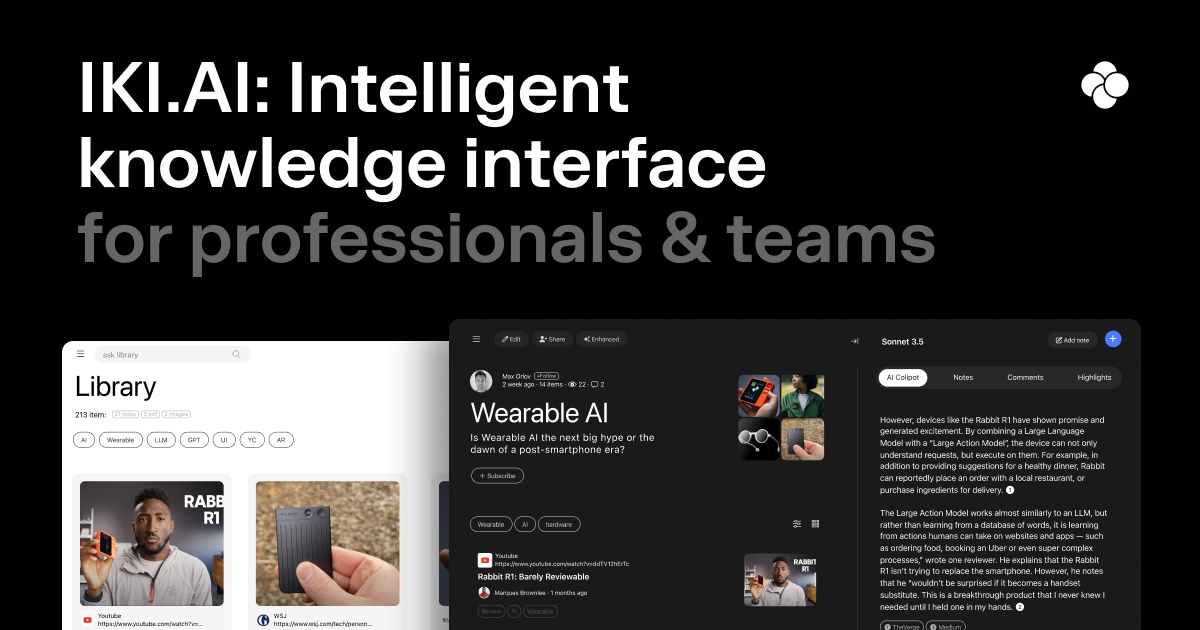
iki, which stands for Intelligent Knowledge Interface, is a sophisticated AI-native workspace designed to function as a 'second brain' for thinkers, researchers, strategists, and creative professionals. It provides a unified platform to capture, organize, and analyze information from various sources, transforming scattered data into a structured and intelligent knowledge library. By leveraging advanced AI, including top-tier LLMs and Retrieval-Augmented Generation (RAG) technology, iki ensures that the insights and content it generates are grounded in your personal or team's curated materials, providing highly relevant and context-aware results.
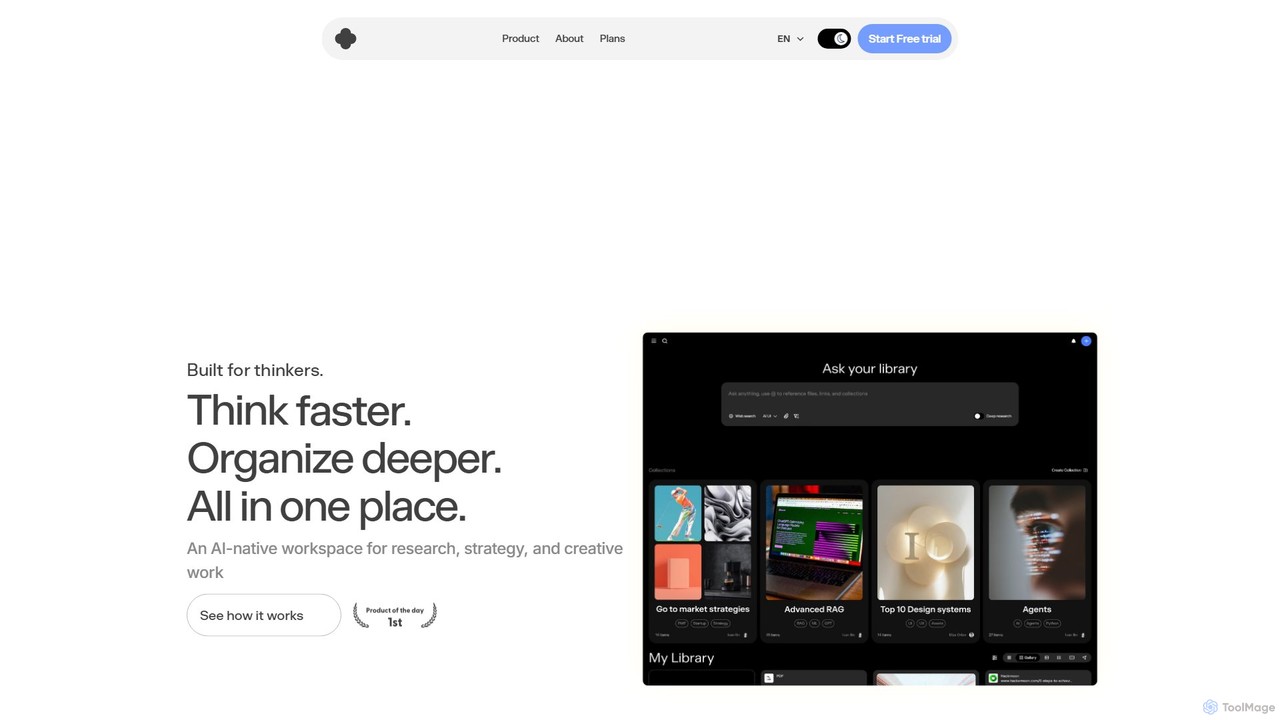
The platform is built to streamline the entire knowledge work process, from initial research to final output. Users can effortlessly save webpages, academic papers, PDFs, and even YouTube videos, which are then automatically processed and made ready for AI interaction. This eliminates the time-consuming task of manual summarization and organization, allowing users to think faster and organize deeper. Whether you're an individual building a personal research repository or a team creating a shared brain for collaborative projects, iki offers the tools to enhance productivity and foster smarter decision-making.
How to use iki
Using iki involves a seamless workflow designed to maximize efficiency:
- Capture Anything: Start by building your knowledge library. Use the iki browser extension for one-click saving of webpages, articles, and YouTube videos. You can also directly upload PDFs and other documents to your workspace.
- Organize Your Library: Once captured, your content is automatically processed and organized into collections. The AI helps with autotagging, making it easy to categorize and retrieve information later.
- Interact with the AI Co-pilot: This is the core of the iki experience. Ask your AI assistant questions about your collected materials. You can request summaries of long documents, ask for key insights from multiple sources, or have it connect disparate ideas within your library. The AI's responses are based exclusively on your content.
- Create with the AI Editor: Move from research to creation effortlessly. Use the AI editor to draft reports, articles, scripts, or strategic plans. The editor is context-aware, meaning it can pull information and cite sources directly from your library to help you write.
- Collaborate in Team Spaces: For teams, create a shared workspace. All team members can contribute to the knowledge base and access the same information, ensuring everyone is on the same page and leveraging a collective intelligence.
Core Features of iki
- AI Co-pilot: An intelligent assistant that summarizes, highlights, answers questions, and connects dots across all your documents, videos, and web content.
- Contextual AI Editor: A writing assistant that is grounded in your personal content library, not the public internet, ensuring relevance and accuracy. It uses RAG technology for high-quality, contextual output.
- Universal Capture: A powerful browser extension and upload functionality to easily save webpages, PDFs, and YouTube videos (with transcription) into your library.
- Team Spaces: A collaborative feature that creates a shared brain for your team, centralizing knowledge, context, and decisions in one place.
- Deep Research & Agentic Search: Advanced plans offer a proactive research assistant and agentic web search capabilities that can perform research in the background to provide deeper insights.
- LLM Selection & Customization: Users on paid plans can select their preferred Large Language Models (LLMs) and even integrate custom models for tailored performance.
- Integrations: Connects with cloud storage services to import your existing documents and data seamlessly.
- Ultra-Fast Search: A highly optimized search engine that allows you to find any piece of information within your knowledge base in milliseconds.
Use Cases for iki
iki is versatile and valuable for a wide range of professionals:
- Researchers & Academics: Consolidate research papers, articles, and data. Generate literature reviews, summarize complex topics, and identify trends across studies.
- Strategists & Marketers: Gather market intelligence, competitor analysis, and customer feedback. Use the AI to synthesize findings and draft strategic documents or marketing content.
- Content Creators: Organize research for podcasts, YouTube videos, and blog posts. Use the AI editor to draft scripts and articles based on a rich repository of curated information.
- Product Managers & Designers: Create collections of user feedback, design inspiration, and technical documentation. Quickly query the knowledge base to inform product decisions.
- Teams & Enterprises: Build a centralized, single source of truth. Onboard new members faster, ensure consistent decision-making, and break down information silos.
Advantages of iki
The primary advantage of iki is its focus on contextual intelligence. Unlike generic AI tools that pull from the entire internet, iki's AI operates within the secure and relevant confines of your own data. This leads to more accurate, private, and useful insights. It significantly boosts productivity by automating the manual labor of research and organization. The all-in-one nature of the platform—from capture to creation—creates a fluid and uninterrupted workflow. For teams, it fosters a culture of shared knowledge and collaborative intelligence.
Pricing and Plans
iki offers a freemium model with plans tailored to different needs:
- Basic Plan (Free): Includes a personal library, autotagging, 5 collections, and 50 co-pilot requests per month. Ideal for individuals getting started.
- Pro Plan ($20/month or $15/month billed annually): Offers everything in Basic plus unlimited co-pilot usage, 2,000 documents per month, 30 hours/month of video transcription, ability to select preferred LLMs, a writing assistant, and integrations with cloud storage.
- Researcher Plan ($40/month or $30/month billed annually): Includes all Pro features plus a proactive research assistant, agentic web search, professional knowledge bases, and the ability to use custom LLMs and workflows.
- Teams Plan ($40/month or $30/month billed annually per user): Builds on the Researcher plan with the addition of a dedicated Team Space, custom data imports, and private data contours for collaborative intelligence.
Traffic
Latest traffic
Status
Monthly traffic trend
- 2025-9: 24.3K
- 2026-1: 8.8K
- 2026-2: 4.6K
- 2026-3: 4.7K
- 2026-4: 6.1K
- 2026-5: 11.0K
Geography
Top 5 countries / regions
- 🇺🇸United States43.5%
- 🇮🇹Italy39.0%
- 🇩🇪Germany13.6%
- 🇫🇷France2.2%
- 🇮🇳India1.8%
Top keywords
| Keyword | Cost per click |
|---|---|
| iki | $0.19 |
| iki ai | $0.00 |
| iki ia | $0.00 |
| kie ai | $0.46 |
| long text papper | $0.00 |
iki Alternatives

Dessix
Dessix is an AI-powered knowledge management and writing assistant that creates a shared contextual space for you and AI. It helps you collect information, organize your thoughts, and write with a context-aware AI that understands your focus, transforming scattered ideas into coherent insights and content.
Knowledge Management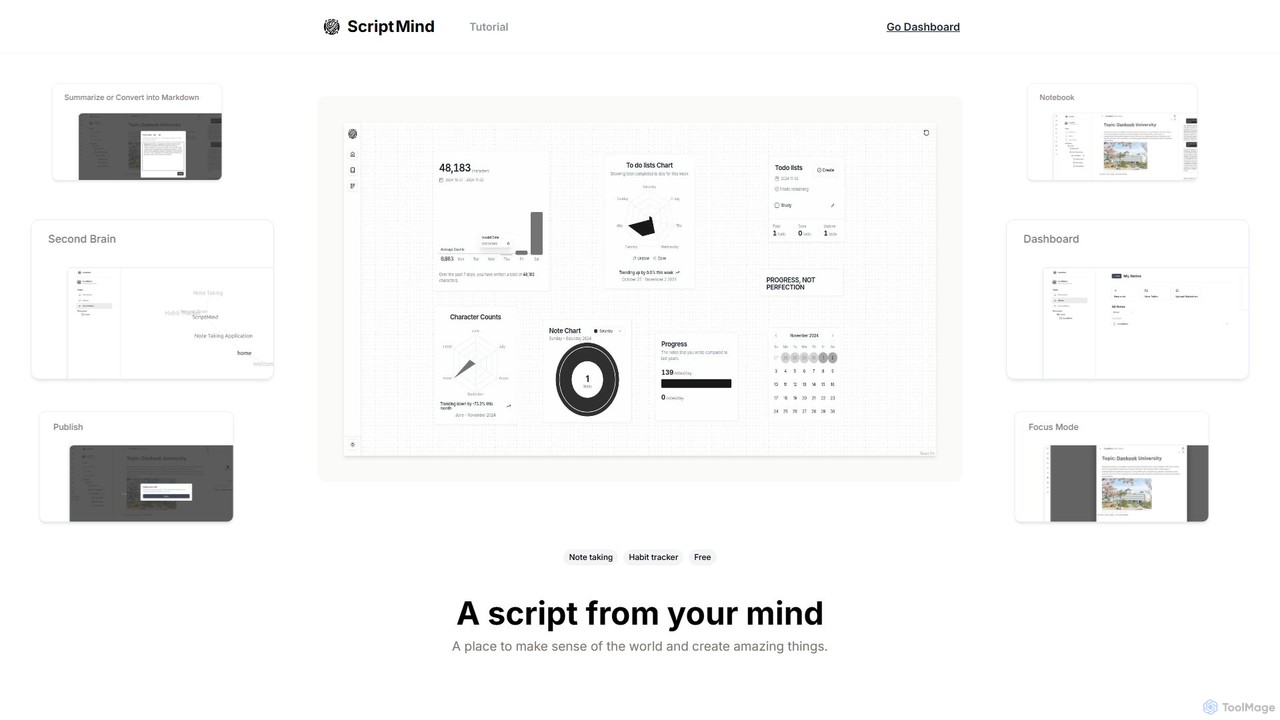
ScripMind
ScripMind is an AI-powered note-taking application designed as a 'Second Brain'. It helps users capture, connect, and create ideas with features like AI summarization, a knowledge graph, Markdown support, and notebook publishing. Ideal for thinkers, creators, and learners.
Knowledge Management
jotapp
jotapp is an AI-powered note-taking and writing assistant designed to streamline your workflow. Effortlessly capture ideas, transcribe audio, summarize content, and generate high-quality text, all within a clean, intuitive interface. It's the perfect tool for students, writers, and professionals looking to boost productivity and creativity.
Transcription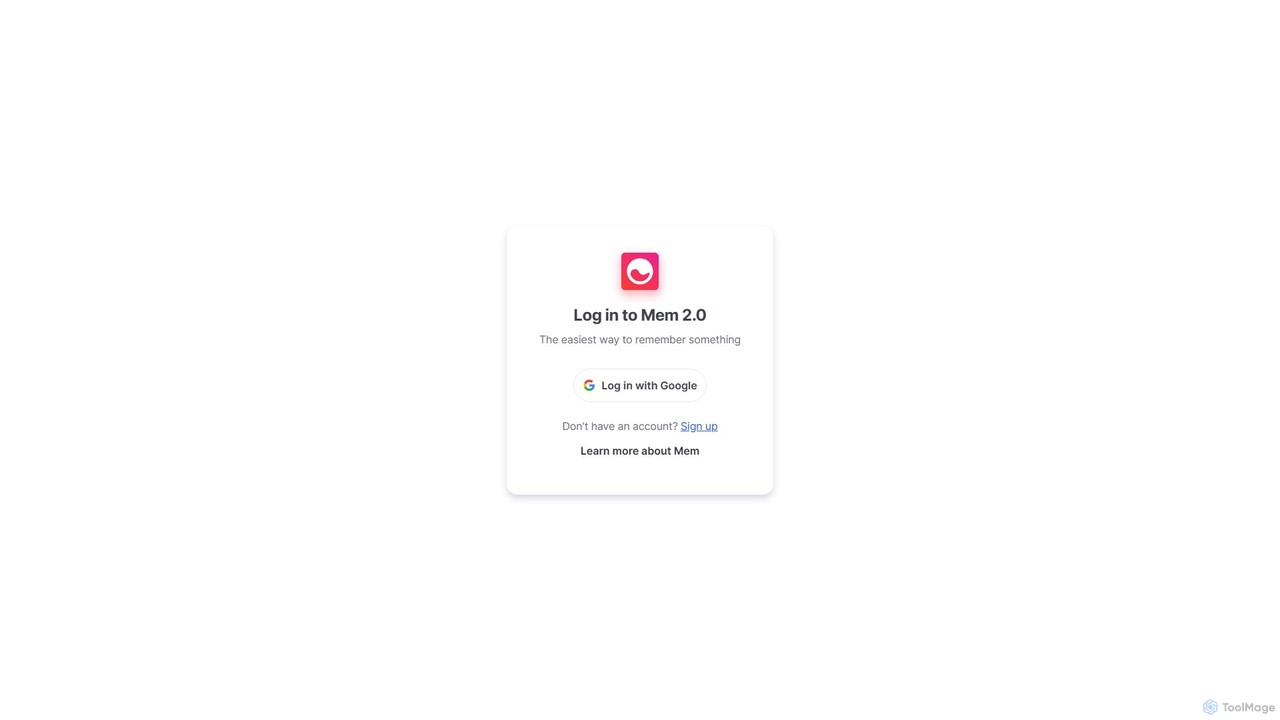
Mem
Mem is an AI-powered, self-organizing workspace designed to act as your personal knowledge base. It captures your notes, ideas, and meeting transcripts, then uses AI to connect related information, summarize content, and help you generate new insights without manual organization.
Personal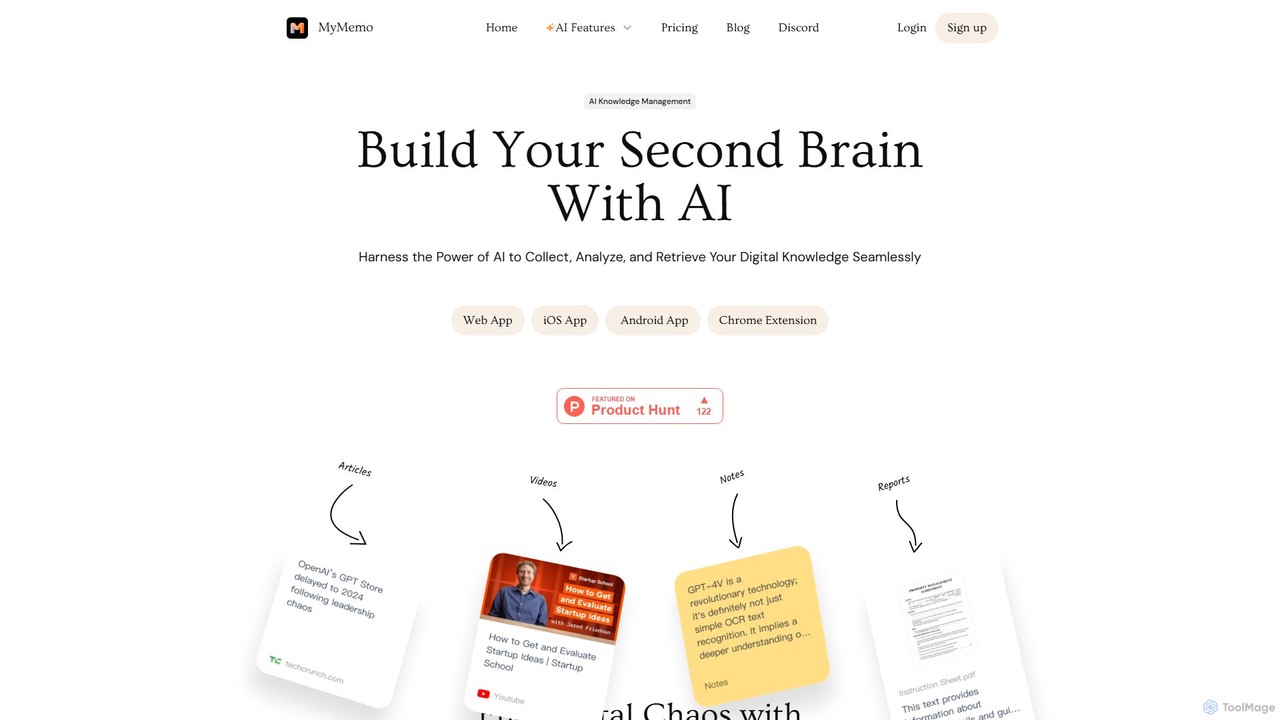
MyMemo
MyMemo is an AI-powered knowledge management tool that acts as your 'second brain'. It helps you effortlessly collect, analyze, and retrieve digital knowledge from various sources like articles, videos, and notes, transforming scattered information into an intelligent, searchable personal database.
Knowledge Managementiki Categories
iki Embed Widget
Copy this embed code to place the badge on your blog, article, or product site and send readers directly to this ToolMage detail page.

Related AI tools
Mem
Mem is an AI-powered, self-organizing workspace designed to act as your personal knowledge base. It captures your notes, ideas, and meeting transcripts, then uses AI to connect related information, summarize content, and help you generate new insights without manual organization.
PersonalMyMemo
MyMemo is an AI-powered knowledge management tool that acts as your 'second brain'. It helps you effortlessly collect, analyze, and retrieve digital knowledge from various sources like articles, videos, and notes, transforming scattered information into an intelligent, searchable personal database.
Knowledge Management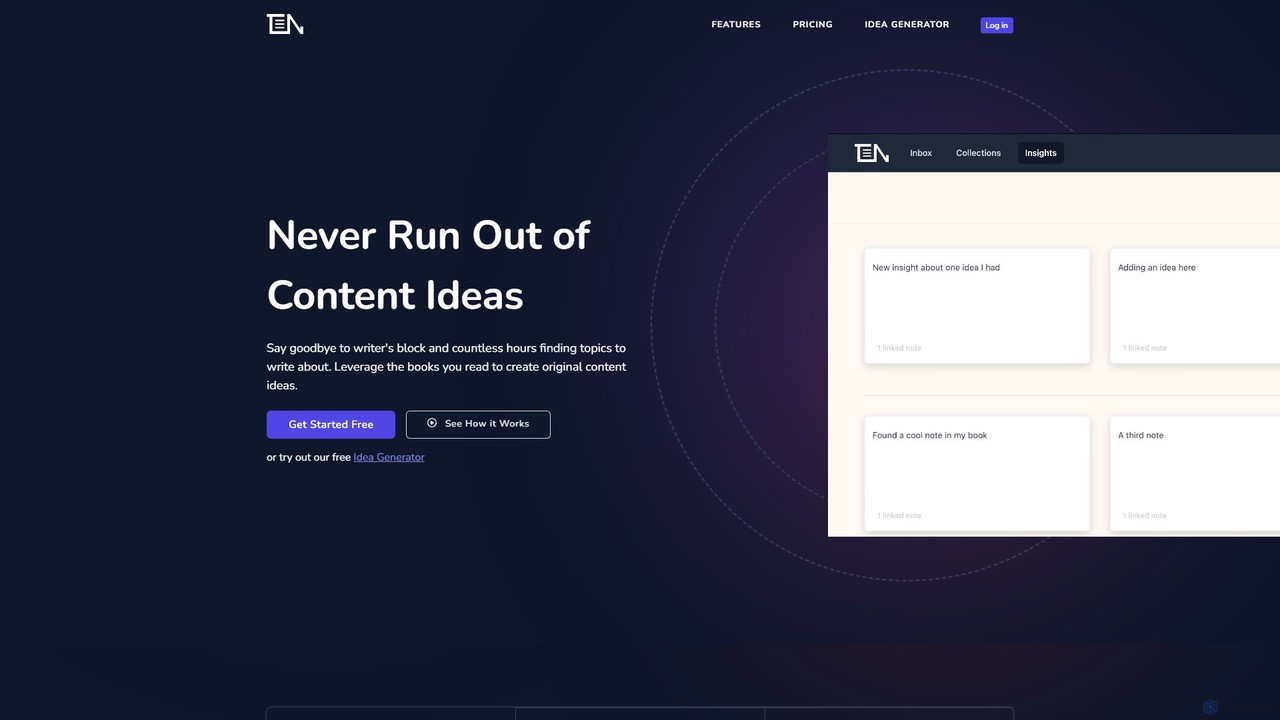
ThinkerNotes
ThinkerNotes is an AI-powered knowledge management system designed to help you turn your notes into original content. It combines note-taking with bi-directional linking, tagging, and an AI idea generator to help you connect ideas, remember what you read, and create thought leadership content.
Social MediaDessix
Dessix is an AI-powered knowledge management and writing assistant that creates a shared contextual space for you and AI. It helps you collect information, organize your thoughts, and write with a context-aware AI that understands your focus, transforming scattered ideas into coherent insights and content.
Knowledge Management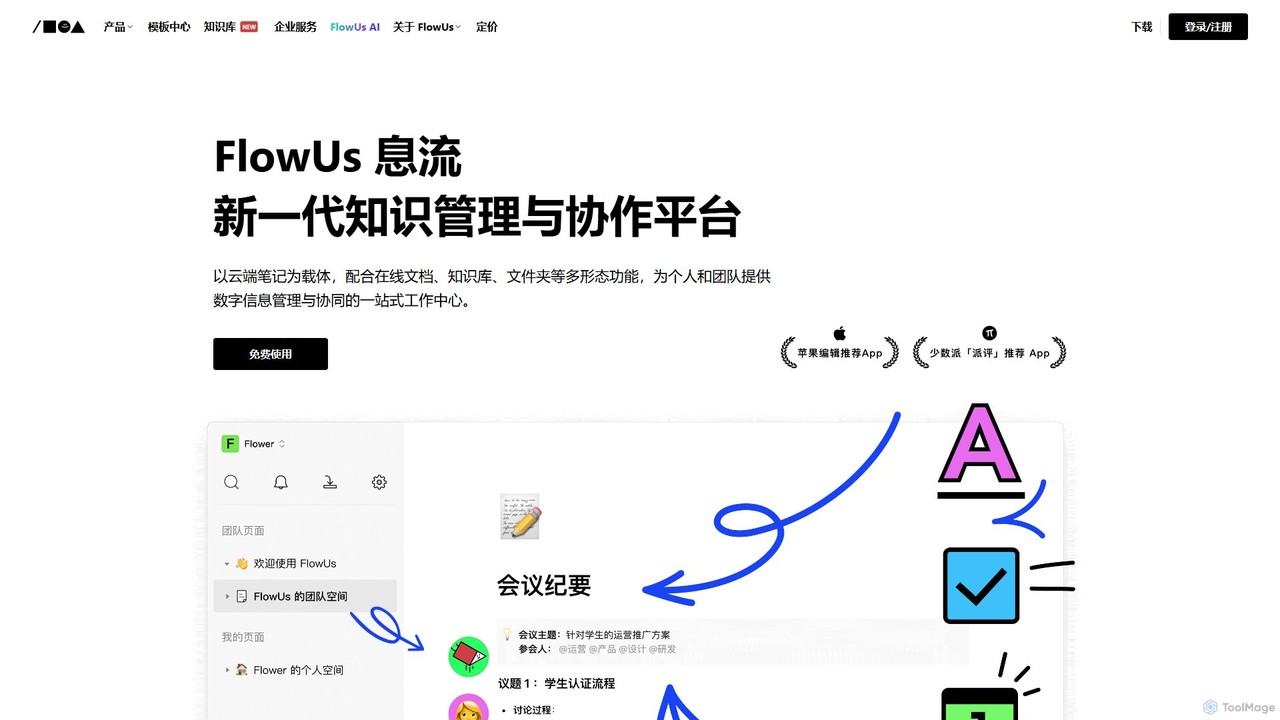
FlowUs
FlowUs is a next-generation knowledge management and collaboration platform that integrates documents, notes, databases, and project management into a unified workspace. It features a powerful, natively embedded AI assistant to streamline workflows for individuals and teams.
Writing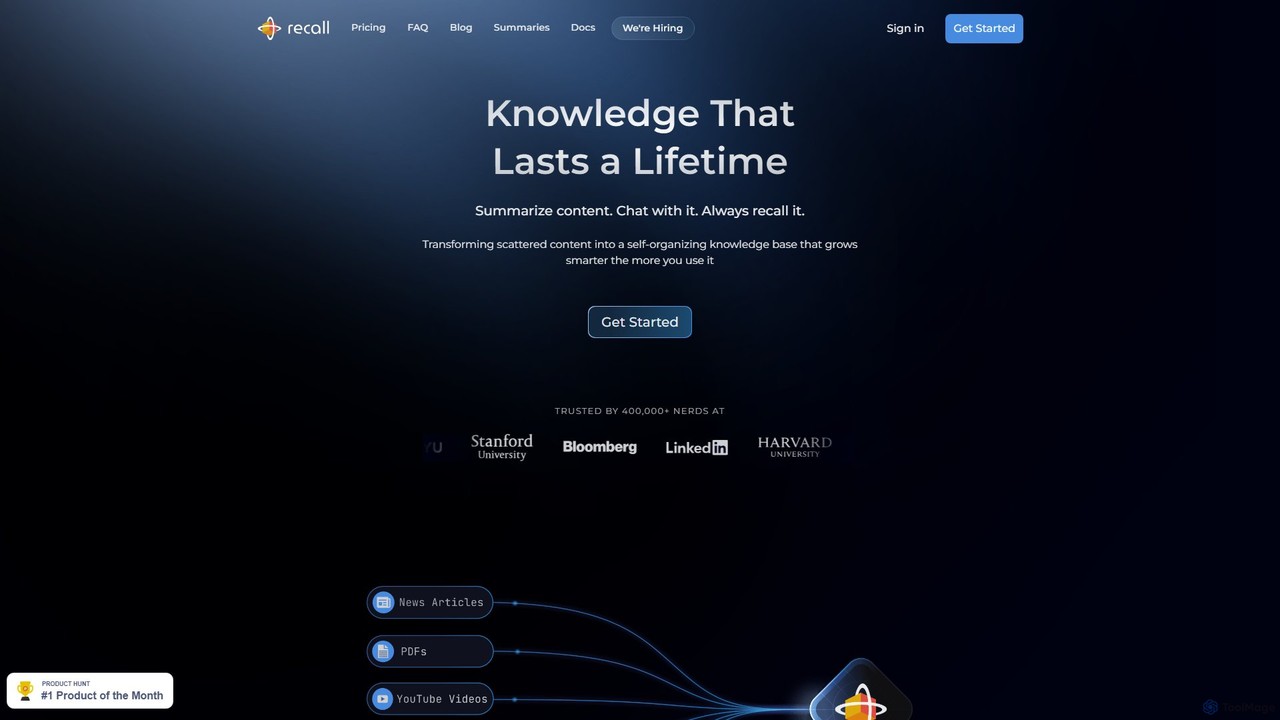
Recall
Recall is an AI-powered knowledge management tool that transforms scattered content into a self-organizing knowledge base. It summarizes articles, YouTube videos, PDFs, and more, allows you to chat with your content, and uses features like augmented browsing and spaced repetition to help you remember everything you learn.
Research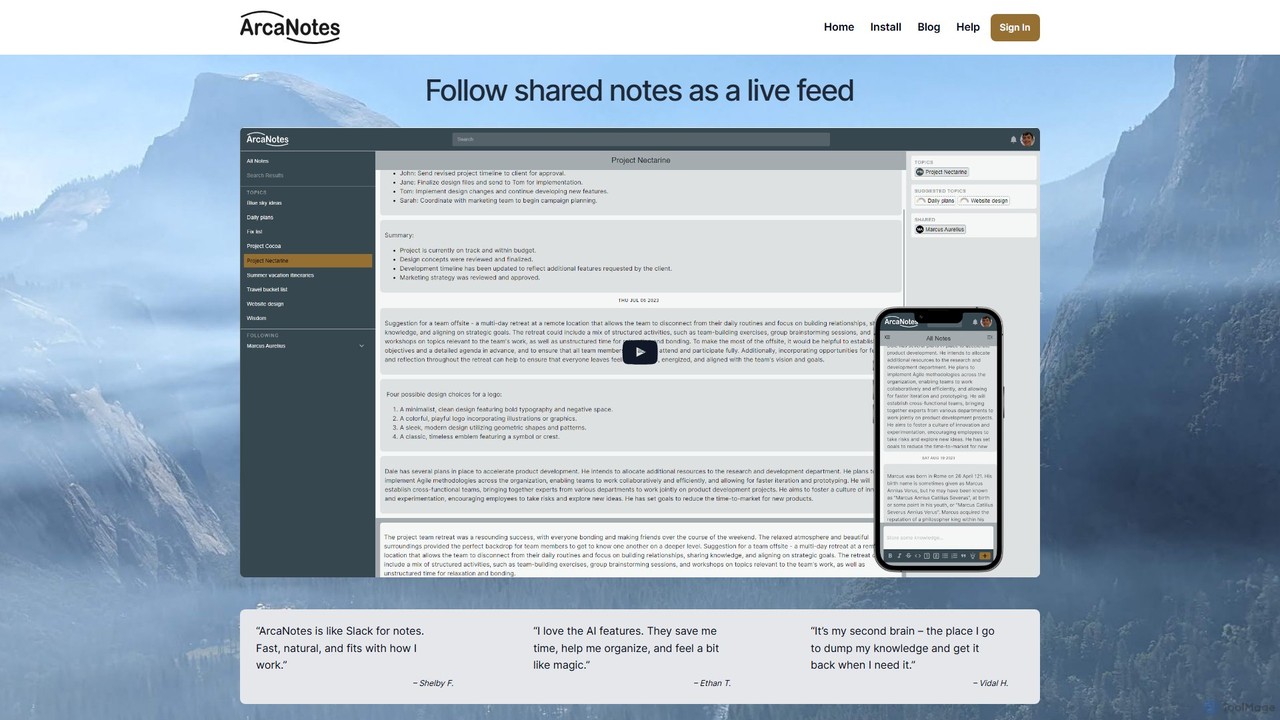
ArcaNotes
ArcaNotes is an AI-enhanced micro-note app designed for elevated productivity and knowledge management. It acts as your second brain, allowing you to quickly capture, organize, and retrieve information. With on-device AI, it offers intelligent topic suggestions, natural language Q&A with your notes, and collaborative sharing features, all while prioritizing user privacy with robust encryption.
Personal Assistant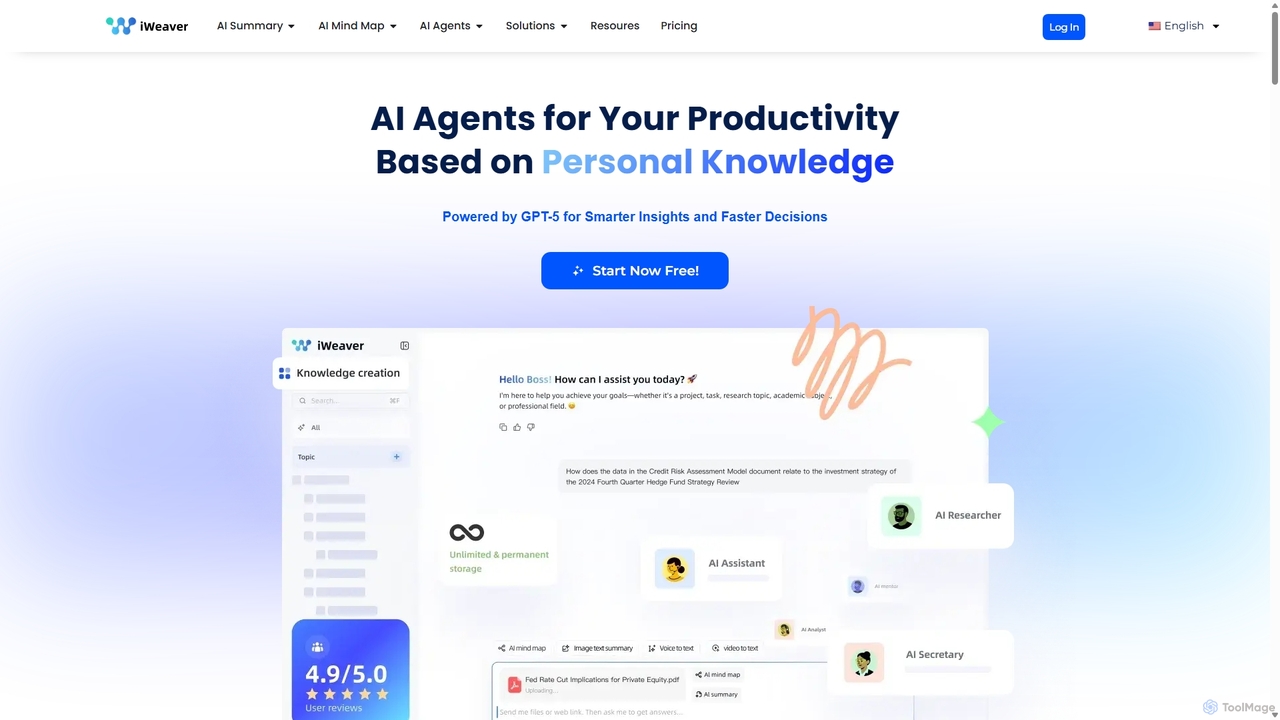
Iweaver
Iweaver is an AI-powered personal knowledge management platform that transforms your documents, images, and videos into an intelligent knowledge base. Utilize over 200 specialized AI agents to automate tasks, generate summaries, create mind maps, and get precise answers from your data. It learns your work habits to provide personalized, context-aware assistance, streamlining workflows for professionals in finance, research, law, and content creation.
Study Tools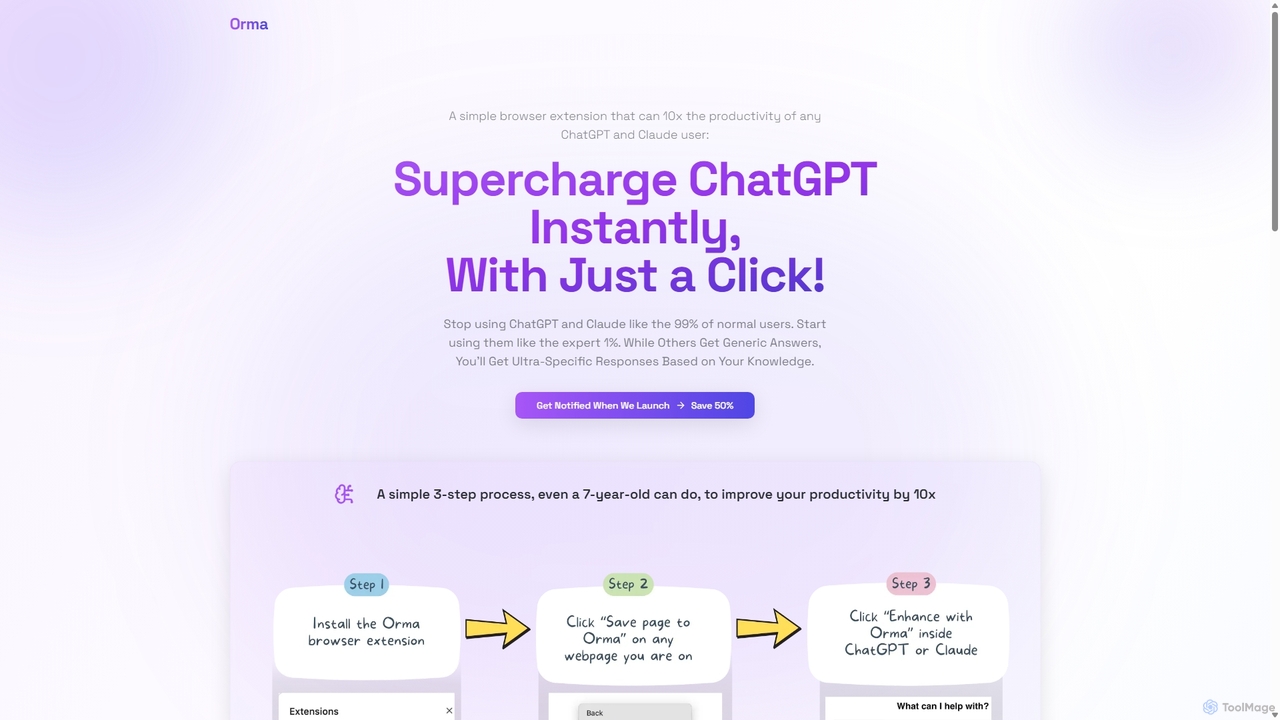
Orma
Orma is a browser extension that transforms your web browsing into a personal knowledge base, or 'digital memory layer'. It allows you to intelligently capture web content and seamlessly integrate it with AI models like ChatGPT and Claude. This turns generic AI responses into highly specific, personalized insights based on your own curated knowledge, boosting productivity by up to 10x.
Search ToolsScripMind
ScripMind is an AI-powered note-taking application designed as a 'Second Brain'. It helps users capture, connect, and create ideas with features like AI summarization, a knowledge graph, Markdown support, and notebook publishing. Ideal for thinkers, creators, and learners.
Knowledge Managementjotapp
jotapp is an AI-powered note-taking and writing assistant designed to streamline your workflow. Effortlessly capture ideas, transcribe audio, summarize content, and generate high-quality text, all within a clean, intuitive interface. It's the perfect tool for students, writers, and professionals looking to boost productivity and creativity.
Transcription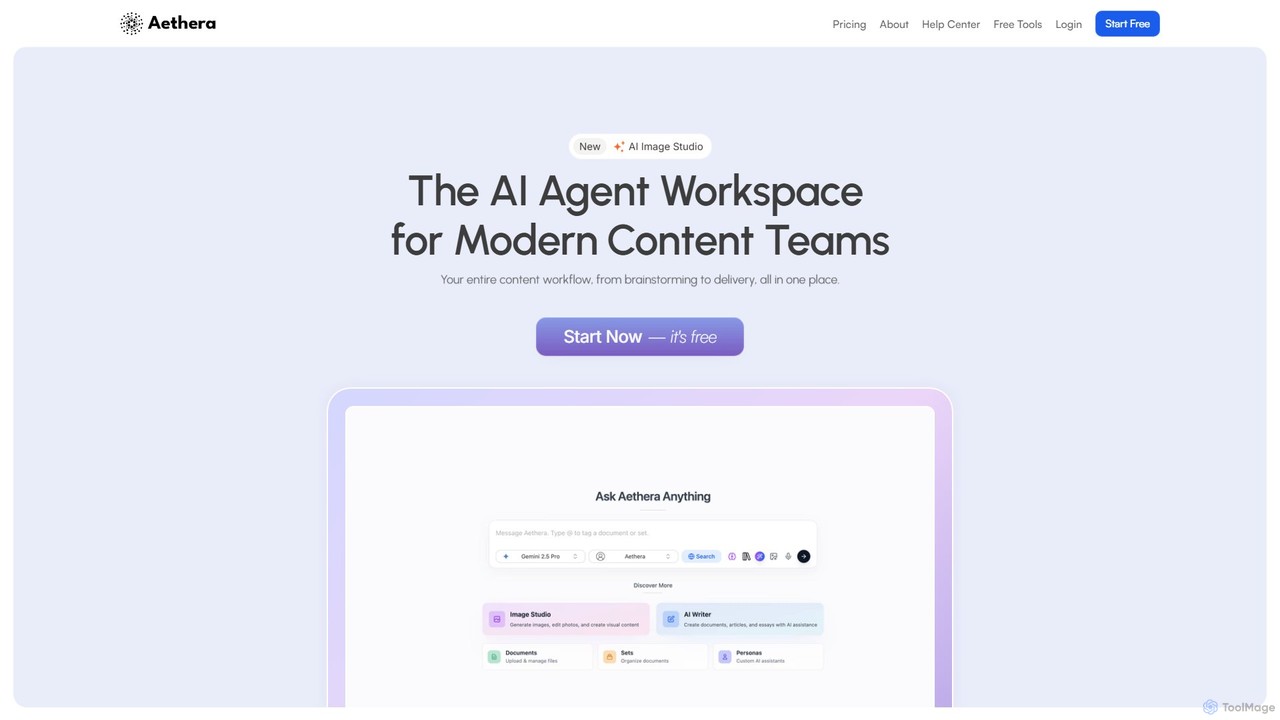
aethera
Aethera is an all-in-one AI agent workspace designed for modern content teams. It integrates AI-powered writing, image generation, document analysis, and research into a single, unified platform, eliminating the need to juggle multiple tools. It provides access to over 30 language models and 15 image models to streamline the entire content workflow from brainstorming to delivery.
Image Generation
Ancher
Ancher is an AI-powered information chief of staff designed to combat information overload. It delivers a hyper-personalized content feed (Signal Radar), organizes key insights in a personal knowledge base (Anchor Vault), and transforms reading into actionable tasks (Do Mode).
Personalized Feeds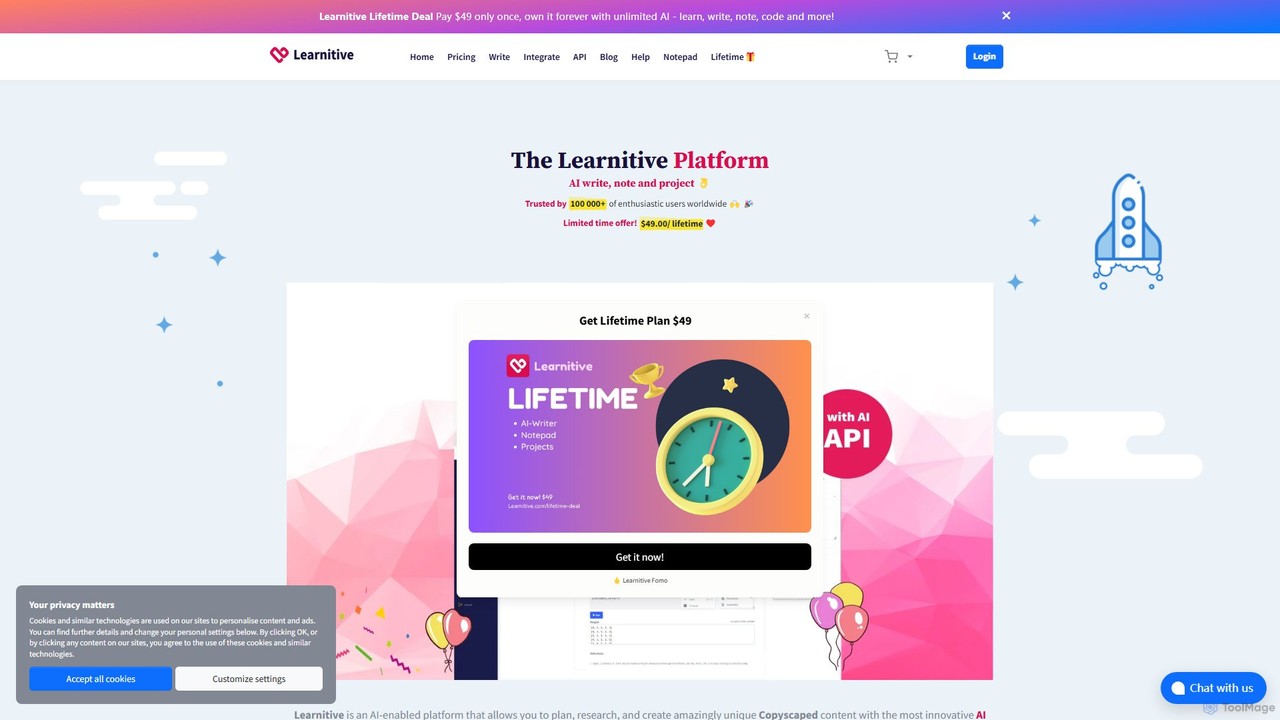
Learnitive
Learnitive is an all-in-one AI-powered platform for students, researchers, and writers. It combines an advanced AI writer for creating unique, Copyscape-checked content with research tools, a code generator, and automatic citations. The platform also includes integrated productivity tools like a Kanban project manager, an AI-enhanced notepad, and an e-book creator. With browser extensions and API access, Learnitive streamlines the entire workflow from research and planning to final creation, boosting productivity and enhancing learning.
Code Assistant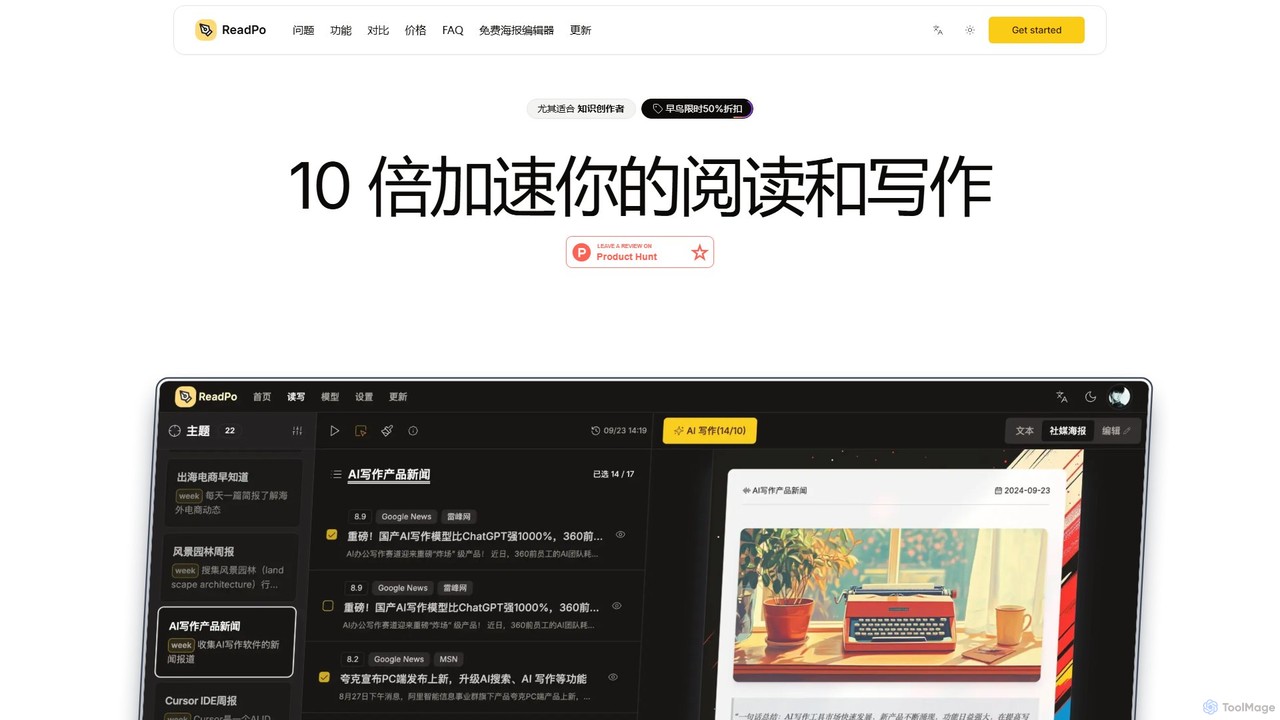
ReadPo
ReadPo is an AI-powered reading and writing assistant designed for knowledge creators. It accelerates your workflow by 10x, helping you collect and filter information from various sources, and then use it to create engaging new content like articles, newsletters, and blog posts. It combines content aggregation with advanced RAG-based AI writing for an end-to-end solution.
Summarizer
iki Comments (0)
Sign in to comment.
Sign inNo comments yet.