

Kome Overview
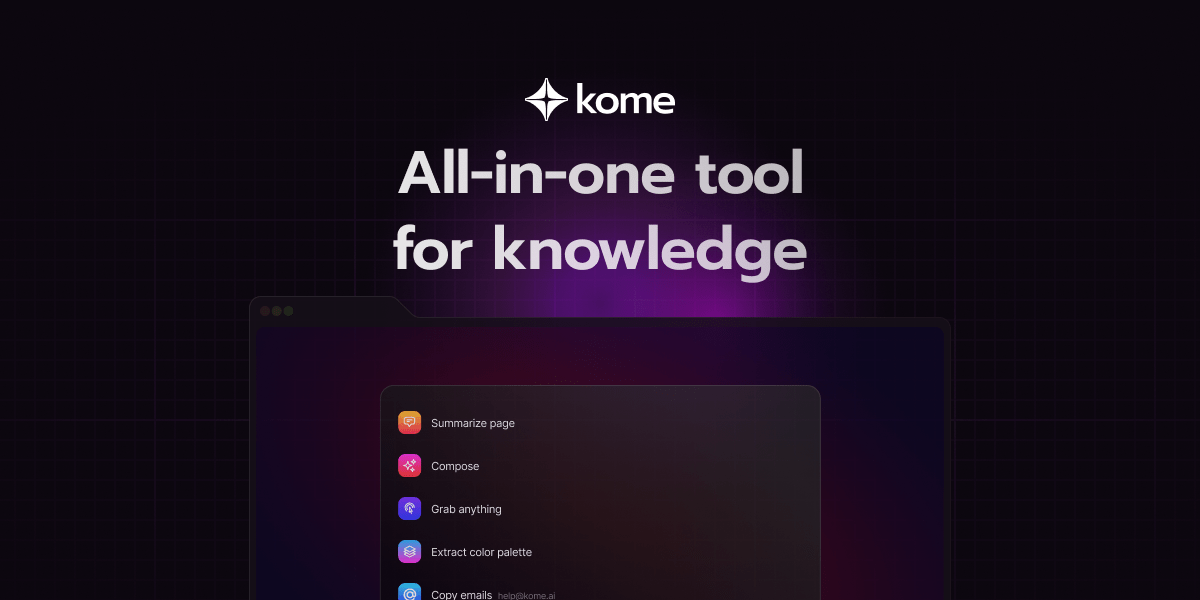
Kome is a powerful, AI-driven browser extension designed to be your all-in-one companion for knowledge management and productivity. It seamlessly integrates into your browsing experience, offering a suite of tools to help you consume, organize, and create content more efficiently. Whether you're a student, researcher, professional, or content creator, Kome aims to streamline your workflow by transforming how you interact with online information. By combining an advanced summarizer, an intelligent bookmark manager, and a creative content composer, Kome helps you save time, stay organized, and unlock the potential of your saved knowledge.
How to use Kome
Getting started with Kome is simple and intuitive. First, add the Kome extension to your preferred browser (Chrome, Edge, Opera, Brave, or Arc) from the extension marketplace. Once installed, the Kome icon will appear in your browser's toolbar. When you're on a webpage, article, or YouTube video you want to process, simply click the Kome icon. You'll be presented with options to instantly generate a summary, bookmark the content, or extract information like email addresses or color palettes. To use the bookmark manager, you can save any link, text snippet, image, or video. Your bookmarks are automatically organized and can be easily retrieved using the powerful search function. For content creation, navigate to the 'Compose' feature, select one or more of your bookmarks, and let the AI help you draft tweets, emails, or even blog post outlines based on the saved information.
Core Features of Kome
- AI-Powered Summarizer: Instantly condenses lengthy articles, news reports, academic papers, YouTube videos, and even PDF files into concise, easy-to-digest summaries. This feature can increase your reading efficiency by up to 3x.
- Smart Bookmark Manager: Capture and store any piece of content from the web, including links, text, images, and videos. It requires zero manual organization, as the system automatically categorizes and sorts your bookmarks for easy access.
- Smart Compose: A unique feature that turns your passive bookmarks into active assets. Use your saved content as a knowledge base to generate drafts for emails, tweets, and blog posts with the help of AI, effectively acting as your personal ghostwriter.
- Information Extractor: Includes handy utilities to pull specific data from webpages. You can extract all email addresses on a page in seconds or capture a website's entire color palette and save it in your preferred format.
- Universal Search: Quickly find any saved bookmark, link, or note without having to sift through folders, making information retrieval effortless.
Use Cases for Kome
Kome is a versatile tool that caters to a wide range of users:
- Students & Researchers: Quickly summarize research papers and articles to accelerate literature reviews. Bookmark vital information and never lose track of sources for essays and academic projects.
- Professionals & Marketers: Stay updated on industry news by summarizing articles. Bookmark valuable resources and collaborate with teams by sharing insights. Use the compose feature to quickly draft marketing copy or professional emails.
- Developers: Boost productivity by bookmarking code snippets, tutorials, and documentation. Quickly access essential materials without breaking your workflow.
- Designers: Capture visual inspiration by bookmarking images and videos. Extract color palettes from websites to fuel creativity for new projects.
- Writers & Content Creators: Bookmark articles and resources for blog posts. Use the Smart Compose feature to overcome writer's block and transform research into original content.
Advantages of Kome
Kome stands out by offering an integrated, multi-functional experience. Instead of using separate tools for summarizing, bookmarking, and writing, Kome combines them into one seamless extension. Its key advantages include a significant boost in productivity, saving users up to 25 hours a month. The 'zero organization effort' bookmarking system removes the tedious task of manual sorting. Furthermore, the ability to repurpose saved content with the Smart Compose feature provides a unique return on investment for the information you collect, turning passive consumption into active creation.
Pricing and Plans
Kome operates on a freemium model, making its core features accessible to everyone.
- Join FREE Plan ($0): This plan allows users to try out the basic features. It includes 5 summary credits, the ability to summarize websites, articles, news, YouTube videos, and PDFs, self-organizing bookmarks, AI-assisted composing, and the email and color extraction tools.
- PREMIUM Plan ($5.99/Month): For heavy users, the Premium plan offers significantly more value. It includes 200 summary credits per month, all features from the free plan, and priority customer support. This plan is designed to save you up to 25 hours a month and comes with no commitment, allowing you to cancel anytime.
Traffic
Latest traffic
Status
Monthly traffic trend
- 2025-9: 876.2K
- 2026-1: 672.6K
- 2026-2: 572.1K
- 2026-3: 586.6K
- 2026-4: 494.2K
- 2026-5: 439.1K
Geography
Top 5 countries / regions
- 🇺🇸United States41.5%
- 🇮🇳India40.6%
- 🇮🇩Indonesia6.4%
- 🇧🇷Brazil6.2%
- 🇵🇰Pakistan5.2%
Traffic sources
| Source type | Percentage |
|---|---|
Direct | 85.8% |
Referral | 12.4% |
Email | 1.9% |
Top keywords
| Keyword | Cost per click |
|---|---|
| text to pdf | $0.30 |
| youtube to transcript | $0.58 |
| youtube transcript | $0.58 |
| youtube transcript generator | $0.54 |
| youtube transcript generator free | $0.47 |
Kome Videos on YouTube

AI WORLD 🌍 . 1M views . 1 day ago

Kome Alternatives
Sitescripter
Sitescripter is an AI-powered Chrome extension designed to revolutionize your web browsing. It automates repetitive tasks, summarizes web pages instantly, enables chat with websites, and generates content for social media and professional communications. By creating a personalized AI model, it offers smart form autofill and context-aware assistance, saving you hours of work and boosting your online productivity and presence.
Browser Extensions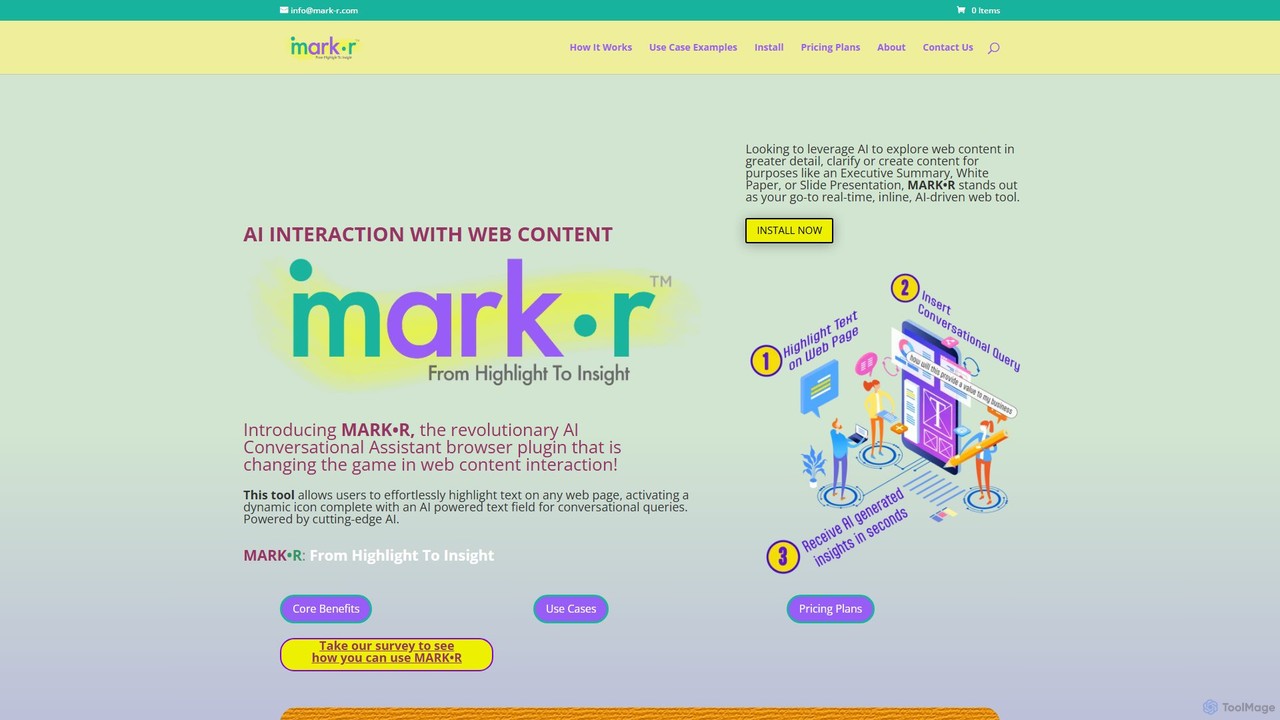
mark_r
mark_r is a revolutionary AI browser extension that transforms how you interact with web content. Simply highlight text on any page to activate a conversational AI, allowing you to ask questions, summarize articles, clarify complex topics, and generate content. It analyzes both the highlighted text and the full page context to provide deep, accurate insights, turning passive reading into an active, engaging experience.
Browser Extensions
Sider
Sider is an all-in-one AI assistant integrated as a browser sidebar and cross-platform app. It combines chat with models like GPT-4 and Claude 3.5, a powerful "Deep Research" agent, a personal knowledge base called "Wisebase," and a suite of tools for summarizing, translating, writing, and image editing to enhance productivity and learning.
Assistant
Glarity
Glarity is a powerful AI browser extension that summarizes YouTube videos, Google searches, webpages, and PDFs. It also offers immersive webpage translation, AI-powered reading and writing assistance, and direct chat with documents. Powered by leading models like ChatGPT, Claude 3.5, and Gemini, it's a comprehensive tool for enhancing productivity and overcoming language barriers.
Research
AskYourPDF
AskYourPDF is an AI-powered document assistant that allows you to chat with your PDFs and other documents. Instantly get summaries, ask questions, and extract key information to save time and boost productivity. It supports multiple platforms and includes a suite of over 40 free AI writing and content creation tools.
ResearchKome Categories
Kome Embed Widget
Copy this embed code to place the badge on your blog, article, or product site and send readers directly to this ToolMage detail page.

Related AI tools
TinaMind
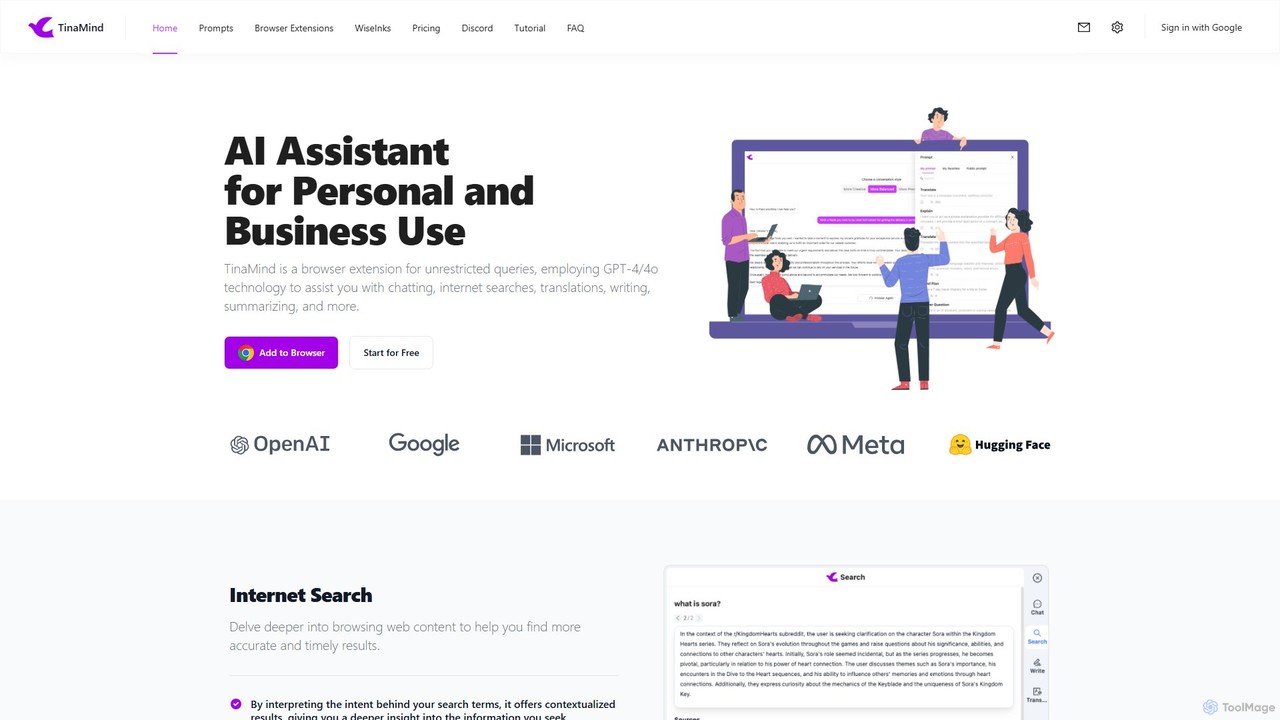
TinaMind is an AI-powered browser extension that enhances your productivity with GPT-4/4o. It acts as an all-in-one assistant for intelligent web search, document and YouTube summarization, content writing, high-quality translation, and efficient prompt management. Seamlessly integrated into your browser, it streamlines your workflow for both personal and business use.
Browser Extension
InsertChatGPT
InsertChatGPT is a powerful browser extension that seamlessly integrates OpenAI's ChatGPT into your daily workflow. Get instant AI assistance for writing emails, summarizing text, and creating content directly on any website, boosting your productivity and creativity without switching tabs.
Chat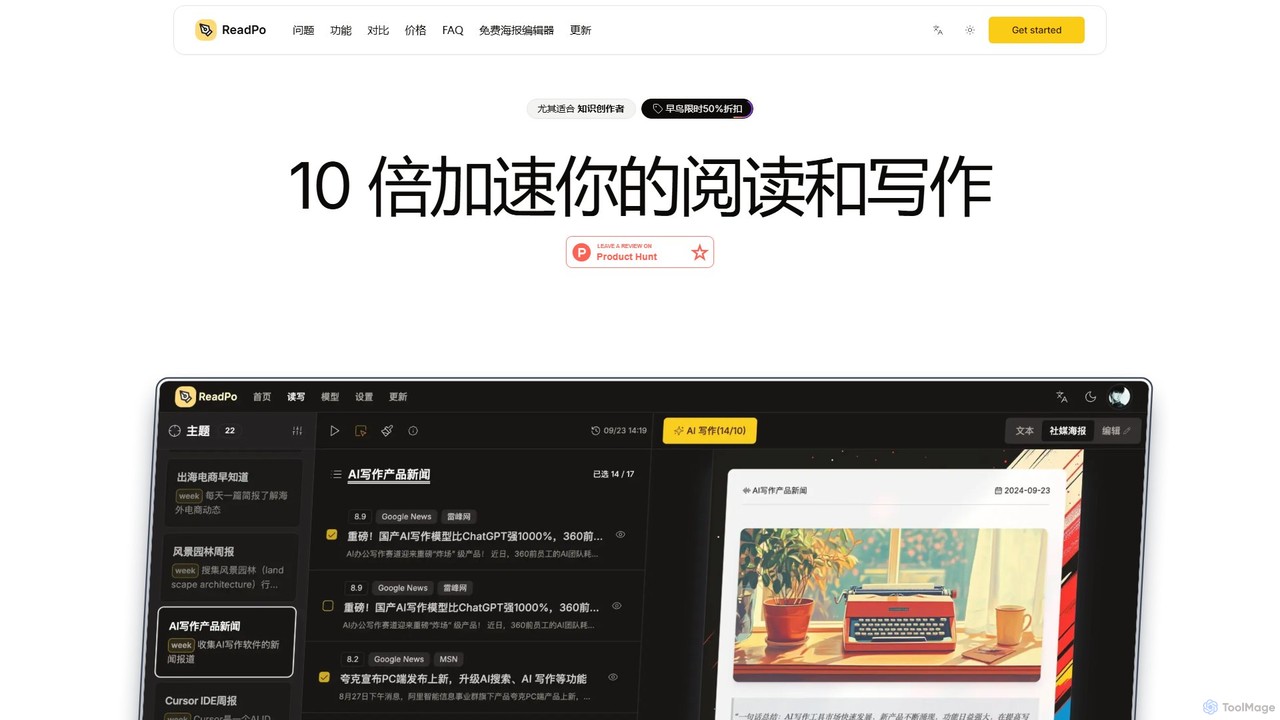
ReadPo
ReadPo is an AI-powered reading and writing assistant designed for knowledge creators. It accelerates your workflow by 10x, helping you collect and filter information from various sources, and then use it to create engaging new content like articles, newsletters, and blog posts. It combines content aggregation with advanced RAG-based AI writing for an end-to-end solution.
Summarizer
getmerlin
getmerlin is a versatile AI assistant powered by top models like GPT-4o and Claude 3.5. Available as a browser extension and app, it integrates seamlessly into your workflow to summarize content, draft emails, generate text and images, and enhance research on any website. It acts as an all-in-one productivity tool, saving time and money by consolidating multiple AI services into a single subscription.
Chrome Extensions
HARPA AI
HARPA AI is an all-in-one AI browser agent that integrates ChatGPT, Claude, Gemini, and more directly into your browser. It automates web tasks, summarizes content, drafts emails, extracts data, and enhances productivity with over 100 pre-built, page-aware commands. It functions as a versatile copilot for browsing, research, and automation.
Automation
Mem
Mem is an AI-powered, self-organizing workspace designed to act as your personal knowledge base. It captures your notes, ideas, and meeting transcripts, then uses AI to connect related information, summarize content, and help you generate new insights without manual organization.
Personal
Magictool AI
Magictool AI is an all-in-one productivity hub integrated into a browser extension. It packs over 20 AI features, including a ChatGPT-powered writer, YouTube video summarizer, PDF chat, data scraper, and AI image generator. It's designed to streamline your workflow, enhance your writing, and boost your research capabilities directly within your browser.
Chrome Extensions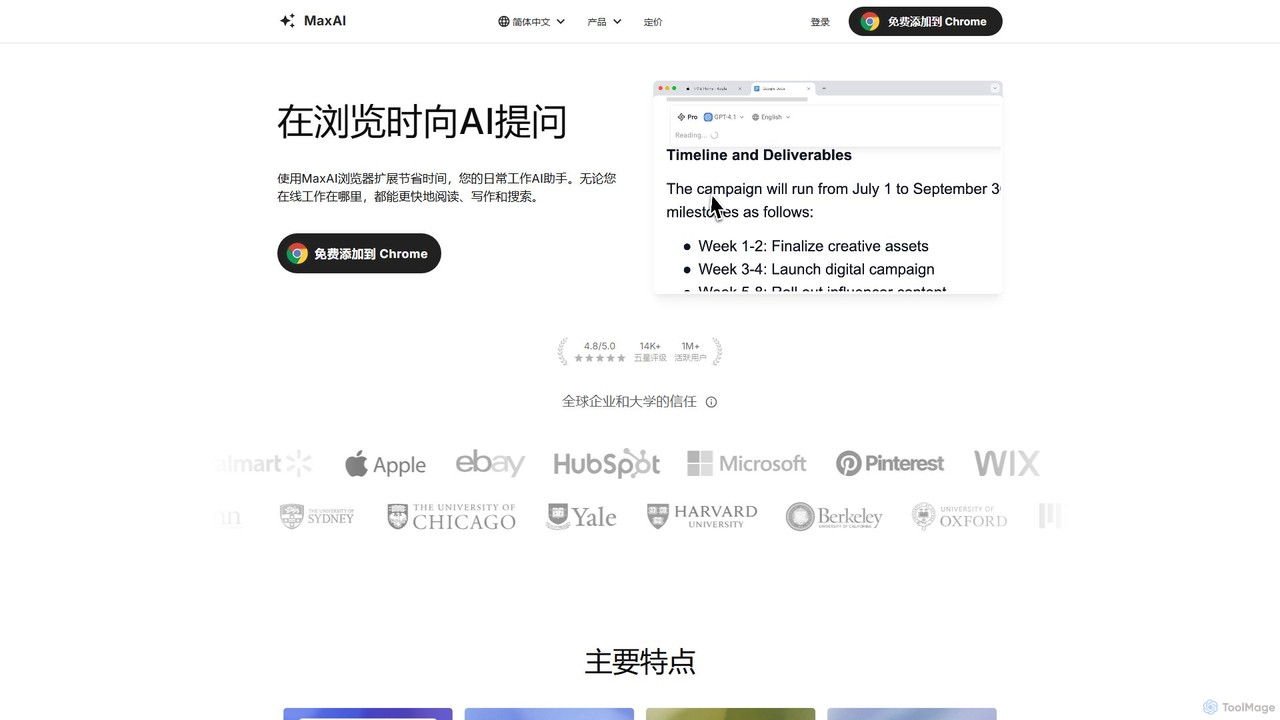
MaxAI
MaxAI is a powerful browser extension that acts as your all-in-one AI assistant. It integrates top AI models like GPT-4o and Claude 3.5 directly into your browser, allowing you to read, write, and research faster. Summarize web pages, improve your writing, translate text, and generate content with a single click, boosting your productivity across all your online activities.
Chrome Extensions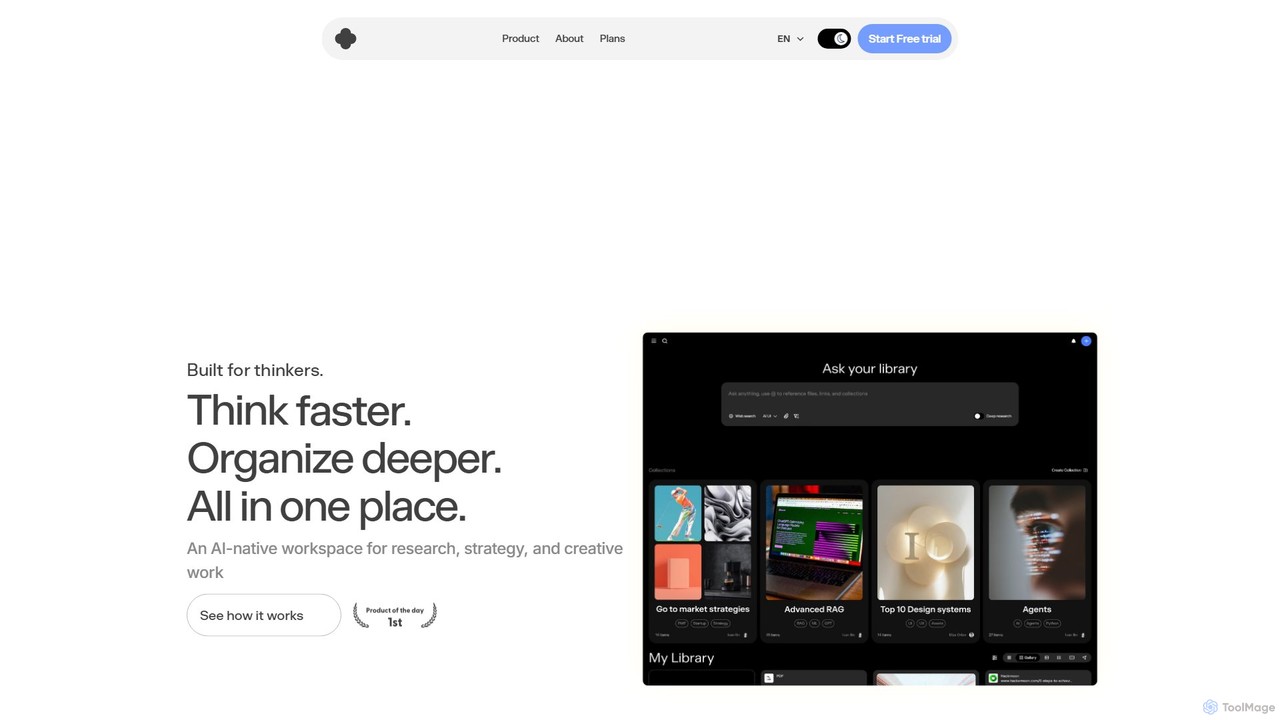
iki
iki is an AI-native workspace designed for research, strategy, and creative work. It acts as a second brain, allowing you to capture content from any source (webpages, PDFs, videos) and uses an AI assistant to summarize, analyze, and generate insights based on your personal knowledge base, not the general internet. It supports both individual and team collaboration.
Knowledge Management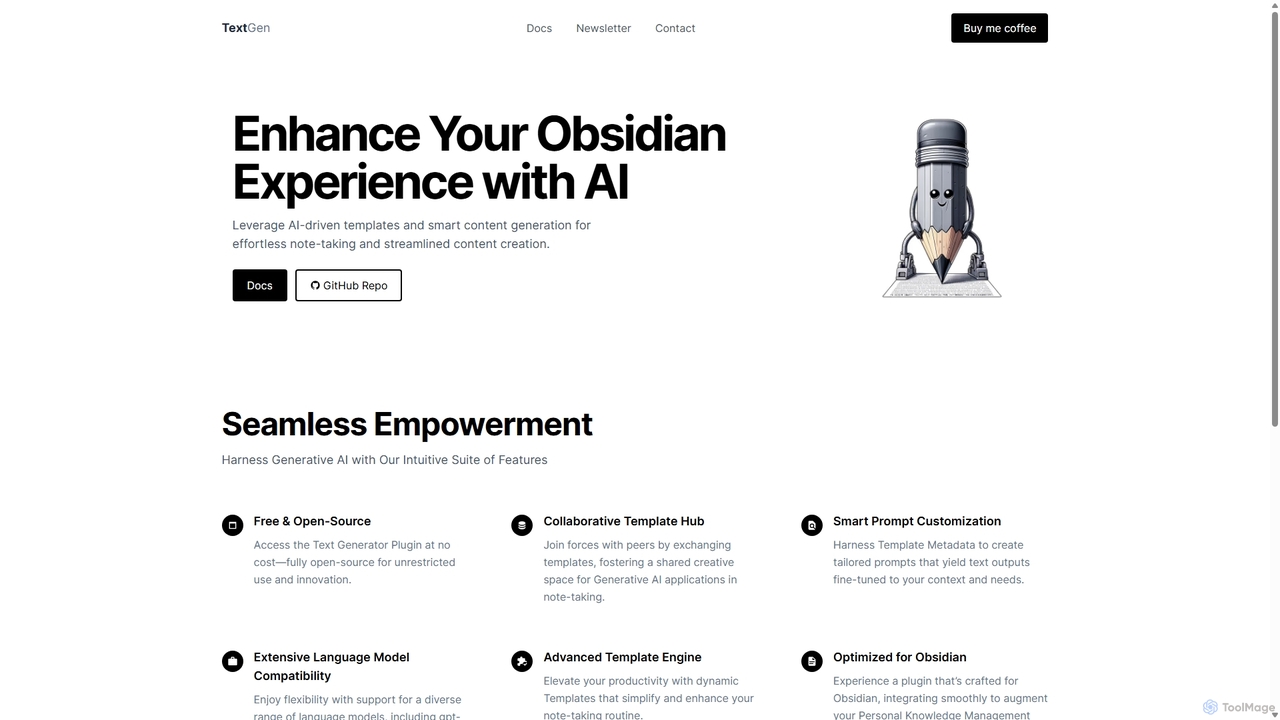
TextGen
TextGen is a free, open-source AI plugin for Obsidian that supercharges your note-taking and content creation. It integrates seamlessly with various large language models like GPT-4, Claude, and Llama, allowing you to generate, summarize, and transform text using customizable templates directly within your knowledge base.
Code Assistant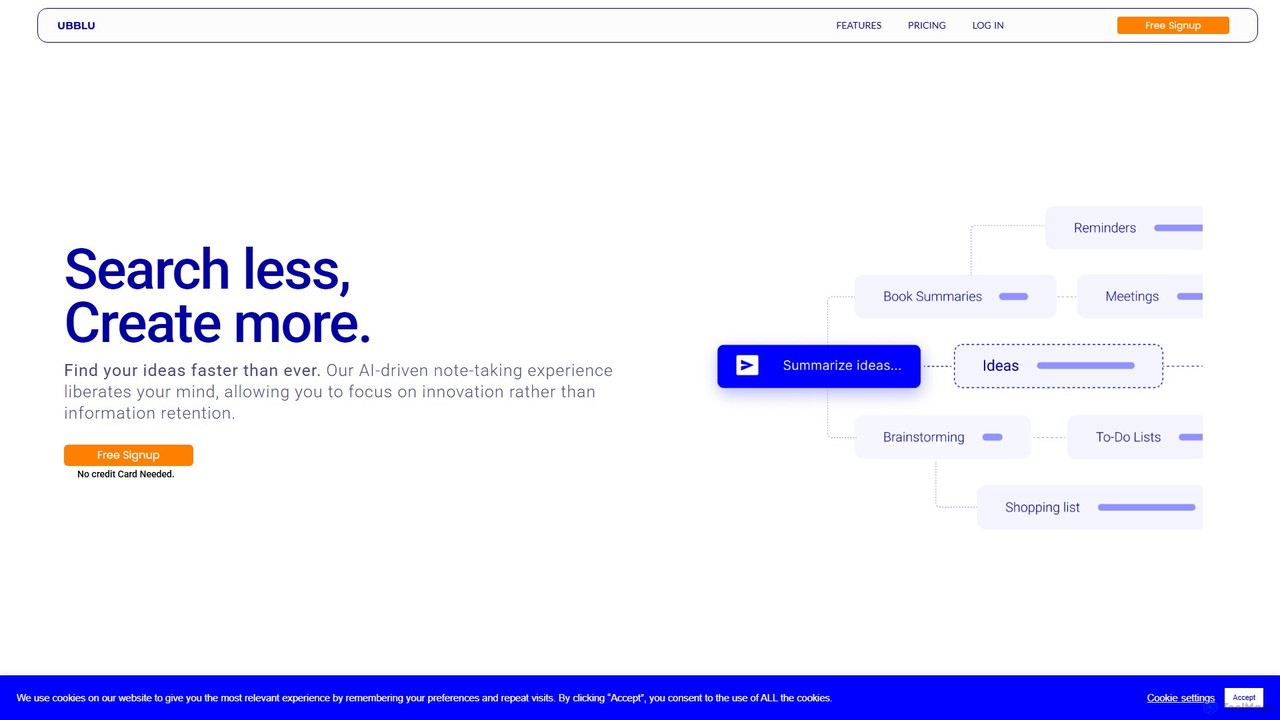
Ubblu
Ubblu is an AI-powered research and creation platform designed to help users 'Search Less, Create More.' It streamlines workflows by unifying intelligent search, knowledge management, and content generation, enabling professionals to quickly turn scattered information into structured insights and actionable drafts.
Personal
Viinyx
Viinyx is an all-in-one AI browser assistant designed to supercharge your productivity. Integrated directly into your browser, it helps you write faster, read smarter, and research more efficiently. Summarize articles and videos, compose emails, and get contextual AI help on any webpage.
Summarizer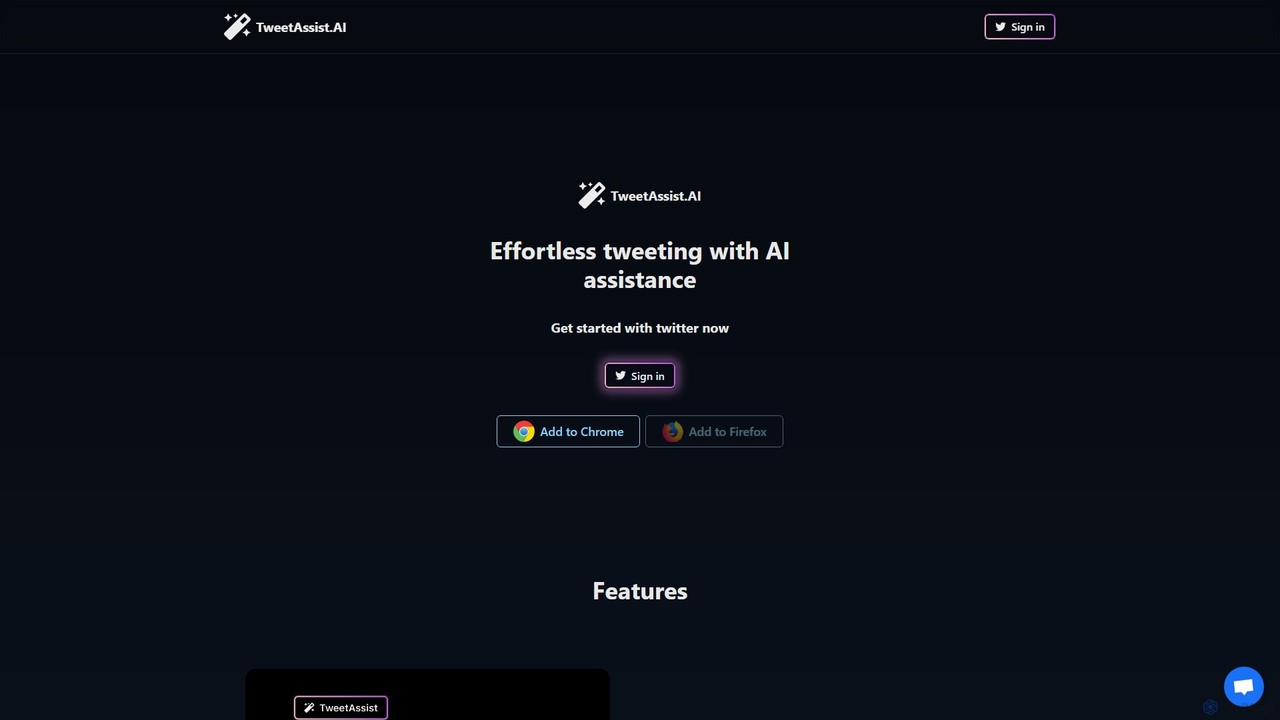
TweetAssist
TweetAssist is an AI-powered browser extension for Chrome and Firefox that revolutionizes your Twitter experience. It helps you generate engaging tweet ideas, craft instant replies, and overcome writer's block directly within the Twitter interface. Customize your tone of voice to maintain authenticity and boost your productivity and engagement effortlessly.
Content Creation
Linfo.ai
Linfo.ai is an AI-powered tool that transforms long articles, YouTube videos, and PDFs into structured summaries and interactive mind maps. It extracts key takeaways, allowing users to quickly grasp complex information, navigate to the source, and customize the level of detail. It's designed for professionals, students, and anyone looking to boost their information processing productivity.
Chrome Extensions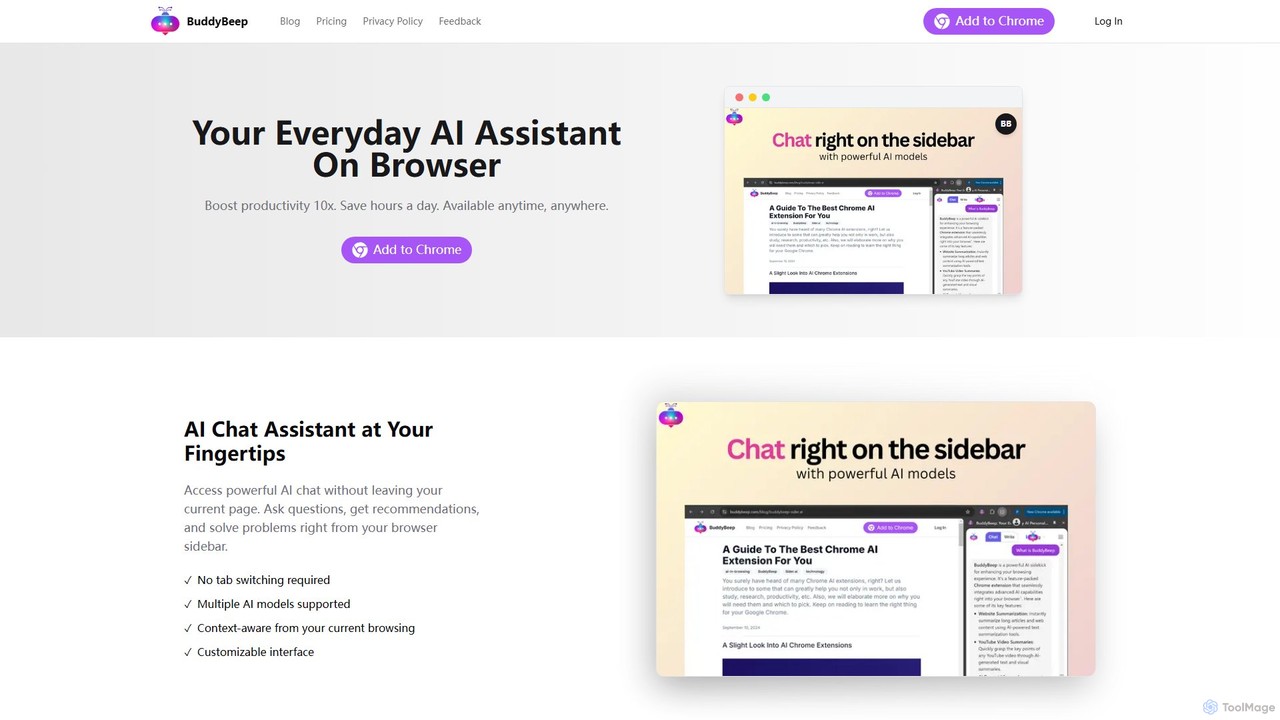
BuddyBeep
BuddyBeep is an AI-powered Chrome extension that acts as your personal browsing assistant. It boosts productivity by offering an in-page AI chat, one-click summarization for articles and YouTube videos, and a smart knowledge repository to build your "second brain". Capture, organize, and retrieve information effortlessly without switching tabs, transforming your browsing into a more efficient and insightful experience.
Browser Extension
Kome Comments (0)
Sign in to comment.
Sign inNo comments yet.