ToolMage
Sign in

Best 24 Automation AI tools for Developer Tools

Popular Automation AI tools in Developer Tools include Pipedream, HARPA AI, BrowserAct, AgentGPT, Pokee AI, GoSearch, Airtop, Bytebot, BotCity, and saasguru, helping you work more efficiently.

Anvil IDE
Free

Anvil IDE

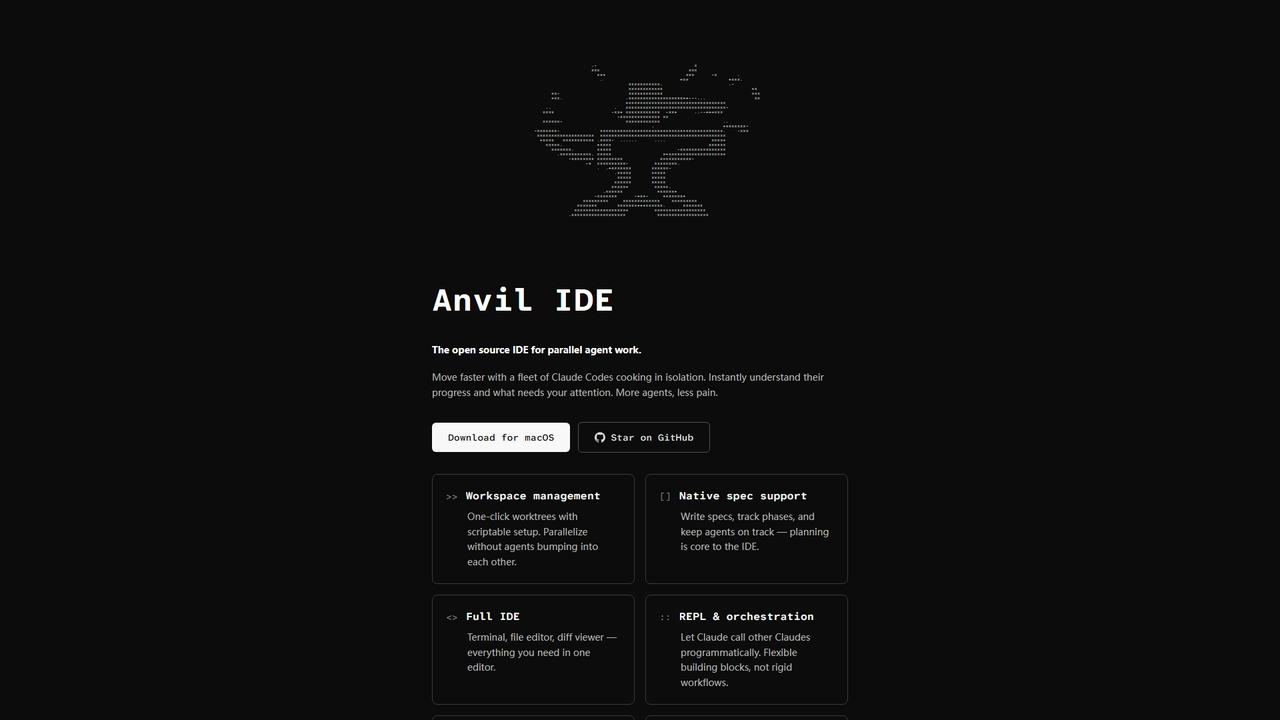
Anvil IDE is an open-source integrated development environment specifically designed for orchestrating and managing parallel AI agent workflows. It centralizes control over multiple Claude Code agents working in isolated workspaces, providing real-time progress visibility, native planning tools, and a full-featured editor to accelerate complex AI-assisted development tasks.

Automation
Visits 5.1KFavorites 27Likes 26
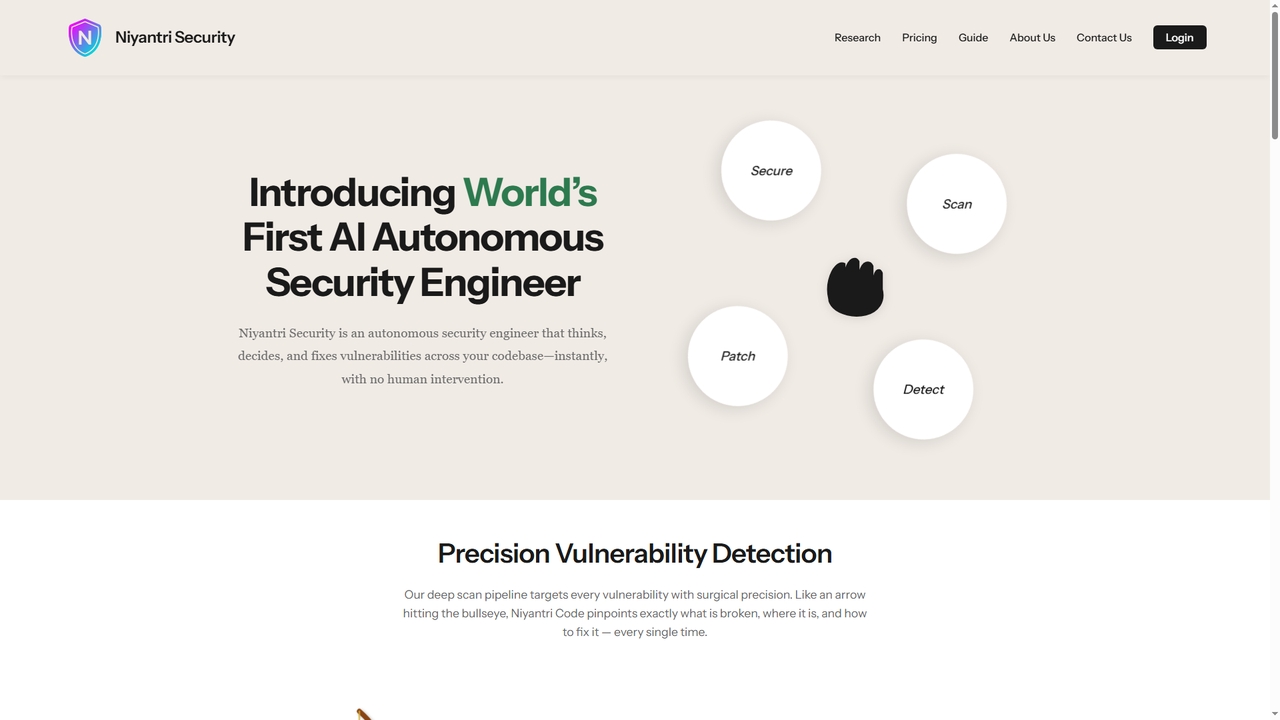
Niyantri Security

Niyantri Security

Niyantri Security is an AI-powered autonomous security engineer designed to automatically detect and fix vulnerabilities in your codebase. It performs deep, multi-phase scans to identify security flaws with context, provides surgical auto-fixes, and seamlessly integrates into development workflows via GitHub or direct file upload.

Automation
Visits 4.9KFavorites 25Likes 21
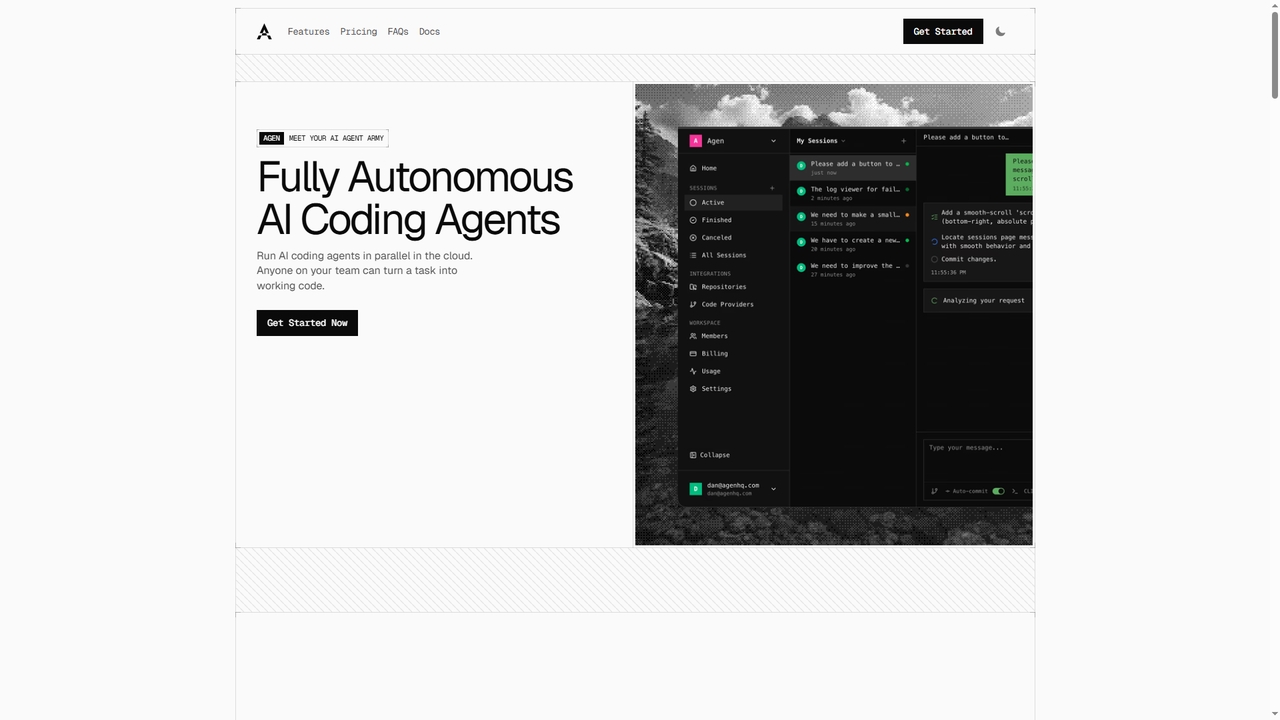
Agen
Paid

Agen

Agen is a cloud-based platform that deploys fully autonomous AI coding agents. It enables developers and teams to assign software development tasks via prompts. The agents independently clone repositories, analyze codebases, edit files, run builds and tests in isolated sandboxes, and prepare merge requests, streamlining the development workflow from idea to production-ready code.

Automation
Visits 6.4KFavorites 29Likes 31
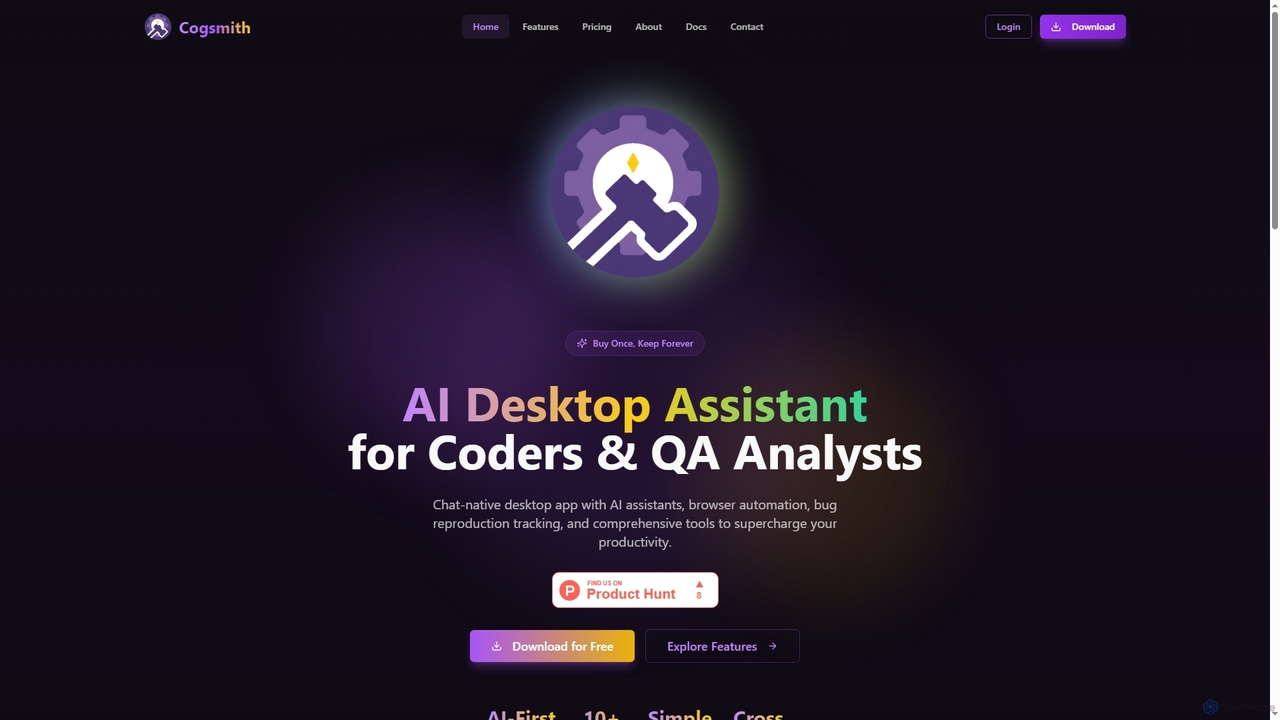
Cogsmith
Paid

Cogsmith

An AI-first desktop assistant for developers and QA analysts, featuring a chat interface, browser automation, bug reproduction tracking, and a suite of pre-configured tools to enhance productivity with a 'buy once, keep forever' model.

Code Assistant
Visits 5.1KFavorites 95Likes 93
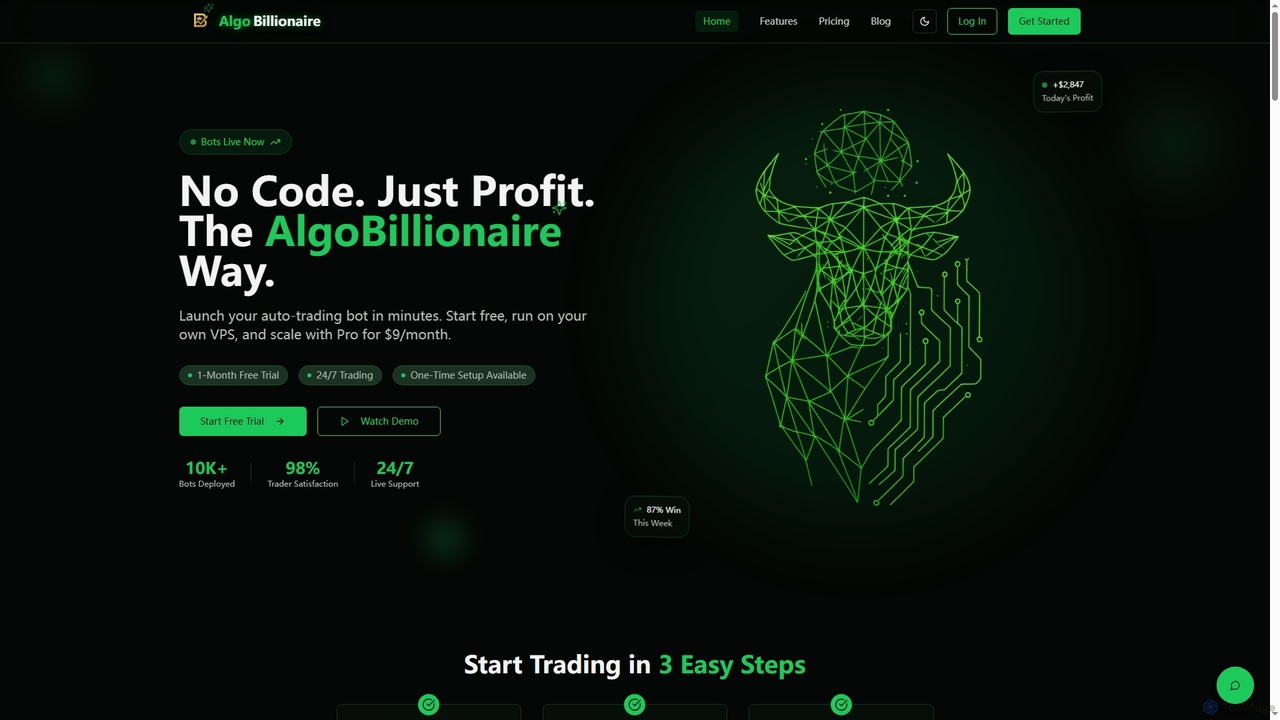
AlgoBillionaire
Freemium

AlgoBillionaire

AlgoBillionaire is an AI-powered trading automation platform that allows users to launch algorithmic trading bots with no coding required. It supports custom Python strategies, runs on a personal VPS, and integrates with Telegram for real-time alerts and monitoring. The platform is designed for both novice and experienced traders.

Automation
Visits 5.7KFavorites 132Likes 129
Producta
Freemium

Producta

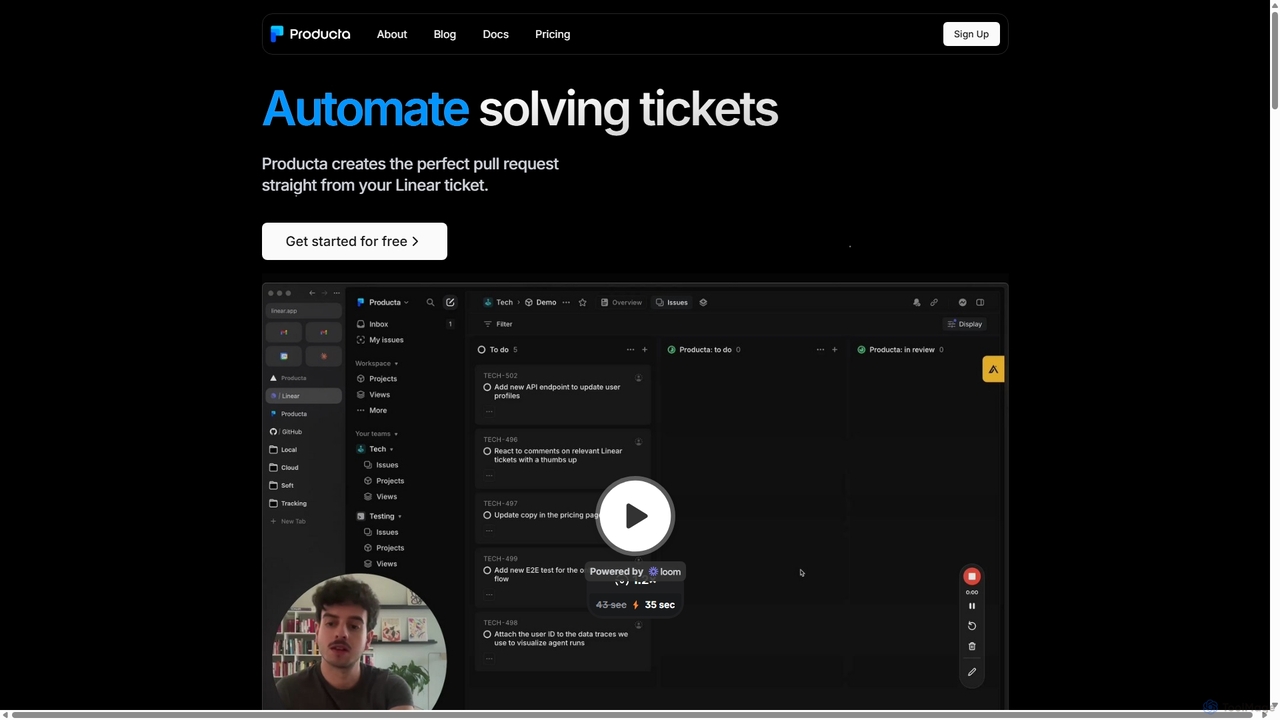
Producta is an AI-powered software development assistant that automates the entire workflow from a Linear ticket to a GitHub pull request. It intelligently clarifies tasks, generates, tests, and refines code, integrating seamlessly into your existing development process to accelerate bug fixes and feature implementation.

Automation
Visits 5KFavorites 123Likes 129
Autobot
Paid

Autobot

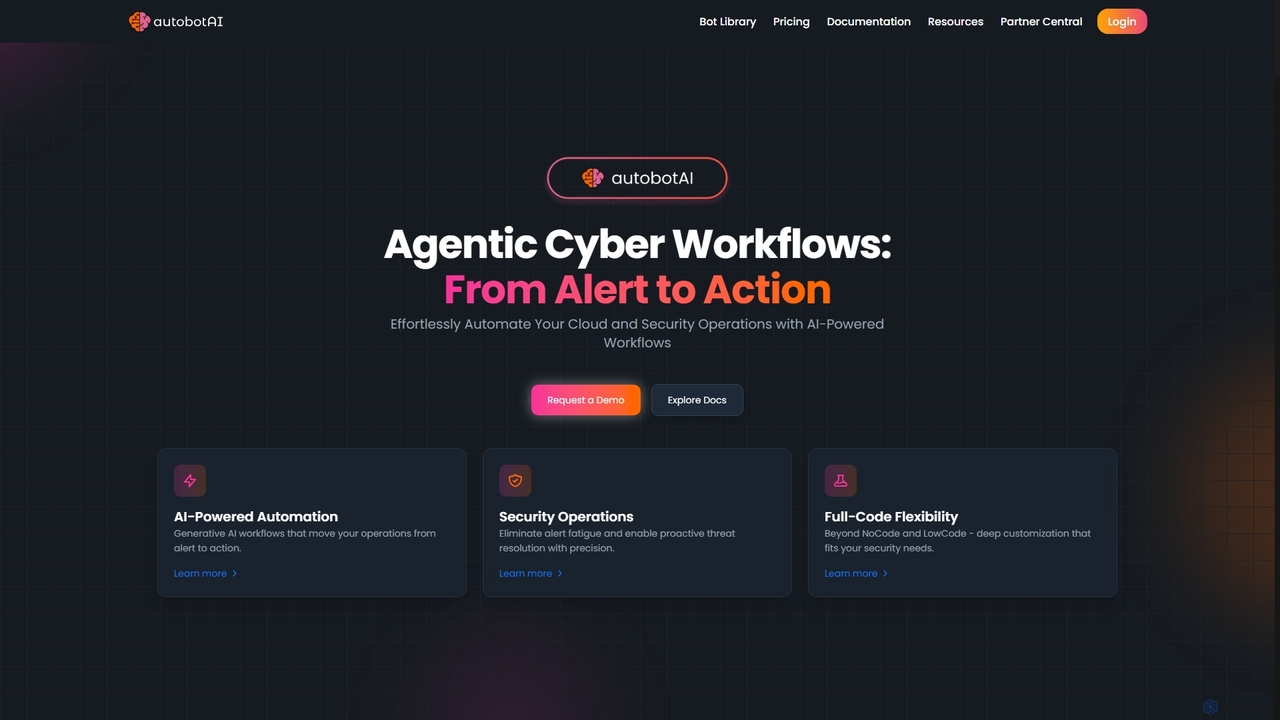
Autobot is an AI-powered hyperautomation platform designed for cloud and security operations. It leverages generative AI and agentic workflows to transform security alerts into automated actions, significantly reducing alert fatigue and improving response times. With its full-code flexibility and universal integration capabilities, Autobot streamlines complex processes, enhances security posture, and drives operational excellence for SecOps, CloudOps, and ITOps teams.

3D
Visits 6.8KFavorites 138Likes 143
AgentGPT
Freemium

AgentGPT

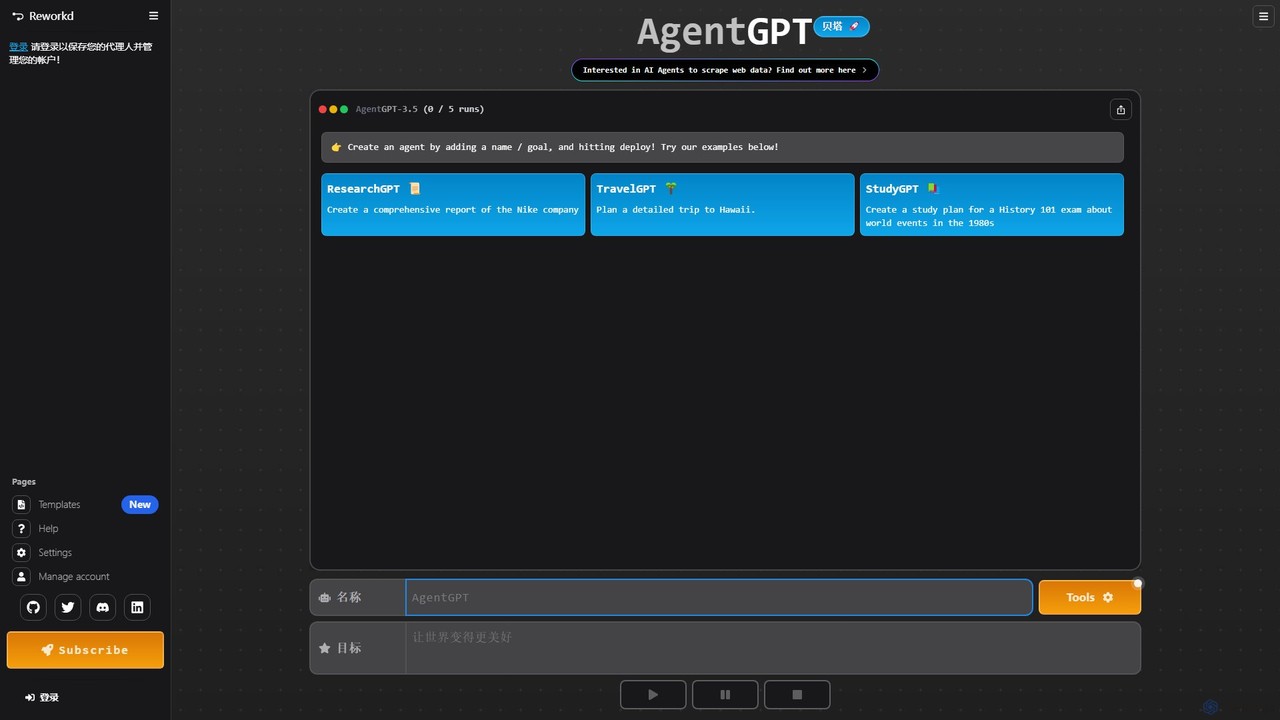
A powerful platform that allows you to configure and deploy autonomous AI agents directly in your browser. Simply define a goal, and AgentGPT will create a plan, execute tasks, and adapt its strategy to achieve your objective, automating complex processes like research, planning, and content creation.

Automation
Visits 72.6KFavorites 126Likes 124
Pipedream
Freemium

Pipedream

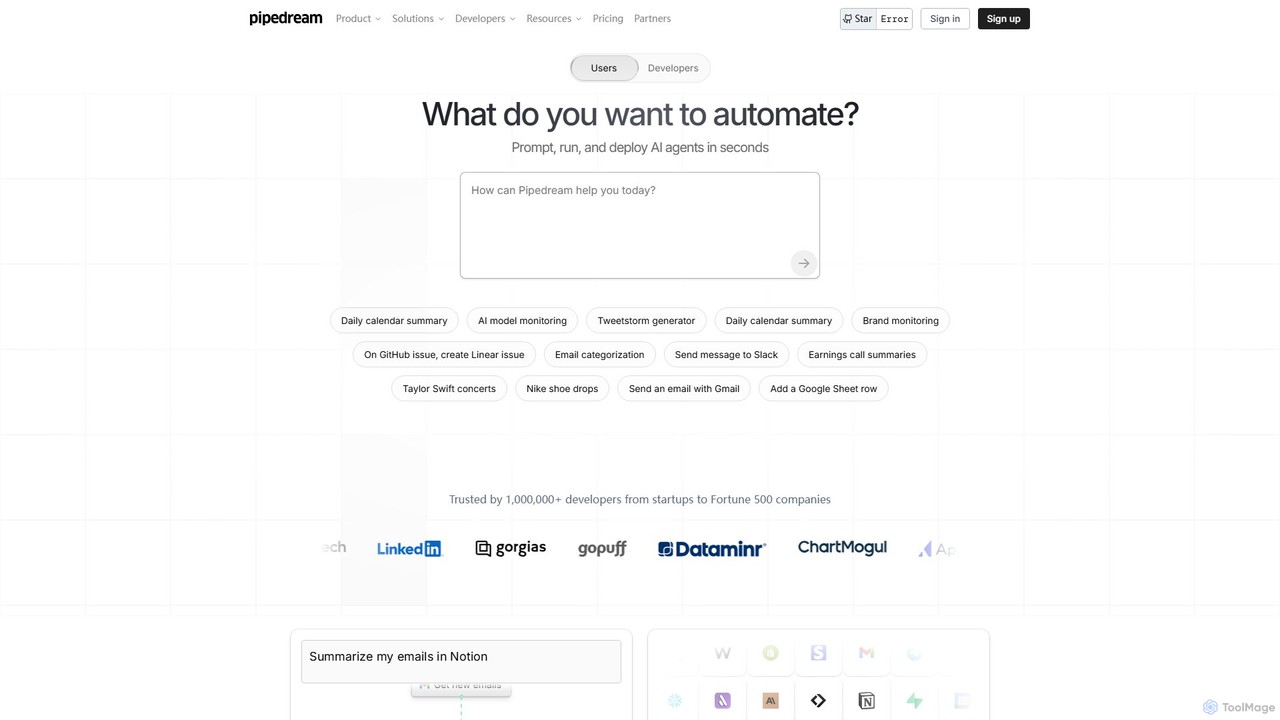
Pipedream is a developer-focused integration platform designed to automate workflows by connecting APIs, AI models, and databases with remarkable speed. It offers a visual workflow builder, code-level control with support for Node.js, Python, and Go, and a library of over 2,700 integrated applications. It's built for developers to create, deploy, and manage everything from simple automations to complex, production-scale AI agents and integrations.

Api Management
Visits 502.9KFavorites 148Likes 142
Pig
Paid

Pig

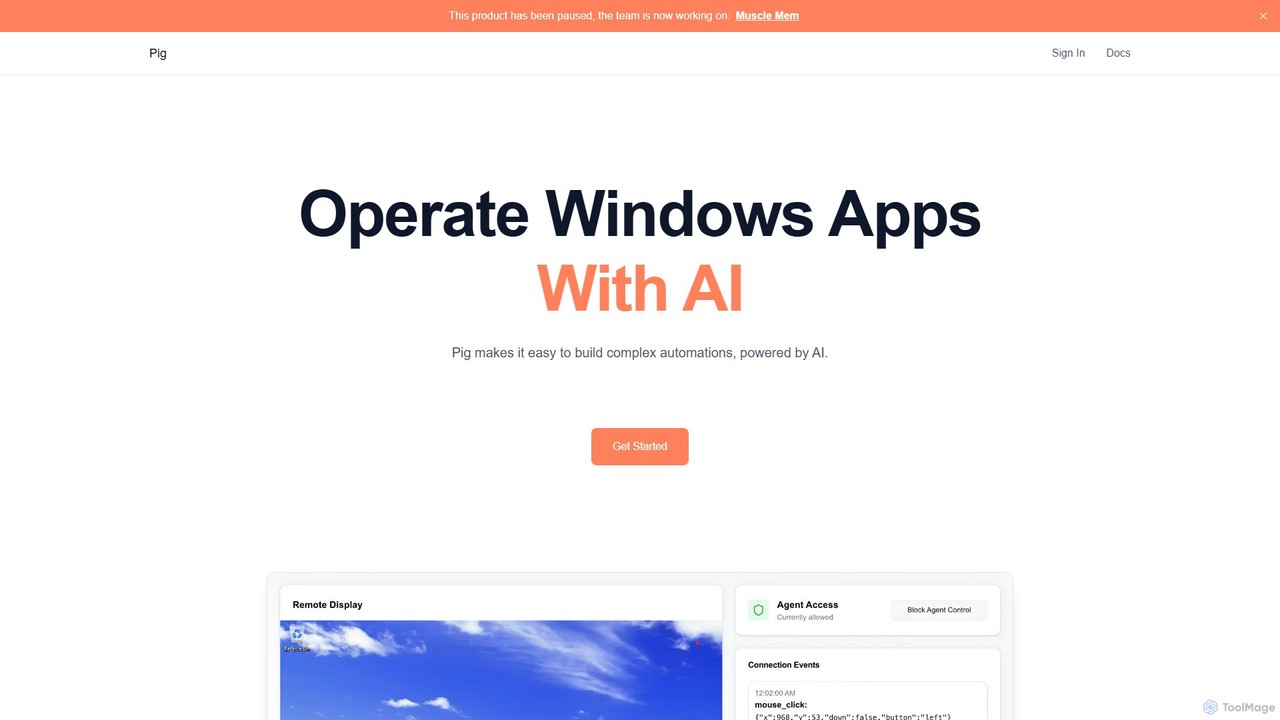
Pig is an advanced AI automation platform for developers, enabling the control of computer desktops through a chat interface, an Agent API, or a powerful Python SDK. It specializes in self-hosted, secure automation with human-in-the-loop capabilities.

Automation
Visits 6.2KFavorites 146Likes 132
BotCity
Freemium

BotCity

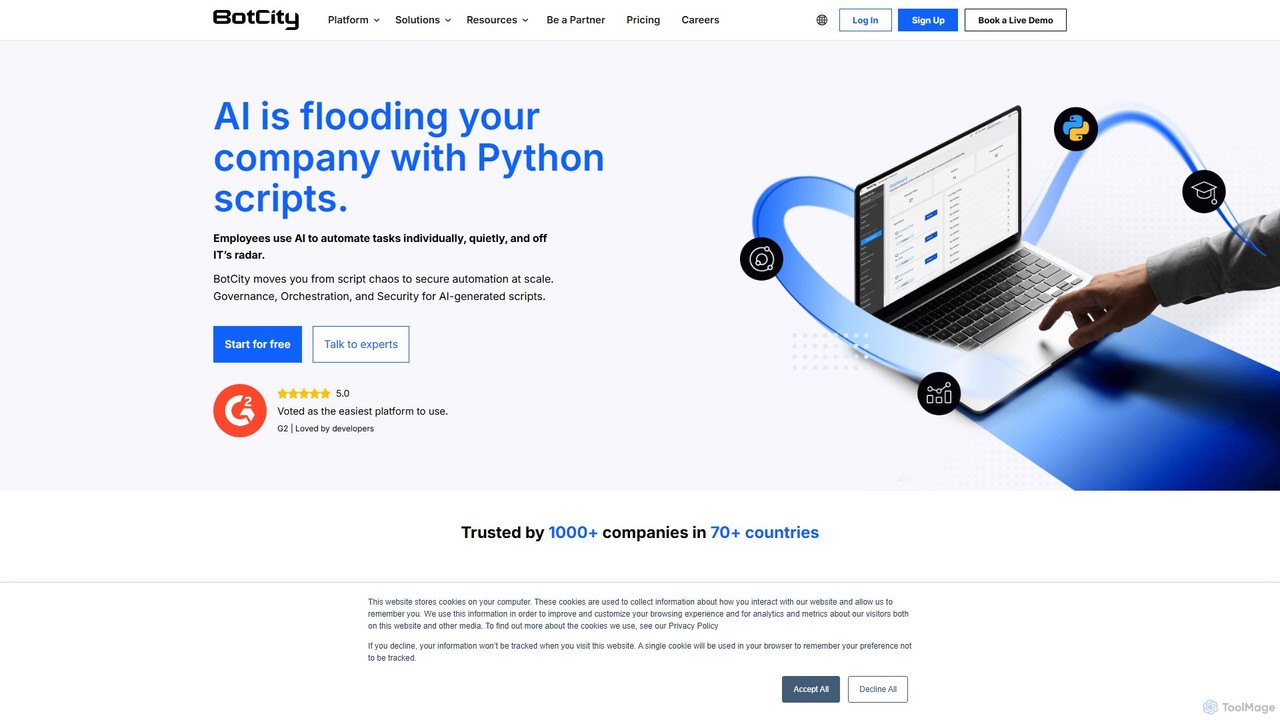
BotCity is a Python-based RPA and intelligent automation platform designed for tech teams. It provides end-to-end orchestration and centralized governance to securely build, deploy, and scale code-based automations, eliminating the risks of "Shadow Python." The platform offers powerful developer tools, including a VSCode extension with computer vision, to accelerate the development of complex automations across web, desktop, and legacy systems.

Enterprise Solutions
Visits 16.8KFavorites 134Likes 149
Airtop
Freemium

Airtop

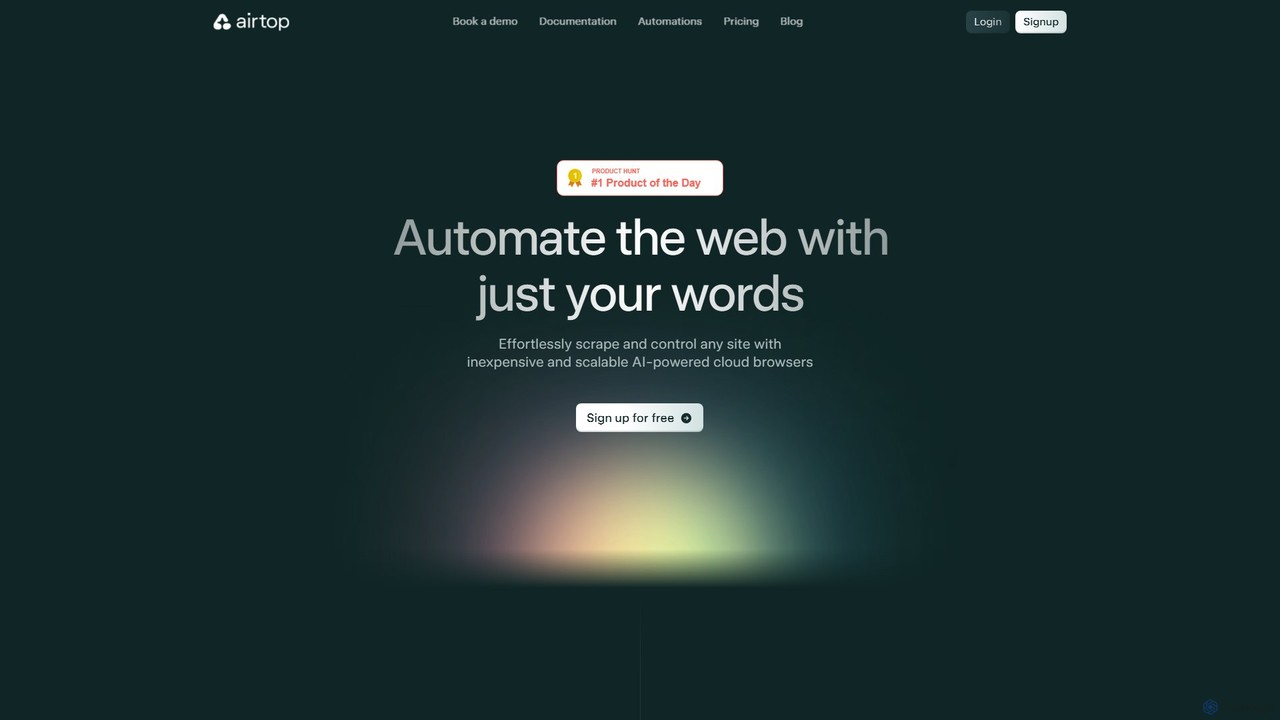
Airtop is a browser automation platform designed for AI agents. It allows developers to control and scrape any website using natural language prompts or SDKs (Python, TypeScript). Airtop manages the complex cloud browser infrastructure, handling logins, CAPTCHAs, and scaling, enabling powerful automations for data extraction, social media engagement, and market research.

Automation
Visits 41KFavorites 132Likes 120
GoSearch
Paid

GoSearch

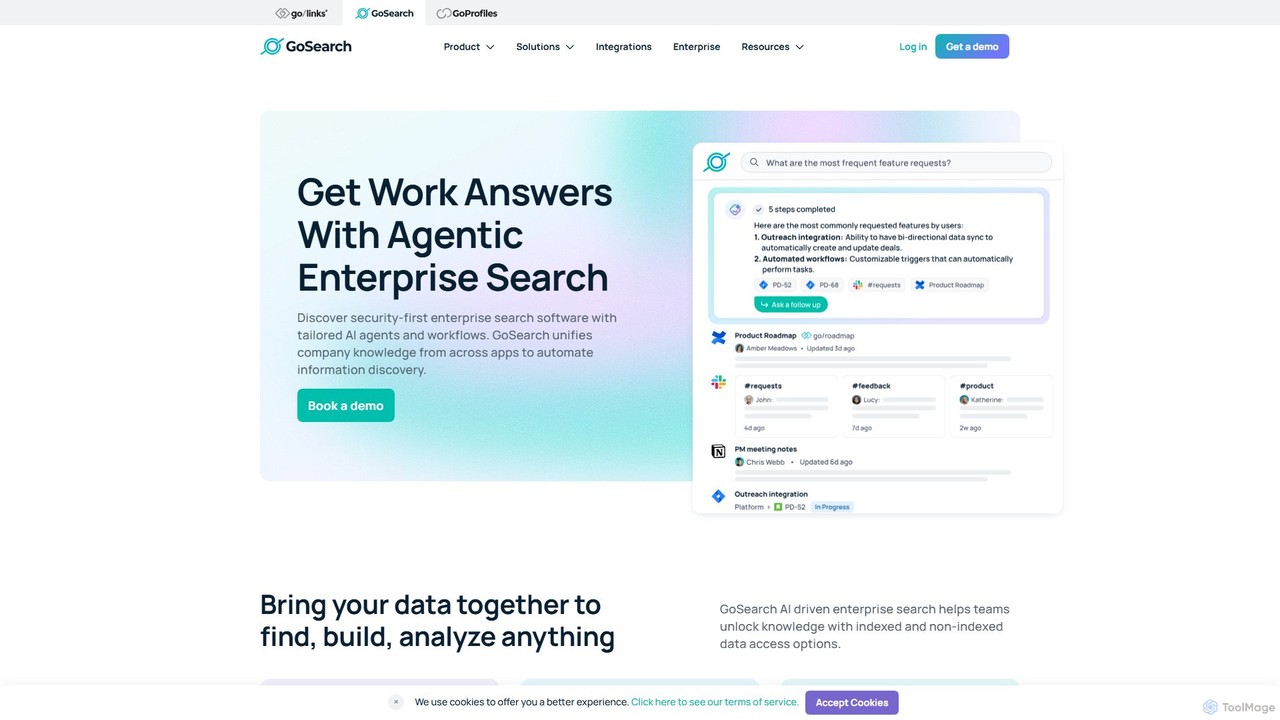
GoSearch is an AI-powered enterprise search platform designed for modern teams. It unifies knowledge from over 100+ applications, allowing users to find information using natural language. With its unique security-first approach and no-code AI agents, GoSearch automates workflows, provides instant answers, and enhances productivity while ensuring data remains secure and compliant. It's built to break down information silos and empower every department, from engineering to HR.

Enterprise Search
Visits 52.3KFavorites 141Likes 139
itva
Paid

itva

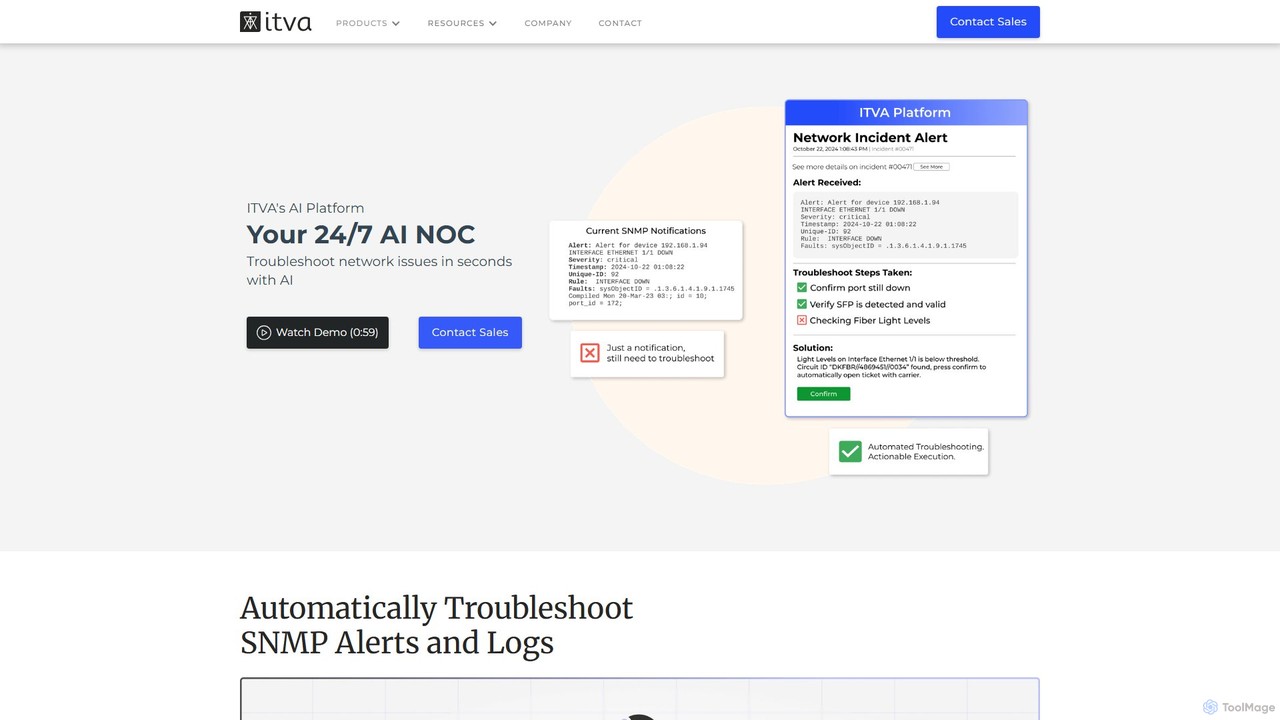
itva is a 24/7 AI Network Operations Center (NOC) that leverages generative AI to automate network configuration, management, and documentation. It enables users to perform complex network tasks using natural language, significantly reducing configuration time and improving operational efficiency and accuracy.

Automation
Visits 5.6KFavorites 144Likes 124
alfredsearch
Freemium

alfredsearch

alfredsearch is an award-winning productivity application for macOS that boosts your efficiency. It allows you to search your Mac and the web with incredible speed, and be more productive with custom actions to control your computer. Its powerful search, workflows, and automation features make it an indispensable tool for power users.

Automation
Visits 5KFavorites 134Likes 127
saasguru
Freemium

saasguru

saasguru is an AI-powered platform for Salesforce skill development, certification, and career advancement. It offers comprehensive training bootcamps, hands-on labs, and mock exams. Additionally, it provides AI agents to automate and accelerate Salesforce implementation, making it a dual-purpose tool for both learning and productivity.

Automation
Visits 11.4KFavorites 134Likes 147
HARPA AI
Freemium

HARPA AI

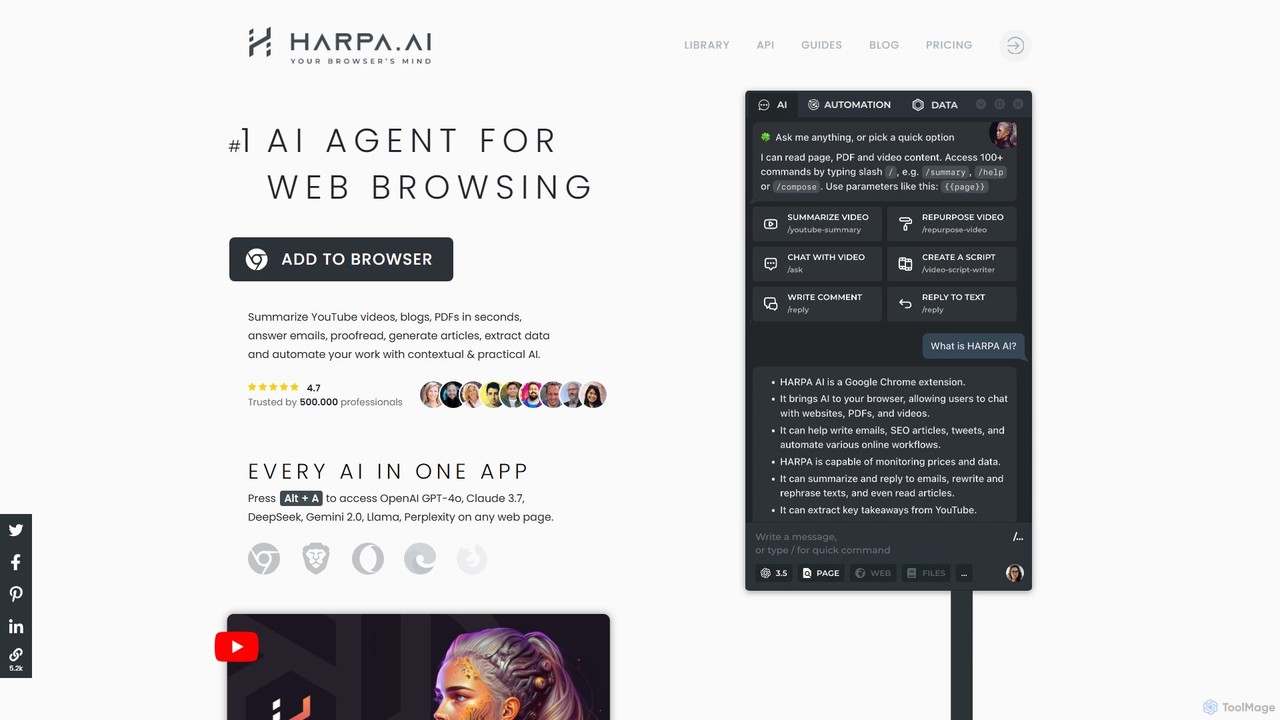
HARPA AI is an all-in-one AI browser agent that integrates ChatGPT, Claude, Gemini, and more directly into your browser. It automates web tasks, summarizes content, drafts emails, extracts data, and enhances productivity with over 100 pre-built, page-aware commands. It functions as a versatile copilot for browsing, research, and automation.

Automation
Visits 426.3KFavorites 136Likes 128
Agent TARS
Free

Agent TARS

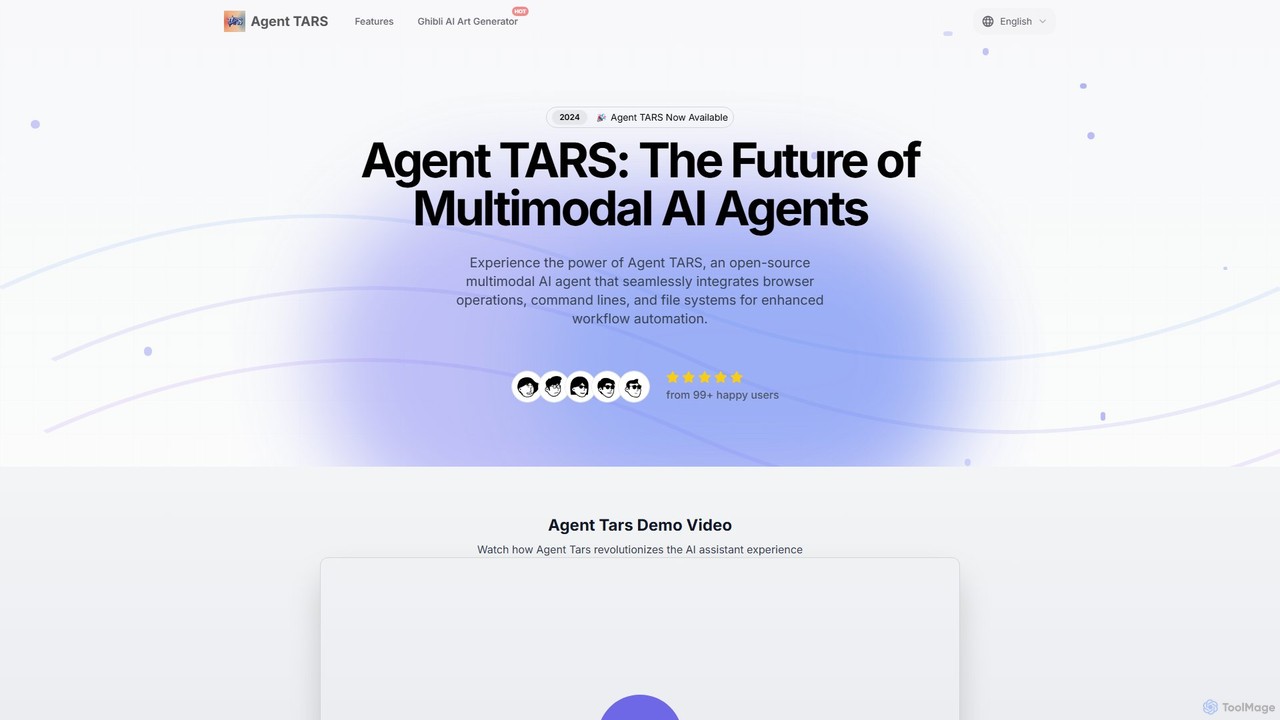
Agent TARS is a powerful, open-source multimodal AI agent designed for developers and teams. It automates complex workflows by seamlessly integrating browser operations, command-line interfaces, and file systems. Leveraging visual interpretation and sophisticated reasoning, it efficiently handles diverse tasks, from advanced browser automation to intricate tool integrations, boosting productivity and streamlining development processes.

Autonomous Agent
Visits 5KFavorites 153Likes 146
cron_ai
Free

cron_ai

cron_ai is a free AI-powered tool that translates natural language descriptions into cron expressions. Simply describe your desired schedule in plain English, and the tool instantly generates the correct, ready-to-use cron string, simplifying task automation for developers and sysadmins.

Automation
Visits 5.3KFavorites 101Likes 106
Bulk Rename Utility
Free

Bulk Rename Utility

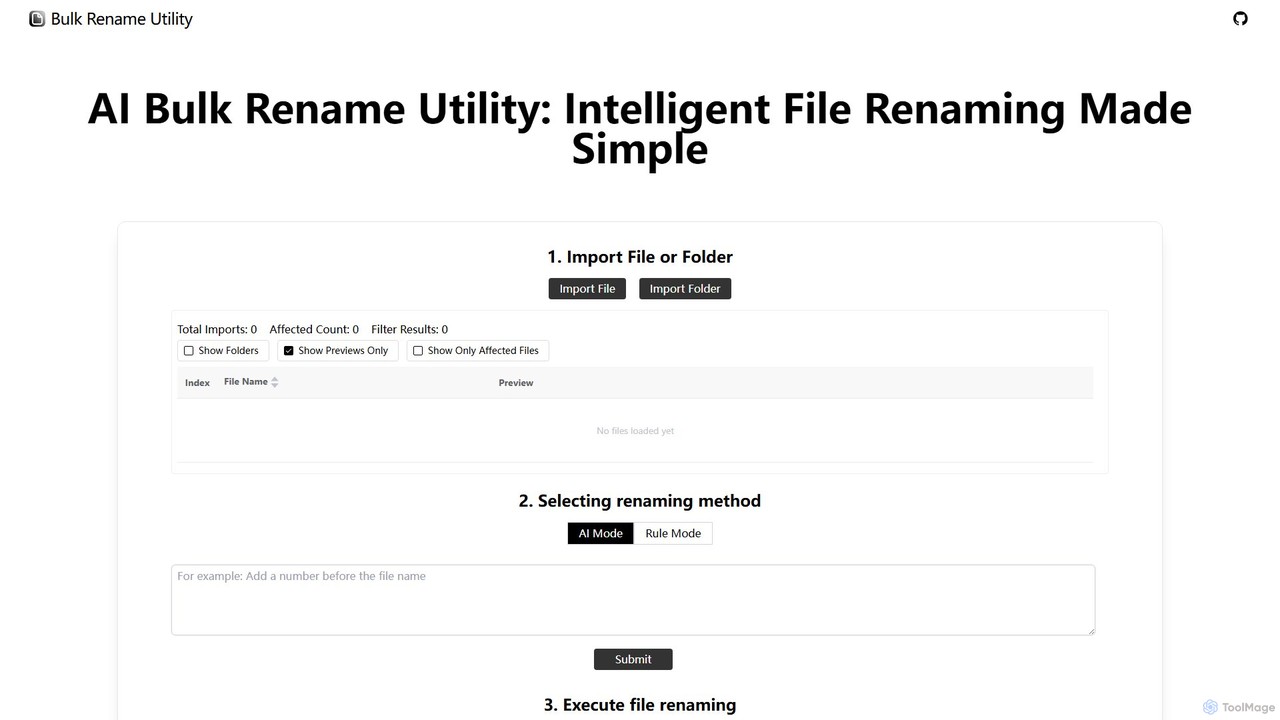
Bulk Rename Utility is a powerful, free online tool for batch renaming files. It offers a unique dual-mode system: an intuitive AI mode for natural language commands and an advanced rule-based mode with features like regex and custom JavaScript. It operates locally in your browser for maximum privacy, supporting both Windows and Mac files.

Automation
Visits 5.9KFavorites 187Likes 192
Pokee AI
Freemium

Pokee AI

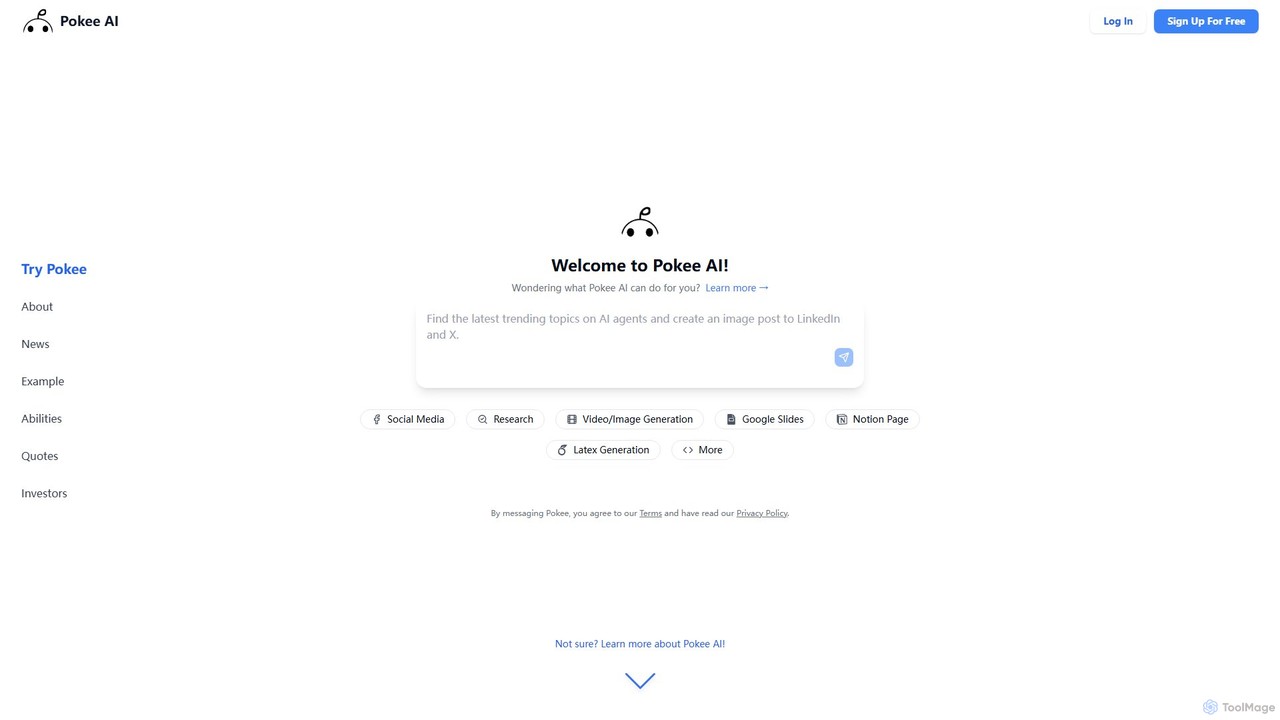
Pokee AI is a next-generation foundation AI agent designed to revolutionize digital productivity. It automates complex workflows by leveraging advanced planning, reasoning, and seamless integration with thousands of digital tools, from Google Workspace to social media platforms and project management software.

Automation
Visits 54.3KFavorites 135Likes 123
Bytebot

Bytebot

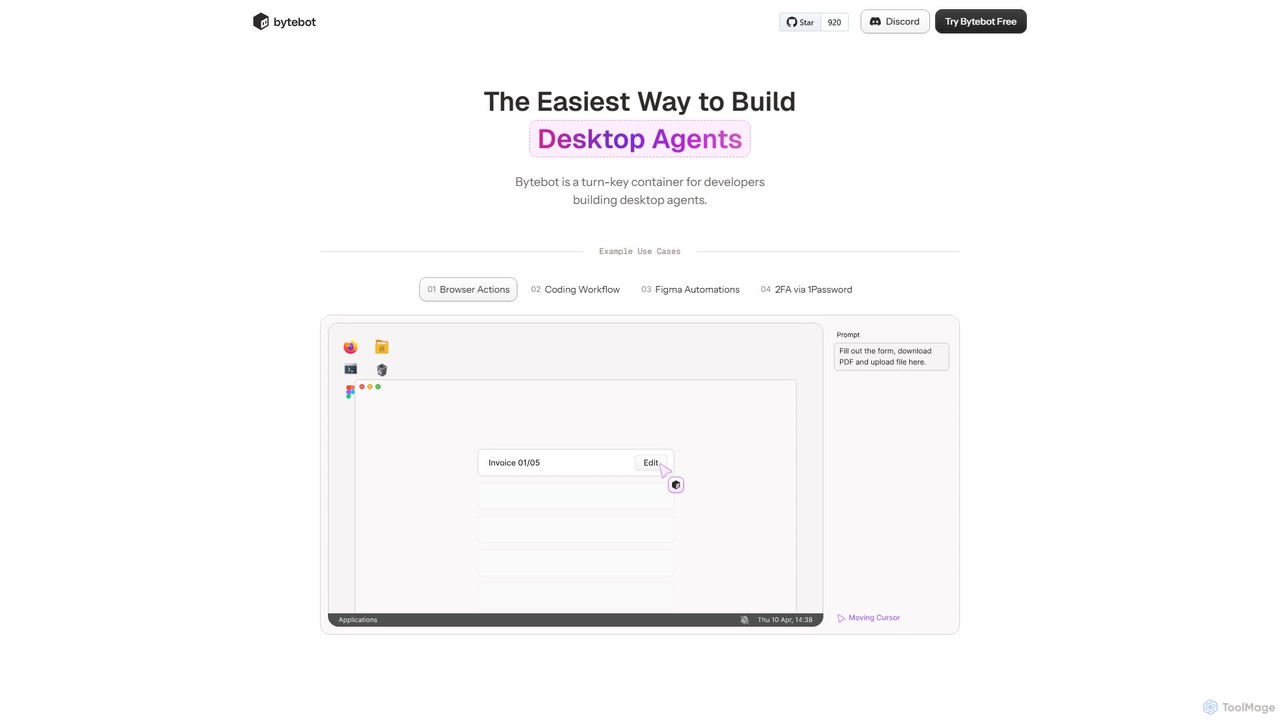
Bytebot is a developer platform for building, deploying, and managing AI-powered desktop agents. These agents automate complex tasks across any application by mimicking human interactions with the keyboard, mouse, and screen, moving beyond browser-only limitations.

Desktop Agent
Visits 17.5KFavorites 127Likes 112
Talkzy
Freemium

Talkzy

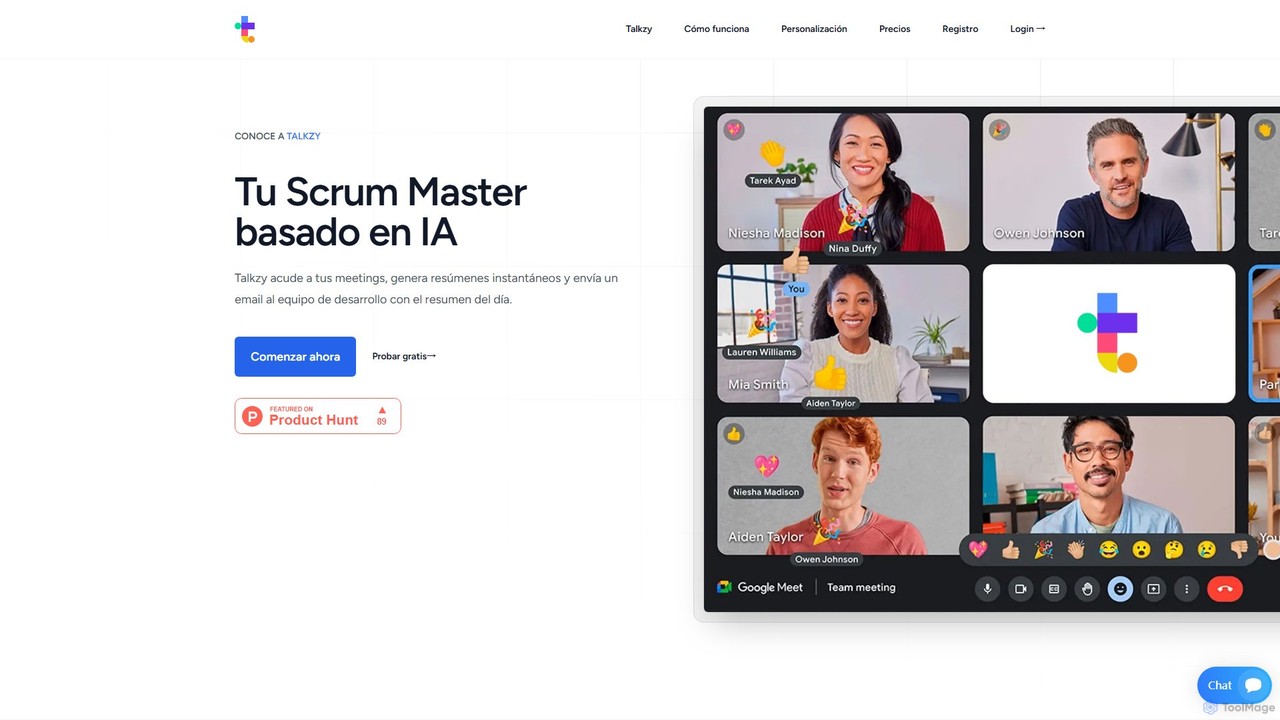
Talkzy is an AI-powered Scrum Master designed for agile development teams. It joins your meetings, automatically generates structured summaries focusing on action items, blockers, and decisions, and emails them to the team. It's tailored for agile ceremonies like Daily Standups, Sprint Planning, and Retrospectives to enhance productivity and streamline communication.

Transcription
Visits 5.1KFavorites 156Likes 157
BrowserAct
Freemium

BrowserAct

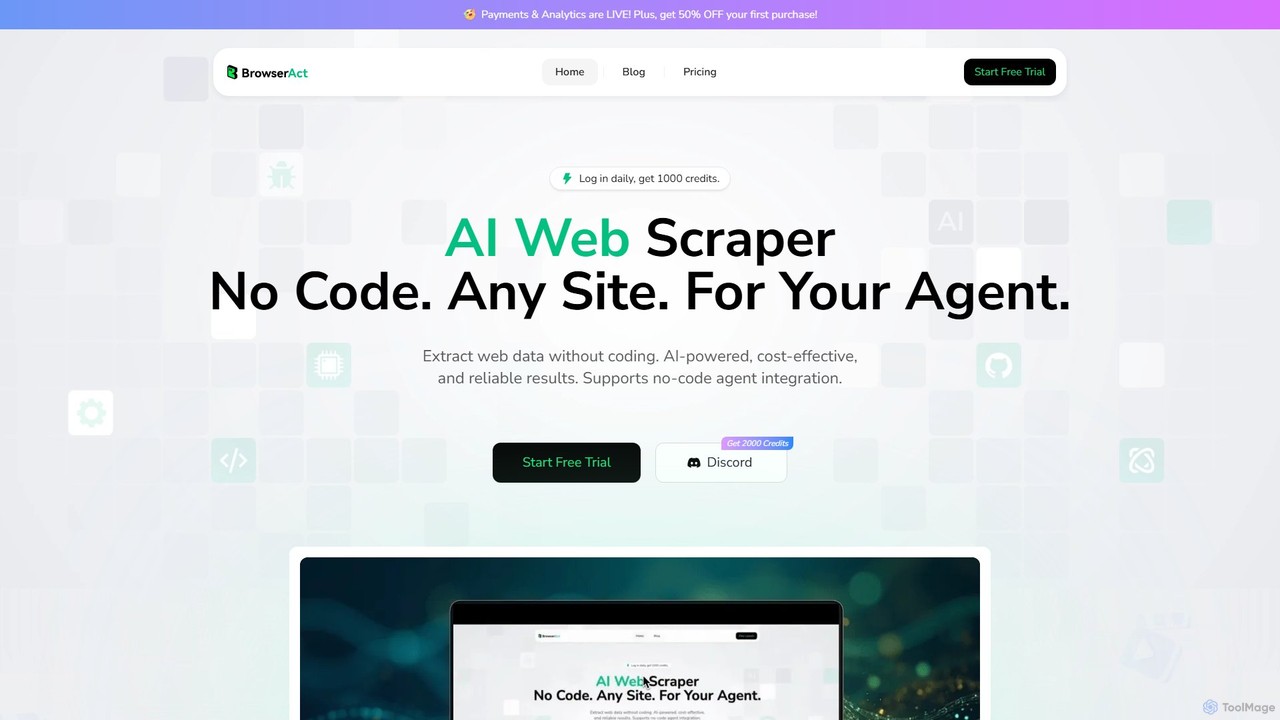
BrowserAct is an AI-powered, no-code web scraper that allows users to extract data from any website using natural language commands. It's designed for easy integration with AI agents, automating data collection for market research, lead generation, and content monitoring without writing a single line of code.

Web Scraping
Visits 122KFavorites 121Likes 126

About Automation

AI Automation tools are a class of developer utilities that use artificial intelligence to streamline and intelligently manage software development workflows. These tools go beyond simple scripting by employing machine learning models to understand code context, predict issues, and adapt to changing project needs. They are designed to automate repetitive, complex, or error-prone tasks within the development lifecycle, from writing code to deployment and monitoring. This results in accelerated development cycles, improved code quality, and allows developers to focus on more strategic problem-solving.

Core Features

  • Intelligent Workflow Orchestration: Automatically triggers actions across different tools (e.g., Git, Jira, Slack) based on contextual events, not just fixed rules.
  • AI-Assisted Code Review: Analyzes pull requests to detect potential bugs, security vulnerabilities, and style inconsistencies, providing actionable feedback.
  • Automated Test Case Generation: Creates meaningful unit tests, integration tests, or end-to-end tests by analyzing the application's code and logic.
  • Predictive Build & Deployment Management: Optimizes CI/CD pipelines by predicting build failures or identifying the most effective testing strategies for a given change.
  • Automated Bug Triage: Analyzes incoming bug reports, identifies duplicates, predicts severity, and suggests the most appropriate developer for assignment.

Use Cases

These tools are primarily used by software development teams, DevOps engineers, and Quality Assurance (QA) professionals. For instance, a DevOps team can use AI automation to create self-healing infrastructure that responds to performance anomalies. A development team can integrate it into their repository to ensure every code commit is automatically scanned for quality and security before merging.

How to Choose

When selecting an AI Automation tool, consider its integration capabilities with your existing toolchain (e.g., GitHub, GitLab, Jenkins). Evaluate the supported programming languages and frameworks. Assess the level of customization for rules and workflows to ensure it fits your team's specific processes. Finally, carefully review the security and data privacy policies, especially if you are working with proprietary code.

Featured tool rankings

Automation use cases

1

Automating Pull Request Reviews

A software development team integrates an AI automation tool with their GitHub repository. When a developer opens a new pull request, the tool automatically triggers a workflow. It scans the code changes for common programming errors, potential security vulnerabilities like SQL injection, and violations of the team's coding style guide. Within minutes, it posts comments directly on the pull request, highlighting specific lines of code with suggested fixes. This allows the human reviewer to focus on the logic and architecture, significantly reducing review time and improving code quality before merging.

2

Generating Unit Tests for New Code

A developer has just completed a new feature module in a Python application. Instead of manually writing dozens of unit tests, they use an AI automation tool. The tool analyzes the new functions, understands their inputs, outputs, and potential edge cases. It then automatically generates a suite of PyTest-compatible unit tests covering successful paths, error handling, and boundary conditions. The developer reviews the generated tests, makes minor adjustments, and commits them, saving hours of tedious work and ensuring higher test coverage for the new feature.

3

Intelligent CI/CD Pipeline Optimization

A DevOps team manages a complex CI/CD pipeline for a large microservices application. They use an AI automation tool to monitor pipeline performance. The tool analyzes historical build data, test durations, and failure rates. Based on this analysis, it intelligently reorders testing stages, running faster, more critical tests first. If it detects a code change only affects a specific service, it automatically runs tests only for that service and its dependents, skipping irrelevant tests. This predictive optimization reduces the average pipeline execution time from 30 minutes to 15 minutes, enabling faster feedback loops for developers.

4

Automated Bug Triage and Assignment

A project manager for a large software project is overwhelmed by the number of new bug reports in Jira. They implement an AI automation tool that connects to their Jira instance. When a new bug is reported, the AI analyzes its description, logs, and user-provided screenshots. It automatically categorizes the bug (e.g., UI, Backend, Performance), predicts its severity (Critical, Major, Minor), and identifies potential duplicates. Most importantly, by analyzing the code history in Git, it suggests the most relevant developer to assign the bug to, reducing the manual triage workload by over 70%.

5

Automating API Documentation Updates

A team maintains a public API and struggles to keep the documentation synchronized with code changes. They use an AI automation tool that integrates with their CI pipeline. After every successful merge to the main branch, the tool scans the code for changes in API endpoints, parameters, and response structures. It then automatically updates the OpenAPI (Swagger) specification file and regenerates the user-facing documentation website. This ensures the documentation is always accurate and up-to-date without any manual intervention from developers, improving the experience for API consumers.

6

Automated Infrastructure Provisioning and Scaling

A cloud engineer uses an AI automation platform to manage their AWS infrastructure. Instead of writing complex scripts, they define high-level goals like 'maintain 99.9% uptime' and 'keep response times under 200ms'. The AI tool continuously monitors application metrics and user traffic patterns. It proactively provisions new servers before a traffic spike, scales down resources during off-peak hours to save costs, and can even automatically replace unhealthy instances. This intelligent, goal-oriented automation simplifies cloud management and optimizes resource utilization beyond what static auto-scaling rules can achieve.

Automation FAQ

What are AI Automation tools in the context of developer tools?

AI Automation tools for developers are applications that use machine learning and other AI techniques to automate tasks within the software development lifecycle. Unlike traditional scripts which follow rigid, predefined rules, these tools can understand context, learn from data, and make intelligent decisions. Their primary goal is to handle complex, repetitive, or cognitive tasks such as code analysis, test generation, and workflow optimization, freeing up developers to focus on creative and strategic work.

How do AI Automation tools differ from traditional CI/CD scripts?

The key difference lies in adaptability and intelligence. Traditional CI/CD scripts (like those in Jenkinsfiles or YAML files) are imperative and rule-based; they execute a fixed sequence of commands. AI Automation tools are more declarative and adaptive.

  • Adaptability: AI tools can analyze historical data to optimize workflows, like reordering tests to fail faster, whereas scripts follow a static order.
  • Context Awareness: An AI tool can understand that a code change only affects the UI and run only relevant tests. A traditional script would typically run the full test suite unless explicitly configured with complex rules.
  • Learning: AI tools can learn from past failures to predict future issues, while scripts do not have this learning capability.
In essence, scripts do what you tell them, while AI automation tools can understand what you want to achieve and find the best way to do it.

How do I choose the right AI Automation tool for my team?

Choosing the right tool depends on your specific needs and existing workflow. Consider these key factors:

  • Integration: Does the tool seamlessly integrate with your current source control (GitHub, GitLab), CI/CD server (Jenkins, CircleCI), and project management software (Jira, Trello)?
  • Language & Framework Support: Ensure the tool has strong support for the programming languages and frameworks your team uses daily.
  • Customizability: Can you easily configure or extend the tool's rules and workflows to match your team's unique processes and standards?
  • Security & Privacy: How does the tool handle your source code? Does it offer on-premise deployment options or have robust cloud security measures and clear data privacy policies?
  • Ease of Use: Evaluate the learning curve for your team. A tool with a clear interface and good documentation will see faster adoption.
Start by identifying your biggest automation bottleneck and look for a tool that excels at solving that specific problem.

Can AI Automation tools replace DevOps engineers or QA testers?

No, these tools are designed to augment, not replace, human experts. They act as powerful assistants that handle tedious, data-intensive, and repetitive tasks, allowing professionals to focus on higher-level strategic work. For example, an AI tool can identify 100 potential style issues in a pull request, but a DevOps engineer is still needed to design the overall CI/CD strategy and architecture. Similarly, an AI can generate thousands of test cases, but a QA tester's expertise is crucial for exploratory testing, understanding user experience, and validating complex business logic.

Are AI Automation tools secure to use with proprietary source code?

Security is a primary concern for these tools. Reputable providers address this in several ways:

  • On-Premise/VPC Deployment: Many tools offer self-hosted versions that can be deployed within your own private network or Virtual Private Cloud (VPC), ensuring your code never leaves your control.
  • Data Encryption: For cloud-based services, code and data are typically encrypted both in transit (using TLS) and at rest.
  • Access Control: They integrate with existing authentication systems (like GitHub OAuth) and provide granular permissions to control who can access what.
  • Compliance Certifications: Look for providers who are compliant with industry standards like SOC 2, ISO 27001, and GDPR.
It is crucial to review the security and privacy policy of any tool before integrating it into your workflow. Always prefer tools that offer clear data handling policies and on-premise options for maximum security.