

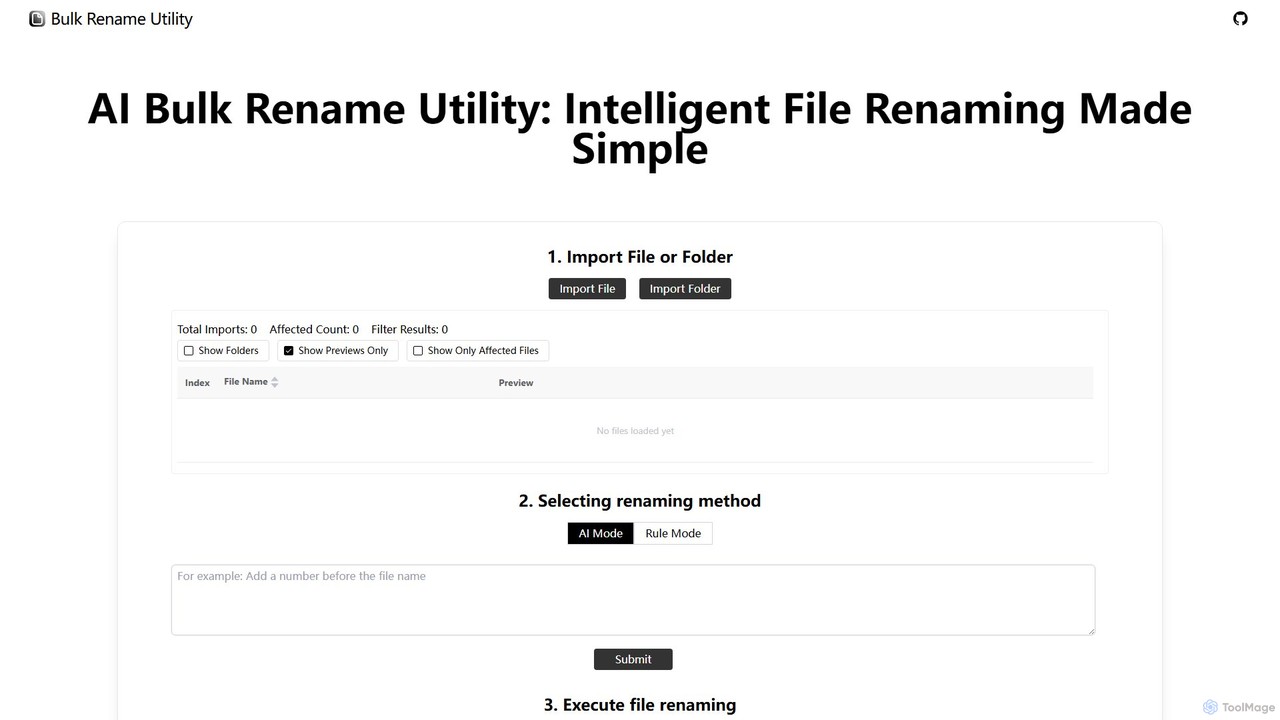
Bulk Rename Utility Overview
Bulk Rename Utility is a sophisticated yet user-friendly online tool designed to solve one of the most tedious digital tasks: renaming large numbers of files. Whether you're a photographer organizing a photoshoot, a researcher managing data, or simply someone trying to tidy up a messy folder, this tool offers a powerful and efficient solution. It stands out by providing two distinct renaming methods—an intelligent AI mode and a comprehensive rule-based engine—all within a free, secure, and accessible web interface that requires no installation.
The core principle of Bulk Rename Utility is to give users ultimate flexibility and control over their files without compromising privacy. By processing everything locally in your browser (Chrome or Edge), it ensures that your files never leave your computer. The tool only reads metadata like filenames and directories, offering peace of mind and high-speed performance.
How to use Bulk Rename Utility
Using the tool is a straightforward, three-step process designed for efficiency:
- Select Files or Folders: Begin by clicking the button to select the files and folders you wish to rename. The tool will read the directory structure locally. Importantly, no files are uploaded to any server, ensuring your data remains private.
- Choose Renaming Method: You have two powerful options:
- AI Mode: Simply describe how you want to rename your files in plain English. For example, you could type "Add today's date at the end of each filename" or "Replace all underscores with spaces and capitalize the first letter of each word." The AI will interpret your command and generate the new names instantly.
- Rule Mode: For more granular control, use the rule-based system. You can add, combine, and reorder multiple rules to perform complex renaming operations. This includes actions like removing or replacing characters, adding prefixes or suffixes, creating numbered sequences, and more.
- Execute Renaming: The interface provides an instant preview of the new filenames alongside the old ones. Once you are satisfied with the changes, click the 'Rename' button to apply the new names to your local files.
Core Features of Bulk Rename Utility
- AI-Powered Renaming: Leverages artificial intelligence to understand natural language commands, making complex renaming tasks accessible to everyone.
- Advanced Rule-Based Engine: Offers a rich set of customizable rules for power users, including character deletion/replacement, adding/inserting text, sequence padding, and case changes.
- Regular Expression (Regex) Support: Allows for complex pattern matching and replacement, providing ultimate flexibility for developers and technical users.
- Custom JavaScript Functions: For truly unique renaming needs, you can write your own JavaScript functions to implement any logic imaginable.
- 100% Local and Private: All operations are performed on your machine. The tool never uploads your files, guaranteeing data security and confidentiality.
- Cross-Platform Compatibility: Seamlessly handles files from both Windows and macOS systems.
- Instant Preview: See the results of your renaming rules in real-time before committing to any changes, preventing errors.
- Free and Online: Completely free to use with no downloads, installations, or subscriptions required. It is accessible directly through Chrome and Edge browsers.
Use Cases for Bulk Rename Utility
This tool is invaluable for a wide range of users and scenarios:
- Photographers: Batch rename thousands of photos from a shoot to include dates, locations, or event names (e.g., `IMG_4567.CR2` to `Hawaii_Trip_2024_015.CR2`).
- Office Professionals: Standardize company documents, reports, and invoices for better organization and easier retrieval (e.g., `report.docx` to `Q3_Financial_Report_2024_v2.docx`).
- Researchers & Academics: Organize datasets, research papers, and literature with consistent naming schemes (e.g., `paper_final.pdf` to `Smith_J_2024_Quantum_Entanglement.pdf`).
- Developers: Quickly rename source code files, assets, or log files during project refactoring or setup.
- Media Enthusiasts: Clean up and organize music and video collections by adding artist names, album titles, track numbers, or episode information.
Advantages of Bulk Rename Utility
The primary advantages of this tool are its efficiency, flexibility, and security. It saves countless hours of manual labor, caters to both novice users with its AI mode and experts with its advanced rules, and offers unparalleled renaming power with regex and JavaScript support. Above all, its local-first, privacy-focused design makes it a trustworthy choice for handling sensitive or personal files.
Pricing and Plans
Bulk Rename Utility is completely free to use. There are no hidden fees, subscriptions, or premium tiers. All features, including the advanced AI and rule-based modes, are available to every user at no cost.
Traffic
Latest traffic
Status
Monthly traffic trend
- 2025-9: 5.5K
- 2026-1: 4.9K
- 2026-2: 3.6K
- 2026-3: 2.3K
- 2026-4: 939
- 2026-5: 104
Top keywords
| Keyword | Cost per click |
|---|---|
| ai file renamer bulk | $0.00 |
| bulk rename file online | $0.00 |
| bulk rename files | $0.00 |
| bulk rename utility | $1.19 |
| rename multiple files online | $0.00 |
Bulk Rename Utility Alternatives
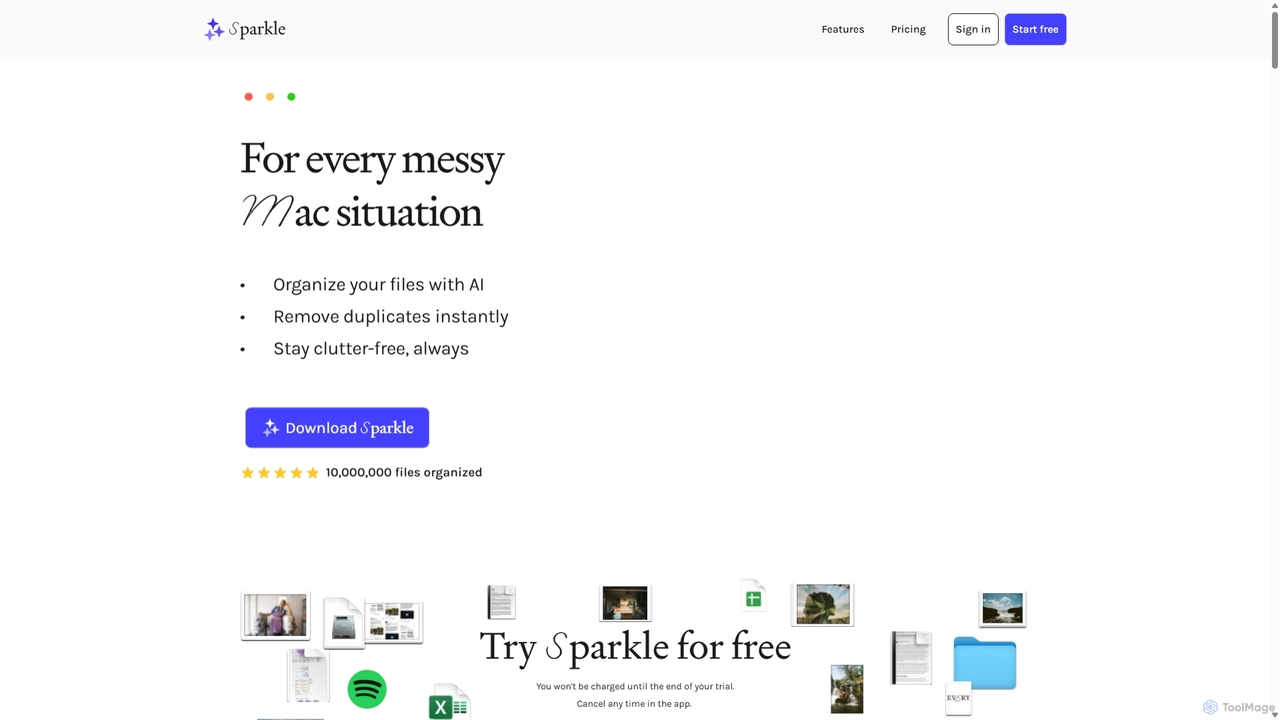
Sparkle
Sparkle is an AI-powered Mac application that automatically organizes your files. It intelligently creates custom folder structures for your Desktop, Downloads, and cloud drives, sorting files into relevant categories. With built-in duplicate detection and a privacy-first approach, Sparkle eliminates digital clutter and saves you hours of manual organization.
Personal Assistant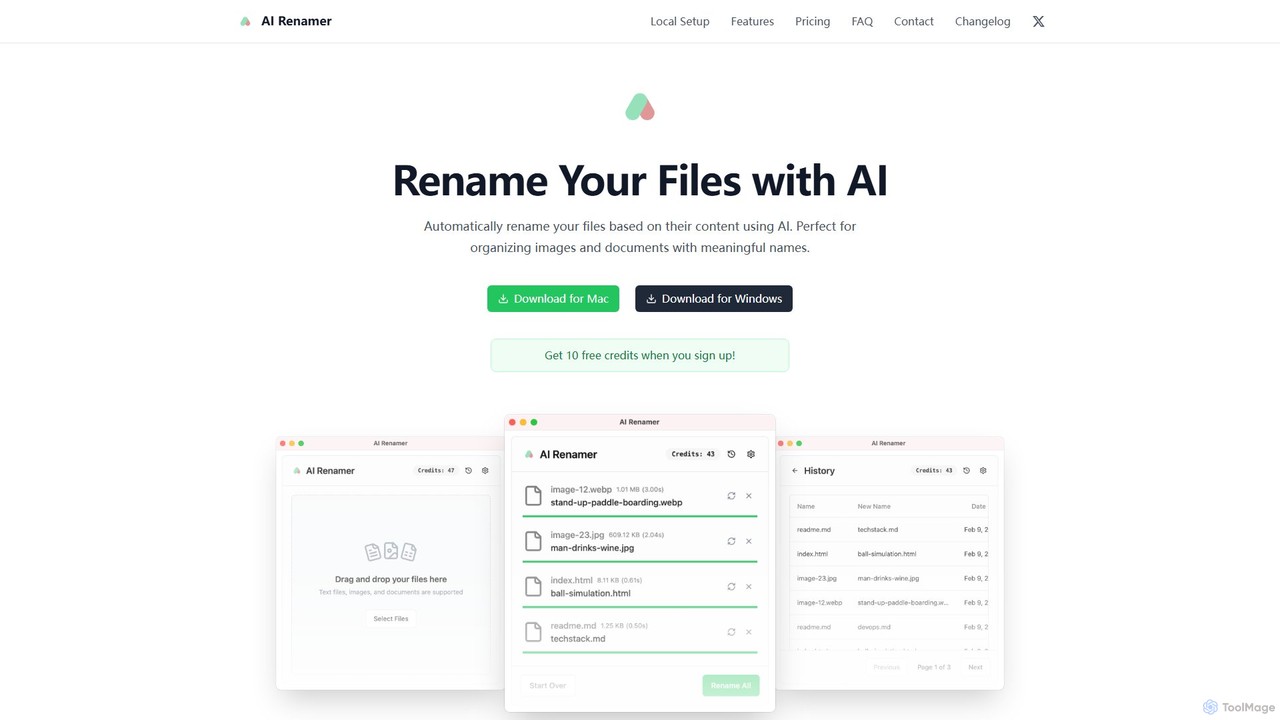
AI Renamer
AI Renamer is a smart desktop application for Mac and Windows that automatically renames files based on their content. It analyzes images and documents to generate descriptive, meaningful names, helping you organize your digital life effortlessly. It supports batch processing, custom naming rules, and offers both a private, offline Local Mode and a convenient Cloud Mode.
Document Management
Renamify
Renamify is an AI-powered tool that simplifies bulk file renaming. It intelligently analyzes the content of your files, especially photos, to suggest meaningful and descriptive names, saving hours of manual work. It also focuses on enhancing web accessibility for visually impaired users.
Screen Reader Tools
Riffo
Riffo is an AI-powered file management tool for Mac that automatically renames and organizes your files. It intelligently analyzes file content, including text in images and documents, to generate descriptive names and sort them into relevant subfolders, transforming a cluttered desktop into an organized digital workspace.
Workflow
Slik Safe
Slik Safe is an AI-powered, end-to-end encrypted file management platform. It offers blazing-fast search, multi-device sync, and a unified view of all your files from various cloud services. Use its AI chatbot to interact with your documents in natural language for unparalleled productivity and security.
Document AnalysisBulk Rename Utility Categories
Bulk Rename Utility Embed Widget
Copy this embed code to place the badge on your blog, article, or product site and send readers directly to this ToolMage detail page.

Related AI tools
Sparkle
Sparkle is an AI-powered Mac application that automatically organizes your files. It intelligently creates custom folder structures for your Desktop, Downloads, and cloud drives, sorting files into relevant categories. With built-in duplicate detection and a privacy-first approach, Sparkle eliminates digital clutter and saves you hours of manual organization.
Personal AssistantAI Renamer
AI Renamer is a smart desktop application for Mac and Windows that automatically renames files based on their content. It analyzes images and documents to generate descriptive, meaningful names, helping you organize your digital life effortlessly. It supports batch processing, custom naming rules, and offers both a private, offline Local Mode and a convenient Cloud Mode.
Document ManagementRenamify
Renamify is an AI-powered tool that simplifies bulk file renaming. It intelligently analyzes the content of your files, especially photos, to suggest meaningful and descriptive names, saving hours of manual work. It also focuses on enhancing web accessibility for visually impaired users.
Screen Reader ToolsRiffo
Riffo is an AI-powered file management tool for Mac that automatically renames and organizes your files. It intelligently analyzes file content, including text in images and documents, to generate descriptive names and sort them into relevant subfolders, transforming a cluttered desktop into an organized digital workspace.
WorkflowSlik Safe
Slik Safe is an AI-powered, end-to-end encrypted file management platform. It offers blazing-fast search, multi-device sync, and a unified view of all your files from various cloud services. Use its AI chatbot to interact with your documents in natural language for unparalleled productivity and security.
Document Analysis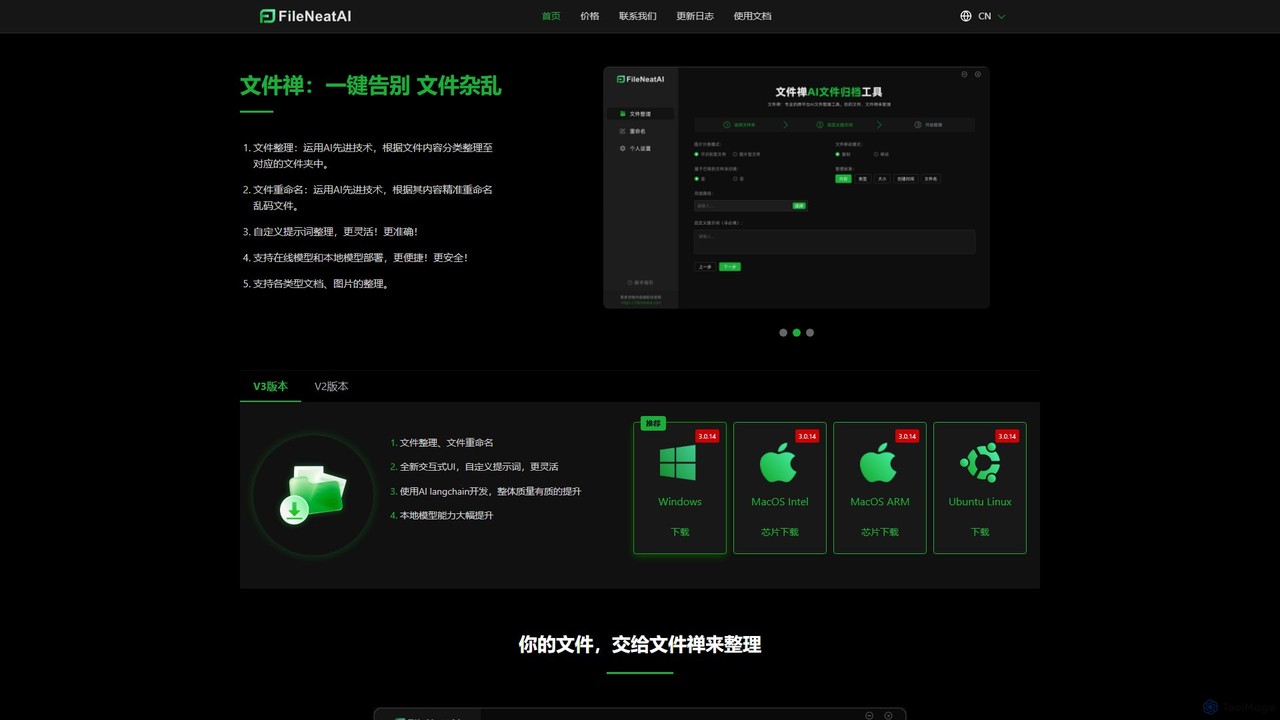
Filezen
Filezen is an AI-powered desktop application that automatically organizes messy files and renames them based on their content. It supports custom prompts for flexible sorting, works with various document and image types, and offers local model deployment for enhanced privacy.
Organization
Convo
Convo is a real-time AI meeting assistant that acts as your copilot, providing instant cues, key facts, and smart response suggestions directly on your screen during live conversations. It helps professionals lead every discussion confidently, leveraging past interactions and an intelligent knowledge base.
Communication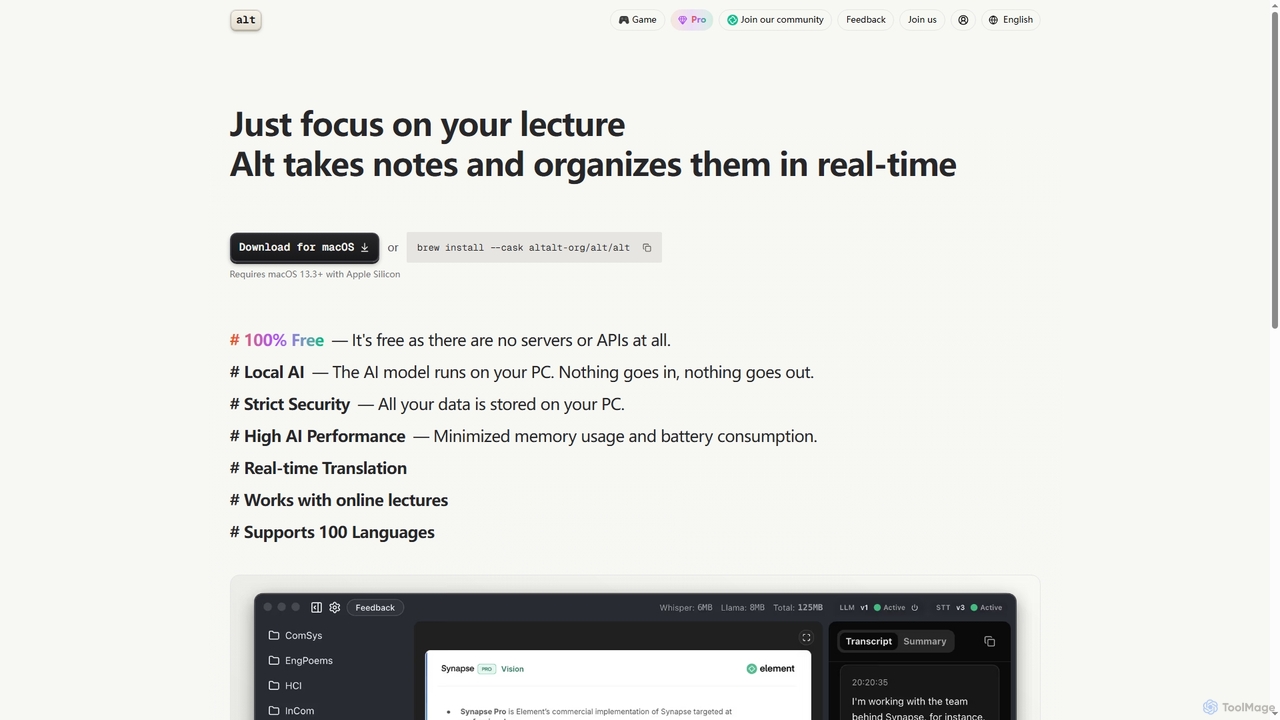
Altalt
Altalt is a free, local AI lecture notetaker for macOS that transcribes and organizes your lectures in real-time. It ensures strict data privacy by running entirely on your device, supporting 100 languages and real-time translation, making it ideal for students and professionals seeking efficient, secure note-taking.
Note Taking
Liner.ai
Liner.ai is a free, no-code desktop application for Windows and Mac that allows users to easily train and deploy machine learning models. It simplifies the entire ML workflow, from data import to model deployment, without requiring any coding or deep learning expertise. It's designed for creating applications in image, text, audio, and video classification, object detection, and more, with a focus on speed, accuracy, and data privacy.
Machine Learning
Frami
Frami is an AI-powered design tool that transforms raw app screenshots into professional, high-converting App Store previews in seconds. It simplifies the creation of visually stunning app store assets without requiring design skills or complex tools, offering a fast, free, and intuitive 3-step process for developers and marketers.
App Design
Pansophy
Pansophy is a private desktop AI tool that processes all data locally, offering secure document summarization, text and code generation, and smart search capabilities without cloud dependence. It's designed for enhanced productivity and data privacy across multiple operating systems.
Code Generation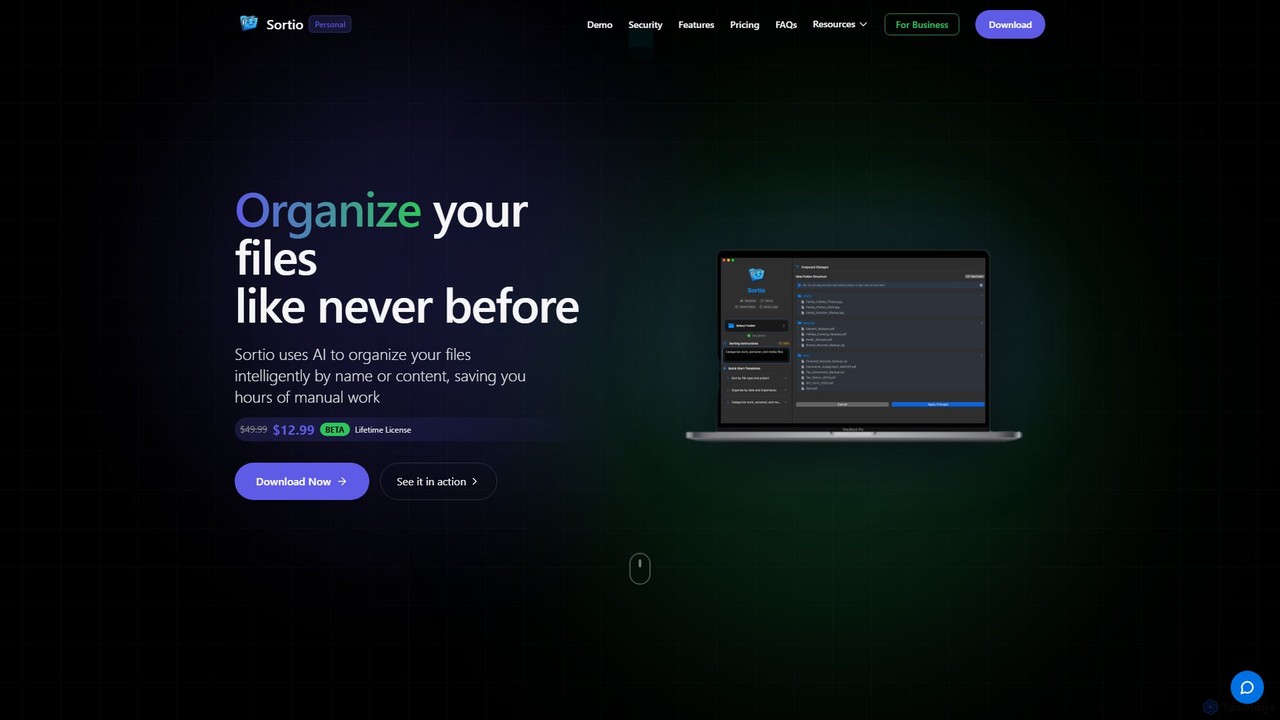
Sortio
Sortio is an AI-powered desktop application for macOS and Windows that intelligently organizes your files. Using natural language prompts, it can sort files by name, content, or metadata, saving you hours of manual work. It features smart folders, automatic renaming, and a strong focus on privacy with offline mode and end-to-end encryption.
Automation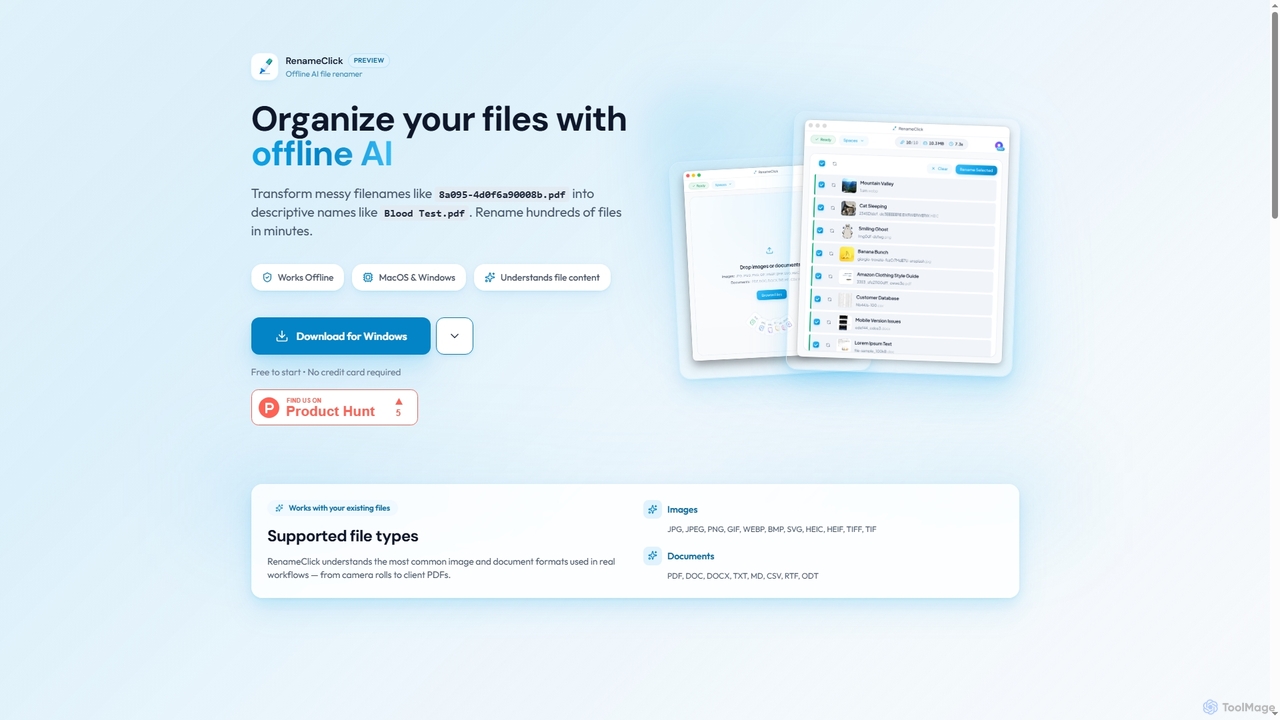
RenameClick
RenameClick is an offline AI file renamer for Mac and Windows that intelligently transforms messy, unorganized filenames into descriptive, clean labels. It leverages local AI to understand file content, enabling efficient batch renaming of hundreds of images and documents while ensuring complete privacy.
Offline Processing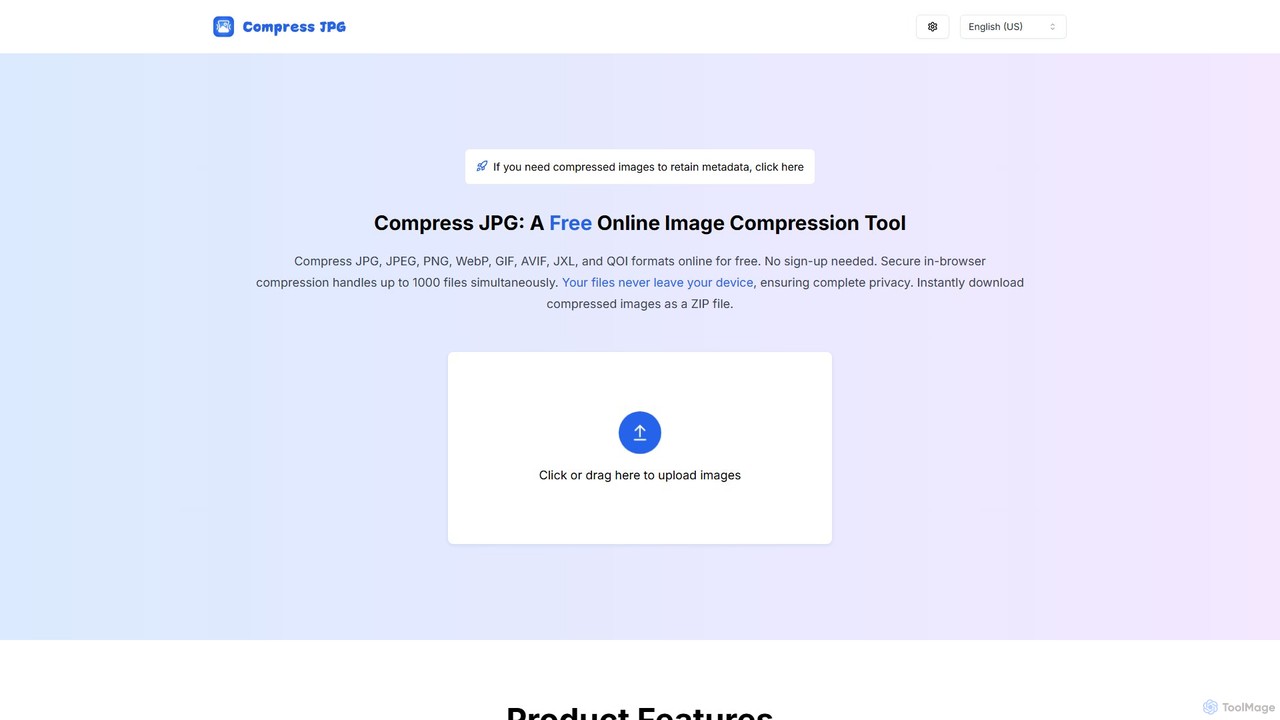
CompressJPG
A free, secure online image compressor that supports batch processing of up to 1000 files. It handles JPG, PNG, WebP, GIF, and more, performing all compression directly in your browser to ensure 100% privacy. No sign-up is required. Instantly reduce image file sizes while maintaining quality, perfect for web developers, photographers, and social media users.
Web Development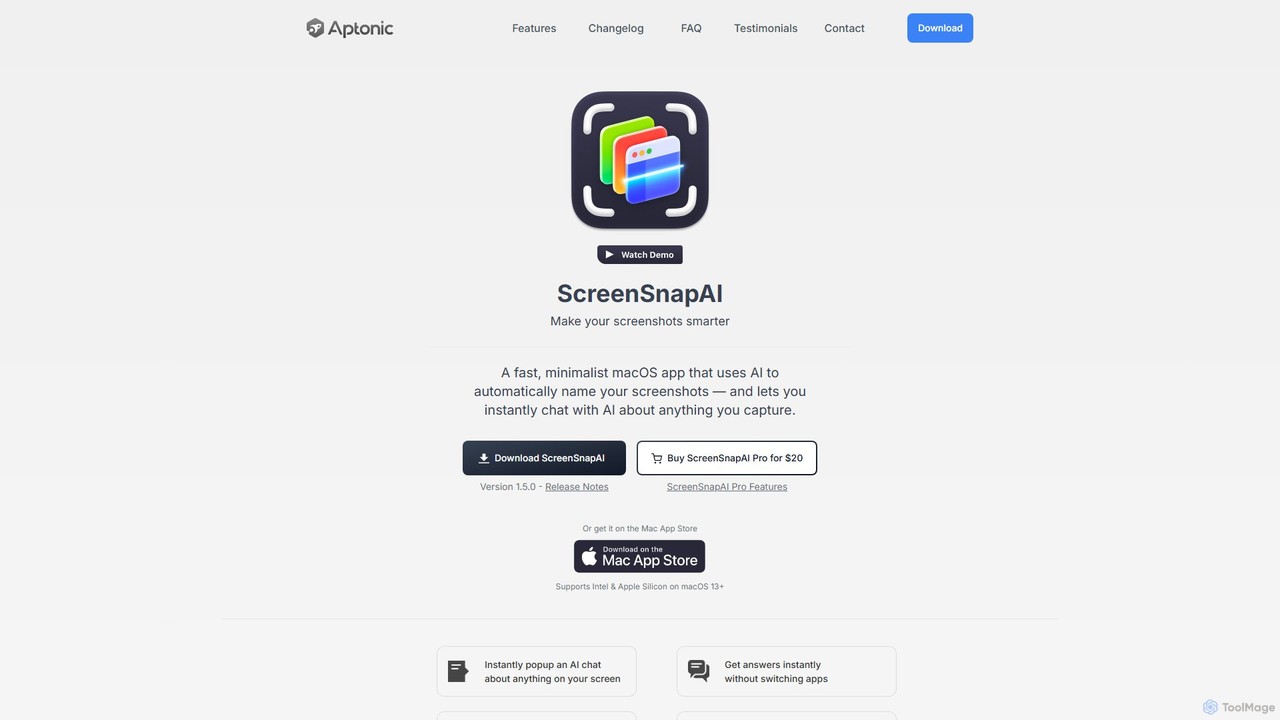
ScreenSnapAI
ScreenSnapAI is a smart macOS application that uses AI to automatically rename, tag, and organize your screenshots. It features an integrated AI assistant that allows you to instantly chat about, translate, or extract text and code from any captured image, dramatically improving productivity and workflow efficiency.
Code Assistant
Bulk Rename Utility Comments (0)
Sign in to comment.
Sign inNo comments yet.